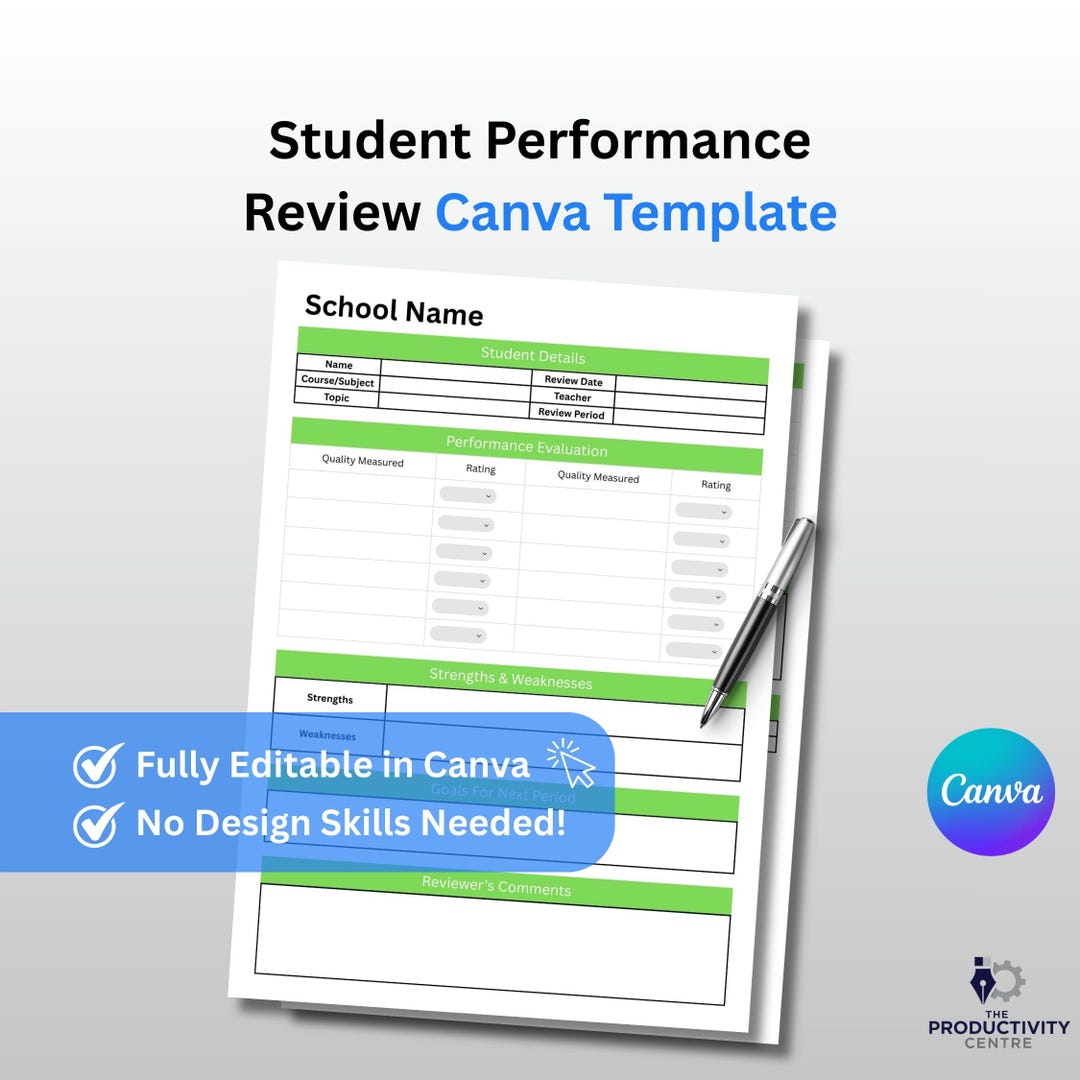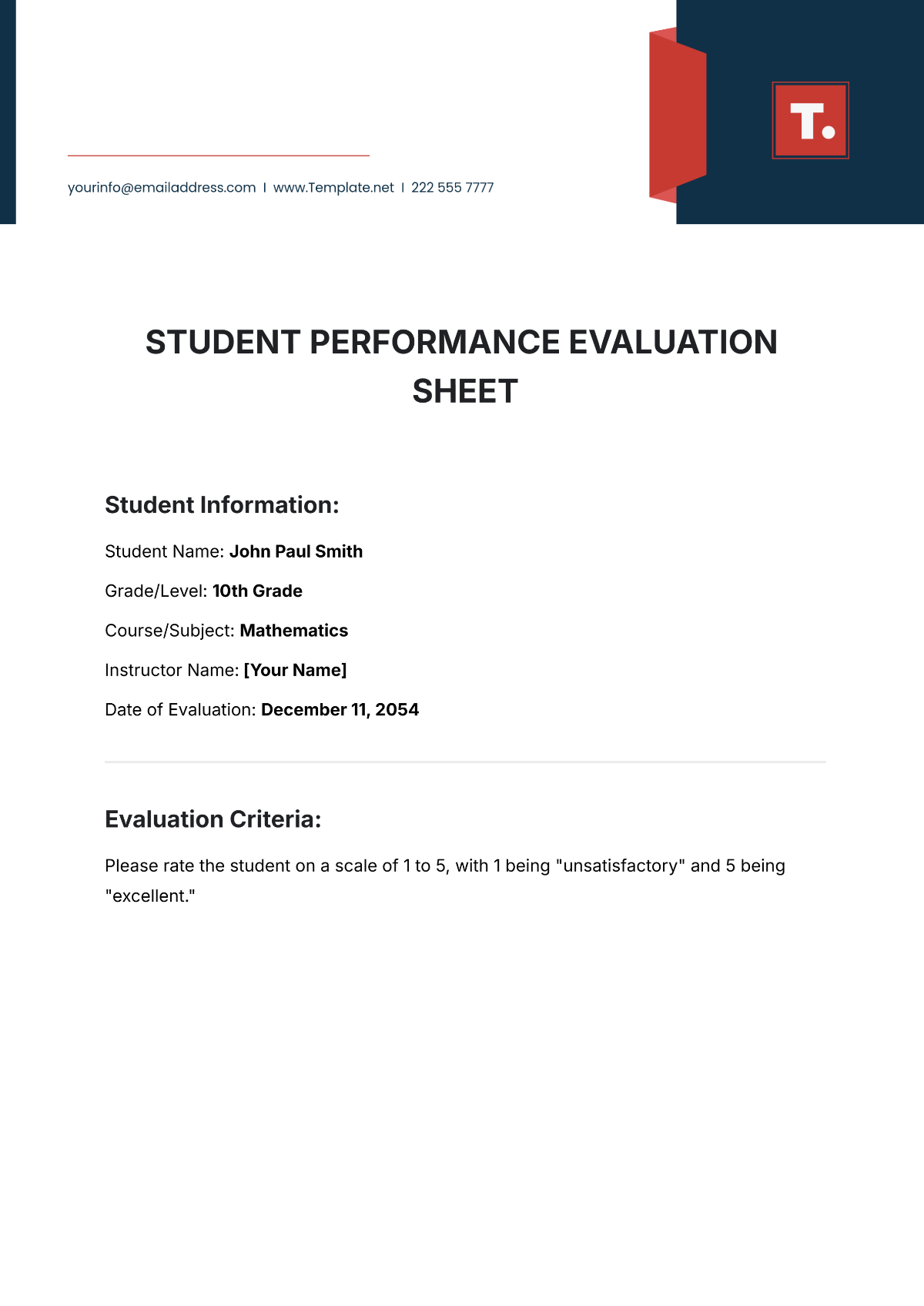
Student Performance Evaluation Template is an essential tool that helps educators measure, document, and communicate student progress with precision and fairness. By leveraging a structured format, teachers can save time, maintain consistency across classes, and provide detailed feedback that supports learning pathways.
Understanding the Core Elements of a Robust Evaluation Template
Learning Objectives and Standards Alignment
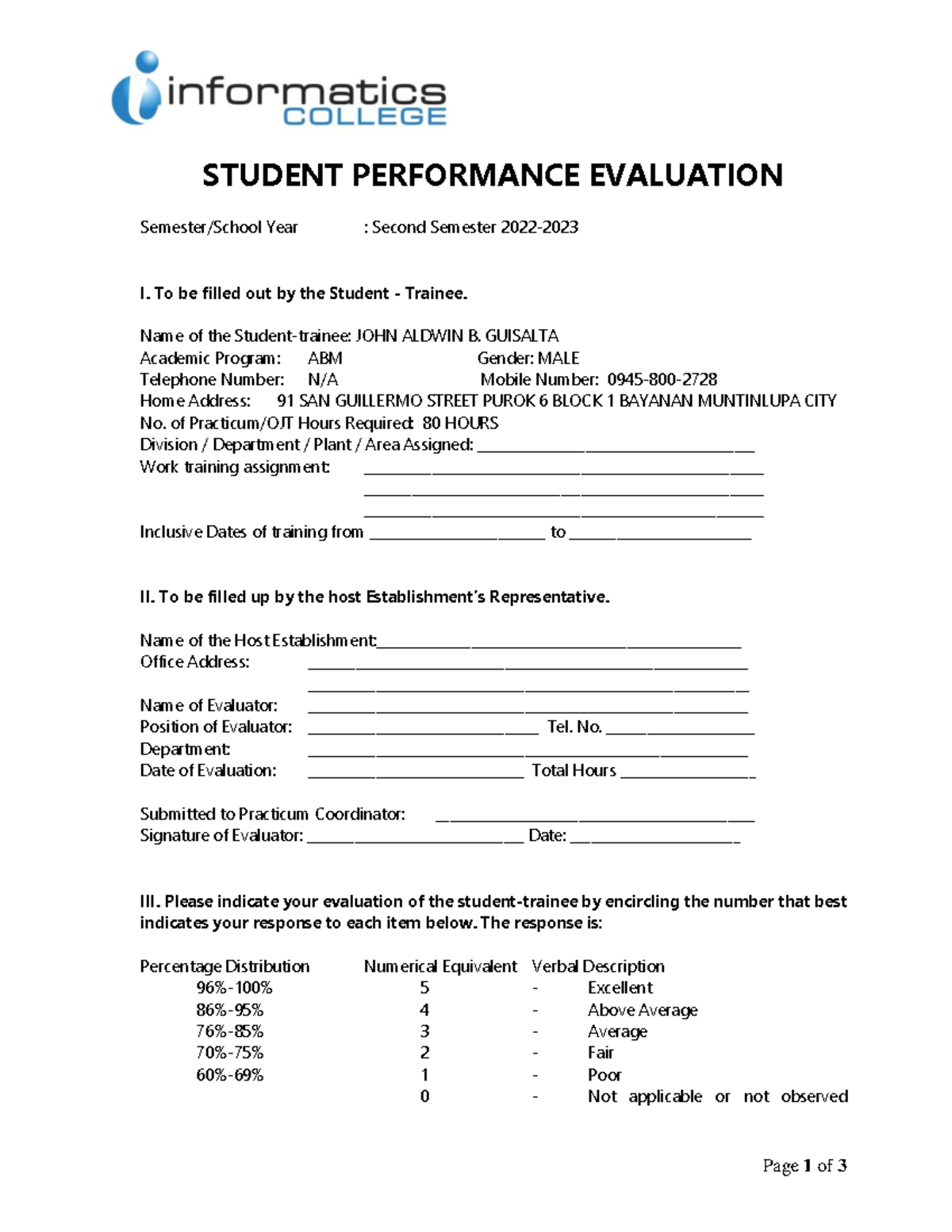
Every effective template begins with clear learning goals that mirror curriculum standards. These objectives act as the foundation for all subsequent metrics and give students a roadmap of what success looks like. When you list each objective, add a brief description so that teachers and parents can instantly recognize the targeted skill.
Performance Indicators and Rubrics
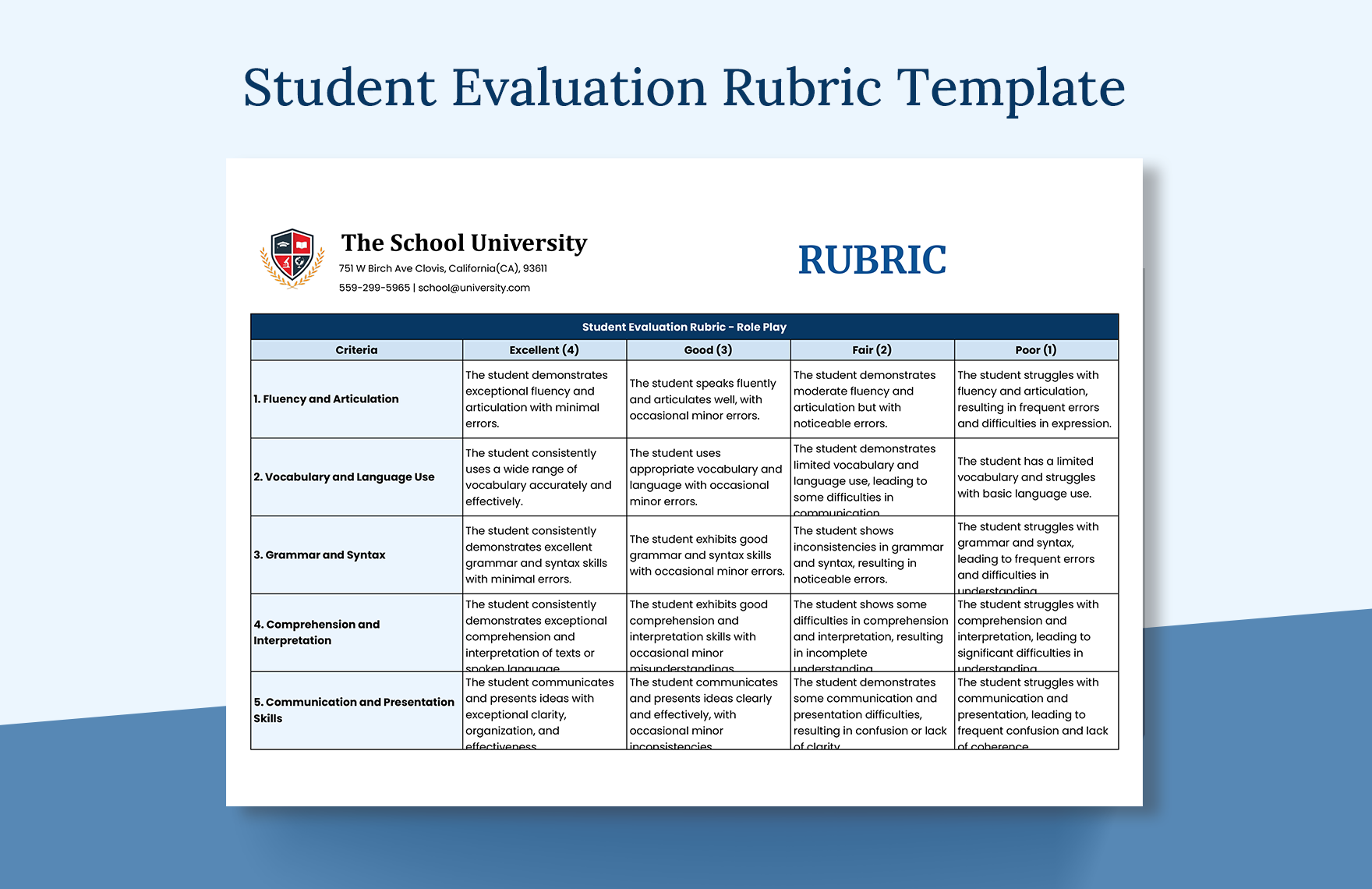
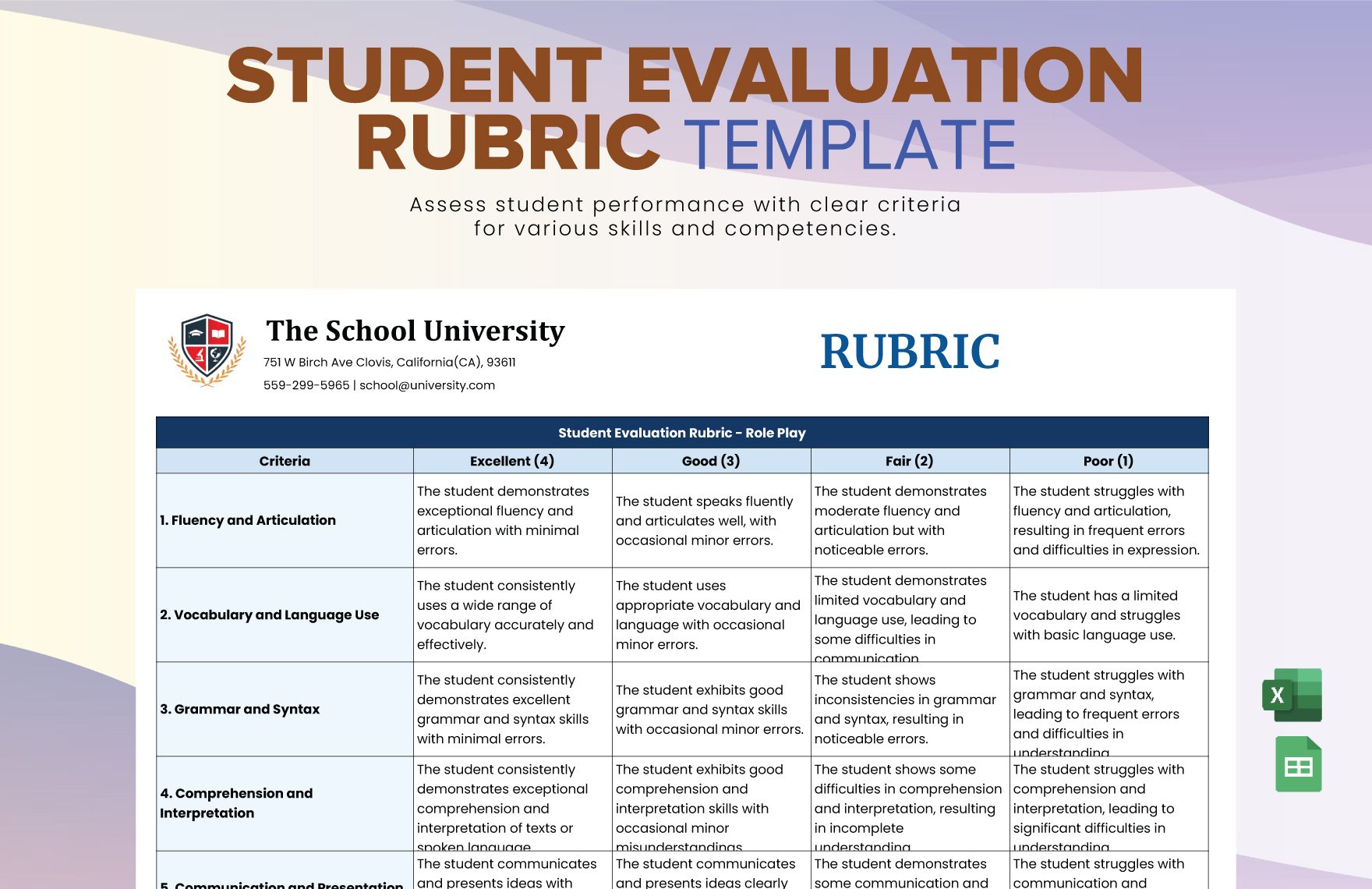
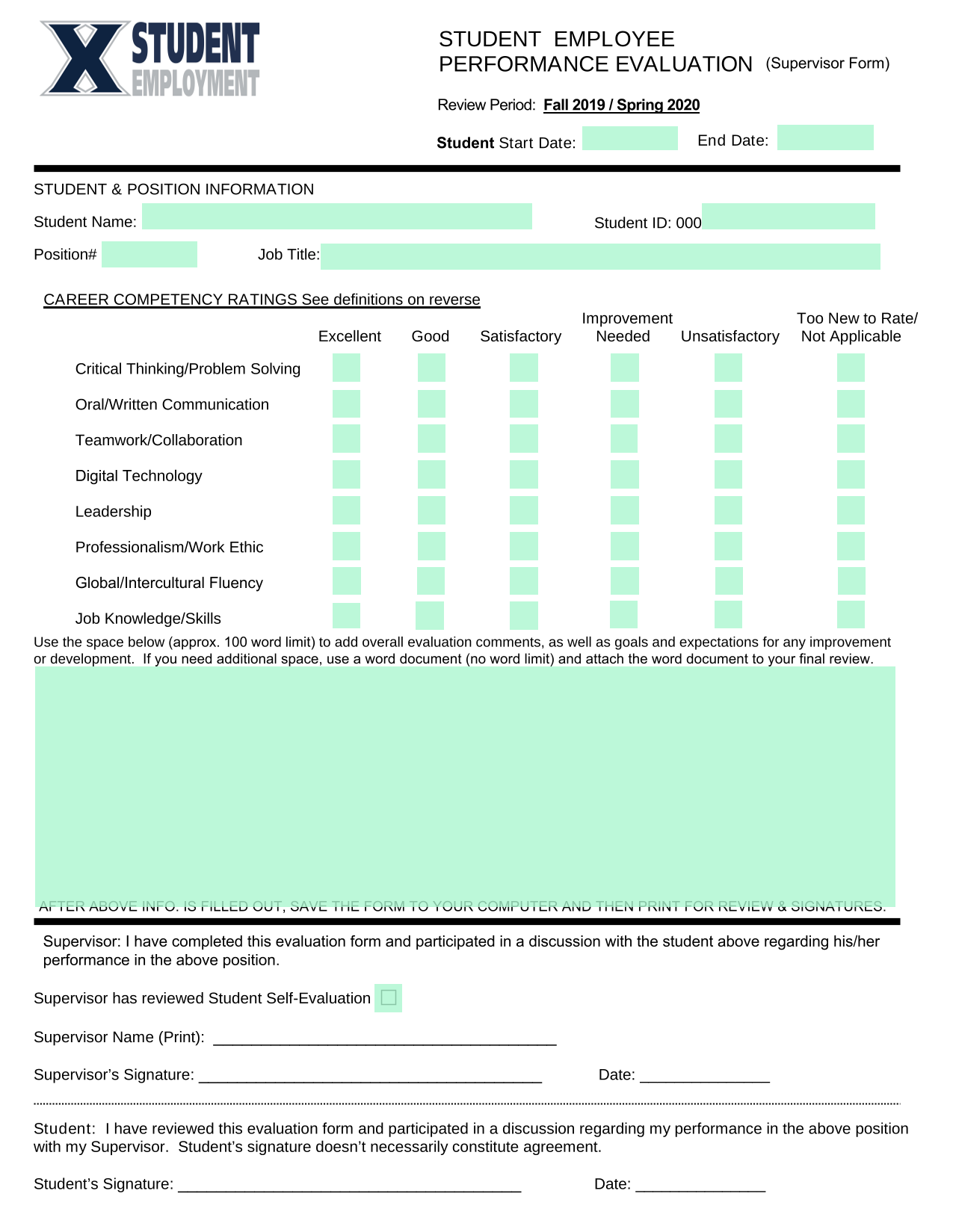
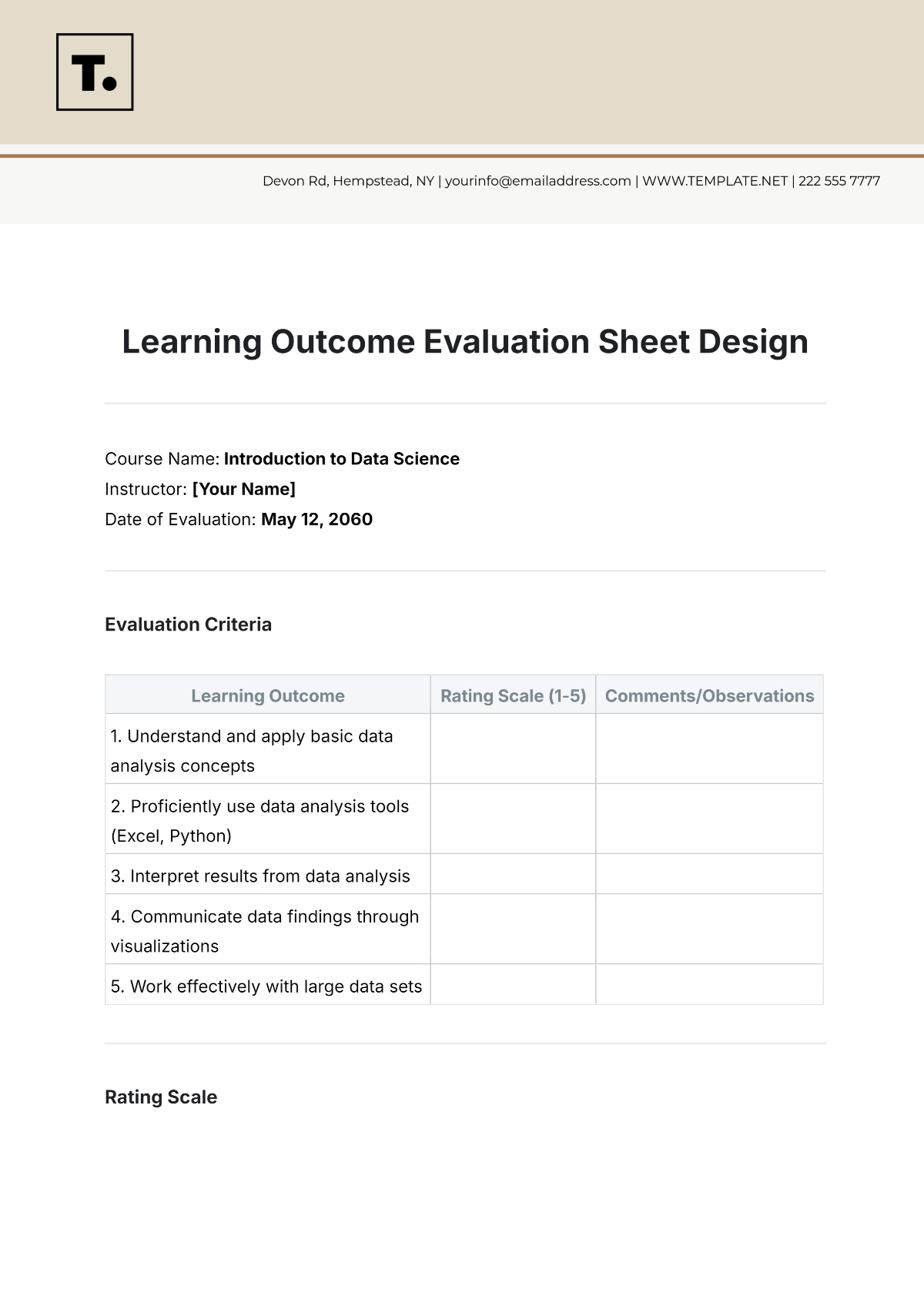
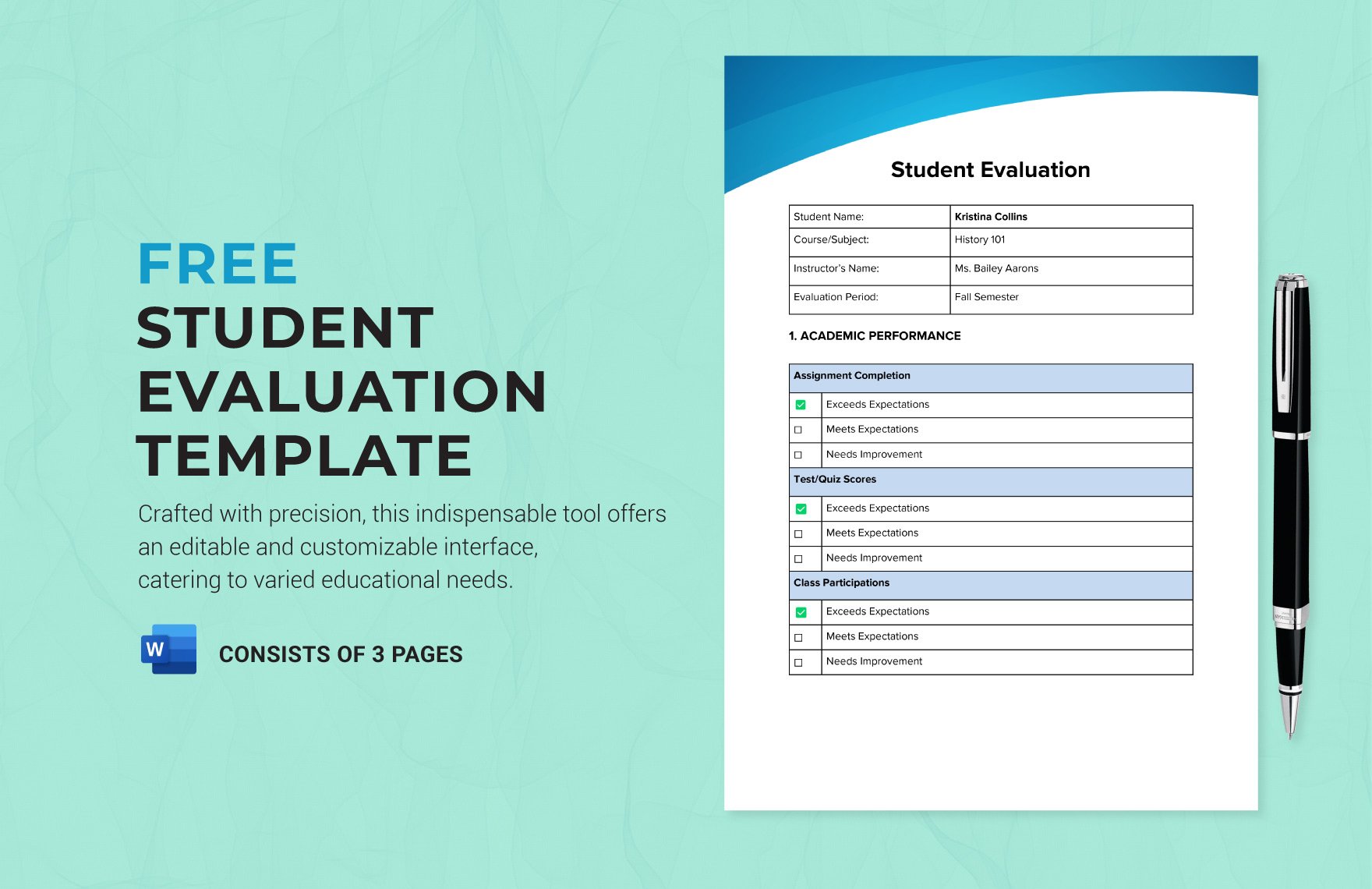
Performance indicators transform abstract expectations into tangible criteria. A well‑designed rubric offers a scale—usually 1 to 4 or 5—accompanied by descriptive anchors for each level. For instance, a writing rubric might include categories such as “Organization,” “Voice,” and “Grammar,” with clear descriptors for “Exceeds Expectations,” “Meets Expectations,” “Approaching Expectations,” and “Below Expectations.” This granularity helps prevent ambiguity and promotes objective scoring.
Assessment Methods and Data Collection
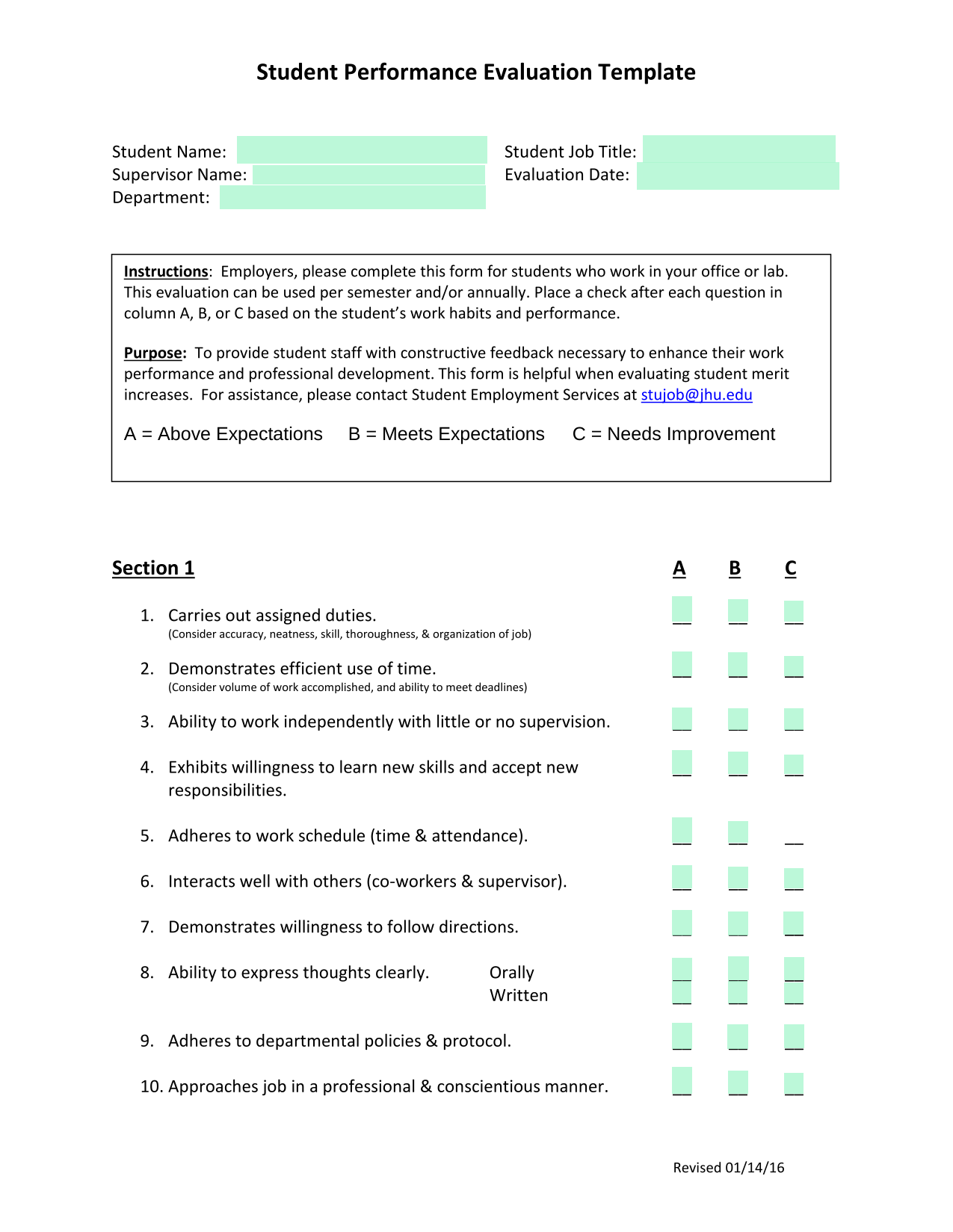
Templates should list multiple assessment types: formative checks, summative projects, peer reviews, and self‑reflection logs. By recording how data were gathered—e.g., quizzes, observations, portfolio submissions—teachers provide context for the scores and enable future instructional adjustments.
Feedback and Action Plan Sections
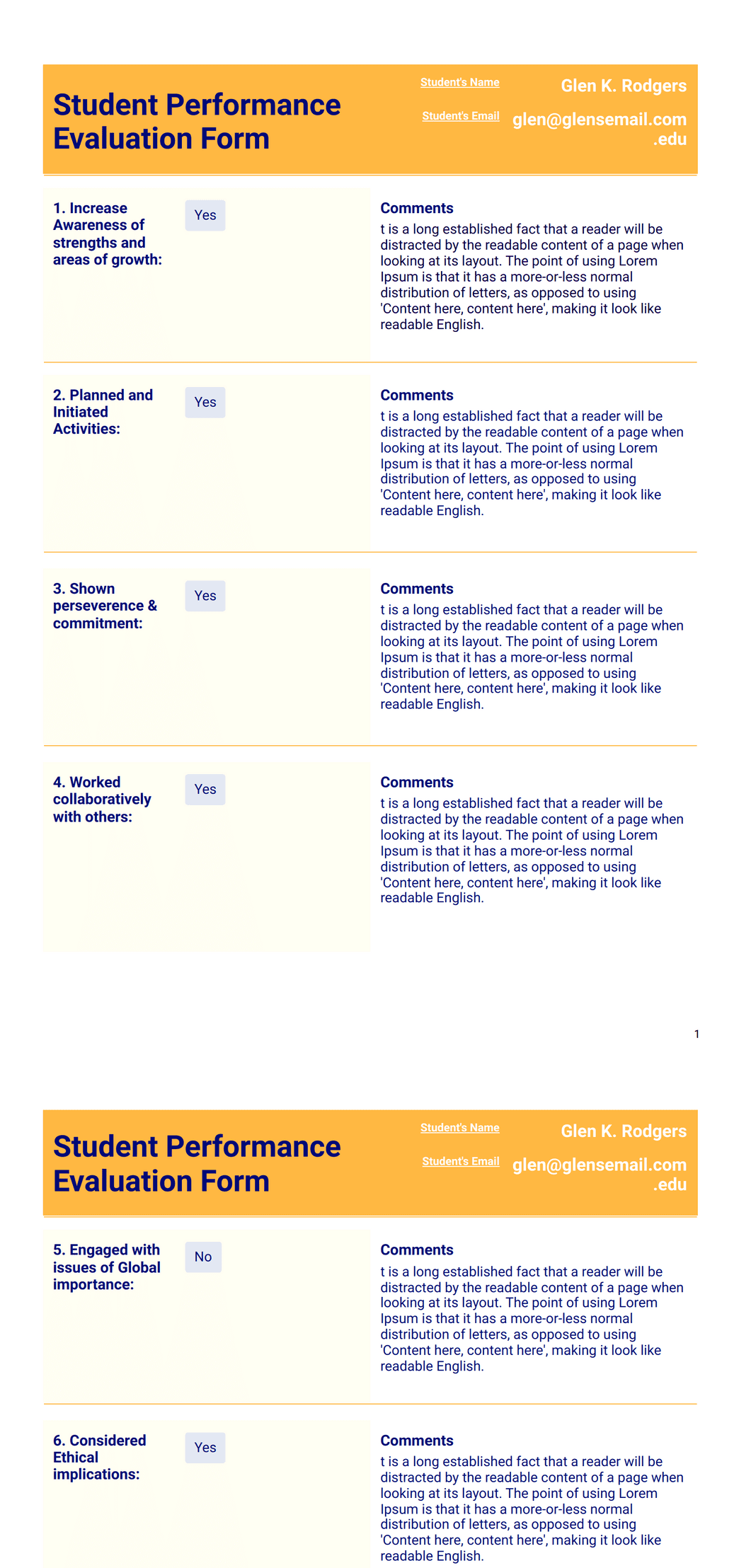
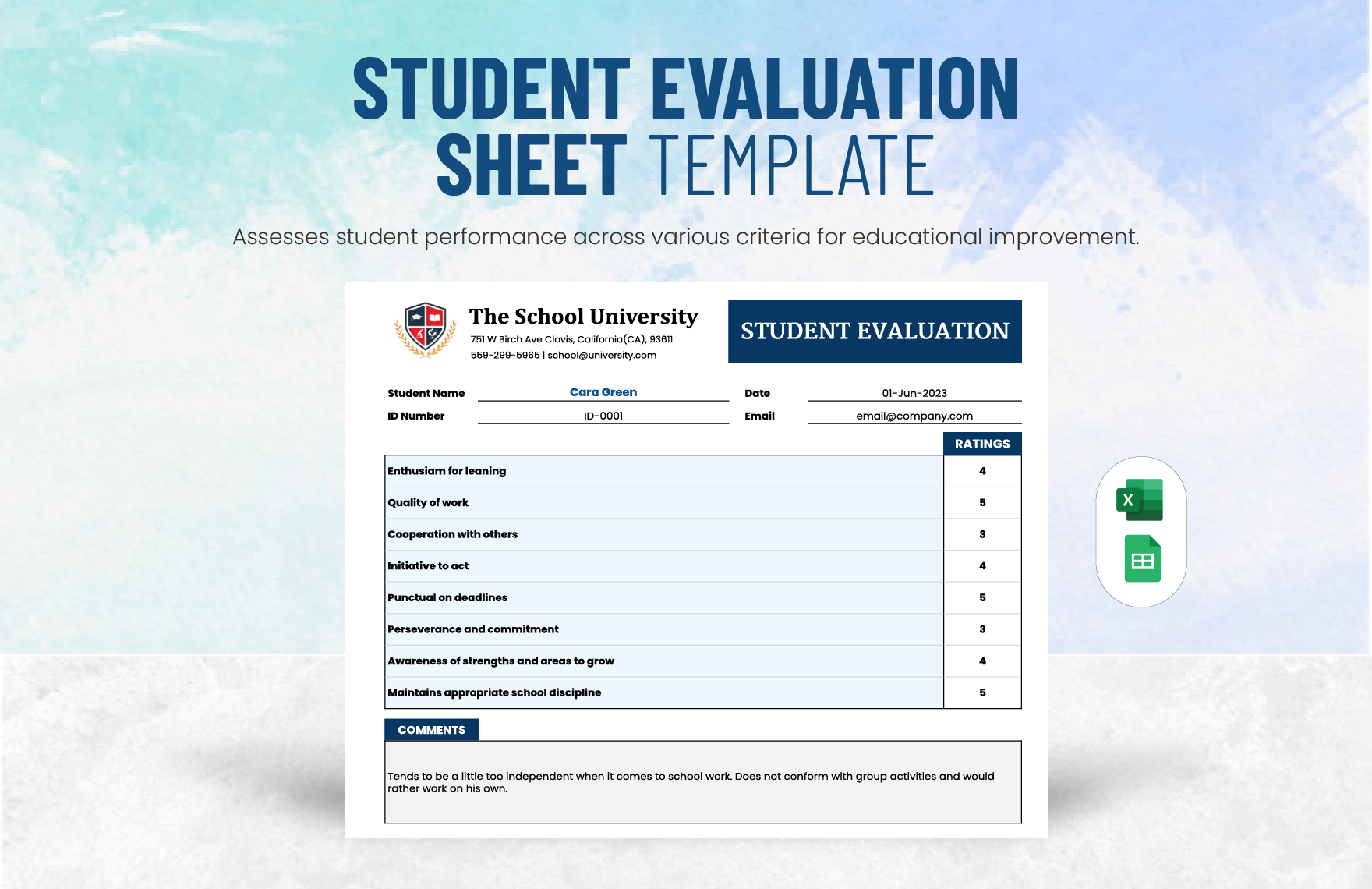
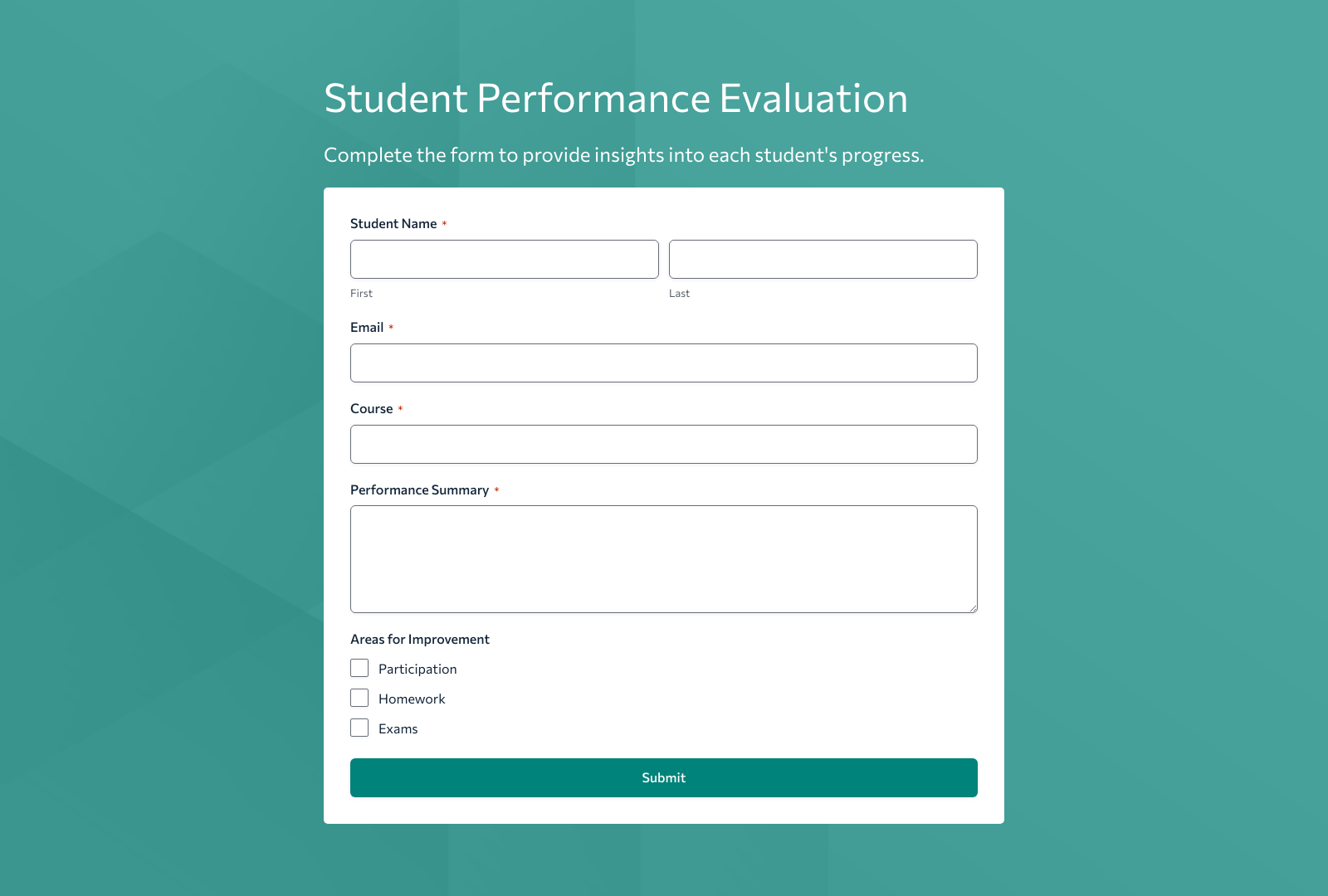
Space for personalized feedback is crucial. Teachers can write comments on strengths and areas for growth, offering concrete next steps. An action plan section, often a short table, captures specific goals, resources, and deadlines, ensuring that evaluation results translate into actionable improvement.
Parent and Student Signature Lines
Involving stakeholders in the evaluation process increases accountability. Signature lines for the teacher, student, and parent (or guardian) validate the assessment and promote shared ownership of the learning journey.
Choosing the Right Format: Digital vs. Paper
Digital Templates in Google Sheets or Excel
Using cloud‑based tools allows for real‑time updates, collaboration, and data analysis. Features such as conditional formatting automatically color‑code scores, making trends immediately visible. Moreover, formulas can calculate overall averages, percentile ranks, and growth metrics without manual calculations.
Printable Templates for Traditional Classrooms
Paper forms remain indispensable in environments where digital access is limited. A clean, well‑structured PDF that can be printed in a single sheet offers a low‑tech solution that still delivers comprehensive assessment coverage.
Hybrid Approaches
Combining digital data entry with printed reports is a balanced strategy. Teachers can record scores in an online system during the semester and generate printable summaries for parent‑teacher conferences.
Step‑by‑Step Guide to Customizing Your Template
Step 1: Define Your Grade Level and Subject Focus
Start by selecting the grade range and academic subject. Different disciplines require varied metrics—math might emphasize problem‑solving steps, while language arts focuses on argument structure and stylistic elements.
Step 2: Map Learning Outcomes to Assessment Tasks
Create a matrix that pairs each outcome with a specific task. For example:
- Math: Calculate area of irregular shapes – assessed via worksheet.
- English: Identify thesis statements – assessed via paragraph critique.
- Science: Conduct a simple experiment – assessed via lab report.
Step 3: Design or Adopt a Rubric
Use a 4‑point scale to keep evaluations straightforward yet meaningful. Draft descriptors for each level. Example:
| Level | Description |
|---|---|
| 4 | Demonstrates mastery, exceeds all criteria. |
| 3 | Meets expectations, performs well across all criteria. |
| 2 | Approaching expectations, shows gaps in understanding. |
| 1 | Below expectations, requires significant improvement. |
Step 4: Add Data Entry Fields and Automated Calculations
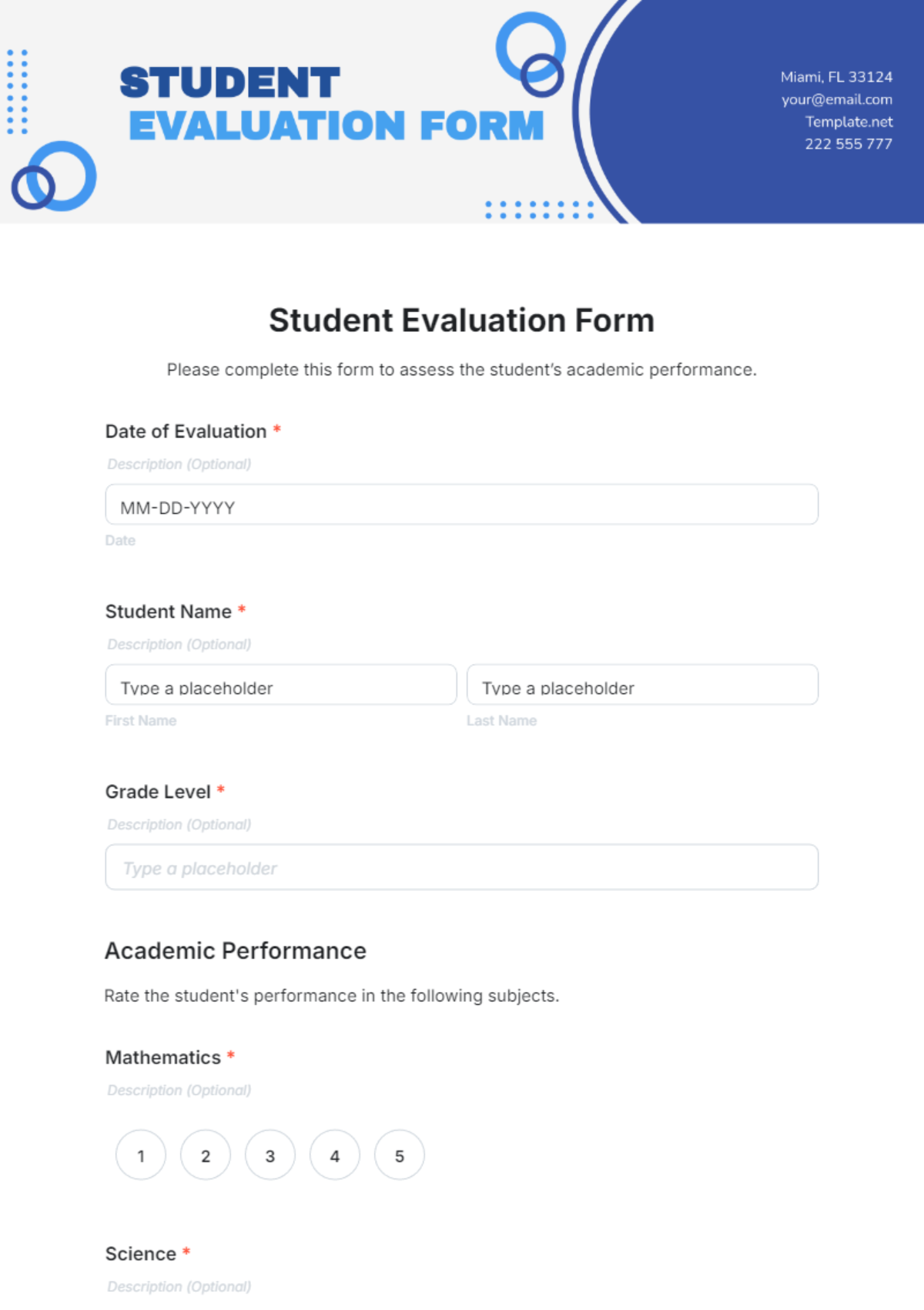
Insert columns for raw scores, comments, and a calculated total. In Google Sheets, use the AVERAGE formula for overall performance and IF statements to flag scores that need immediate attention.
Step 5: Build the Feedback and Growth Plan Sections
Include a paragraph box for personalized comments and a table with columns: “Goal,” “Resources,” “Timeline,” and “Status.” This structure ensures that each student has a clear pathway to improvement.
Step 6: Review, Test, and Refine
Run a pilot with a few classes. Gather feedback from teachers, students, and parents. Adjust wording, add missing metrics, or simplify where necessary. A continuous improvement cycle keeps the template relevant.
Real‑World Examples of Effective Student Performance Evaluation Templates
Case Study: Elementary Science Assessment
An elementary science teacher used a template that included observation checklists for group work, a short quiz for factual recall, and a lab notebook entry for experimental design. The rubric highlighted curiosity, teamwork, and accuracy. After the semester, teachers noted a 15% increase in student engagement and a measurable improvement in lab report quality.
Case Study: High School Writing Portfolio
High school English teachers implemented a portfolio‑based template where students submitted a series of essays, peer reviews, and self‑reflections. The template’s rubric covered voice, organization, and evidence usage. Teachers could see longitudinal progress and identify students ready for college‑level writing courses.
Case Study: STEM Integrated Project
In a middle‑school STEM project, teachers employed a collaborative template that assessed individual research skills, teamwork, and presentation quality. The template included a “Project Timeline” column, enabling teachers to monitor milestones. The final evaluations informed both individual grades and the selection of students for a regional science fair.
Best Practices for Using Your Template Effectively
Consistency Across Teachers and Grade Levels
When multiple educators use the same template framework, students receive uniform standards. Encourage schools to create a master template that can be adapted but keeps core metrics identical.
Transparency with Students and Parents
Share the evaluation criteria before the semester starts. When students understand how they will be assessed, they can set personal goals and take ownership of their learning.
Leverage Data for Instructional Design
Collecting standardized evaluation data allows administrators to spot systemic gaps. For example, if a large cohort scores below expectations in a specific skill, curriculum developers can intervene with targeted resources.
Keep the Template Flexible
Avoid rigid templates that stifle creativity. Include optional sections for teacher notes or student reflections. Allow students to choose project topics or demonstration methods when possible.
Maintain Accessibility and Equity
Design templates with clear language, avoid jargon, and ensure that they are accessible for students with disabilities. Provide translation options or audio versions where appropriate.
Integrating Technology: Automating the Evaluation Process
Learning Management System (LMS) Integration
Many LMS platforms (Google Classroom, Canvas, Moodle) support gradebook integrations. By linking your template to these systems, teachers can automatically pull scores from quizzes and assignments, reducing manual entry.
Data Visualization Tools
Exporting template data to tools like Tableau or Power BI creates visual dashboards that highlight class trends, individual growth, and comparative performance. Visual representations make it easier for stakeholders to grasp progress at a glance.
Mobile-Friendly Templates
Teachers often need to update scores on the go. Creating mobile‑responsive templates ensures that educators can review or adjust evaluations from tablets or phones during school visits or parent meetings.
Conclusion
A thoughtfully crafted Student Performance Evaluation Template is more than a grading tool; it is a roadmap that connects learning objectives, assessment data, and actionable feedback. By incorporating clear rubrics, flexible data fields, and stakeholder signatures, educators can foster transparency, consistency, and continuous improvement. Whether you choose a digital spreadsheet, a printable form, or a hybrid solution, the key lies in tailoring the template to your curriculum while maintaining a framework that supports equitable and data‑driven teaching practices. With a reliable template in hand, teachers can confidently track progress, celebrate achievements, and guide students toward their full academic potential.