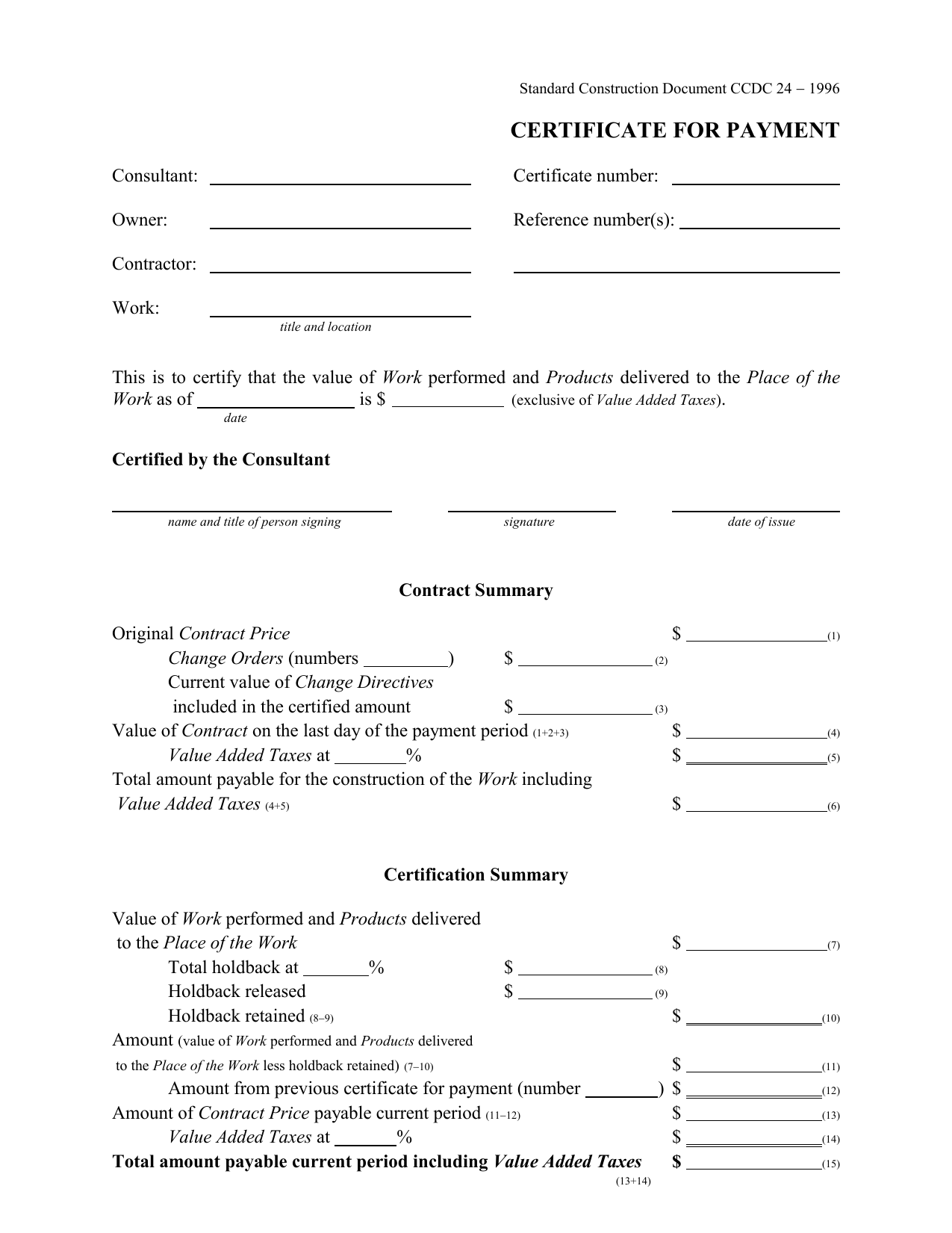
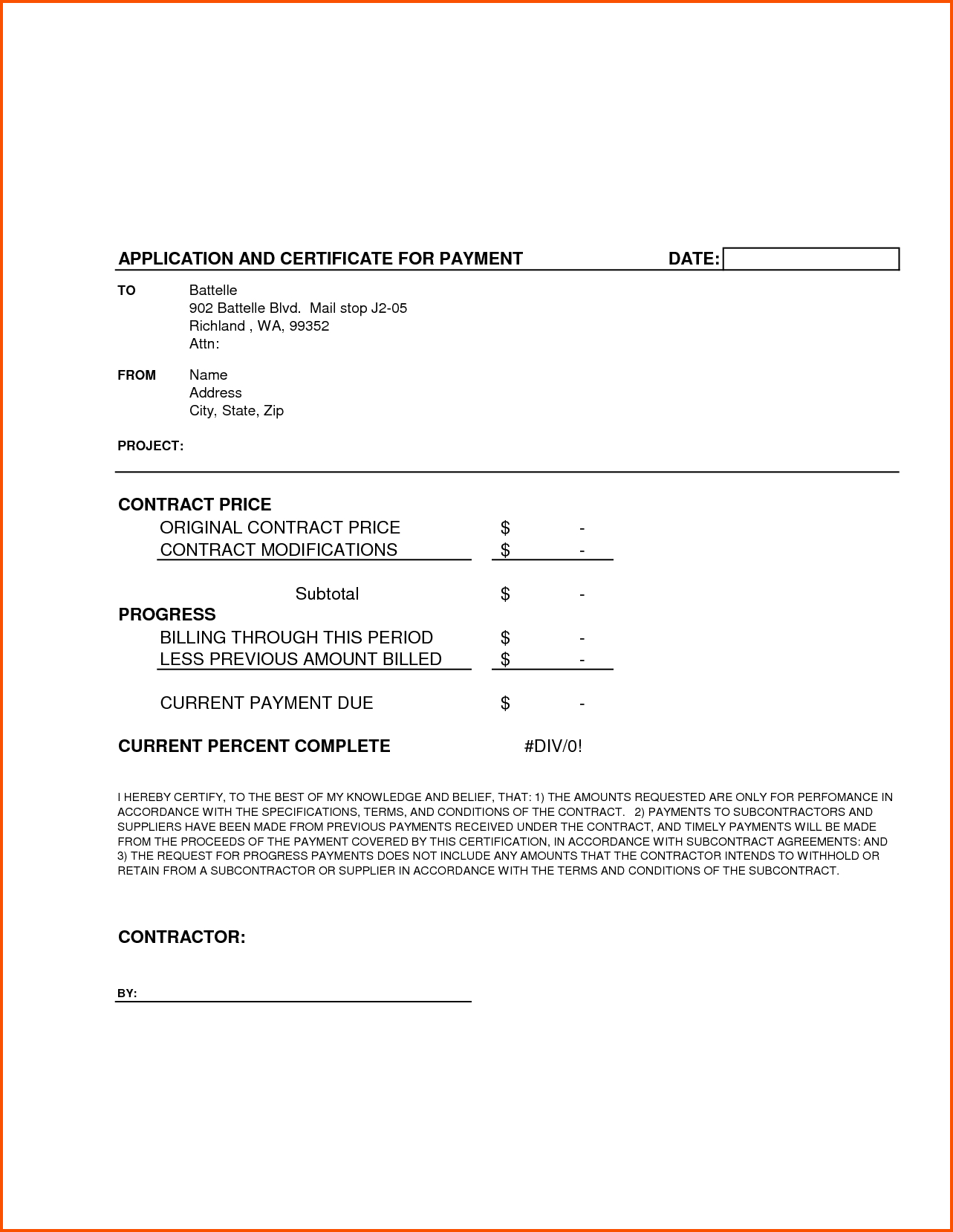
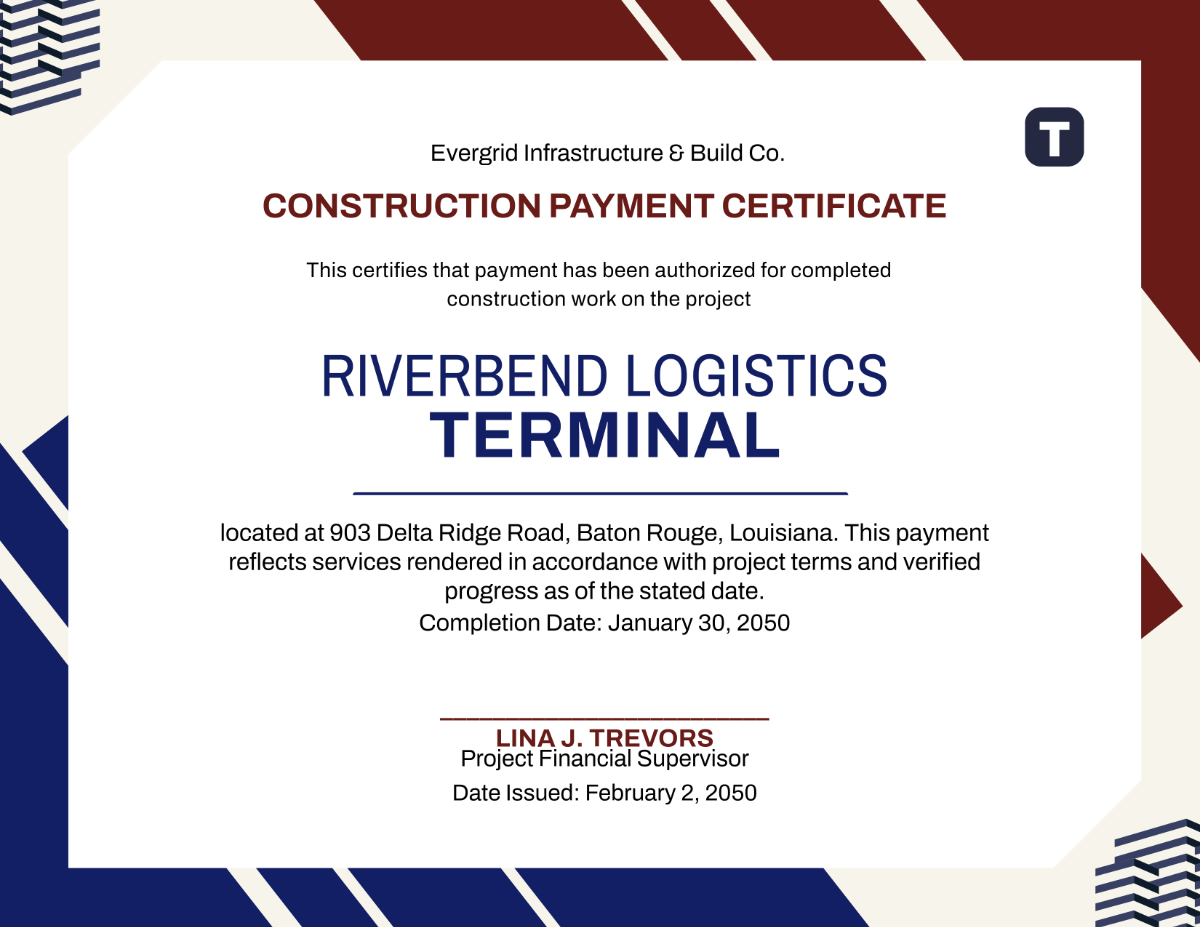
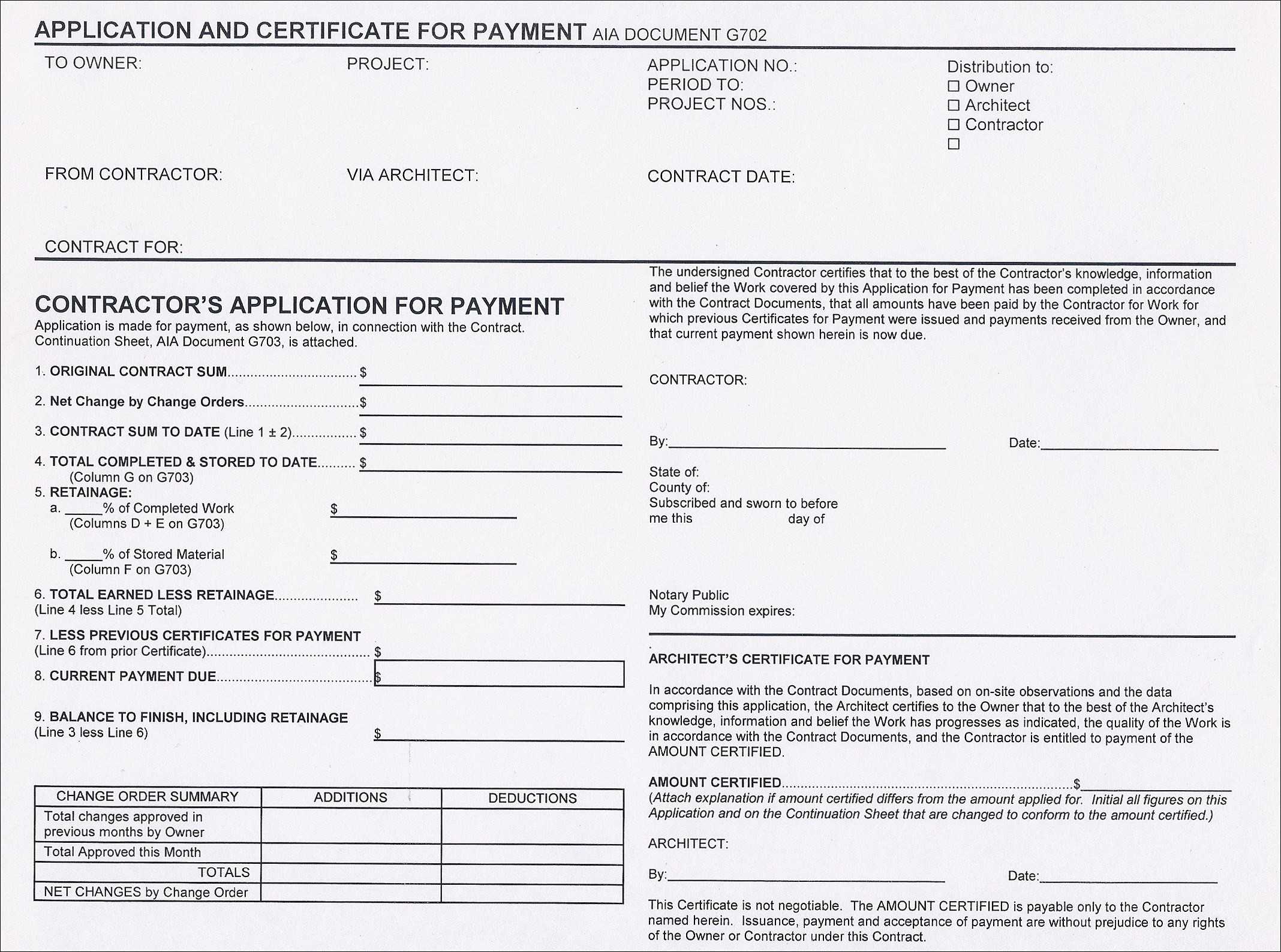
Construction Payment Certificate Template plays a pivotal role in ensuring transparency, accountability, and smooth cash flow throughout a building project. When a contractor, subcontractor, or supplier submits a payment request, the certificate validates that the work performed matches the contractual milestone and that the client is ready to disburse funds. By using a well-structured template, parties can reduce disputes, speed up approvals, and keep projects on schedule.
Why a Construction Payment Certificate Matters
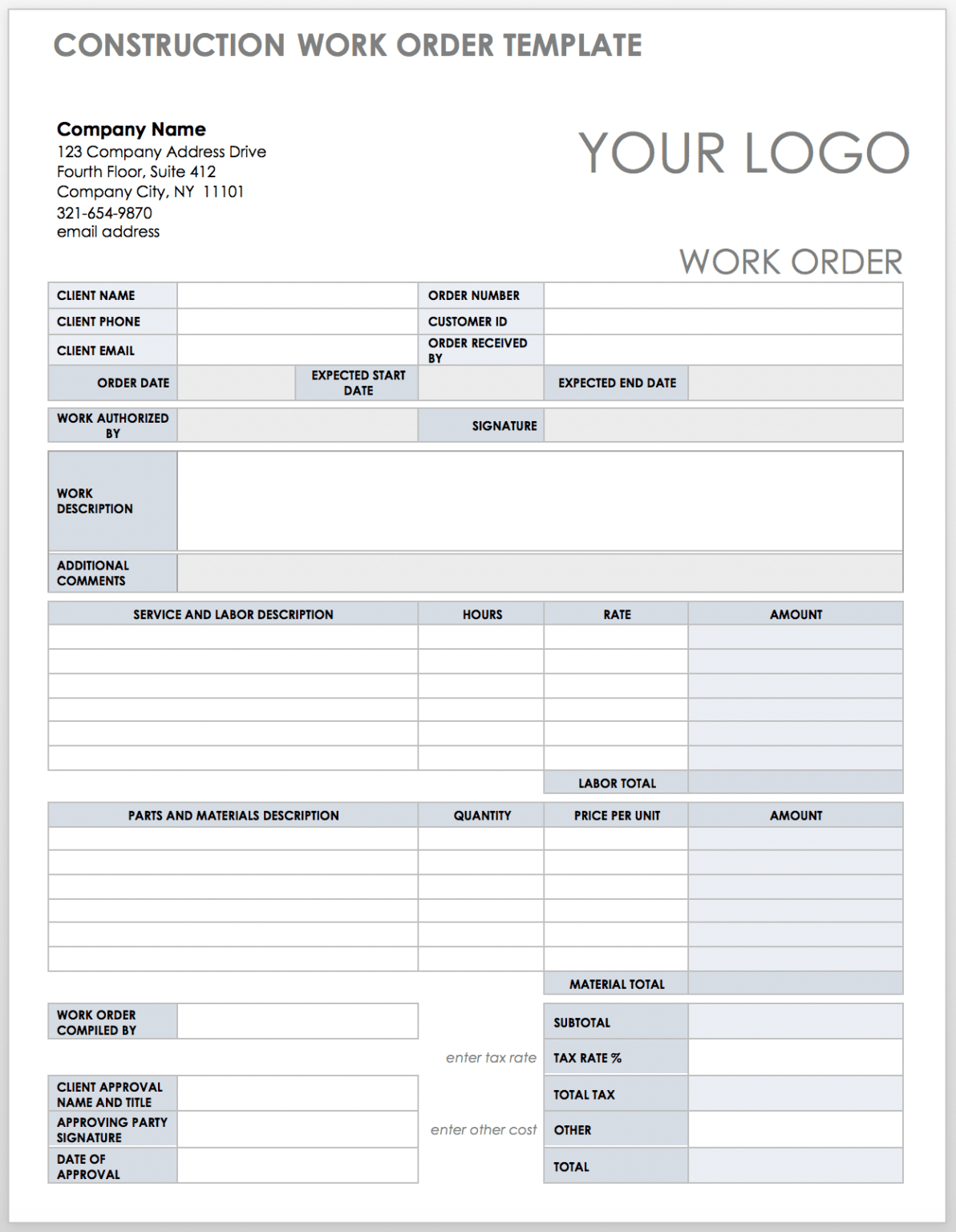
In the complex world of construction contracts, payment schedules often tie directly to progress milestones. The payment certificate acts as the official sign‑off that the project has reached a specific stage and is ready for the corresponding payment. This document protects both the payer and the payee by providing a clear, auditable trail of work completed and money owed.
Risk Mitigation
Without a formal payment certificate, disputes over the status of work can arise. A certified document mitigates the risk of late payments or unjustified withholding by documenting the exact scope delivered.
Cash Flow Optimization
Contractors rely on timely payments to cover labor, materials, and overhead. A streamlined certificate process helps maintain healthy cash flow and reduces the likelihood of payment delays that could jeopardize the entire project.
Regulatory Compliance
Many jurisdictions require documented proof of payment milestones for audit purposes. A standardized template ensures compliance with local regulations, avoiding costly penalties.
Key Elements of an Effective Template
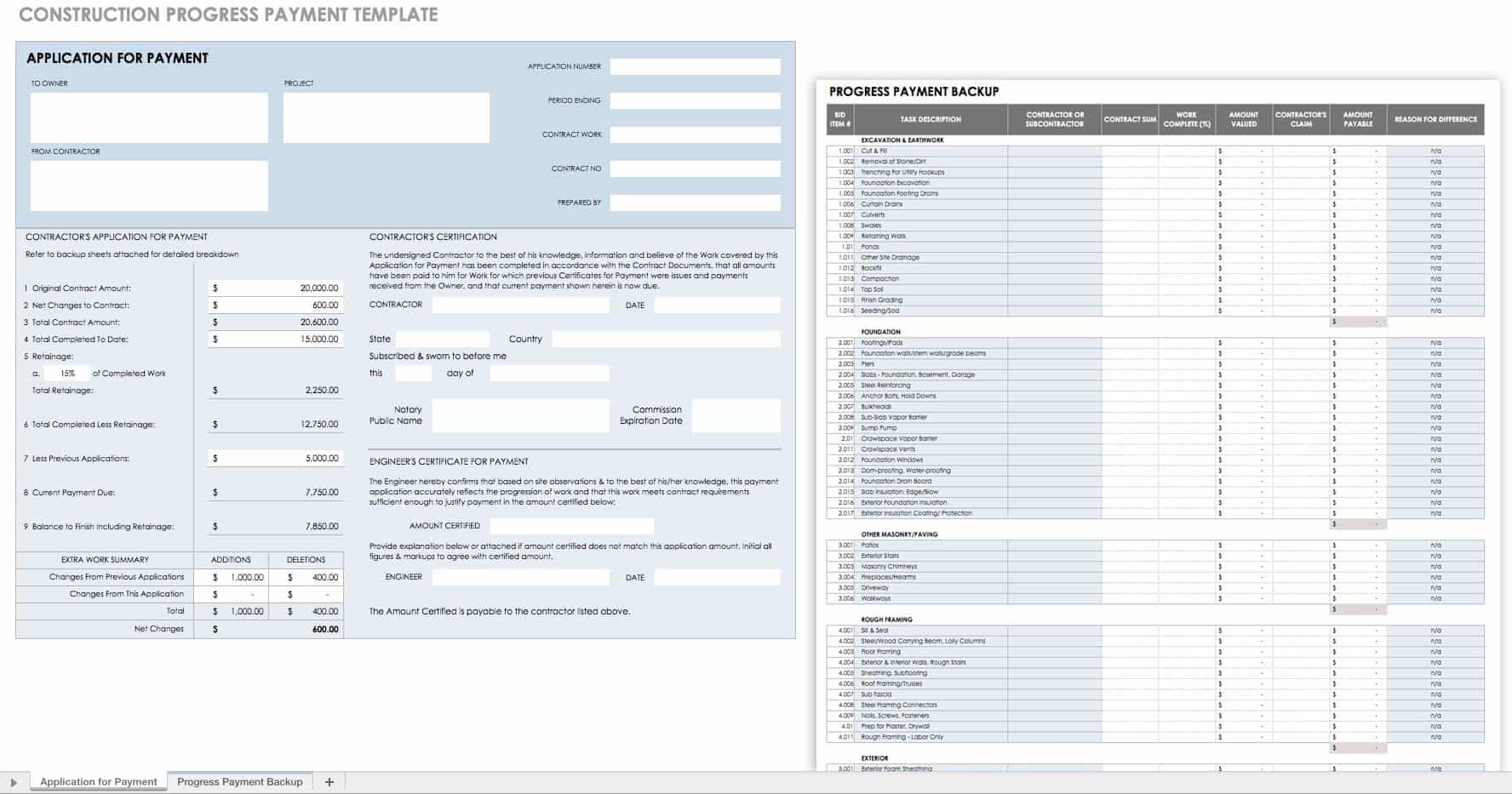
A high‑quality construction payment certificate should include the following components:
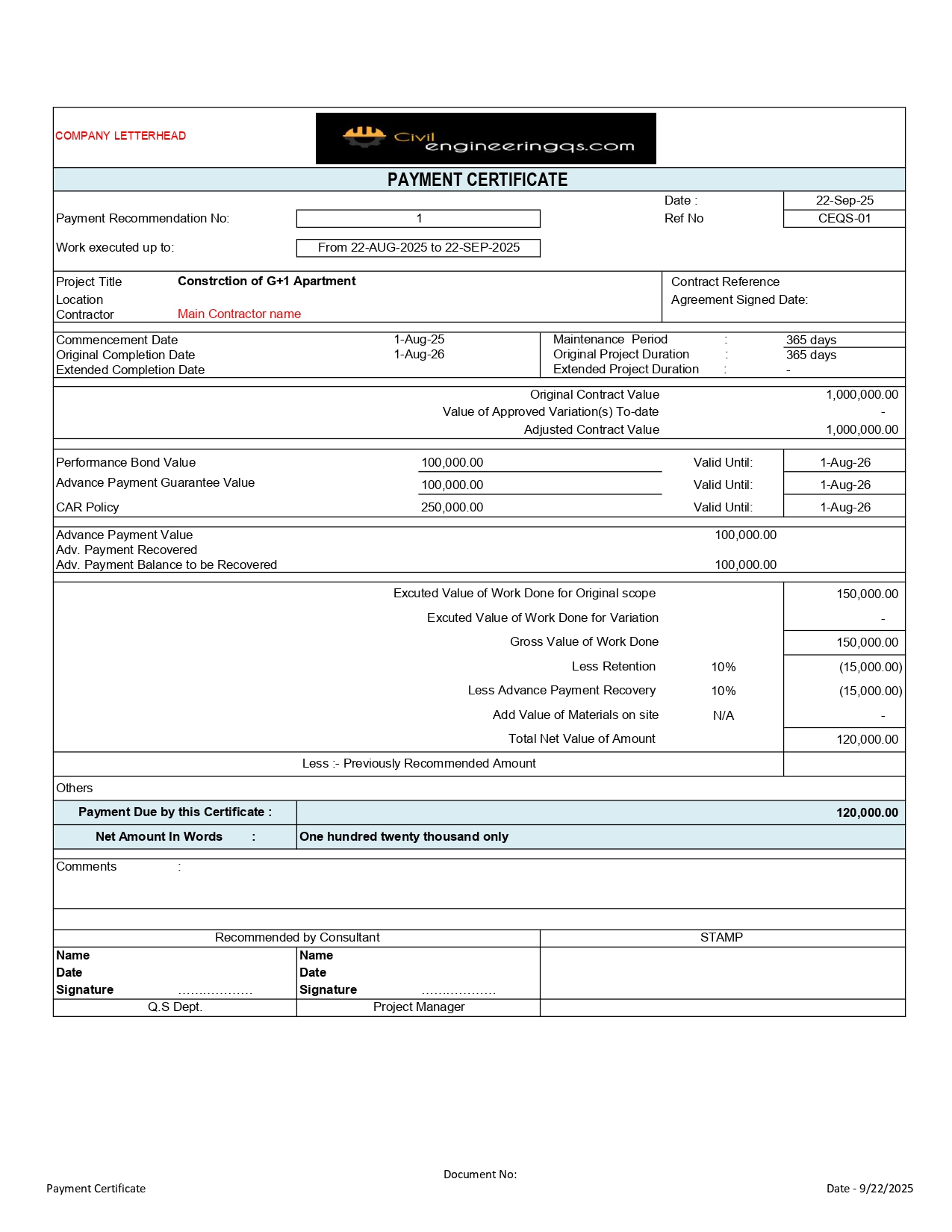
- Project Identification: Project name, location, and contract number to uniquely identify the work.
- Contractor Information: Name, address, and contact details of the contractor or subcontractor.
- Payment Reference: Invoice number, payment schedule number, and the specific milestone being certified.
- Description of Work: Detailed, concise summary of tasks completed, including any deviations or change orders.
- Inspection Details: Date and results of the on‑site inspection, signatures of the inspector and the contractor.
- Amount Due: Total payable amount, including a breakdown of sub‑totals, taxes, and adjustments.
- Payment Terms: Due date, late payment penalties, and accepted payment methods.
- Attachments: Photographs, submittals, or other supporting documents that validate the work.
- Authorized Signatures: Signatures of the contractor, client representative, and any required third parties.
Including these elements reduces ambiguity and speeds up the approval process.
Choosing the Right Template Style

Templates can range from simple paper forms to sophisticated digital documents. The choice depends on project size, stakeholder preferences, and the complexity of the payment schedule.
Paper‑Based Templates
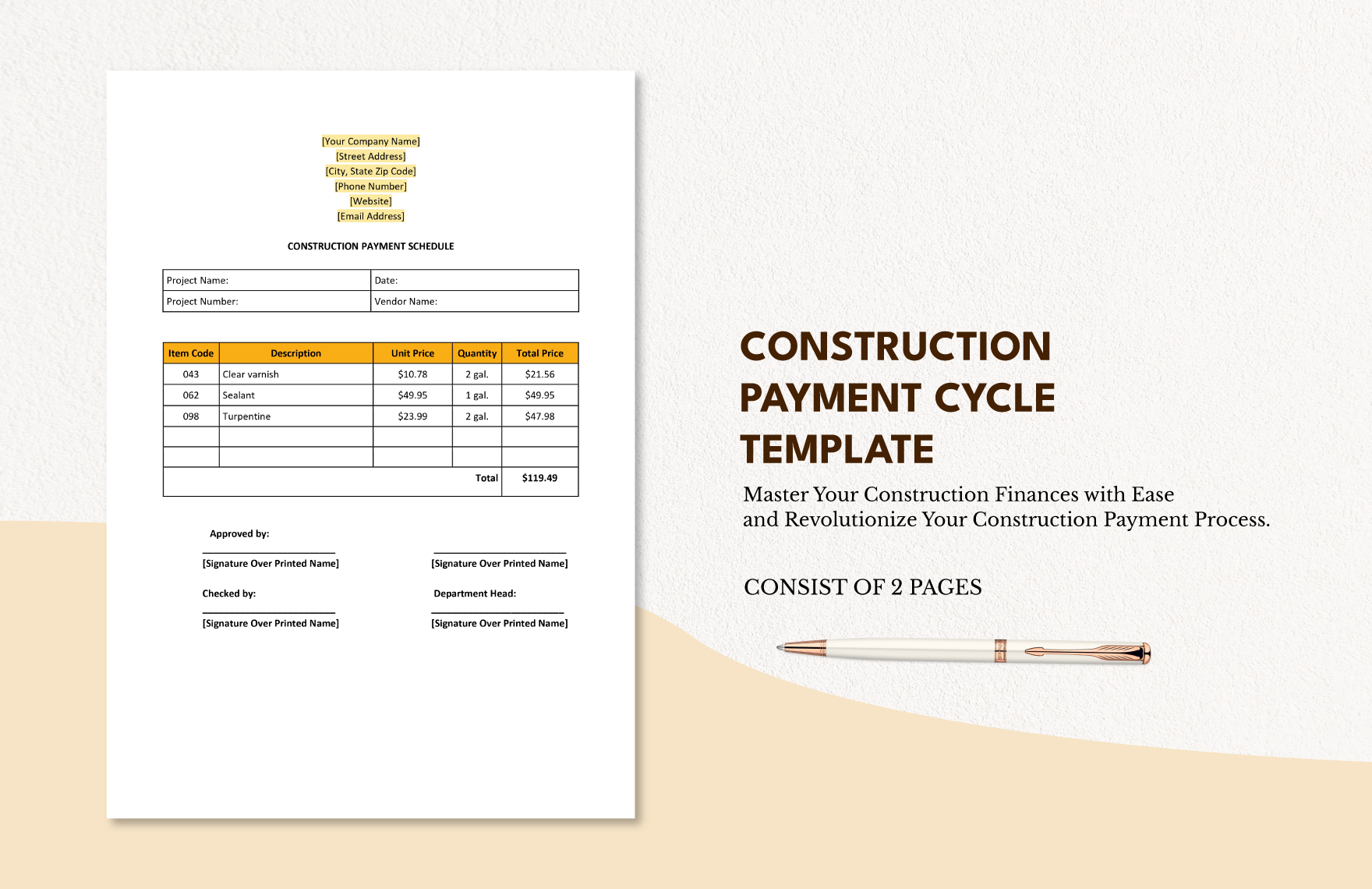
Traditional forms are useful for smaller projects or when electronic systems are not yet in place. They require manual signatures, which can slow down approval but are often easier for parties unfamiliar with digital tools.
Spreadsheet Templates
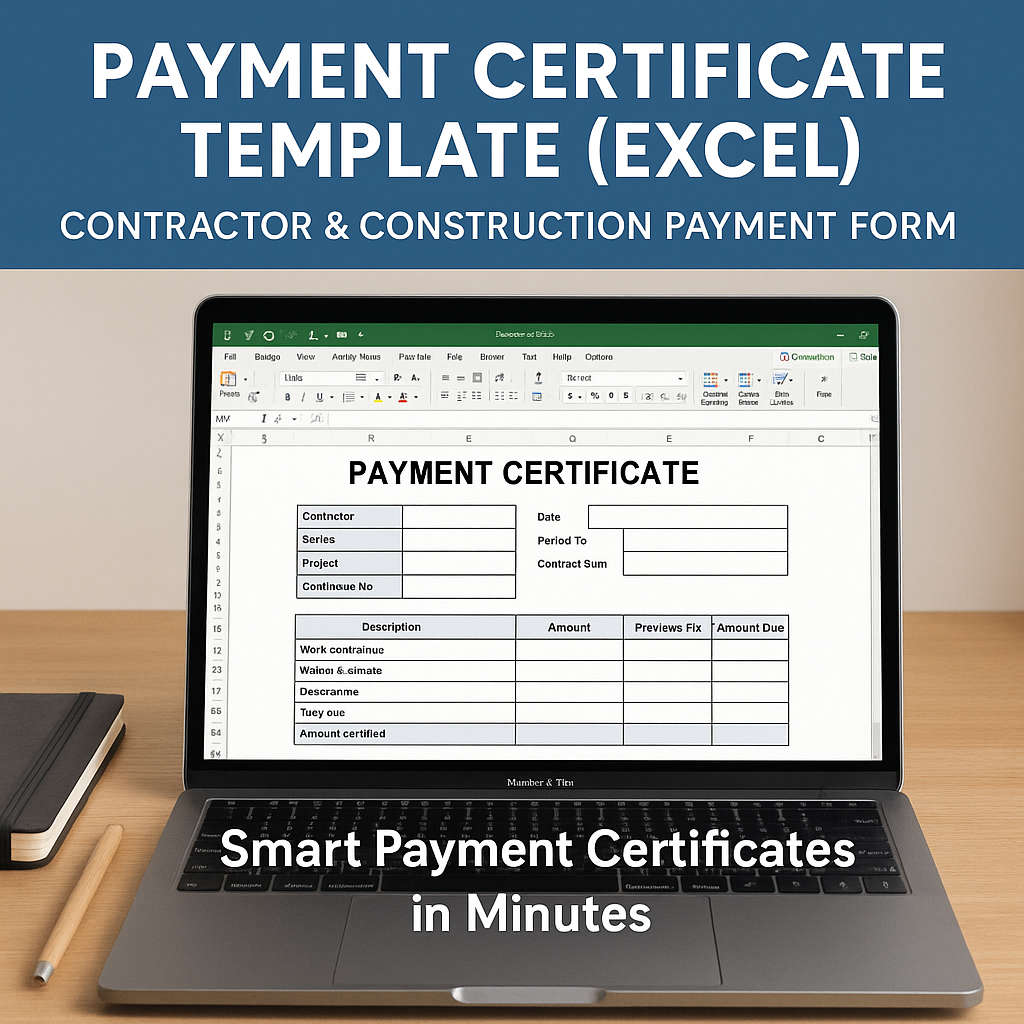
Excel or Google Sheets templates provide built‑in calculations, conditional formatting, and easy data manipulation. They are ideal for projects with multiple milestones or where the contractor needs to track cumulative payments.
PDF Forms
Interactive PDF forms combine the familiarity of paper with the convenience of digital completion. Signatures can be added electronically, and the final document is easily archived.
Web‑Based Applications
Online platforms like construction management software often include payment certificate modules. These systems automatically sync with project schedules, generate notifications, and provide audit trails, making them ideal for large, multi‑stakeholder projects.
How to Customize Your Template

While many organizations use standard templates, customization ensures that the certificate meets unique contractual requirements. Follow these steps to tailor the template effectively.
Step 1: Review the Contract
Extract key terms: milestone definitions, payment percentages, and required approvals. Align these with the template sections to avoid omissions.
Step 2: Add Project‑Specific Fields
Insert fields for location‑specific regulations, local authority references, or unique inspection protocols. This localizes the document and prevents jurisdictional conflicts.
Step 3: Incorporate Digital Signatures
Integrate a digital signature field that complies with e‑signature laws (e.g., ESIGN Act). This adds legal validity while saving time.
Step 4: Embed Conditional Logic
In spreadsheet or web‑based templates, use formulas that automatically calculate amounts due based on the milestone. This reduces manual errors.
Step 5: Test with Stakeholders
Run a trial fill‑out with the contractor, client representative, and finance team. Collect feedback and adjust the template before official deployment.
Best Practices for Issuing Payment Certificates
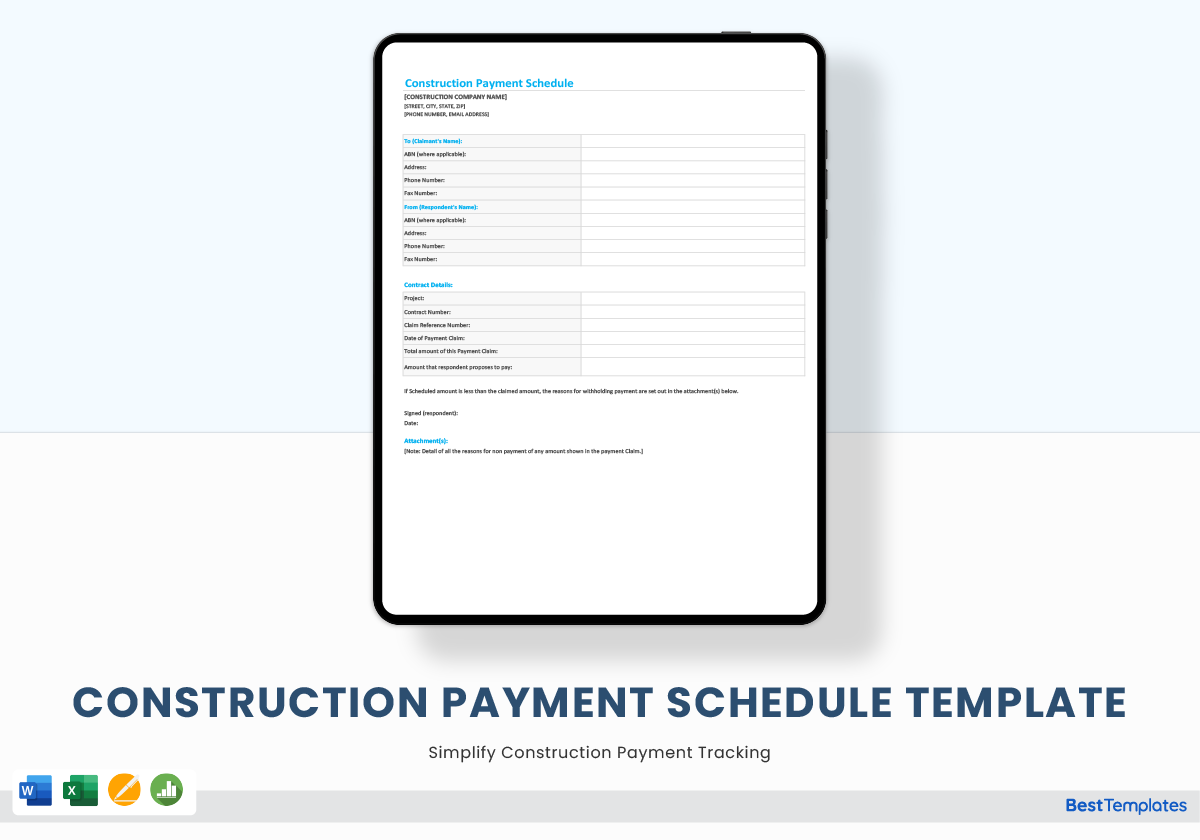
Adhering to consistent processes ensures that certificates are accepted promptly and that the project stays on track.
Maintain a Clear Timeline
Set firm deadlines for certificate submission, inspection, and payment. Communicate these timelines to all parties at project kickoff.
Use a Dedicated Workflow System
Centralize certificate submissions in a single platform. Automated alerts notify stakeholders of pending actions and reduce manual follow‑ups.
Document Everything
Attach photos, submittals, and inspection reports to the certificate. Even if not required by contract, these documents provide a safety net in case of future disputes.
Validate Accuracy Before Sign‑Off
Cross‑check the amounts, dates, and scope description against the contract and the actual work. A simple mistake can trigger payment delays.
Archive Digitally
Store all certificates in a searchable digital repository. This facilitates audits and makes retrieval during disputes straightforward.
Common Mistakes to Avoid
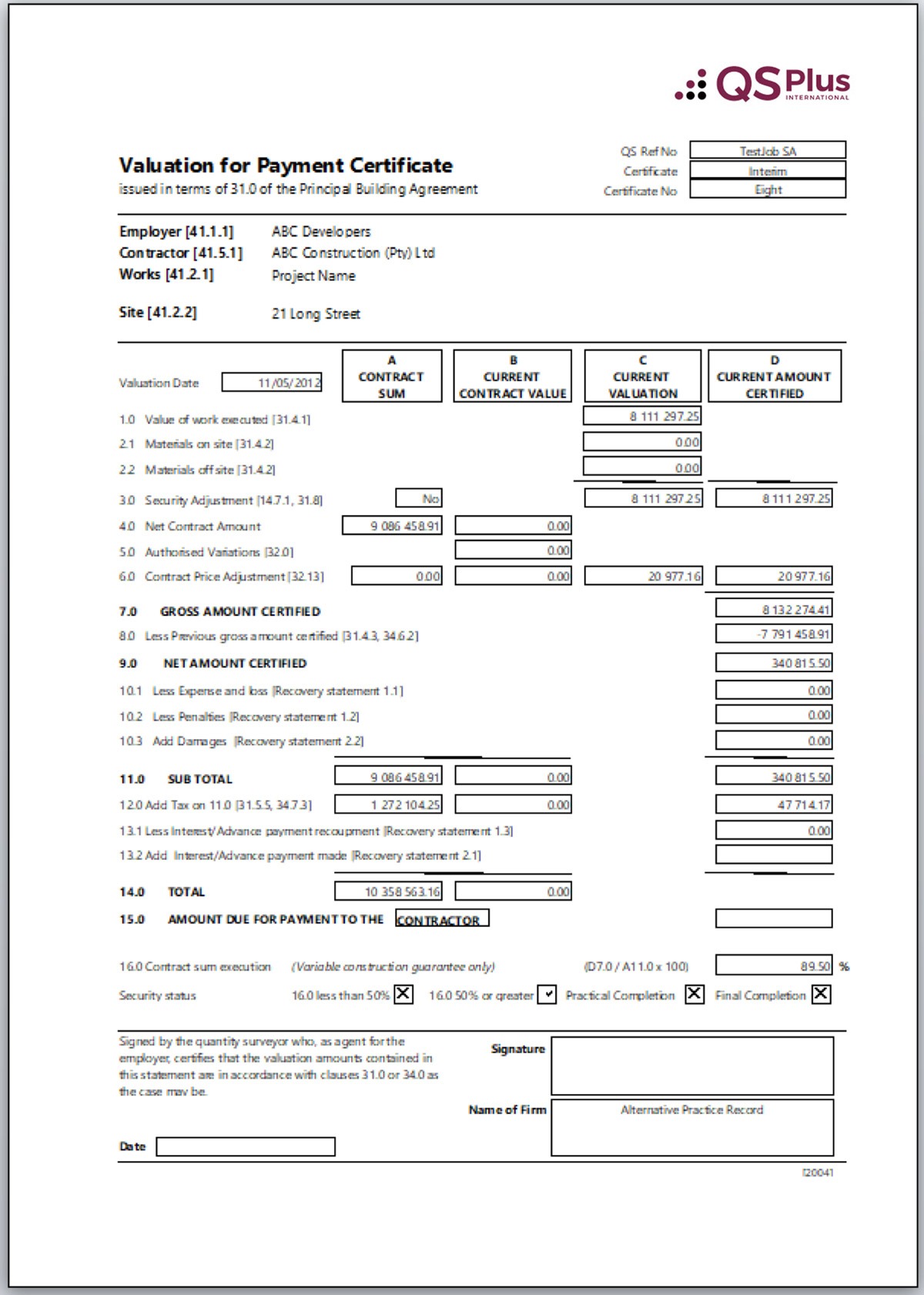
Even seasoned contractors can fall into pitfalls that jeopardize payment. Recognize these common errors and proactively address them.
Incomplete Work Descriptions
Vague or missing details can lead to disputes. Ensure every milestone is described in clear, specific terms.
Ignoring Change Orders
Failing to incorporate approved change orders into the payment amount can cause underpayment or overpayment. Always reconcile the change order list.
Delayed Inspections
Waiting too long for a site inspection can push the payment date back. Schedule inspections immediately after work completion.
Non‑Compliance with Signature Requirements
Missing signatures from required parties can invalidate the certificate. Verify all signature fields before sending.
Failure to Capture Taxes and Fees
Omitting applicable taxes, withholding fees, or late penalties can create discrepancies. Include these in the calculation.
Digital Tools and Automation
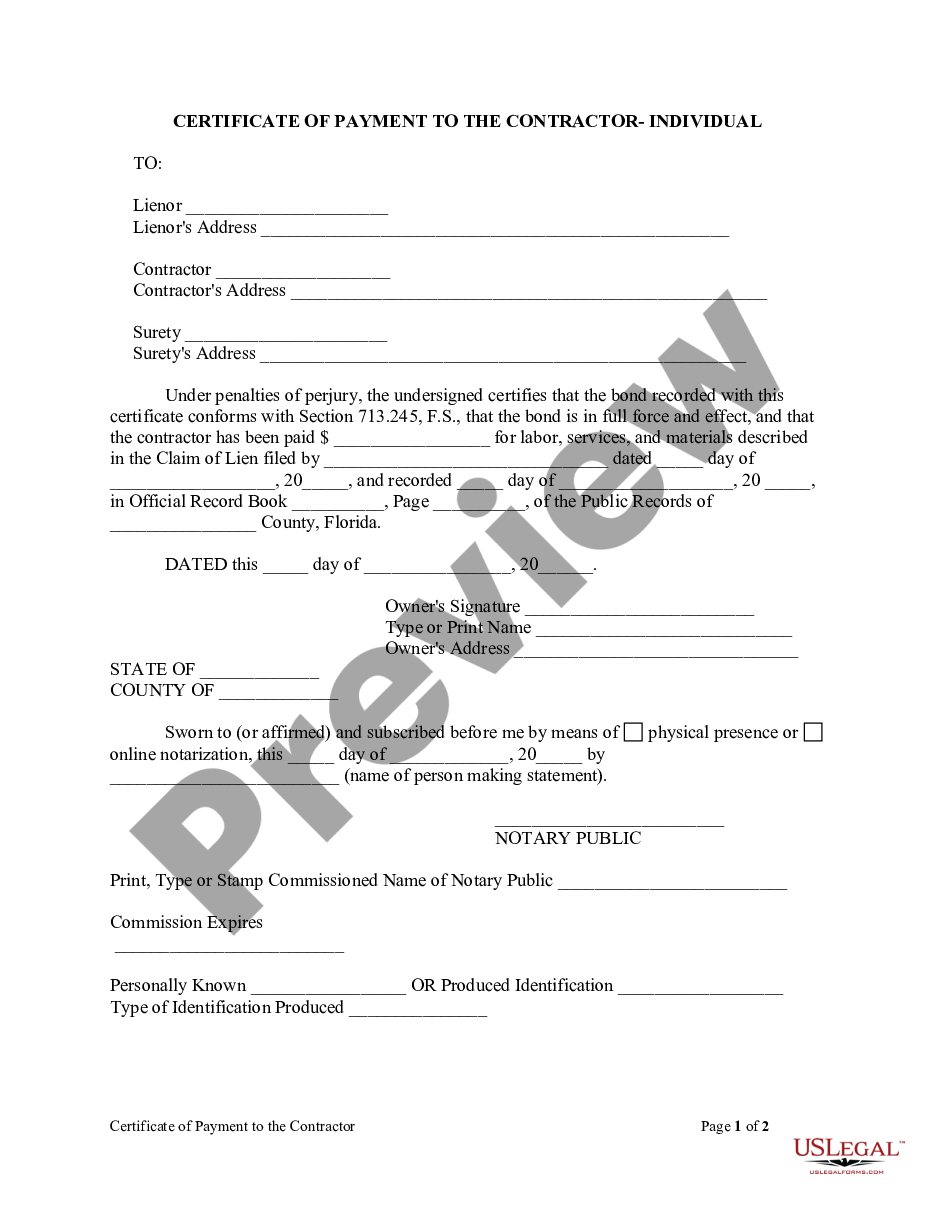
Technology can transform the payment certificate process from a tedious manual task to a streamlined, error‑free workflow.
Construction Management Software
Platforms like Procore, Buildertrend, or PlanGrid offer integrated certificate modules. These tools automatically pull milestone data, generate certificates, and route them for approval.
Document Automation Engines
Tools such as DocuSign or Adobe Sign allow real‑time editing, digital signatures, and version control, reducing turnaround time.
Custom APIs
For organizations with unique requirements, integrating the payment certificate template with ERP systems via APIs ensures data consistency across finance, procurement, and project management modules.
Analytics Dashboards
Track payment performance metrics: average days to approval, number of rejections, and variance between requested and actual amounts. Use insights to refine processes.
Case Study: Successful Implementation
CityBridge Construction, a mid‑size firm, adopted a digital payment certificate solution to address chronic payment delays on its 15‑story residential tower.
Challenges
Manual certificate completion took an average of 12 days. Inspectors were often unavailable, leading to 20% of certificates pending for over two weeks.
Solution
The firm integrated a cloud‑based template within its project management suite. The template auto‑populated milestone data from the schedule, attached inspection photos, and routed the certificate to the client’s finance team via email with a unique tracking link.
Results
Certificate processing time dropped to 3 days, while payment approvals improved by 40%. The contractor reported a significant reduction in cash‑flow disruptions and a smoother relationship with the client.
Conclusion
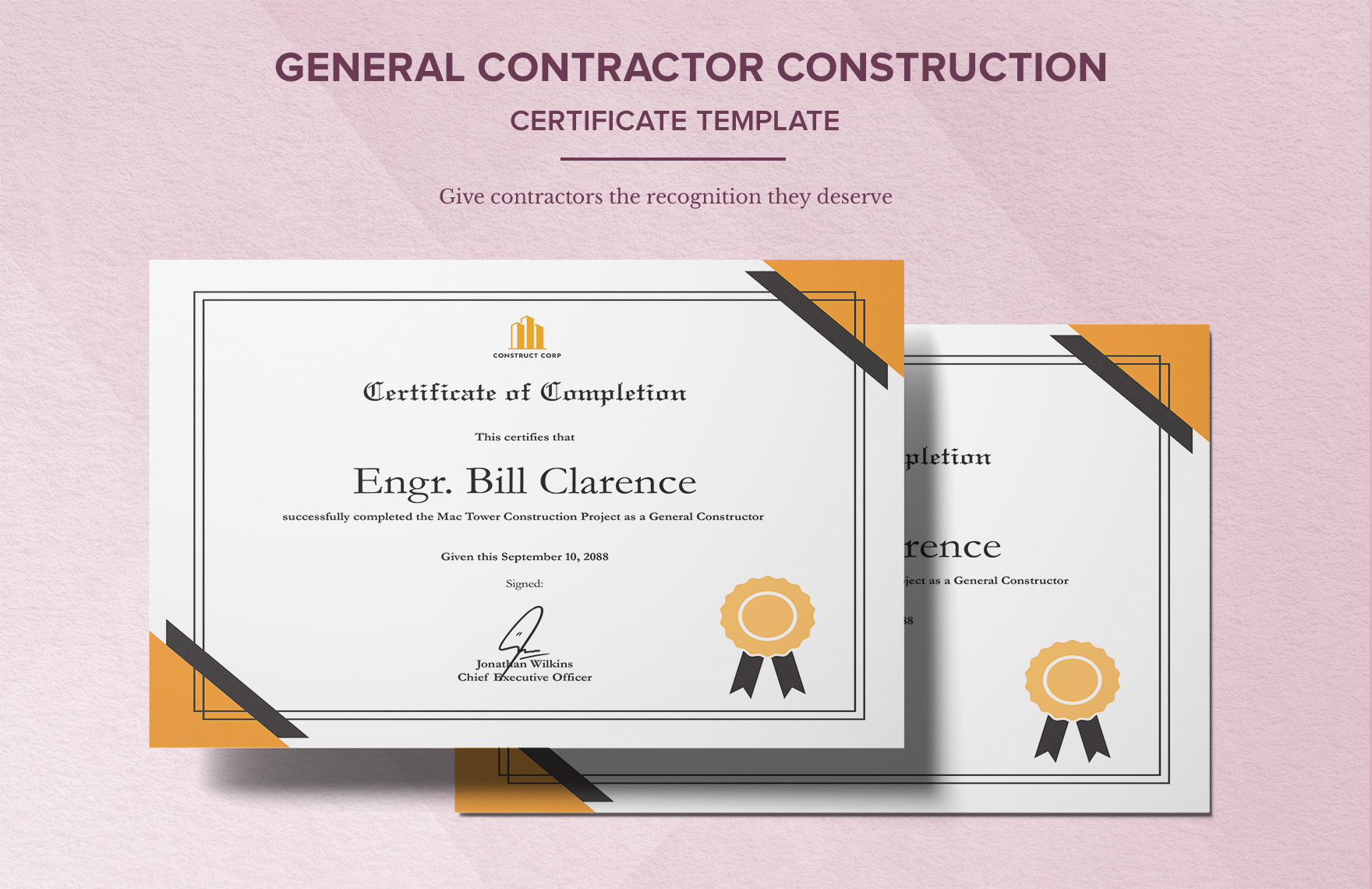
In the construction industry, a well‑designed Construction Payment Certificate Template is more than a bureaucratic form—it is a cornerstone of project financial health. By embedding essential elements, selecting the right format, customizing to contract specifics, and leveraging digital tools, stakeholders can ensure accurate, timely payments. Avoid common pitfalls, streamline approvals, and maintain robust documentation to keep projects moving forward efficiently. When every party respects and follows a clear, standardized payment certificate process, the result is a smoother workflow, reduced disputes, and ultimately, the successful completion of the project on schedule and within budget.