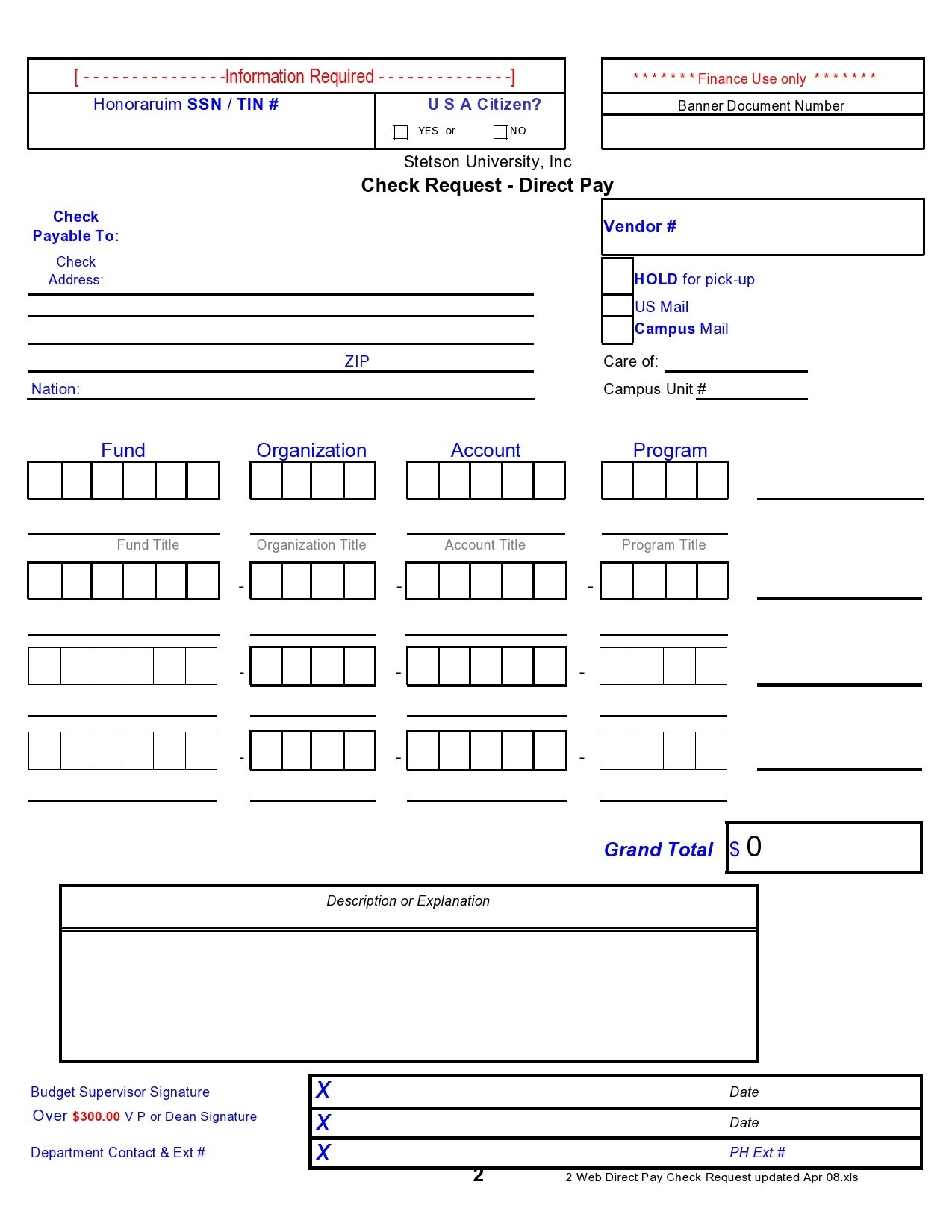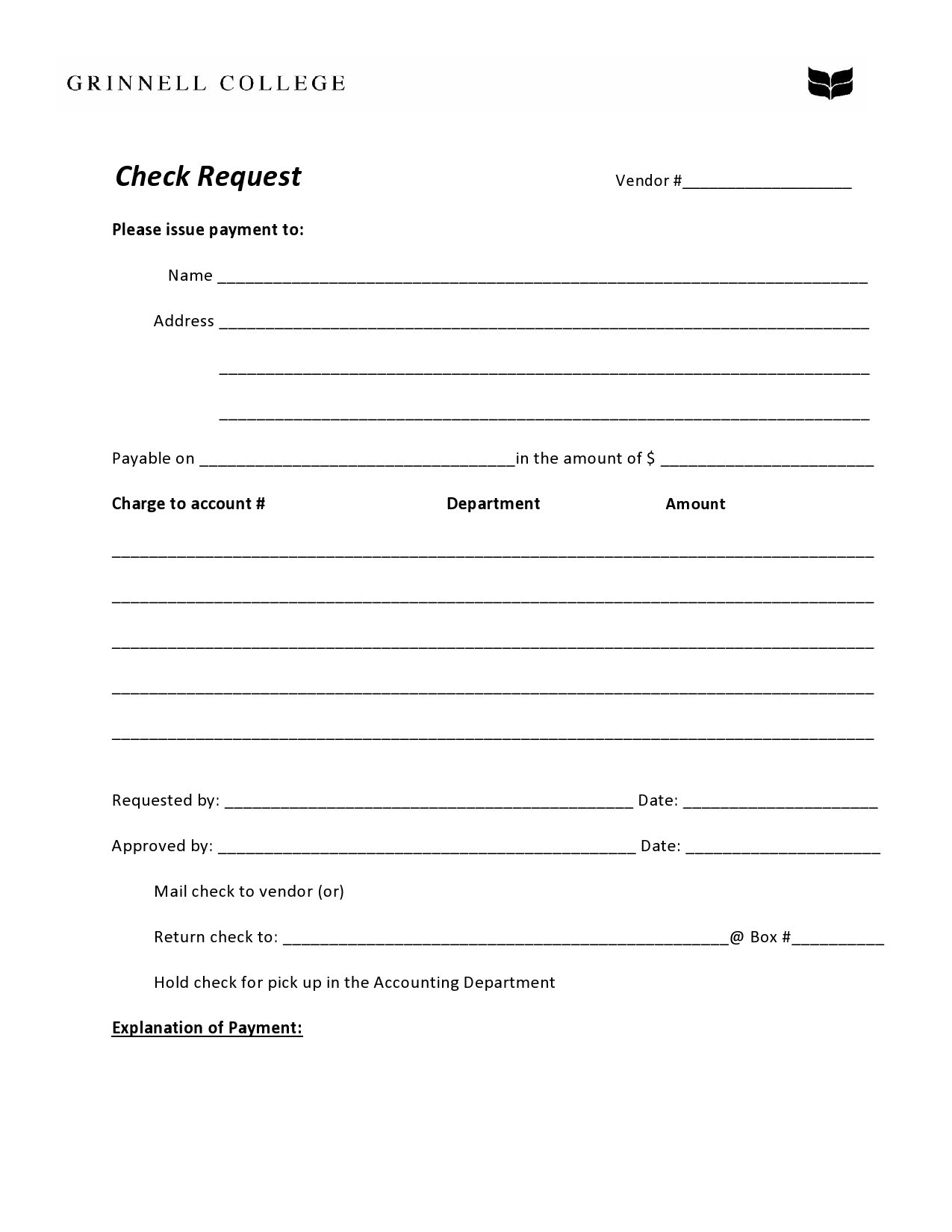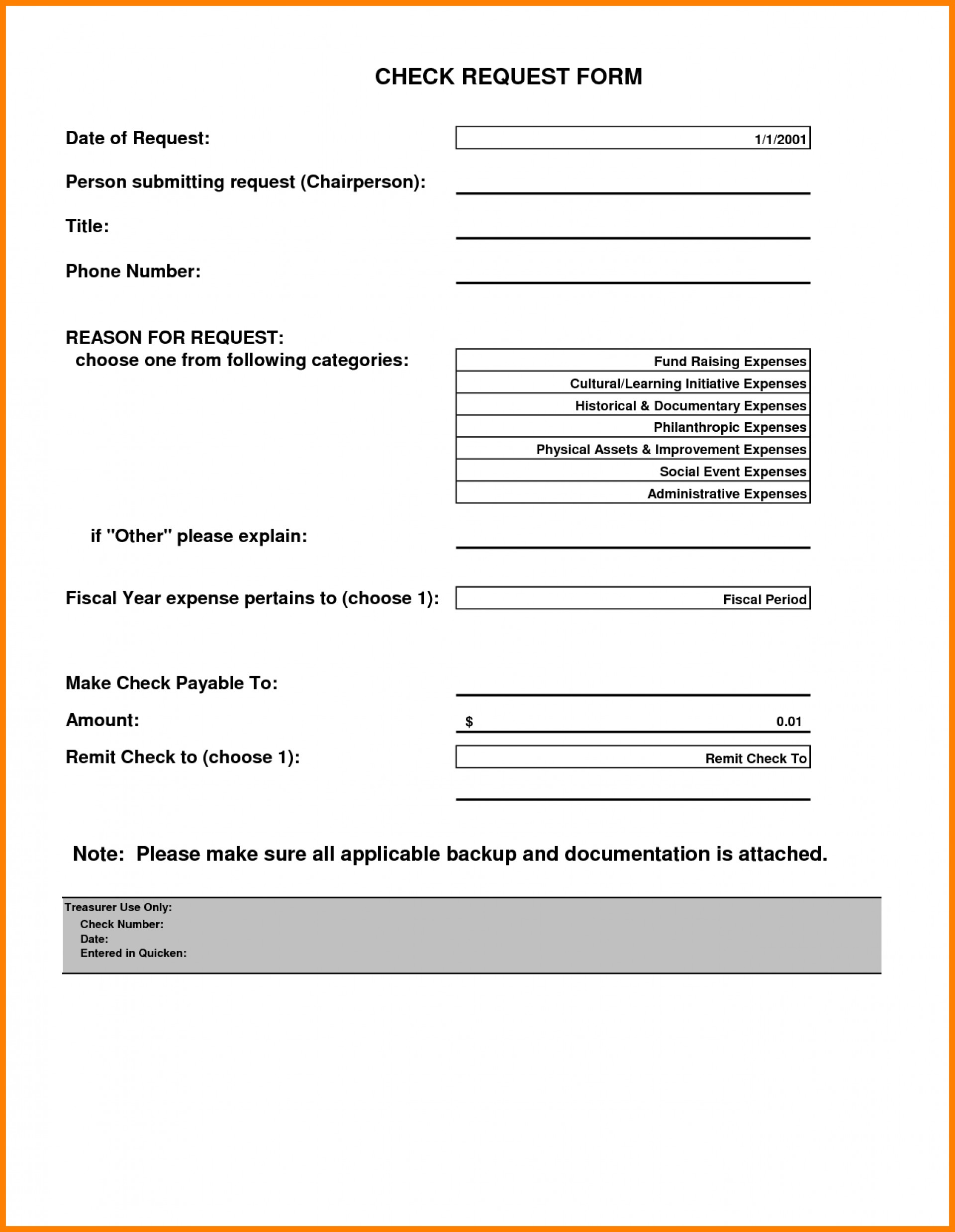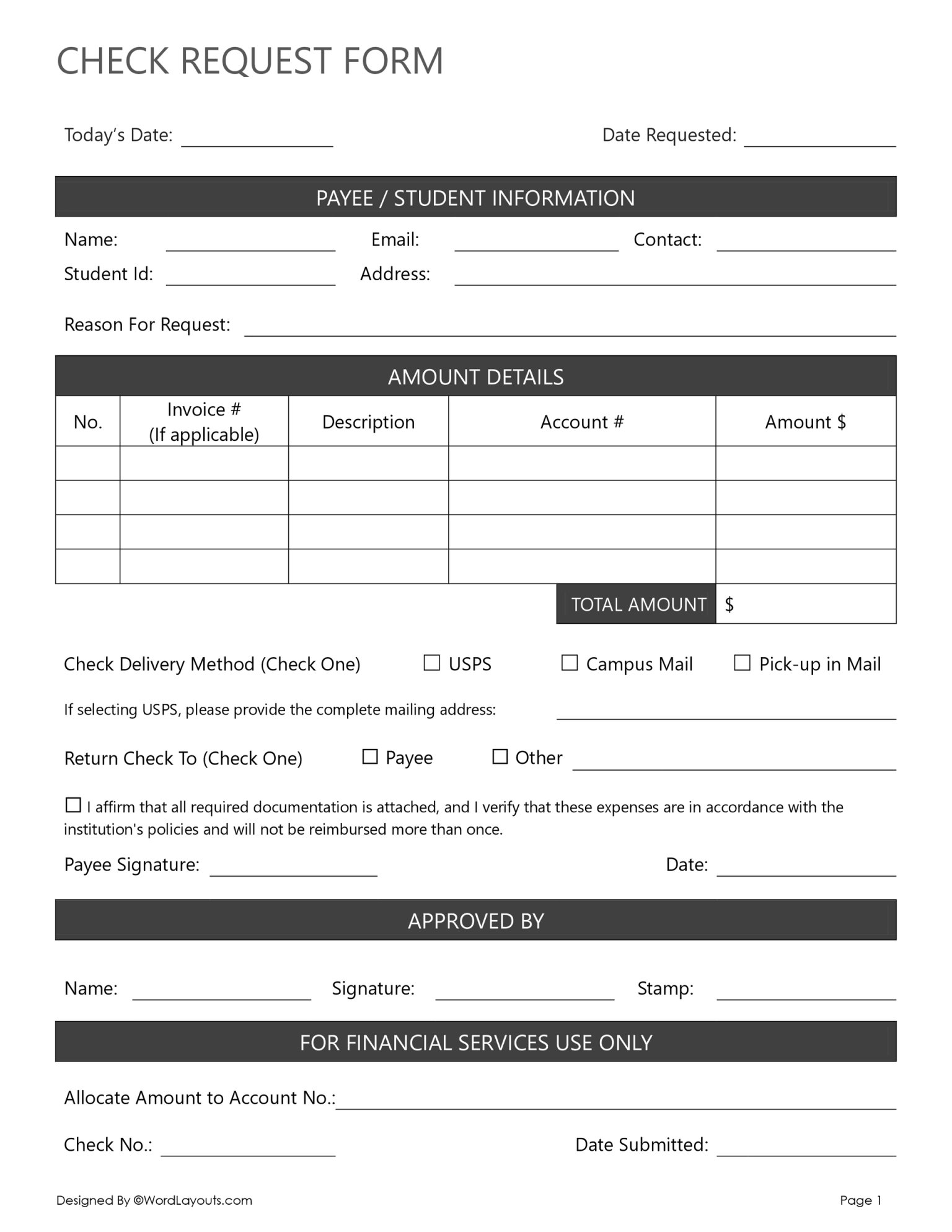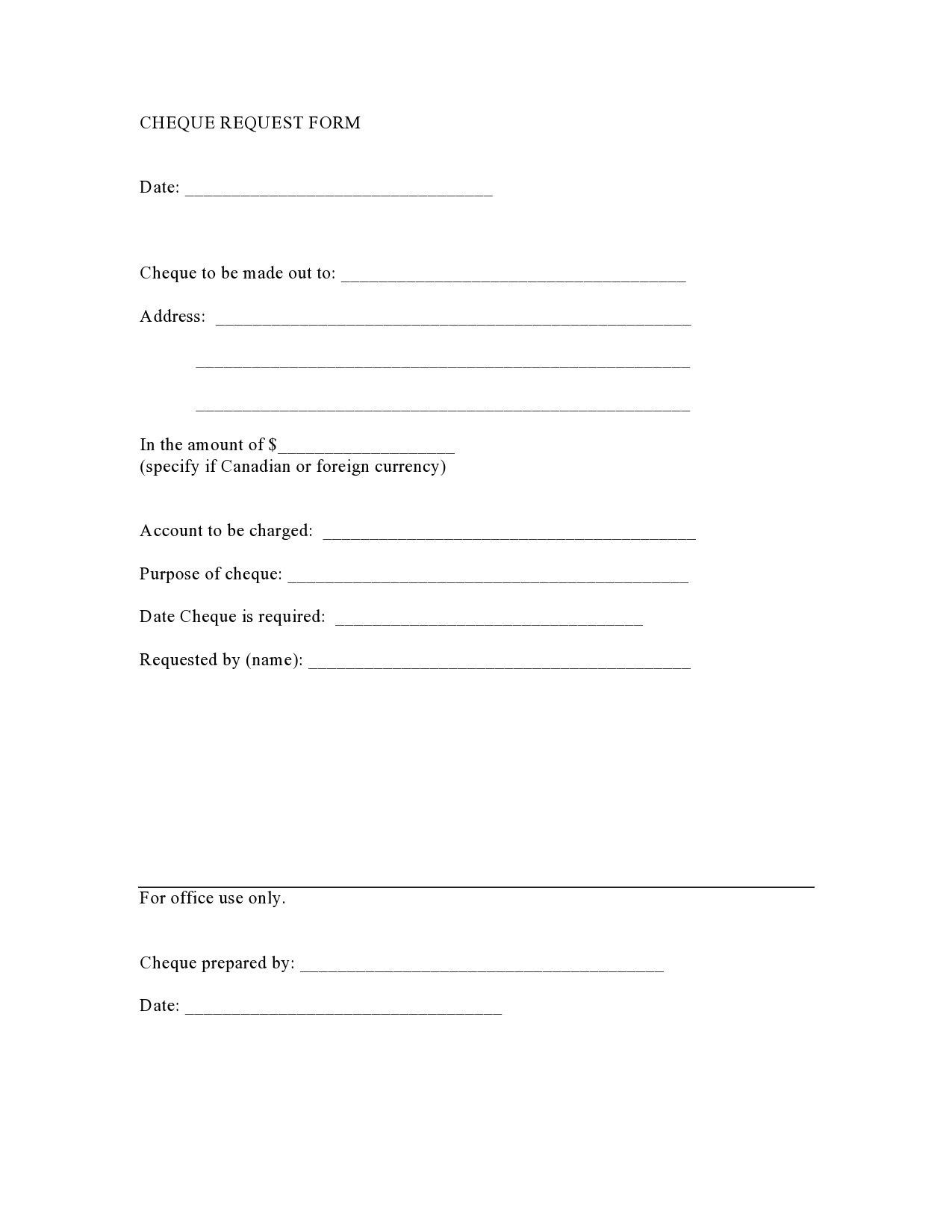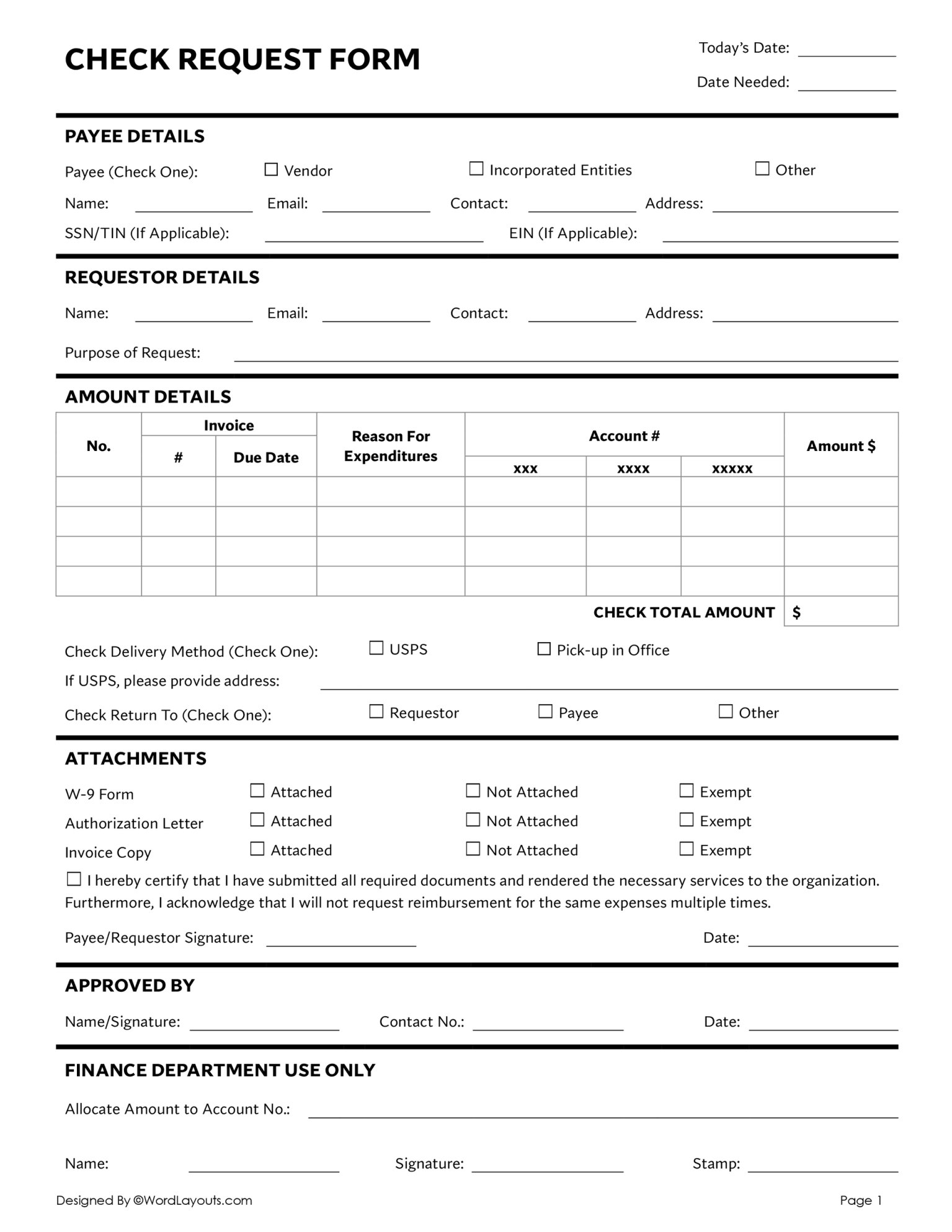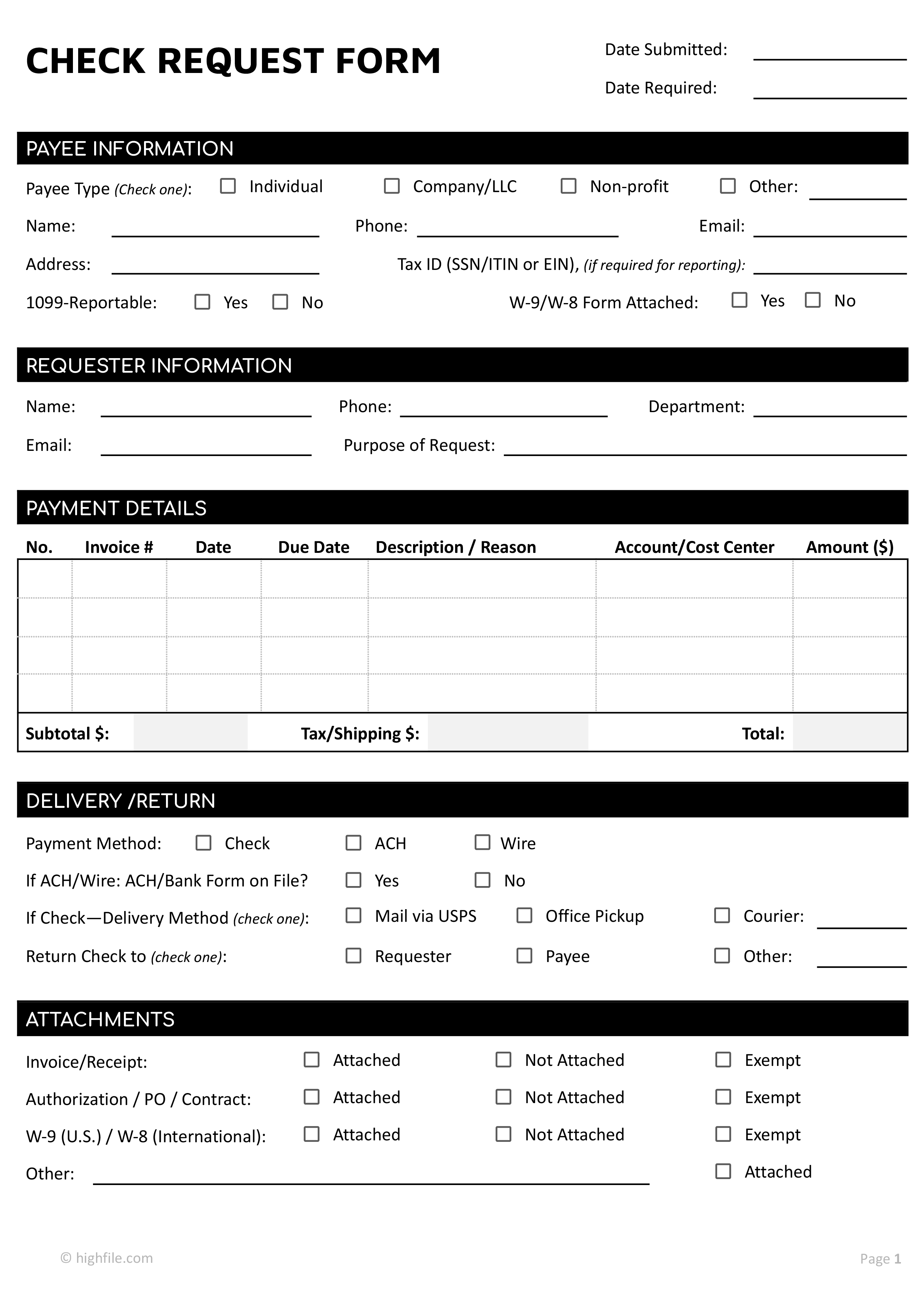
Check Request Template Word is a powerful tool that streamlines the approval process, ensures consistency, and reduces errors when managing financial disbursements. By embedding this template into your daily workflow, you can save time, maintain audit trails, and keep all stakeholders informed.
What is a Check Request Template?

A Check Request Template is a pre-formatted document that outlines the essential details required to issue a check. In Microsoft Word, it allows you to define placeholders for vendor names, amounts, dates, and authorization signatures, so each request looks professional and uniform.
Benefits of Using a Word Template
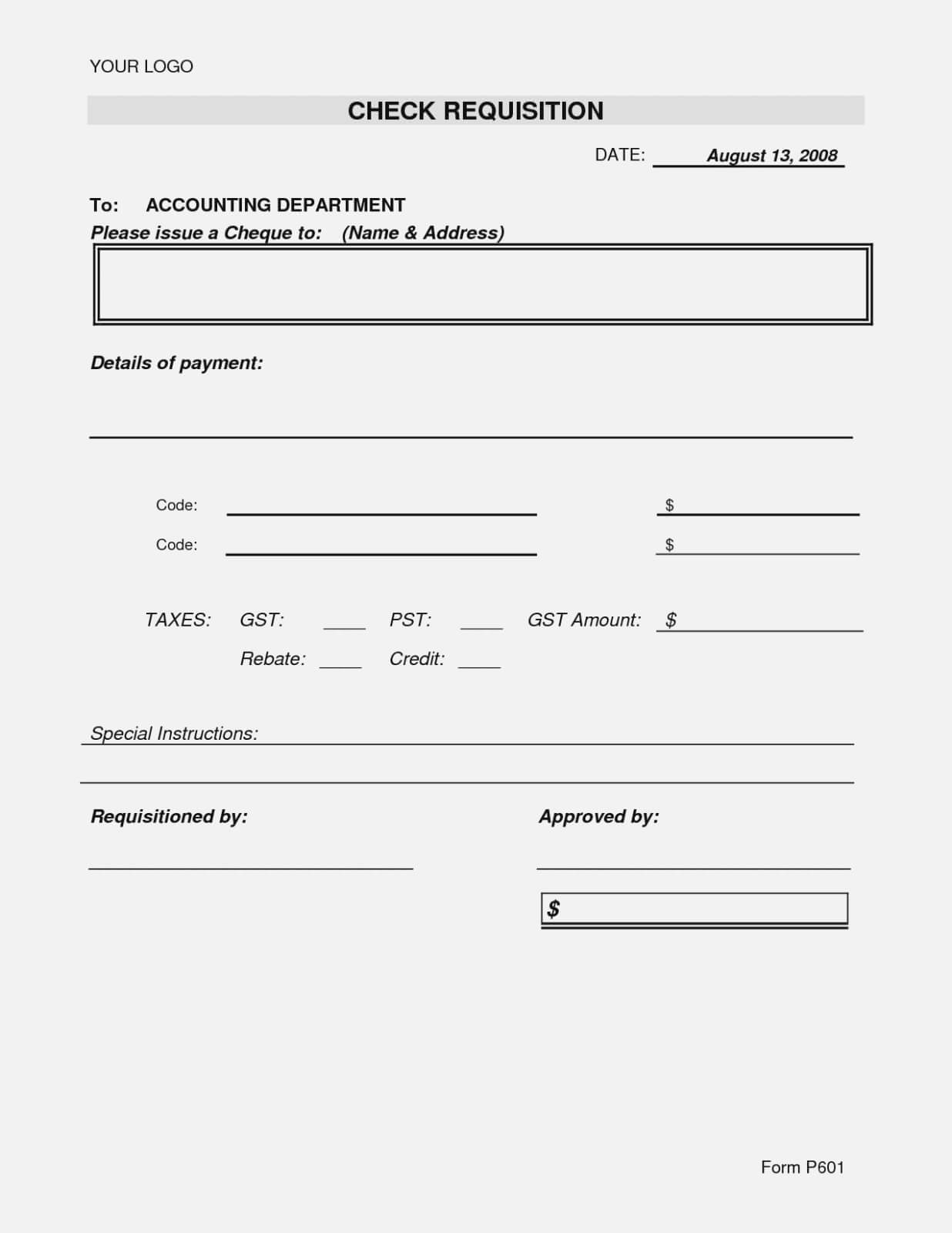
Adopting a Word-based check request template offers several tangible advantages:
- Standardization: Every request follows the same structure, eliminating confusion.
- Time Savings: Templates auto-fill with static information, cutting down on manual data entry.
- Audit Readiness: The template can include fields for audit trail notes, making compliance easier.
- Accessibility: Word’s collaborative features allow multiple approvers to edit and comment in real time.
- Customization: You can tailor the layout to match company branding and regulatory requirements.
Key Components of an Effective Check Request
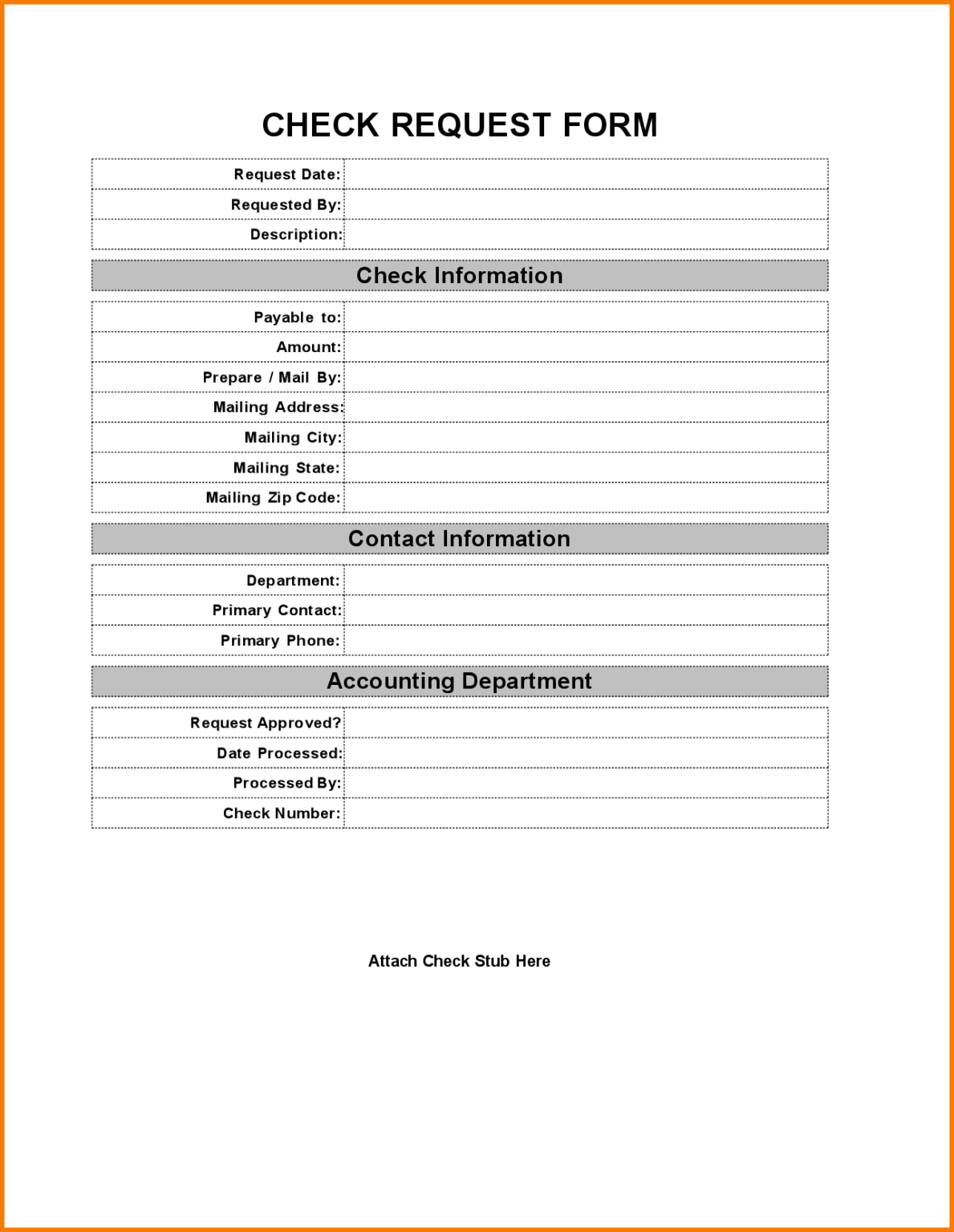
Header and Branding
Your header should display the company logo, contact information, and the document title. A clean, centered header establishes credibility and sets the tone for the request.
Vendor Information
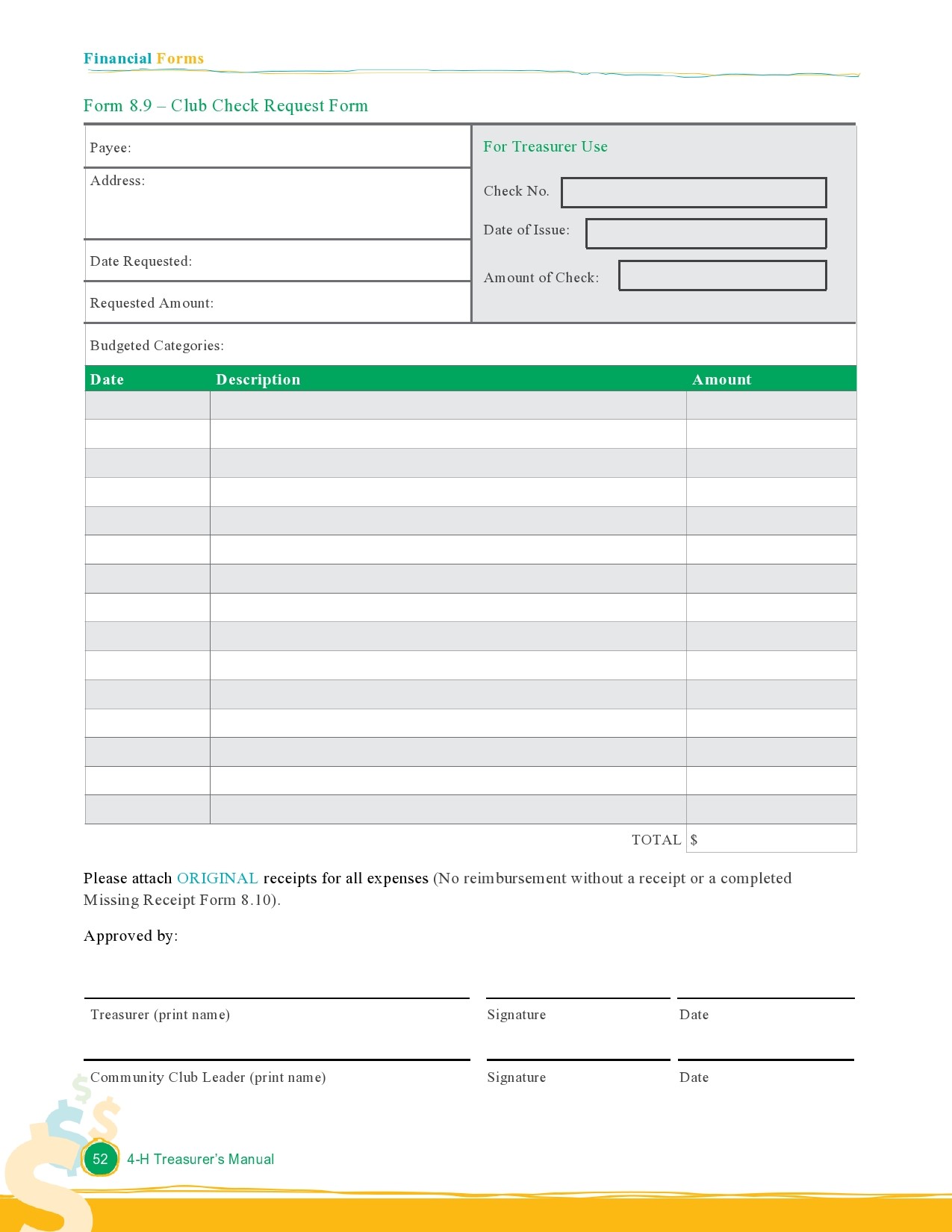
Include fields for the vendor name, address, and tax identification number. Accurate vendor details help prevent payment errors.
Payment Details
Specify the check amount, currency, and payment date. Adding a line for a brief description of the transaction clarifies the purpose of the payment.
Authorization and Signatures
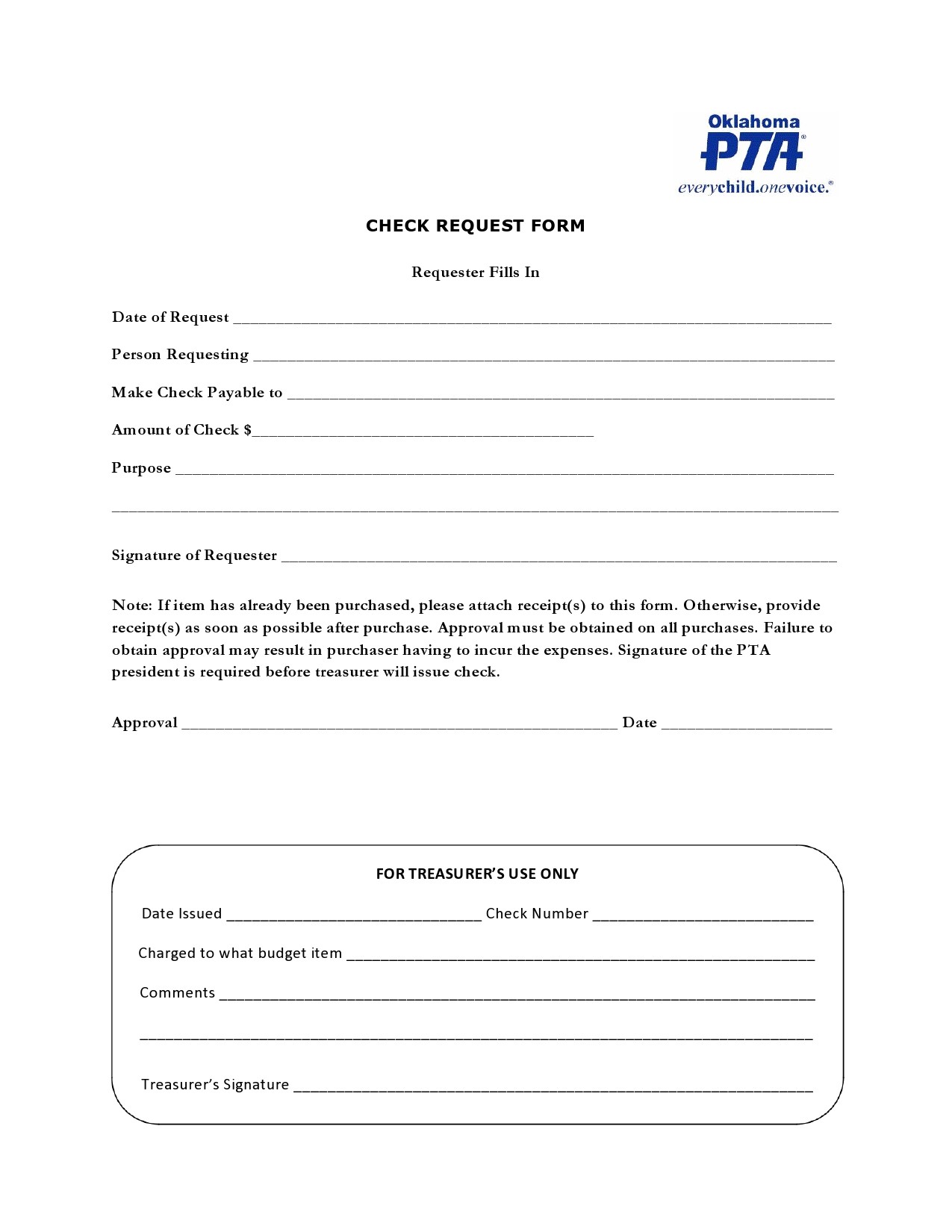
Provide lines for the requester’s name, department, and manager signature. Optionally, a digital signature field can be added if your organization uses e‑signatures.
Audit Trail Fields
Fields such as “Approved By,” “Date Approved,” and “Comments” capture the approval process, ensuring traceability.
Step-by-Step Guide to Creating Your Own Template

1. Open a New Document in Word
Start with a blank document and set the page margins to standard 1-inch for a professional appearance.
2. Insert a Header
Use the Header tool to add your logo on the left and contact information on the right. Keep the header simple and uncluttered.
3. Add a Title and Date
Center the title “Check Request Form” and insert a date field that updates automatically.
4. Create Structured Tables
Insert a table with two columns: one for labels and one for data entry. Merge cells where necessary to accommodate longer text.
5. Define Placeholder Text
Use the Developer tab to add content controls that restrict input to numbers, dates, or plain text. This reduces typing errors.
6. Insert Signature Lines
Insert lines or use the Signature Line feature for each required signature. This ensures approvers can easily sign the document.
7. Protect the Template
Apply a form protection setting so that only designated fields can be edited. This prevents accidental changes to the layout.
8. Save as a Template
Click “Save As” and choose “Word Template (*.dotx)” to preserve the formatting and controls for future use.
Common Pitfalls and How to Avoid Them
Overcomplicating the Design
A cluttered template can confuse users. Keep the layout minimal and focus on essential fields.
Not Using Content Controls
Without content controls, users may inadvertently alter formatting. Always protect the template after adding controls.
Ignoring Version Control
Failing to track template updates can lead to inconsistent forms. Store templates in a centralized repository with clear version numbers.
Neglecting Accessibility Standards
Ensure that the template is readable by screen readers by using proper heading levels and alternative text for logos.
Integrating the Template with Accounting Systems

Many companies link Word templates to ERP or accounting platforms. Here’s how to make the integration smooth:
- Export to PDF: Convert the completed form to PDF before uploading it to the accounting system.
- Use OCR: Optical Character Recognition can read the fields and populate the ERP database automatically.
- Automate Email Distribution: Set up a mail merge to send the form directly to the finance team for processing.
Tips for Customizing the Design

To align the template with your company’s brand, consider these customization options:
- Color Scheme: Apply corporate colors to table borders and header background.
- Font Selection: Use the company-approved font family for headings and body text.
- Watermarks: Add a subtle “CONFIDENTIAL” watermark for sensitive documents.
- Dynamic Fields: Insert fields that auto-populate from an internal database, such as the current fiscal year.
Real-World Use Cases
Scenario 1: Vendor Payments in a Manufacturing Firm
In a plant with dozens of suppliers, a standardized template reduces duplicate payments and ensures that each vendor receives accurate invoices on time.
Scenario 2: Expense Reimbursement in a Consulting Company
Consultants submit travel expenses using the same template, which then feeds directly into the payroll system, streamlining reimbursements.
Scenario 3: Grant Disbursement in a Non-Profit
Non-profits use the template to request checks for project funding, providing donors with a clear audit trail of fund usage.
Frequently Asked Questions

Why choose Word over other formats?
Word offers robust collaboration tools, easy formatting, and compatibility with most enterprise systems.
Can I add a QR code for quick scanning?
Yes, insert a QR code that links to the vendor’s payment portal or an internal approval tracker.
What if I need to share the template with remote teams?
Save the template to a shared network drive or cloud storage and grant edit permissions to the appropriate users.
How often should I update the template?
Review the template annually or after any significant procedural change to keep it current.
Conclusion

Mastering a Check Request Template Word is essential for any organization that wants to streamline payments, maintain compliance, and enhance transparency. By following the steps outlined above, you can create a template that is both functional and professional. Adapt the design to reflect your brand, protect the fields to avoid errors, and integrate the template with your accounting systems for a seamless workflow. Over time, a well-structured check request template becomes an invaluable asset—reducing administrative overhead, minimizing disputes, and ultimately safeguarding your company’s financial integrity.