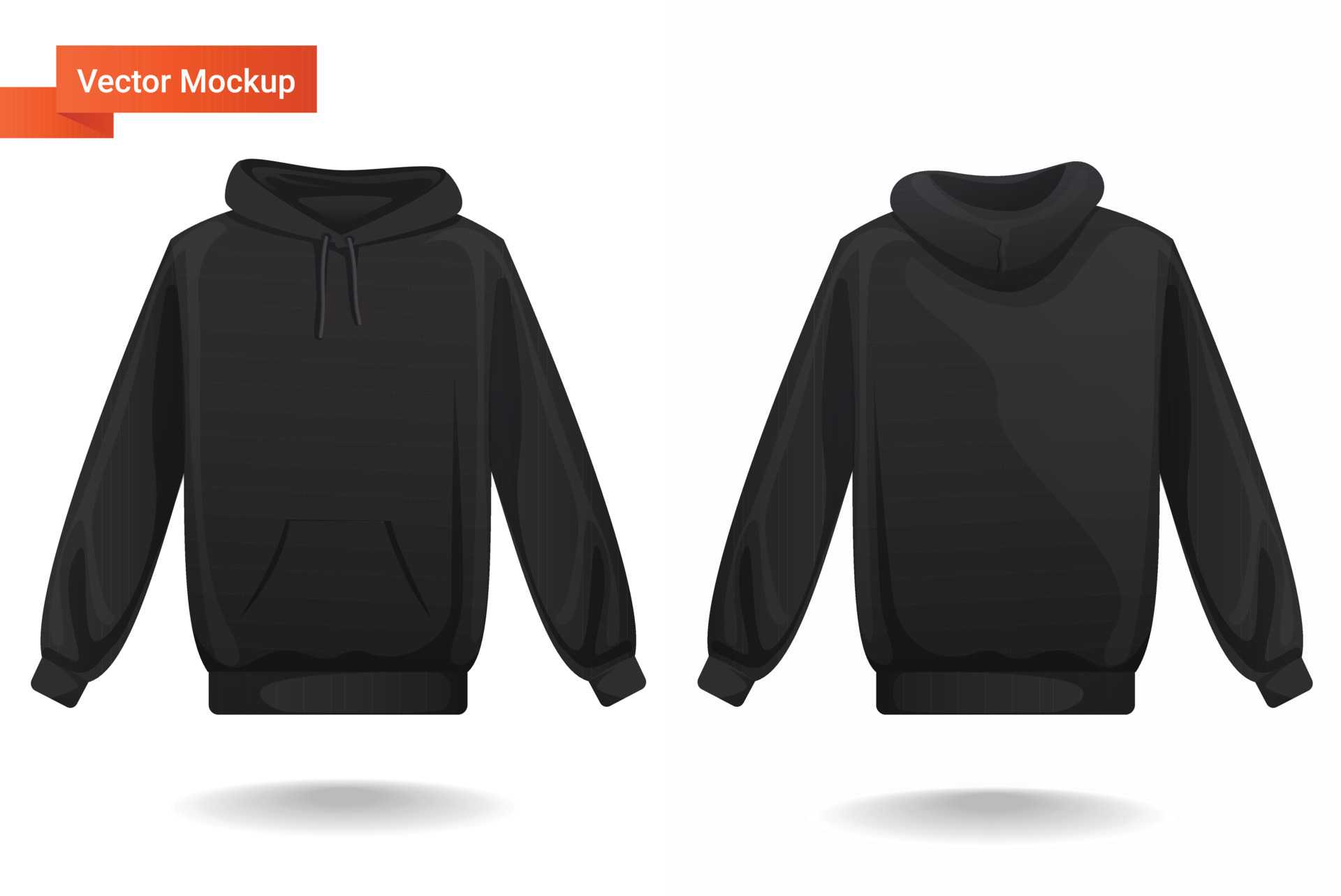
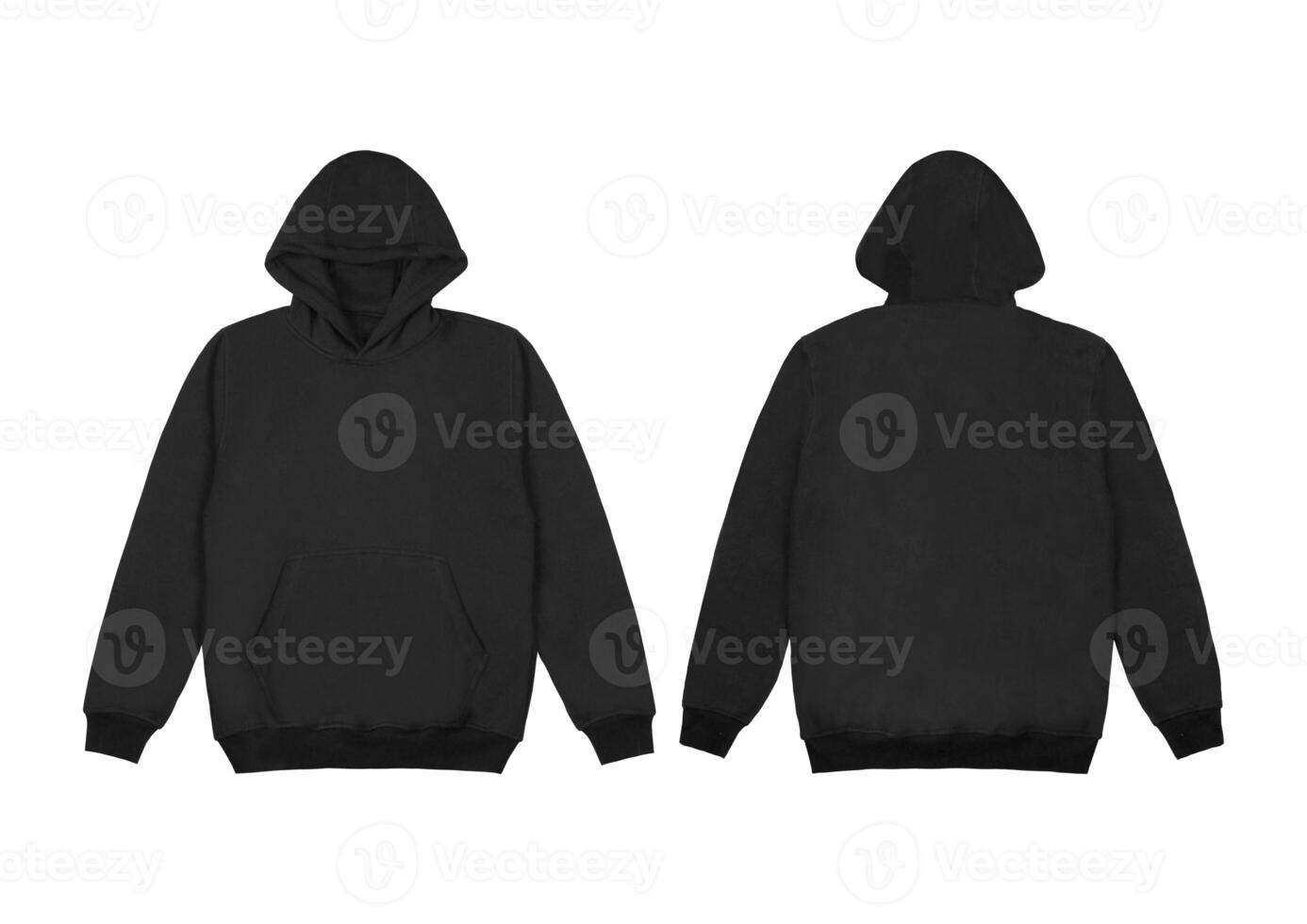
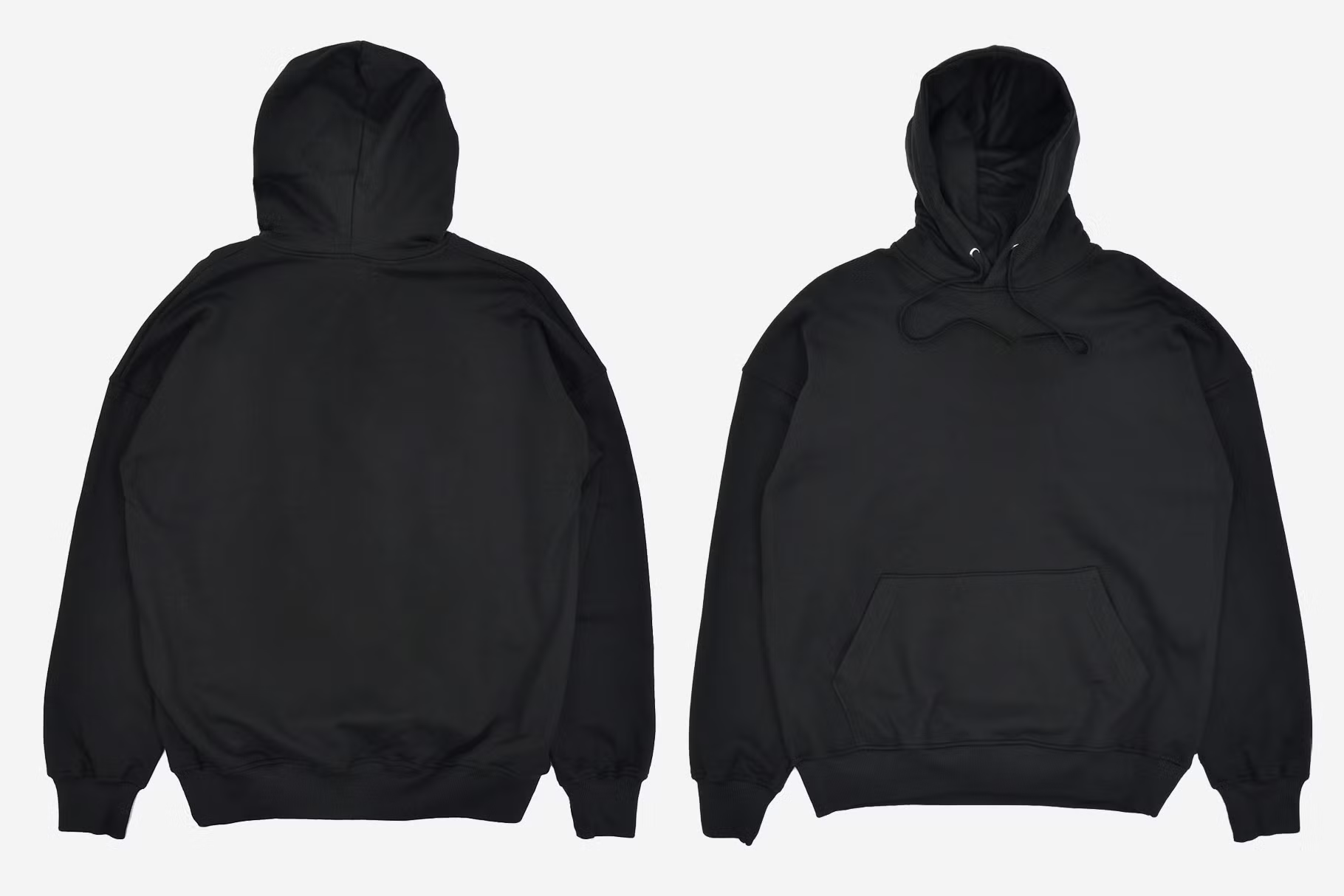
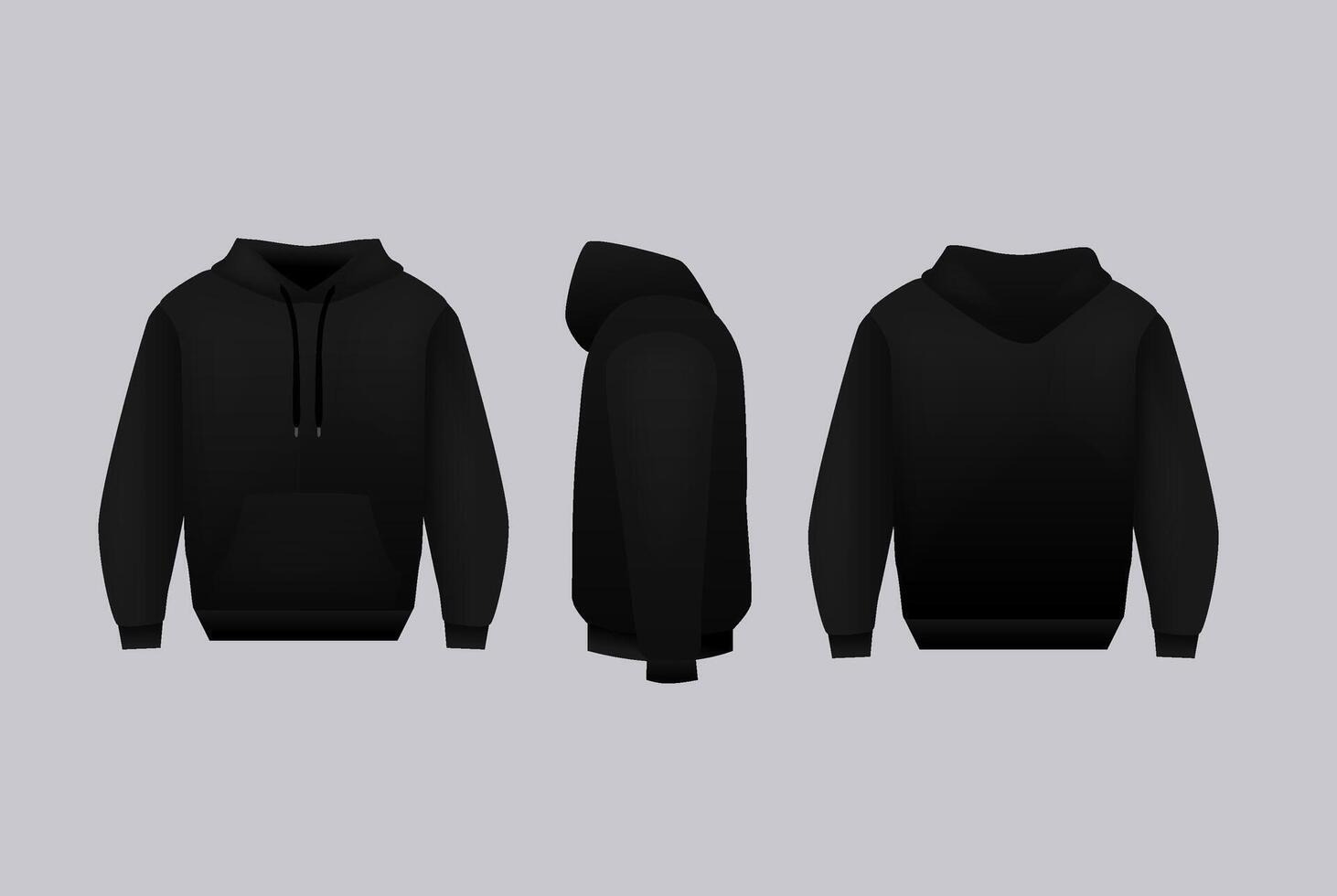
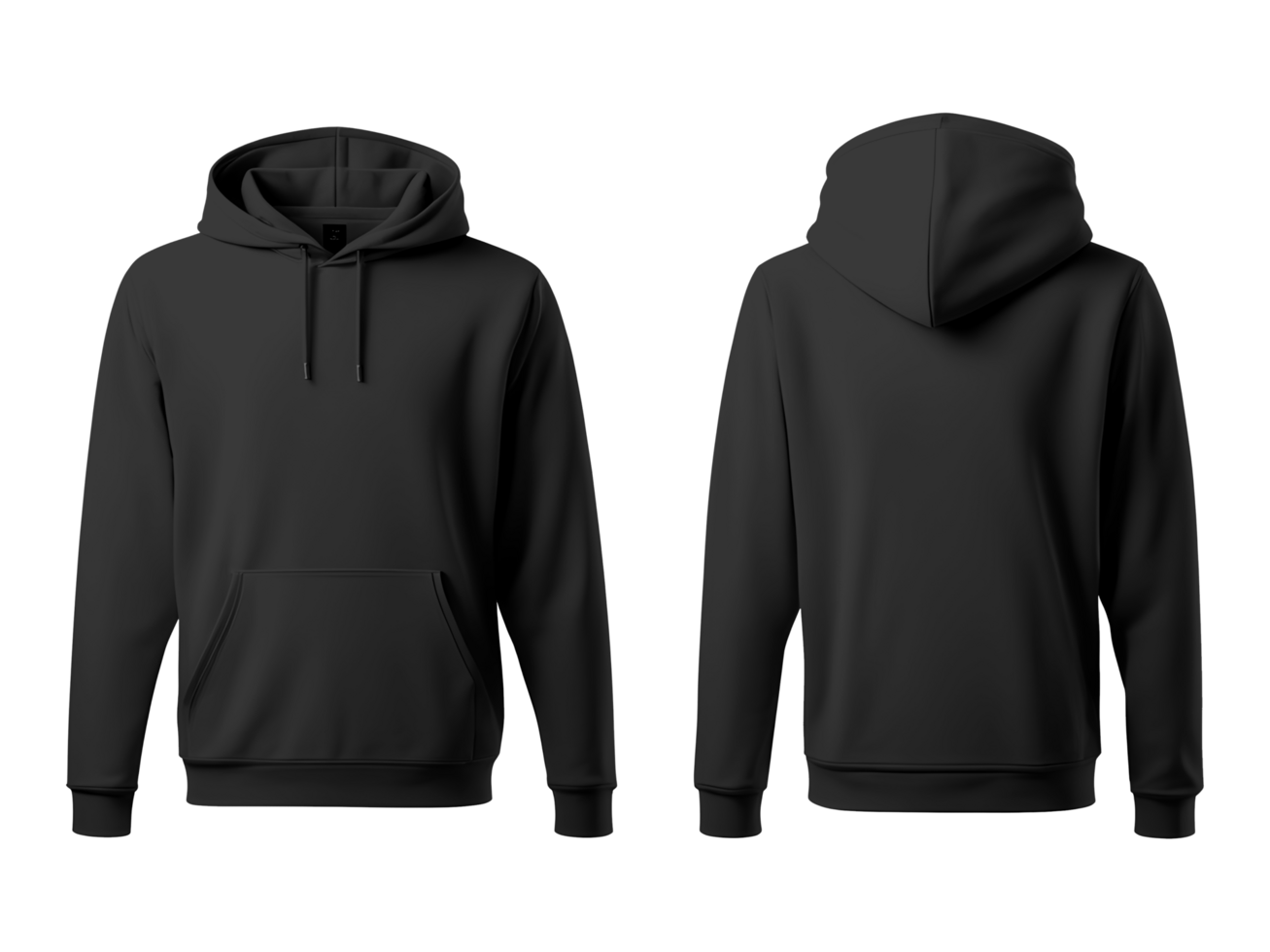
Blank Black Hoodie Template is your canvas to create striking apparel that feels personal and on-trend, whether you’re an aspiring designer, a small business owner, or a fashion enthusiast looking to express yourself. From graphic tees to corporate branding, a versatile hoodie template unlocks a world of creative possibilities while keeping production hassle-free.
The Appeal of Black Hoodie Templates

Black hoodies have become a staple in streetwear, casual wear, and corporate livery alike. Their neutral, sleek look serves as the perfect backdrop for vibrant graphics, subtle logos, or minimalist typographic statements. By starting with a high-quality Blank Black Hoodie Template, you eliminate the need to source and photograph a physical garment for each design iteration, saving time and ensuring consistency across your portfolio.
Types of Blank Hoodie Templates

Digital Mockups
Digital mockups are layered files, usually in Photoshop or Illustrator format, that let you insert your design onto a realistic 3D representation of a hoodie. These files come with editable layers for the front, back, sleeves, and pockets, allowing for quick iteration and client previews.
3D Rendered Templates
3D templates generate photorealistic images that can be rotated, zoomed, or placed in virtual scenes. They’re ideal for e‑commerce listings and marketing materials where a dynamic look can increase conversion rates.
Printable Templates
Printable templates are PDF or high-resolution JPEG files ready for direct printing on blank hoodies. These are often used in print‑on‑demand workflows where you provide the file to a supplier, who handles the physical production.
Step‑by‑Step: How to Use a Blank Black Hoodie Template
1. Choose the Right Format
Identify the project’s needs: a web showcase may benefit from a 3D render, while an order‑to‑print workflow calls for a printable template. Select a file that aligns with your workflow and skill set.
2. Import Into Design Software
Open your template in Photoshop, Illustrator, or a compatible editor. Familiarize yourself with the layer structure—typically Front, Back, Sleeve, and Pocket layers.
3. Craft Your Design
Use vector graphics for logos and sharp lines; raster images for detailed artwork. Pay attention to bleed—extend graphics 0.125″ beyond the trim area to avoid white edges after cutting.
4. Adjust for Fabric Characteristics
Black fabrics absorb heat and can distort colors. Apply a subtle gray overlay to simulate shadowing, or use a subtractive color model to ensure the final print remains true to your vision.
5. Export and Test
Export your final artwork in the format required by your printer—often a PDF/X-1a or PNG with a transparent background. Print a test swatch to verify color accuracy and placement before full production.
Design Tips for Impactful Hoodies

Keep It Simple
Because hoodies have a large surface area, complex designs can become cluttered. Opt for a focal point—such as a bold logo or a single statement—anchored by minimal accents.
Use Contrast Wisely
Bright or metallic colors pop against black, but too many hues can overwhelm. Stick to one or two primary colors and use white or gray for highlights to maintain readability.
Think About Placement
Front center placement works for brand logos; the back is ideal for large graphic statements. Sleeves are great for subtle tags or small logos that add a layer of intrigue.
Incorporate Brand Identity
Integrate brand fonts, color palettes, and imagery consistently. This ensures your hoodie not only looks good but also strengthens brand recall.
Printing Methods that Pair Well With Hoodie Templates

Sublimation
Sublimation inks penetrate polyester fibers, making the print appear part of the fabric. Ideal for all-over designs on fully synthetic hoodies.
Screen Printing
Traditional screen printing delivers crisp lines and vibrant colors. Best for limited color palettes and smaller orders.
Direct-to-Garment (DTG)
DTG allows for detailed, multi-colored prints on a wide range of fabrics, including cotton blends. It’s perfect for complex illustrations or photo-based artwork.
Heat Transfer
Heat transfer vinyl and paper offer flexibility for small batches and personalized items. This method is cost-effective for custom orders.
Real-World Examples

Streetwear Drop
A boutique streetwear brand used a Blank Black Hoodie Template to showcase a limited‑edition graphic that featured a retro comic book style. By keeping the design centered and bold, they captured the attention of social media audiences and drove rapid sell‑outs.
Café Uniforms
Local cafés adopted a minimalist logo on the back of a black hoodie, pairing it with a subtle pocket tag. The template ensured consistency across all employee apparel, reinforcing brand cohesion without excessive cost.
Event Merchandise
Music festivals often offer commemorative hoodies. Using a template with a high‑resolution festival logo on the front and the event date on the back creates a keepsake that attendees cherish and share online.
Where to Find High‑Quality Templates

While many graphic designers create their own templates, there are numerous reputable marketplaces offering downloadable, editable files. Ensure that the template includes:
- Layered PSD or AI files with clear naming conventions
- High resolution (300 dpi) for print use
- Accurate color profiles (CMYK for printing, RGB for web)
- Documentation on layer usage and export guidelines
Legal Considerations When Using Templates

Even a blank template can carry licensing terms. Always read the license to verify:
- Commercial or non‑commercial usage rights
- Modifications allowed or restricted
- Resale or redistribution permissions
When in doubt, contact the creator or vendor for clarification. A clear license prevents costly legal disputes down the road.
Frequently Asked Questions

Can I print a full‑color photo on a black hoodie?
Yes, but the result will depend on the printing method. DTG and sublimation work best for detailed photos. Keep in mind that dark fabrics absorb ink, potentially muting colors if not properly saturated.
Is it better to use a vector or raster design?
Vectors scale cleanly and are ideal for logos or text. Raster images are suited for complex artwork but should be at a minimum of 300 dpi to avoid pixelation when enlarged.
What is the advantage of using a template over a physical sample?
Templates eliminate the need to physically produce a prototype for each design iteration. This saves time, reduces costs, and provides a consistent visual reference for clients.
Conclusion

Mastering the use of a Blank Black Hoodie Template equips you to produce high‑impact apparel efficiently. Whether you’re launching a brand, creating custom merchandise, or experimenting with personal projects, a well‑crafted template serves as the foundation for creativity, precision, and professionalism. By selecting the right template format, following design best practices, and understanding the printing techniques that best complement your vision, you can turn a simple black hoodie into a powerful marketing tool or a cherished wardrobe staple.