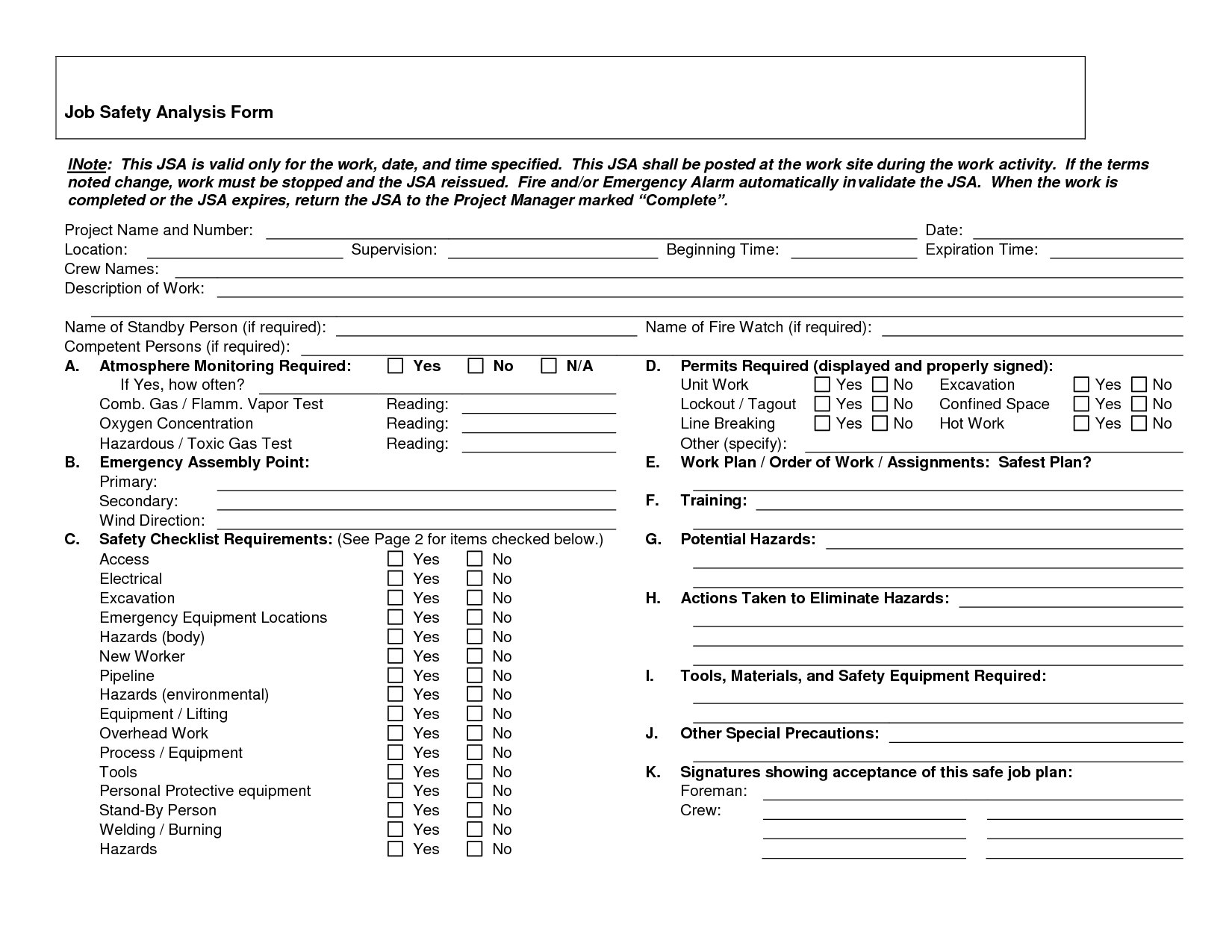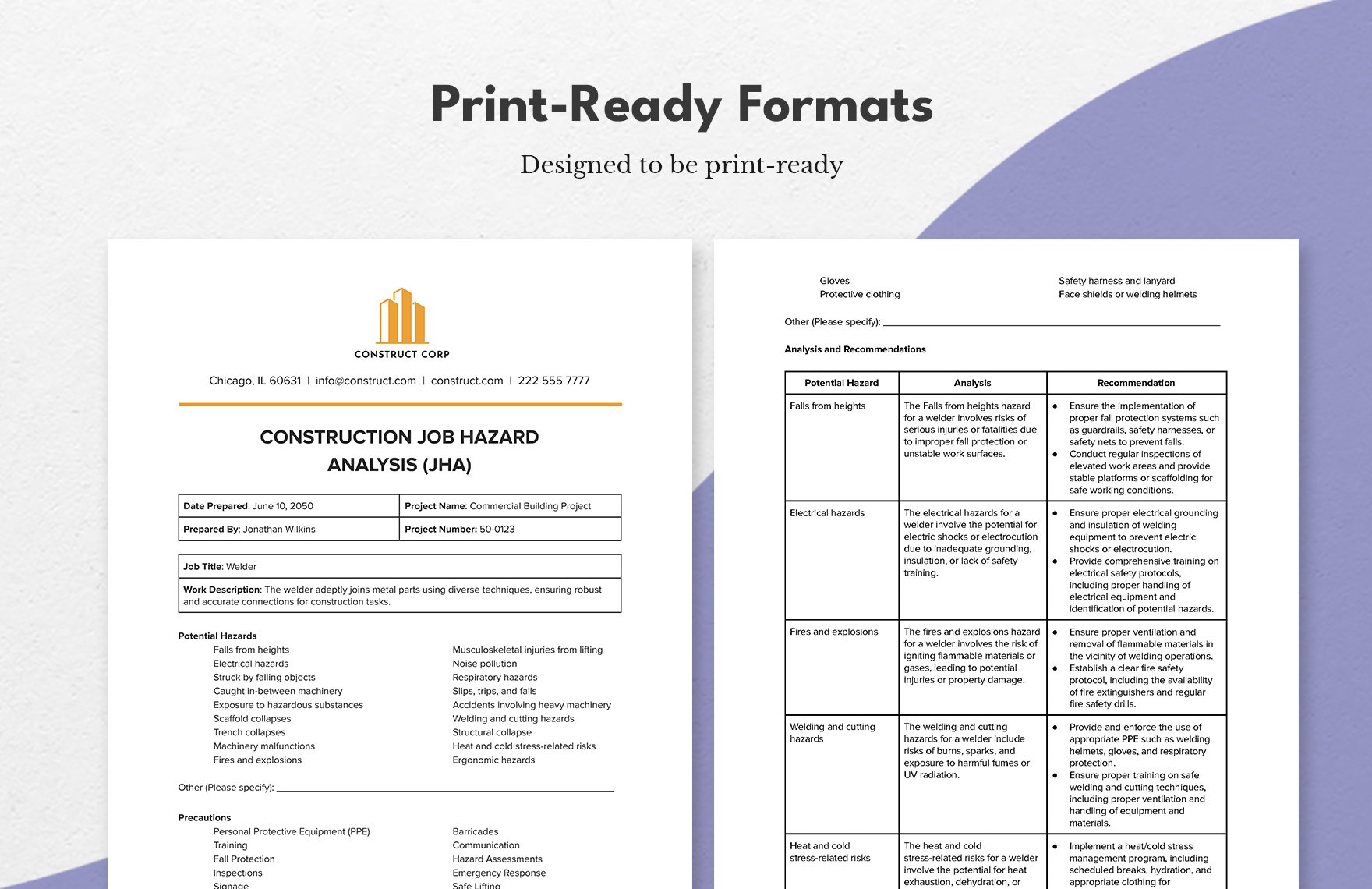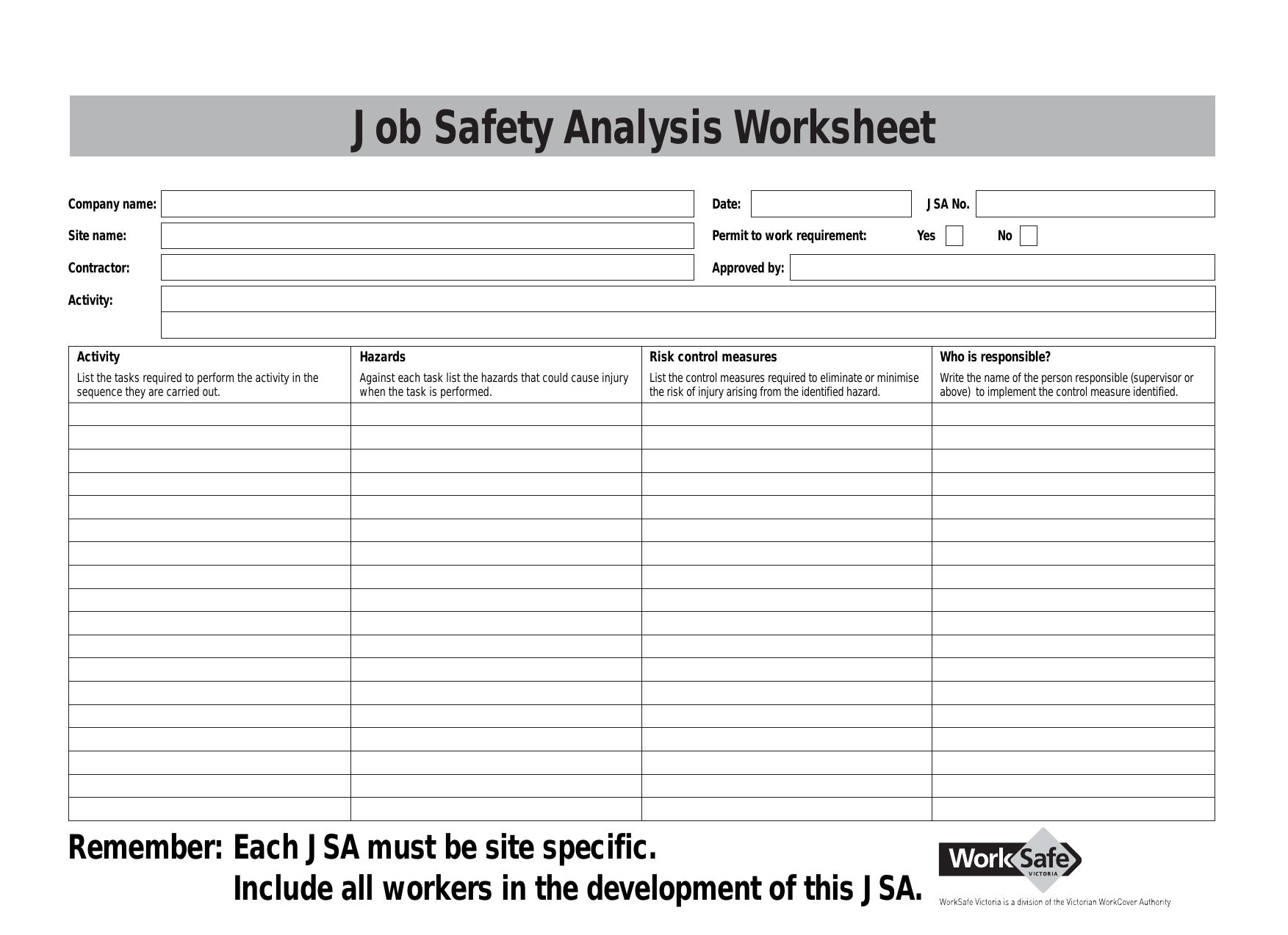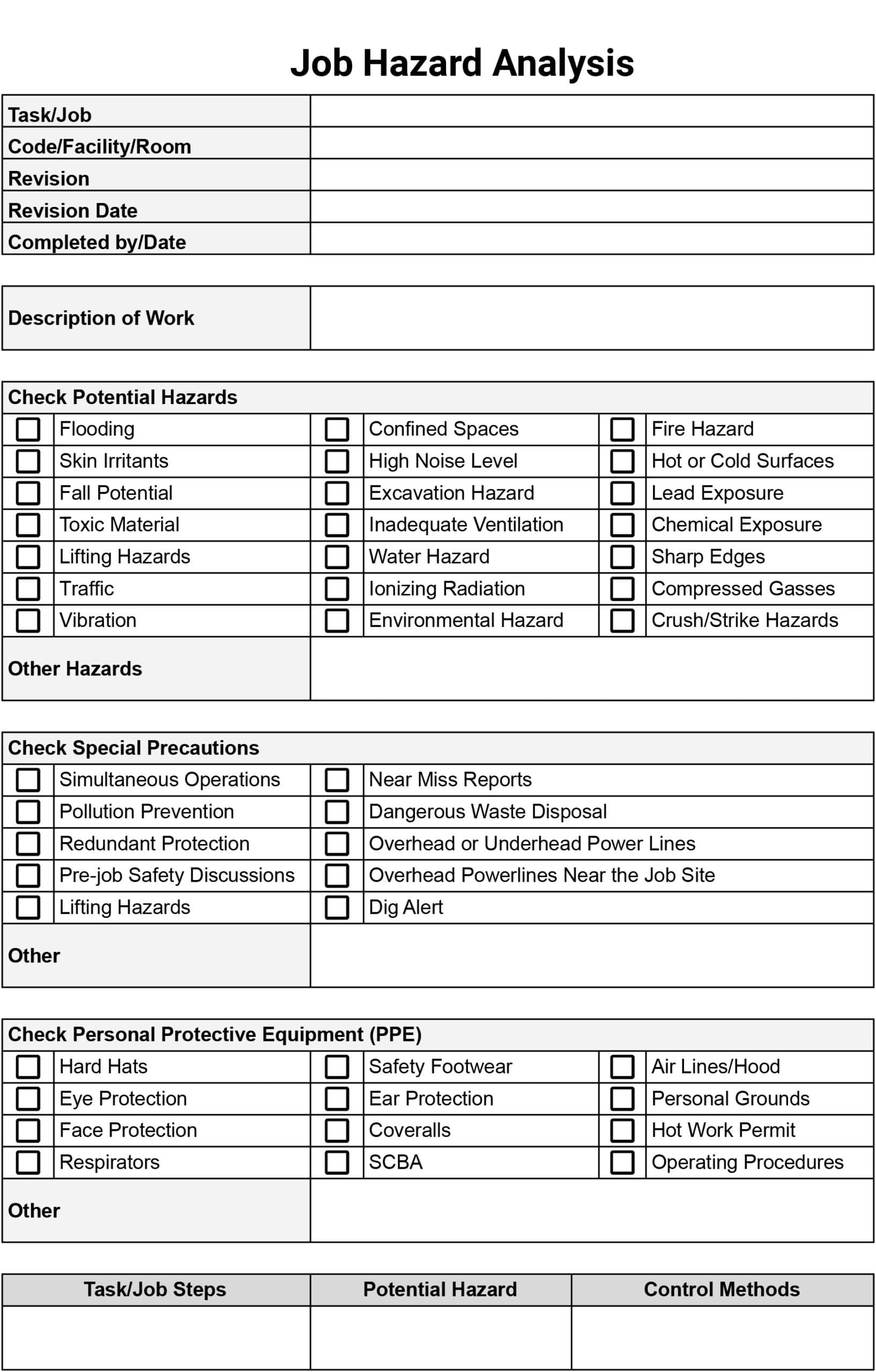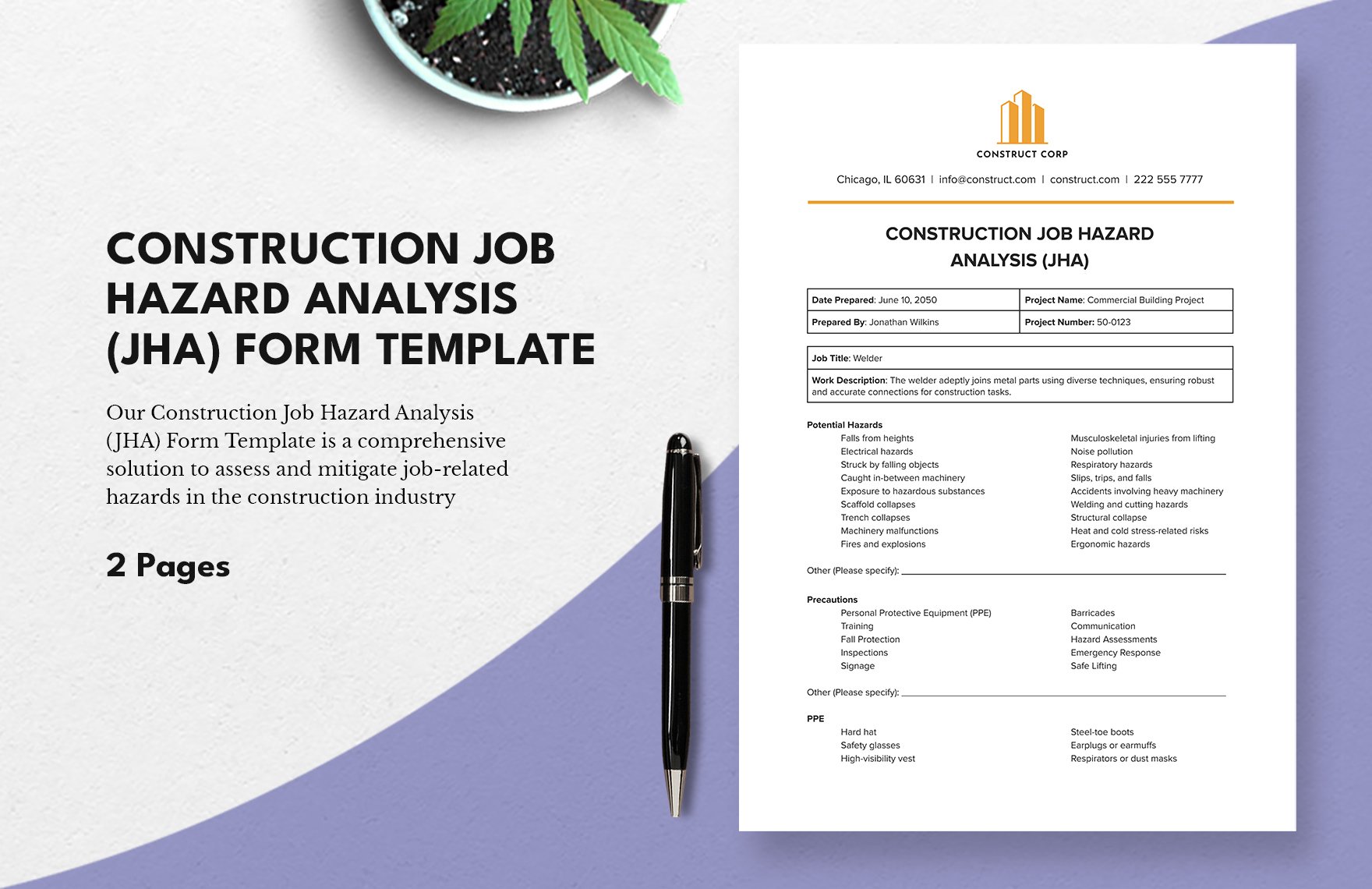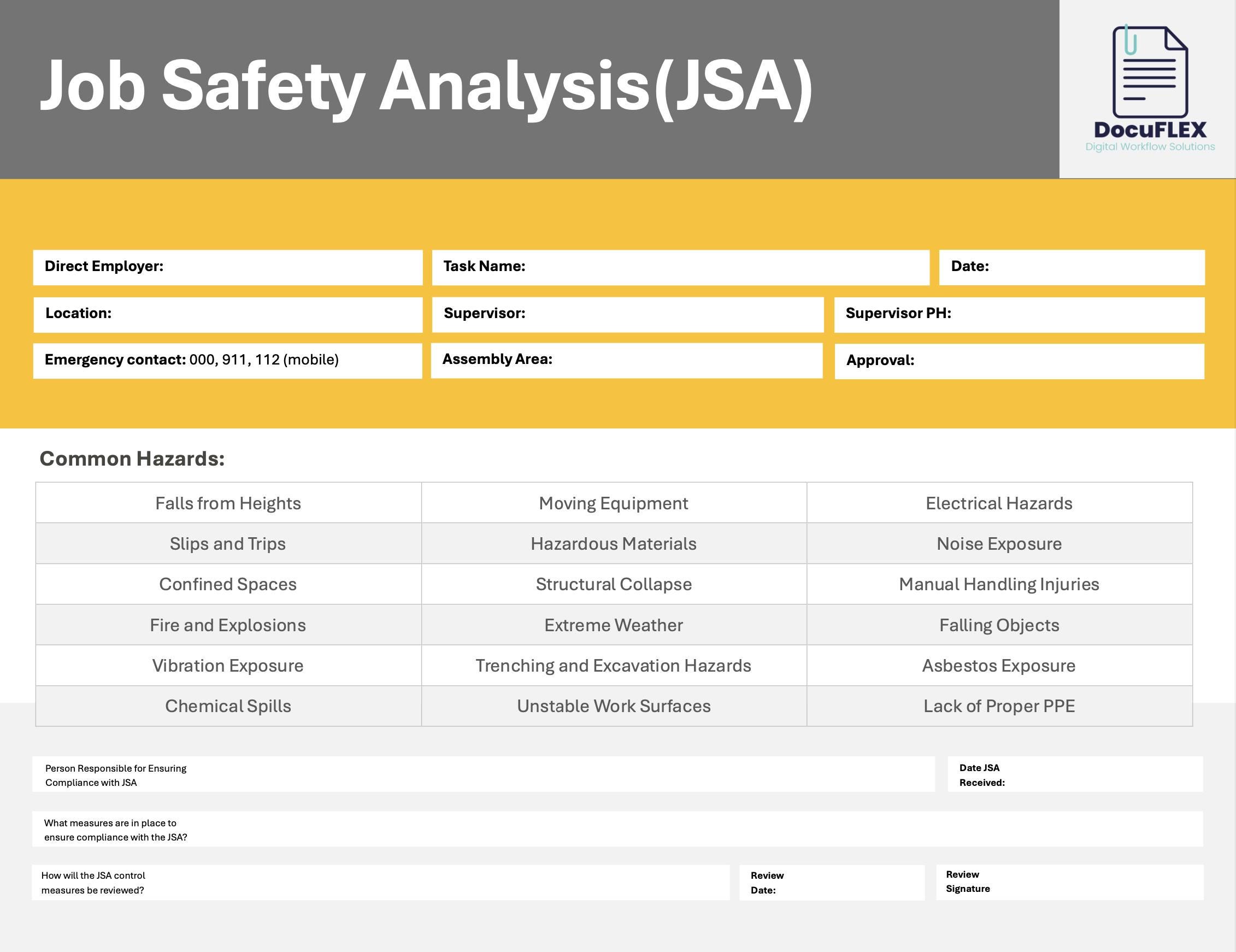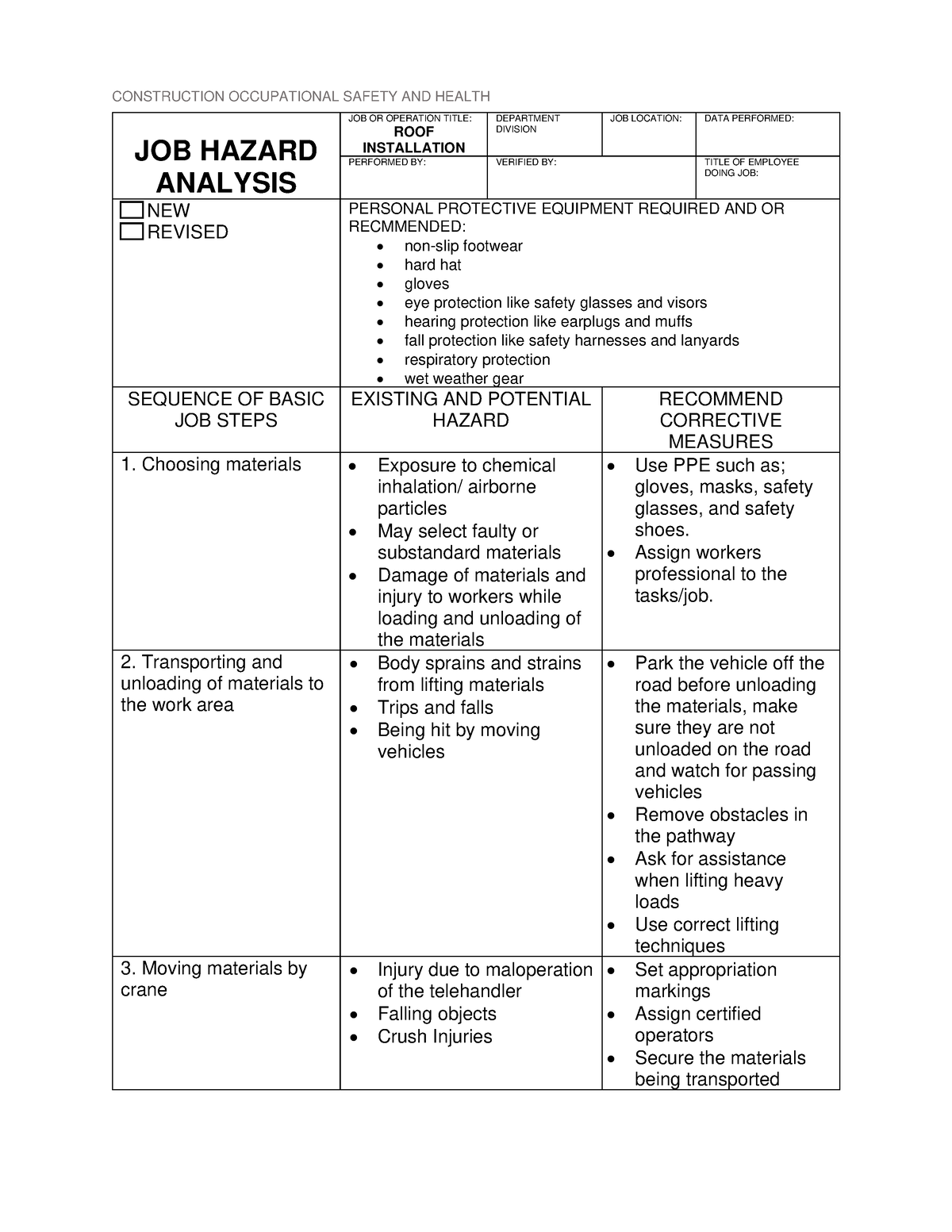
Job Safety Analysis In Construction Template is the superhero cape that every site manager wishes they could fling over their crew, because nothing says “I care about safety” like a neatly organized, jargon‑free checklist that even a hard‑hat wearing dad can read without needing a translator. If you’ve ever tried to explain why a “safety moment” is more than just a coffee break, you know that a solid JSA template can turn chaos into choreography, and that’s exactly what we’re diving into – with a side of humor, because safety doesn’t have to be as dry as the concrete you’re about to pour.
Why a JSA Template Is the Construction World’s Secret Weapon
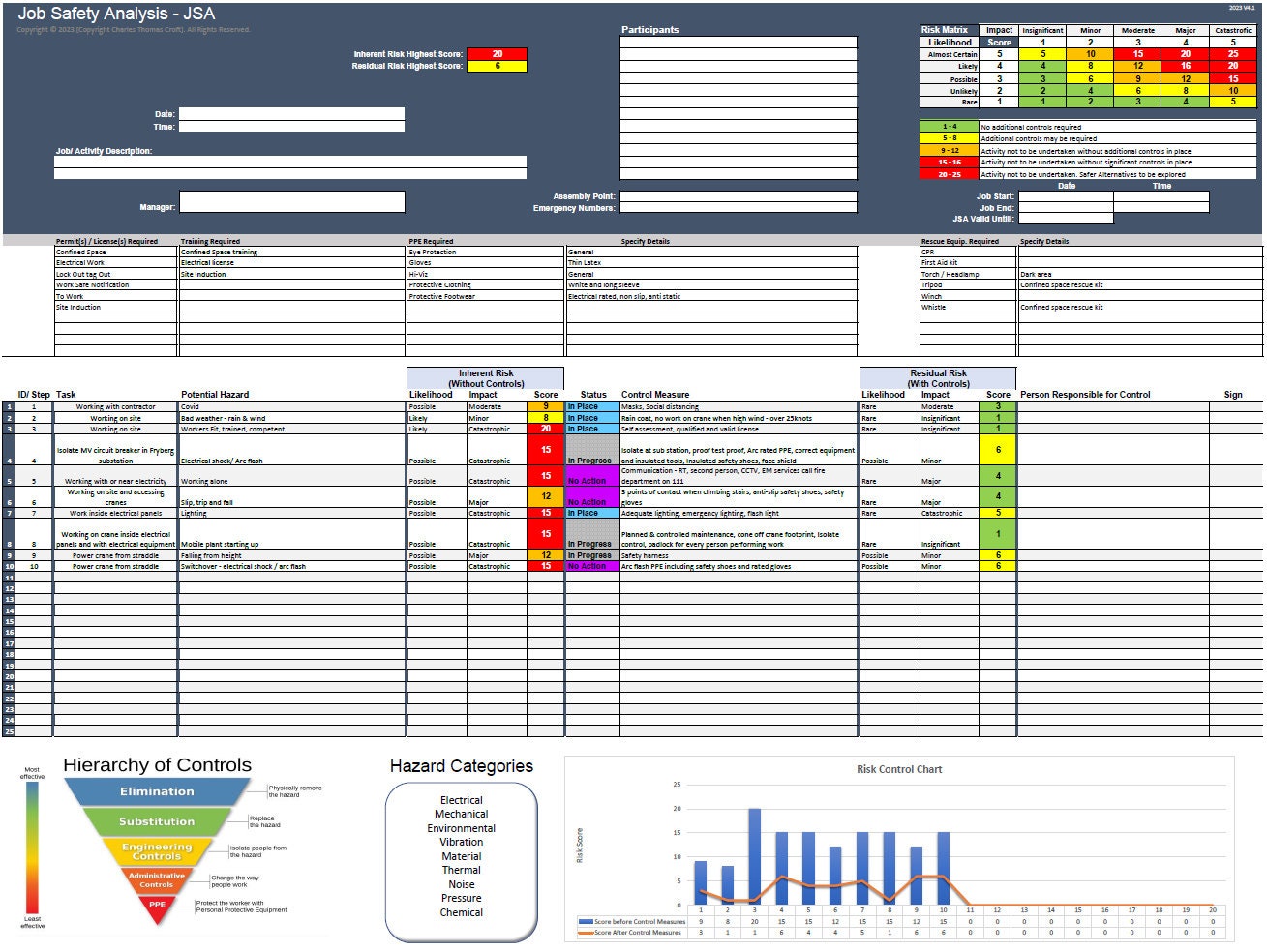
Imagine trying to assemble IKEA furniture without the little picture guide – you’d end up with a bookshelf that looks like a modern art sculpture, and probably a few bruised egos. A Job Safety Analysis In Construction Template does the same for construction projects: it provides a visual roadmap that tells workers where the hazards hide, how likely they are to strike, and what to do when they do. The benefits are as clear as a freshly painted wall:
- Consistency: Every foreman, subcontractor, and intern follows the same format, so no one gets lost in translation.
- Compliance: Regulators love a tidy spreadsheet that proves you’ve thought about every risk, from falling tools to rogue seagulls.
- Efficiency: When hazards are identified early, you avoid costly re‑work, overtime, and the dreaded “who‑dun‑it” investigations.
- Morale Boost: Workers feel valued when you actually show them you care about their safety, not just your profit margin.
Core Components of an Effective JSA Template

Let’s break down the anatomy of a top‑notch JSA template. Think of it as the pizza of safety documentation – each topping (or section) adds flavor, and you don’t want to skip the cheese.
Task Description
Start with a crisp, jargon‑free description of the job. Instead of “excavation of trench #3,” write “dig a 4‑foot deep trench for utility conduit along the east side of the lot.” The more specific you are, the fewer brain‑farts happen later.
Hazard Identification
This is where you channel your inner detective. List every possible hazard, from obvious ones like “fall from height” to sneaky ones like “heat stress on a humid day.” Use bullet points for clarity:
- Falls from ladders or scaffolding
- Contact with energized power lines
- Heavy equipment pinch points
- Dust inhalation and silica exposure
- Noise-induced hearing loss
- Weather‑related hazards (rain, wind, heat)
Risk Assessment
Assign a probability and severity rating to each hazard. A simple color‑coded matrix works wonders: Green for low risk, Yellow for moderate, Red for high. Remember, the goal isn’t to scare workers but to prioritize mitigation.
Control Measures
Here’s the fun part – the “how‑to” of keeping everyone alive and well. For each hazard, list engineering controls (guardrails, netting), administrative controls (training, signage), and personal protective equipment (PPE). Example:
- Fall from ladders: Use a ladder with a safety cage, enforce a three‑point contact rule, and provide non‑slip shoes.
- Dust exposure: Wet‑cut concrete, supply N95 respirators, and post “dust zone” signs.
Responsibility Assignment
Who’s the safety superhero for each control? Assign names or job titles so there’s no “I thought you were doing that.” A simple table works best:
| Control | Responsible Party |
|---|---|
| Guardrail installation | Site foreman |
| PPE distribution | Safety officer |
| Daily toolbox talk | Lead carpenter |
Signature and Review Section
Never forget the signature line. It’s the legal “I swear I read this” that protects both the worker and the company. Include a date field and a spot for a supervisor’s stamp of approval.
How to Customize the Template for Your Specific Project

One size does not fit all, unless you’re talking about a one‑size‑fits‑all hat that nobody actually wears. Tailor your JSA template to the unique quirks of each project by following these steps:
Step 1: Conduct a Site Walk‑Through
Before you even open a spreadsheet, stroll the site like a detective in a crime drama. Look for hidden hazards: uneven ground, nearby traffic, or that stray pigeon that seems to have taken up residence on the scaffolding. Take notes, snap photos, and ask the crew for their “got‑cha” stories.
Step 2: Involve the Front‑Line Workers
Workers on the ground know the most practical ways to avoid a mishap. Host a quick huddle, hand out sticky notes, and let them write down any hazard they’ve encountered in the past. Their input often uncovers the “unknown unknowns” that a manager might overlook.
Step 3: Adjust the Risk Matrix
If your project is a high‑rise building in a windy city, you might bump up the severity rating for wind‑related falls. Conversely, a small renovation on a quiet street might get a lower probability score for traffic accidents. Flexibility is key.
Step 4: Add Project‑Specific Controls
Maybe you need a “no‑horn” policy during concrete pours to avoid startling crane operators, or a “rain‑delay” clause for exposed steel work. Insert these unique controls into the template so they’re not forgotten when the deadline looms.
Step 5: Review and Iterate
After the first week, gather feedback. Did a control measure fail? Did a new hazard appear? Update the template, sign off again, and keep the cycle rolling. Think of it as a living document, not a dusty PDF that collects cobwebs.
Funny Yet Practical Tips to Keep the JSA Process Light‑Hearted
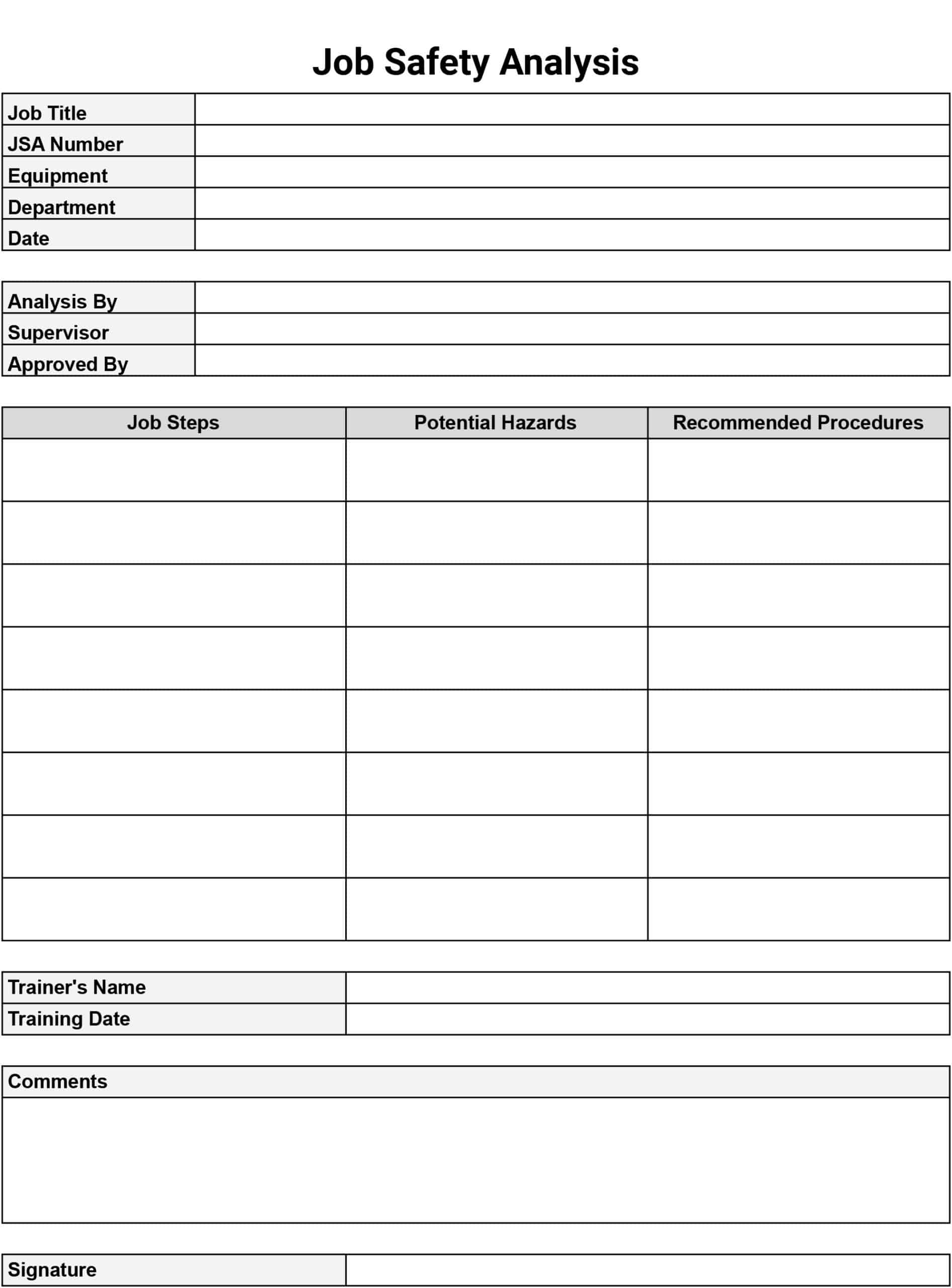
If you want your crew to actually read the JSA and not treat it like a bedtime story, sprinkle in some humor. Here are proven (and slightly mischievous) tactics:
Use Silly Icons
Replace the standard “danger” triangle with a cartoon skull wearing a hard hat. It catches the eye and makes the hazard memorable without being terrifying.
Gamify the Review
Turn the JSA sign‑off into a quick quiz. First person to answer three safety questions correctly gets a free coffee or a “Safety Ninja” badge. Competition fuels engagement.
Storytelling
Share a short, exaggerated anecdote about a “near‑miss” that turned into a comedy of errors. For example, “Remember the time Bob tried to climb a ladder with his lunchbox? The sandwich fell, but the ladder didn’t – thanks to the three‑point rule!” Laughter reinforces the lesson.
Safety Memes
Print a meme on the toolbox talk board: “I’m not saying you’re clumsy, but the safety harness is not a fashion accessory.” A chuckle can break the monotony and still drive the point home.
Common Pitfalls and How to Avoid Them

Even the best‑intentioned JSA can fall flat if you slip into these traps:
Over‑Complicating the Form
Too many columns, tiny fonts, and legalese turn the template into a bedtime story for accountants. Keep it concise: one page per task, clear language, and plenty of white space.
Skipping the “Why”
Just ticking boxes without explaining the rationale leads to half‑hearted compliance. Always add a short “Why?” line under each control – it reminds workers that the guardrail isn’t just for show.
Neglecting Follow‑Up
A JSA signed on day one is useless if you never check if the controls are in place. Schedule spot checks, and if you find a missing PPE, address it immediately. A quick “Did you remember your goggles?” can prevent a costly eye injury.
Assuming One‑Size‑Fits‑All
Applying the same template to a demolition site and a finish‑carpentry shop will miss critical hazards unique to each discipline. Customize, iterate, and never assume the same hazards apply everywhere.
Digital Tools That Make JSA Management a Breeze
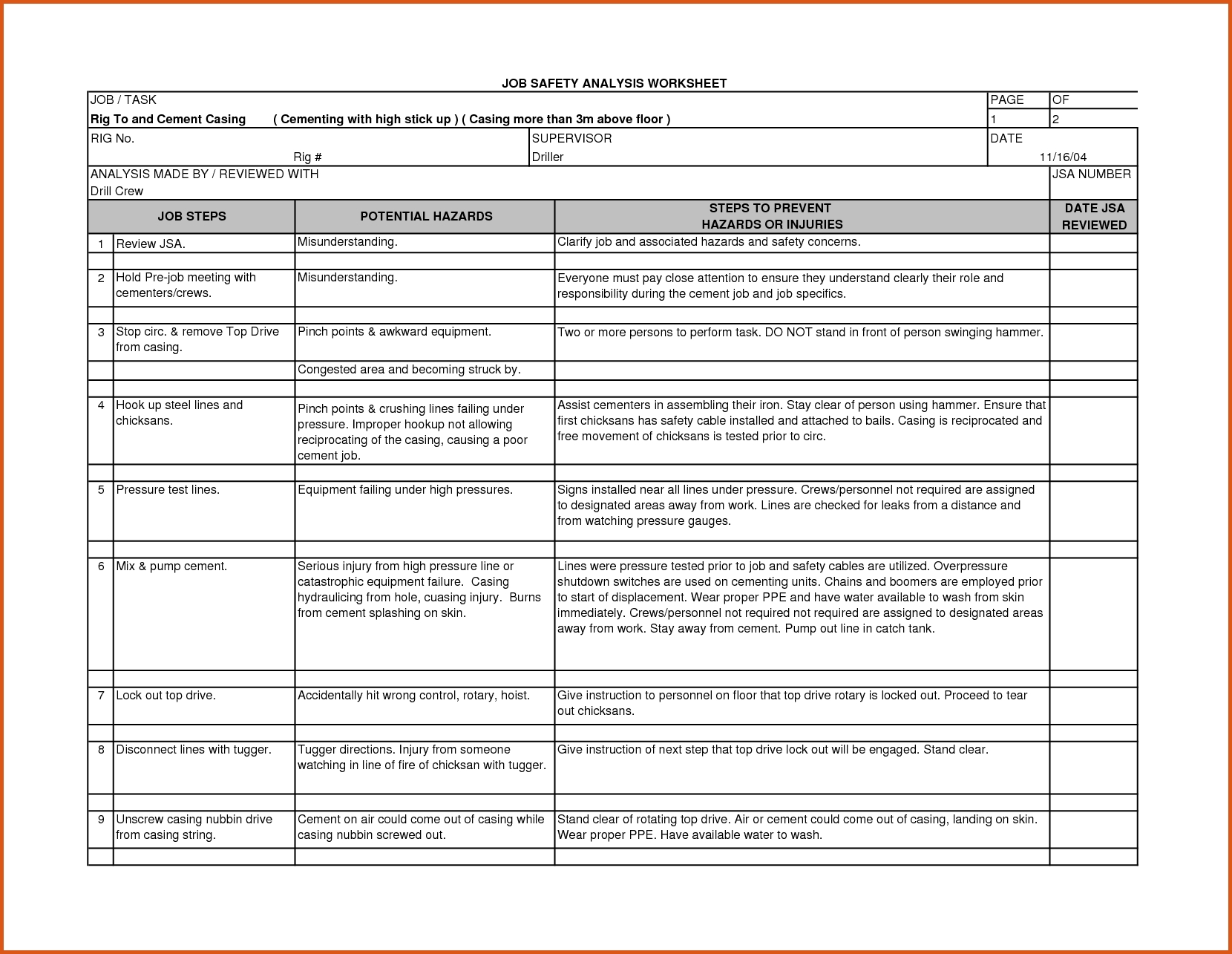
If you’re still printing out forms and filing them in a dusty cabinet, welcome to the 21st century. Here are a few digital solutions that can automate and streamline the JSA process:
Mobile JSA Apps
Apps let workers fill out, sign, and upload their analyses on tablets right at the job site. Real‑time data means supervisors can see hazards instantly and assign corrective actions.
Cloud‑Based Templates
Store your JSA template in a cloud folder (think Google Drive or SharePoint). Everyone accesses the latest version, and changes are logged automatically – no more “I used the old form” excuses.
Integration with Project Management Software
Link your JSA data to platforms like Procore or Buildertrend. When a new task is added, the corresponding JSA can be auto‑generated, ensuring safety never falls off the radar.
Automated Alerts
Set up email or SMS notifications for overdue JSA reviews, upcoming high‑risk tasks, or when a worker fails to complete a required safety training. Proactive alerts beat reactive firefighting.
Real‑World Example: From Chaos to Control on a Mid‑Rise Build
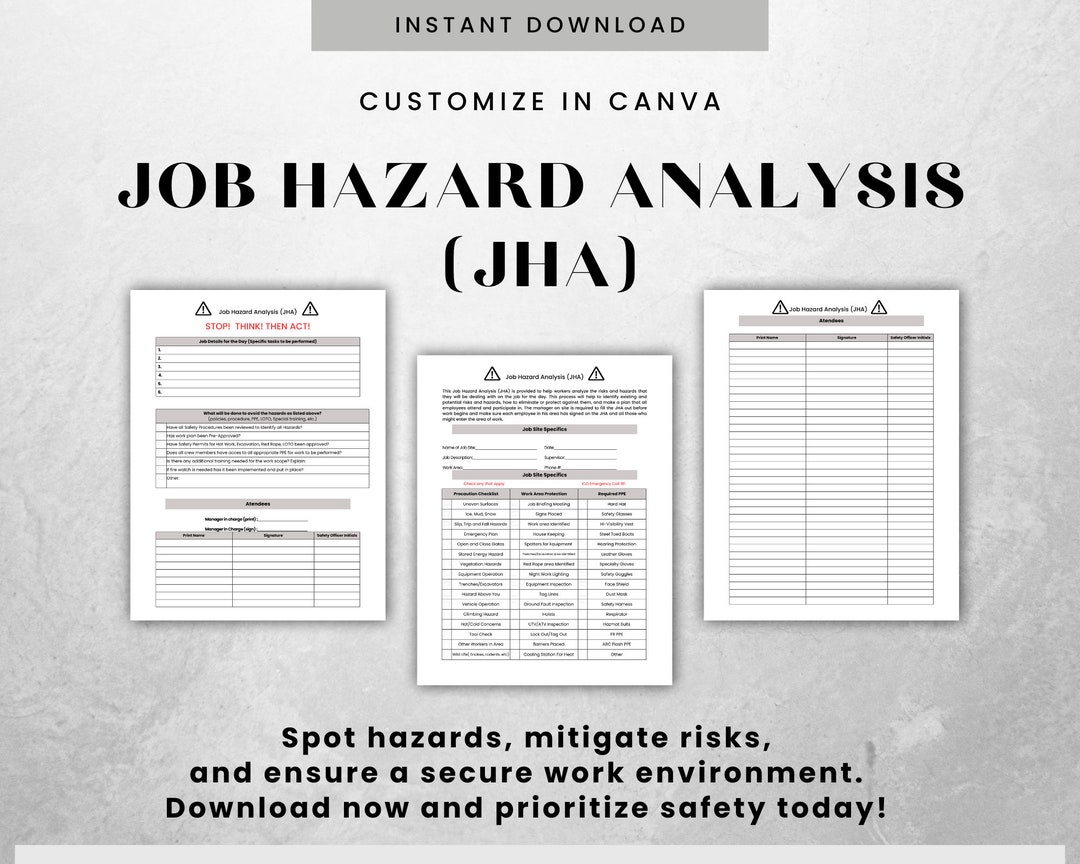
Let’s walk through a fictional yet plausible scenario to illustrate how a well‑crafted JSA template saves the day.
The Situation
A general contractor is erecting a 12‑story office tower in a bustling downtown area. The crew faces multiple hazards: crane operations near a busy street, concrete pours in windy conditions, and a tight schedule that tempts shortcuts.
The JSA in Action
- Task: Install temporary shoring for the 5th‑floor slab.
- Hazards Identified: Collapse of shoring, falling tools, crane swing path intersecting pedestrian traffic.
- Risk Assessment: Shoring collapse rated high severity, moderate probability; crane swing high severity, low probability.
- Controls Implemented:
- Engineered shoring design approved by a structural engineer.
- Daily inspection checklist signed by the site foreman.
- Barrier tape and signage to cordon off crane swing zone.
- Dedicated spotter equipped with two‑way radio.
- PPE: Hard hats, steel‑toe boots, high‑visibility vests for all workers in the zone.
- Responsibility: Foreman for shoring inspection, safety officer for signage, crane operator for swing coordination.
- Outcome: No incidents reported; the project stayed on schedule, and the client praised the “zero‑incident” safety record.
Lesson Learned
The JSA template turned a potentially chaotic operation into a well‑orchestrated routine. By clearly defining hazards, assigning responsibilities, and enforcing controls, the team avoided costly downtime and preserved morale.
Creating Your Own JSA Template in Minutes

If you’re ready to roll up your sleeves and design a template that won’t gather dust, follow this quick recipe:
Materials Needed
- Word processor or spreadsheet software (Microsoft Word, Google Sheets, Excel).
- Company branding (logo, colors) – optional but adds professionalism.
- A list of standard hazards for your trade.
- Risk matrix chart.
- Signature fields.
Step‑by‑Step Instructions
- Header Section: Insert company logo, project name, date, and a brief description of the JSA’s purpose.
- Task Description Box: Provide a single line or short paragraph describing the activity.
- Hazard Column: List each identified hazard; keep it concise.
- Risk Rating Column: Use “Low, Medium, High” or a color‑coded system.
- Control Measures Column: Detail engineering, administrative, and PPE controls for each hazard.
- Responsible Party Column: Assign names or job titles.
- Signature Row: Include lines for worker, foreman, and safety officer signatures.
- Review Footer: Add a note reminding users to revisit the JSA if conditions change.
Quick Tips for Polish
- Use bold headings for each column to improve readability.
- Keep the font size between 10‑12 points for legibility.
- Leave ample white space – a cramped template scares people away.
- Save as a template file (.dotx or .xltx) so you can reuse it with minimal effort.
Conclusion: Safety Isn’t a Chore, It’s a Celebration
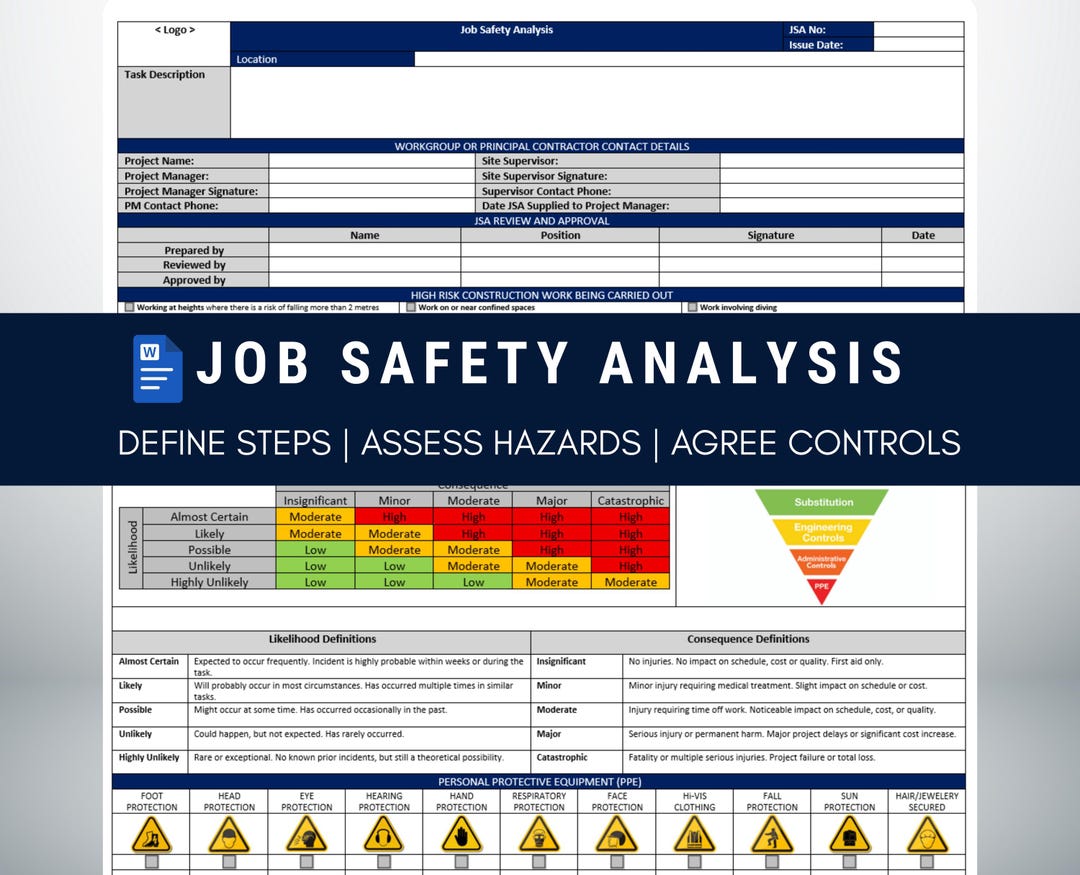
When you think of Job Safety Analysis In Construction Template, picture it not as a bureaucratic hurdle but as a party invitation for every worker to show up healthy, unscathed, and maybe even a little amused. By mastering the core components, customizing for each project, injecting humor, and leveraging digital tools, you transform safety from a checklist into a culture. The result? Fewer accidents, smoother schedules, happier crews, and the kind of reputation that makes clients line up for your next contract. So grab that template, sprinkle in a joke or two, and let the safety celebration begin – because the only thing you want to break on a construction site is a record for zero injuries.