Mechanics Job Card Template serves as the cornerstone of organized automotive maintenance, bridging the gap between technician expertise and shop efficiency. By standardizing the data captured for each repair, it streamlines workflows, reduces errors, and enhances customer confidence. In the following article we explore the anatomy of an effective job card, the tangible benefits it delivers, and practical guidance for designing, implementing, and refining one within your repair facility.
What is a Mechanics Job Card Template?

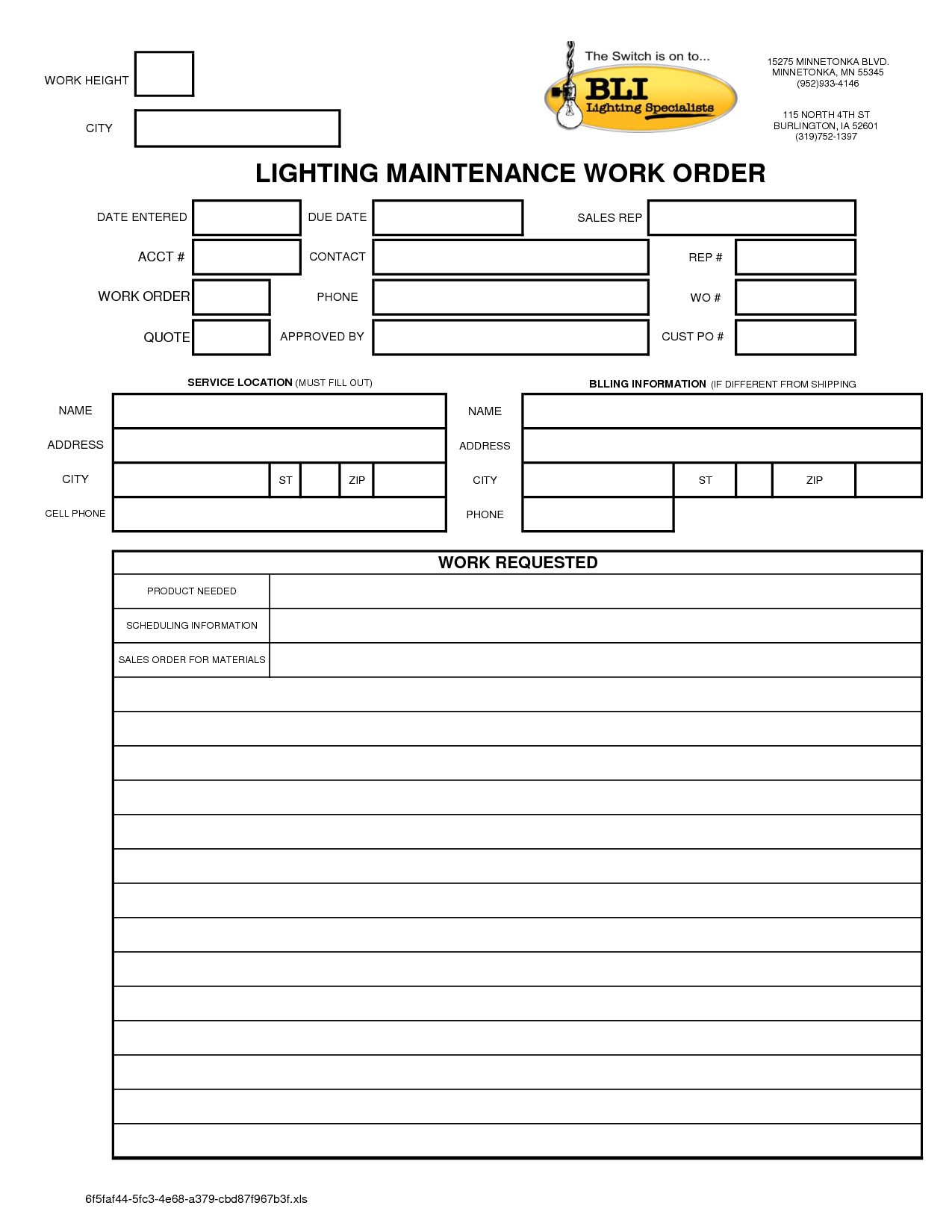
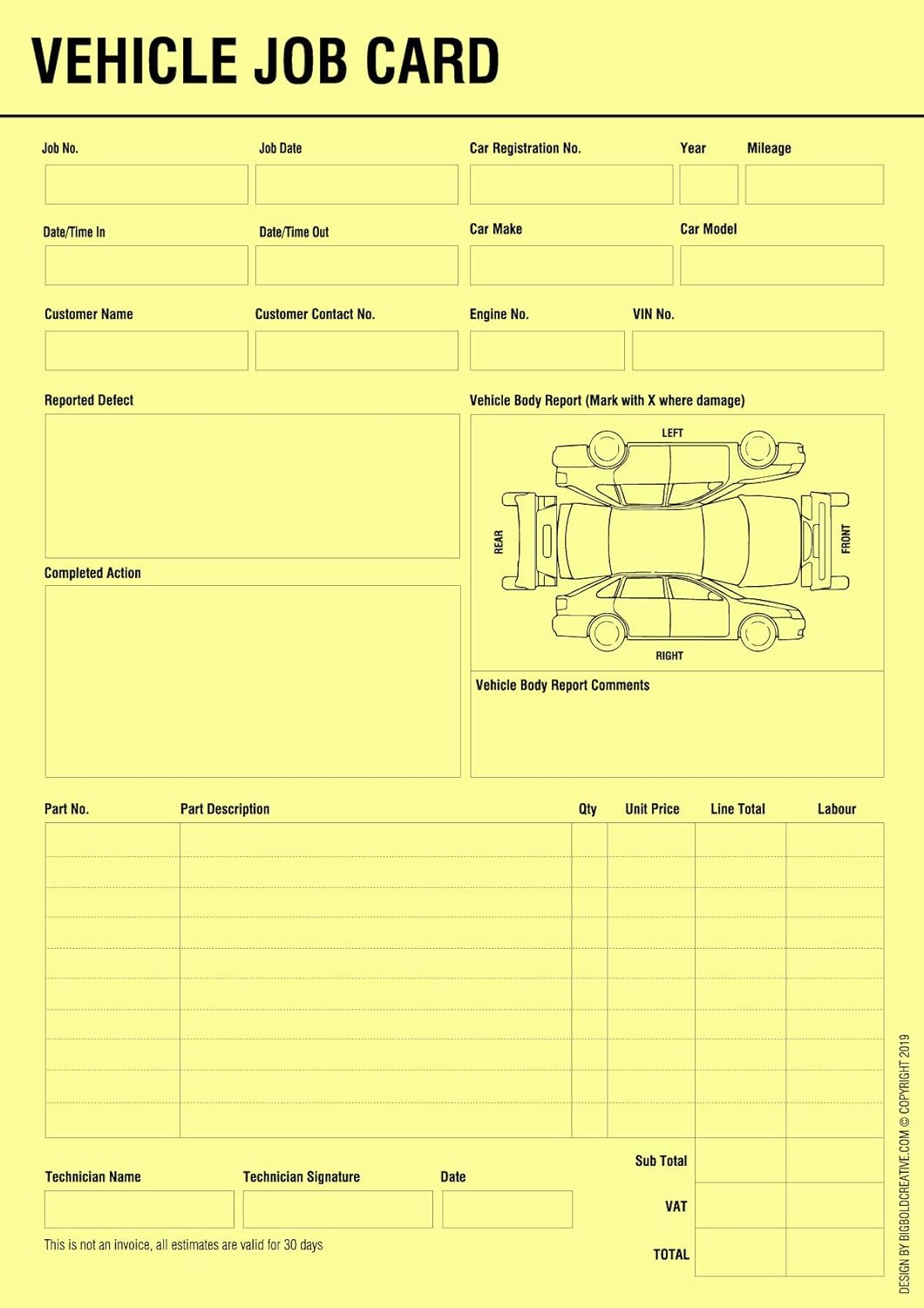
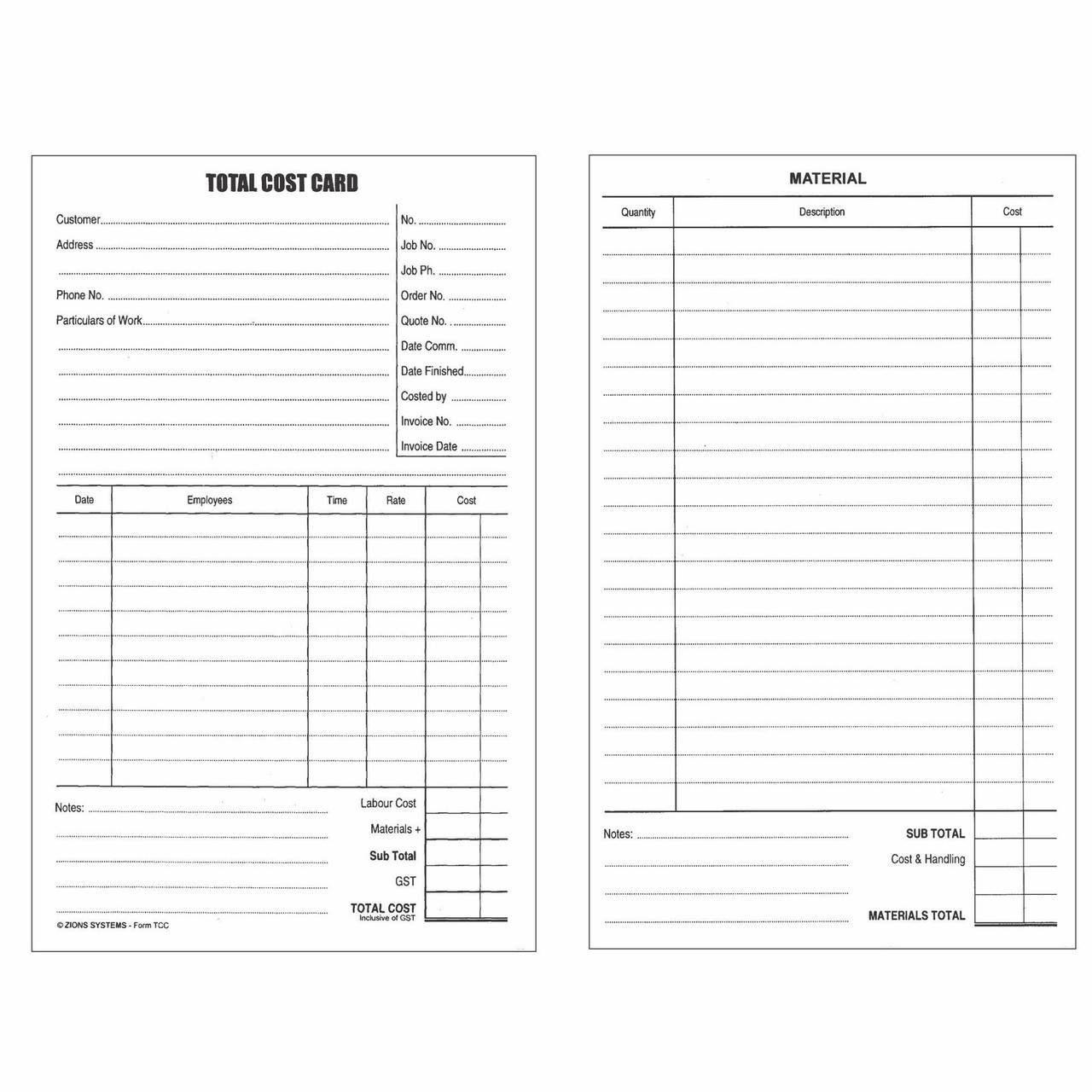
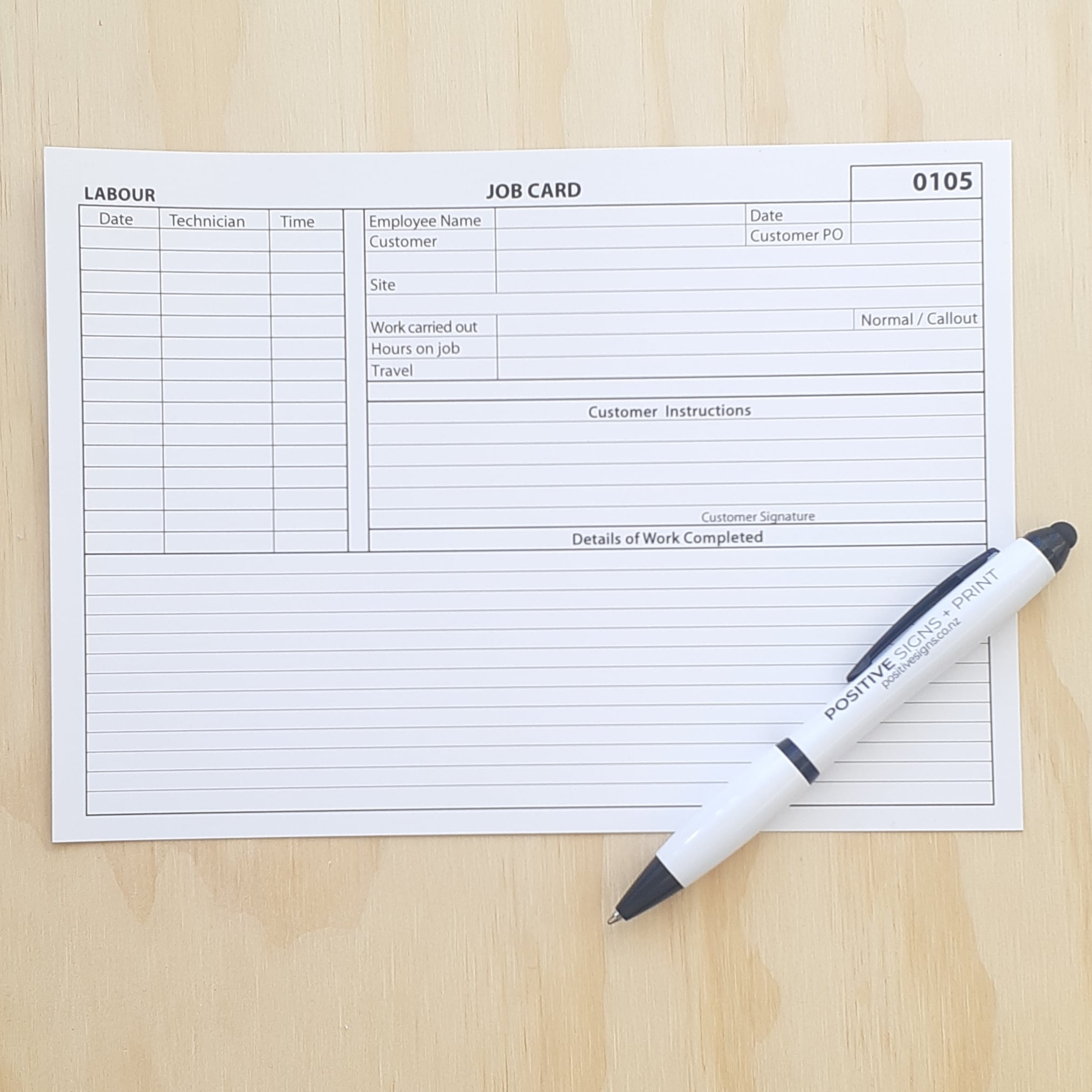
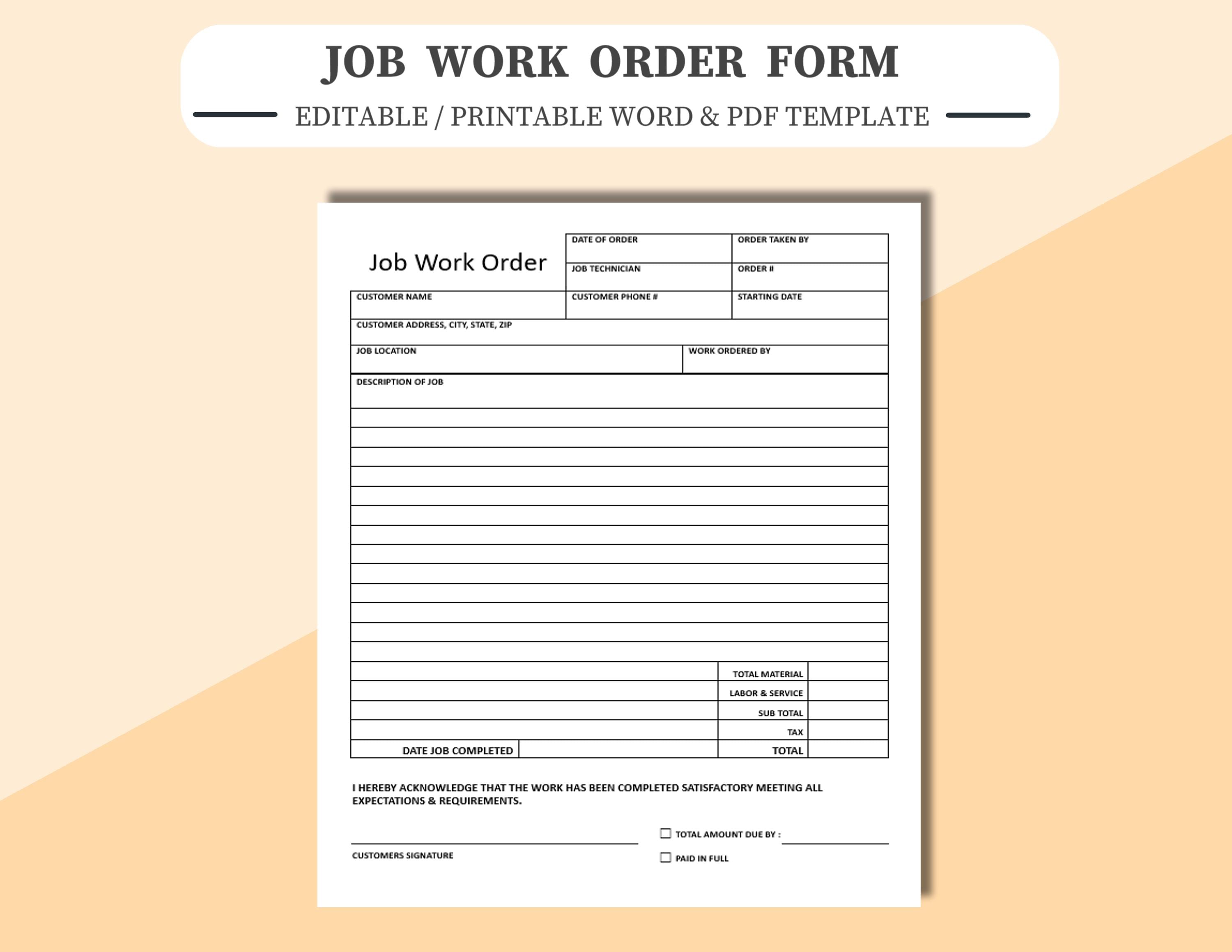
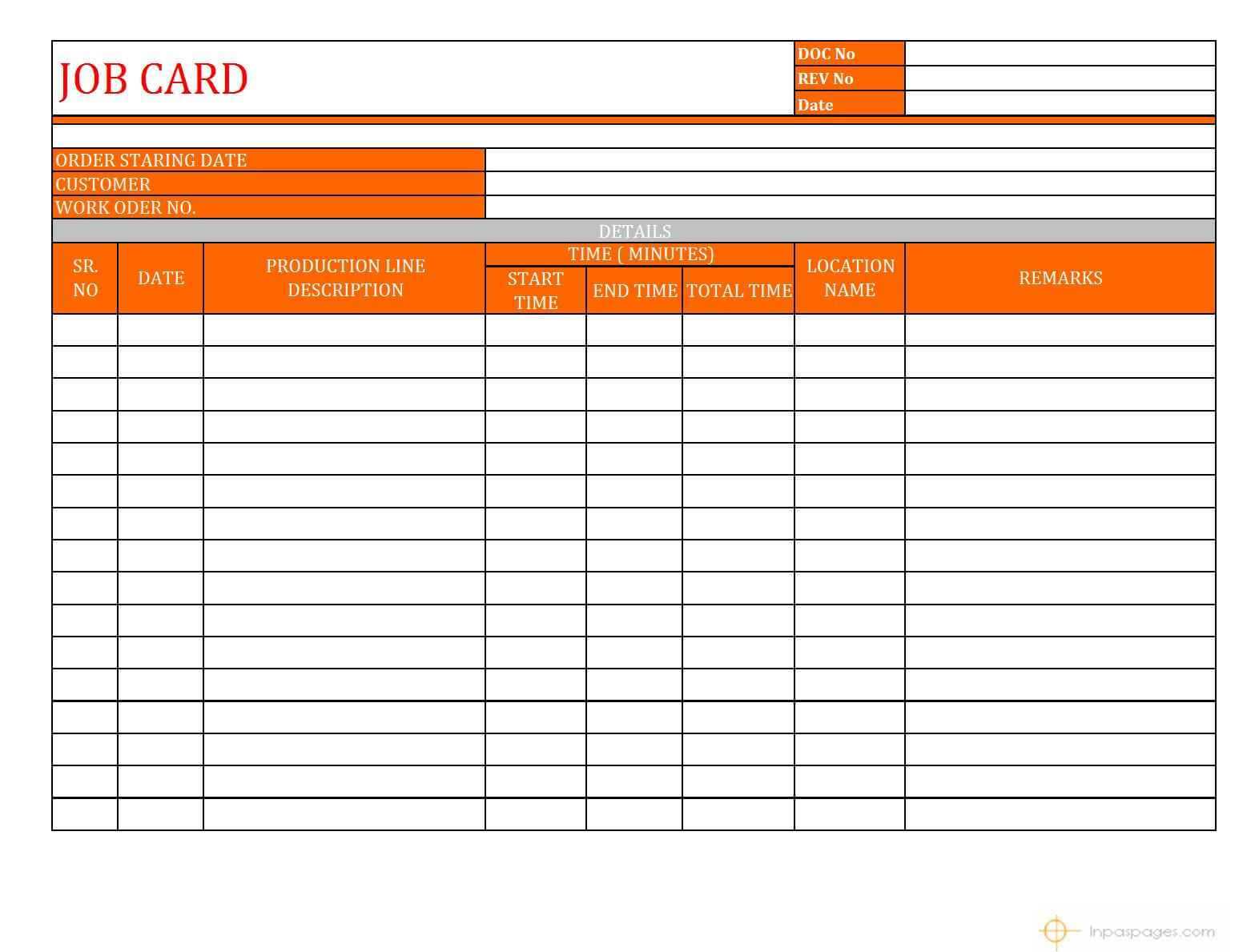
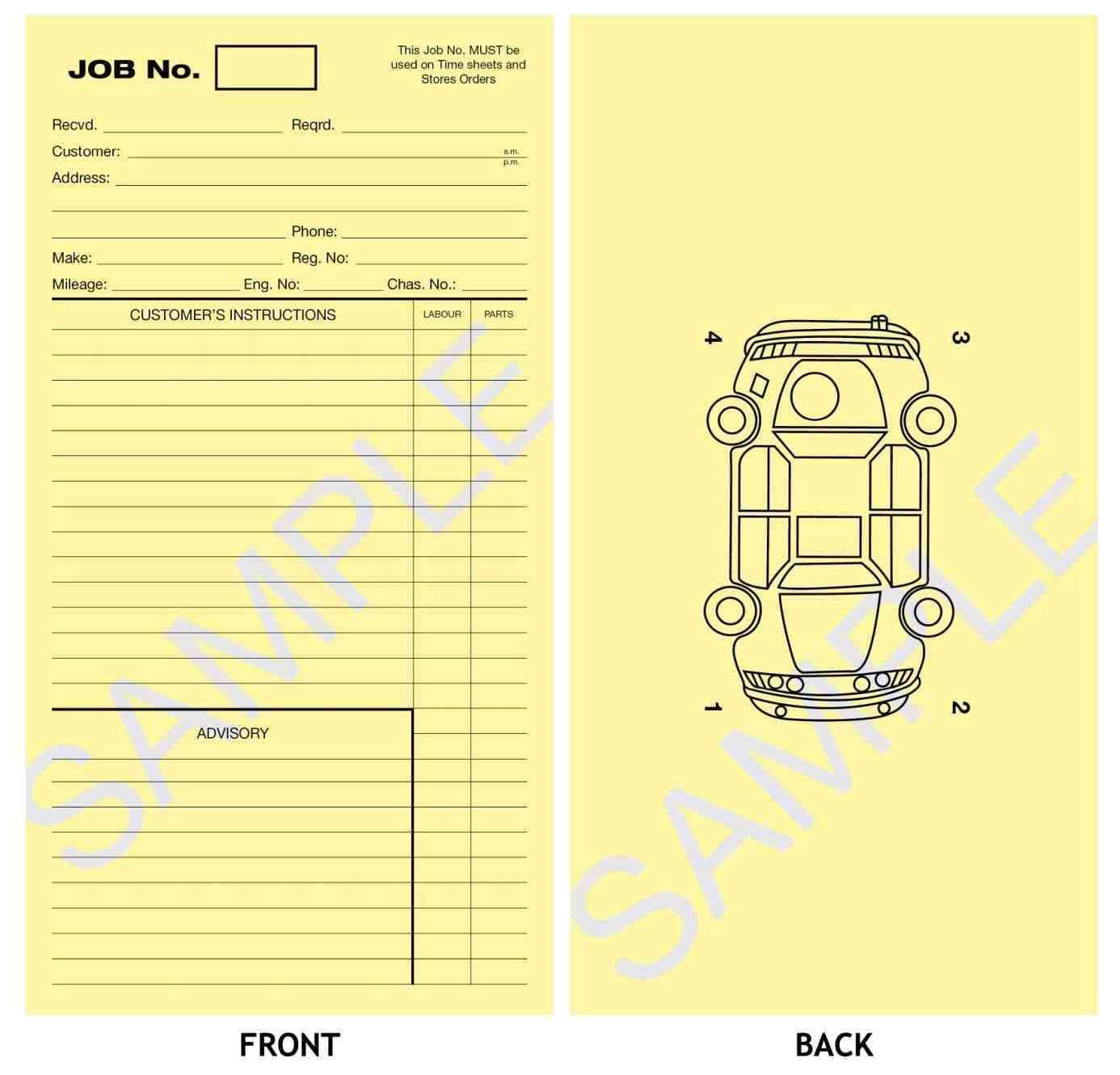
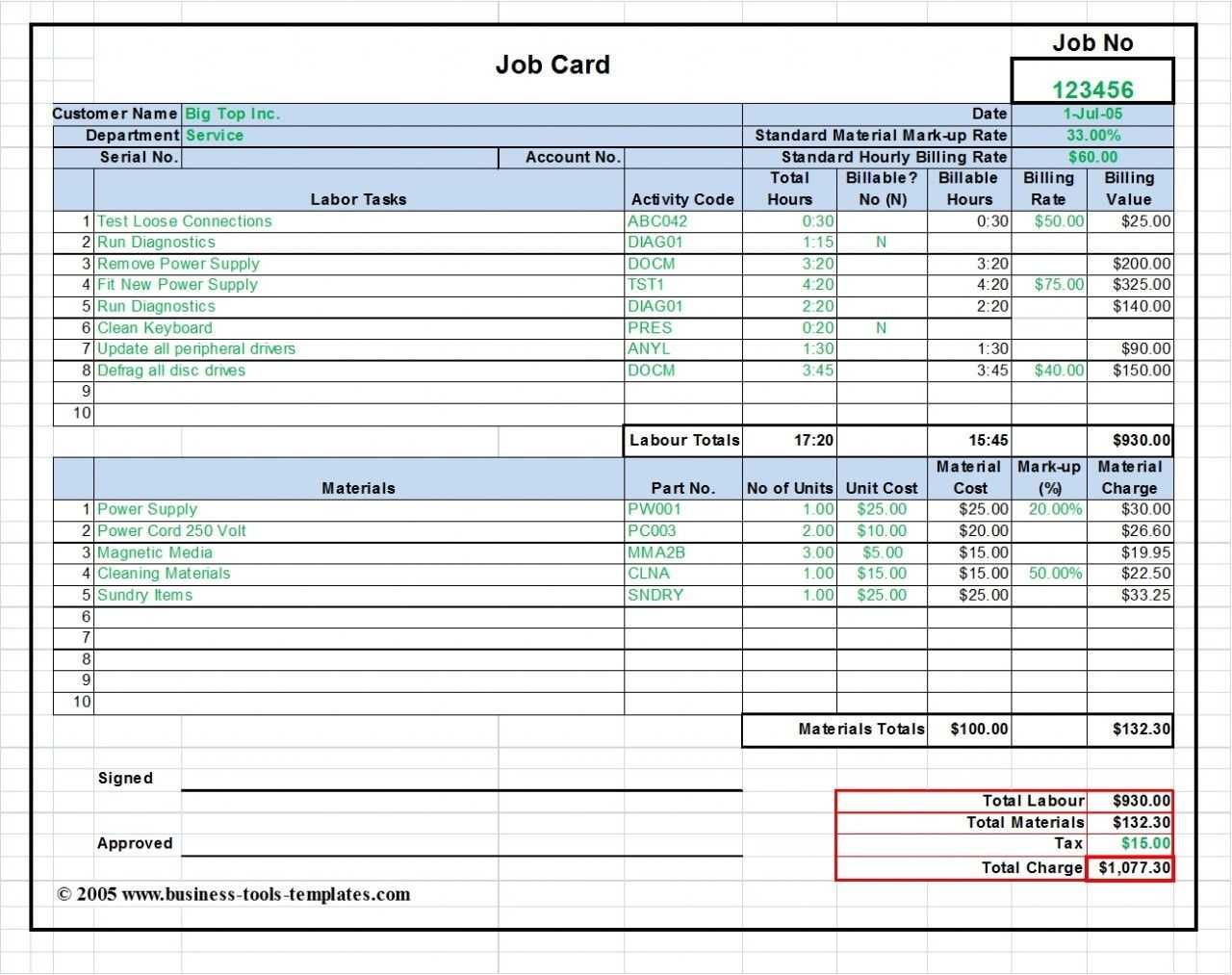
A job card template is a structured form—whether physical or digital—that records every detail of a vehicle’s service or repair job. It typically includes the customer’s contact information, vehicle identification, a diagnosis summary, parts lists, labor hours, and a completion checklist. By prescribing a consistent layout, the template ensures that no critical element is omitted, facilitating clear communication among technicians, parts inventory managers, and billing clerks.
Key Components
- Customer & Vehicle Information: Vehicle Identification Number (VIN), make, model, year, mileage, and customer name.
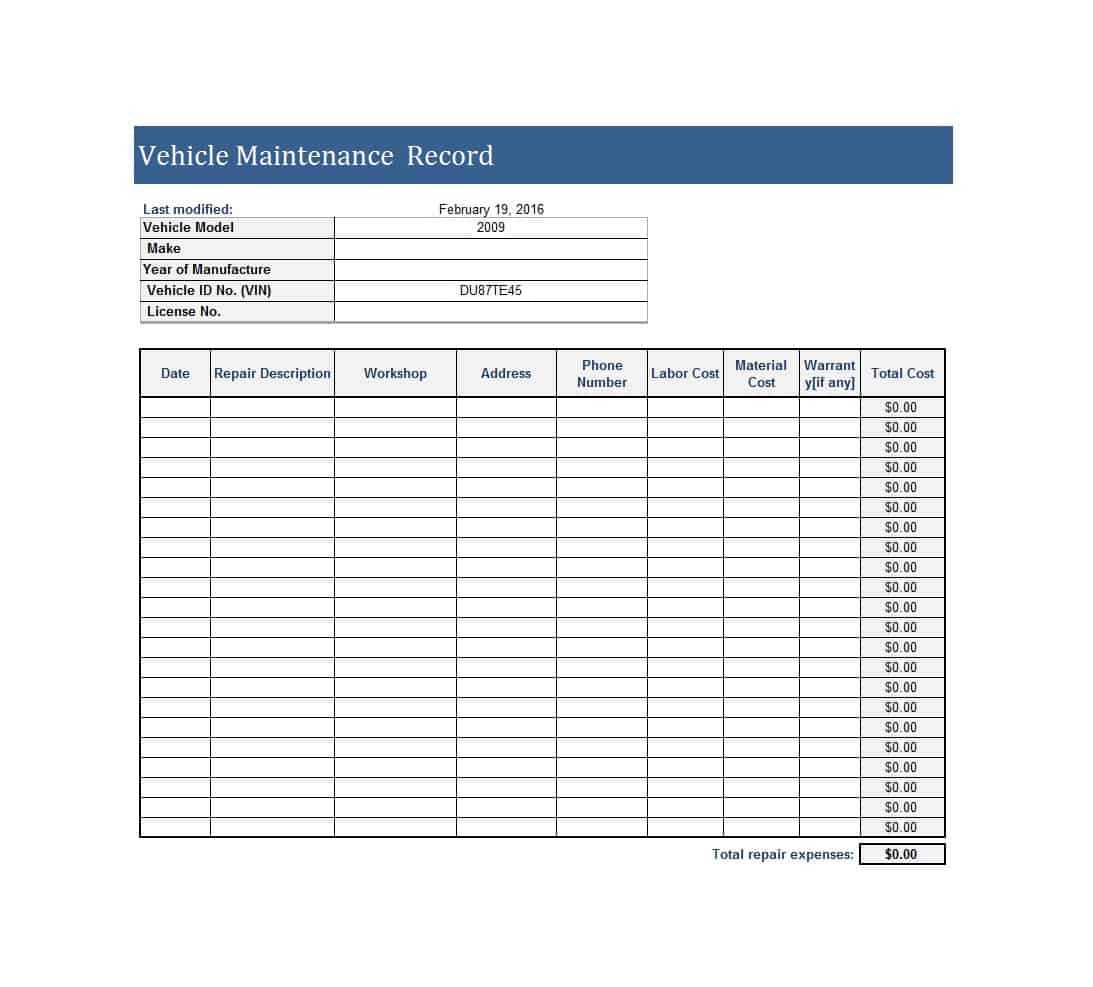
- Service History: Previous repairs, warranties, and service intervals.
- Diagnosis Section: Symptoms reported, diagnostic codes, and preliminary findings.
- Parts & Labor Breakdown: Itemized parts list with part numbers, quantities, unit costs, and total cost; labor rates and estimated hours.
- Checklist of Tasks: Step-by-step tasks with checkboxes or timestamps to track progress.
- Signatures & Approvals: Customer approval before major work, mechanic signature upon completion, and manager sign-off.
- Notes & Recommendations: Additional observations, recommended future maintenance, and potential warranty coverage.
Why It Matters
A well-crafted job card eliminates guesswork, provides audit trails, and supports regulatory compliance. It also gives technicians a clear roadmap, reduces back-and-forth communication, and improves the overall customer experience by delivering transparent, itemized invoices.
Benefits of Using a Job Card Template

Improved Accuracy
Standardized fields minimize the risk of missing parts or miscalculating labor. With each task recorded in a predictable format, technicians can double-check their work before submitting the card for billing, ensuring that invoices match the actual services performed.
Time Efficiency
Predefined sections cut down on documentation time. Technicians no longer need to write ad‑hoc notes; they simply tick boxes and fill in numbers. This efficiency translates into shorter turnaround times and higher shop throughput.
Cost Control
By capturing part costs and labor hours in real time, managers can instantly see where budgets are being stretched. Immediate visibility into expenses allows for proactive price adjustments and better negotiation with suppliers.
Designing an Effective Job Card

Essential Fields
While each shop may have unique requirements, the core fields should remain consistent. Consider the following hierarchy when laying out your template:
- Header with shop logo and contact details.
- Customer & Vehicle Information.
- Service Request and Diagnosis.
- Parts List with pricing.
- Labor Hours and rates.
- Task Checklist with checkboxes.
- Signature and Approval.
- Notes and Recommendations.
Customizing for Your Shop
Adapt the template to match your shop’s workflow. For example, if your team uses a particular diagnostic tool that produces a unique set of trouble codes, incorporate a dedicated section for those codes. If you handle a mix of OEM and aftermarket parts, add a column for part source to help with inventory tracking.
Digital vs Paper Templates
Digital Advantages
Digital job cards can be accessed via tablets or laptops, enabling real‑time data entry. They can link directly to inventory management systems, automatically update parts availability, and sync with billing software. Additionally, digital records are searchable, reducing the need to manually sift through paper stacks.
Paper Persistence
Paper job cards remain relevant in environments where digital infrastructure is limited or where technicians prefer tactile forms. When used properly, paper cards can still offer high accuracy if they are designed with clear, legible fields and double‑checked before final submission.
Best Practices for Implementation

Training Your Team
Introduce the job card during a dedicated training session. Walk technicians through each section, demonstrating how to accurately record information. Use real service scenarios to illustrate common pitfalls—such as forgetting to note a change of labor rates—and correct them on the spot.
Integrating with Maintenance Management Systems
When a job card is part of a larger Computerized Maintenance Management System (CMMS), it can trigger automated workflows: parts orders, work order assignments, or warranty claims. Ensure that the template’s field names match those expected by the CMMS to prevent data mismatch.
Regular Audits and Updates
Schedule quarterly audits to compare job cards against actual invoices and time sheets. Identify recurring discrepancies, then adjust the template or provide additional training. Keeping the template current ensures it reflects changes in parts suppliers, labor rates, or regulatory requirements.
Common Mistakes to Avoid
Overcomplication
Adding excessive fields or overly detailed checklists can overwhelm technicians, leading to incomplete entries or skipped steps. Aim for balance: include essential data while keeping the card manageable.
Inconsistent Updates
Failing to update the template when new parts or processes are introduced creates gaps in data collection. Make template revision a routine part of process improvement.
Real-World Example Case Study
Small Auto Repair Shop
A four‑bay shop in a suburban market implemented a simple digital job card after observing that their manual paperwork caused 15 % of invoices to be disputed. By embedding a parts list that auto‑populated from a cloud database and a labor calculator that used hourly rates, they reduced invoice errors by 90 % and increased customer satisfaction scores from 3.2 to 4.6 on a five‑point scale.
Large Fleet Maintenance Facility
Managing a fleet of over 200 vehicles, a logistics company required a robust job card that interfaced with their Enterprise Resource Planning (ERP) system. The template included fields for vehicle duty cycle, driver feedback, and service impact on downtime. As a result, the facility cut unscheduled downtime by 12 % and improved parts inventory turnover from 48 to 34 days.
Conclusion

Implementing a well‑designed Mechanics Job Card Template transforms disparate repair activities into a cohesive, data‑rich workflow. By focusing on essential fields, adapting to your shop’s needs, and integrating with digital systems, you empower technicians to perform with precision, control costs, and deliver an exceptional customer experience. Start with a clear template today, refine it through continuous feedback, and watch your shop’s efficiency and profitability accelerate.