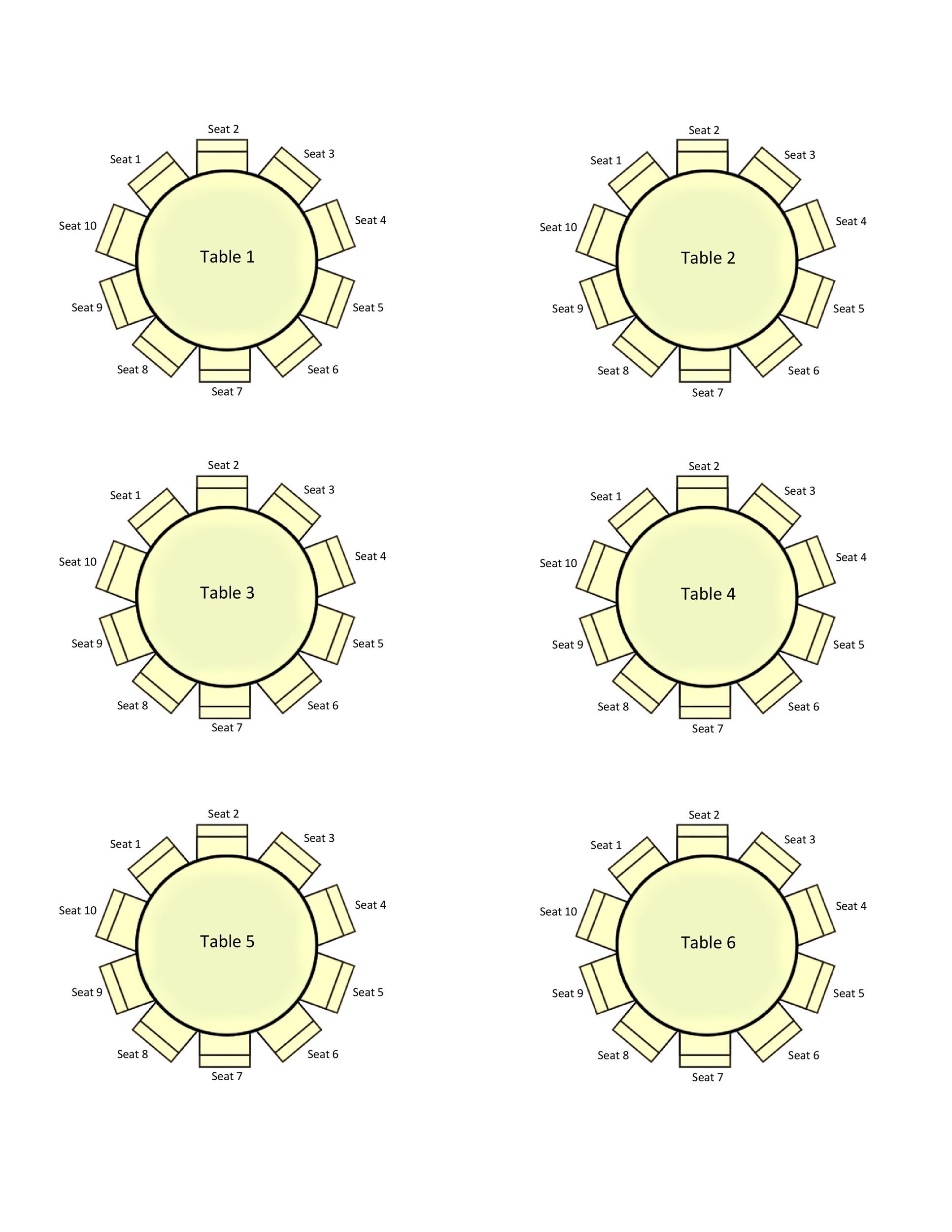
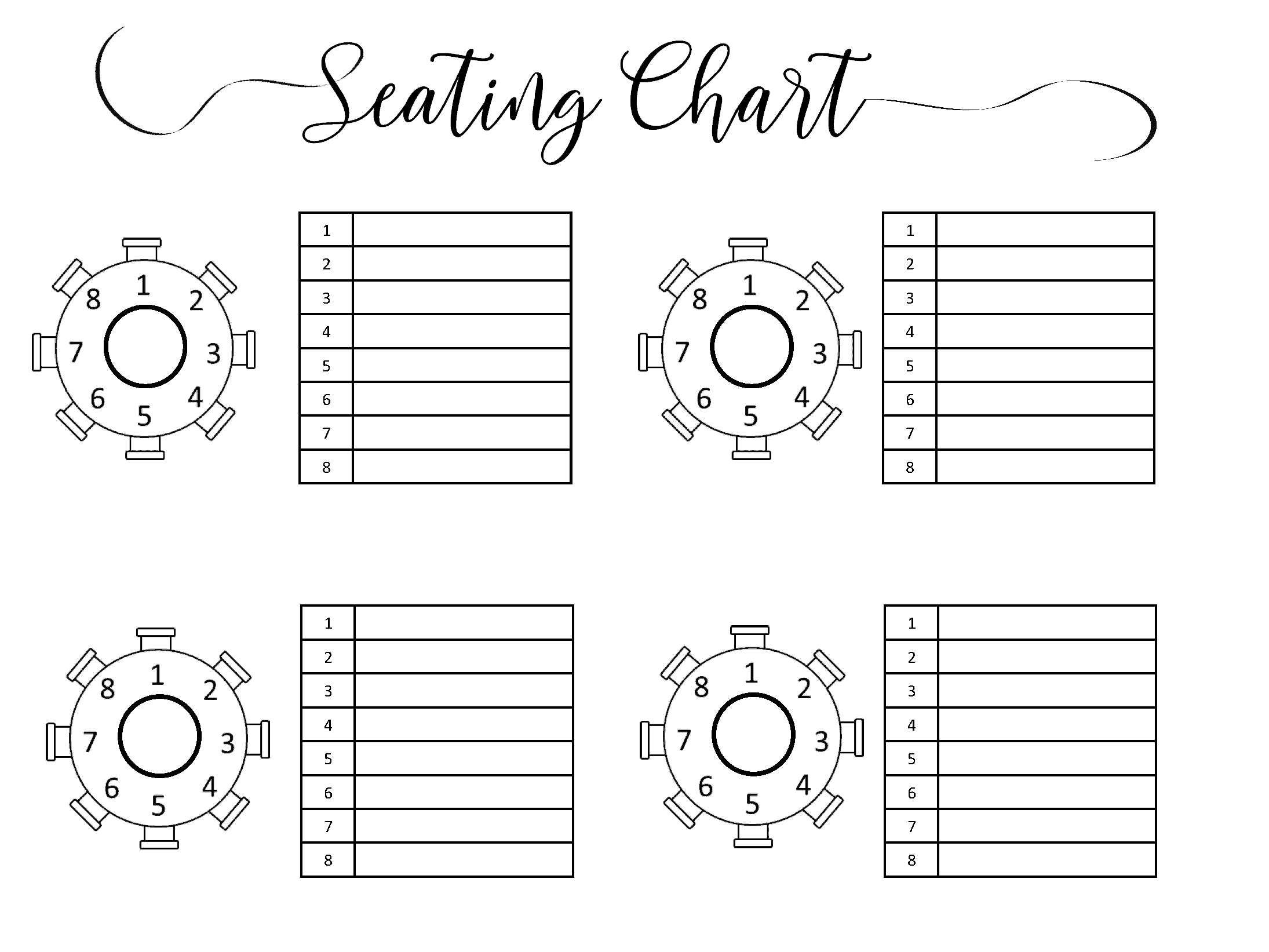
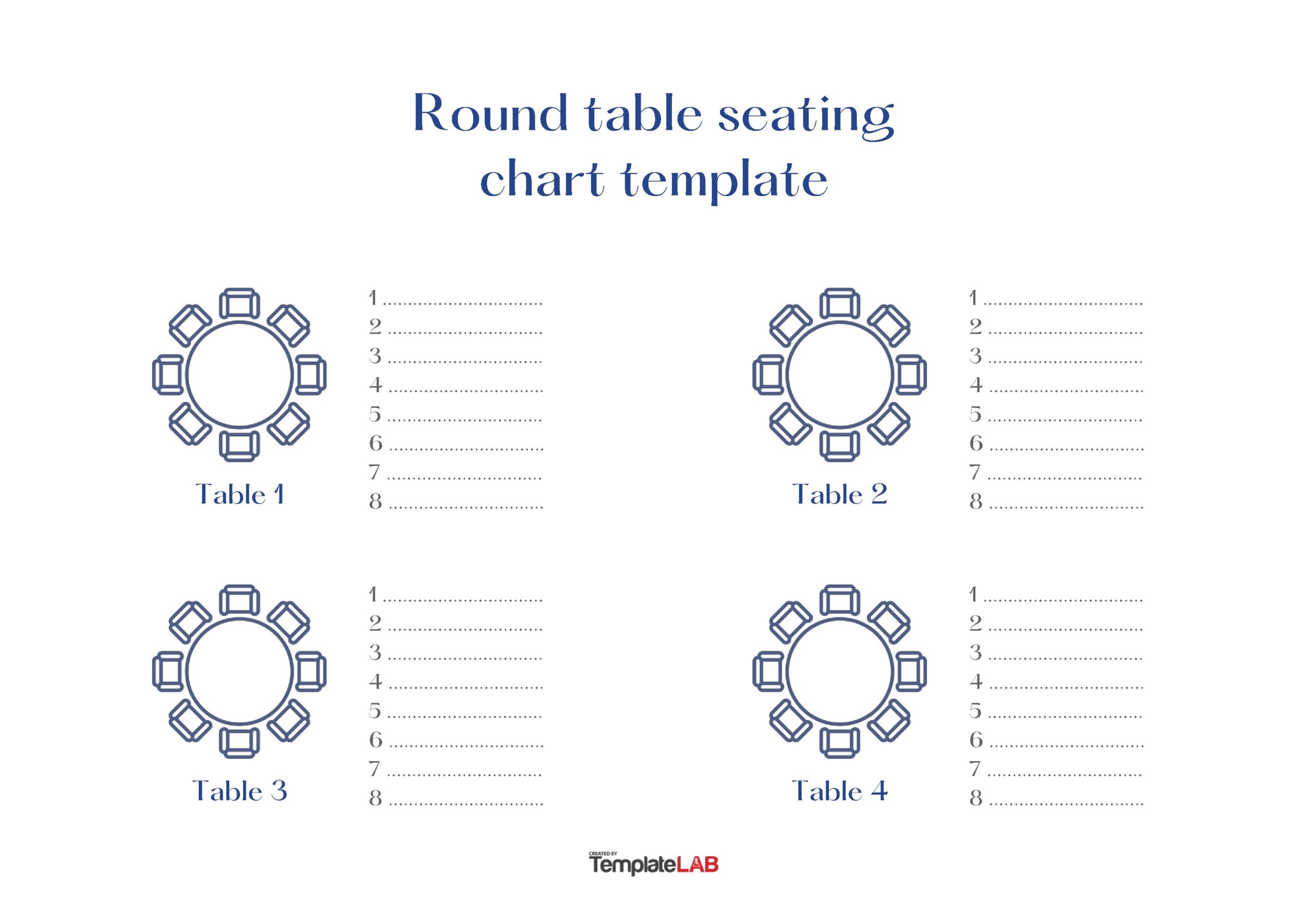
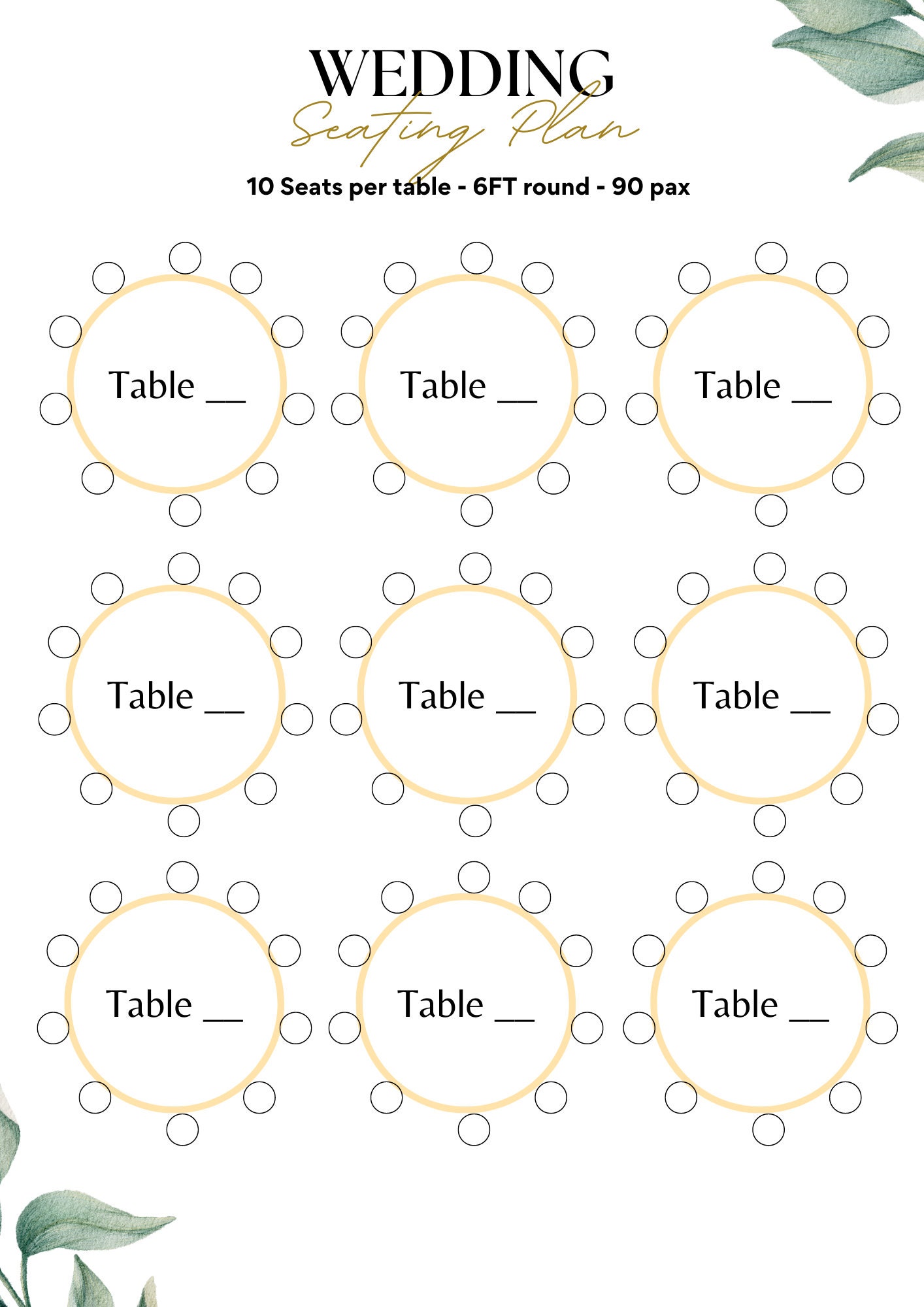
Wedding Round Table Seating Chart Template is more than a simple list of names; it’s the blueprint for creating an atmosphere of belonging and ease on your special day. When you hand out a well‑planned seating chart, you’re not just telling guests where to sit—you’re offering them a sense of order, comfort, and an invitation to mingle. In this guide, you’ll learn how to pick the best template, customize it to match your wedding’s personality, and execute a flawless seating plan that keeps everyone smiling from the ceremony to the last dance.
Understanding the Basics of Round Table Seating

Why Round Tables Work
Round tables eliminate the awkward “top” and “bottom” positions that can make conversations uneven. Every guest has a direct line of sight to all other diners, which encourages a relaxed, conversational vibe—perfect for a wedding where you want guests to connect. Additionally, round tables often create a more intimate feel, making your reception feel cozy and welcoming, even in large venues.
Common Sizes and Layouts
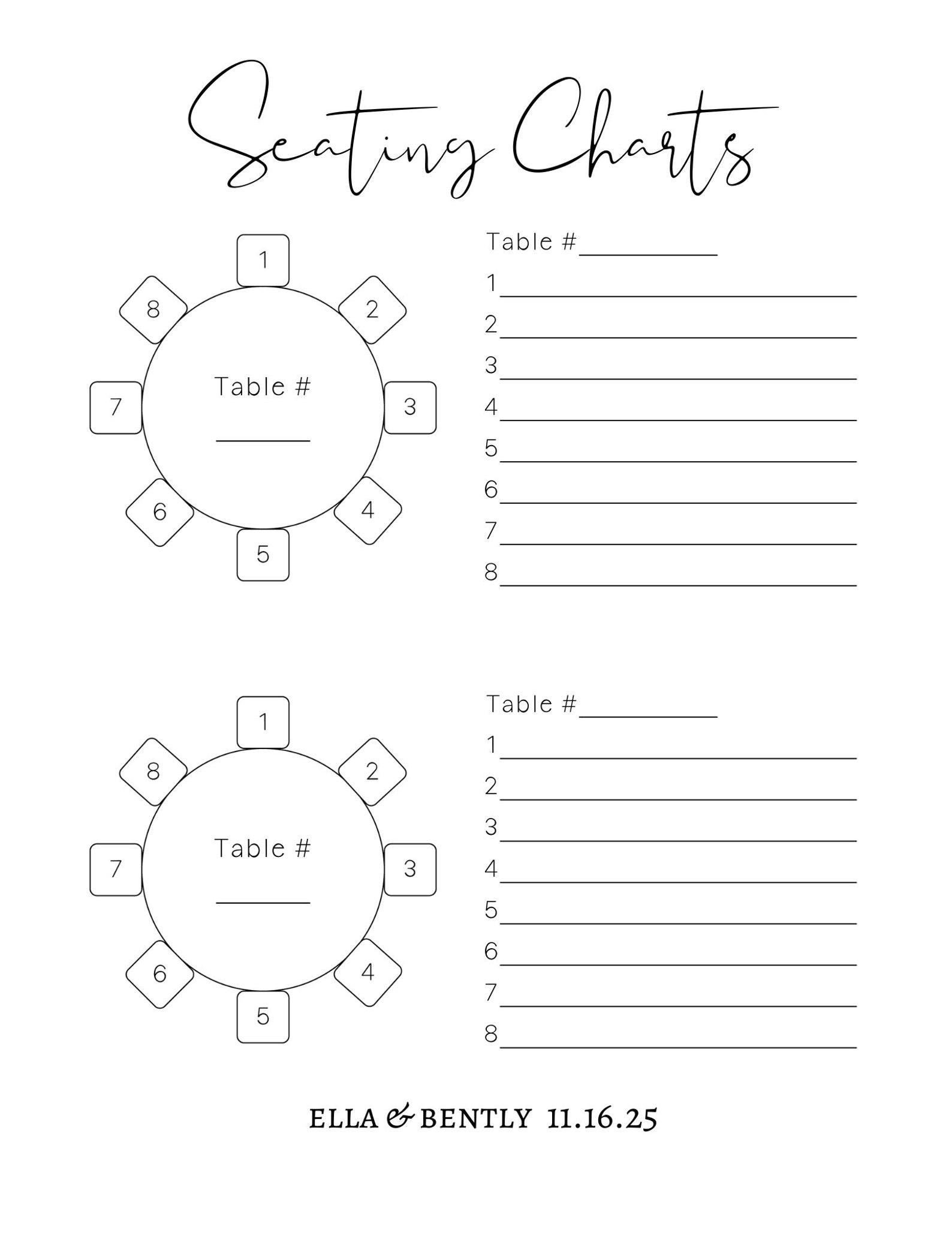
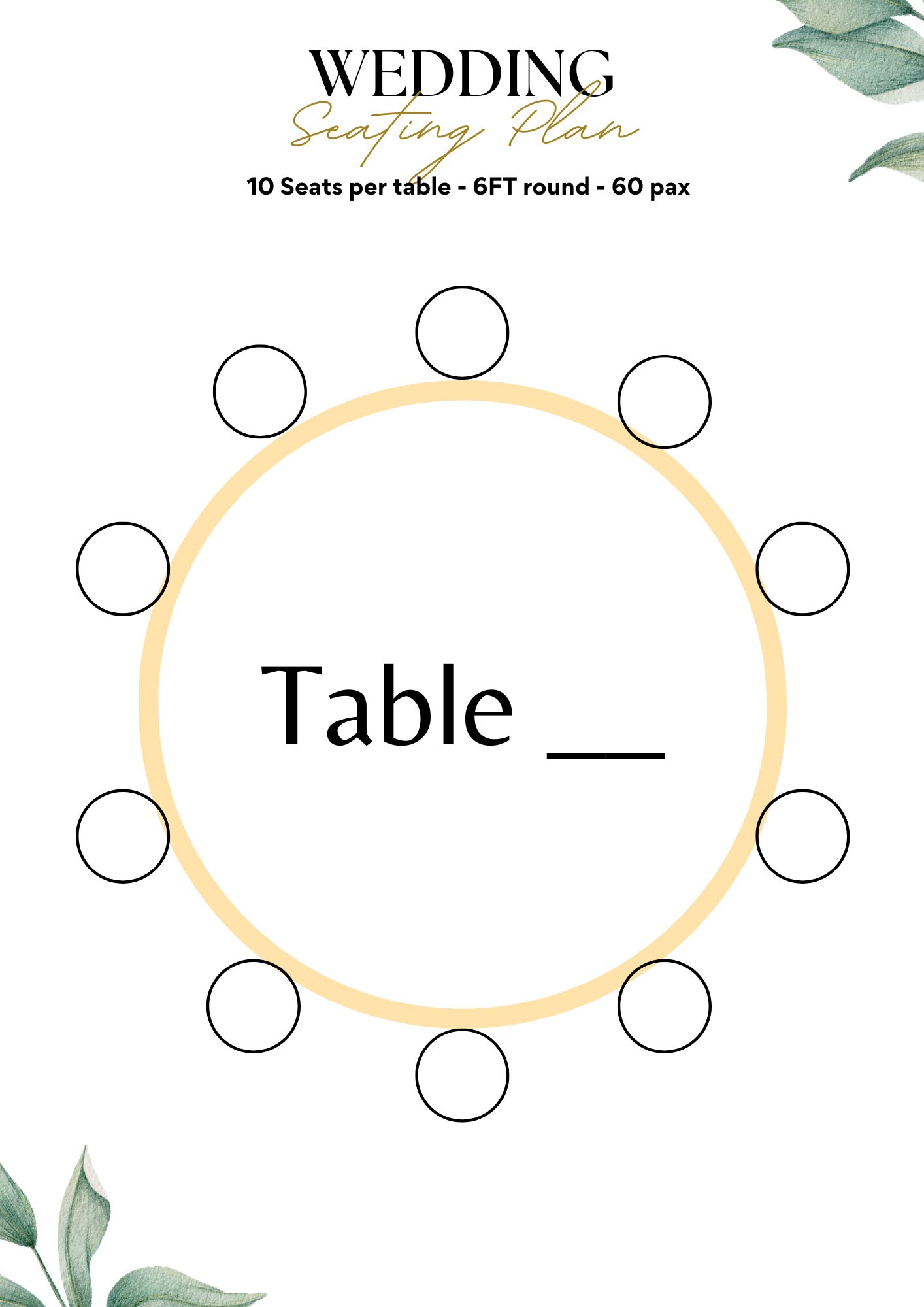
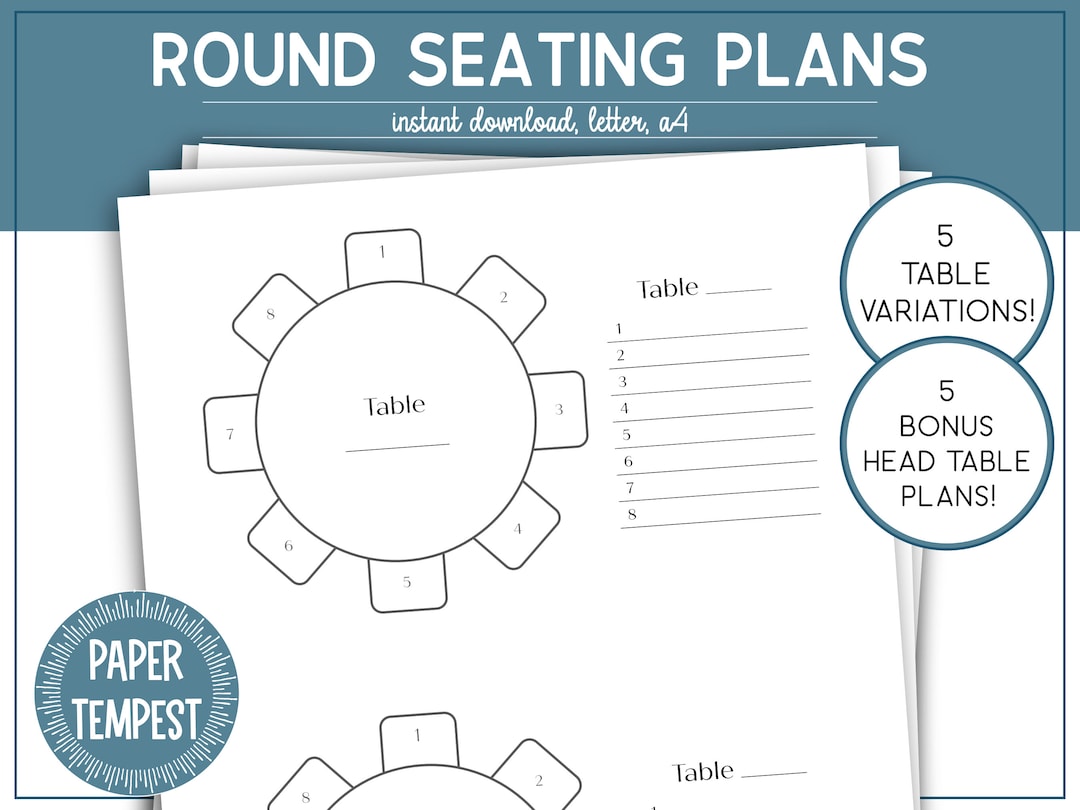
Most round tables seat either six or eight people, though variations like four‑seater “nest” tables or twelve‑person banquet rounds are also popular. Knowing the size of the tables your venue provides or the size you wish to order helps you calculate how many tables you need and how to arrange them within the space. A good rule of thumb is to keep the layout symmetrical: place one central table for the couple, then arrange surrounding tables in concentric circles or a U‑shape depending on room shape and traffic flow.
Choosing the Right Template
Key Features to Look For
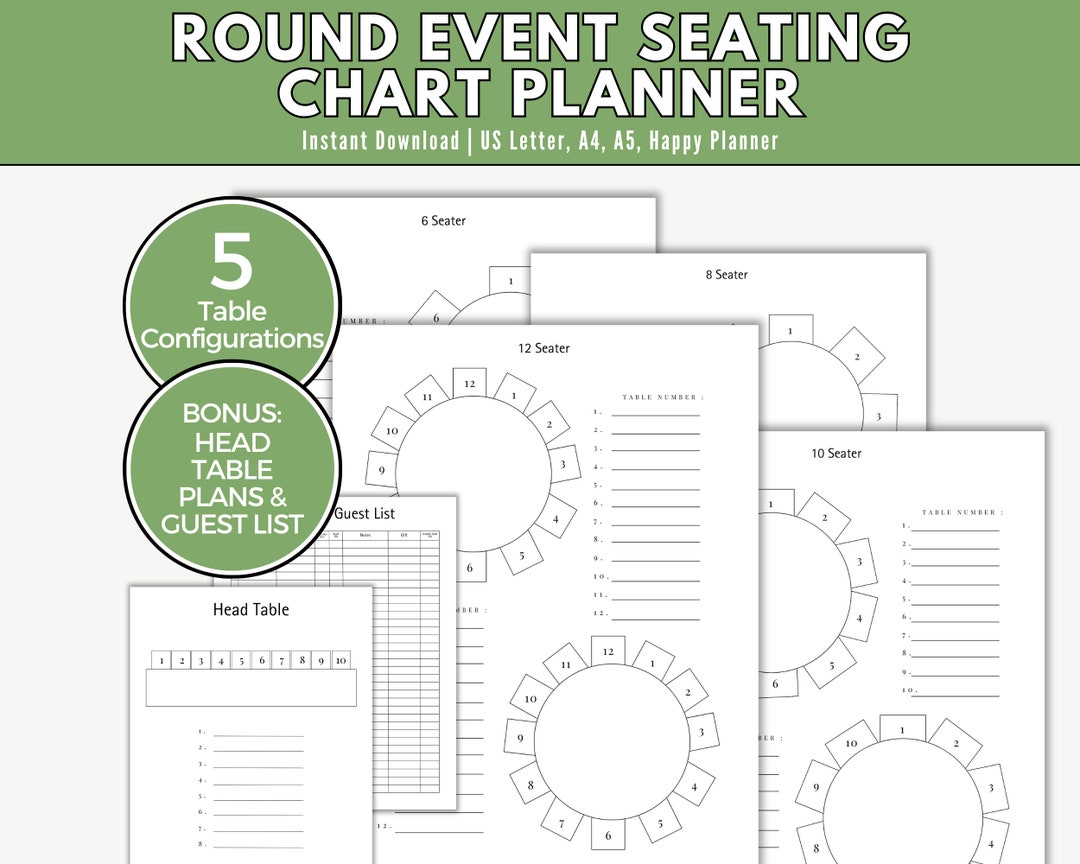
A great seating chart template should be intuitive, visually appealing, and flexible. Look for templates that let you:
- Drag and drop names onto a table layout.
- Adjust table sizes and numbers on the fly.
- Export to PDF or print directly in high resolution.
- Add custom notes such as “vegetarian” or “needs wheelchair access.”
Customizability: Colors, Fonts, Layout
Your template should mirror your wedding theme. If you’re planning a rustic garden celebration, choose earthy tones and serif fonts that evoke nature. For a modern urban wedding, opt for clean lines, bold sans‑serif fonts, and a monochrome palette. Some templates allow you to import a wedding logo or a photo of the venue to create a truly bespoke design.
Designing Your Seating Chart
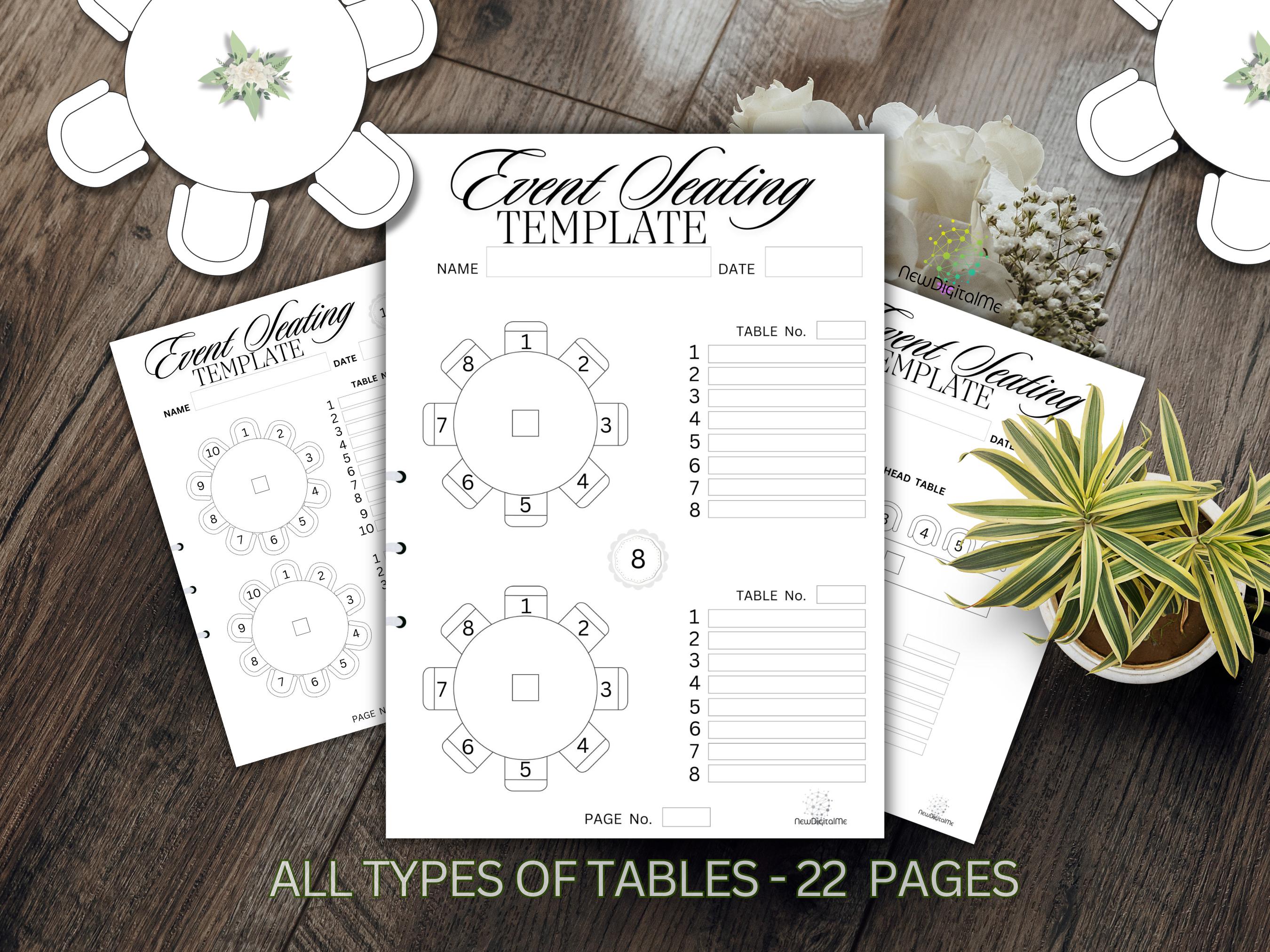
Step 1: Gather Guest Information
Collect not only names but also vital details: relationship to the couple, dietary restrictions, mobility needs, and any special seating preferences (like a guest who prefers to sit with their partner or a child who needs a child’s seat). Organize this data in a spreadsheet to keep it easy to sort and filter.
Step 2: Create a Master List
Start with a simple alphabetical list, then group guests by family or friend groups. Grouping helps you keep close families together and reduces the chances of inadvertently placing enemies or strangers next to each other.
Step 3: Allocate Table Numbers
Assign each table a number that matches the template’s layout. Place the wedding party at Table 1 or the centerpiece, then assign subsequent tables based on groupings. When you place a family, consider their dynamics—do they prefer to sit together or spread out? A useful trick is to use a “color coding” system: assign a unique color to each family or friend group and use that color in the template for easy visual reference.
Step 4: Add Special Instructions
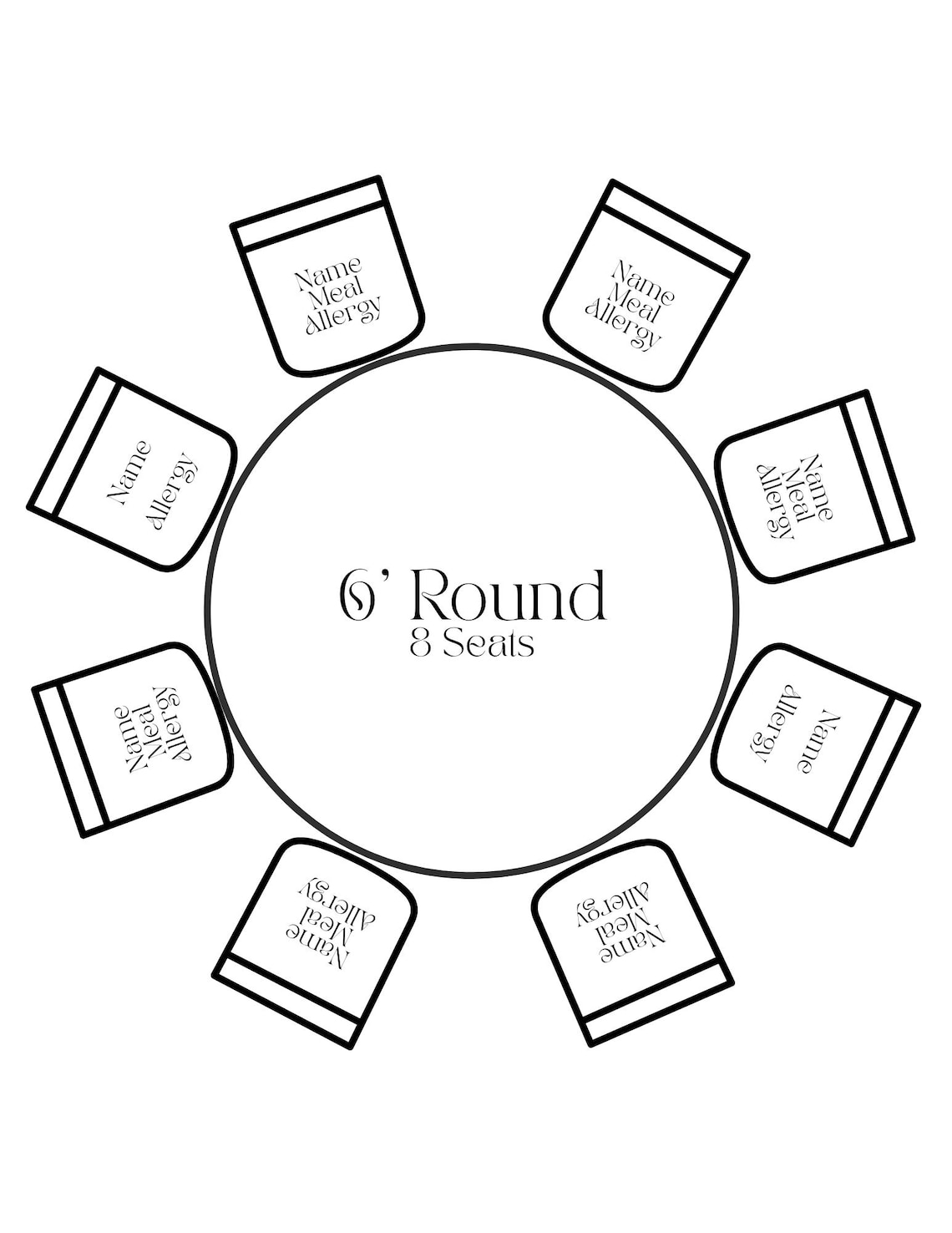
Many guests have dietary restrictions or accessibility requirements. Add a small note beside each name or a footnote for the entire table. For instance, “Vegetarian meal” or “Wheelchair accessible.” This ensures the catering and service staff can cater to guests without hassle.
Tips for a Flawless Execution

Avoiding Common Pitfalls
1. Don’t wait until the last minute: The final guest list can change, and those changes should be reflected before you print your seating chart. Set a deadline for RSVPs and stick to it.
2. Double‑check family groupings: A simple typo can separate a couple who requested to sit together.
3. Keep backup charts: Have an alternate layout printed just in case a table arrangement needs a tweak on the day.
Incorporating Seating Themes
Make your seating chart a decorative element that complements your décor. If you have a vintage theme, choose a parchment‑style template. For a beach wedding, consider a light, airy layout with a blue and sandy color palette. You can also embed a small photo of the venue or a monogram on the chart for a personalized touch.
Printing and Placement Ideas
Print charts on high‑quality cardstock with a matte finish to reduce glare under lighting. Place them at a central table or along the entrance so guests can easily locate their seats. If you’re using a digital table, consider a QR code that guests can scan to view their table number on their phones, reducing paper waste.
Real‑World Examples

Beach Wedding
At a seaside venue, the couple opted for a low‑profile round table layout with a central table for the bride and groom surrounded by six‑person tables. The template used a turquoise and sand color scheme. Each table included a tiny seashell icon next to the guest’s name, tying the décor together. Guests appreciated the easy navigation, and the couple received compliments on the elegant layout.
Garden Celebration
In a lush garden, the template featured a lush green background and a subtle floral border. Tables were arranged in concentric circles to encourage mingling. The bride’s mother was seated at Table 5, a family table with five members. The chart included a “Vegetarian” label for the vegan couple, which the caterer appreciated.
Formal Ballroom
At a grand ballroom, the couple used a black‑and‑gold template to match the opulent décor. They placed the couple’s table at the front center, surrounded by eight‑person tables. The template’s “special instructions” column helped the catering team identify guests with dietary restrictions. The polished look contributed to the overall sophisticated feel of the event.
Final Checklist Before the Big Day

- Verify the final guest list and confirm all names.
- Check that all tables are assigned correctly.
- Ensure dietary restrictions and accessibility notes are accurate.
- Print a test page and review for layout and legibility.
- Place a backup copy in a waterproof bag.
- Confirm that the venue’s staff will have a copy for the seating crew.
- Set a clear timeline for when guests will receive their seating assignments.
Conclusion

Planning a Wedding Round Table Seating Chart Template is an art that balances logistics with personal touches. By selecting a flexible template, customizing it to echo your wedding theme, and carefully assigning guests with thoughtful details, you create a seamless flow that lets everyone enjoy the celebration. A well‑crafted seating chart not only simplifies the event but also adds an extra layer of elegance and hospitality—ensuring that your guests feel welcome, connected, and ready to share in the joy of your big day.




Related posts of "Wedding Round Table Seating Chart Template"
