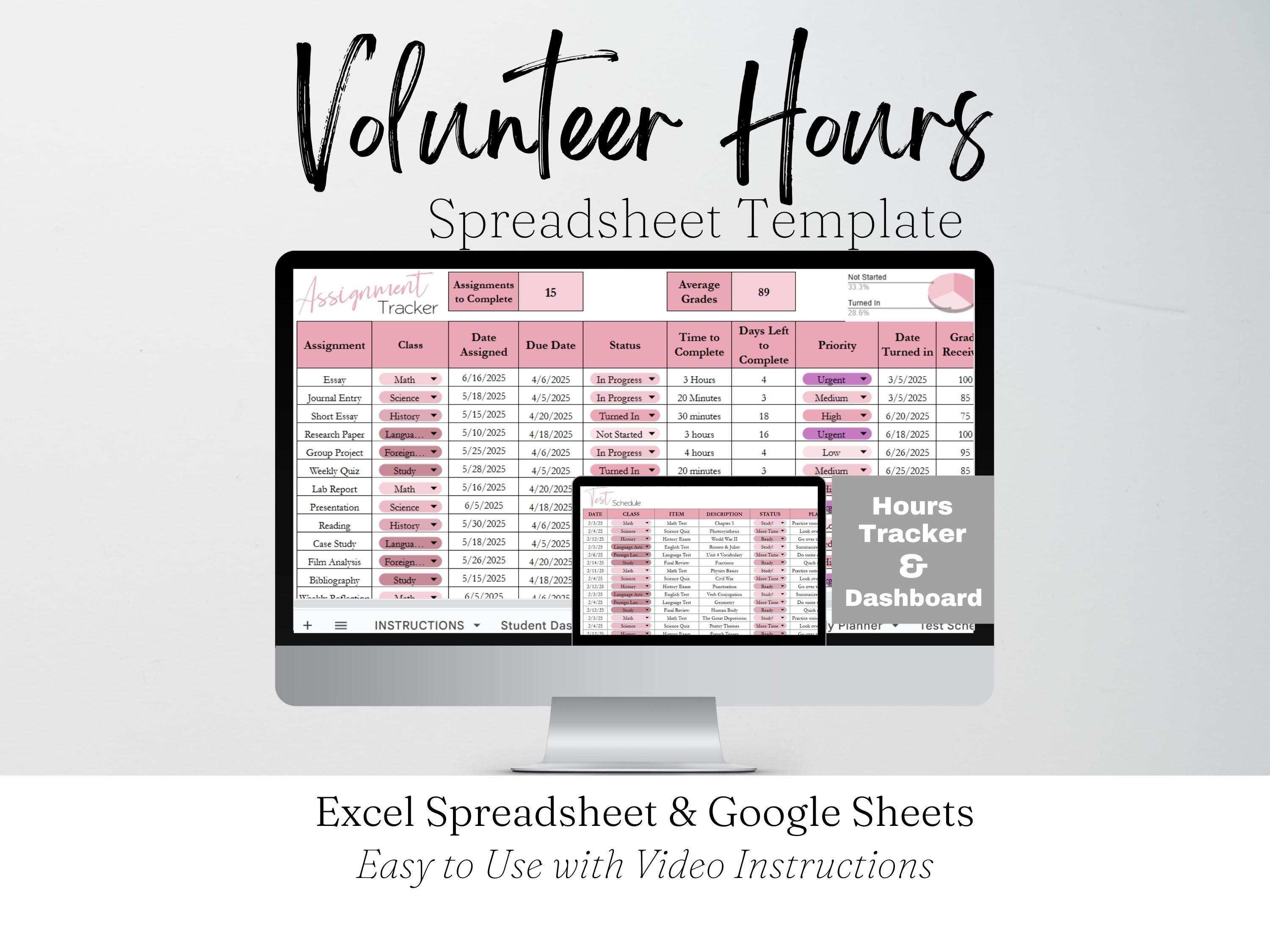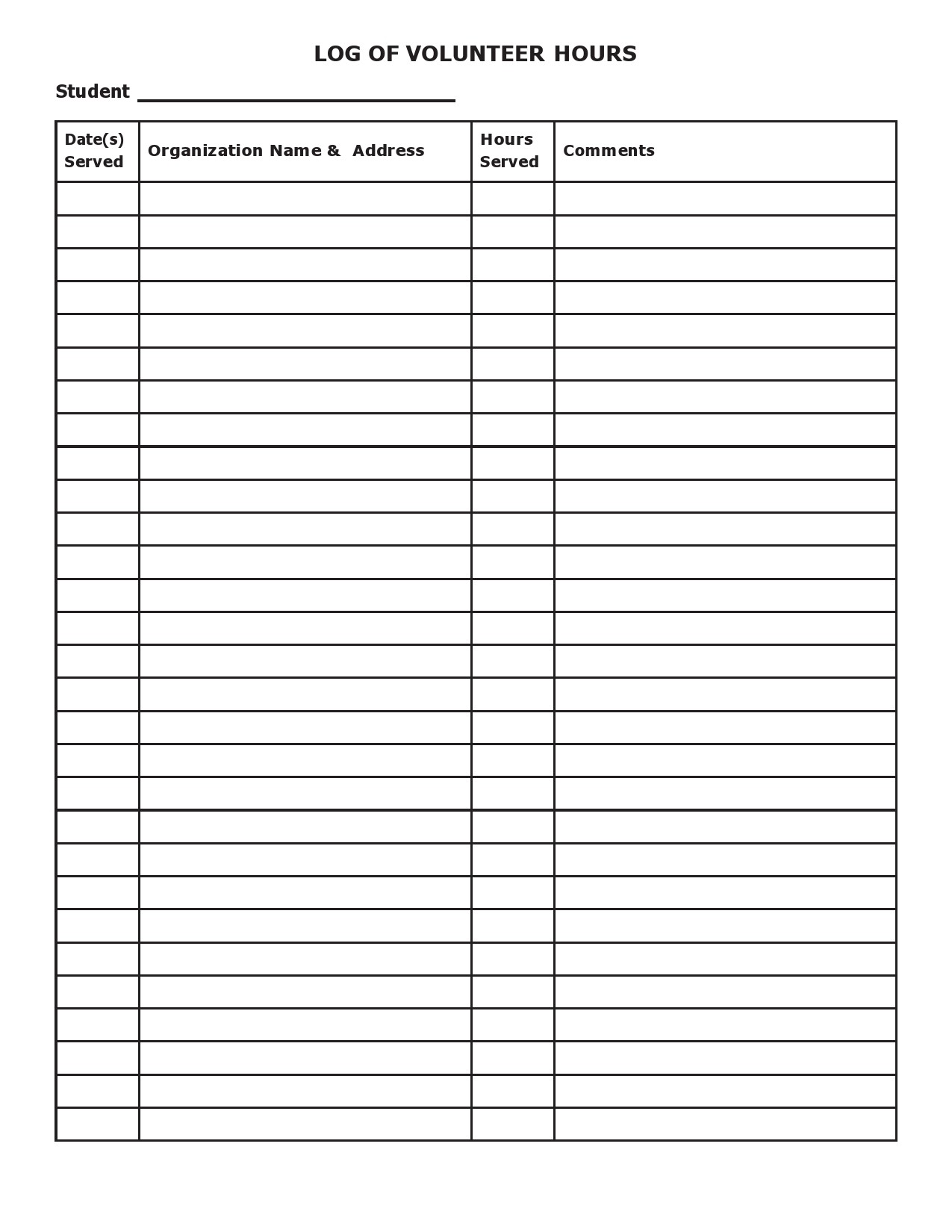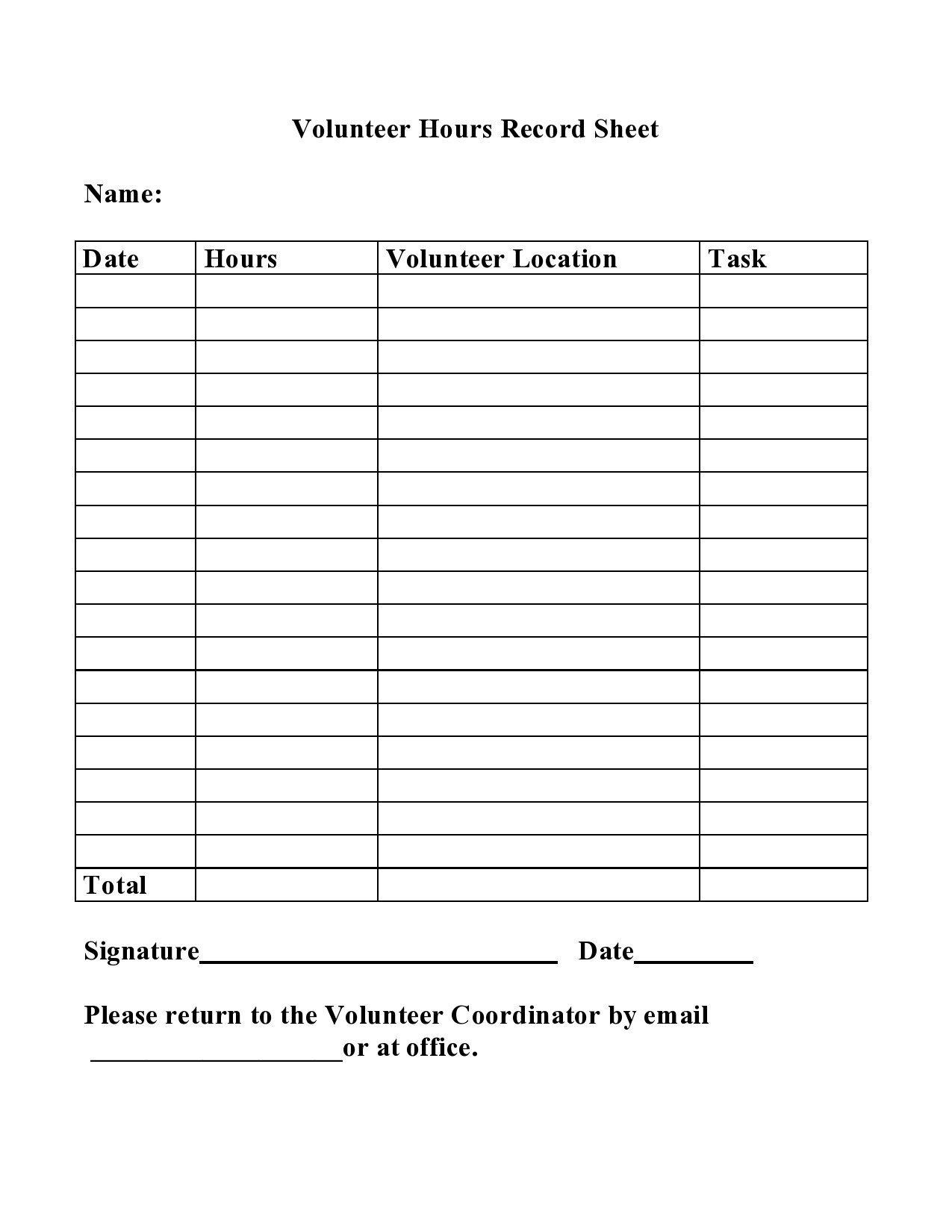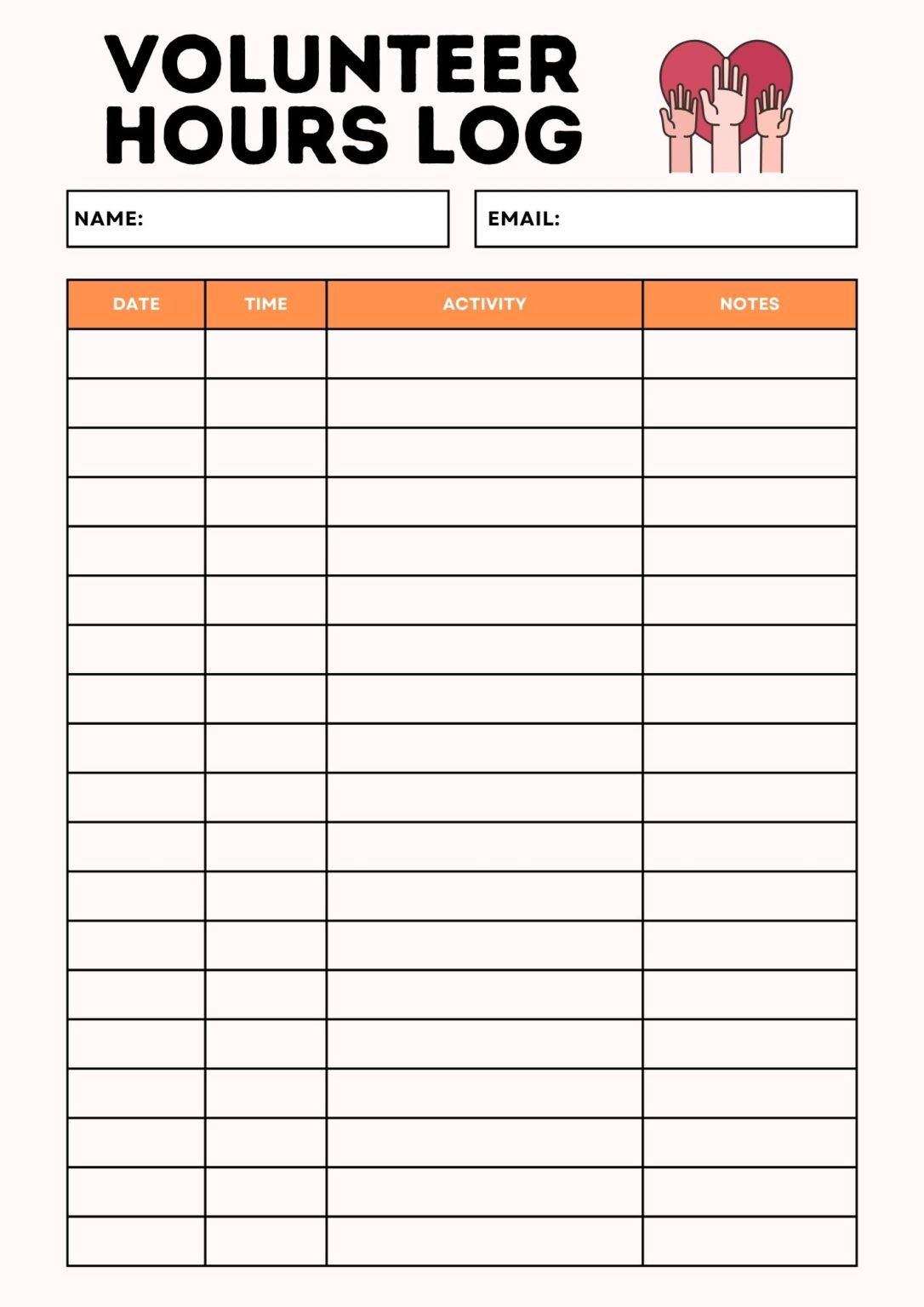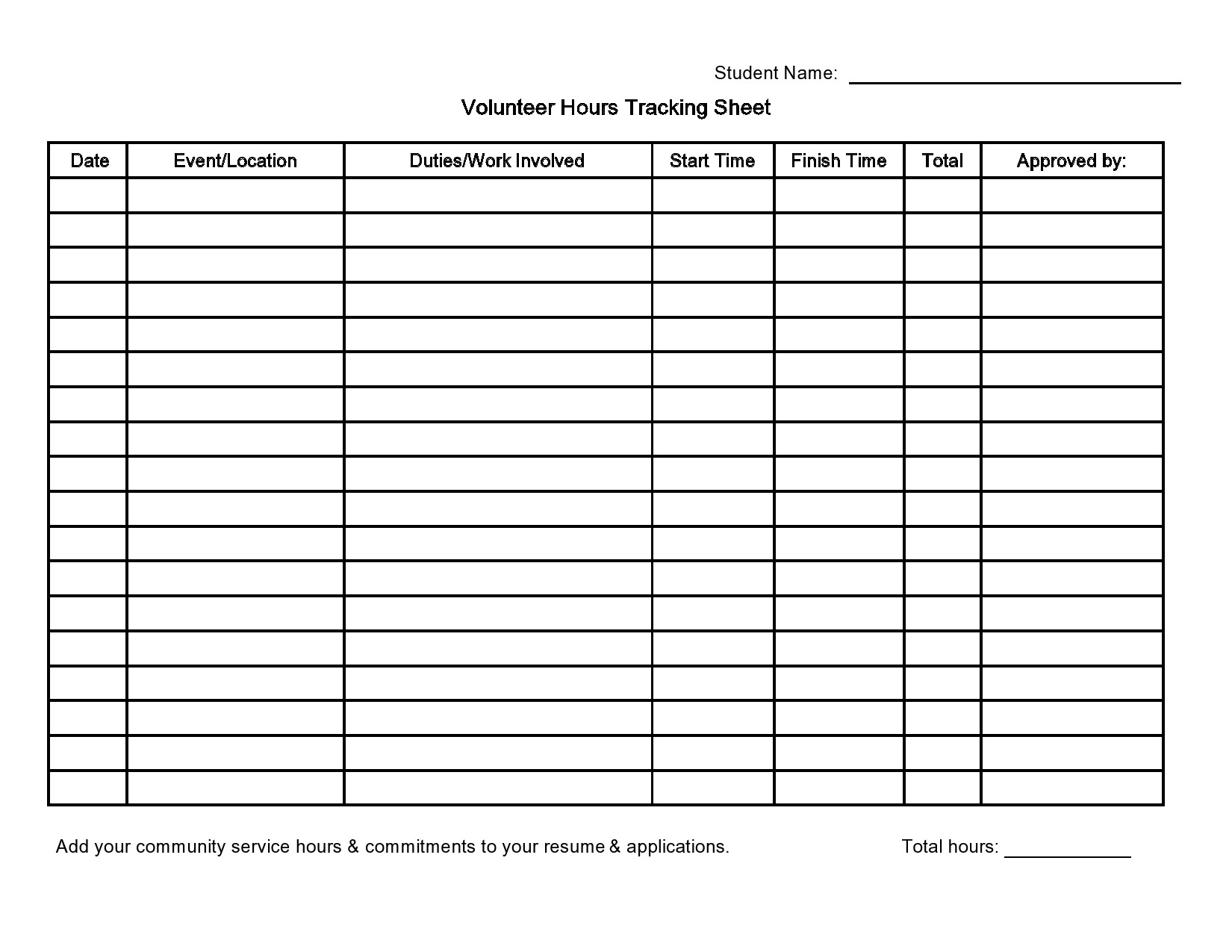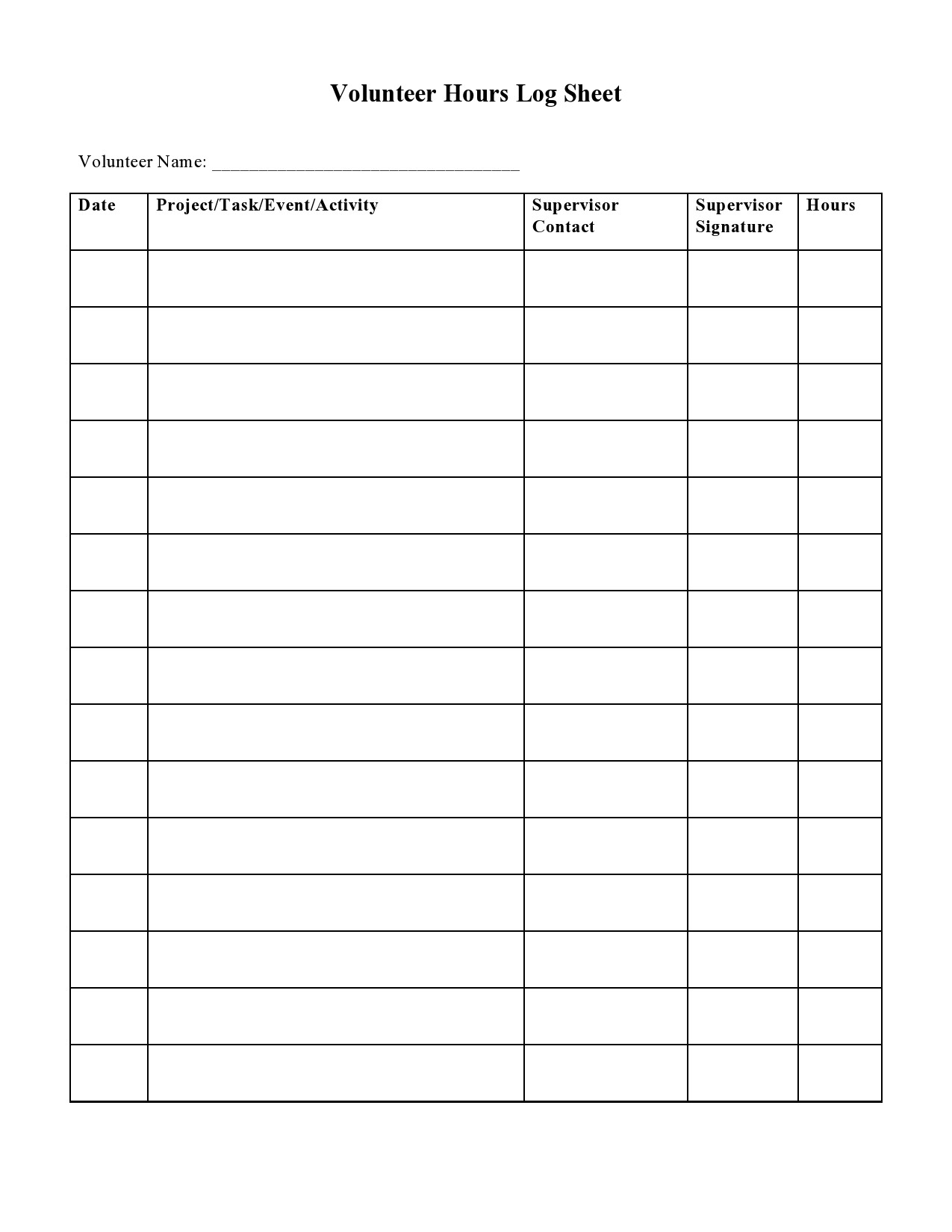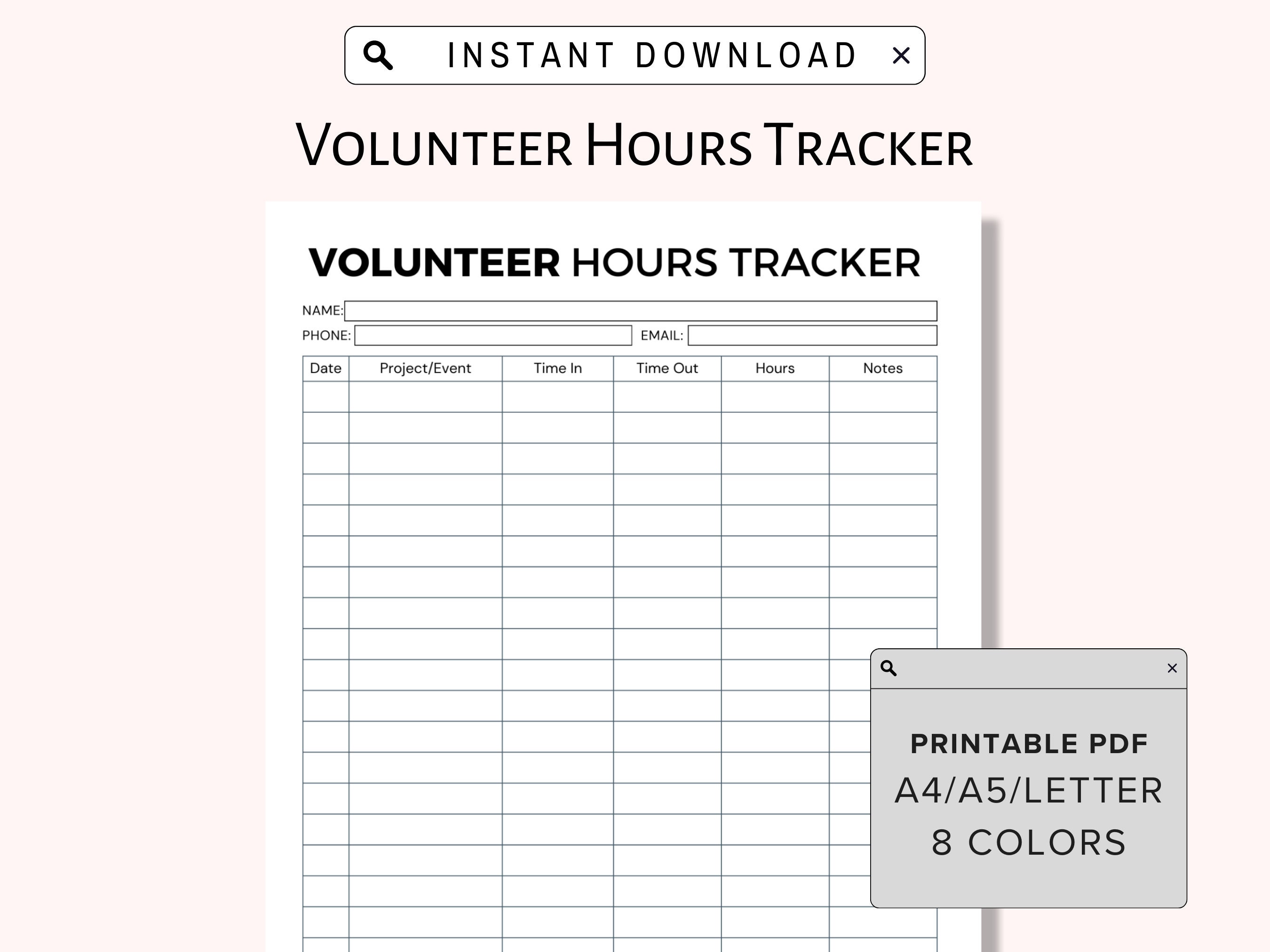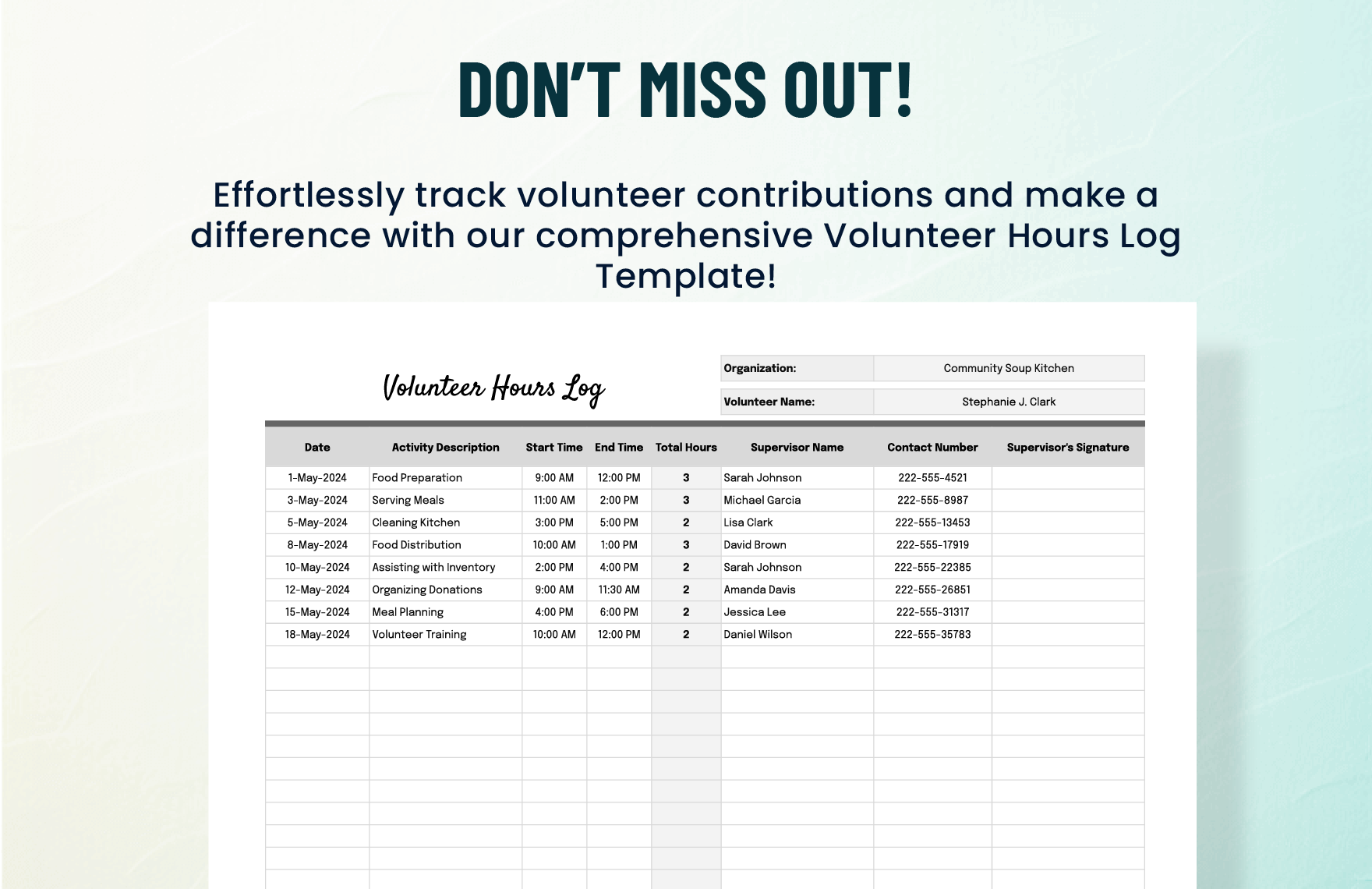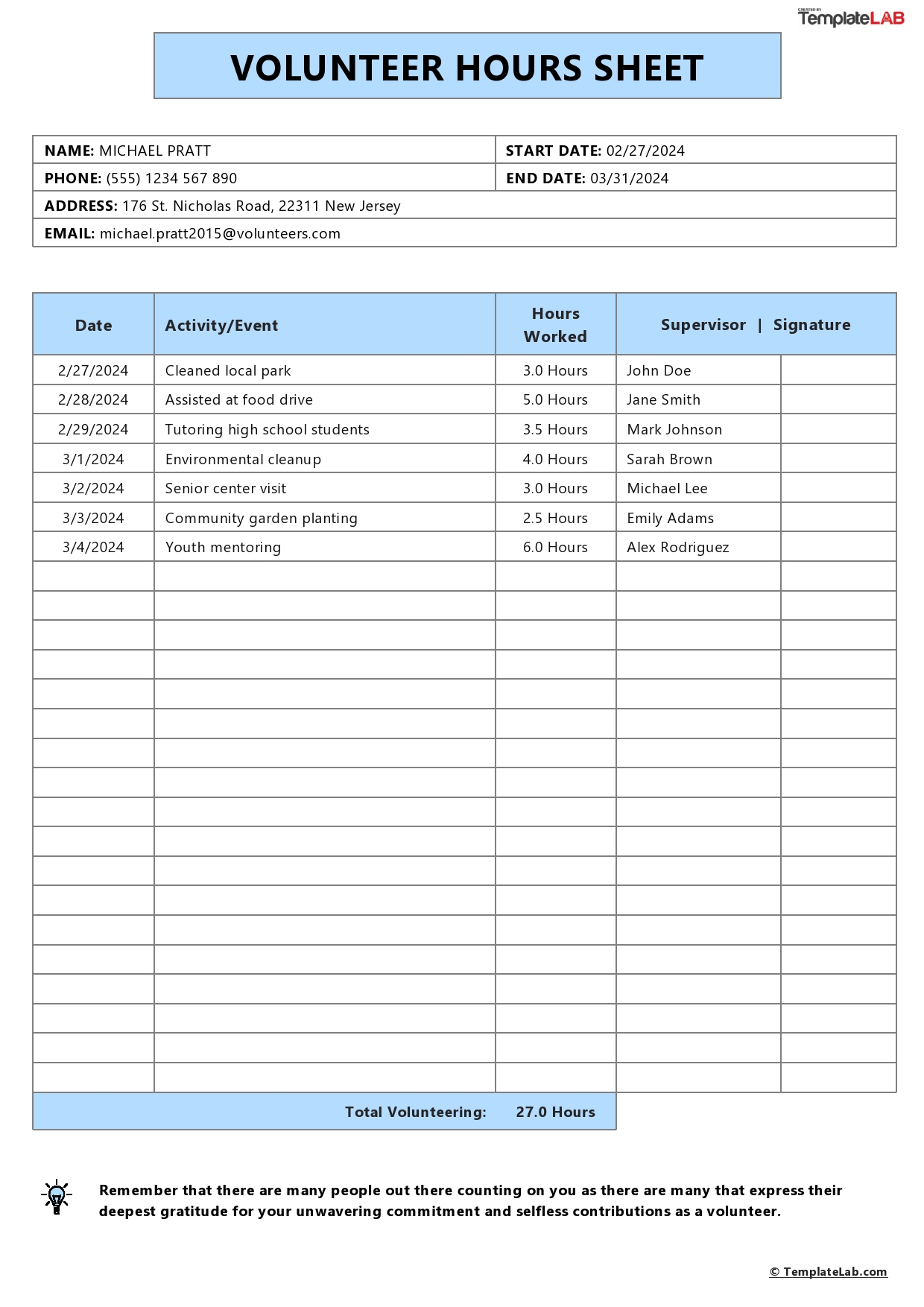
The Volunteer Hour Tracking Template is a powerful tool that transforms the way community leaders, nonprofits, and volunteer coordinators record, analyze, and celebrate the time that people dedicate to a cause.
Why Tracking Matters in Volunteer Work
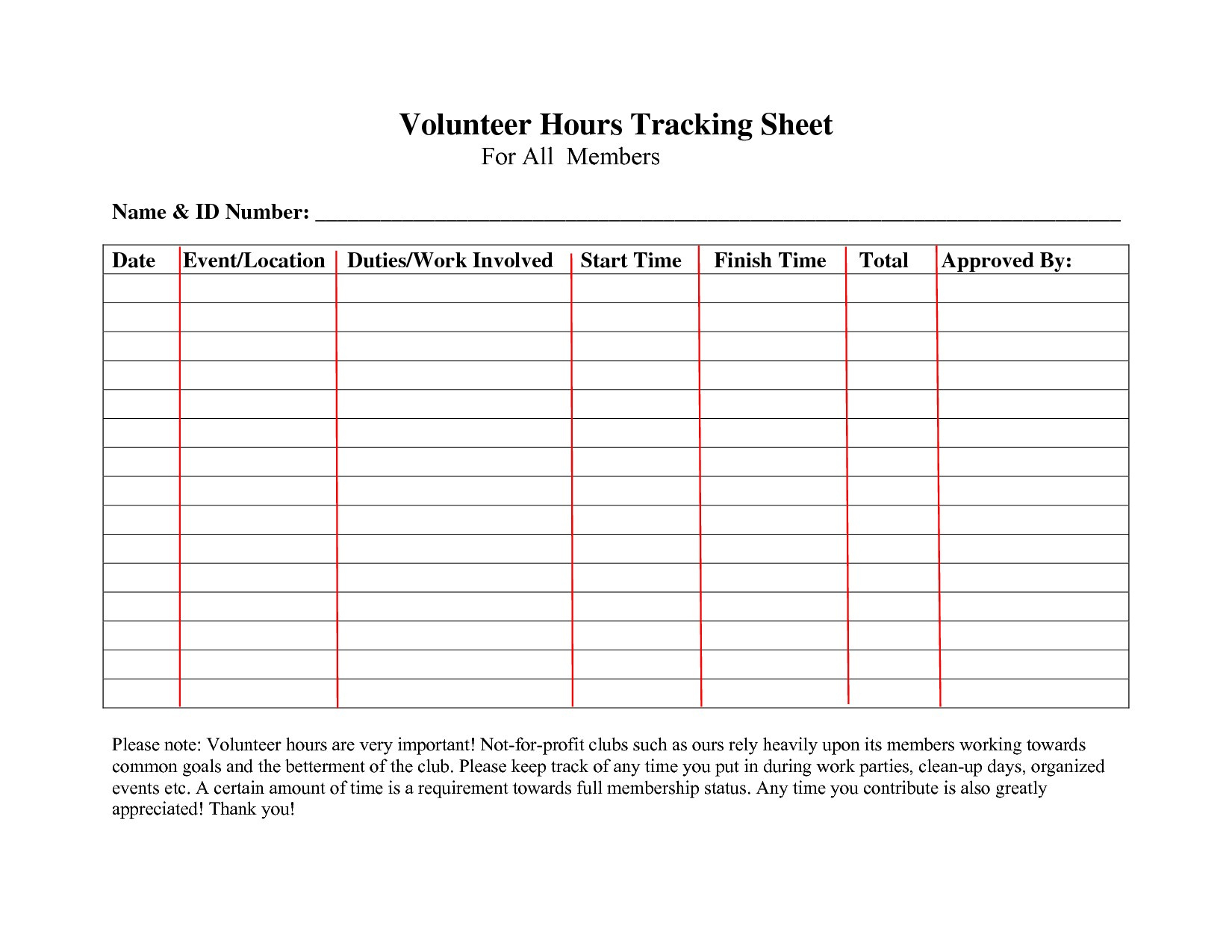
Volunteer hours are more than just numbers; they represent commitment, impact, and the collective heartbeat of an organization. Precise tracking fuels transparent reporting, aids in grant applications, and nurtures a culture of gratitude. When volunteers see their hours logged accurately, they feel valued and motivated to continue contributing. Accurate records also help organizations identify skill gaps, plan future events, and recognize top performers with meaningful awards.
Key Benefits for Organizations
- Compliance and Accountability: Many funding bodies require detailed hour logs to justify expense reimbursements.
- Data‑Driven Decisions: Aggregated data reveal trends, such as peak volunteer activity during holidays.
- Recognition and Retention: Highlighting cumulative hours boosts volunteer morale and reduces turnover.
Key Benefits for Volunteers
- Personal Growth Tracking: Volunteers can track skill development alongside time contributed.
- Portfolio Building: Hour logs serve as tangible evidence for academic or professional pursuits.
- Community Recognition: Public acknowledgment of hours fosters a sense of belonging.
Core Features of an Effective Template
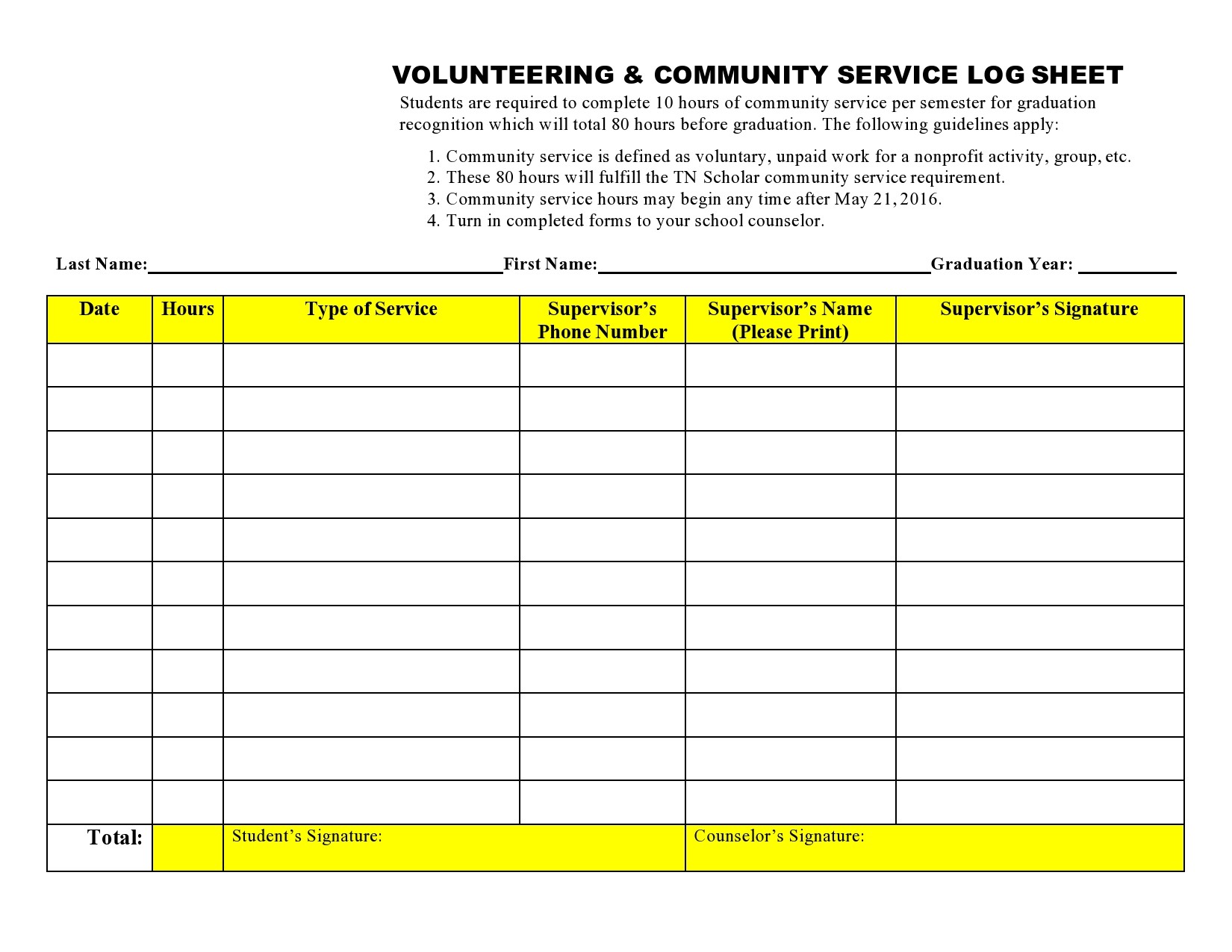
A well‑designed volunteer hour tracking template balances simplicity with robust functionality. Below are the indispensable elements that every template should include.
Volunteer Identification Section
Collect essential data such as name, contact information, and unique volunteer ID. This ensures each record is linked to a verified individual and eliminates duplicate entries.
Event and Task Details
Include fields for event title, location, date, and specific tasks performed. This granularity aids in evaluating the impact of particular initiatives.
Hour Calculation Mechanics
Automate hour calculations using start and end time inputs. Adding a buffer for breaks or transition times keeps the data realistic.
Signature and Verification
Require a digital signature or supervisor confirmation to maintain data integrity and prevent tampering.
Summary and Analytics Dashboard
Generate quick totals, averages, and charts to visualize volunteer distribution across projects or time periods.
Step‑by‑Step Guide to Setting Up Your Template
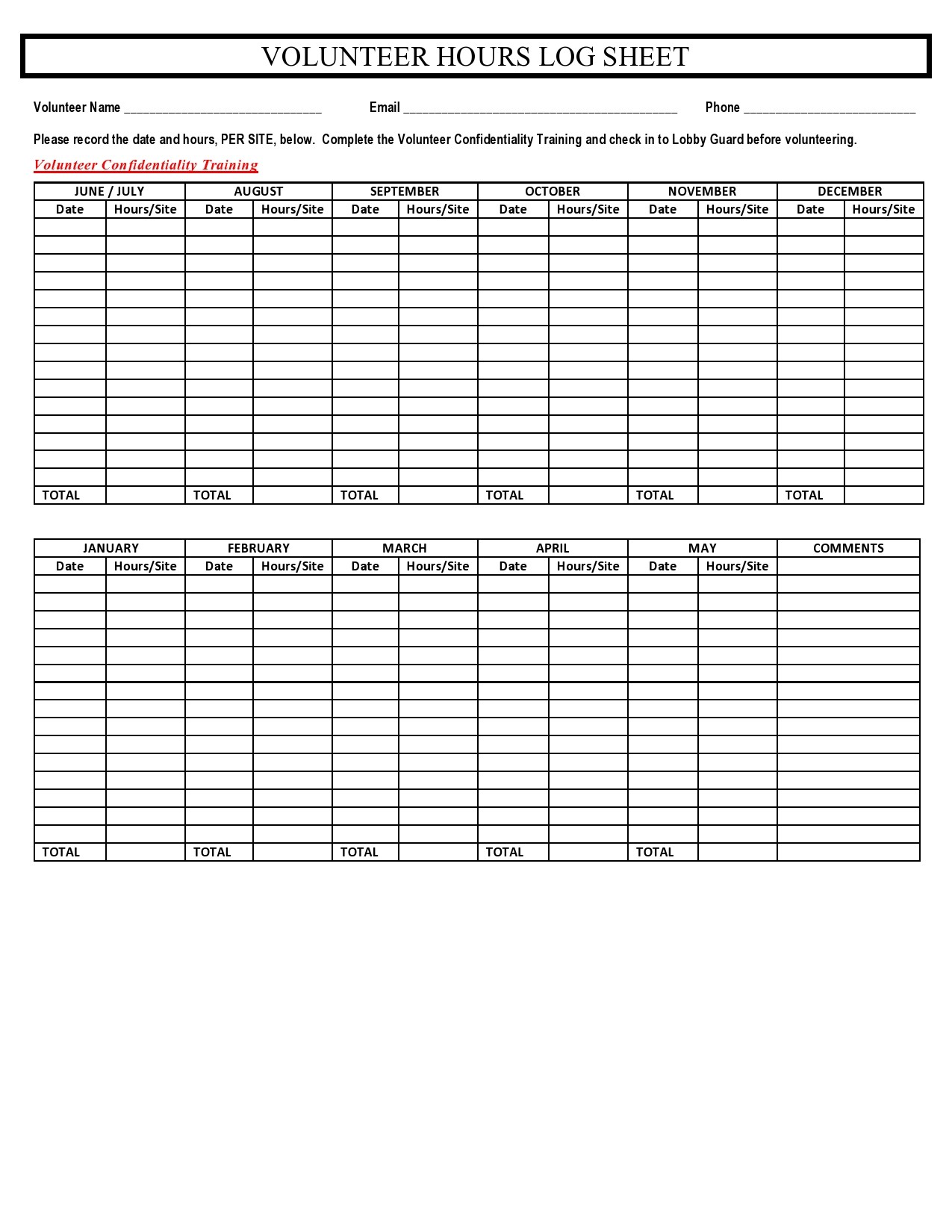
Creating an intuitive and error‑free template is straightforward when you follow these actionable steps.
Step 1: Choose Your Platform
Decide whether the template will reside in a spreadsheet (Excel, Google Sheets) or a database (Airtable, Notion). Spreadsheets offer instant accessibility, while databases provide advanced filtering and automation.
Step 2: Design the Layout
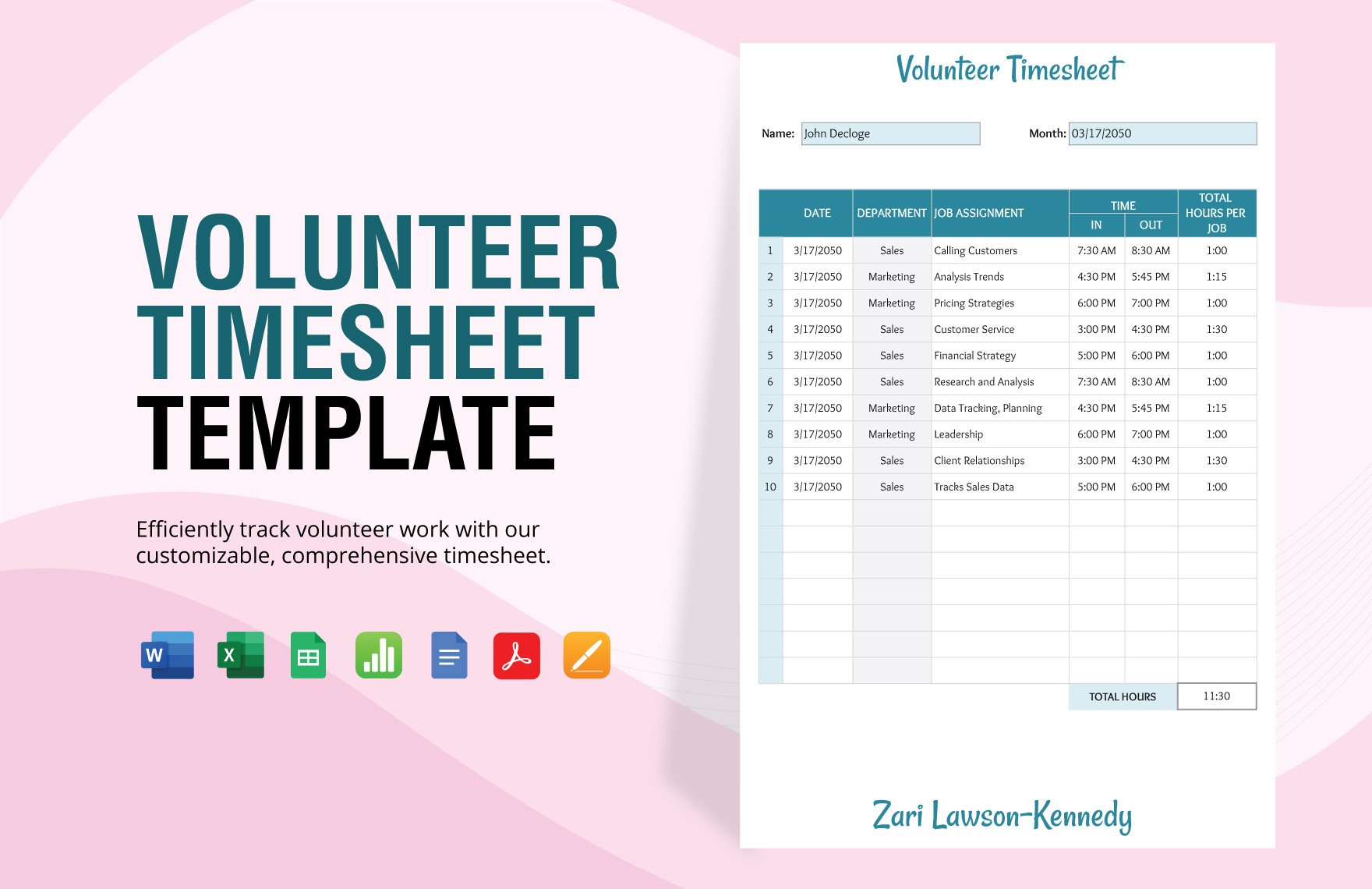
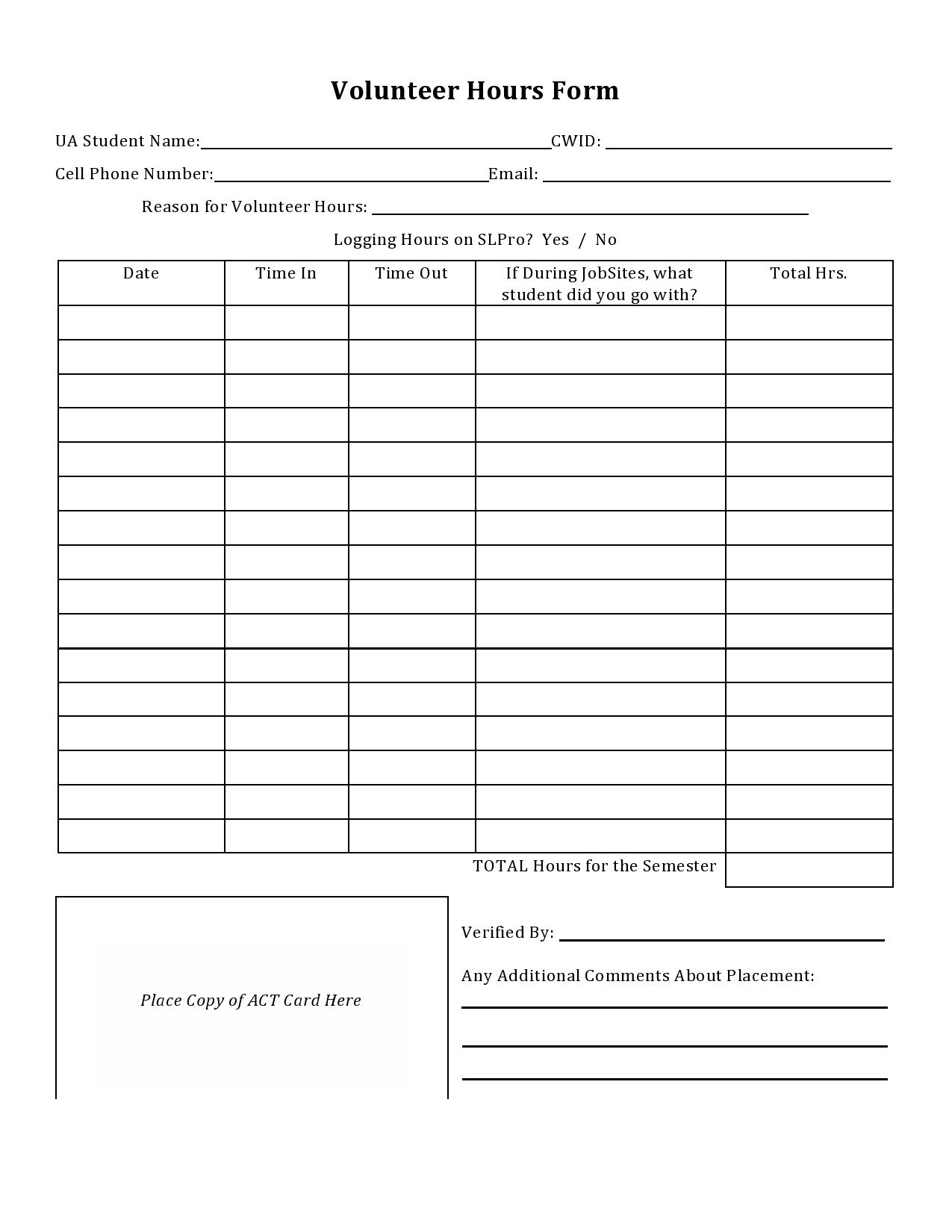
Start with a clean header row. Label columns clearly, e.g., Volunteer Name, ID, Event, Start Time, End Time, Breaks, Total Hours, Sign‑Off.
Step 3: Implement Data Validation
Use drop‑down lists for event names to avoid typos. Apply date and time formats to enforce consistency. In Google Sheets, the “Data Validation” feature ensures only valid entries populate the table.
Step 4: Automate Hour Calculations
Insert a formula that subtracts start time from end time, subtracts break duration, and displays the result in a “Total Hours” column. For example, in Excel: =(EndTime-StartTime)-Breaks.
Step 5: Add Conditional Formatting
Highlight entries that exceed a certain threshold (e.g., more than 10 hours in a single event) to quickly spot high‑impact volunteers.
Step 6: Set Up a Signature Field
Incorporate a checkbox or a digital signature field that volunteers can tick upon completion. For spreadsheets, a simple “✓” indicator suffices.
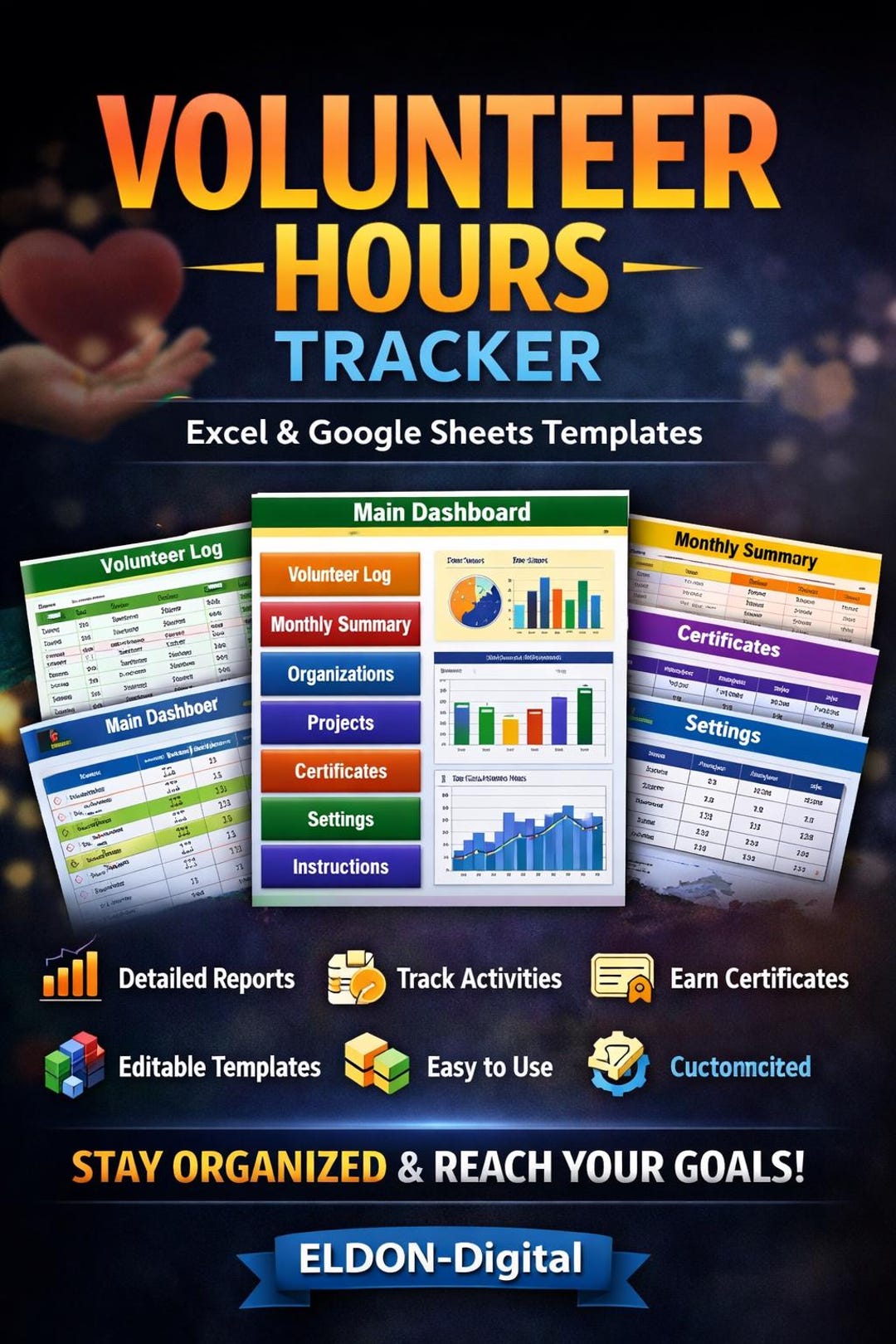
Step 7: Create a Dashboard Sheet
Use pivot tables or charts to aggregate total hours per volunteer, per event, and per month. A visual dashboard offers instant insights during meetings.
Best Practices for Maintaining Data Quality
Even the best template can falter if users do not adhere to consistent practices. Below are proven habits that preserve data integrity.
Standardize Time Reporting
Encourage volunteers to record exact start and end times rather than approximations. Use 24‑hour format to avoid AM/PM confusion.
Regular Audits
Schedule monthly reviews where a supervisor cross‑checks a random sample of entries against logs or attendance sheets.
Training and Onboarding
Provide a concise guide and a short training session for new volunteers to familiarize them with the template’s fields and submission process.
Backup and Version Control
Store the template in a cloud service with automatic backup. Maintain version history to revert accidental deletions or mistakes.
Common Pitfalls to Avoid
Even seasoned coordinators can slip into habits that compromise data quality. Awareness of these pitfalls allows proactive mitigation.
Overloading Volunteers
Demanding detailed logs for every hour can cause fatigue. Strike a balance between granularity and usability.
Ignoring Data Privacy
Ensure that sensitive volunteer information is stored securely and shared only with authorized personnel.
Failing to Update the Template
As the organization evolves, new types of events or roles may emerge. Regularly revise the template to capture new data points.
Integrating the Template with Other Systems

Seamless integration with existing tools amplifies the template’s value, enabling automated reporting and data flow.
Syncing with Email Platforms
Link the template to email invitations so that volunteers can submit logs directly from their inbox via a web form.
Connecting to Accounting Software
Automated hour logs can feed into payroll or grant expense systems, simplifying reimbursements.
Using API Hooks
For tech‑savvy nonprofits, APIs allow real‑time updates between the template and a central volunteer management system.
Real‑World Case Studies
Examining how different organizations utilize volunteer hour tracking provides practical insights.
Case Study 1: Youth Outreach Program
A community center used a simple spreadsheet template to record tutoring hours. By exporting the data into a dashboard, they discovered that volunteer tutors worked 20% more during summer camps. This insight led to targeted recruitment campaigns, boosting summer participation by 35%.
Case Study 2: Environmental Cleanup Initiative
Using a database‑based template, an NGO tracked hours across multiple cleanup sites. Conditional formatting highlighted volunteers who consistently worked in high‑traffic zones. The organization rewarded these individuals with “Green Champion” badges, resulting in higher retention for the following year.
Case Study 3: Hospital Volunteer Network
A hospital integrated its volunteer hour template with its electronic health record system. This enabled instant validation of hours against patient care schedules, ensuring accurate billing for services funded by grants.
Advanced Customization for Growing Organizations

As your volunteer base expands, the template can evolve from a basic sheet to a sophisticated system.
Custom Fields and Tags
Introduce tags for skill categories (e.g., “Teaching,” “Event Planning”) to enable skill‑based matching for future projects.
Automated Reporting Emails
Set up scheduled email reports that summarize volunteer hours for each department, ensuring stakeholders remain informed.
Mobile‑Friendly Interfaces
Develop a simple mobile form that syncs with the template, allowing volunteers to log hours on the go.
Gamification Elements
Incorporate points or badges directly into the template to create a competitive yet supportive environment.
Conclusion
A well‑crafted Volunteer Hour Tracking Template is more than a log; it is the backbone of a transparent, efficient, and appreciative volunteer ecosystem. By implementing a thoughtfully designed template, maintaining rigorous data quality practices, and continually adapting to organizational growth, nonprofits can ensure that every hour contributed is recognized, every volunteer feels valued, and the mission of service is propelled forward with precision and purpose. Embrace the power of structured tracking, and let your organization’s impact shine through every recorded hour.