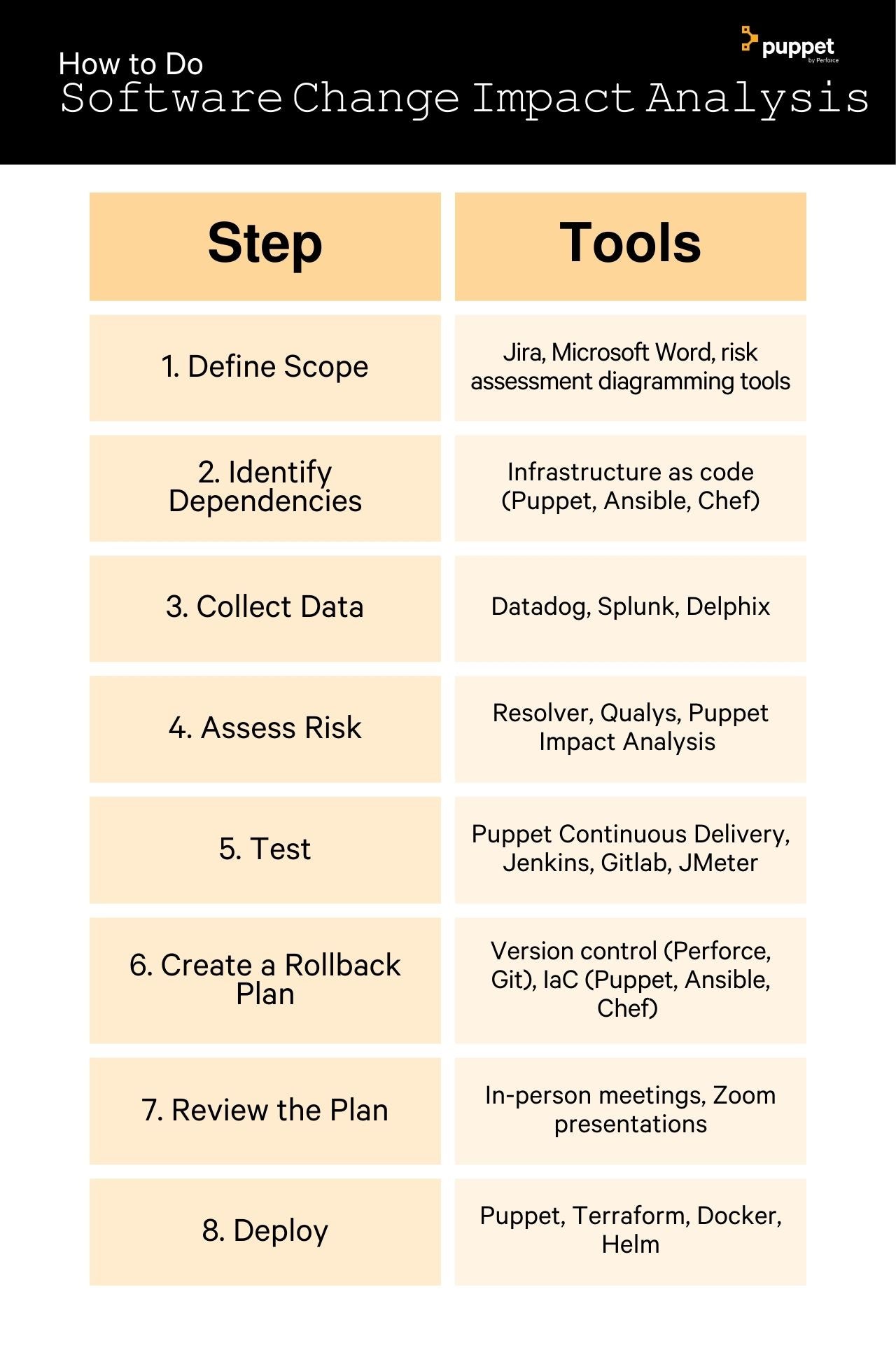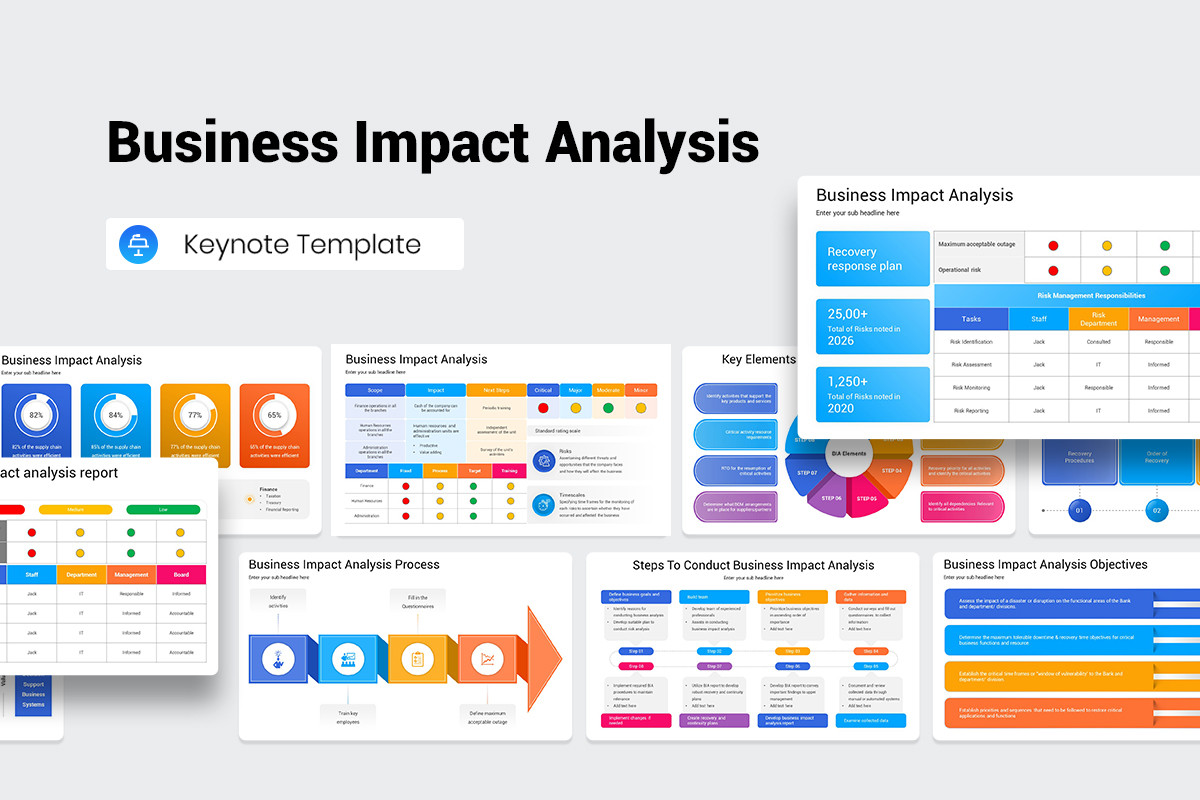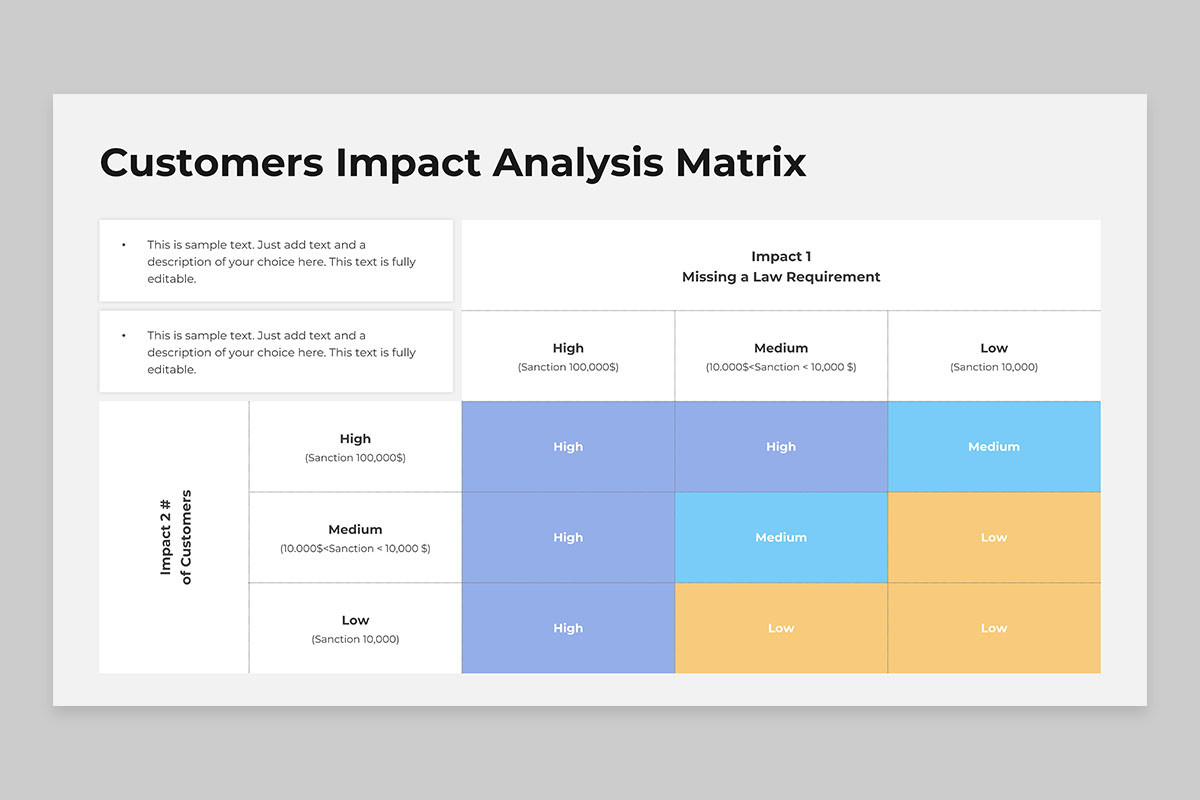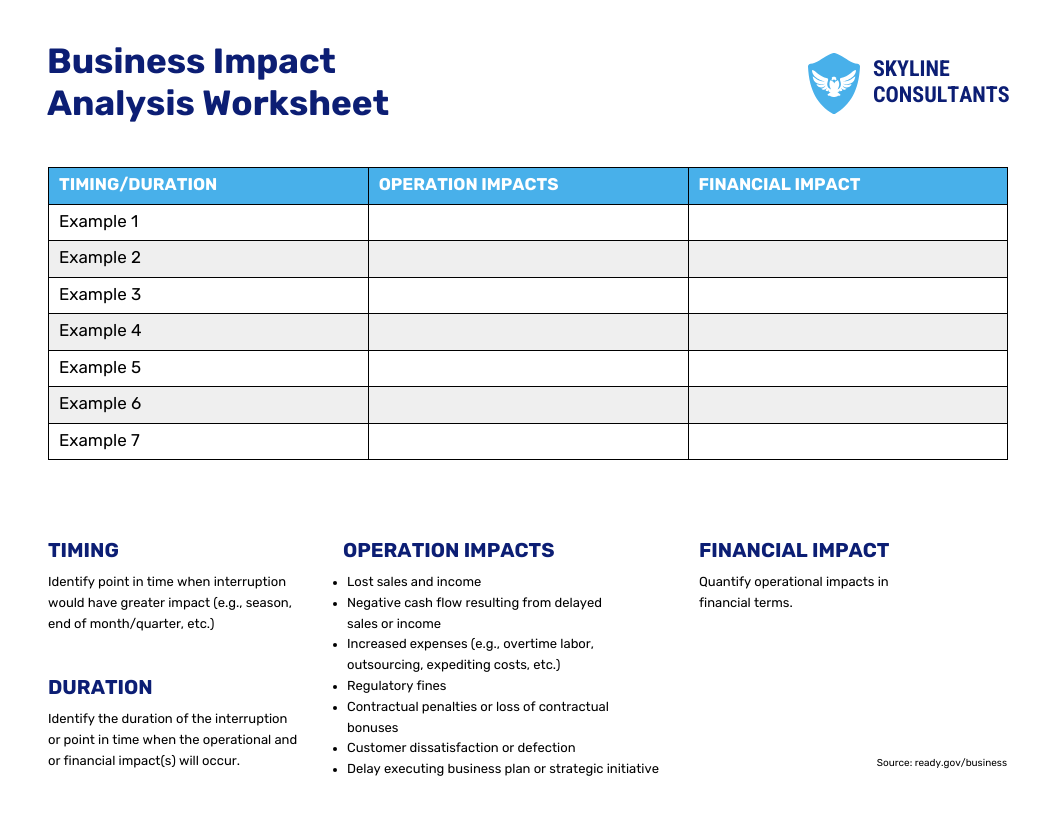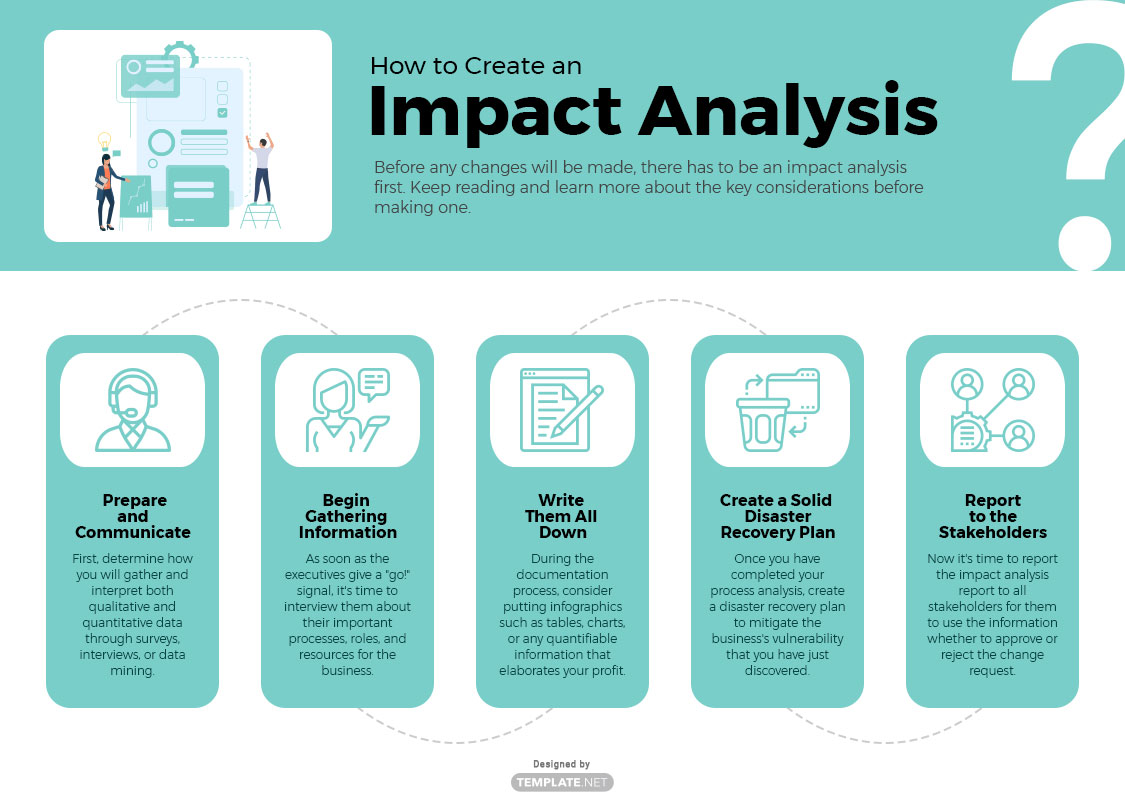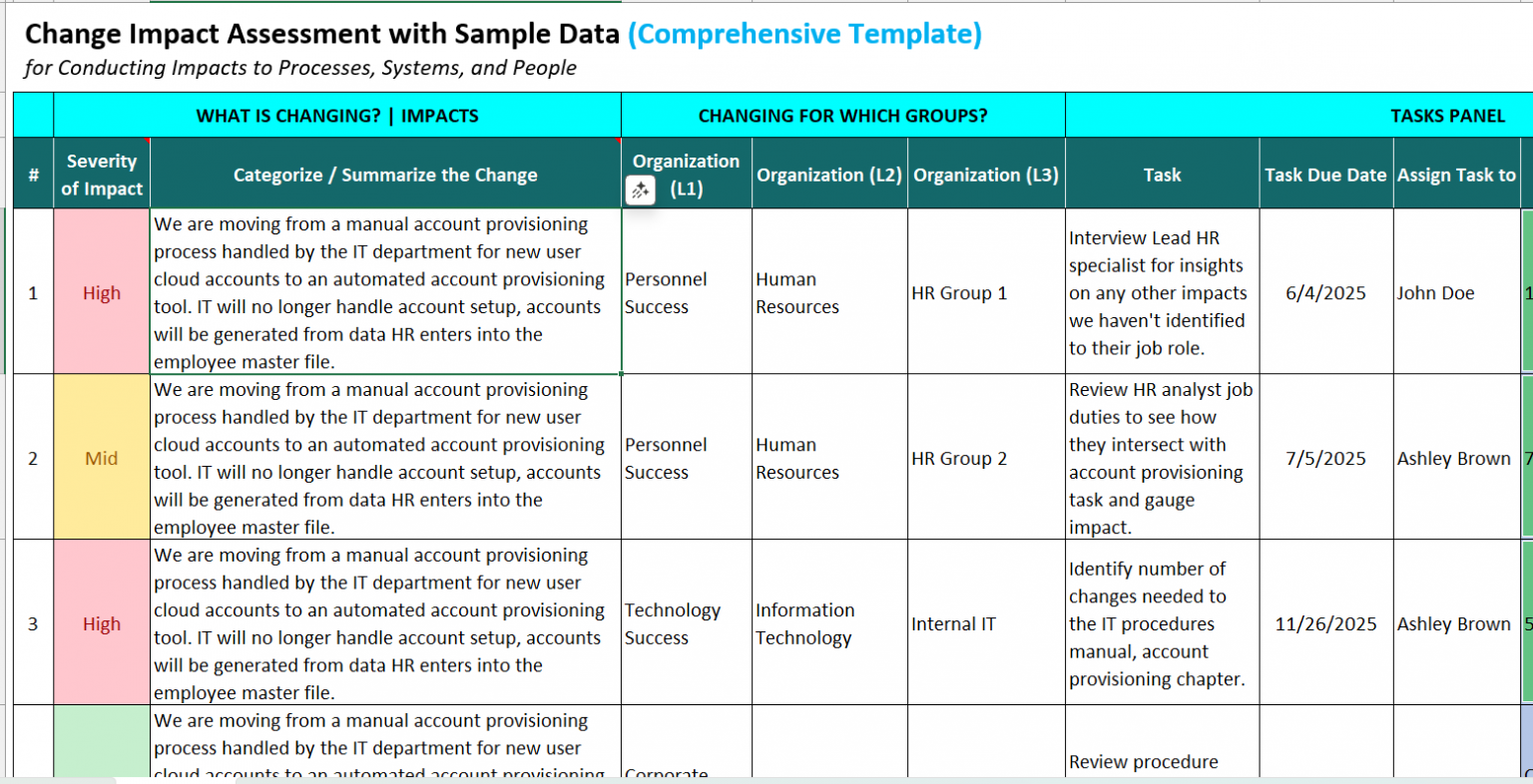
Impact Analysis Template Software Development is the hidden engine that drives smart project decisions, turning vague risk assessments into clear, actionable plans. When I first stepped into a startup’s product roadmap meeting, I saw a handful of spreadsheets and a lot of hesitation about what changes might ripple through the entire system. That moment made me realize that a robust, reusable template for impact analysis could change the game—not just for one team, but for the whole organization. This post walks you through the practical journey of building, customizing, and deploying such templates, blending theory with the hands‑on experiences I’ve gathered over years in agile and waterfall environments.
Why Impact Analysis Matters in Software Development
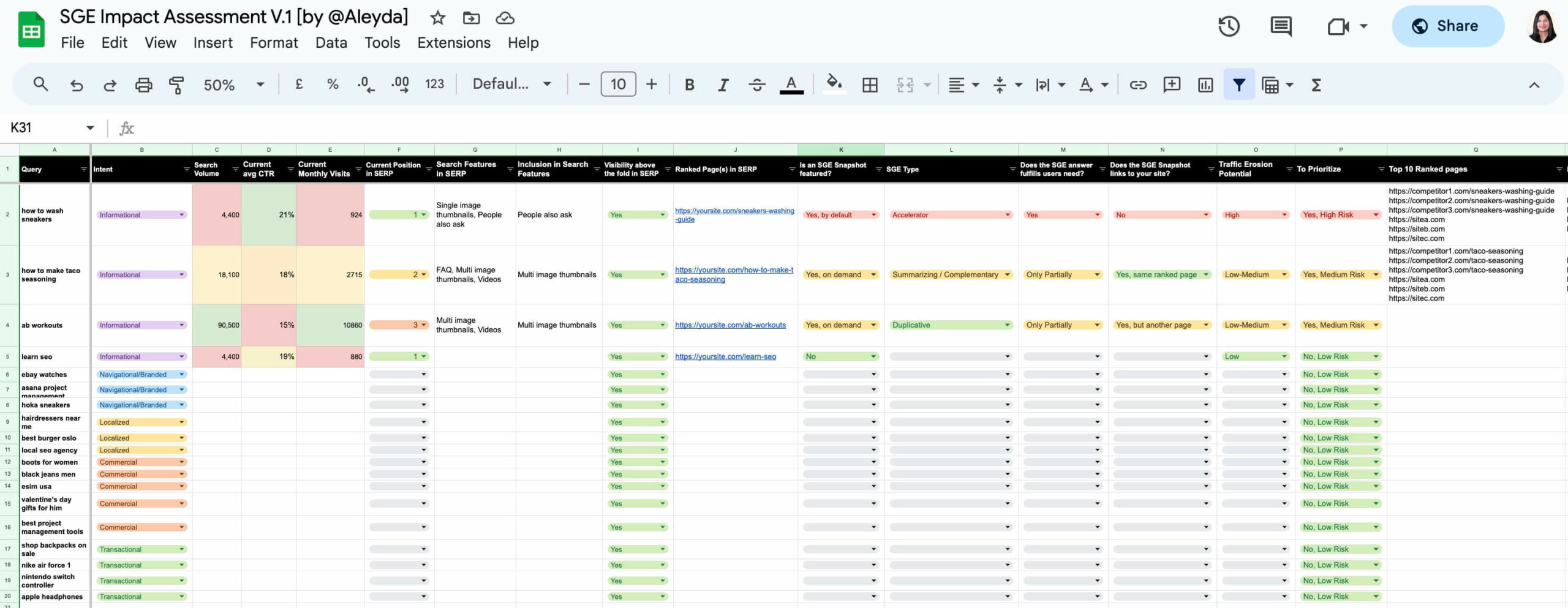
In any software project, decisions rarely stay isolated. Adding a new authentication layer, re‑architecting the database, or updating a third‑party API can affect performance, security, cost, and user experience. Impact analysis is the systematic way to capture these downstream effects before code changes hit the repository. Without it, teams often face:
- Hidden bugs that surface only in production.
- Cost overruns due to underestimated resource needs.
- Conflicting priorities when stakeholders weigh business value against technical risk.
- Low confidence in release schedules.
By contrast, a solid impact analysis template turns uncertainty into a structured conversation, making it easier to align stakeholders, allocate budgets, and set realistic timelines. This clarity is especially valuable when working with distributed teams or multiple product lines.
Building the Foundation: Key Elements of a Good Template
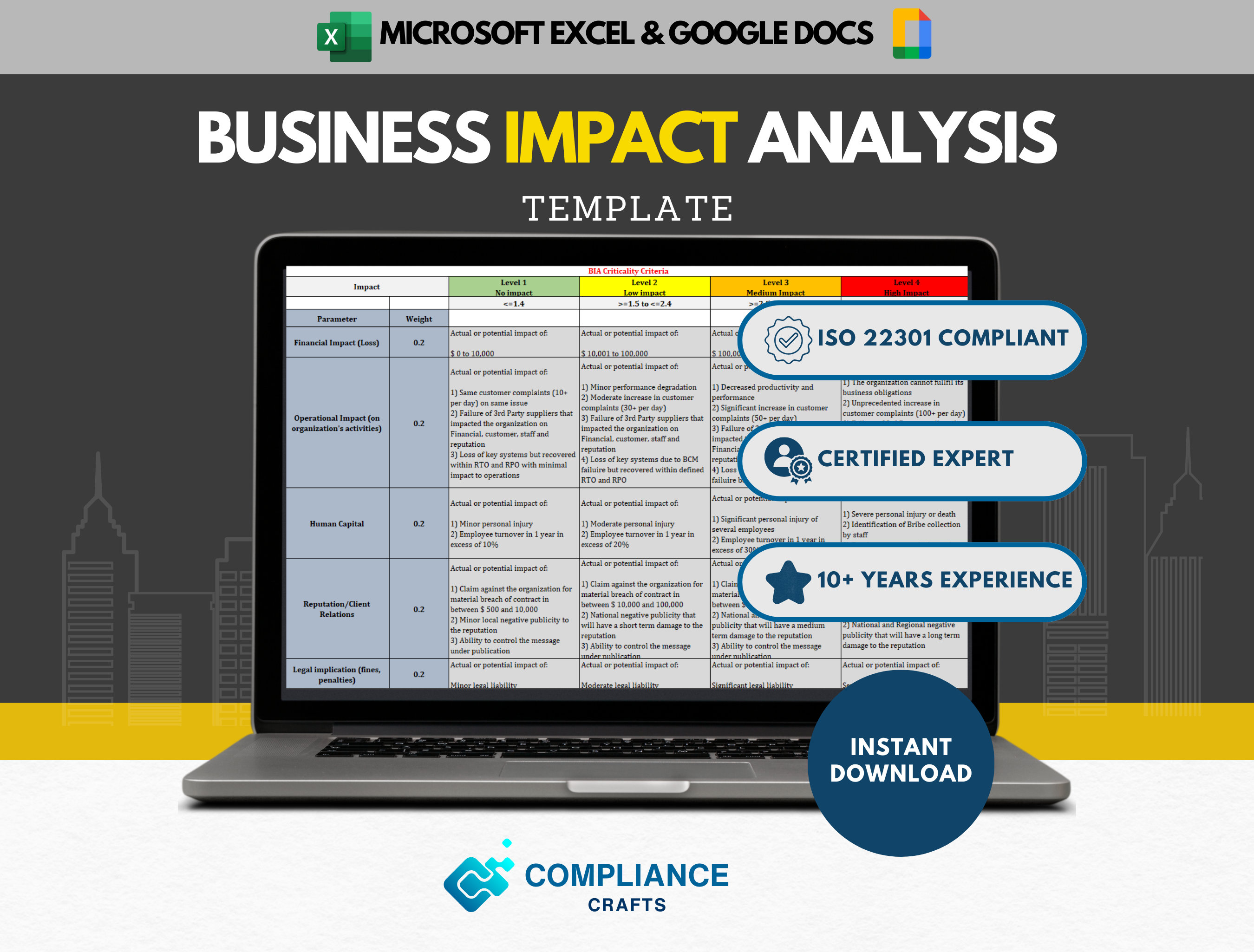
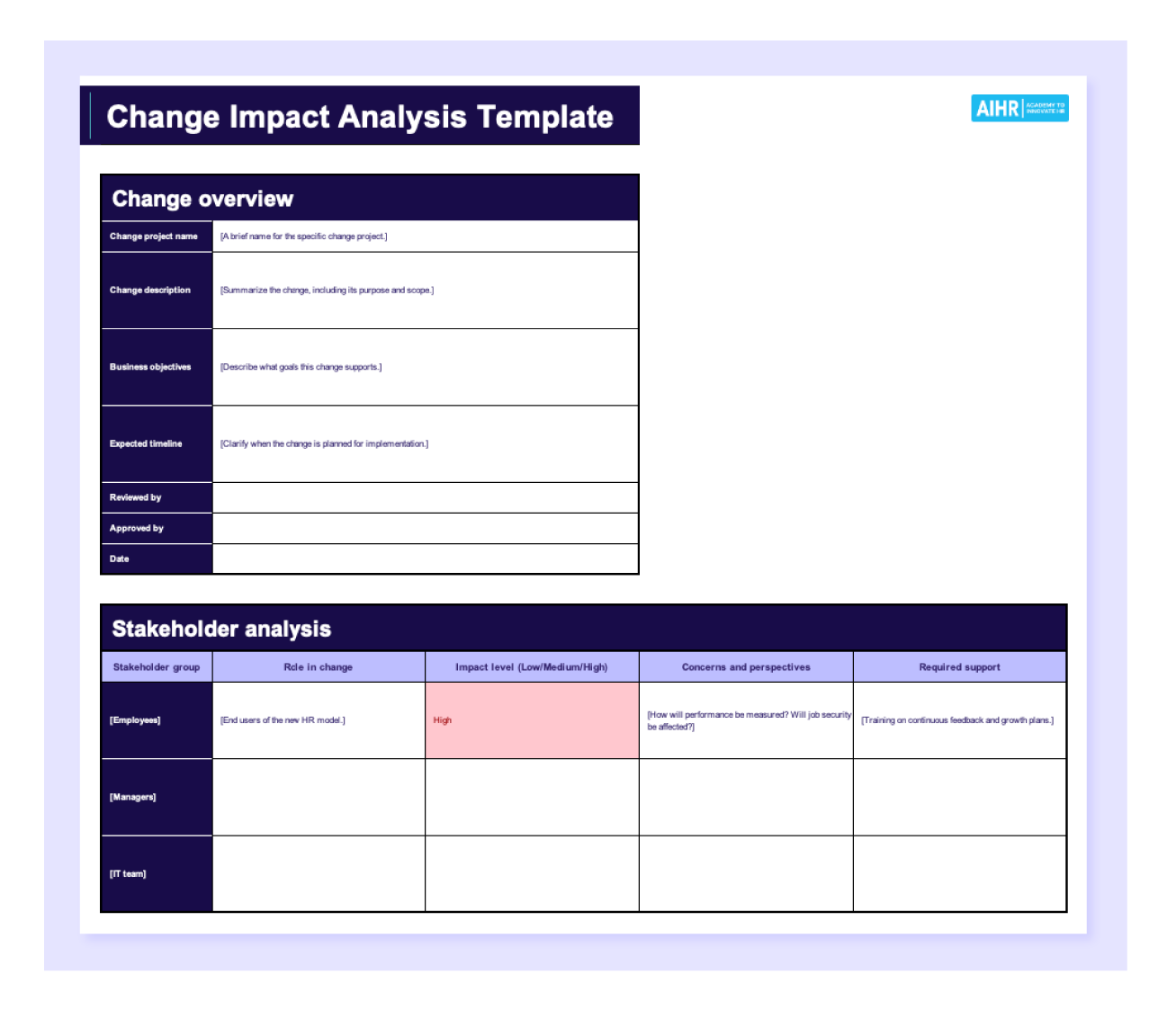
Before you hand out a blank sheet, ask yourself what information the template must capture to be actionable. A well‑crafted template typically includes the following sections:
Project Context
Describe the feature, bug, or architectural change. Provide a short narrative so that anyone reading the template can understand the scope without digging through issue trackers.
Stakeholder Impact
List who is affected—product managers, QA, ops, marketing, or end users. For each stakeholder, note potential changes in workflows, reporting, or customer support needs.
Technical Impact
- Performance: Will latency increase? What are the throughput implications?
- Security: Does the change open new attack vectors? Does it require additional compliance checks?
- Scalability: Are new resource limits needed? Does it alter horizontal or vertical scaling strategies?
- Maintainability: How does the change affect code complexity or future refactors?
Business Impact
Assess revenue implications, potential for new features, or cost savings. Include metrics such as projected user growth, revenue lift percentages, or savings on infrastructure spend.
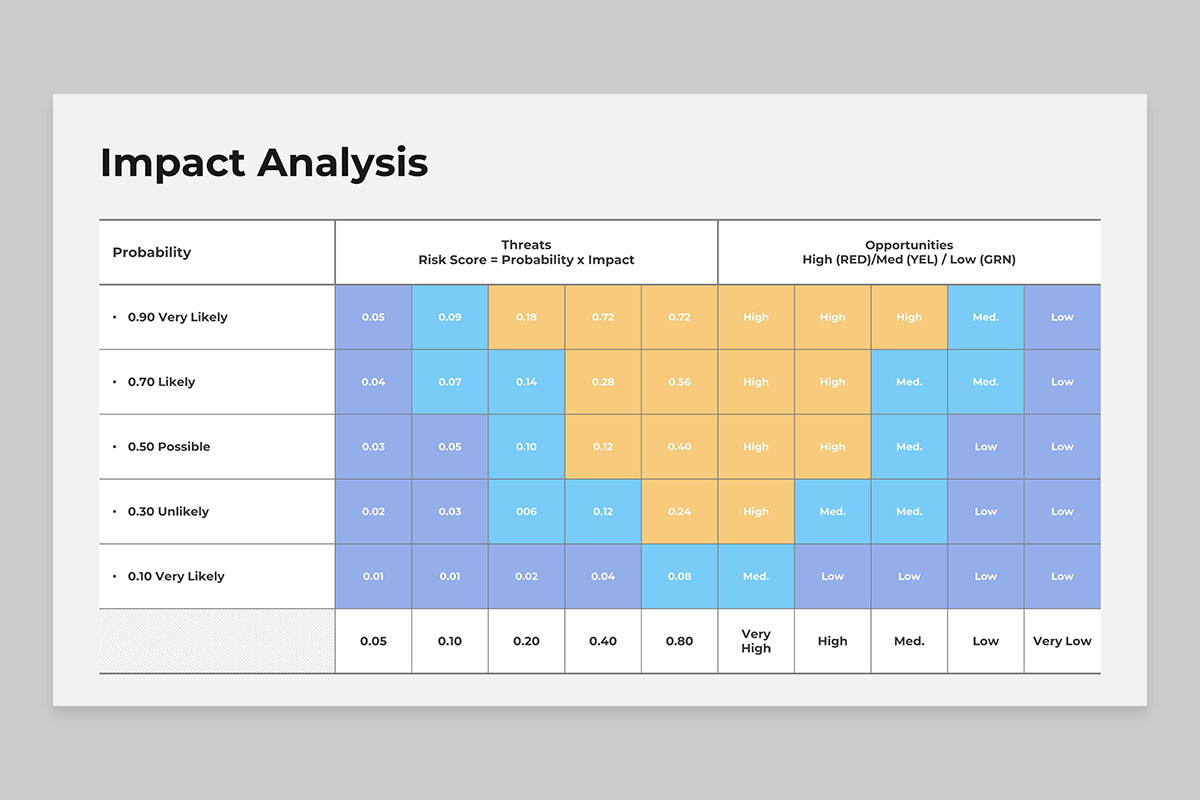
Risk Assessment
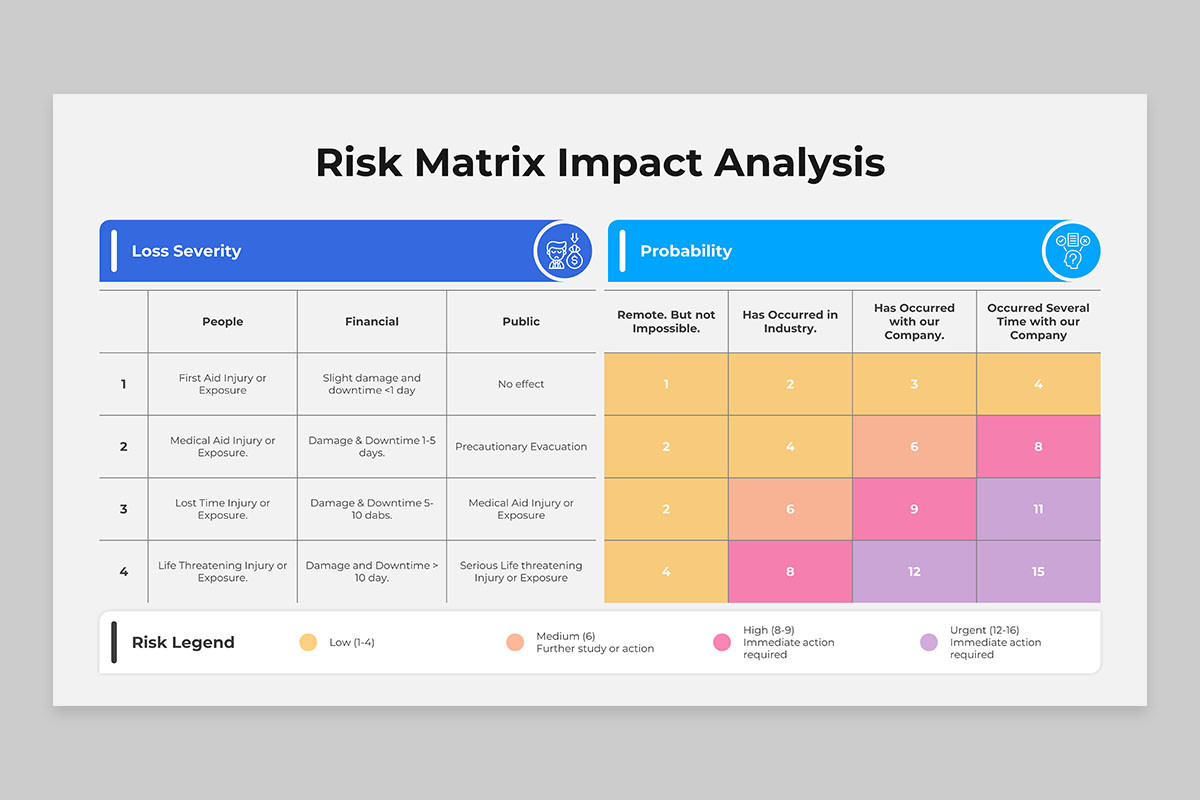
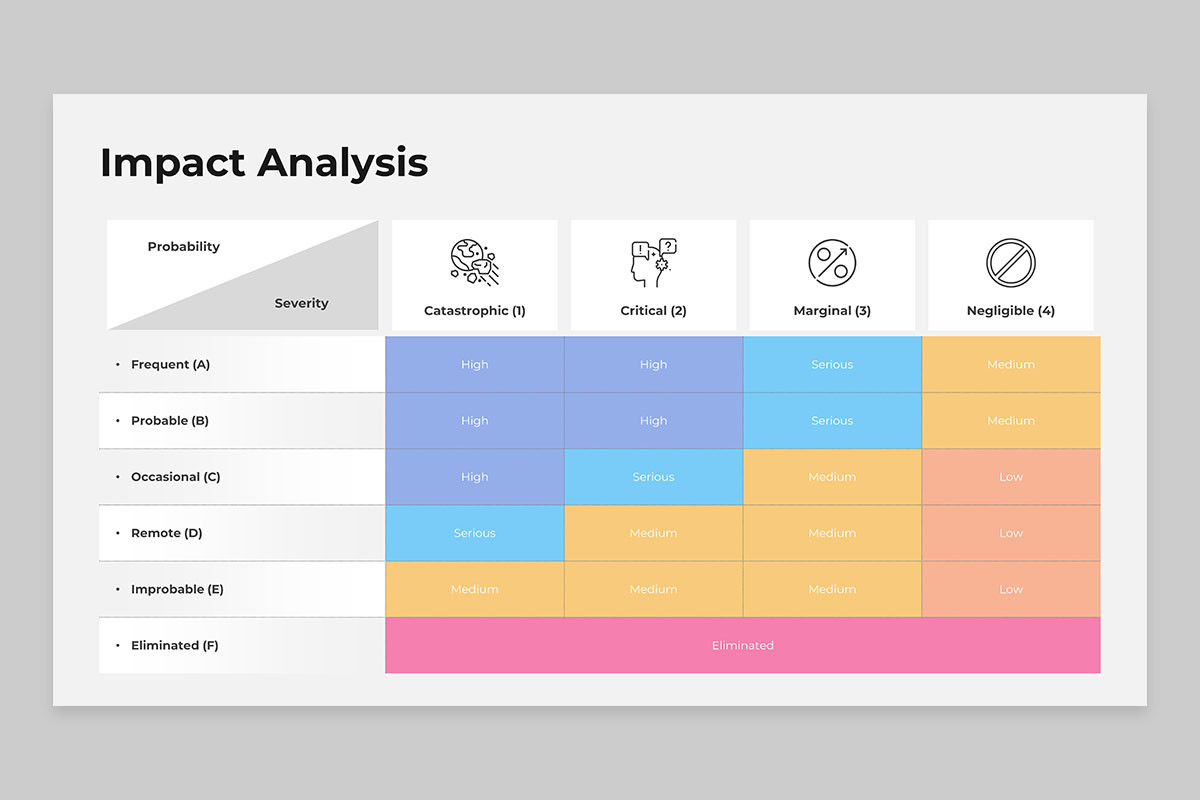
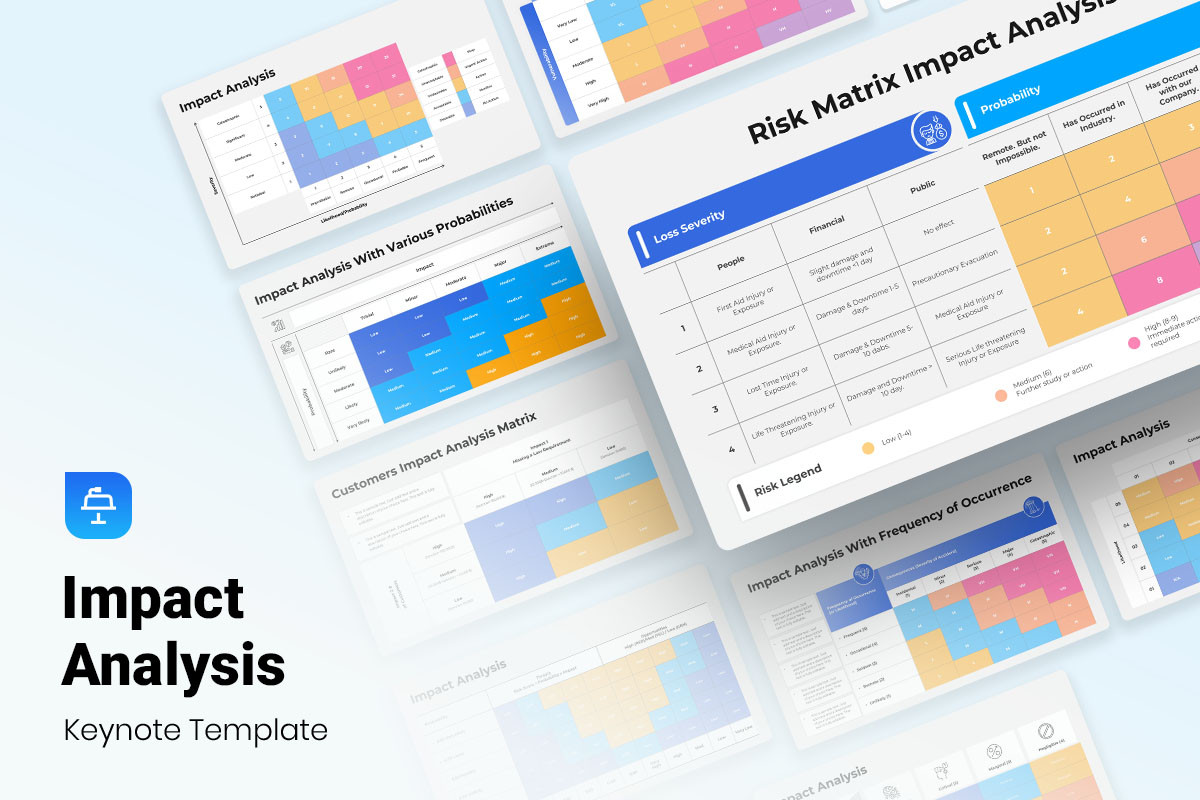
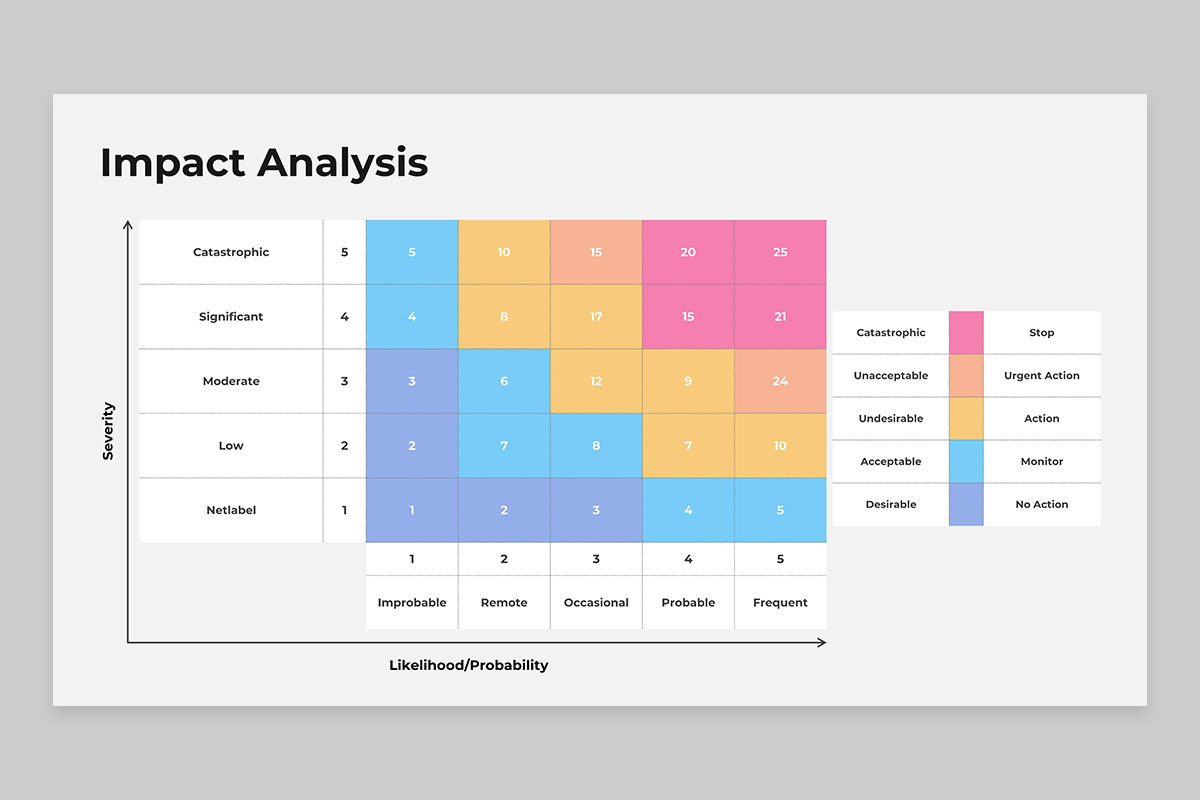
Rate each risk on likelihood and severity, then provide mitigation strategies. A simple “Low / Medium / High” scale with a brief explanation works well.
Dependencies and Constraints
Identify interdependencies with other teams, external vendors, or legacy systems. Note any contractual or regulatory constraints that could impede the change.
Implementation Effort and Timeline
Estimate effort in story points or person‑days and map the change to a release timeline. This section helps planners balance velocity with risk.
Approval and Sign‑Off
Include space for decision makers to review and formally accept the analysis. This creates an auditable trail.
Choosing the Right Tooling Stack
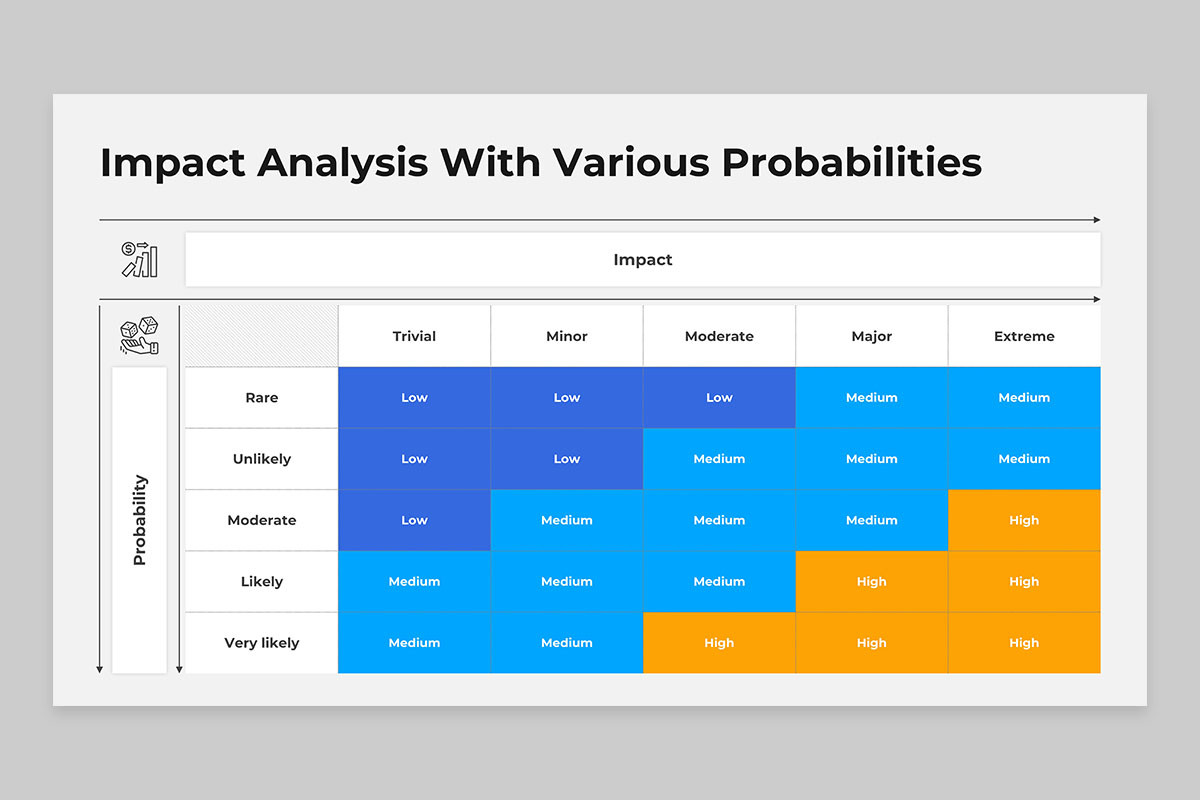
Templates can live in spreadsheets, word processors, or specialized project management tools. Each choice has trade‑offs, but the goal is to make the template easy to fill, share, and version‑control. Here’s a quick comparison:
Spreadsheets (Excel, Google Sheets)
- Pros: Familiar to most teams, allows formula‑based calculations, can be embedded in dashboards.
- Cons: Manual formatting can become messy, difficult to enforce consistency without scripting.
Word Processors (Microsoft Word, Google Docs)
- Pros: Rich formatting, easy to add narrative sections.
- Cons: Harder to integrate with automated tools, version control can be clunky.
Project Management Platforms (Jira, Asana, Smartsheet)
- Pros: Native integration with issue tracking, workflow automation, and reporting.
- Cons: Customization may require administrative access or add‑on purchases.
Dedicated Impact Analysis Software
- Pros: Built‑in templates, scoring algorithms, and audit logs.
- Cons: Often costly and may not fit all teams’ workflows.
In my experience, a hybrid approach works best: a Google Sheets template linked to a Jira issue type. This combination balances accessibility with traceability.
Step‑by‑Step Guide to Building a Custom Template
1. Gather Requirements
Start by interviewing stakeholders from product, engineering, QA, and operations. Ask what information they need to make informed decisions and what pain points exist with current processes. Document these insights as a living list to guide template structure.
2. Prototype the Layout
Create a rough draft in a lightweight tool—pen and paper works too. Focus on logical flow: from context to risk to implementation. Once the layout feels intuitive, move to a digital format.
3. Define Data Fields
Decide on mandatory versus optional fields. Use dropdowns or data validation where appropriate to enforce consistency (e.g., risk severity levels or impact scores).
4. Add Calculated Metrics
Embed simple formulas to compute overall risk scores or cost estimations. For example, Risk Score = Likelihood × Severity. These quick metrics help decision makers compare options at a glance.
5. Implement Version Control
Store the template in a Git repository or a shared drive with versioning enabled. Keep a changelog documenting updates, especially when the template evolves to accommodate new product lines.
6. Train the Team
Hold a workshop to walk through the template, explaining each section and showing examples. Provide cheat sheets or short video demos for quick reference.
7. Iterate Based on Feedback
After a few cycles of use, solicit feedback on usability, missing fields, or over‑complexity. Refine the template iteratively, keeping a balance between comprehensiveness and speed.
8. Integrate with Release Workflows
Link the completed template to a release checklist. For instance, add a custom field in Jira that opens a ticket only when the impact analysis is approved.
Real‑World Case Study: Migrating from On‑Prem to Cloud
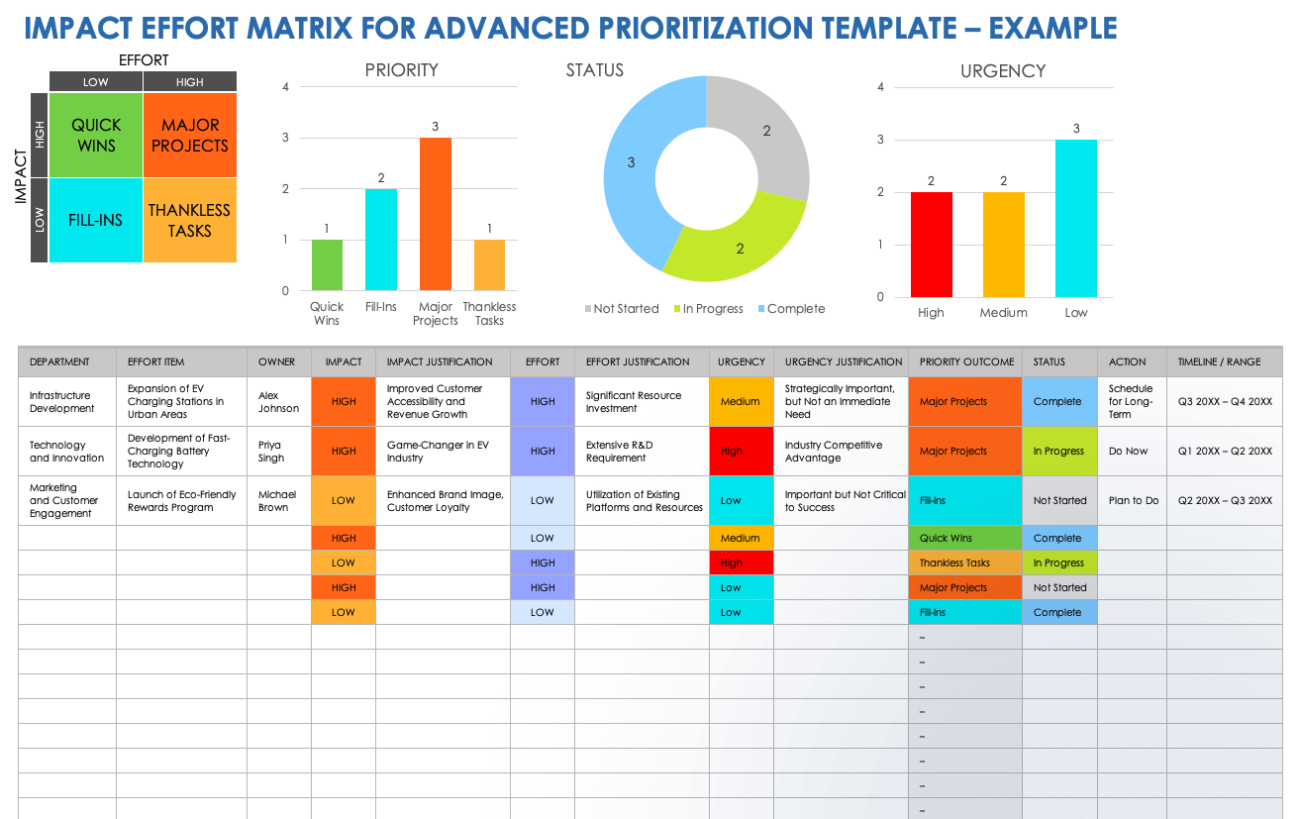
When a mid‑size fintech company decided to migrate its transaction engine from an on‑prem data center to AWS, the impact analysis template became a lifesaver. The template captured:
- Stakeholder impact: Compliance, customer support, and finance teams.
- Technical impact: Latency in cross‑region transactions, cost of data egress.
- Business impact: Reduced CAPEX, potential for new subscription tiers.
- Risk assessment: Data loss during migration (high), security misconfiguration (medium).
- Dependencies: Third‑party payment gateway updates, regulatory audit schedules.
By filling this template, the team identified that a 30% cost reduction was achievable only if they leveraged reserved instances, but that would lock them into a three‑year contract. The decision matrix in the template guided the final architecture choice, and the project stayed on budget and under schedule.
Common Pitfalls and How to Avoid Them
Overloading the Template
Too many fields can discourage usage. Prioritize critical data points and consider optional sections that teams can add later.
Ignoring Stakeholder Input
If the template feels like a bureaucratic box, teams will skip it. Involve stakeholders from day one to ensure the template addresses real concerns.
Not Keeping It Updated
Technology stacks evolve. Schedule regular reviews—quarterly or after major releases—to keep fields relevant.
Failing to Tie Back to Metrics
Impact analysis without metrics feels subjective. Incorporate numeric scores where possible to support objective decisions.
Best Practices for Maintaining a Living Template
Versioned Templates
Label each template release with a clear version number and maintain a changelog. This practice aids compliance audits and historical analysis.
Central Repository
Store the template in a single, accessible location—ideally in a tool everyone uses. Avoid multiple copies that drift apart.
Governance and Ownership
Appoint a template owner responsible for updates, training, and governance. This role ensures the template stays aligned with organizational goals.
Automation Opportunities
Use macros or scripts to auto‑populate fields like dates, project names, or risk scores. Automation reduces manual entry errors and speeds up the process.
Link to Decision Logs
Attach the impact analysis to a decision log or meeting minutes. This creates traceability and accountability, especially when post‑mortems surface.
Extending the Template to Agile Environments
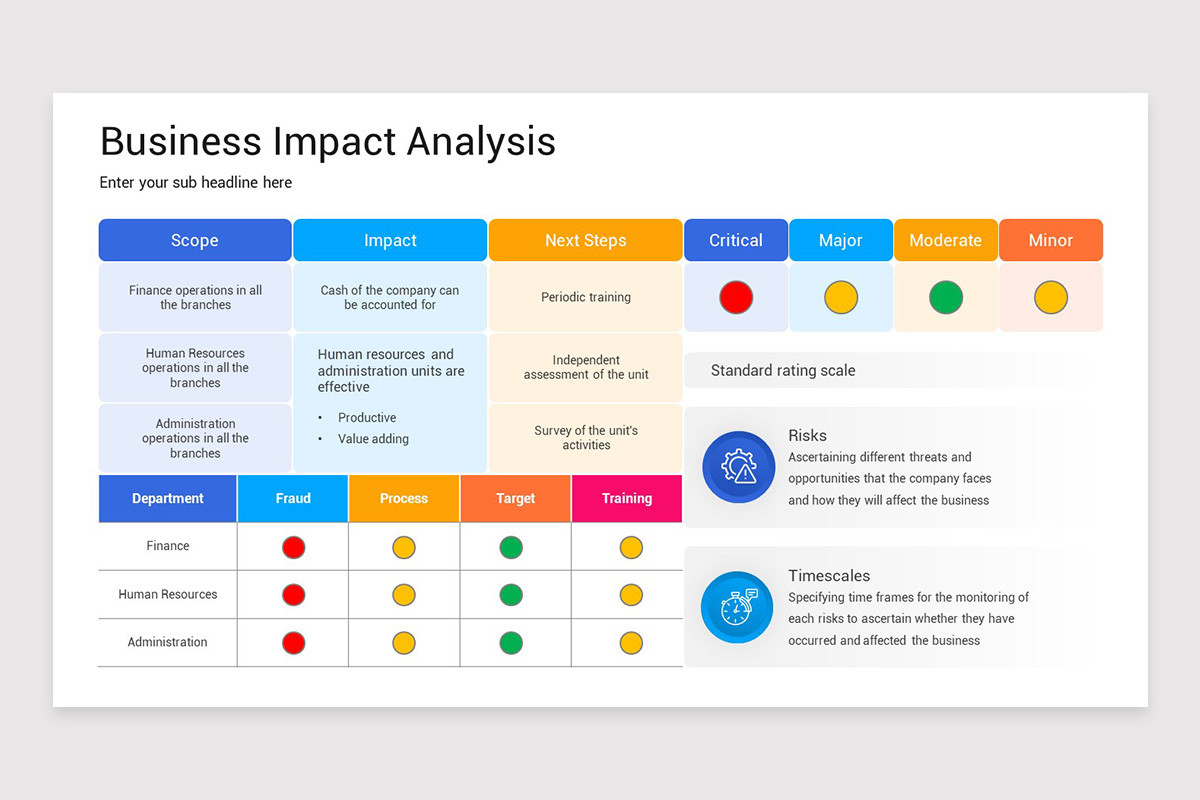
Agile teams thrive on rapid iteration. To fit within Scrum or Kanban cycles, consider a lightweight version of the template for sprint‑level decisions:
- Limit to core sections: Context, Technical Impact, Risk, and Effort.
- Use a 1‑2‑page “Impact Snapshot” that feeds into the sprint backlog.
- Integrate with story cards: Add an “Impact Analysis” custom field that becomes a prerequisite for sprint acceptance.
By keeping the template lightweight for micro decisions and fully detailed for major releases, you balance thoroughness with agility.
Leveraging Impact Analysis for Continuous Improvement

Once you’ve implemented the template, it becomes a data source for retrospectives. Analyze historical impact scores to identify patterns:
- Which risk categories most frequently turn into real issues?
- Are there recurring dependencies that can be abstracted into reusable components?
- Do certain teams consistently underestimate effort?
These insights allow you to refine estimation practices, adjust risk thresholds, and even automate warning alerts for high‑risk changes.
Conclusion
Building a high‑impact, user‑friendly template isn’t a one‑time hack; it’s an ongoing investment in clarity, accountability, and strategic alignment. By thoughtfully structuring the template, choosing the right tools, and embedding it into your release workflow, you transform a chaotic cascade of assumptions into a disciplined decision framework. The result? Faster releases, fewer surprises, and a culture that values evidence‑based planning. In the ever‑shifting landscape of software development, a solid Impact Analysis Template Software Development practice becomes the compass that keeps teams moving confidently toward their goals.