
Test Case Summary Report Template is the unsung hero of the QA world, the quiet sidekick that saves your team from chaos and the dreaded “where did that bug go?” moment. Think of it as the spreadsheet equivalent of a superhero utility belt: organized, ready for action, and, when done right, it can even make you chuckle when you see a well‑formatted green checkmark pop up.
Why Your Testing Team Needs a Test Case Summary Report Template
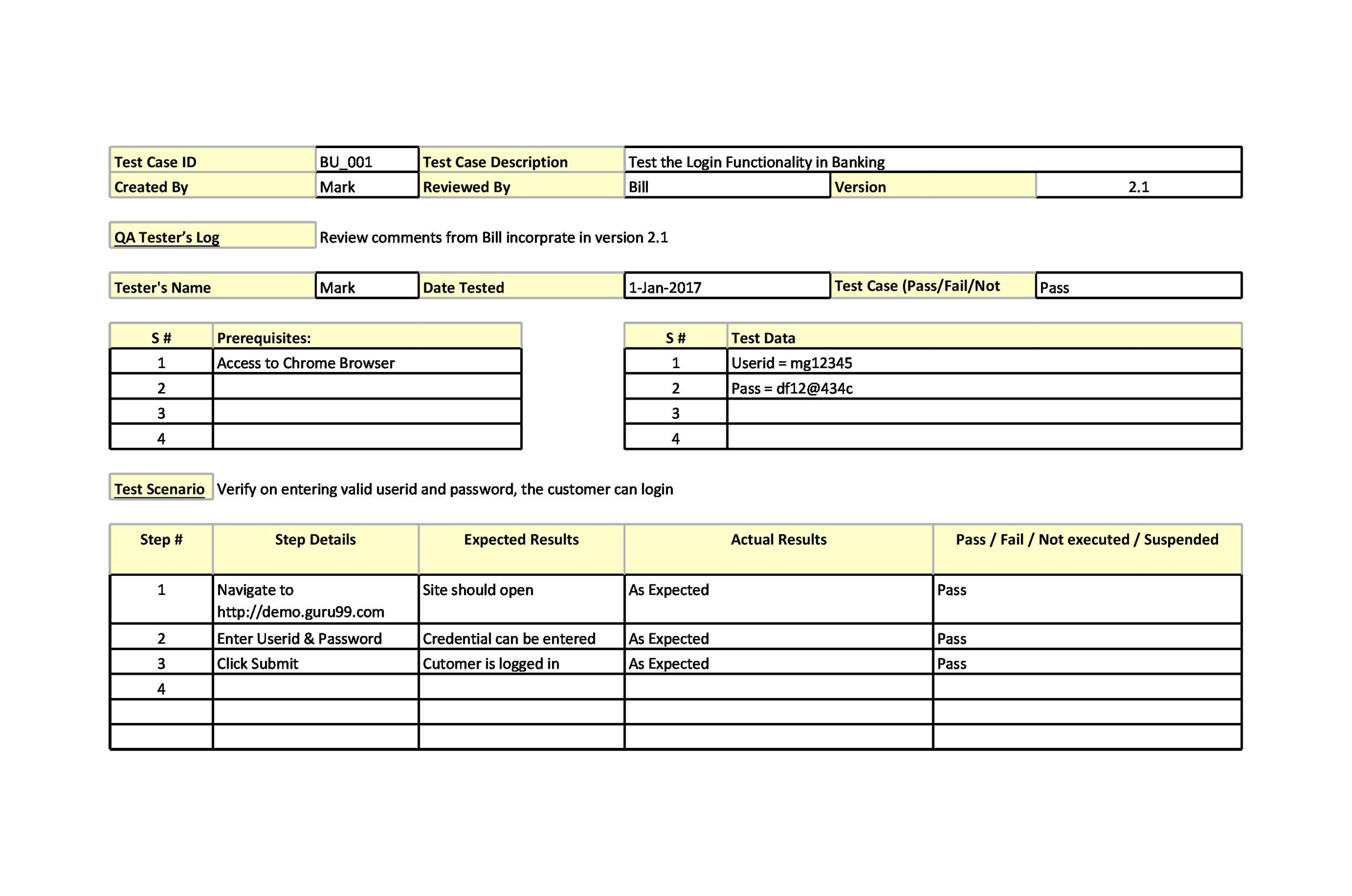
Picture this: the sprint’s end is looming, the stakeholders are staring at the clock, and you’re juggling a mountain of test results, defect lists, and status updates. Without a solid template, you’re basically shouting into the void, hoping someone will make sense of your chaos. A Test Case Summary Report Template turns that frantic shouting into a coherent chorus of data that everyone can understand—and, best of all, enjoy.
Beyond mere organization, a good template offers:
- Immediate visibility into test coverage and pass rates.
- A single source of truth for defect status.
- Consistent language that eliminates “but I think…” moments.
- A comedic moment of relief when you hit that perfect all‑green row.
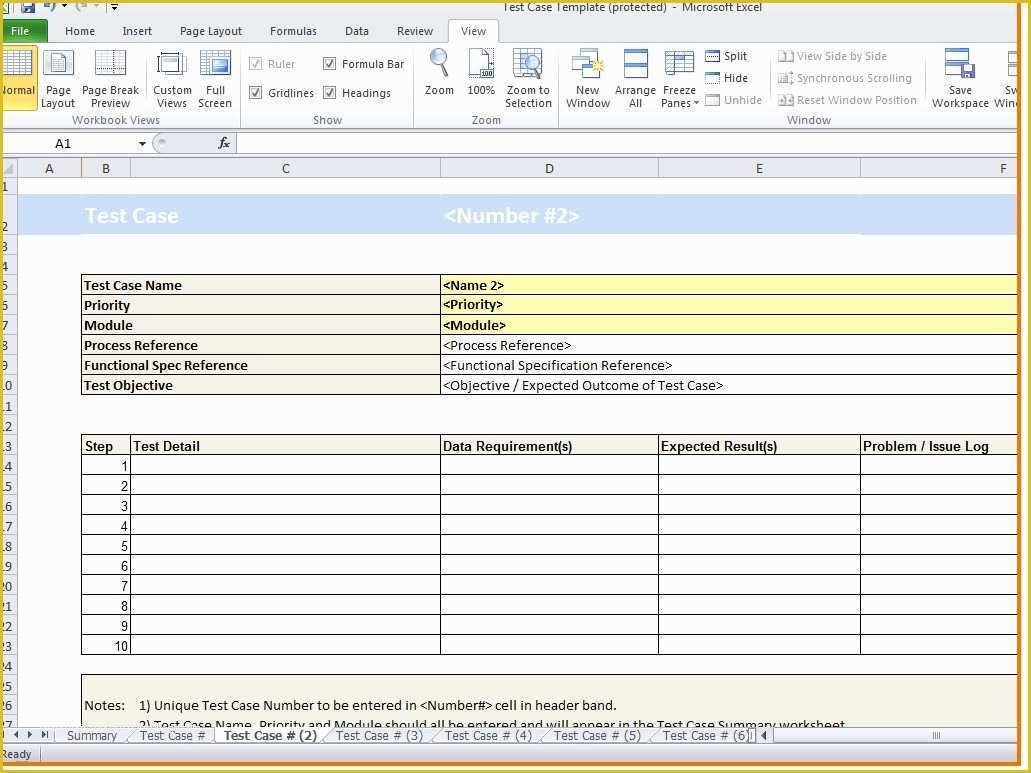
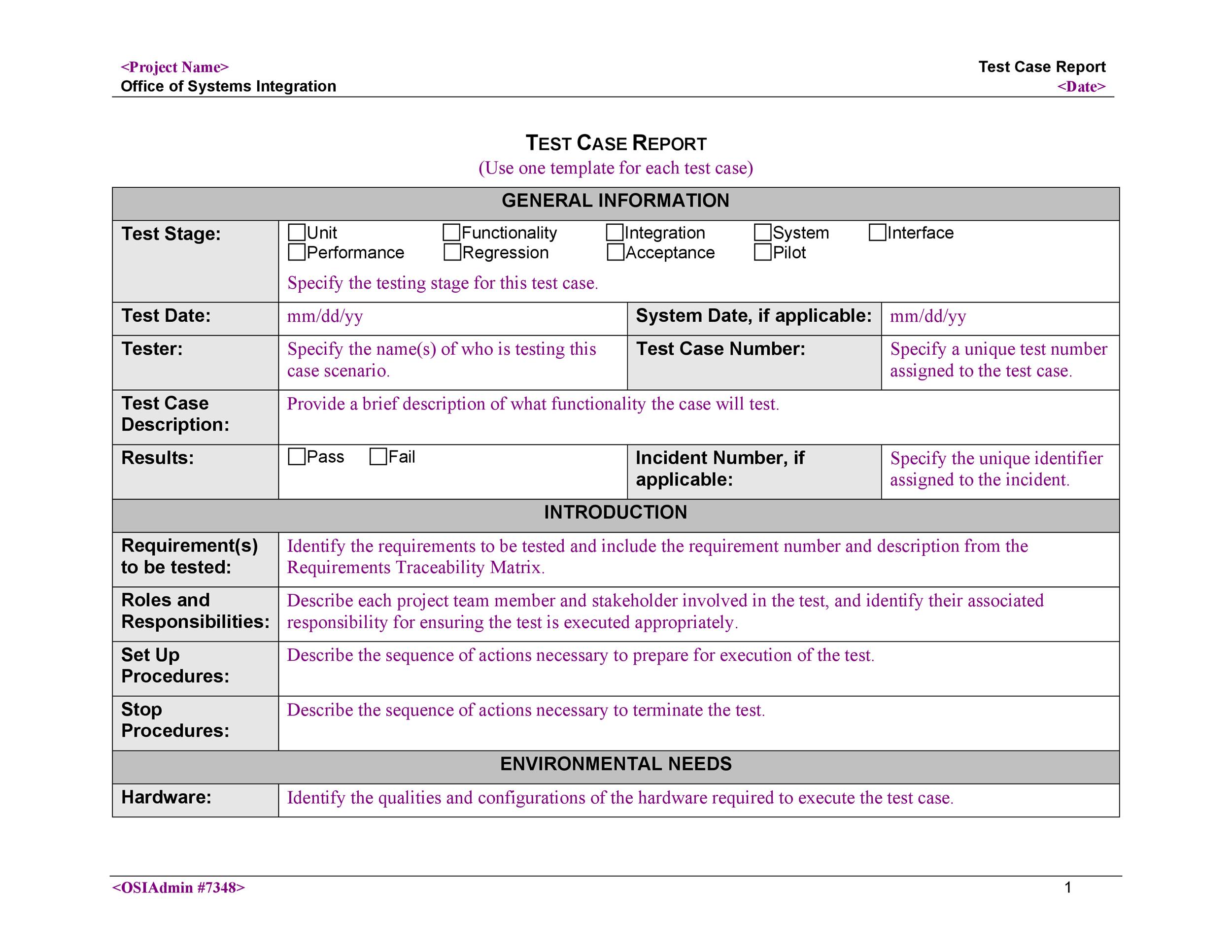
Anatomy of a Great Template: What to Include

A template that looks like a blank sheet of paper is as useful as a keyboard with no keys. Let’s break down the essential parts that give your template its superhero cape.
Header Details
The header should be the first thing a reader sees. Think of it as your headline news.
- Project Name: Make it bold, because we all love a good marquee.
- Test Cycle: Sprint number, version, or release window.
- Prepared By: Name, role, and a tiny emoji if you’re feeling bold.
- Date: The day that will forever be etched in QA history.
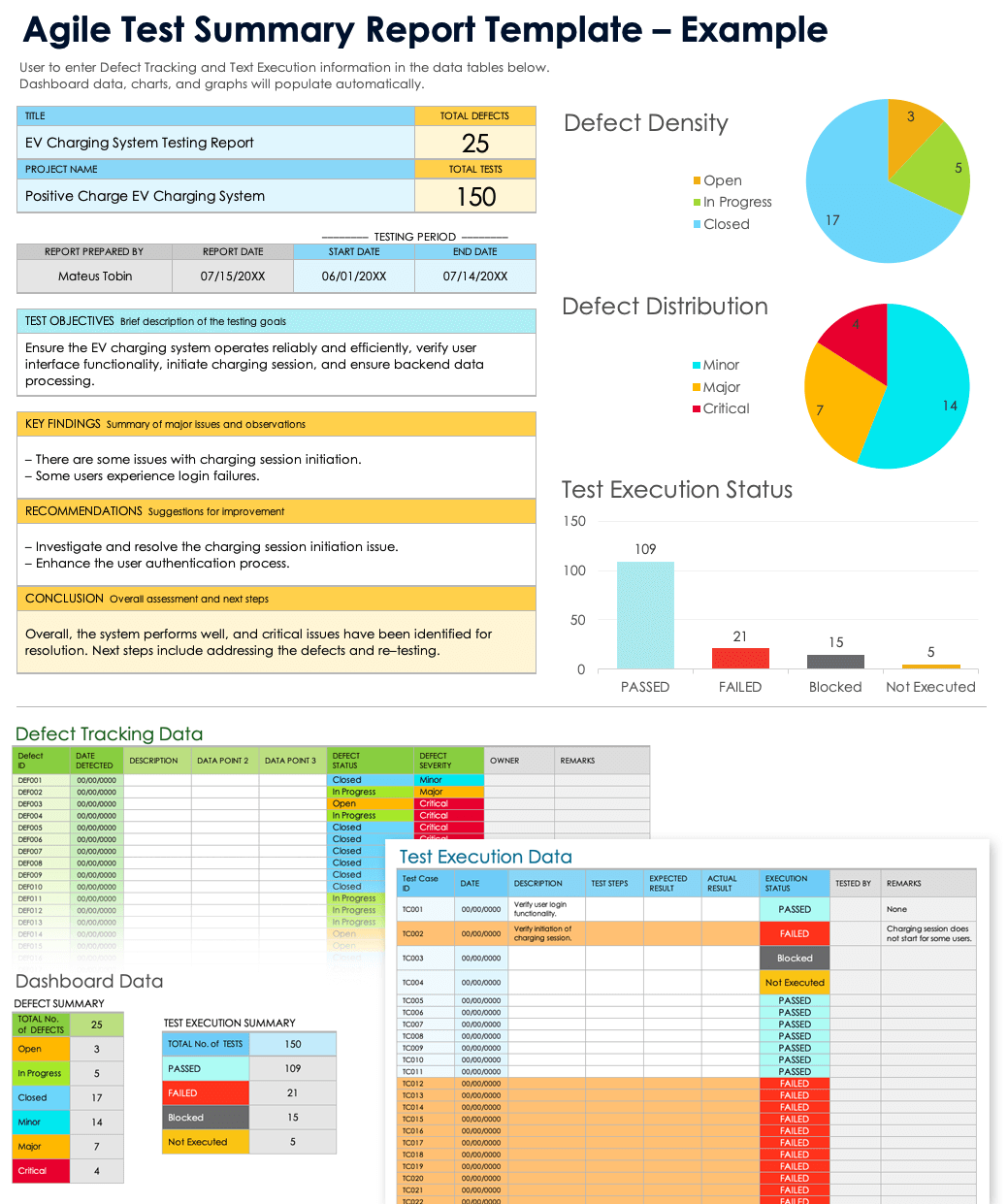
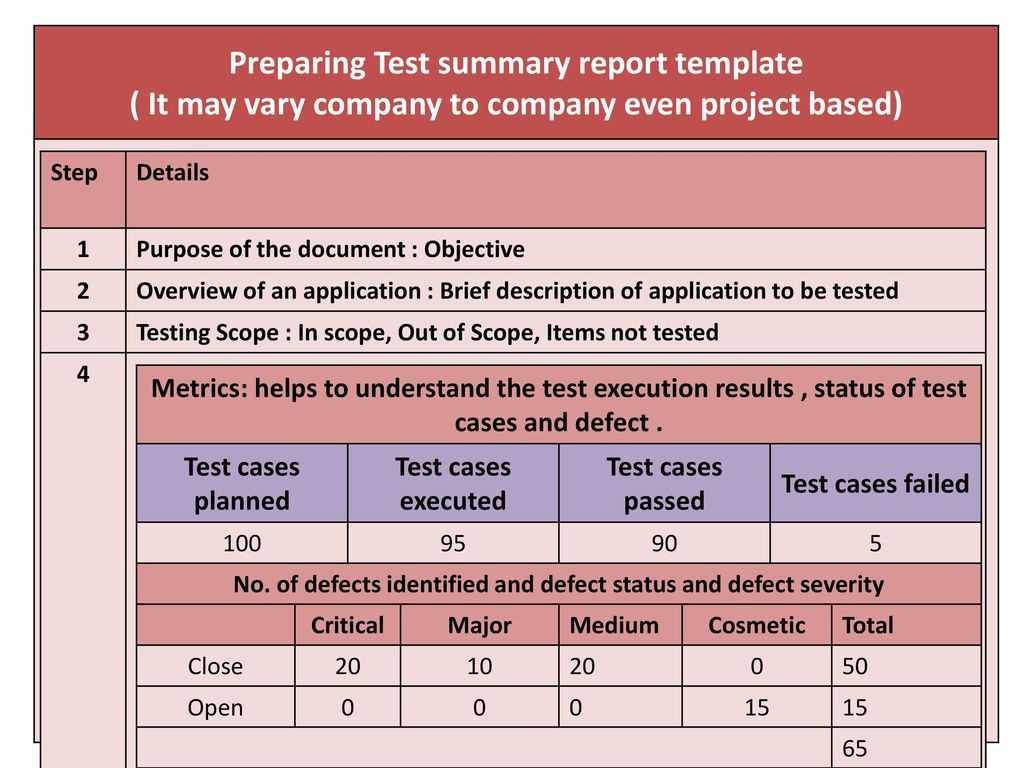
Test Execution Summary
This is where the numbers speak louder than any office gossip.
- Total Test Cases: The grand count.
- Passed: Celebrate with a green tick.
- Failed: Red flag—time to roll up sleeves.
- Blocked: The “I’m waiting for you” section.
- Pending: The “still in the works” list.
Defect Tracking Section
Defects are the villains in your story. Track them like you track your favorite streaming shows.
- Defect ID – unique, because nobody likes a “Bug #1” repeat.
- Severity – Critical, Major, Minor.
- Priority – As in “Urgent!” or “I’ll get to it after lunch.”
- Status – New, In Progress, Resolved, Closed.
- Resolution Notes – Keep it concise, but not a diary entry.
Risk & Impact Assessment
Because every project has a secret sauce of risk. Don’t let it stay hidden.
- Risk Level – Low, Medium, High.
- Impact – Customer, Business, Technical.
- Mitigation Strategy – The “Plan B” you’re secretly proud of.
Step‑by‑Step: Building Your Own Template from Scratch

Creating a template that feels like home is an art—plus a little spreadsheet wizardry.
Gather Your Stakeholders
Start by inviting the right folks: the QA lead, a developer, a product owner, and if possible, someone from customer support. Their input ensures the template covers every angle. It’s like assembling a dream team for a sitcom—everyone brings something essential.
Define the Columns
Don’t be afraid to start minimal; you can always add more later. A good rule of thumb is to keep columns to the most actionable data. Too many columns = too much cognitive load, and no one will remember the difference between “Blocked” and “Pending.”
Add Conditional Formatting (for the drama)
Color‑coding is the comic relief of the data world.
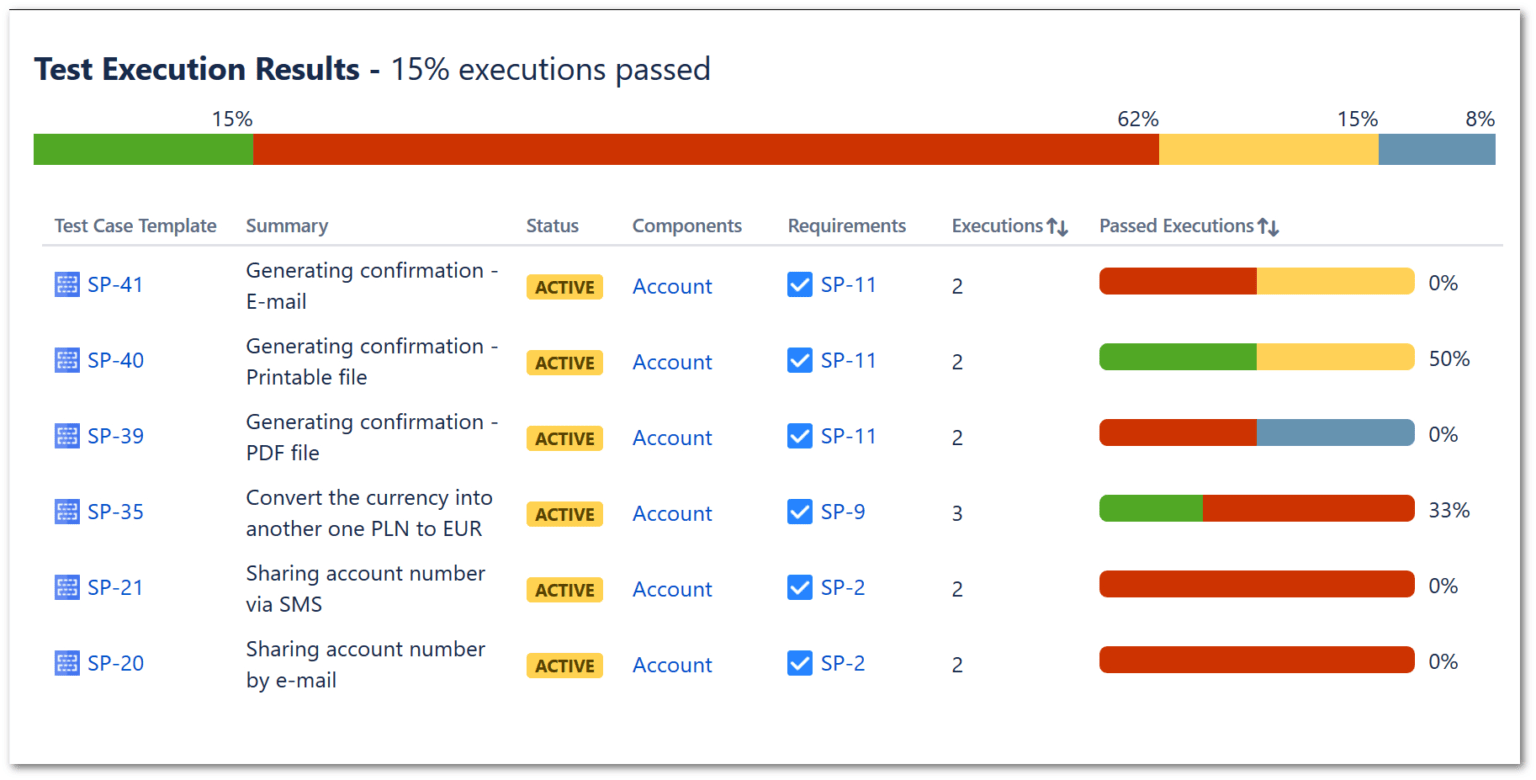
- Green for pass, red for fail.
- Yellow for blocked, orange for pending.
- Blue for new defects.
It turns a mundane spreadsheet into a visual story. Plus, your stakeholders will love the instant status at a glance.
Automate with Spreadsheet Magic
If you’re using Google Sheets, you can set up QUERY functions to pull data from other sheets, or use VLOOKUP to auto‑populate defect details. In Excel, a simple IFERROR combined with SUMIF will do the trick. Automation reduces manual errors and gives you more time to crack jokes in the break room.
Real‑World Example: The Case of the Coffee‑Machine Bug
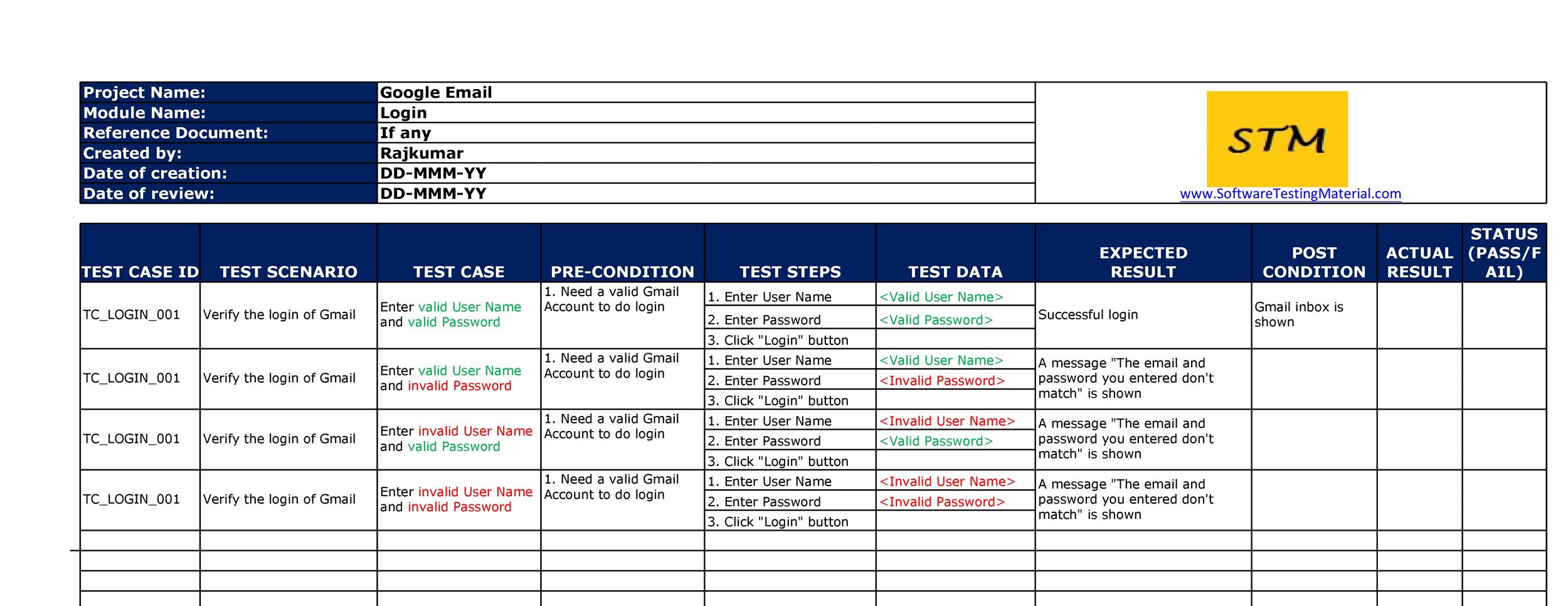
Let’s dive into a fictional (but totally relatable) scenario where a coffee‑machine defect could cost a whole office a caffeine crisis.
Context
Company XYZ rolled out a new internal portal for ordering office supplies. The “coffee machine” page was a critical component—everyone needed their daily espresso fix. QA ran 120 test cases; 15 failed on the “coffee machine” feature.
How the Template Saved the Day
Using the Test Case Summary Report Template, the QA lead instantly saw:
- 15 failures flagged in red.
- All failures linked to a single defect ID.
- Severity set to “Critical,” Priority to “High.”
- Risk level marked as “High” with a clear mitigation strategy.
With this data, the team sprinted, fixed the bug in under two hours, and released a hot patch. The stakeholders celebrated with a pot of freshly brewed coffee—victory taste!
Common Pitfalls and How to Avoid Them

Over‑Complication
Too many columns can turn your report into a spreadsheet labyrinth. Keep it simple: focus on the metrics that influence decisions.
Ignoring Feedback
A template that never evolves is a stagnant pond. Regularly solicit input from end users and tweak the format accordingly.
Poor Accessibility
Remember: color alone may not be enough. Add textual indicators (e.g., “PASS” or “FAIL”) so screen readers and color‑blind users are not left in the dark.
Bonus Tips: Making the Template Fun and Engaging
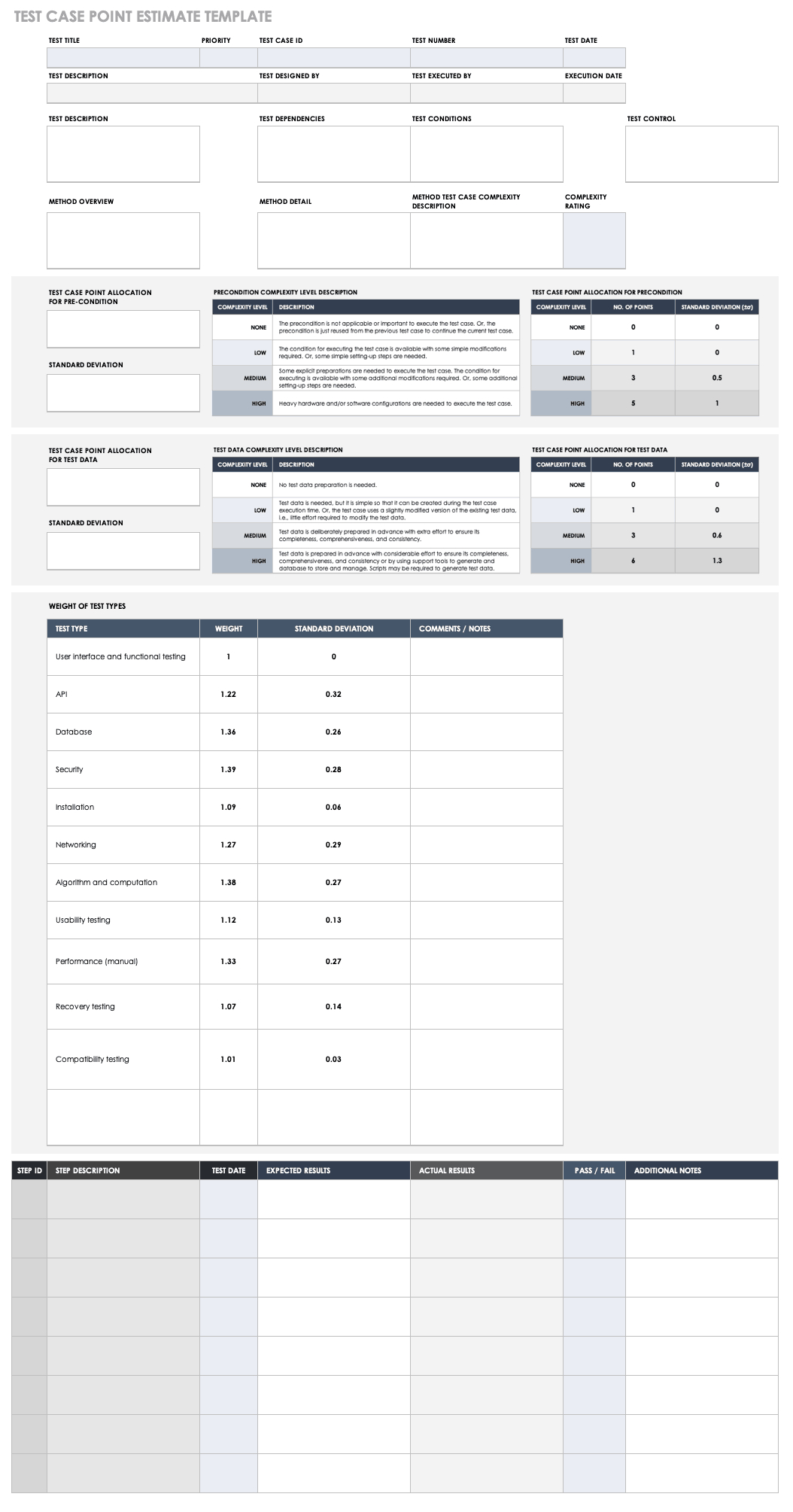
Use Emojis and Color Schemes
Emojis can add personality—like a coffee cup for the coffee‑machine tests or a fire emoji for critical defects. Stick to a cohesive color palette to avoid visual chaos.
Gamify the Reporting
Introduce “Test‑of‑the‑Month” badges or reward the team whose test coverage is highest. This turns the report from a chore into a competitive, fun activity.
Celebrate Wins
When a row turns all green, give it a celebratory GIF or a shout‑out in the next team meeting. Positive reinforcement keeps morale high.
Frequently Asked Questions (FAQ)
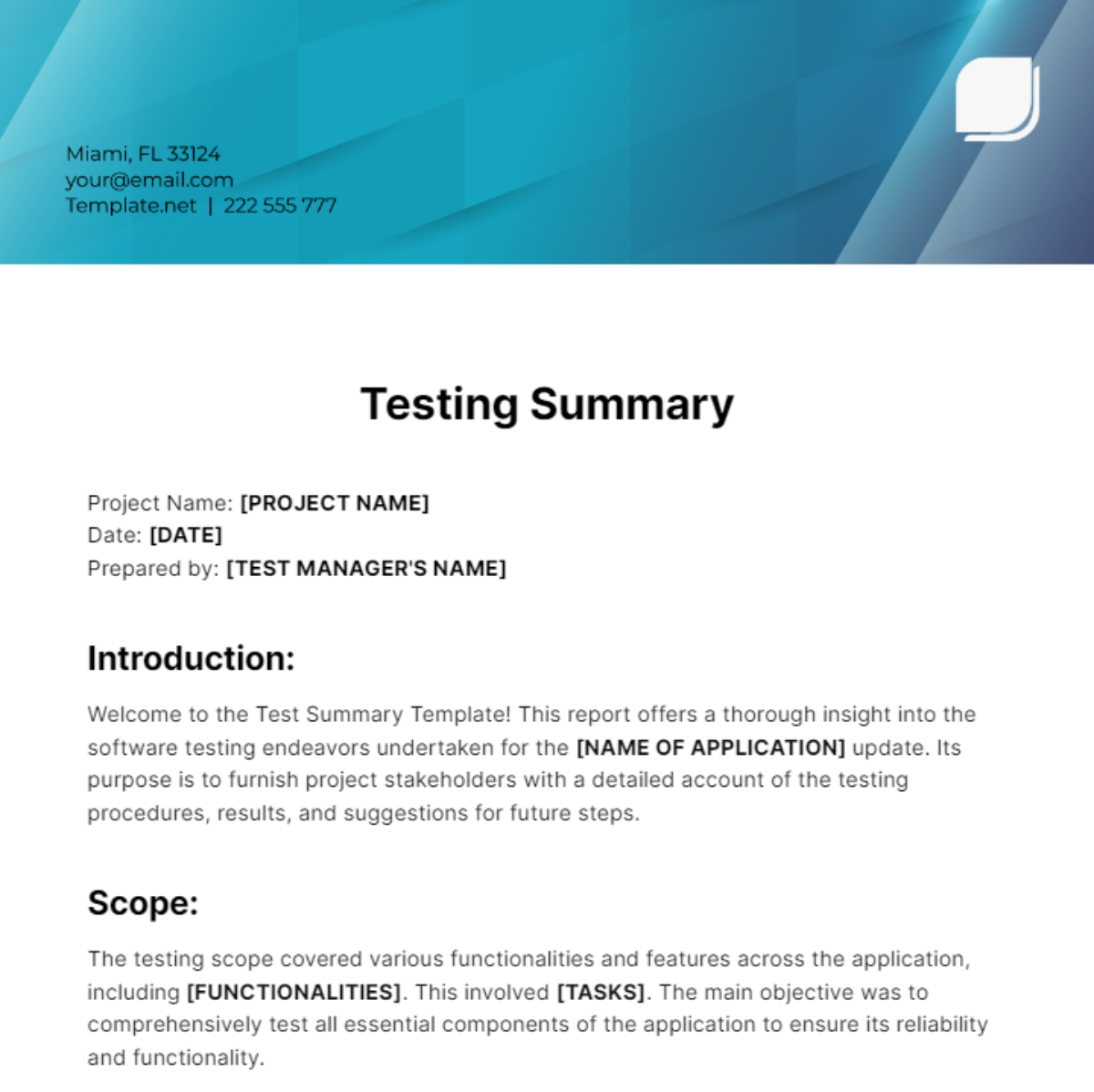
What makes a good test case summary report? Clarity, consistency, and actionable data. Use visual cues, keep columns minimal, and ensure the report answers key questions: What was tested? How did it perform? What’s next?
Can I use this template in Agile? Absolutely. The template can be adapted to sprints, releases, or even Kanban cycles. Just tweak the header and cycle naming.
Do I need advanced Excel skills? Not necessarily. Basic functions like SUM, IF, and conditional formatting suffice. For deeper automation, explore add‑ons or Google Sheets scripts.
How often should I update the template? Ideally before each sprint planning or release. Regular updates keep the data relevant and prevent the template from becoming obsolete.
Conclusion

A well‑crafted Test Case Summary Report Template is more than just a spreadsheet—it’s your QA team’s backstage pass, their backstage crew, and, occasionally, their comic relief. By keeping the design clean, data actionable, and a touch of humor, you turn testing from a dreaded task into a collaborative, almost celebratory process. Remember: the next time you open your template and see a row all green, take a moment to savor that small victory—because in the world of software testing, every green tick is a reason to celebrate. With the right template in hand, your team will be ready to sprint, debug, and laugh all at the same time, ensuring that every release is as smooth as that first sip of freshly brewed coffee.




Related posts of "Test Case Summary Report Template"
