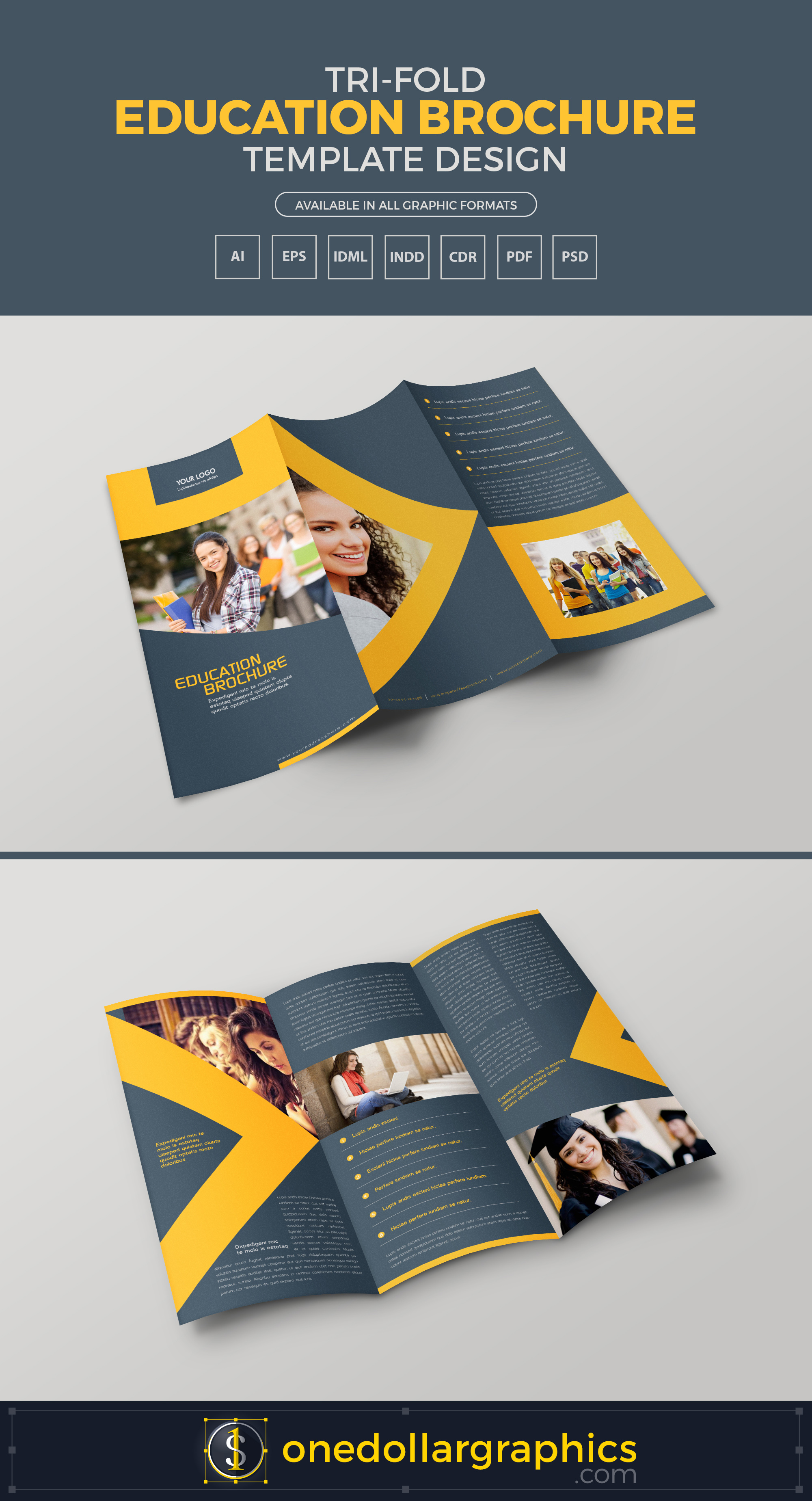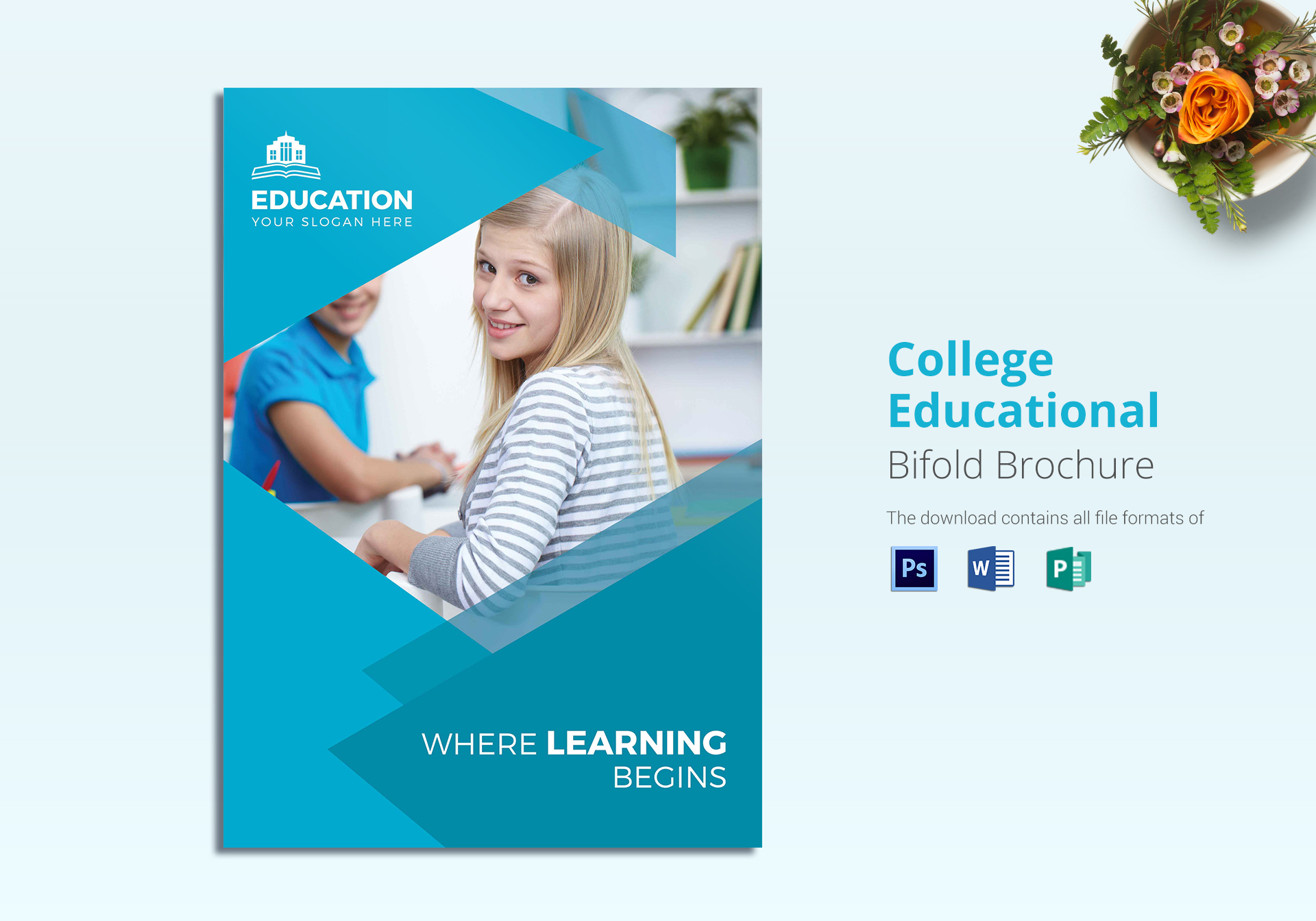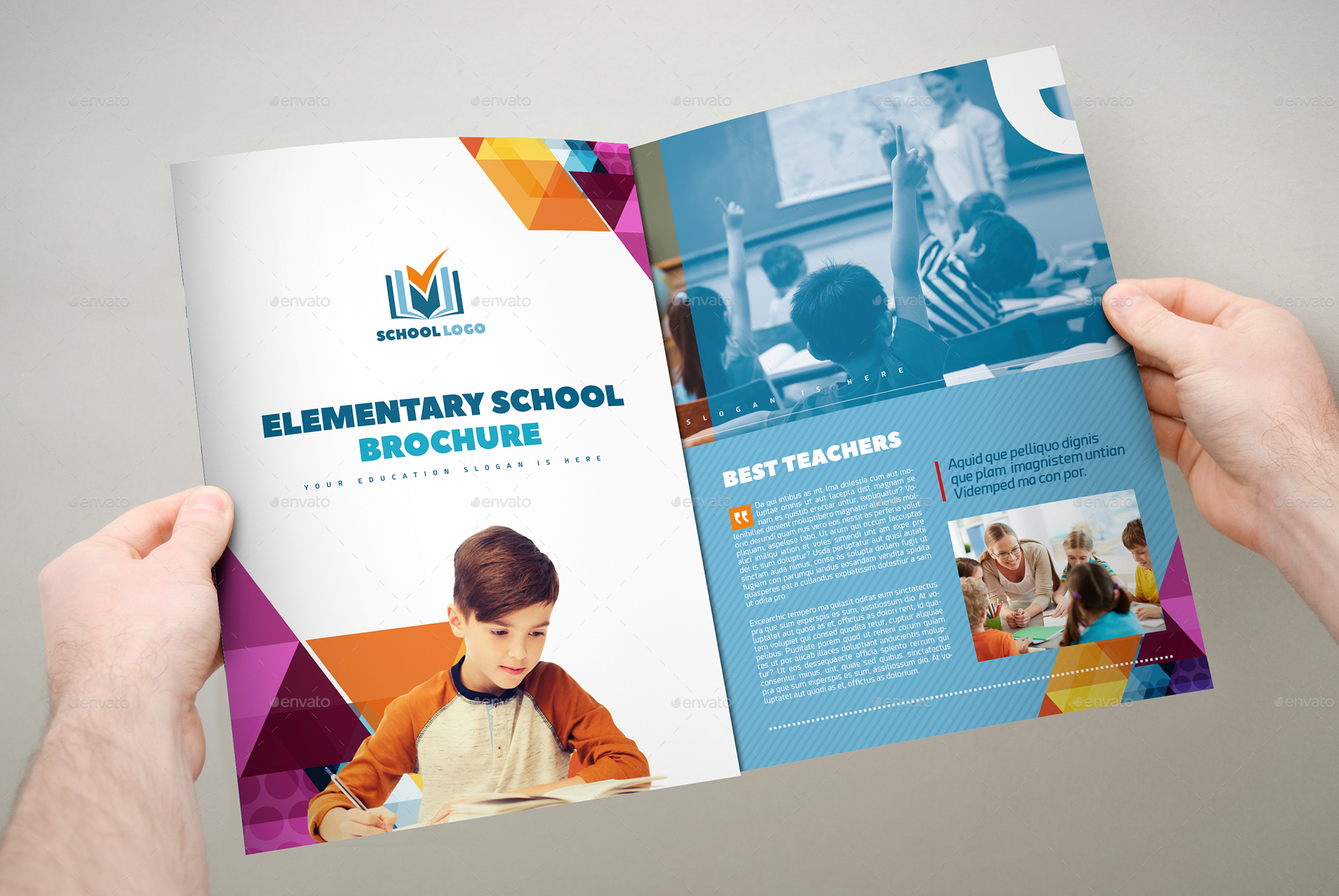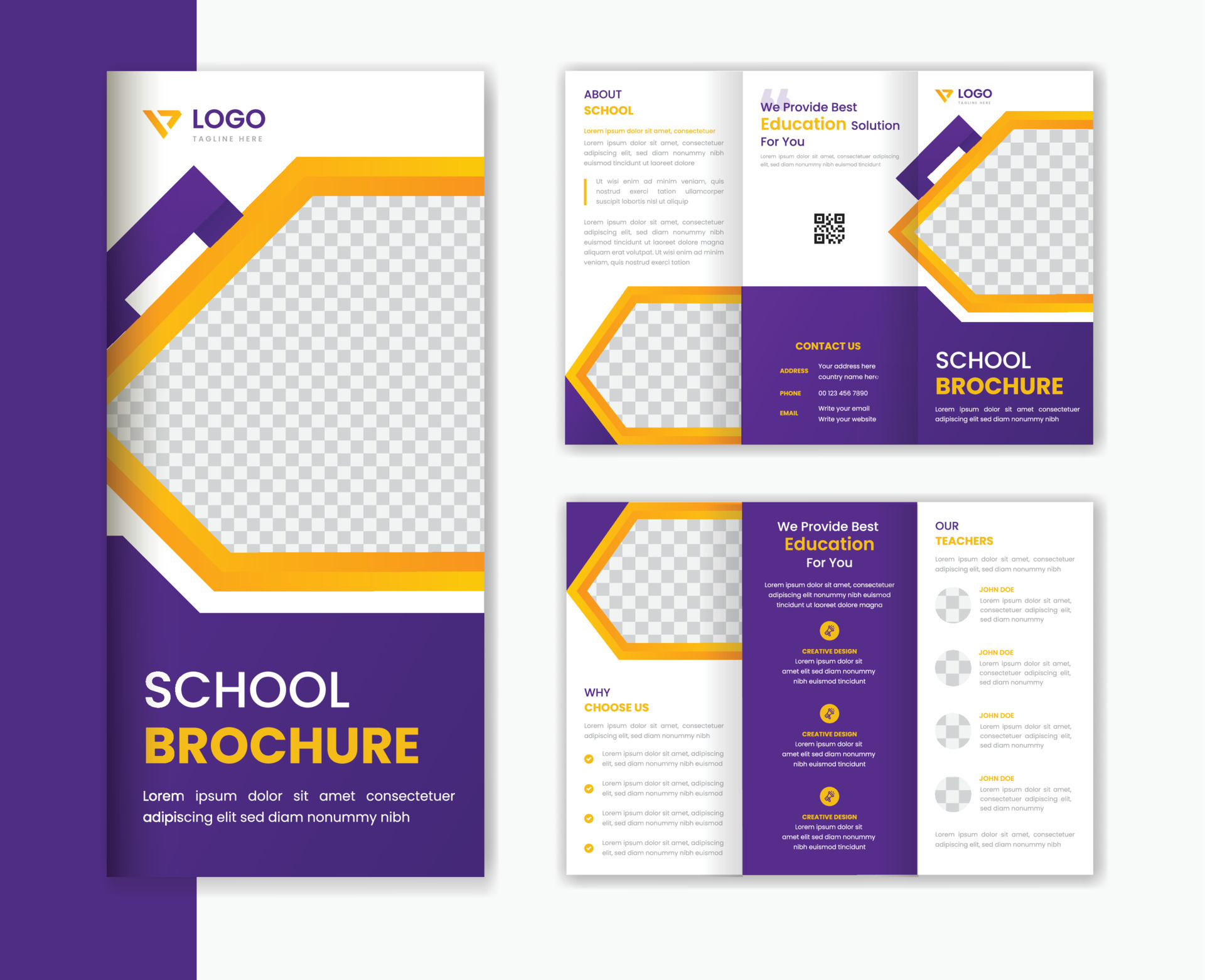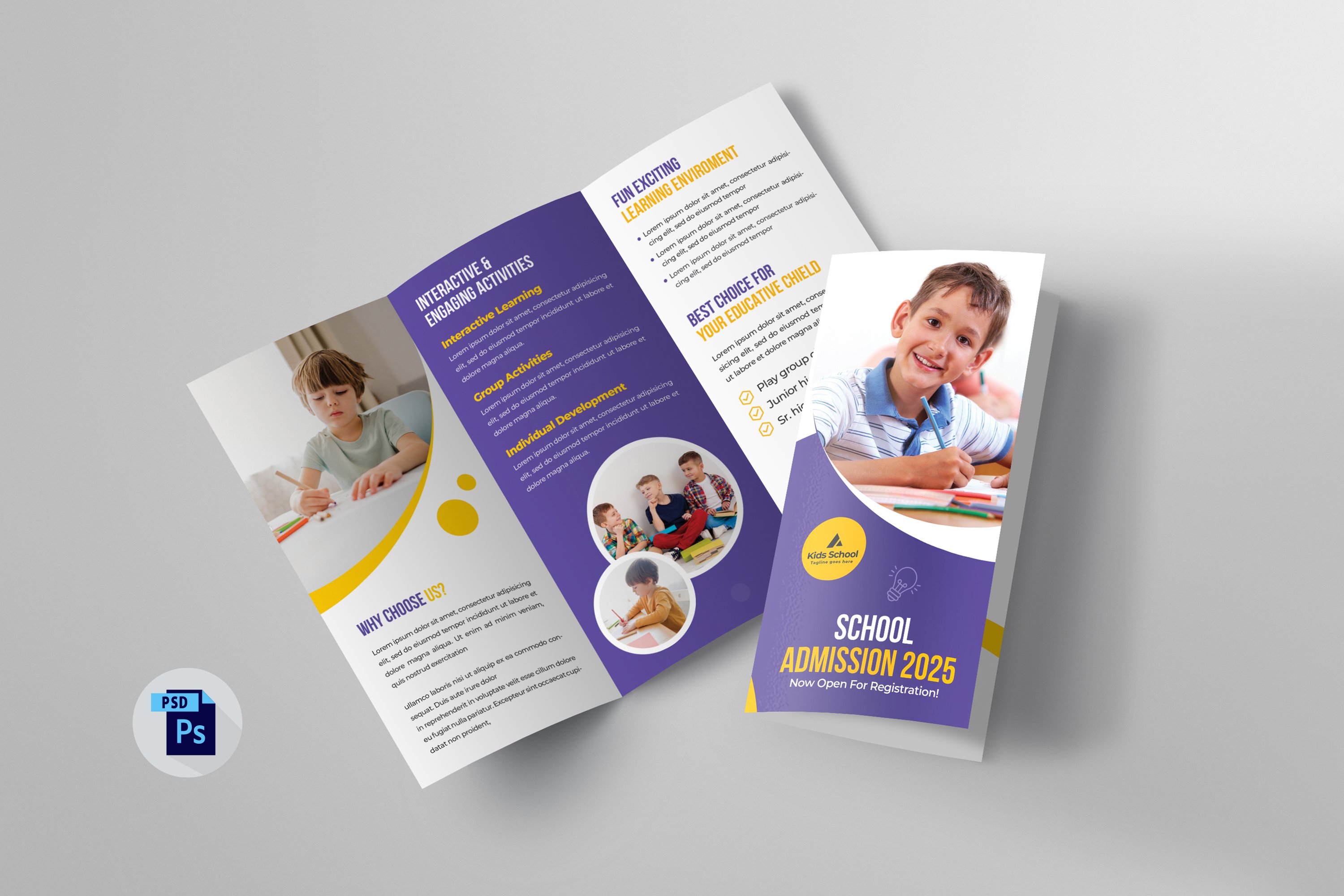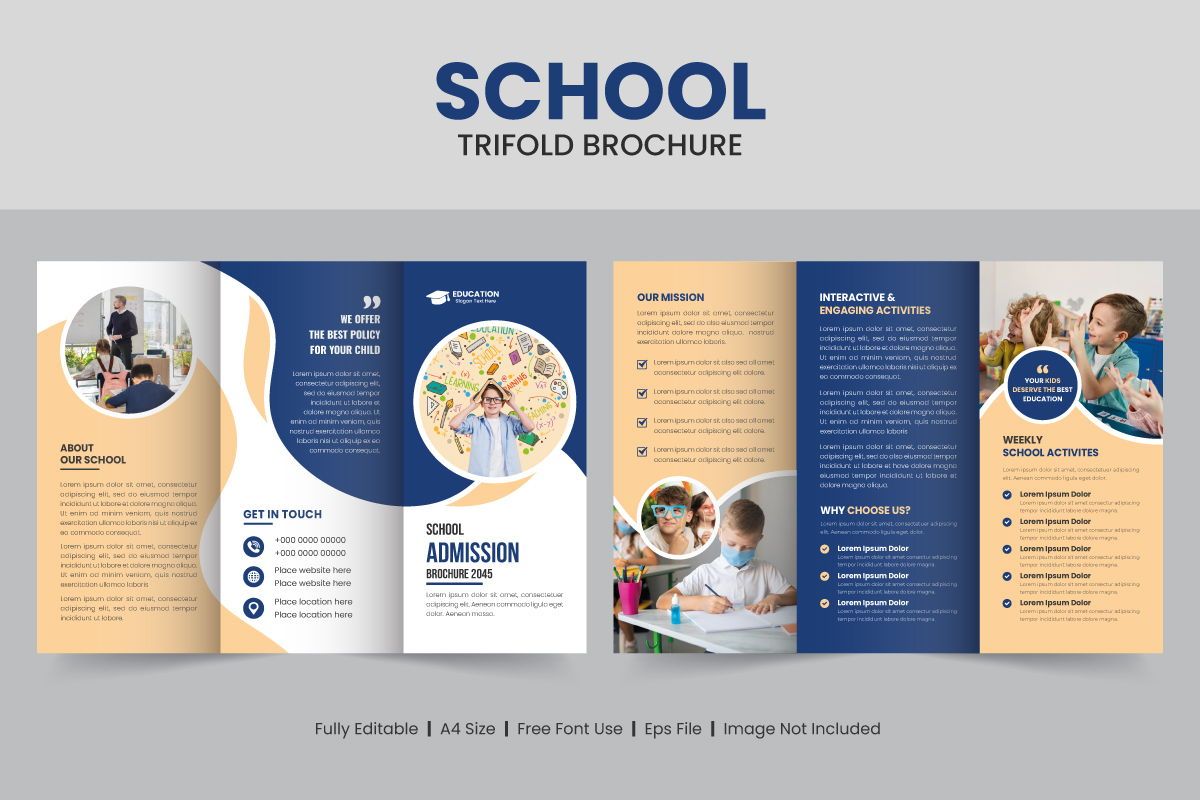
Brochure Design Templates For Education have become a cornerstone for schools, colleges, and training centers looking to convey their message with clarity, credibility, and visual appeal. In a competitive academic landscape, a well‑crafted brochure can differentiate an institution, attract prospective students, and reinforce brand identity—all while providing essential information in a format that readers can easily digest.
Why Educational Institutions Need Professionally Designed Brochures

Education is a service built on trust and reputation. When a prospective student or parent picks up a brochure, they instantly form an impression of the institution’s professionalism, values, and quality of education. A polished brochure signals that the school invests in its presentation and, by extension, its academic programs. Moreover, brochures serve multiple strategic purposes:
- Lead generation: Capturing contact information for follow‑up communications.
- Brand reinforcement: Consistent visual language strengthens recognition across campuses and online channels.
- Information hub: Consolidating program details, faculty credentials, campus facilities, and admission procedures in one convenient package.
- Community outreach: Distributing brochures at fairs, open houses, and partner events expands reach beyond the immediate locality.
Key Elements of an Effective Education Brochure
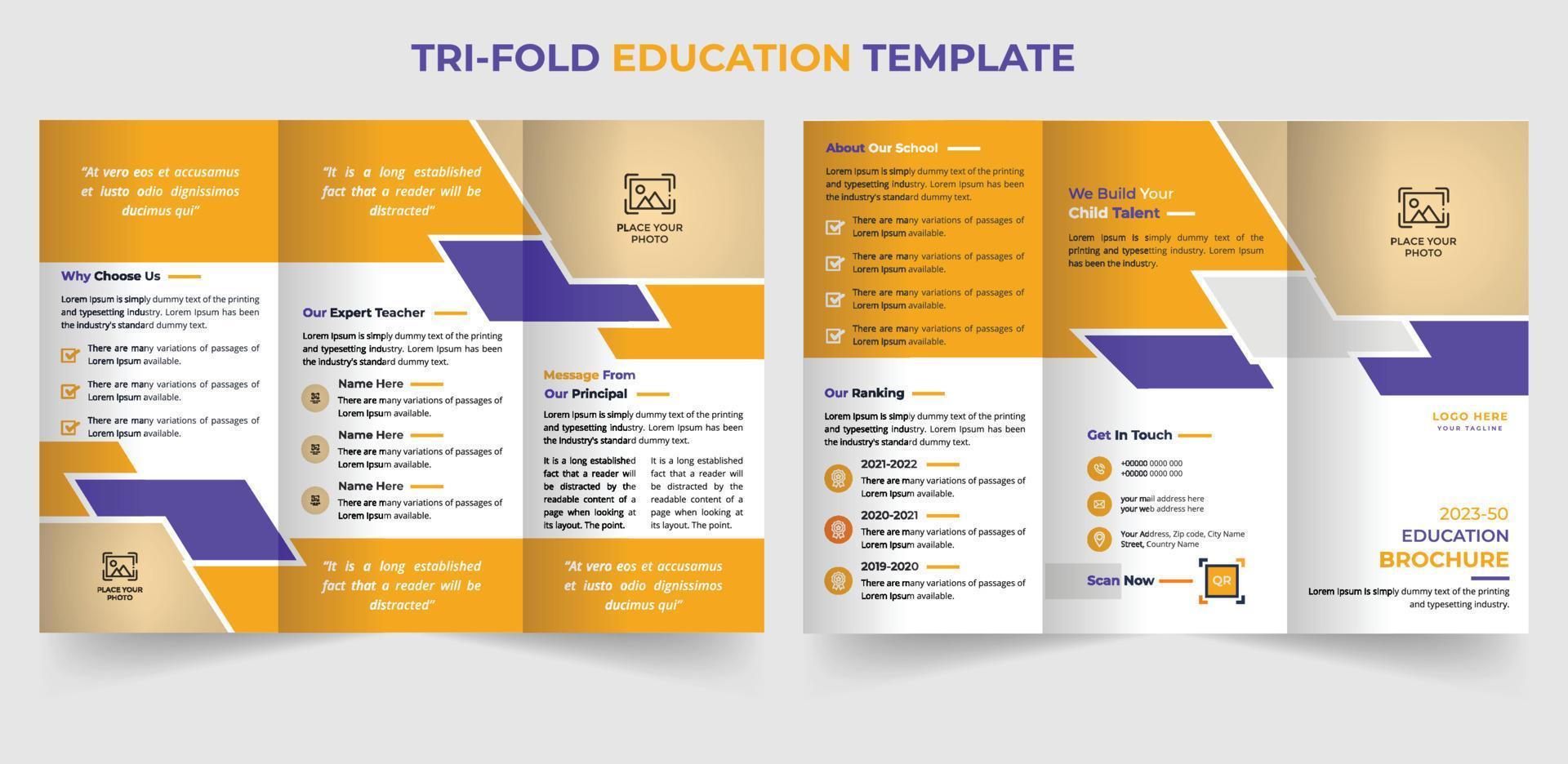
An educational brochure must balance aesthetics with functionality. The following components are essential for creating a compelling narrative:
Clear Headline and Value Proposition
The headline should answer the reader’s primary question: “What makes this institution unique?” Pair it with a concise value proposition that highlights core strengths such as academic excellence, innovative teaching methods, or industry partnerships.
Engaging Visuals
High‑resolution photos of campus life, classrooms, laboratories, and student activities create an emotional connection. Complement images with vector graphics or icons that illustrate program categories, student support services, and extracurricular opportunities.
Logical Layout and Hierarchy
A clean hierarchy guides the eye from the most important information to supporting details. Use bold headings, subheadings, and whitespace strategically so readers can skim and still retain key messages.
Consistent Color Palette and Typography
Adopt the institution’s brand colors and typefaces to maintain visual consistency across all marketing assets. Limit the palette to two primary colors and one accent color for emphasis; this prevents visual clutter and reinforces brand recall.
Call‑to‑Action (CTA)
Every brochure needs a clear CTA, whether it’s “Schedule a Campus Tour,” “Apply Now,” or “Download the Full Catalog.” Place CTAs prominently on the front cover and at the end of each section to encourage immediate response.
Contact Information and Social Proof
Include phone numbers, email addresses, website URLs, and social media handles. Adding testimonials, alumni success stories, or accreditation logos builds credibility and persuades hesitant prospects.
Choosing the Right Template
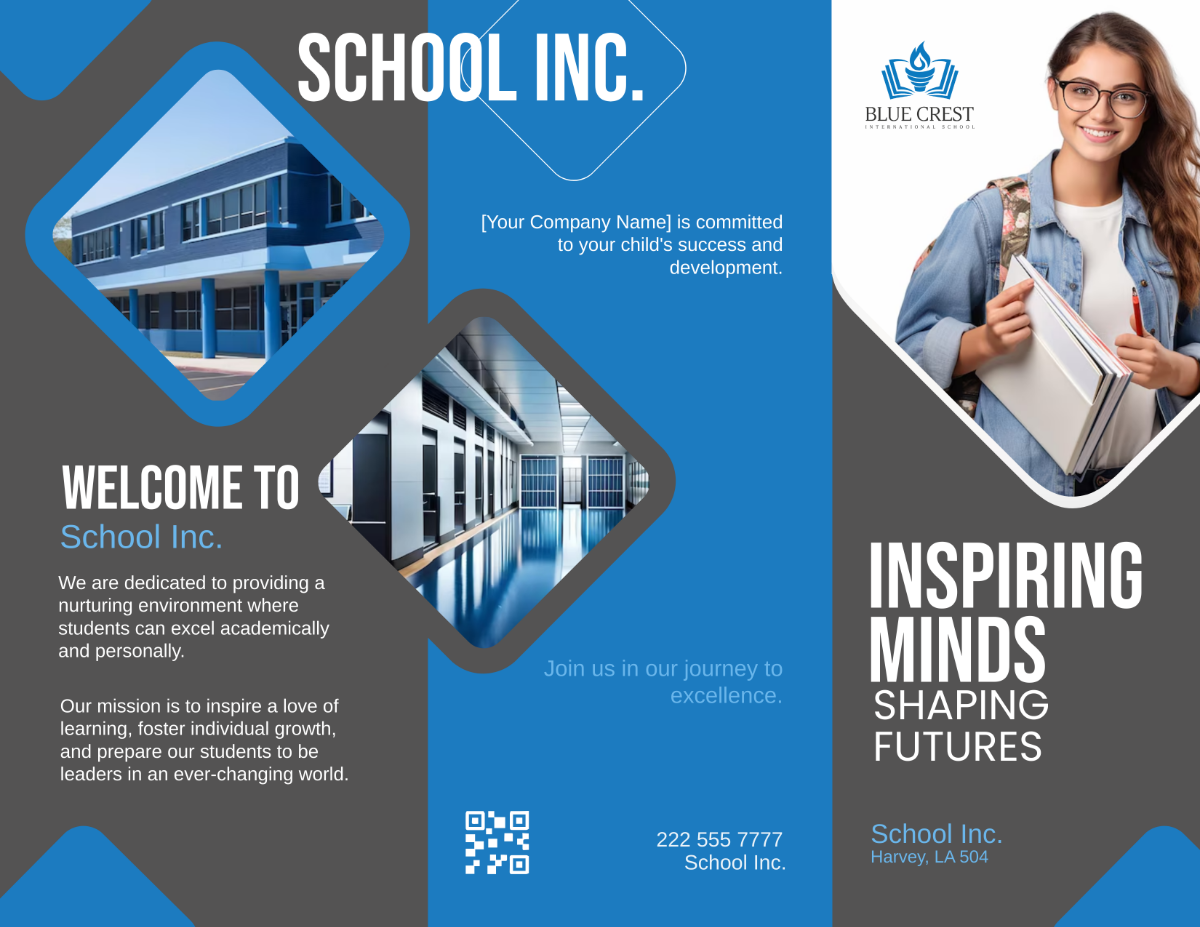
Template selection is the first step toward an efficient design workflow. The right template aligns with the institution’s goals, target audience, and distribution channels. Consider these criteria when evaluating options:
Purpose Alignment
Is the brochure intended for undergraduate recruitment, graduate program promotion, continuing education, or a specific event? Choose a template that offers layouts tailored to that purpose—such as a trifold for quick handouts or a multi‑page booklet for detailed program guides.
Flexibility and Customizability
Look for templates built with editable layers, placeholder text, and smart objects. This flexibility allows you to replace images, adjust colors, and modify sections without breaking the design integrity.
Compatibility with Design Software
Most education marketers use Adobe InDesign, Illustrator, or Canva. Verify that the template file format matches your preferred tool (e.g., .INDD for InDesign, .AI for Illustrator, or a ready‑to‑edit Canva link).
Print‑Ready Specifications
If the brochure will be printed, ensure the template includes bleed settings, CMYK color mode, and high‑resolution image placeholders. For digital distribution, a web‑optimized version with RGB colors and responsive layouts is essential.
Customizing Templates for Your Brand
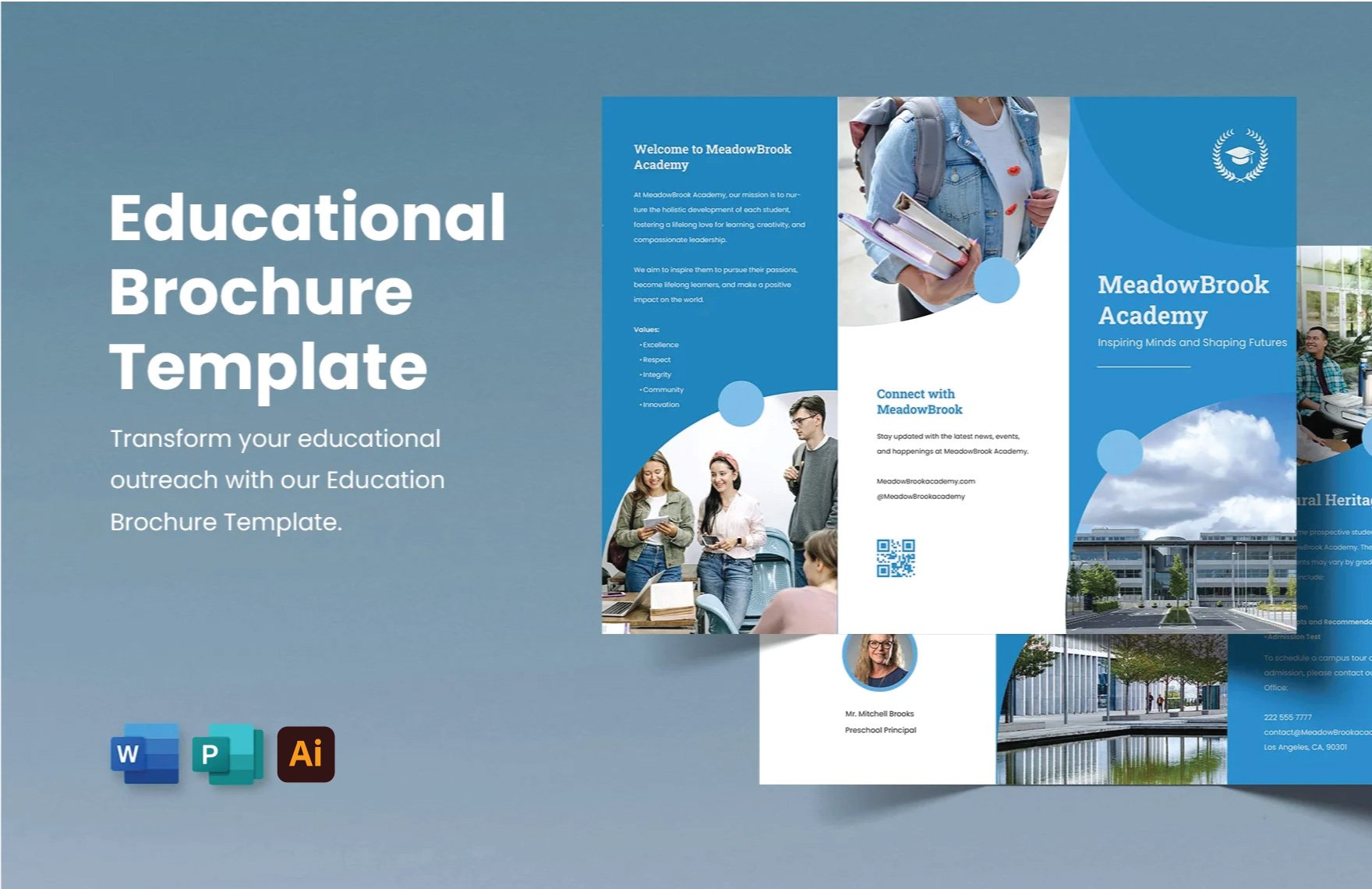
Even the most polished template requires thoughtful customization to truly reflect your institution’s identity. Follow this step‑by‑step process to transform a generic design into a branded masterpiece:
Insert Brand Assets
Upload the official logo in vector format, replace placeholder colors with your brand palette, and apply the approved typefaces to headings, subheadings, and body copy.
Tailor Imagery
Select authentic photographs that showcase your campus, faculty, and student life. Avoid stock images that feel generic; instead, use images captured by your own photography team or vetted alumni contributors.
Adjust Layouts for Content Volume
If your program descriptions are longer than the placeholder text, expand text boxes or reorganize sections while preserving the visual hierarchy. Maintain consistent margins and column widths to keep the design balanced.
Integrate Interactive Elements for Digital Versions
For PDF or web‑based brochures, embed clickable hyperlinks on CTAs, email addresses, and social media icons. Add interactive navigation tabs or a table of contents for multi‑page documents to improve user experience.
Proofread and Test Print
Run a final spell‑check, verify all contact details, and request a proof copy from the printer. Check color accuracy, image clarity, and binding alignment before approving the full print run.
Tips for Engaging Content and Visuals

The narrative inside the brochure should be as compelling as its visual design. Use these proven techniques to keep readers interested from cover to back page:
Storytelling Approach
Frame the brochure as a story: start with the institution’s mission, introduce the challenges students face, present your unique solutions, and conclude with the student’s successful outcomes. Real‑world anecdotes and case studies make the content relatable.
Benefit‑Focused Copy
Shift from feature‑heavy language (“Our laboratory is equipped with…”) to benefit statements (“Gain hands‑on experience with industry‑standard equipment that prepares you for real‑world challenges”). This mindset resonates more with prospective students.
Bullet Points and Infographics
Break down complex data—such as graduation rates, employment statistics, or scholarship amounts—into digestible bullet points or simple infographics. Visual data reinforces credibility and aids quick comprehension.
Inclusive Language
Use language that welcomes diverse audiences. Highlight support services, accessibility resources, and multicultural programs to demonstrate an inclusive campus environment.
Strategic Use of White Space
Don’t overcrowd pages. White space improves readability, emphasizes key messages, and creates a premium feel that aligns with the “white tone” aesthetic.
Best Practices for Print and Digital Distribution
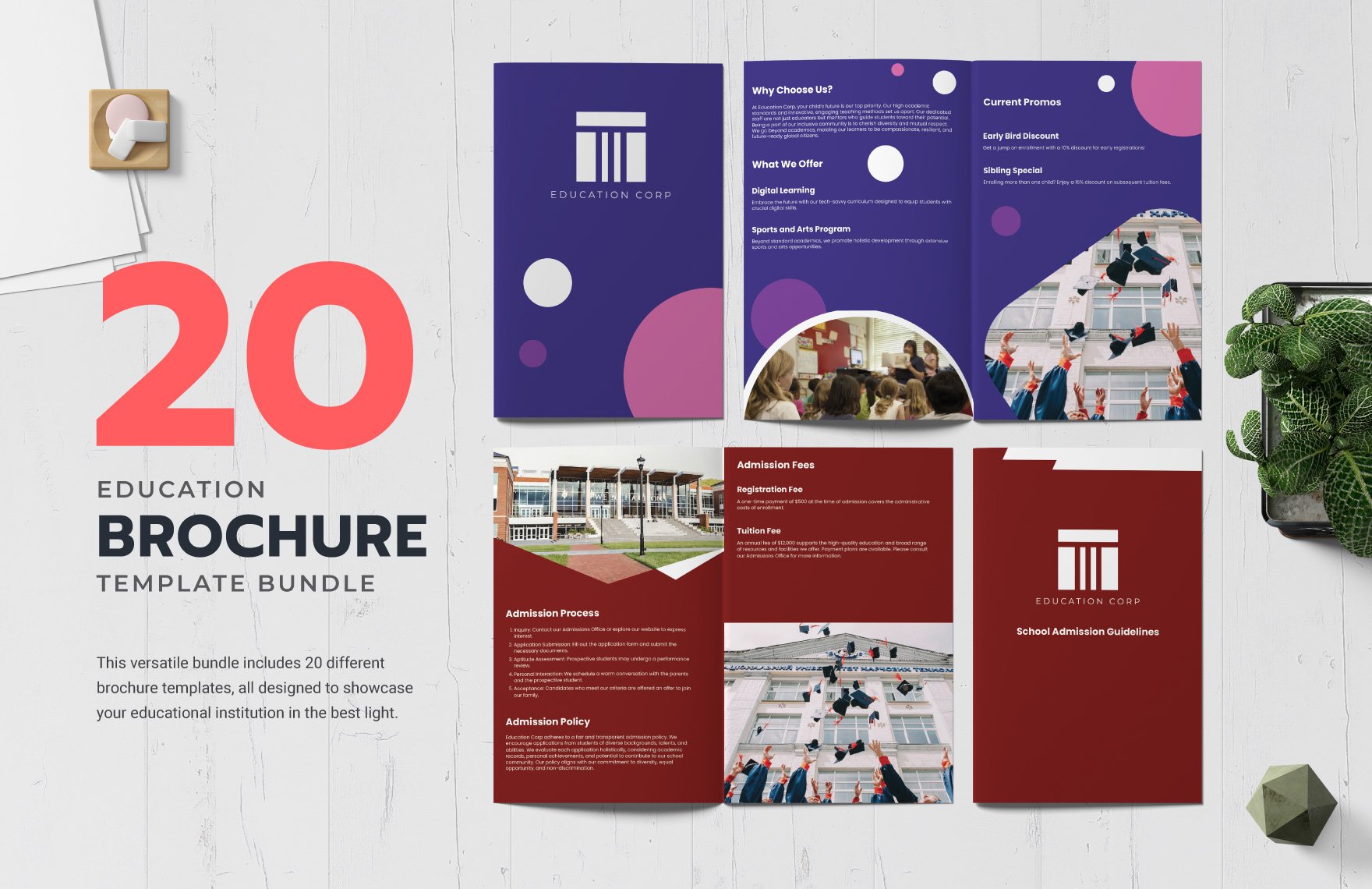
Creating a beautiful brochure is only half the battle; getting it into the right hands maximizes its impact. Follow these distribution strategies to reach your target audience effectively:
Print Distribution Channels
- Campus Open Houses: Hand out brochures at registration desks and welcome areas.
- High Schools and Community Centers: Partner with guidance counselors to place brochures in student resource rooms.
- Mail Campaigns: Use targeted mailing lists to send printed brochures to prospective families.
- Events and Conferences: Provide brochures at education fairs, industry expos, and alumni gatherings.
Digital Distribution Tactics
- Website Download: Host a PDF version on the admissions page with an easy “Download Brochure” button.
- Email Marketing: Attach the brochure or embed a link in newsletters sent to leads.
- Social Media Promotion: Share a visual teaser and a link to the full brochure on platforms like Instagram, Facebook, and LinkedIn.
- QR Codes: Print QR codes on physical materials that direct scanners to the digital version for interactive experiences.
Tracking Performance
Implement UTM parameters on digital download links to monitor traffic sources. For printed copies, include unique promo codes or QR codes that allow you to attribute inquiries back to specific distribution points.
Common Mistakes to Avoid

Even seasoned marketers can fall into pitfalls that dilute the effectiveness of an educational brochure. Keep an eye out for these common errors:
Overloading with Information
Trying to include every program, faculty member, and facility leads to cluttered pages and reader fatigue. Prioritize the most relevant information for your target audience and provide links or QR codes for additional details.
Inconsistent Branding
Mixing colors, fonts, or logo variations creates a fragmented brand experience. Stick to the approved brand guidelines throughout the entire brochure.
Poor Image Quality
Low‑resolution or pixelated images undermine the professional look. Use images that are at least 300 dpi for print and optimized for web without sacrificing clarity.
Weak Call‑to‑Action
If the CTA is vague (“Learn More”) or buried at the bottom of the page, readers may ignore it. Make the CTA bold, action‑oriented, and placed where it naturally follows the persuasive content.
Neglecting Accessibility
Failing to consider color contrast, readable font sizes, or alternative text for images can exclude readers with visual impairments. Follow WCAG guidelines for accessible design.
Conclusion
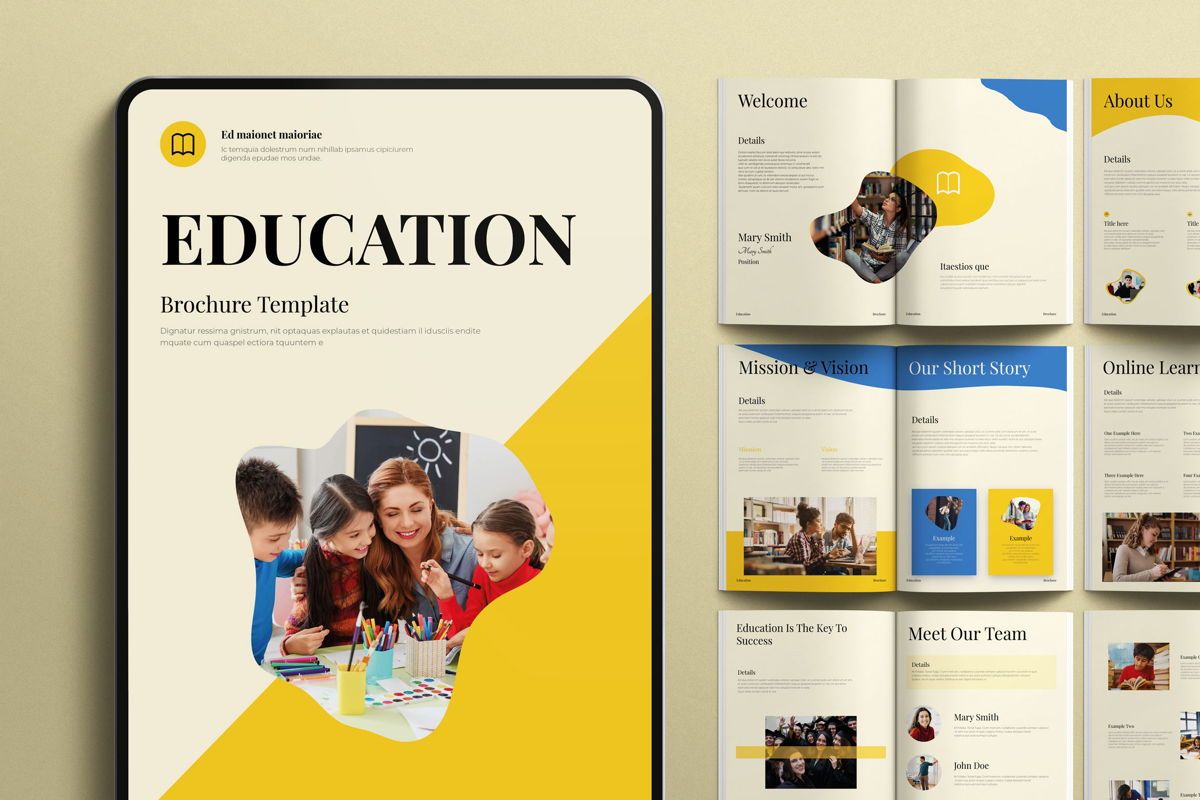
In today’s information‑rich environment, Brochure Design Templates For Education empower institutions to communicate their strengths with visual precision and narrative clarity. By selecting a suitable template, customizing it with authentic brand assets, and crafting benefit‑driven content, schools can produce brochures that not only attract prospective students but also reinforce their reputation across digital and physical channels. Remember to balance aesthetic appeal with purposeful messaging, distribute strategically, and continuously measure results. When executed thoughtfully, an educational brochure becomes a powerful touchpoint that guides prospects from curiosity to enrollment, supporting the long‑term growth and success of your institution.