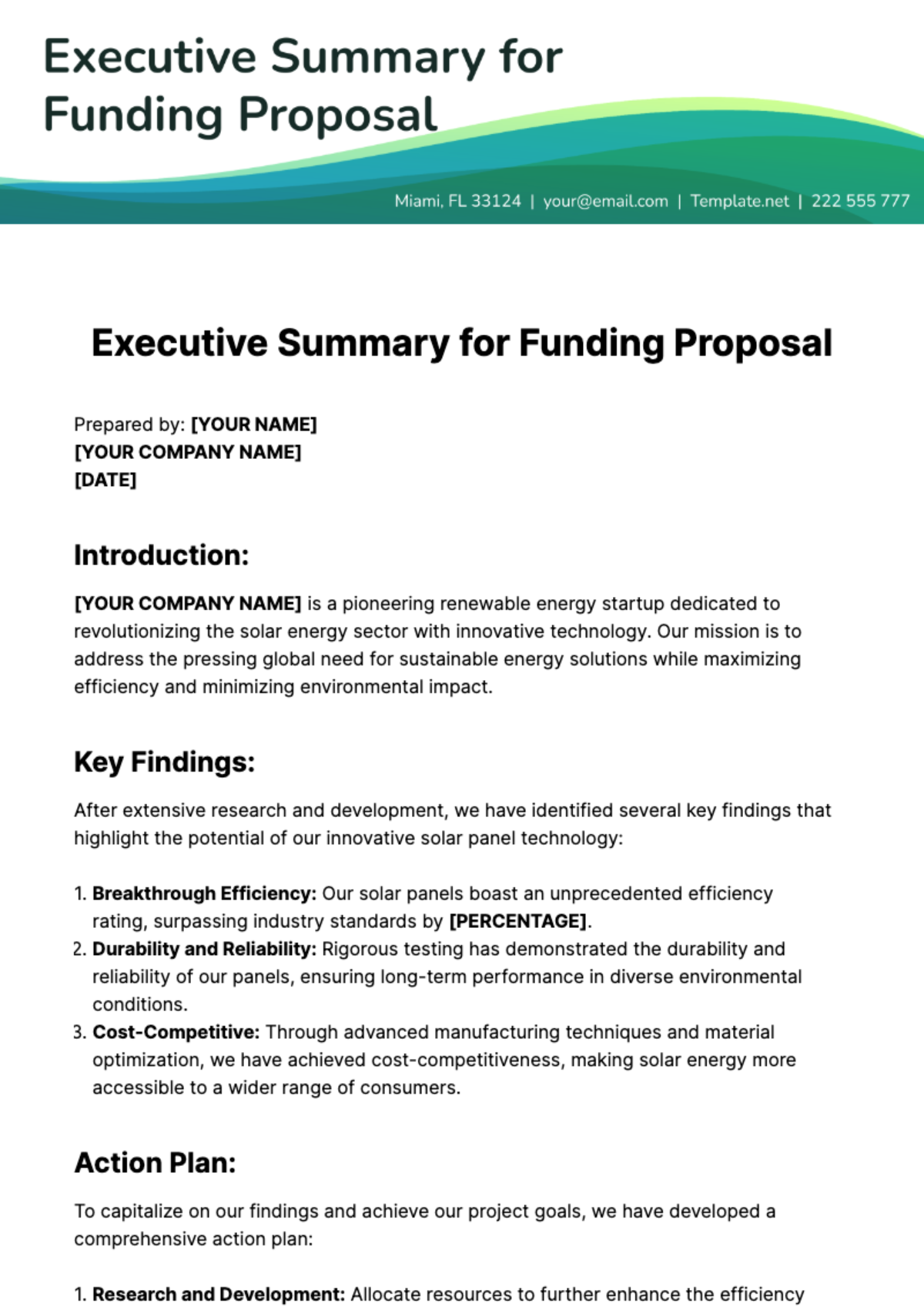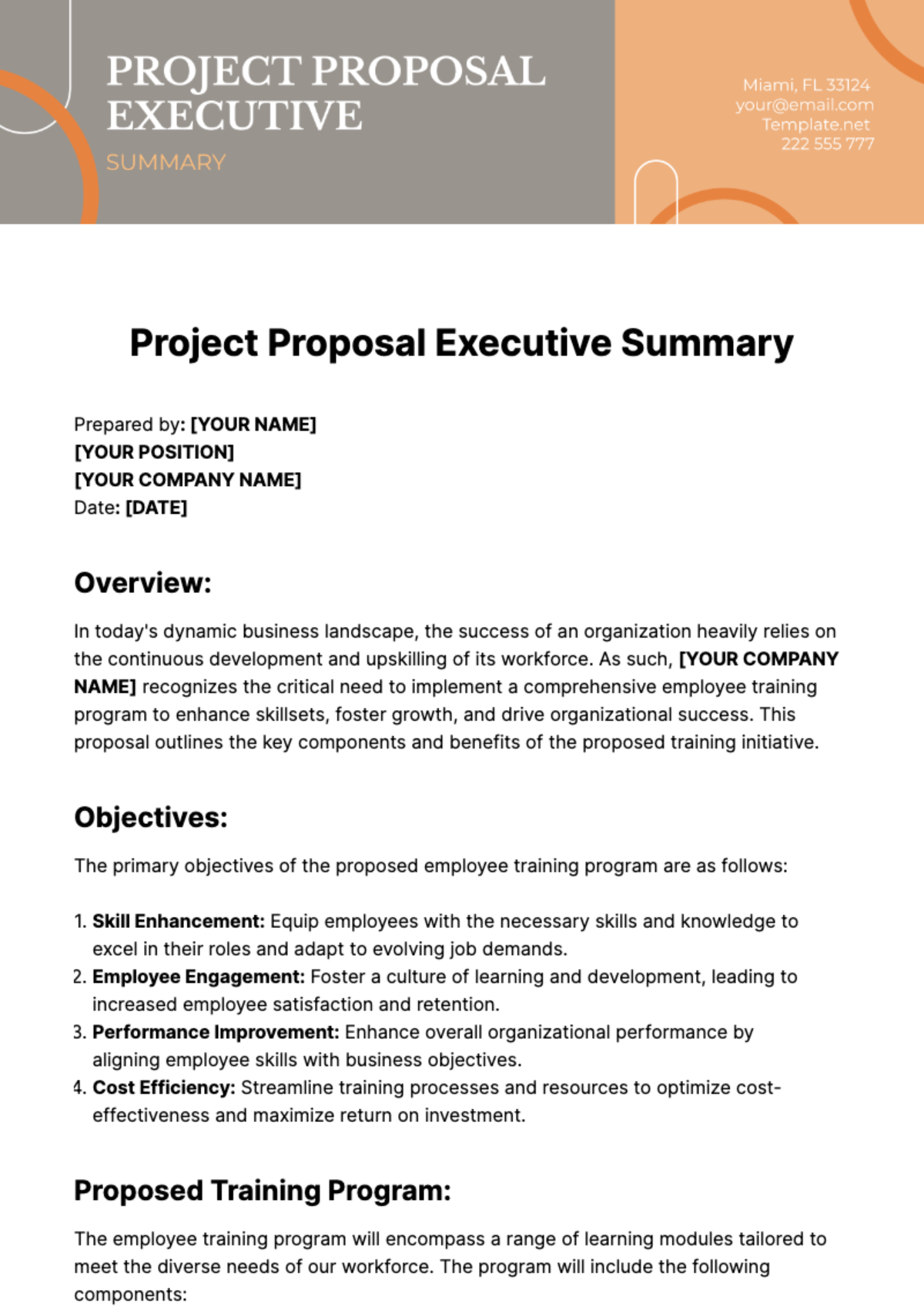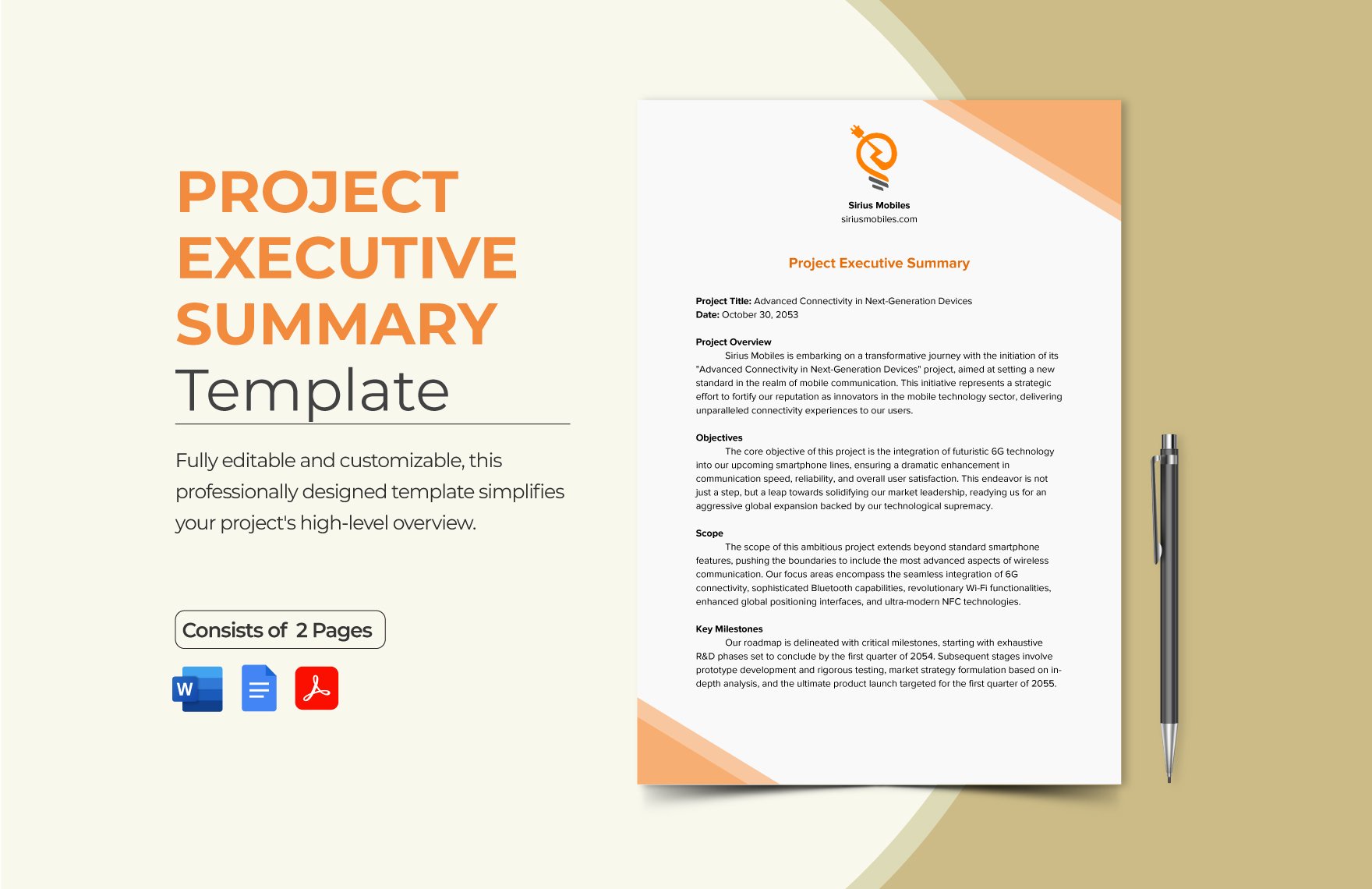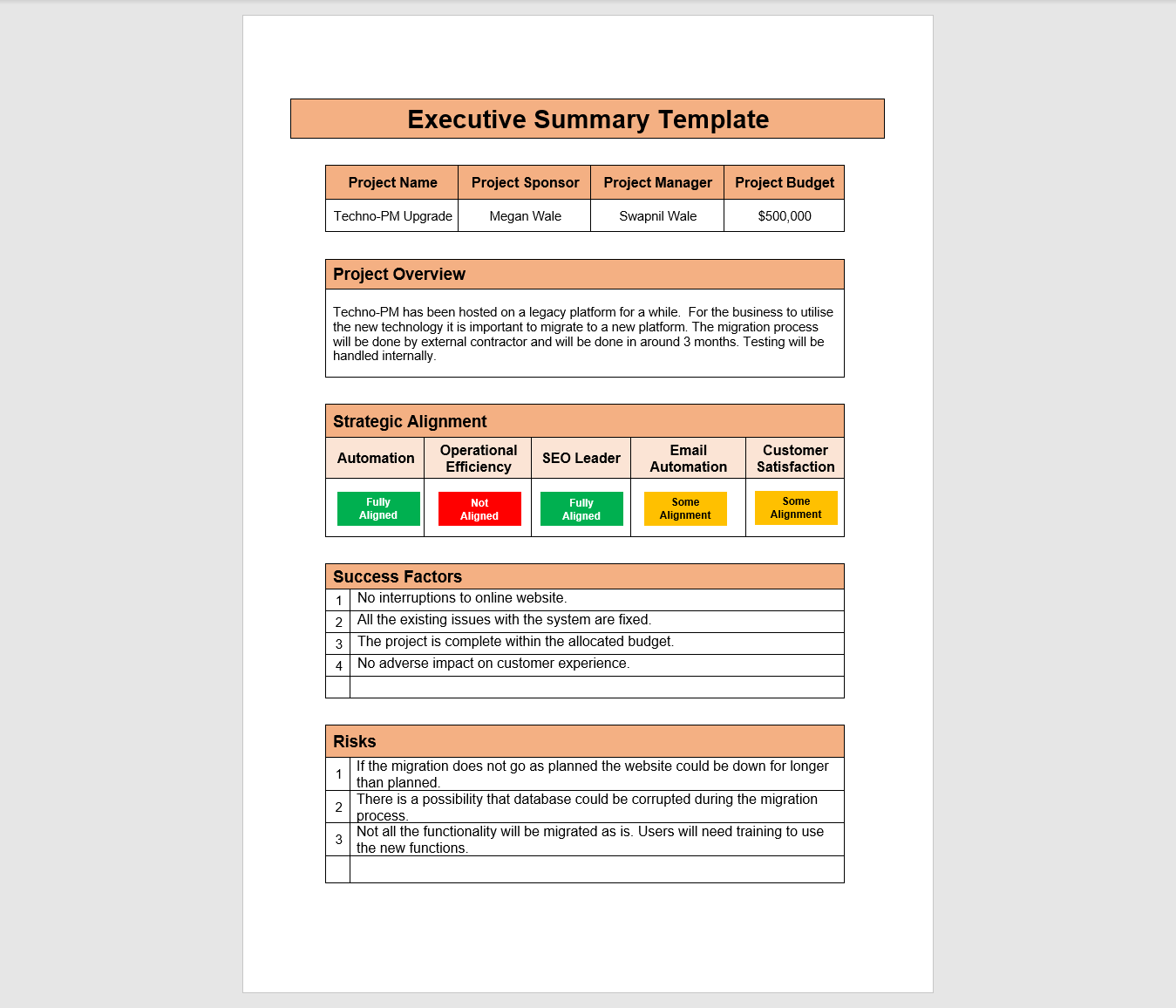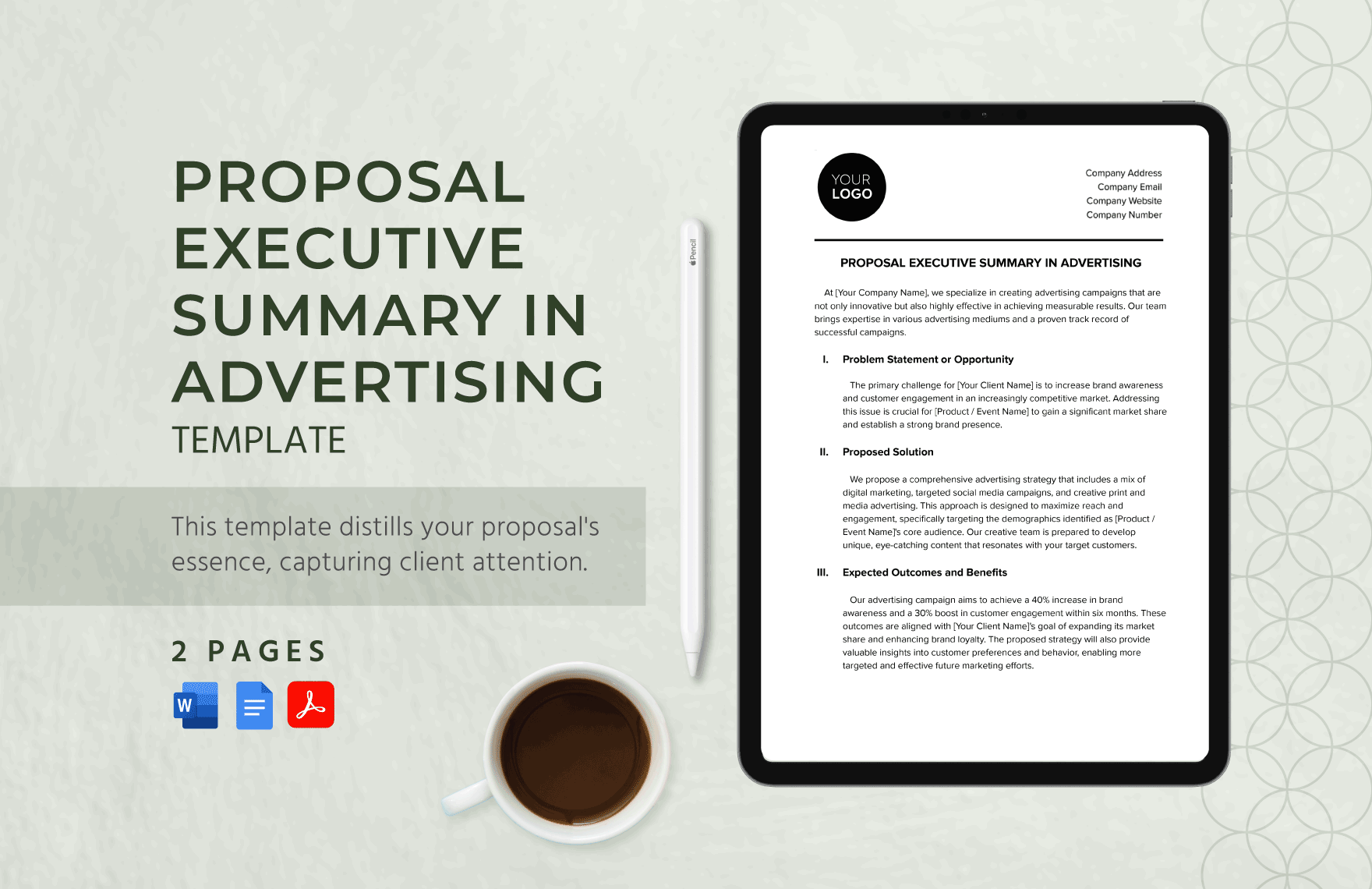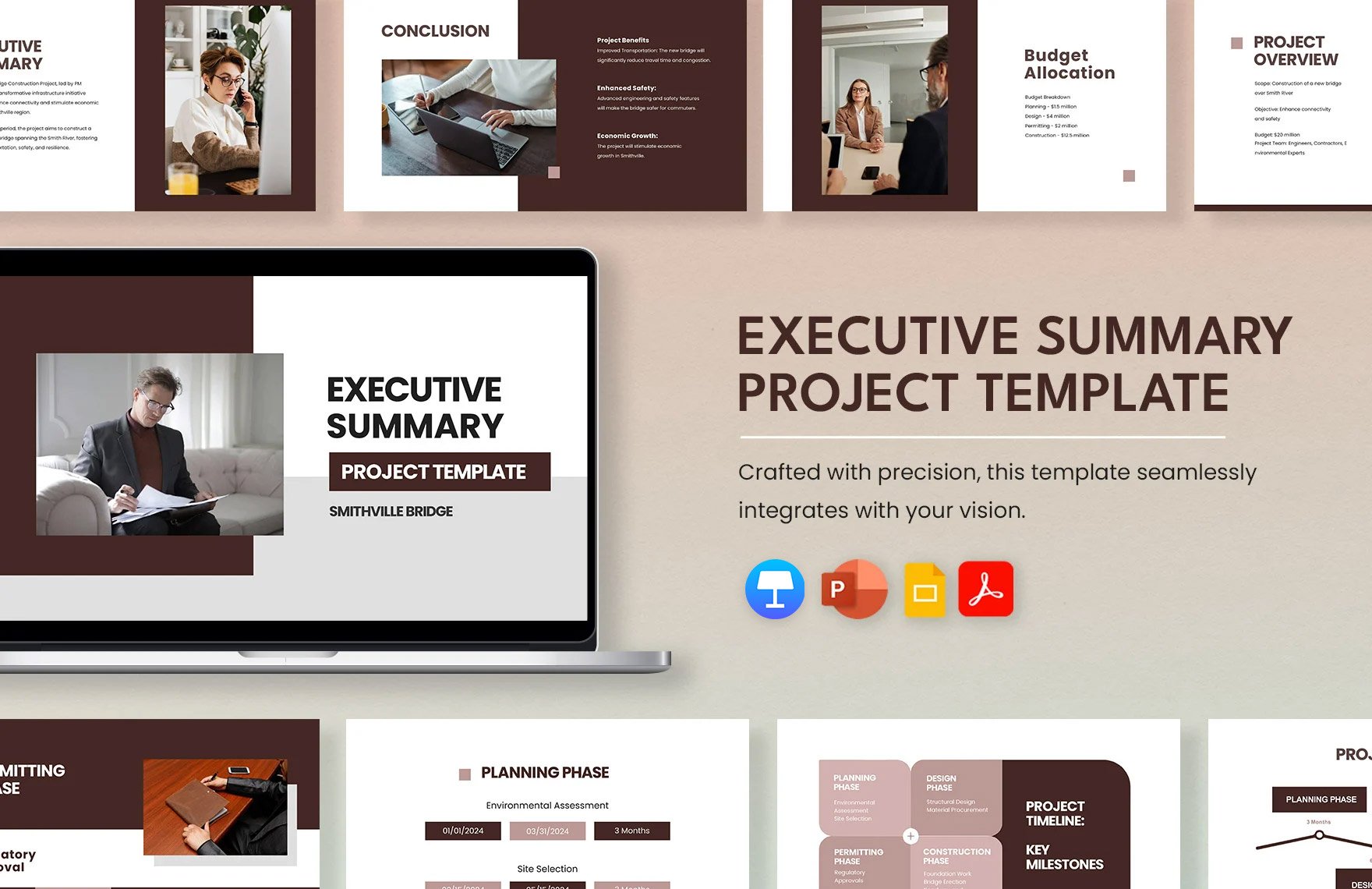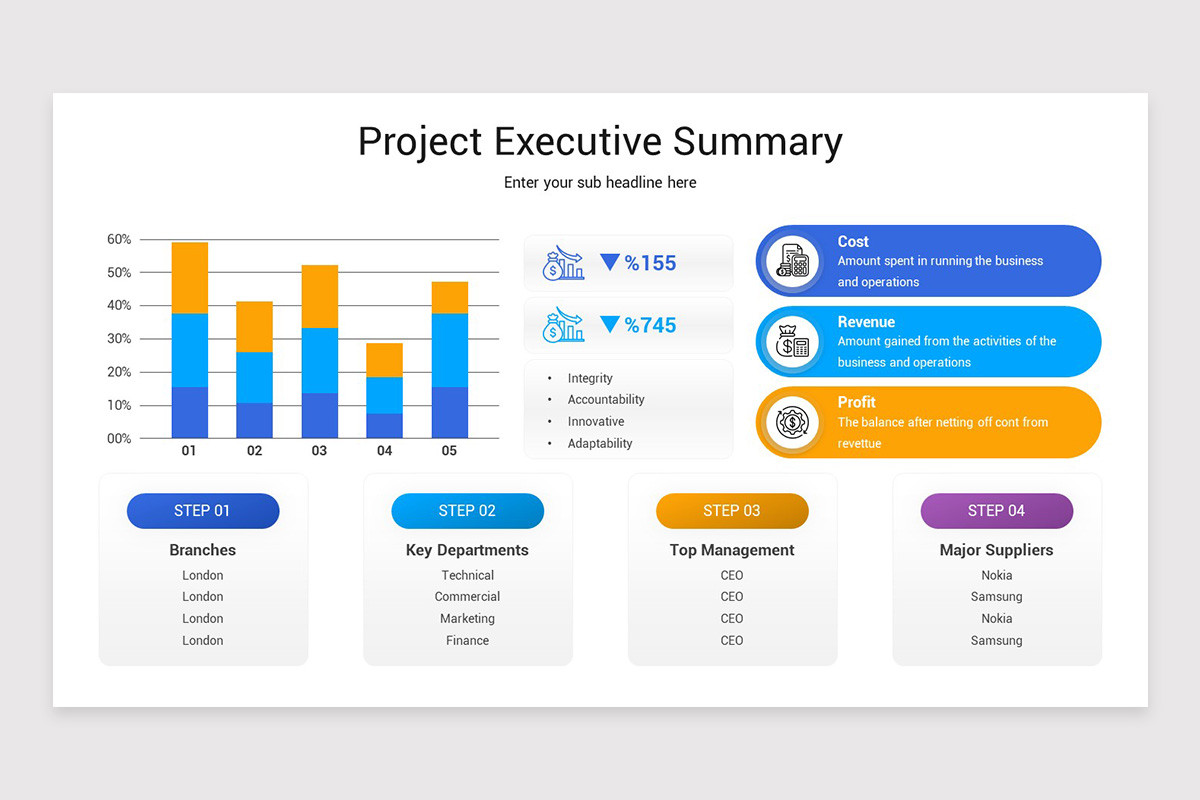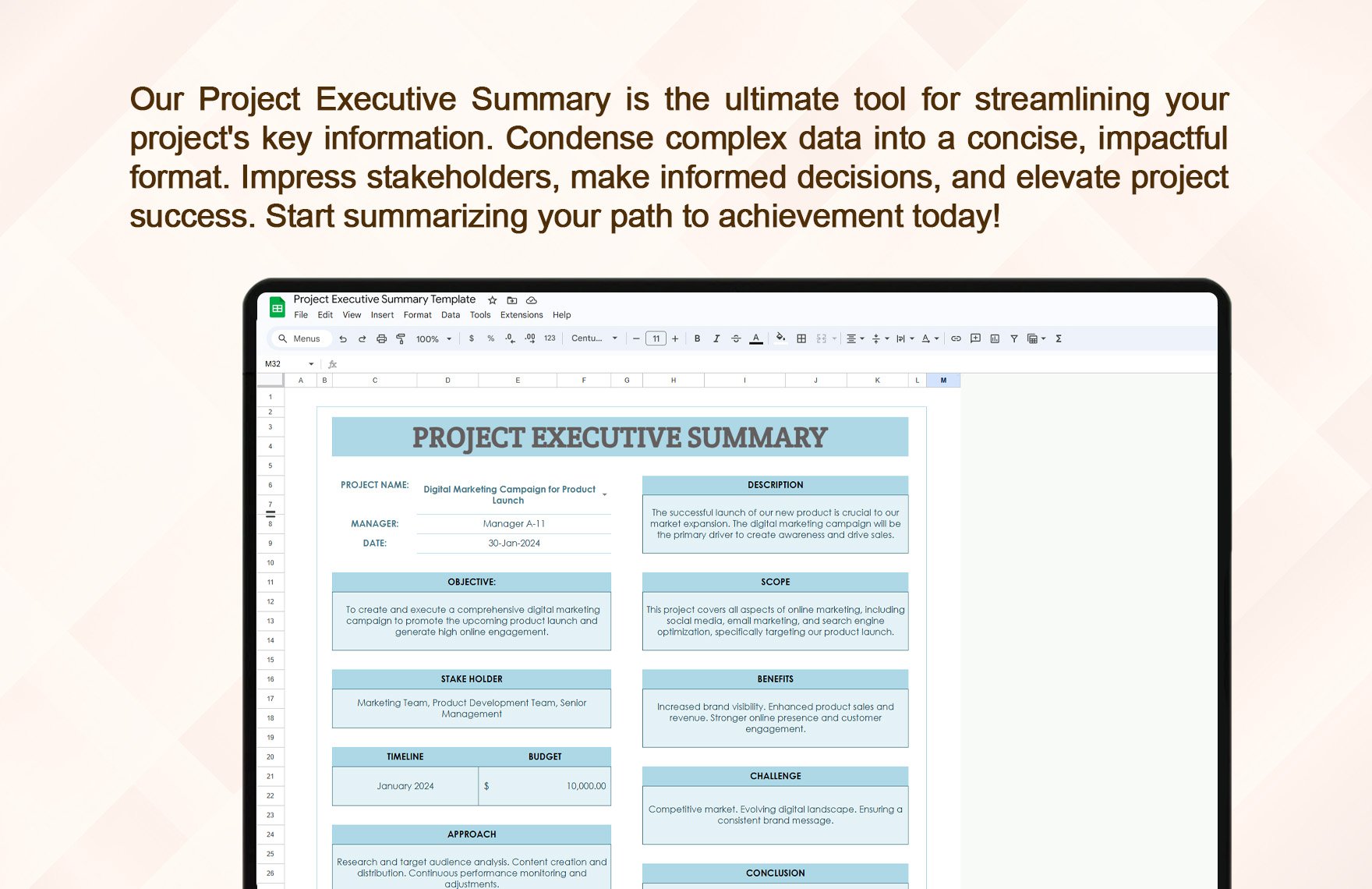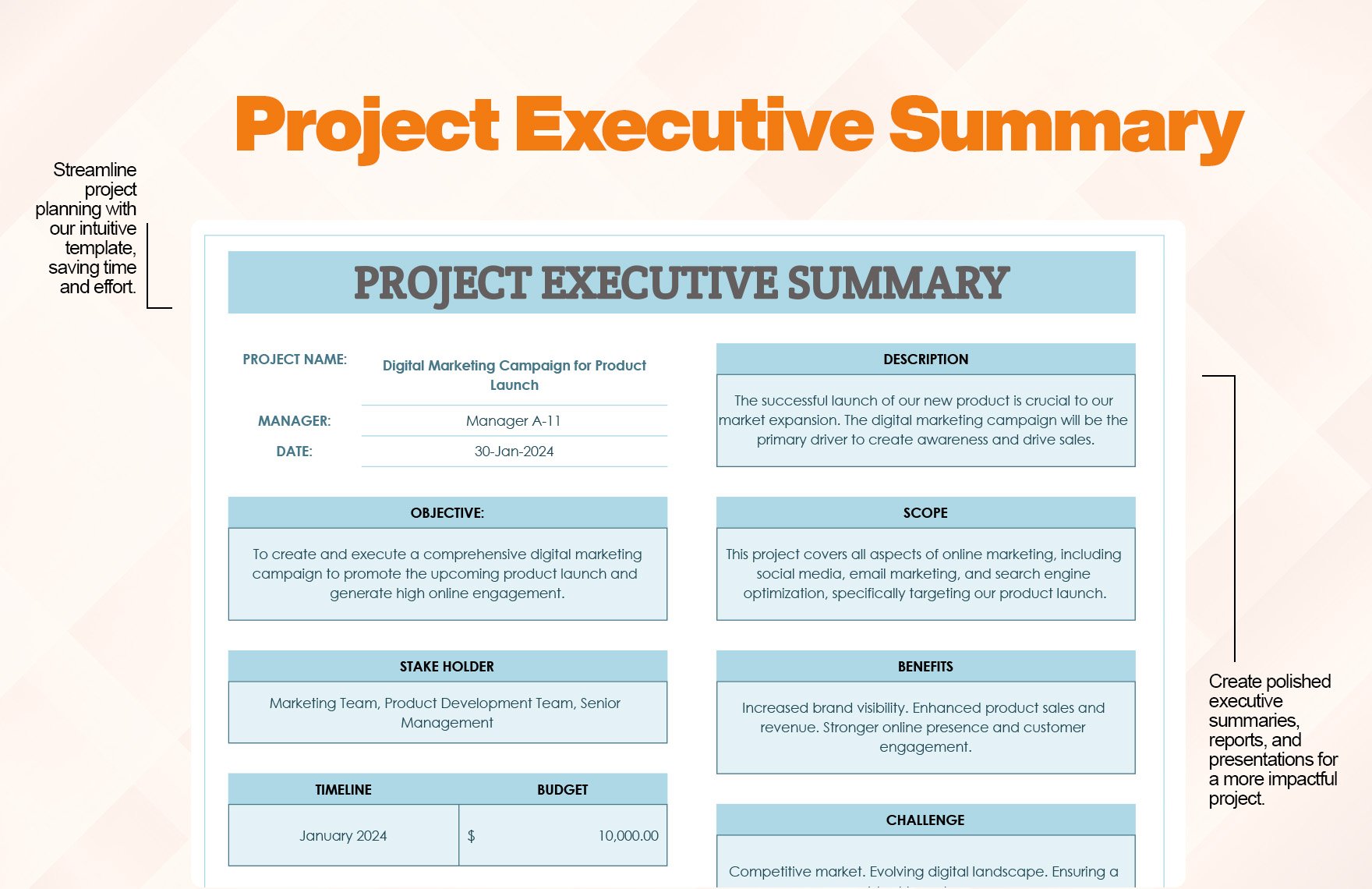
Project Proposal Executive Summary Template serves as the bridge between a complex plan and the decision‑makers who need a quick, compelling snapshot. By distilling goals, scope, and benefits into a concise narrative, it turns a dense document into an engaging story that invites approval, funding, or partnership. In this guide, we’ll explore why this template is indispensable, what elements it should contain, how to create and customize it, and real‑world examples that illustrate its power.
Why an Executive Summary Matters in Project Proposals
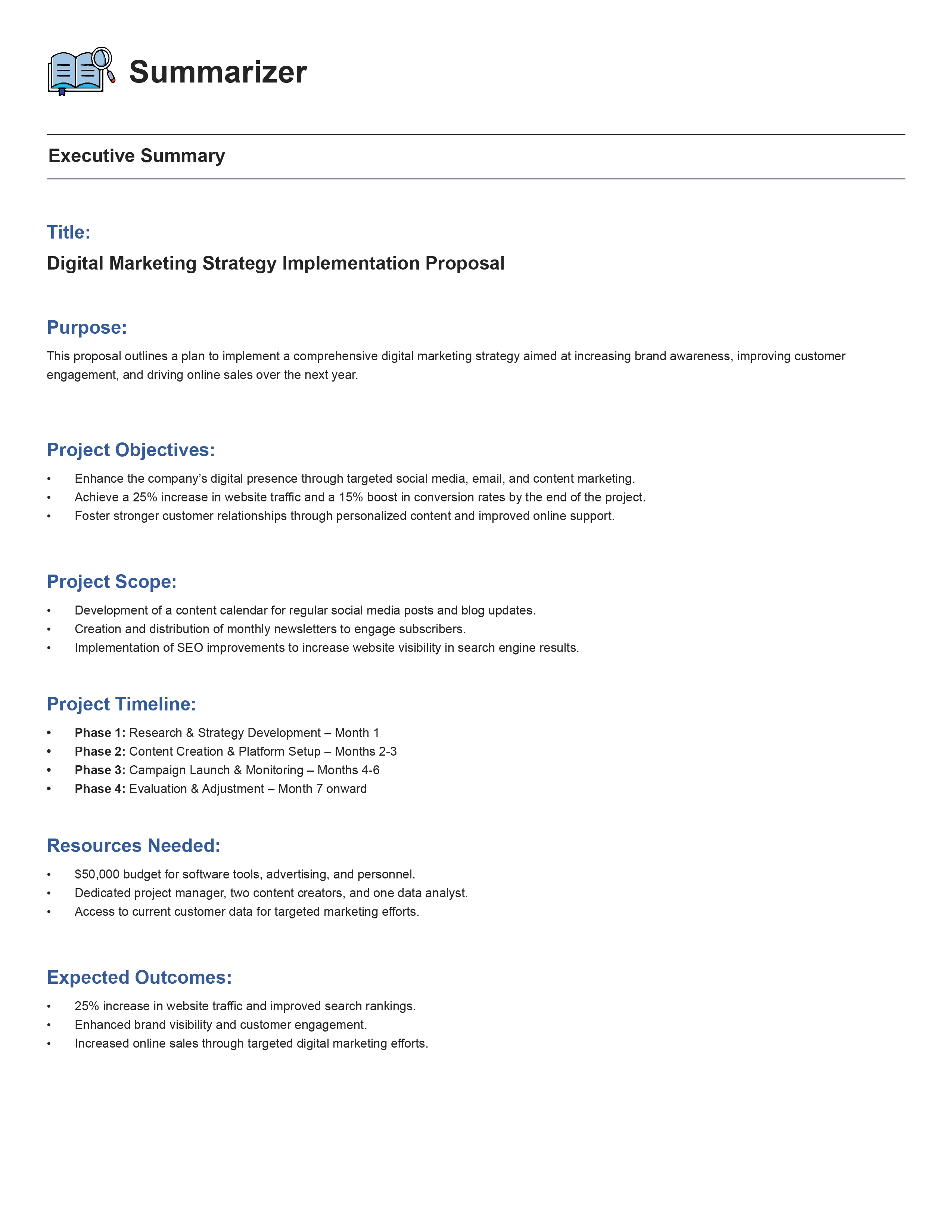
Clarity in a Crowded Market
Decision‑makers often sift through dozens of proposals in a day. A well‑structured executive summary cuts through the noise, presenting the core message in a few paragraphs. By focusing on the “what, why, and how,” it eliminates guesswork and ensures the audience grasps the proposal’s essence immediately.
Persuasion Through Conciseness
Persuasion is built on clarity and brevity. The executive summary condenses complex data into persuasive language, highlighting outcomes rather than processes. This approach aligns with the psychological principle that people prefer concise arguments when evaluating options, especially under time pressure.
Time Efficiency for Stakeholders
Busy executives appreciate a summary that can be read in 30 seconds to a minute. When the executive summary delivers all critical points upfront, stakeholders save time, reducing the need for follow‑up emails or meetings just to confirm basic understanding.
Key Elements of a Powerful Executive Summary

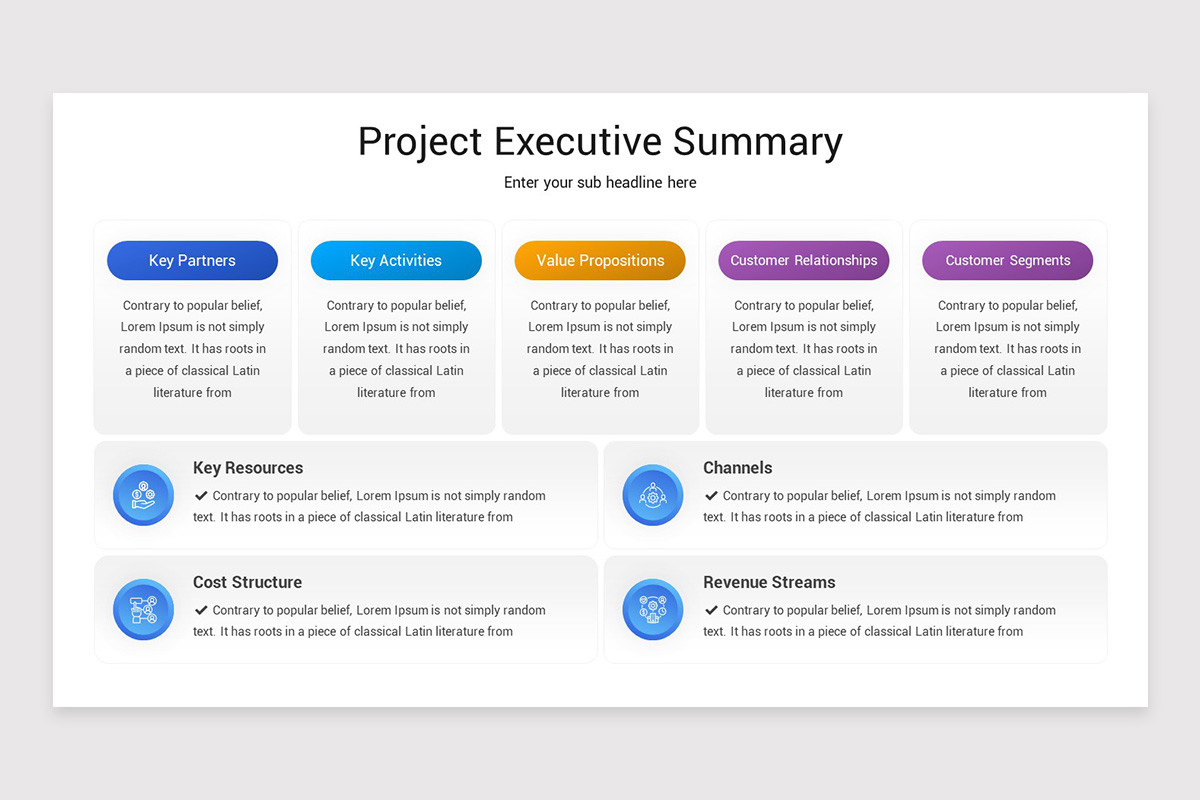
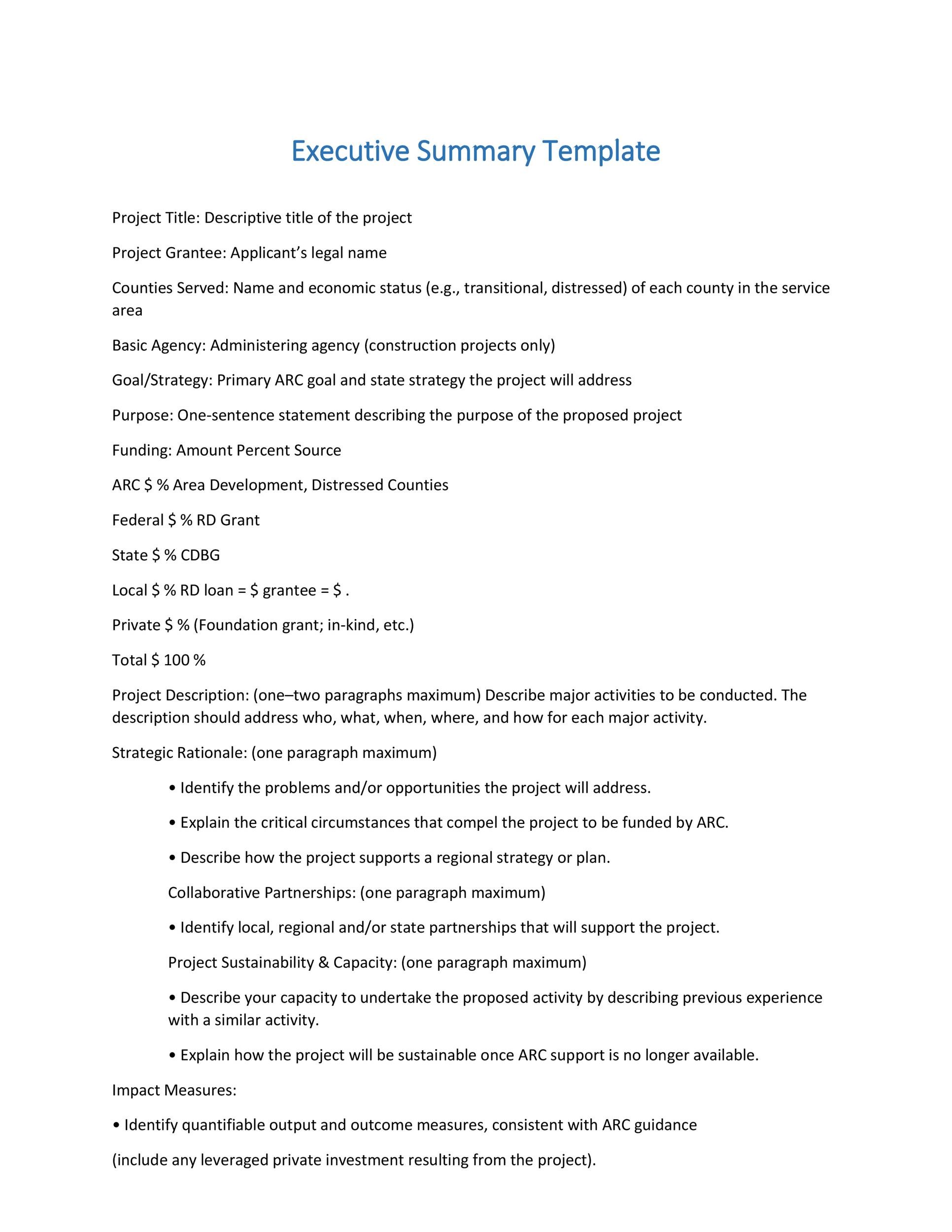
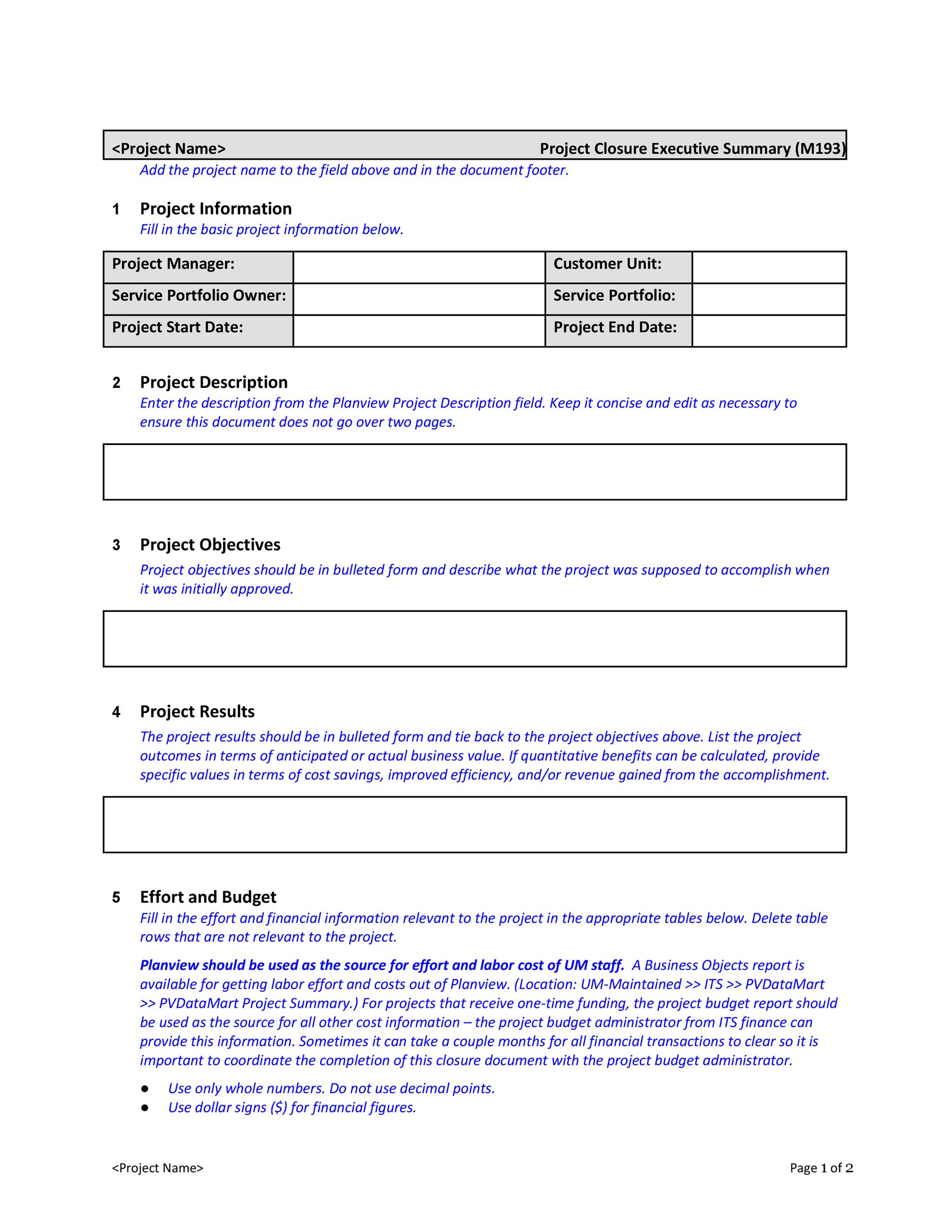
Project Overview
This opening section establishes context. It answers “What is the project?” and “Why does it exist?” A concise paragraph should describe the project’s purpose, the problem it solves, and its alignment with broader organizational goals.
Objectives and Success Metrics
State measurable objectives. For example, “Increase website traffic by 25% within six months.” Clear metrics allow stakeholders to evaluate success and demonstrate accountability.
Scope and Deliverables
Define what will be delivered and what will not. Scope clarity prevents scope creep and sets realistic expectations. Use bullet points to list tangible deliverables, such as a new software module or a redesigned marketing campaign.
Timeline and Milestones
Present a high‑level timeline with key milestones. A simple Gantt‑style snapshot or a three‑column table (Phase, Start, End) provides instant insight into project pacing and critical deadlines.
Budget Summary
Highlight the total cost and major expense categories. Include a line such as “Total Project Cost: $150,000.” Breaking down costs into categories (Personnel, Materials, Contingency) offers transparency.
Key Stakeholders and Roles
Identify who is driving the project and who will be impacted. A brief list of roles—Project Sponsor, Project Manager, Technical Lead—helps stakeholders recognize responsibility and accountability.
Risk Assessment and Mitigation
Address potential risks with concise mitigation strategies. For instance, “Risk: Vendor delay. Mitigation: Secure backup vendor contracts.” This demonstrates proactive risk management.
Call to Action
End with a clear next step: “Approve budget,” “Schedule kickoff,” or “Assign project sponsor.” A decisive call to action moves the proposal from discussion to action.
How to Build a Template That Works
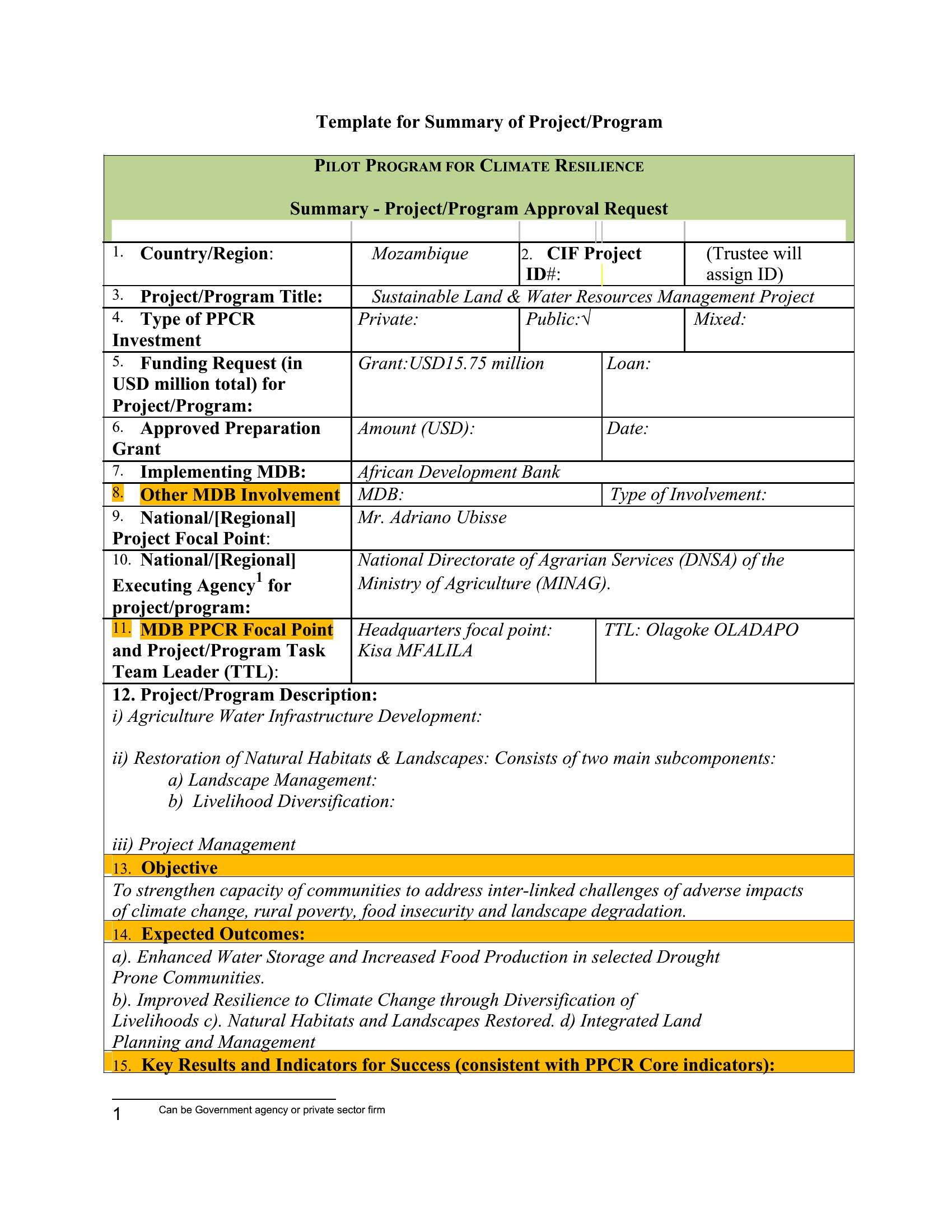
Choosing the Right Format
Word, Google Docs, and cloud‑based editors each have strengths. Word offers robust formatting; Google Docs excels in collaboration; online editors provide instant template sharing. Select the tool that aligns with your team’s workflow and version control needs.
Layout Best Practices
Use a clean, readable font like Arial or Calibri, set line spacing at 1.15, and maintain consistent margins. Bold section headings and use a slightly larger font size for subheadings. A two‑column layout can increase readability, especially for longer summaries.
Language Tips for Impact
Adopt active voice and avoid jargon. Use power verbs (“improve,” “accelerate,” “optimize”). Keep sentences under 20 words and paragraphs under 80 words for maximum readability.
Incorporating Visual Elements
Charts, icons, or a single graphic can illustrate scope or timeline without cluttering text. Ensure visuals are high‑resolution and properly labeled, but never let them dominate the narrative.
Step‑by‑Step Guide to Filling Out the Template

Research and Data Collection
Gather all necessary data—market research, financial forecasts, stakeholder interviews—before drafting. Compile findings in a separate document to reference while writing.
Drafting Each Section
Follow the template’s structure, writing one section at a time. Begin with a draft for each bullet point, then refine for clarity and flow. Verify that every statement is supported by data or a logical argument.
Reviewing and Polishing
After the first draft, conduct a peer review. Check for consistency, grammatical accuracy, and adherence to branding guidelines. Use a checklist to ensure each key element is present and the summary remains within the desired word count.
Real‑World Examples
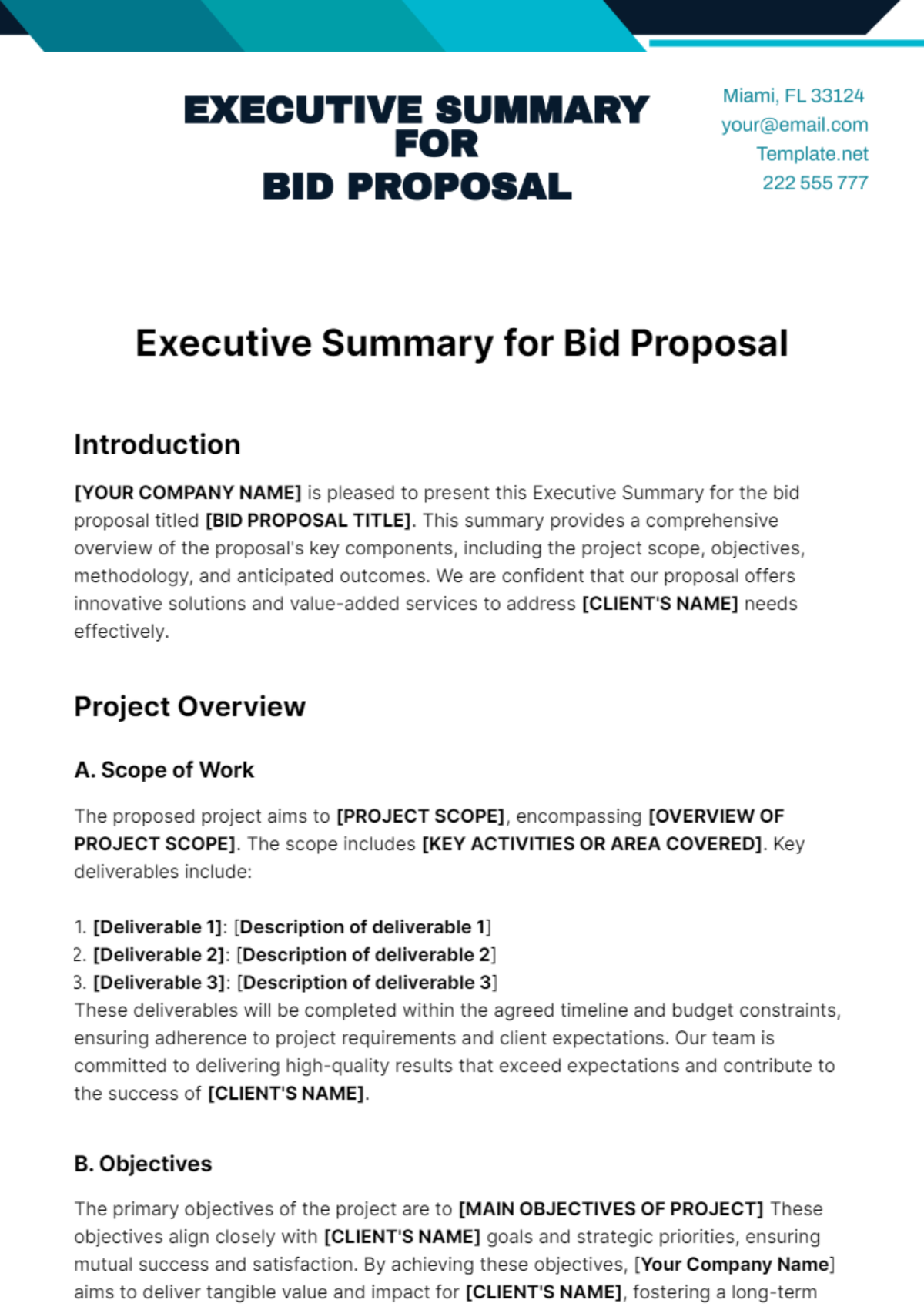
IT Infrastructure Upgrade
A mid‑size enterprise sought to modernize its data center. The executive summary highlighted the need to reduce downtime, projected a 30% increase in processing speed, and outlined a phased migration over twelve months. The concise budget summary and risk mitigation plan secured a $2.5 million investment, enabling a smooth transition without service interruption.
Marketing Campaign Launch
A consumer electronics startup prepared a proposal for a multi‑channel marketing initiative. The executive summary focused on a $500,000 budget, projected a 20% lift in sales, and identified key metrics like cost per lead. The clear call to action—“Approve launch and allocate marketing budget”—resulted in immediate approval and a rapid campaign rollout.
Common Pitfalls and How to Avoid Them

Overloading with Detail
Embedding excessive technical jargon or detailed spreadsheets can overwhelm readers. Keep the summary focused on high‑level insights and direct them to detailed sections for deeper analysis.
Neglecting Audience Needs
Assuming stakeholders understand the context can backfire. Tailor language and emphasis to the audience’s expertise level—financial executives, technical leads, or external partners—ensuring relevance and comprehension.
Poor Structure
Randomly organized content creates confusion. Stick to the template’s order—overview, objectives, scope, timeline, budget—so readers naturally follow the narrative flow.
Customizing the Template for Different Industries
Tech Startups
Emphasize scalability, innovation metrics, and fast time‑to‑market. Include sections on agile methodologies and product‑market fit validation.
Construction Projects
Highlight safety compliance, regulatory approvals, and site logistics. Provide a breakdown of phases—planning, permitting, construction, handover—to meet stakeholder expectations.
Nonprofits
Showcase social impact metrics, donor engagement strategies, and sustainability plans. Use language that underscores mission alignment and community benefits.
Leveraging Digital Tools and Automation
Cloud‑Based Templates
Hosting the template on a shared drive or cloud platform ensures everyone accesses the latest version, reducing versioning errors.
Collaboration Features
Commenting, track changes, and real‑time editing accelerate consensus. Assign responsibilities for each section to avoid duplication.
Version Control
Maintain a revision history. Label each version with a date and a brief change description so stakeholders can trace updates.
Final Tips for Success
Keep It Concise
Target a word count of 600–800 words for the executive summary. Every sentence should add value.
Focus on Impact
Prioritize outcomes—cost savings, revenue growth, risk reduction—over process details.
Use Visuals Wisely
One chart or icon can convey a point more powerfully than paragraph text, but only when it directly supports a key claim.
Conclusion

Mastering the Project Proposal Executive Summary Template transforms a potential wall of text into a persuasive, action‑oriented snapshot. By incorporating clear sections—overview, objectives, scope, timeline, budget, stakeholders, risks, and a decisive call to action—any professional can craft summaries that resonate with stakeholders, expedite approvals, and set the project on a trajectory toward success. Use the guidelines above to build, customize, and refine your template, and watch your proposals move from consideration to execution with unprecedented speed and confidence.