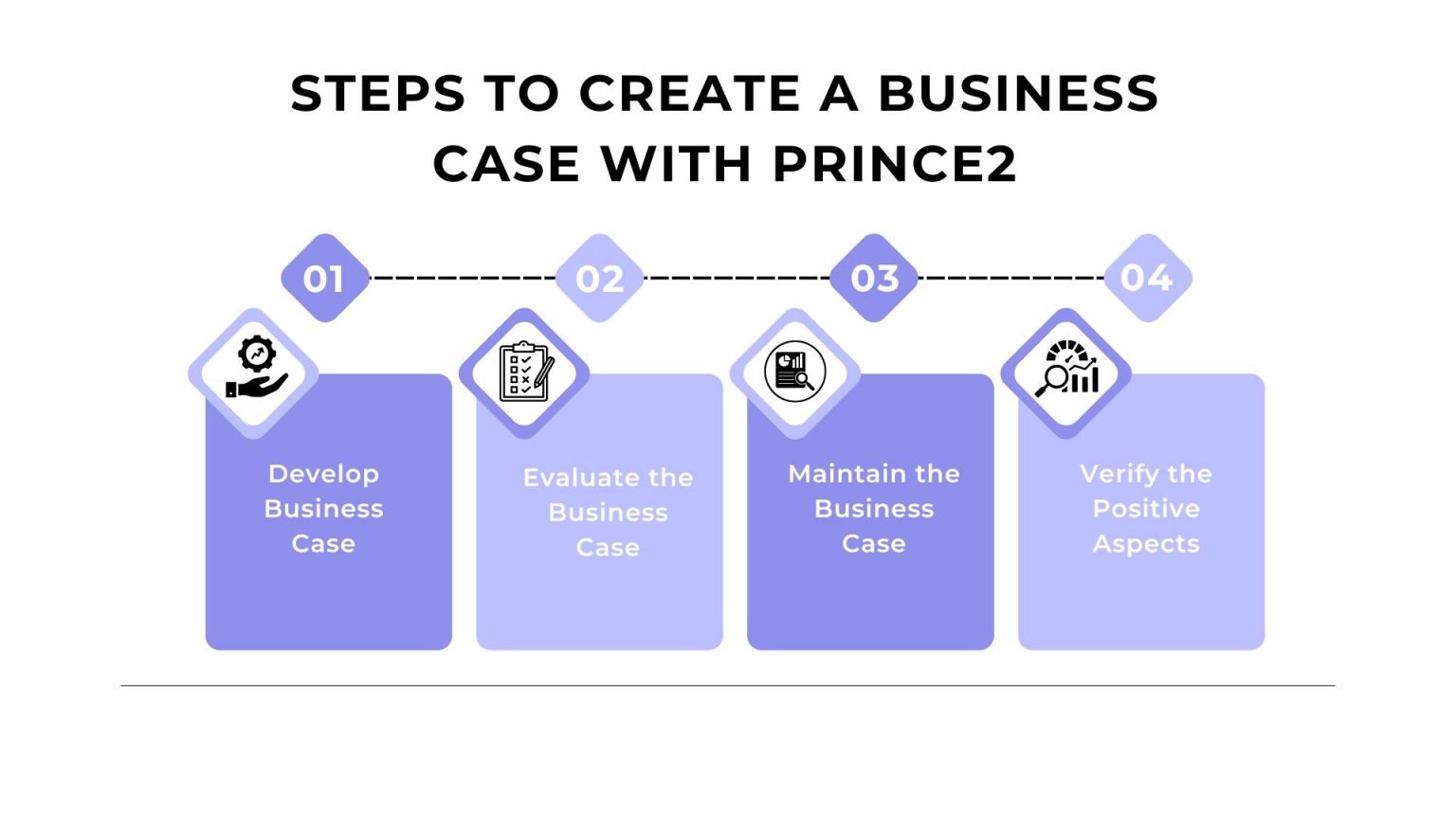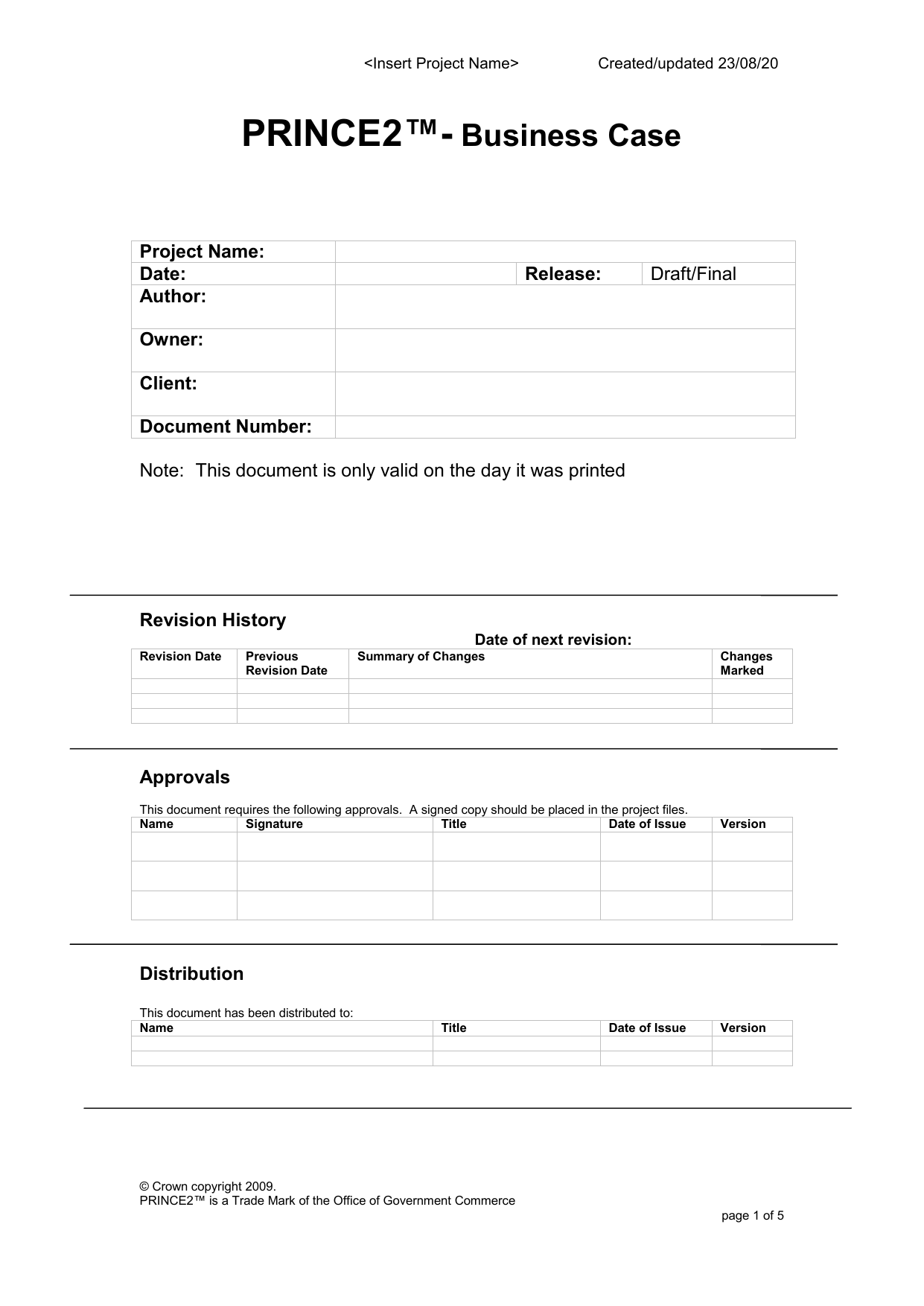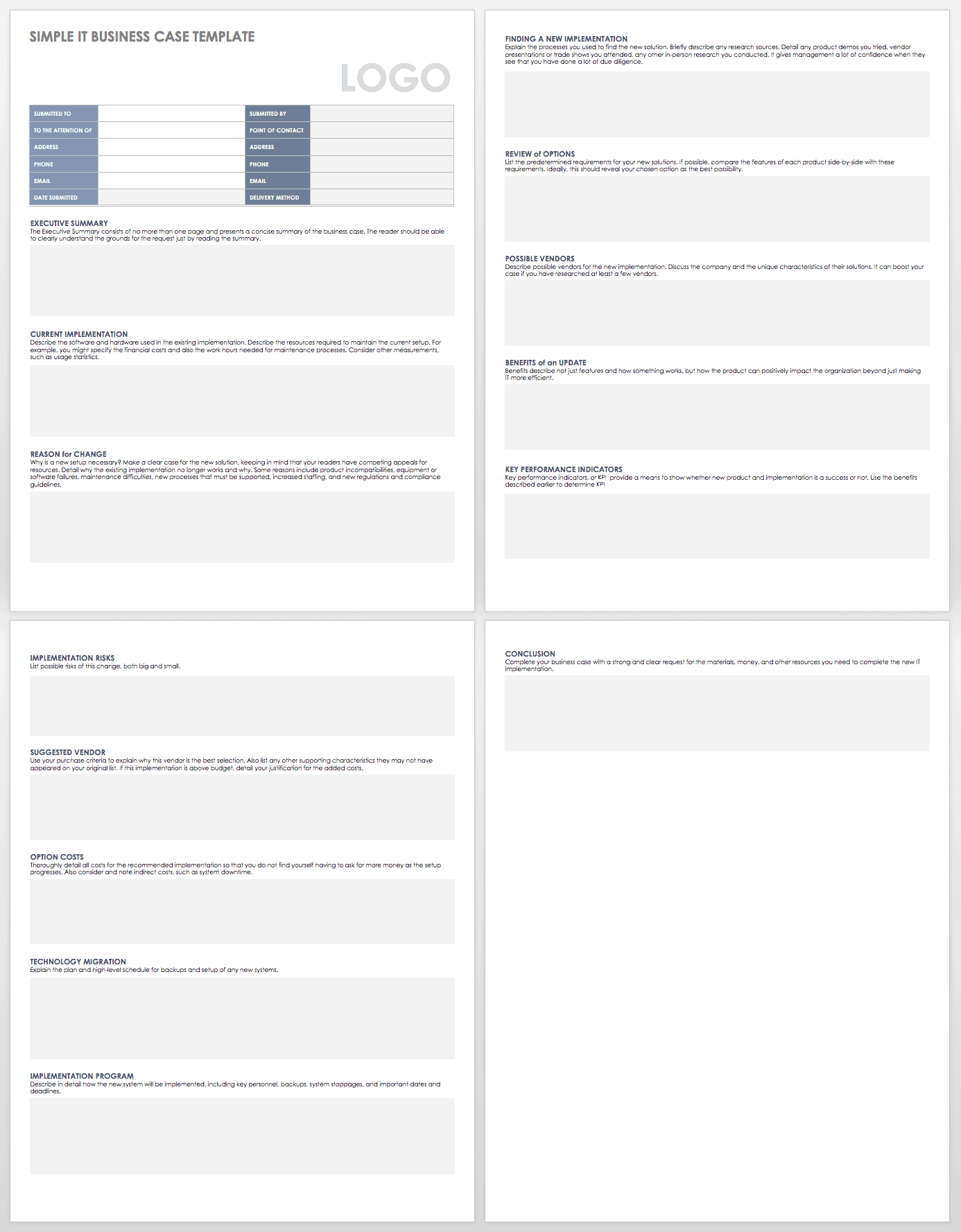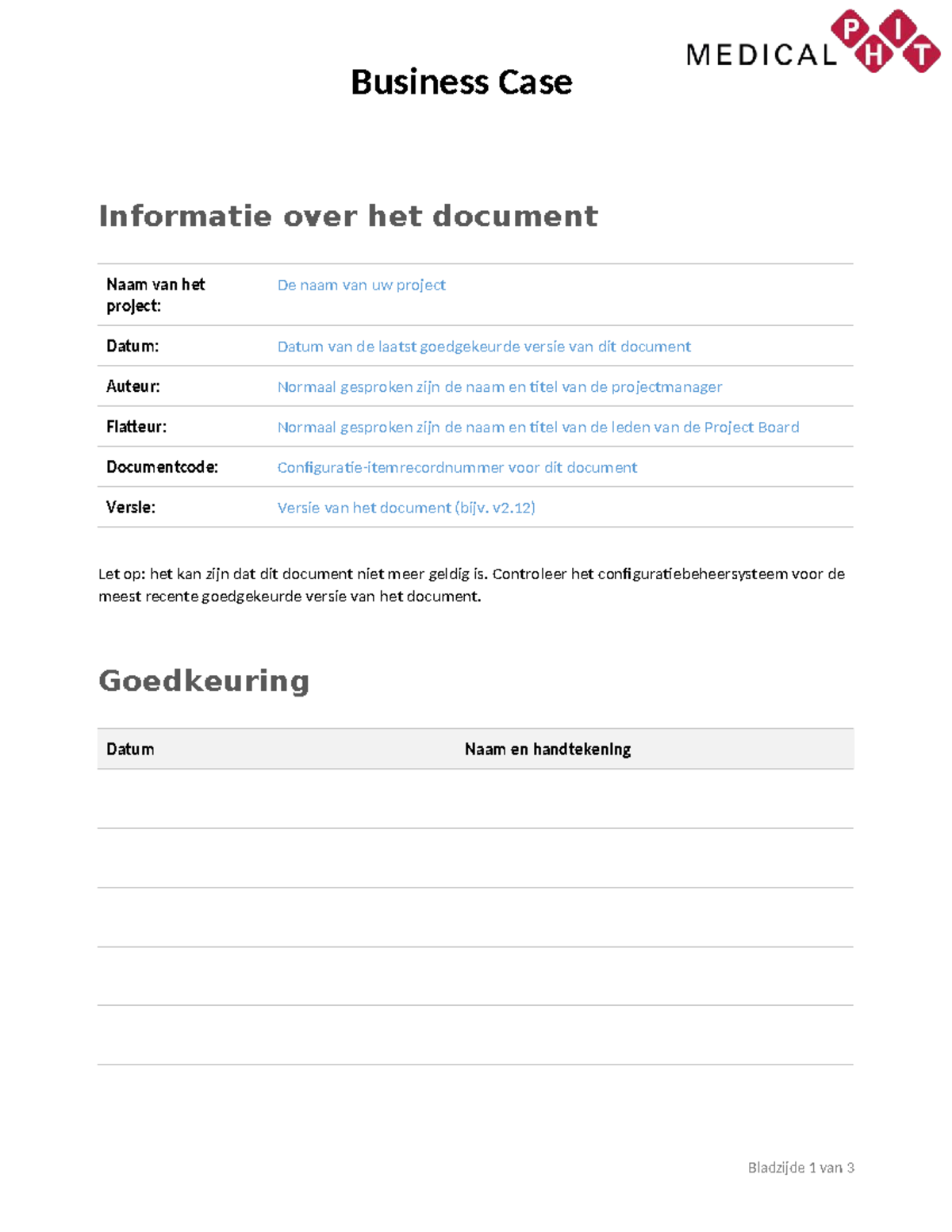
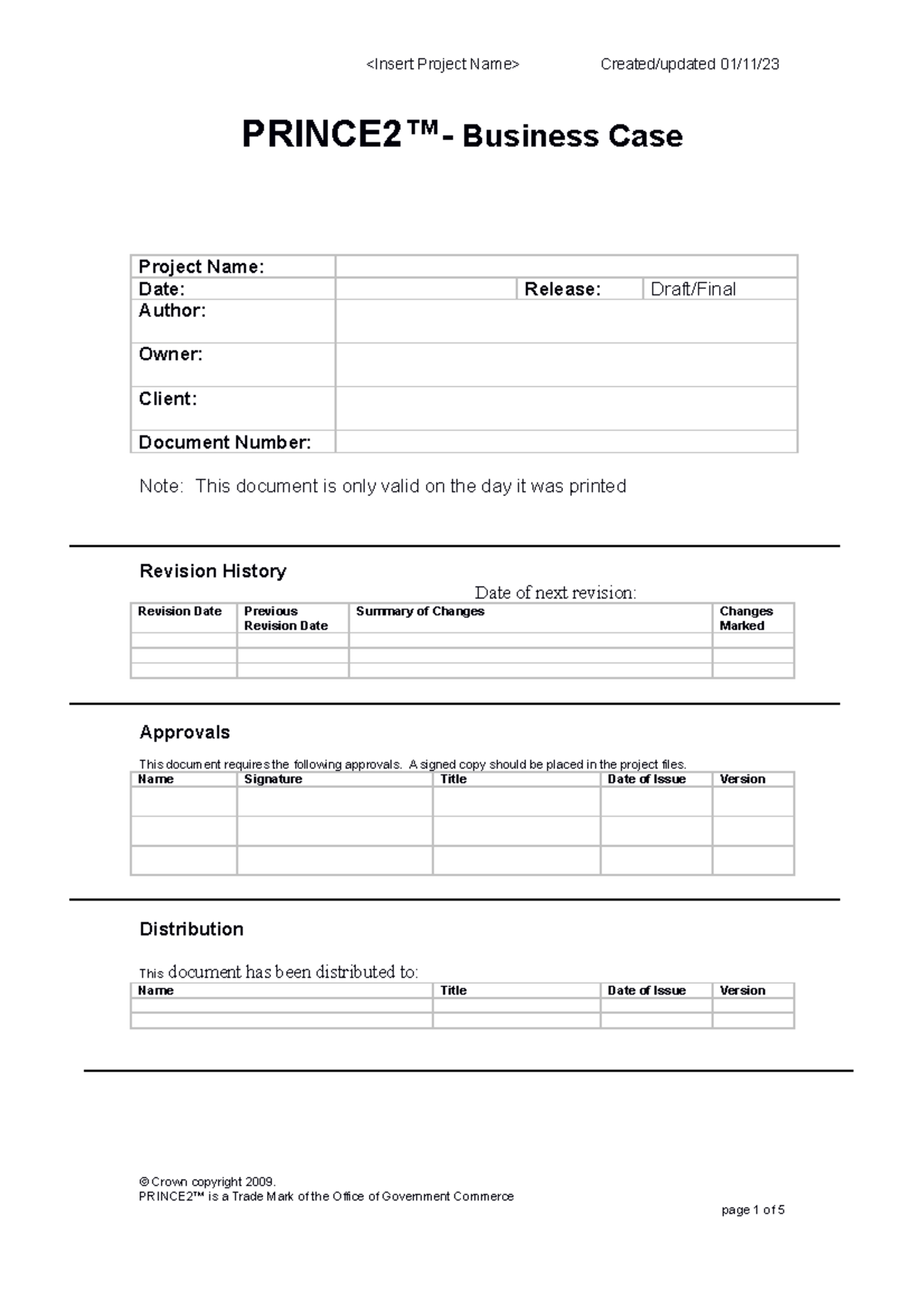
Prince2 Business Case Template Word is a strategic asset for project managers seeking clarity, alignment, and measurable value in every initiative. By embedding this template into your planning process, you transform abstract ideas into a concrete, stakeholder‑approved roadmap that drives decision‑making and accountability.
Why a Prince2 Business Case Template Matters

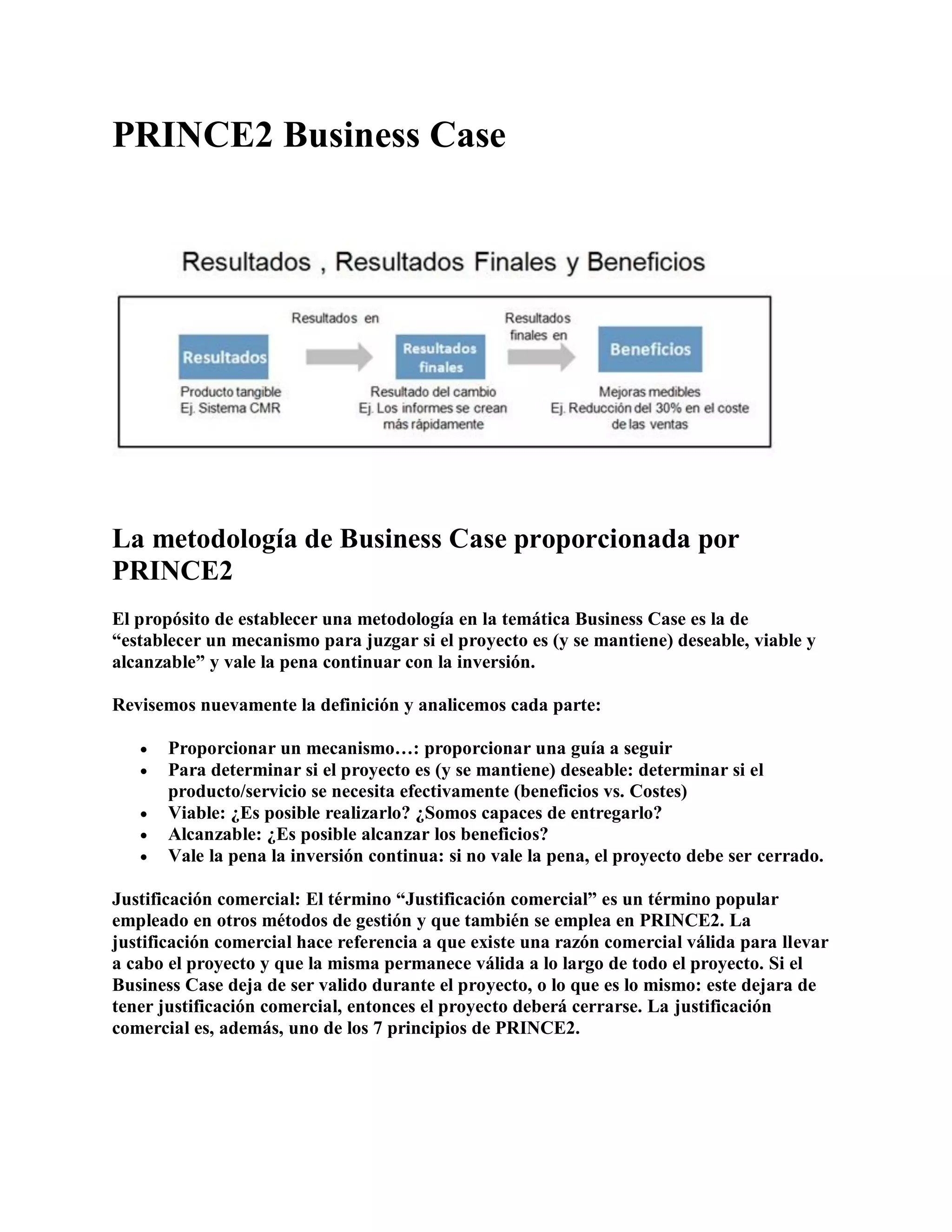
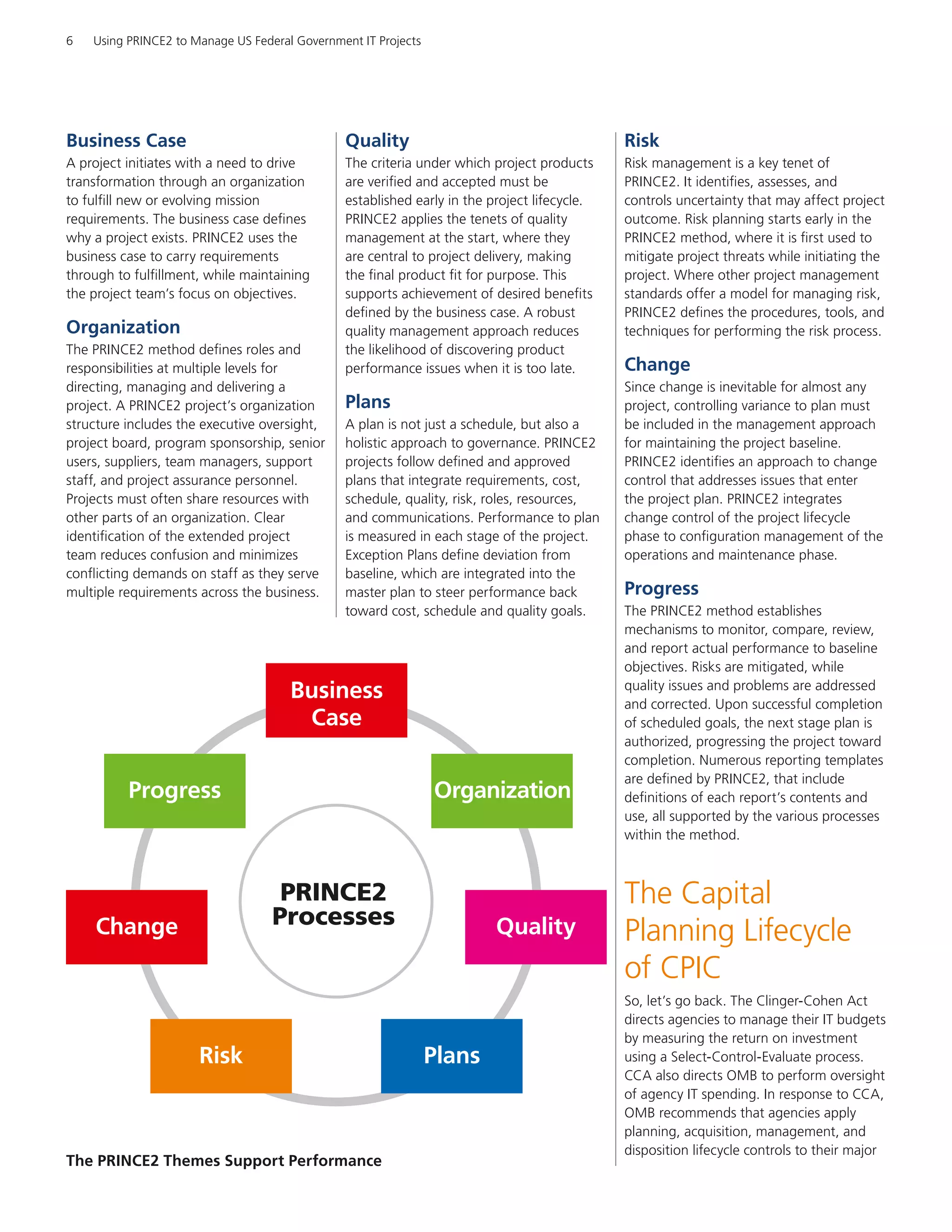
A well‑crafted business case is more than a document; it is the contractual promise that a project will deliver specific benefits. It provides a common language for executives, sponsors, and teams, ensuring that every decision is justified against defined objectives. The Word template streamlines this effort by offering pre‑structured sections, consistent formatting, and built‑in calculations that reduce manual effort and eliminate errors.
Core Components of a Prince2 Business Case
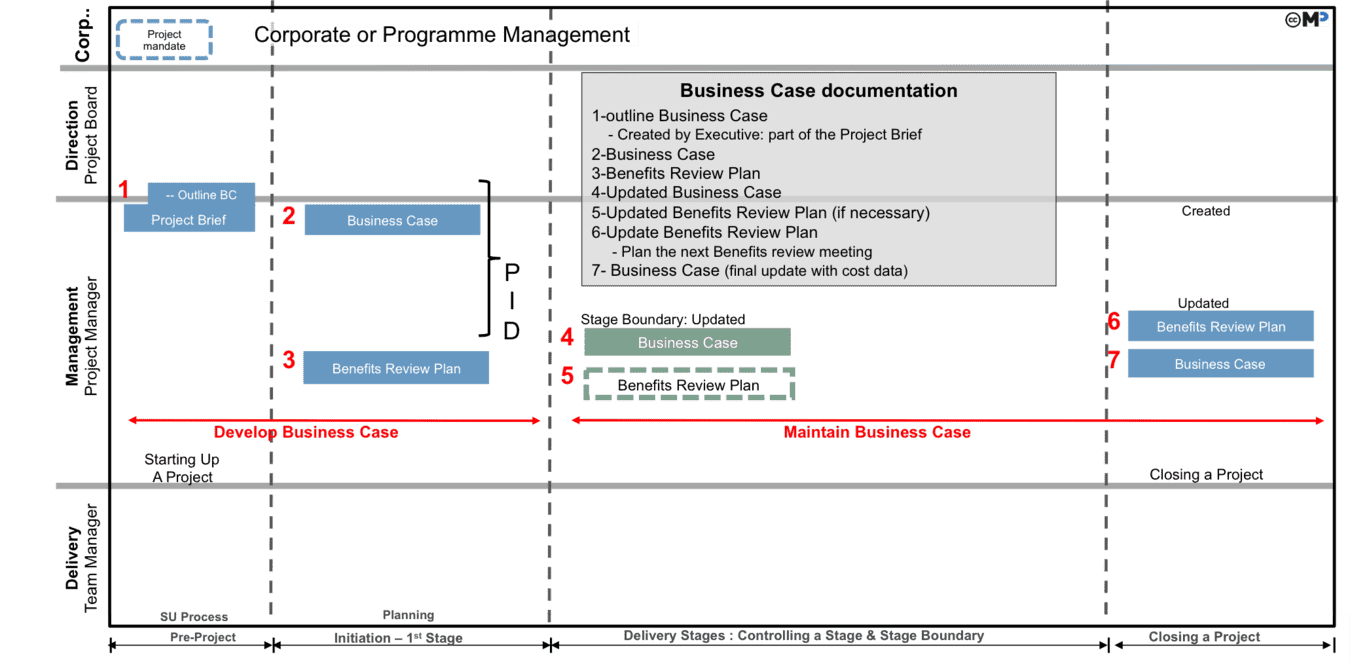
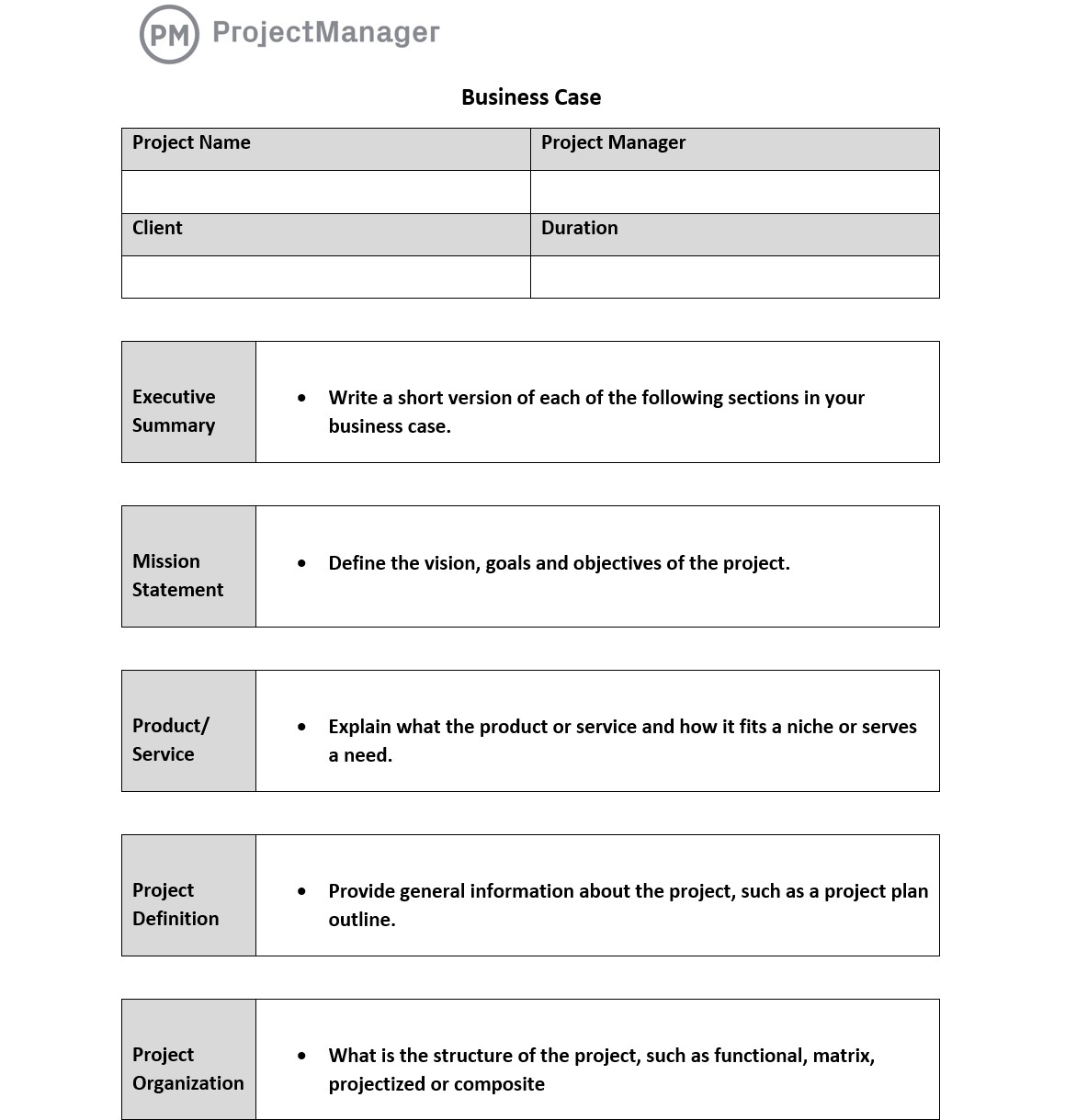
Executive Summary
The first paragraph should answer the “what” and “why” of the project in plain language, summarising the opportunity, scope, and anticipated value. Keep it concise—ideally no more than three sentences.
Background and Context
Describe the business environment, market forces, and organisational strategy that motivate the project. This section provides the “why” behind the initiative and sets the stage for the benefit justification.
Options Analysis
- Do Nothing: Evaluate risks if the project is postponed or cancelled.
- Option A: Detail the first alternative, its costs, and expected benefits.
- Option B: Outline an alternative solution and compare it side‑by‑side.
Benefits
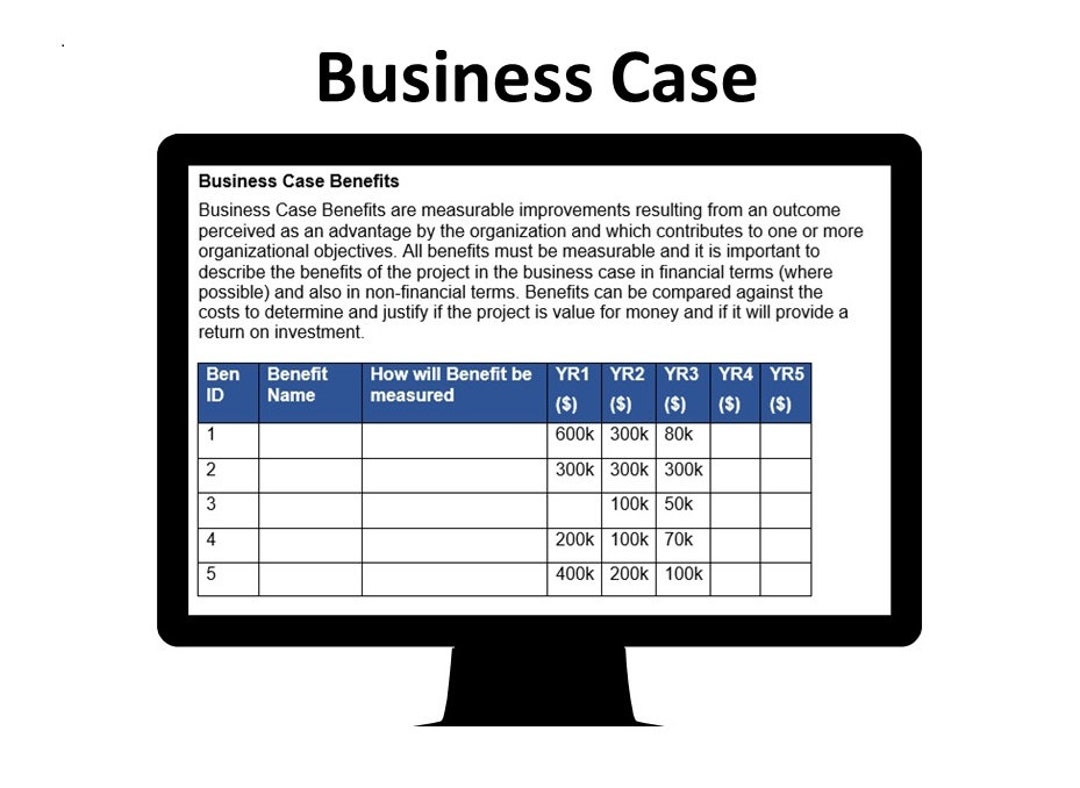
List tangible and intangible benefits, assign a monetary value where possible, and tie each benefit to the organisational strategy. Include timelines for realization and the key performance indicators (KPIs) that will measure success.
Costs
Break down direct and indirect costs, categorize them by stage (initiation, execution, close‑out), and provide a cumulative forecast. Use the Word table feature to align costs with benefit periods for clarity.
Risk Register
Identify major risks, their likelihood, impact, and mitigation plans. The template’s risk table facilitates quick updates and status reporting.
Assumptions and Constraints
Document the assumptions that underlie the business case and any constraints that could limit flexibility. This transparency supports later revisions and risk monitoring.
Financial Analysis
- Net Present Value (NPV)
- Internal Rate of Return (IRR)
- Payback Period
- Return on Investment (ROI)
Populate the Word template’s calculation fields to generate real‑time financial metrics that can be presented to the board or steering committee.
Governance and Oversight
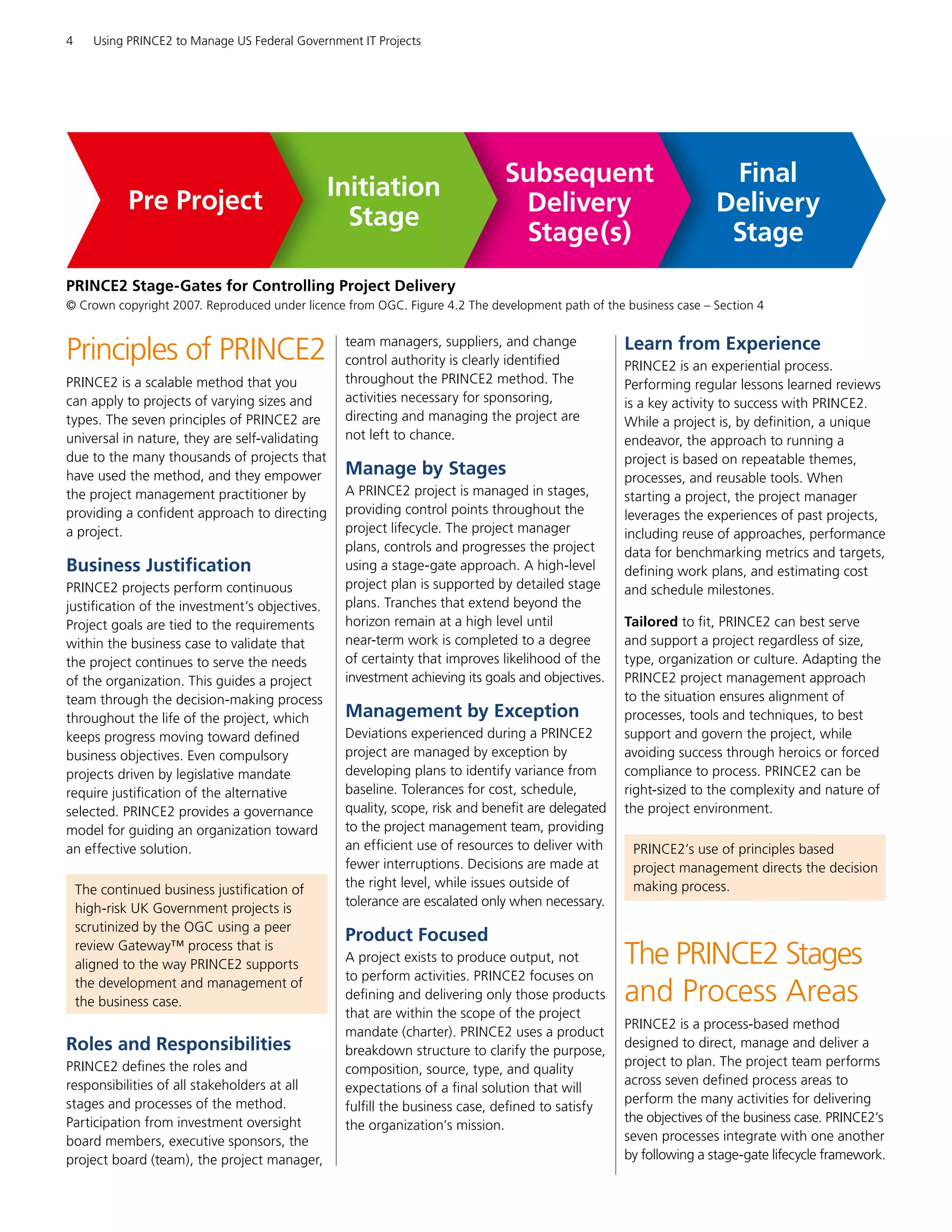
Outline the decision‑making hierarchy, review cycles, and escalation paths. Ensure that the template’s governance section aligns with your organisation’s project charter.
Step‑by‑Step Guide to Using the Word Template
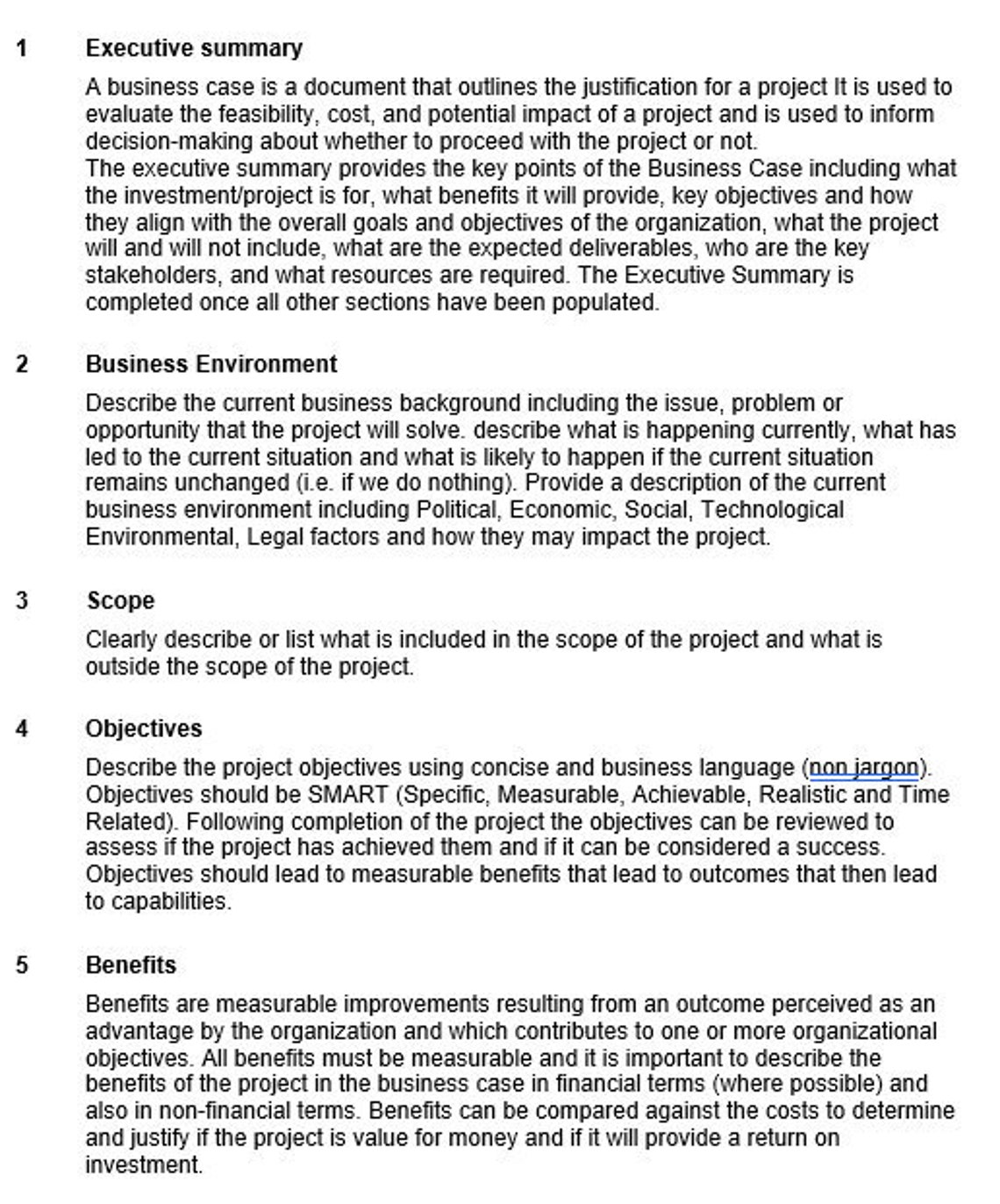
1. Download and Review the Skeleton
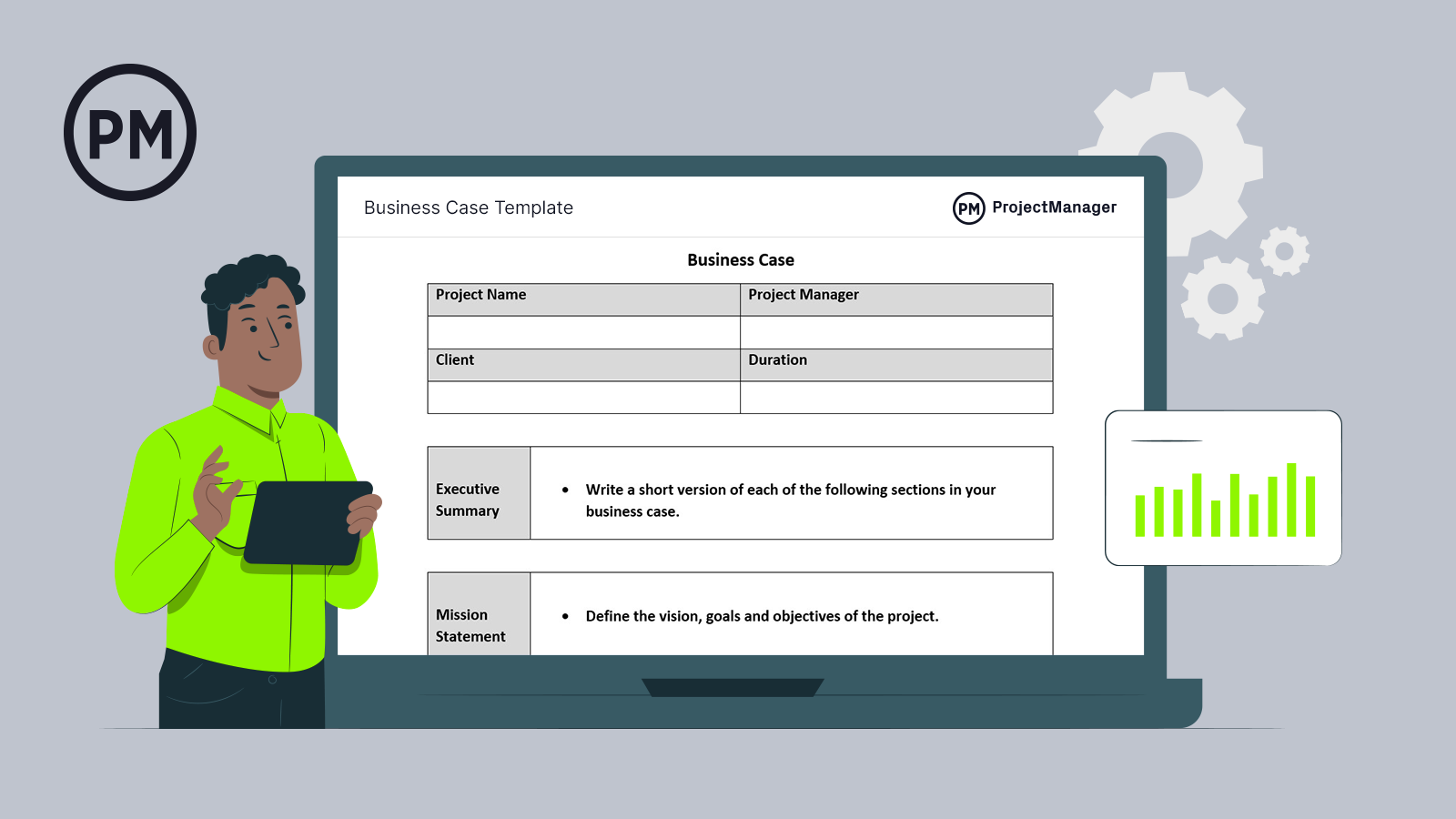
Open the template in Word and read through each placeholder. The template uses heading styles that automatically generate a table of contents, improving navigation for reviewers.
2. Populate Executive Information
Enter project name, sponsor, manager, and date. Verify that the metadata aligns with the project portfolio system for traceability.
3. Map the Opportunity Landscape
In the background section, use bullet points to capture market trends, regulatory drivers, and competitive pressures that necessitate the project.
4. Conduct a Structured Options Analysis
Utilise the built‑in comparison table. Fill in cost and benefit columns for each option, then use conditional formatting to highlight the best‑value scenario.
5. Detail Benefits with Quantifiable Metrics
For each benefit, write a brief description, assign a monetary value, and link it to a KPI. Use the benefits table’s “Benefit ID” column to reference benefits later in the risk or cost sections.
6. Break Down Costs by Phase
Leverage the cost table’s “Phase” column to segment expenses into initiation, development, deployment, and maintenance. Ensure that the totals match the financial summary calculations.
7. Populate the Risk Register
Insert high‑impact risks, assign severity ratings, and document mitigation actions. The template’s risk matrix can be copied into a PowerPoint slide for executive reviews.
8. Perform Financial Calculations
Input cash flows into the financial analysis section. Word’s built‑in formulas will recalculate NPV, IRR, and ROI instantly, providing confidence in the numbers.
9. Review and Validate with Stakeholders
Share the draft with sponsors and the steering committee. Use Word’s Track Changes feature to capture feedback and maintain an audit trail.
10. Finalise and Archive
Once approvals are secured, convert the document to PDF and store it in the project repository. Attach the PDF to the project charter for future reference.
Common Pitfalls and How to Avoid Them
Overlooking Assumptions
Assumptions hidden in footnotes can lead to misalignment later. Always list them in a dedicated section and revisit them during each review cycle.
Under‑estimating Risks
Failing to quantify risk likelihood or impact results in skewed benefit calculations. Use the template’s risk probability matrix and update it as the project matures.
Inconsistent Costing Methods
Mixing actual and estimated costs can distort the financial picture. Define a costing methodology—either historical data, vendor quotes, or market rates—and apply it uniformly.
Neglecting Benefit Realisation Tracking
A business case is only as good as its post‑project performance. Include a benefit tracking schedule in the template and link it to the project’s KPI dashboard.
Real‑World Implementation Examples
Digital Transformation Initiative
A mid‑size retailer used the template to justify a cloud‑based inventory system. By detailing a 15% reduction in carrying costs and a 5% increase in sales velocity, the project secured a $2.3 million budget and a two‑year payback period.
Regulatory Compliance Upgrade
An energy firm leveraged the template to present a compliance‑upgrade project to regulators. The business case highlighted a $1.5 million investment, a 12‑month implementation window, and an expected reduction in audit findings by 90%, ultimately earning regulatory approval and a $4 million grant.
Product Launch Automation
In a technology startup, the template helped secure seed funding by demonstrating a projected 200% return on a $750,000 automation tool. The benefit section tied the tool to a 30% faster time‑to‑market, directly supporting the company’s growth targets.
Customizing the Template for Different Project Types
Infrastructure Projects
Extend the cost table to include “Capital Expenditure” and “Operational Expenditure” categories. Add a risk sub‑section for construction delays and environmental compliance.
Service‑Based Projects
Insert a “Service Level Agreement (SLA)” tab in the benefits section, mapping each promised service metric to a financial benefit, such as increased customer retention.
Research & Development Projects
Use the benefits table to capture intangible benefits like intellectual property and market positioning. Include a “Patent Portfolio” column to track legal advantages.
Integrating the Business Case into Project Governance
Approval Workflow
Link the template to your organisation’s governance platform so that each section must be signed off before the next can be edited. This ensures that all stakeholders review the same data set.
Performance Dashboards
Export the KPI and financial metrics to a BI tool. The template’s structured data can feed directly into Power BI or Tableau for real‑time monitoring.
Change Management Alignment
Incorporate a change log table that records every amendment to the business case. Tie these changes to the change management policy for traceability.
Tools and Best Practices for Collaboration
Version Control with OneDrive or SharePoint
Store the Word template in a shared folder with version history enabled. This prevents duplication and ensures everyone works off the latest copy.
Commenting and Review Sessions
Encourage reviewers to use Word’s comment feature rather than direct edits. Summarise all comments in a separate “Feedback Log” sheet for later action.
Automated Data Integration
Use Office Scripts or Power Automate to pull cost data from your ERP system into the template’s cost table, reducing manual data entry errors.
Measuring Success and Continuous Improvement
Post‑Implementation Review (PIR)
After project close, revisit the business case to compare projected versus actual benefits. Update the benefits table and use the variance as a learning point for future projects.
Benefit Realisation Tracking
Set quarterly checkpoints to measure KPI attainment. If a benefit is lagging, use the risk register to trigger corrective actions.
Template Evolution
Gather feedback from project teams every six months to refine the template’s sections, add new fields, or simplify complex tables. Keep the template lean and focused on value creation.
Final Thoughts
Mastering the Prince2 Business Case Template Word equips project leaders with a disciplined, transparent, and persuasive tool. By following the structured approach outlined above, you not only secure funding and stakeholder buy‑in but also create a living document that guides the project from conception to completion and beyond. Embrace the template as a foundation for strategic decision‑making, continuous improvement, and measurable success across all your initiatives.


_Business_Case.jpg)