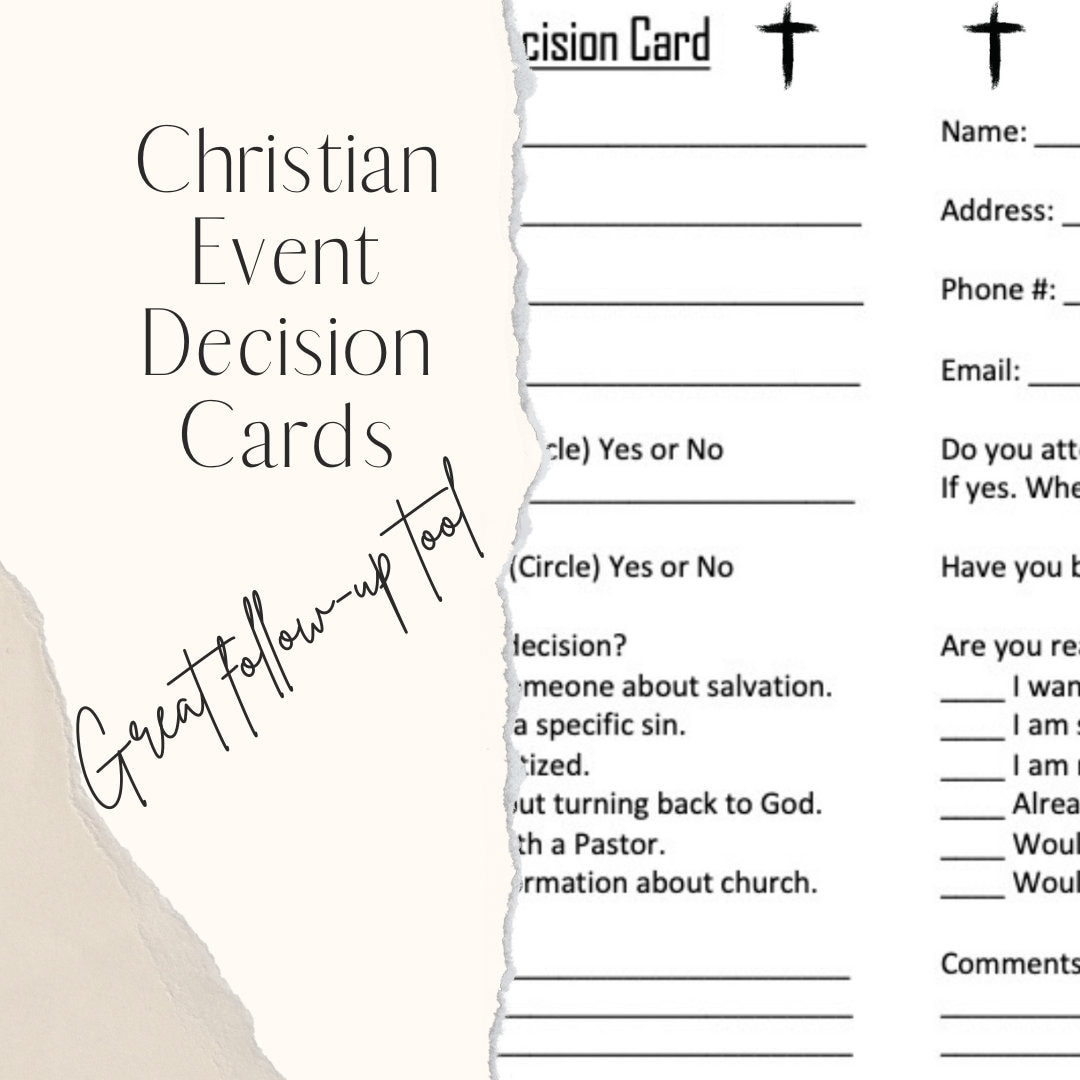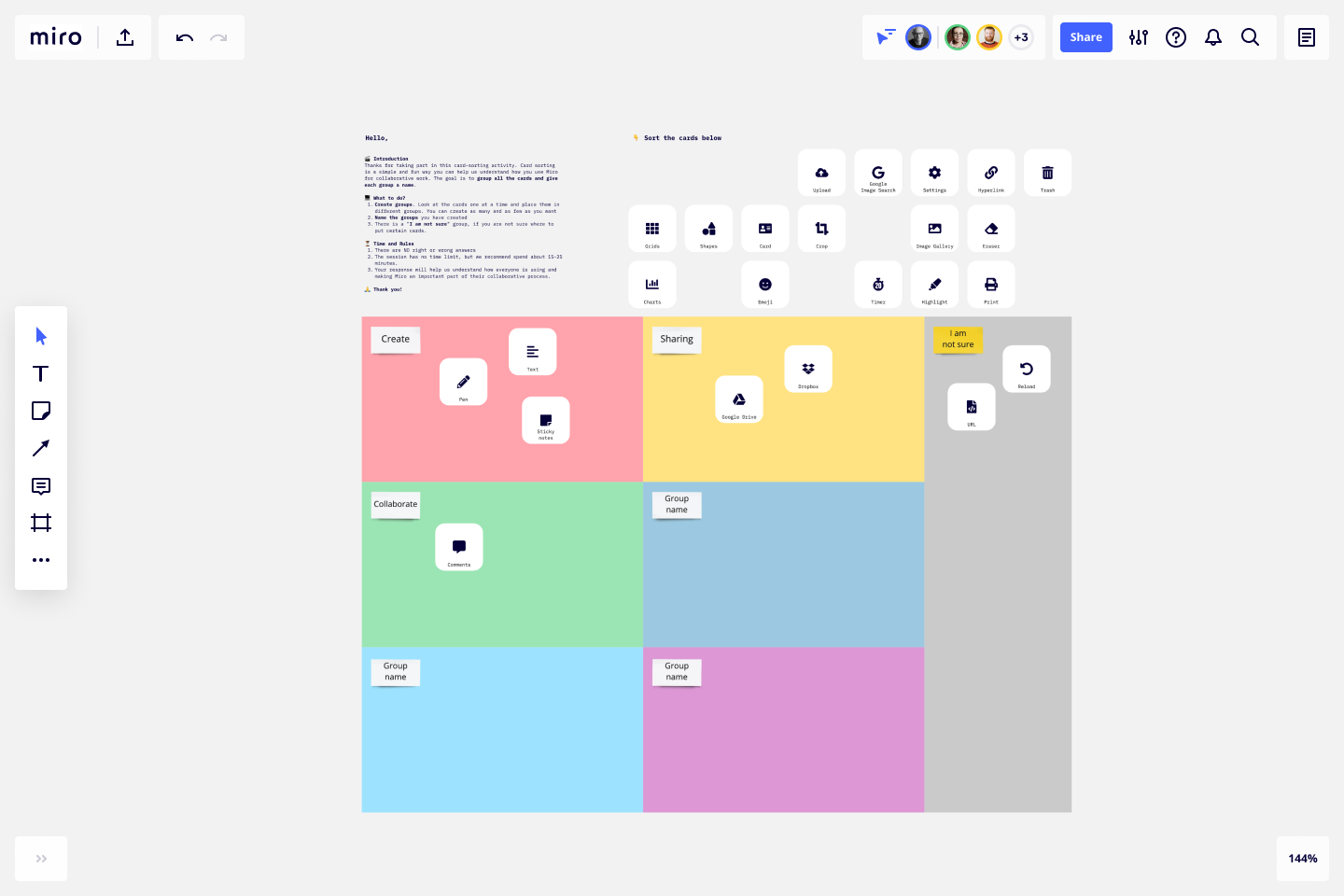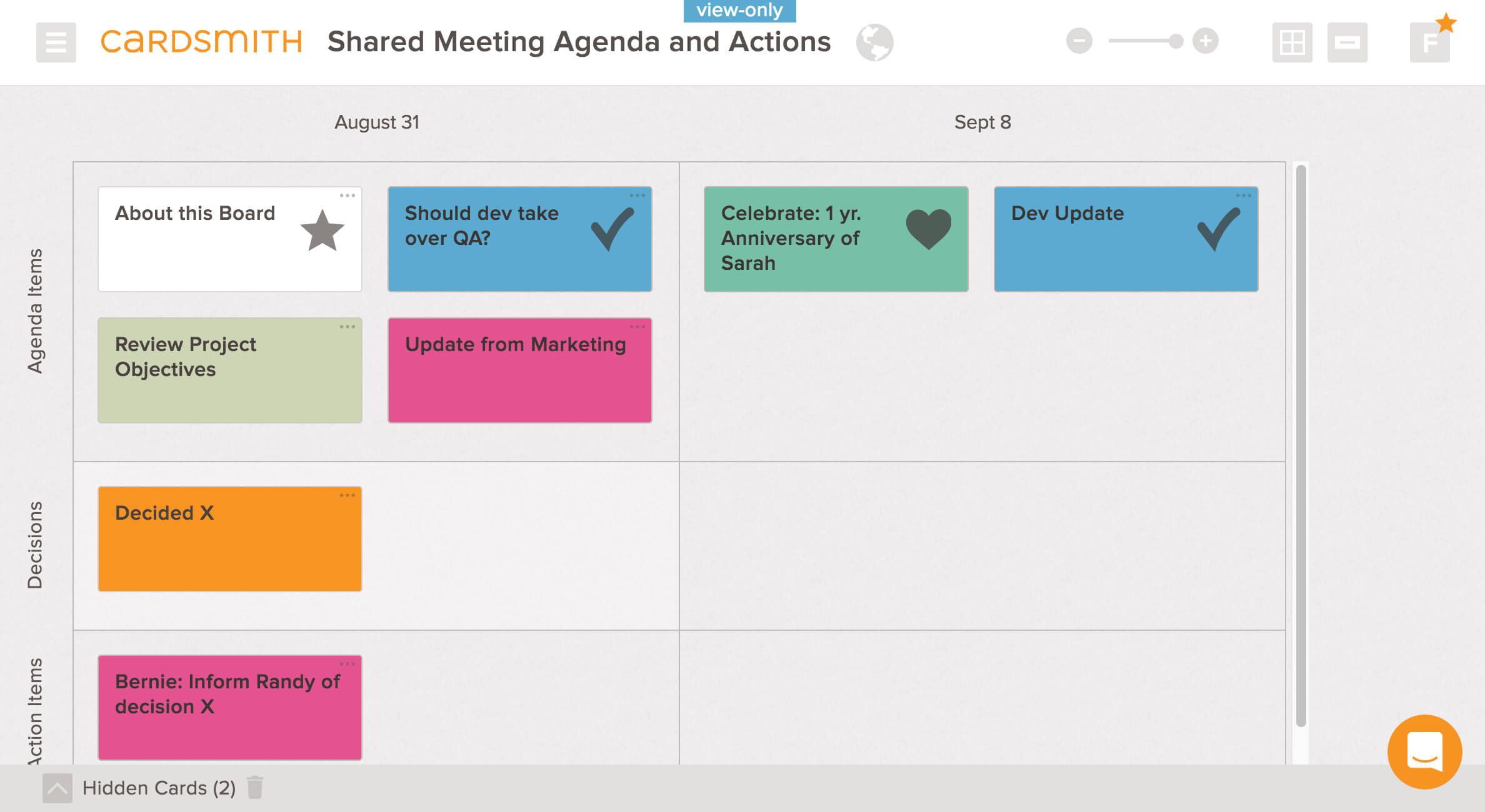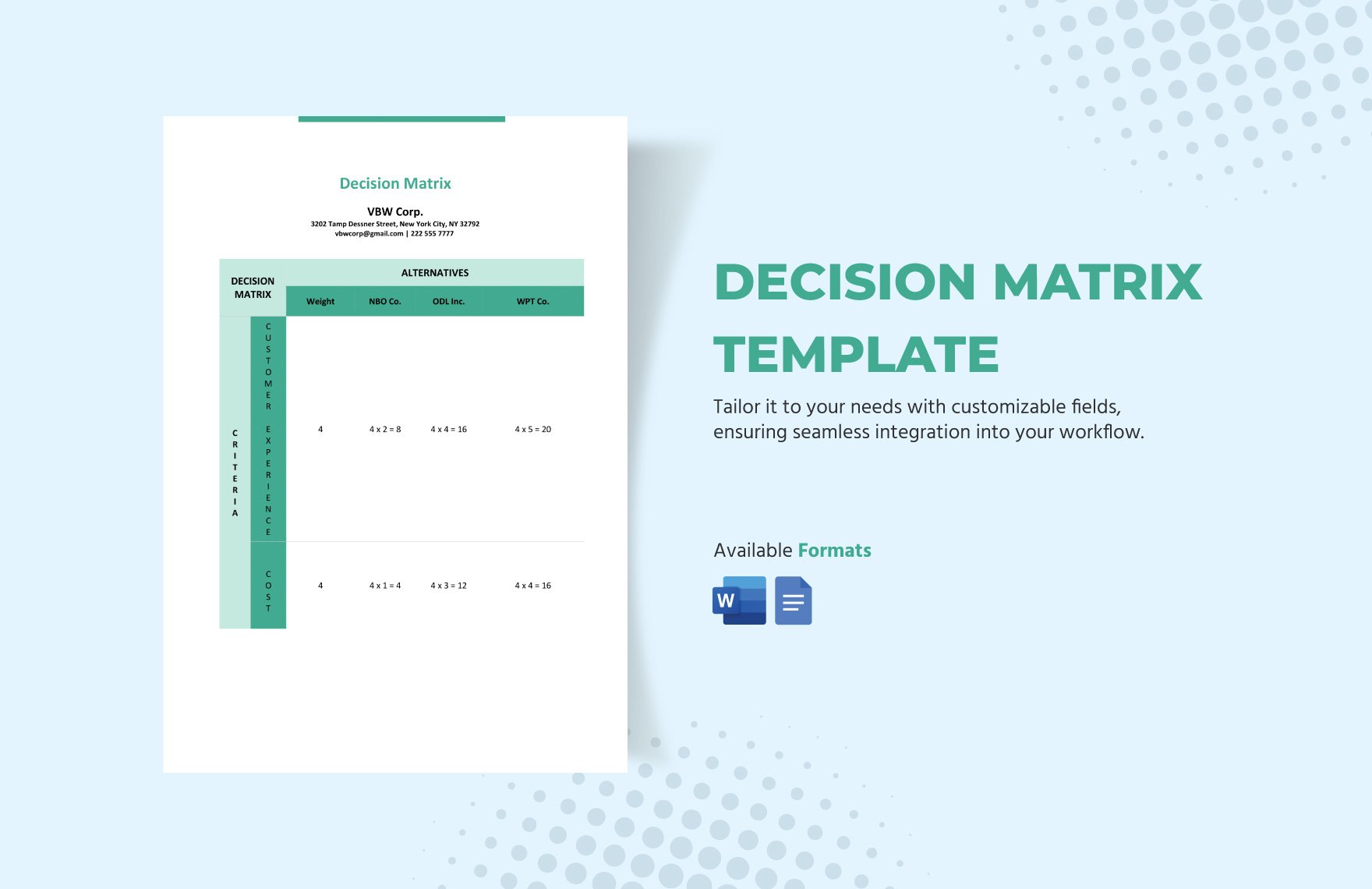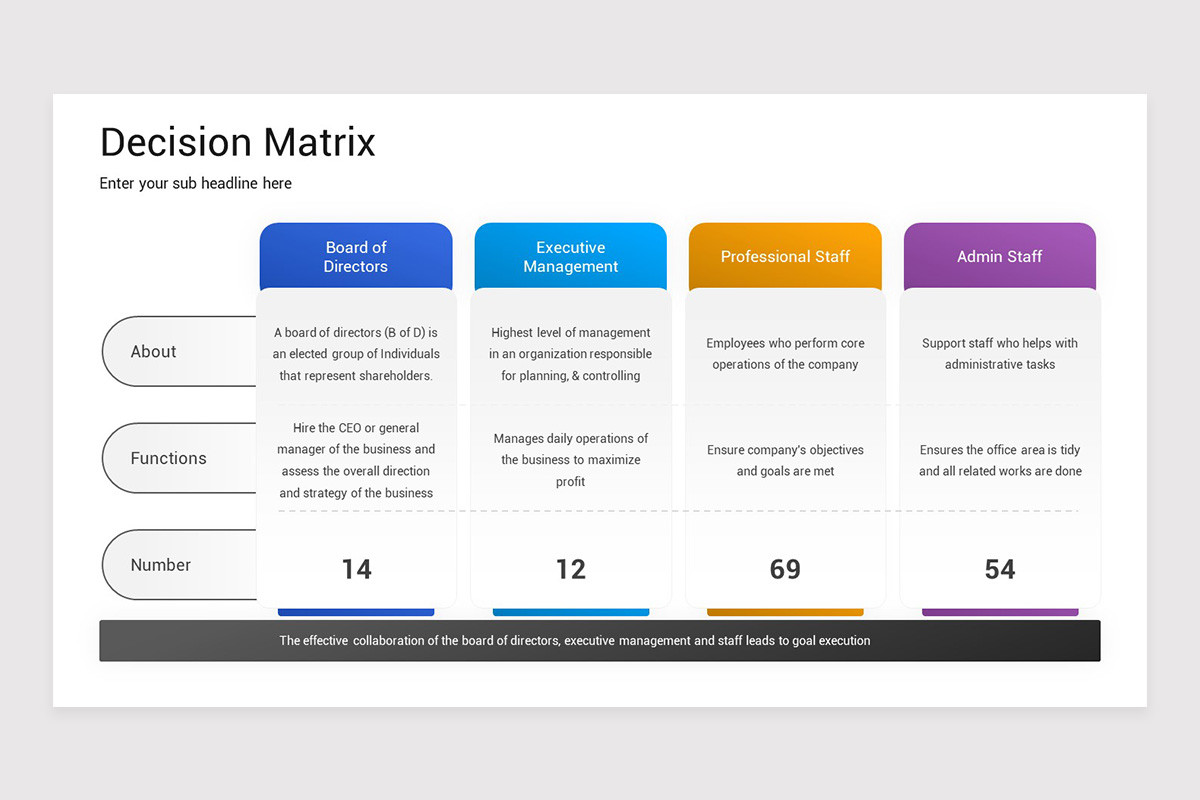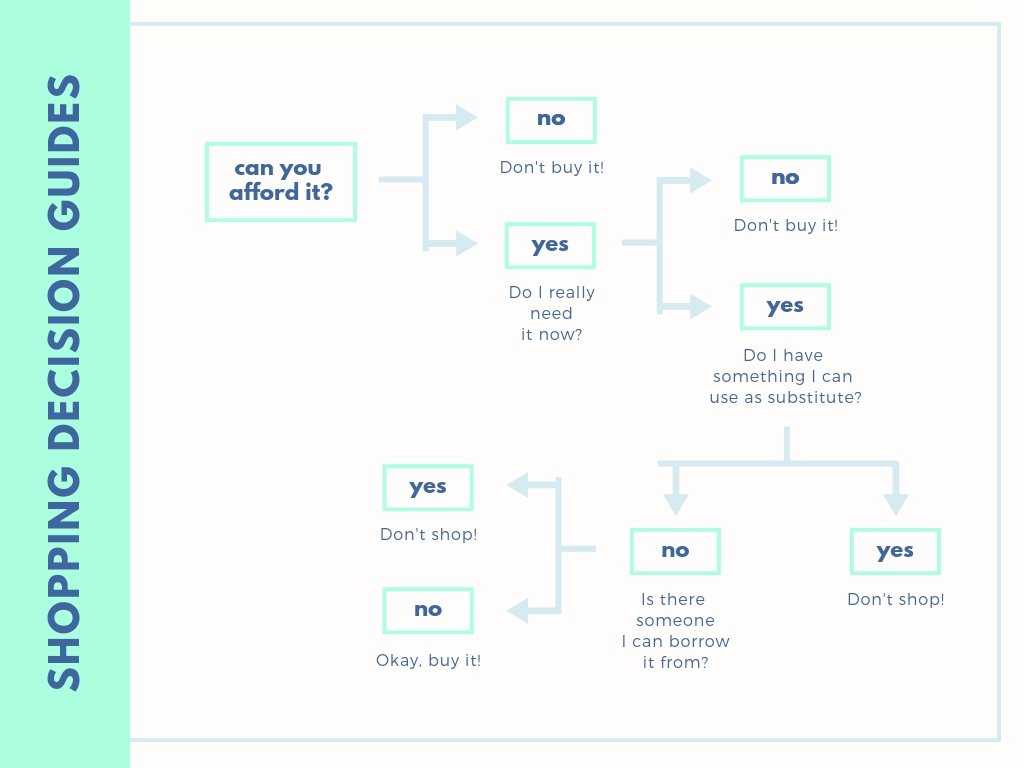
Decision Card Template is the superhero of your spreadsheet, the Swiss Army knife of boardroom battles, and the unsung hero that keeps your brain from exploding when you’re stuck between “Buy the red shoes” and “Invest in a new office plant.” If you’re tired of scrolling through endless Google Docs templates or staring at a blank whiteboard with a pen that refuses to cooperate, read on. We’re about to dive into the world of decision cards, turning your chaotic choices into organized, bite‑sized nuggets of clarity—all while keeping the laughs coming.
What Is a Decision Card Template?
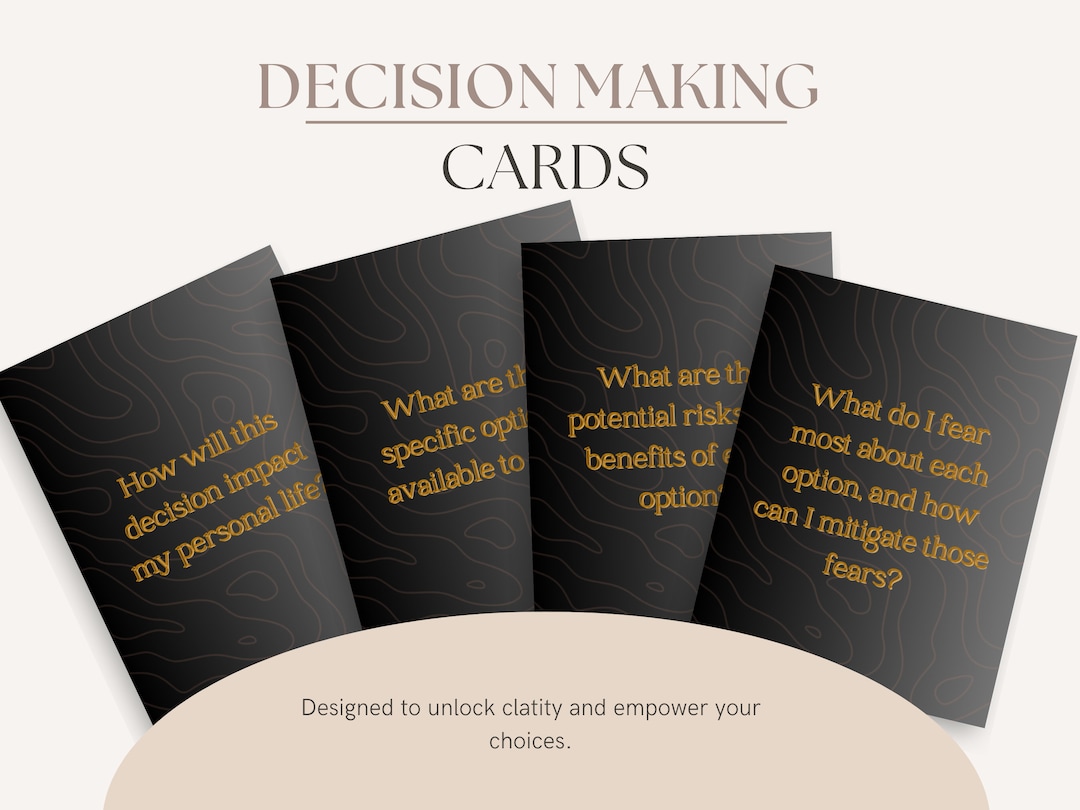
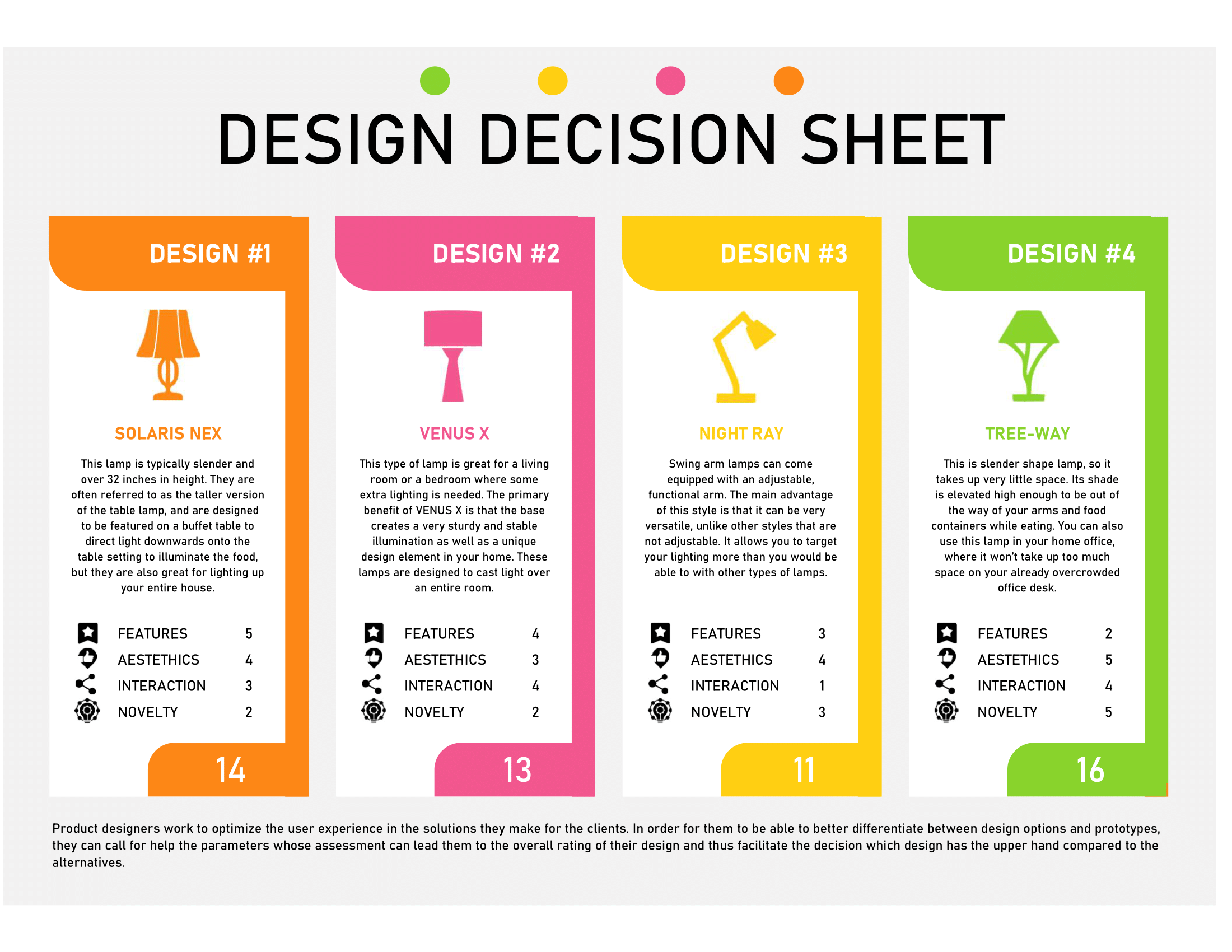
Think of a decision card template as a well‑structured memo that forces you to answer three life‑changing questions: What is the decision? Why does it matter? and What are the potential outcomes? It’s a visual aid that transforms a mountain of data into a single, color‑coded snapshot. You can use it in your personal life, your startup, or even in the office when you’re the one who says, “Let’s keep this conversation on a single page so we don’t forget why we’re doing it.”
The Three Pillars of Decision Cards
- Decision Statement – A concise, one‑sentence summary of what’s being decided.
- Criteria – The measurable or qualitative factors that influence the outcome.
- Alternatives – The distinct options you’re weighing against each other.
When you stack these pillars together on a sticky note or a slide, you get a decision card that’s less “to‑do” and more “to‑understand.”
Why Every Entrepreneur Needs One
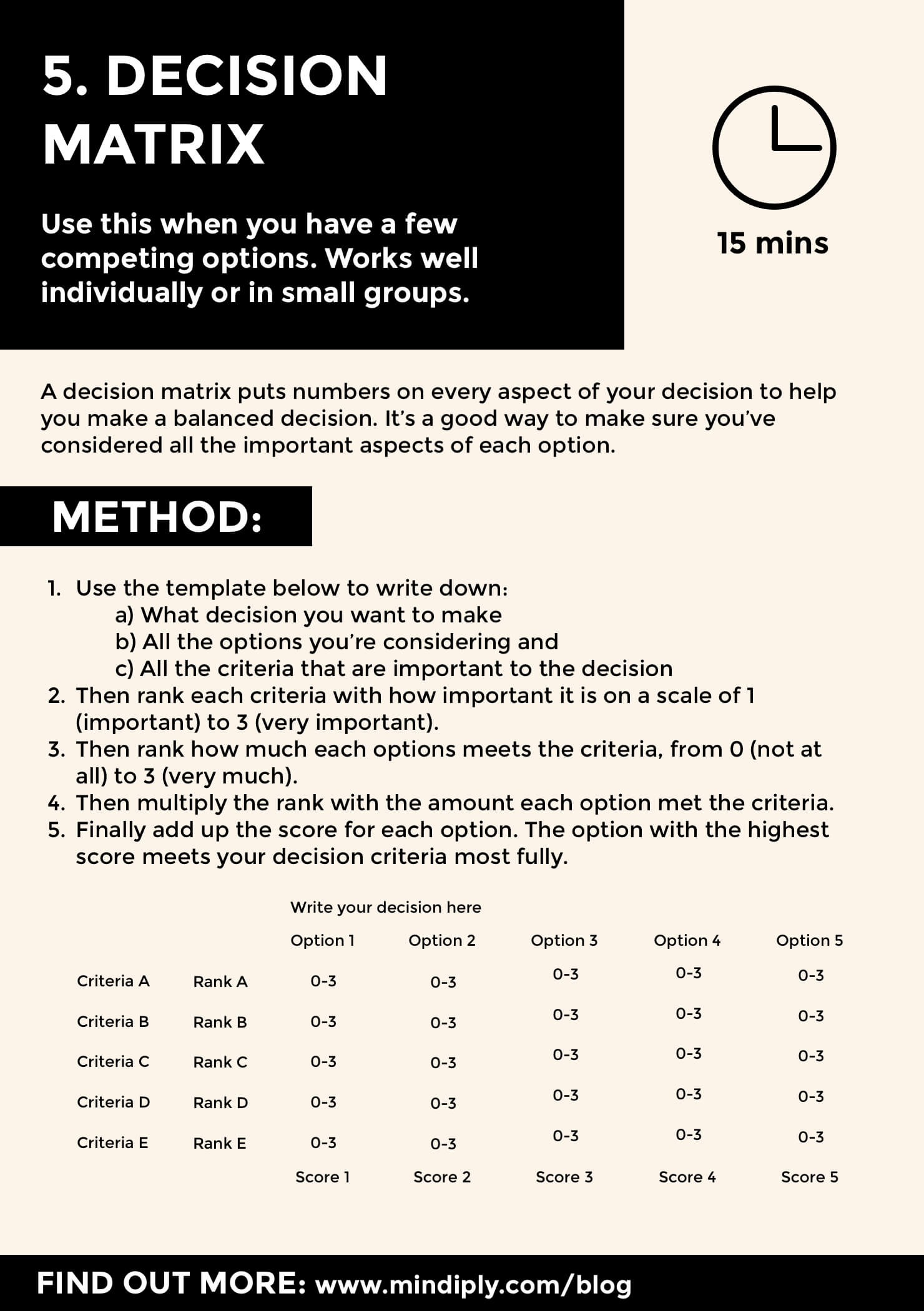
Startups are basically a series of “Would you rather” questions that can decide whether you’re a unicorn or a cactus that only survived a drought. A decision card template gives you a systematic way to pick the right path, preventing you from making impulsive moves that later feel like you’d rather have stayed in bed.
Consider the classic startup scenario: Should you raise a Series B now or wait until the market stabilizes? A decision card forces you to lay out the risk, reward, timing, and stakeholder impact on a single sheet. Suddenly, that choice looks less like a gamble and more like a well‑researched strategy.
Beyond the Boardroom
Decision cards aren’t just for business. Use them when you’re debating whether to adopt a pet dragon, pick a wedding venue, or decide if that new gym membership is worth the monthly fee. The same structure applies to the most trivial and the most critical choices. Think of it as your personal decision‑making Swiss Army knife—every time you’re tempted to click “Send” on a proposal or “Save” on a budget, a quick glance at the card will keep you grounded.
The Anatomy of a Stellar Decision Card
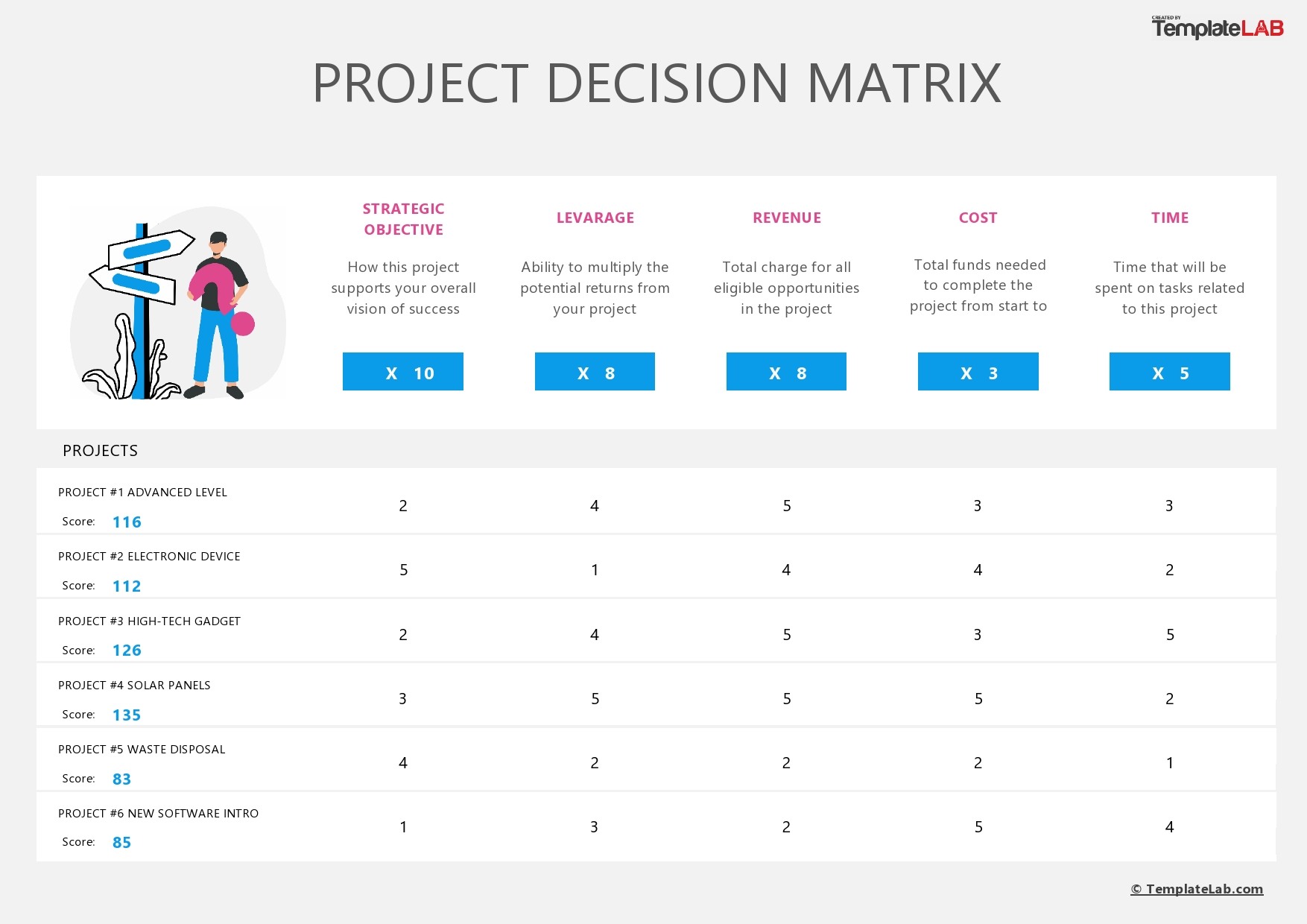
A well‑crafted decision card is more than a checklist. It’s a narrative that tells your future self (or your team) why you chose a particular option.
Designing Your Card Layout
When you’re creating a template, keep these design principles in mind:
- Keep It Short – One page, one decision.
- Use Color Coding – Green for “go,” red for “no,” yellow for “evaluate.”
- Include a Decision Date – Time stamps keep you accountable.
- Add a “Post‑Decision Review” Section – Capture what went right and what went wrong after the fact.
Sample Template Structure
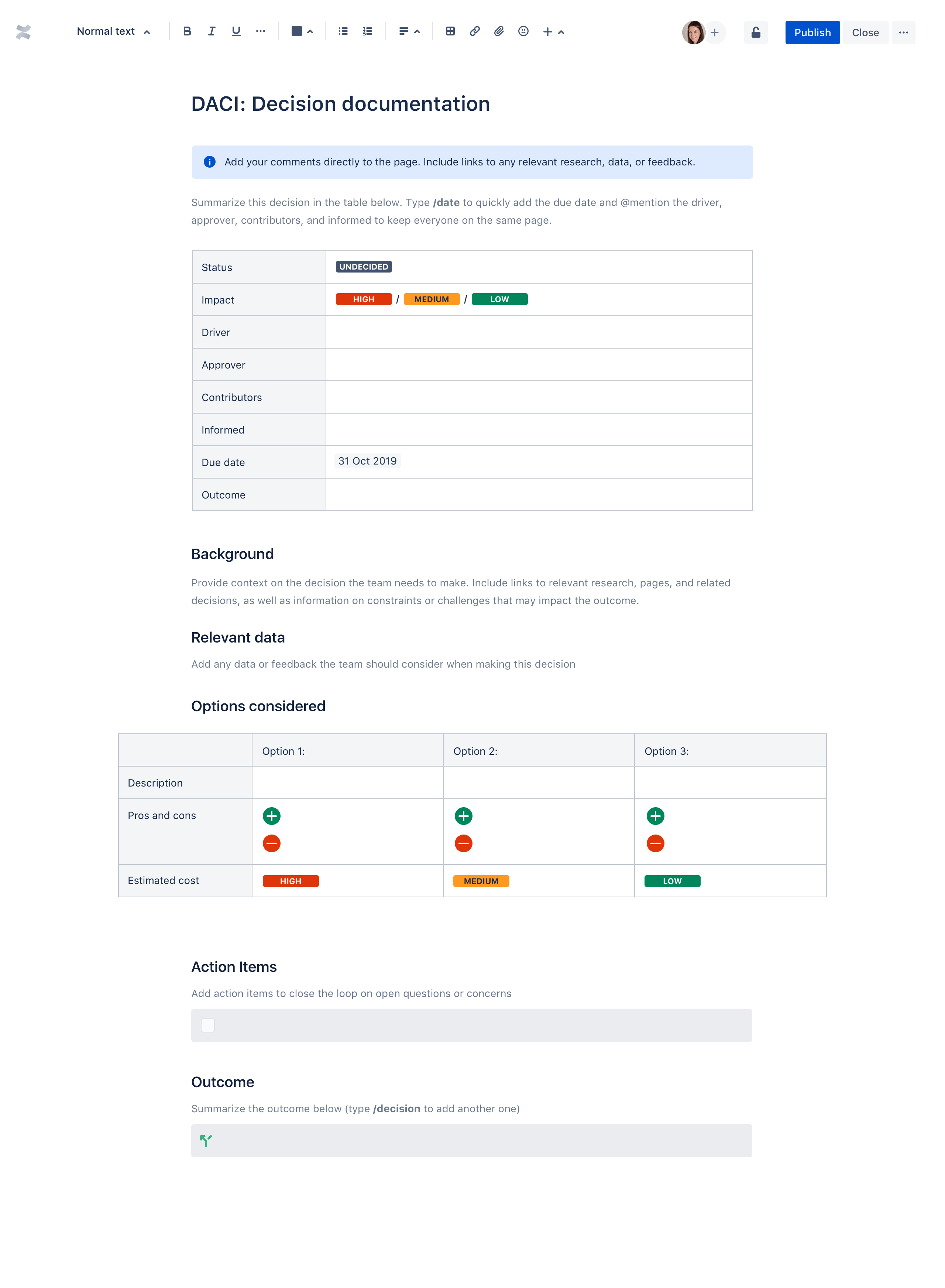
Header: Decision Name – Date – Owner
Decision Statement: “Should we launch a new product line this quarter?”
Criteria:
- Revenue potential (≥ $200k in 6 months)
- Resource availability (no overloading the dev team)
- Market fit (validated by user testing)
- Risk level (low, medium, high)
Alternatives:
- Option A: Launch immediately – Pros: Fast cash, first‑mover advantage; Cons: Risk of buggy launch.
- Option B: Delay launch by 3 months – Pros: More testing, less risk; Cons: Competitor might capture the market.
- Option C: Postpone indefinitely – Pros: No resource drain; Cons: Missed opportunity.
Decision & Rationale: “We choose Option A because revenue potential outweighs the risk, and we have a dedicated QA team ready to handle the load.”
Post‑Decision Review (to be filled after execution): What metrics did we hit? Did we learn something new?
Step‑by‑Step: How to Build Your Own Template
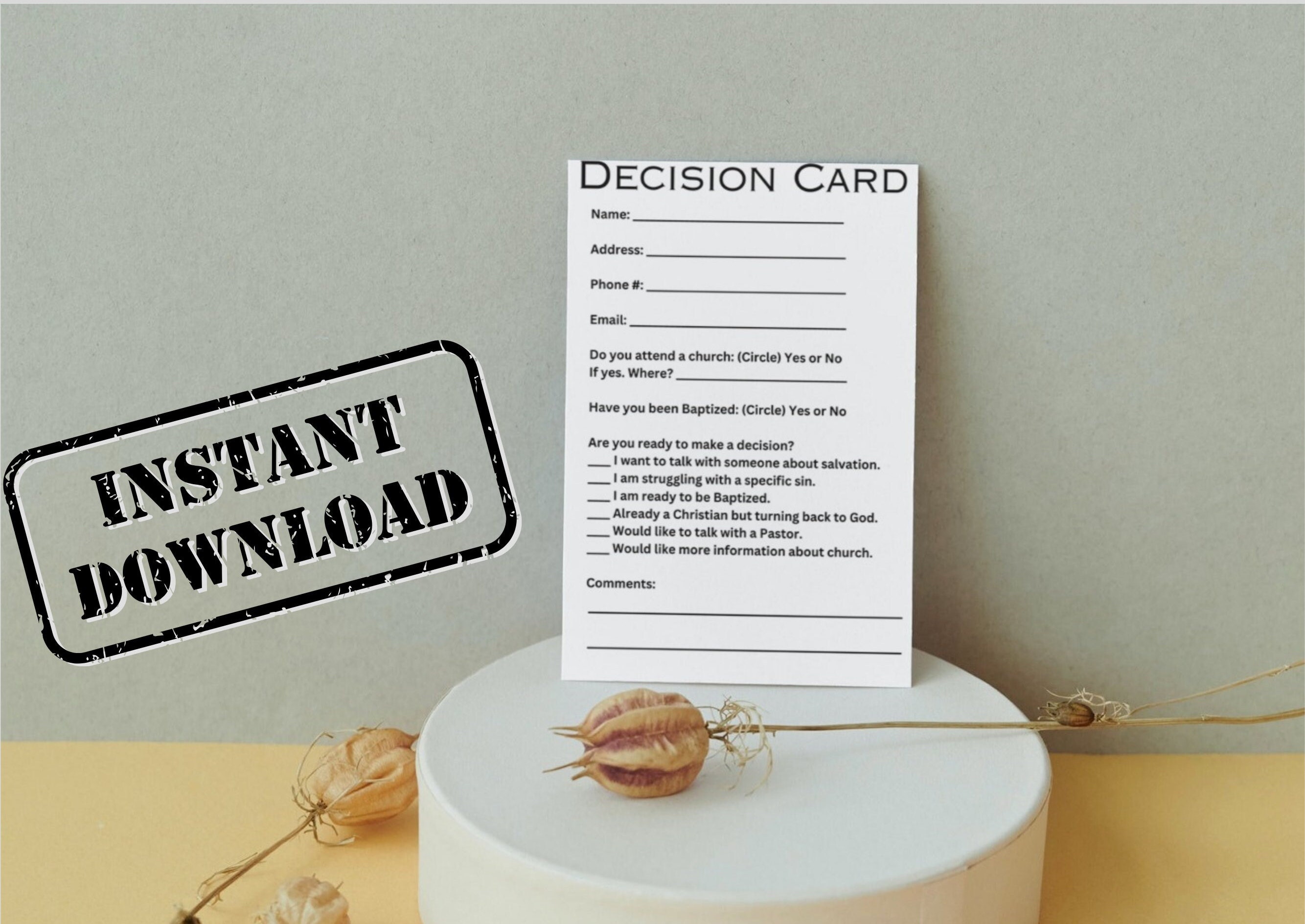
Building a decision card template is like crafting a superhero costume: you need the right materials, a clear purpose, and a dash of flair. Follow these steps to create a template that feels like a personal assistant for your mind.
Step 1: Identify the Core Question
Start with the most basic question: “What do we need to decide?” Write it in a single sentence. Keep it punchy—no more than twelve words. Example: “Do we outsource customer support?”
Step 2: Define the Decision Criteria
List at least five criteria that matter most to the decision. These can be financial, operational, or even emotional. Remember to assign weight to each if you want a quantitative approach.
Step 3: Draft the Alternatives
Brainstorm at least three distinct options. If you only have two, you might not have fully explored the problem. Be honest and bold. Even the weirdest idea deserves a spot.
Step 4: Add a Decision Timeline
Decisions have deadlines. Add a “Decision Due” field. Without a due date, you’ll drift into analysis paralysis.
Step 5: Insert a Post‑Decision Review Section
Future you will thank present you for documenting the outcome. After the decision is implemented, record what worked and what didn’t. This turns each card into a learning tool.
Common Pitfalls and How to Dodge Them
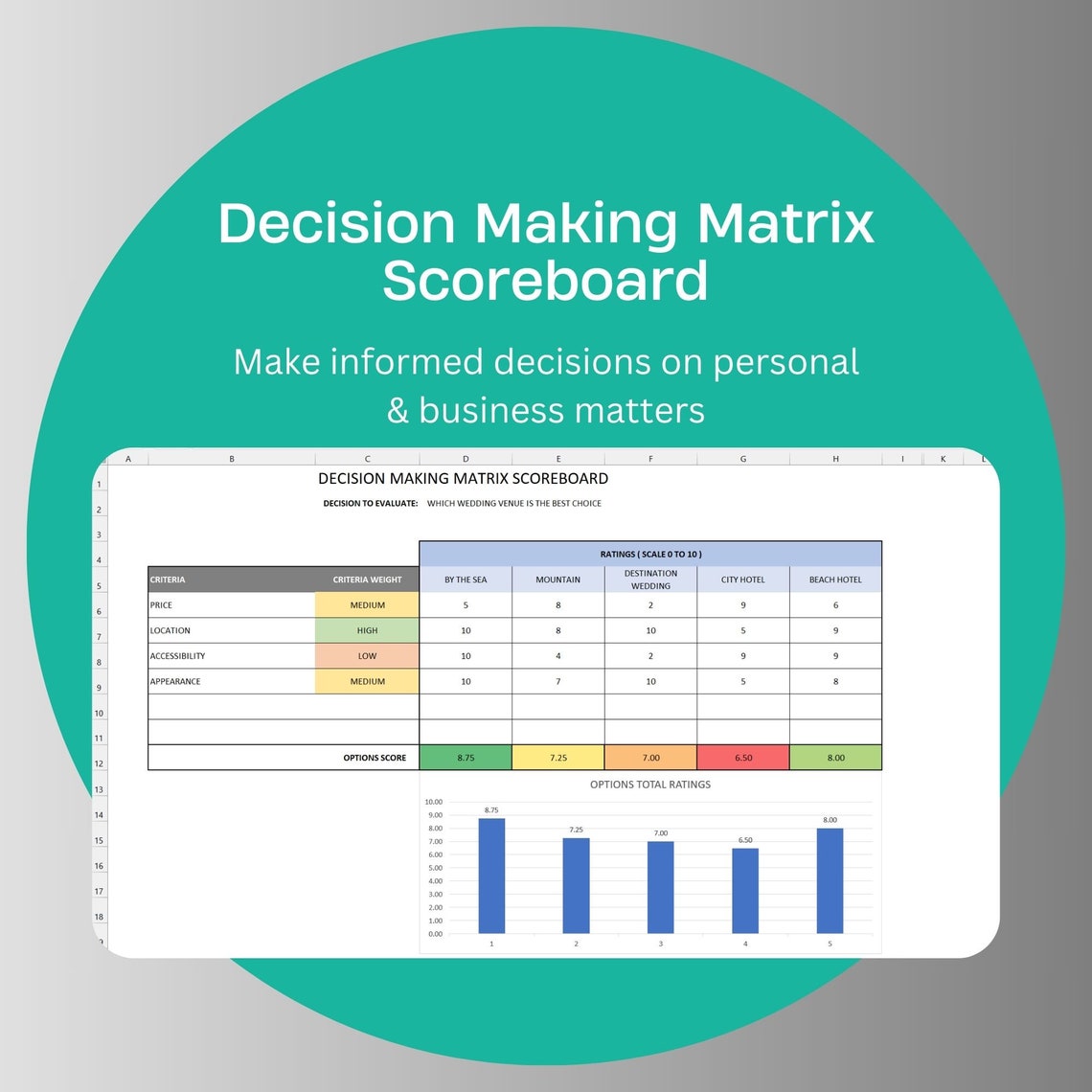
No template is perfect if it’s not used correctly. Here are the most common mistakes and how to avoid them.
1. Overloading with Information
Remember that a decision card is a quick reference. Too much data turns it into a spreadsheet. Stick to the essentials—criteria, alternatives, and a single decision.
2. Skipping the Rationale
Deciding is easy, explaining it is hard. A card without a rationale is a black box that no one can understand. Always fill in the “Why we chose this option.”
3. Neglecting the Review
Skipping the post‑decision review means you’ll never improve your decision‑making skills. Treat that section as a post‑mortem for your brain.
4. Making It Too Formal
Decision cards can be playful. Use emojis, doodles, or color bursts if that helps you stay engaged. A serious template can feel like a legal document—no one wants that when they’re about to decide if they’ll eat pizza or salad.
Real‑World Examples from Startup Gurus
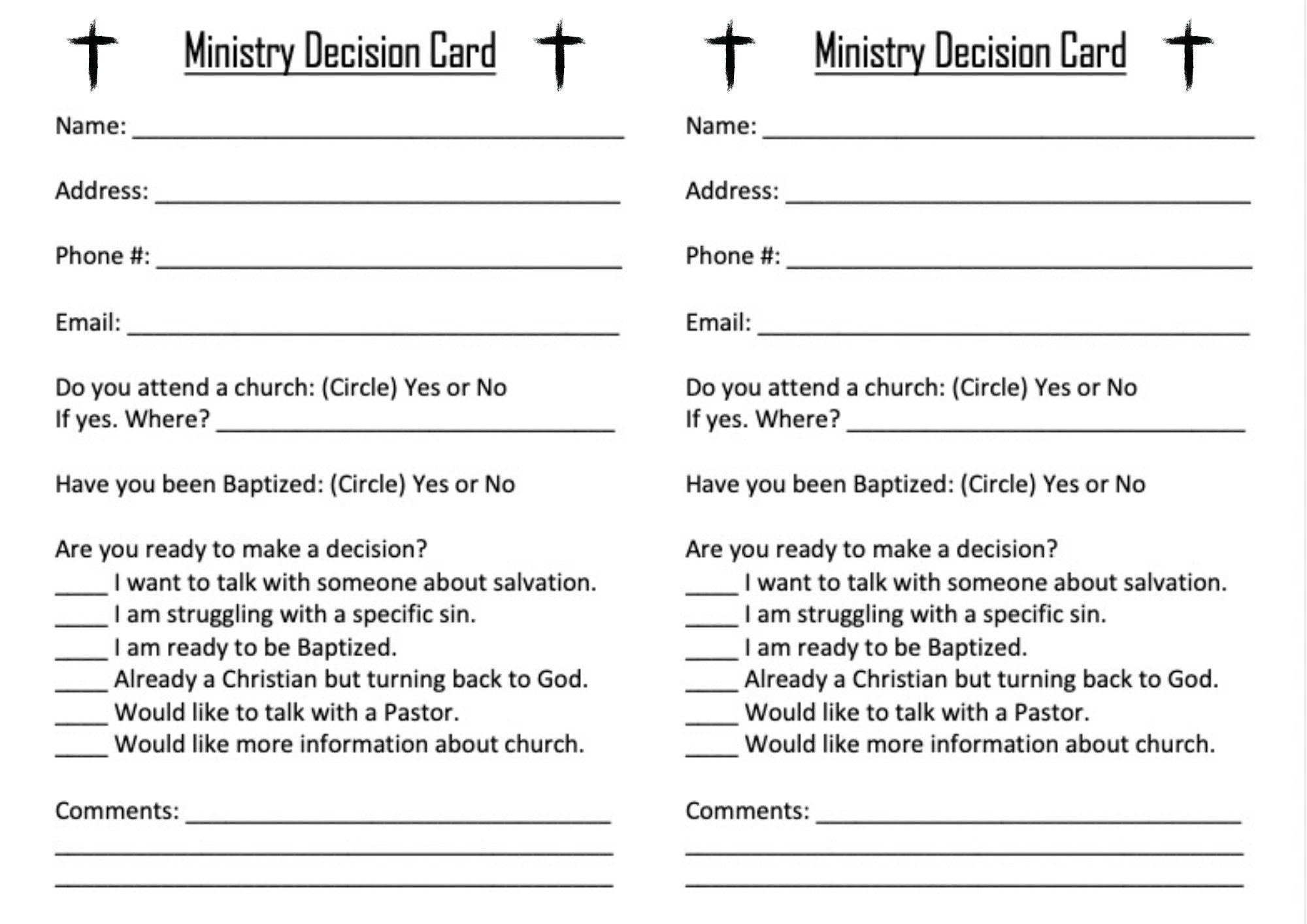
We’ve taken a look at what people in Silicon Valley and beyond are doing with decision cards. Spoiler: They’re using them to win wars.
Case Study 1: The “MVP vs. Full Launch” Dilemma
Startup A had a shiny product prototype. Their board was debating whether to launch a full-scale MVP or hold out for a polished version. The decision card looked like this:
- Decision: Launch MVP in 3 months?
- Criteria: Time to market, cost, user feedback, brand alignment.
- Options: 1) Launch MVP – Pros: Early revenue, gather data. Cons: Lower quality. 2) Wait 6 months – Pros: Refined product. Cons: Lost market.
- Decision: Launch MVP. Rationale: Market demand was urgent and competitors were moving fast.
Result: The MVP generated $100k in its first month, providing enough runway to finish the product in a second phase. The review section highlighted the importance of rapid iteration over perfection.
Case Study 2: The “Remote vs. Office” Debate
Company B wanted to decide whether to keep employees remote, move to an office, or adopt a hybrid model. Their card boiled down to:
- Decision: Company’s work model.
- Criteria: Employee satisfaction, collaboration efficiency, cost.
- Options: Remote, Office, Hybrid.
- Decision: Hybrid.
- Rationale: Combines remote flexibility with in‑person bonding.
Outcome: A 15% drop in employee turnover and a 10% boost in collaborative projects. The post‑decision review revealed that the hybrid model needed clearer guidelines on in‑office days, which they refined next month.
Integrating Decision Cards Into Your Daily Workflow
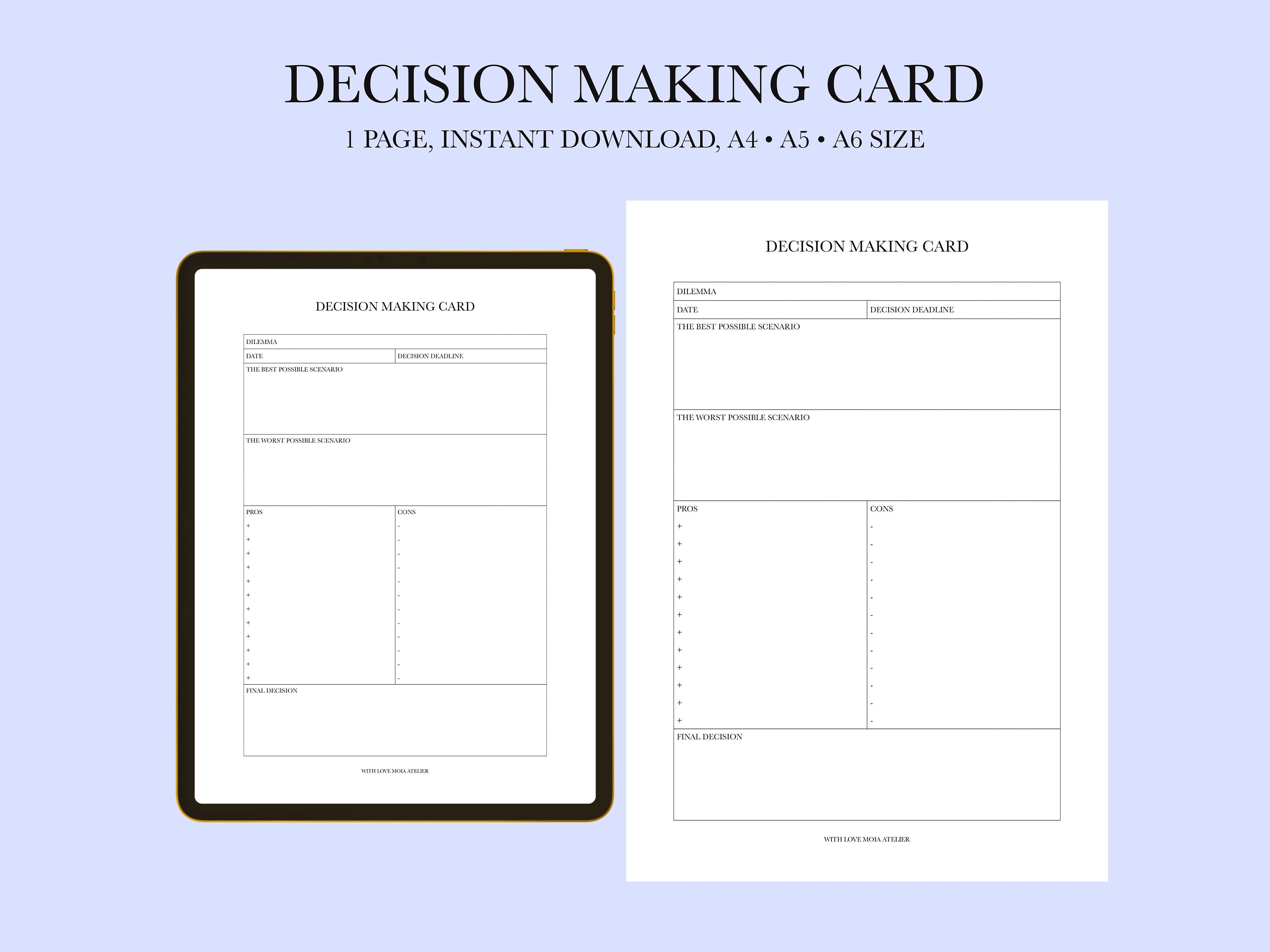
Now that you know what a decision card looks like, let’s see how it can fit into your day without becoming a chore.
1. Use a Digital Template Library
Tools like Notion, Airtable, and Google Slides let you create reusable card templates. Add a “Decision Card” database and populate it with new decisions.
2. Schedule Decision‑Making Sessions
Set a recurring 15‑minute slot each week to review pending decisions. This keeps decisions from snowballing into chaos.
3. Pair Decisions with OKRs
Align each decision with your Objectives and Key Results. This ensures the decision drives your larger goals.
4. Share and Collaborate
When multiple stakeholders are involved, share the card via a shared drive or comment on the digital version. This transparency reduces future “but we didn’t talk about it” moments.
Tool Recommendations & Resources
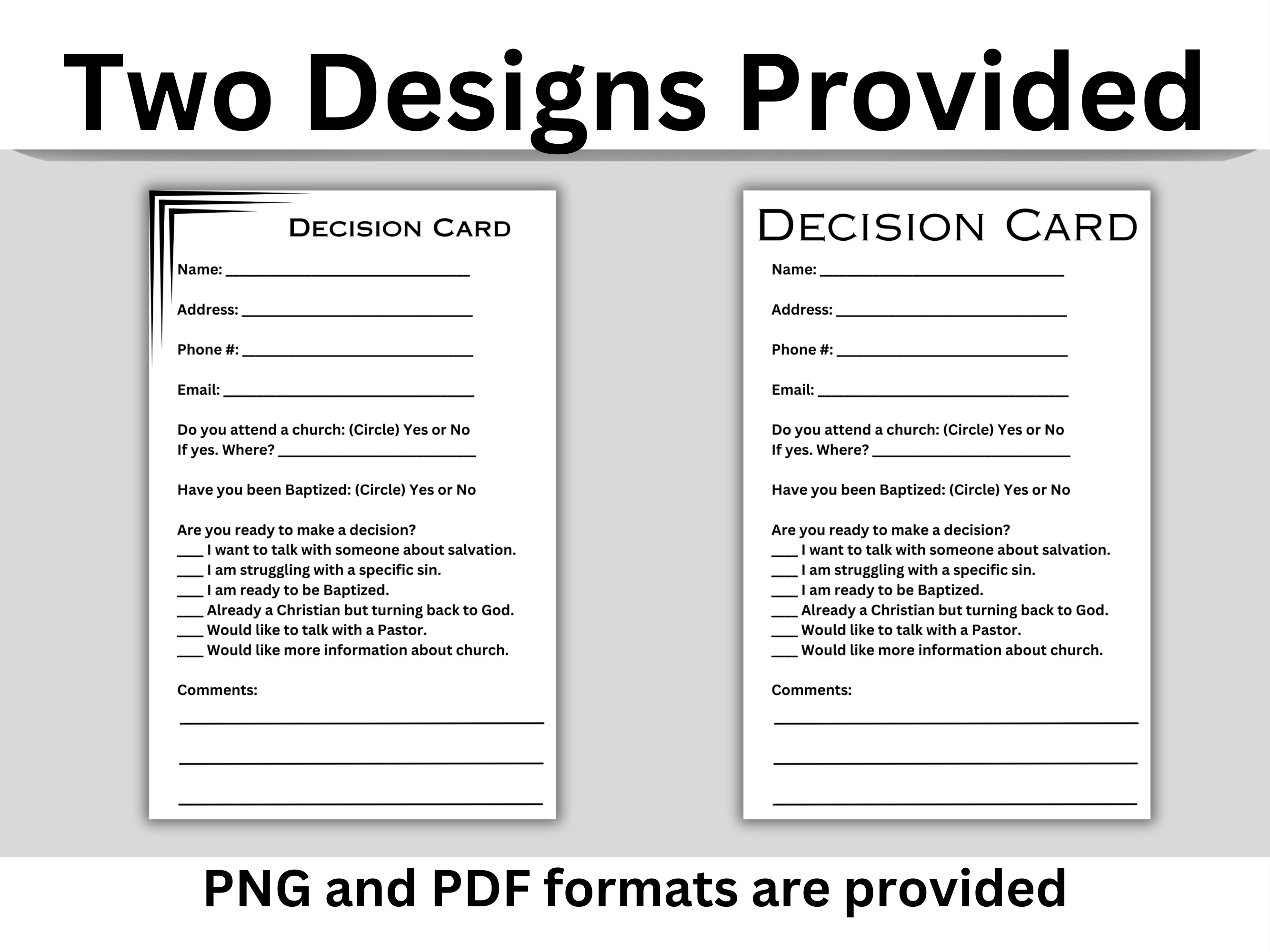
There’s a world of tools out there that can help you create and manage decision cards without writing a single line of code.
Digital Platforms
- Notion – Flexible blocks allow you to create a card layout that’s both visual and searchable.
- Google Slides – Great for presentations, slide decks can host decision cards for meetings.
- Figma – Design a pixel‑perfect card and embed it in your design system.
Physical Tools
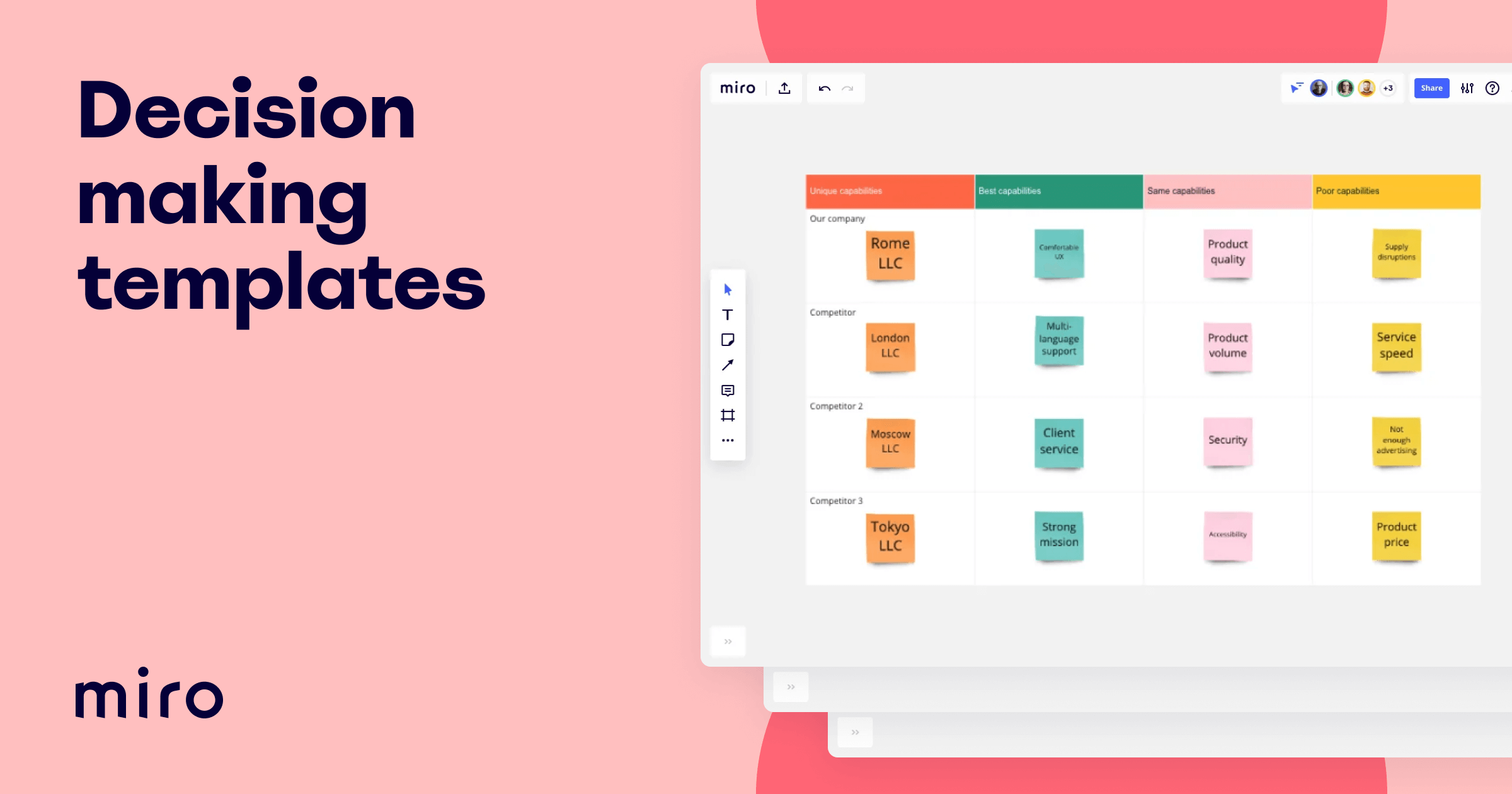
- Post‑it Boards – Stick a card on a wall, and watch it become a collaborative whiteboard.
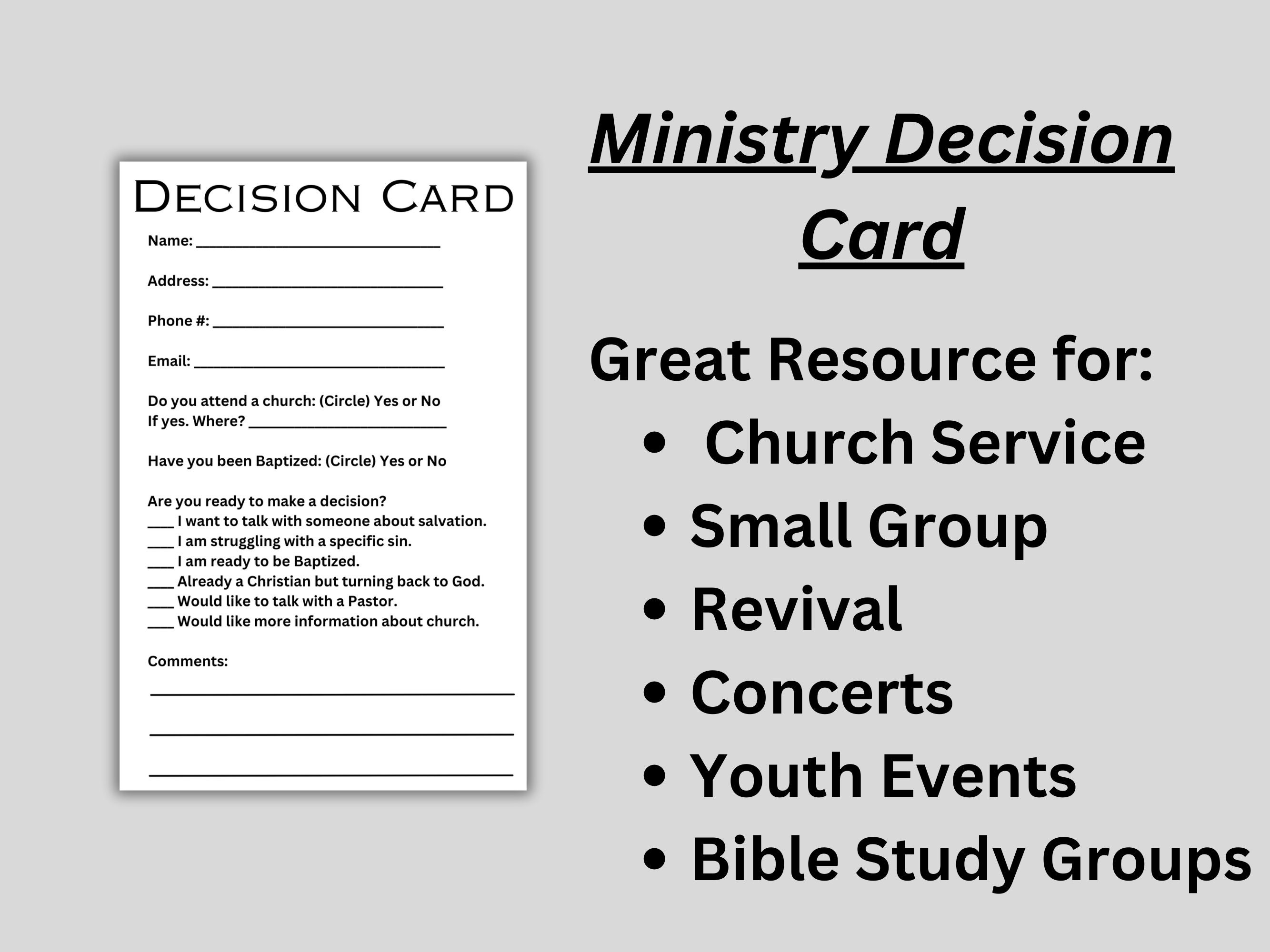
- Printable Templates – Print out a PDF and fill it in by hand for that satisfying pen‑on‑paper feeling.
Learning Resources
- Books: “Decisive” by Chip Heath & Dan Heath, “The Decision Book” by Mikael Krogerus & Roman Tschäppeler.
- Courses: “Decision-Making Essentials” on Coursera or “Critical Thinking” on Udemy.
- Blogs: Harvard Business Review’s decision‑making articles offer deep dives into frameworks.
Wrapping Up

Decision card templates are your brain’s cheat sheet, turning a chaotic list of options into a neatly organized, single‑page snapshot of clarity. By setting up a template that includes a concise decision statement, weighted criteria, clear alternatives, and a post‑decision review, you’ll reduce analysis paralysis, align stakeholders, and create a learning loop that refines every future choice.
So next time your brain feels like it’s juggling flaming torches, pull out a decision card and transform that wild circus into a well‑choreographed dance. Remember: The right decision isn’t about picking the easiest path—it’s about choosing the one that moves you closer to your goals while keeping a sense of humor intact.