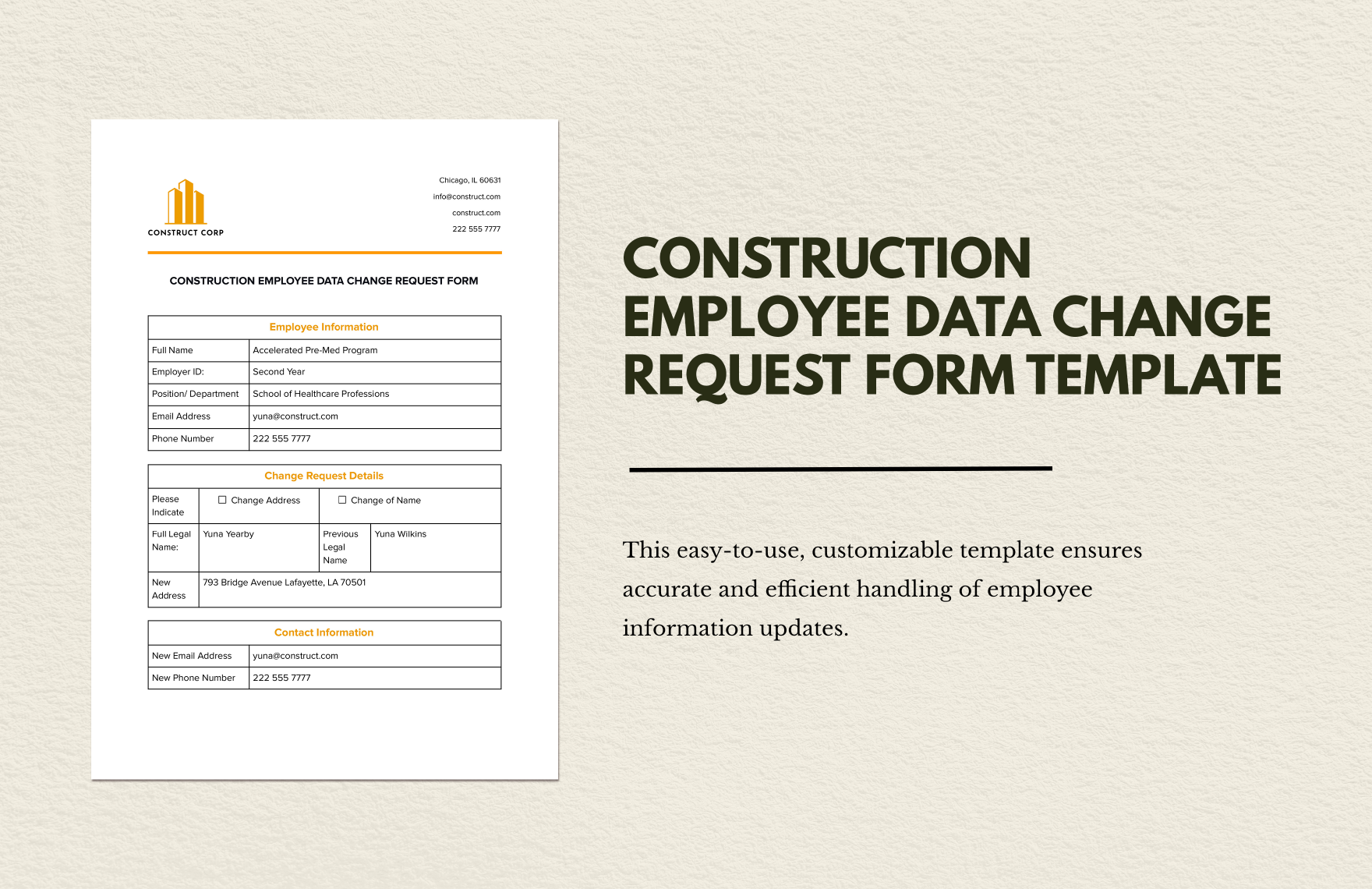
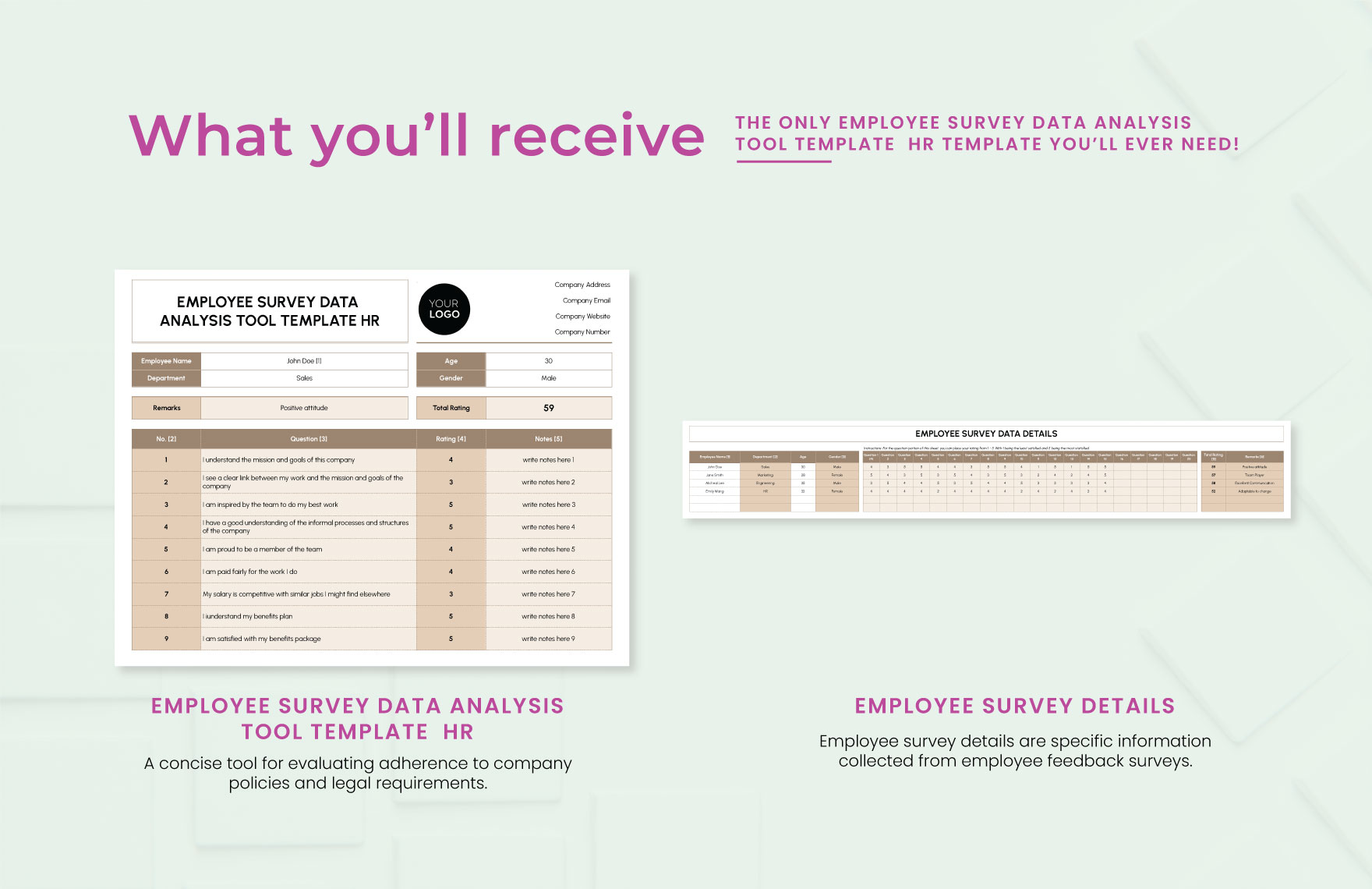
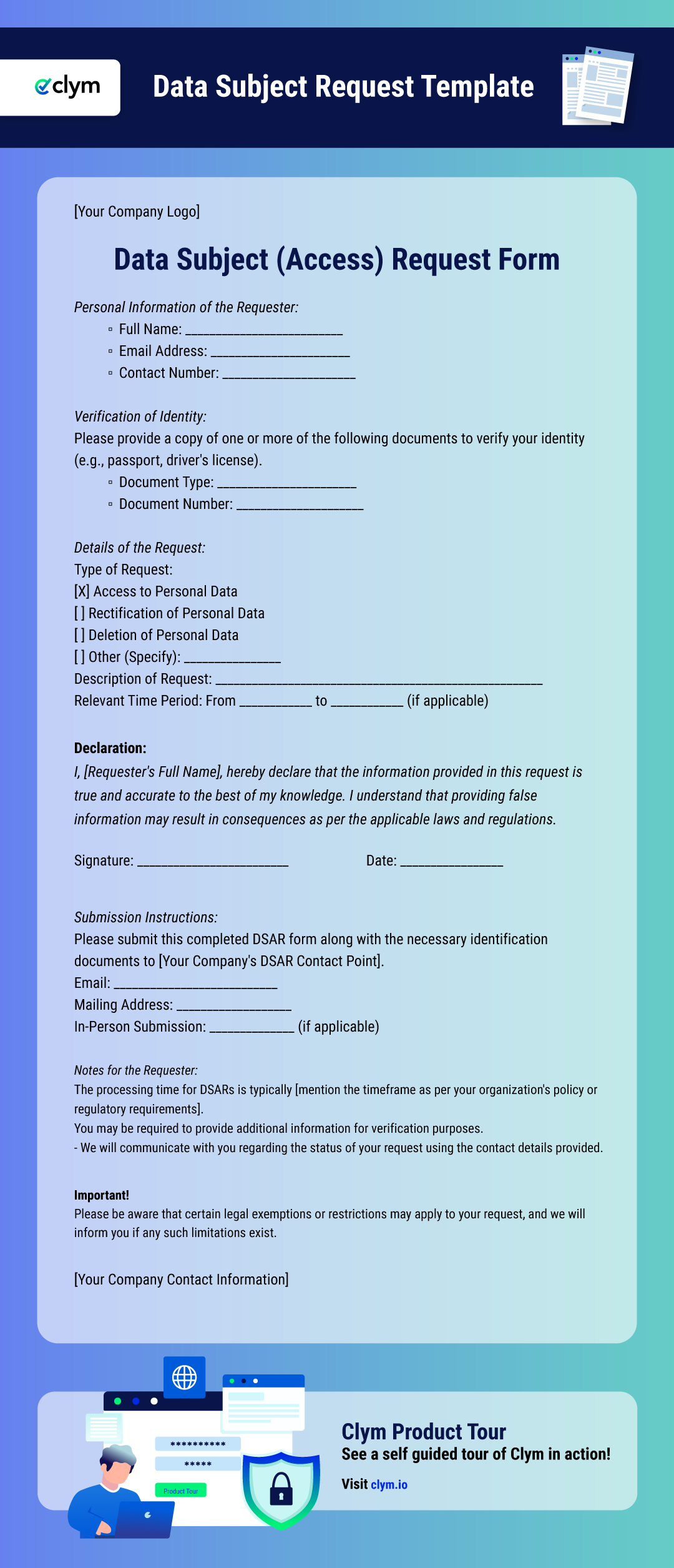
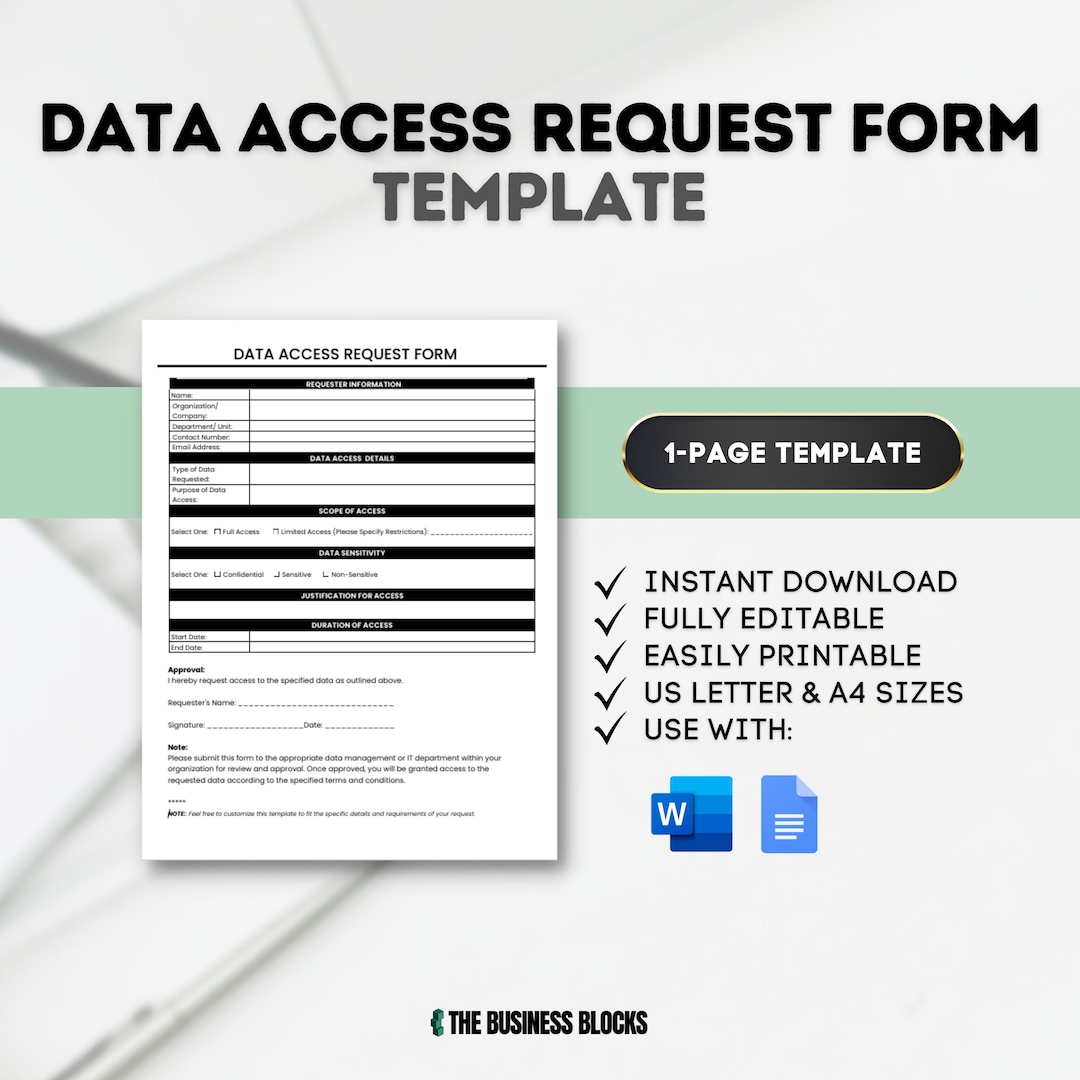
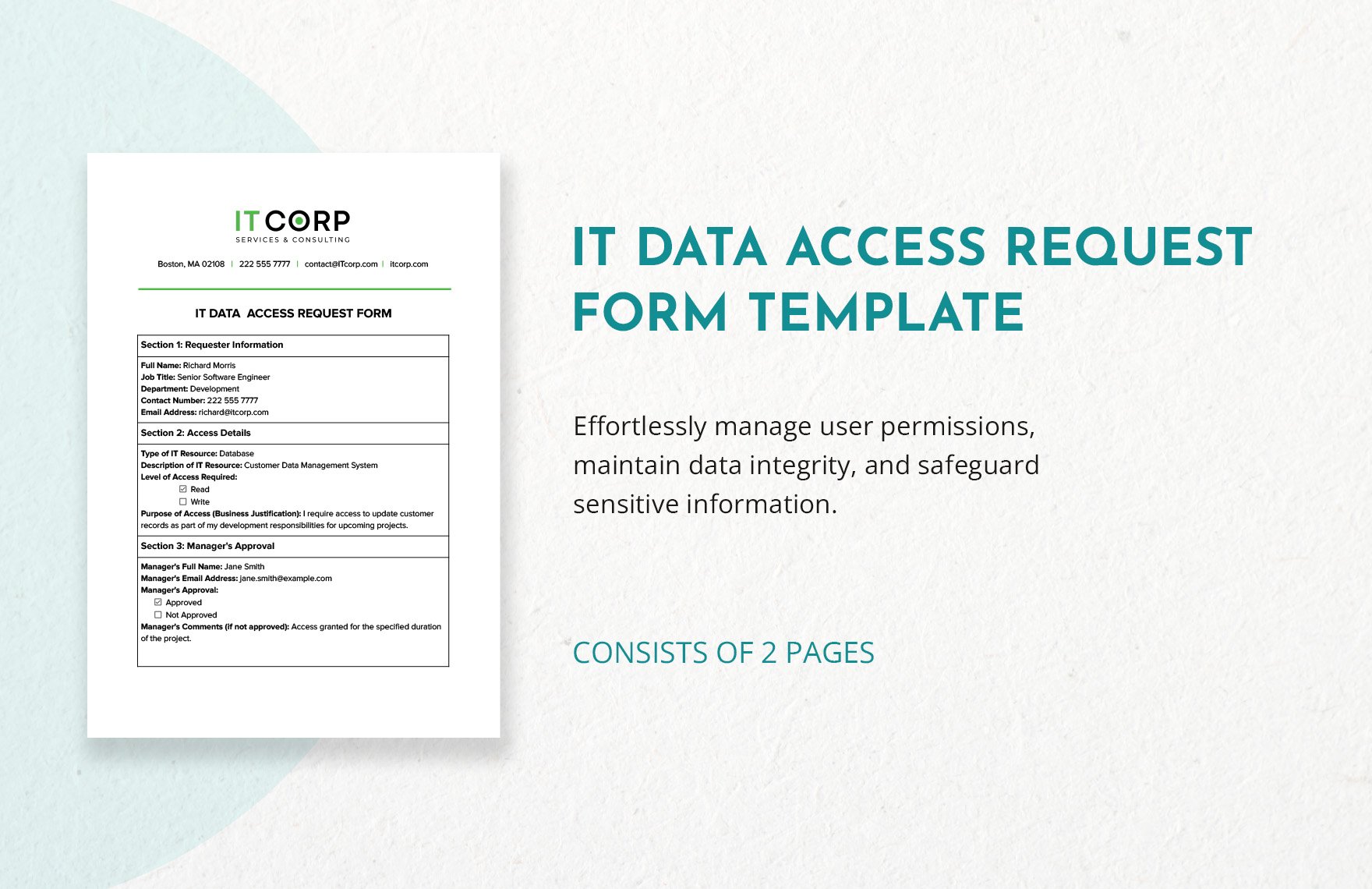
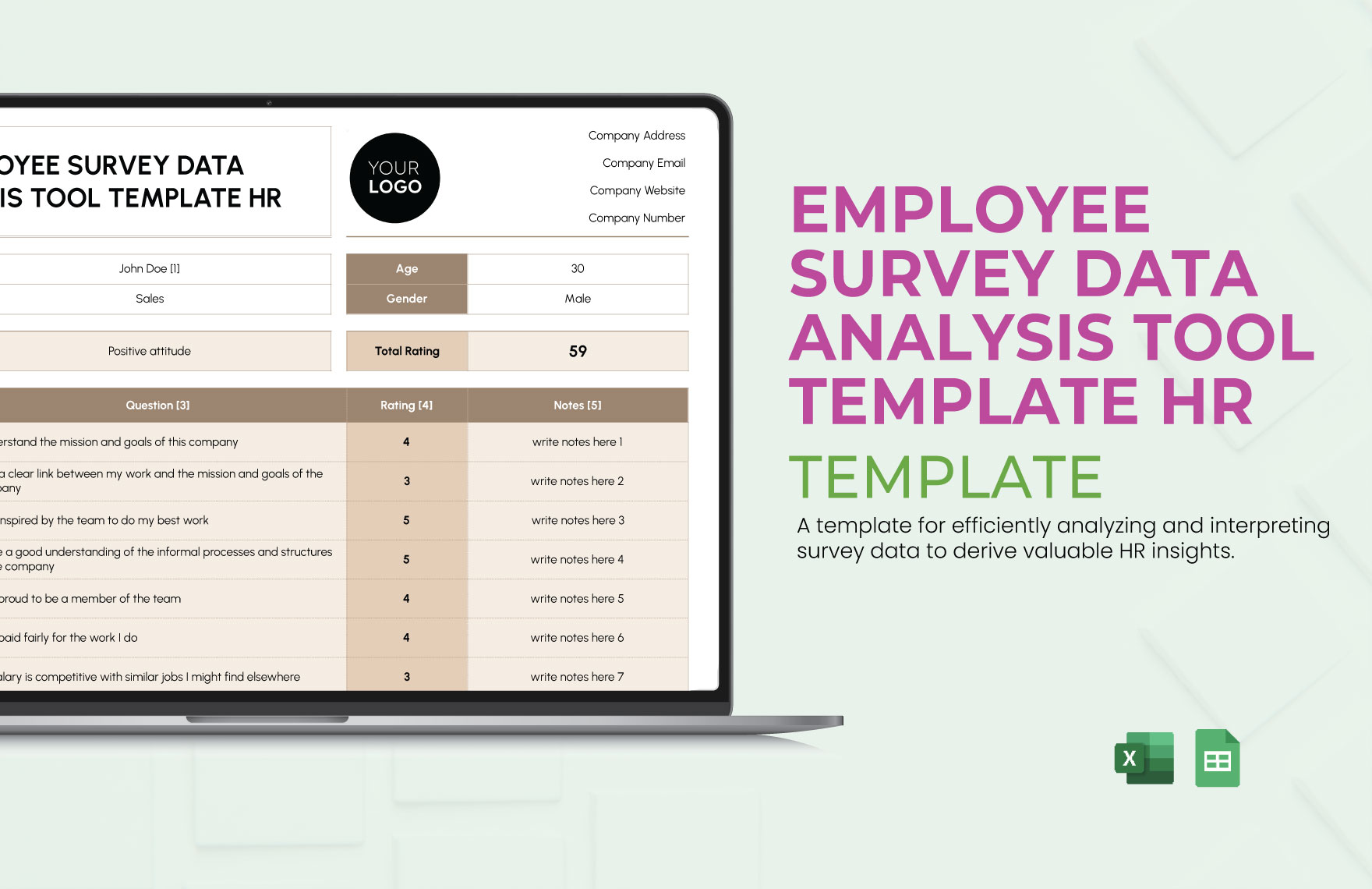
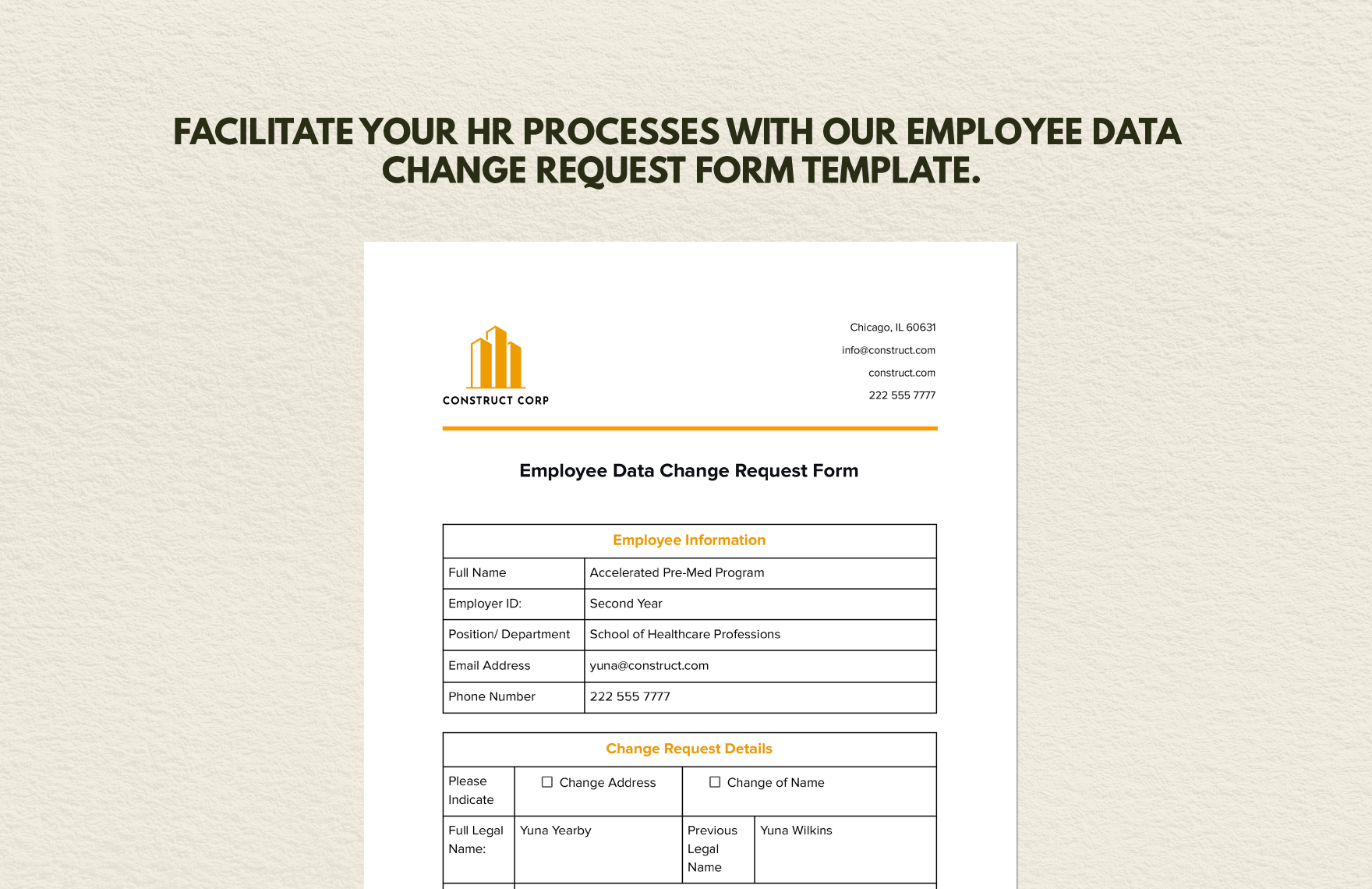
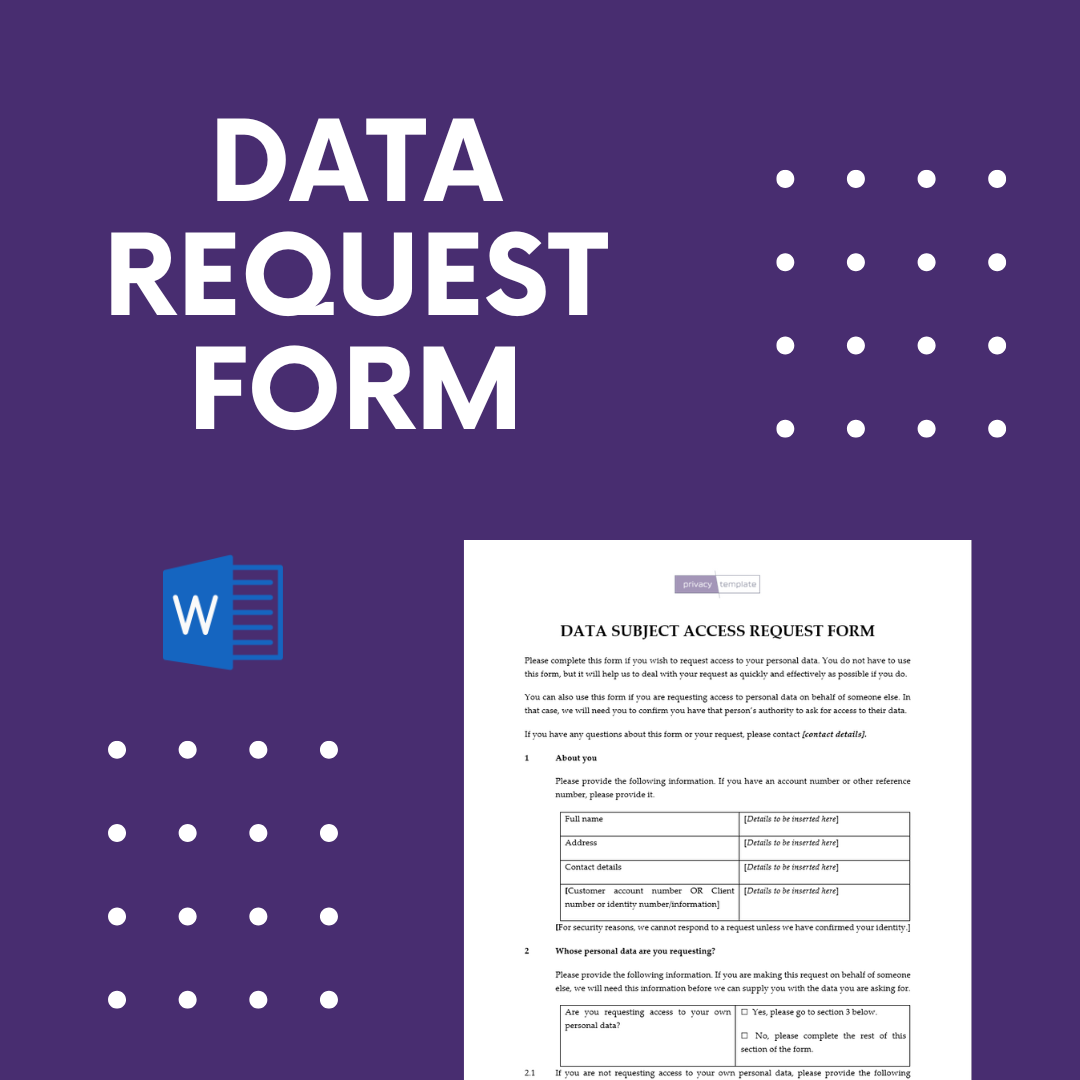
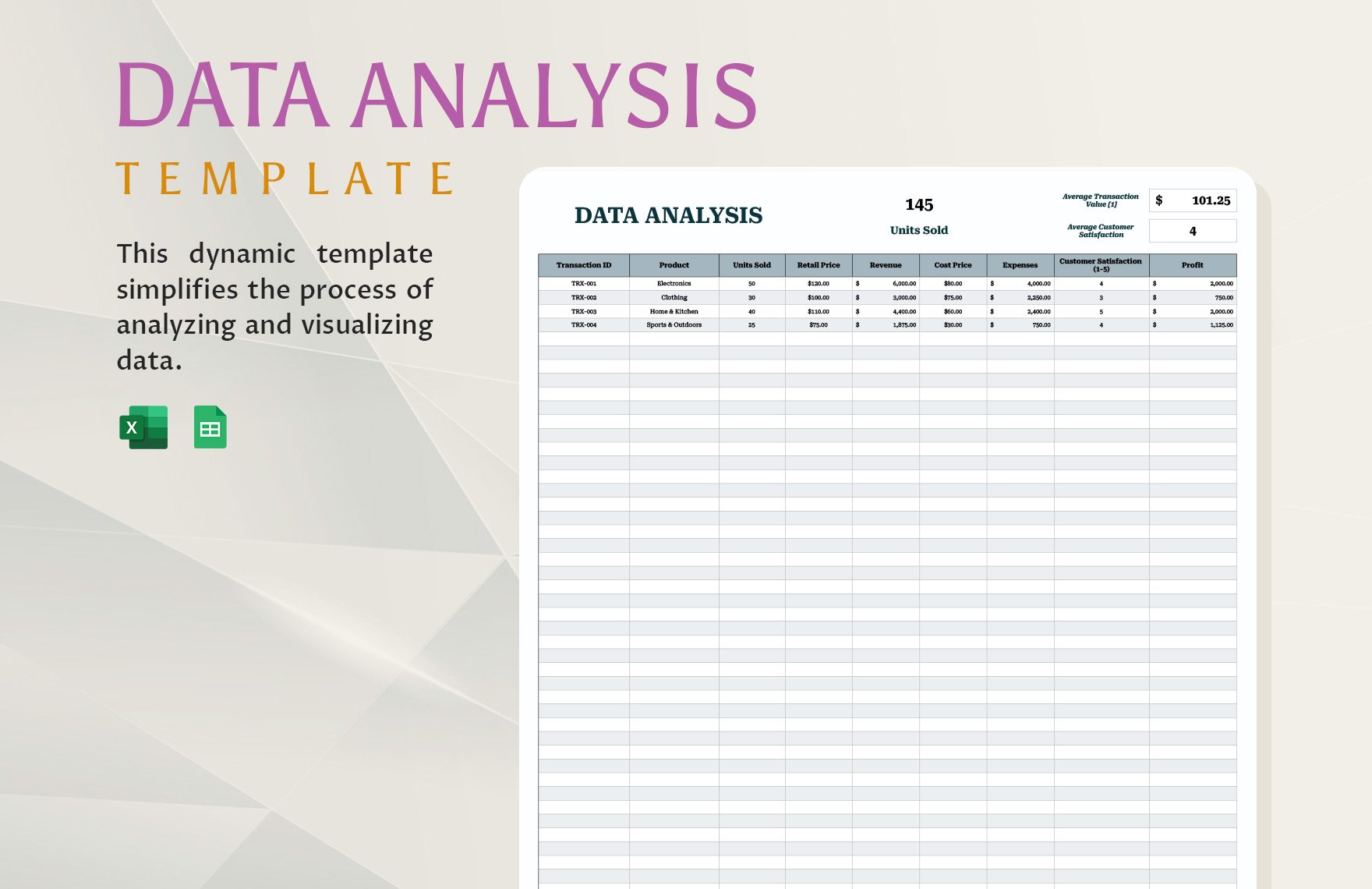
Data Analysis Request Form Template is the secret sauce that turns chaotic data cries into organized insight fiestas, and today we’re diving headfirst into the wild world of request forms with a grin, a giggle, and a spreadsheet full of sanity‑saving tricks.
Why a Data Analysis Request Form Matters

Imagine you’re a data wizard who just brewed a potion of numbers, but nobody told you whether they wanted a crystal ball or a simple bar chart. Without a proper request form, you end up guessing, and guesswork is the villain in every spreadsheet superhero story. A well‑crafted form does three heroic things: it clarifies objectives, aligns expectations, and saves everyone from the dreaded “I thought you meant this” nightmare. In short, it’s the difference between a data‑driven triumph and a frantic email chain that looks like a novel written in Comic Sans.
Key Elements of an Effective Template
Clear Title and Description
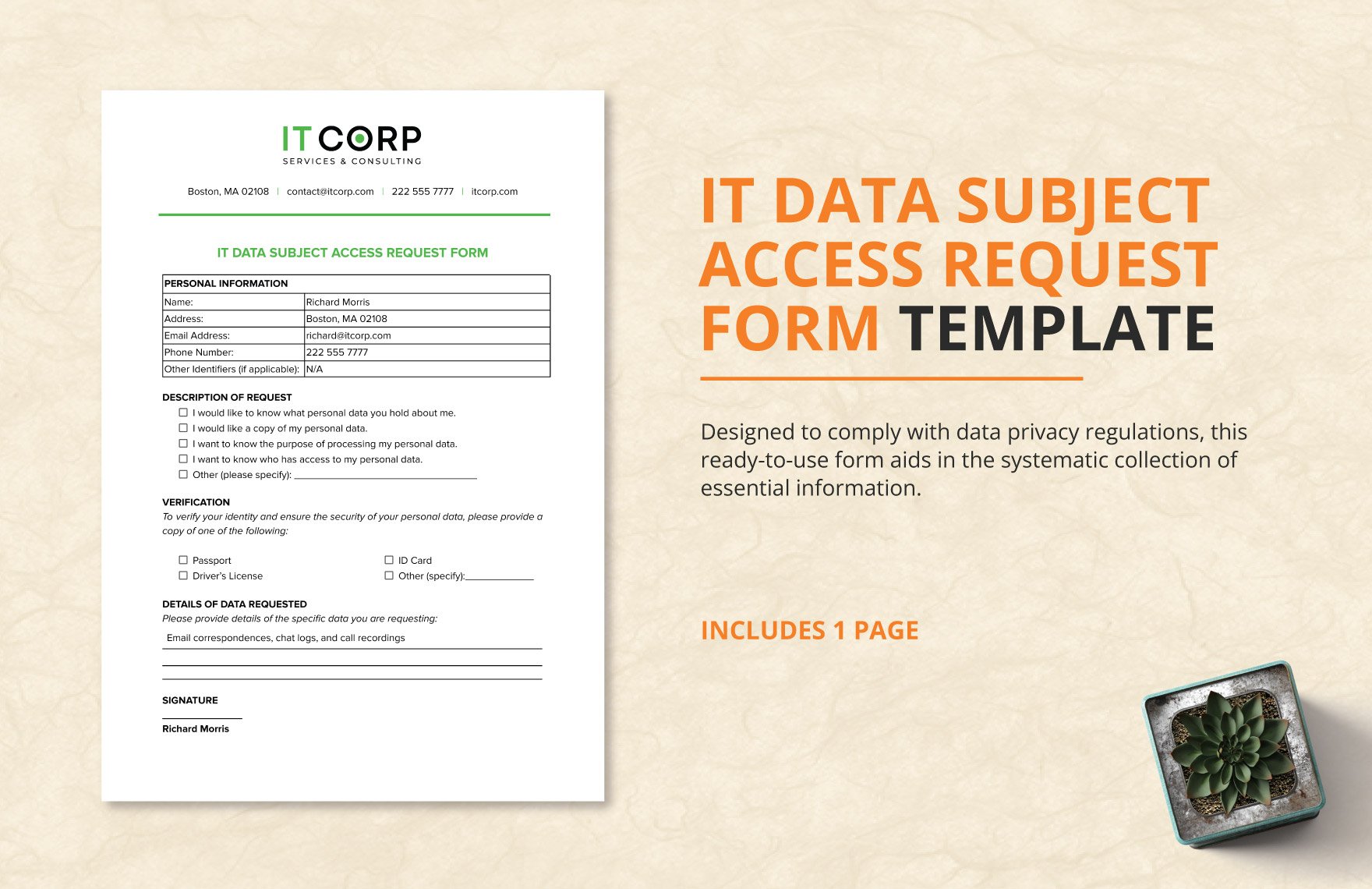
Every form needs a headline that screams, “I know what you need!” A concise title such as “Monthly Sales Trend Analysis Request” coupled with a brief description helps the requester remember why they’re filling it out in the first place. Bonus points if you sprinkle in a friendly reminder like, “We love details – the more you give, the less we have to guess.”
Contact Information
Never underestimate the power of a good email address or phone number. Include fields for name, department, and preferred contact method. If the requester is a mystery, you’ll spend more time playing detective than crunching numbers.
Business Objective
This is the heart‑beat of the request. Ask, “What problem are you trying to solve?” or “What decision will this analysis support?” A well‑phrased objective prevents you from delivering a beautiful chart that no one knows how to use. Encourage specificity: instead of “increase sales,” try “identify top‑performing regions for Q3 to allocate marketing budget.”
Data Sources and Availability
Knowing where the data lives is half the battle. Include fields for source system (CRM, ERP, Google Analytics), data format (CSV, JSON, SQL), and access permissions. If the data is behind a firewall, add a checkbox: “I have secured necessary permissions.” This stops you from staring at a locked‑out server while sipping lukewarm coffee.
Scope and Timeline
Set realistic expectations by asking for start and end dates, as well as any intermediate milestones. A simple timeline graphic can turn vague “ASAP” into a concrete due date, and it gives you a chance to politely say, “Sorry, I can’t finish that by tomorrow unless you pay in gold.”
Preferred Output Format
Charts? Dashboards? Raw data? Some people love a polished PowerPoint deck, while others just want a CSV dump. A dropdown with options like “Interactive Tableau Dashboard,” “PDF Report,” or “Excel Pivot Table” helps you deliver exactly what the stakeholder can actually use.
Budget and Resources
If the analysis requires expensive tools or external consultants, include a budget field. It’s better to discover a $5,000 license fee early than to watch your manager’s face turn the color of a spreadsheet error message.
Approval Workflow
Finally, add a section for approvers. A simple “Manager Approval” checkbox or a list of email addresses for sign‑off ensures the request doesn’t vanish into the abyss of “unapproved” tasks.
Step‑by‑Step Guide to Building Your Own

Choose the Right Platform
Google Forms, Microsoft Forms, JotForm, or a custom SharePoint list – pick the tool that matches your organization’s tech vibe. The platform should support conditional logic so you can hide irrelevant questions, and it should export responses to a format you love (usually CSV).
Draft the Skeleton
Start with a blank form and add the key elements listed above in logical order. Use clear, conversational language; think of the form as a helpful sidekick, not a bureaucratic monster.
Implement Conditional Logic
For example, if a requester selects “External Data Source,” reveal a text box asking for API keys or data access instructions. This keeps the form tidy and prevents users from getting lost in irrelevant fields.
Test with Real Users
Run a pilot with a small group of analysts and requesters. Collect feedback on confusing wording, missing fields, or any “Oops, I forgot this” moments. Iterate until the form feels as smooth as a well‑buttered spreadsheet macro.
Set Up Notification Rules
Configure email alerts for new submissions, and perhaps a Slack notification for high‑priority requests. This ensures the data team never misses a beat, and the requester gets instant acknowledgment that their plea for insight has been heard.
Document the Process
Create a one‑page cheat sheet that explains each field, the typical turnaround time, and who to contact for help. This cheat sheet can be pinned to the intranet, attached to the form’s description, or printed on a sticky note for the office wall.
Common Pitfalls and How to Dodge Them
Vague Objectives
When the objective reads “Improve performance,” you’re left guessing which metric to optimize. Counter this by making the objective field mandatory and providing examples. If the requester still writes something vague, add a follow‑up question: “Which metric are you targeting? (e.g., conversion rate, average order value, churn rate).”
Missing Data Access
It’s easy to receive a request for a deep dive into sales data, only to discover the requester doesn’t have read permissions on the sales database. Include a mandatory “Data Access Confirmation” checkbox to prevent this surprise.
Unrealistic Timelines
Requests that demand a “one‑day turnaround for a year‑long trend analysis” are a red flag. Use the timeline field to calculate an estimated effort based on data volume and complexity, and automatically suggest a more realistic due date.
Overloading the Form
While it’s tempting to capture every possible detail, too many fields can scare away requesters. Prioritize essential information, and use optional sections for additional context. Think of it as a buffet: give the main course first, then let people add extra toppings if they want.
Neglecting Follow‑Up
Even the best‑crafted form can become a dead end if you don’t follow up. Set reminders to check in on pending requests, and close the loop with a short “Analysis Delivered” notification. This habit builds trust and reduces repeat requests for the same data.
Real‑World Examples That Will Make You Laugh (and Learn)
The “Mystery Data” Request
A marketing manager once submitted a request titled “Analyze the thing we talked about in the meeting.” The form’s “Business Objective” field forced them to clarify, and they eventually wrote, “Determine which campaign generated the most leads in Q2.” The resulting analysis not only saved the campaign budget but also gave the manager a new nickname: “Captain Clarity.”
The “All‑The‑Data” Enthusiast
A sales director filled out every optional field with extra detail, attached three gigabytes of raw logs, and asked for “everything” in a “pretty picture.” The form’s conditional logic asked, “Do you need a dashboard or a raw dataset?” He chose the dashboard, and the analyst delivered a sleek, interactive view that highlighted only the top five products. The director later confessed he never intended to look at the raw logs; he just liked the idea of “all the data.”
The “Time‑Travel” Request
Someone once asked for “future sales predictions for the next ten years, broken down by lunar phase.” The form’s “Scope and Timeline” field flagged the request as “highly speculative,” prompting a polite response that suggested a more realistic forecast horizon. The requester laughed, thanked the analyst, and settled for a three‑year projection instead. The lunar phase part was later used as a joke in the weekly data newsletter.
Tips for Keeping Your Form Fresh and Fun
Inject Humor Sparingly
A witty placeholder like “Enter the date you want to see the data (not the date you spilled coffee on the keyboard)” can make the form feel human without sacrificing professionalism.
Use Visual Aids
Include icons next to each section (a calendar for timelines, a magnifying glass for objectives). Visual cues reduce cognitive load and make the form look less like a tax form.
Review and Revise Quarterly
Data needs evolve, and so should your form. Schedule a quarterly review to remove obsolete fields, add new data source options, and tweak wording based on user feedback.
Celebrate Completed Requests
Set up an automated “Congrats! Your analysis is ready” email with a fun GIF or a short meme. Positive reinforcement turns the request process into a win‑win experience.
Conclusion
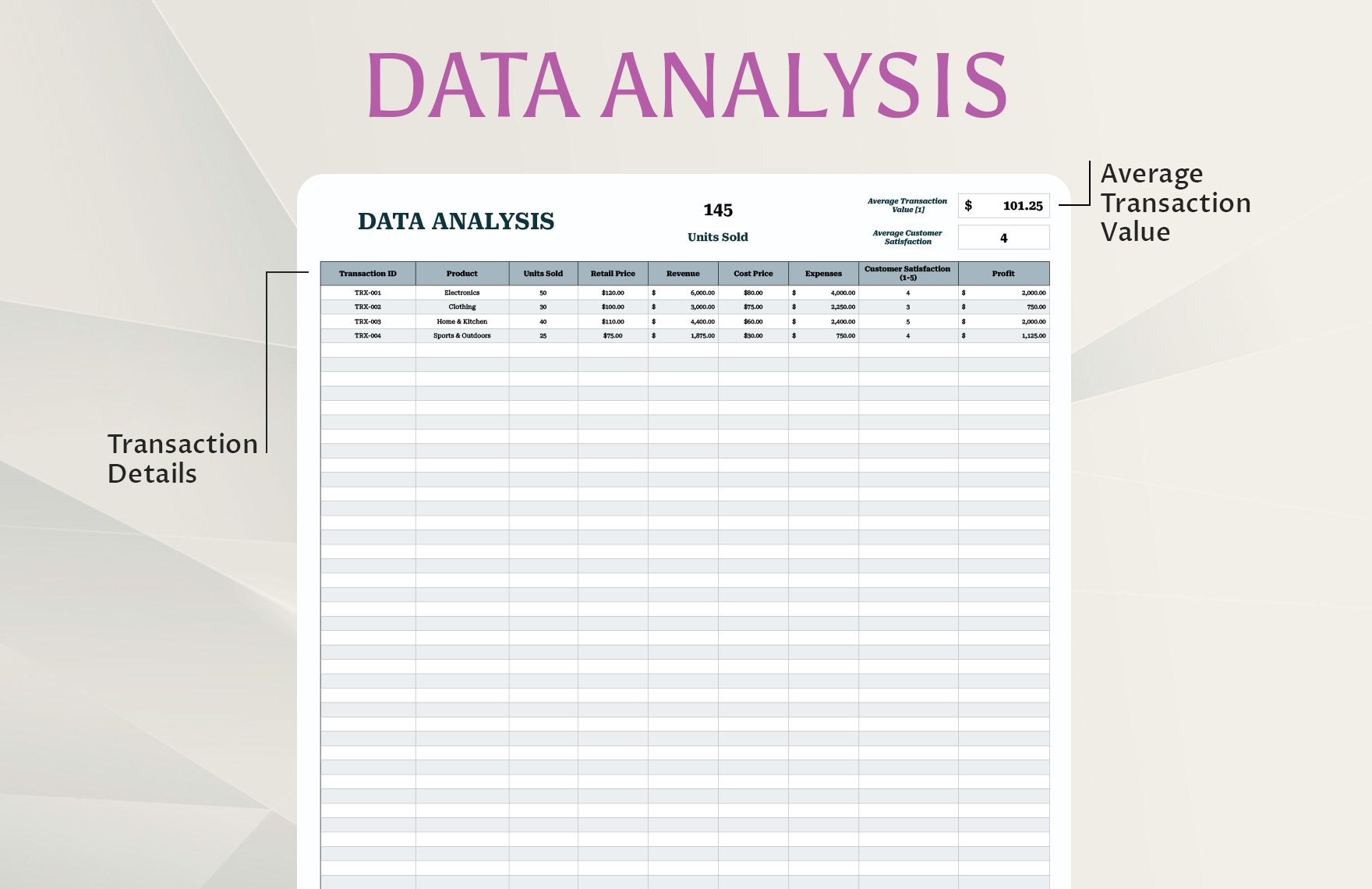
Crafting a Data Analysis Request Form Template that balances clarity, detail, and a dash of humor is like designing the perfect coffee blend – you need the right ingredients, the right process, and a pinch of personality to keep everyone awake and satisfied. By focusing on clear objectives, essential data details, realistic timelines, and an approachable design, you’ll transform vague pleas for insight into actionable, data‑driven victories. Remember to test, iterate, and sprinkle in a little fun, and your request form will become the beloved gateway to insight that every analyst and stakeholder can’t live without.