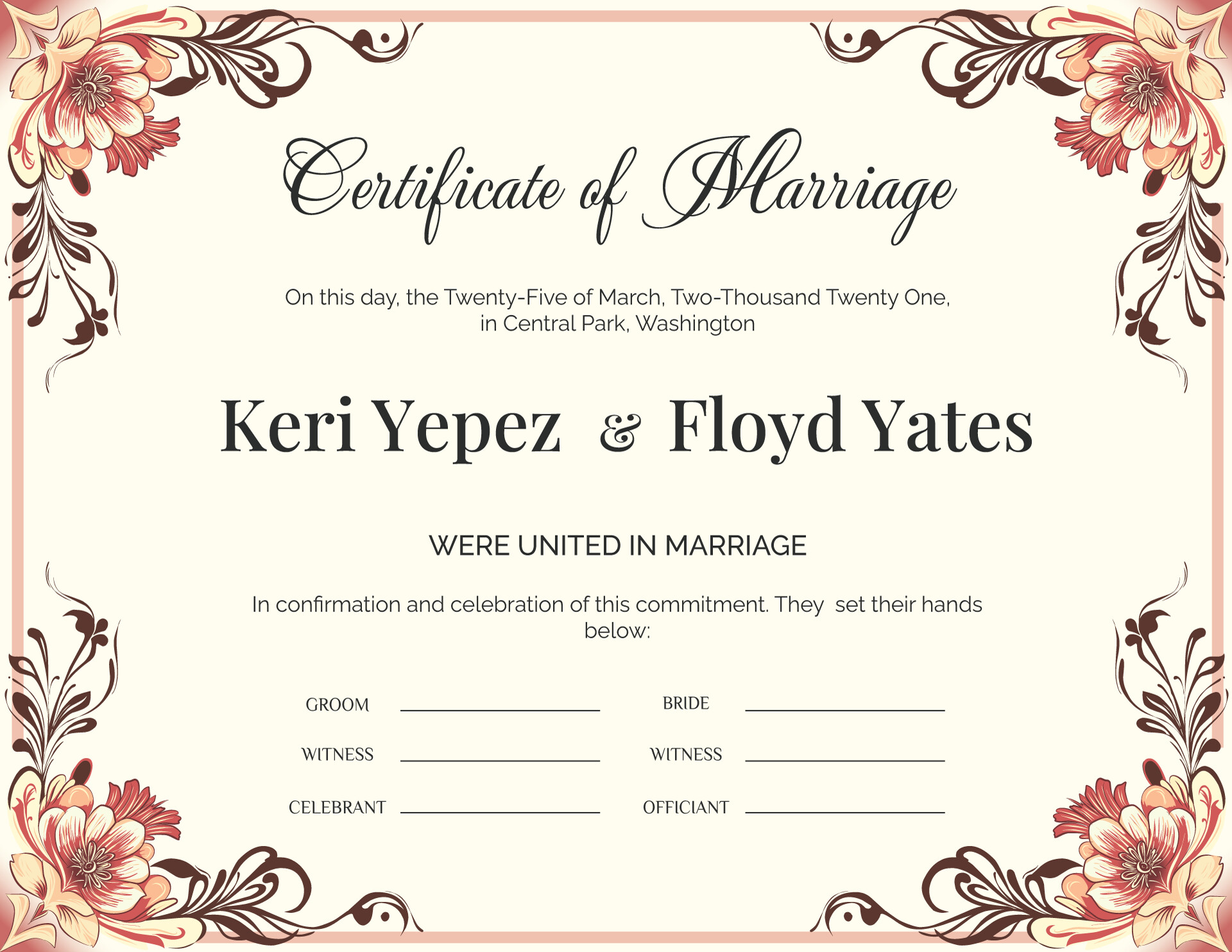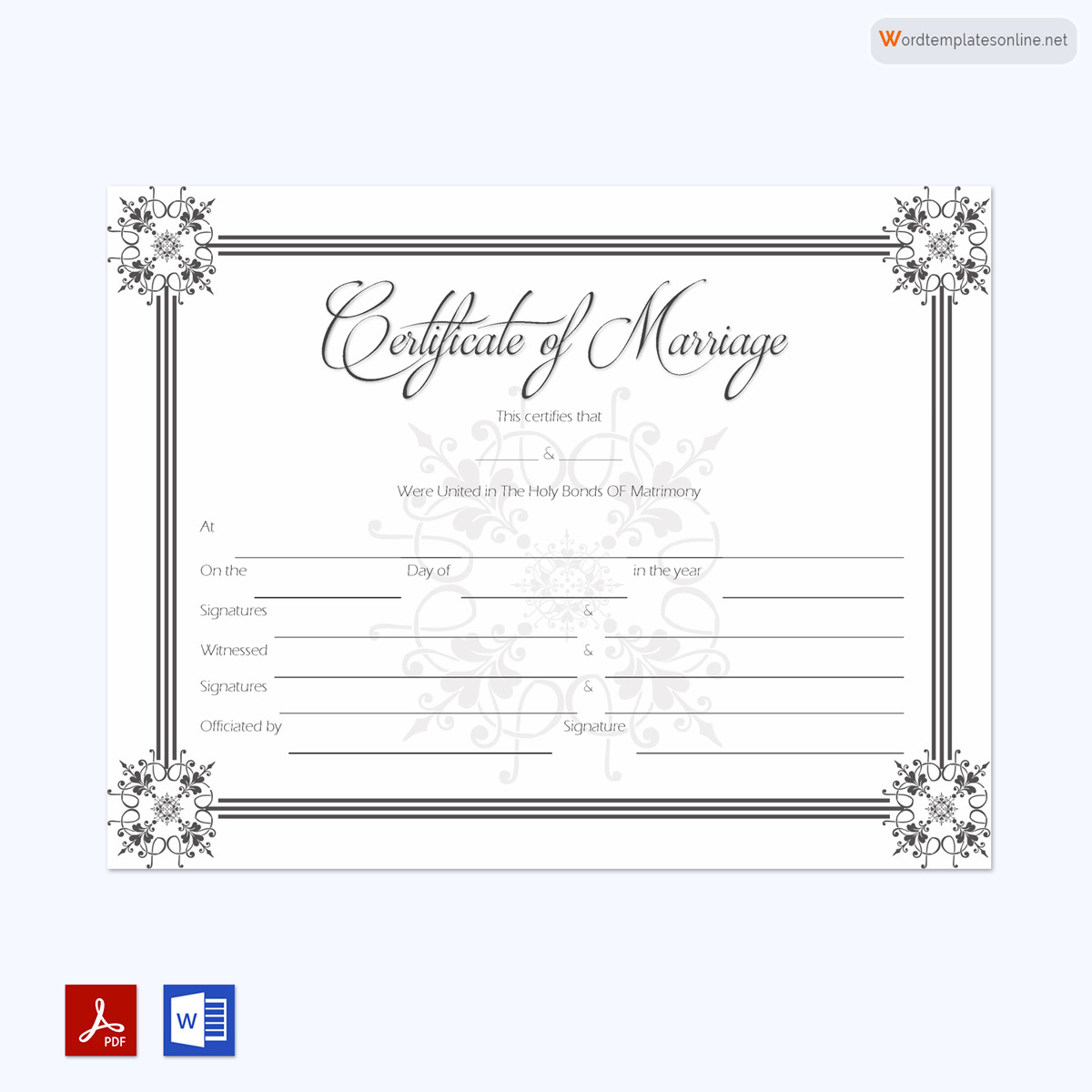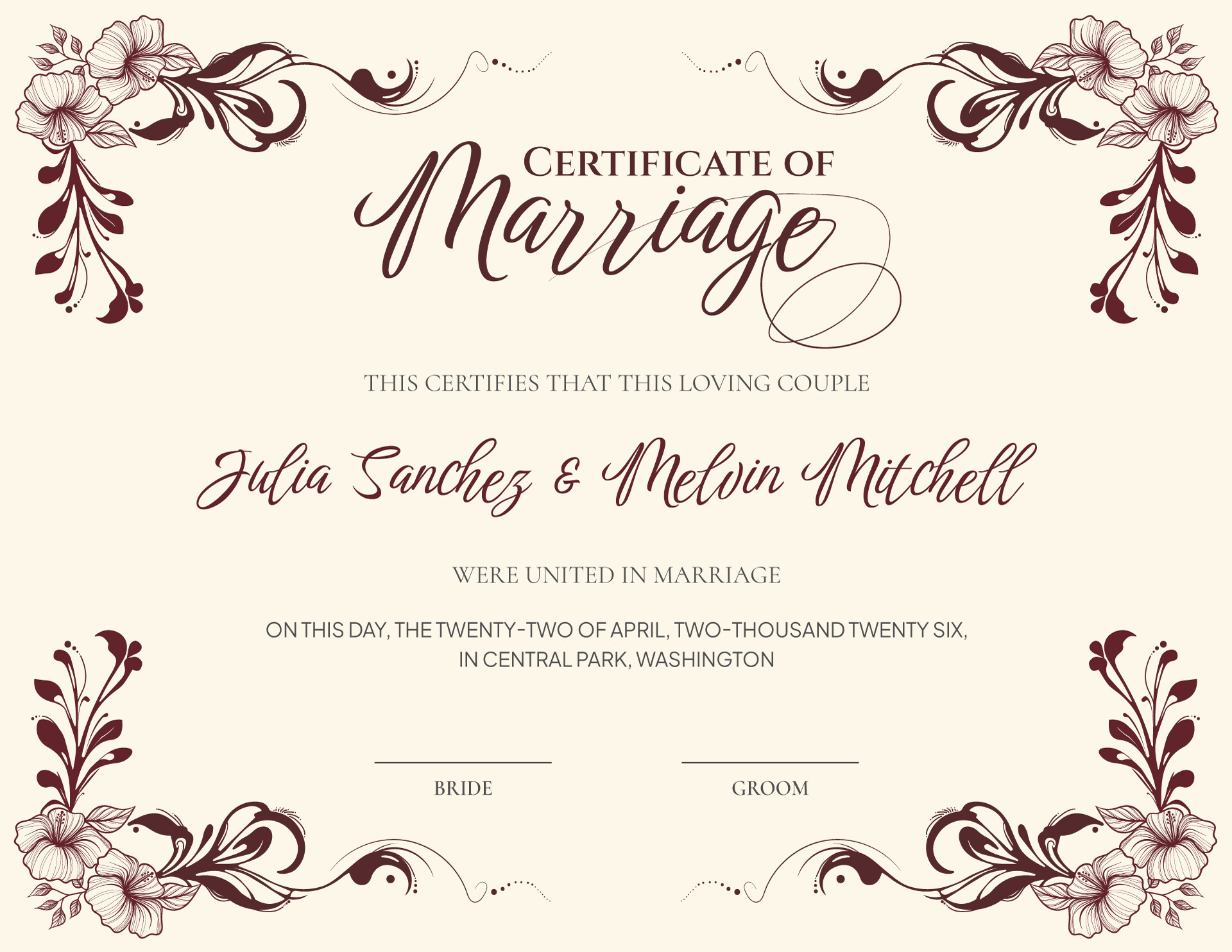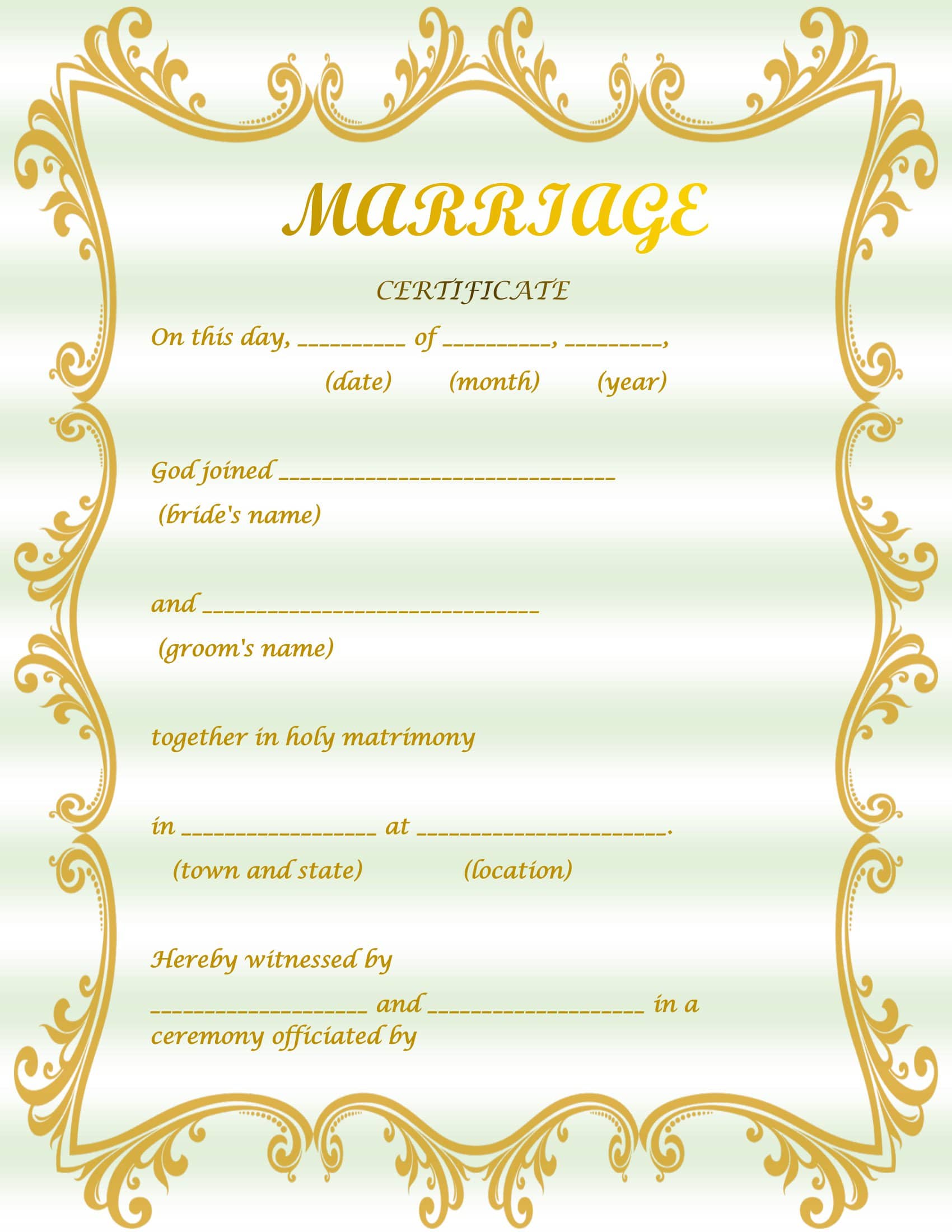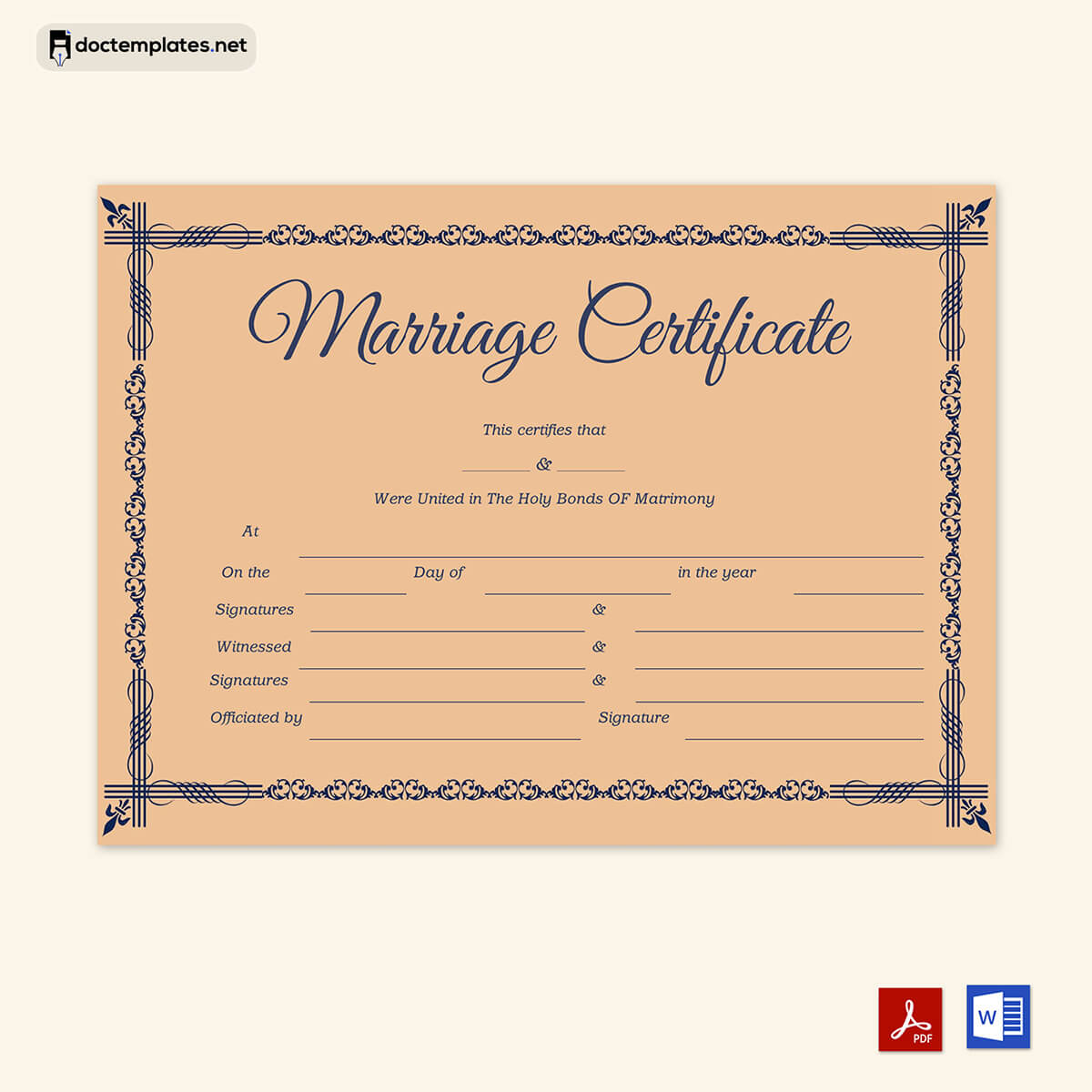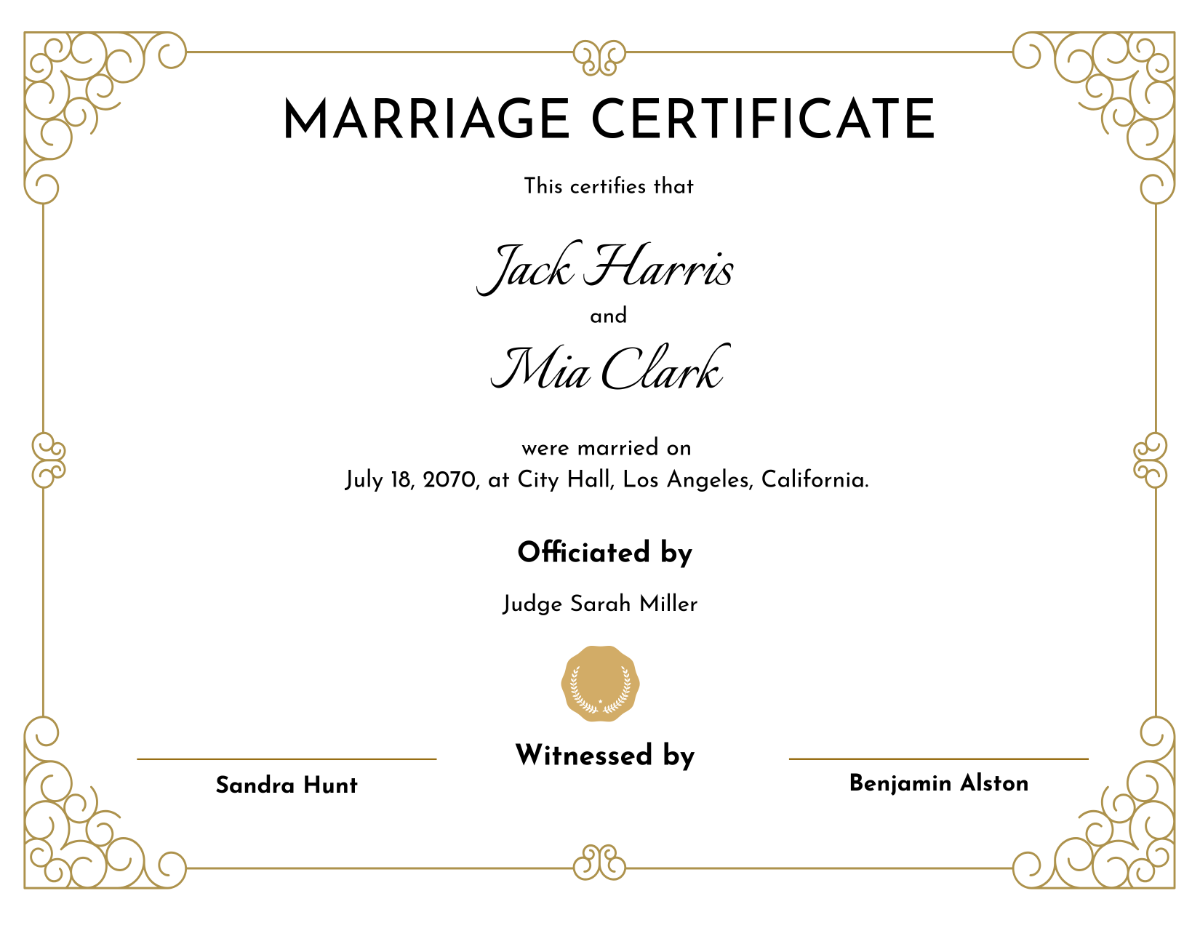
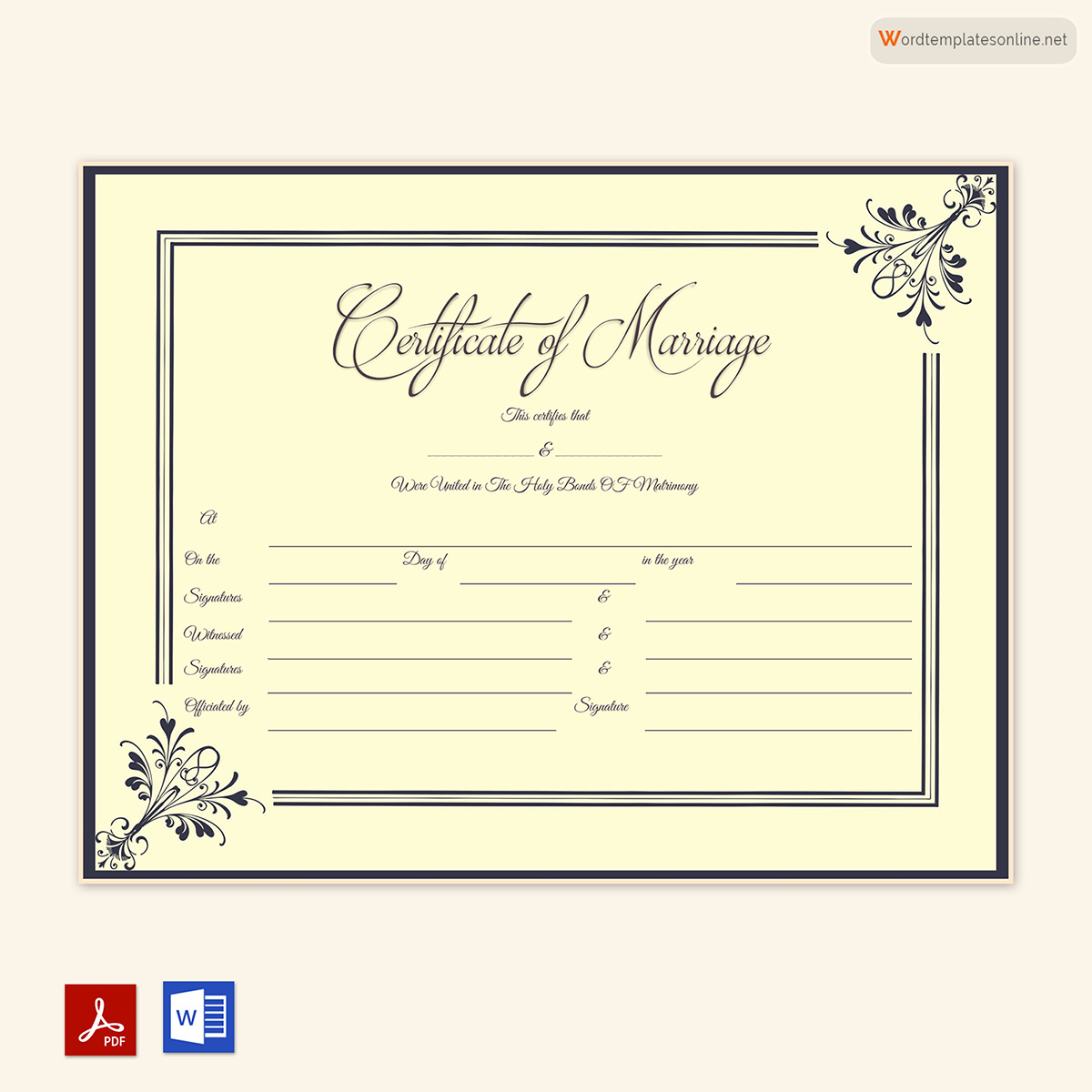
Certificate Of Marriage Template is a versatile tool that brings a polished, professional look to the most meaningful document a couple can share. Whether you are a wedding planner, a couple creating a DIY ceremony, or a legal professional needing to provide official paperwork, a well-designed template ensures accuracy, consistency, and an aesthetic that honors the love story it records.
Why a Dedicated Template Matters

Marriage certificates are more than legal paperwork; they are a record of commitment and a keepsake that can be cherished for generations. A custom template offers several key advantages:
- Legality and Compliance: Templates incorporate required fields and standard wording that meet state, county, or country regulations, reducing the risk of errors that could invalidate the document.
- Brand Cohesion: For wedding venues or officiants, a template aligns the certificate design with the overall wedding theme and branding, creating a seamless visual experience.
- Time Efficiency: Instead of drafting a new certificate from scratch each time, a template provides a ready‑made structure that can be quickly customized.
- Personalization: With editable placeholders, couples can add personal touches—such as vows, dates, or family names—without compromising the legal integrity.
Key Elements of a Strong Marriage Certificate Template
1. Legal Information
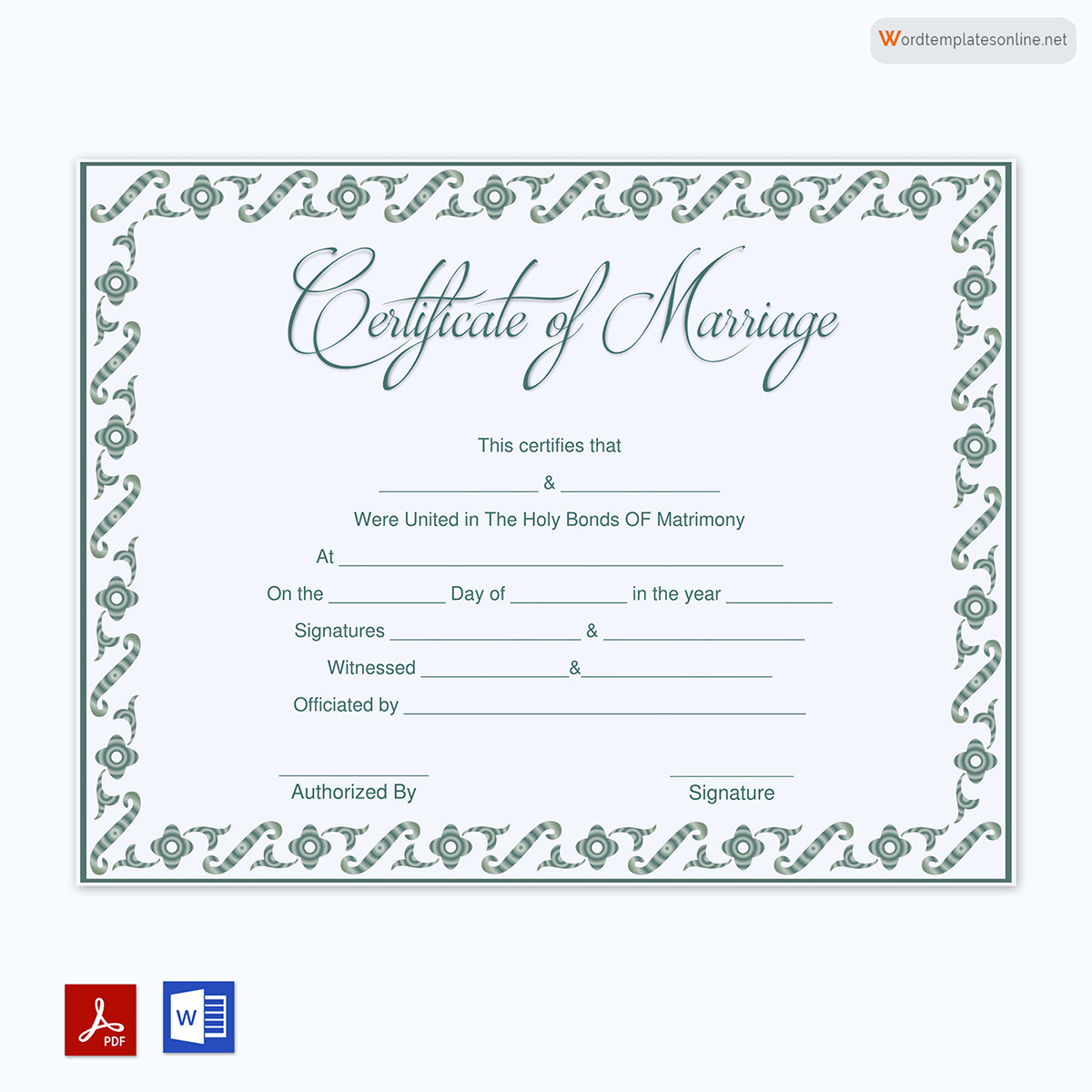
Every valid marriage certificate must contain a specific set of information to meet legal requirements. A solid template clearly delineates these fields:
- Full names of the bride and groom
- Date of marriage
- Place of marriage (venue name and address)
- Officiant’s name, title, and signature
- Witness signatures, if required by jurisdiction
- Registrar’s or county clerk’s information and seal
Leaving these components out or misplacing them can render the certificate unusable for official purposes. Therefore, start by reviewing the legal mandates of the region where the ceremony will be conducted.
2. Design Layout and Aesthetics
A wedding is a visual celebration, and the certificate should reflect that. Consider these design aspects:
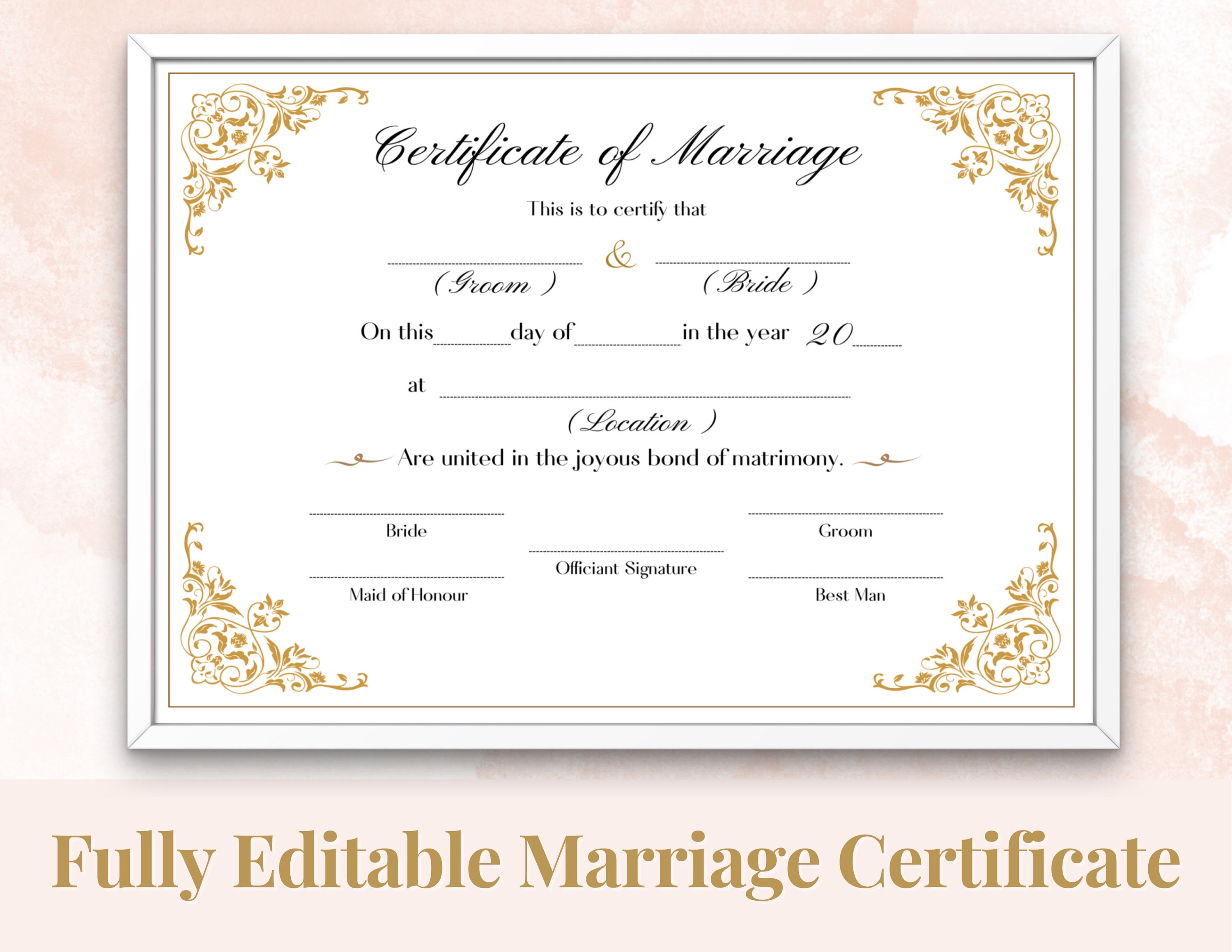
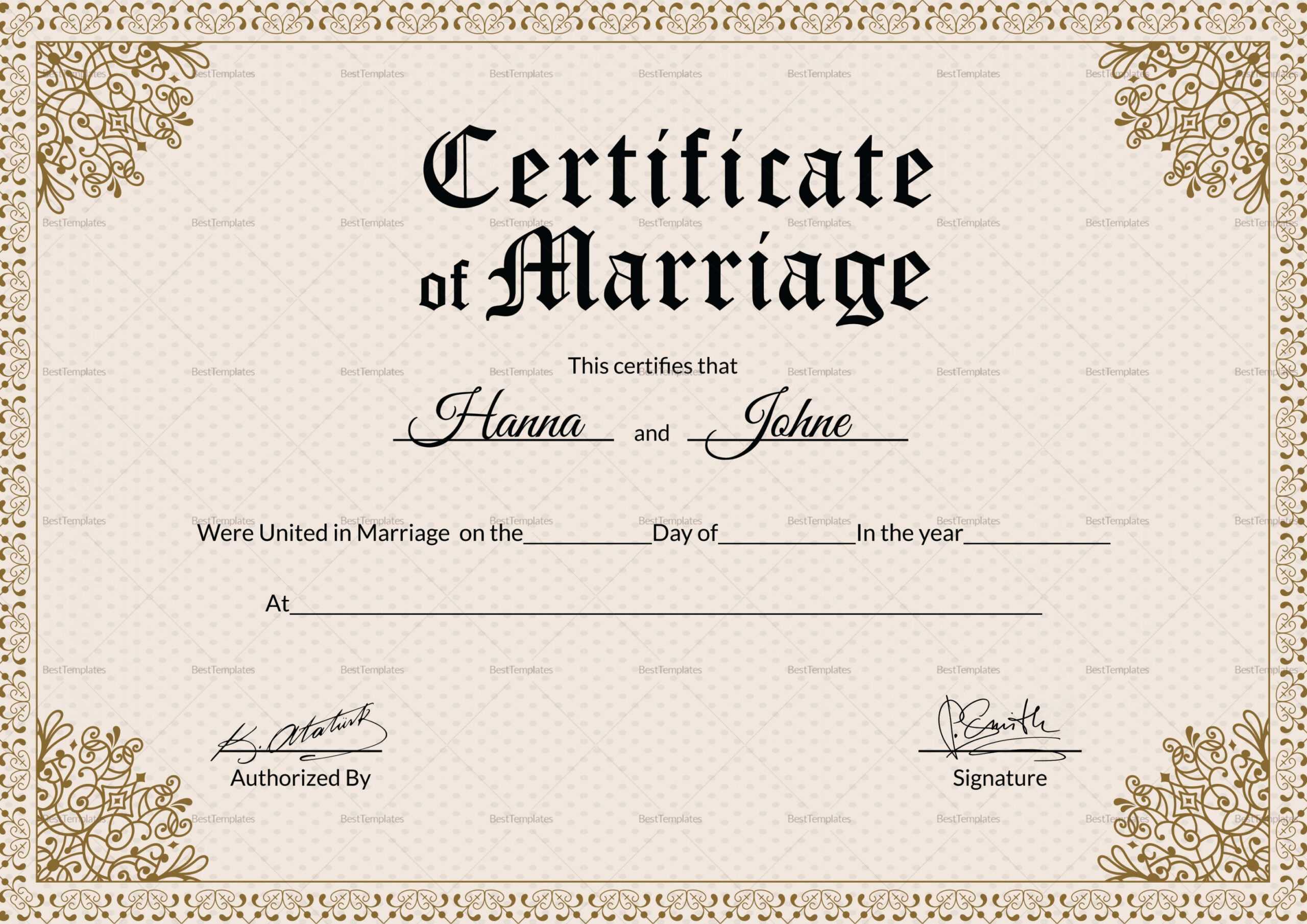
- Page Orientation: Landscape orientation is popular for its wider horizontal space, allowing for more decorative elements while keeping the text centered.
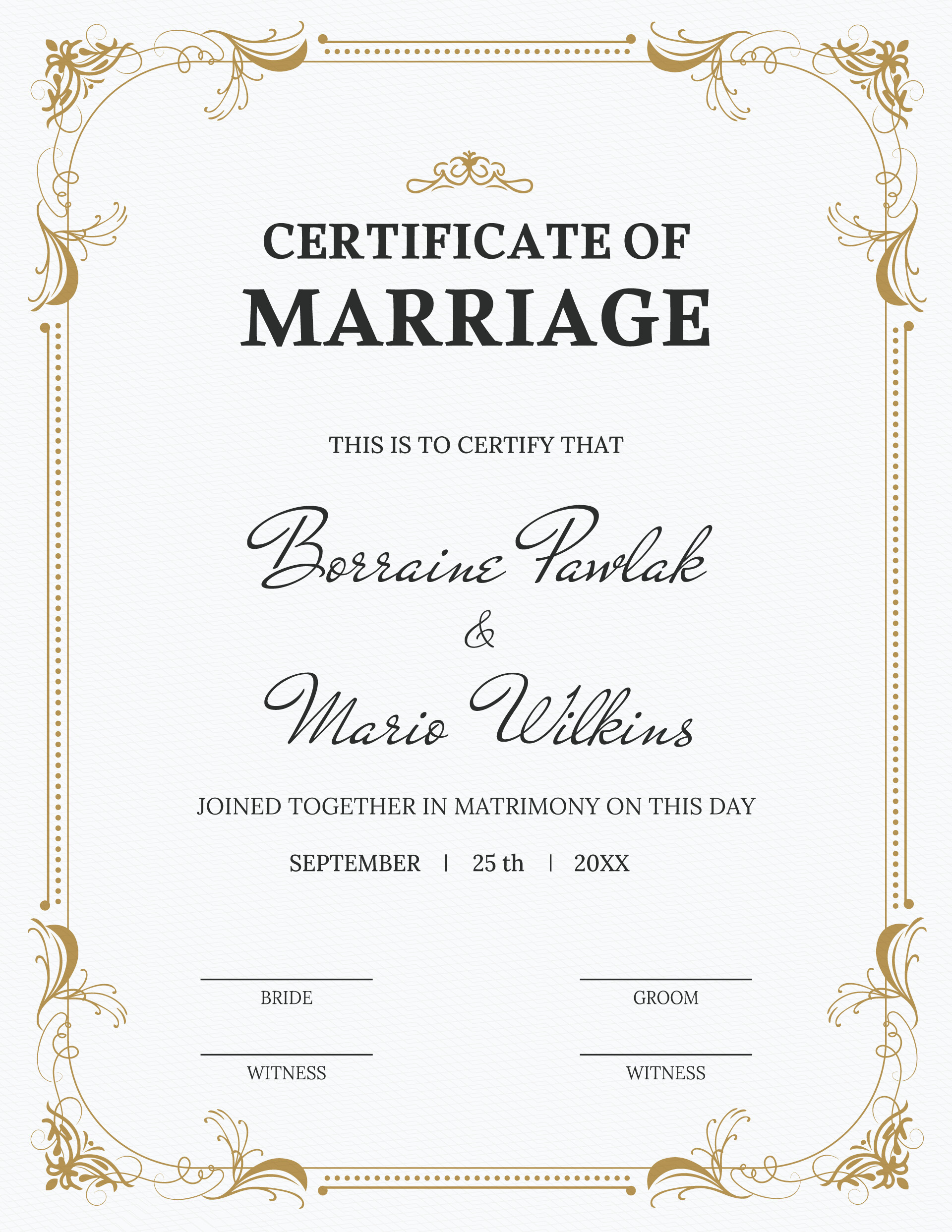
- Typography: Use a combination of serif fonts for the main body and a script font for the couple’s names to balance formality and romance.
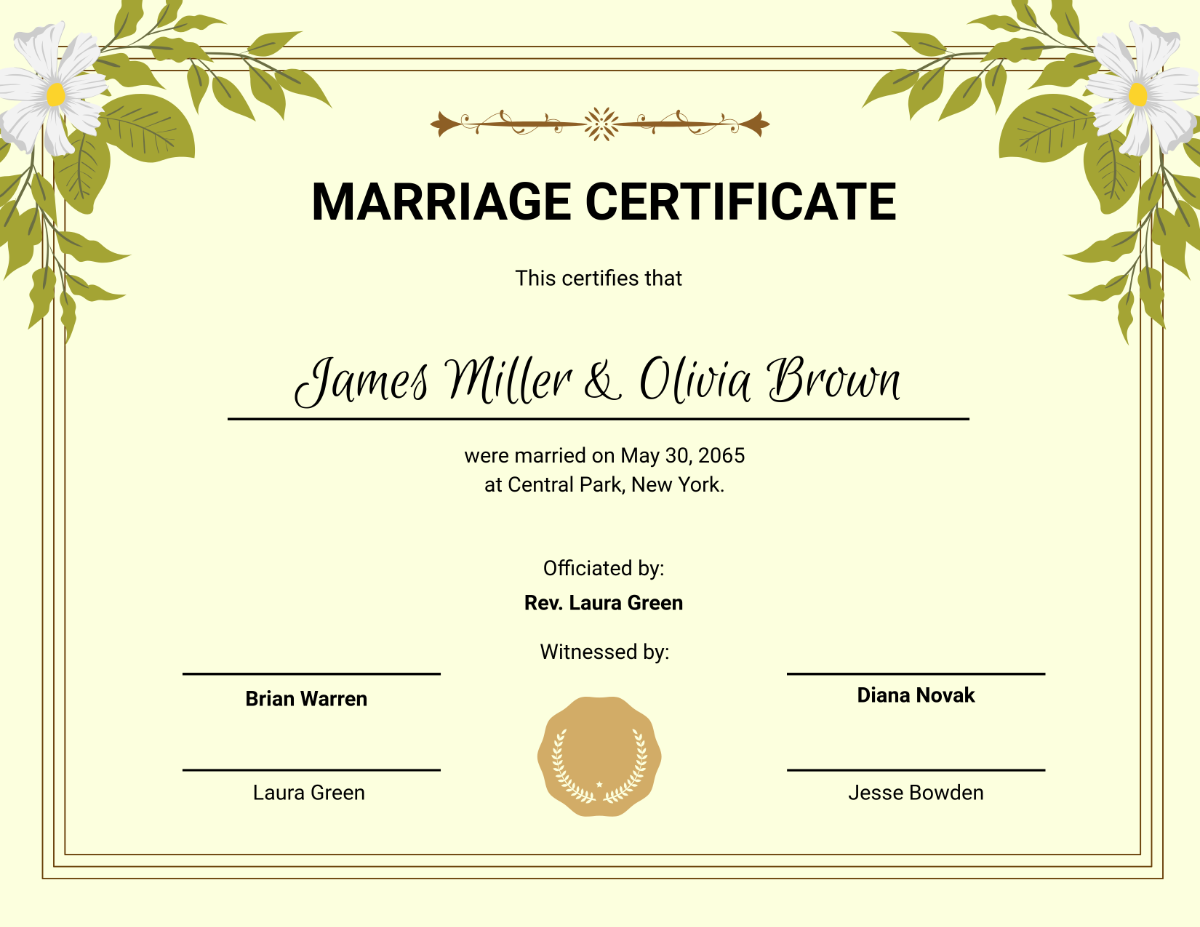
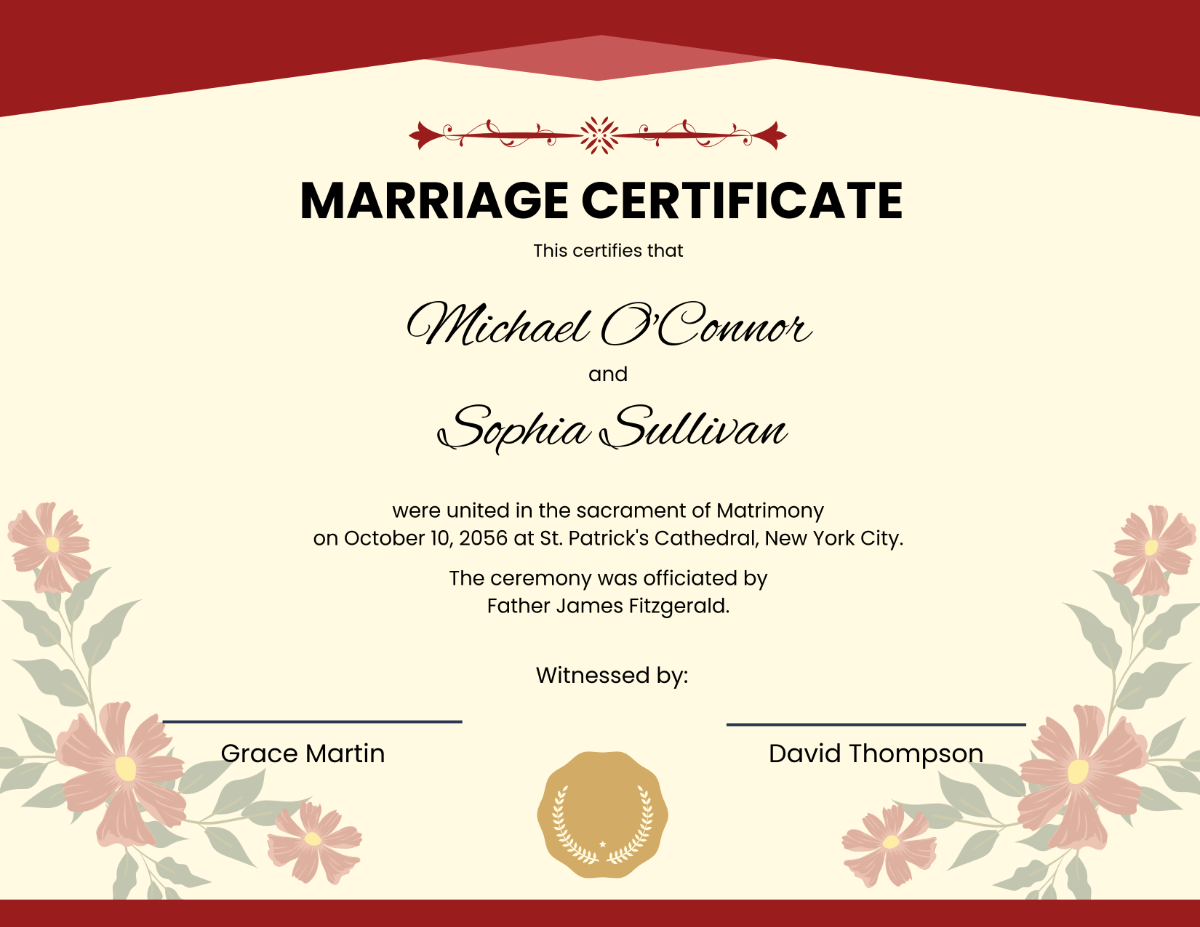
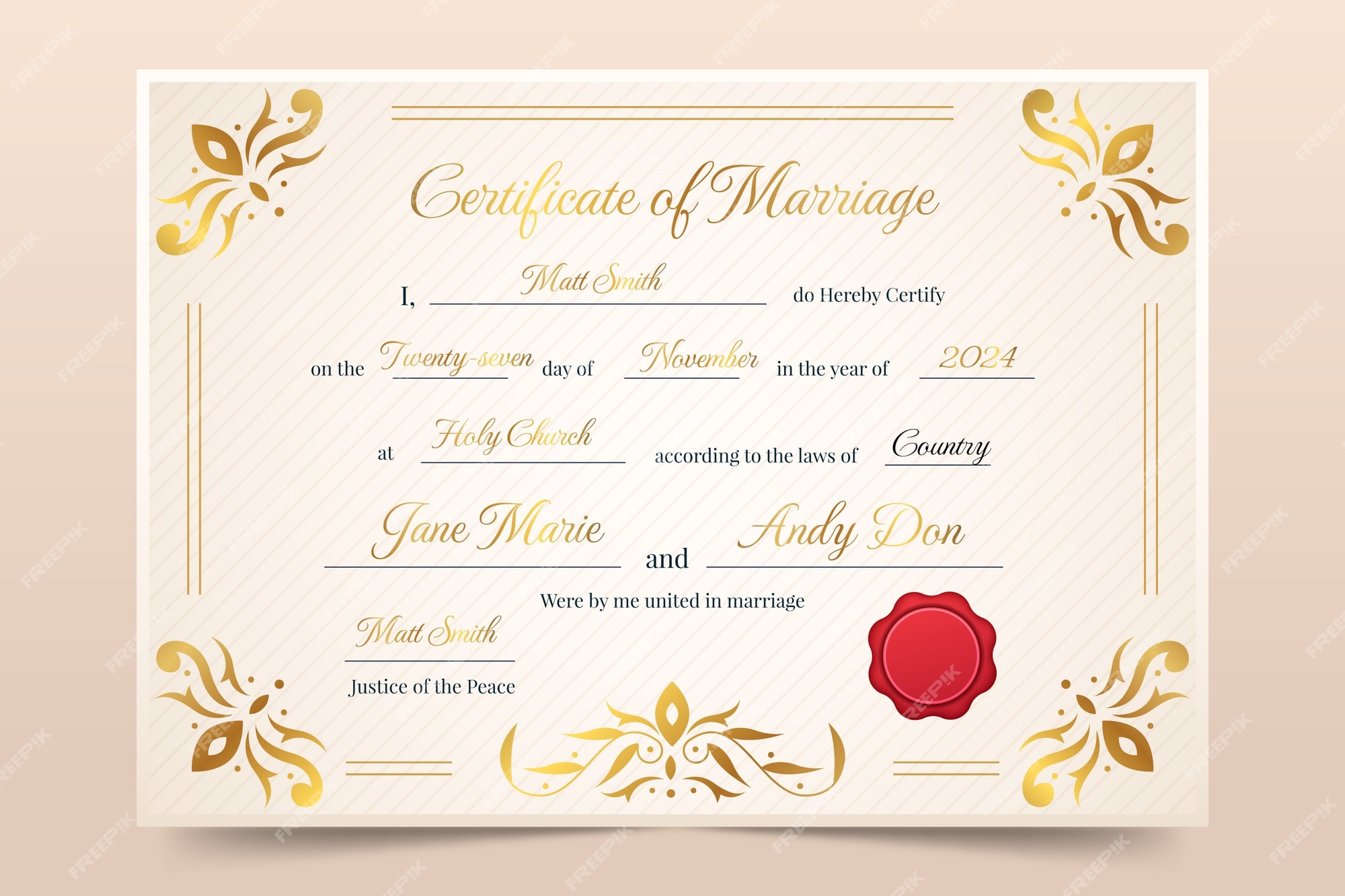
- Color Palette: Classic white backgrounds with subtle gold or silver accents give a timeless feel, while pastel or muted tones can match contemporary wedding themes.
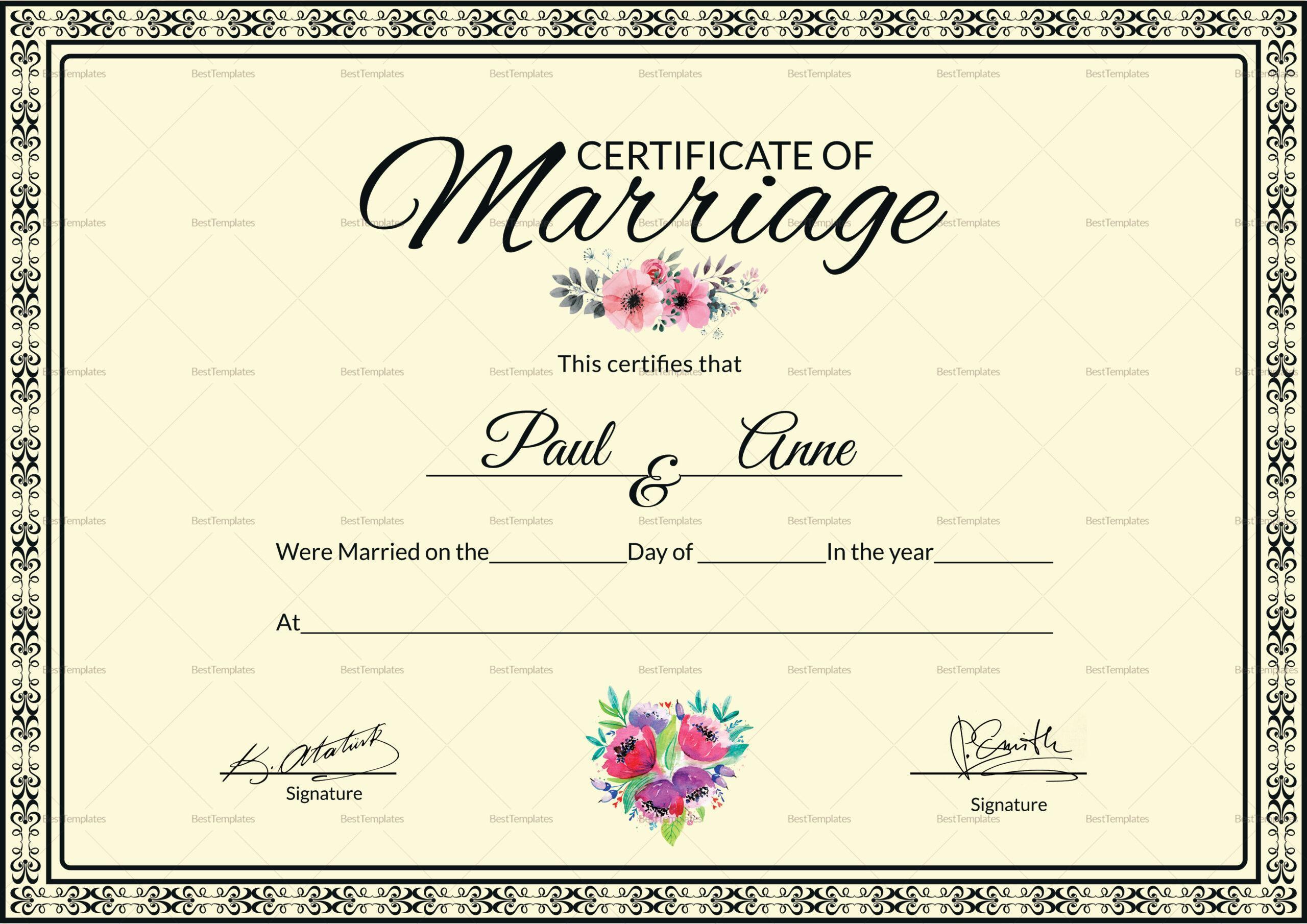
- Embroidery and Embellishments: Floral or lace borders, watermarks, or custom illustrations add depth without distracting from the essential information.
- Whitespace: Adequate margins and spacing prevent a cramped look, ensuring the document remains legible and elegant.
Balancing these visual elements with readability is key. A cluttered design may look beautiful but can obscure critical legal fields.
3. Customizability and Editing Ease
Templates should be built for simplicity. Use placeholder text wrapped in brackets or a color-coded system so editors know where to insert the real details. For example:
[Bride’s Full Name] and [Groom’s Full Name] hereby declare their marriage on [Date] at [Venue].
Providing editable sections in a format like PDF with form fields or a Word document with content controls allows both humans and software to update the document without manual formatting changes.
4. Security Features
To prevent tampering, many official certificates incorporate security elements:
- Watermark logos of the issuing authority
- Holographic seals or embossing for physical copies
- Digital signatures or QR codes that link to a verification portal
- Unique serial numbers or registration numbers for each certificate
Adding these features not only protects against forgery but also lends an air of authenticity that is reassuring to couples and legal bodies alike.
Steps to Create or Choose the Perfect Template
1. Identify Legal Requirements
Begin by researching the specific requirements for marriage certificates in the intended jurisdiction. Contact the local clerk’s office or consult reputable online resources. Pay special attention to:
- Mandatory clauses or wording
- Signature line placement
- Witness requirements
- Registration deadlines and submission methods
2. Select a Layout That Reflects the Wedding’s Theme
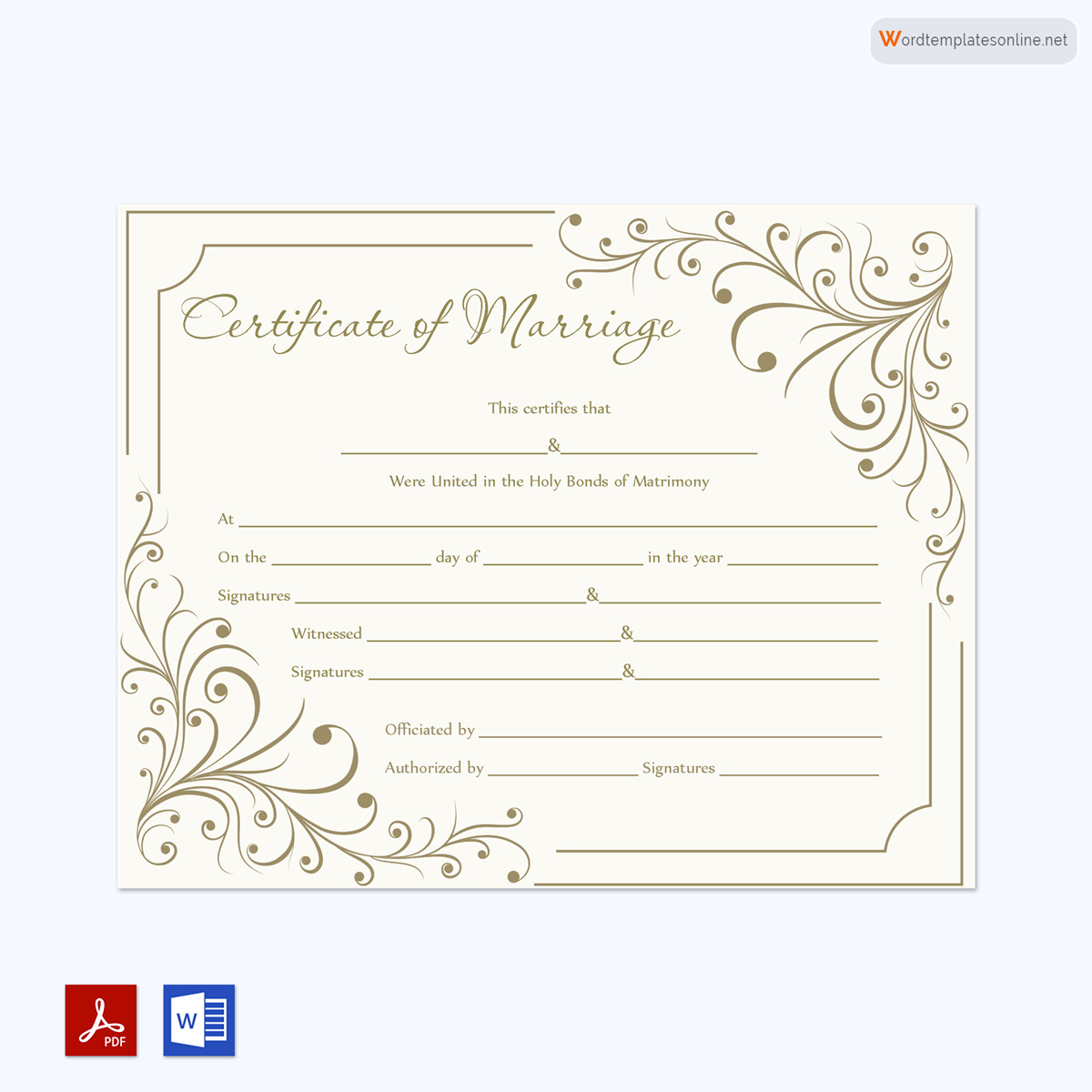
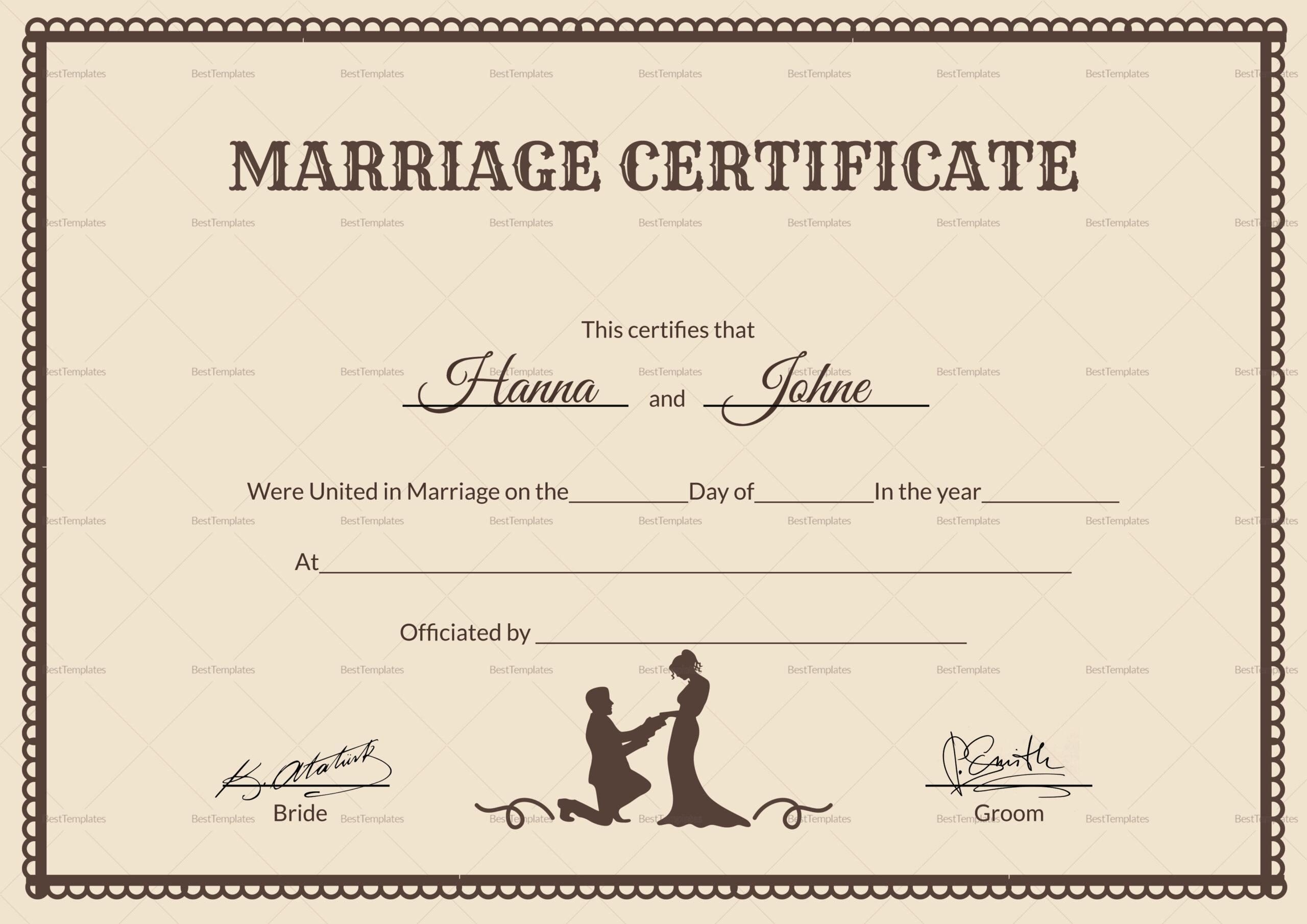
Whether the ceremony is rustic, modern, or traditional, the certificate’s design should echo that ambiance. For a minimalist ceremony, choose a clean, sans‑serif layout with minimal embellishments. For a classic ballgown affair, a flourished script and ornate borders would be more appropriate.
Consider gathering inspiration from wedding websites, bridal magazines, or even past certificates. Create a mood board to guide color choices and decorative motifs.
3. Draft the Core Text
Draft the base text using a neutral tone that aligns with legal standards while maintaining warmth. For instance:
“We, the undersigned, hereby declare that on this day, the couple [Bride] and [Groom], has been solemnized in marriage, following all necessary laws and procedures.”
Keep the language simple, formal, and inclusive.
4. Add Decorative Elements Strategically
Incorporate decorative borders, watermark images, or subtle background textures. Ensure that these elements do not interfere with readability or obscure legal fields. Test by printing a draft to see how the visual weight balances with text.
5. Ensure Compatibility Across Platforms
Provide the template in multiple formats—PDF, Word, and optionally as a Google Docs template—to accommodate different user preferences. Each format should preserve the layout integrity. If offering a digital version, embed a digital signature field or QR code that links to a verification service.
6. Review and Proofread
After finalizing the layout, conduct a thorough review to check for:
- Spelling or grammatical errors
- Incorrect legal phrasing
- Inconsistent font usage
- Alignment issues or broken lines
Get a second set of eyes from a legal professional or someone who has processed marriage certificates before. Their feedback can catch subtle pitfalls that may otherwise be overlooked.
7. Test Printing and Binding
Before delivering to a client, print the certificate on the intended paper stock. Evaluate:
- Paper weight (heavy, medium, or light)
- Ink saturation and color accuracy
- Signature line placement on the actual printed page
- Overall aesthetic when held and viewed from different angles
Make necessary adjustments—perhaps tweak margins or font size—before finalizing the master copy.
Real‑World Applications of a Marriage Certificate Template
1. Wedding Planners and Event Coordinators
Planners often handle multiple couples per season. A reusable template speeds up the process and maintains consistency across events. They can quickly adjust details like the couple’s names and ceremony date while preserving a unified visual language across all certificates issued in a single season.
2. DIY Couples
Many couples choose to print their own certificates for sentimental reasons. A template that balances legal validity and design freedom allows them to create a keepsake that feels both personal and professional. By incorporating family names, favorite colors, or a custom illustration, they can make each certificate a unique artifact of their love story.
3. Legal Professionals
County clerks, officiants, and attorneys rely on templates to ensure compliance with local statutes. Templates built with hidden fields and standardized wording reduce the chance of clerical errors and streamline the registration process, saving time for both the office and the couple.
4. Online Wedding Platforms
Platforms that sell digital wedding goods can offer a library of templates. This gives customers a ready-to-use solution that aligns with their chosen wedding theme. By providing step‑by‑step instructions on how to fill and print the certificates, these platforms add value beyond mere design.
Common Mistakes to Avoid
1. Skipping Legal Checks
Even a stunning design is futile if the document does not comply with state or local regulations. Double‑check that all required clauses and signature lines are present before finalizing.
2. Over‑Decorating
Too many flourishes can obscure important information. Maintain a balance by reserving decorative elements for borders or backgrounds rather than central text areas.
3. Using Incompatible Fonts
Mixing too many typefaces can create visual chaos. Stick to two font families—one for body text and one for headings or names—and ensure they remain legible when printed.
4. Neglecting Digital Accessibility
In an era where many documents are shared online, ensure the template is accessible on different devices. Use standard PDF forms or HTML forms that preserve layout across browsers and screen sizes.
Final Thoughts
A well‑crafted Certificate Of Marriage Template serves as a bridge between legal necessity and emotional expression. By carefully balancing statutory requirements with thoughtful design, it becomes more than a piece of paper—it turns into a lasting symbol of partnership. Whether you are a professional issuing thousands of certificates, a couple designing a one‑of‑a‑kind keepsake, or a vendor offering digital solutions, the right template can streamline processes, elevate presentation, and honor the joyous union it records. Invest in a template that reflects both precision and beauty, and let it be the foundation for a timeless celebration of love.
.jpg)