
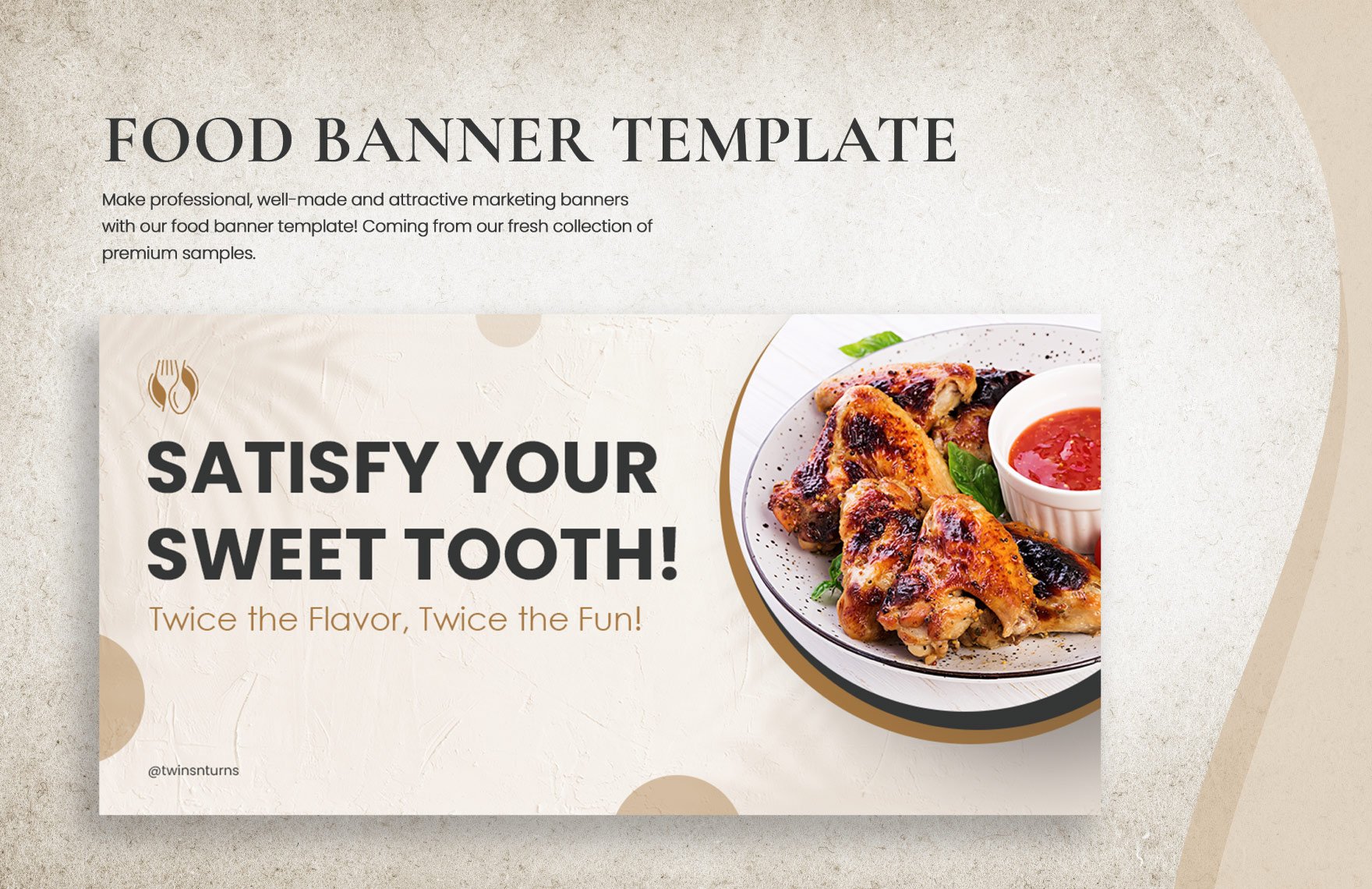
Food Banner Template is more than a simple graphic; it’s a strategic invitation that lures diners into a sensory experience before they even step foot inside a restaurant. In the competitive landscape of culinary marketing, a well‑crafted banner can be the decisive edge between a passerby turning a blind eye and a hungry customer pulling up a table.
The Power of a Food Banner Template
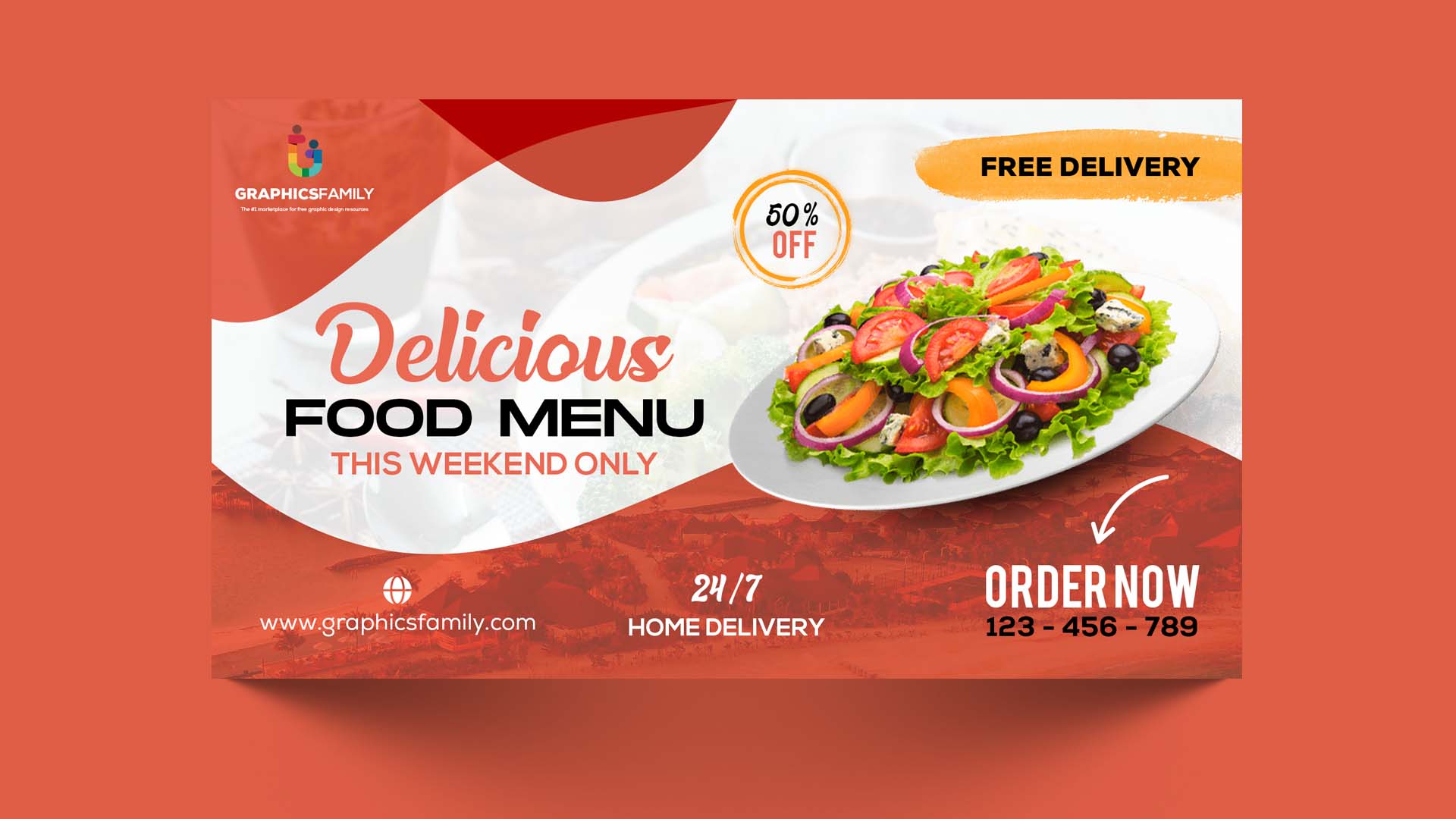
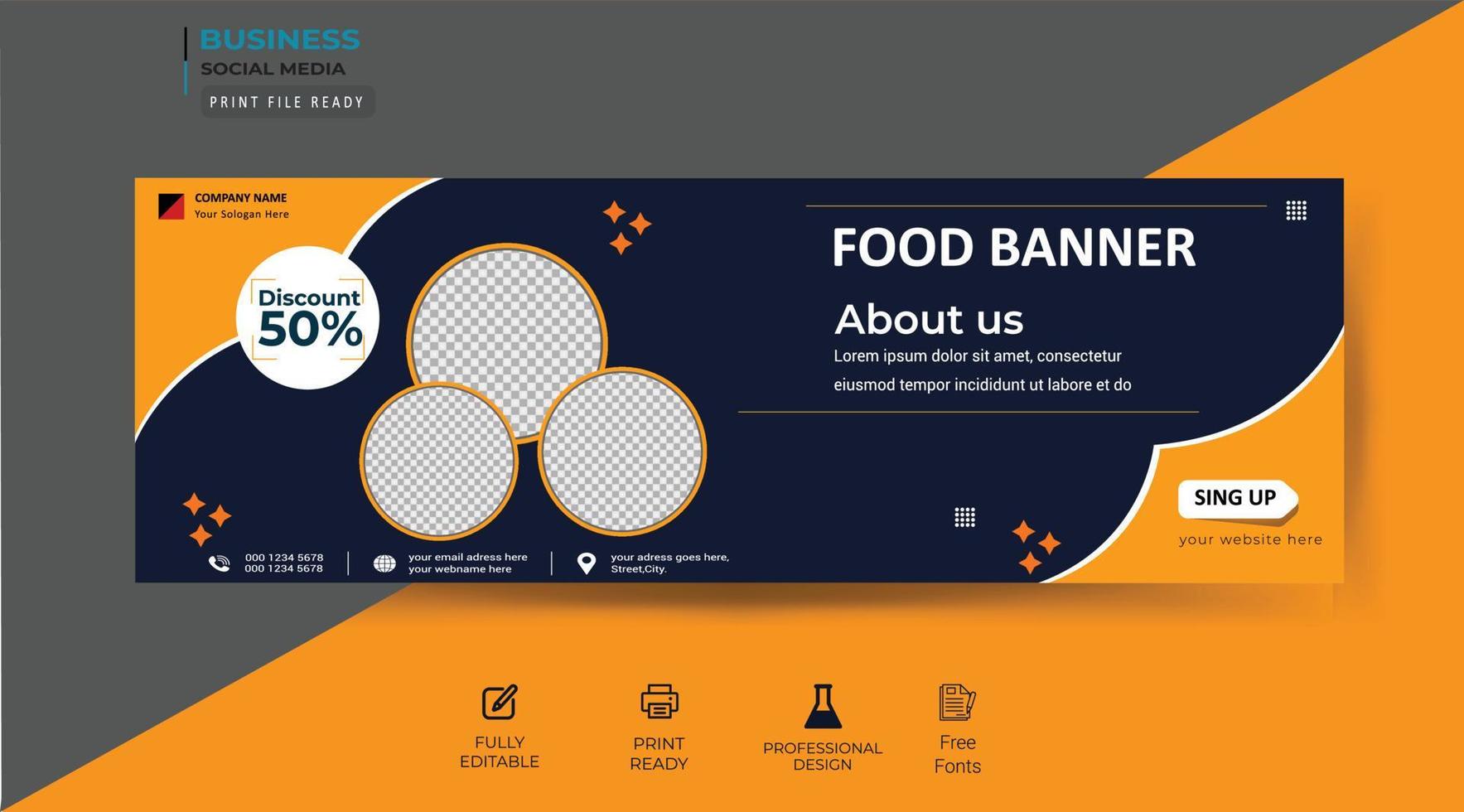
When a customer scrolls through their feed or walks past a storefront, a banner’s first job is to capture attention instantly. A thoughtfully designed Food Banner Template does this by combining bold visuals, concise messaging, and a clear call‑to‑action. The template serves as a blueprint, ensuring every campaign maintains brand consistency while allowing flexibility to highlight new menus, seasonal specials, or promotional events.
Brand Identity Reinforced
Consistency builds trust. By starting with a template, chefs and marketing teams can align every banner with the restaurant’s established color palette, logo placement, and tone. Over time, this consistent look becomes instantly recognizable to loyal patrons, reinforcing brand loyalty.
Time and Cost Efficiency
Creating a banner from scratch can take hours of design work. A template cuts this time down to minutes, enabling rapid response to limited‑time offers or last‑minute menu updates. The reduced labor translates into lower overhead costs, which is particularly valuable for small eateries or pop‑up concepts.
Choosing the Right Design Elements
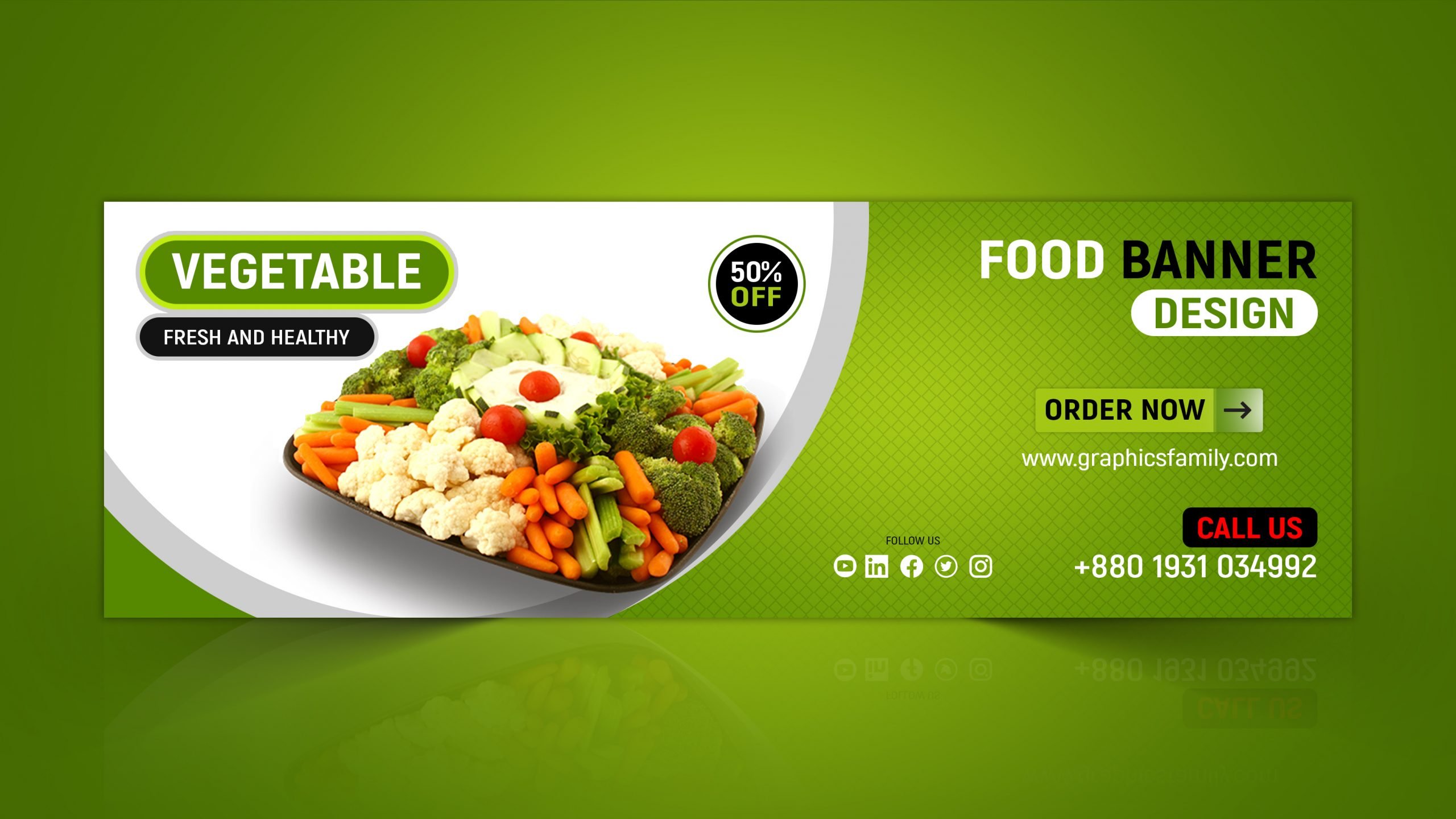
Every element on a banner must serve a purpose: to attract, inform, and convert. Here are the core components you should consider.
Hero Image
Choose a high‑resolution photo that showcases the dish’s texture, color, and portion size. The image should be the visual anchor that draws the eye and evokes hunger. Avoid generic stock shots; opt for authentic, studio‑captured images that reflect your kitchen’s personality.
Headline
Keep headlines short—ideally two to three words—to ensure quick readability. Use active verbs that convey urgency or delight, such as “Sizzling Summer Sashimi” or “Cozy Comfort Chili.” Pair the headline with a supportive subtitle that expands the offer.
Call‑to‑Action (CTA)
A CTA is the final nudge that moves a viewer from curiosity to action. Use commanding language like “Order Now,” “Reserve a Table,” or “Download the Menu.” Position the CTA button prominently, ensuring it contrasts sharply with the background.
Contact Information
Include essential details—phone number, website, social media handles—without cluttering the layout. A discreet footer or side panel can house these elements, allowing the main visual space to remain uncluttered.
Customizing for Your Brand Identity
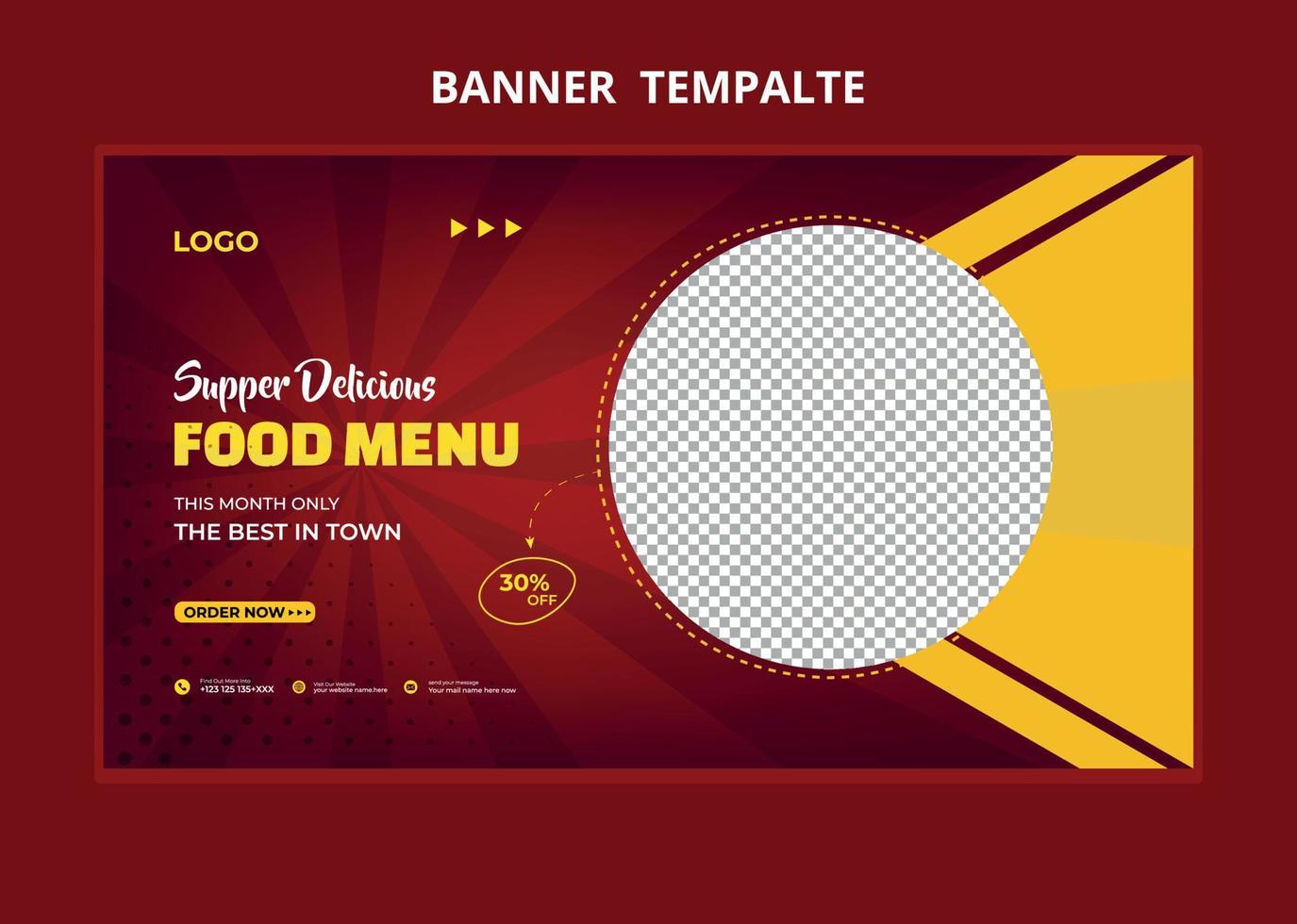
While templates provide a starting point, customization breathes life into the banner. Here’s how to adapt a base design to reflect your unique culinary voice.
Logo Placement and Scale
Position the logo where it naturally fits within the hierarchy—usually the top left or bottom right corner. Keep the logo size proportionate to the overall banner to avoid overpowering the main image.
Color Palette Adaptation
Use your brand’s primary and secondary colors to guide the background, text, and CTA. For a black‑tone aesthetic, consider matte dark backgrounds with metallic or neon accents that create a striking contrast.
Typography Choices
Choose fonts that mirror your menu’s mood—elegant serif for upscale fine dining, or bold sans‑serif for casual fast‑food spots. Ensure readability at different screen sizes, especially for mobile users who may view the banner on their phones.
Texture and Visual Filters
Adding subtle grain, vignette, or overlay effects can elevate the banner’s visual appeal, giving it a more cinematic or rustic feel in line with your brand’s narrative.
Color Psychology in Food Advertising
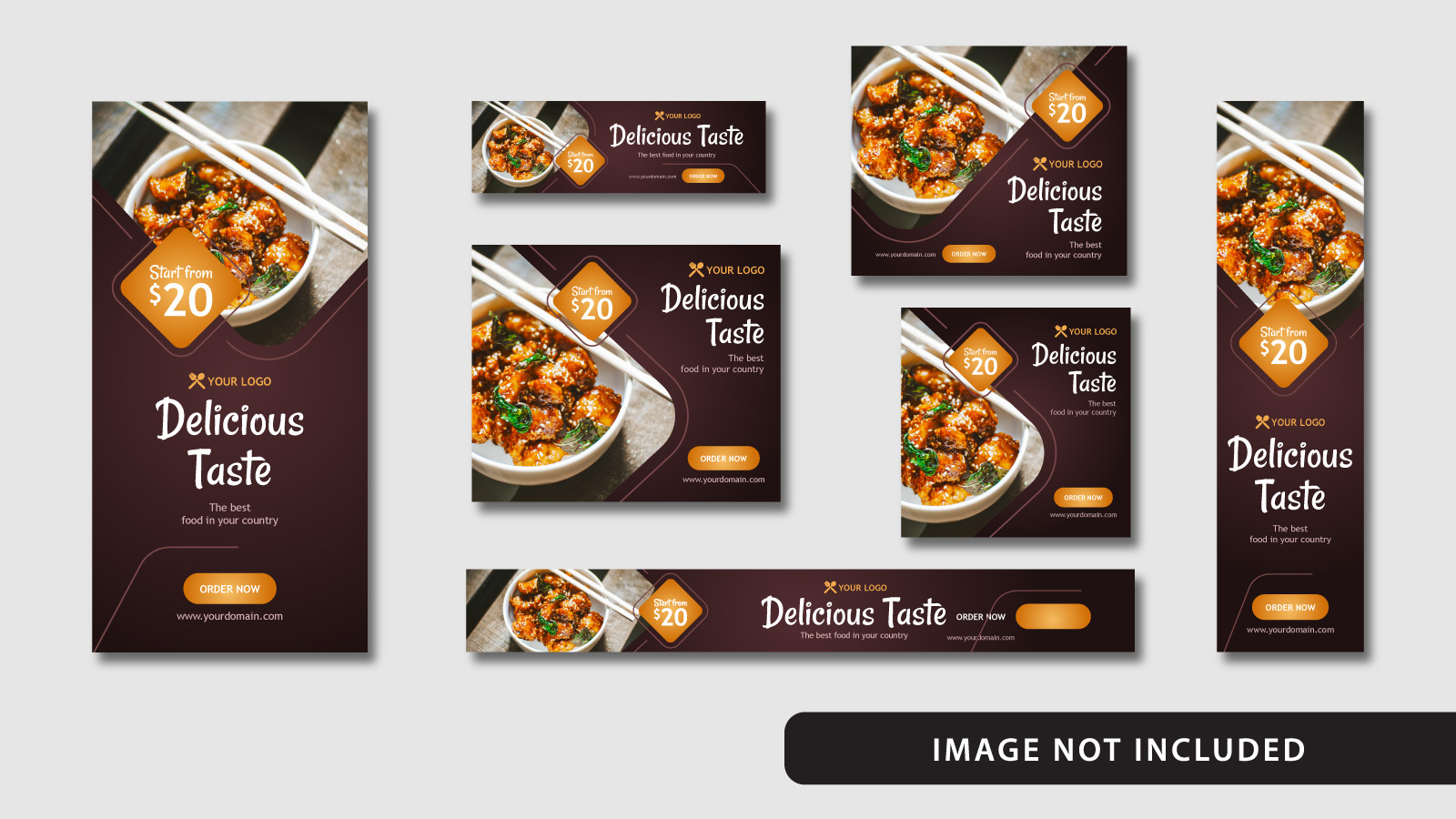
Color isn’t just decoration; it triggers psychological responses that can influence appetite and purchase intent.
Red
Associated with excitement and urgency, red can prompt impulse orders. Use it sparingly for CTA buttons or accents rather than large background areas.
Green
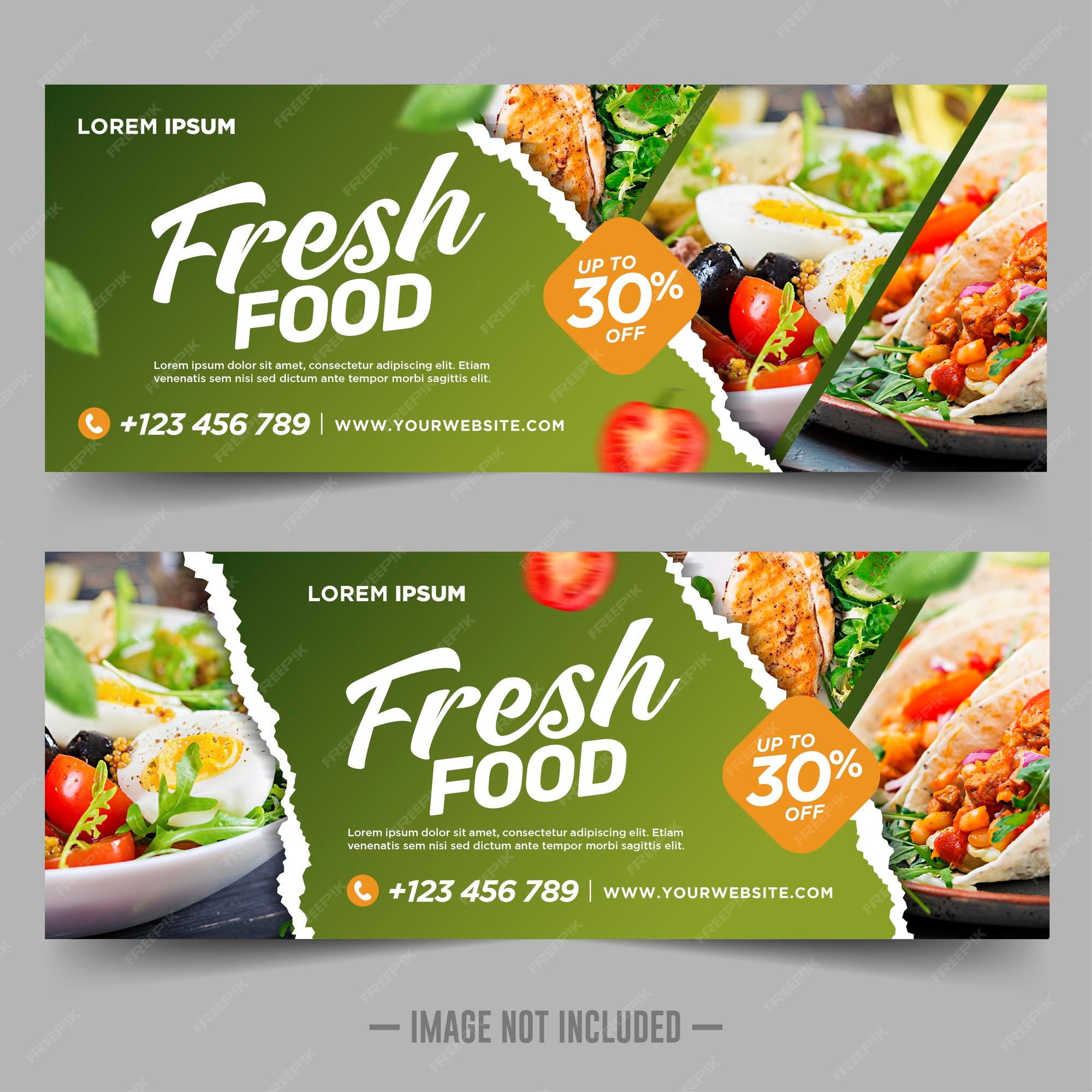
Conveys freshness and health, ideal for vegetarian or farm‑to‑table establishments. A green border or leaf motif can reinforce this message.
Black and Matte Finishes
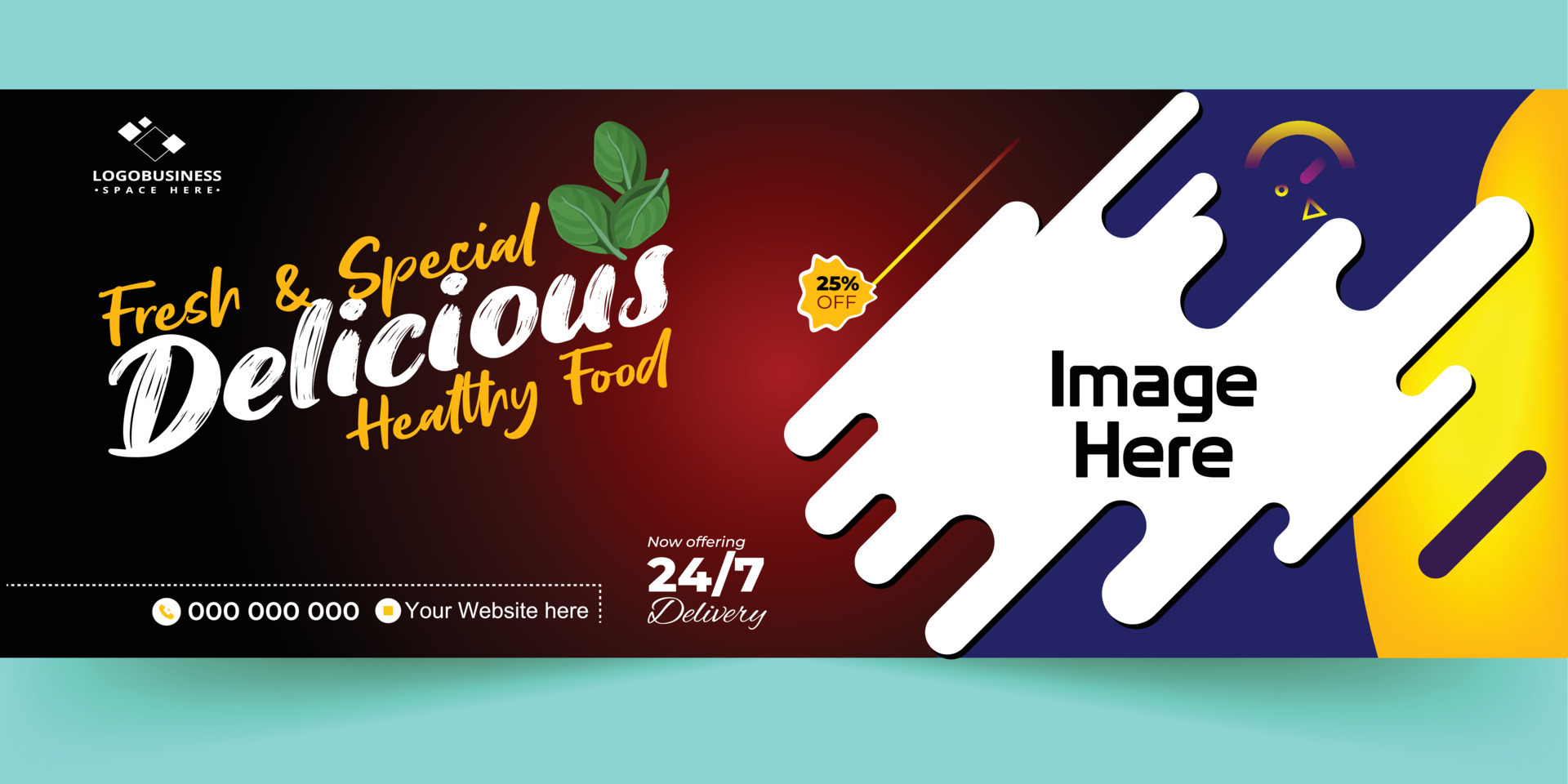
Black backgrounds exude sophistication and highlight food colors, making dishes appear more vivid. Matte textures reduce glare, enhancing readability on bright screens.
Typography Choices That Drive Appetite
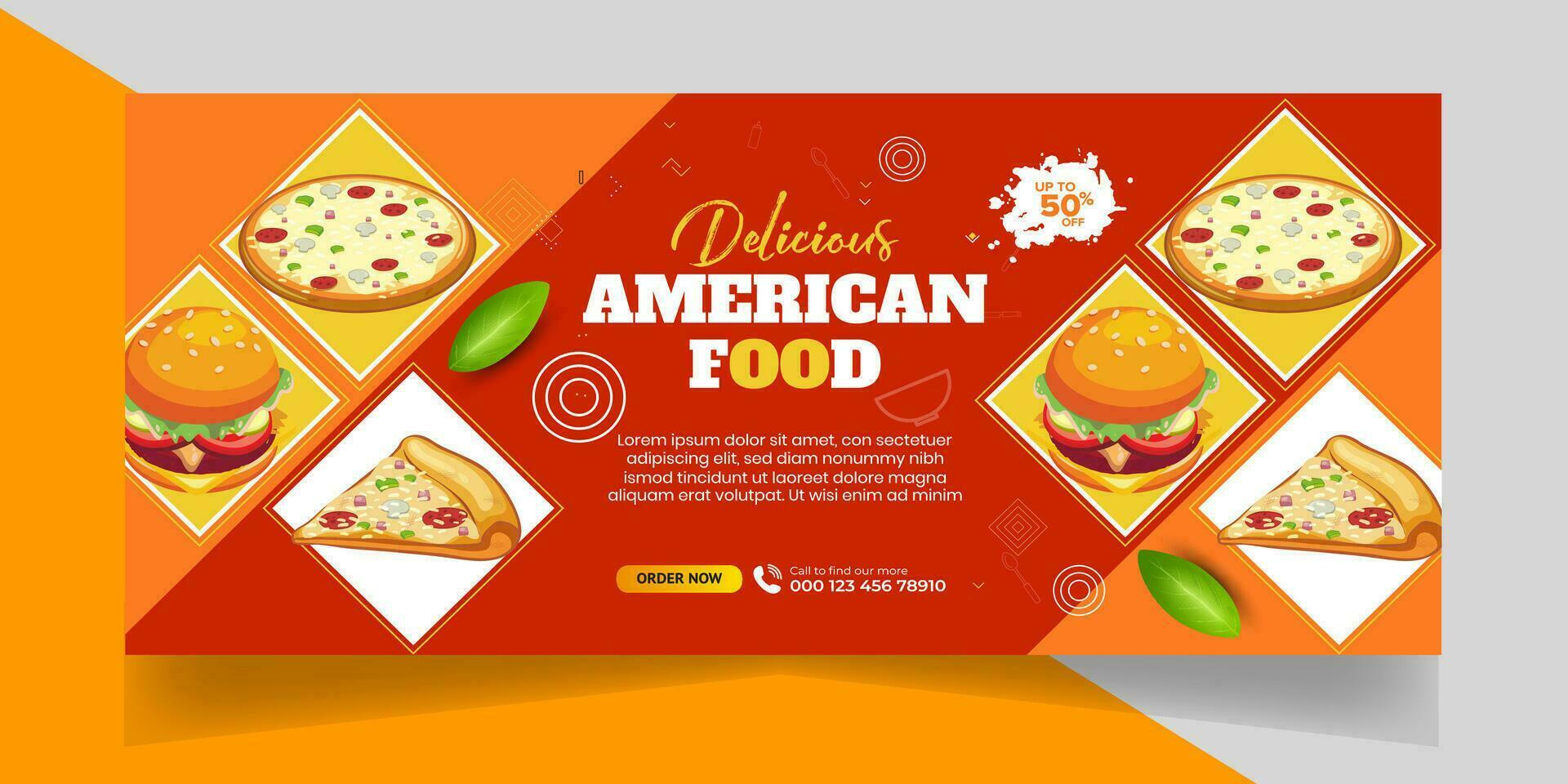
Font selection can subtly influence how appetizing a dish appears.
Serif Fonts
Offer a classic, refined feel. They work well for upscale restaurants where customers expect a certain level of formality.
Sans‑Serif Fonts
Provide a clean, modern look. Ideal for fast‑food chains or trendy cafés targeting younger audiences.
Script Fonts
Add a touch of elegance or whimsy. Use sparingly for headlines or special event banners to avoid readability issues.
Incorporating Imagery That Pops
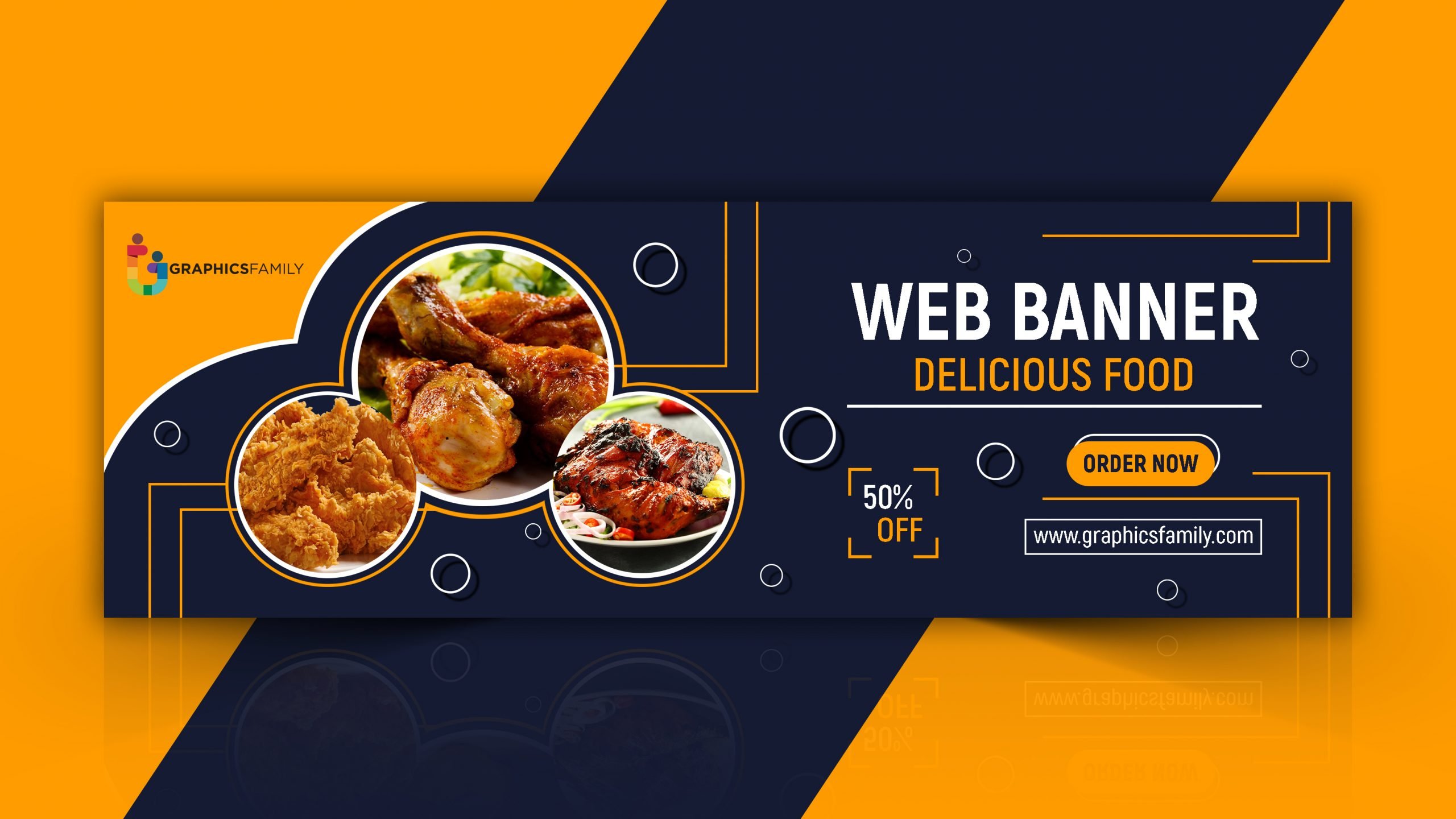
Food photography is an art that requires careful consideration of lighting, angle, and presentation.
Lighting
Soft, diffused light highlights texture without creating harsh shadows. A backlit setup can emphasize steam or glaze, adding an appetizing sheen.
Angle
Top‑down shots are great for pizza or salads, while a 45° angle showcases layers in burgers and sandwiches. Adjust the angle based on what best showcases the dish’s unique qualities.
Styling
Use garnishes, plates, and condiments that complement the dish’s colors. A splash of sauce or a sprinkle of herbs can add visual intrigue.
Layout Techniques for Maximum Impact
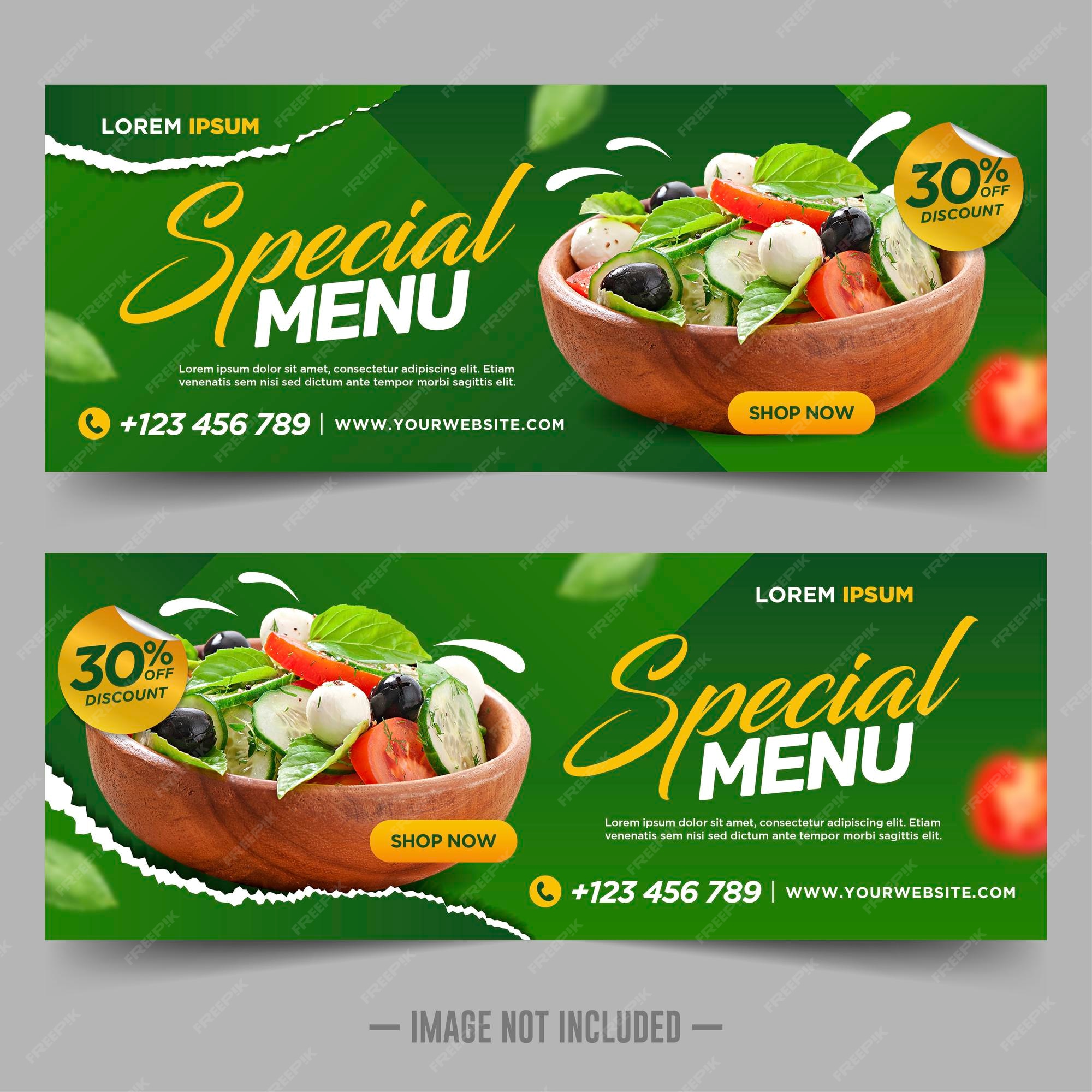
Good layout directs the viewer’s gaze and ensures the message is communicated efficiently.
Rule of Thirds
Place key elements (image, headline, CTA) along the intersections of a 3×3 grid. This natural visual alignment enhances balance.
Whitespace Management
Don’t overcrowd the banner. Adequate whitespace reduces visual noise, making the core message stand out.
Layering
Use overlay layers to separate text from background images. Semi‑transparent dark overlays on bright images improve text legibility.
Responsive Design: Mobile and Desktop Harmony

With the majority of traffic coming from mobile devices, your banner must adapt smoothly across screen sizes.
Adaptive Images
Serve different image resolutions based on device width. A high‑quality desktop image can be downscaled for mobile to reduce load times.
Stacked vs. Horizontal Layouts
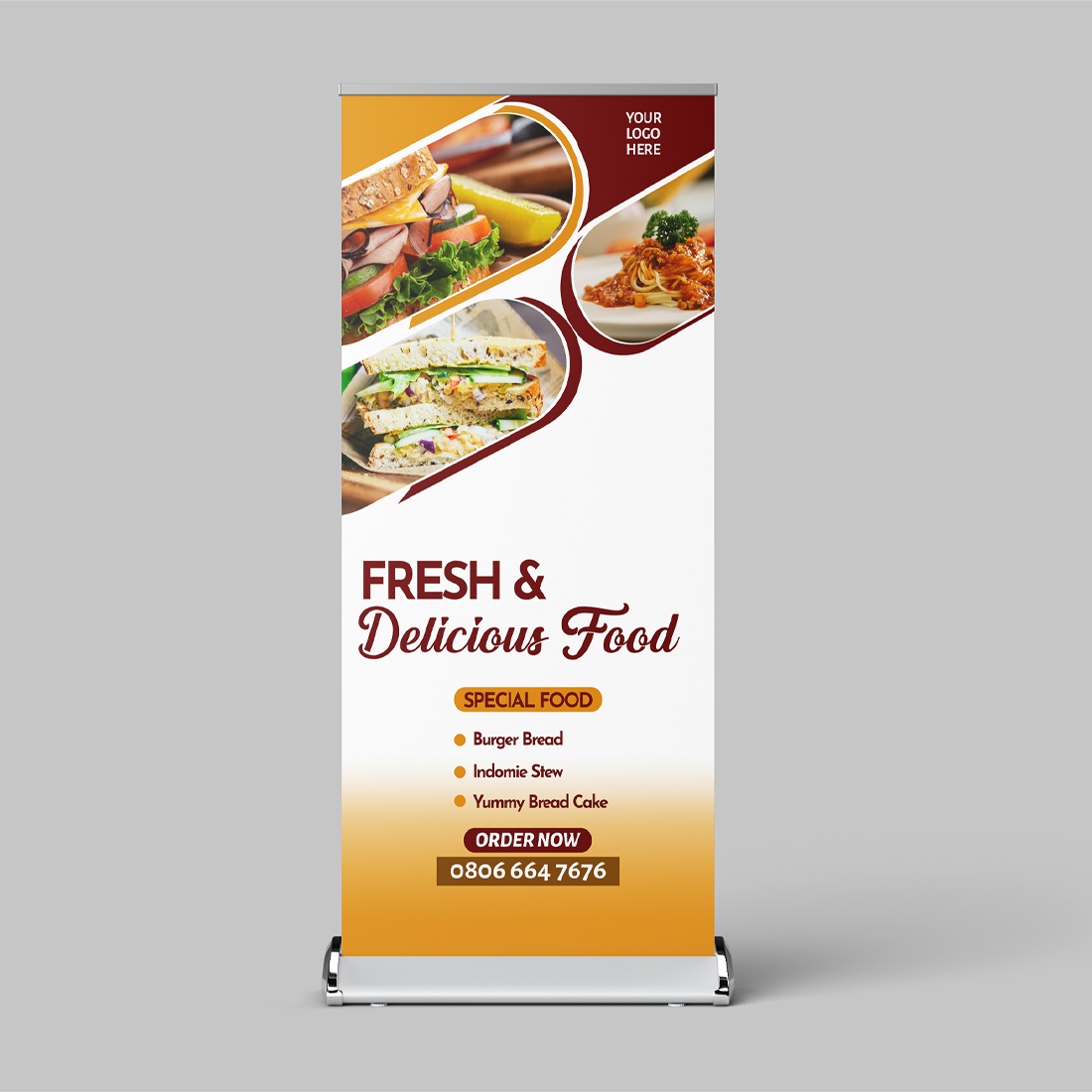
On small screens, stack elements vertically—image on top, headline below, CTA at the bottom. On larger screens, consider a horizontal split with image on one side and text on the other.
Touch-Friendly CTAs
Ensure button sizes meet minimum tap target guidelines (at least 44×44 pixels) to improve conversion rates on touch screens.
Practical Workflow: From Template to Campaign

Here’s a step‑by‑step guide to streamline banner creation and deployment.
- Define the Objective: Is this banner promoting a new menu, a holiday discount, or a reservation drive?
- Select the Template: Choose a layout that aligns with your objective—hero image banner for menu launches, split layout for limited‑time offers.
- Gather Assets: High‑resolution images, logo files, copy, and CTA text.
- Customize: Adjust colors, fonts, and imagery within the template to match brand guidelines.
- Preview Across Devices: Use preview tools to ensure readability on smartphones, tablets, and desktops.
- Export in Optimal Formats: JPEG or PNG for web; SVG for scalable vector needs.
- Deploy: Upload to social platforms, website, or digital signage.
- Track Performance: Monitor click‑through rates, conversion metrics, and audience engagement.
- Iterate: Use data insights to refine copy, visuals, or CTAs for future campaigns.
Common Mistakes to Avoid

Even seasoned marketers can fall into pitfalls that dilute banner effectiveness.
Overloading Text
Long paragraphs or too many words scatter the message. Stick to punchy headlines and brief supporting lines.
Low‑Resolution Images
Blurry or pixelated photos undermine credibility. Always use the highest feasible resolution.
Ignoring Brand Consistency
Sudden shifts in color or typography can confuse customers. Maintain a consistent visual language across all banners.
Neglecting Mobile Optimization
Failing to adapt to small screens can lead to text truncation or misaligned elements, driving users away.
Measuring Success: Metrics and Feedback

Understanding impact is crucial for refining future campaigns.
Click‑Through Rate (CTR)
Measures the effectiveness of the CTA. A high CTR indicates compelling copy and design.
Conversion Rate
Tracks how many viewers take the desired action (order, reservation, download).
Time on Banner
Using heat‑maps and tracking pixels, gauge how long users linger on the banner before interacting.
Social Engagement
Likes, shares, and comments on platforms where the banner appears reflect brand resonance.
Real‑World Examples

Examining successful banners can illuminate best practices.
Gourmet Bistro
Used a matte black background with gold accents. The headline “Seared Salmon Supreme” hovered above a close‑up of the dish. The CTA, a gold button, read “Reserve Now.” The result? A 35% increase in reservation traffic during the promotion period.
Fast‑Food Chain
Implemented a split layout: bright, golden fries on the left, bold red text on the right. The headline “Triple Cheese Burger” used a chunky, sans‑serif font. The banner was optimized for mobile with a larger tap‑target button that said “Order Now.” They saw a 20% lift in online orders.
Farm‑to‑Table Café
Embraced a green palette and earthy textures. A top‑down shot of a colorful salad served as the hero image. The CTA read “Explore Our Seasonal Menu.” The banner’s natural aesthetic drew in a health‑conscious audience, boosting foot traffic by 15% during the launch.
Conclusion
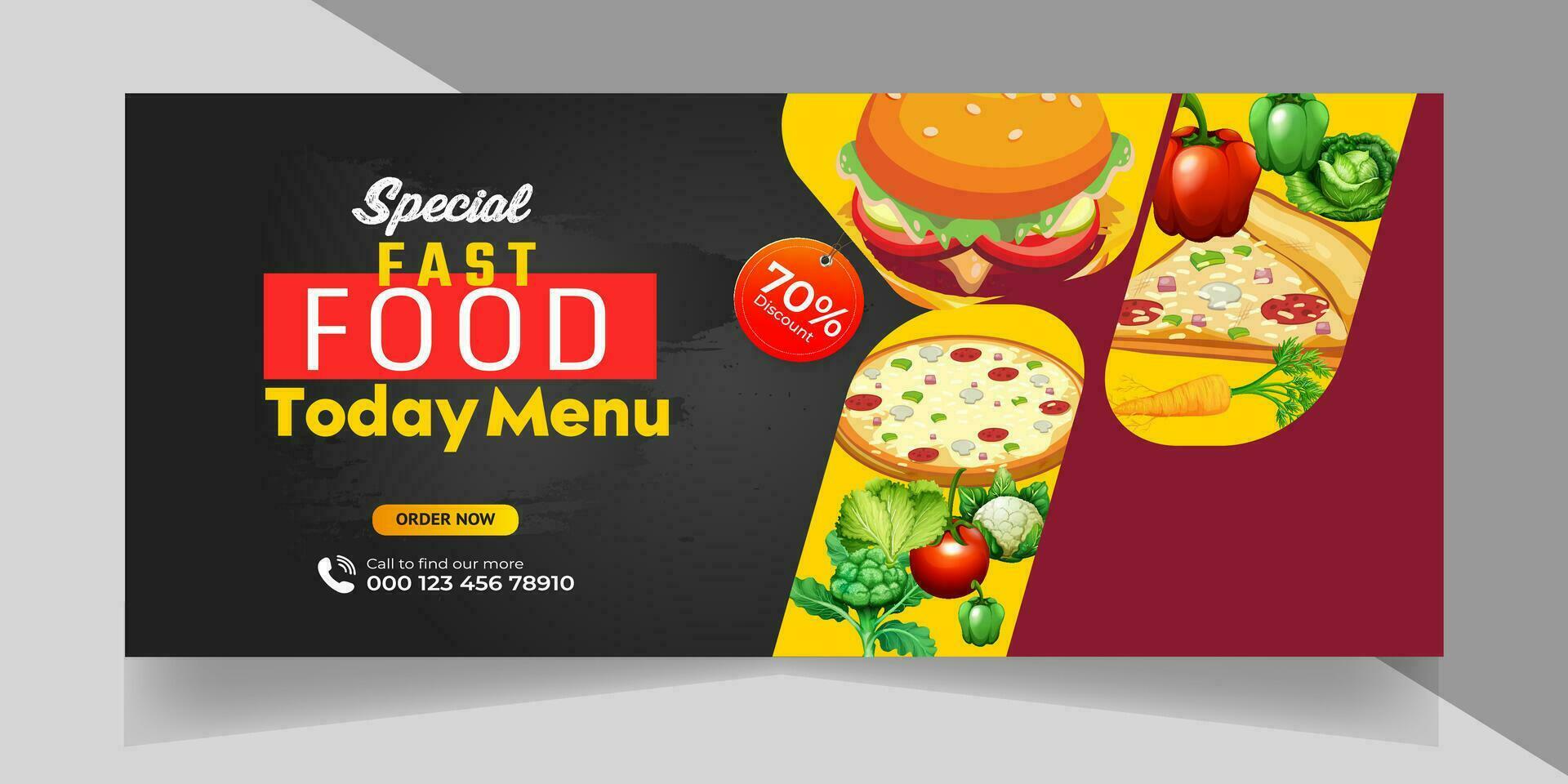
In the fast‑paced world of food marketing, a Food Banner Template is more than a design shortcut; it’s a strategic tool that unites brand identity, visual storytelling, and conversion optimization. By thoughtfully selecting imagery, employing color psychology, customizing typography, and ensuring responsive design, you transform a simple banner into a powerful appetizing narrative. Remember to keep the text concise, test across devices, and track performance metrics. With these practices, your banners will not only catch eyes but also fill tables.

Related posts of "Food Banner Template"
