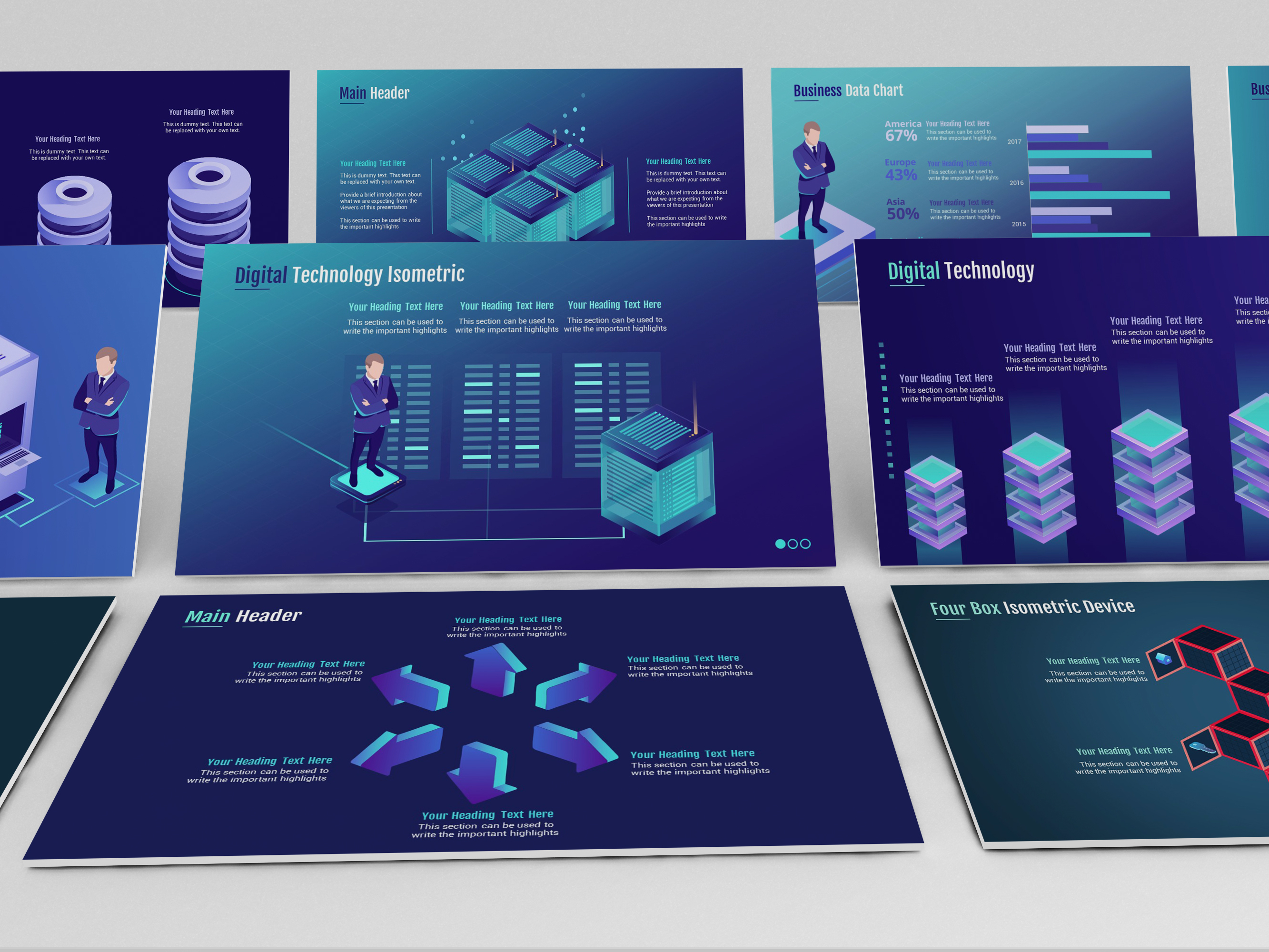
Powerpoint Templates For Technology Presentations are more than just visual tools; they are strategic assets that elevate the clarity, engagement, and professionalism of technical talks. Whether you’re a software engineer pitching a new product, a cybersecurity analyst presenting risk metrics, or a data scientist explaining machine‑learning models, a well‑crafted template can transform a dry slide deck into a compelling narrative that resonates with stakeholders.
Why Technology Presentations Need Custom Templates

In the fast‑paced world of tech, information overload is a common challenge. Custom templates address this by providing structure and visual cues that help audiences follow complex ideas. Below are three core reasons why every tech presenter should invest in a thoughtfully designed template.
Clarity and Professionalism
Tech topics often involve jargon, intricate diagrams, and large datasets. A template that uses clean typography, balanced white space, and consistent color coding enables presenters to convey details without clutter. This professionalism also reassures clients and investors that the team is organized and detail‑oriented.
Time Efficiency
Designing a presentation from scratch can consume hours that might be better spent refining content or rehearsing delivery. Templates provide pre‑formatted slides—such as title pages, agenda, section headers, and data charts—that streamline the creation process. The result is a polished deck ready for review in a fraction of the time.
Branding Consistency
For enterprises, maintaining a brand identity across all communications is vital. Templates embed logos, brand colors, and typographic styles, ensuring every slide aligns with the corporate visual language. Consistent branding not only enhances credibility but also fosters instant recognition among diverse audiences.
Key Design Elements of Tech Templates

A powerful tech template blends aesthetics with functionality. The following elements are essential to capture technical audiences while keeping slides digestible.
Color Schemes that Reflect Innovation
Modern tech themes often favor cool palettes—blues, greens, and purples—paired with high‑contrast accents. These colors evoke reliability, growth, and forward thinking. Additionally, using gradients or subtle textures can give depth without overwhelming the content.
Iconography and Visual Metaphors
Icons are universal languages in technology. They quickly convey concepts such as servers, networks, cloud infrastructure, or security layers. A template that includes a consistent icon set—whether flat or line—helps to reinforce key points and maintain visual harmony.
Data Visualization Aids
Tech presenters frequently rely on charts, graphs, and heat maps. Templates with built‑in chart styles and customizable data blocks allow for rapid insertion of complex analytics while preserving a coherent look. Remember to keep color legends simple and avoid overly dense visualizations that can confuse viewers.
Animation and Transition Best Practices
Animations should enhance understanding, not distract. Simple fade‑ins, slide‑in effects, or timed highlights work best. Avoid excessive motion, especially during critical explanations, as it can impair comprehension and reduce professional perception.
Top Categories of Technology Powerpoint Templates

Tech presentations vary widely—from agile sprint reviews to cloud‑migration roadmaps. Choosing a template aligned with your topic ensures that the design supports, rather than competes with, the content.
Software Development & Agile
These templates focus on iteration cycles, backlog visualizations, and sprint burndown charts. They often feature minimalist backgrounds to keep code snippets and flow diagrams legible.
Cloud & DevOps
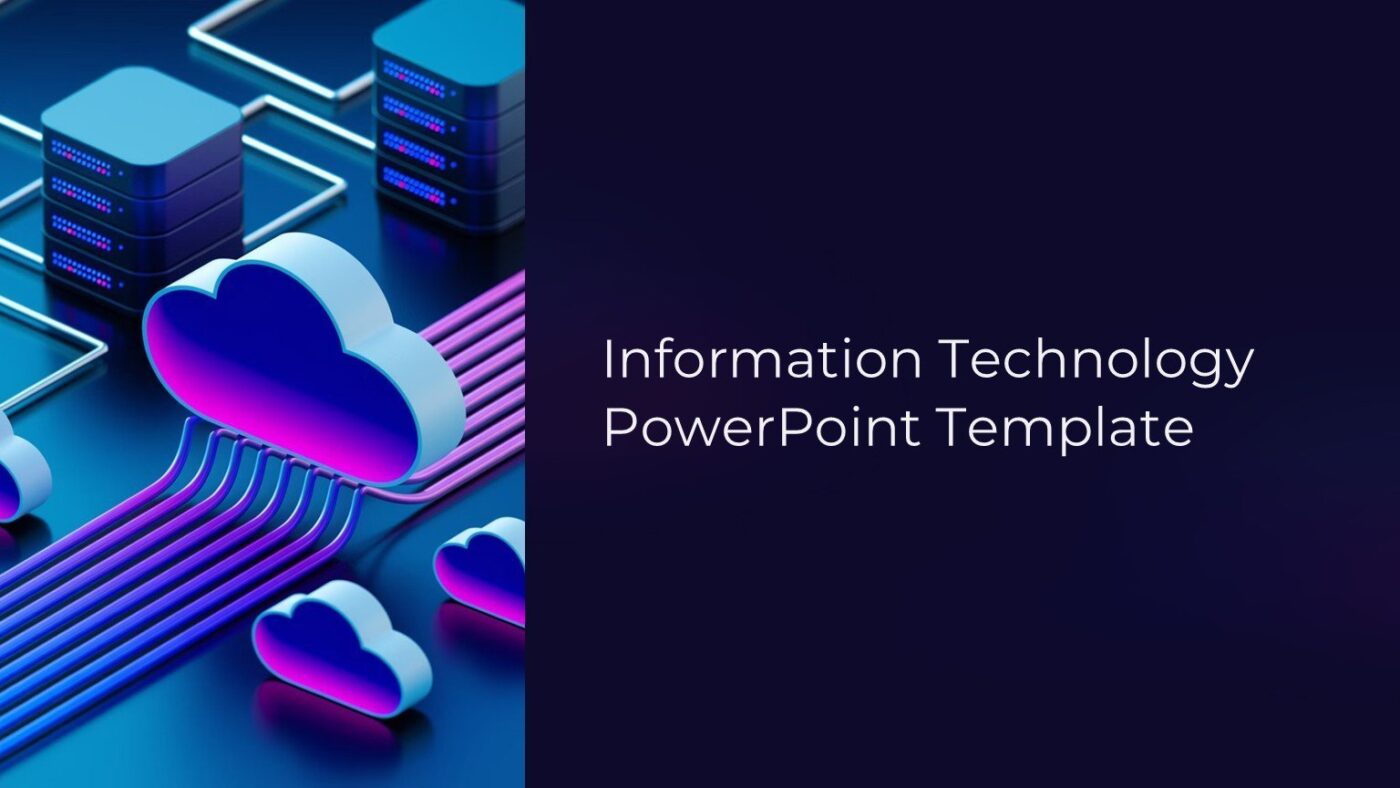
Cloud presentations demand visuals that depict scalable architectures, containerization, and CI/CD pipelines. Templates with network diagrams, cloud icons, and modular layers fit this niche perfectly.
Cybersecurity
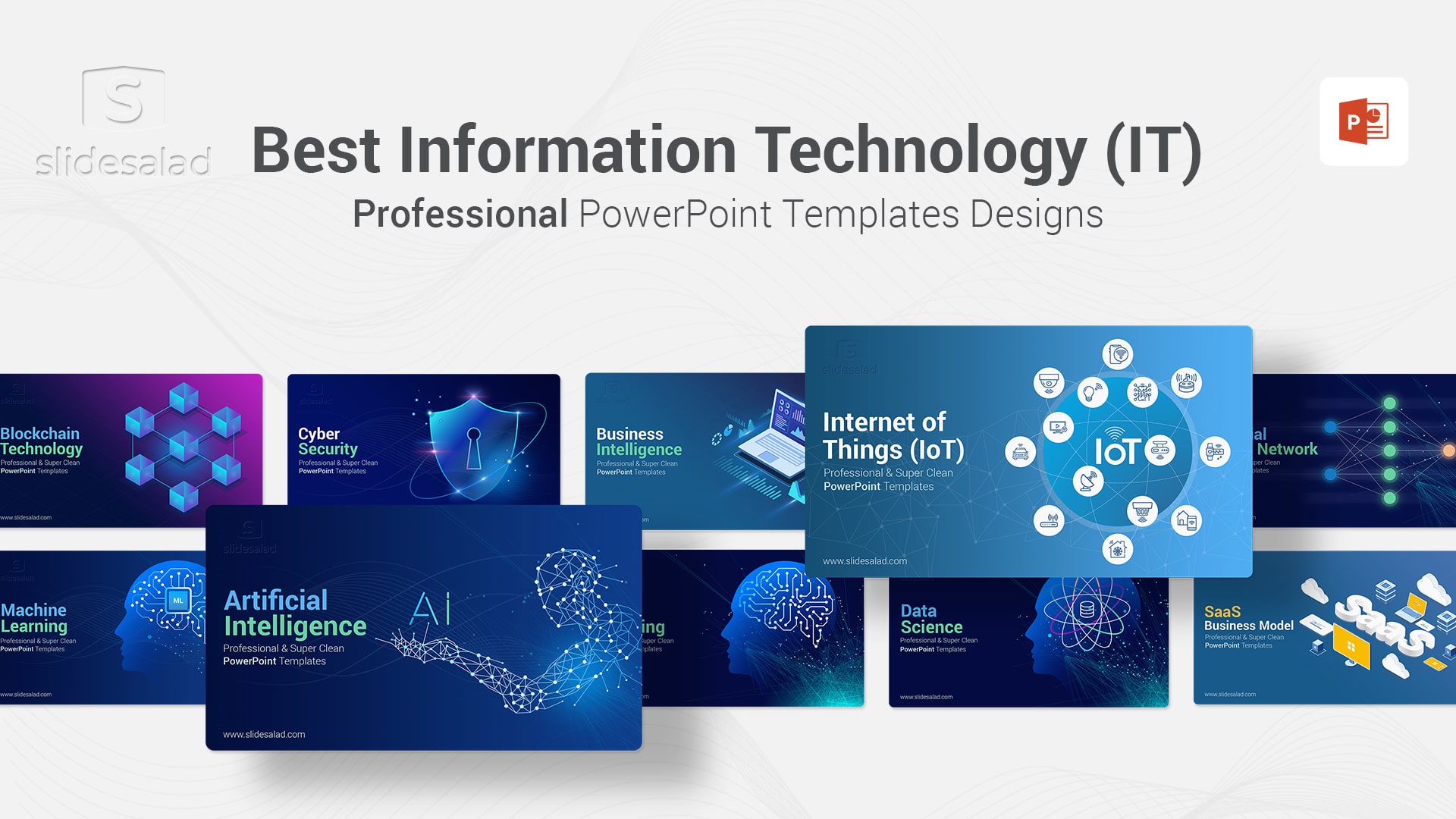
Templates for security talks prioritize dark themes with bright warning colors. Elements such as shield icons, threat heat maps, and compliance checklists help emphasize risk assessment.
AI & Machine Learning
AI topics benefit from templates that include neural network diagrams, data pipelines, and model performance metrics. A futuristic aesthetic with subtle gradient backgrounds conveys innovation.
IoT & Smart Devices
IoT presentations require visuals that connect devices, data streams, and analytics dashboards. Templates featuring sensor icons, connectivity lines, and smart‑home imagery illustrate these relationships effectively.
How to Choose the Right Template for Your Audience
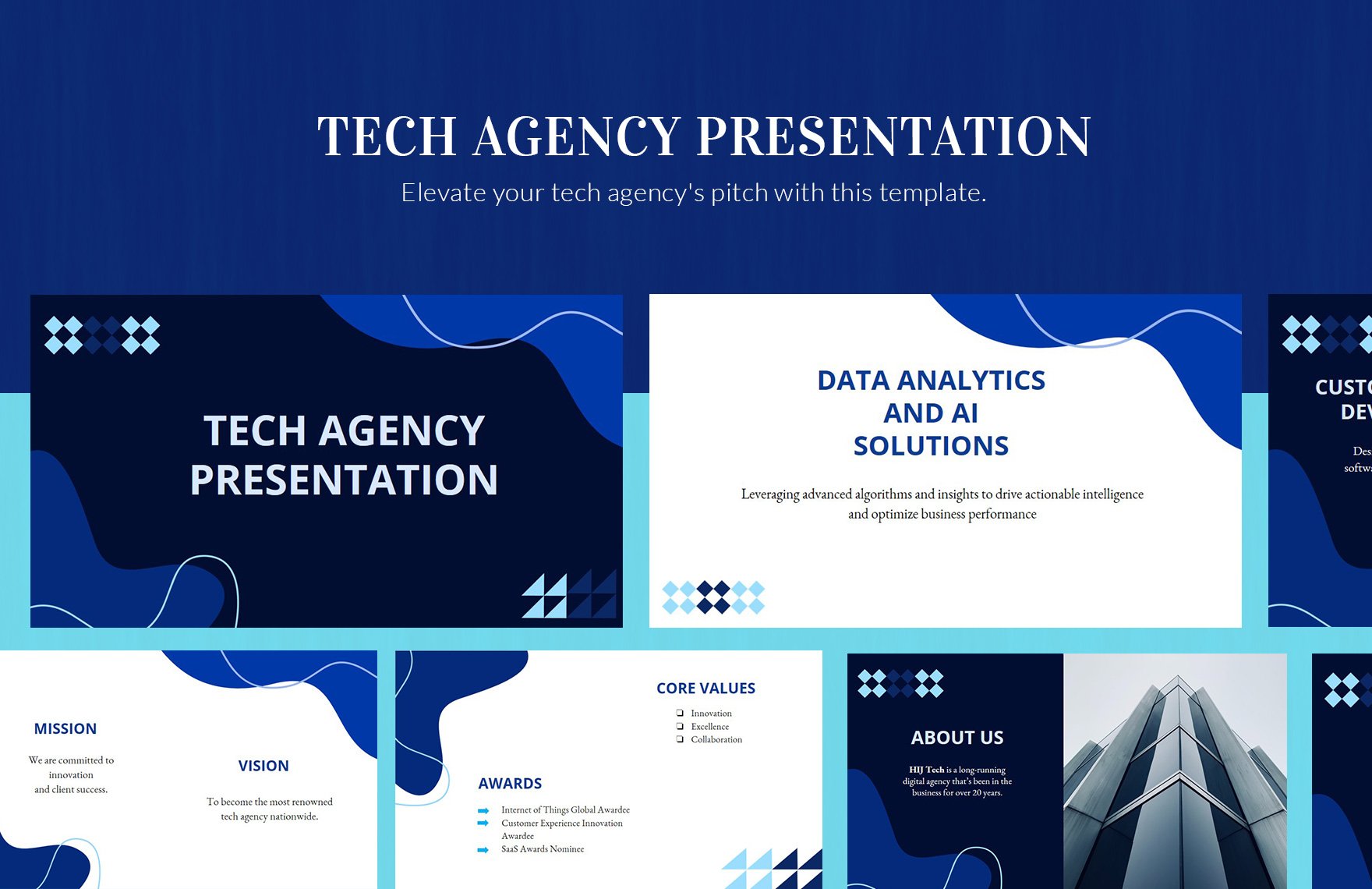
Even the best design can fall flat if it doesn’t resonate with the target listeners. Tailoring the template to your audience’s expectations is essential.
Understanding Audience Demographics
- Tech professionals may appreciate detailed diagrams and jargon.
- Non‑technical stakeholders benefit from simplified visuals and clear narratives.
- Executives often focus on high‑level metrics and ROI.
Aligning with Presentation Goals
Ask yourself: is the goal to inform, persuade, or sell? Informational decks lean towards clarity and data; persuasive decks emphasize storytelling and branding; sales decks focus on benefits and competitive advantage.
Compatibility with Software and Devices
Ensure the template works seamlessly on Powerpoint, Google Slides, or Keynote, and that it displays correctly on both desktop and mobile devices. Test slide transitions and media playback across platforms before the final delivery.
Accessibility and Color Blindness
Choose color palettes with sufficient contrast and include accessible fonts. Use icons with descriptive alt text if the presentation will be shared digitally. This guarantees inclusivity and broad reach.
Customizing Templates for Maximum Impact

While templates provide a foundation, tailoring them to your brand and narrative can elevate the experience. Follow these steps to customize effectively.
Modifying the Slide Master
The slide master controls the overarching layout. Adjust background colors, font sizes, and element positions to match your brand guidelines. By editing the master, every slide updates automatically, saving time and maintaining consistency.
Adding Company Logo & Theme
Embed your logo in a visible but non‑intrusive location—usually a corner of each slide. Set the theme colors to reflect your brand’s palette; this trick ensures brand recognition without manual color changes on every slide.
Integrating Interactive Elements
Interactive components such as live polls, embedded dashboards, or clickable sections can engage tech audiences. Incorporate these features by embedding URLs, QR codes, or using Powerpoint’s “Action” button to link to supplementary materials.
Using Slide Themes for Consistency
Apply a single theme across sections to create a seamless narrative. If you need to differentiate between phases—e.g., research, development, deployment—use subtle background shifts or color accents while keeping the overall layout consistent.
Real-World Success Stories

Examples of how well‑designed templates have turned technical presentations into memorable experiences.
Startup Pitch Deck Transformation
A software startup used a minimalist, data‑centric template to present a new SaaS platform. By highlighting user growth charts and a clean architecture diagram, they secured a $2M seed round. The template’s clear layout helped investors quickly grasp the business model.
Tech Conference Talk
During a global cloud‑computing symposium, a senior engineer presented a 30‑minute session on serverless architecture using a template with dynamic network diagrams. The audience noted the visual clarity and the ease with which complex concepts were broken down.
Corporate Quarterly Report
A multinational IT firm leveraged a template featuring interactive dashboards and KPI tables to present quarterly performance. The consistent branding and concise charts enabled executives to make data‑driven decisions in under 20 minutes.
Best Practices for Using Templates in Tech Presentations
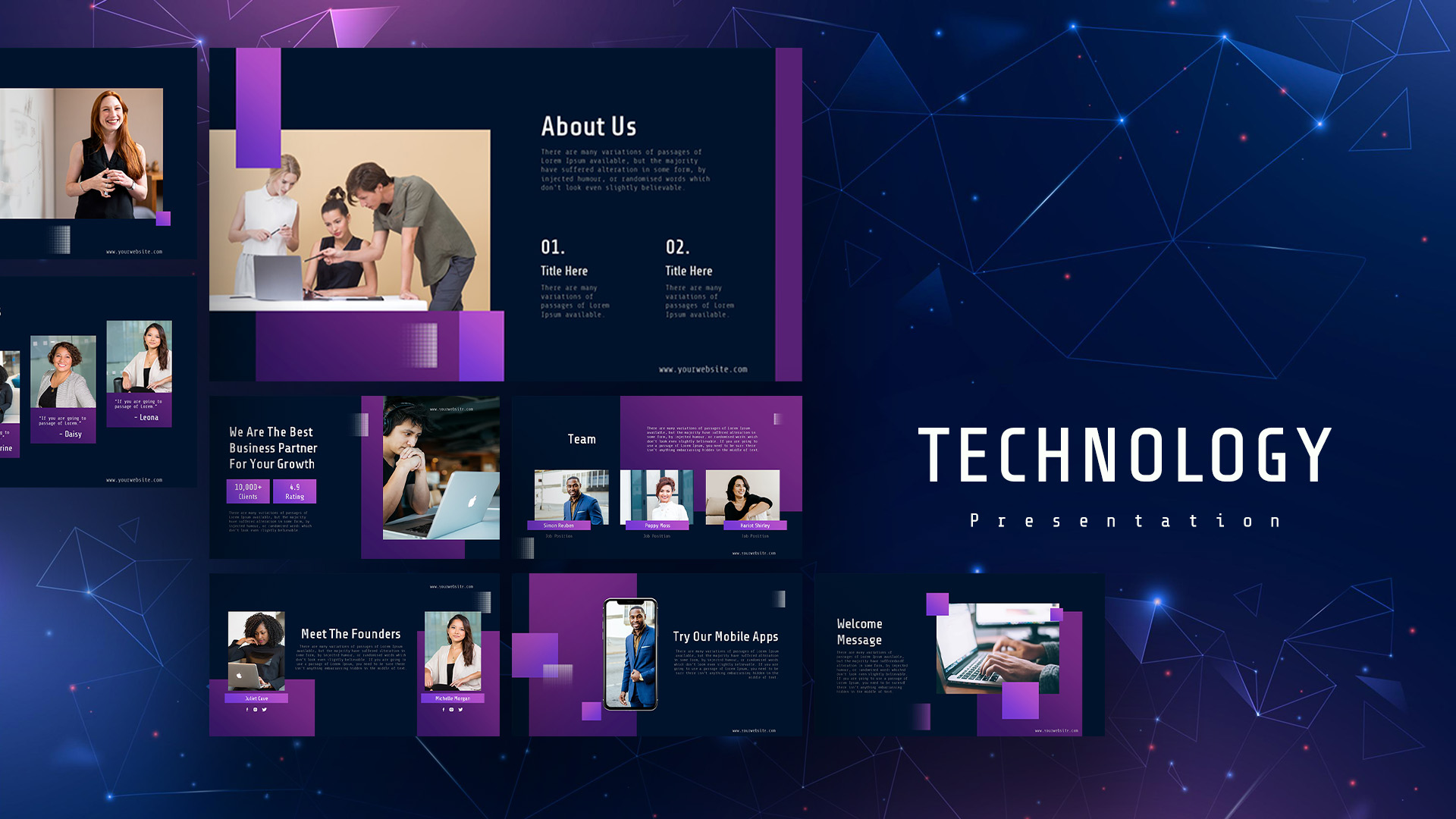
Even the most elegant template needs thoughtful application. Follow these guidelines to maximize impact.
Keeping Slide Count Low
Limit your deck to the core message. A focused presentation (10–15 slides) retains attention better than a bloated deck of 30+ slides. Use the template’s section breaks to manage pacing.
Storytelling Techniques
Introduce a problem, demonstrate a solution, and showcase results. Use the template’s narrative structure—title slide, problem slide, methodology slide—to guide the audience through the storyline.
Rehearsal and Feedback Loops
Practice with the final template to catch layout issues or timing problems. Share the deck with a colleague for feedback on visual clarity and pacing before the live event.
Exporting and Compatibility Checks
Export the presentation as PDF and Powerpoint (PPTX) to ensure cross‑platform accessibility. Check that embedded media play correctly and that font substitutions do not occur on recipient machines.
Where to Find Free and Premium Templates

Choosing the right source balances quality, cost, and customization options. Below are curated options for different budgets.
Free Resources
- University lecture slide repositories often feature open‑source templates.
- Online communities such as SlideShare and Behance host user‑shared templates that can be adapted.
Premium Marketplaces
- Design marketplaces provide professionally curated templates with licensing for commercial use.
- Many vendors offer bundles that include icons, fonts, and color palettes tailored for tech themes.
Custom Design Services
For companies seeking brand‑specific solutions, hiring a UI/UX designer or a presentation specialist can yield a unique template that aligns precisely with corporate identity and content strategy.
Conclusion
Choosing and customizing the right Powerpoint template is a strategic decision that can amplify the effectiveness of technology presentations. By prioritizing clarity, consistency, and audience relevance, you transform complex technical material into an engaging, persuasive story. Start with a template that matches your topic, refine it with your brand elements, and practice the narrative flow to deliver presentations that not only inform but inspire confidence and action.





Related posts of "Powerpoint Templates For Technology Presentations"
