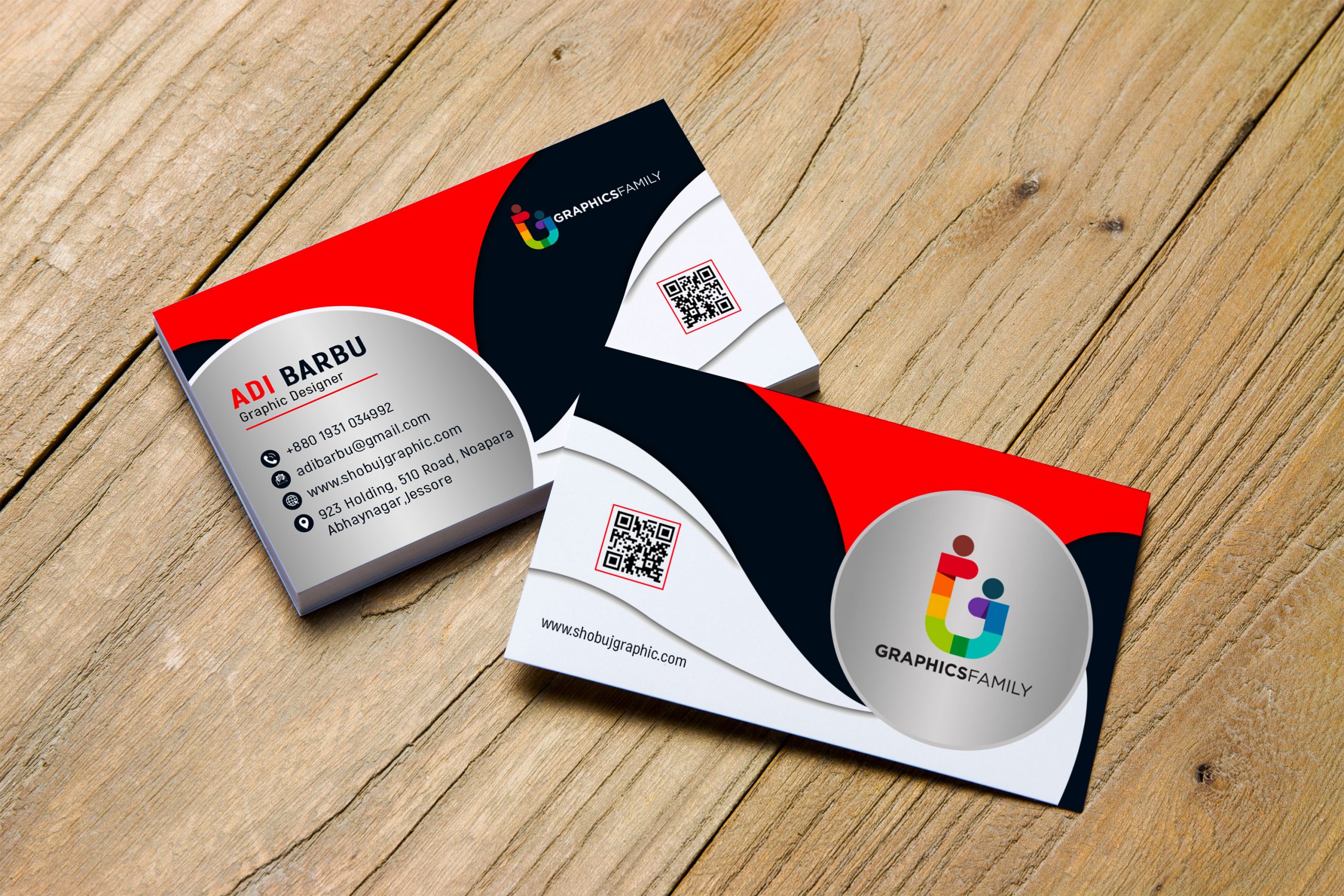
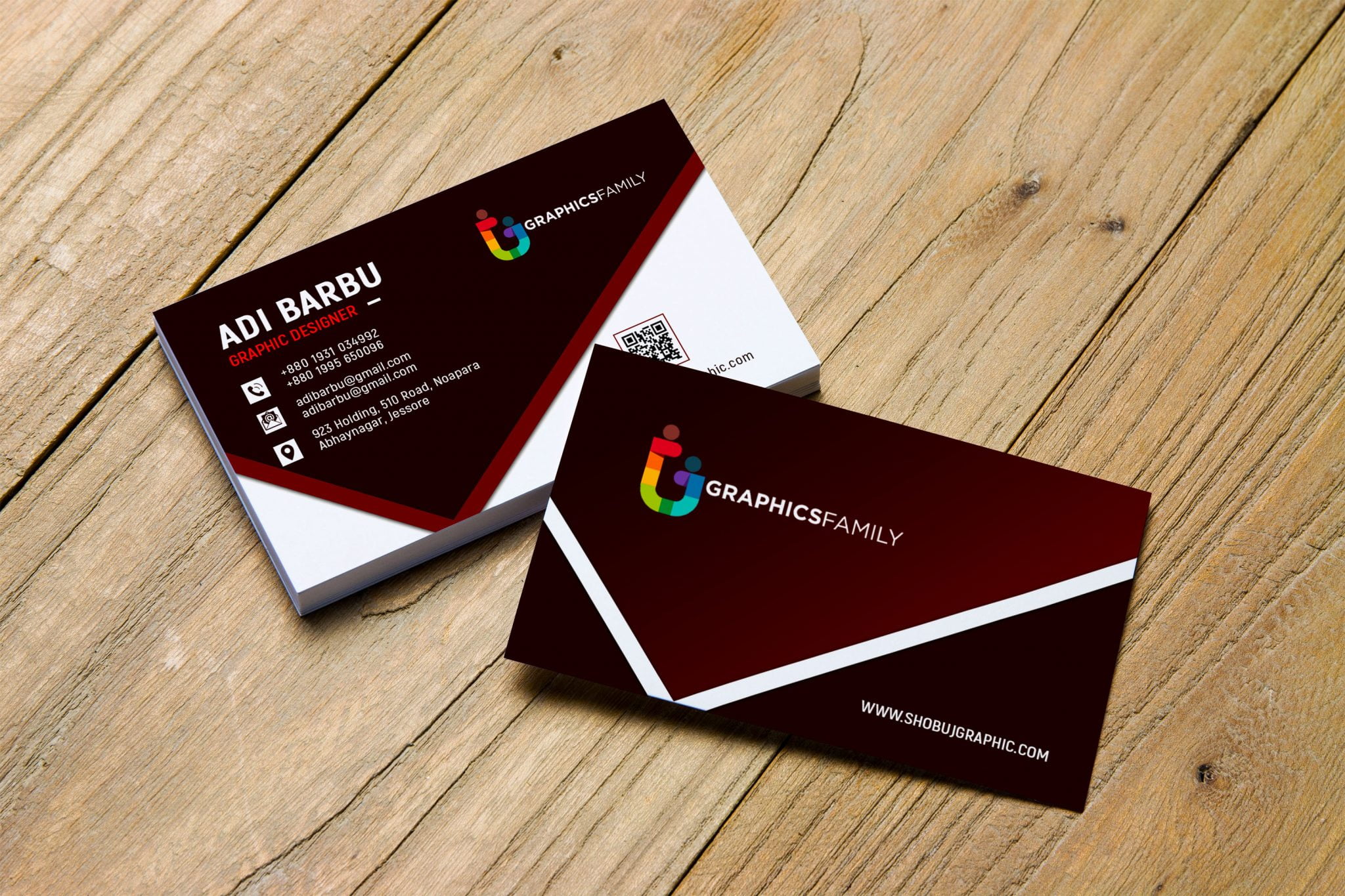
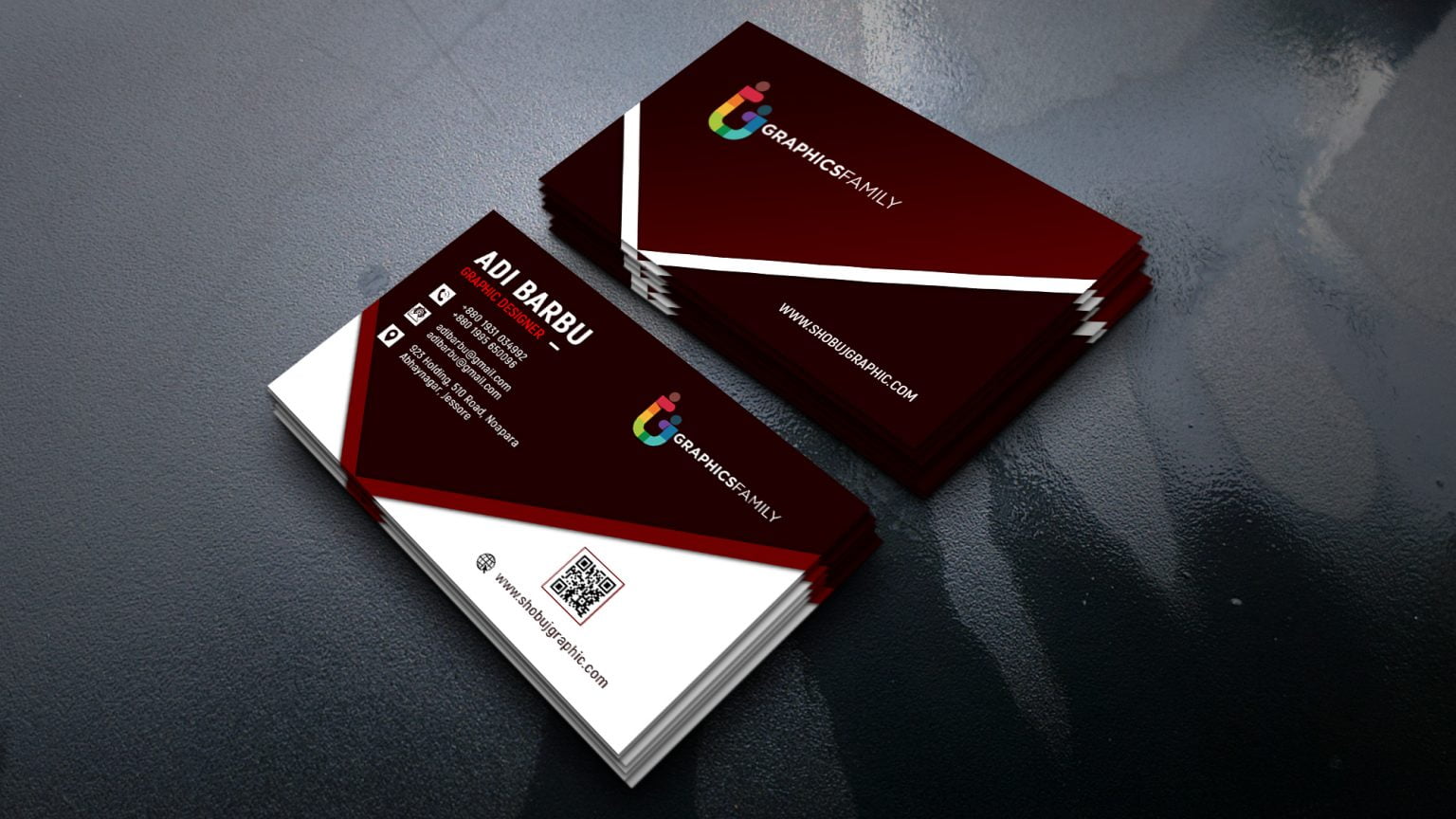
If you’re looking for a polished first impression, a Visiting Card Psd Template Free Download can be your secret weapon to stand out in any business setting. By leveraging a clean, professionally designed template, you gain the flexibility to express your brand identity while keeping production costs low.
Understanding the Power of a Visiting Card
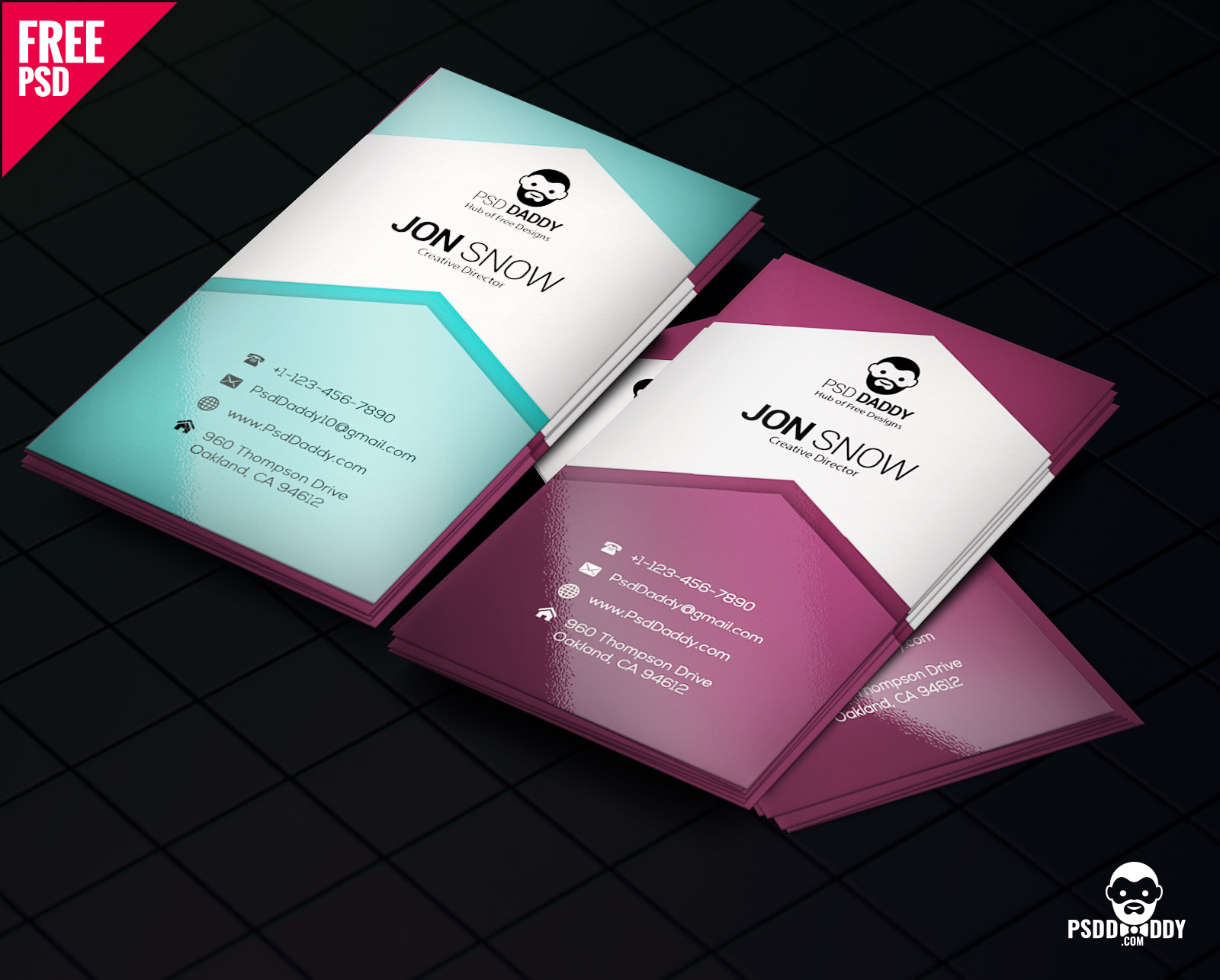
A visiting card, also known as a business card, is more than a simple contact list; it’s a tangible representation of your brand. When a potential client or partner flips through a card that feels deliberate, well‑crafted, and memorable, that card can spark a conversation and lay the foundation for a lasting relationship.
The Psychology Behind First Impressions
Research shows that people form opinions about a brand within the first few seconds of interaction. A well-designed card conveys professionalism, reliability, and attention to detail—all qualities that influence trust. By choosing a Visiting Card Psd Template Free Download, you ensure that your card is built on proven design principles, giving you an advantage from the outset.
Key Design Elements That Matter
- Color Harmony: Choose colors that align with your brand’s palette.
- Typography Consistency: Stick to one or two typefaces to maintain readability and brand voice.
- Negative Space: A clean layout prevents clutter and guides the viewer’s eye.
- Material Choice: Even a digital template can hint at the cardstock you’ll use.
- Finishing Touches: Raised embossing, foil, or matte finishes can elevate the final product.
Why Choose a PSD Template Over a Custom Design?
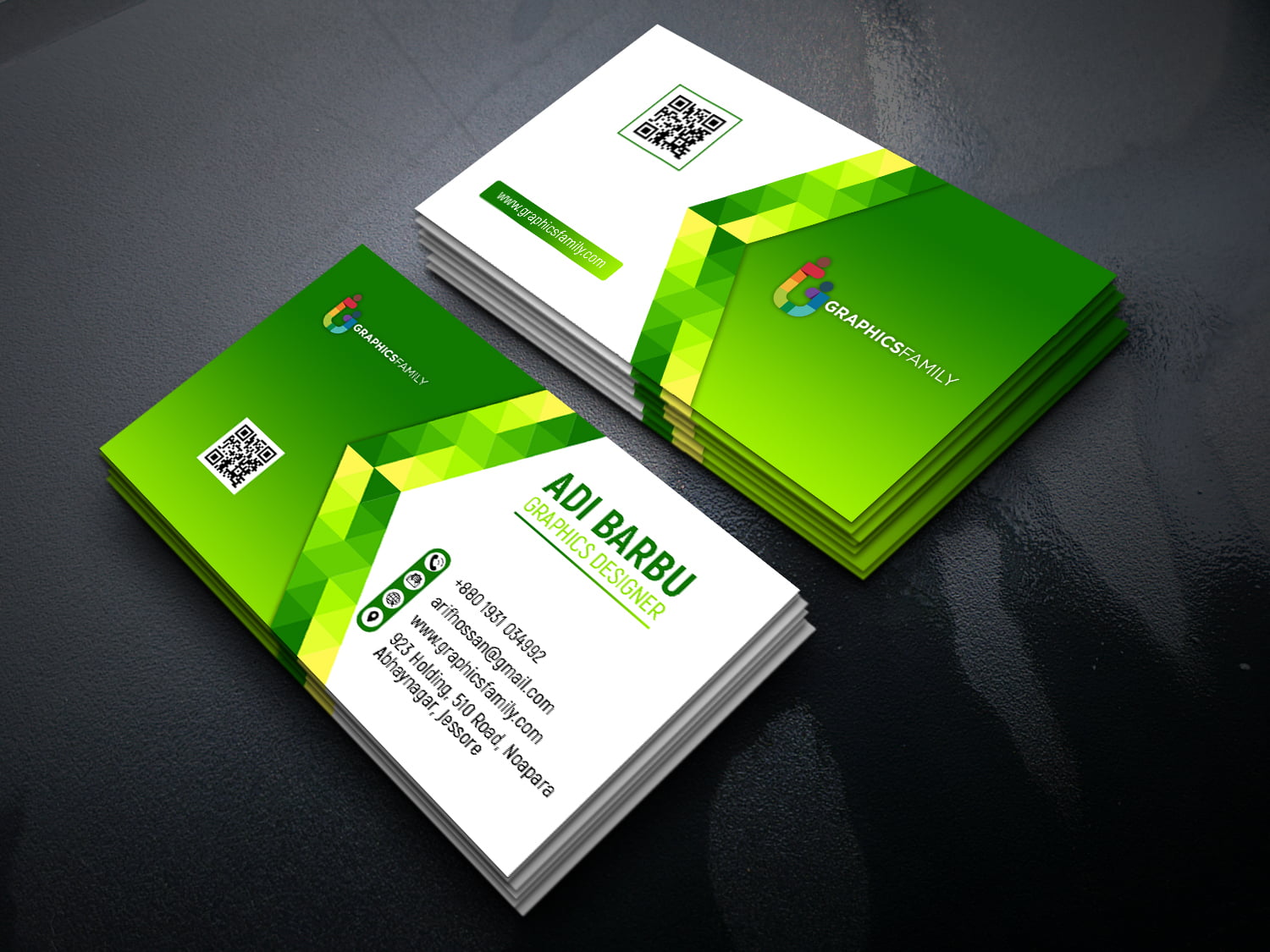
When you’re scaling a startup, managing a busy marketing team, or simply want a cost‑effective solution, a Visiting Card Psd Template Free Download offers several distinct advantages.
Cost Efficiency
Hiring a designer for a unique card design can cost anywhere from $50 to $500, depending on complexity and vendor. A high‑quality free PSD template removes that expense while still offering a professional look.
Time Savings
Custom design processes can span days or weeks, especially if multiple revisions are required. With a ready‑made PSD template, you can download, edit, and finalize your card within hours.
Flexibility and Scalability
PSD templates are built with layers, allowing you to swap in new logos, update contact information, or tweak colors without starting from scratch. Whether you’re launching a new product line or updating your brand guidelines, you can adapt the template quickly.
Learning Opportunity
Editing a PSD file exposes you to design tools and techniques, improving your own design skillset. Even if you outsource the final print, the process of customizing the template can be enlightening.
Step‑by‑Step Guide: How to Turn a Free PSD Template into a Printed Masterpiece
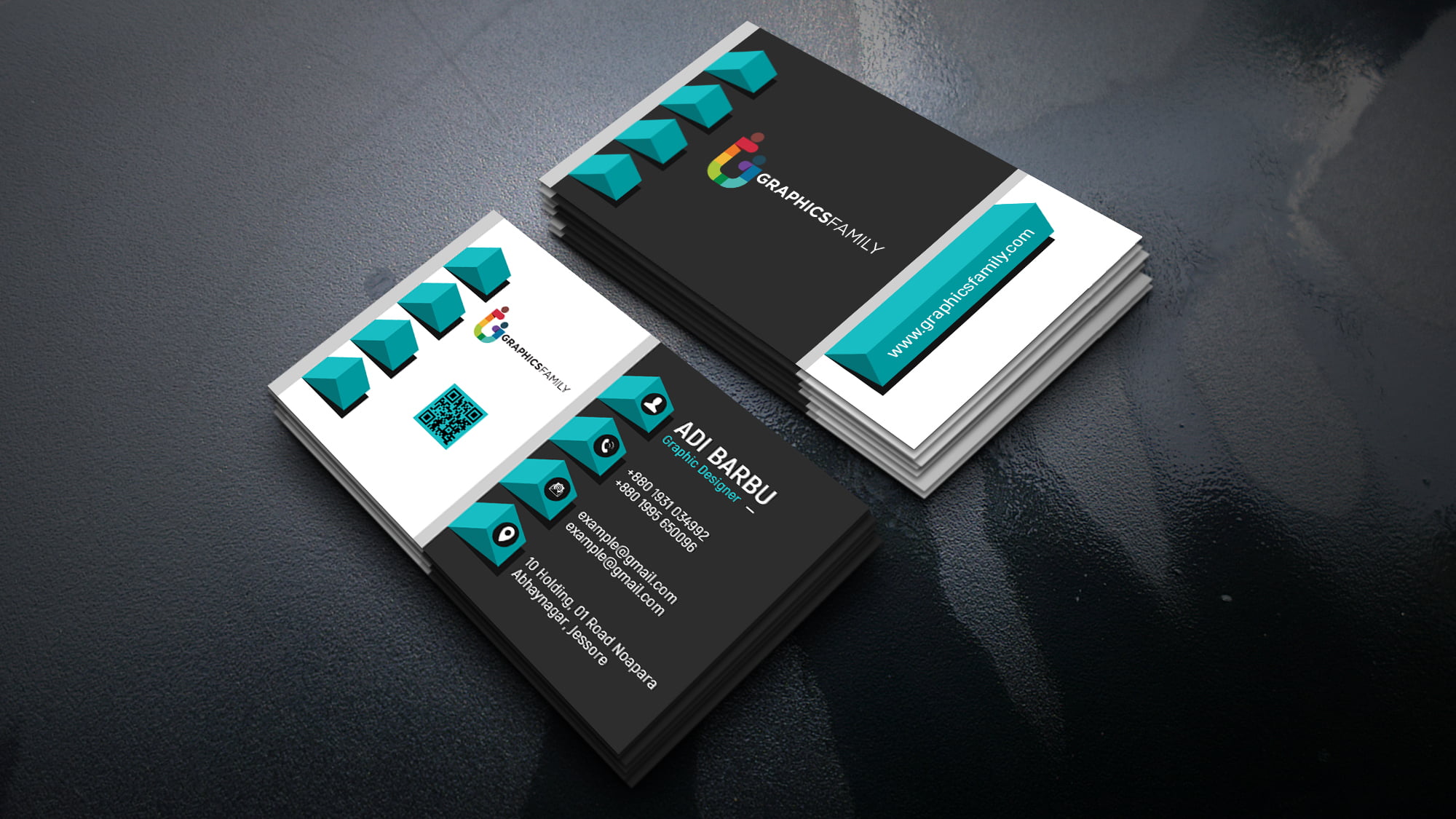
Below is a practical roadmap to help you move from a raw template to a tangible card that you can proudly hand out at conferences or mail to clients.
1. Download and Extract the PSD File
Start by locating a reputable source that offers the Visiting Card Psd Template Free Download. Once downloaded, use a file extraction tool to unpack the archive if necessary. Open the PSD file using Adobe Photoshop or a compatible editor such as GIMP or Affinity Designer.
2. Set Up Your Document for Print
Confirm that the template’s dimensions match your standard business card size—usually 3.5″ x 2″. Ensure the resolution is 300 dpi and the color mode is CMYK for accurate print colors. Adjust the canvas size if you plan to use a different card dimension.
3. Personalize Your Brand Elements
- Replace the placeholder logo with your high‑resolution vector file.
- Update the contact details: name, title, phone number, email, and website.
- Adjust the color swatches to match your brand palette.
- Swap out the default typefaces with ones that reflect your brand personality.
4. Refine Typography and Alignment
Ensure that fonts are legible at small sizes. Use bold for the name and regular for the job title. Keep margins consistent and double‑check the alignment to avoid any uneven edges.
5. Add Custom Graphic Elements (Optional)
Incorporating subtle patterns or icons can personalize your card further. However, maintain a balance—too many graphics can dilute the overall impact.
6. Proofread and Test Print
Before sending the file to a printer, run a digital proof to catch any spelling or layout mistakes. If possible, do a test print on a standard printer to confirm color fidelity and layout accuracy.
7. Export the Final File
Export the finished design in a print‑ready format such as PDF (with layers flattened) or TIFF. Ensure the file includes crop marks and bleed if required by your printing service.
Choosing the Right Printing Partner
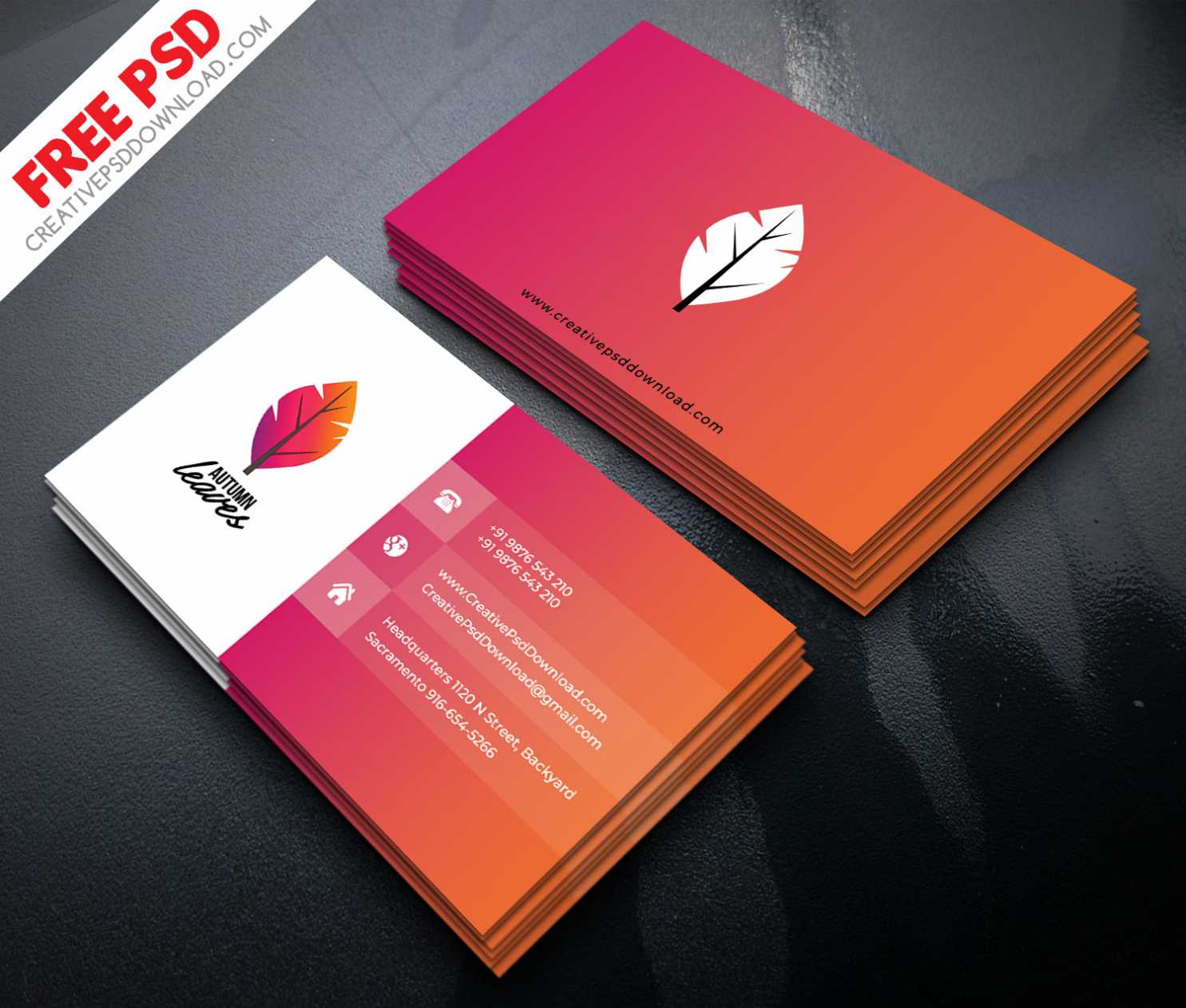
Once your file is ready, the next step is selecting a printer that matches your needs. Here are key factors to consider.
Material and Finish Options
Common card stock options range from 80 lb to 120 lb. Matte finishes offer a subtle, non‑reflective look, while glossy adds a vibrant sheen. Specialty finishes like UV coating, foil stamping, or spot UV can add a premium feel.
Print Quantity and Cost
Small orders often have a higher cost per card, but most printers provide a bulk discount. Use a printer’s cost calculator to compare pricing across vendors.
Turnaround Time
If you need cards quickly, choose a printer that offers expedited services. Verify their proof approval process to avoid delays.
Eco‑Friendly Practices
For environmentally conscious brands, look for printers that use recycled cardstock and soy‑based inks. Many suppliers provide certifications or sustainability reports.
Real‑World Examples of Impactful Visiting Cards
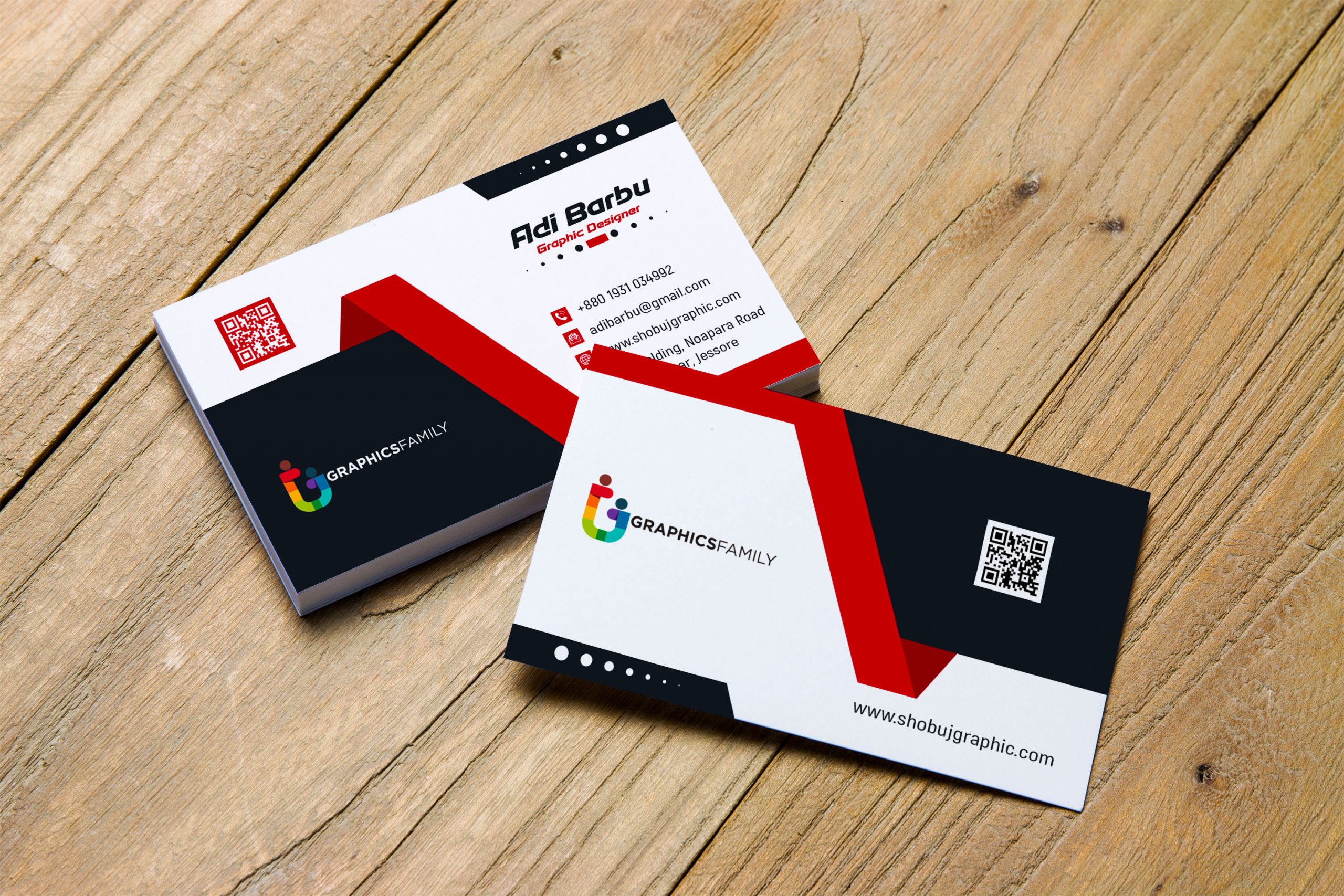
Examining successful cards can inspire your own design choices. Below are three illustrative scenarios where a thoughtfully crafted card made a measurable difference.
Startup Founder in Silicon Valley
By integrating a minimalist color scheme and a bold, clean typeface, this founder’s card quickly communicated a tech‑savvy brand identity. The card’s back side featured a QR code linking to a portfolio, boosting networking efficiency during trade shows.
Creative Agency Executive
This executive’s card used a gradient background with a subtle texture, echoing the agency’s portfolio. The inclusion of a small, high‑contrast logo on the front and a personal tagline on the back turned ordinary business cards into conversation starters.
Non‑Profit Organization Lead
Using a green color palette and a simple, bold typography, the card conveyed the organization’s mission. The back side carried a call‑to‑action encouraging recipients to donate via a QR code, turning passive networking into active support.
Common Mistakes to Avoid
Even with a solid template, it’s easy to slip into pitfalls that undermine your brand’s credibility.
Overcrowding the Card
Too much information can overwhelm the recipient. Stick to essential contact details and a single visual focal point.
Inconsistent Brand Colors
Using colors that deviate from your established palette can cause confusion. Verify your brand guide before finalizing the card.
Low‑Resolution Images
Replacing the default placeholder with a low‑quality image will result in a blurry final product. Always use vector or high‑resolution assets.
Neglecting Bleed and Trim Marks
Without proper bleed, the edge of the card might have white borders. Double‑check your final export settings to ensure full coverage.
Leveraging Digital Versions for Online Sharing
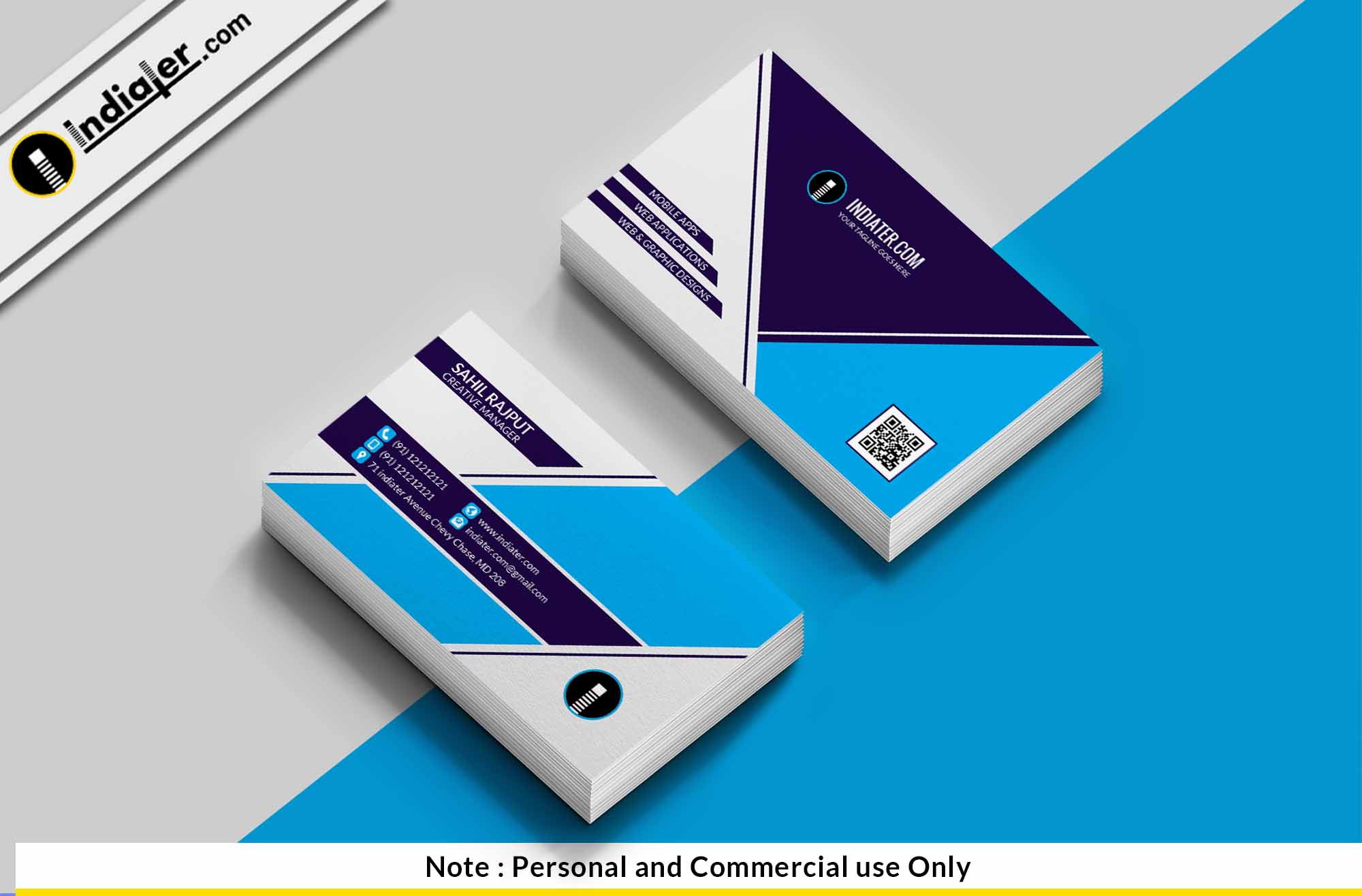
While a physical card is invaluable for face‑to‑face interactions, a digital counterpart expands your reach. A PDF or high‑quality JPEG of your card can be embedded in email signatures, shared on LinkedIn, or uploaded to your portfolio site.
Email Signature Integration
Include a small version of your card or logo in your email signature for brand consistency. Make sure the image is optimized for quick loading.
Social Media Profile Enhancements
Platforms like LinkedIn allow users to upload business card images for contact cards. Use a high‑resolution version to maintain professionalism.
Maximizing ROI: Tracking the Impact of Your Visiting Card

It’s easy to overlook measuring the success of a card, but a few tactics can help you quantify its effectiveness.
Unique QR Codes
Embed a QR code that tracks scan frequency, revealing which events or channels drive the most interaction.
Custom Landing Pages
Create a landing page tailored to your business card’s information. This can help convert a simple hand‑off into a measurable lead.
Follow‑up Surveys
Ask contacts how they first learned about you. A portion of that data will naturally come from the business card, providing insight into its reach.
Conclusion
In a world where digital contact information is ubiquitous, a thoughtfully designed visiting card remains a powerful tool for making a memorable, tangible impression. A Visiting Card Psd Template Free Download provides the foundation to create a professional, personalized card without incurring hefty design costs. By carefully customizing the template, choosing the right printing options, and incorporating interactive elements such as QR codes, you can transform a simple piece of cardstock into a strategic brand asset that opens doors, builds trust, and drives measurable outcomes. Embrace the power of design, and let your business card speak volumes about who you are and what you stand for.






Related posts of "Visiting Card Psd Template Free Download"
