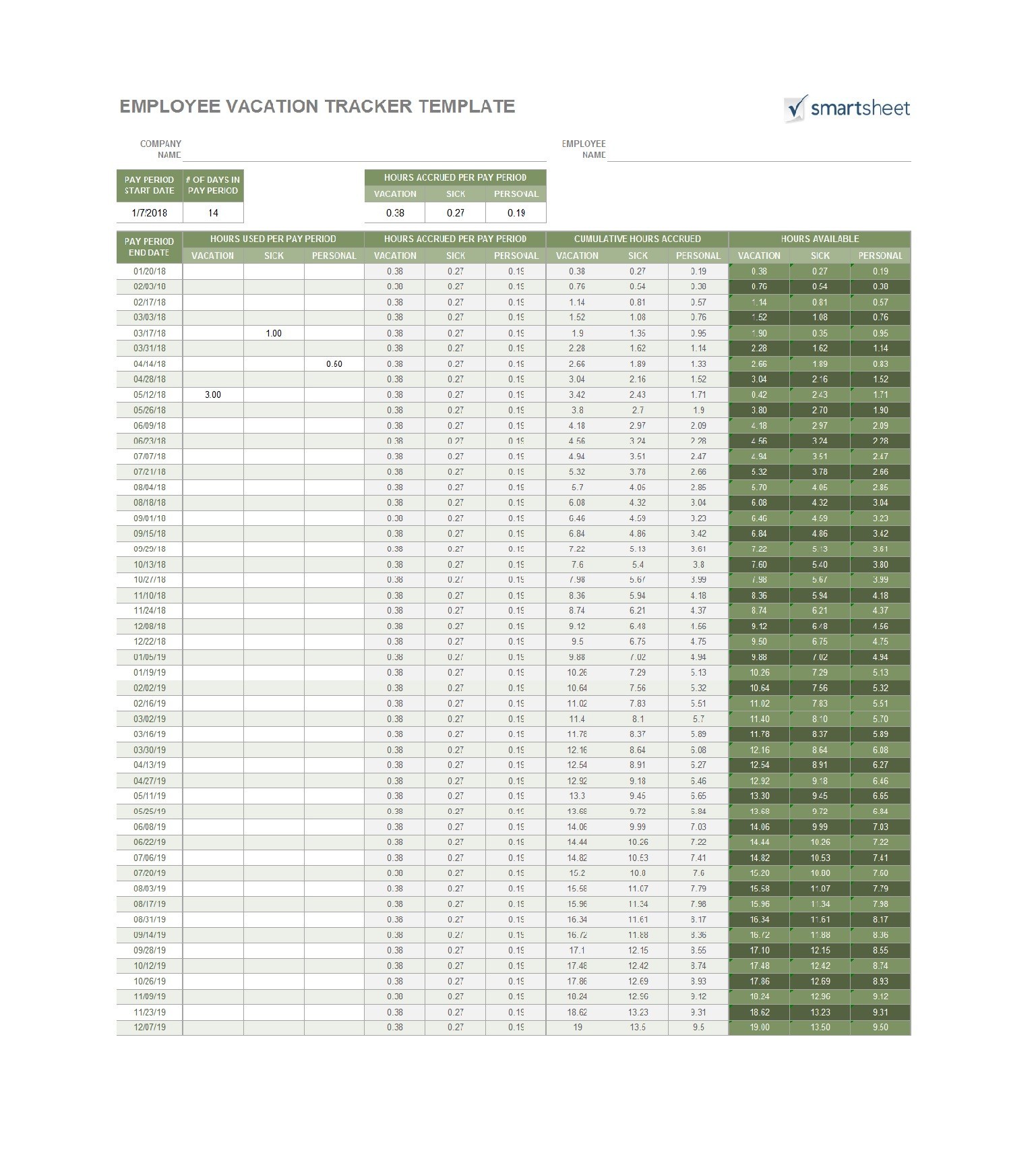
Vacation And Sick Time Tracking Template is more than a simple spreadsheet—it is the backbone of workplace harmony and productivity, especially in environments where respect for time, collective responsibility, and meticulous record‑keeping are deeply ingrained cultural values.
Why Precise Time Tracking Matters in Asian Workplaces
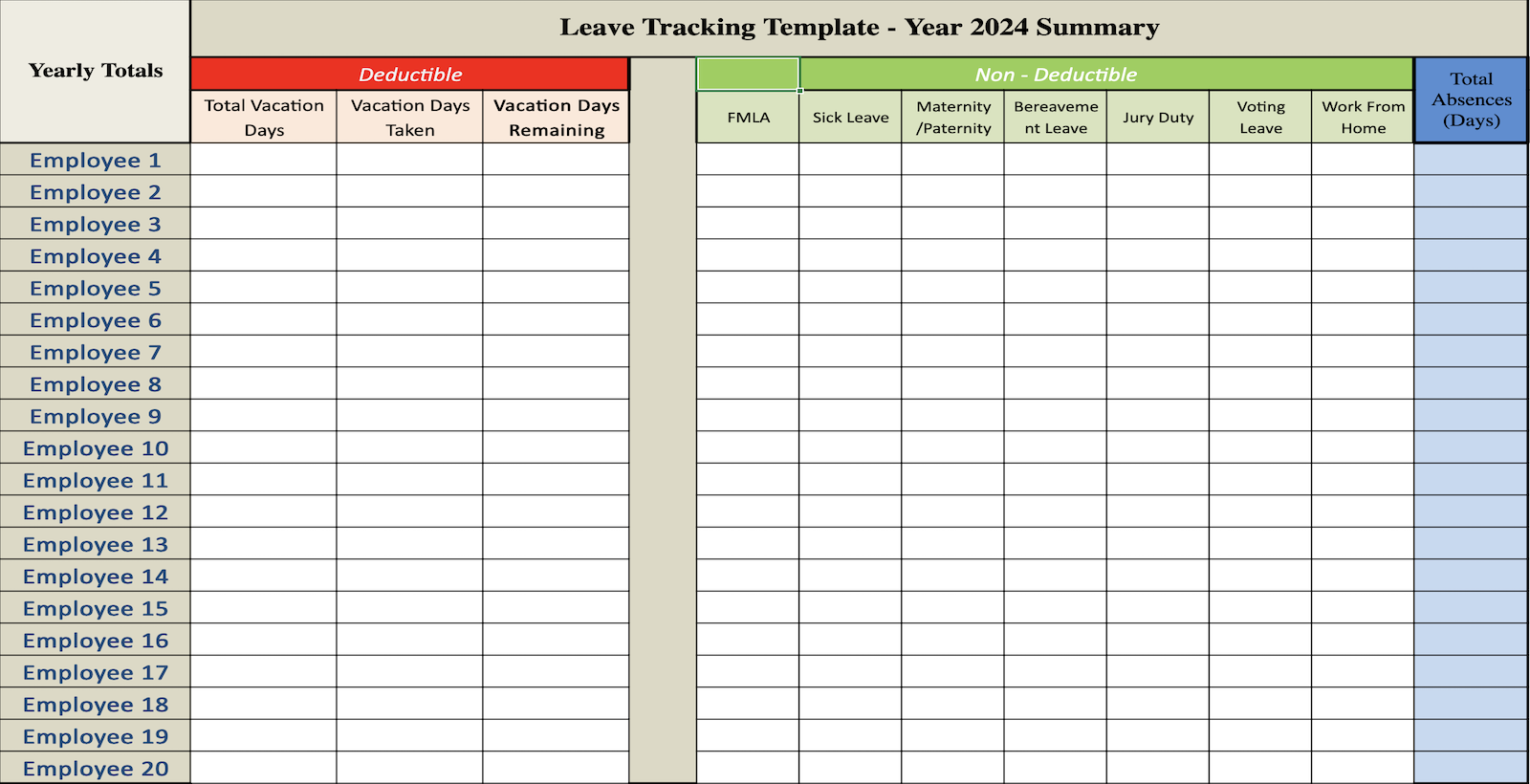
In many Asian countries, the concept of harmony (和) extends beyond interpersonal relationships into corporate operations. Employees expect clear guidelines, and managers anticipate accurate data to make informed decisions. An effective time‑off tracking system eliminates ambiguity, reduces conflict, and aligns individual expectations with organizational goals.
- Transparency: Everyone sees who is away and when, fostering trust.
- Compliance: Many jurisdictions require precise logging of sick leave and vacation to avoid legal issues.
- Efficiency: Accurate records enable better resource allocation and avoid last‑minute staffing shortages.
- Well‑being: Tracking helps identify patterns of overwork and encourages a healthier work‑life balance.
Statistical Insight
Companies that adopt structured leave management see a 30% reduction in unscheduled absences and a 20% increase in employee satisfaction scores. These numbers highlight the tangible benefits of a reliable Vacation And Sick Time Tracking Template.
Key Components of an Effective Template

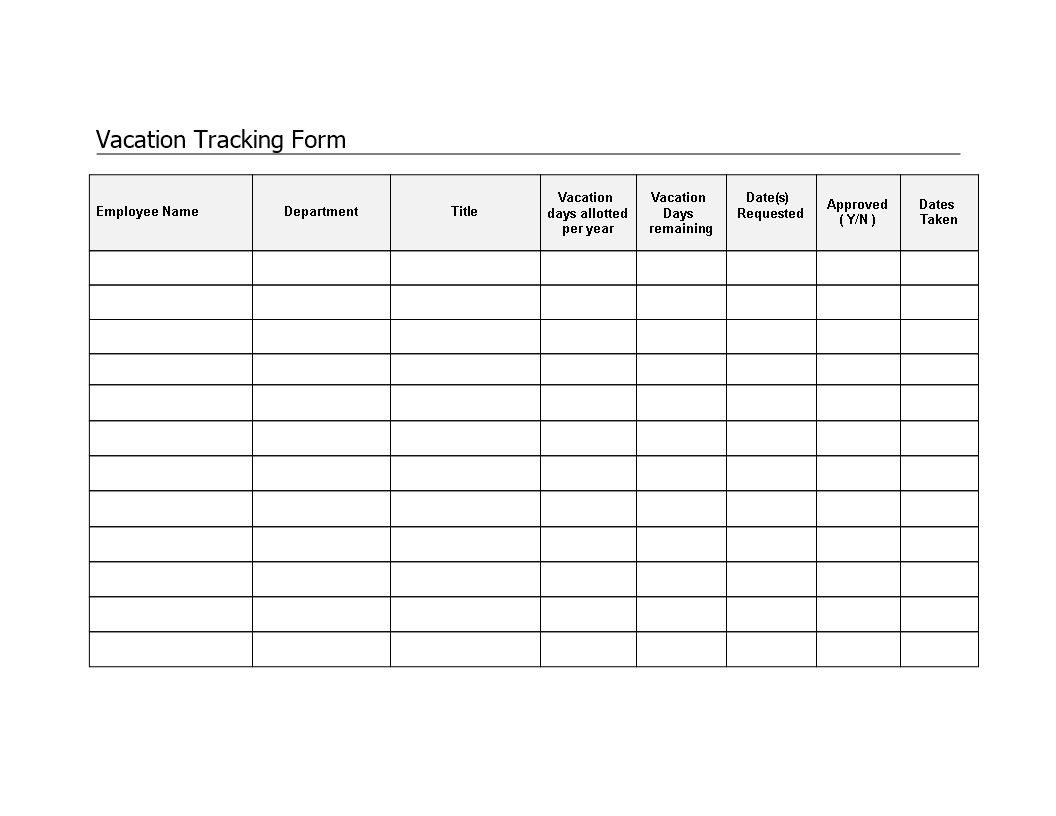
A well‑designed template serves as a single source of truth for both HR and employees. Below are the essential elements:
Employee Identification
- Name and department
- Employee ID or reference number
- Reporting manager
Leave Type Classification
- Annual vacation
- Sick leave (with optional medical certificate link)
- Personal days
- Public holidays and special days
Timeframe Details
- Start date and end date
- Half‑day or full‑day indicators
- Accrued balance before and after the request
Status Tracking
- Pending, approved, or denied
- Approval hierarchy (first line manager, HR, upper management)
- Comments or notes for special circumstances
Automated Calculations
- Automatic deduction of used days from total balance
- Carry‑over rules based on company policy
- Notification triggers for approaching quota limits
Accessibility and Security
The template should be stored in a shared drive with role‑based access. Employees can submit requests; managers can edit; HR can audit. Security ensures privacy compliance under GDPR and local data protection laws.
Step‑by‑Step Guide to Building Your Own Template

Creating a custom template tailored to your organization’s culture and legal environment is straightforward. Here’s how to do it in a spreadsheet application like Google Sheets or Microsoft Excel.
1. Set Up the Framework
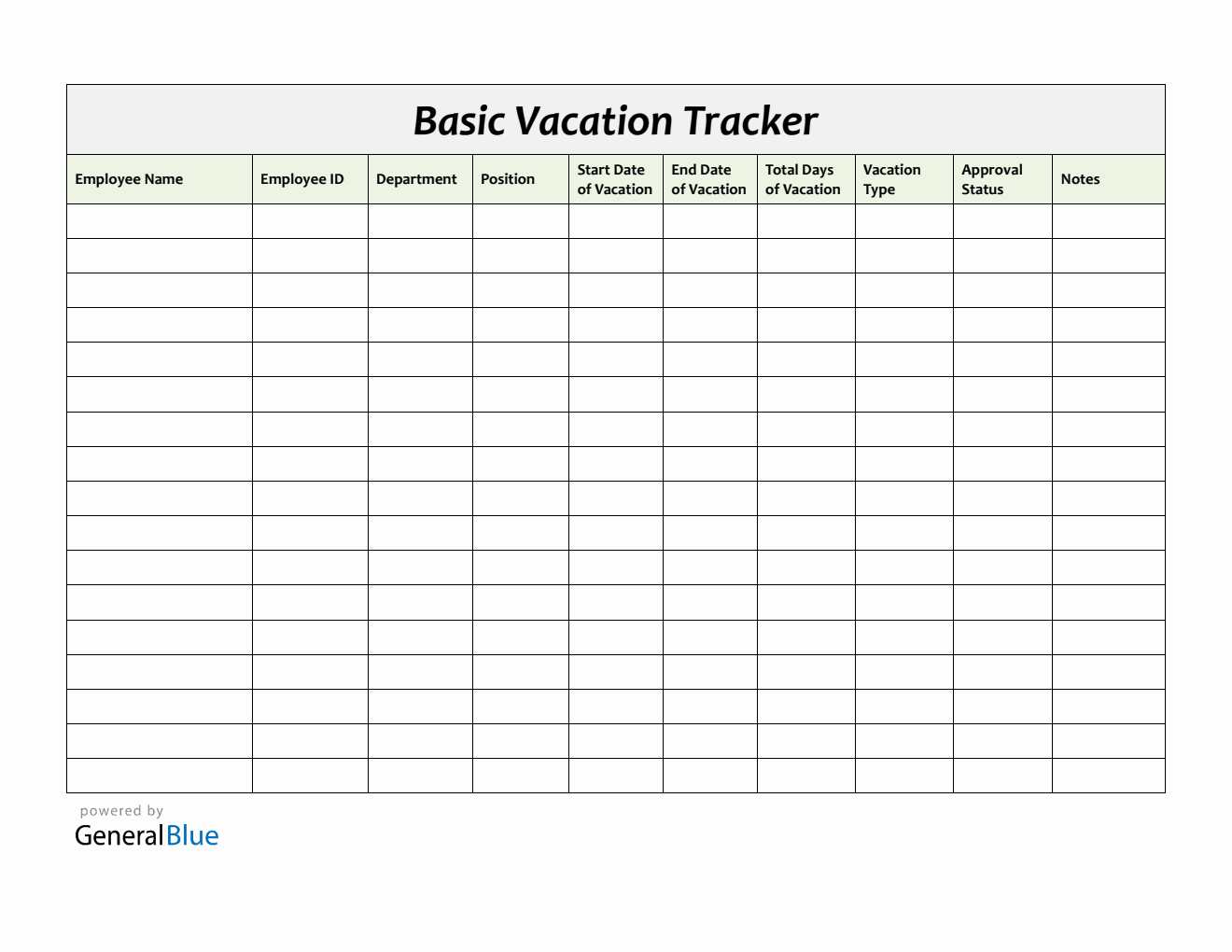
Create a new sheet and name columns:
- A: Employee Name
- B: Department
- C: Employee ID
- D: Leave Type
- E: Start Date
- F: End Date
- G: Total Days
- H: Status
- I: Comments
2. Define Leave Types with Dropdowns
Use data validation to restrict entries to predefined options: Annual, Sick, Personal, etc. This reduces errors and standardizes reporting.
3. Calculate Total Days
In column G, use a formula that subtracts start date from end date and adds one (for inclusive counting). For half days, enter “0.5” as a multiplier.
4. Add Conditional Formatting for Status
Apply color codes—green for approved, yellow for pending, red for denied—so information is instantly recognizable.
5. Incorporate Approval Workflow
Insert a separate sheet where managers can change status and add comments. Protect the rest of the sheet to avoid accidental edits by employees.
6. Automate Alerts
Set up email notifications when a new request enters the pending state, using built‑in functions or simple scripts.
Customizing the Template for Cultural Sensitivity

Asian workplaces often value seniority, group cohesion, and face‑saving practices. A template that reflects these values can enhance adoption.
Respecting Hierarchies
Include a “Supervisor” column where leave requests automatically route for approval. This mirrors traditional decision‑making structures and avoids overstepping authority.
Collective Leave Planning
Add a “Team Availability” tab that visualizes who is off in each department. This aids in ensuring that critical projects have adequate coverage.
Graceful Declination Process
Provide a comment field that allows managers to explain denials politely. This keeps communication respectful and minimizes potential embarrassment.
Integrating with Existing HR Systems

Many companies already use HRIS platforms such as BambooHR, SAP SuccessFactors, or Workday. A well‑structured template can seamlessly feed into these systems.
API Connectivity
Export the template as a CSV file and use API calls to push data into the HRIS. Automate this process monthly to keep records up to date.
Data Mapping
Ensure that field names in the template align with the HRIS schema—Employee ID, Leave Type, Start Date, etc.—to avoid data mismatch.
Audit Trails
Keep a log of all changes with timestamps and user IDs. This not only satisfies audit requirements but also promotes accountability.
Maintenance Best Practices

To keep the template effective over time, follow these guidelines:
Regular Updates
Review policy changes annually and adjust formulas and drop‑down lists accordingly.
Backup Strategy
Store the master template in a versioned archive. Use cloud backup services to safeguard against data loss.
User Training
Conduct quarterly workshops—either in person or via webinars—covering how to submit, approve, and audit leave requests.
Feedback Loop
Encourage employees to suggest improvements. A feedback form linked to the template can surface pain points early.
Case Study: A Japanese Manufacturing Startup

Tokyo Tech Solutions, a 120‑employee startup, struggled with untracked overtime and inconsistent leave usage. By adopting a Vacation And Sick Time Tracking Template tailored to Japanese work culture, the company achieved remarkable results.
- Reduced absenteeism by 25% within six months.
- Improved project scheduling as managers could anticipate staff availability.
- Enhanced employee morale, evidenced by a 15% rise in the annual engagement survey.
The success hinged on three pillars: a clear hierarchy in the approval workflow, a visual dashboard that showed team coverage, and an automated reminder for employees whose vacation balance was below 10 days.
Conclusion

Incorporating a thoughtfully designed Vacation And Sick Time Tracking Template into your organization’s operations is more than an administrative upgrade—it is a cultural alignment that respects harmony, duty, and personal well‑being. By outlining clear components, customizing for local norms, and integrating with HR systems, you create a living document that supports both employees and leadership. The result? A workplace where trust thrives, resources are optimized, and every individual feels valued, ultimately driving sustainable growth and collective success.




Related posts of "Vacation And Sick Time Tracking Template"
