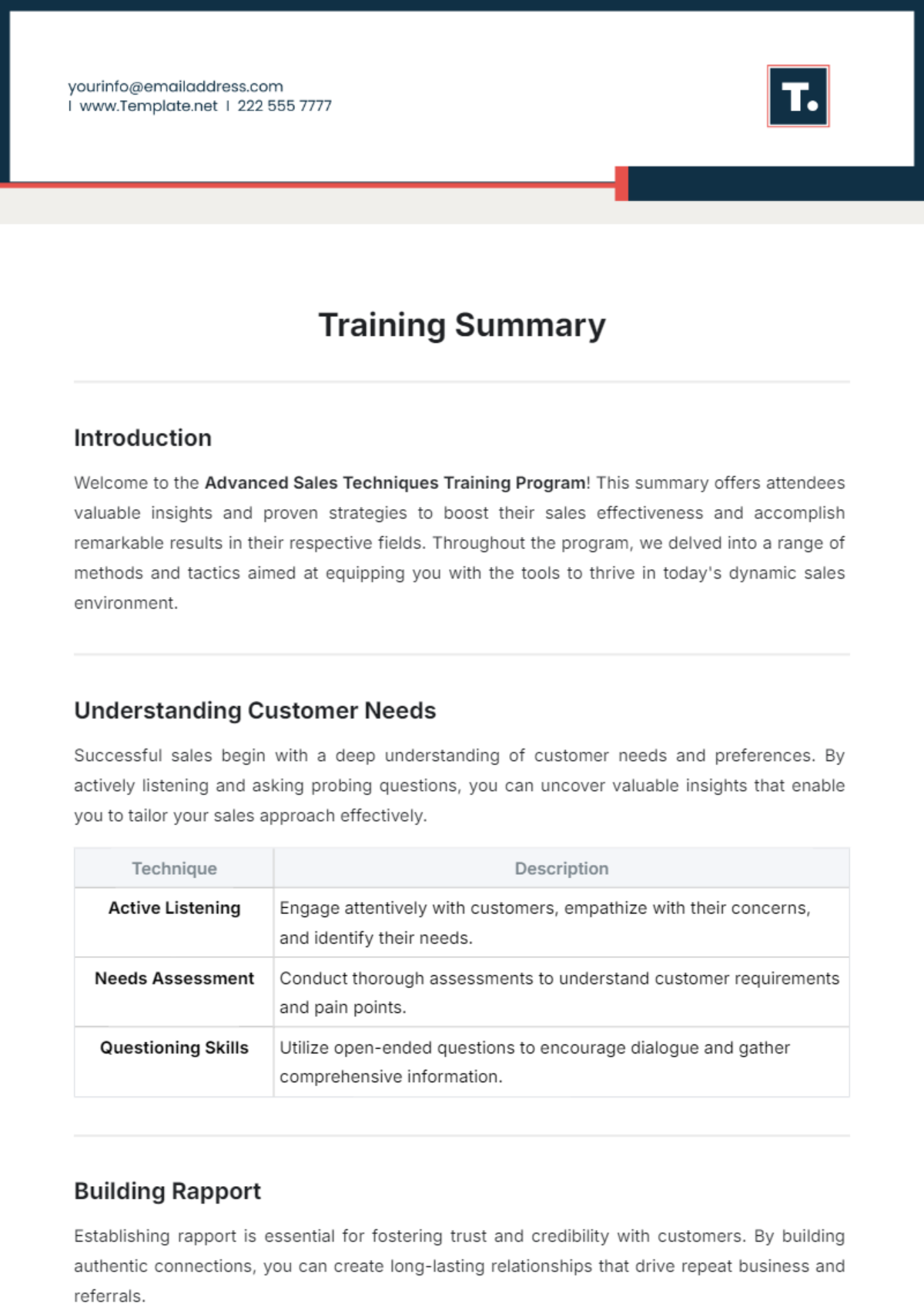
Training Summary Report Template is more than just a form—it’s the bridge that transforms raw training data into actionable insights, stakeholder confidence, and future growth opportunities. In an era where learning is continuous, measurable, and tied directly to business outcomes, a well‑structured template becomes the backbone of every training program’s success. This guide will walk you through the essential elements, design considerations, customization tricks, and real‑world examples that make a training summary report both compelling and effective.
What Makes a Training Summary Report Template Stand Out?

A powerful training summary report template captures the essence of the session while providing a clear narrative that stakeholders can quickly grasp. The key attributes that elevate a template are: clarity, consistency, relevance, and visual appeal. By focusing on these aspects, you ensure that your report is not just another document, but a tool that informs decisions and drives action.
Clarity – The Core of Credibility
Clear headings, bullet points, and concise data visualizations help readers instantly locate the information they need. Avoid jargon, and present statistics in plain language with contextual explanations. For example, instead of listing raw attendance numbers, pair them with a brief note on how many participants exceeded the target participation rate.
Consistency – The Glue That Holds It Together
Consistency in layout, font usage, and data representation builds trust. Use a master slide or a reusable Word template where every section follows the same design rules. This consistency ensures that the audience can focus on content rather than adjusting to a new format each time.
Relevance – Tailored to Stakeholder Needs
Different stakeholders care about different data points: executives want ROI metrics, managers need skill gaps, while participants appreciate personal growth highlights. A versatile template should allow you to toggle sections on or off and rearrange components to match the audience’s priorities.
Visual Appeal – The First Impression
Effective use of color, typography, and infographics can turn a bland report into an engaging narrative. A clean layout, a balanced use of whitespace, and consistent branding elements make the report accessible and memorable.
Key Components Every Template Must Contain

Below is a breakdown of the essential sections that every training summary report template should include. These components form the skeleton, ensuring you cover the full training lifecycle.
Training Objectives and Overview
Start with a concise statement of the training goals and the context in which the training was delivered. Include the learning objectives, the target audience, the training format (online, in‑person, hybrid), and the duration. This section sets the stage and aligns the reader’s expectations.
Participant Information and Attendance
Provide an attendance register that includes participant names, job titles, departments, and an attendance status indicator. Highlight any notable patterns, such as high participation from a particular department or a spike in last‑minute cancellations. Use a simple table with columns: Name, Role, Department, Attendance (✓/✗), Notes.
Content Summary and Key Takeaways
Summarize the main topics covered and the core learning points. Use bullet points or a table to list each module, its duration, and the key concepts delivered. This section should answer the “what” and “how” questions for someone who missed the training.
Assessment Results and Feedback
Include quantitative and qualitative assessment data. Show pre‑ and post‑training test scores, quiz results, or skill assessments. Pair the data with narrative feedback from participants to provide a balanced view. A simple bar chart illustrating score improvements can be very impactful.
Actionable Recommendations
Translate findings into concrete next steps. Identify skill gaps that need remedial training, suggest additional resources, or propose changes to future training cycles. This section turns data into action and demonstrates the ROI of the training program.
Appendices and Supporting Documents
Attach any supporting materials such as handouts, slide decks, or reference links. Provide a brief description of each attachment and its relevance. This keeps the main report concise while offering depth for those who want more detail.
Choosing the Right Format and Design
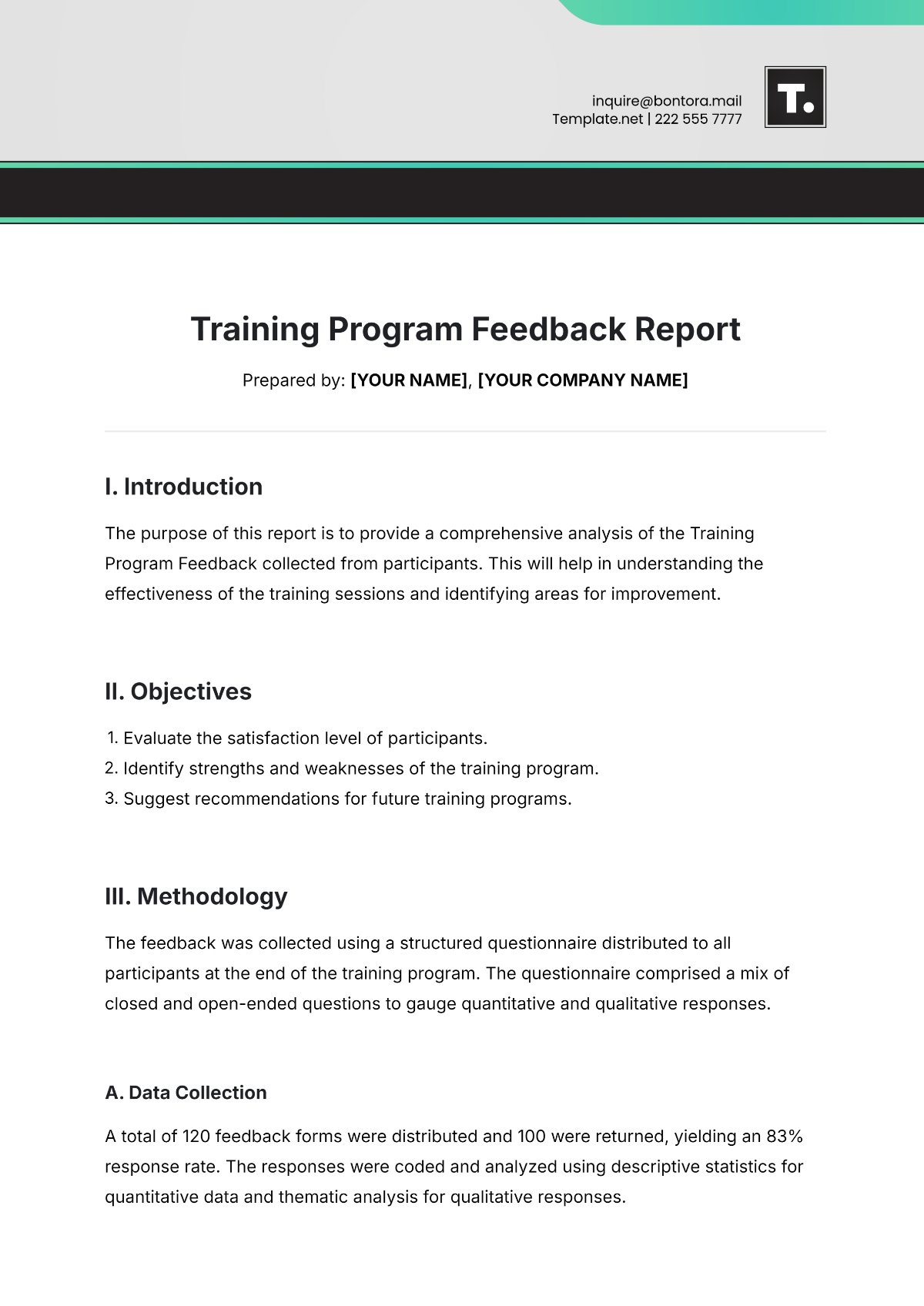
Design choices impact readability and brand perception. Below are key design decisions that can elevate your template.
Paper Size and Orientation
For printed reports, A4 or Letter size with a portrait orientation is standard. If you expect stakeholders to view the report on mobile devices, consider a landscape layout or a responsive web version. Consistency between print and digital versions saves time and maintains a professional look.
Color Scheme and Branding
Adopt your organization’s brand colors, but keep them muted to avoid distraction. Use a primary color for headings, a secondary color for data points, and a neutral background. If you’re targeting external audiences, incorporate subtle accents that align with the event’s branding.
Font Selection and Readability
Choose a legible sans‑serif font like Arial or Helvetica for body text, and a slightly bolder font like Montserrat for headings. Keep font sizes between 10–12 points for body text and 14–18 points for headings. Avoid mixing more than two fonts to keep the design clean.
Customizing Your Template for Different Audiences
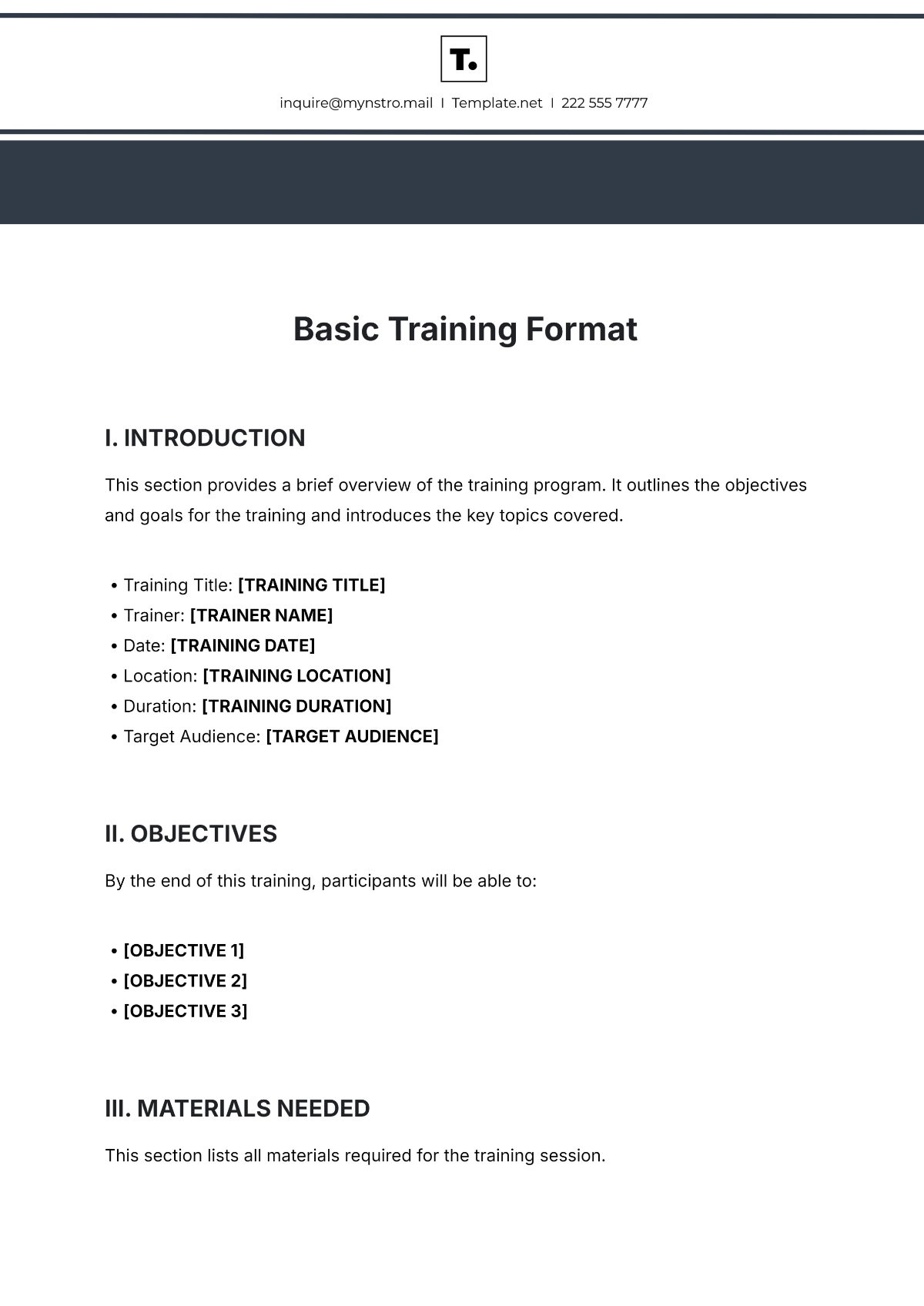
One template can’t satisfy every stakeholder, but modular design lets you adapt the same base document to many contexts.
Internal Corporate Training
Executives focus on ROI, so include a section on cost versus benefit, skill improvement metrics, and future training investments. Managers want actionable insights—highlight skill gaps and recommended next steps for their teams. Keep the tone professional and data‑driven.
External Conferences and Workshops
Audience members often want a quick snapshot of the event’s highlights. Use a visually rich layout with photos, speaker bios, and a high‑level agenda. Emphasize networking opportunities, session attendance, and post‑event engagement statistics.
E‑Learning Sessions
Online learners care about accessibility and engagement. Include completion rates, time‑on‑platform analytics, and user satisfaction scores. Embed links to recorded sessions or supplementary materials so learners can revisit the content.
Step‑by‑Step Guide to Building Your Template
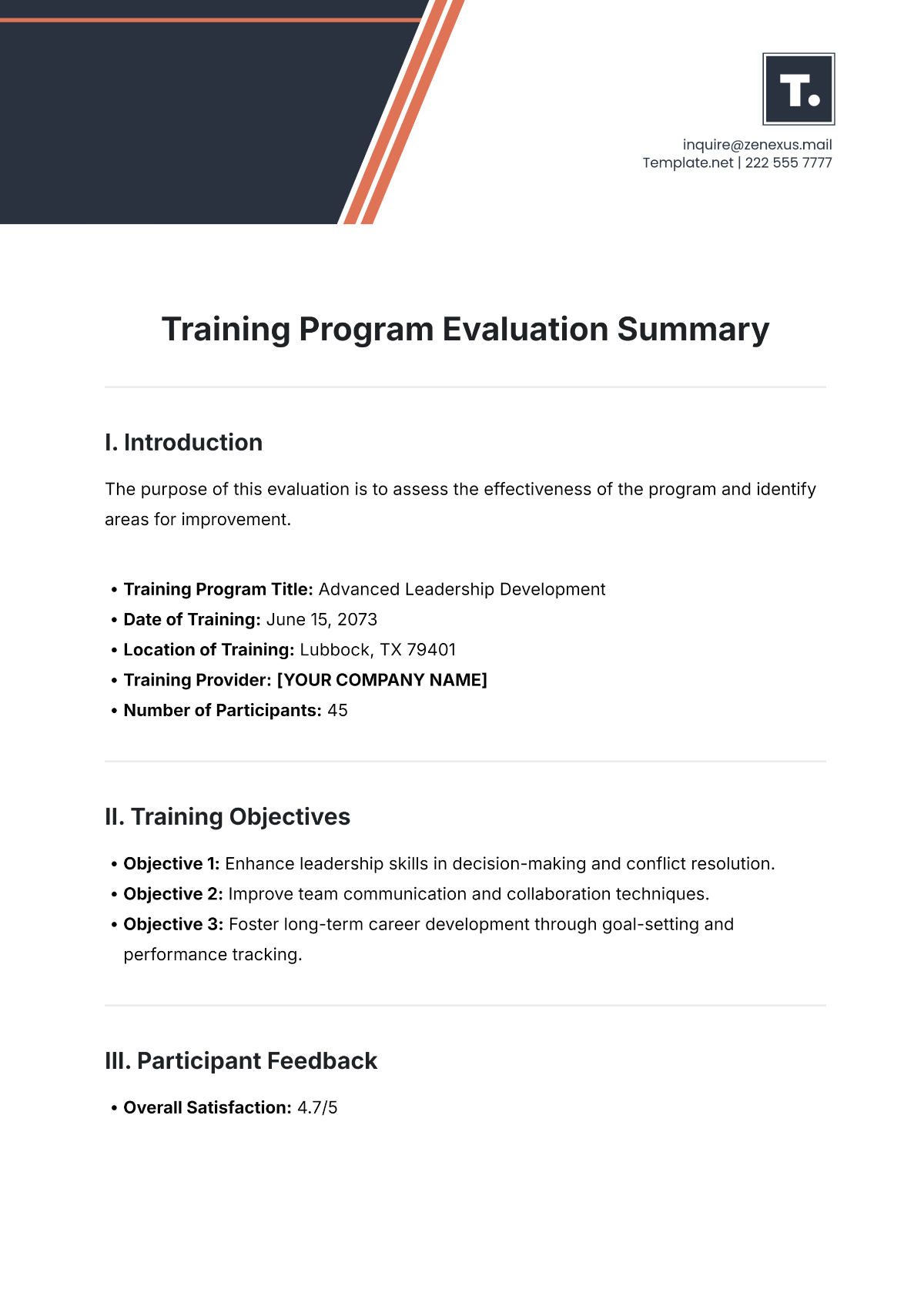
Follow these four steps to create a template that is both robust and flexible.
Step 1: Outline the Structure
- Sketch a rough outline of sections.
- Decide on a logical flow: objectives → content → assessment → recommendations.
- Allocate page numbers or sections for easy navigation.
Step 2: Draft the Content Sections
- Write clear, concise copy for each heading.
- Use bullet points for lists and tables for data.
- Insert placeholders for dynamic data (e.g., Total Participants).
Step 3: Add Visual Elements
- Create charts for assessment scores.
- Insert icons or logos to brand the report.
- Use shaded rows in tables to improve readability.
Step 4: Review and Iterate
- Proofread for typos and formatting consistency.
- Test the template with a sample dataset.
- Collect feedback from a small group of end‑users.
- Make iterative improvements before full deployment.
Practical Tips for Maintaining Consistency
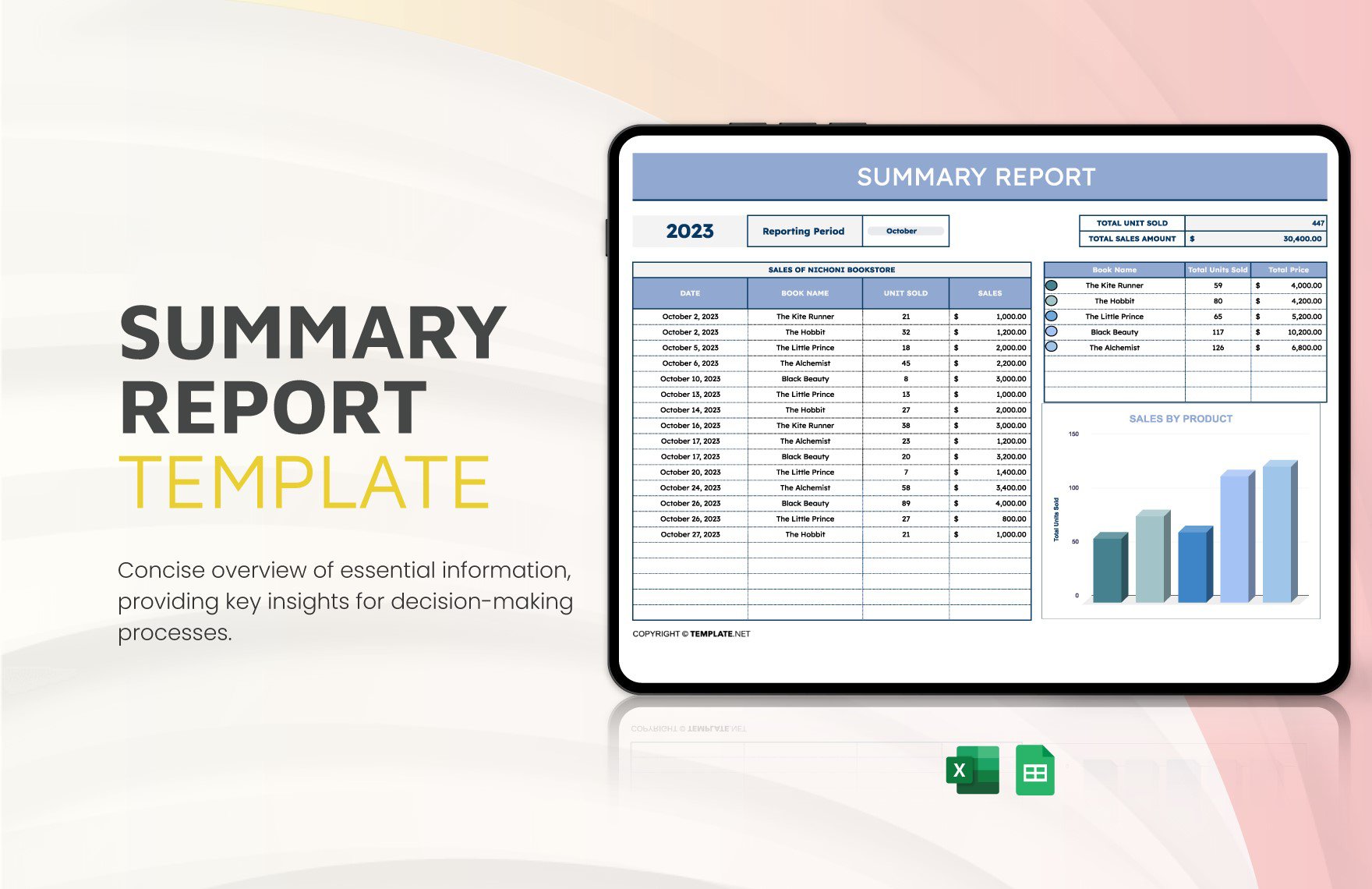
Once you’ve built a template, you’ll need to keep it fresh and aligned with evolving standards.
Template Templates
Create a master file with all style guides, placeholder text, and conditional sections. Store it in a shared drive or document management system where only designated authors can make changes.
Version Control
Label each iteration with a version number and a brief description of changes. Keep a changelog that records date, author, and modifications. This practice prevents confusion when multiple people edit the same document.
Collaboration Workflow
Adopt a clear process: content owner drafts → reviewer checks → approver signs off. Use track changes in Word or comment features in Google Docs to streamline feedback. Encourage stakeholders to comment directly on the sections that concern them.
Real‑World Examples
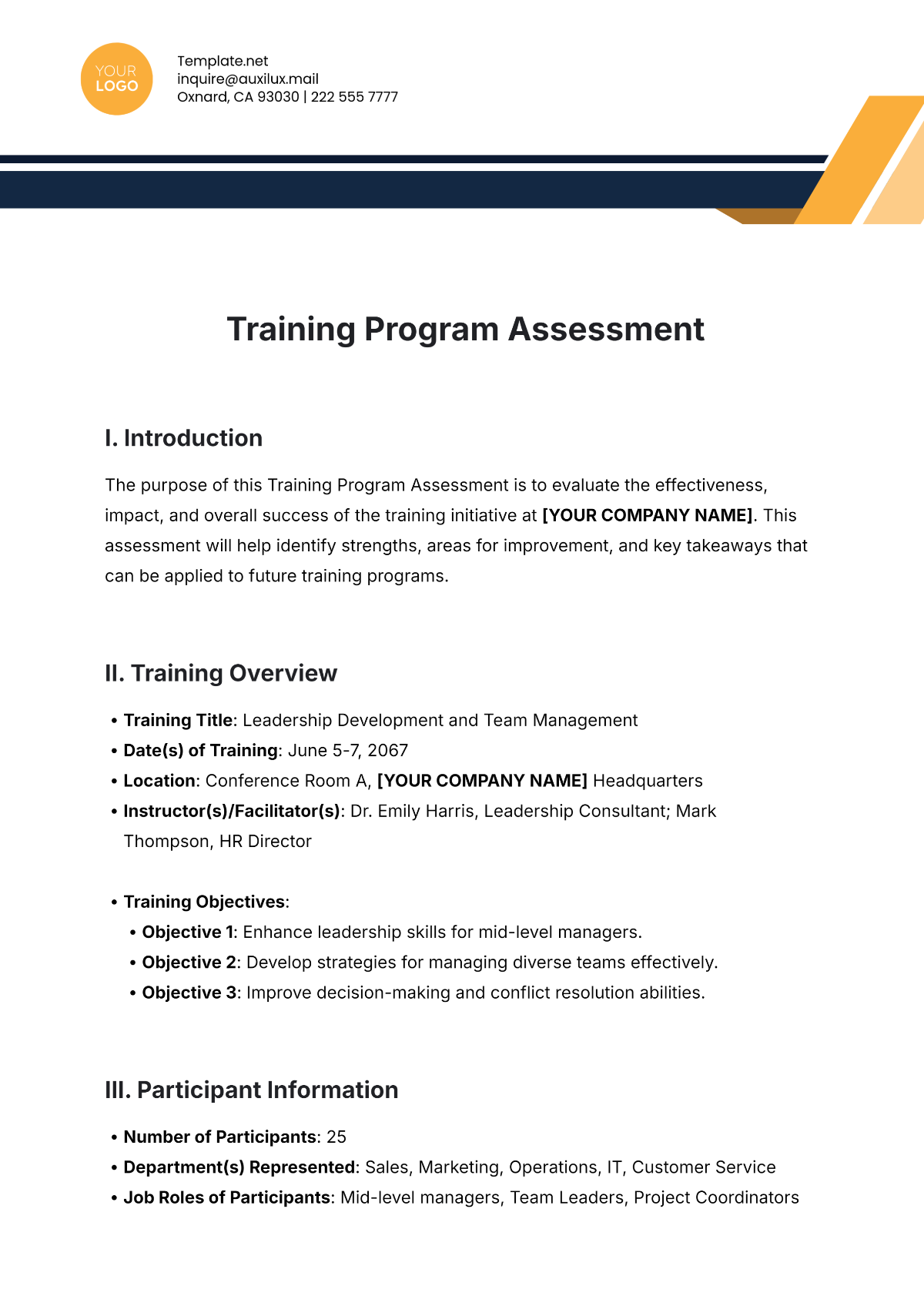
Seeing how a template plays out in practice helps solidify your understanding.
Case Study 1: Sales Training Summary
ABC Corp hosted a 3‑day sales enablement workshop. The template captured:
- Objectives: Improve closing rates by 15%.
- Participants: 45 sales reps across 5 regions.
- Assessment: Pre‑test average 62%; post‑test 78%.
- Recommendations: Quarterly refresh sessions for top performers; additional mentorship for reps under 70% conversion.
The report was presented to the C‑suite, leading to a $200K investment in a new CRM tool and a measurable 12% lift in quarterly revenue within six months.
Case Study 2: Tech Conference Report
XYZ University hosted a two‑day tech conference. The template included:
- High‑level agenda with speaker bios.
- Attendance heat map showing 600 participants across 20 countries.
- Post‑event survey with a 4.5/5 satisfaction score.
- Action items: Follow‑up webinars for session 3, sponsor outreach for next year.
The concise, visually engaging report helped secure a sponsorship renewal and a 25% increase in future attendee registration.
Common Mistakes to Avoid

Even seasoned professionals can fall into traps. Watch out for these pitfalls:
- Overloading the report with data—prioritize key metrics.
- Inconsistent branding—always use the approved color palette and logos.
- Neglecting to align the template with stakeholder needs—customize sections as required.
- Ignoring version control—maintaining multiple untracked copies leads to confusion.
Conclusion

Mastering the Training Summary Report Template is essential for translating training efforts into tangible business value. By incorporating clear objectives, participant insights, assessment outcomes, and actionable recommendations, your report becomes a strategic asset rather than a routine document. Thoughtful design, audience‑centric customization, and disciplined maintenance practices ensure that each report delivers maximum impact. Implement these practices today, and watch your training programs evolve from good to truly transformative.






Related posts of "Training Summary Report Template"
