
Thanks Certificate Template is the unsung hero of appreciation—think of it as a superhero cape for your gratitude, only less spandex and more printable flair. If you’ve ever wanted to say “You’re awesome!” without resorting to a sticky note or a half‑hearted emoji, you’ve stumbled onto the perfect digital (or paper) sidekick that turns thank‑yous into a formal, eye‑catching celebration. In this guide we’ll dive deep into the world of thank‑you certificates, sprinkle in some humor, and give you a treasure map of actionable steps so you can create, customize, and deploy your own masterpiece faster than you can say “I owe you a coffee!”
What Exactly Is a Thanks Certificate Template?
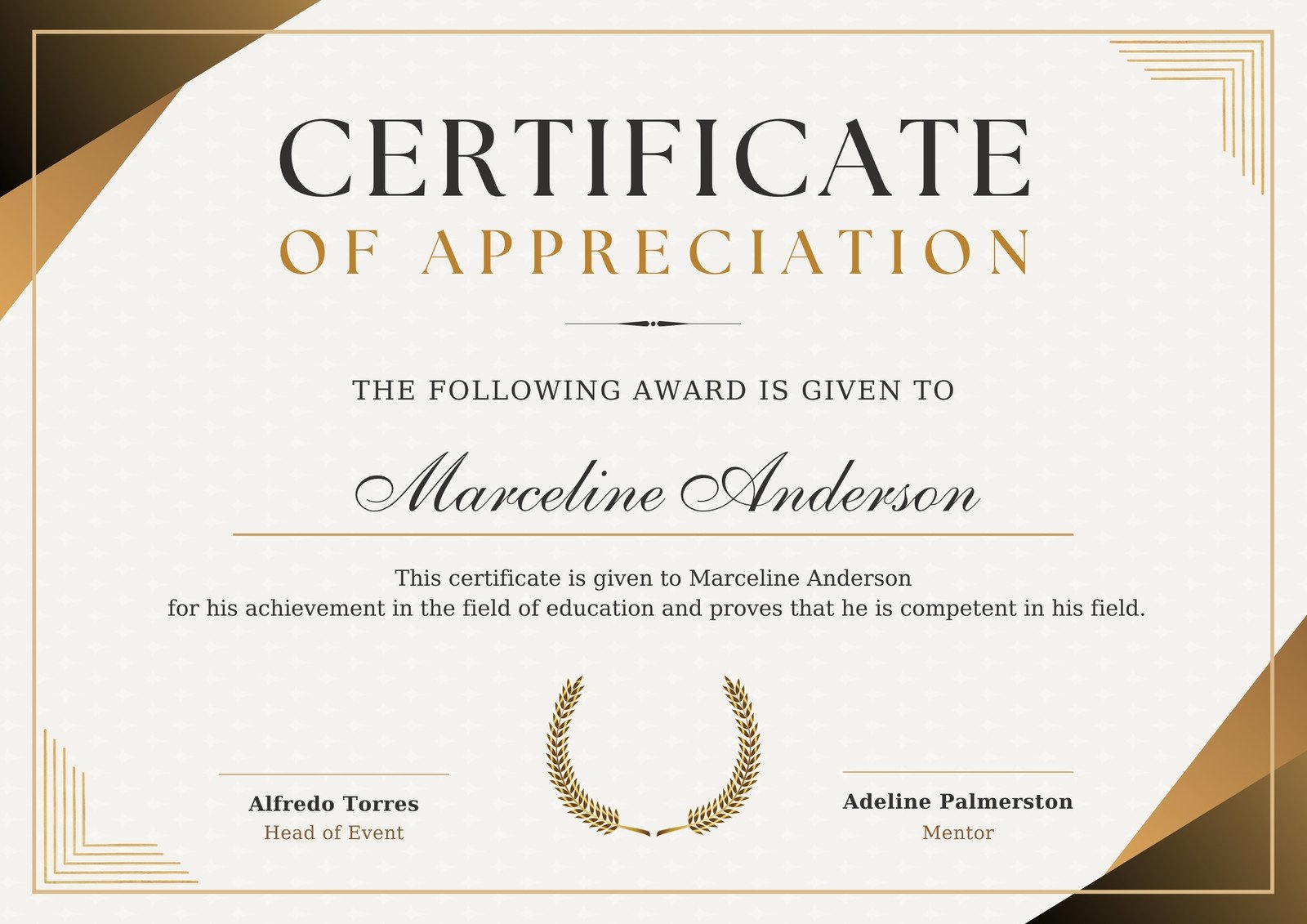
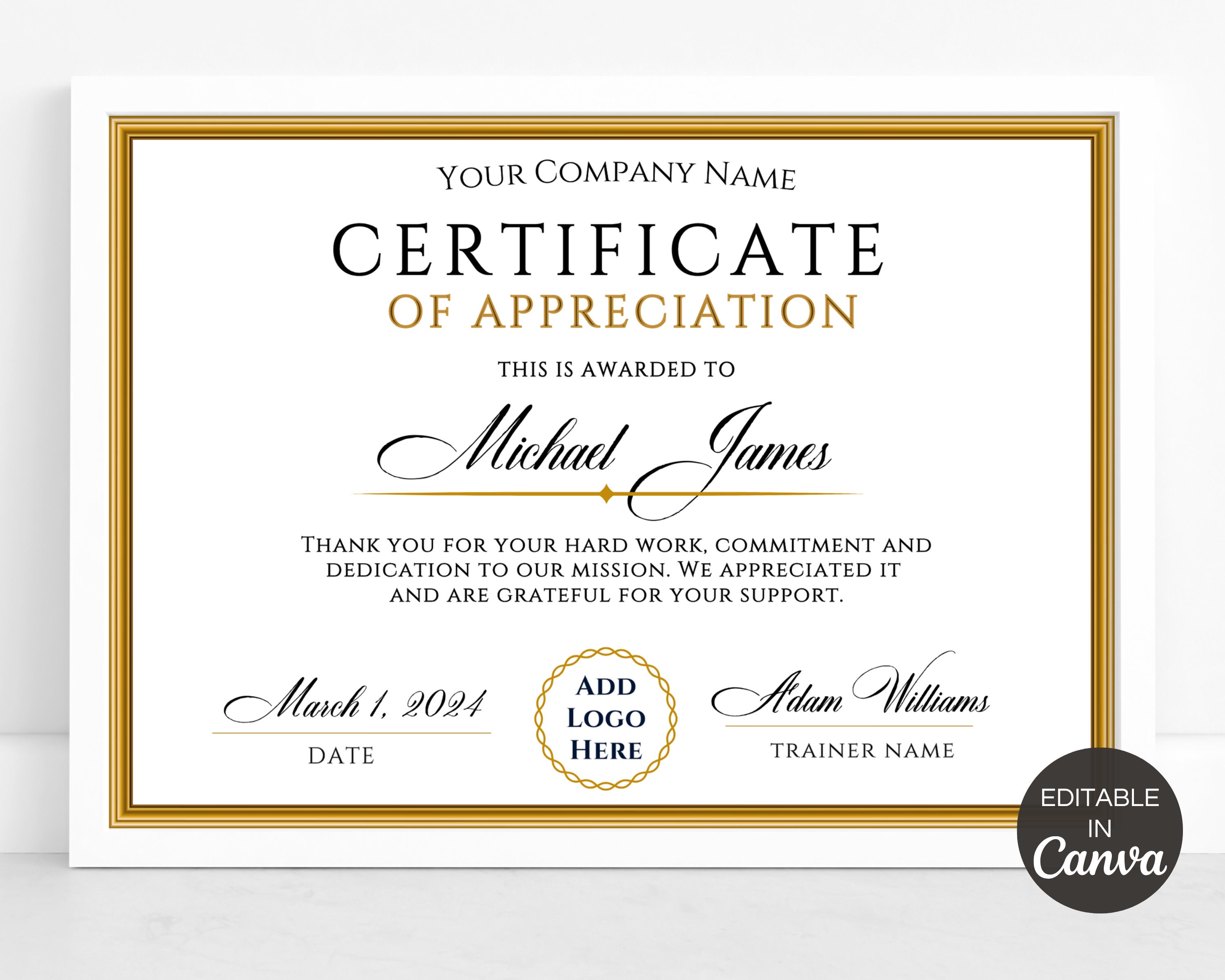
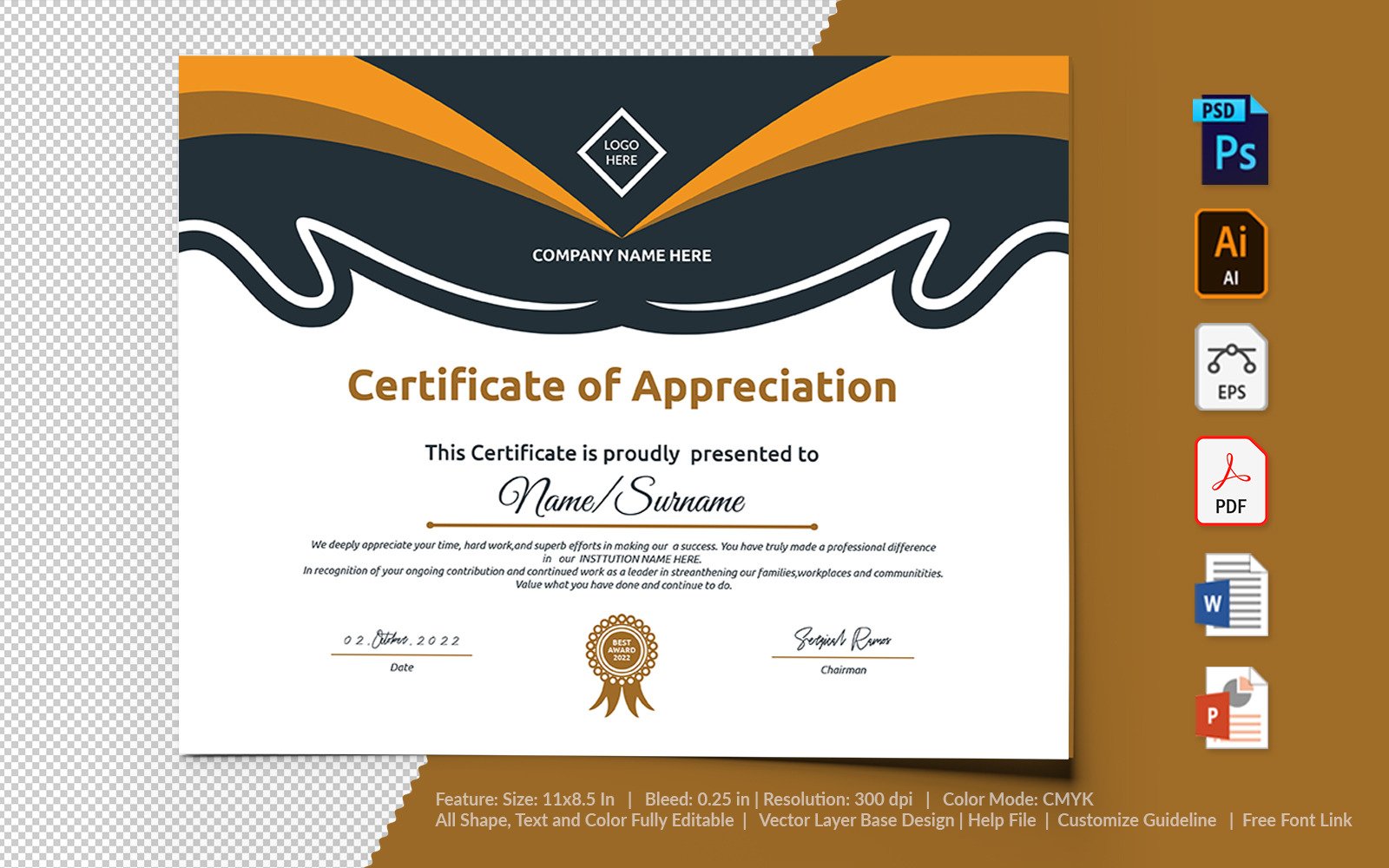
A Thanks Certificate Template is a pre‑designed layout that you can fill in with names, dates, and a personalized message of appreciation. Think of it as a fill‑in‑the‑blank thank‑you card that already has the fancy fonts, borders, and decorative flourishes you’d need to look like a design guru without actually hiring one. These templates come in a variety of styles—from sleek corporate minimalism to whimsical doodle‑filled pages that make you wonder if you’re awarding a trophy or a golden sticker.
Why Use a Thanks Certificate?

Because saying “thanks” with a plain text email is about as exciting as watching paint dry on a wall of beige. A certificate adds gravitas, visual appeal, and a dash of ceremony that says, “Your effort mattered, and I’m willing to print something that looks like a diploma just for you.” Here are a few compelling reasons:
- Recognition that lasts: Unlike a quick “thanks” that disappears into the inbox abyss, a certificate can be framed, pinned, or displayed on a desk as a constant reminder of achievement.
- Professional polish: In a corporate setting, a well‑designed thank‑you certificate can reinforce a culture of appreciation, boost morale, and even become a talking point at watercooler chats.
- Versatility: From thanking volunteers at a charity event to congratulating a coworker on a project milestone, the same template can be repurposed with minor tweaks.
- Fun factor: Let’s face it—receiving a certificate feels like getting a gold star on a kindergarten wall, and who doesn’t love that nostalgic thrill?
Design Elements That Make Your Certificate Pop

Even the most heartfelt message can fall flat if the design looks like it was cobbled together in 1999. Below are the design ingredients that transform a bland thank‑you into a visual feast:
Typography
Choose a bold, readable headline font for the title (e.g., “Certificate of Appreciation”) and pair it with a clean serif or sans‑serif for the body text. Avoid using more than two font families to keep the look cohesive. Adding a subtle script font for the recipient’s name can give it a personalized touch without going overboard.
Color Scheme
Pick colors that align with your brand or the event’s vibe. Soft pastels convey warmth, while deep blues and golds scream prestige. Ensure enough contrast between text and background for legibility—no one wants to squint at a neon green on a bright pink certificate.
Border & Ornamentation
A tasteful border adds structure. Classic options include double lines, laurel wreaths, or subtle embossing effects. For a quirky twist, consider a comic‑book style “pow!” burst in one corner (use sparingly, unless you’re awarding the office’s best coffee maker).
Imagery & Logos
If you’re representing an organization, place the logo at the top or bottom, but keep it small enough not to dominate the page. Optional icons—like a handshake or a trophy—can reinforce the theme of gratitude.
Step‑by‑Step: Creating Your Own Thanks Certificate

Ready to roll up your sleeves and conjure a masterpiece? Follow these simple steps, and you’ll have a printable certificate in under ten minutes.
- Choose a template platform: Websites like Canva, Adobe Express, or even Microsoft Word offer free thank‑you certificate templates. Pick one that matches your design skill level.
- Download the template: Save the file in an editable format (e.g., .docx, .pptx, .pdf for Adobe). If you’re feeling adventurous, start from scratch using a blank canvas.
- Insert your content: Replace placeholder text with the recipient’s name, the reason for thanks, and the date. Keep the message concise but heartfelt—something like “In recognition of your outstanding dedication to the Q3 project rollout.”
- Customize the design: Adjust colors, fonts, and borders to match your branding. Add a subtle background pattern if you like, but ensure it doesn’t compete with the text.
- Proofread: Double‑check spelling, especially the recipient’s name. Nothing says “oops” like a certificate addressed to “Jonh Doe.”
- Export and print: Save as a high‑resolution PDF. Print on heavyweight cardstock (at least 80 lb) for a premium feel. If you’re sending digitally, export a web‑friendly PNG or JPG.
- Deliver with flair: Hand‑hand the printed copy, slide it into a sleek envelope, or attach it to an email with a witty subject line like “You’ve officially earned a gold star!”
Common Mistakes and How to Avoid Them

Even seasoned designers slip up sometimes. Spot these pitfalls early to keep your certificate looking sharp:
Over‑crowding the Layout
Resist the urge to cram every decorative element you can find. White space is your friend; it lets the important details breathe.
Using Low‑Resolution Images
Pixelated logos or clip‑art will make your certificate look cheap. Always use vector graphics or high‑resolution PNGs (300 dpi or higher).
Choosing Inappropriate Fonts
Comic Sans may be fun for a birthday party, but it’s a no‑go for a professional thank‑you. Stick to fonts that convey credibility.
Neglecting Print Margins
If you plan to print, set proper bleed and margin guides to avoid cutting off text or borders. Most printers need at least a ¼‑inch margin.
Forgetting the Signature
A handwritten or digital signature adds authenticity. If you’re sending electronically, a stylus‑drawn signature works wonders.
Where to Use Your Thanks Certificate
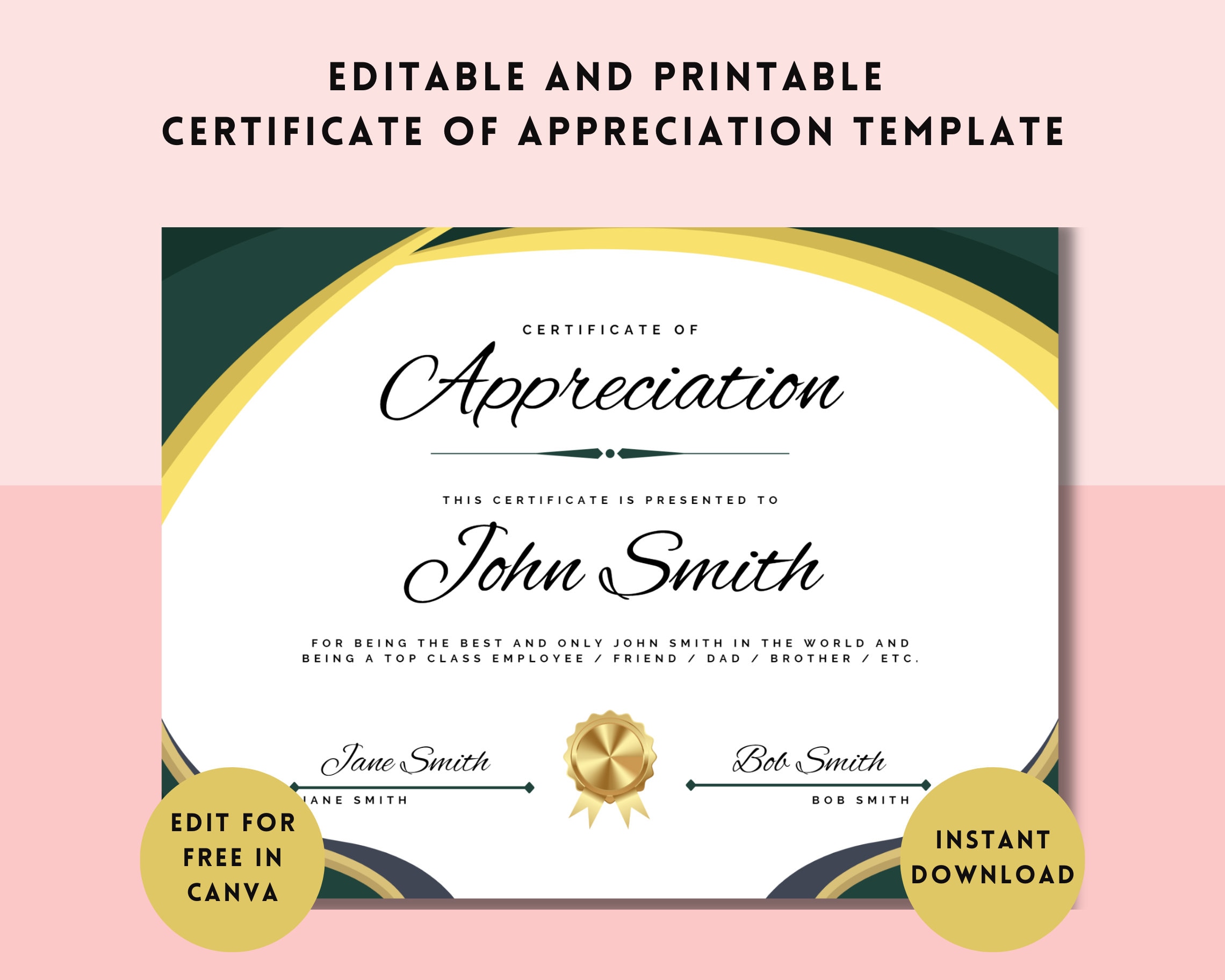
Certificates aren’t just for corporate boardrooms. Here’s a quick tour of the many realms where a well‑crafted thank‑you can shine:
- Workplace achievements: Recognize teammates who nailed a deadline, mentored new hires, or saved the day with a crisis‑averting idea.
- Volunteer appreciation: Non‑profits love to showcase gratitude for donors, event volunteers, and community helpers.
- Academic settings: Teachers can award students for outstanding projects, perfect attendance, or acts of kindness.
- Family & friends: Celebrate a sibling’s help moving furniture, a friend’s support during a tough time, or a neighbor’s stellar dog‑walking services.
- Customer loyalty: Small businesses can thank repeat customers with a “Thank‑You Certificate” that doubles as a discount voucher.
Funny Ideas to Make It Memorable
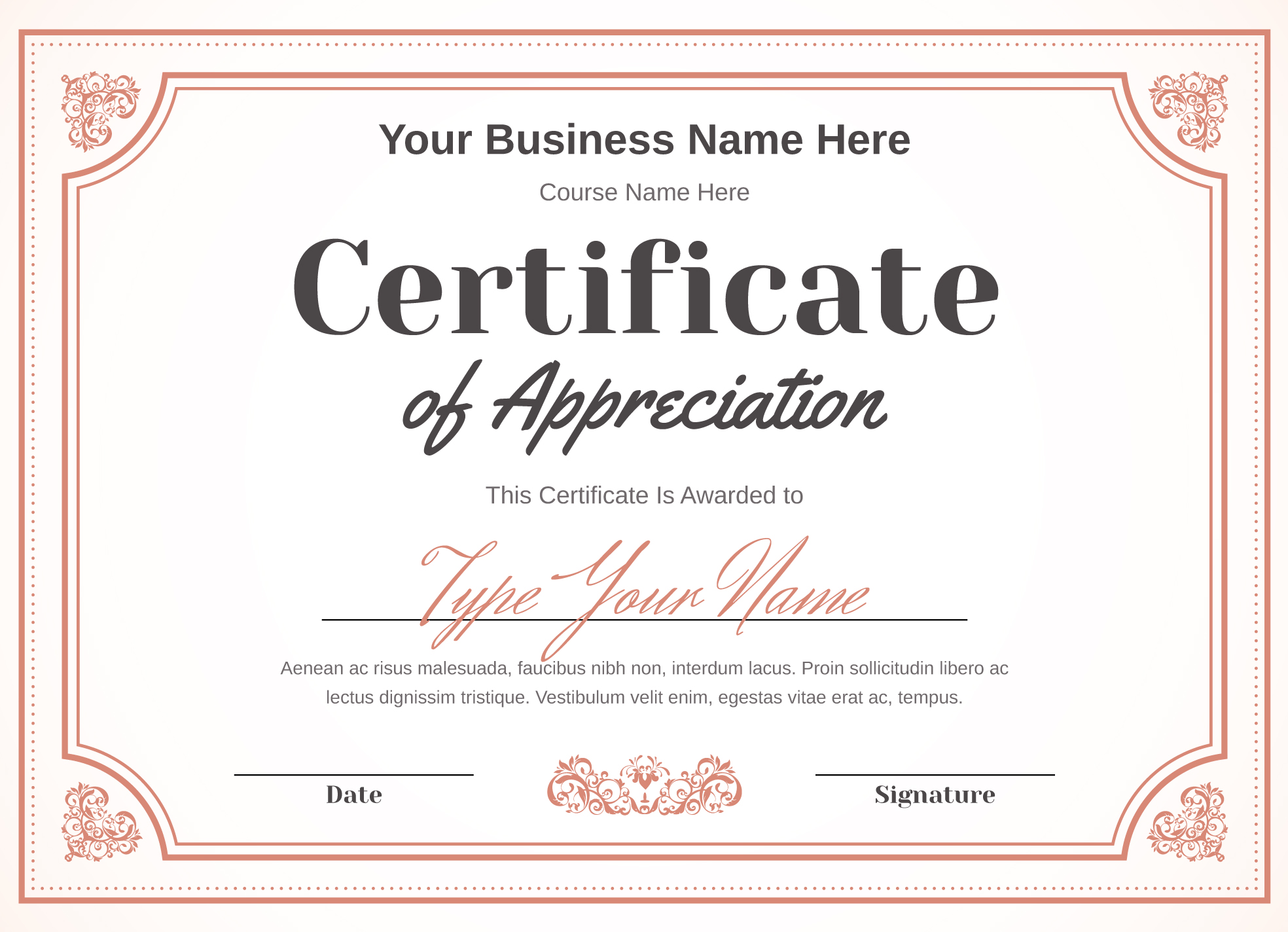
While the core purpose is sincere appreciation, sprinkling humor can make the certificate unforgettable. Try these light‑hearted twists:
Superhero Themes
Title it “Certificate of Superhuman Thanks” and add a cape graphic. Mention the recipient’s “powers,” such as “Laser‑focus on spreadsheets” or “Time‑bending ability to meet every deadline.”
Pop‑Culture References
Channel your inner movie buff: “You’re the Yoda of Customer Service—wise, patient, and always there when the force is needed.” Include a tiny lightsaber icon for extra flair.
Pun‑filled Text
For a coffee‑loving coworker, write “Thanks a latte for brewing up success!” Pair with a doodle of a coffee cup wearing a medal.
Retro Game Style
Design the certificate like an 8‑bit game screen, complete with pixel art. Caption the achievement as “Level Up: Thank You!” This works great for tech teams.
“Award” Categories
Instead of a generic “Thank You,” create specific categories like “Best Desk Plant Waterer,” “Champion of the Office Fridge,” or “Master of the Morning Meeting.” It adds a personal touch and a chuckle.
Printing Tips for a Professional Finish
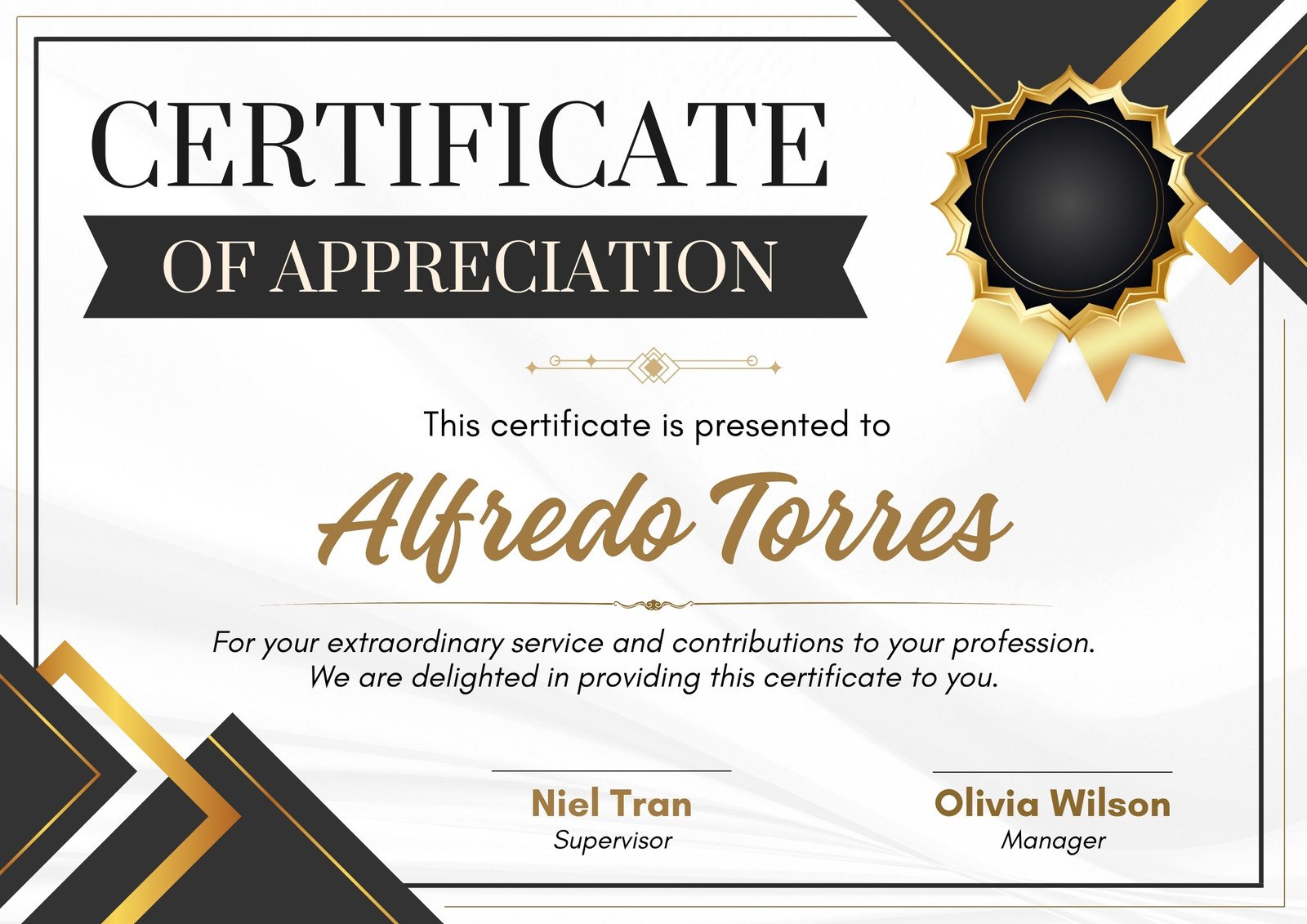
Even the snazziest design can fall flat if printed poorly. Follow these pro tips to ensure your certificate looks as impressive as its content:
- Choose quality paper: Heavy cardstock (80–100 lb) with a slight texture adds weight and a tactile feel.
- Use a laser printer: Inkjet can bleed on thick paper; laser printers provide crisp lines and solid colors.
- Set the correct resolution: Export your file at 300 dpi or higher to avoid pixelation.
- Consider a matte finish: It reduces glare and makes the certificate easier to read under different lighting.
- Trim with precision: Use a guillotine cutter or a paper trimmer for clean, straight edges.
Digital Distribution: When Paper Isn’t Practical

Sometimes you need to send a thank‑you certificate across the globe or to a remote employee. Digital distribution saves time and postage costs. Here’s how to keep it looking sharp:
Save as PDF
PDF preserves formatting and looks the same on any device. Ensure you embed all fonts before exporting.
Optimize for Email
Compress the file to under 2 MB for quick delivery. Use a friendly subject line like “You’ve Earned a Virtual High‑Five (and a Certificate)!”
Add a Digital Signature
Use a scanned handwritten signature or a secure e‑signature tool to maintain authenticity.
Include a Personalized Message
Accompany the attachment with a brief, warm note. Example: “Hey Alex, thanks for crushing the Q4 sales target. Your effort deserves this official recognition—enjoy!”
Measuring the Impact of Your Thanks Certificate
Wondering if your effort actually moves the needle? Here are a few ways to gauge the effectiveness:
- Feedback surveys: Ask recipients how the certificate made them feel and whether it boosted motivation.
- Engagement metrics: In a corporate setting, track if there’s an uptick in project participation after recognitions are introduced.
- Retention rates: A culture of appreciation can improve employee retention—compare turnover before and after implementing certificates.
- Social sharing: If recipients post their certificates on LinkedIn or Instagram, you’ve gained free publicity and reinforced a positive brand image.
Conclusion

Whether you’re aiming to make a colleague grin, a volunteer feel valued, or a friend see you as the ultimate gratitude guru, a Thanks Certificate Template is your secret weapon. By mastering design fundamentals, avoiding common pitfalls, and sprinkling in a dash of humor, you’ll create recognitions that are both heartfelt and eye‑catching. Remember, the best certificates are those that feel personal, look professional, and leave the recipient thinking, “Wow, they really appreciate me—maybe I should bring them a donut next time!” So go forth, print, share, and watch the smiles multiply—one beautifully designed thank‑you at a time.




Related posts of "Thanks Certificate Template"
