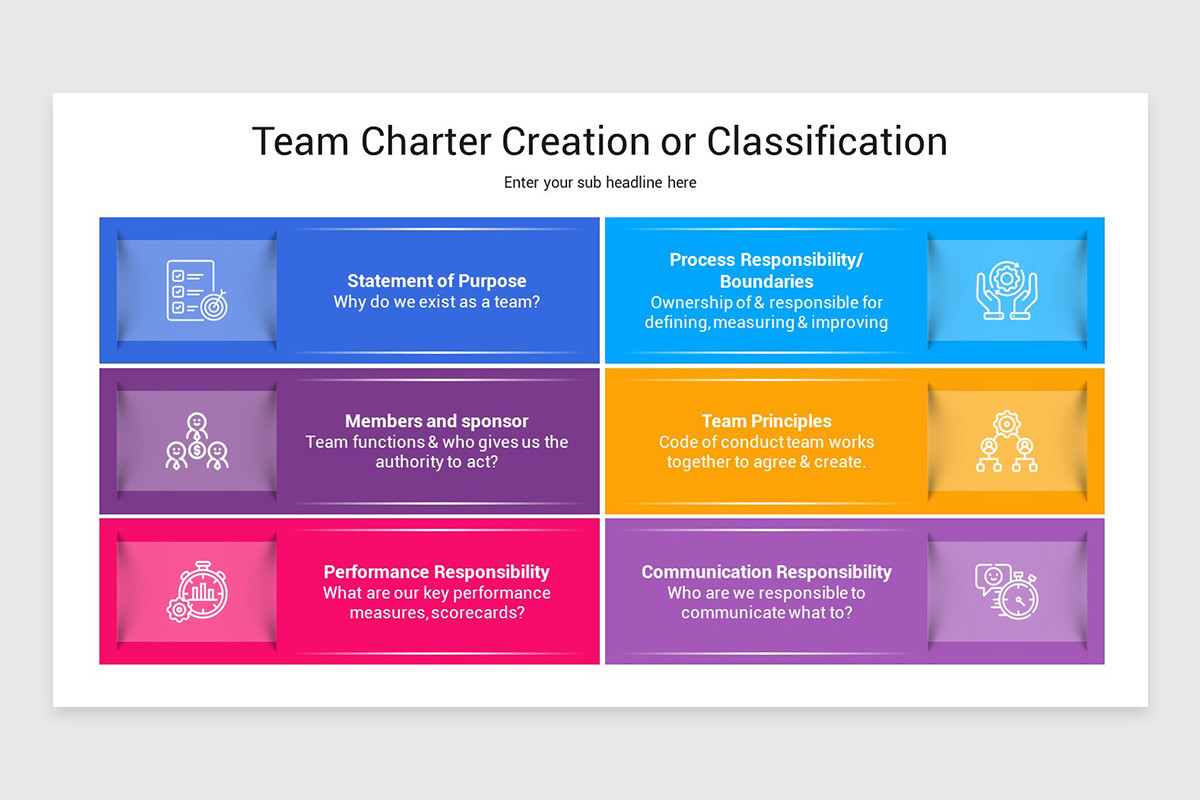
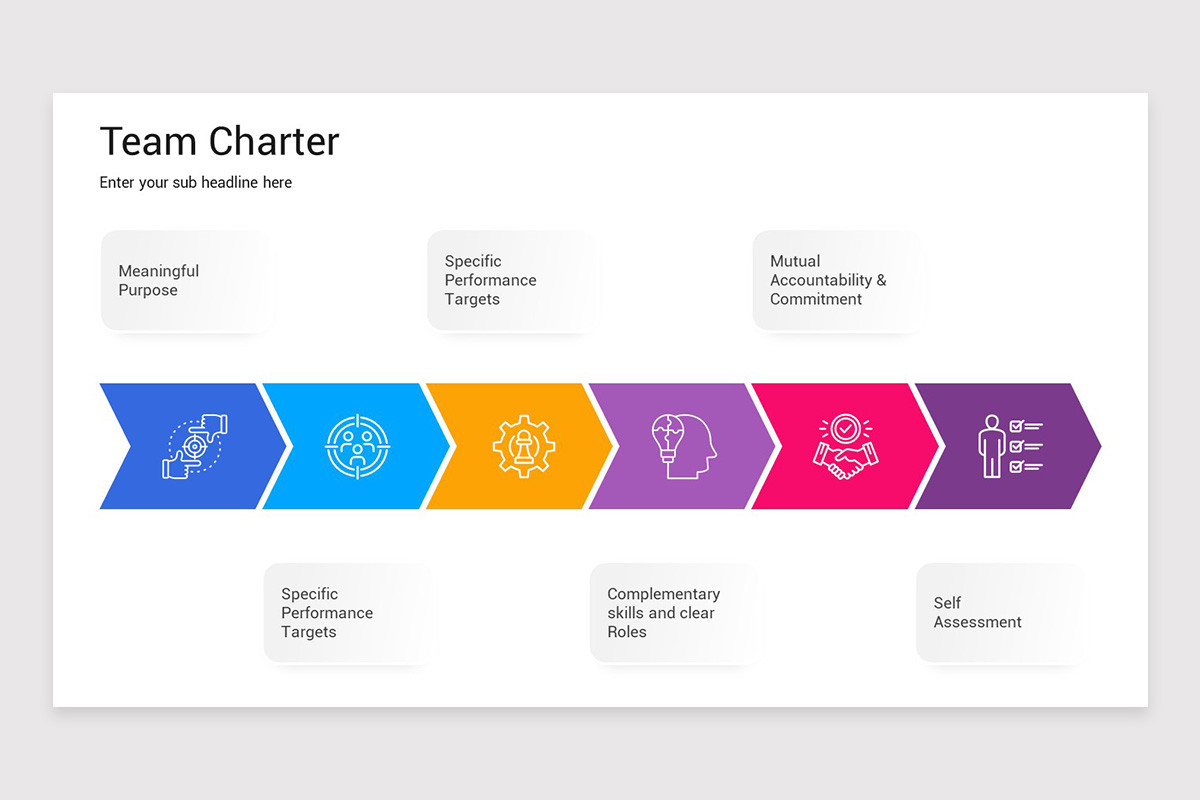
Team Charter Template Powerpoint is a powerful tool that transforms the way modern teams start projects, align goals, and navigate execution. In today’s fast-paced environment, the first slide deck you produce can set the tone for collaboration, transparency, and accountability. This guide dives deep into why a team charter in PowerPoint matters, how to customize it for maximum impact, and real-world examples of teams that have elevated their performance using a structured template.
The Core Purpose of a Team Charter

Defining Objectives and Scope
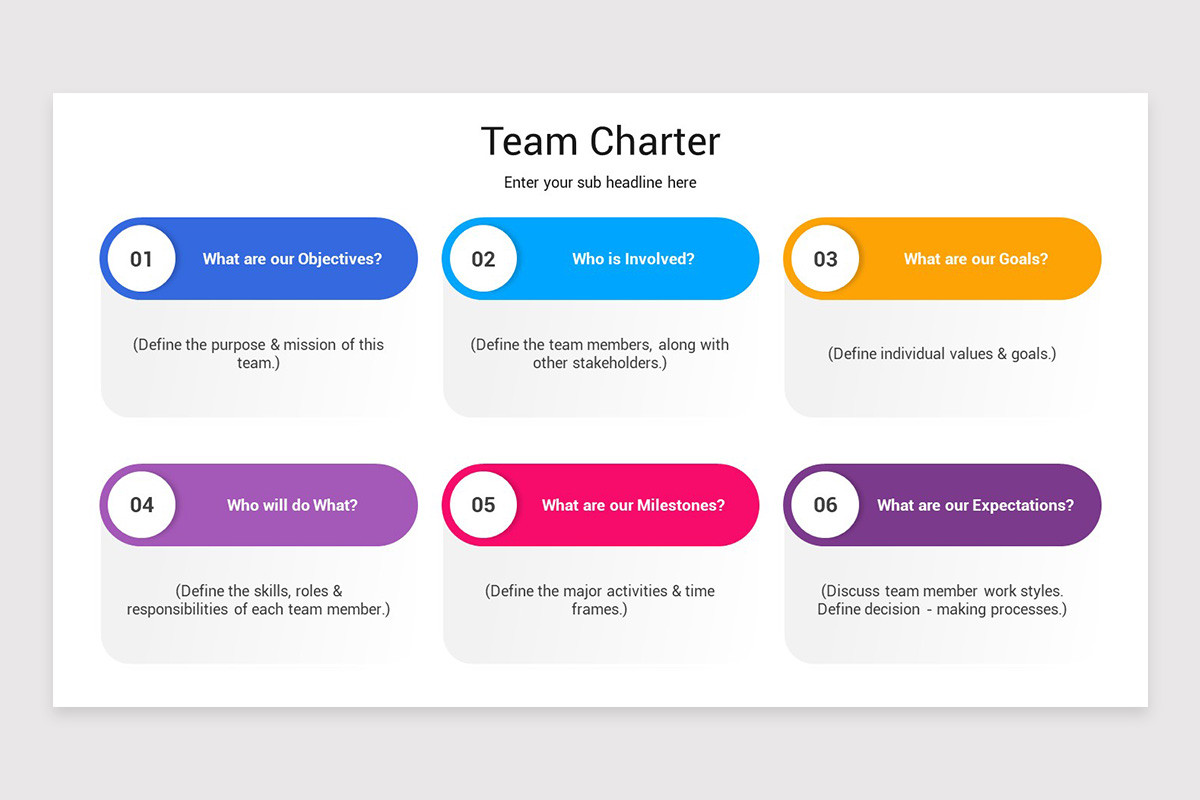
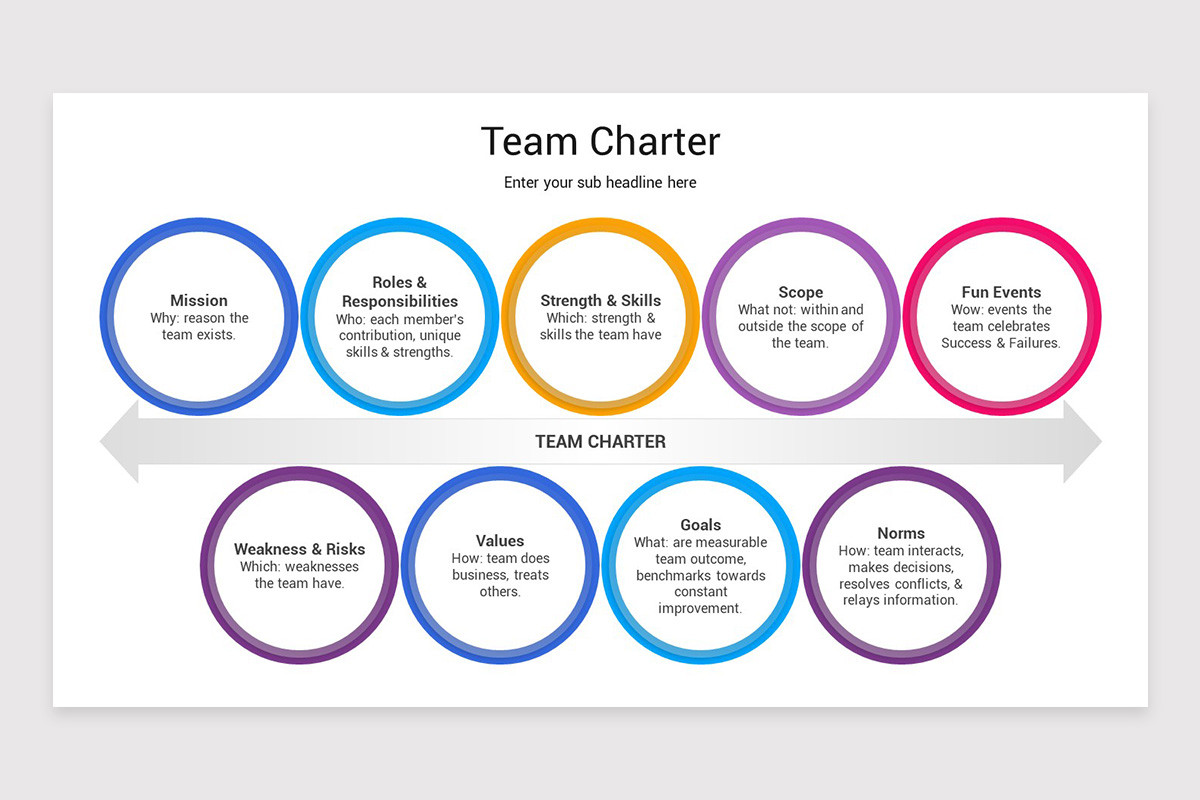
A team charter outlines the purpose of a project, the boundaries within which the team will operate, and the success criteria. By establishing these parameters early, team members know what to aim for and can avoid scope creep. In PowerPoint, this section typically starts with a bold title slide, followed by a concise statement of mission, vision, and key deliverables.
Building Roles and Responsibilities
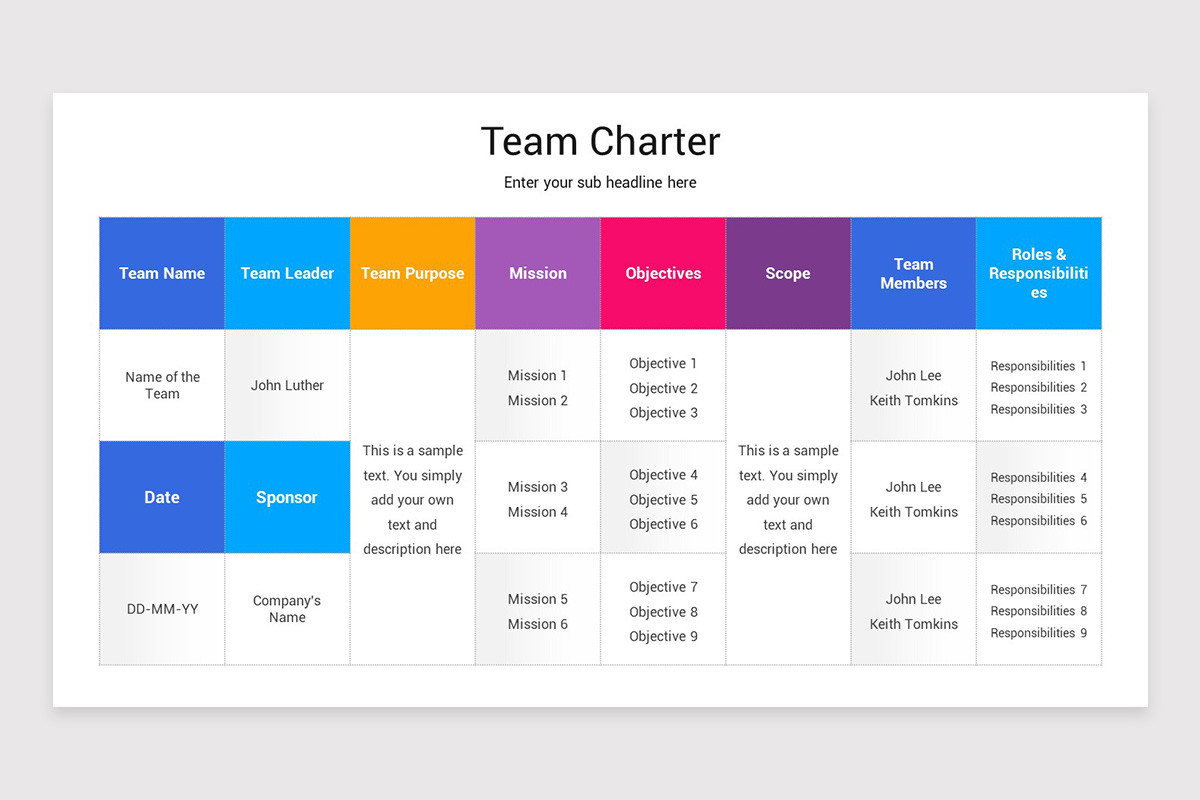
Clarity in roles—such as Project Owner, Facilitator, Data Analyst, and Communications Lead—reduces overlap and confusion. A PowerPoint template can include a visual role diagram, a responsibilities matrix, and a quick reference list. This visual representation helps stakeholders instantly see who does what and who to contact for each need.
Establishing Governance and Decision-Making
Governance structures—meetings cadence, escalation paths, approval gates—are essential to keep projects on track. In the template, dedicate a slide to the decision-making hierarchy, use icons to denote who has final authority on budget, scope, or timeline changes, and embed a table summarizing meeting frequencies and agendas.
Setting Communication Protocols
Effective communication is a cornerstone of successful projects. Include sections for preferred tools (e.g., Slack, Teams), reporting frequency, and stakeholder engagement plans. A PowerPoint template can feature a flowchart of communication paths, ensuring that information flows efficiently from the project lead to the wider organization.
Why PowerPoint Is the Ideal Medium for Team Charters
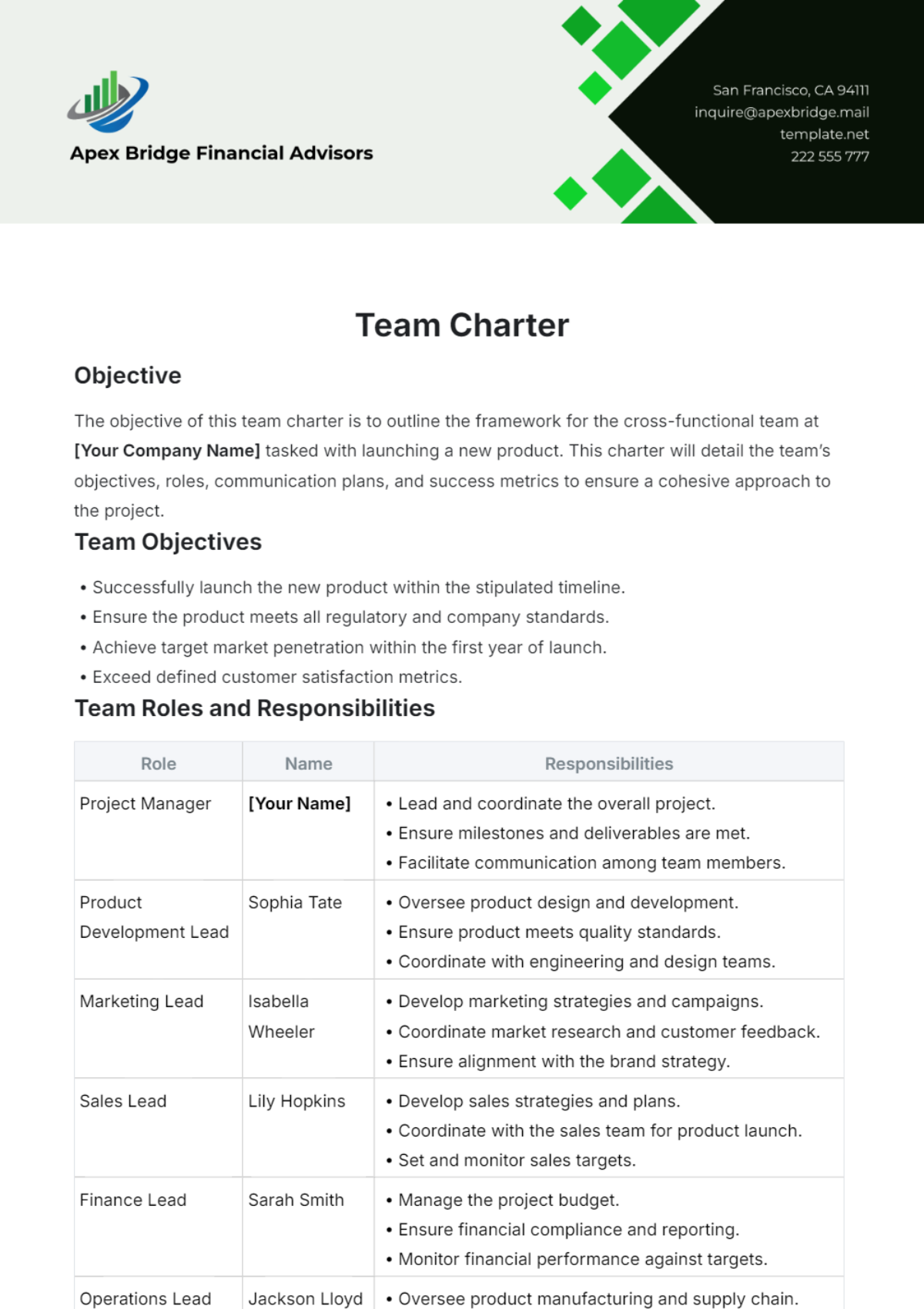
Visual Storytelling
PowerPoint allows teams to craft a narrative around their project goals. Use charts, timelines, and infographics to illustrate complex relationships in a digestible format. Visual storytelling makes the charter memorable and easy to reference.
Accessibility Across Platforms
Most organizations have PowerPoint installed or cloud-based versions like Office 365 or Google Slides. A well-designed template can be shared and edited seamlessly, ensuring that every stakeholder has up-to-date information.
Integration with Project Management Tools
PowerPoint decks can embed links to project boards, Gantt charts, or task lists. Teams can insert live dashboards, allowing viewers to see real-time progress without leaving the slide deck.
Step-by-Step Guide to Customizing a Team Charter Template
Step 1: Choose a Dark Theme That Matches Your Brand
For a professional black tone, select a dark background with high-contrast text. Use muted accent colors for highlights—this creates a sleek, modern look that feels authoritative and focused.
Step 2: Populate the Executive Summary
- Project Title: A clear, concise name.
- Business Need: Why this project matters to the organization.
- Key Success Metrics: How success will be measured.
Keep this slide limited to two to three bullet points.
Step 3: Detail the Project Charter Elements
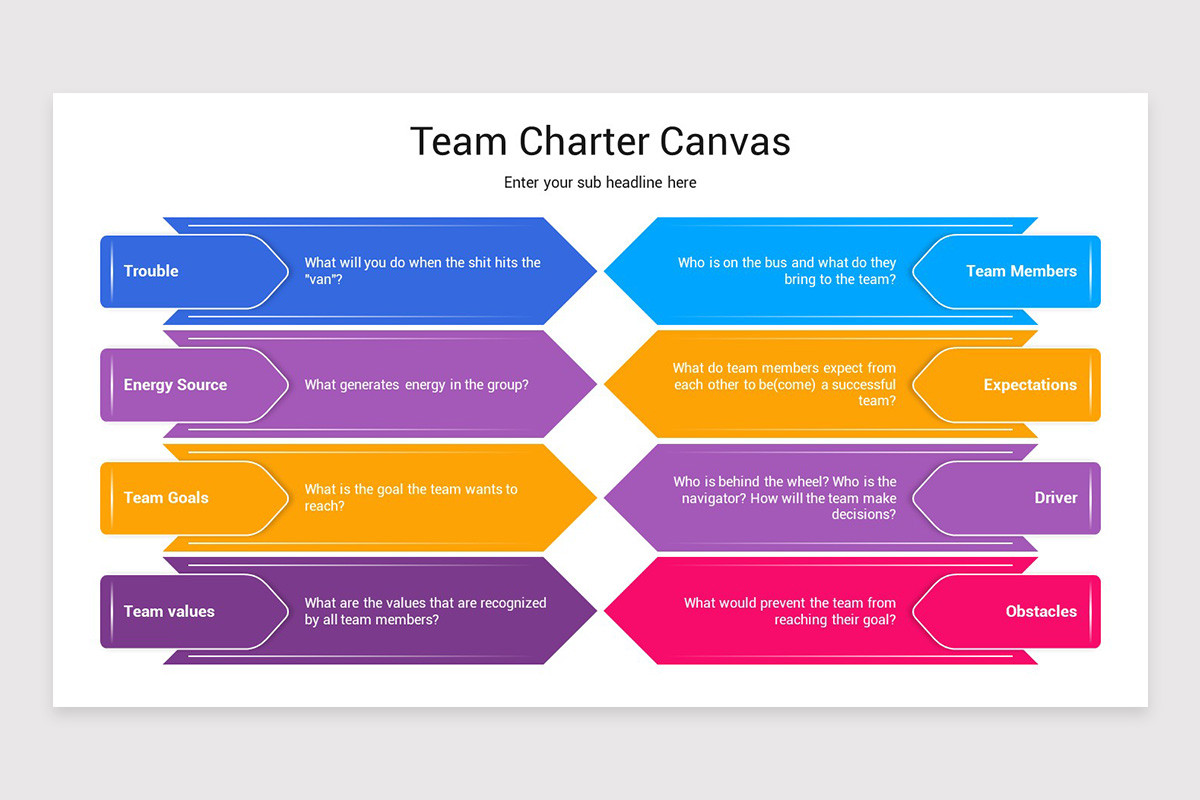
Use a two-column layout: the left side for textual explanations and the right side for visuals (icons, charts). Ensure each element is labeled with a heading that stands out.
Step 4: Insert a Roles and Responsibilities Matrix
Create a table with role names down the rows and responsibility areas across the columns. Use icons to indicate ownership (e.g., checkmark for owner, pencil for contributor).
Step 5: Define Milestones and Deliverables
Utilize a timeline graphic that marks major milestones. Beneath each milestone, list tangible deliverables. This helps the team anticipate workload and align expectations.
Step 6: Add Governance and Risk Management Slides
Show the decision tree for risk escalation and risk mitigation plans. Highlight the risk owners and the contingency budget in a side panel.
Step 7: Final Review and Distribution
After compiling, run a quick walkthrough to ensure consistency in font, color, and spacing. Export the deck to PDF for easy distribution while retaining the editable PowerPoint for future updates.
Real-World Examples of Teams Leveraging a PowerPoint Charter

Tech Startup Launch
A software startup used a dark-themed team charter to align cross-functional squads during a product launch. The deck included a live Slack integration that updated the sprint status. As a result, the launch was 15% faster and under budget.
Nonprofit Fundraising Initiative
For a fundraising campaign, the team employed a PowerPoint charter to communicate timelines and donor stewardship plans. Visual charts of donor segments helped the team prioritize outreach, boosting donation rates by 22%.
Manufacturing Process Improvement
A manufacturing firm created a PowerPoint charter that mapped process workflows and quality checkpoints. The clear visual hierarchy enabled teams to identify bottlenecks quickly, resulting in a 30% reduction in cycle time.
Advanced Tips for Maximizing Impact
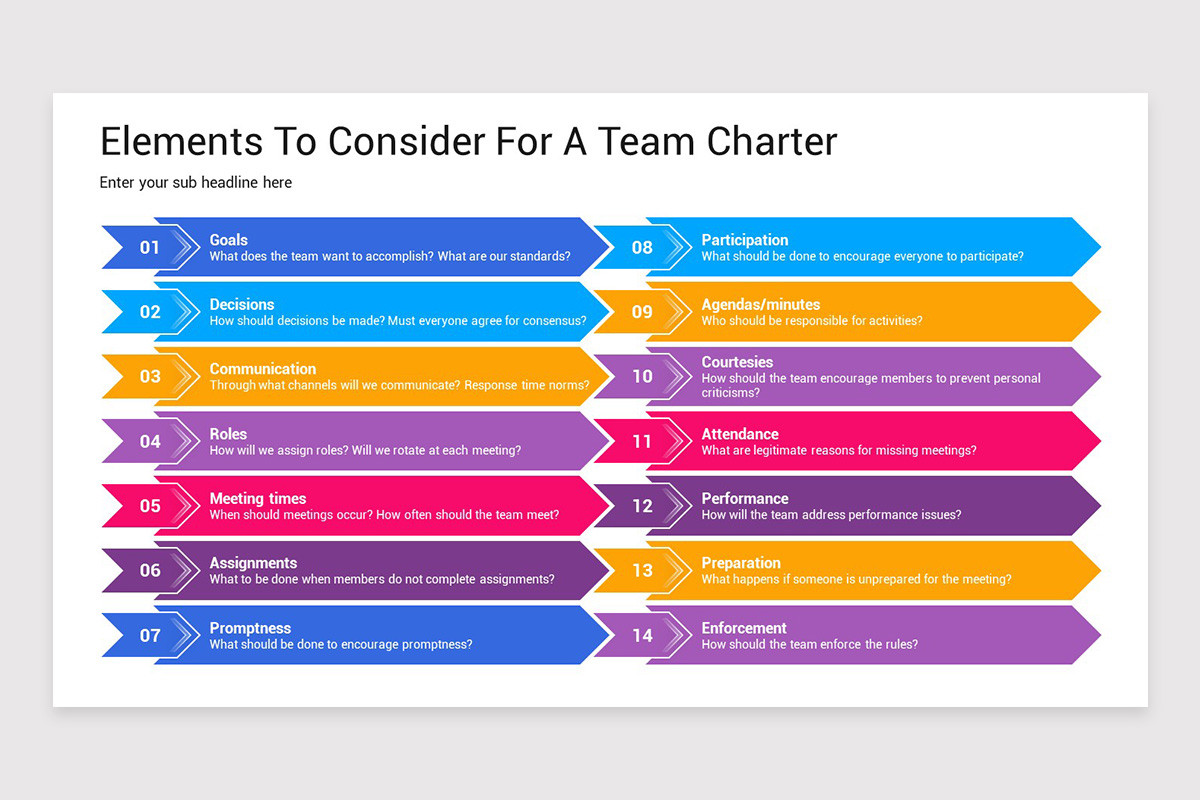
Embed Interactive Elements
Use hyperlinks to internal dashboards or attach files that allow team members to drill down into details. Interactive elements keep the charter alive and relevant throughout the project lifecycle.
Leverage Brand Guidelines for Cohesion
Maintain consistency with corporate branding—logos, color palettes, typography. A cohesive look builds trust and reinforces organizational identity.
Iterate Based on Feedback
After the first review, gather input from stakeholders and adjust slides that need clarification. A living charter adapts to changing project dynamics.
Integrate a Feedback Loop
Include a slide that captures lessons learned, so future teams can benefit from insights gained during execution.
Common Mistakes to Avoid

Overloading Slides with Text
Avoid dense paragraphs. Use bullet points and visuals to convey information quickly.
Ignoring Mobile Accessibility
Ensure the deck is readable on tablets and smartphones by testing the layout in different resolutions.
Neglecting Version Control
Keep a clear version history in a shared drive to prevent confusion over which charter is current.
Conclusion
A Team Charter Template Powerpoint is more than a formality; it is a strategic foundation that aligns vision, roles, and processes. By adopting a dark-themed, visually driven template, teams can communicate complex information with clarity, foster accountability, and accelerate project delivery. Start today by customizing a template that reflects your team’s unique needs and watch your projects transform into disciplined, high-performing ventures.







Related posts of "Team Charter Template Powerpoint"
