
Swot Analysis Template Free Word is the silent powerhouse behind strategic clarity for businesses that refuse to settle for mediocrity, and this guide will show you exactly why a well‑crafted template can transform vague ideas into razor‑sharp action plans.
Why a Free Word Template Beats a Blank Document
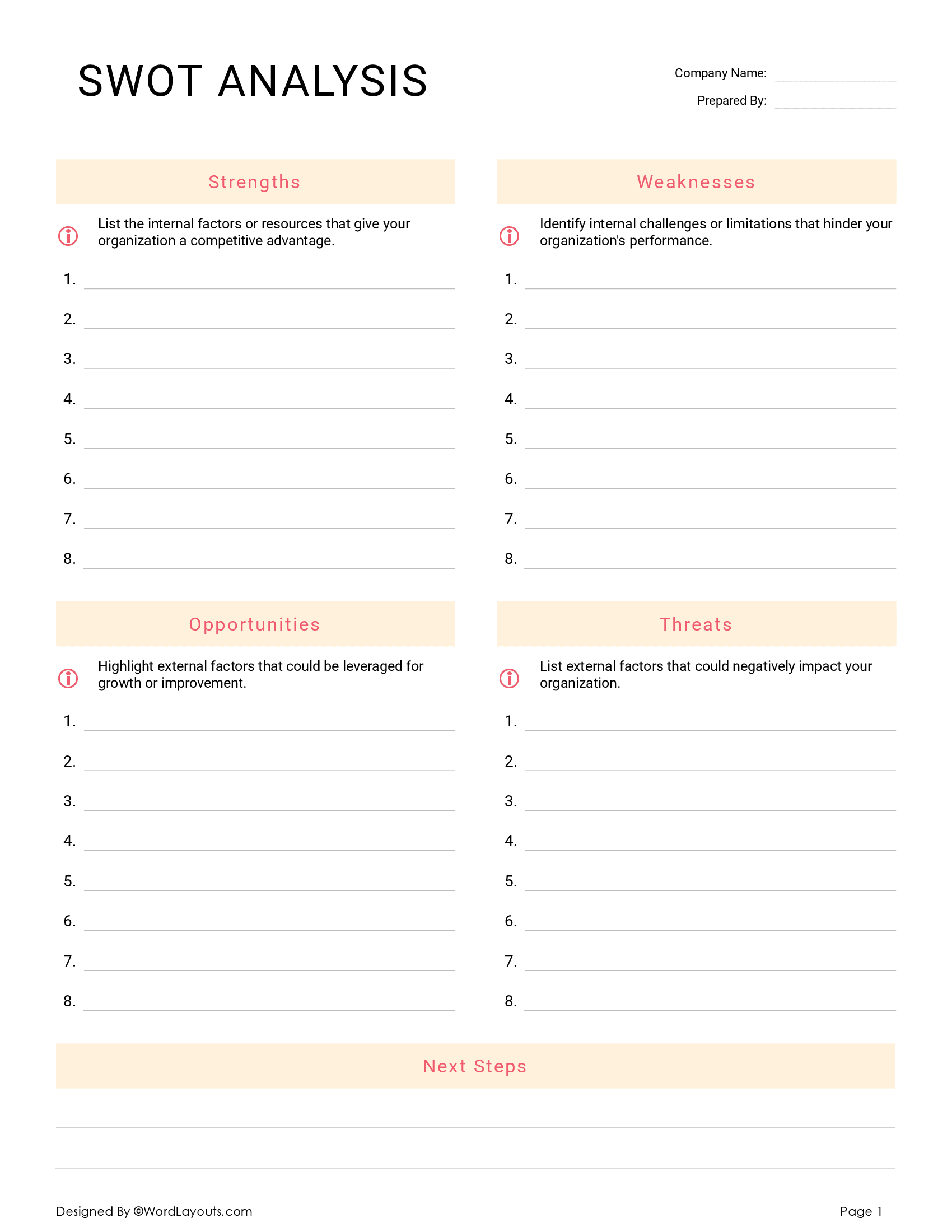
When you open a blank Word file, the mind often drifts to “where do I start?” A dedicated SWOT template eliminates that paralysis by offering a pre‑structured canvas that forces you to consider Strengths, Weaknesses, Opportunities, and Threats in a balanced way. The layout guides your thoughts, reduces the cognitive load of formatting, and ensures that every quadrant receives equal attention. In the fast‑paced world of business, time saved on formatting is time reinvested in analysis and execution.
Key Elements of an Effective SWOT Template

Clear Quadrant Separation
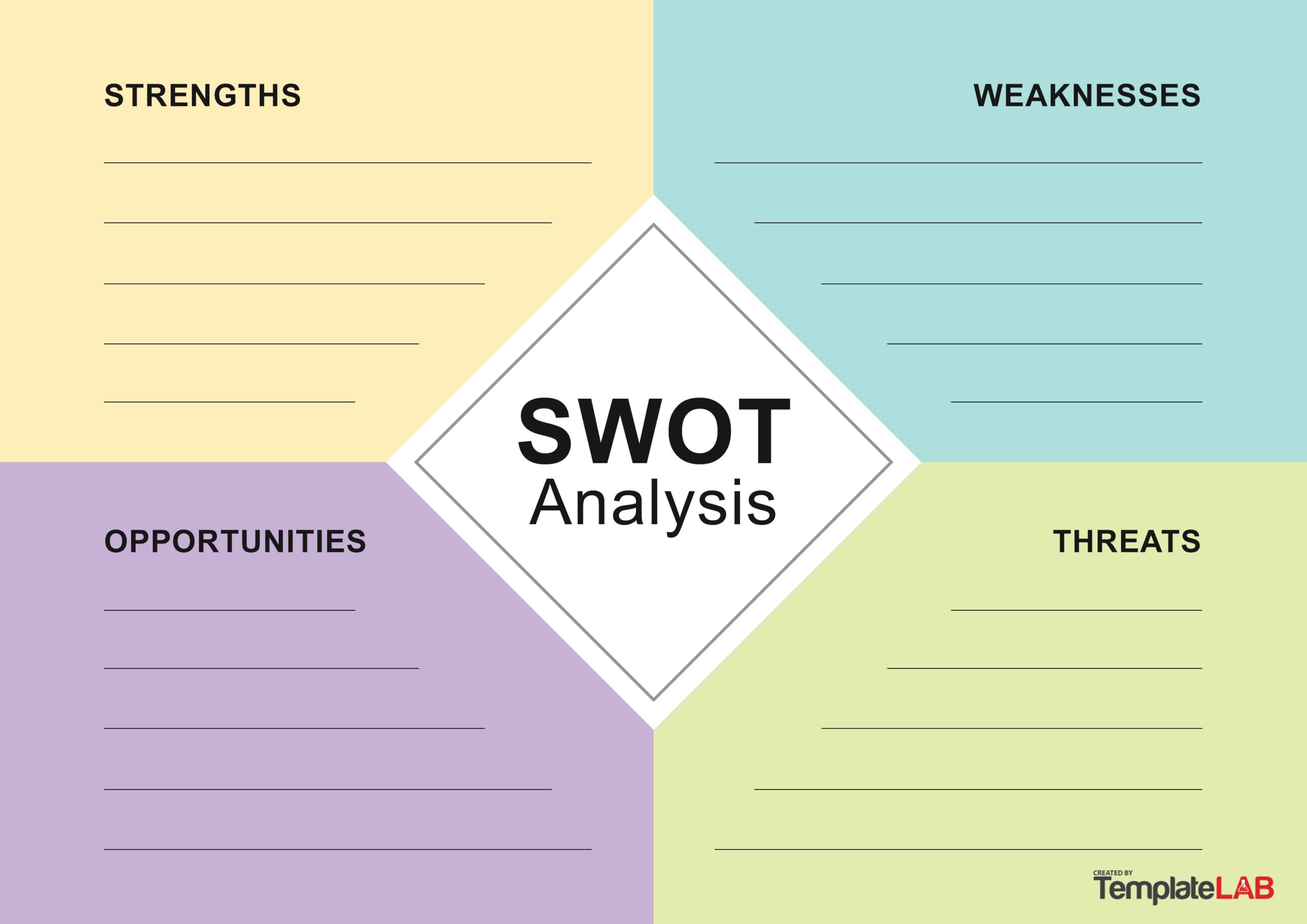
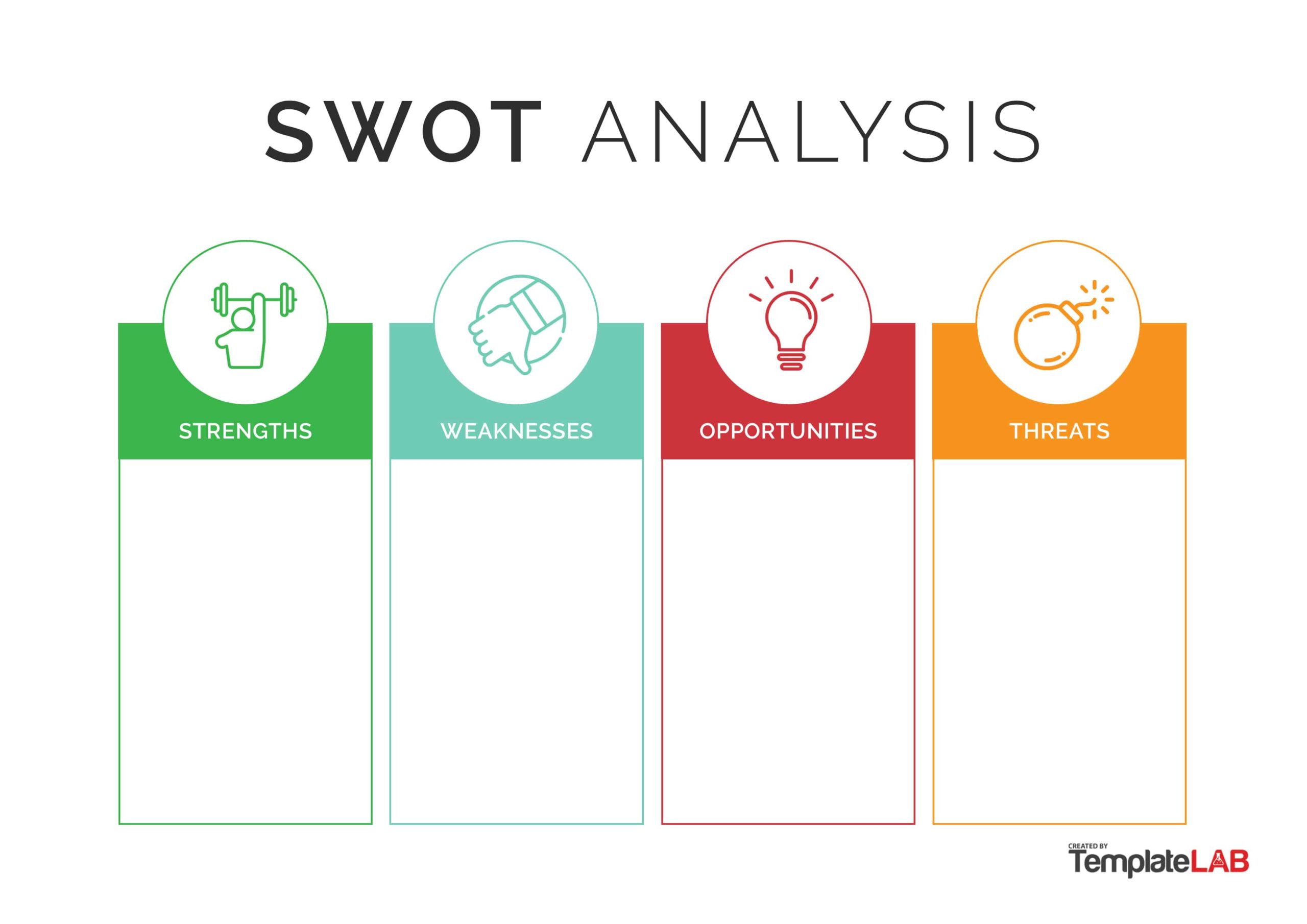
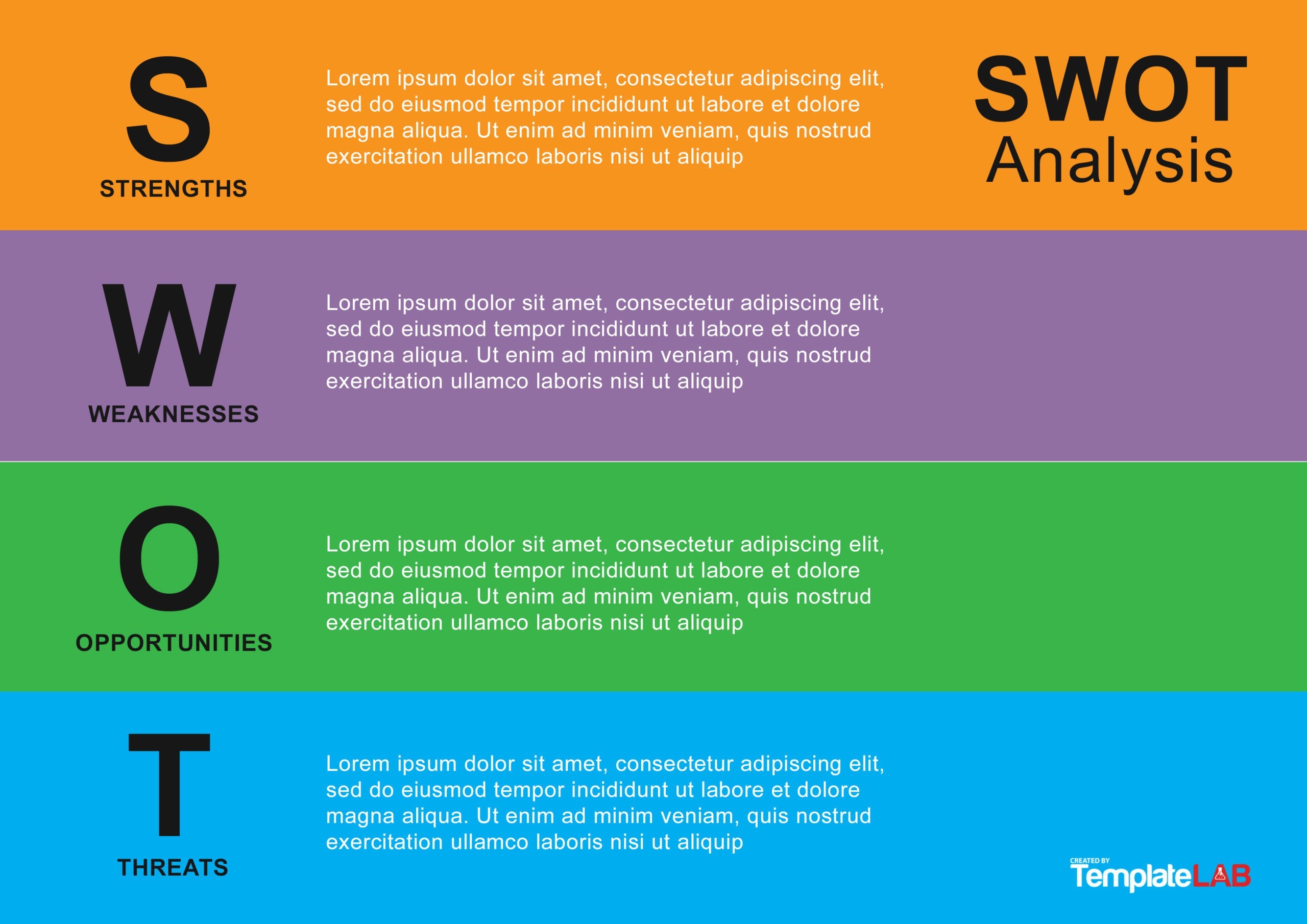
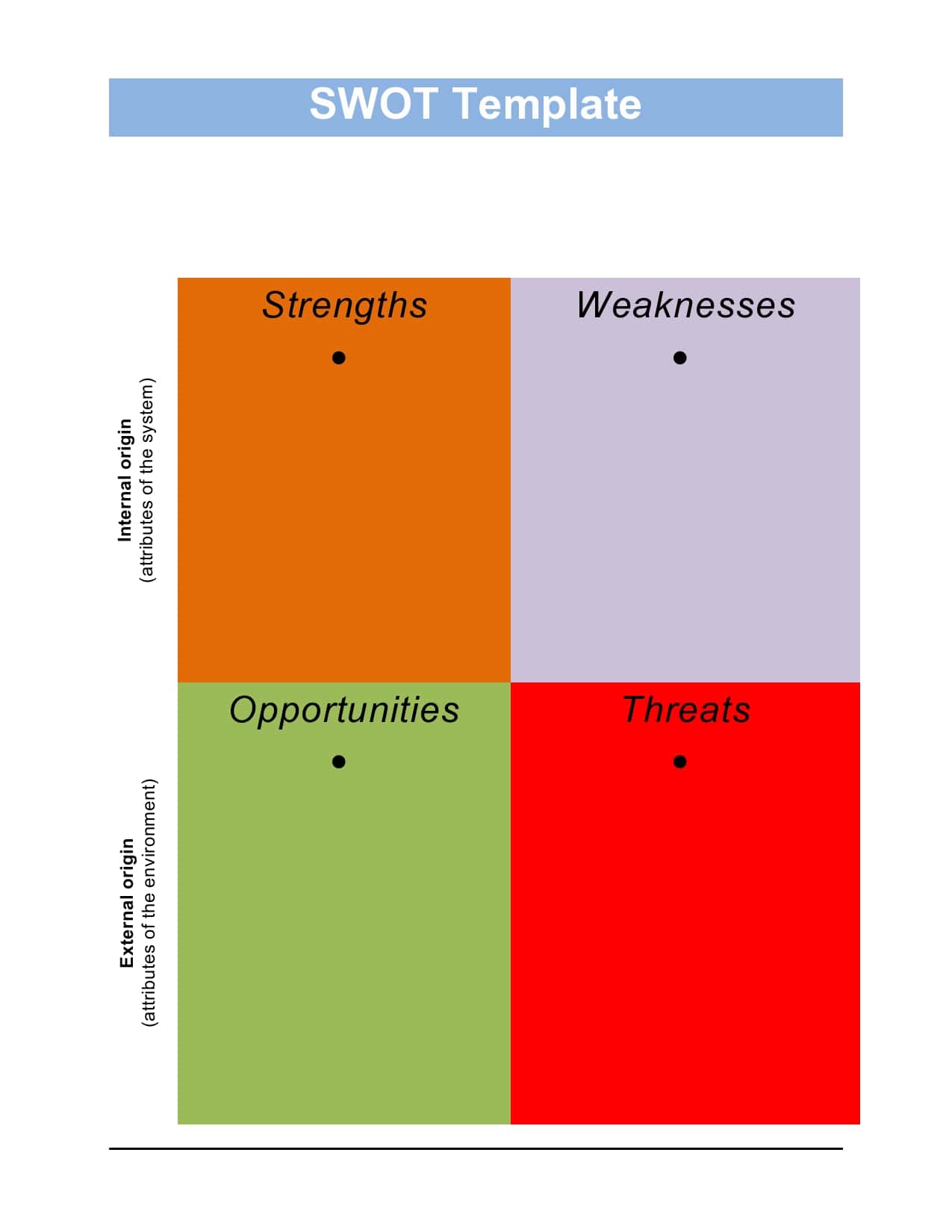
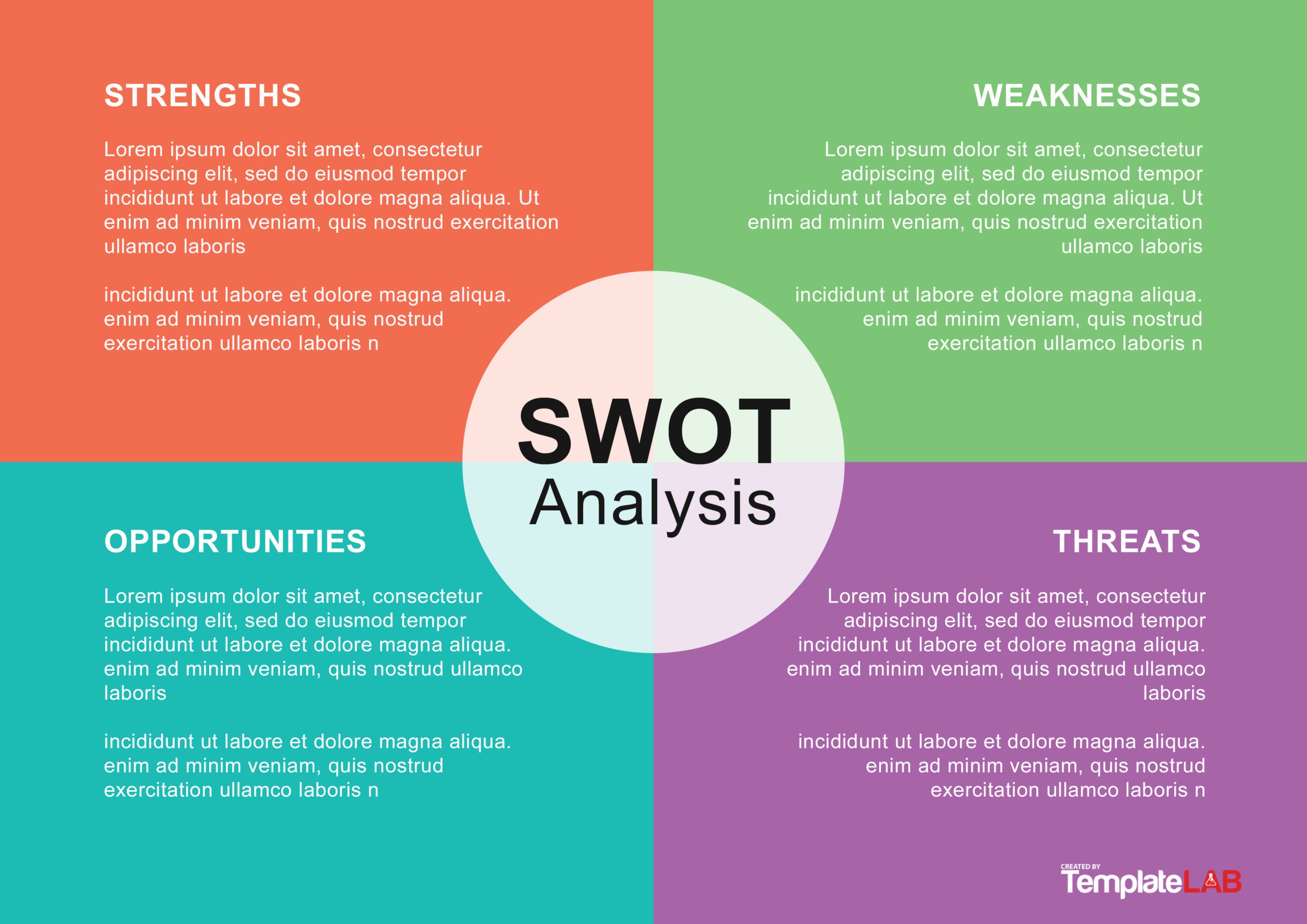
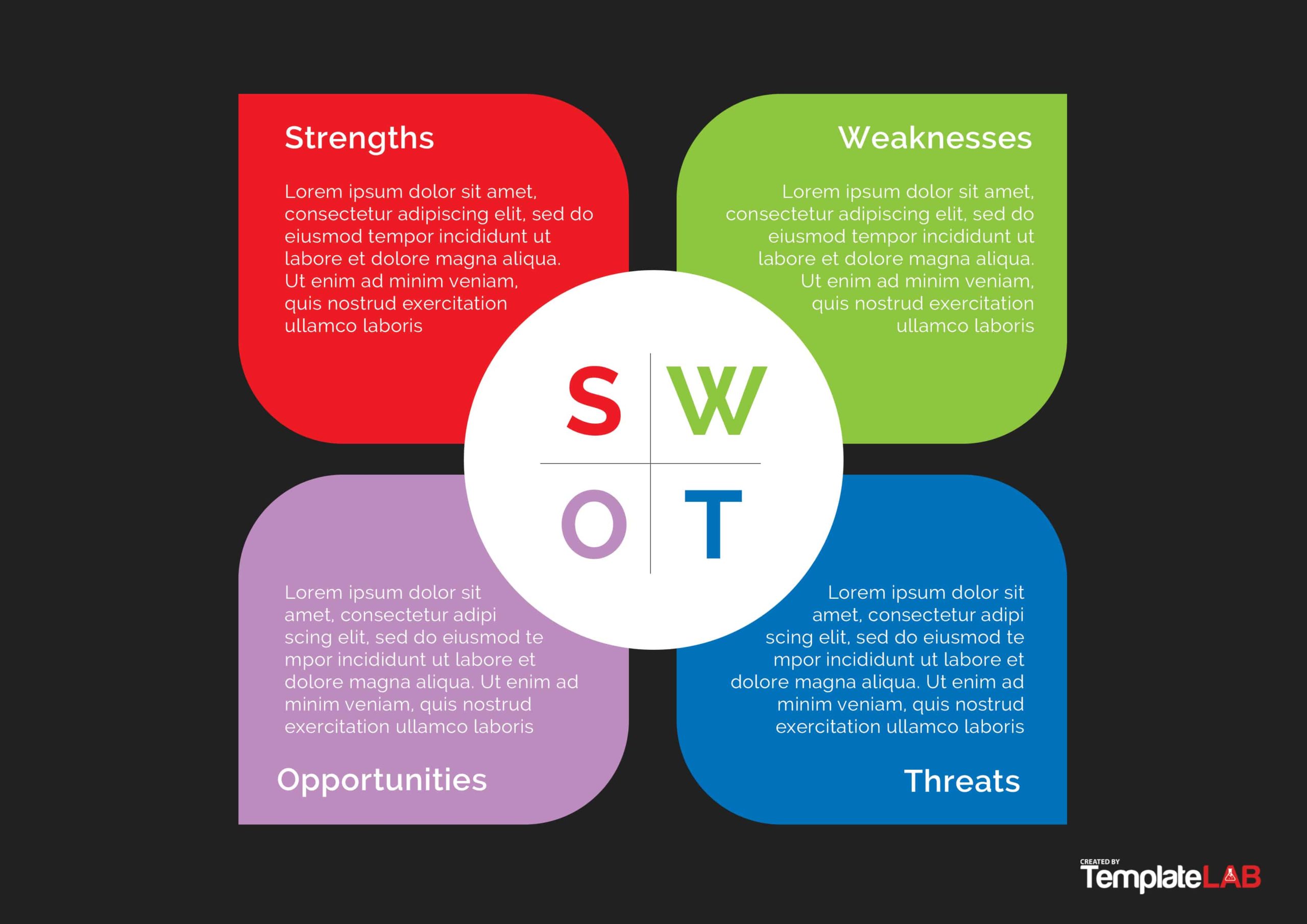
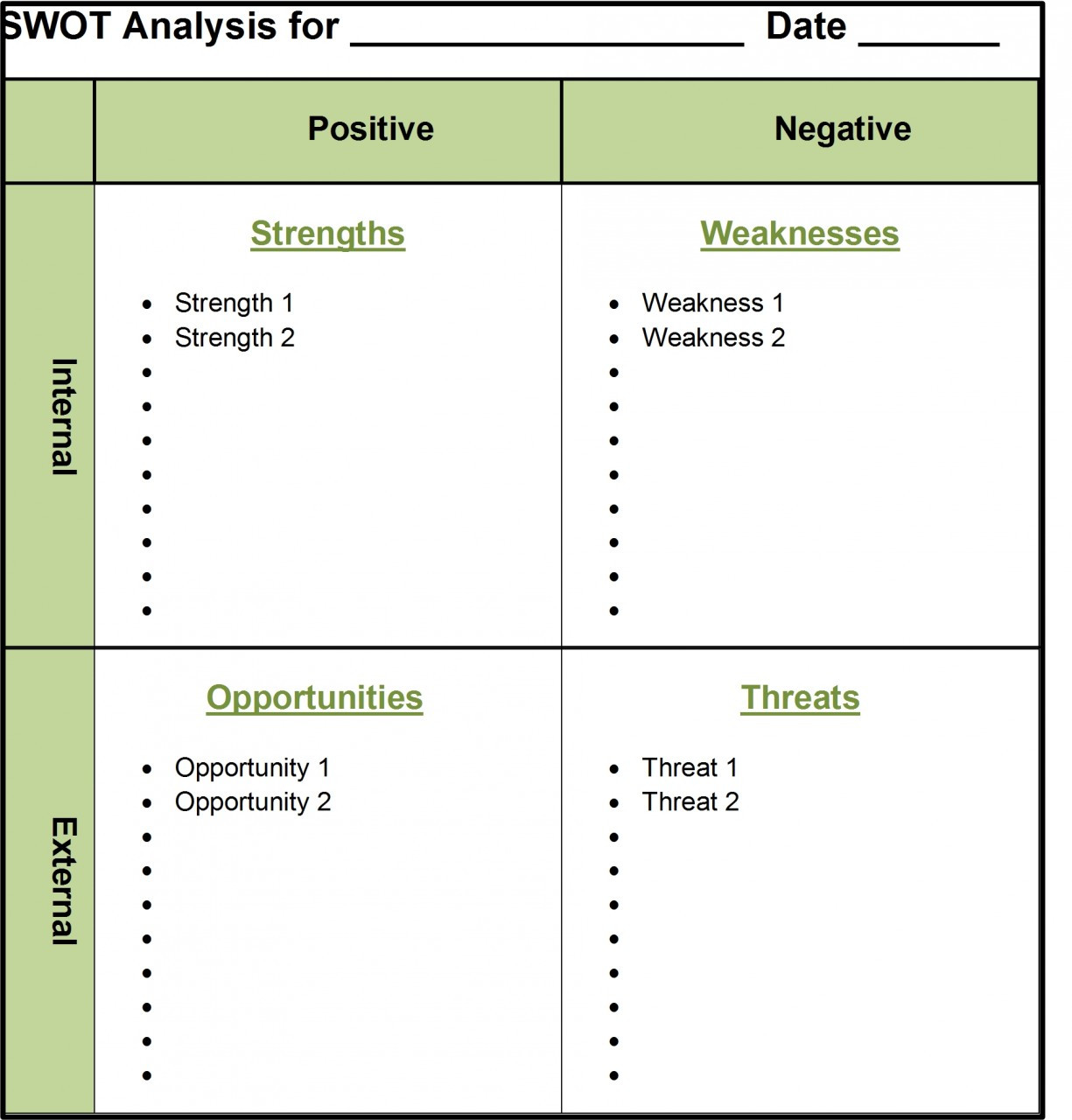
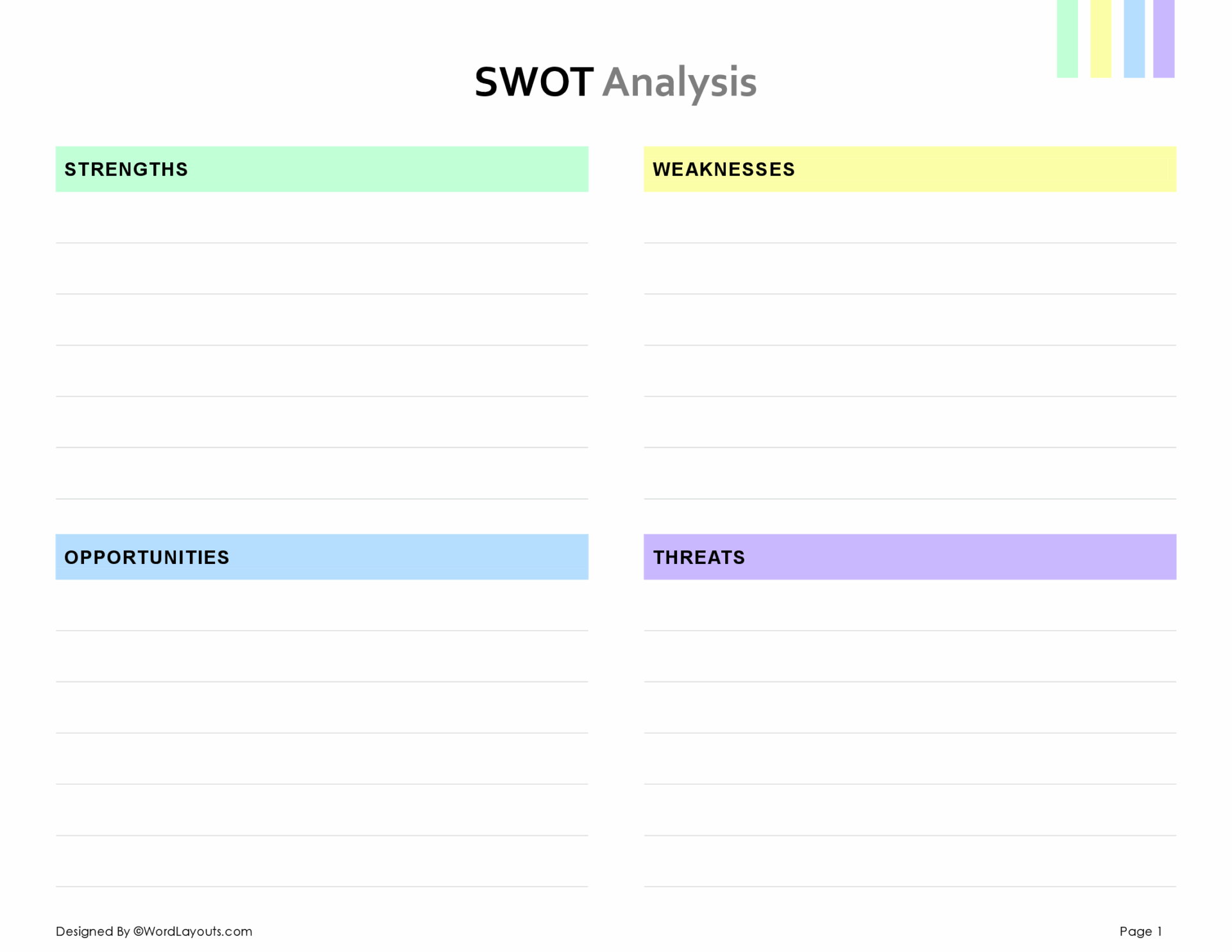
A top‑tier template uses bold headings for each quadrant and subtle shading to differentiate them. This visual cue helps teams scan the document quickly and locate insights without scrolling endlessly. The headings should be styled with strong tags for emphasis, while the content beneath remains concise and bullet‑pointed.
Space for Qualitative and Quantitative Data
Good templates allocate separate sections for narrative descriptions and metric‑driven data. For instance, under Strengths you might list “90 % customer satisfaction score” alongside “industry‑leading patented technology.” Pairing numbers with narrative context creates a compelling story that resonates with stakeholders and investors.
Action‑Oriented Columns
Beyond the classic four‑box grid, the most powerful templates add an “Action” column next to each point. This forces the analyst to ask, “What will we do about this?” The result is a living document that moves from analysis to implementation without a separate follow‑up worksheet.
Version Control and Collaboration Hooks
Since Word supports comments, track changes, and revision history, a well‑designed template includes placeholders for the author’s name, date, and version number. This small addition prevents confusion when multiple team members contribute, ensuring that everyone works from the same baseline.
Step‑by‑Step Guide to Using a SWOT Template in Word
1. Download and Open the Template
Locate a reputable source offering a Swot Analysis Template Free Word file, then save it to a secure folder. Open the document in Microsoft Word or a compatible editor. The template will usually open with locked formatting—don’t alter the layout unless you’re comfortable with advanced Word styles.
2. Populate the Strengths Section
Begin with internal positives. Ask your team:
- What resources give us a competitive edge?
- Which processes consistently exceed expectations?
- What do customers rave about?
Write each answer as a concise bullet point. Pair each bullet with supporting data when possible, such as “85 % repeat purchase rate” or “five industry awards in the last two years.”
3. Identify Weaknesses Honestly
Weaknesses are often uncomfortable, but they are the catalyst for growth. Use a blunt, fact‑based approach:
- Areas where we lose market share.
- Outdated technology stacks.
- Skill gaps in critical departments.
After listing each weakness, add a brief note on its impact—e.g., “Legacy CRM causing a 20 % delay in lead response.” This quantification makes the issue tangible.
4. Scan the External Landscape for Opportunities
Opportunities live outside your organization. Look at market trends, regulatory changes, and emerging customer needs. Sample prompts include:
- What new market segments are emerging?
- Are there partnerships that could expand our reach?
- Can we leverage new technology to improve efficiency?
Document each opportunity with a potential ROI estimate, such as “Projected 15 % revenue uplift from AI‑driven personalization.”
5. Pinpoint Threats Before They Materialize
Threats are the external forces that could derail your strategy. Typical categories cover competition, economic shifts, and supply chain vulnerabilities. Write each threat with a brief risk rating (high, medium, low) and a short explanation, for example, “High – New competitor entering with a disruptive pricing model.”
6. Translate Every Point into Action
Return to the “Action” column next to each SWOT item. Ask:
- What specific steps can we take?
- Who is responsible?
- What is the timeline?
For a strength like “Patented technology,” an action might be “Launch a targeted marketing campaign within 30 days, led by the product manager.” This turns static analysis into a dynamic roadmap.
7. Review, Refine, and Share
Once the grid is filled, schedule a review meeting. Use Word’s comment feature to gather feedback directly on the document. After consensus, finalize the version number and circulate the file to all stakeholders. The template’s built‑in version control ensures that future revisions are tracked and auditable.
Real‑World Examples of Template Success

Startup Scaling Quickly
A tech startup used a free Word SWOT template during its Series A fundraising round. By highlighting a “Strength” of a proprietary algorithm and pairing it with the “Opportunity” of a rapidly growing data‑analytics market, they crafted a compelling narrative that secured $5 million in new capital. The clear action items—such as “Hire two senior data scientists within 60 days”—demonstrated execution readiness, impressing investors.
Manufacturing Turnaround
A mid‑size manufacturer faced declining sales. Their SWOT analysis revealed a “Weakness” in outdated equipment and a “Threat” from cheaper overseas imports. The action plan, derived from the template, prioritized a $2 million equipment upgrade financed through a government grant. Within six months, production efficiency rose by 18 %, and the company reclaimed lost market share.
Nonprofit Funding Strategy
A nonprofit organization leveraged a SWOT template to revamp its fundraising approach. By listing “Strengths” such as a loyal donor base and “Opportunities” like emerging corporate sponsorship programs, they identified a concrete action: “Develop a corporate partnership pitch deck by Q3, led by the development director.” The result was a 30 % increase in annual donations.
Optimizing the Template for Different Industries
Service‑Based Companies
For firms where human capital is the core asset, the template should allocate extra space under Strengths for employee expertise and under Weaknesses for turnover rates. Include a “Customer Experience” sub‑section within Opportunities to capture emerging service channels like chatbots or subscription models.
Product‑Focused Enterprises
Manufacturers and product companies benefit from a dedicated “Innovation Pipeline” column adjacent to Opportunities. This helps translate market trends directly into product development milestones, ensuring that R&D aligns with external demand.
Digital Agencies
Agencies thrive on agility. Incorporate a “Technology Stack” row inside Strengths, and a “Platform Dependency” row inside Weaknesses. This clarifies whether the agency is overly reliant on a single ad platform—a critical insight for risk mitigation.
Advanced Tips for Power Users
Embedding Charts and Graphs
Word allows you to embed Excel charts directly into the SWOT grid. Use a small bar chart to illustrate market share trends next to the “Threats” quadrant. Visual data boosts credibility and helps non‑technical stakeholders grasp the magnitude of each point.
Conditional Formatting with Styles
Apply custom styles to high‑impact items. For example, assign a red font style to “High” threats and a green style to “High” opportunities. This color‑coding instantly draws the eye to the most critical areas without cluttering the page.
Linking to Supporting Documents
Insert hyperlinks to detailed reports, financial models, or market research PDFs within each bullet. While the article itself avoids URLs, the template can contain internal references like “see Appendix A for full market analysis.” This keeps the SWOT concise while preserving depth.
Automating Version Numbers
Use Word’s field codes to automatically update the version number based on the file’s last saved date. Insert a DOCPROPERTY "Last Saved Time" \@ "yyyyMMdd" field in the header, and every time the document is saved, the version reflects the latest revision—eliminating manual errors.
Common Pitfalls and How to Avoid Them

Over‑Loading Each Quadrant
It’s tempting to fill every cell with exhaustive lists, but too much information dilutes focus. Aim for 5–7 high‑impact points per quadrant. If additional items are relevant, create an annex rather than crowding the main grid.
Vague Language
Terms like “good brand reputation” are meaningless without metrics. Replace vague adjectives with quantifiable statements—e.g., “Net Promoter Score of 72, ranking in the top 10 % of the industry.” This transforms perception into evidence.
Ignoring the Action Column
A SWOT analysis that stops at identification is a dead end. Always complete the “Action” column before finalizing the document. If an action is missing, revisit the corresponding point until a concrete step emerges.
Failing to Update Regularly
Markets evolve; a SWOT created once a year quickly becomes stale. Schedule quarterly reviews, and use Word’s “Compare Documents” feature to track changes over time. This habit ensures that the analysis remains a living strategic tool.
Integrating the SWOT Template into a Broader Strategy Process

Linking to Business Plans
Once your SWOT is complete, export it as a PDF and embed it into your formal business plan. The concise visual summary reinforces the narrative sections and provides a quick reference for investors and board members.
Aligning with OKRs
Translate each action item into an Objective and Key Result (OKR). For instance, the action “Launch a targeted marketing campaign” becomes an Objective: “Increase market penetration in Segment X,” with Key Results such as “Achieve 15 % lead conversion within 90 days.” This alignment ensures that strategic insights drive measurable outcomes.
Facilitating Cross‑Functional Workshops
Use the template as a collaborative whiteboard during workshops. Share the Word file via a cloud service, let participants edit in real time, and capture diverse perspectives in a single, unified document. The structure keeps discussions on track and prevents drift.
Conclusion

A Swot Analysis Template Free Word is more than a pretty grid—it is a disciplined framework that converts raw data into actionable strategy, accelerates decision‑making, and unifies teams around a common vision. By choosing a well‑designed template, populating it with precise, data‑backed insights, and rigorously linking each point to concrete actions, you turn analysis into execution. Whether you are a startup chasing rapid growth, a mature enterprise navigating disruption, or a nonprofit seeking sustainable funding, the template adapts to every context and drives results. Embrace the structure, keep it updated, and let the clarity it provides guide every strategic move you make.



Related posts of "Swot Analysis Template Free Word"
