
Student Project Evaluation Template has become the quiet hero behind many successful classroom projects, especially in fast‑moving Asian educational settings where efficiency meets tradition. Teachers across the United States are discovering that a well‑crafted template not only saves precious grading time but also cultivates a culture of transparent feedback, self‑reflection, and continuous improvement for students. In this article we will explore the essential components of a robust evaluation template, how to customize it for diverse subjects, and practical steps to integrate it seamlessly into Google Sheets, ensuring every project shines under the same fair and consistent rubric.
Why a Dedicated Evaluation Template Matters

In the bustling corridors of Asian‑inspired schools, teachers often juggle large class sizes, tight schedules, and high expectations from parents. A dedicated Student Project Evaluation Template acts as a single source of truth, reducing ambiguity and aligning expectations across teachers, students, and families. It streamlines the grading process, minimizes bias, and provides a clear roadmap for students to understand how their work will be assessed.
Moreover, an editable template hosted in Google Sheets offers real‑time collaboration. Teachers can co‑author rubrics, adjust weightings on the fly, and instantly share results with students and guardians, fostering a transparent learning ecosystem that resonates with the communal values prevalent in many Asian cultures.
Core Elements of an Effective Template
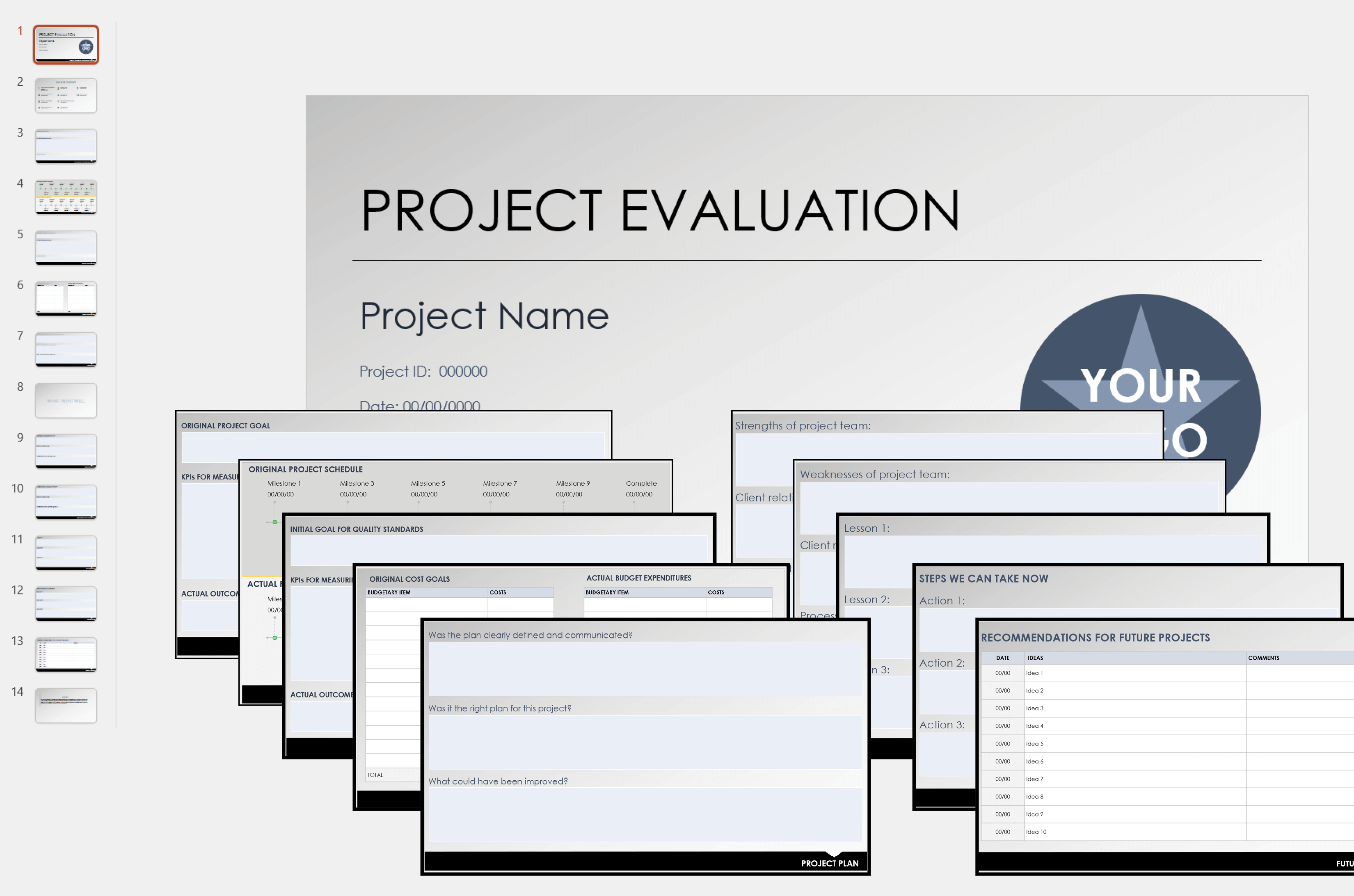
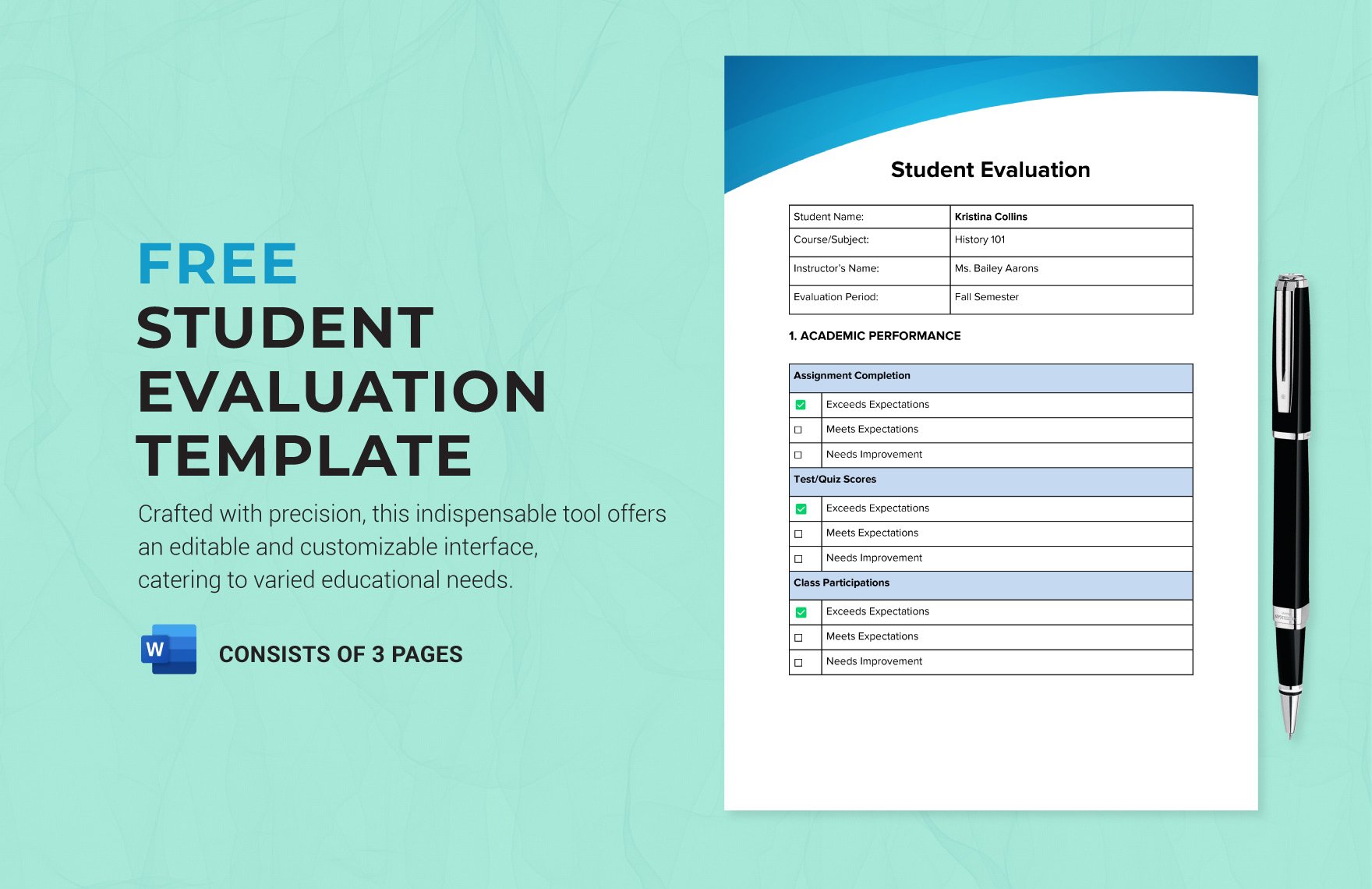
Every successful evaluation tool shares a set of core components. Below is a detailed breakdown of the sections you should include to cover all aspects of project assessment.
Project Overview Section
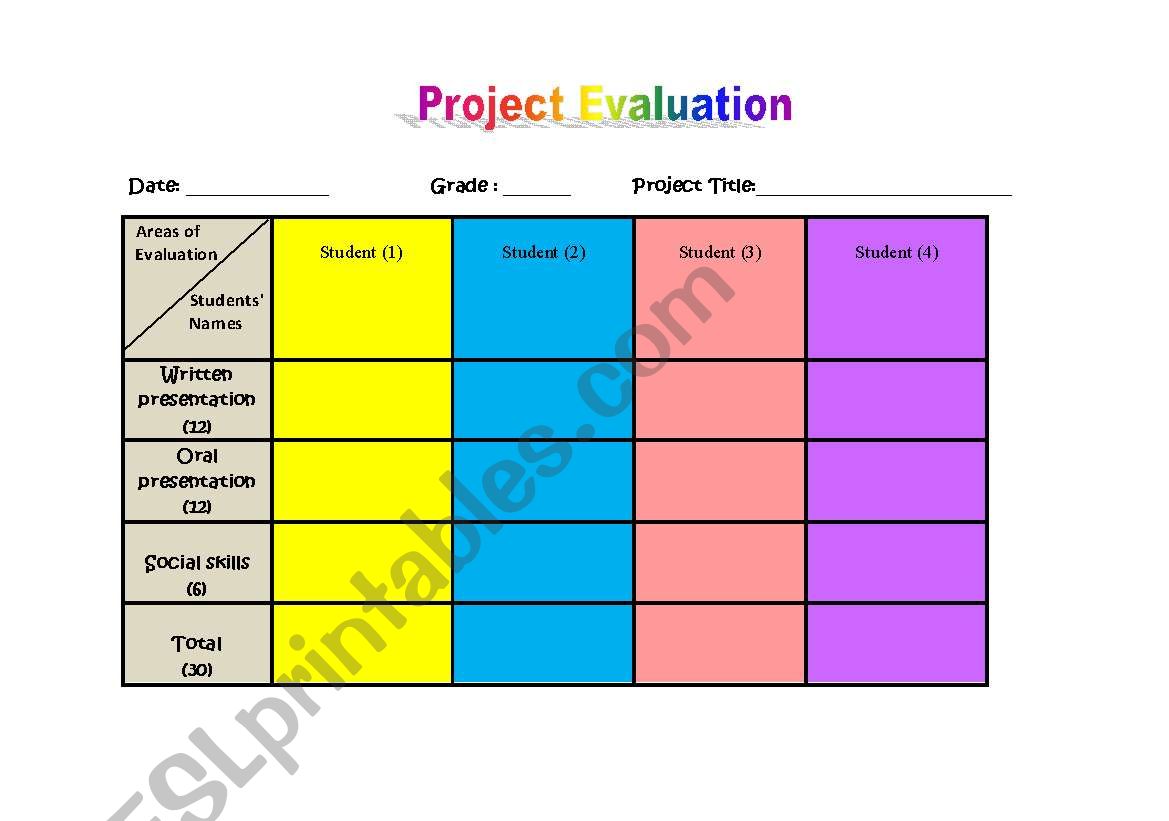
This introductory area captures essential metadata about the assignment. It typically includes:
- Project Title: A concise name that reflects the assignment’s focus.
- Course & Grade Level: Helps teachers filter and compare across subjects.
- Submission Date: Enables tracking of timeliness and late penalties.
- Team Members (if applicable): Ensures accountability in group work.
By documenting this information at the top of the sheet, you create a snapshot that can be exported for reporting or archiving without digging through individual student files.
Rubric Categories and Weightings
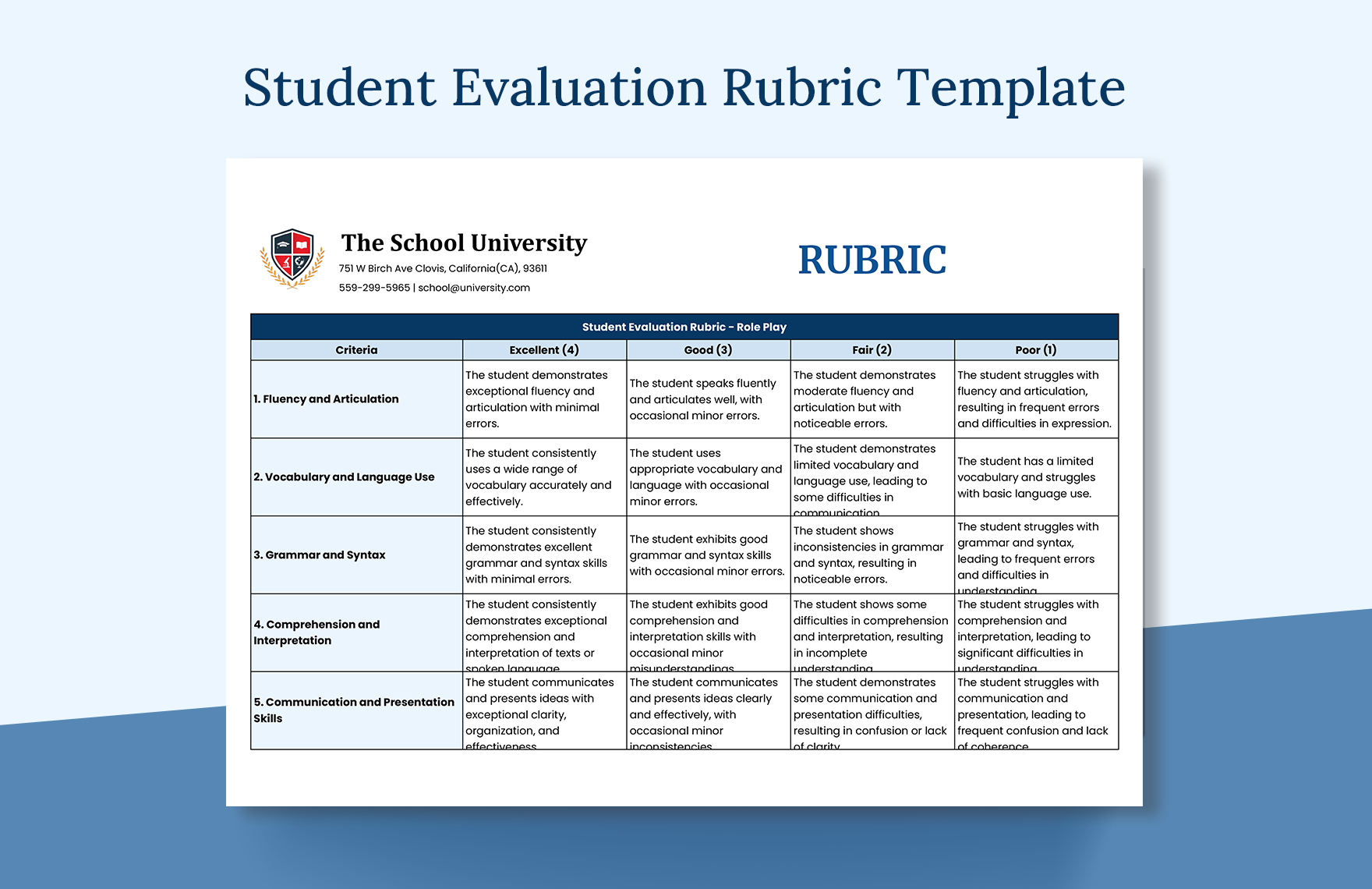
The heart of any evaluation template is the rubric. A well‑structured rubric translates learning objectives into measurable criteria. Consider the following categories, which align with common Asian educational priorities such as thoroughness, creativity, and collaboration:
- Understanding of Concepts – 30%
- Research Quality – 20%
- Creativity & Innovation – 15%
- Presentation & Communication – 15%
- Teamwork & Collaboration – 10%
- Timeliness & Organization – 10%
Each category should have a clear description of what constitutes excellent, good, satisfactory, and needs‑improvement performance. This granularity helps students self‑assess before submission.
Scoring Scale and Descriptors
Adopt a consistent numeric scale—most educators prefer a 4‑point or 5‑point system. For a 4‑point scale, you might define:
- 4 – Exceeds Expectations
- 3 – Meets Expectations
- 2 – Approaches Expectations
- 1 – Below Expectations
Pair each numeric value with a concise descriptor so that the rubric reads like a conversation rather than a cryptic code. This approach mirrors the pedagogical clarity often emphasized in Asian classrooms, where explicit criteria guide student effort.
Comments and Feedback Section
Numbers alone cannot convey the full story. Allocate a column for personalized comments next to each rubric category. Encourage teachers to use a balanced feedback model: start with a strength, follow with an area for growth, and end with a constructive suggestion. This three‑step technique resonates with the “sandwich method” popular in many Asian teaching cultures.
Final Grade Calculation
Google Sheets excels at automating calculations. Use formulas such as =SUMPRODUCT(range_of_scores, range_of_weights)/100 to compute a weighted average automatically. Embed conditional formatting to highlight grades below a threshold, prompting immediate teacher review before finalizing scores.
Step‑by‑Step Guide to Building Your Template in Google Sheets
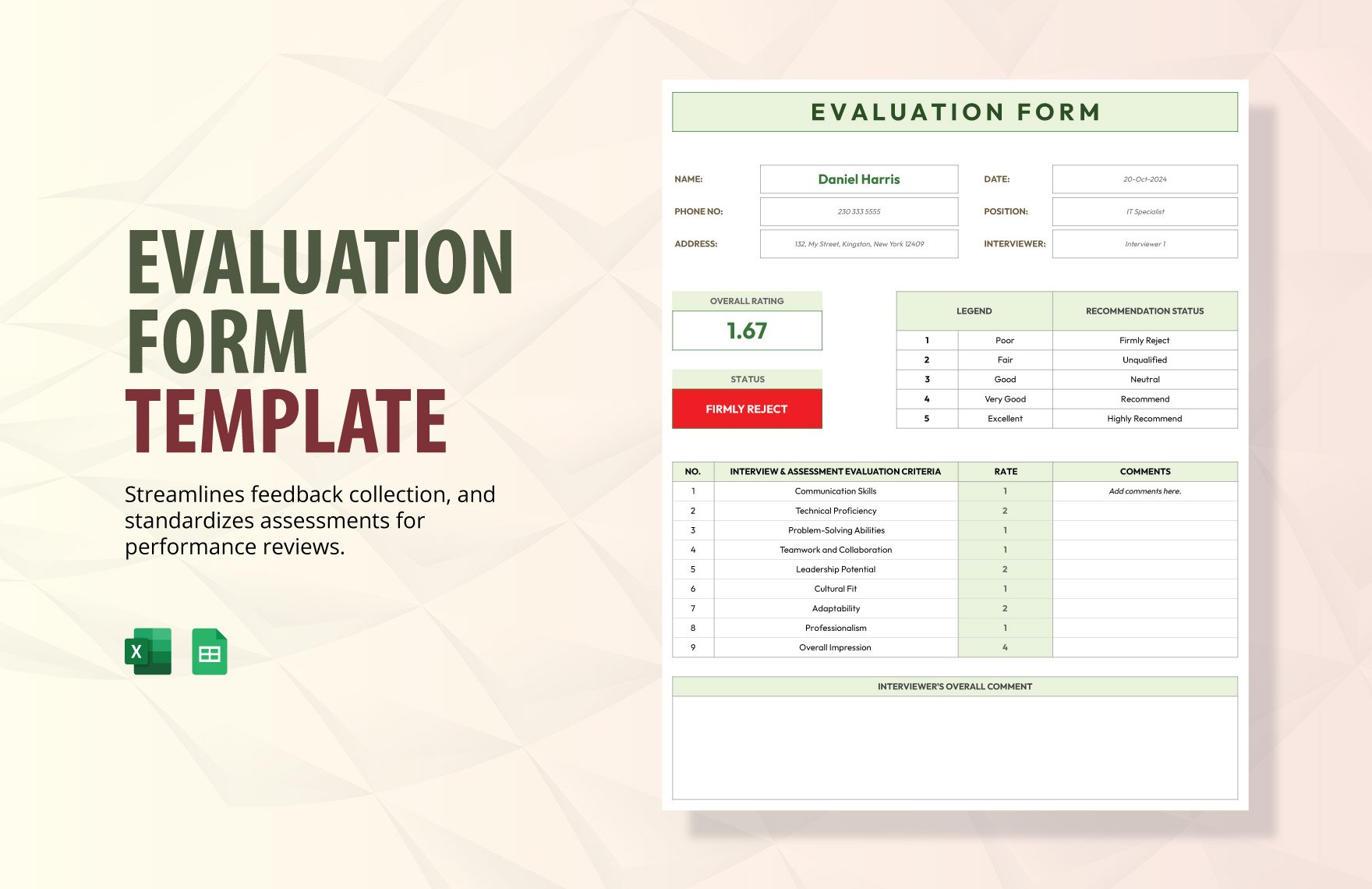
Now that you understand the essential components, let’s walk through the practical steps to create a functional Student Project Evaluation Template from scratch.
1. Set Up the Spreadsheet Layout
Begin with a clean sheet. Reserve the first few rows for the Project Overview section. Label columns A through F with the following headers: “Student Name,” “Project Title,” “Submission Date,” “Team Members,” “Overall Score,” and “Comments.” Freeze these rows to keep headings visible while scrolling.
2. Insert Rubric Categories
Starting from column G, list each rubric category in its own column header. Directly below each header, place the weighting percentage (e.g., 30%). Use a bold font to differentiate these rows from the score entries.
3. Add Scoring Drop‑Downs
To ensure consistency, use Data → Data validation to create a drop‑down menu for each rubric cell with the values 4, 3, 2, 1. This prevents accidental entry of out‑of‑range numbers and speeds up grading.
4. Build the Weighted Score Formula
In the “Overall Score” column, insert a formula that multiplies each rubric score by its weight and sums the results. For example, if your rubric scores occupy cells G2:L2 and the corresponding weight percentages are in row 1, the formula in cell M2 would be:
=SUMPRODUCT(G2:L2, $G$1:$L$1)/100Copy this formula down the column to automatically calculate each student’s total.
5. Apply Conditional Formatting
Select the “Overall Score” column, then choose Format → Conditional formatting. Set a rule to color cells red if the score is below 70, yellow for 70–85, and green for above 85. This visual cue helps teachers quickly spot at‑risk projects.
6. Create a Feedback Column
Allocate a wide column titled “Comments.” Encourage teachers to use bullet points within the cell (Alt + Enter for line breaks) to separate feedback for each rubric category. This keeps the commentary organized and easy to read.
7. Protect Sensitive Cells
To avoid accidental changes, protect the rubric headers, weight rows, and formula cells. Go to Data → Protect sheets and ranges, then set permissions for editors only.
8. Share and Collaborate
Use the Share button to invite co‑teachers, department heads, or administrators. Set their access to “Comment” or “Edit” as appropriate. Real‑time collaboration mirrors the collective decision‑making style often found in Asian educational institutions, where peer review is valued.
Adapting the Template for Different Subjects and Project Types
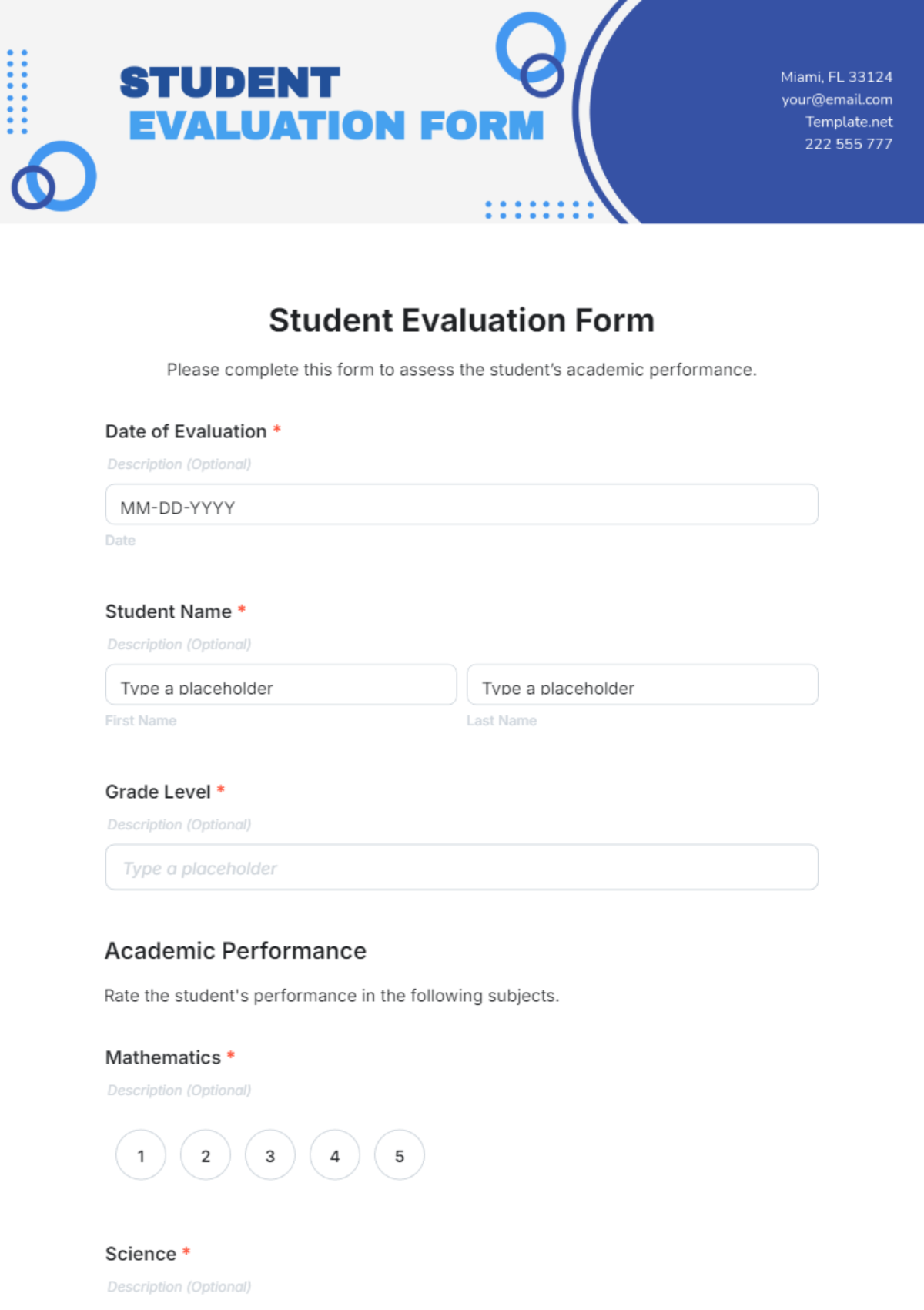
A one‑size‑fits‑all approach rarely works across the spectrum of subjects—from mathematics to visual arts. Below are tailored suggestions for customizing the rubric to suit varied disciplines while retaining a core structure.
STEM Projects
STEM assignments typically emphasize problem‑solving, data analysis, and technical accuracy. Adjust the rubric as follows:
- Scientific Method Application – 25%
- Data Collection & Analysis – 20%
- Technical Accuracy – 20%
- Innovation & Design – 15%
- Presentation of Findings – 10%
- Collaboration – 10%
Include a sub‑section for “Code Review” if the project involves programming, and provide a checklist for syntax correctness and documentation.
Humanities and Social Sciences
These fields value critical thinking, argumentation, and cultural insight. Consider these categories:
- Thesis Clarity & Relevance – 25%
- Evidence & Source Integration – 25%
- Analytical Depth – 20%
- Originality of Perspective – 15%
- Writing Mechanics – 10%
- Presentation (if applicable) – 5%
In an Asian context, you may also add a “Cultural Sensitivity” criterion to reward nuanced understanding of regional histories or values.
Arts and Design
Creative projects thrive on visual impact and expressive intent. A suitable rubric might include:
- Conceptual Development – 20%
- Technical Skill (medium mastery) – 20%
- Aesthetic Quality – 20%
- Innovation & Originality – 15%
- Process Documentation – 15%
- Presentation & Narrative – 10%
Encourage students to attach a brief artist statement in the “Comments” column, allowing teachers to assess intent alongside execution.
Best Practices for Using the Template Effectively
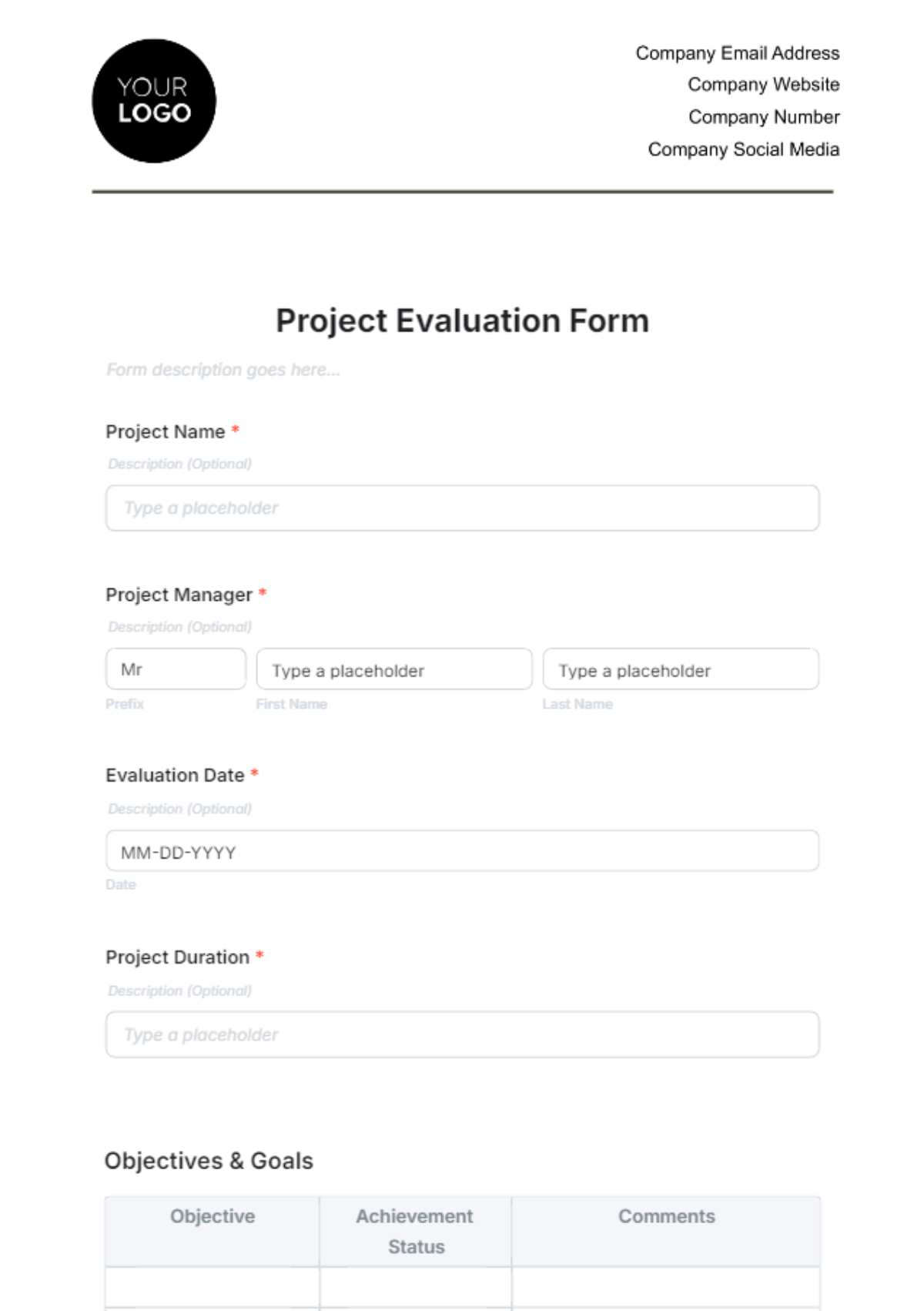
Even the most polished rubric can fall flat if not used thoughtfully. Here are proven strategies to maximize impact.
Pre‑Project Briefing
Before students begin, walk them through the rubric line by line. Highlight the weightings, explain what each descriptor means, and answer questions. This transparency mirrors the respectful communication style found in many Asian classrooms, where expectations are clearly articulated.
Mid‑Project Check‑Ins
Schedule brief progress reviews where students self‑assess using the same rubric. Capture their self‑scores in a separate column, then compare with teacher expectations. This practice nurtures metacognition and aligns student effort with the final evaluation criteria.
Use of Exemplars
Provide sample projects that illustrate each performance level. Annotate the exemplars with rubric scores, showing exactly why a piece earned a 4 versus a 2. Students often respond well to visual references, especially when the examples reflect culturally relevant themes.
Feedback Loop
After grading, hold a feedback session. Discuss strengths, pinpoint areas for growth, and set actionable goals for the next project. In Asian education culture, this respectful dialogue reinforces the teacher’s role as a mentor rather than merely an evaluator.
Data‑Driven Insights
Leverage the analytics capabilities of Google Sheets. Create a pivot table summarizing average scores per rubric category across the class. Identify patterns—perhaps “Research Quality” consistently scores lower—and plan targeted instruction to address the gap.
Integrating the Template with Schoolwide Assessment Systems

For schools that use district‑wide grading platforms or Learning Management Systems (LMS), the template can serve as a bridge. Export the completed sheet as a CSV file and import it into the LMS to update student gradebooks automatically. This reduces duplicate data entry and ensures consistency across reporting periods.
Some LMS platforms support direct Google Sheets integration via APIs or third‑party add‑ons. When configured, any changes in the evaluation sheet instantly reflect in the central system, providing up‑to‑date progress reports for parents and administrators.
Common Pitfalls and How to Avoid Them
Even experienced educators can stumble when first implementing a new rubric. Anticipate these challenges and apply the suggested solutions.
Over‑Complexity
While detail is valuable, too many categories can overwhelm both teachers and students. Aim for 5‑7 core criteria that capture the project’s essence. If you need to assess additional nuances, use the “Comments” column rather than adding more columns.
Inconsistent Weighting
Ensure that the sum of all weight percentages equals 100. Use a simple check formula (=SUM(G1:L1)) to verify accuracy. Inconsistent weightings lead to skewed grades and erode trust in the assessment process.
Neglecting Cultural Relevance
A rubric that ignores cultural context may feel foreign to students from Asian backgrounds. Incorporate criteria that acknowledge respect for tradition, community impact, or regional perspectives when appropriate. This alignment boosts student engagement and validates their cultural identity.
Failure to Update
Curricula evolve, and so should your rubric. Schedule a quarterly review with department heads to adjust categories, weightings, or descriptors based on curriculum changes or feedback from previous grading cycles.
Real‑World Example: A Middle School Science Fair

Consider a seventh‑grade science fair in a school that blends American standards with an Asian emphasis on collaborative learning. The teacher creates a Student Project Evaluation Template in Google Sheets with the following rubric:
- Scientific Inquiry (30%) – Clarity of hypothesis, experimental design, and variable control.
- Data Collection & Analysis (25%) – Accuracy of measurements, use of graphs, and statistical reasoning.
- Innovation (15%) – Originality of approach and problem‑solving creativity.
- Presentation (15%) – Oral delivery, visual aids, and ability to answer questions.
- Teamwork (15%) – Distribution of tasks, cooperation, and peer support.
Students receive the rubric two weeks before the fair and are asked to self‑rate each category. During the fair, judges use tablets linked to the same Google Sheet to enter scores, which instantly calculate final grades. Afterward, the teacher shares a summary dashboard with the class, highlighting that “Data Collection & Analysis” was the strongest area while “Innovation” needs improvement. The teacher then designs a follow‑up lesson on creative experimental design, directly addressing the identified gap.
This cycle illustrates how a thoughtfully designed template not only assesses but also informs instruction—a hallmark of effective education systems in both the United States and Asian contexts.
Future‑Proofing Your Evaluation Template

Technology and pedagogy continue to evolve. To keep your Student Project Evaluation Template relevant, consider these forward‑looking enhancements.
Embedding Multimedia
Google Sheets now supports inserting links to videos or audio recordings. Encourage students to attach a short reflective video explaining their project choices; reviewers can watch the link directly from the sheet, enriching the assessment with multimodal evidence.
Automated Alerts
Use Google Apps Script to trigger email notifications when a student’s overall score falls below a set threshold. This proactive approach enables early intervention, aligning with the preventive ethos often embraced in Asian education systems.
Integrating AI‑Powered Feedback
Leverage AI add‑ons that analyze written comments for tone, specificity, and growth mindset language. Such tools can flag generic feedback like “good job” and suggest more actionable phrasing, ensuring that every comment contributes meaningfully to student development.
Cross‑Curricular Alignment
Map rubric categories to broader competency frameworks such as the Common Core or international standards like the International Baccalaureate (IB). This alignment facilitates credit transfer, portfolio building, and recognition of student achievements beyond the classroom.
Conclusion

Implementing a well‑structured Student Project Evaluation Template transforms the grading experience from a burdensome chore into a strategic tool that drives learning, accountability, and cultural relevance. By incorporating clear rubrics, weighted scores, and real‑time collaboration within Google Sheets, educators can honor the precision and community spirit central to Asian educational traditions while meeting the expectations of a modern U.S. classroom. Whether you’re assessing a science experiment, a historical essay, or an art installation, the principles outlined above will help you craft a rubric that is transparent, fair, and adaptable. Embrace the template, refine it with each project cycle, and watch your students’ confidence and performance soar—one well‑graded project at a time.




Related posts of "Student Project Evaluation Template"
