
When I first sat down to create a Student Progress Report Template for my fourth‑grade class, I realized that the key to a truly useful report was less about the format and more about the story it told. In this guide, I’ll walk you through every step of designing a template that not only captures data but also communicates growth, motivation, and next steps for each student.
Understanding the Purpose of a Student Progress Report

Before you even think about borders and color schemes, ask yourself: why am I creating this report? A well‑crafted progress report is a conversation starter between teachers, students, and parents. It should illuminate the student’s current status, highlight strengths, and pinpoint areas for improvement—all in a language that is both clear and encouraging.
What Information Should Be Included?
The core of any progress report revolves around measurable learning outcomes. For elementary students, these often include mastery of grade‑level standards, reading level, math fluency, and social‑emotional development. Remember that the goal is to provide actionable insight, so focus on specific skill sets rather than broad, vague descriptors.
Why Consistency Matters
Consistency builds trust. When parents see the same layout month over month, they can quickly spot trends and changes. Likewise, teachers benefit from a uniform structure that speeds up data entry and reduces errors. A consistent template also helps new educators who may need to pick up the system mid‑term.
Designing an Effective Template

Good design is a blend of aesthetics and functionality. Think of the template as a roadmap: every section should lead naturally to the next.
Choosing the Right Layout
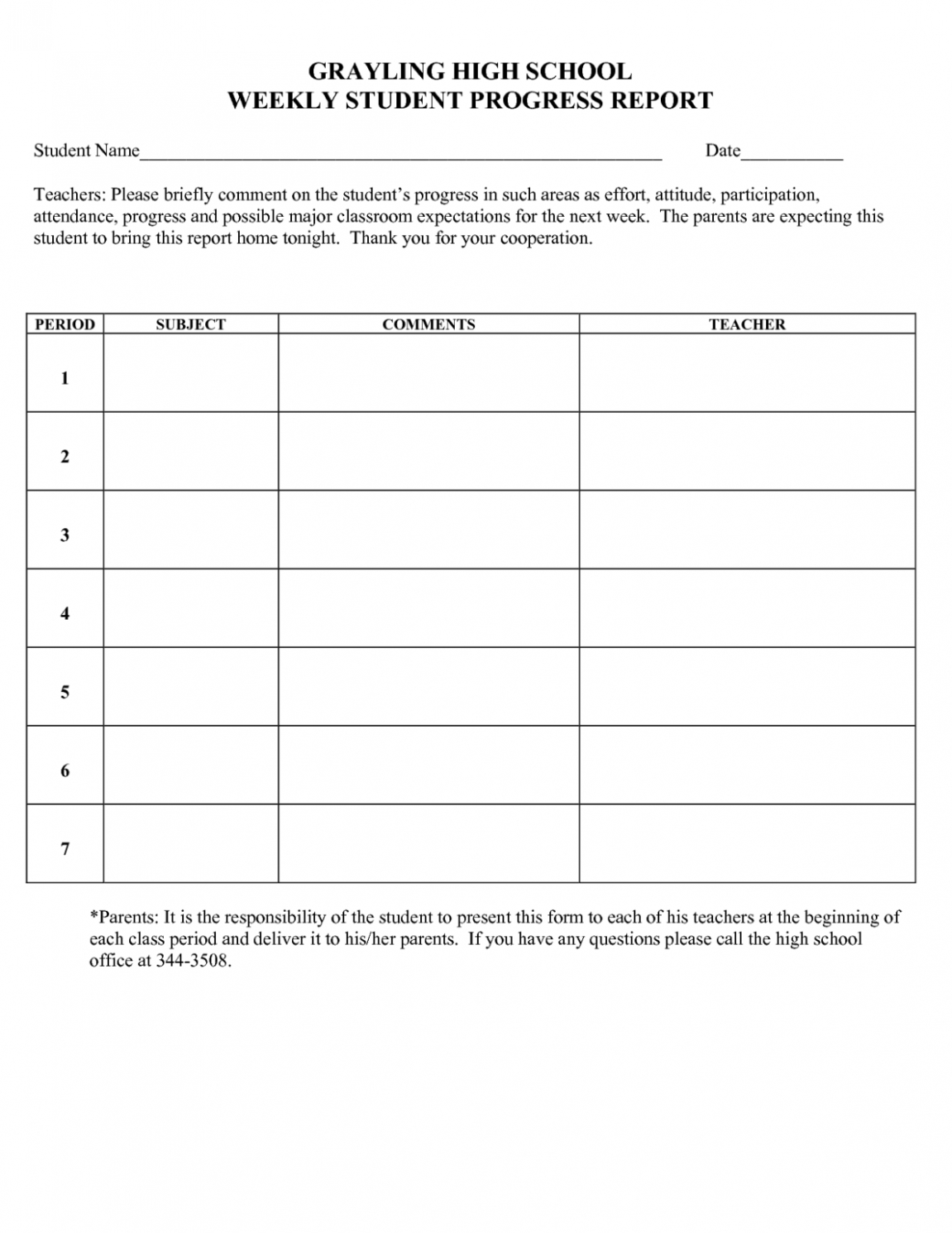
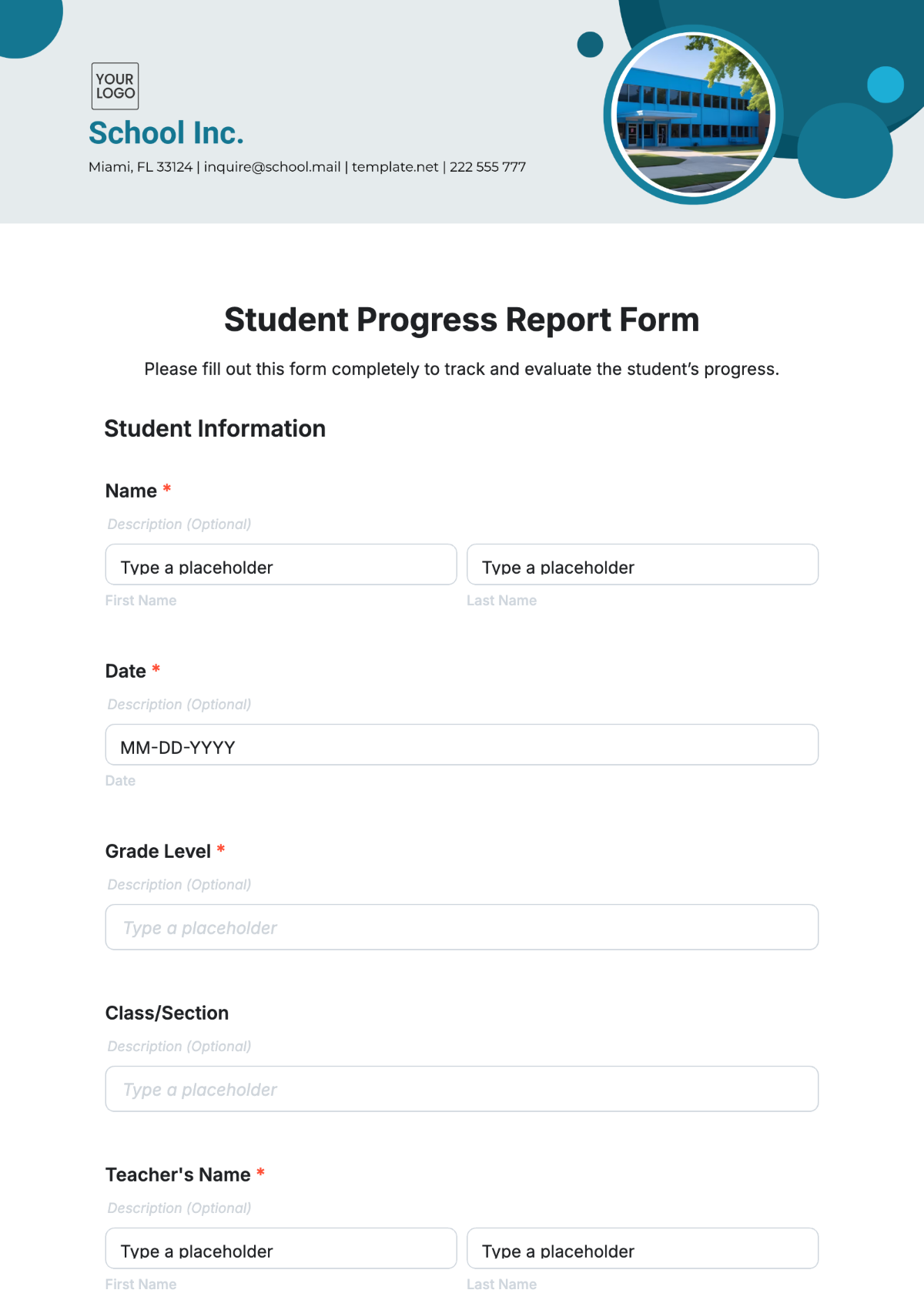
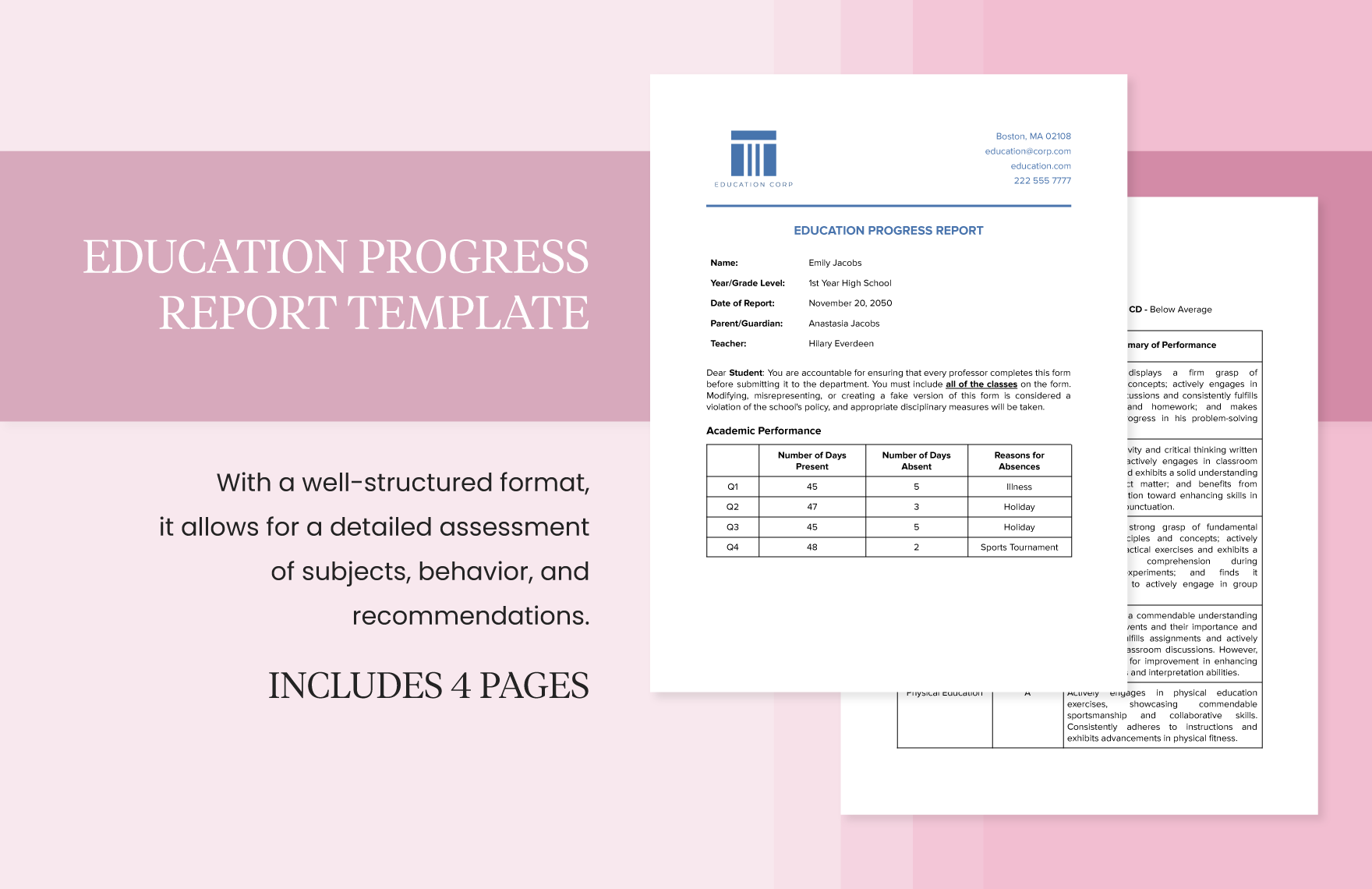
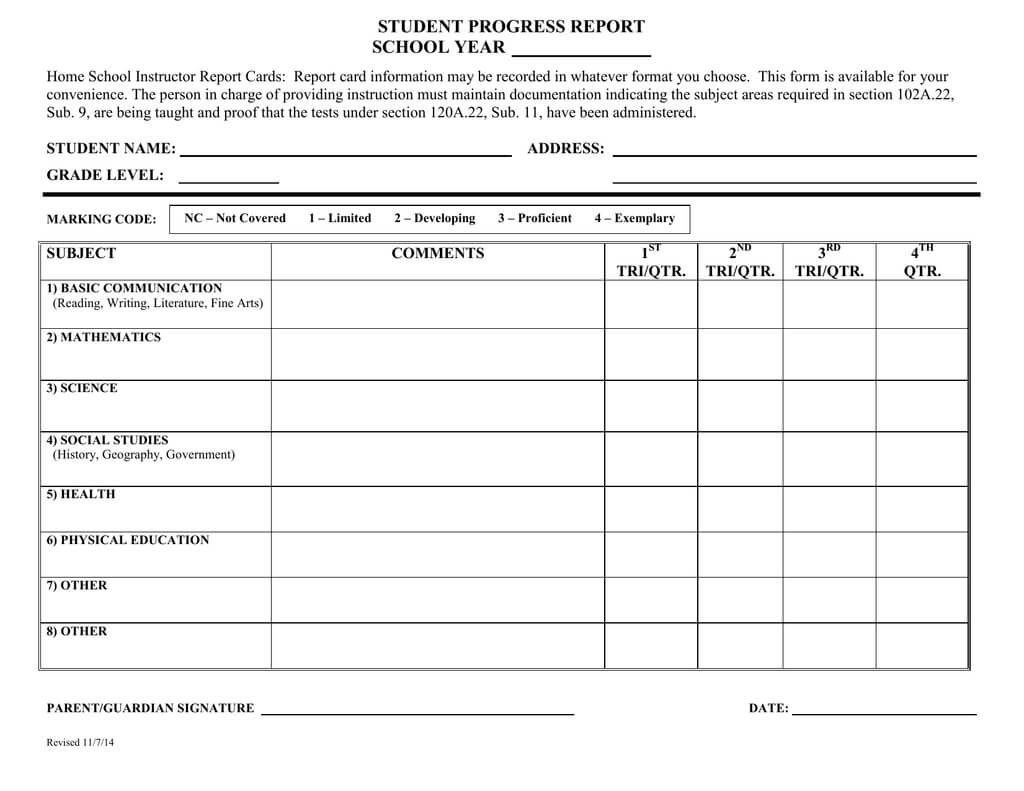
For elementary grades, a two‑column table works well. One side lists the subject area and specific skill, while the other records the student’s performance level—often using a simple scale such as “Emerging,” “Developing,” or “Proficient.” Keep the table wide enough to read comfortably on both screen and paper. Avoid clutter by limiting each column to two lines of text.
Key Sections to Include
1. Student Information – Name, grade, and teacher initials.
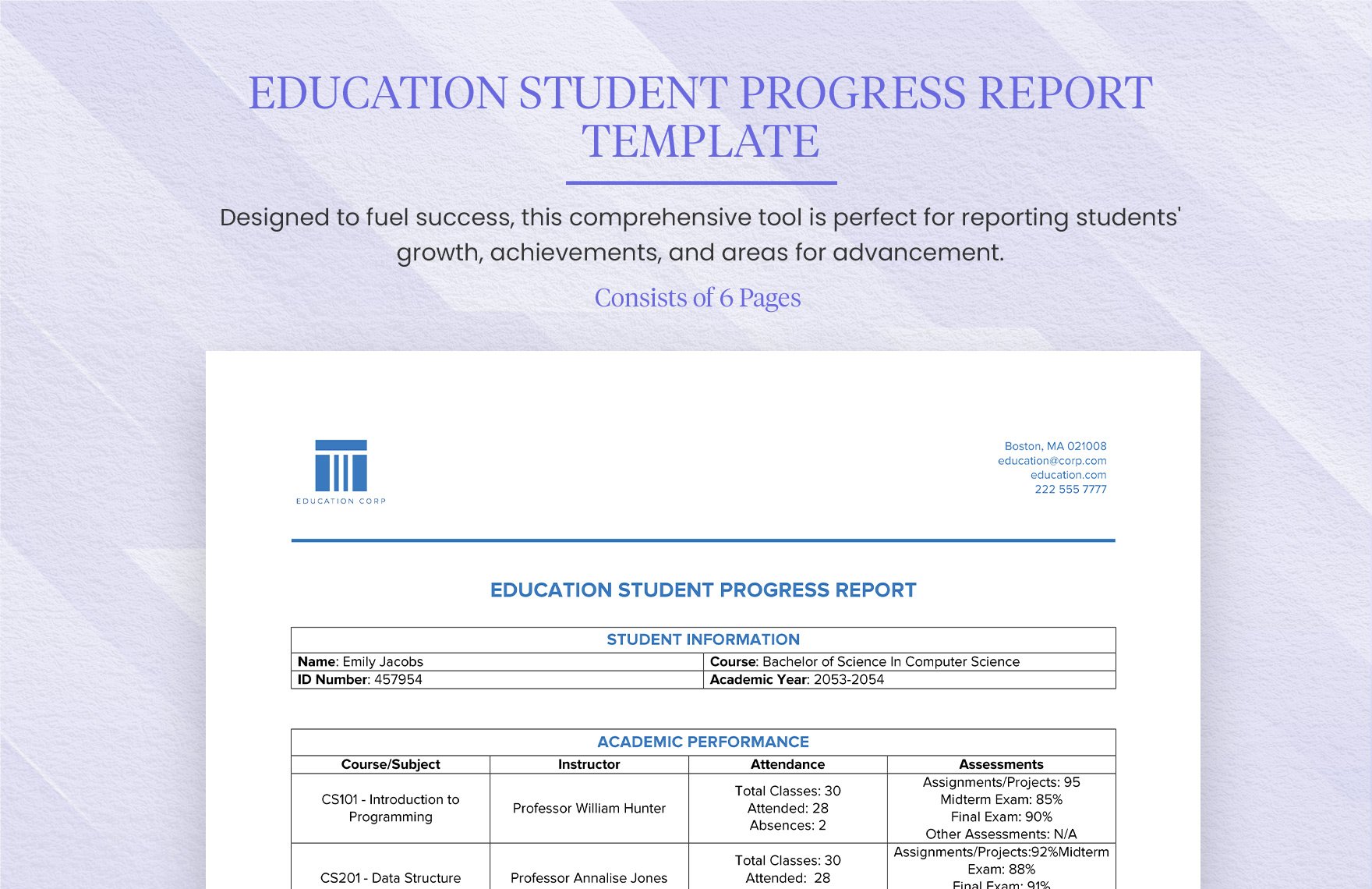
2. Academic Performance – Subject‑by‑subject breakdown.
3. Social & Emotional Growth – Attendance, participation, and behavior notes.
4. Teacher Commentary – Brief, supportive observations.
5. Action Plan – Next steps or homework to reinforce learning.
Customizing for Different Grade Levels
While the core structure remains the same, adapt the content to the developmental stage. For younger students, focus more on foundational skills such as phonics and counting. In middle school, add sections for independent projects or group collaboration, and for high school, integrate college readiness metrics like study habits and time management.
Step‑by‑Step Guide to Building Your Template

Let’s turn theory into practice with a concrete, step‑by‑step process that you can replicate in any word processor or spreadsheet.
Step 1: Gather Core Data Points
Start by listing the learning objectives for your grade level. Align each objective with the state or district standards. For instance, “Math: Addition and Subtraction of Two‑Digit Numbers” becomes a row header in the table. This alignment ensures the report remains relevant and compliant.
Step 2: Set Up a Simple Table
Create a two‑column table. In the first column, type the learning objective. In the second, leave space for the teacher’s assessment. Below the table, add a separate section for general comments. Keep the font readable—12‑point Times New Roman or Arial works well for print.
Step 3: Add Visual Elements
Visual cues like color coding can quickly convey performance levels. Use a light green for “Proficient,” yellow for “Developing,” and red for “Emerging.” However, avoid heavy shading that may print poorly. Instead, use bold or italic text to differentiate.
Step 4: Incorporate Teacher Notes
Teacher commentary should be concise and specific. Instead of saying, “Good job,” try, “Shows confidence when solving multi‑step equations.” This specificity provides parents with actionable insights and motivates students.
Step 5: Review and Iterate
After drafting the template, test it with a few sample students. Check for readability, consistency, and completeness. Ask a colleague for feedback, and adjust as needed. Remember, the template is a living document; refine it annually based on student outcomes and feedback.
Real‑World Example: A 4th Grade Progress Report

Below is a mockup of a 4th‑grade progress report that illustrates how all the elements come together. (The example is written in plain text for clarity.)
Academic Performance
Reading – Proficient in decoding and comprehension of grade‑level texts.
Mathematics – Developing in fractions; needs additional practice with equivalent fractions.
Science – Emerging in understanding ecosystems; will benefit from a field trip next week.
Social Skills
Participates actively in group projects. Demonstrates respectful listening during peer discussions. Requires guidance on conflict resolution during recess.
Extracurricular Participation
Member of the school’s robotics club; attended last meeting and helped troubleshoot a coding error.
Action Plan
1. Complete the fraction worksheet attached.
2. Read one chapter of the science book and bring a summary to class.
3. Attend the next robotics club meeting to practice teamwork.
Tips for Digital Distribution

Many parents prefer digital access, and with the right setup, you can streamline distribution and feedback.
PDF Export and Signatures
Export the completed report to PDF to preserve formatting. Add a digital signature field or an electronic “I acknowledge” button to capture parental consent efficiently.
Parent Portals
If your school uses a parent portal, upload the PDF and link it to the student’s profile. This centralizes all communications and ensures that parents can review past reports without email clutter.
Accessibility Considerations
Use high‑contrast text, large fonts, and simple layouts to support parents with visual impairments. Include alt text descriptions for any images if the platform allows it.
Common Mistakes to Avoid
Even seasoned educators can fall into these pitfalls if they’re not careful.
Overloading with Data
Too many metrics can overwhelm parents. Stick to the top three to five most critical indicators for each subject area.
Neglecting Student Voice
Invite students to share their goals or reflections. A short sentence like, “I want to read a novel by the end of the year,” adds personal context that parents often appreciate.
Ignoring Feedback Loops
Collect parent and teacher feedback on the template’s usability. Use this data to make iterative improvements each term.
Conclusion

Crafting a Student Progress Report Template that is both insightful and accessible is a powerful way to elevate classroom communication. By focusing on clear objectives, consistent design, and actionable next steps, you provide parents with a tangible snapshot of their child’s learning journey. Remember to keep the template flexible—adapt it as standards evolve and student needs change. With these tools and practices in place, your progress reports will become a cornerstone of student success, fostering collaboration, transparency, and continuous improvement for everyone involved.




Related posts of "Student Progress Report Template"
