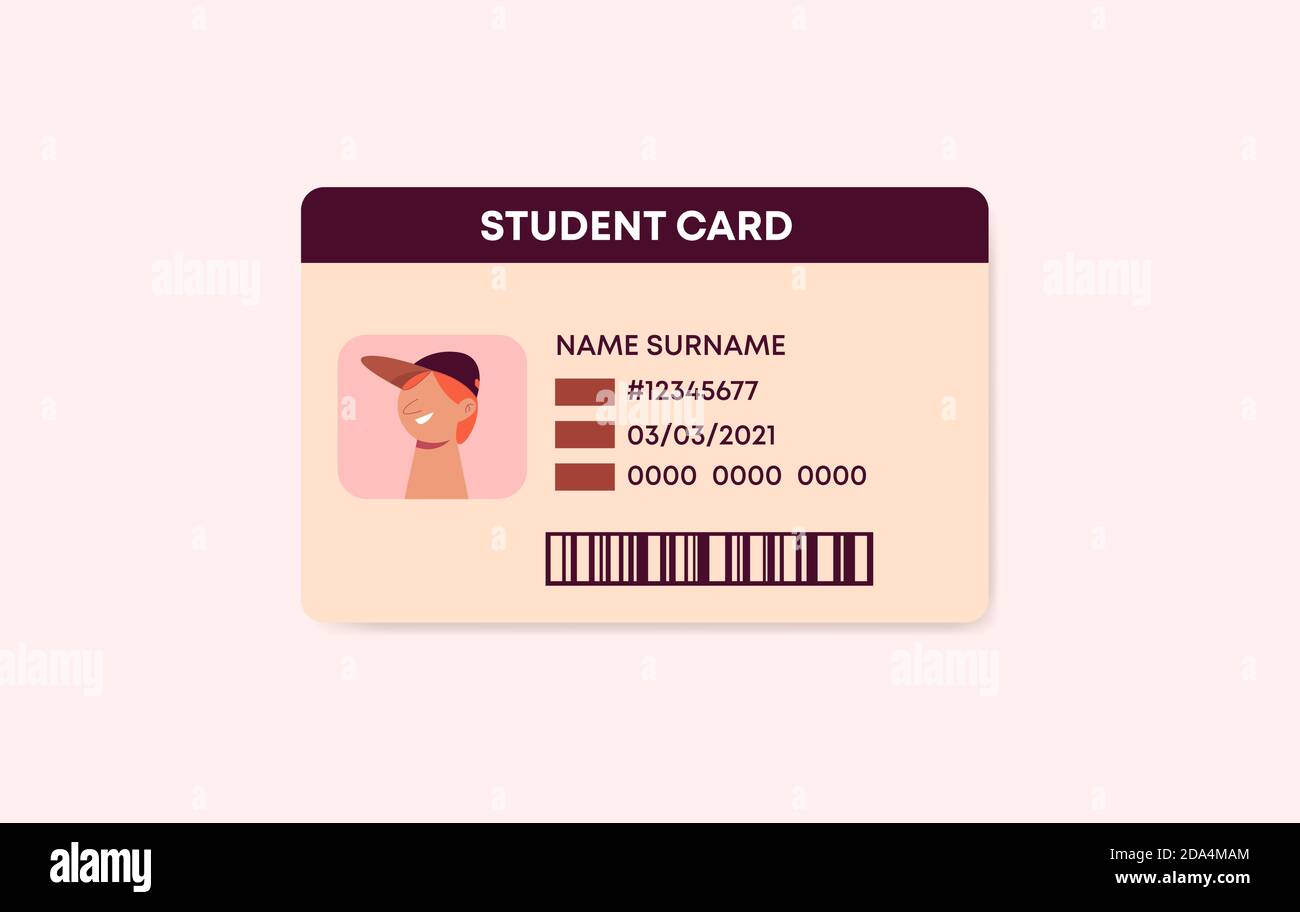
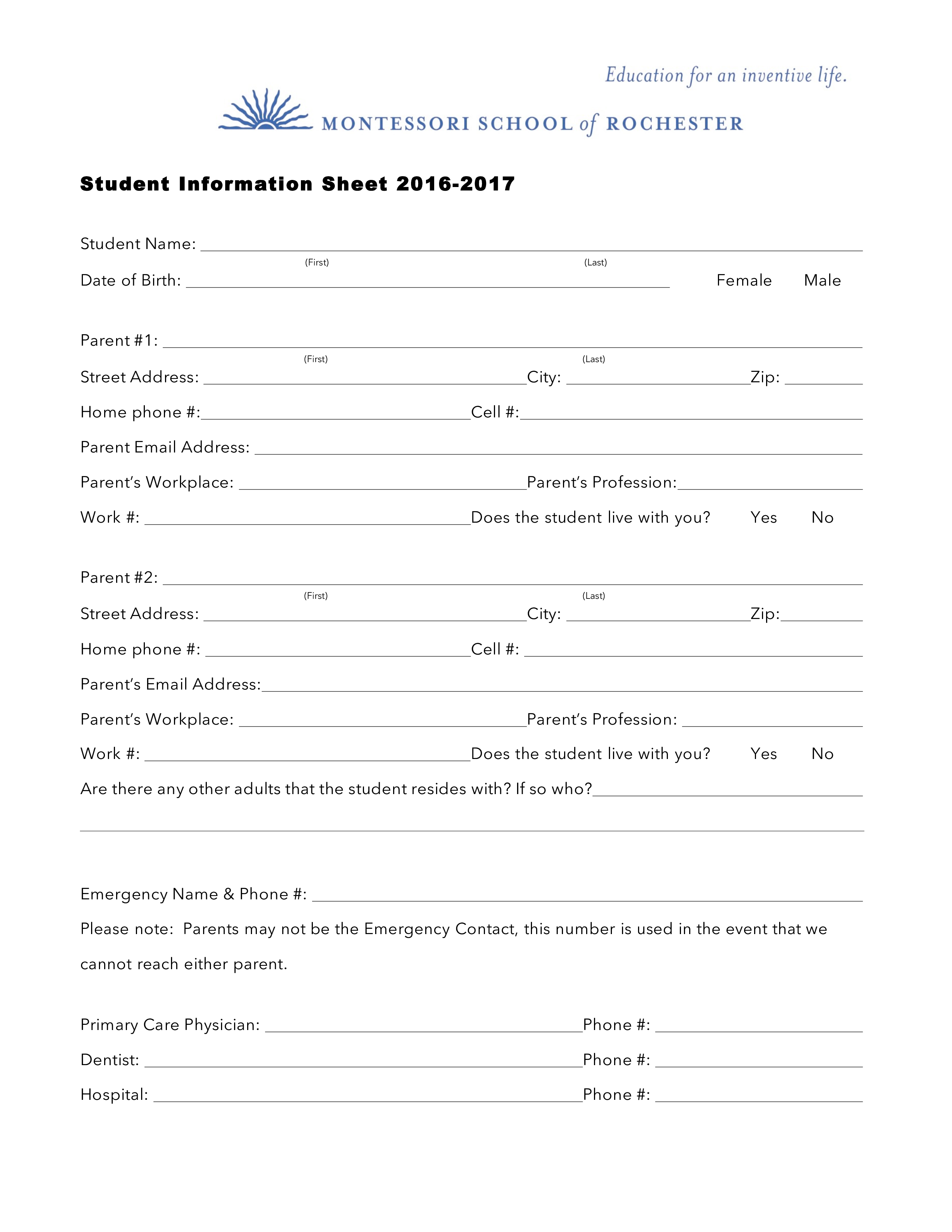
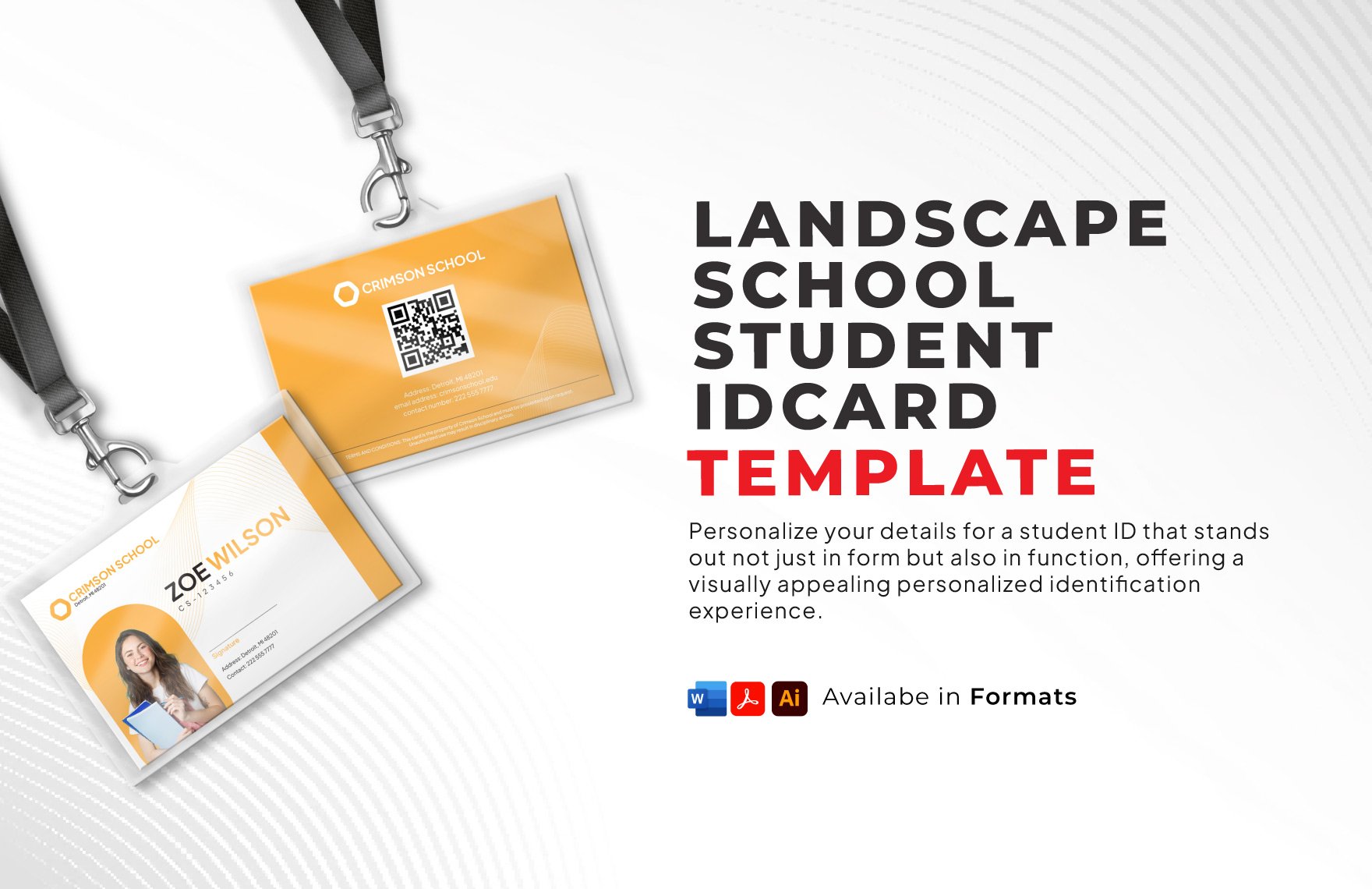
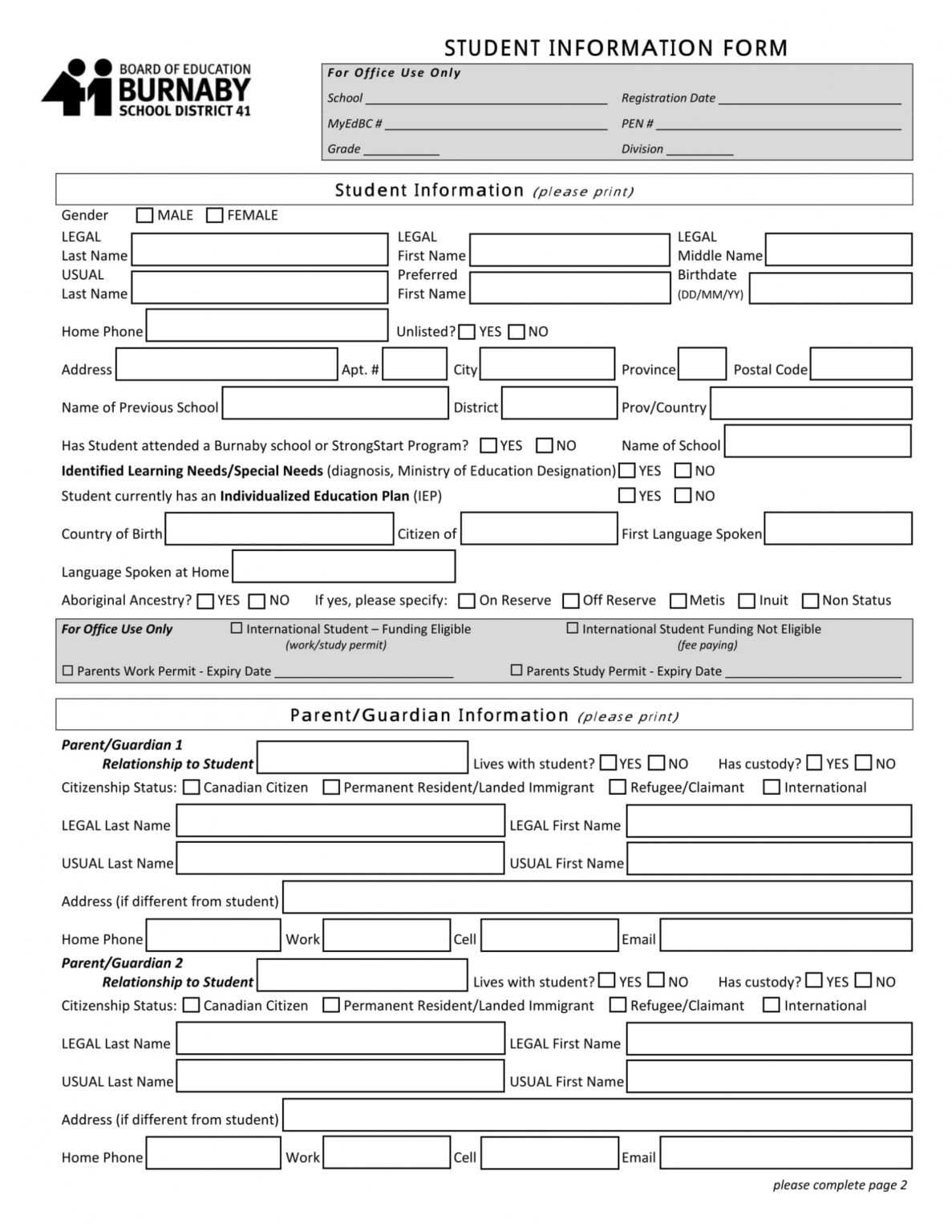
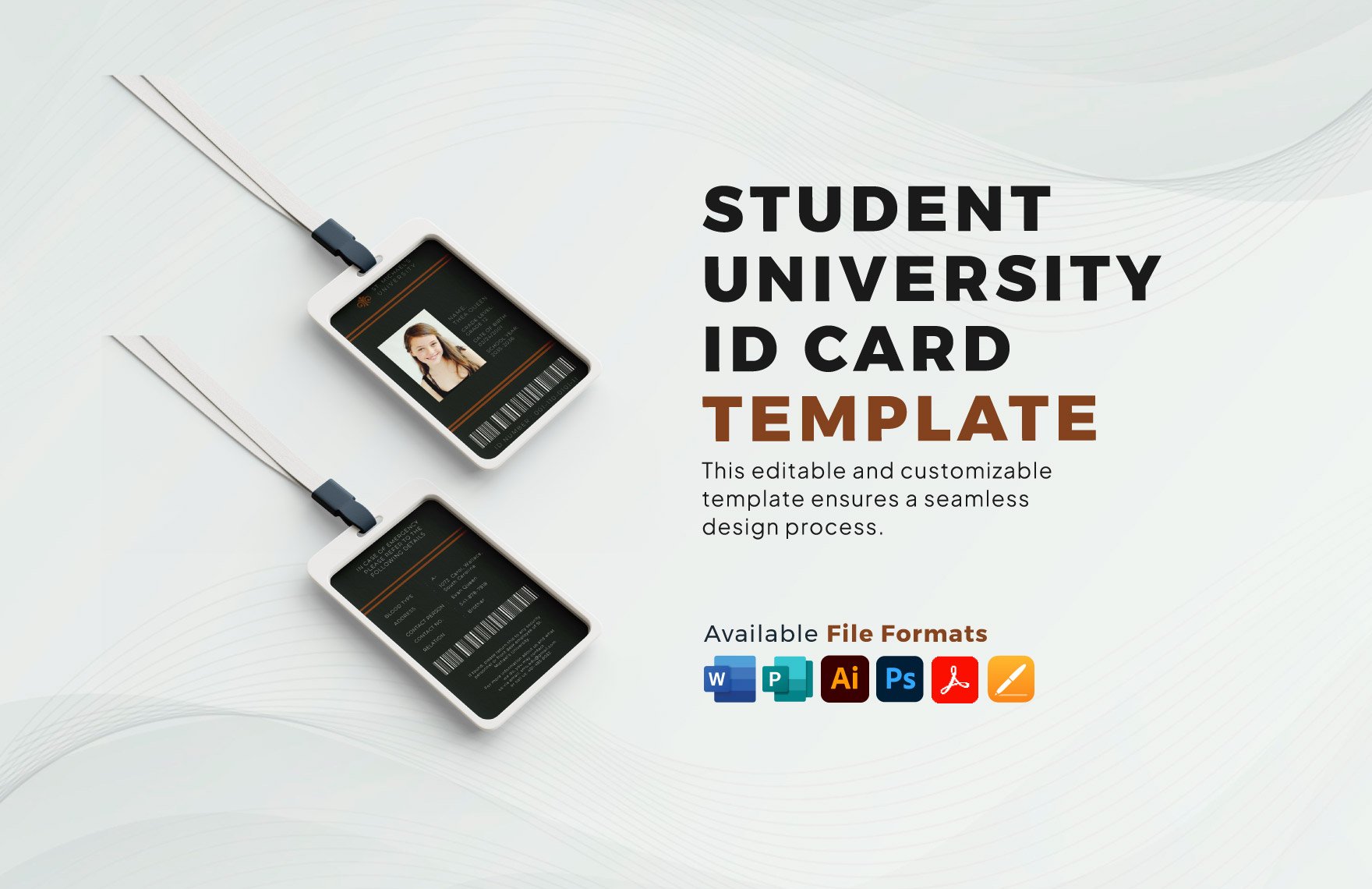
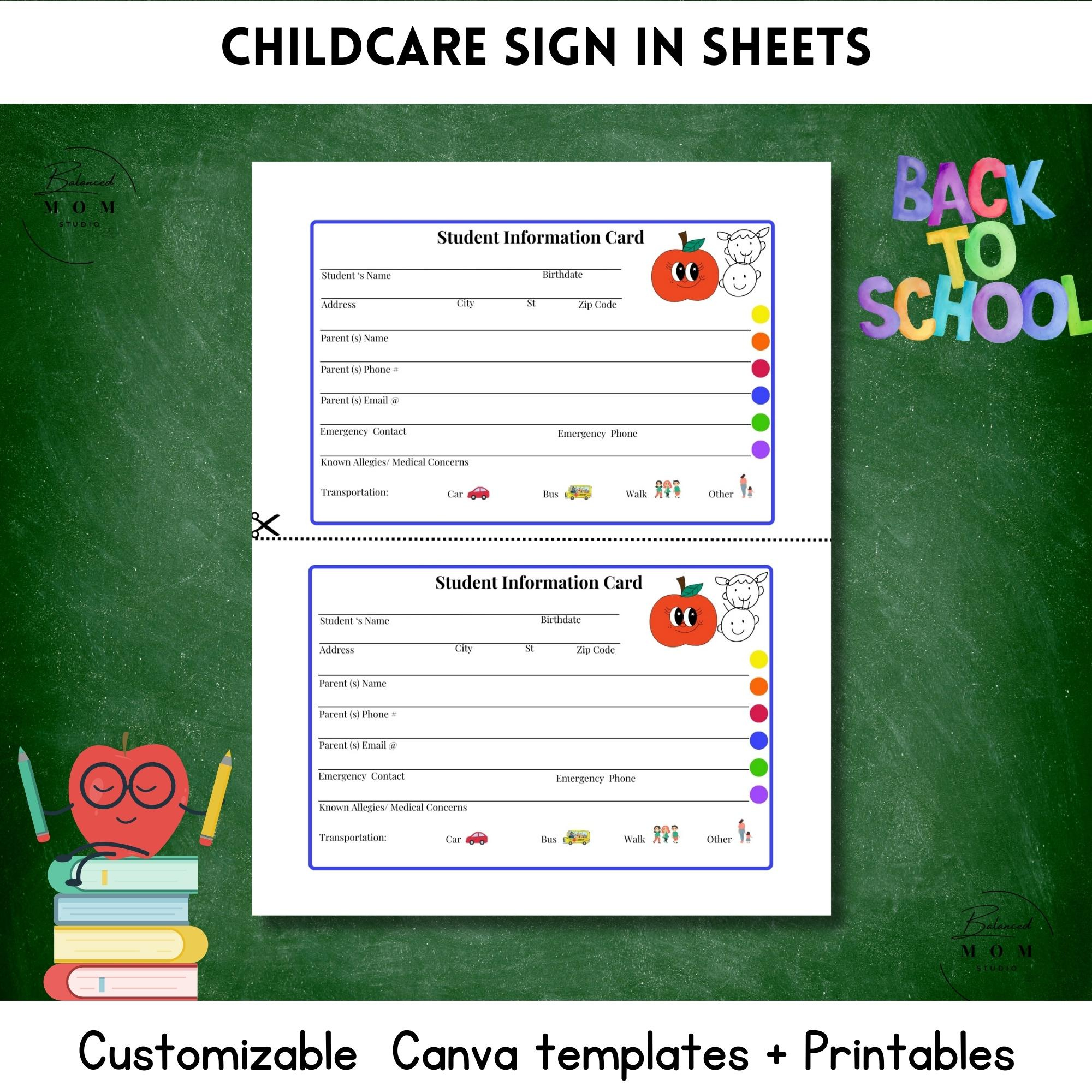
Student Information Card Template is the foundation of organized, efficient, and professional student management in today’s fast-paced educational environments. By using a thoughtfully designed template, schools, afterschool programs, and private tutors can capture essential student data, streamline check‑in processes, and maintain compliance with safety protocols—all while presenting a polished brand image.
Why a Student Information Card Template is Essential

Managing student records is a daily logistical challenge. A dedicated template offers several tangible benefits: it standardizes information collection, reduces errors, speeds up enrollment, and facilitates communication with parents. More importantly, it safeguards critical data such as allergies, emergency contacts, and health conditions, ensuring that educators can respond swiftly when needed.
Improved Accuracy
When every card follows the same layout, staff members are less likely to overlook details. Consistent placement of fields—name, age, class, and health notes—means data entry is quicker and less prone to mistakes.
Enhanced Safety and Compliance
Regulatory bodies often require detailed records for every student. A template that includes mandatory fields such as medical conditions and emergency phone numbers helps schools meet legal standards and pass inspections with ease.
Professional Brand Image
High‑quality, branded cards demonstrate a school’s commitment to organization and care. Parents appreciate the attention to detail, which can translate into stronger enrollment numbers and community trust.
Key Features of an Effective Template

Not every template is created equal. An effective Student Information Card Template balances comprehensive data collection with visual clarity. Below are the essential elements every template should incorporate.
Clear Visual Hierarchy
Use font weights, sizes, and spacing to guide the viewer’s eye from the most critical information—such as the student’s name—to supplemental details like allergies or guardian contacts.
Space for Photographs
Including a small photo slot not only personalizes the card but also aids in quick identification, especially in large or crowded environments.
Barcode or QR Code Integration
Adding a machine‑readable element allows for instant data retrieval via scanners, enabling fast check‑in and record updates.
School Branding Elements
Logo placement, color schemes, and font choices should reflect the institution’s identity. Consistent branding reinforces credibility and fosters a sense of belonging.
Choosing the Right Design and Layout
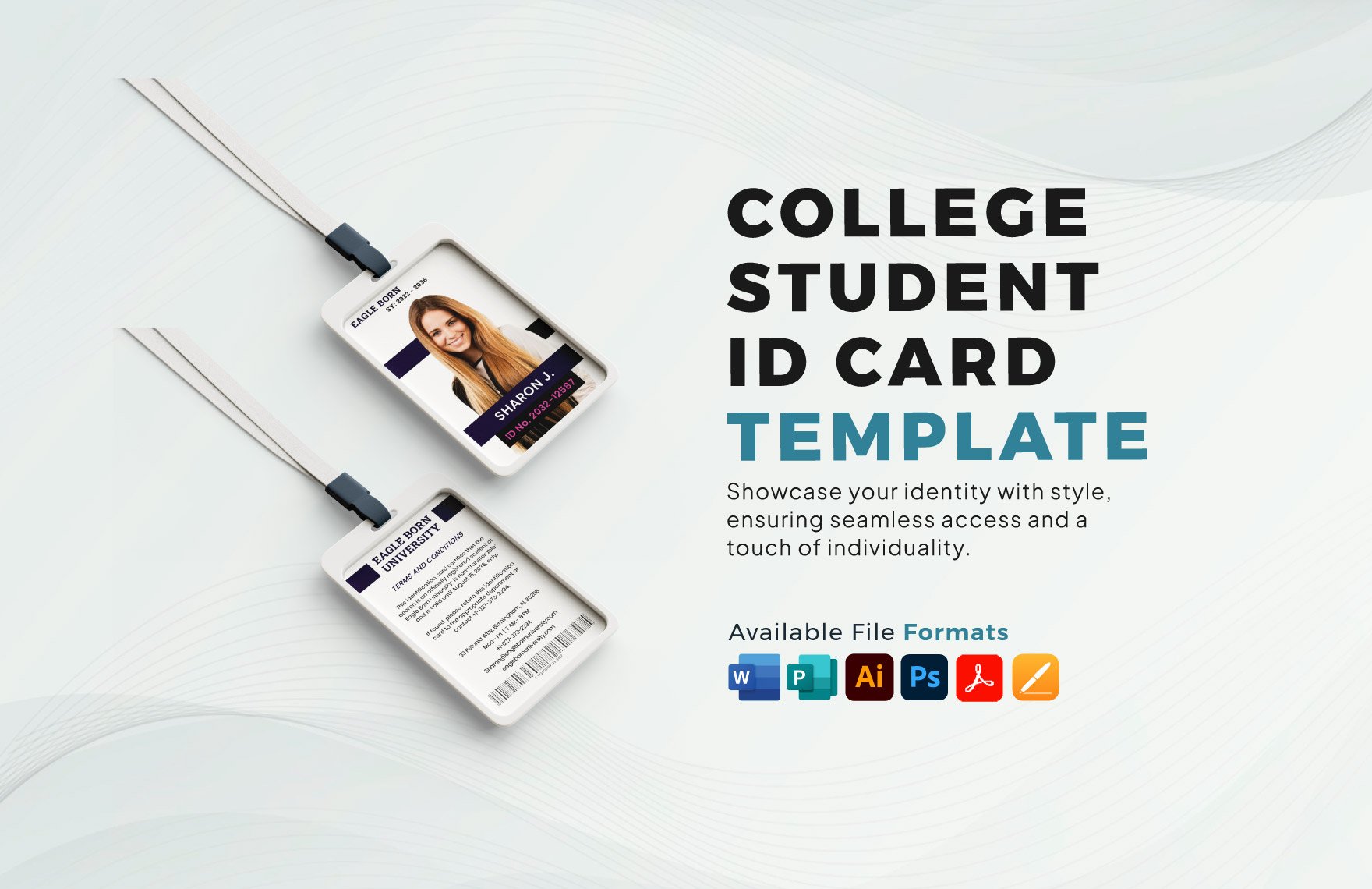
Design decisions significantly influence usability. Below we break down layout options and how to match them to your operational needs.
Orientation: Portrait vs. Landscape
Portrait cards are traditional and fit easily into standard cardholders. Landscape cards offer more horizontal space for details, ideal for institutions that need to capture extensive data without overcrowding.
Paper Quality and Durability
Student cards endure daily handling. Opt for thick cardstock with a matte or semi‑gloss finish to resist wear. For extra protection, consider laminated or plastic‑based solutions.
Folded vs. Flat Design
Folded cards provide a natural compartmentalization of information. A single‑sided flat design keeps everything visible at a glance, which is advantageous for quick scanning.
Customizing the Template for Your School
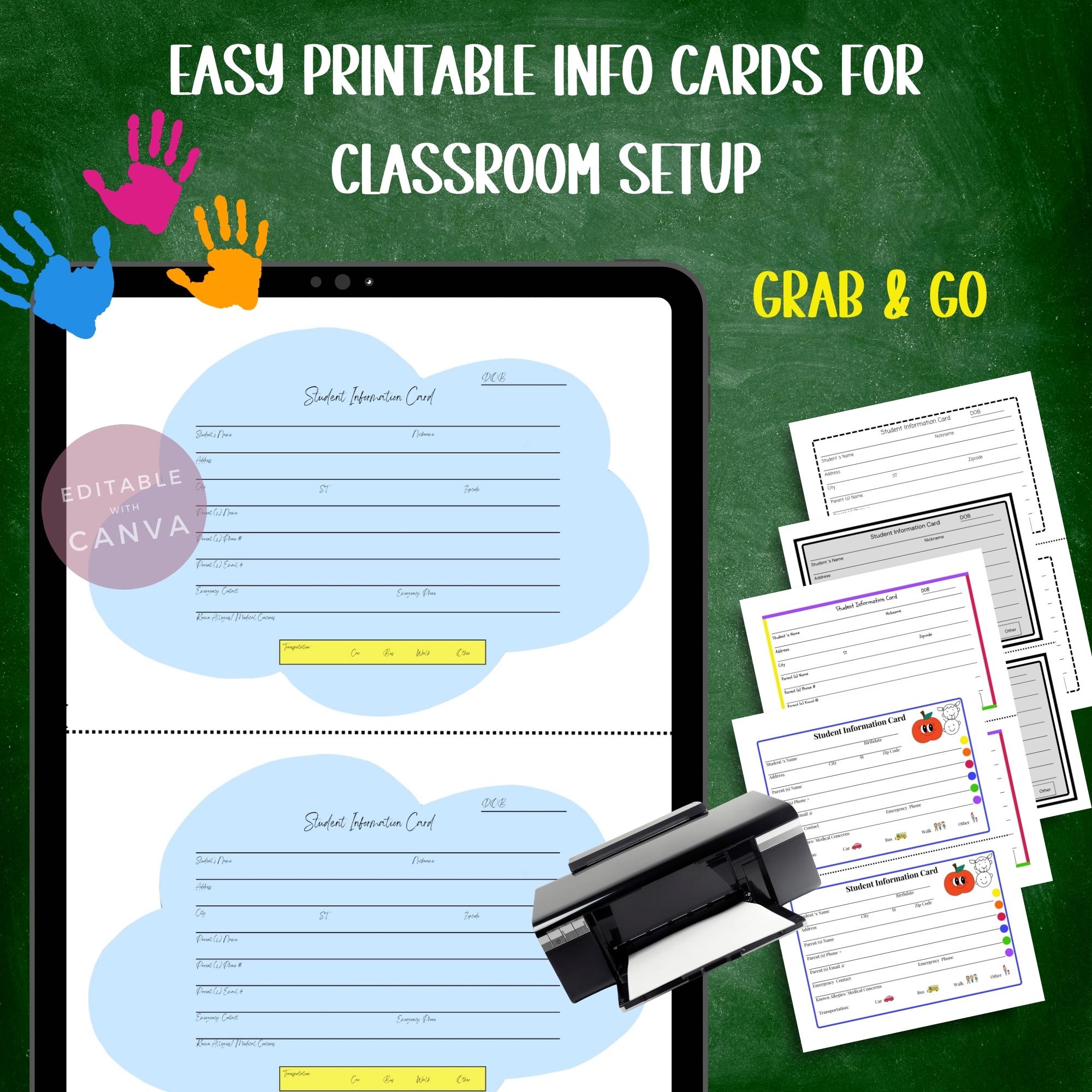
Customization transforms a generic template into a tailored tool that aligns with your institution’s policies and culture.
Adding Institutional Policies
Include a small section for school rules or health protocols, ensuring students and parents are immediately aware of expectations.
Language Options
For diverse communities, consider bilingual cards. Place primary information in the dominant language while providing essential details in a second language to accommodate non‑native speakers.
Adjusting Field Priorities
Reorder fields based on what’s most relevant to your workflow. For example, if emergency contact information is crucial for your afterschool program, position it immediately after the student’s name.
Step‑by‑Step Guide to Creating Your Own Template
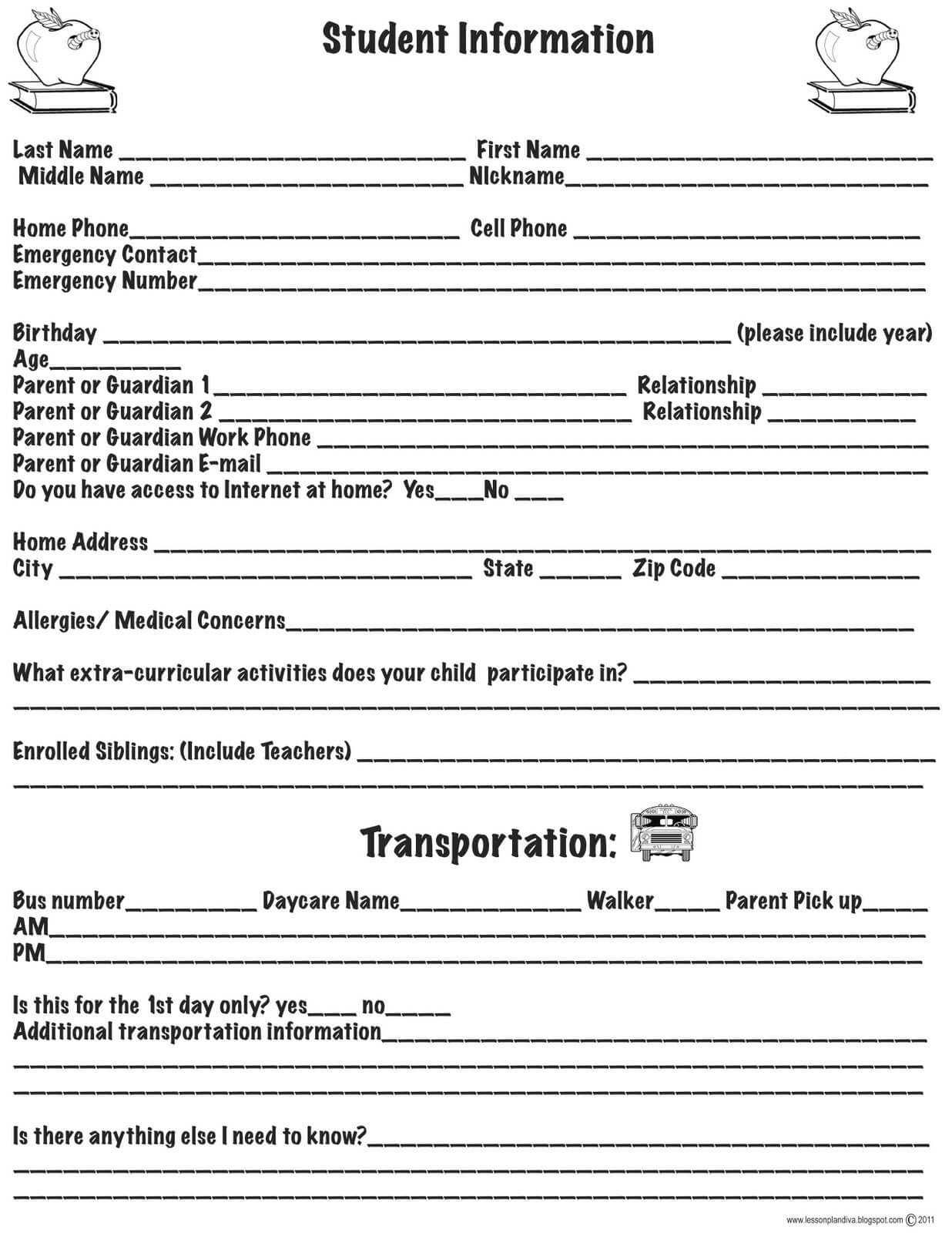
Below is a practical workflow that takes you from concept to printed or digital card.
1. Define Your Information Requirements
List mandatory fields—name, birthdate, class level—and optional fields—allergies, preferred teacher. Consult with administrators, teachers, and parent groups to refine the list.
2. Sketch a Rough Layout
Use a paper or digital tool to position each field. Focus on balance; avoid clustering too many items in one corner.
3. Select Fonts and Colors
Choose no more than two typefaces. One for headings, another for body text. Stick to the school’s color palette to maintain brand consistency.
4. Incorporate Branding Elements
Add the school logo, seal, or crest. Position it prominently but avoid overpowering the text.
5. Add a Scan‑Friendly Element
Generate a QR code that links to a secure student database. Place it in a corner that does not interfere with readability.
6. Test Readability
Print a draft and read it from a distance. Verify that critical information is legible, and the photo slot is clear.
7. Finalize and Export
Export the design to PDF or a high‑resolution image format. Ensure that the file meets printer specifications: 300 DPI, CMYK color mode.
8. Distribute or Print
Choose between in‑house printing, professional print shops, or digital distribution for virtual programs.
Common Pitfalls and How to Avoid Them
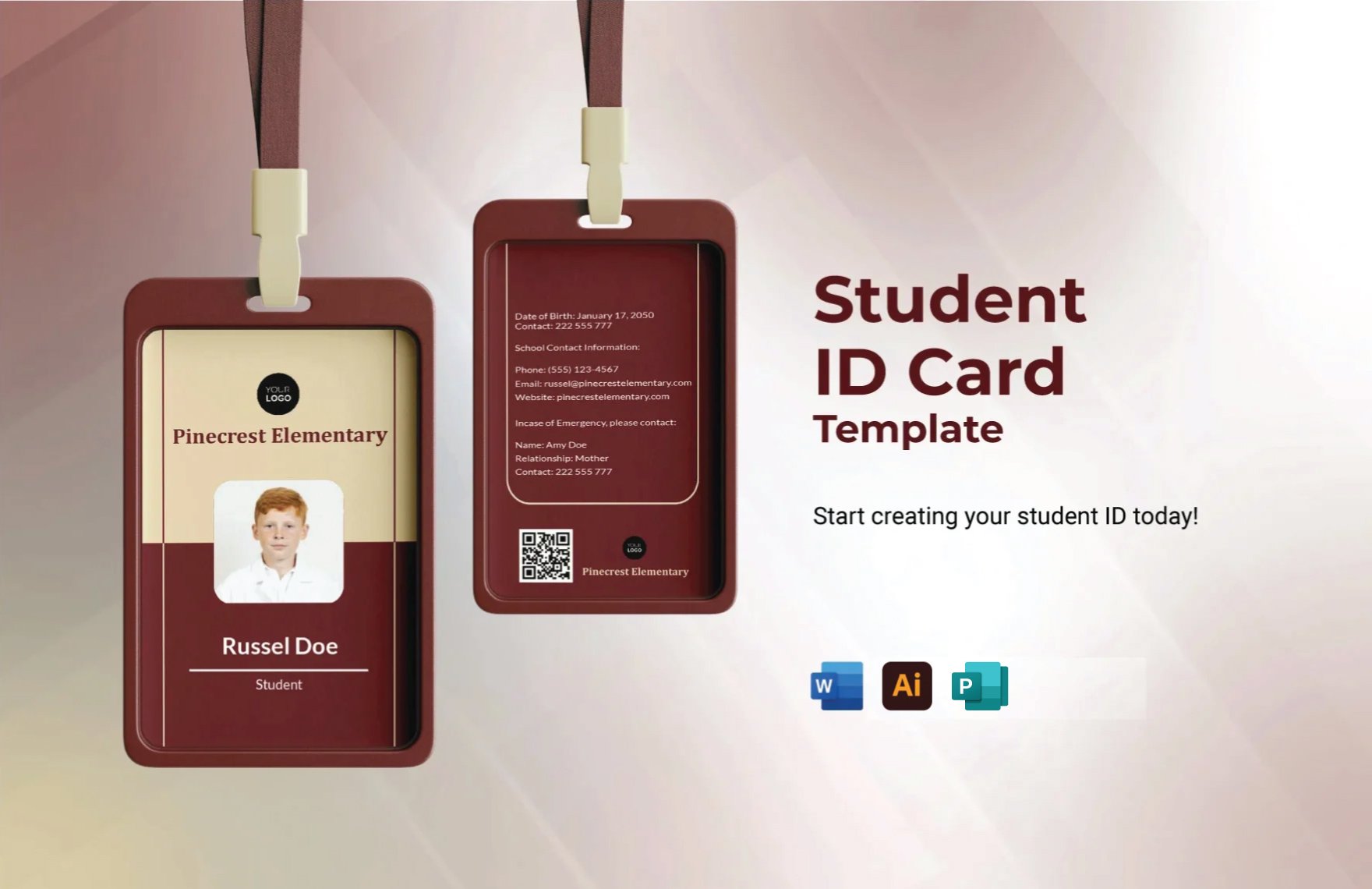
Even seasoned educators can fall into common design traps. Below are frequent mistakes and tips to sidestep them.
Overcrowding the Card
Too many fields create visual noise. Use white space strategically to separate sections.
Using Low‑Contrast Text
Dark text on a light background works best. Avoid color combinations that reduce readability.
Ignoring Accessibility Needs
Include alt text for photos and use larger fonts for essential fields to support visually impaired users.
Forgetting Security Features
If cards contain sensitive data, consider adding holographic strips or RFID chips to deter tampering.
Best Practices for Printing and Distribution
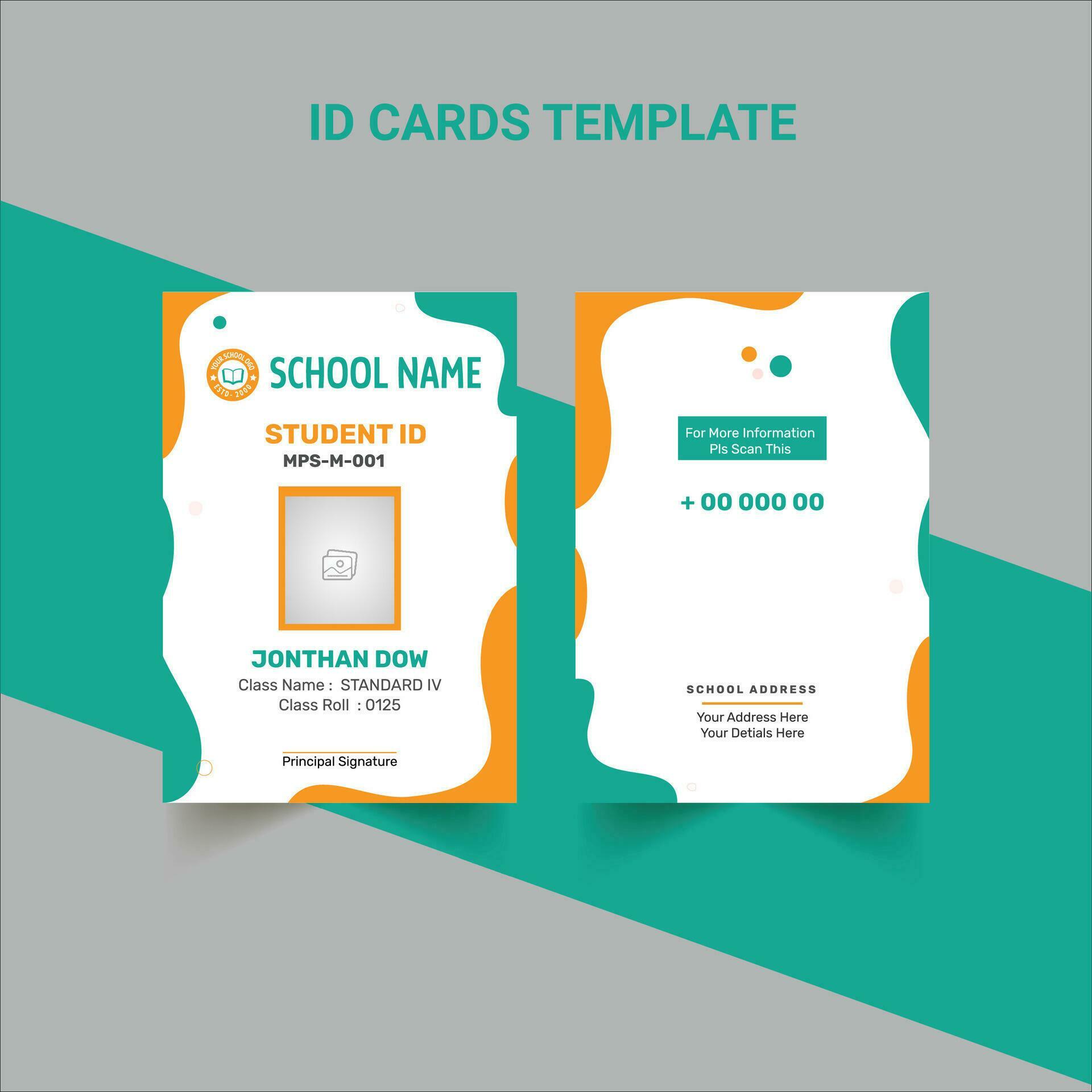
Quality execution extends beyond design. These printing and distribution practices ensure longevity and usability.
Use Professional Print Services
Commercial printers can provide durable finishes—lamination, UV coating, or embossing—that outlast student use.
Choose the Right File Format
CMYK PDFs with bleed lines guarantee crisp edges and consistent color output.
Implement a Tracking System
Assign each card a unique serial number linked to a digital record. This helps identify missing or compromised cards quickly.
Set a Distribution Schedule
Plan card issuance during orientation, enrollment, or after any policy updates to keep information current.
Digital Options and Integration

Modern schools increasingly adopt digital student profiles. A hybrid approach leverages the convenience of electronic records while retaining the tactile reassurance of a physical card.
Mobile-First Card Designs
Design cards that look great on smartphones, allowing parents to scan QR codes for real‑time updates.
Data Synchronization
Link the physical card’s QR code to a cloud‑based database. When a staff member scans the code, the system pulls the latest student information automatically.
Secure Access Protocols
Implement two‑factor authentication for editing digital records, ensuring only authorized staff can make changes.
Backup and Recovery
Maintain regular backups of the digital database. In case of card loss, the information remains intact and retrievable.
Conclusion
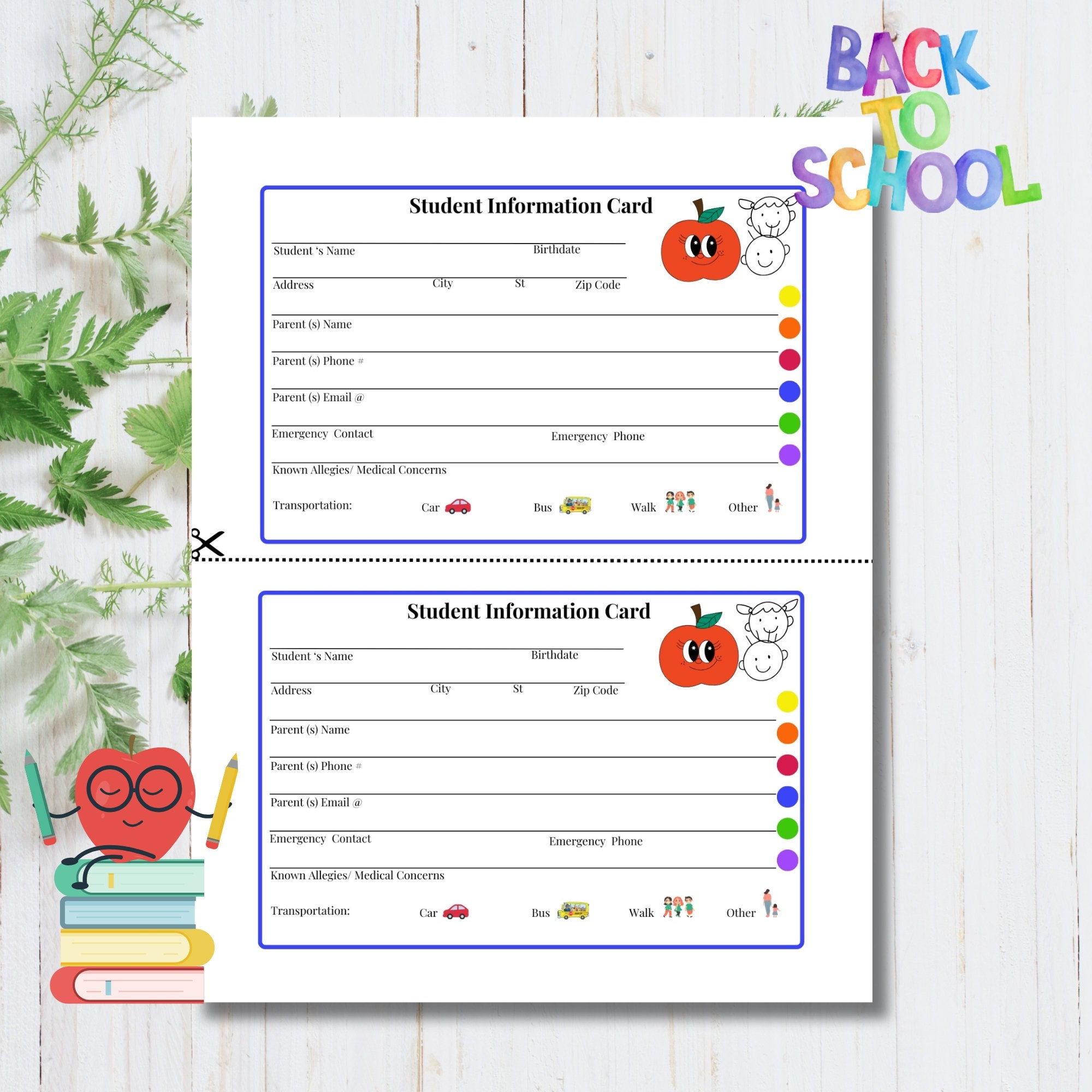
A well‑crafted Student Information Card Template serves as more than a simple identification tool; it’s an organizational asset that enhances safety, compliance, and brand perception. By carefully selecting design features, customizing to institutional needs, and following best practices for printing and digital integration, schools and programs can streamline operations, reduce errors, and foster a culture of professionalism. Start with a clear vision, invest in quality materials, and empower your team with a template that adapts to evolving educational landscapes—your students, staff, and parents will thank you for the thoughtful, reliable solution.