
Ss Card Template is a surprisingly versatile tool that many people overlook until they need a quick, printable placeholder for a Social Security card in a variety of legitimate scenarios, and I’m here to walk you through everything you need to know about finding, customizing, and using one responsibly. Whether you’re a teacher preparing a mock‑up for a civics lesson, a small business owner who needs a sample for a payroll demo, or just a curious individual looking to understand the design elements of the iconic blue-and‑white card, this guide will give you the confidence and step‑by‑step instructions to make the most of an Ss Card Template without crossing any legal lines.
What Exactly Is an Ss Card Template?
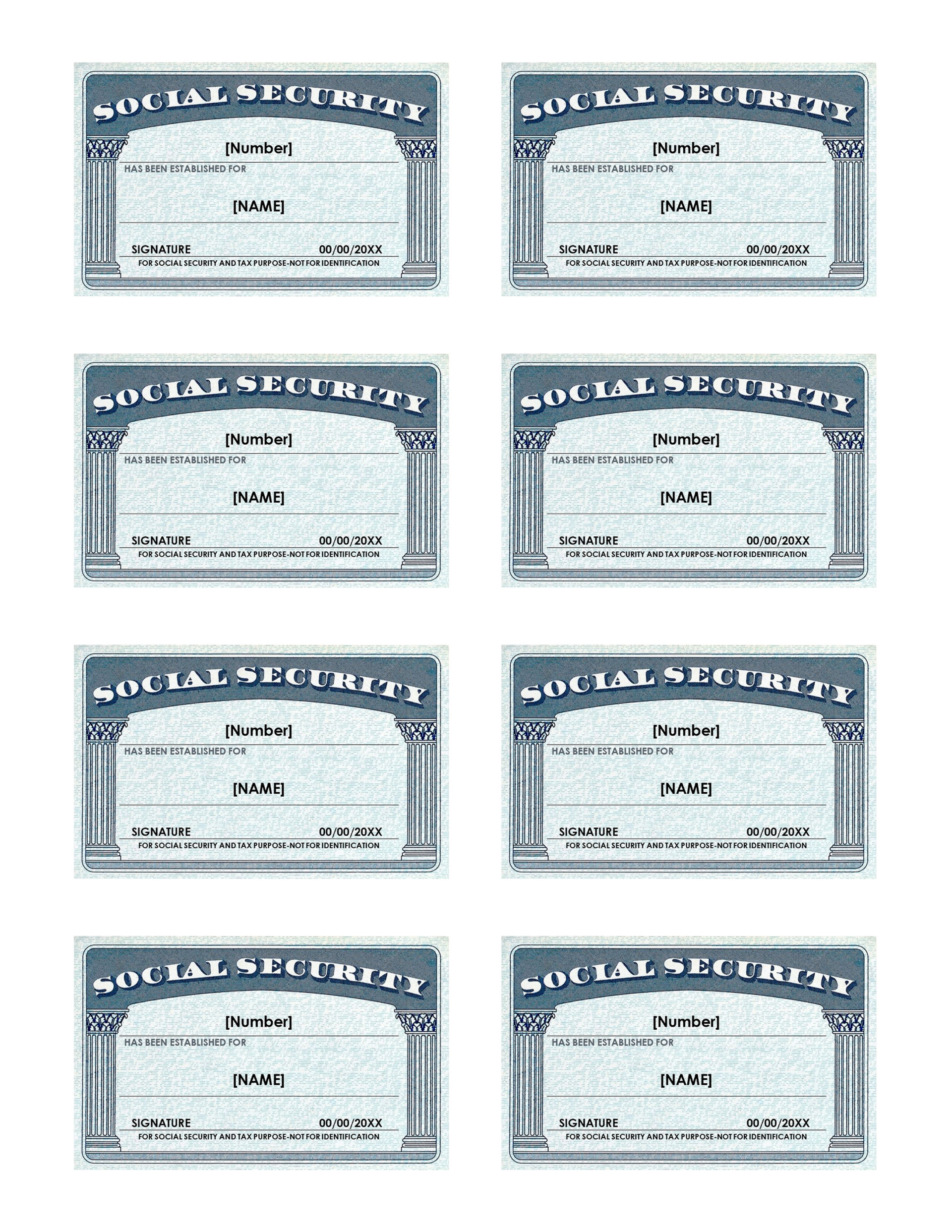
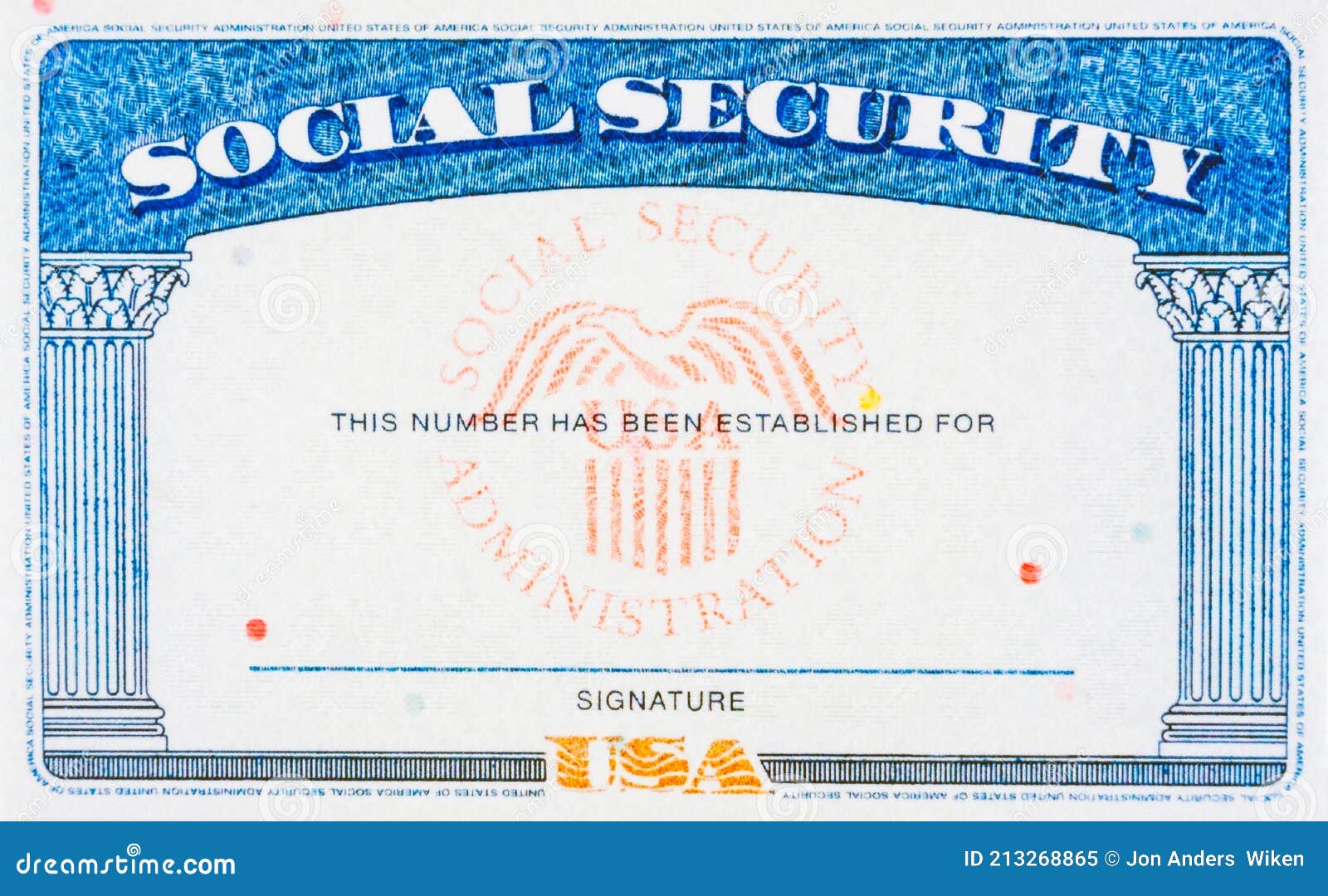
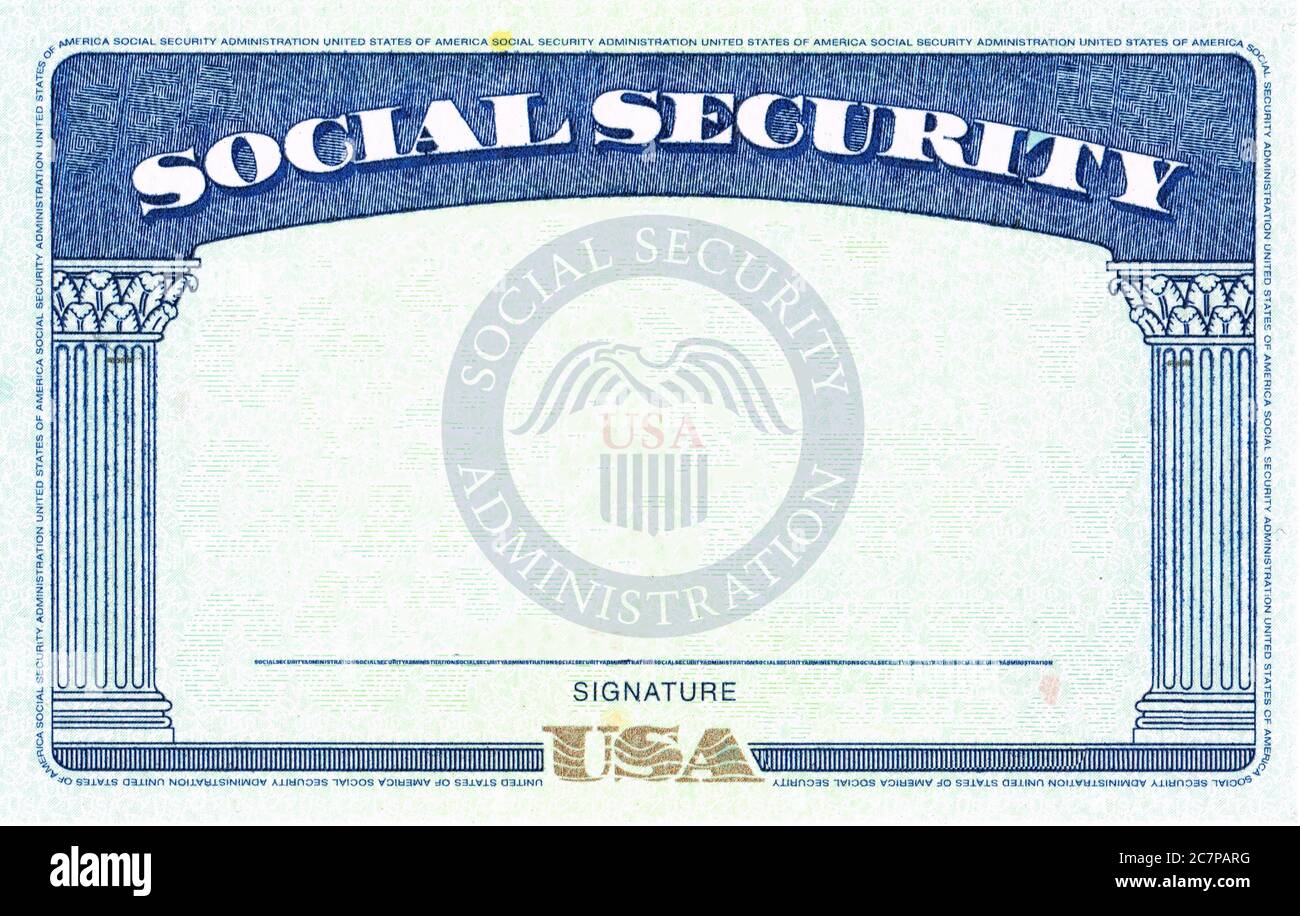
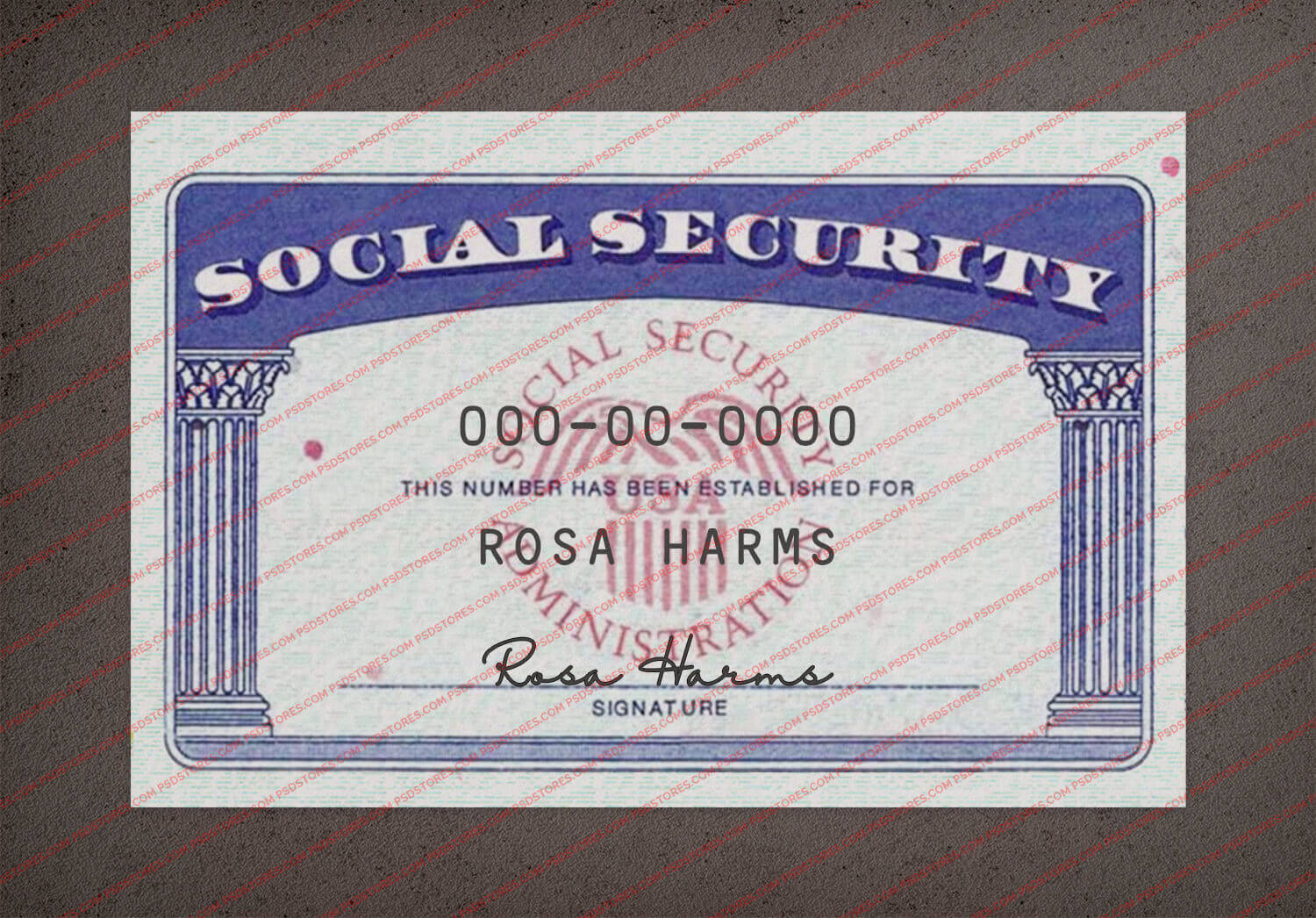
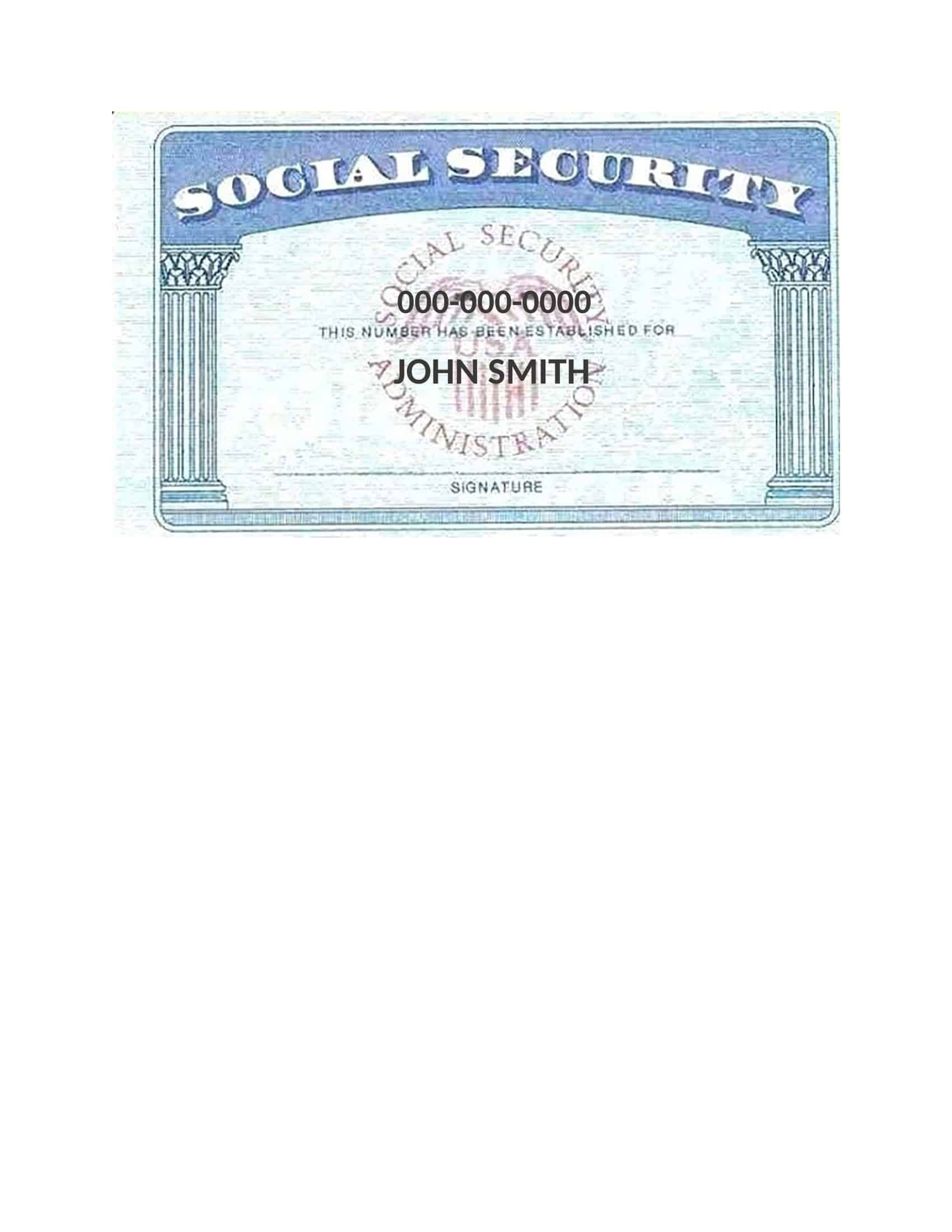
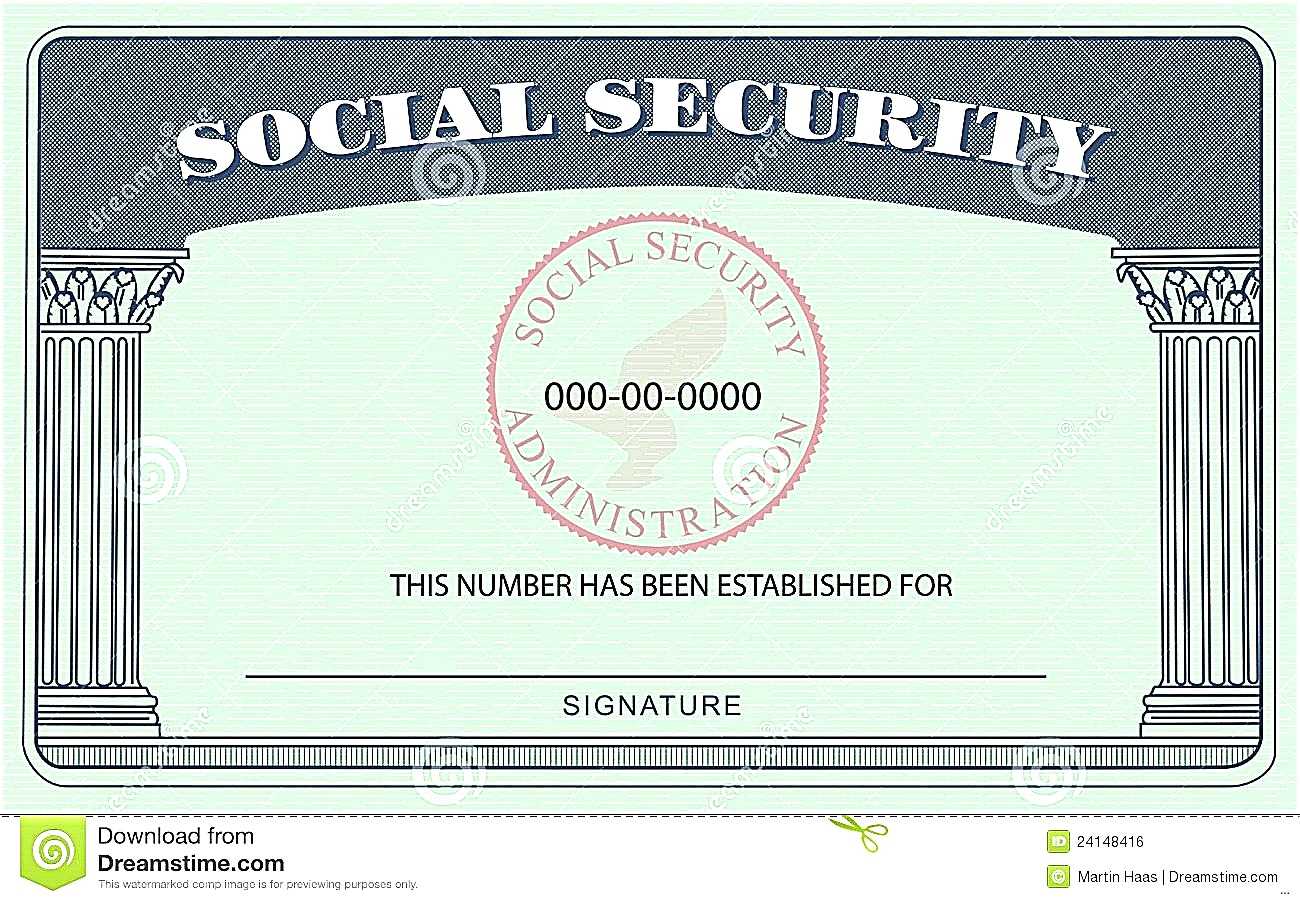
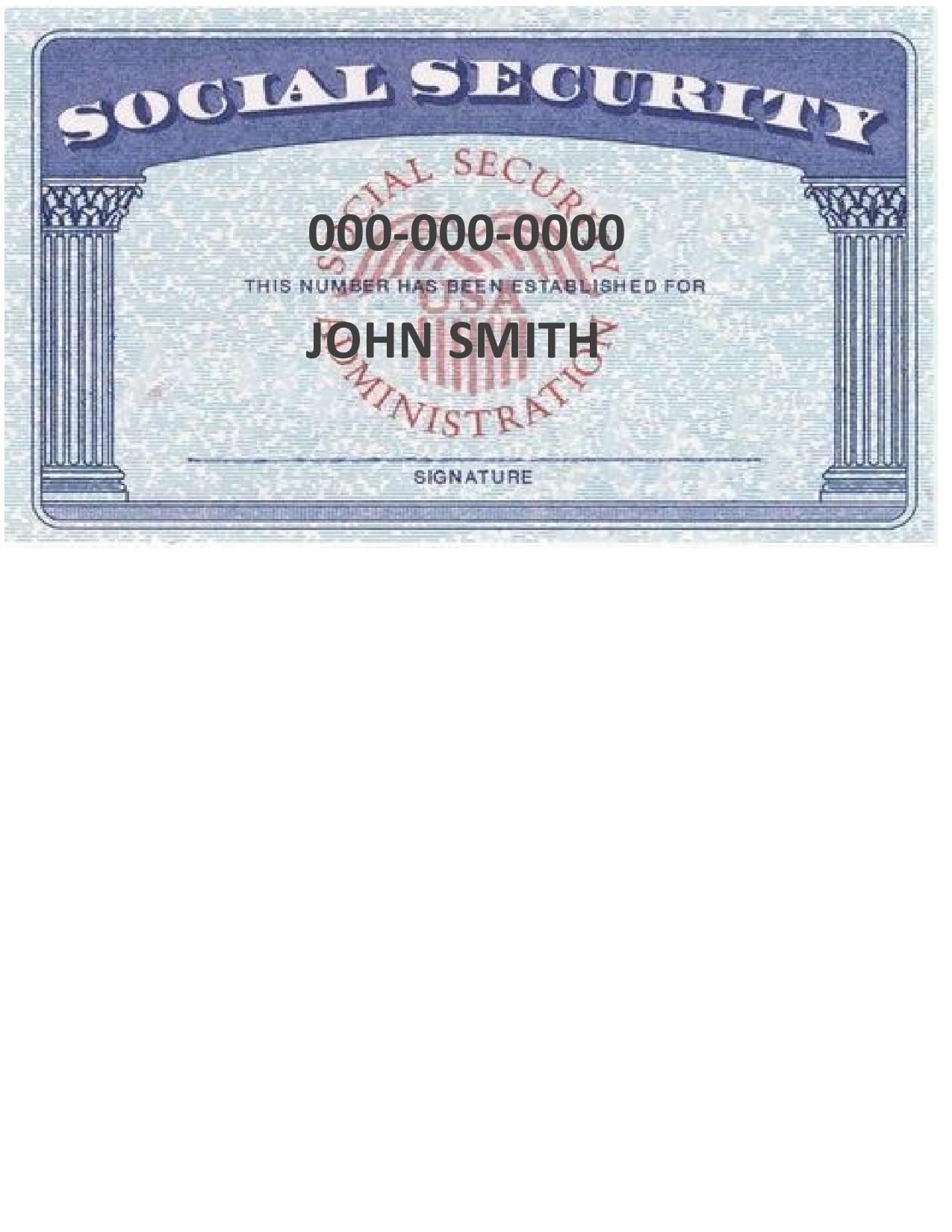
An Ss Card Template is a pre‑designed digital file that mimics the layout, typography, and visual elements of a genuine Social Security card but contains no real personal data. These templates are usually supplied in common formats such as PDF, PNG, or editable Word and Photoshop files. The purpose is to provide a realistic visual reference that can be printed for educational, illustrative, or testing purposes. Because the template is blank, it never contains an actual Social Security number (SSN), making it safe for non‑official use while still looking authentic enough to serve its intended function.
Why You Might Need a Template
Educational Settings
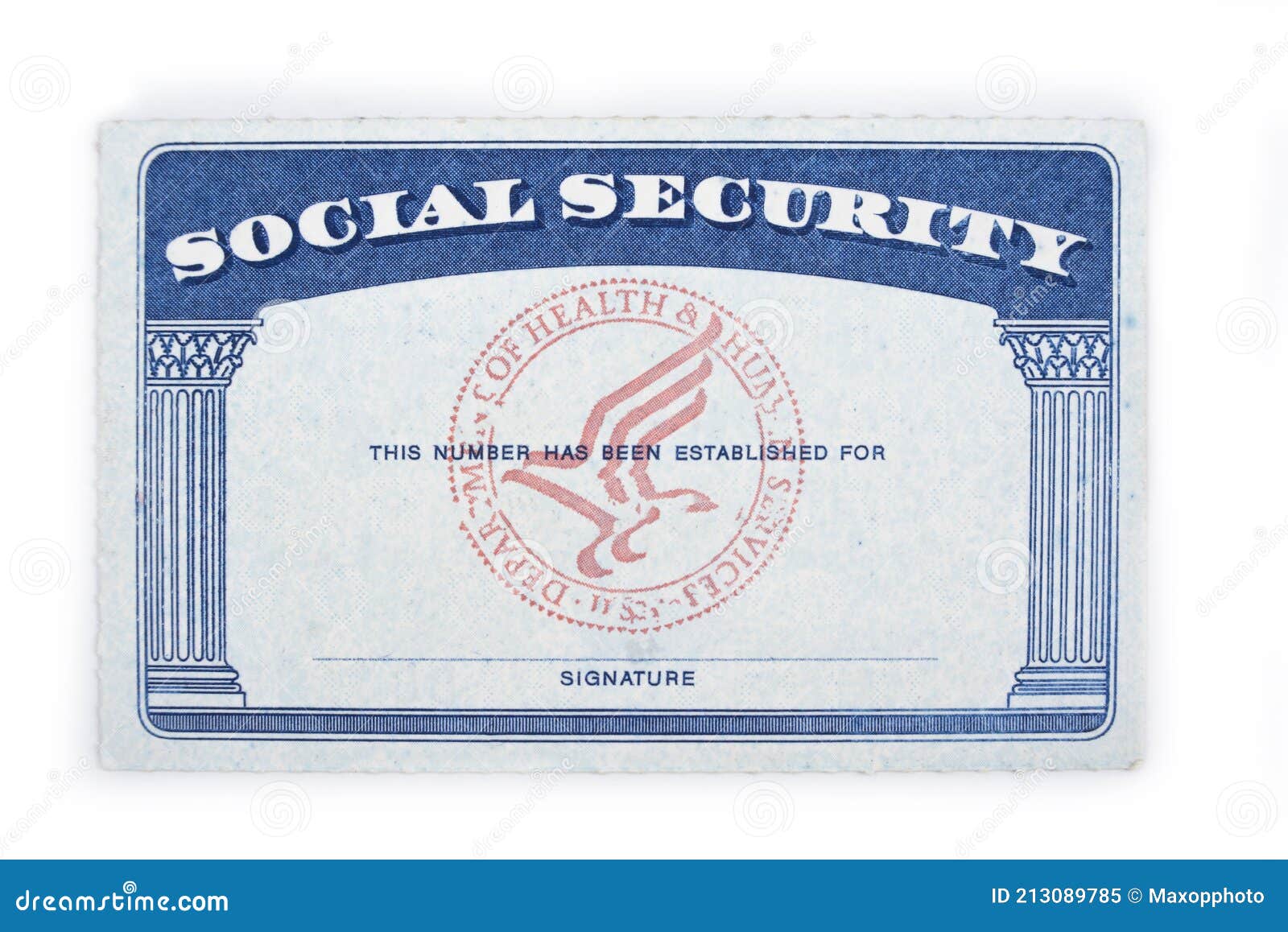
Teachers often need a mock Social Security card to demonstrate how personal identification works in the United States. A realistic template helps students recognize the card’s key features—such as the “Social Security Administration” header, the signature line, and the distinct font—without exposing any real personal information.
Payroll and HR Training
Human resources professionals use blank templates during onboarding workshops to walk new hires through the paperwork process. By filling in a fictional SSN, they can illustrate where to input data on forms, how to verify numbers, and what common errors to avoid.
Graphic Design Projects
Freelance designers may be asked to create a stylized version of a government ID for a movie prop, a video game, or a marketing mock‑up. Starting with a clean, royalty‑free template saves time and ensures the final product looks convincing.
Legal Considerations and Ethical Use
It’s crucial to understand that while an Ss Card Template itself is legal, using it to create a counterfeit Social Security card is a federal crime. The U.S. Department of Justice defines the production of a false identification document as a serious offense, punishable by fines and imprisonment. Therefore, you should only use a template for the following legitimate purposes:
- Educational demonstrations
- Training simulations
- Graphic design mock‑ups that are clearly marked as “sample” or “prop”
- Personal reference when filling out forms (never to present to authorities)
Never attempt to replace a real Social Security card, alter the template with an actual SSN, or distribute it in a way that could be misinterpreted as genuine. Always include a disclaimer such as “Sample Only – Not an Official Document” when printing or sharing the template.
How to Choose the Right Template

File Format
For quick printing, PDF is the most reliable because it preserves layout and scaling across devices. If you plan to edit the design—change fonts, adjust spacing, or add custom graphics—look for an editable Word (.docx) or Photoshop (.psd) file. PNG is useful for web displays or when you need a transparent background.
Resolution and Quality
Print-quality templates should be at least 300 dpi (dots per inch). Lower resolutions may appear blurry, especially on the fine lines of the card’s border and the micro‑print text that mimics security features. Check the file’s properties before downloading.
Source Credibility
Choose templates from reputable, free‑to‑use sources that clearly state the licensing terms. Avoid sites that bundle the template with suspicious software or request personal data. A simple Google search for “free blank Social Security card template PDF” often yields trustworthy results from government‑related educational sites or well‑known design blogs.
Step‑By‑Step Guide to Customizing Your Template

1. Download the Template
Save the file to a dedicated folder on your computer. Rename it something descriptive like “SS‑Card‑Template‑Blank.pdf” so you can locate it easily later.
2. Open in the Appropriate Program
If you have a PDF, open it with a PDF editor such as Adobe Acrobat Reader (free) or a more advanced tool like Foxit PhantomPDF. For Word or Photoshop files, launch Microsoft Word or Adobe Photoshop respectively.
3. Insert Placeholder Text
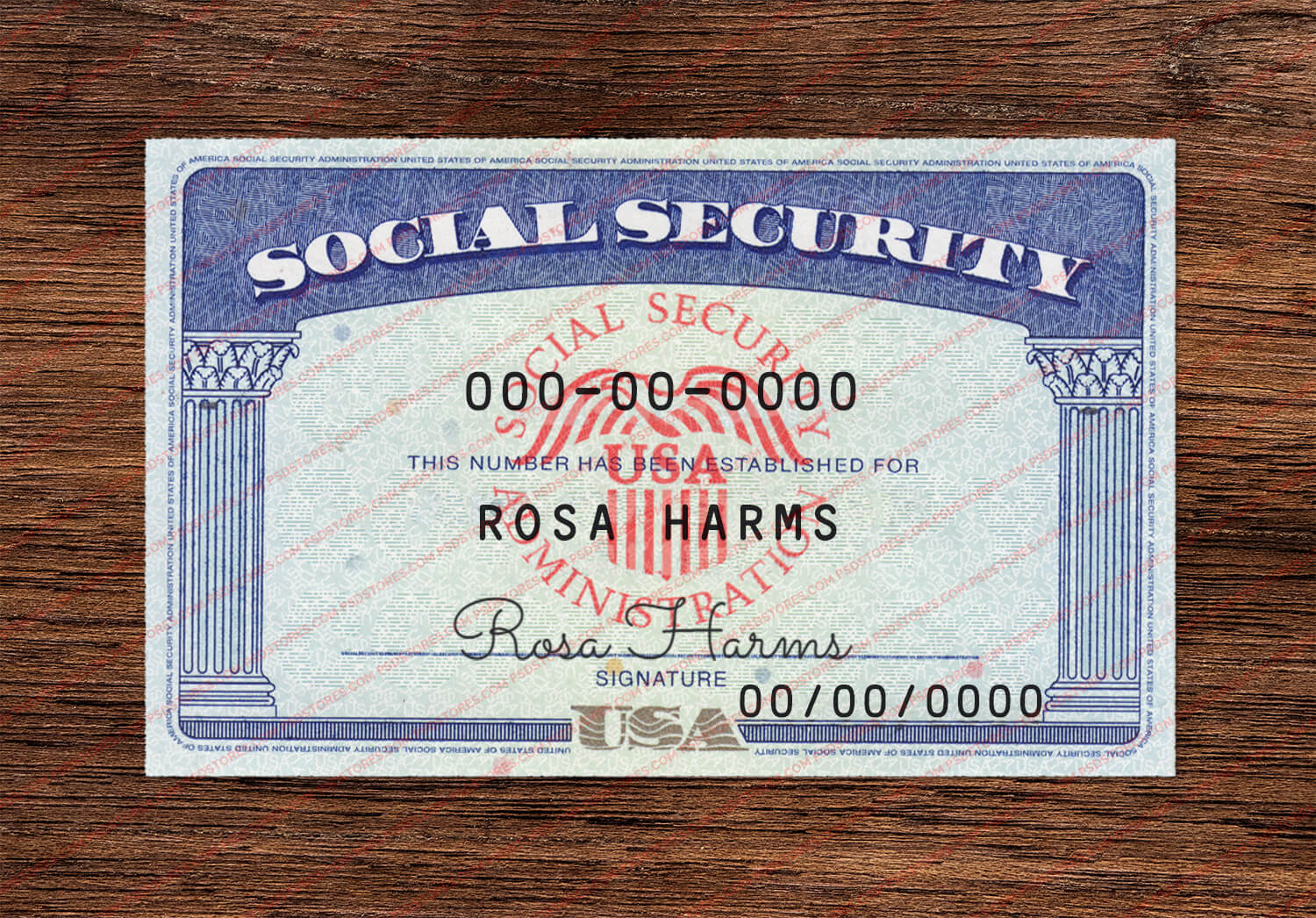
Replace the generic “NAME” and “SSN” fields with clearly marked placeholders. For example, use John Doe or XXX‑XX‑XXXX in a light gray font that signals the text is not real. This helps maintain visual authenticity while protecting privacy.
4. Add a Disclaimer
At the bottom of the card, type a short statement: “Sample Only – Not an Official Document.” Use a smaller font size (around 8 pt) and a contrasting color, such as red, to ensure it stands out.
5. Adjust Layout if Needed
Make sure the alignment of the text matches the original card’s design. Use guides or rulers in your editing software to keep the “Signature” line centered and the “Social Security Administration” header flush with the top margin.
6. Save a Master Copy
Before printing, save the edited version as a new file—e.g., “SS‑Card‑Template‑Sample.docx” or “SS‑Card‑Template‑Sample.pdf”—so you retain the untouched original for future use.
7. Print a Test Page
Use a laser printer for the best crispness. Print on standard 8.5 × 11 in cardstock, then cut to the official card size (2.125 × 3.375 in). Compare the result with a real Social Security card to verify that spacing, font weight, and color balance are accurate.
Printing Tips for a Professional Finish

- Paper Choice: Opt for a heavy‑weight, matte cardstock that mimics the feel of the official card. Glossy paper can look overly shiny and unrealistic.
- Color Settings: Set your printer to “High Quality” and ensure you’re printing in color, not grayscale, to capture the subtle blue tint of the original.
- Cutting Precision: Use a paper trimmer or a sharp craft knife with a metal ruler to achieve clean edges. Rounded corners are optional but add to the authenticity.
- Security Features: While you can’t replicate micro‑printing or holograms, you can simulate a faint watermark by printing a light gray pattern on the back of the card.
Common Mistakes and How to Avoid Them

Using Real Personal Data
Never insert an actual SSN or personal name that belongs to someone else. This not only violates privacy laws but also opens you up to identity‑theft accusations.
Choosing Low‑Resolution Images
A blurry template defeats the purpose of a realistic mock‑up. Always verify the image dimensions and DPI before you download.
Neglecting the Disclaimer
Omitting a clear “Sample Only” note can cause confusion, especially if the printed card ends up in the hands of an employer or a government office.
Printing on Incompatible Paper
Thin printer paper will wrinkle when you attempt to cut it to size, and the final product will look cheap. Stick with cardstock for durability.
Frequently Asked Questions

Can I use an Ss Card Template for a fake ID?
No. Using a template to create a counterfeit Social Security card is illegal and can result in severe penalties. The template is intended only for legitimate, non‑official purposes.
Do I need permission to share a blank template?
Most free templates come with a “personal use only” clause, meaning you can download and use them for yourself but cannot redistribute them commercially. Always check the licensing terms on the source website.
Is it possible to add security features like a hologram?
Real holograms require specialized equipment and materials. For a simple mock‑up, you can simulate a hologram by printing a faint metallic foil pattern on the back, but it will not be as convincing as a genuine security element.
How do I ensure my printed card looks authentic?
Focus on accurate dimensions, high‑resolution graphics, correct color tones, and a clear disclaimer. Using a quality printer and cardstock will make a huge difference.
Real‑World Example: A Classroom Activity

Imagine you’re teaching a high school civics class about personal identification. You can download a blank Ss Card Template, insert placeholder names like “Alex Student” and “123‑45‑6789,” and print a handful of cards on cardstock. During the lesson, ask students to identify the different sections of the card—such as the “Name” field, “Social Security Number,” and “Signature” line—and discuss why each part is important for government records. This hands‑on activity not only reinforces the lesson but also gives students a tangible reference they can remember long after the class ends.
Conclusion
By now you should feel comfortable navigating the world of Ss Card Templates, from selecting a high‑quality, legally safe file to customizing, printing, and using it in a responsible manner. Remember that the key to a successful template is respecting legal boundaries, ensuring clarity with a visible disclaimer, and paying attention to the small design details that make the card look authentic. Whether you’re a teacher, a trainer, a designer, or simply a curious learner, a well‑crafted template can be an invaluable resource that brings clarity to complex topics without compromising security. So go ahead—download a reputable template, follow the steps outlined above, and create a professional‑looking sample that serves your educational or illustrative needs while staying firmly on the right side of the law.



Related posts of "Ss Card Template"
