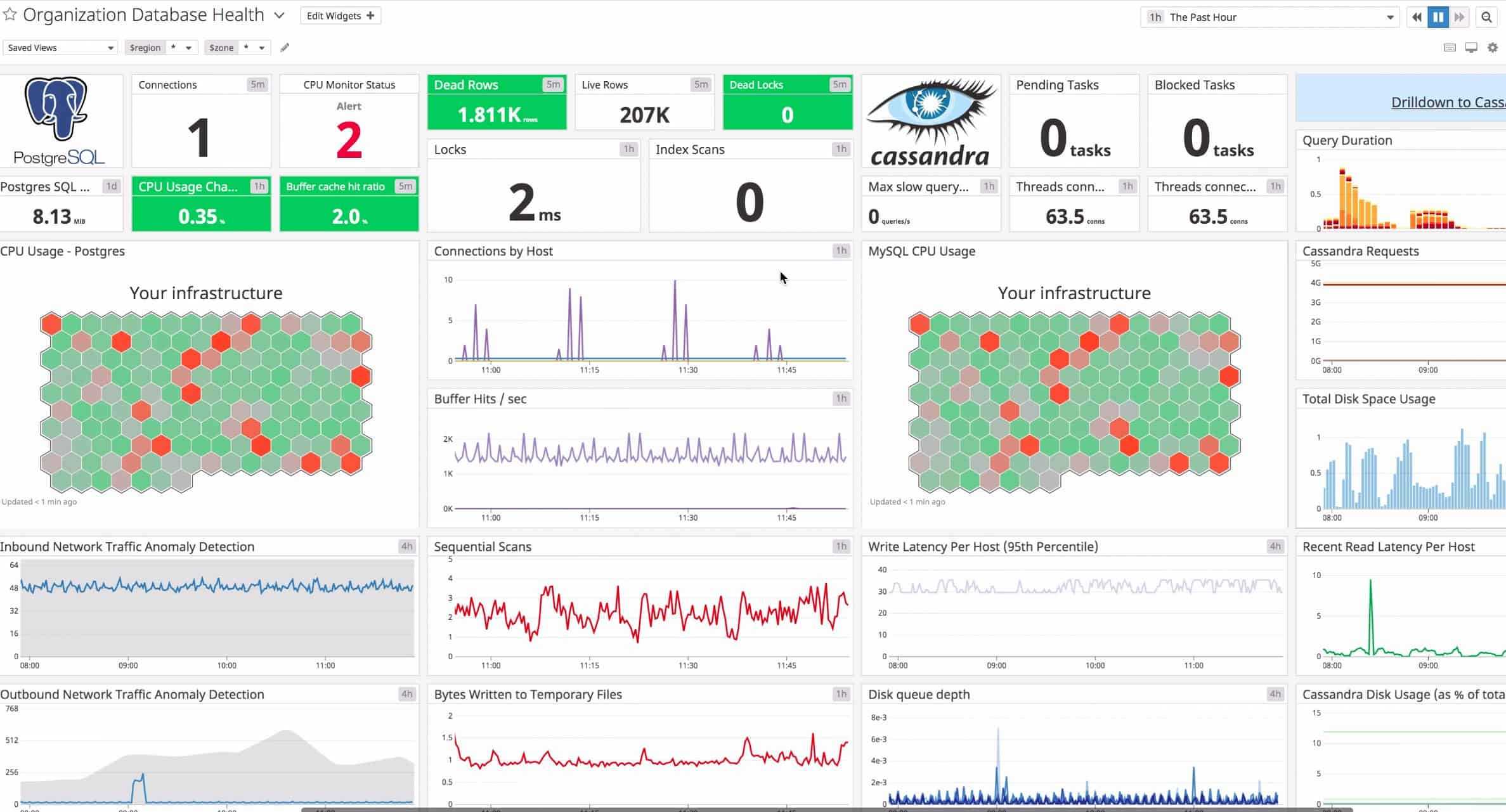
Sql Server Health Check Report Template is the secret sauce that turns a chaotic server environment into a well‑orchestrated performance masterpiece, and I’m excited to walk you through every nuance of building, customizing, and automating it with PowerShell and T‑SQL. Whether you’re a seasoned DBA who loves fine‑tuning or a newcomer looking for a reliable checklist, this guide will give you a practical, step‑by‑step roadmap you can start using today.
Why a Health Check Report Matters

Running a SQL Server without regular health checks is like driving a car without ever checking the oil level – you’ll eventually hit a breakdown that could have been prevented. A comprehensive health check report surfaces hidden problems, validates configuration best practices, and provides a baseline for future performance comparisons. It also builds confidence with stakeholders by showing measurable evidence of system stability.
Core Components of an Effective Template
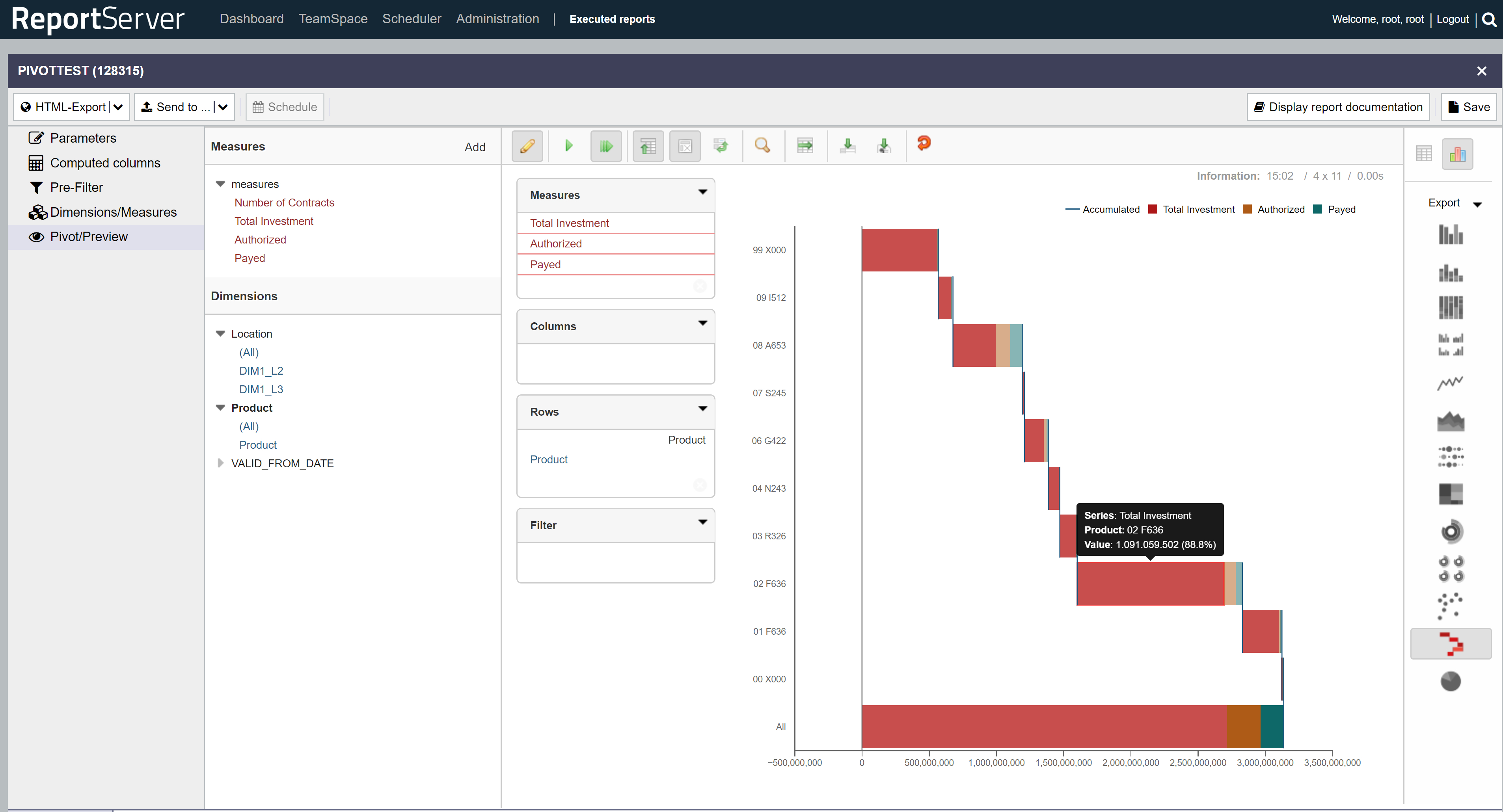
A well‑designed template should cover four pillars: configuration, performance, security, and maintenance. Below is a quick snapshot of the sections you’ll typically see:
- Instance Overview – server name, edition, version, and patch level.
- Hardware Profile – CPU count, core speed, memory, and disk layout.
- Database Health – size, growth trends, and file fragmentation.
- Performance Metrics – wait stats, CPU usage, and I/O latency.
- Security Review – logins, roles, and surface‑area configuration.
- Backup & Recovery – backup schedules, restore testing, and recovery point objectives.
- Maintenance Tasks – index rebuilds, statistics updates, and DBCC checks.
Each section should include a short description, the current value, a recommended range, and a status indicator (Pass/Warning/Fail). This structure makes the report instantly scannable for busy executives while still giving DBAs the details they need to take action.
Building the Template with PowerShell
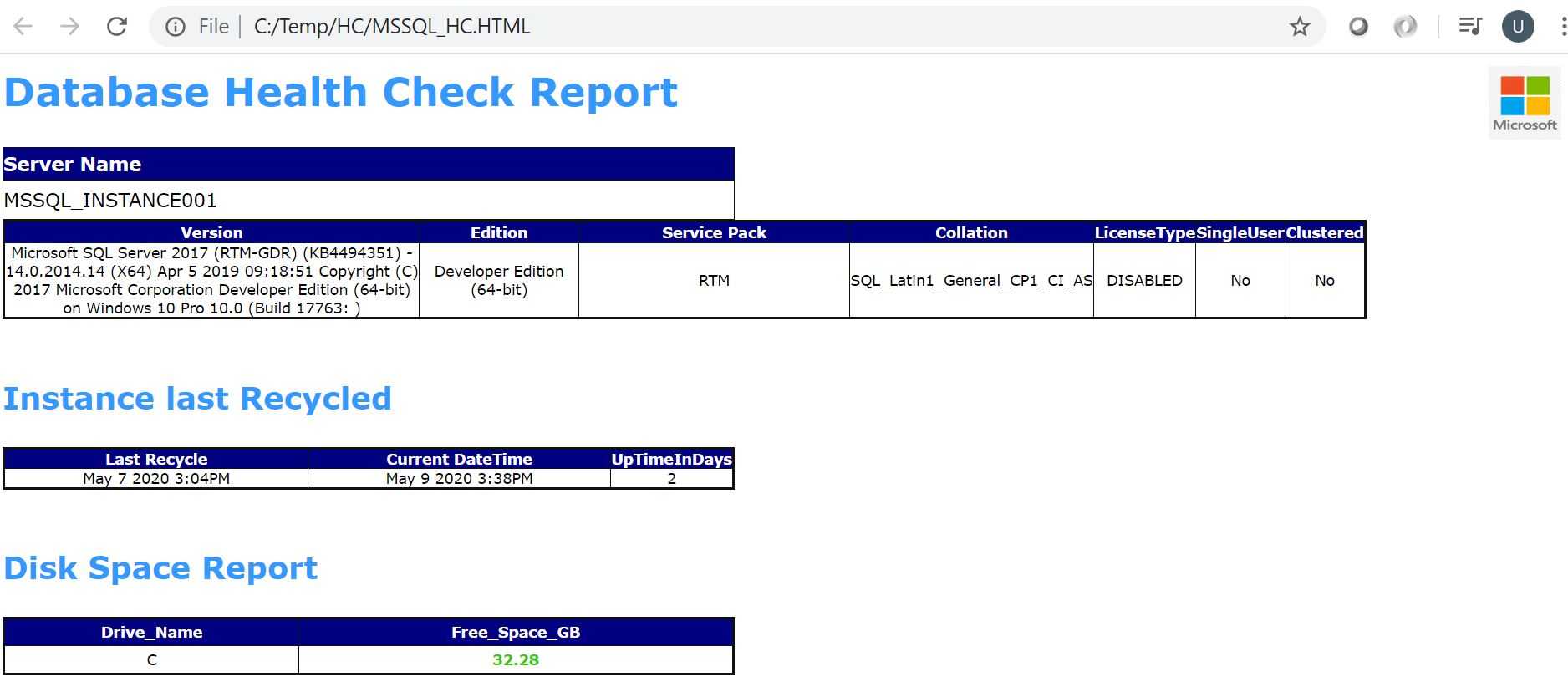
PowerShell is the glue that pulls data from SQL Server, formats it, and pushes it into a tidy HTML or CSV report. Below is a high‑level outline of the script flow:
- Import the
SqlServermodule. - Define a connection string and open a
SqlConnection. - Execute T‑SQL queries for each health‑check area.
- Store results in custom PowerShell objects.
- Convert objects to HTML using
ConvertTo-Htmland inject CSS for visual cues. - Save the output to a timestamped file.
Here’s a snippet that gathers instance version information and adds a visual status badge:
$query = "SELECT SERVERPROPERTY('ProductVersion') AS Version,
                 SERVERPROPERTY('ProductLevel')   AS PatchLevel,
                 SERVERPROPERTY('Edition')       AS Edition"
$info = Invoke-Sqlcmd -Query $query -ServerInstance $instance
$info | ForEach-Object  Add-Member -MemberType NoteProperty -Name Status -Value (
        if ($_.Version -match '^15\.0')  'Pass'  else  'Warning' )
By iterating over each health‑check section in a similar fashion, you end up with a single, cohesive object that can be rendered directly into an HTML document.
Deep‑Dive: Essential T‑SQL Queries

While PowerShell handles orchestration, the real data extraction happens in T‑SQL. Below are the most valuable queries you should embed in your template.
Instance and Build Information
SELECT
    @@SERVERNAME            AS ServerName,
    SERVERPROPERTY('MachineName') AS Machine,
    SERVERPROPERTY('Edition')     AS Edition,
    SERVERPROPERTY('ProductVersion') AS Version,
    SERVERPROPERTY('ProductLevel')   AS PatchLevel,
    SERVERPROPERTY('IsClustered')    AS IsClustered;
Wait Statistics – The Pulse of Performance
SELECT TOP 10
    wait_type,
    wait_time_ms / 1000.0 AS WaitSeconds,
    (wait_time_ms * 100.0) / SUM(wait_time_ms) OVER() AS WaitPct,
    signal_wait_time_ms / 1000.0 AS SignalSeconds
FROM sys.dm_os_wait_stats
WHERE wait_type NOT IN ('BROKER_RECEIVE_WAITFOR', 'BROKER_TASK_STOP', 'CLR_SEMAPHORE',
    'LAZYWRITER_SLEEP', 'SLEEP_TASK', 'SP_SERVER_DIAGNOSTICS_SLEEP')
ORDER BY wait_time_ms DESC;
Database Size and Growth Trends
SELECT
    DB_NAME(database_id) AS DatabaseName,
    SUM(size) * 8 / 1024.0 AS SizeMB,
    MAX(growth) * 8 / 1024.0 AS MaxGrowthMB,
    CASE WHEN is_auto_shrink_on = 1 THEN 'Enabled' ELSE 'Disabled' END AS AutoShrink
FROM sys.master_files
GROUP BY database_id, is_auto_shrink_on;
Backup History – Are You Covered?
SELECT
    database_name,
    MAX(backup_finish_date) AS LastBackup,
    CASE
        WHEN DATEDIFF(day, MAX(backup_finish_date), GETDATE()) > 1 THEN 'Warning'
        ELSE 'Pass'
    END AS Status
FROM msdb.dbo.backupset
WHERE type = 'D'   -- Full backups only
GROUP BY database_name;
These queries form the backbone of your health check, and you can expand them with custom logic tailored to your environment.
Designing the HTML Report for Maximum Impact

The visual layer is where the report earns its credibility. A clean layout with color‑coded status badges lets anyone glance at the result and instantly know what needs attention.
- CSS Styling – Use a simple embedded stylesheet that defines
.pass,.warning, and.failclasses with green, orange, and red backgrounds respectively. - Tables – Render each health‑check section as a separate table, ensuring column headers are bold and rows are zebra‑striped for readability.
- Charts – For wait stats and I/O latency, embed lightweight JavaScript libraries like Chart.js or use inline SVG sparklines if you prefer a pure‑HTML solution.
- Navigation – Add an anchor menu at the top linking to each
<h2>section, so readers can jump directly to “Performance Metrics” or “Backup & Recovery”.
Here’s an example of a status badge snippet you can inject into each table row:
<td class="status @ if ($row.Status -eq 'Pass') 'pass' elseif ($row.Status -eq 'Warning') 'warning' else 'fail' ">$($row.Status)</td>
Automating the Health Check – Scheduling and Alerts
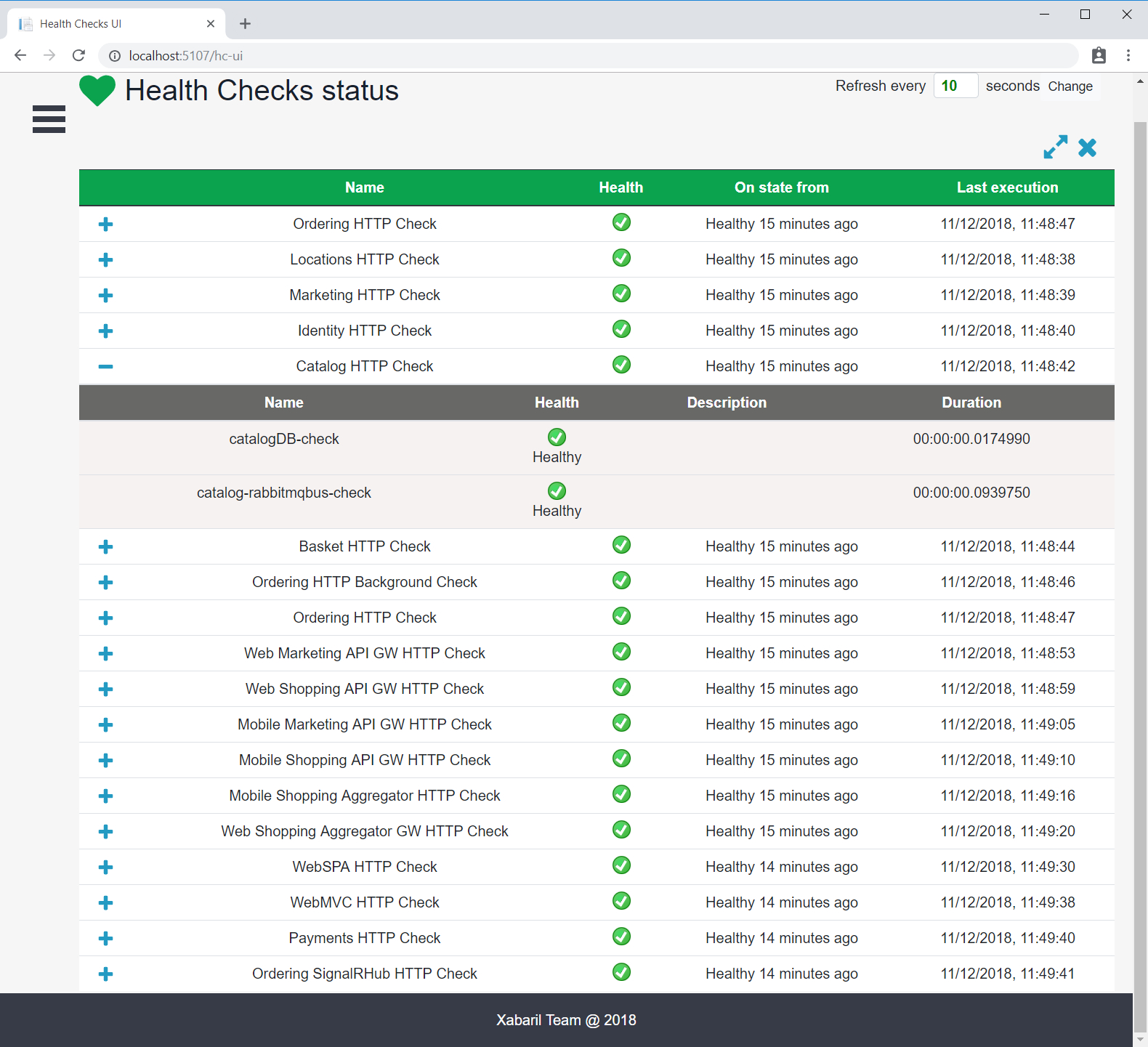
Once your script is polished, the next step is to run it automatically on a regular cadence. Windows Task Scheduler or Azure Automation are popular choices. Below are key considerations for a reliable automation pipeline:
- Run Frequency – Weekly for most environments, but add a daily quick‑check for critical production servers.
- Retention Policy – Keep reports for 90 days to spot long‑term trends without filling up storage.
- Email Distribution – Use
Send-MailMessagein PowerShell to email the HTML report to DBAs, managers, and compliance officers. - Alert Thresholds – If any section returns a “Fail” status, trigger an immediate PagerDuty or Teams alert.
Sample Task Scheduler action command:
powershell.exe -NoProfile -ExecutionPolicy Bypass -File "C:\Scripts\SqlHealthCheck.ps1"
And a quick PowerShell email snippet:
$mailParams = @
    From       = '[email protected]'
    To         = '[email protected]'
    Subject    = "SQL Health Check - $(Get-Date -Format 'yyyy-MM-dd')"
    Body       = $htmlReport
    BodyAsHtml = $true
    SmtpServer = 'smtp.example.com'

Send-MailMessage @mailParams
Real‑World Example: Turning Data Into Action

Let’s walk through a fictional scenario at “Acme Corp” where the health check uncovered three critical issues:
- Outdated Build – The report flagged a SQL Server 2016 instance still running SP1. The DBA team scheduled an upgrade to the latest cumulative update during the next maintenance window.
- Excessive Wait Stats – The
PAGEIOLATCH_SHwait type was consuming 42% of total wait time. By reviewing the underlying query store, the team identified a missing index on a high‑traffic fact table, added the index, and reduced the wait to 8%. - Backup Gaps – Two databases missed their daily full backup due to a misconfigured backup job. The health check email highlighted the “Warning” status, prompting a quick job fix and a subsequent test restore.
Each issue was logged, assigned a ticket, and resolved within 48 hours, demonstrating the health check’s tangible value.
Customizing the Template for Your Organization

No two environments are identical, so your template should be flexible enough to accommodate unique compliance requirements, cloud‑specific metrics, or application‑level SLAs. Here are three customization ideas:
- Cloud Metrics – If you run Azure SQL Managed Instance, pull DTU or vCore usage from the Azure REST API and add it as a “Resource Utilization” section.
- Application‑Specific KPIs – Include query‑level statistics for critical stored procedures, such as average execution time and CPU cost.
- Regulatory Checks – Add a compliance checklist for GDPR or PCI DSS, verifying data encryption, audit logging, and role‑based access controls.
Because the PowerShell script builds the report from modular functions, you can simply drop a new function into the script and reference it in the final HTML assembly.
Best Practices to Keep the Health Check Reliable
Even a perfect template can become unreliable if not maintained. Follow these habits to keep your health check humming:
- Version Control – Store the PowerShell script and T‑SQL queries in Git. Tag releases whenever you update the template or add new checks.
- Test in a Staging Environment – Before rolling out changes to production, run the script against a sandbox server to verify output accuracy.
- Document Each Check – Include a brief rationale and reference link for every metric, so new team members understand why it matters.
- Monitor Script Execution Time – If the health check runs longer than 15 minutes, consider splitting it into parallel jobs or reducing the frequency of heavy queries.
Visual Enhancements – Embedding Screenshots

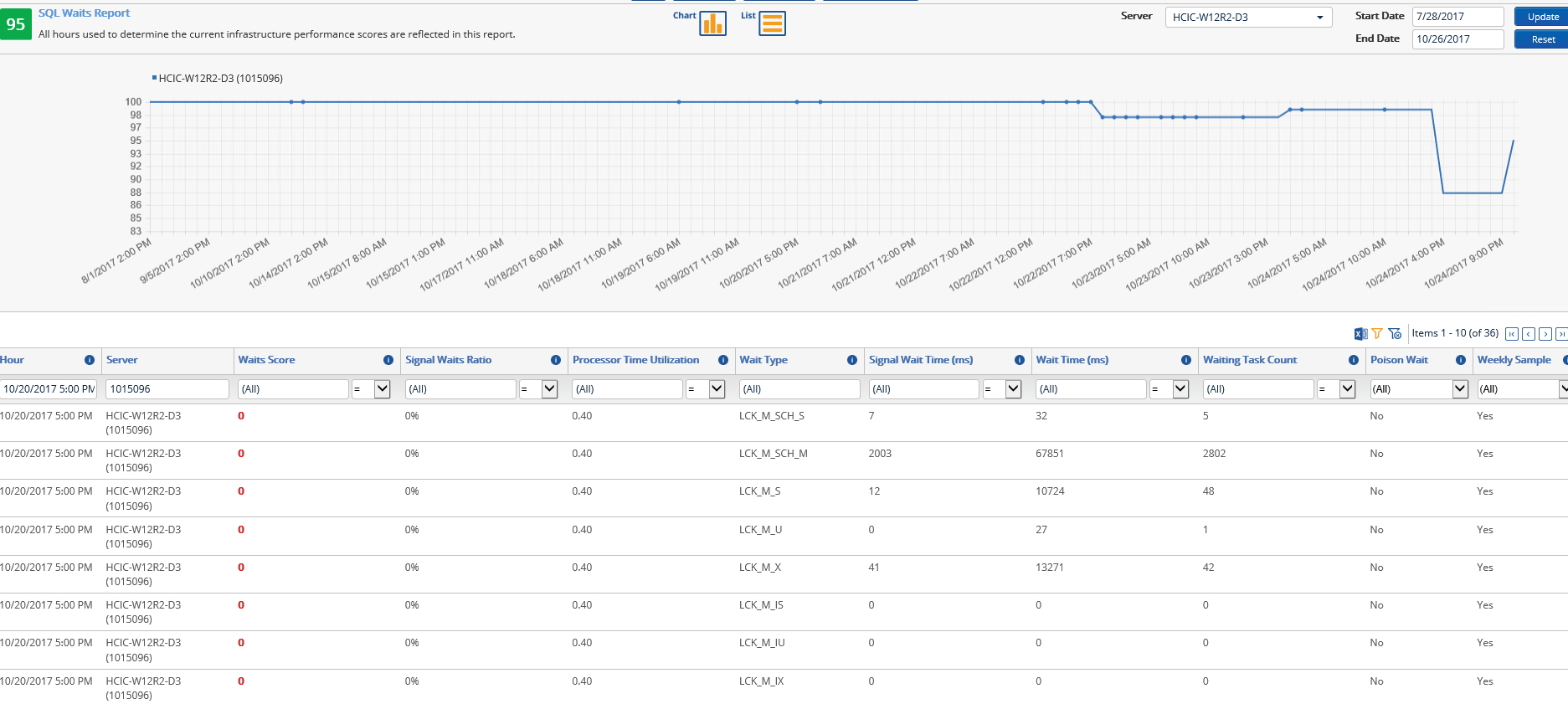
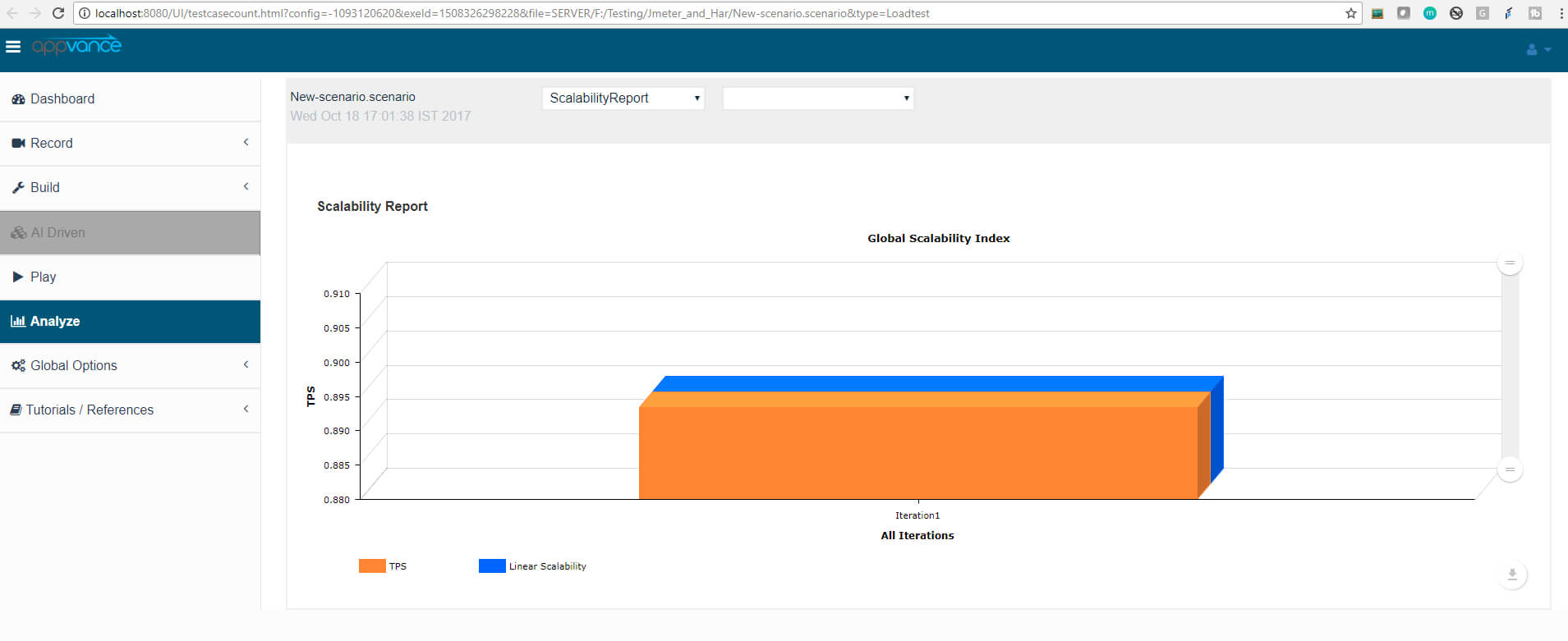
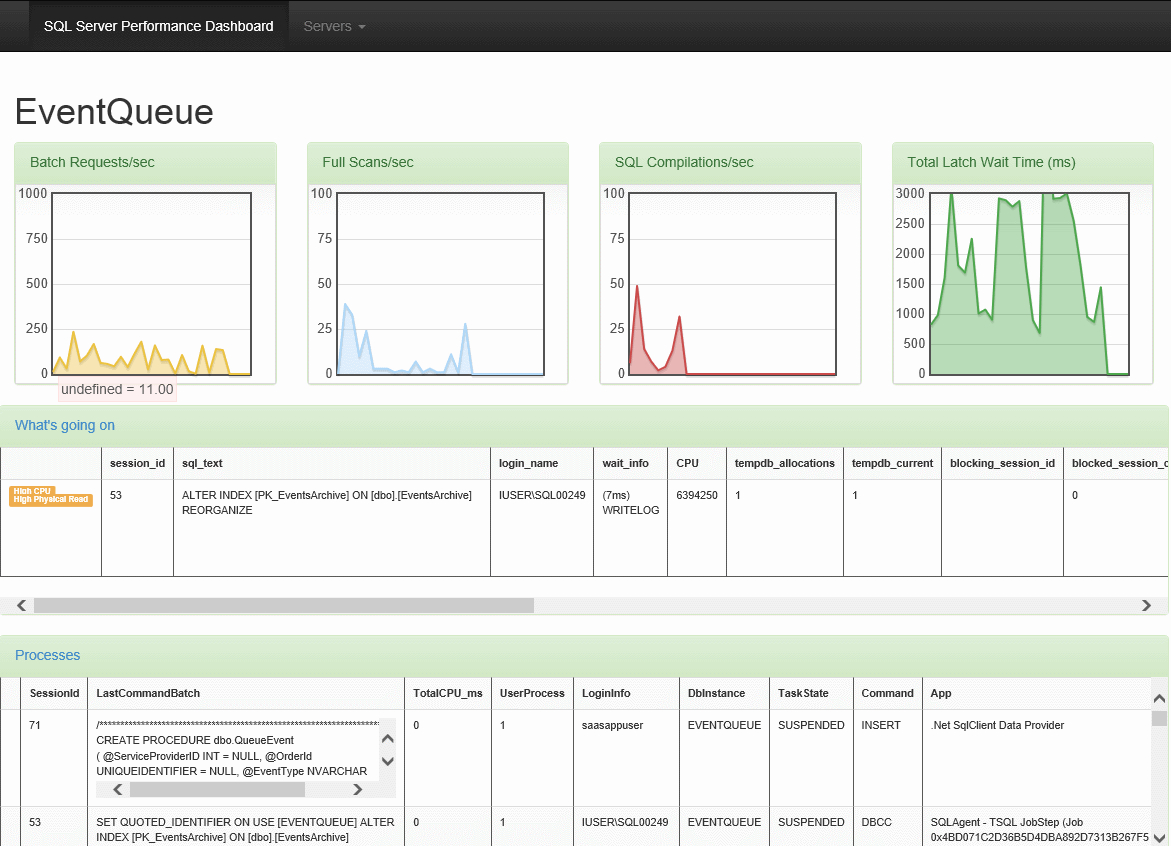
Adding visual cues can make the report more engaging. Below are two sample images that illustrate a typical dashboard layout and a sample wait‑stat graph.
Final Thoughts

Implementing a Sql Server Health Check Report Template is not a one‑time project but an ongoing discipline that safeguards performance, security, and business continuity. By leveraging PowerShell for automation, T‑SQL for deep data extraction, and a clean HTML layout for presentation, you create a repeatable process that scales with your environment. Remember to keep the template under version control, schedule regular runs, and act quickly on any warnings or failures. With these practices in place, you’ll turn what could be a reactive firefighting approach into a proactive, data‑driven maintenance strategy that keeps your SQL Servers humming smoothly for years to come.


Related posts of "Sql Server Health Check Report Template"
