
Softball Certificate Templates serve as the official seal of achievement for players, coaches, and teams, turning moments of triumph into tangible memories that last a lifetime. Whether you’re celebrating a season’s best performer, acknowledging a coach’s dedication, or recognizing the collective effort of a whole squad, a well‑crafted certificate elevates the significance of each honor.
Why Custom Softball Certificates Matter
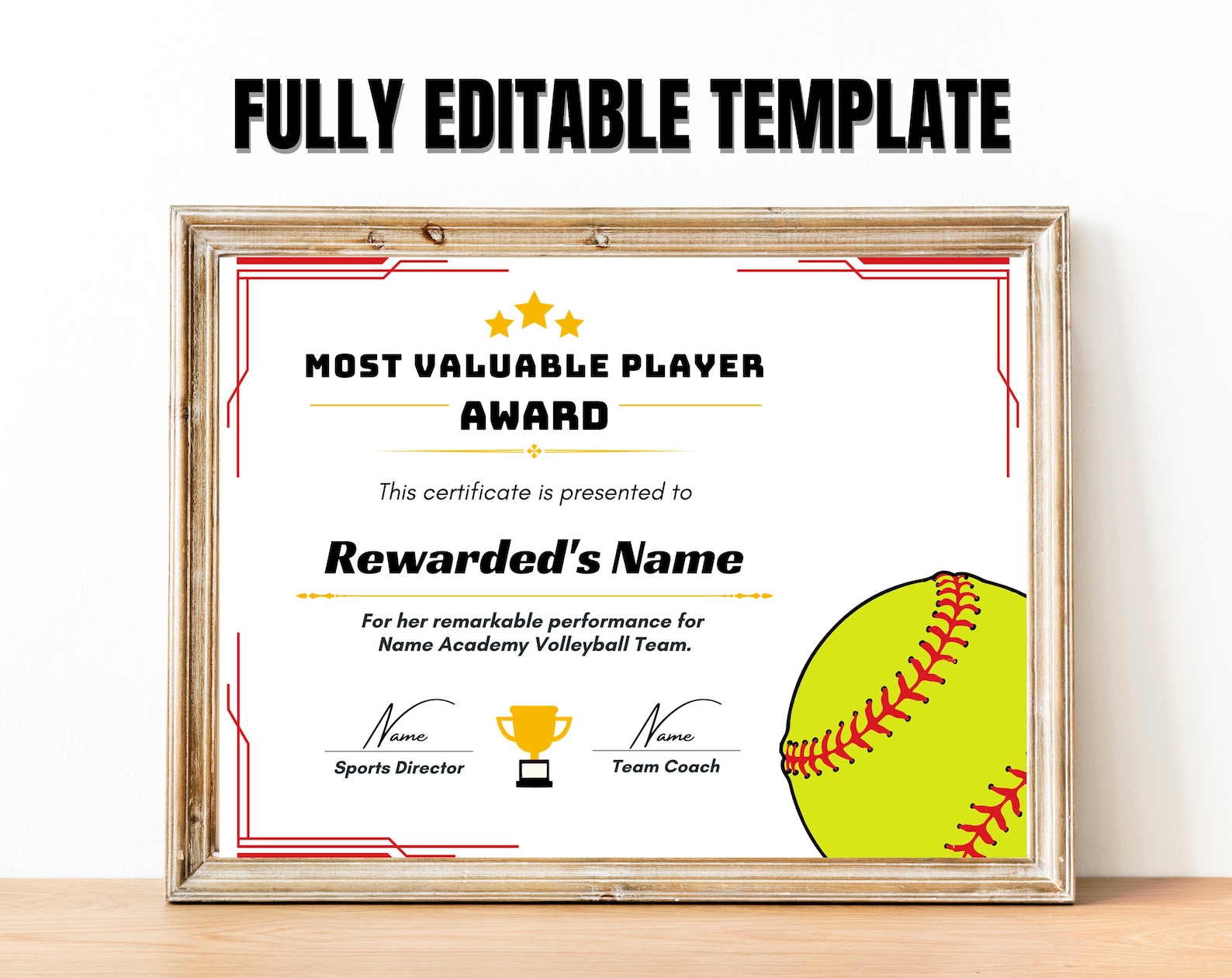
Recognition Builds Confidence
When athletes receive a personalized acknowledgment of their hard work, it fuels self‑esteem and motivates them to strive for higher goals. A thoughtfully designed certificate shows that every effort counts and encourages players to take ownership of their progress.
Team Spirit and Unity
Group certificates—such as “Team of the Year” or “Best Sportsmanship”—highlight collective achievements. They remind teammates that collaboration and shared goals are just as valuable as individual accolades.
Legacy and Tradition
Annual award ceremonies become a cherished tradition in many schools and clubs. Each year’s certificates carry forward a sense of history, linking current players with past champions and fostering a continuous narrative of excellence.
Choosing the Right Design Style

Classic Elegance vs. Modern Bold
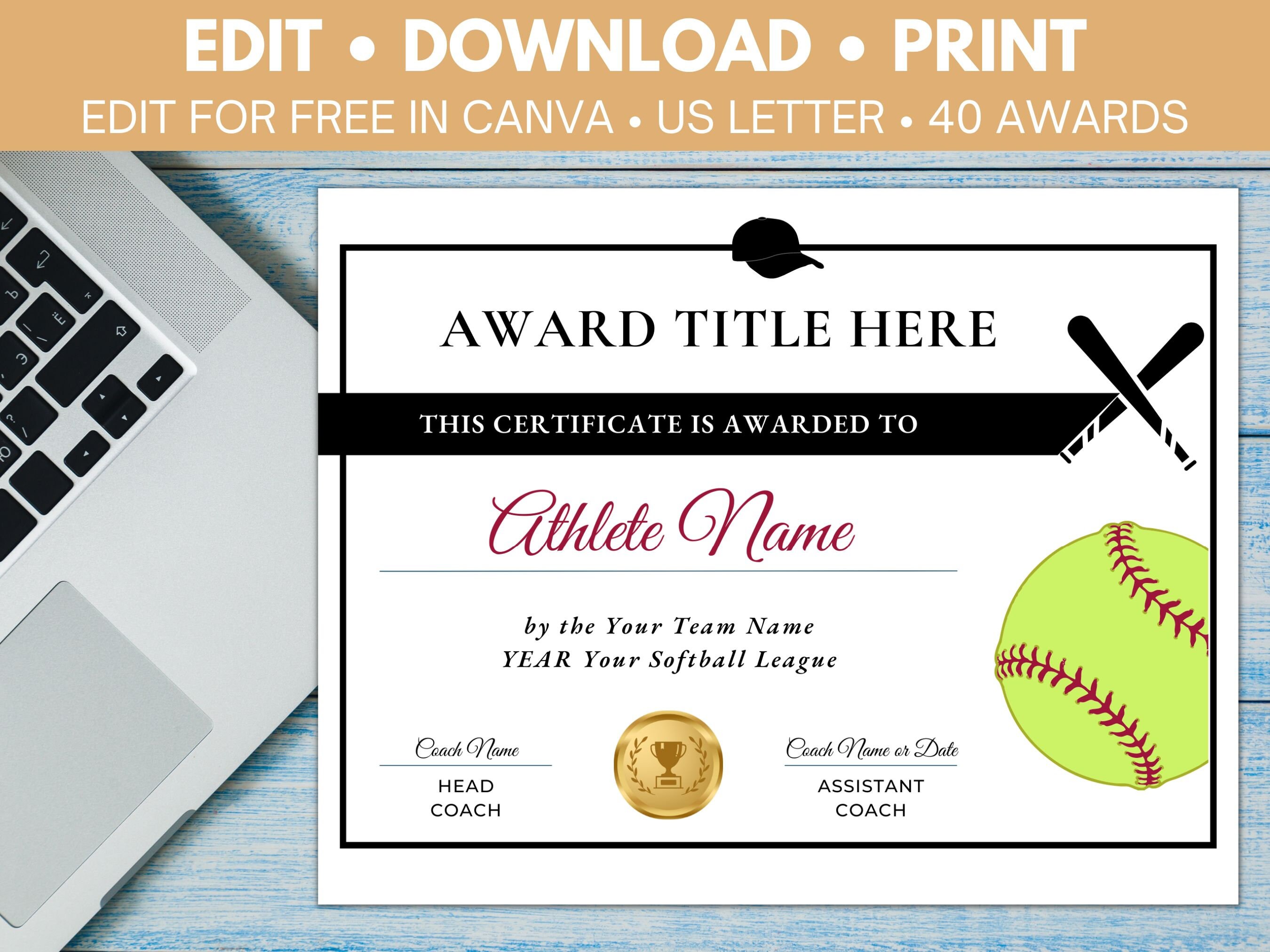
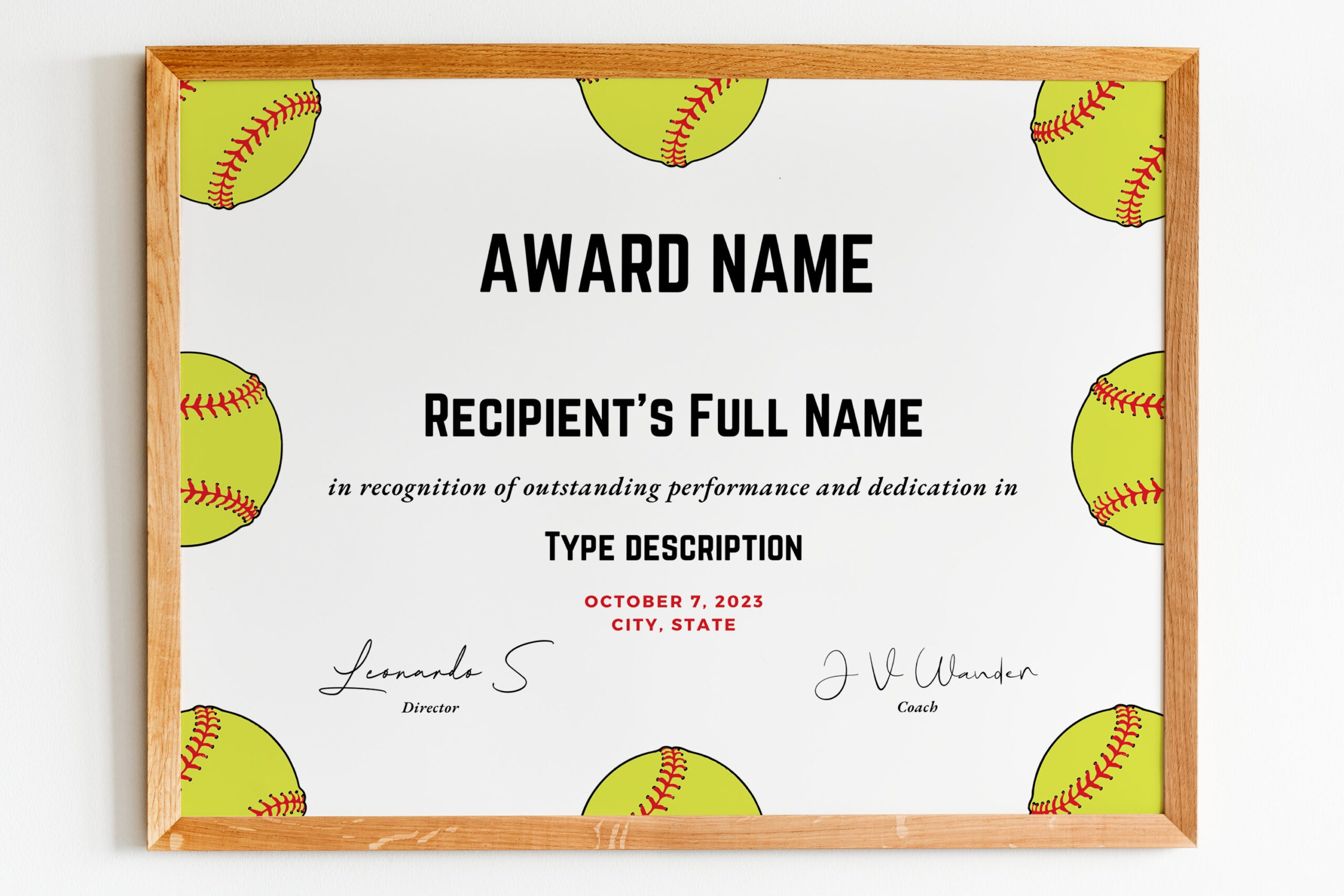
Classic designs feature serif fonts, muted colors, and subtle borders, evoking a formal, timeless feel. Modern styles, meanwhile, often incorporate sans-serif typefaces, vibrant colors, and dynamic graphics, giving a fresh, energetic vibe. Align your choice with your team’s personality and the tone of the event.
Color Schemes That Work
Base your palette on the team’s colors or school colors to strengthen brand identity. For contrast, pair a dark background with light lettering; for a lighter feel, choose pastel hues with dark outlines. Consistency in color across all certificates reinforces visual coherence.
Fonts and Typography for Impact
Use one decorative font for the headline and a clean, easy‑to‑read typeface for the body text. Avoid cluttering the certificate with too many font styles. Keep the headline prominent while ensuring the details—name, award, date—are legible even from a distance.
Step-by-Step Guide to Creating Your Own Certificate
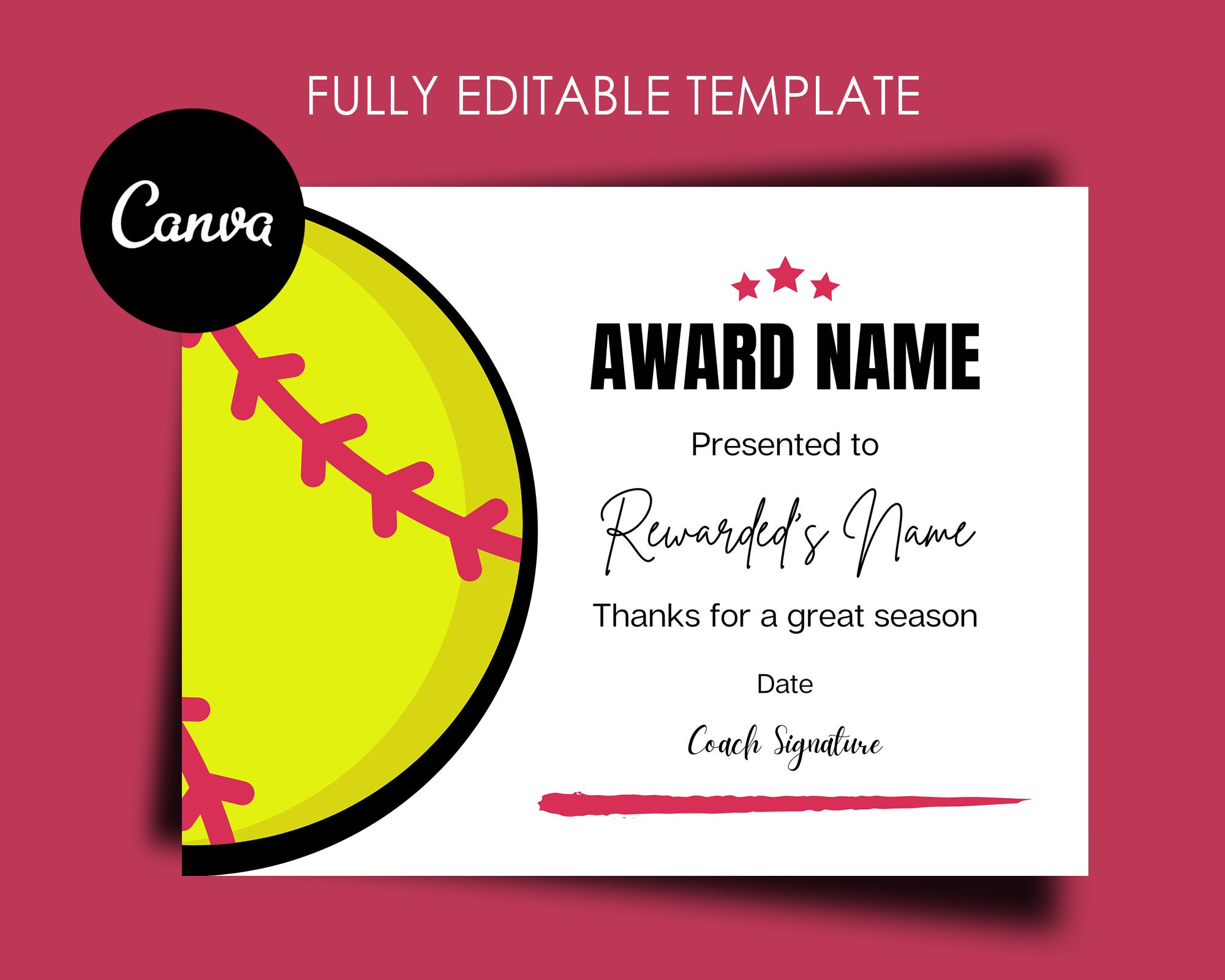
Step 1: Gather Your Data
Compile a list of awardees, their full names, the specific award title, and the event date. Organize this information in a spreadsheet for easy reference during design.
Step 2: Pick a Template Tool
Choose a platform that matches your skill level and budget. Free options include Google Docs and Slides, which offer basic customization, while Canva and Adobe Express provide richer templates and drag‑and‑drop editing.
Step 3: Customize Layout and Elements
Start with a blank canvas or a pre‑made template. Adjust margins to accommodate your chosen border style. Insert the team logo or a relevant softball icon, positioning it near the top or in a corner to maintain balance.
Step 4: Add Personal Touches
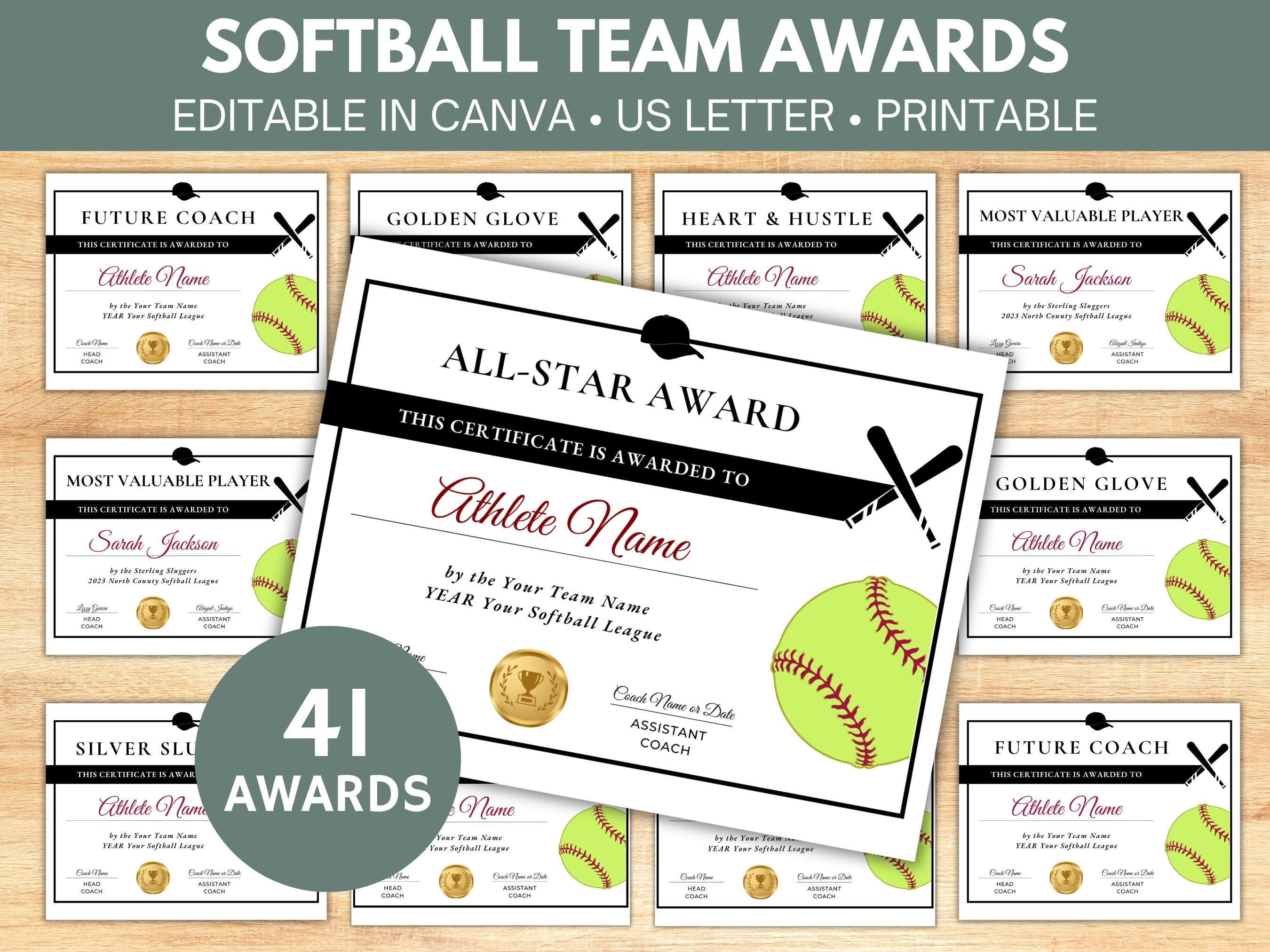
Insert the recipient’s name in a larger font size to highlight individuality. Add a personalized subtitle—such as “Outstanding Performance” or “Community Service”—to differentiate each award. For multi‑award recipients, consider a grid layout to display multiple certificates on a single sheet.
Step 5: Print or Share Digitally
For printed certificates, use high‑quality cardstock (preferably 24–28 lb) to convey prestige. Ensure that the printer settings match your chosen paper weight and that the print resolution is set to 300 dpi for crisp text and graphics. For digital sharing, export the file as a PDF and distribute via email or a school portal.
Top Tools and Resources for Free Templates
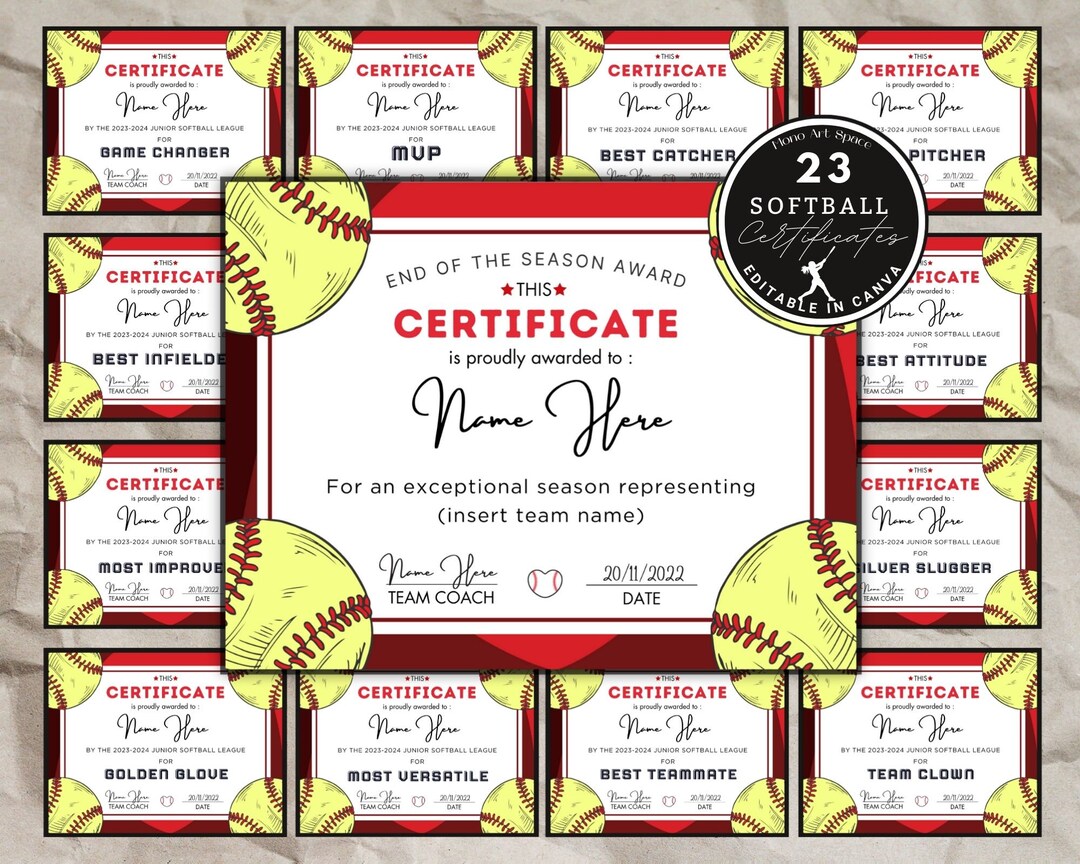
Google Docs and Slides
These cloud‑based tools allow real‑time collaboration, making it easy for coaches, administrators, and graphic designers to review changes. They also support the insertion of images, shapes, and text boxes with minimal technical skill.
Canva and Adobe Express
Both platforms provide an extensive library of free certificate templates. They feature intuitive drag‑and‑drop interfaces, allowing users to swap colors, fonts, and logos with a single click. Canva’s “Brand Kit” feature helps maintain consistent color palettes and typography across all certificates.
Print‑Ready PDF Templates
Many nonprofit organizations and sports associations offer downloadable PDF templates that are ready for direct printing. These templates often come with pre‑formatted text placeholders, ensuring a professional finish without extensive editing.
Practical Tips for School and Club Programs

Bulk Printing and Cost Efficiency
When printing hundreds of certificates, choose a local print shop that offers bulk discounts. Verify that the shop uses a high‑quality inkjet or laser printer capable of handling thicker cardstock without bleed or smudging.
Digital Distribution for Youth Sports
For schools with limited budgets, sending certificates as PDF files via email or an online portal preserves the formality of the award while reducing paper usage. Include a watermark or QR code that links to a photo gallery of the event for an interactive touch.
Archiving and Alumni Recognition
Create a digital archive of past certificates to share on your team’s website or social media. Highlight former players’ achievements in newsletters, celebrating their ongoing journey while inspiring current athletes.
Real-World Success Stories

High School Championship Celebration
A Midwestern high school used a minimalist, black‑and‑white certificate design to honor its state‑champion softball team. The simple layout focused on the players’ names, fostering an aura of prestige that resonated with alumni during the homecoming parade.
Local League Season Wrap‑Up
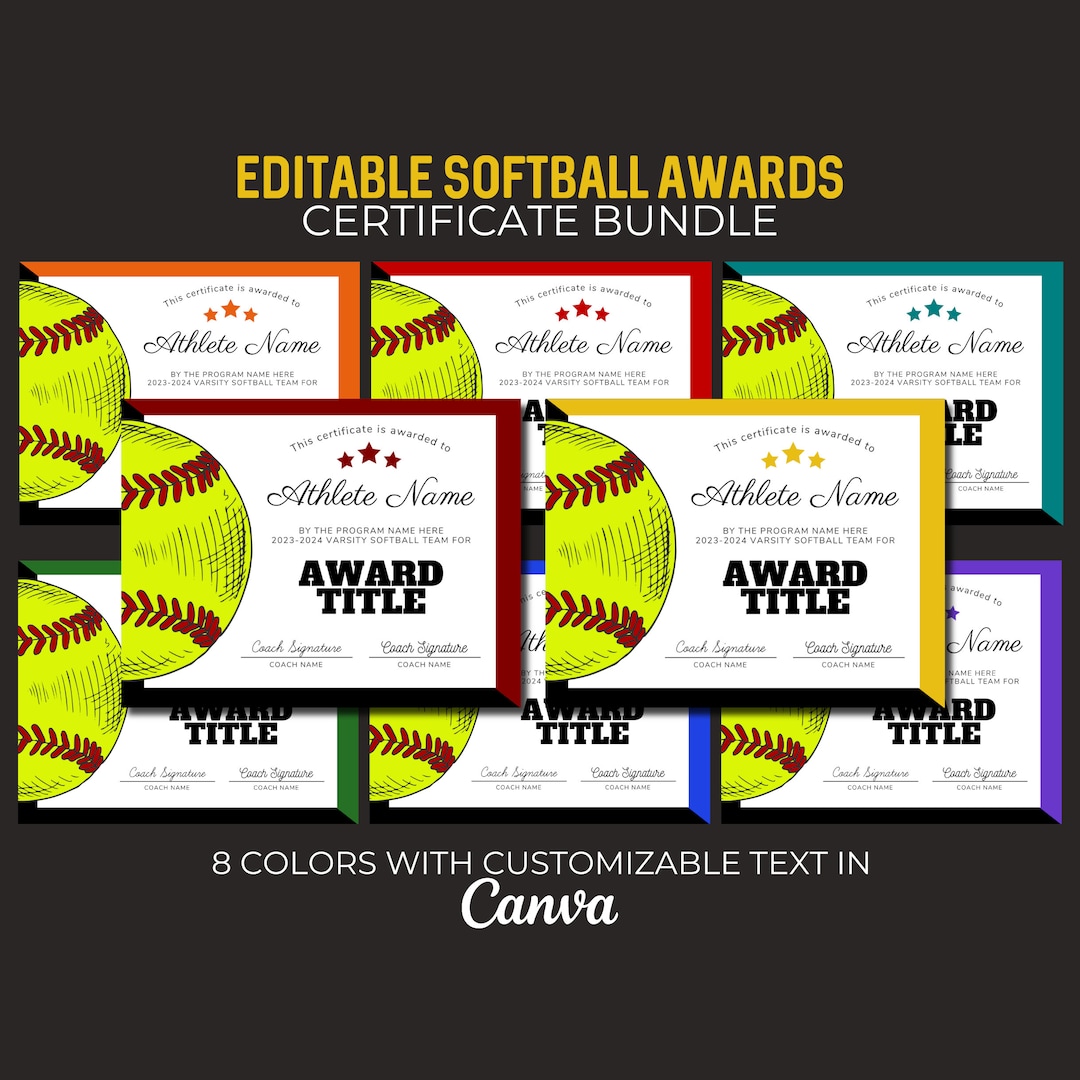
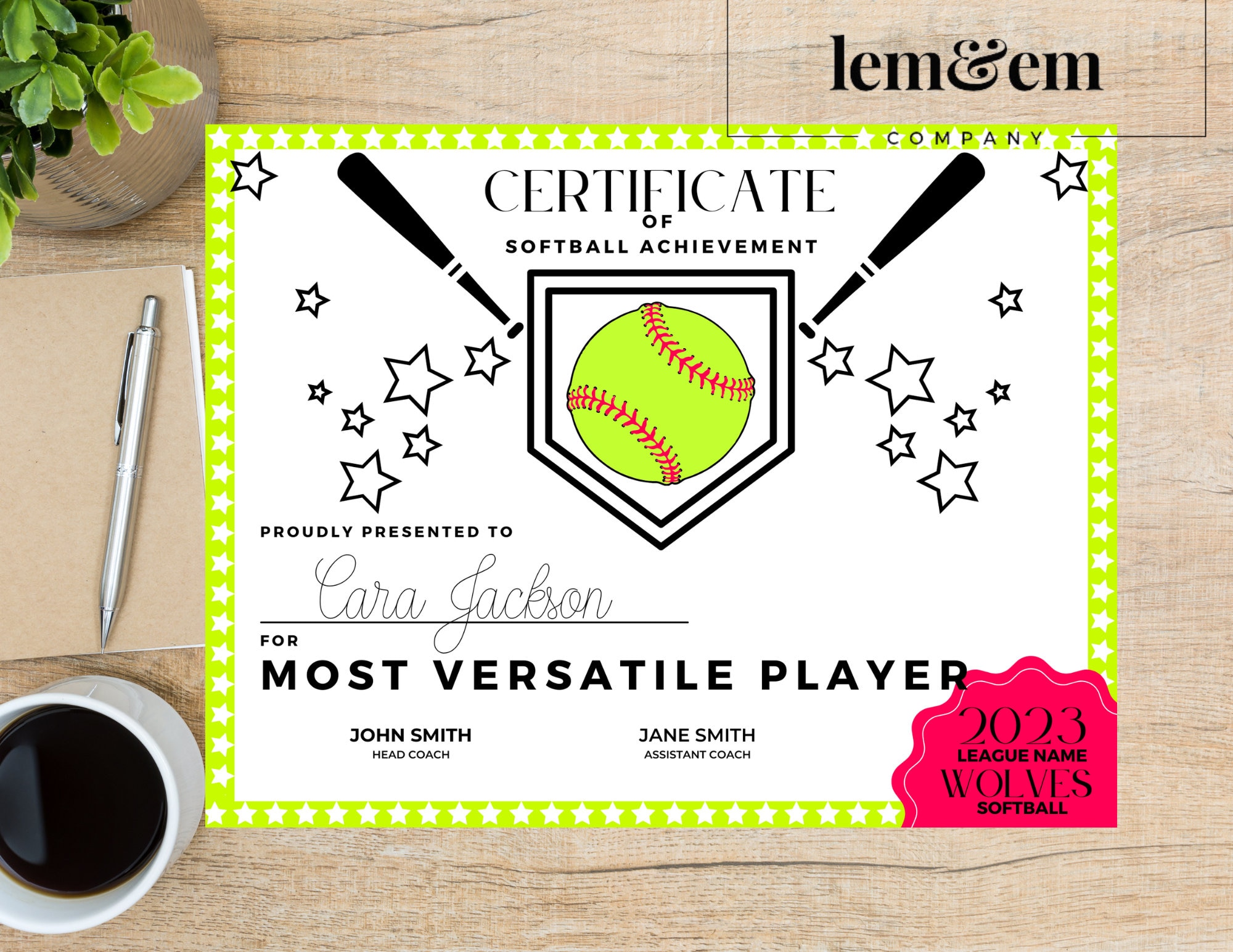
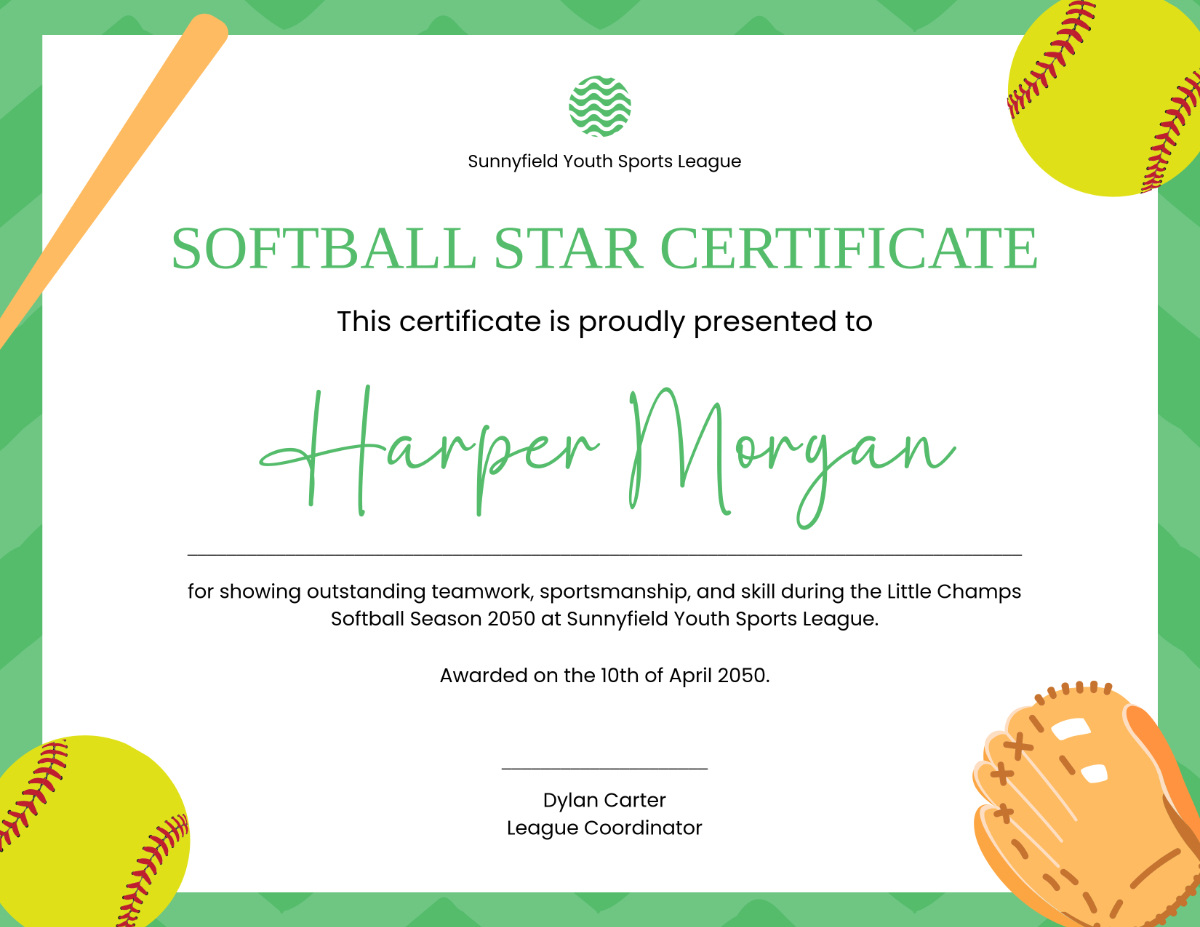
In a suburban league, coaches distributed colorful certificates to every participant, recognizing milestones such as “Most Improved Batter” and “Best Defensive Player.” The use of team colors and a playful softball graphic created a memorable keepsake that players proudly displayed at home.
Community Fund‑raiser Recognition
During a charity softball tournament, organizers printed certificates on eco‑friendly cardstock. Each certificate featured a QR code linking to a thank‑you video from the charity, blending tradition with modern technology to deepen community engagement.
Common Mistakes to Avoid
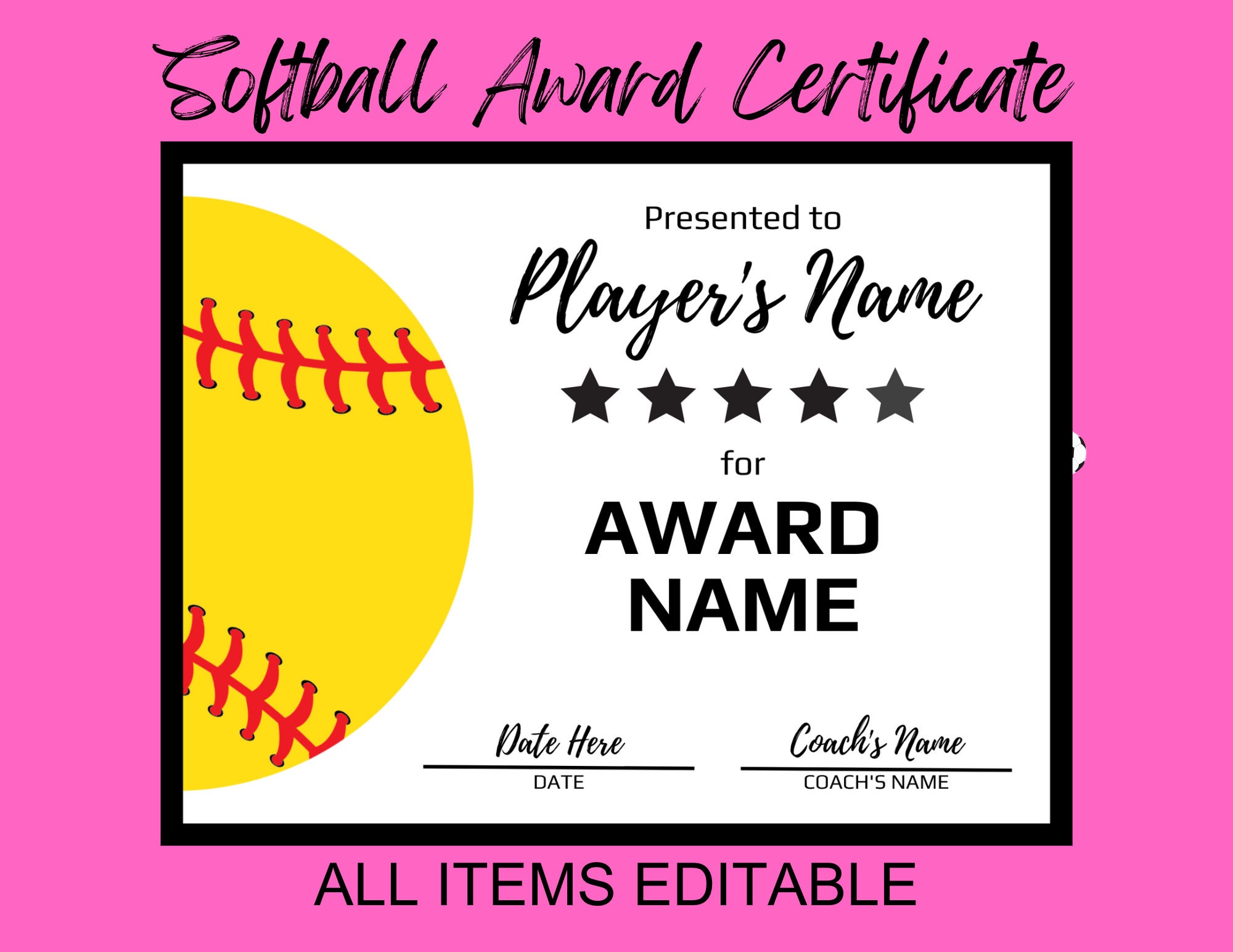
Overloading Text
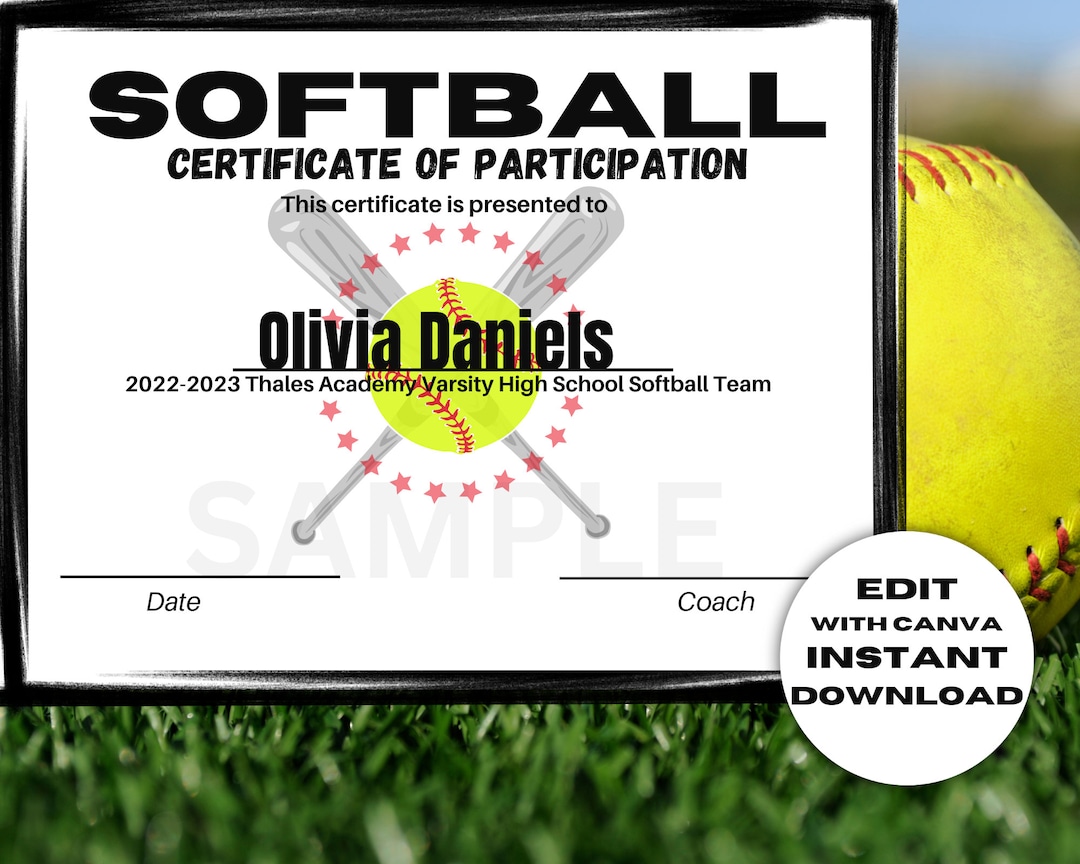
Too many words or too many font styles clutter the design, making the certificate look chaotic. Stick to a headline, recipient’s name, award title, and a small signature line. Leave ample white space for visual clarity.
Ignoring Branding Guidelines
Failing to incorporate the team’s official colors or logo can dilute brand identity. Always double‑check your school or club’s brand guidelines before finalizing the layout.
Printing on Low‑Quality Paper
A cheap cardstock may appear flimsy and cause ink bleed. Opt for at least 24 lb weight paper or higher, especially if you want the certificate to withstand handling and storage.
Conclusion

By thoughtfully designing and distributing Softball Certificate Templates, coaches and organizers can transform ordinary accolades into lasting symbols of achievement. Selecting a style that reflects your team’s spirit, following a clear creation process, and leveraging free tools ensures that every award feels special and professional. Whether you hand out glossy certificates at a championship banquet or share digital PDFs after a community game, the impact of a well‑crafted certificate extends far beyond the moment—it becomes a treasured reminder of dedication, teamwork, and triumph for years to come.




Related posts of "Softball Certificate Templates"
