
Soccer Certificate Template designs have become an essential tool for coaches, leagues, and schools looking to formally recognize athletic achievement and foster a culture of appreciation on and off the field. In an era where digital documentation and visual branding intersect, a well‑crafted certificate does more than just acknowledge a player’s performance; it reinforces team identity, motivates future effort, and provides a lasting memento that can be proudly displayed for years to come. This guide dives deep into every facet of creating, customizing, and distributing soccer certificates, offering actionable strategies for both beginners and seasoned administrators who demand professional results without sacrificing creativity.
Why Soccer Certificate Templates Matter

Certificates serve as a tangible proof of accomplishment, and in the context of soccer they highlight milestones ranging from “Player of the Match” to season‑long “Top Scorer” awards. Because soccer is a sport that thrives on teamwork, recognition through certificates helps sustain morale during long training cycles and intense competition schedules. Moreover, a standardized template ensures consistency across all award types, making it easier for organizations to maintain a cohesive visual identity. Consistency builds credibility; when athletes and parents see a polished, uniform design, they perceive the program as organized and serious about development. This perception can translate into higher retention rates, increased participation, and even stronger community support.
Key Elements of an Effective Soccer Certificate

Title and Header Design
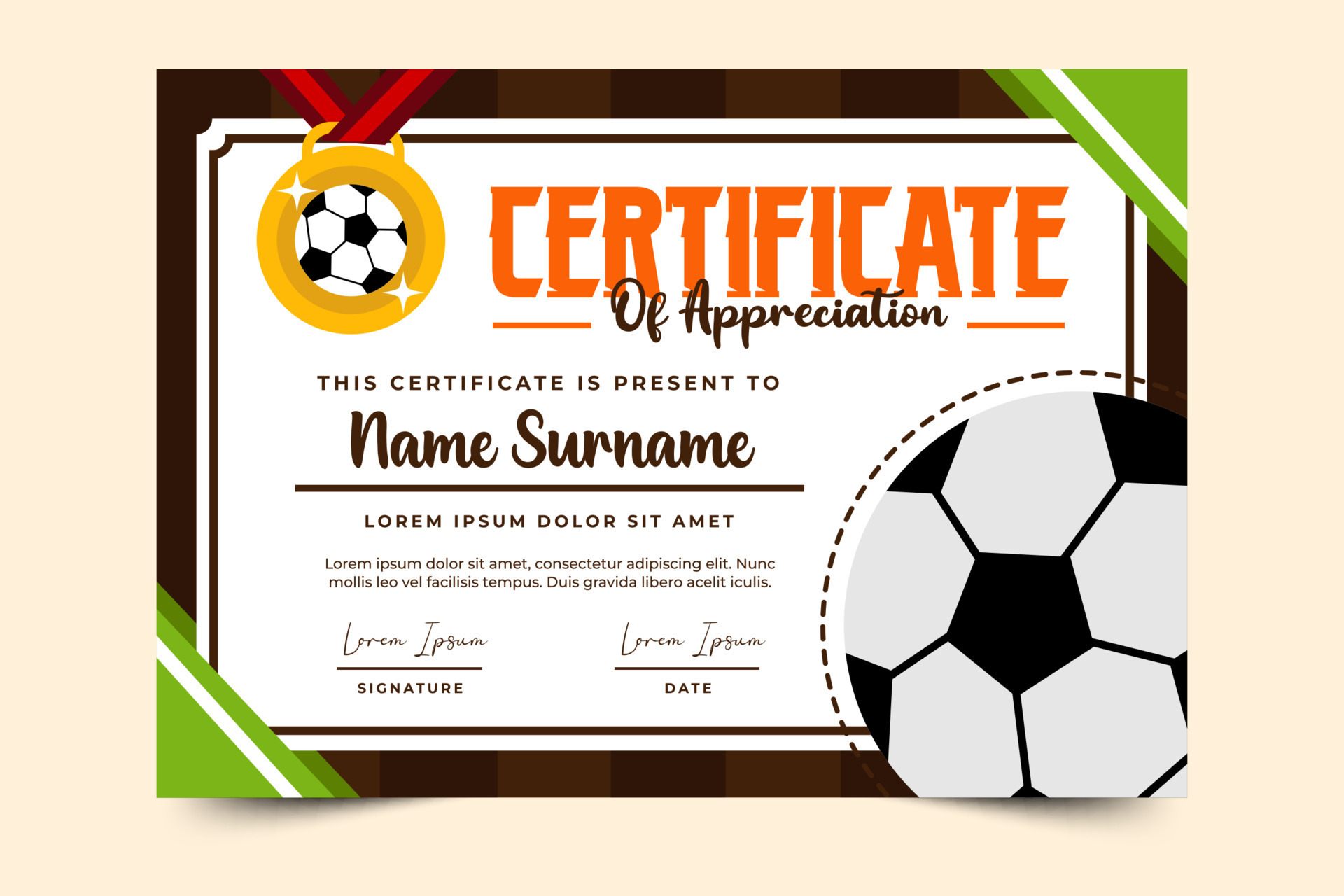
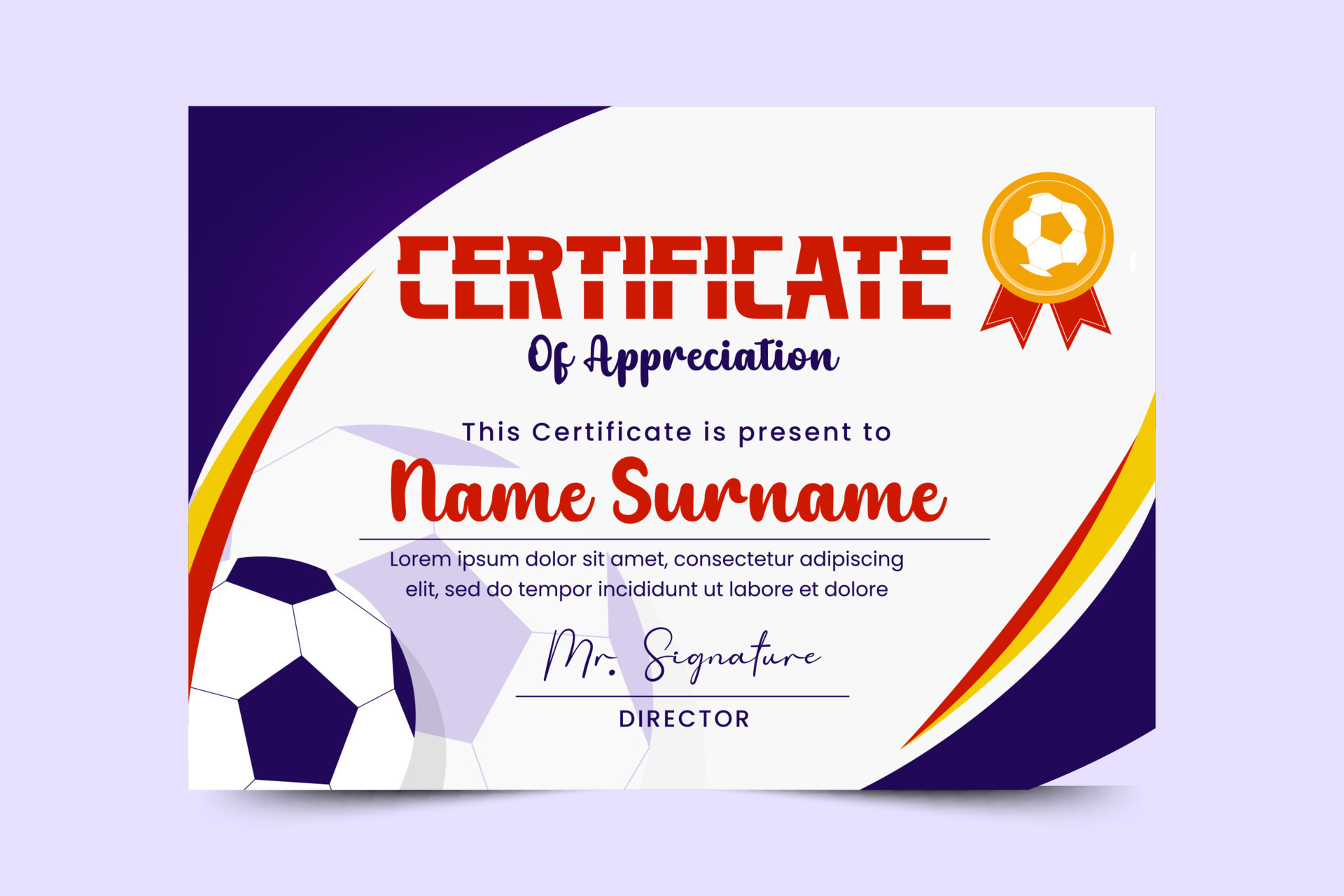
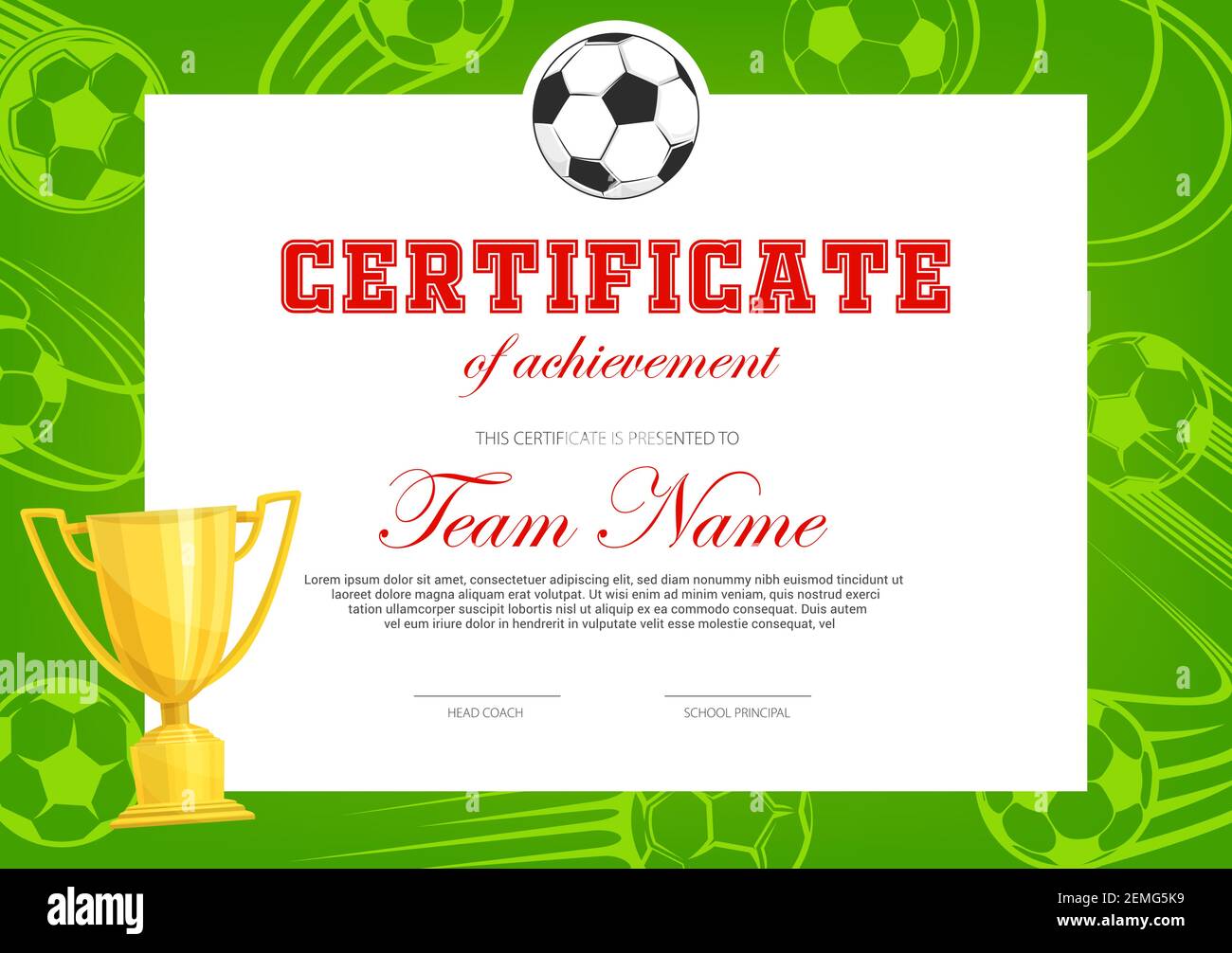
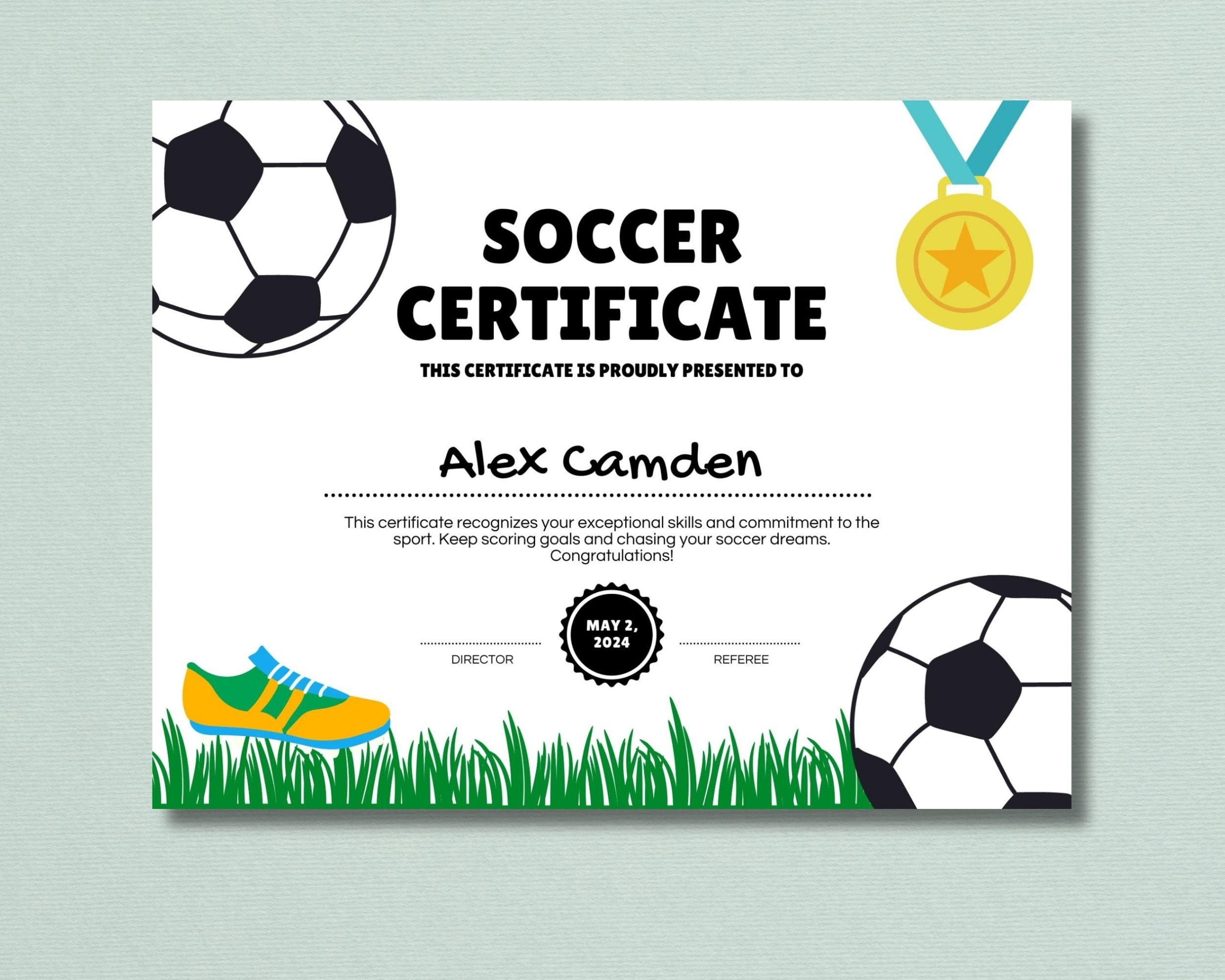
The title is the first element that draws the recipient’s eye. It should be bold, legible, and placed prominently at the top of the page. Common titles include “Certificate of Achievement,” “Player of the Week,” or “Outstanding Leadership Award.” Pair the title with a header graphic—such as a stylized soccer ball, a silhouette of a player in action, or the organization’s logo—to create visual interest while reinforcing brand association. Using a contrasting color for the title text can further enhance readability and impact.
Recipient Information
Personalization is the heart of any award. Include the player’s full name, team affiliation, and the specific event or season being recognized. A well‑designed placeholder within the template (e.g., “Insert Player Name”) helps users quickly locate where to type the information, reducing the likelihood of errors. Consider adding a line for the player’s jersey number, especially if the certificate is tied to a specific game performance; this extra detail adds authenticity and makes the award feel uniquely tailored.
Award Description
Clearly articulate why the award is being presented. A concise, yet specific, description such as “For scoring the decisive goal in the regional finals” or “For demonstrating exceptional teamwork and sportsmanship throughout the season” adds context and depth. Avoid vague language; the more precise the wording, the more meaningful the recognition feels to the recipient and their family.
Signature and Authentication
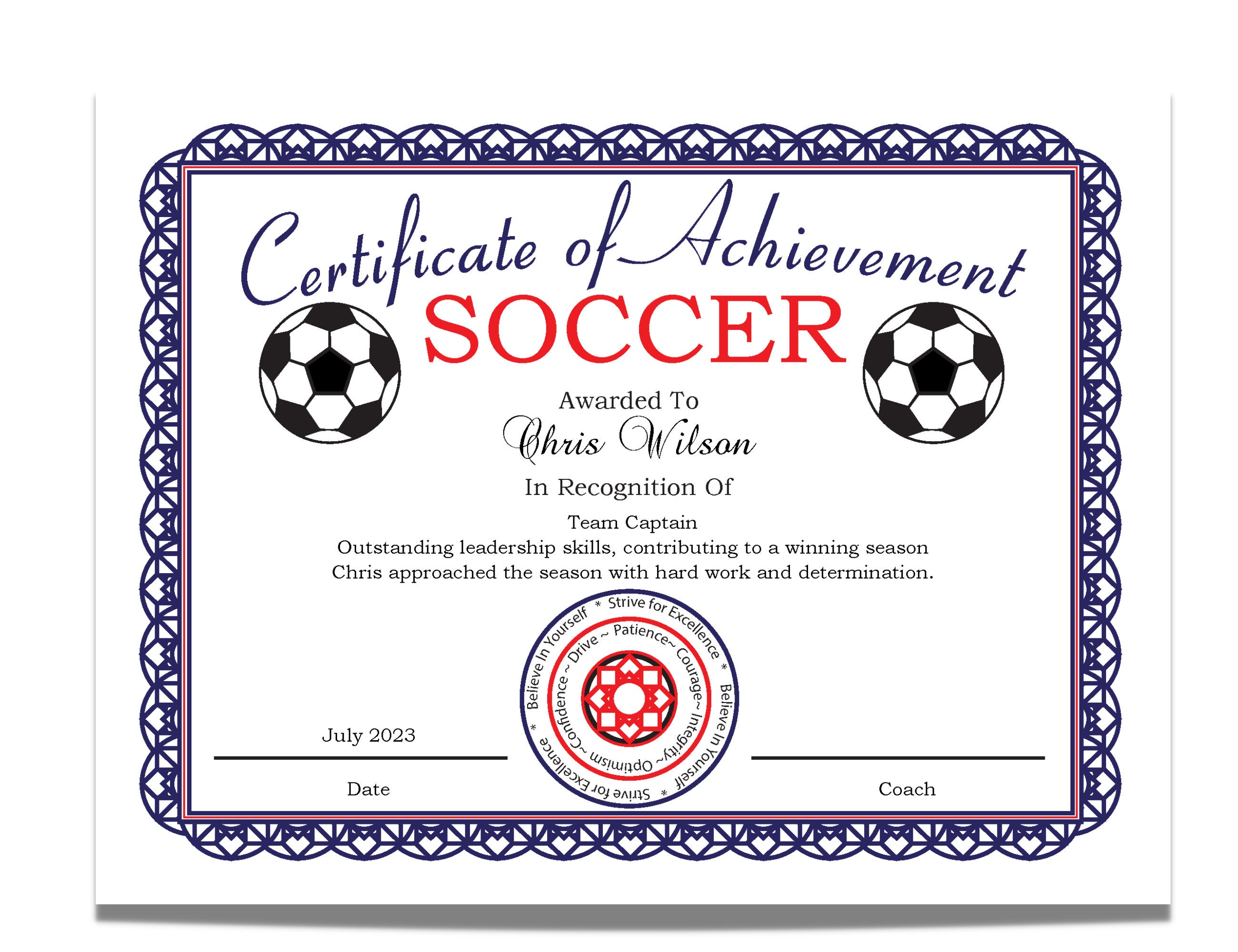
A signature line for the head coach, league director, or principal validates the certificate’s legitimacy. Including a printed signature image can speed up the process for bulk printing, while a space for a handwritten signature adds a personal touch for high‑profile awards. Additionally, a small seal or stamp—digital or physical—can further authenticate the document and deter unauthorized reproductions.
Visual Branding and Color Scheme
The color palette should reflect the organization’s branding guidelines. If the team’s primary colors are blue and white, integrate those hues into borders, background accents, or decorative flourishes. Complementary colors can be used for text highlights to ensure readability. Consistent branding across all certificates reinforces identity and makes the awards instantly recognizable in photos and social media posts.
Design Tips for a Professional Look
Choose the Right Layout
Balance is key. A common layout places the title at the top, followed by the recipient’s name in a larger font, then the award description, and finally the signature area at the bottom. Margins should be generous enough to accommodate printing bleed, especially if the certificate will be trimmed to a custom size. Using grid guides in design software ensures elements stay aligned and proportionate.
Typography Choices
Select fonts that convey formality without sacrificing readability. Serif fonts like Times New Roman or Garamond work well for the main body text, while a bold sans‑serif such as Helvetica or Montserrat can be used for the title to create contrast. Limit the design to two or three font families to maintain visual cohesion. Adjust line spacing and letter spacing to avoid cramped text, which can make the certificate appear cheap.
Incorporate Team Logos and Emblems
Embedding the official team crest or league emblem adds a sense of ownership and pride. Position the logo in the header or as a subtle watermark behind the text. Ensure the logo’s resolution is at least 300 dpi for crisp printing; low‑resolution images will appear pixelated and diminish the certificate’s perceived value.
Use High‑Resolution Images
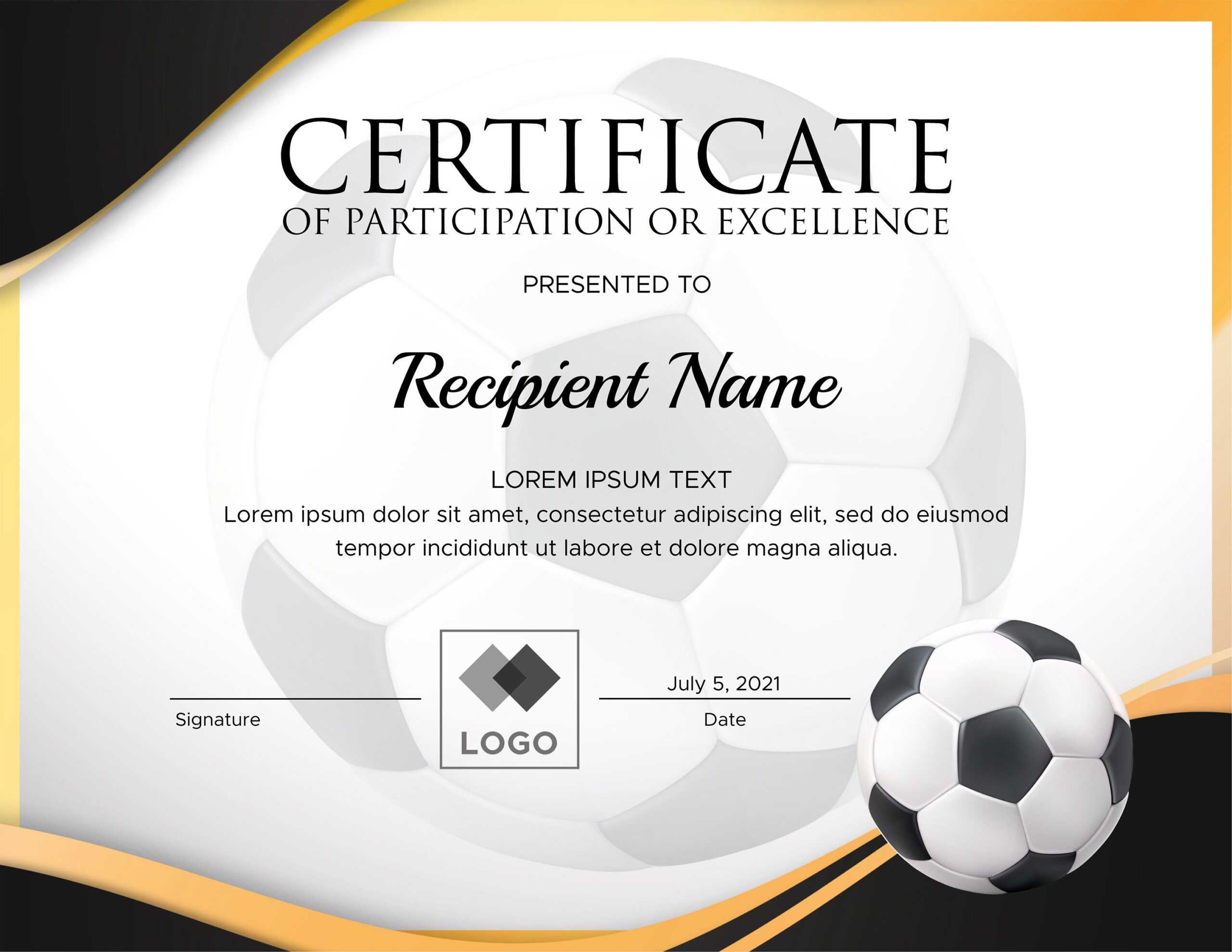
Any decorative elements—such as a background pattern of faint soccer balls or a stylized field outline—should be high resolution. Vector graphics are ideal because they scale without loss of quality. If raster images are used, verify that they are 300 dpi or higher, especially for print‑ready PDFs.
Maintain Consistency Across Certificates
Develop a style guide that outlines font sizes, color codes, margin dimensions, and image placement rules. Store the master template in a shared folder so all coaches and administrators can access the same version. Consistency not only streamlines the creation process but also projects a unified image to parents, sponsors, and potential donors.
How to Customize a Soccer Certificate Template
Using Graphic Design Software
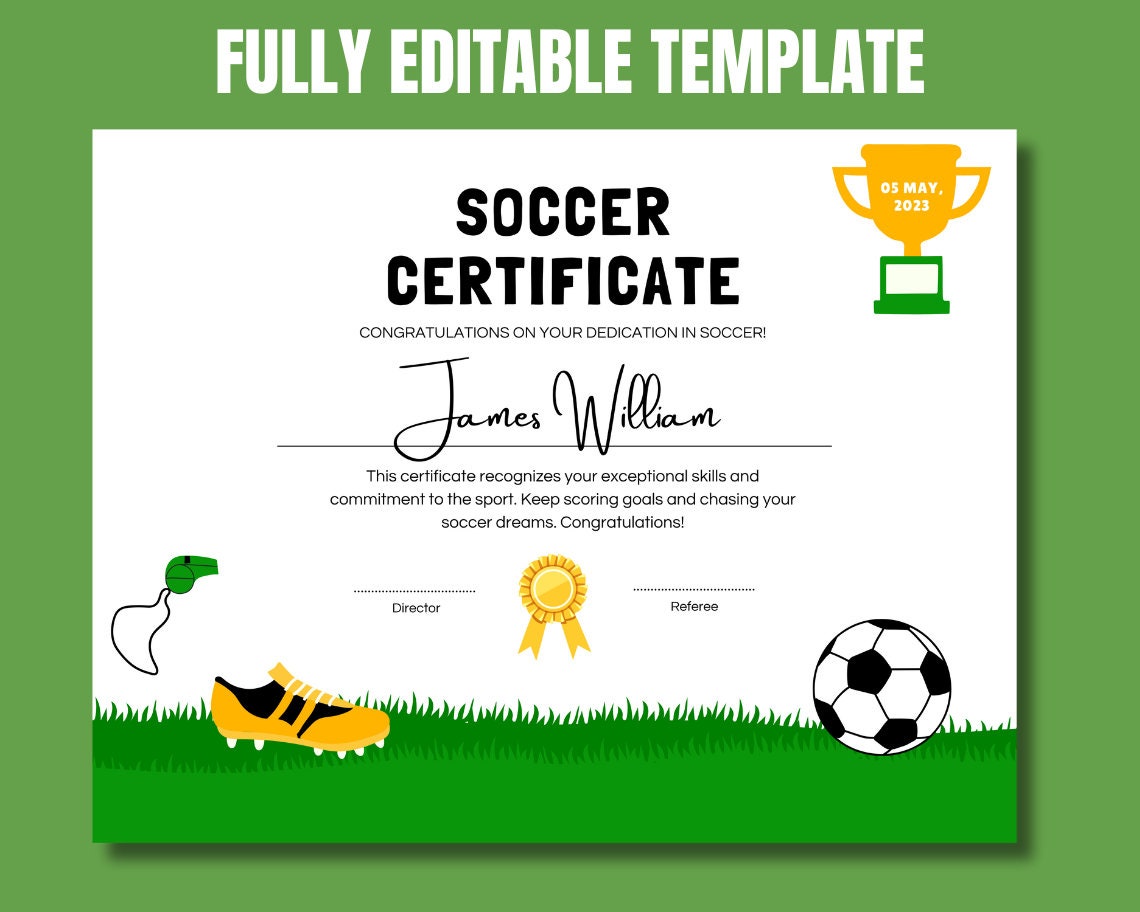
Programs like Adobe Illustrator, Photoshop, or the free alternative Inkscape offer powerful tools for precise layout control. Import the base template, replace placeholder text with actual data, adjust colors to match current team branding, and export the final design as a high‑resolution PDF or PNG. Layer naming conventions (e.g., “Title_Text,” “Player_Name”) help future users locate elements quickly.
Online Certificate Makers
Web‑based platforms such as Canva, Adobe Express, or Visme provide pre‑made soccer certificate templates that can be edited directly in the browser. These tools often include drag‑and‑drop functionality, a library of soccer‑related icons, and the ability to collaborate in real time. For organizations without a dedicated designer, online makers offer an accessible, cost‑effective solution while still delivering professional results.
Editable Word or PowerPoint Templates
Many coaches prefer the familiarity of Microsoft Office. Word and PowerPoint templates can be customized using simple text boxes and shape tools. Ensure the document is set to the appropriate page size (commonly 8.5 × 11 inches) and that any inserted images are high resolution. Save the file as a .docx or .pptx for future edits, and export a PDF for printing to preserve layout integrity.
Tips for Fast Personalization
When awarding certificates to an entire roster, manual entry can become time‑consuming. Use mail‑merge features in Word or Google Docs to pull player data from a spreadsheet and automatically populate the template. For design software, consider scripting or using data‑driven plugins that import CSV files and generate individual PDFs in batch mode. These automation techniques dramatically reduce turnaround time while minimizing typographical errors.
Printing and Distribution Best Practices
Selecting Paper Stock
The tactile quality of the certificate influences how it is perceived. Heavy‑weight cardstock (around 80‑100 lb or 210‑270 gsm) provides a premium feel and resists bending. Matte finishes are ideal for a classic look, while glossy coatings can accentuate color vibrancy. For outdoor events, consider water‑resistant paper to protect against moisture.
Color vs. Black‑And‑White Printing
Full‑color printing showcases team colors, logos, and design flourishes, reinforcing brand identity. However, black‑and‑white printing can be a cost‑effective alternative for internal recognitions where visual flair is less critical. If printing budget is a concern, prioritize color for high‑profile awards and use monochrome for routine acknowledgments.
Digital Delivery Options
Electronic certificates are increasingly popular for remote teams and virtual events. Export the final design as a PDF and email it to players or parents, or share via a secure cloud folder. Adding a digital signature field allows recipients to sign electronically, preserving authenticity. For social media promotion, create a web‑optimized image version (72 dpi) and share the achievement with the team’s followers, always obtaining permission from the player and guardians.
Record‑Keeping and Archiving
Maintain a digital archive of all issued certificates. Store PDFs in a structured folder hierarchy (e.g., Year → Season → Award Type). Include metadata such as recipient name, date, and award description to enable easy retrieval. An organized archive assists with future award ceremonies, alumni outreach, and compliance with organizational record‑keeping policies.
Common Mistakes to Avoid
Even seasoned administrators can slip into pitfalls that diminish the impact of a soccer certificate. Overcrowding the design with too many graphics or text reduces readability; aim for white space that guides the eye. Using low‑resolution logos or clip‑art leads to pixelation, which appears unprofessional. Neglecting to proofread names and dates can cause embarrassment and undermine the award’s credibility. Additionally, failing to align elements to a grid often results in uneven margins that look sloppy. Finally, printing on thin paper or using generic ink can make the certificate feel cheap, eroding the sense of achievement it’s meant to convey.
Real‑World Examples of Successful Certificates
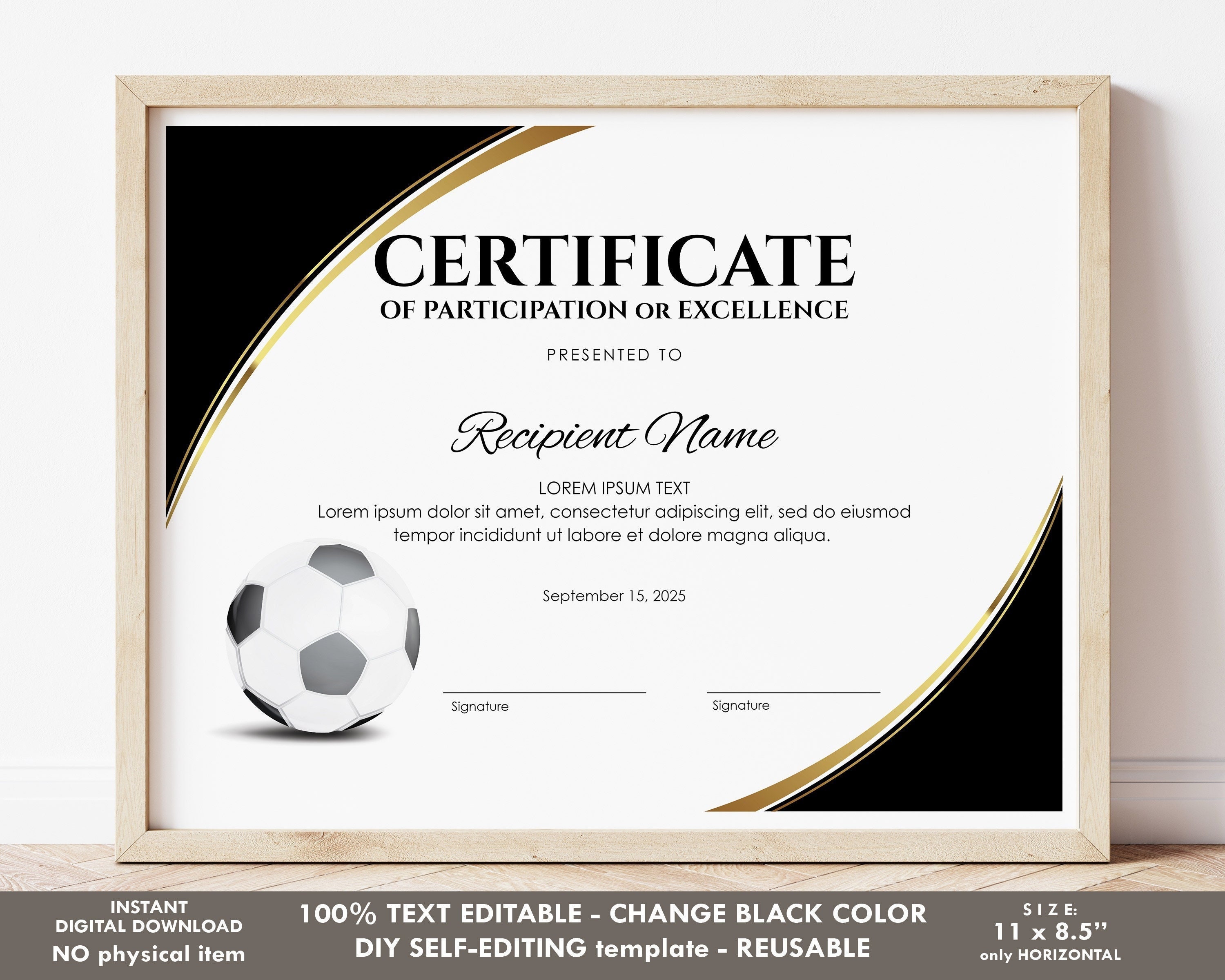
Many youth clubs have adopted a tiered approach to recognition. For instance, a regional academy might issue a “Gold Medal” certificate for tournament champions, a “Silver Medal” for runners‑up, and a “Bronze Medal” for third place. Each tier shares a common layout but varies in color accents—gold, silver, and bronze respectively—providing immediate visual differentiation while preserving brand consistency.
Another effective model comes from high‑school programs that combine academic and athletic awards. A “Student‑Athlete of the Year” certificate incorporates both the school crest and the team logo, with sections dedicated to academic GPA and athletic statistics. This holistic approach celebrates well‑rounded achievement and encourages athletes to excel in the classroom as well as on the field.
Professional clubs sometimes produce limited‑edition certificates for milestone events, such as a player’s 100th appearance. These certificates are printed on textured, heavyweight paper with a foil‑stamped team emblem, creating a collector’s item that players proudly display in their homes. The added prestige of special printing techniques elevates the perceived value of the award.
Conclusion

Investing time and thought into a Soccer Certificate Template pays dividends in morale, brand cohesion, and long‑term engagement for any soccer program. By focusing on key design elements—clear titles, personalized recipient details, authentic signatures, and consistent branding—organizations can produce certificates that feel both professional and heartfelt. Leveraging modern design tools, automating data entry, and adhering to best practices for printing and distribution streamline the workflow while maintaining high quality. Avoid common missteps such as low‑resolution graphics or cluttered layouts, and draw inspiration from proven real‑world examples to refine your own award system. When executed correctly, a soccer certificate becomes more than a piece of paper; it transforms into a lasting symbol of dedication, teamwork, and triumph that motivates athletes to reach new heights on and off the pitch.




Related posts of "Soccer Certificate Template"
