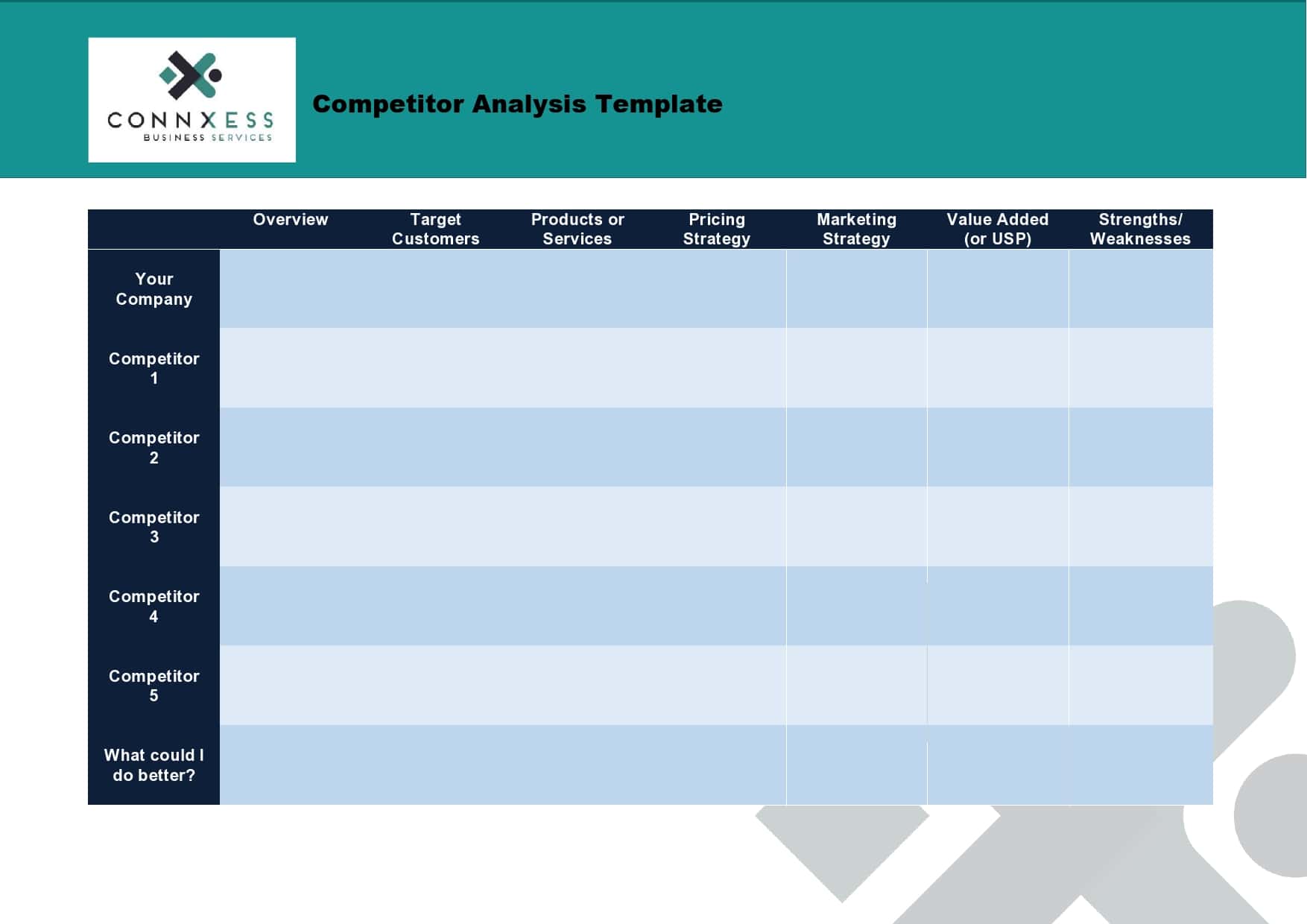
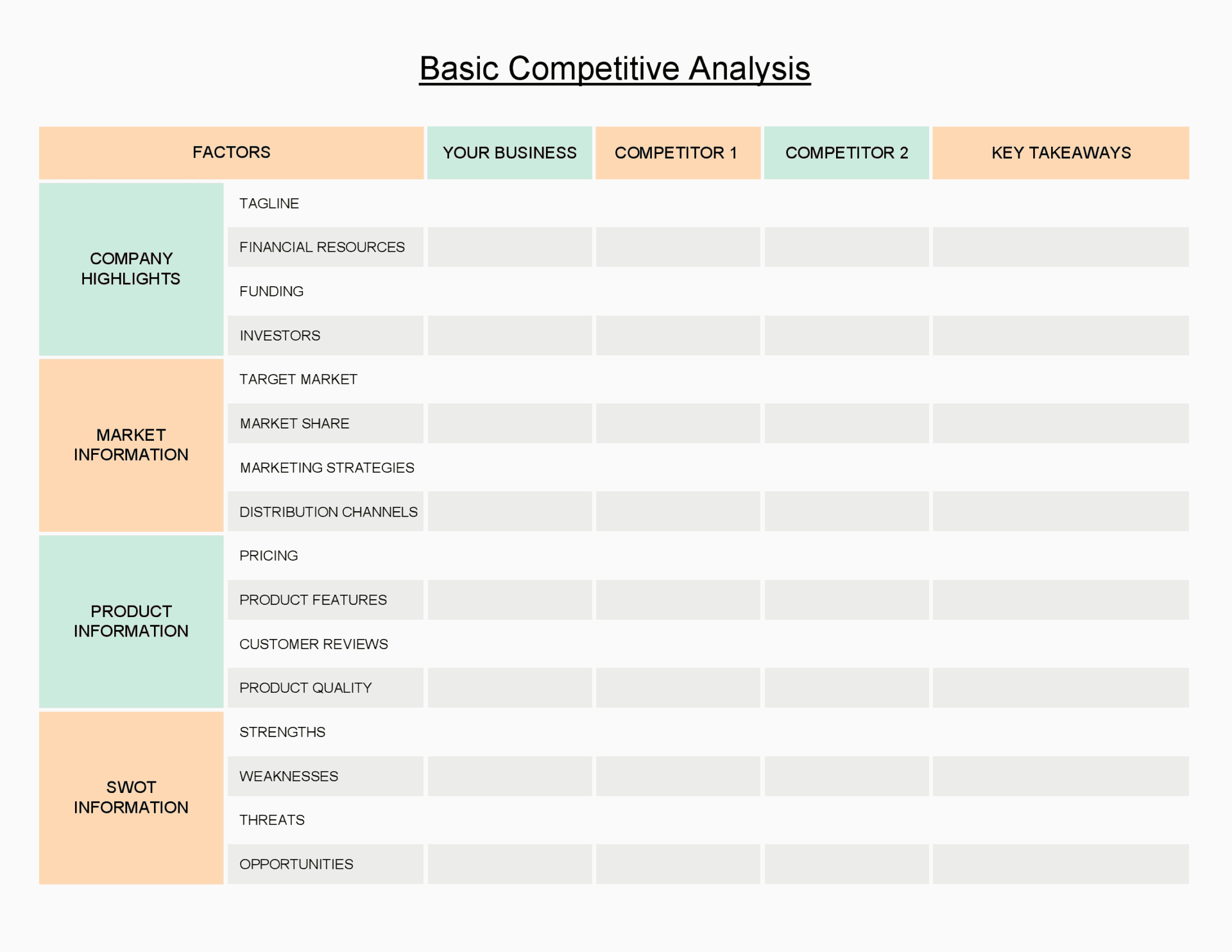
Seo Competitor Analysis Template Excel serves as a powerful ally for digital marketers, especially those operating in fast‑growing Asian markets where competition is fierce and data-driven decisions are the key to staying ahead.
Understanding the Power of Competitor Analysis in SEO
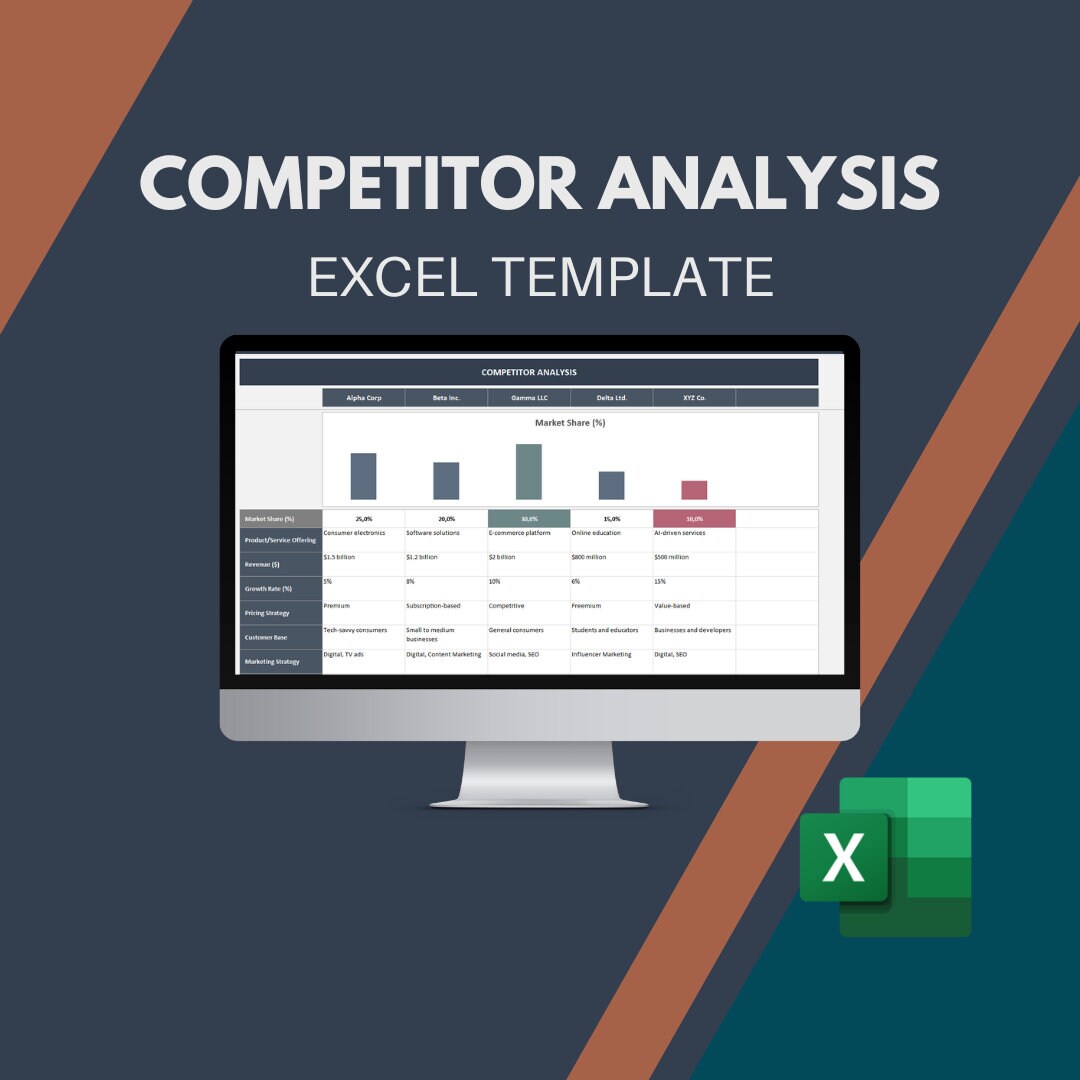
In today’s interconnected world, the most successful brands are those that can anticipate market shifts, learn from rivals, and adapt their strategies swiftly. Competitor analysis is not just about copying tactics; it’s about uncovering hidden opportunities, benchmarking performance, and refining your own SEO roadmap. An Excel template tailored for this purpose offers structure, repeatability, and the flexibility to customize metrics that matter most to your business.
Why Excel? The Unique Advantages for Asian Businesses
1. Localization at Scale
Asia’s digital landscape is highly fragmented—different languages, regional search engines, and localized content strategies. Excel’s pivot tables and conditional formatting allow you to segment data by country, language, or city effortlessly, giving you granular insight into how local competitors perform.
2. Cost‑Effectiveness and Accessibility
Many small and medium‑sized enterprises in Asia rely on affordable, universally available tools. Excel is pre‑installed on most corporate laptops, eliminates the need for expensive subscription services, and can be updated by anyone with basic spreadsheet knowledge.
3. Seamless Integration with Existing Data Pipelines
Whether you import keyword lists from Google Keyword Planner or fetch backlink metrics from Ahrefs, Excel can accommodate CSV and Excel imports. This makes it easy to merge internal analytics with competitor data, creating a single source of truth.
Key Components of a Robust Competitor Analysis Template

1. Competitor Identification and Ranking
Begin by compiling a list of primary competitors—those ranking within the top 3 for your main keywords. Include their domain authority, traffic estimates, and paid search spend if available. This foundational sheet serves as the master index for subsequent analyses.
2. Keyword Gap Analysis
Using a keyword extraction tool, gather the top 200 keywords per competitor. The template should then automatically flag which of those keywords you rank for and which are missing. Highlight gaps in a bright color to prioritize new content opportunities.
3. On‑Page Content Metrics
Track title tags, meta descriptions, header hierarchy, and keyword density for each competitor’s landing pages. By comparing these elements against your own pages, you can identify formatting or optimization gaps that may be hurting your click‑through rates.
4. Backlink Profile Comparison
Export backlink data—anchor text distribution, domain rating, and new versus lost links—into Excel. Use pivot tables to compare the quality and quantity of backlinks between you and your rivals. This helps you spot high‑impact link building opportunities.
5. Technical SEO Checklist
Incorporate metrics such as page load times, mobile friendliness scores, and structured data presence. Excel’s conditional formatting can flag pages that deviate from industry benchmarks, ensuring your technical foundation is as strong as your content.
Step‑by‑Step: Building Your Template from Scratch

1. Gather Competitor Data
Start by selecting your top five competitors. Use tools like SEMrush, Ahrefs, or Serpstat to export organic keyword rankings and backlink profiles. Save each dataset as a separate CSV file and import them into Excel.
2. Create the Master Competitor Sheet
Set up columns for Competitor Name, Domain, Authority Score, Estimated Traffic, Paid Search Spend, and Primary Keywords. Use VLOOKUP or INDEX‑MATCH to pull in related data from the keyword and backlink sheets automatically.
3. Build the Keyword Gap Analysis Table
Merge all competitor keyword lists into a single column. Use a pivot table to list each keyword alongside the number of competitors ranking for it. Add a column to indicate whether your site ranks for that keyword. Apply a conditional formatting rule that turns missing keywords green, suggesting an opportunity, and those you rank for yellow.
4. Set Up On‑Page Metrics Dashboard
For each competitor page, input Title Length, Meta Description Length, H1 Tag Count, and Keyword Density. Use data validation lists to ensure consistent input. A scatter plot can then display keyword density versus ranking position, helping you spot over‑optimization or missed chances.
5. Compile the Backlink Comparison Sheet
Insert columns for Total Backlinks, Unique Domains, Referring IPs, and Anchor Text Diversity. Apply conditional formatting to highlight domains with high authority that link to competitors but not to you. This visual cue directs outreach efforts.
6. Integrate Technical SEO Metrics
Enter data such as Page Speed Score, Mobile Usability Status, and Structured Data Types. Use formulas to calculate average scores across competitor pages. A line chart can track your site’s progress relative to competitors over time.
Real‑World Application: A Case Study from a Southeast Asian E‑Commerce Brand

Background
Imagine a mid‑size online marketplace operating across Indonesia, Malaysia, and Thailand. The brand’s CEO wants to climb SERP rankings for “smartphones” and “home appliances.” The marketing team decides to adopt an Excel‑based competitor analysis to guide their SEO strategy.
Implementation Steps
1. The team selects three leading regional competitors and imports their keyword rankings. 2. They identify that “best budget smartphones 2024” is a high‑volume keyword your site currently misses, but all competitors rank within the top 5. 3. By analyzing backlink profiles, the team discovers that a prominent local tech blog links to all competitors but not to their site. 4. Technical SEO checks reveal that your site’s page load time in Malaysia is 4.2 seconds, while competitors average 2.8 seconds.
Outcomes
Armed with these insights, the brand creates a new content pillar targeting the identified keyword, initiates outreach to the tech blog, and optimizes site speed through server upgrades. Within six months, organic traffic for that keyword increases by 35%, and the brand moves from page 3 to page 1 of Google’s search results.
Advanced Techniques to Elevate Your Analysis
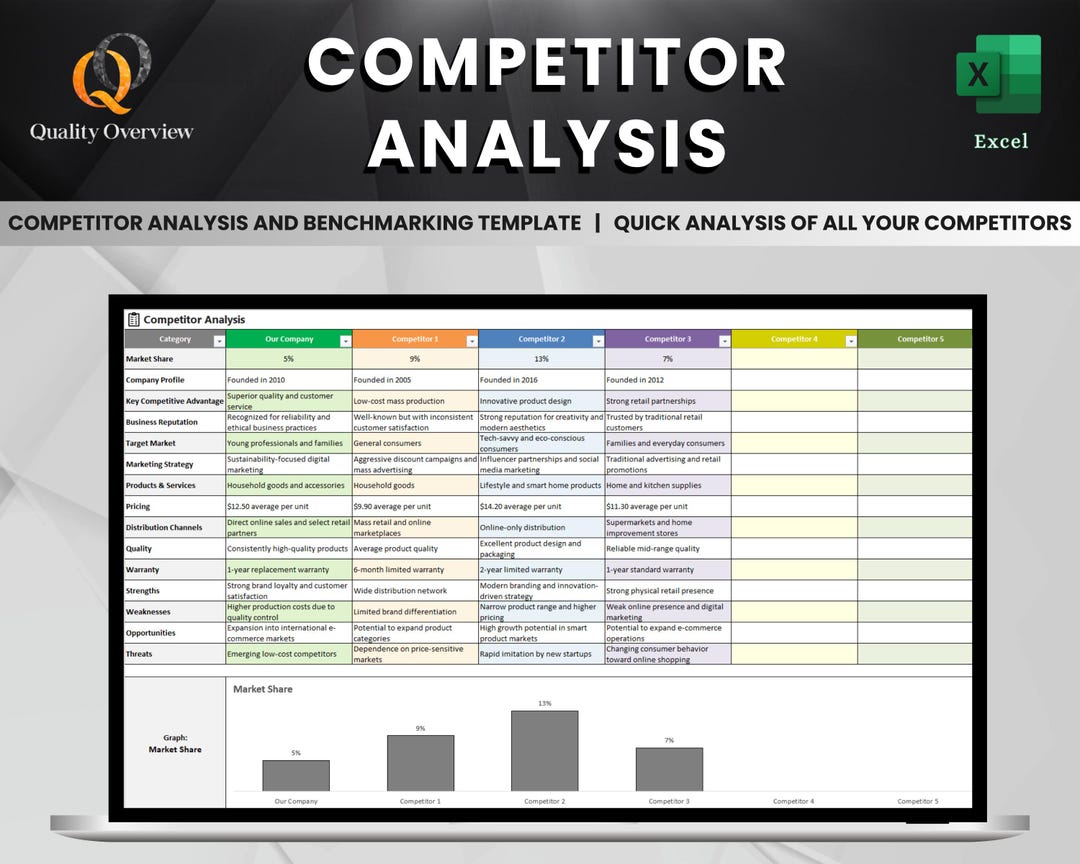
1. Automate Data Refresh with Power Query
Instead of manual CSV imports, use Excel’s Power Query to connect directly to API endpoints from keyword research tools. Set the query to refresh daily, ensuring your competitor data stays current without extra effort.
2. Leverage Conditional Formatting for Rapid Insight
Color‑code metrics—red for below‑average, yellow for average, green for above average—to quickly spot strengths and weaknesses. For example, a cell turns red if a competitor’s mobile score is below 70%, prompting immediate action.
3. Create Interactive Dashboards with Slicers
Add slicers for “Country,” “Keyword Difficulty,” or “Backlink Authority.” Users can filter the dashboard in real time, making it an effective tool for stakeholder presentations.
4. Use Data Validation to Maintain Consistency
Set dropdown lists for fields like “Content Type” (Blog, Landing Page, Category) or “Link Authority” (High, Medium, Low). This reduces data entry errors and keeps the analysis reliable.
Common Pitfalls and How to Avoid Them
1. Relying Solely on One Data Source
Different tools provide varying metrics. Cross‑check domain authority from Moz, Ahrefs, and SEMrush to get a balanced view. If you only use one source, you may miss nuanced differences that influence rankings.
2. Overlooking Localized Search Behaviors
In Asia, search intent can vary dramatically across regions. For instance, users in Singapore may prefer English content, while in Vietnam, local language content performs best. Ensure your template includes language and region filters.
3. Ignoring the Human Element
Data tells a story, but the final decision requires human judgment. Use your template as a guide, but validate findings with on‑site audits and user testing to confirm that changes resonate with your audience.
4. Forgetting to Update Regularly
SEO landscapes shift monthly. Set a routine—weekly, bi‑weekly, or monthly—to refresh keyword lists and backlink data. An outdated analysis can lead to missed opportunities or wasted resources.
How to Scale the Template for Growing Teams
1. Centralize Data in One Workbook
Keep all competitor sheets in a single Excel file, using separate tabs for each component. This eliminates duplication and ensures everyone sees the same data.
2. Document Formula Logic
In a dedicated “Instructions” tab, explain each formula and why it’s used. New team members can quickly learn how the template works and modify it safely.
3. Share via Cloud Collaboration
Store the workbook on OneDrive or Google Drive and set permissions for editors and viewers. Collaboration tools allow multiple analysts to work simultaneously, speeding up the review cycle.
4. Build a Version History
Keep incremental backups—e.g., “Template_v1.0,” “Template_v1.1”—so you can revert to earlier versions if a change introduces errors. Version control also helps track improvements over time.
Final Thoughts: The Edge You Gain with an SEO Competitor Analysis Template Excel

In the dynamic Asian digital marketplace, staying ahead requires more than keyword stuffing or flashy graphics. It demands a disciplined, data‑driven approach that uncovers where competitors succeed and where they stumble. By constructing a meticulous Seo Competitor Analysis Template Excel, marketers can turn raw data into actionable insights, tailor content strategies to local preferences, and optimize technical foundations with precision.
With the template’s modular design, you can scale the analysis from a single market to a continent‑wide operation, ensuring consistency across teams and timeframes. Whether you are a solo entrepreneur, a marketing agency, or a large enterprise, this tool empowers you to make informed decisions, allocate resources efficiently, and ultimately climb the SERP ladder.
Embrace the spreadsheet, master the metrics, and watch your organic rankings transform from static to dynamic—one cell at a time.



Related posts of "Seo Competitor Analysis Template Excel"
