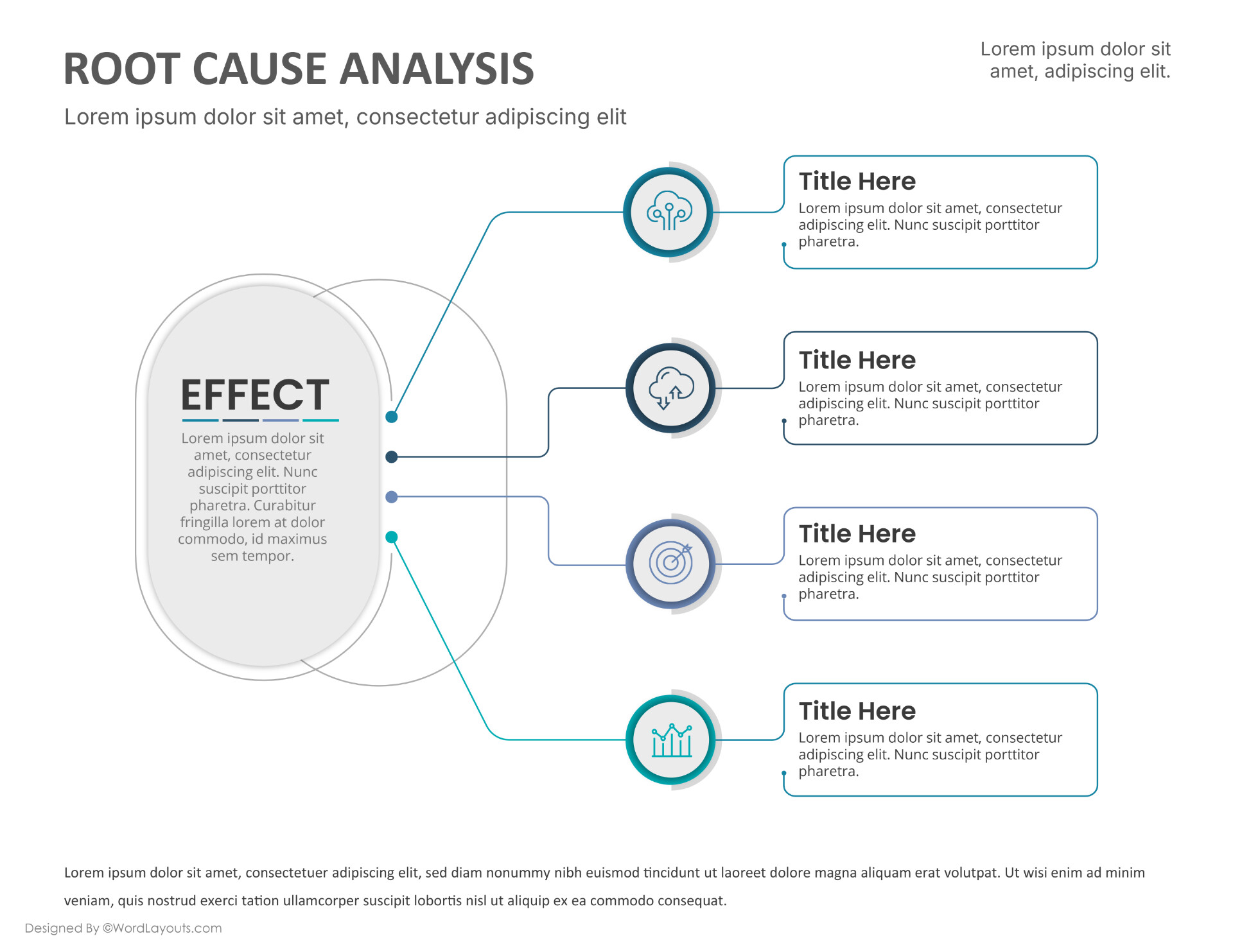
Root Cause Analysis Template Powerpoint is the secret weapon I swear by when I need to uncover why something went wrong and to present the findings in a clear, engaging way. Whether you’re troubleshooting a production bottleneck, investigating a customer complaint, or just aiming to improve your project’s efficiency, having a ready‑made template makes the process smoother, more structured, and far less intimidating.
Why Root Cause Analysis Matters

Root Cause Analysis (RCA) is more than a buzzword—it’s a disciplined method that digs beneath surface symptoms to identify the fundamental reasons problems occur. By focusing on the root, you avoid treating only the visible pain points, which often leads to temporary fixes that never resolve the underlying issue. The ability to communicate those root causes effectively is critical, especially when you’re leading a cross‑functional team or presenting to senior stakeholders.
The Core Benefits of RCA
- Reduces recurring issues by targeting the source.
- Increases operational efficiency and saves costs.
- Enhances decision‑making with data‑driven insights.
- Builds a culture of continuous improvement.
Choosing the Right PowerPoint Template

When you first open PowerPoint, you’re confronted with a sea of templates—some flashy, others plain. The key is to select a layout that balances professionalism with clarity. Below, I’ve distilled the essential characteristics you should look for in a Root Cause Analysis template.
Clarity Over Decoration
A good RCA template should prioritize readable text, clean diagrams, and logical flow. Avoid slides overloaded with colors or animations that distract from the data.
Pre‑built Diagrams
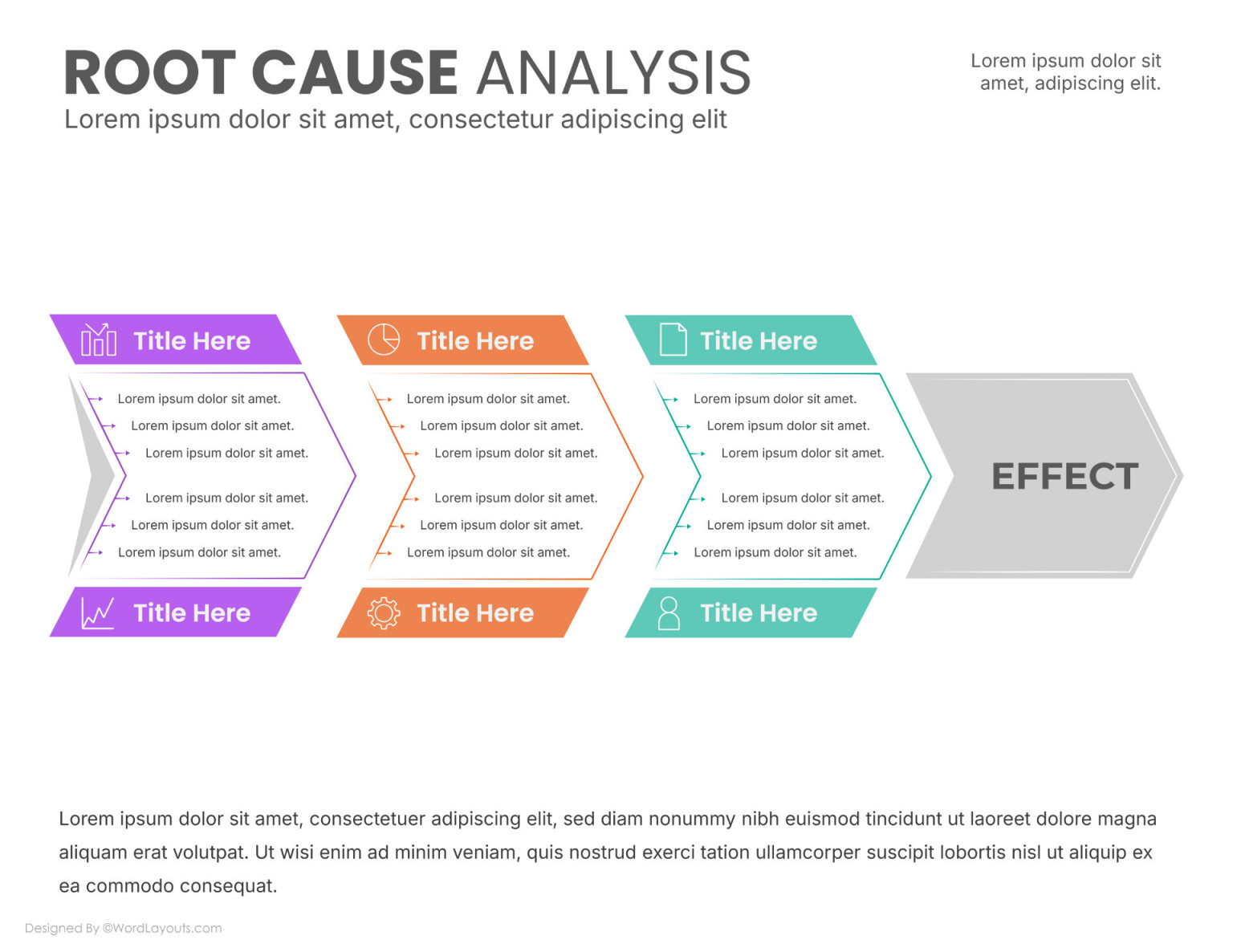
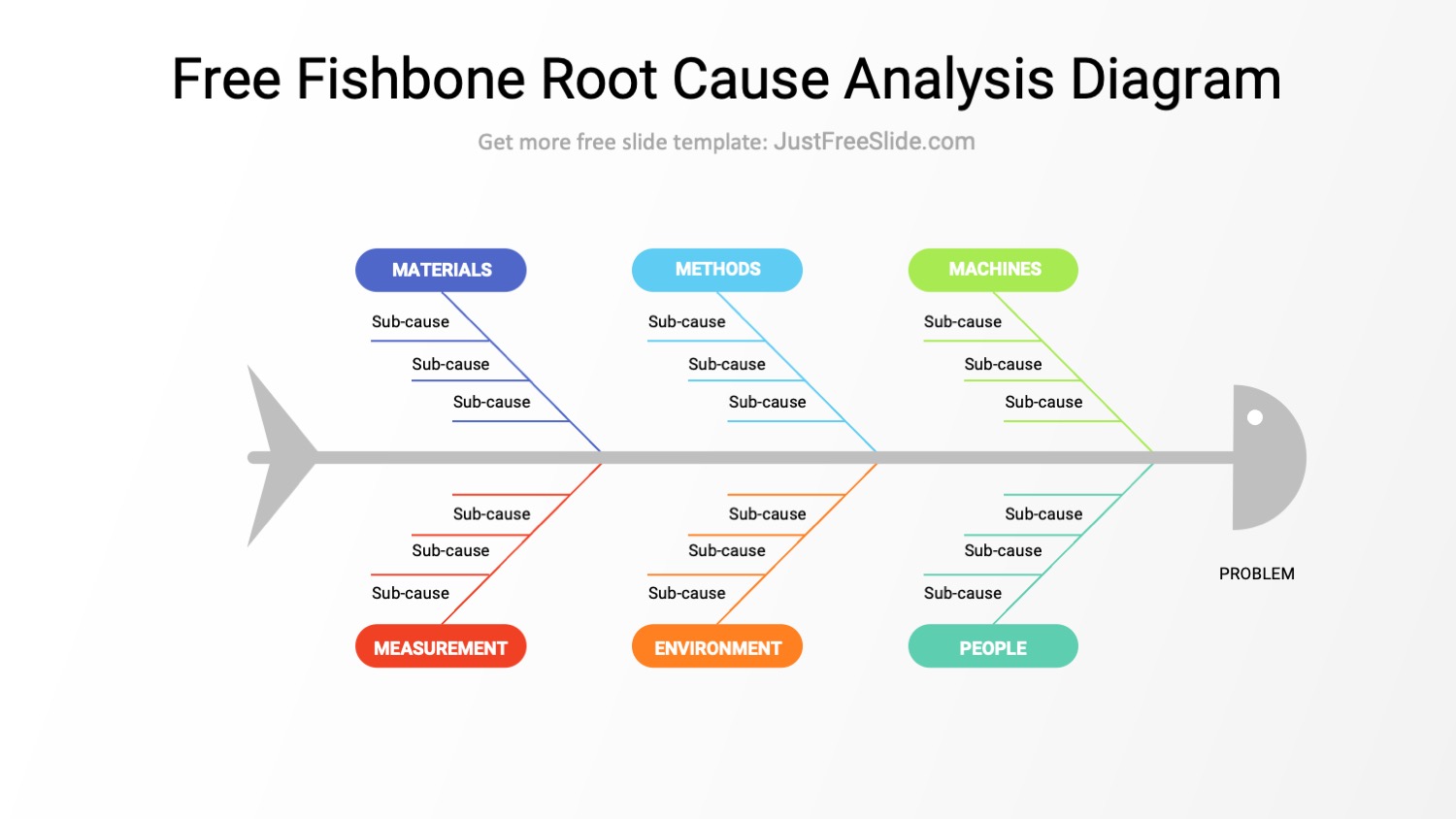
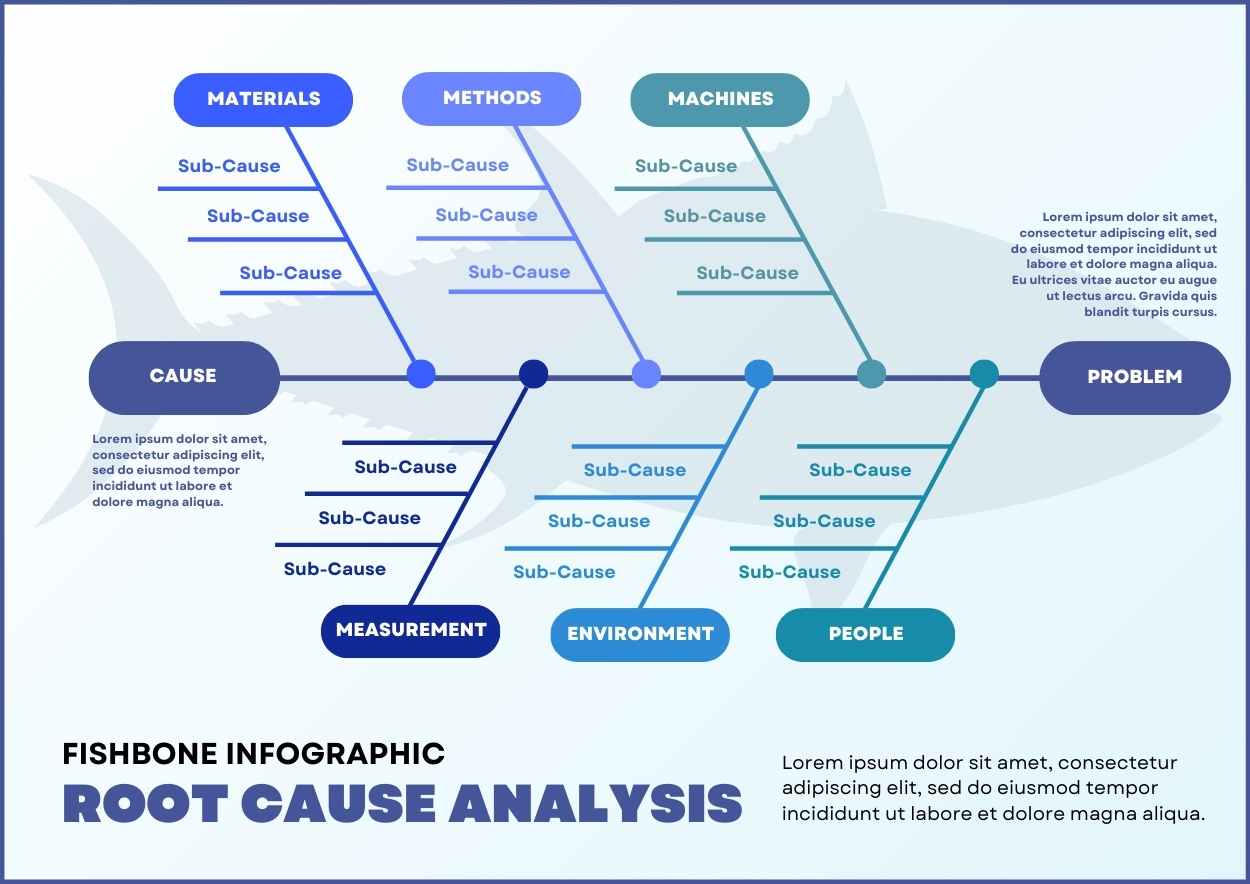
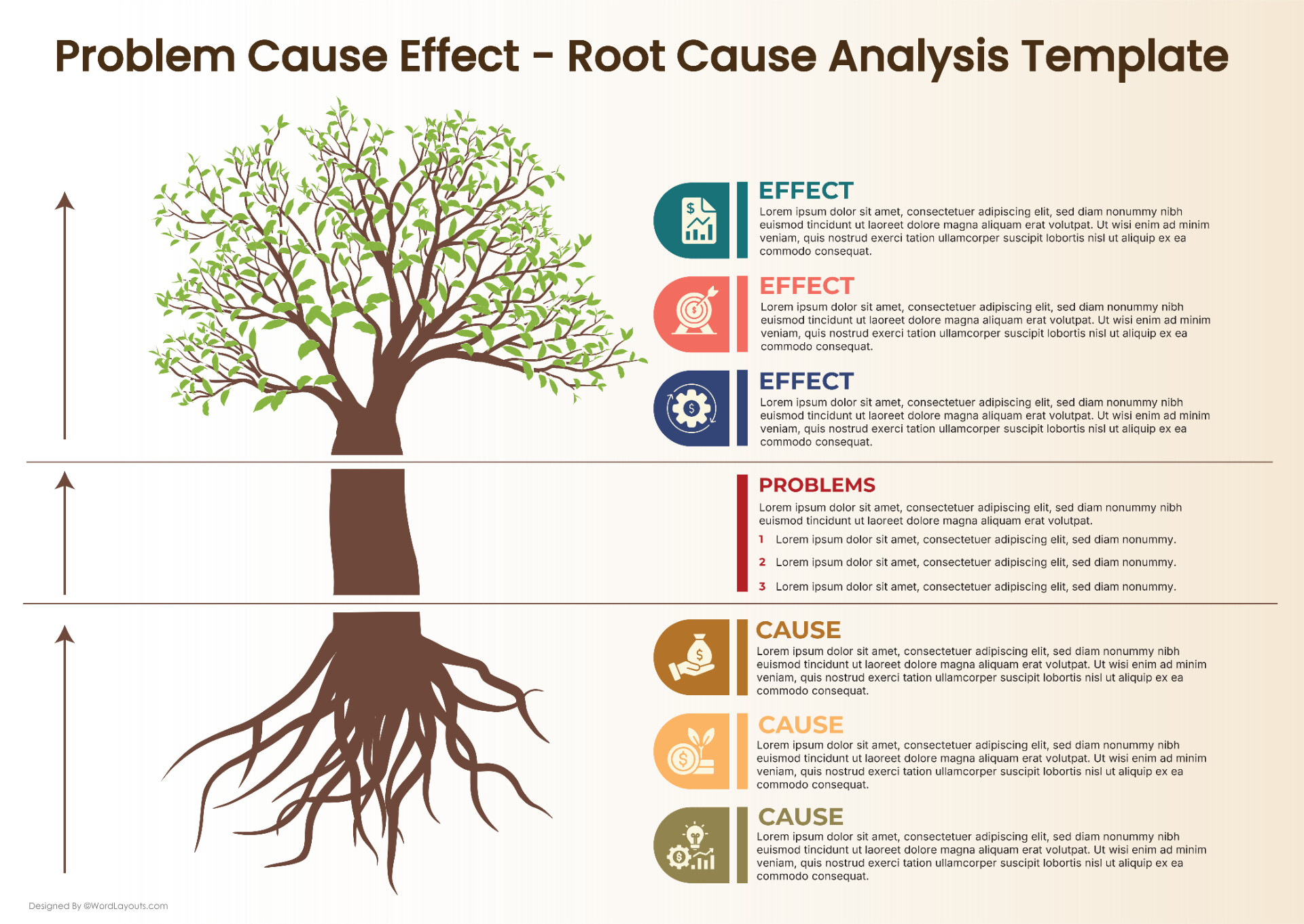
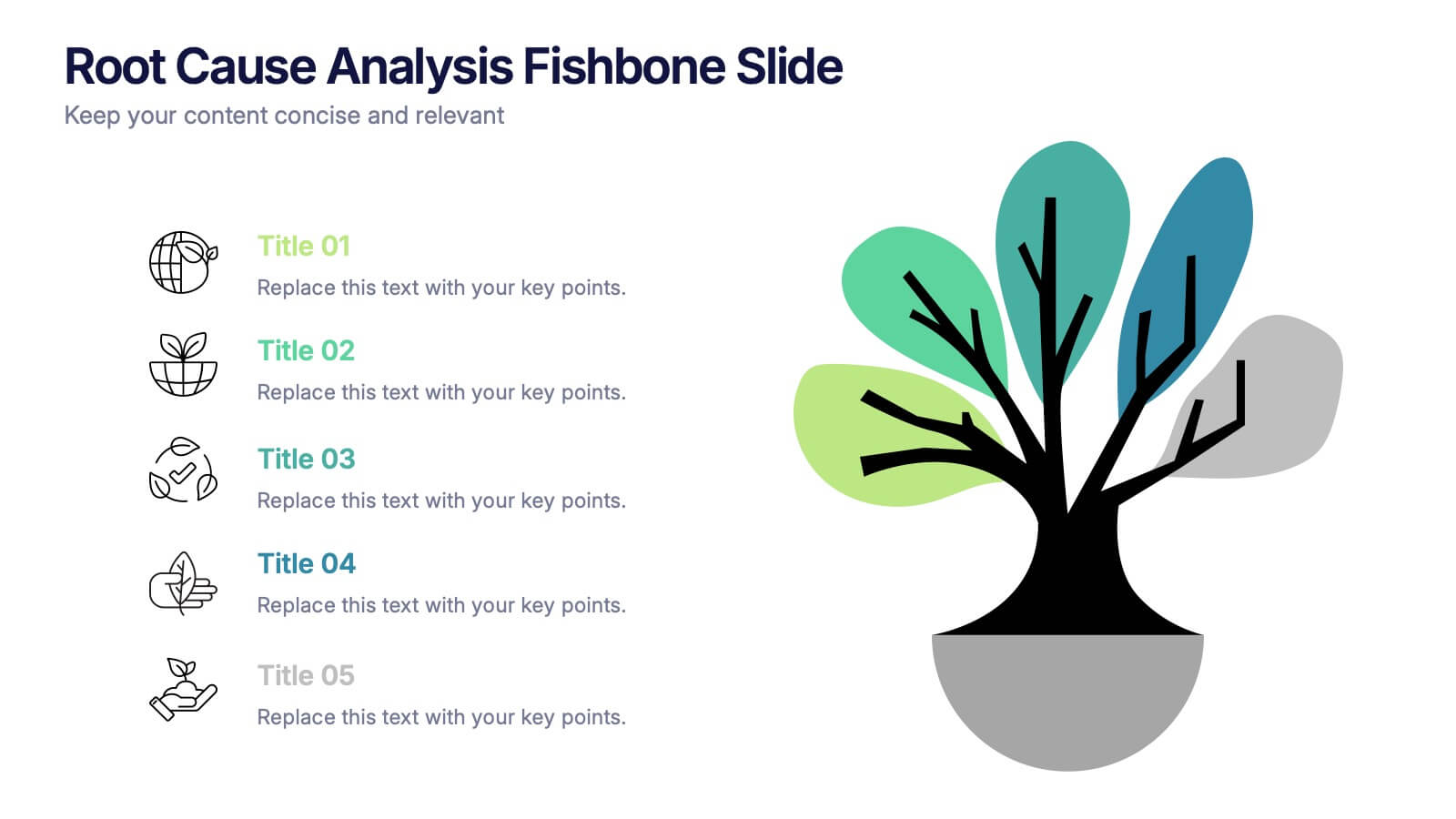
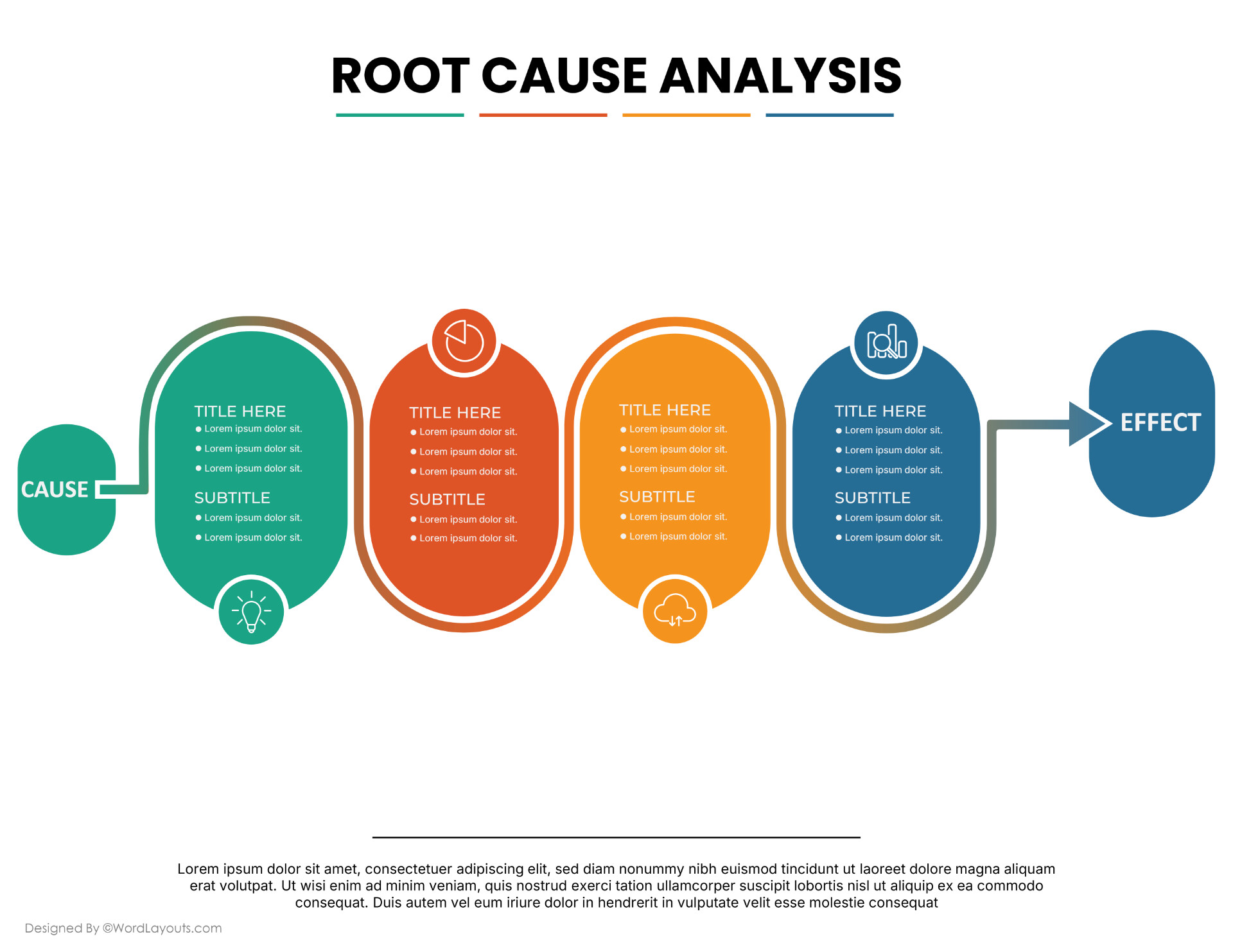
Many effective RCA templates feature built‑in fishbone charts, fault tree diagrams, or cause‑effect matrices. These ready‑to‑use visuals save you time and help maintain consistency across your presentation.
Customizability
While templates provide a skeleton, you’ll often need to tweak colors, fonts, and placeholders to fit your brand or personal style. Look for templates that allow easy editing without breaking the layout.
Mobile‑Friendly Design
If you’ll be presenting from a tablet or sharing slides in a virtual environment, make sure the template scales well on smaller screens.
Step‑by‑Step: Building Your RCA PowerPoint
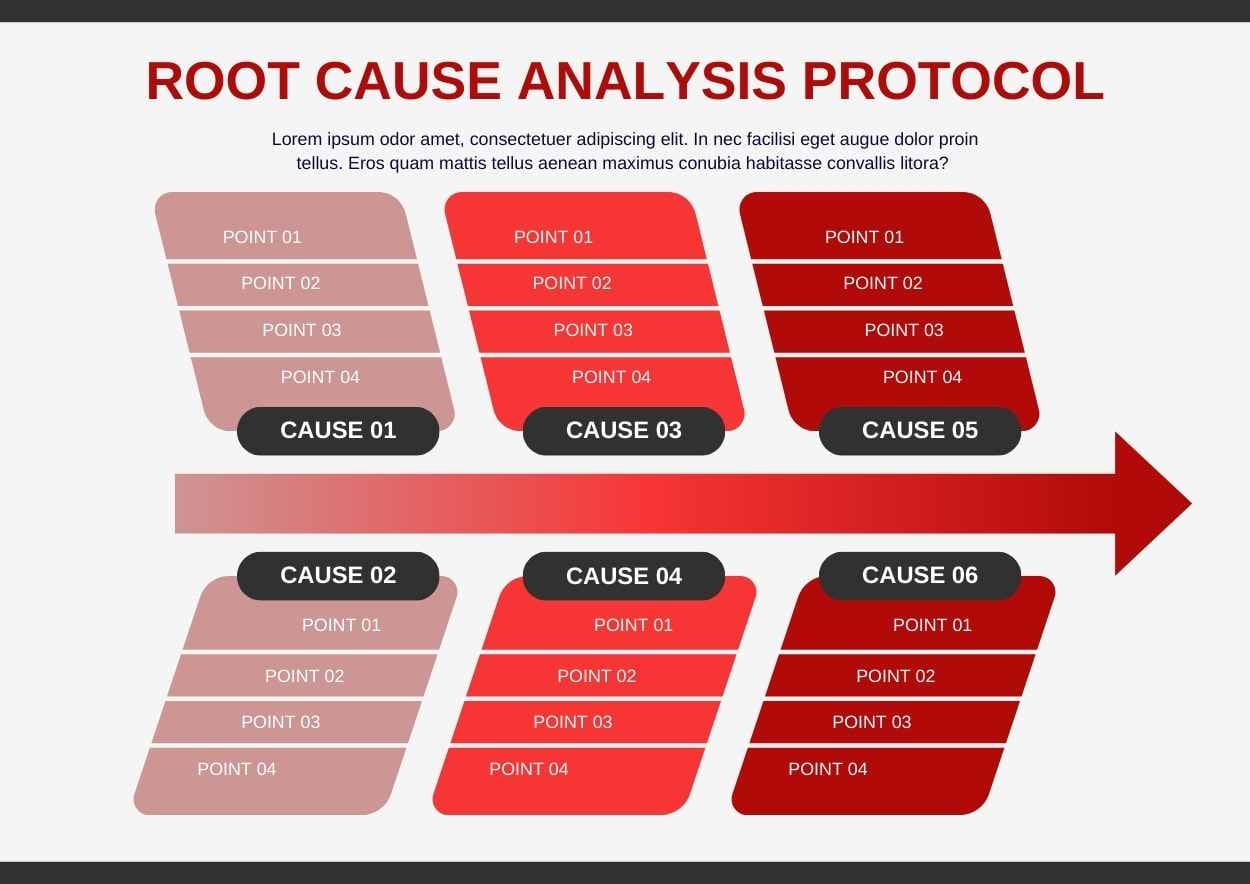
Below is a practical workflow that transforms a raw template into a compelling story.
1. Define the Problem Statement
Start with a concise, factual description of the issue. This slide sets the context and anchors the audience.
- Include metrics (e.g., “30% defect rate in Q1”).
- State the impact on stakeholders or the bottom line.
2. Collect Data and Evidence
Gather quantitative and qualitative information: logs, interviews, process maps, and performance metrics. A dedicated slide that lists sources adds credibility.
3. Visualize Causal Relationships
Use a fishbone diagram or a fault tree to map out possible causes. The template’s pre‑built shapes help you arrange elements logically.
4. Identify the Root Cause
Apply tools like the 5 Whys or Pareto analysis to drill down. Summarize the root cause on a single slide—this is the heart of your presentation.
5. Develop Action Plan and Prevention Measures
Outline corrective steps, owners, timelines, and success metrics. A table or roadmap visual often works best.
6. Summarize Key Takeaways
Conclude with a brief recap: what was discovered, why it matters, and what will happen next.
Real‑World Example: From Production Downtime to System Upgrade
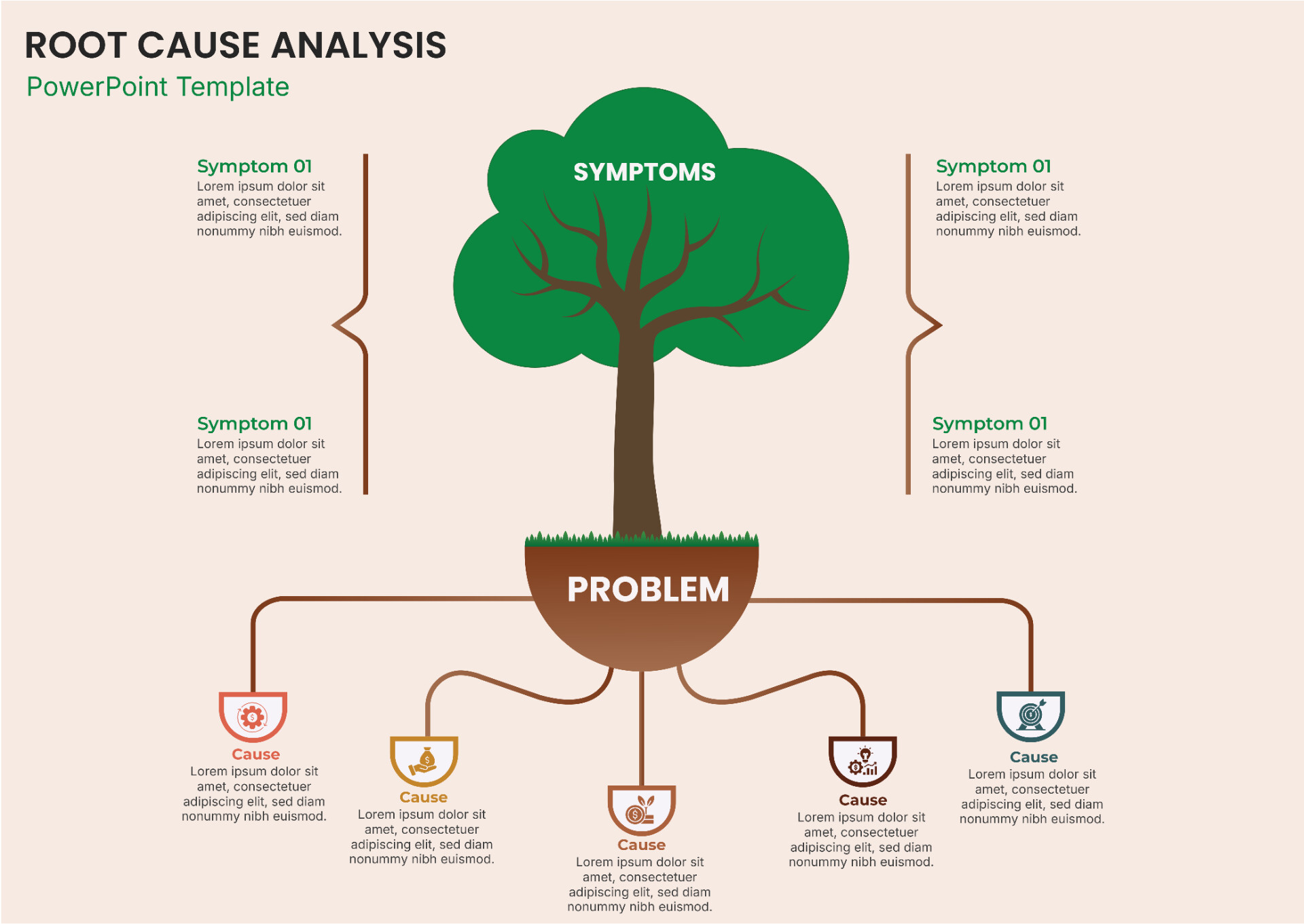
In a recent project, my team faced unexpected downtime in a manufacturing line. We used a Root Cause Analysis Template Powerpoint to streamline our investigation.
Data Collection
We logged sensor readings, interviewed operators, and reviewed maintenance records. The template’s “Evidence” slide helped us organize this diverse data.
Cause Mapping
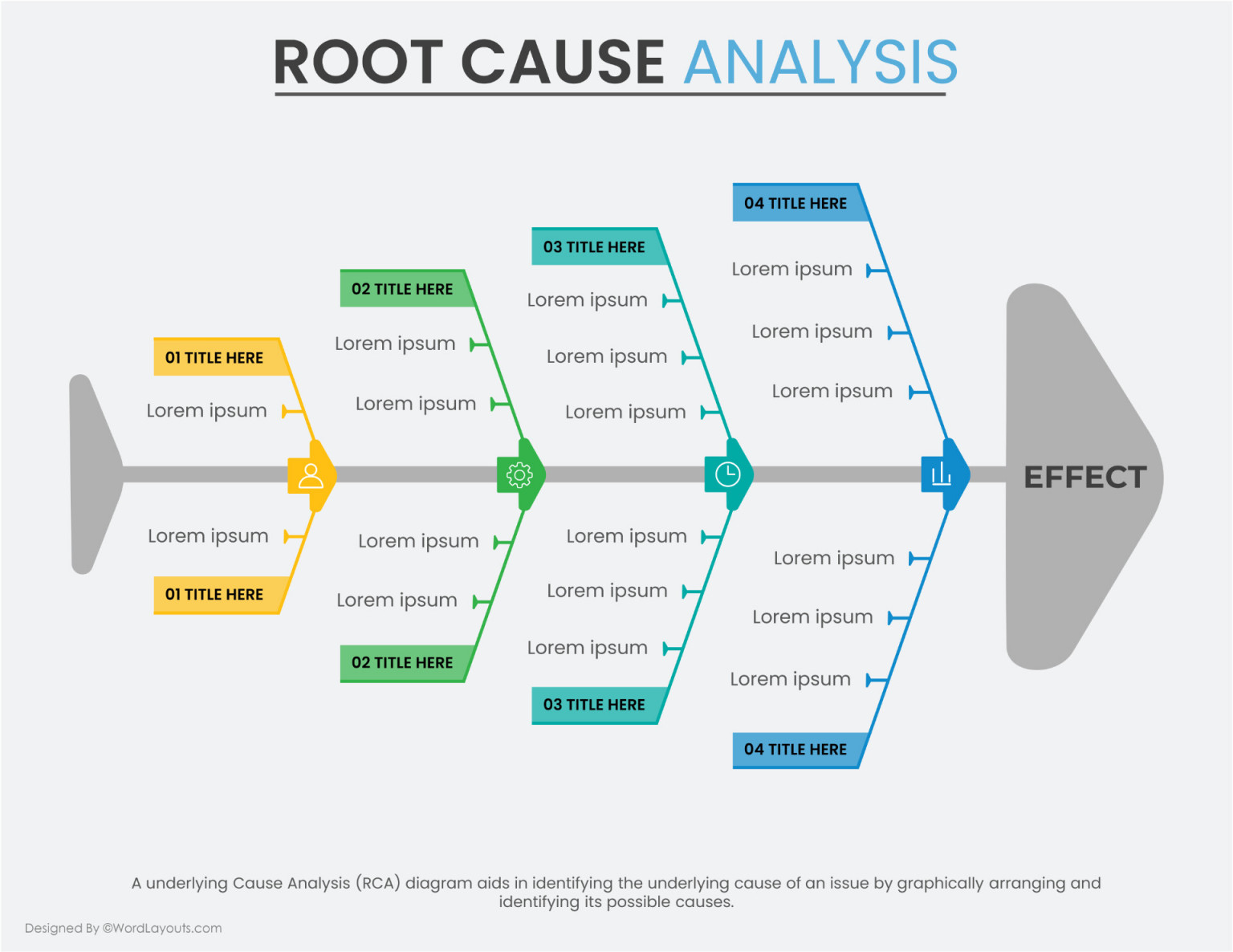
The fishbone chart revealed three main branches: Equipment, Process, and Human Factors. Under Equipment, we noted a recurring vibration pattern.
Root Cause Identification
After applying the 5 Whys, we discovered that an improperly calibrated bearing was the true source of the vibration—and consequently, the downtime.
Action Plan
We scheduled a bearing replacement, implemented a monitoring protocol, and trained operators on early warning signs. The RCA template’s “Plan” slide clearly displayed owners and deadlines, ensuring accountability.
Tips for a Polished Presentation

Keep Text Minimal
Let visuals do the heavy lifting. Use bullet points sparingly and focus on key insights.
Use Consistent Color Schemes
Choose two or three colors that reflect your brand. Consistency reduces visual noise and improves readability.
Leverage Animations Wisely
Subtle animations can guide the audience through complex diagrams but avoid over‑the‑top effects that distract.
Practice Storytelling
Frame the RCA as a narrative: problem, investigation, discovery, solution. This keeps listeners engaged and helps them understand the logical progression.
Common Mistakes to Avoid

Overloading Slides with Data
Too many charts or raw numbers can overwhelm viewers. Instead, isolate the most critical metrics per slide.
Skipping the Problem Definition
A vague problem statement leads to unfocused analysis. Start strong.
Ignoring Stakeholder Perspectives
Root causes often lie in human or cultural aspects. Include stakeholder feedback to capture the full picture.
Failing to Document Lessons Learned
Once the RCA is complete, archive the findings in a shared repository. This creates a knowledge base for future reference.
Conclusion

Mastering a Root Cause Analysis Template Powerpoint transforms an investigative process from chaotic to coherent, empowering teams to address the true source of problems and communicate solutions with confidence. By selecting a template that balances clarity and flexibility, following a structured build‑out, and applying storytelling techniques, you can turn complex data into actionable insights. The next time a glitch or defect surfaces, load up that template, dive deep, and let the presentation illuminate the path to lasting improvement.





Related posts of "Root Cause Analysis Template Powerpoint"
