
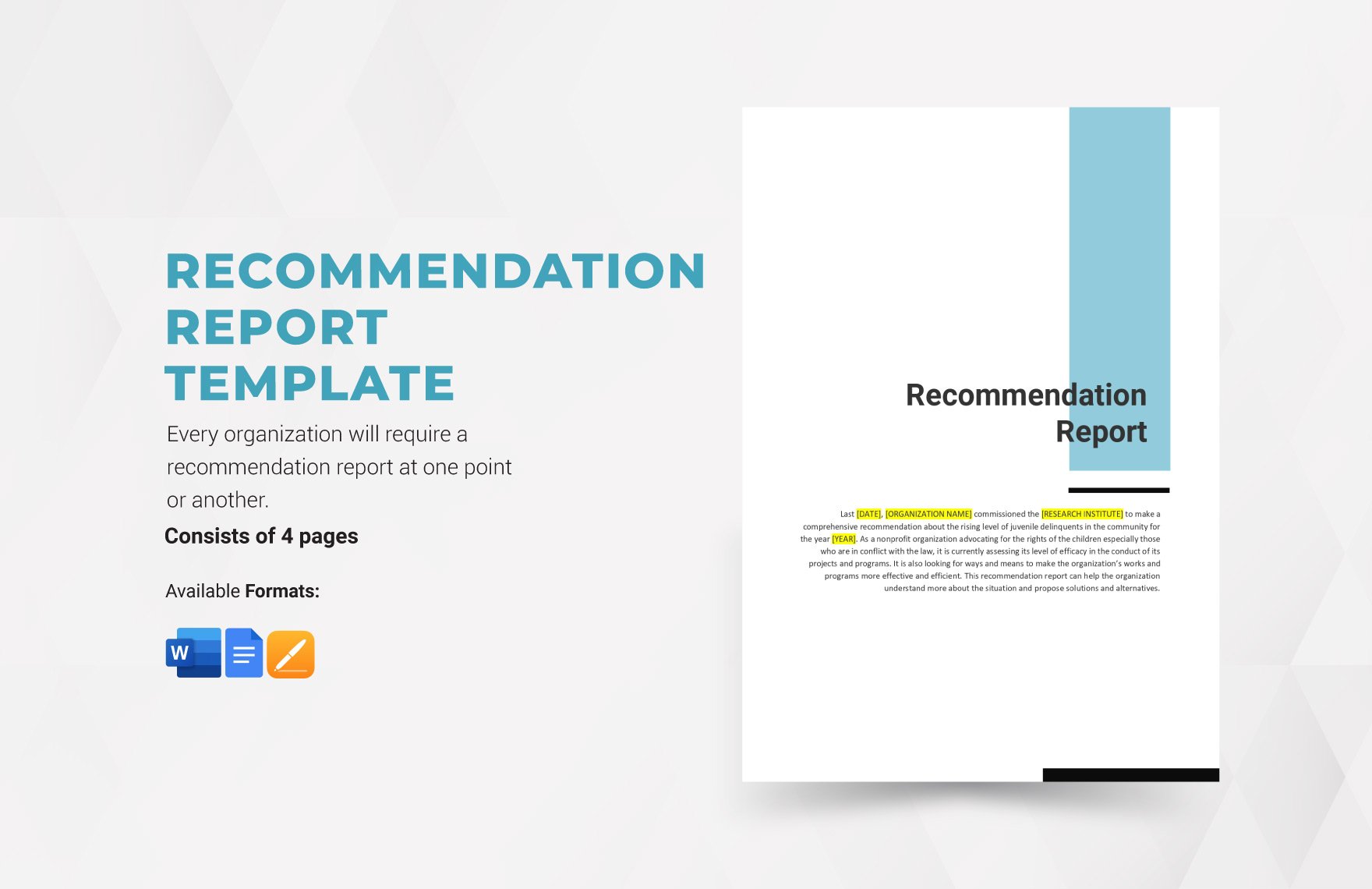
Recommendation Report Template is the backbone of any professional analysis that aims to influence decision‑making. Whether you’re a consultant drafting a client‑facing document, a project manager presenting outcomes, or an academic summarizing research findings, a clean, structured template guides readers through complex data and clear conclusions without overwhelming them with jargon. In this guide, we dissect the anatomy of a top‑tier recommendation report template, explore best practices for content and design, and provide actionable steps to build and customize your own version.
The Purpose and Audience of a Recommendation Report

A recommendation report is more than a list of observations; it is a persuasive narrative that connects problem identification to actionable solutions. The primary audience typically includes stakeholders who need concise, evidence‑based guidance to make strategic choices. For a white‑tone, professional environment, the tone should remain objective, data‑driven, and respectful of the reader’s expertise.
Core Sections of the Template

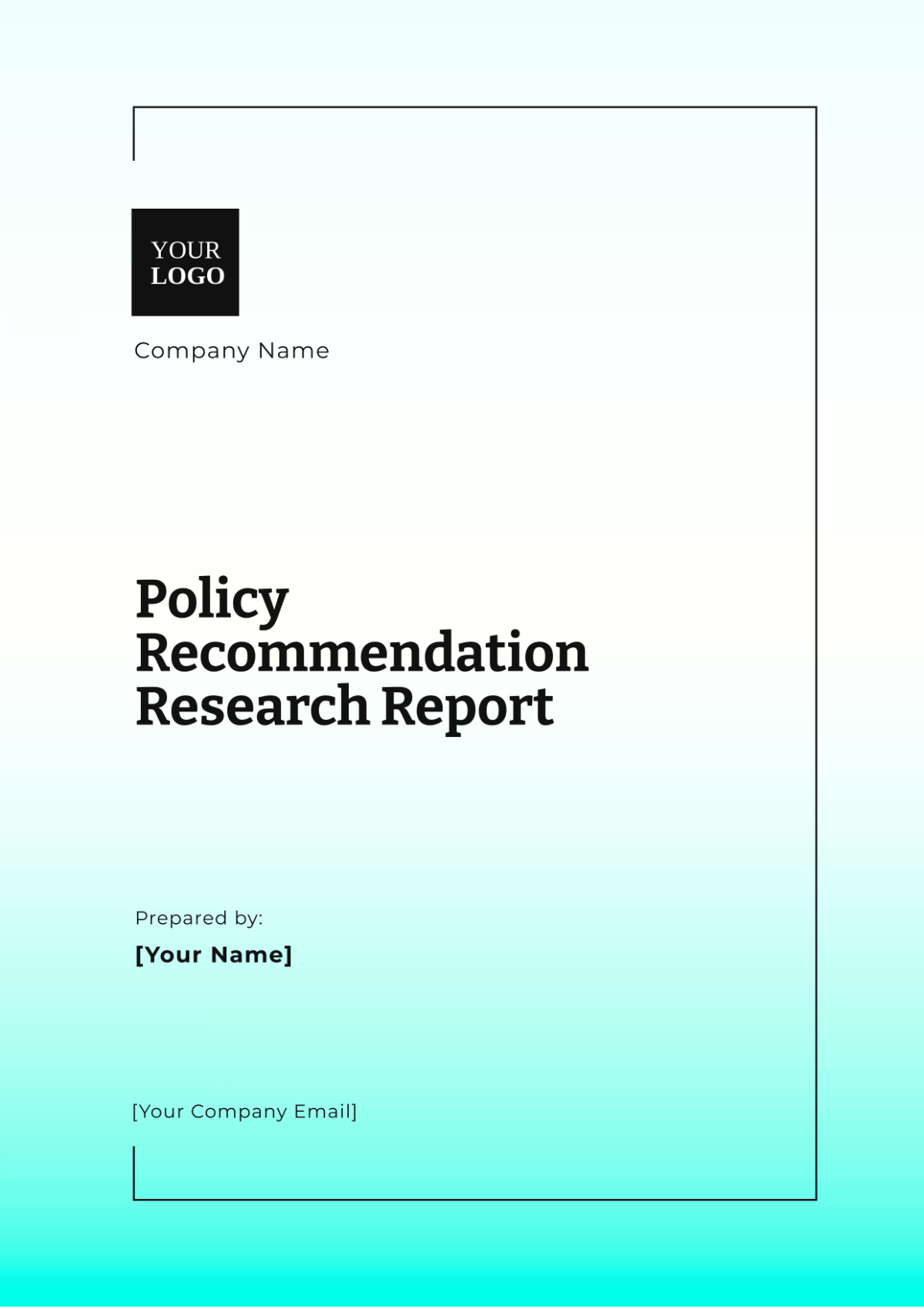
1. Title Page
- Document Title – “Recommendation Report” followed by a concise descriptor, e.g., “Improving Customer Retention.”
- Prepared for – Stakeholder name and position.
- Prepared by – Author or team name.
- Date – Issue date and revision history if applicable.
2. Executive Summary
The executive summary condenses the entire report into a single paragraph. It should answer the reader’s “What is this report about?” and “What are the key recommendations?” questions in one or two sentences. Use bullet points for quick highlights.
3. Introduction
Set the context by defining the problem scope, objectives, and the methodology used to gather data. Provide background that explains why the recommendation is necessary, referencing industry standards or company goals.
4. Analysis and Findings
Organize data into logical subsections. Each subsection should include:
- Data Source – Where the information was derived.
- Key Insights – Quantitative or qualitative outcomes.
- Implications – How these insights relate to the problem.
Graphical elements such as charts or tables can enhance clarity, but keep them simple and labeled.
5. Recommendations
List actionable steps. Each recommendation must contain:
- Description – What to do.
- Rationale – Why this action is chosen.
- Benefits – Expected outcomes, cost savings, or risk mitigation.
- Implementation Timeline – Short‑term, mid‑term, long‑term milestones.
- Responsible Parties – Who will lead and support the effort.
6. Implementation Plan
Expand on the recommendations with a detailed plan:
- Resource allocation: personnel, budget, technology.
- Risk assessment and contingency options.
- Key performance indicators (KPIs) to measure success.
- Communication strategy for stakeholders.
7. Appendices and Supporting Information
Include raw data, detailed methodology, glossary, or references. This section allows the main body to stay concise while providing depth for interested readers.
8. Closing Statement
Reiterate the value of the recommendations and invite stakeholders to discuss next steps. End with a clear call‑to‑action.
Design Principles for a White‑Tone Template

Design decisions can subtly influence credibility. Below are guidelines that keep the template clean and professional.
Consistent Typography
Select one serif or sans-serif font for headings and one for body text. Stick to two font sizes: a larger one for headings and a readable size for body content. Avoid excessive bold or italics; reserve them for key terms or bullet highlights.
Whitespace Management
Use margins and padding to avoid visual clutter. A white background with gentle gray lines or boxes delineates sections without distracting from content.
Color Usage
Limit the color palette to muted tones. A single accent color—such as a corporate blue—can be used for headings, chart accents, or call‑out boxes. This maintains focus while reinforcing brand identity.
Grid Layout
Adopt a two‑column layout for sections like “Analysis” and “Recommendations.” Place the narrative text in the left column and visual aids in the right, ensuring readability on both print and screen.
Step‑by‑Step Guide to Building Your Template in Word or Google Docs

Create a Master Document
Begin by inserting a “Master” header with the company logo. Use “Style” settings to define heading levels, body text, and bullet styles.
Insert Section Breaks
Use page breaks to keep each major section on a clean page, enabling easier navigation and printing.
Add Placeholder Text
Insert Lorem ipsum placeholders where content will be later filled. Label each placeholder clearly, such as “Insert executive summary here.”
Save as a Template File
In Microsoft Word, use “Save As” > “Word Template (.dotx).” In Google Docs, use “File” > “Make a copy” and rename it “Recommendation Report Template.”
Common Pitfalls and How to Avoid Them

Overloading the Executive Summary
Keep it brief. If stakeholders skim, they should instantly grasp the recommendation and its value.
Skipping Data Verification
Always cross‑check figures and sources. A single error can undermine the report’s credibility.
Inconsistent Formatting
Use the document’s style hierarchy to enforce consistency. Manual formatting can create discrepancies when editing.
Neglecting the Audience’s Prior Knowledge
Assume a professional, white‑tone reader who may not be a subject‑matter expert. Avoid industry jargon or explain it where necessary.
Real‑World Example: Enhancing Customer Loyalty
Consider a retailer facing declining repeat purchase rates. Using the template, the consultant would:
- Gather survey data on customer satisfaction.
- Analyze churn metrics to identify high‑risk segments.
- Recommend a tiered loyalty program, backed by projected revenue growth.
- Outline a phased rollout over six months, assigning responsibilities to marketing, IT, and customer service teams.
By following the template structure, the report remains focused, actionable, and visually coherent.
Customizing the Template for Different Industries
Healthcare
Include sections for regulatory compliance, patient outcomes, and risk mitigation. Use a muted palette with medical blue tones.
Finance
Highlight financial metrics, risk assessments, and compliance audits. Emphasize precision and use a structured, tabular format.
Technology
Add subsections for technical feasibility, scalability, and security impact. Incorporate code snippets or architecture diagrams as needed.
Optimizing for Search Engine Visibility

To make the article SEO‑friendly, weave relevant keywords naturally throughout:
- “recommendation report template”
- “how to write a recommendation report”
- “professional report format”
- “step‑by‑step template guide”
Use descriptive meta descriptions (not displayed here), internal links to related content, and structured headings to signal content hierarchy to search engines.
Conclusion

A well‑structured Recommendation Report Template empowers stakeholders to make informed decisions quickly and confidently. By following a logical framework—title, executive summary, analysis, recommendations, implementation plan, and appendices—you create a document that is both persuasive and easy to navigate. Apply the design principles of whitespace, consistent typography, and limited color to maintain a professional, white‑tone aesthetic. Customize the template to fit the specific needs of your industry, always keeping the reader’s perspective in mind. With a solid template in hand, your next recommendation report will not only present data but also inspire action and drive measurable results.



Related posts of "Recommendation Report Template"
