
Recollections Card Template is the essential tool that transforms ordinary event memories into polished, shareable keepsakes that resonate with both clients and audiences. By embedding this template into your marketing strategy, you can streamline production, maintain brand consistency, and deliver a personalized experience that elevates every gathering—whether it’s a wedding, corporate gala, or community celebration. This guide explores the anatomy of a Recollections Card Template, its benefits, selection criteria, implementation steps, real‑world successes, common pitfalls, and concluding insights that will empower you to create unforgettable event cards with confidence and efficiency.
What Is a Recollections Card Template?
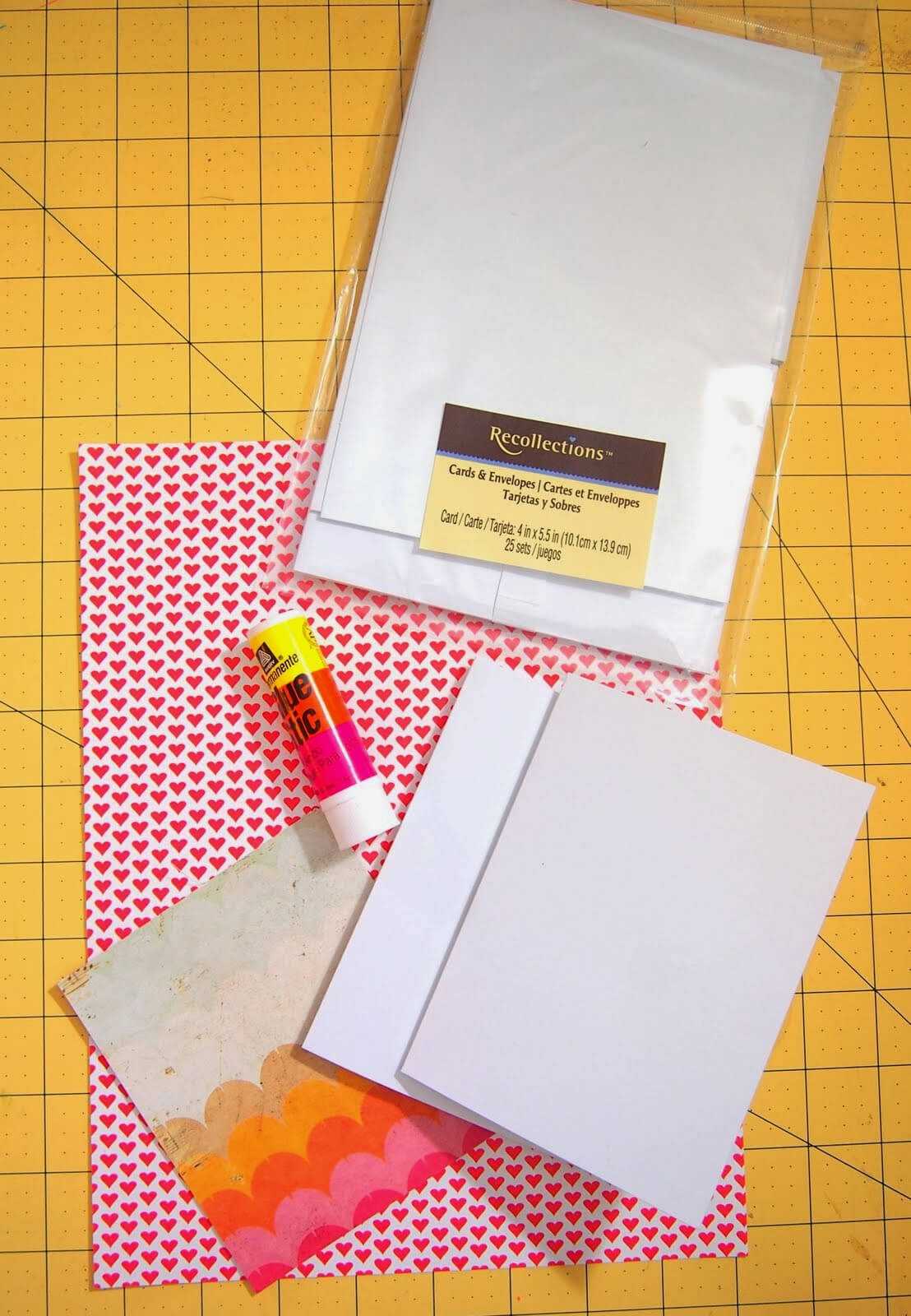
A Recollections Card Template is a pre‑designed digital or print layout that captures the essence of an event—photos, highlights, testimonials, and key details—into a cohesive visual narrative. The template serves as a modular framework, allowing designers and marketers to plug in content while preserving a unified aesthetic that reflects the brand’s identity.
Design Fundamentals
The core design elements that define a Recollections Card Template include:
- Grid Structure: A balanced grid ensures that imagery, text, and icons coexist without overcrowding, enabling quick visual scanning.
- Typography Hierarchy: A clear hierarchy of fonts distinguishes titles, subtitles, body text, and captions, guiding the reader through the card’s storyline.
- Color Palette: Consistent colors reinforce brand recognition and set the mood—soft pastels for weddings, bold corporate hues for business events, and vibrant hues for festivals.
- Iconography: Simple icons accentuate key moments (e.g., a champagne bottle for toasts, a camera for photo moments) without distracting from the core content.
Functional Elements
Beyond aesthetics, a high‑quality template incorporates functional components that enhance user interaction and data capture:
- QR Codes: Direct recipients to an online gallery or thank‑you page, extending engagement beyond the card.
- Social Media Handles: Encourage sharing by displaying handles and hashtags prominently.
- Call‑to‑Action Buttons: Prompt actions such as booking a future event or downloading a digital album.
- Legal & Privacy Notices: Disclose data usage policies, especially when integrating QR codes or collecting feedback.
Benefits of Using a Recollections Card Template
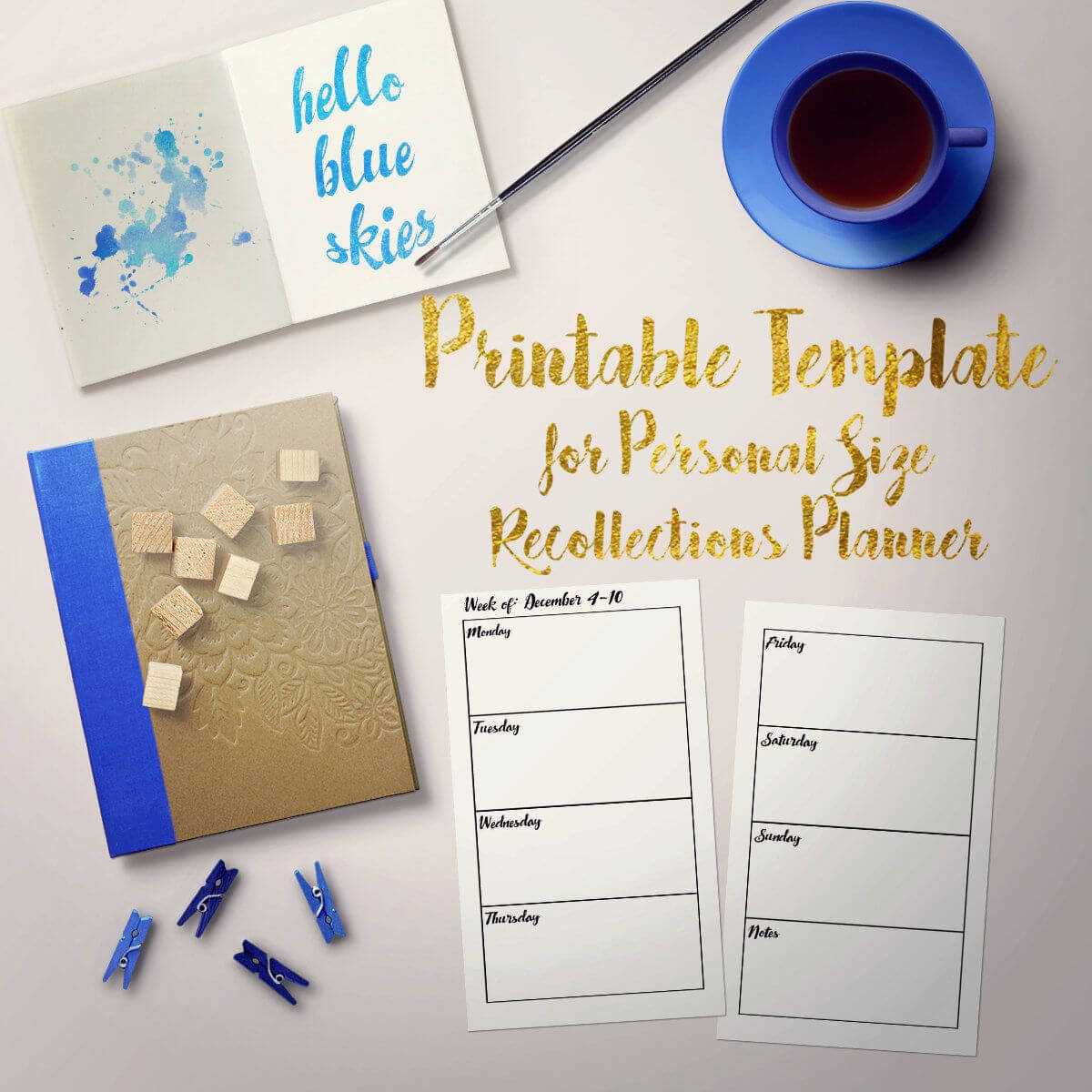
Consistent Branding
Every card that carries your template echoes your visual language—logos, colors, fonts—creating a seamless brand experience. Consistency builds trust; clients recognize the signature style instantly, reinforcing loyalty and recognition across all touchpoints.
Time and Cost Efficiency
Developing a custom layout from scratch can consume weeks of design iteration. A ready‑made template reduces development time to hours, allowing teams to focus on content curation and client communication rather than repetitive design tasks. The cost savings ripple across marketing budgets and improve ROI.
Scalability Across Events
From intimate dinner parties to large conventions, a scalable template adapts to varying content volumes. Resize options, modular sections, and dynamic placeholders ensure that whether you have ten photos or a hundred, the layout remains clean and functional.
How to Choose the Right Template for Your Business
Assessing Your Brand Identity
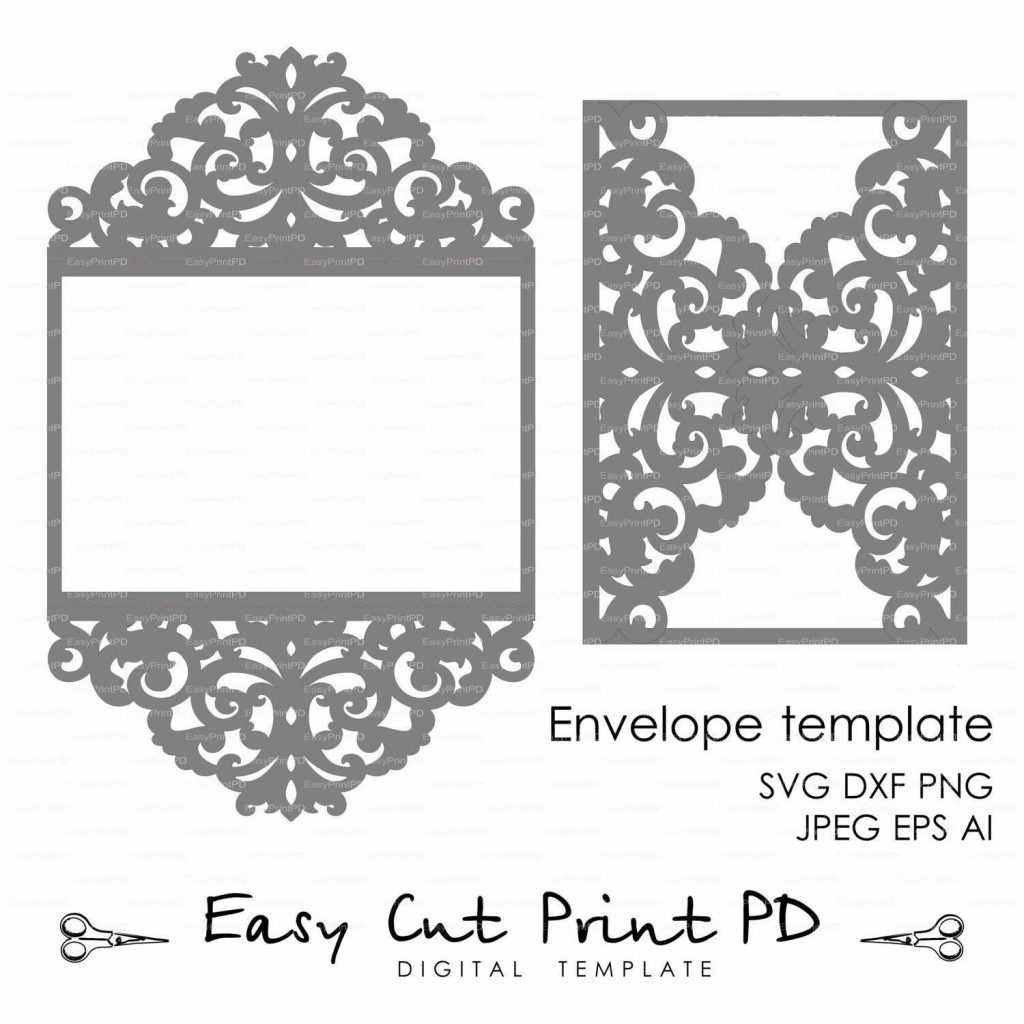
Begin by mapping the brand’s core values and visual guidelines. A template that aligns with these elements—whether minimalistic, luxurious, or playful—will reinforce brand narratives. Conduct a quick audit of existing marketing collateral to identify visual consistencies that should be mirrored in the card.
Identifying the Right Format
Consider the primary medium—digital, print, or both. Digital templates require responsive designs, interactive elements, and file optimization. Print templates demand high-resolution images, bleed specifications, and material compatibility. Some platforms offer hybrid templates that can be exported in both formats with minimal adjustment.
Evaluating Customization Options
Templates vary in flexibility. Look for features such as drag‑and‑drop editors, editable typography, color swatches, and custom icon libraries. The ability to alter section arrangements or add new modules without breaking the layout is a key differentiator for long‑term utility.
Step‑by‑Step Guide to Implementing a Recollections Card Template

Step 1: Define the Purpose
Clarify the card’s primary goal—thank‑you, memory archive, or promotional follow‑up. The purpose dictates content hierarchy, tone, and the choice of interactive elements. Document these goals in a brief to keep the design focused.
Step 2: Gather Content
Collect high‑quality images, short captions, quotes, and any multimedia assets. Maintain a consistent naming convention and resolution standard to streamline the upload process. If you’re sourcing third‑party photos, secure usage rights to avoid legal complications.
Step 3: Select a Template Platform
Choose a platform that offers a library of Recollections Card Templates or allows import of custom designs. Popular options include Canva, Adobe Express, and specialized event‑design suites. Verify that the platform supports the file formats and export settings you require.
Step 4: Customize Layout and Typography
Use the platform’s editor to adjust grid spacing, font families, and color swatches. Replace placeholder text with brand‑aligned copy, ensuring that headings and body text adhere to your hierarchy guidelines. Keep the layout uncluttered by limiting the number of font styles to two or three.
Step 5: Add Visuals and Branding
Insert your curated photos, logos, and icons. Position high‑impact images at the top or center to capture immediate attention. Add branding elements such as a watermark or signature stamp in a subtle corner to maintain authenticity without dominating the visual.
Step 6: Review, Test, and Publish
Run a quality check on each element—text alignment, image sharpness, QR code functionality, and color accuracy. Send a test version to a small internal group to gather feedback on readability and aesthetics. Once approved, export the final file in the required formats: PDF for print, PNG or JPEG for digital sharing, and a web‑optimized version for email embeds.
Real-World Examples of Successful Recollections Card Templates
Case Study: Wedding Planner
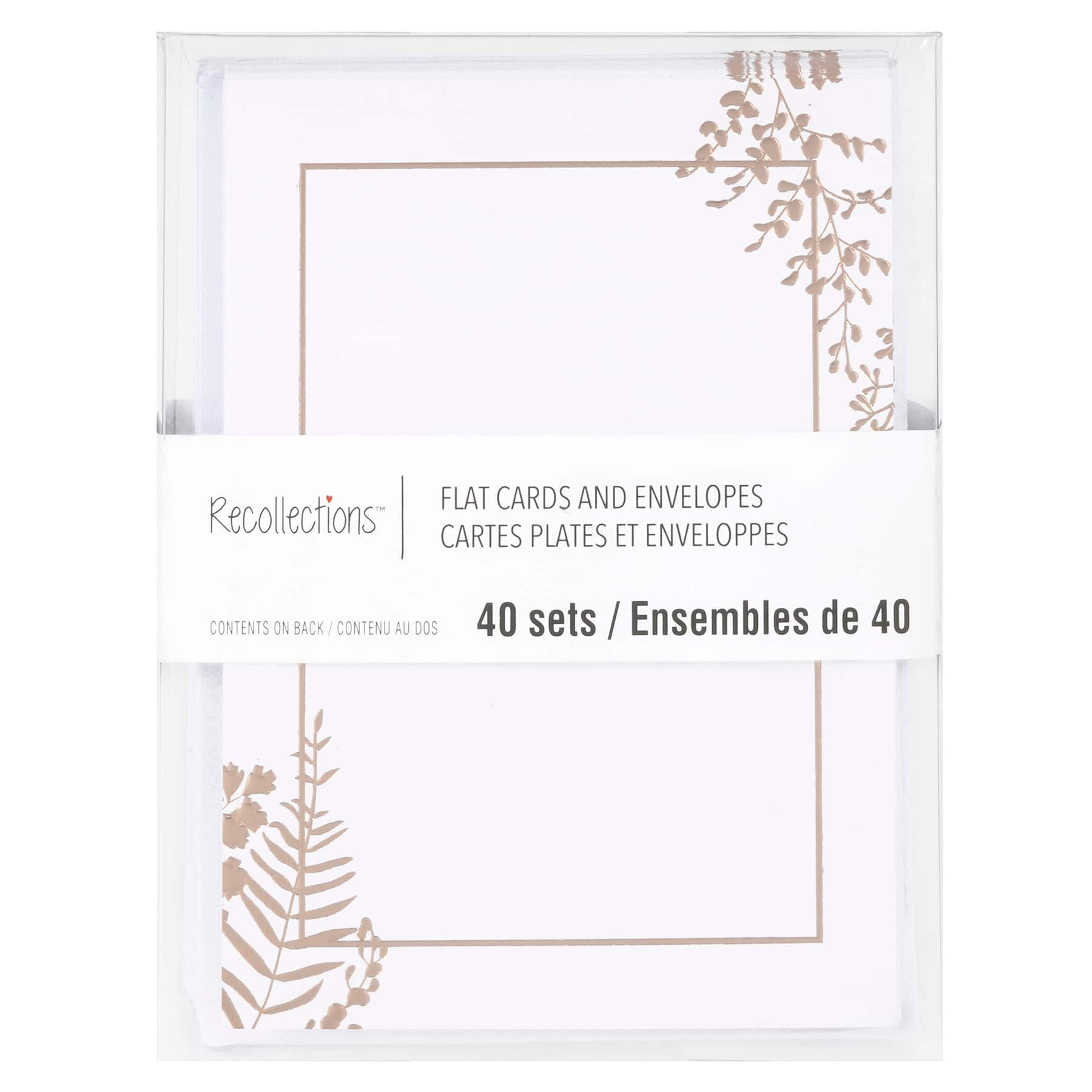
A boutique wedding planner launched a seasonal Recollections Card Template featuring a soft pastel palette, hand‑written fonts, and a photo collage layout. After each ceremony, the planner sent digital cards with a QR code linking to a photo album. Clients reported increased social media mentions by 30% and a higher referral rate due to the memorable, branded card.
Case Study: Corporate Event Planner
An executive event company used a minimalist, monochrome template for a product launch. The card highlighted keynote speeches, product demos, and attendee testimonials. By embedding a call‑to‑action button that directed recipients to a post‑event survey, the company boosted survey completion from 25% to 68% while reinforcing the brand’s modern aesthetic.
Common Mistakes to Avoid

Overloading the Card
Inserting too many images or text blocks can overwhelm recipients, diluting the key message. Stick to a “one‑story‑per‑card” rule: each card should deliver a single, clear narrative thread.
Ignoring Accessibility
Fail to provide alt text for images or use color contrasts that meet WCAG 2.1 AA standards? Accessibility gaps exclude a portion of your audience and can harm brand perception. Always include descriptive alt tags and ensure sufficient contrast ratios.
Failing to Update Content
Templates that are static and never refreshed lose relevance over time. Schedule periodic reviews of template elements—fonts, colors, and imagery—to keep pace with evolving brand guidelines and design trends.
Conclusion

Adopting a Recollections Card Template empowers event professionals to deliver consistent, high‑impact memories that resonate with clients and amplify brand presence. By understanding the design fundamentals, selecting a template that aligns with your brand identity, and following a structured implementation roadmap, you can transform routine event cards into powerful marketing assets. Whether you aim to thank guests, showcase highlights, or drive post‑event engagement, a well‑crafted Recollections Card Template offers a scalable, cost‑effective solution that elevates every event’s lasting impression.





Related posts of "Recollections Card Template"
