
Recognition Of Service Certificate Template serves as a powerful tool for celebrating dedication, loyalty, and milestone achievements within any organization. By leveraging a ready‑made template, leaders can craft personalized certificates that not only honor individual contributions but also reinforce company values and culture.
Why A Service Certificate Matters
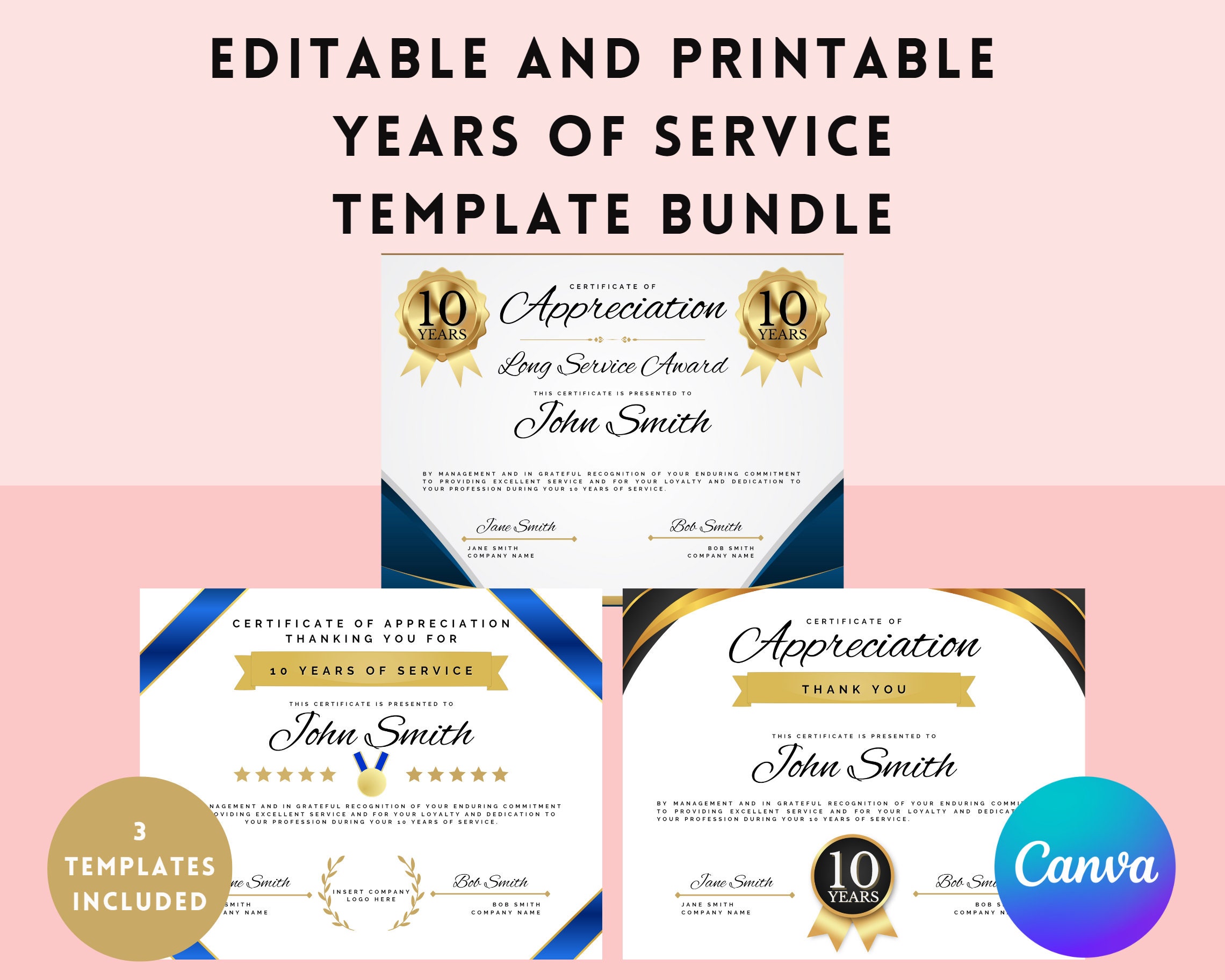
Recognizing employees or partners for years of commitment does more than feel good—it drives engagement, reduces turnover, and signals respect for hard work. A well‑designed certificate can become a treasured keepsake, a tangible reminder that a company values consistency and dedication.
Essential Components of a Service Certificate

1. Headline & Title
Start with a bold headline such as “Certificate of Service” or “Recognition Of Service.” This immediately communicates the purpose of the document.
2. Recipient’s Name
Use a large, readable font for the name, ensuring it stands out against the background. Personalization elevates the emotional impact.
3. Duration of Service
Specify the exact number of years, months, or dates served. For example: “Celebrating 15 Years of Outstanding Service.”
4. Company or Organization Logo
Placing a logo on the top corner or center reinforces brand identity and adds a professional touch.
5. Official Signatures
Include signatures from a senior leader or HR representative. A digital signature is acceptable for electronic certificates.
6. Date and Location
Adding the issuance date and venue or city adds authenticity and context.
7. Design Elements
- Border style that reflects company culture
- Color scheme consistent with brand guidelines
- Background image or subtle texture to avoid clutter
Choosing the Right Design Style
Modern Minimalism
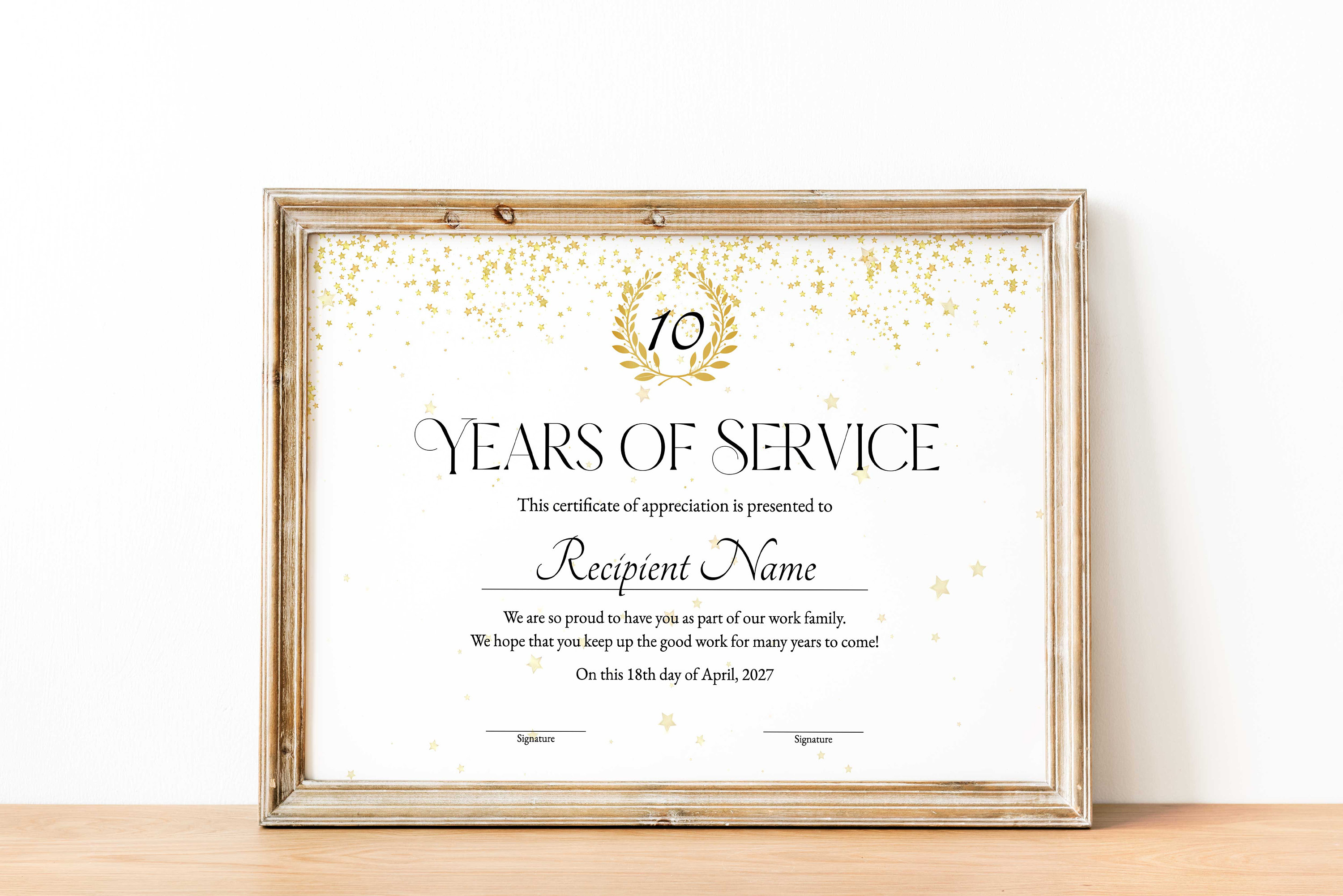
Clean lines, ample white space, and a limited color palette make the certificate feel contemporary. This style works well for tech firms or forward‑looking organizations.
Classic Elegance
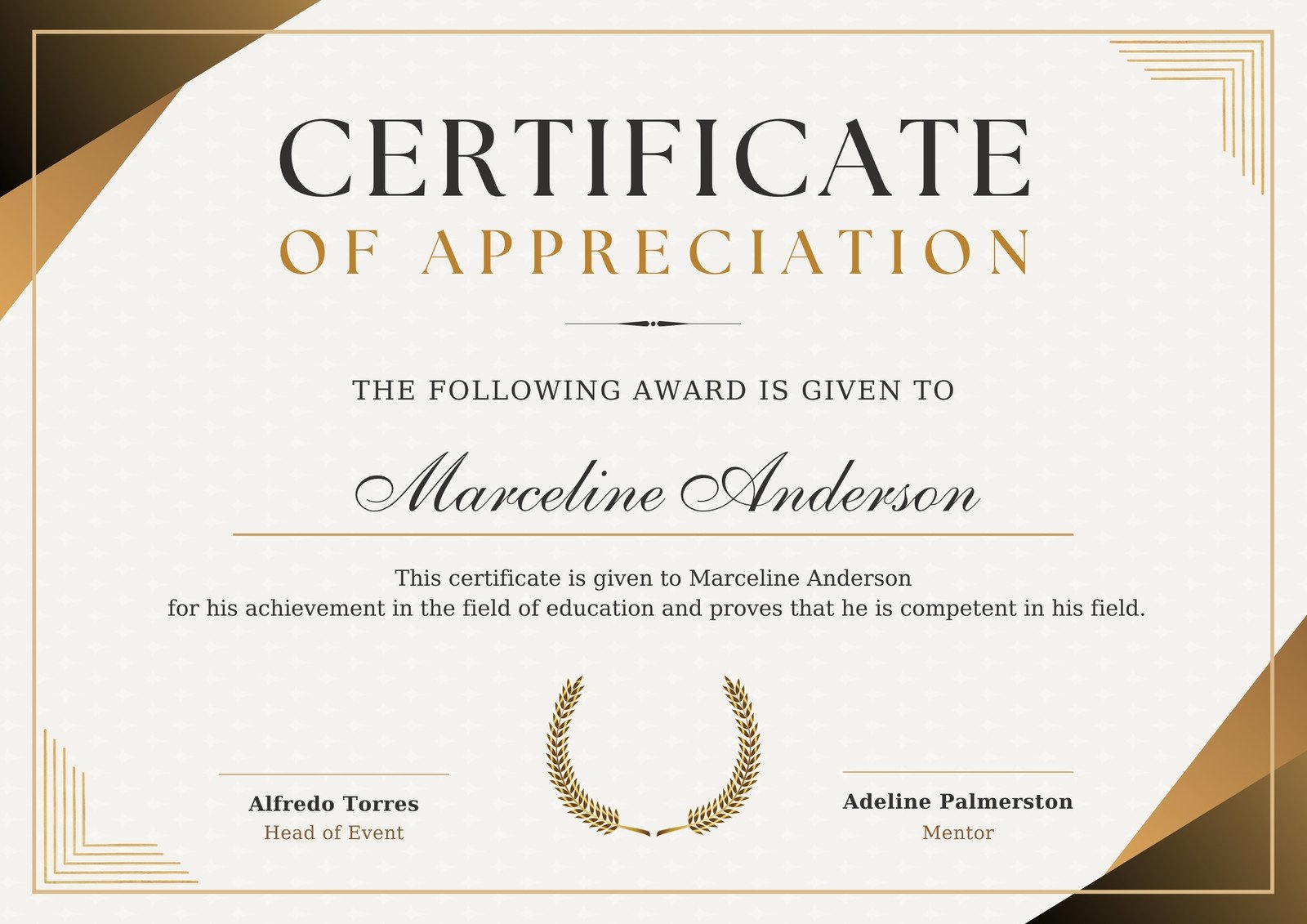
Traditional serif fonts, embossed borders, and muted gold accents create a sense of gravitas, ideal for law firms, academic institutions, or heritage brands.
Playful and Bright
Vibrant colors and informal fonts suit creative agencies or companies that promote a relaxed, energetic atmosphere.
Customization Tips for Maximum Impact
Leverage Brand Assets
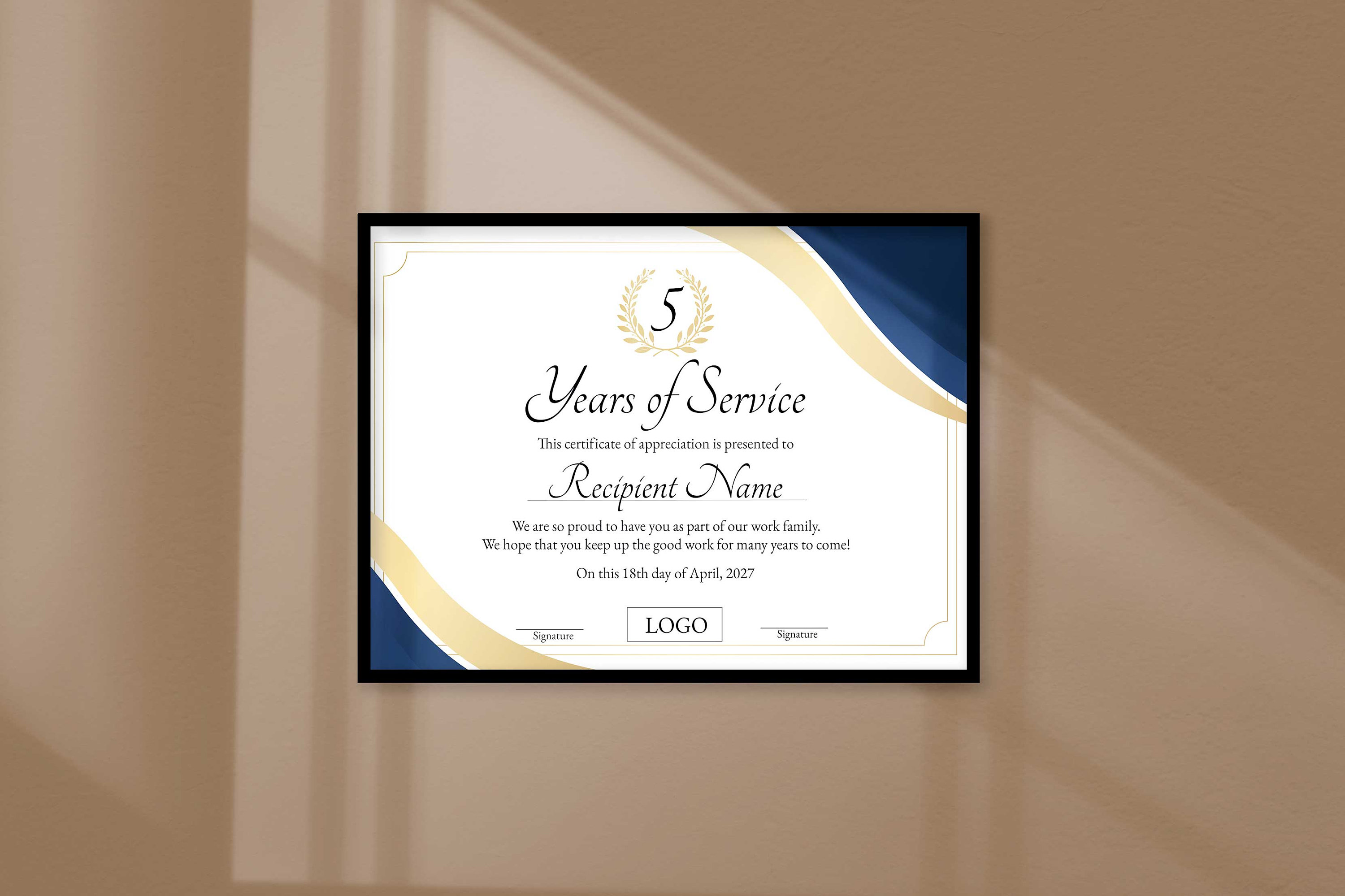
Incorporate brand colors, fonts, and logos. This ensures every certificate feels like an official extension of your corporate identity.
Use High-Resolution Imagery
Images of the employee or team (if appropriate) add a personal touch. If anonymity is required, choose a subtle pattern that resonates with your industry.
Include a Personal Message
Adding a brief note from leadership—e.g., “Your dedication inspires us daily”—deepens the emotional resonance.
Choose the Right Paper
For printed certificates, select premium paper stock—thick, matte or glossy. The tactile experience enhances perceived value.
Creating a Certificate: Digital Tools & Platforms

Design Software
- Adobe InDesign or Illustrator for full creative control.
- Canva offers user‑friendly templates that can be customized with drag‑and‑drop features.
- Microsoft Word remains a quick, accessible option for simple certificates.
Template Libraries
Many online services offer free or premium templates. Look for templates labeled “service certificate” or “work anniversary.” These often come with placeholders for names, dates, and logos.
Automation Options
For large organizations, tools like Zapier or Mail Merge in Office can generate certificates en masse. Simply input a data sheet containing employee names and years, then output personalized PDFs.
Digital vs. Printed Certificates

Digital Advantages
- Instant delivery via email or internal portal.
- Environmentally friendly—no paper waste.
- Easy to store and share on social media or LinkedIn.
Printed Advantages
- Provides a tangible, lasting memento.
- Ideal for formal ceremonies and physical award ceremonies.
- Higher perceived value when displayed in office or personal spaces.
Real-World Example: A Tech Startup’s Service Recognition
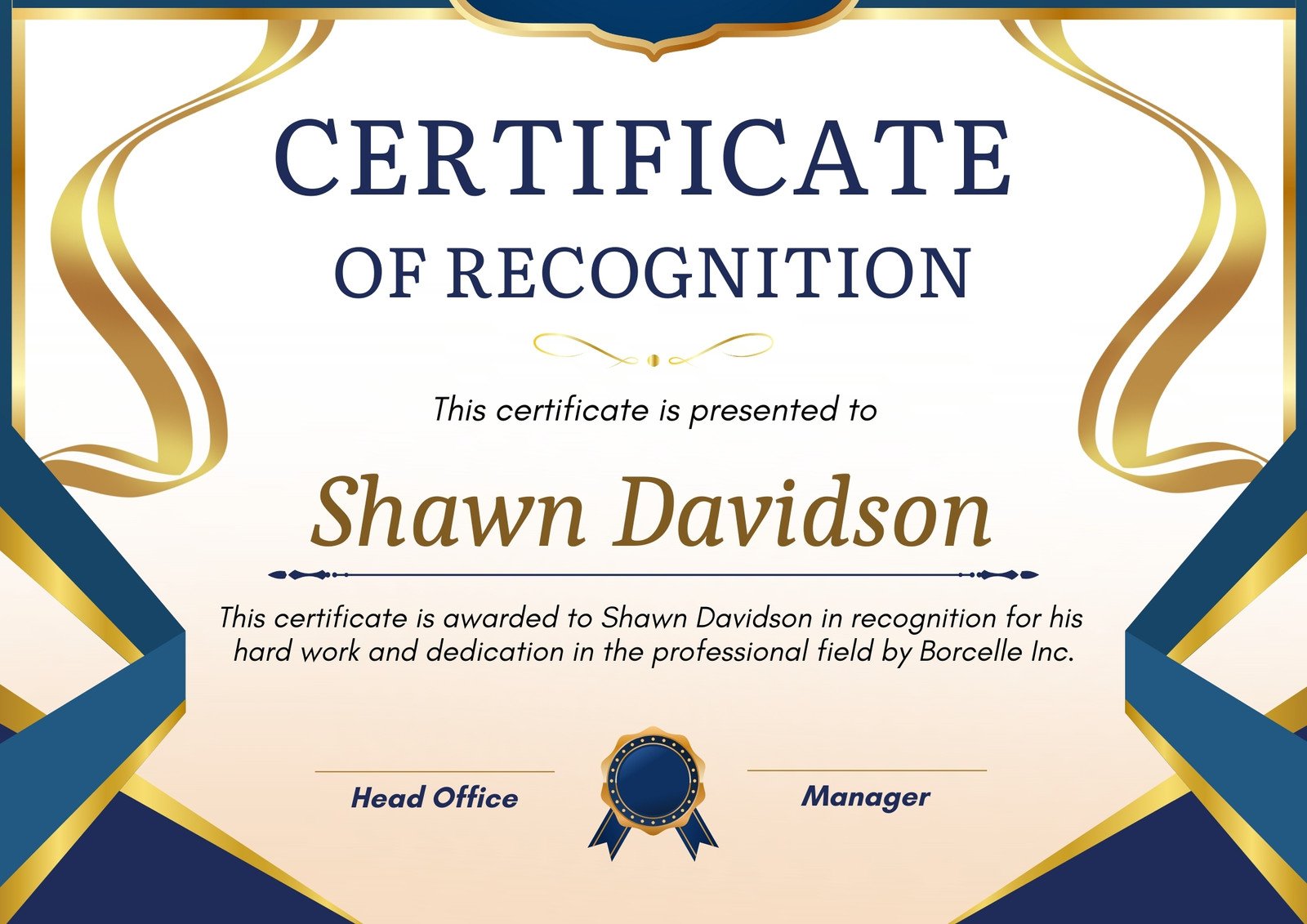
Consider a startup that values rapid growth and long-term dedication. The team designed a minimalist certificate using the company’s teal and white color palette, a subtle geometric border, and a digital signature from the CEO. The certificate was emailed to employees on their 12‑month anniversaries, accompanied by a personalized LinkedIn post. This approach increased employee satisfaction scores by 18% and improved retention in the first quarter after implementation.
Integrating Service Certificates into Your Culture

Annual Review Cycles
Align certificate issuance with annual performance reviews or milestone birthdays. Consistency builds anticipation and credibility.
Recognition Events
Host quarterly or annual award ceremonies where certificates are presented in person. Pair them with small tokens like plaques or gift cards to reinforce the gesture.
Internal Digital Showcases
Publish certificates on internal social platforms or intranet pages. Highlight stories of the recipients, allowing peers to celebrate collectively.
Best Practices for Maintaining Brand Consistency

Use a Master Template
Create a single master file that all departments reference. This reduces variability and preserves brand integrity.
Regular Audits
Periodically review certificates for design drift or outdated elements. Update fonts, colors, or logos to stay current with brand guidelines.
Train Designers and HR Staff
Provide short workshops on typography, layout, and accessibility standards. A well‑trained team reduces errors and improves quality.
Frequently Asked Questions
Can I add an employee photo?
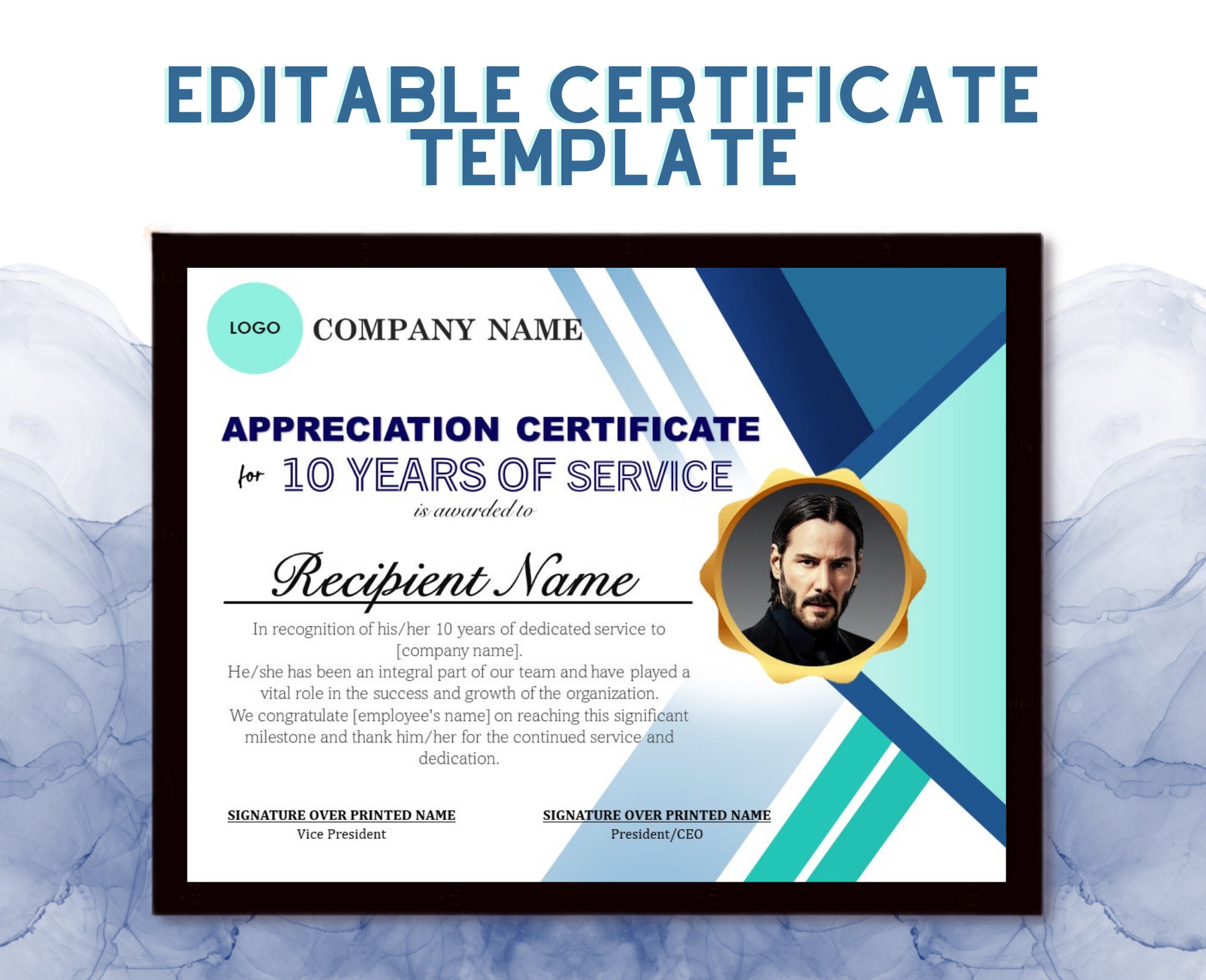
Yes—if it aligns with privacy policies and the company’s culture. A small, high‑resolution portrait can make the certificate feel personalized.
What is the recommended file format?
For printing, use PDF‑X or TIFF to preserve quality. Digital certificates can be saved as high‑resolution PDFs or PNGs for sharing.
How do I ensure accessibility?
Use high‑contrast color schemes, readable font sizes (minimum 12pt), and alt text for images. This makes certificates inclusive for all viewers.
Conclusion

A well‑crafted Recognition Of Service Certificate Template is more than a document—it is a strategic tool for cultivating loyalty and celebrating achievements. By thoughtfully selecting design elements, integrating brand identity, and choosing the appropriate delivery method, organizations can turn routine acknowledgments into meaningful milestones. When every employee receives a thoughtfully personalized certificate, the entire workplace thrives on recognition, motivation, and shared success. The next time your team reaches a milestone, consider the powerful impact of a thoughtfully designed service certificate and watch engagement soar.




Related posts of "Recognition Of Service Certificate Template"
