
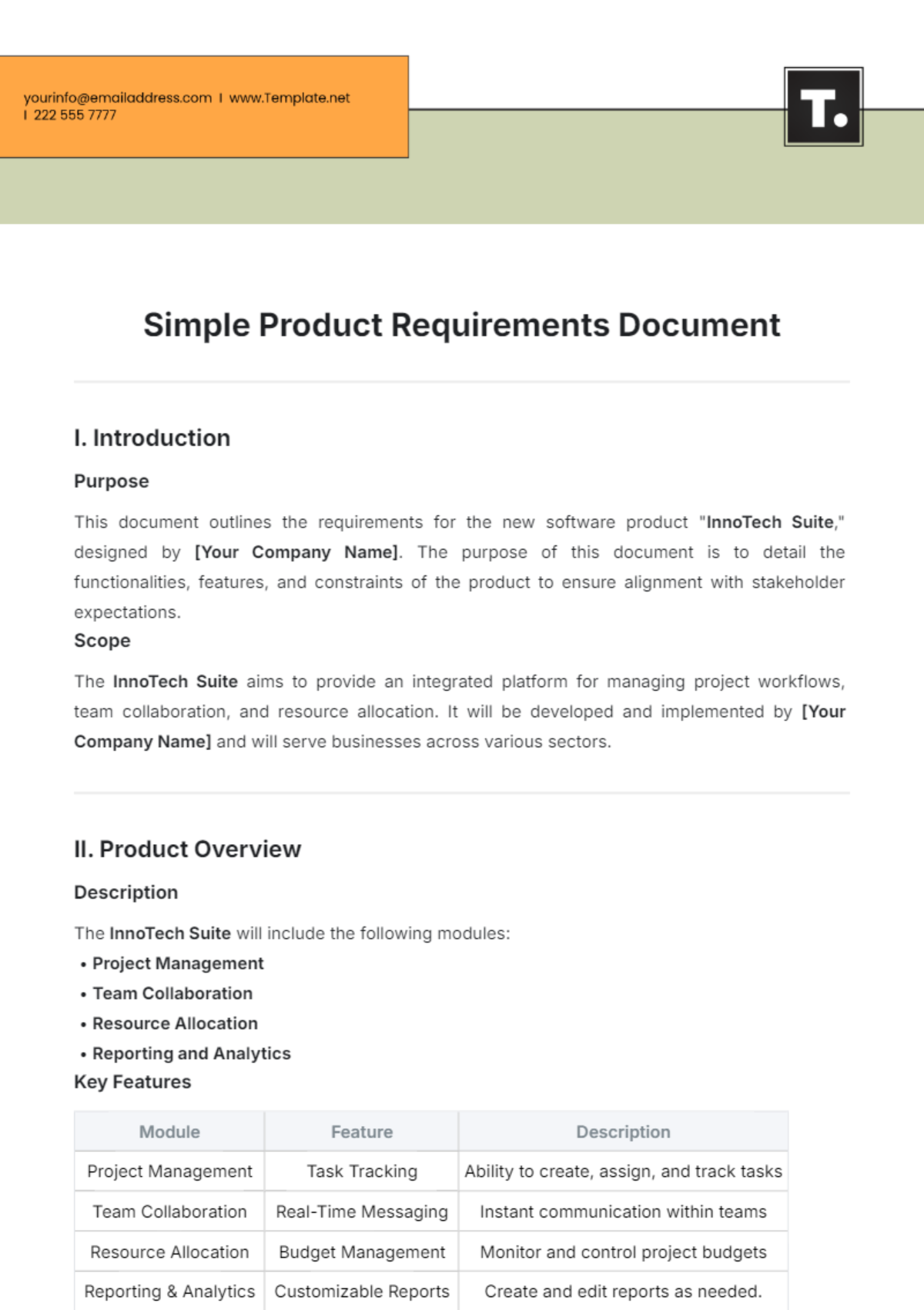
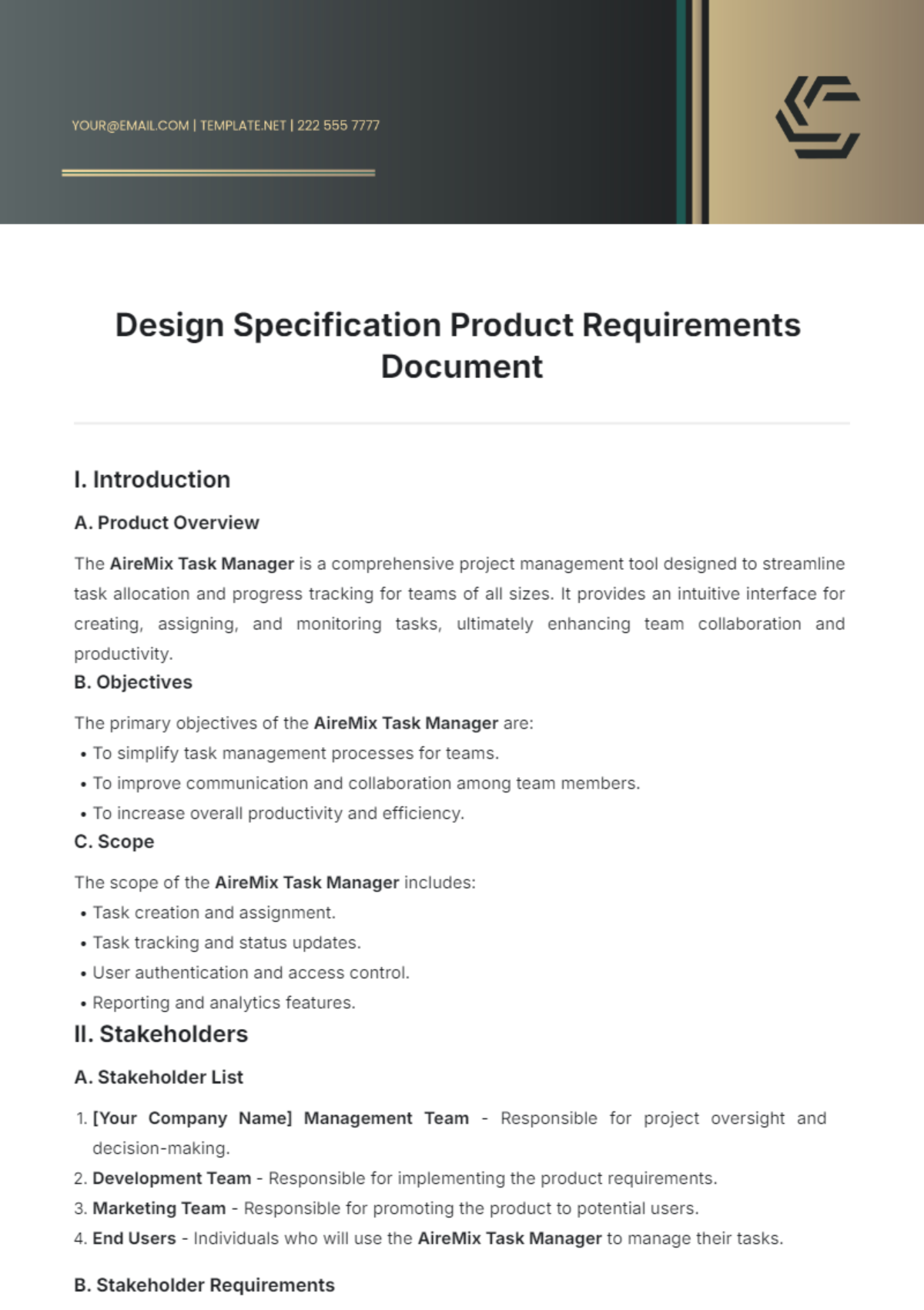
Product Requirements Document Template Word is the cornerstone of any successful product launch, acting as the bridge between vision and execution. By embedding clear, actionable requirements in a standardized Word template, product teams can align stakeholders, mitigate risk, and streamline development cycles.
Why a PRD Matters

A Product Requirements Document (PRD) isn’t just a formality; it’s the single source of truth that keeps engineering, design, marketing, and support in sync. When every team member refers to the same document, misunderstandings shrink, feature creep is curtailed, and timelines stay predictable. A Word-based PRD offers the flexibility of a familiar editor, the ability to track changes, and the convenience of integration with existing Microsoft Office workflows.
Core Elements of a Word PRD Template
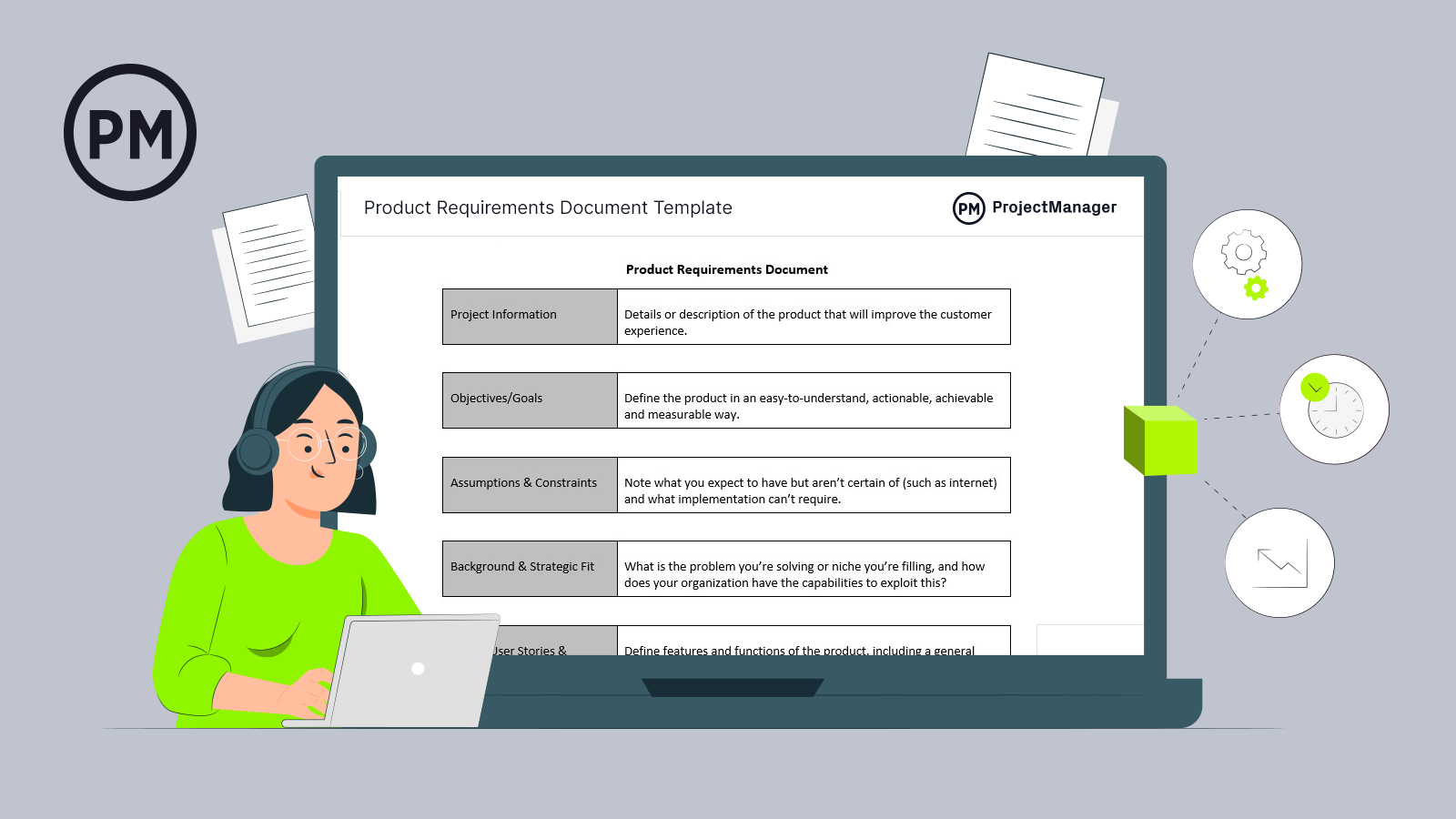
While every product has unique needs, a robust template generally contains the following sections. Using headings and tables within Word keeps the layout tidy and searchable.
Executive Summary
This high‑level snapshot outlines the product’s purpose, target market, and value proposition. It should answer the “why” before the “how.” Include bullet points for quick scanning and a concise vision statement.
Business Objectives
Translate the executive summary into measurable goals. Use an Objectives and Key Results (OKR) style table: list each objective, associated key results, and target metrics (e.g., “Increase monthly active users by 15% within six months”).
User Stories
Adopt the classic format: “As a [role], I want to [goal] so that [benefit].” Organize stories in a table with columns for priority, acceptance criteria, and related wireframes. This makes it easy to filter by sprint or feature set.
Acceptance Criteria
For each user story, detail the conditions that must be met for the story to be considered complete. Use a checklist style within Word to allow the QA team to tick off items during testing.
Technical Requirements
Document architecture, API contracts, data schema changes, and performance thresholds. Use a two‑column table: “Requirement” and “Rationale.” This clarifies why a technical decision was made and aids future maintenance.
Design Constraints
Highlight UI/UX constraints such as brand guidelines, accessibility standards (WCAG 2.1 AA), and platform limitations. Reference style guides or provide links to shared Figma files, ensuring designers and developers have consistent references.
Stakeholder Review
Create a section for sign‑offs. Use a table with columns for stakeholder name, role, comments, and approval status. This promotes accountability and tracks decision history.
How to Customize the Template for Your Project

Adapt the base template to fit agile or waterfall environments, team size, and regulatory demands. Customization keeps the document relevant and maximizes adoption.
Aligning with Agile Workflows
Insert a “Sprint Backlog” table that links user stories to sprint numbers. Use Word’s built‑in “Table of Contents” feature to auto‑update headings, allowing quick navigation to relevant sprints.
Adding Collaborative Comments
Leverage Word’s comment feature. Encourage stakeholders to leave inline feedback directly beside the text. When comments are resolved, they can be archived, preserving a record of discussion without cluttering the main body.
Version Control and Naming Conventions
Adopt a naming scheme like “PRD‑AppName‑vX.Y.docx.” Store documents in a shared drive or cloud storage with proper permissions. In Word, use the “Track Changes” mode during revisions; this keeps a history of edits visible to the team.
Best Practices for Writing Clear Requirements
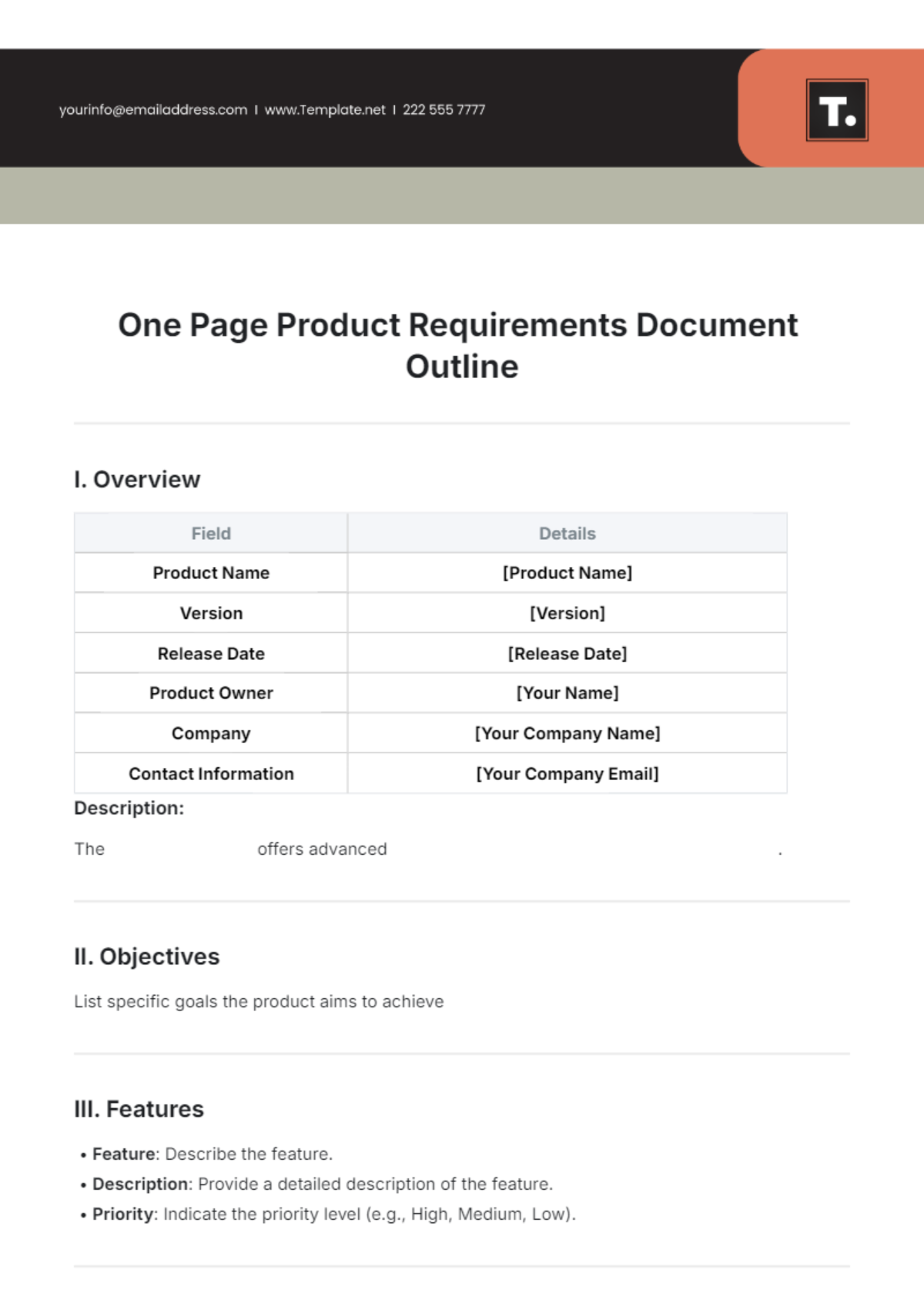
Clarity reduces rework. Apply these techniques to keep requirements concise yet comprehensive.
Use the “SMART” Framework
Each requirement should be Specific, Measurable, Achievable, Relevant, and Time‑bound. For example, instead of “Improve loading speed,” state “Reduce page load time from 4.2s to 2.5s within Q3.”
Keep Language Simple
Avoid jargon unless it’s industry standard. When technical terms are necessary, include a glossary at the end of the document for quick reference.
Include Metrics and Success Criteria
Attach a KPI table to each feature. This turns abstract goals into testable outcomes and provides a baseline for post‑launch analysis.
Common Pitfalls and How to Avoid Them
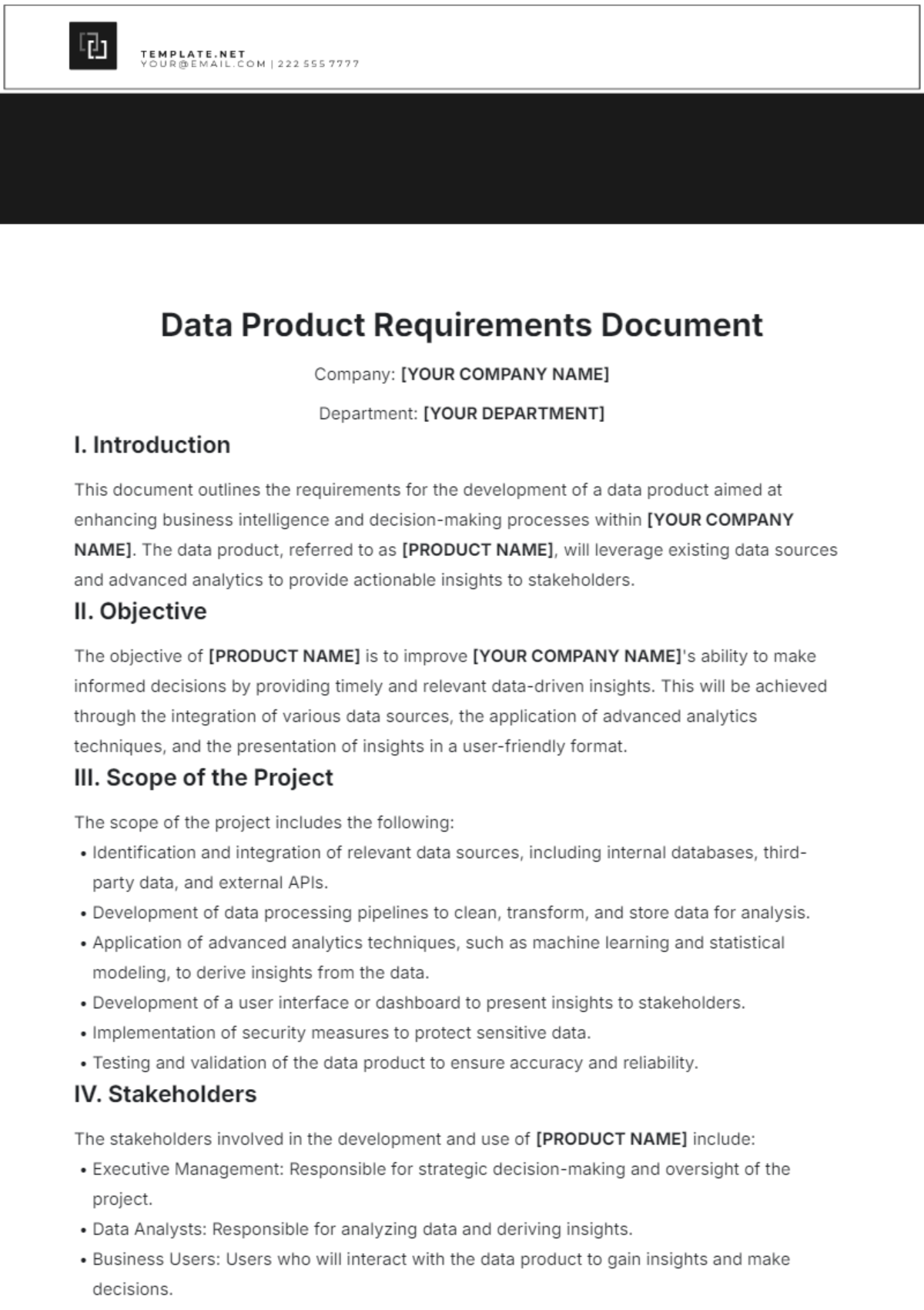
Even seasoned teams fall into traps that derail projects. Recognizing them early saves time and resources.
Overloading the Document
Too many tables, excessive detail, or redundant sections can overwhelm readers. Keep each section focused and use hyperlinks within Word to jump between related content.
Missing Stakeholder Input
Launch a review cycle early. Schedule a stakeholder workshop after the first draft, then iterate. Document all feedback in the Stakeholder Review section to maintain traceability.
Neglecting Future Scalability
Write requirements with growth in mind. Include scalability notes under Technical Requirements—e.g., “The new API endpoint must handle 10,000 concurrent requests.” This foresight prevents costly redesigns.
Real‑World Example: Launching a Mobile App Feature
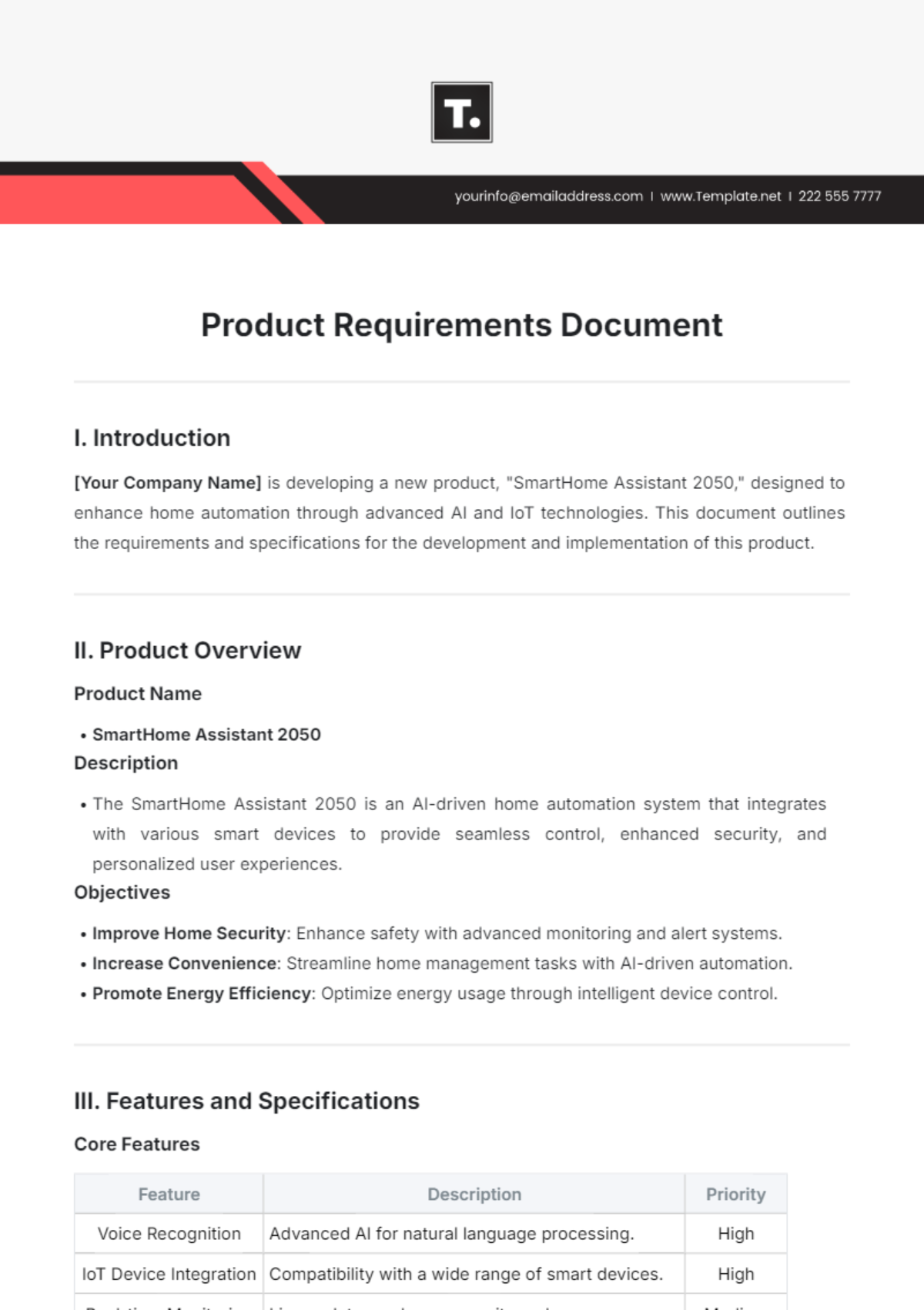
Let’s walk through how a Word PRD guided the rollout of a new “Dark Mode” feature for a productivity app.
Context
Customers requested a low‑light interface to reduce eye strain during late‑night work sessions. The feature needed to be available across iOS and Android within three months.
Key Requirements
- Implement a toggle in the app settings accessible on the first screen.
- Store user preference locally and sync across devices via the cloud.
- Ensure all UI elements meet contrast ratios of at least 4.5:1.
- Provide a fallback for third‑party themes that may not support dark mode.
Outcome
By following the Word PRD template, the team completed the feature two weeks ahead of schedule. Post‑launch analytics showed a 12% increase in daily active users during nighttime hours, validating the business objective.
Tools and Integrations for Word PRDs

Word’s flexibility extends beyond plain text. Combine it with complementary tools for a smoother workflow.
Microsoft Word Add‑ins
Utilize add‑ins like “DocuSign” for electronic signatures, or “Lucidchart” for embedding live diagrams directly into the PRD.
Linking with Jira or Trello
Insert issue keys (e.g., “PRD‑123”) as hyperlinks. When stakeholders click, they open the corresponding ticket in Jira, ensuring the PRD stays connected to the backlog.
Exporting to PDF and Sharing
After final review, export the Word file to PDF for a read‑only version. Use cloud sharing services (OneDrive, Google Drive) to distribute the final document securely, preserving formatting and protecting against accidental edits.
Conclusion

A well‑structured Product Requirements Document Template Word is more than a bureaucratic hurdle; it’s a living document that drives alignment, reduces ambiguity, and fuels product success. By embedding clear sections, adhering to best practices, and leveraging Word’s collaborative features, product teams can deliver features faster, with higher quality, and with confidence that every stakeholder’s voice is heard. Start today—adapt the template to your workflow, invite feedback early, and watch your product vision transform into tangible results.




Related posts of "Product Requirements Document Template Word"
