
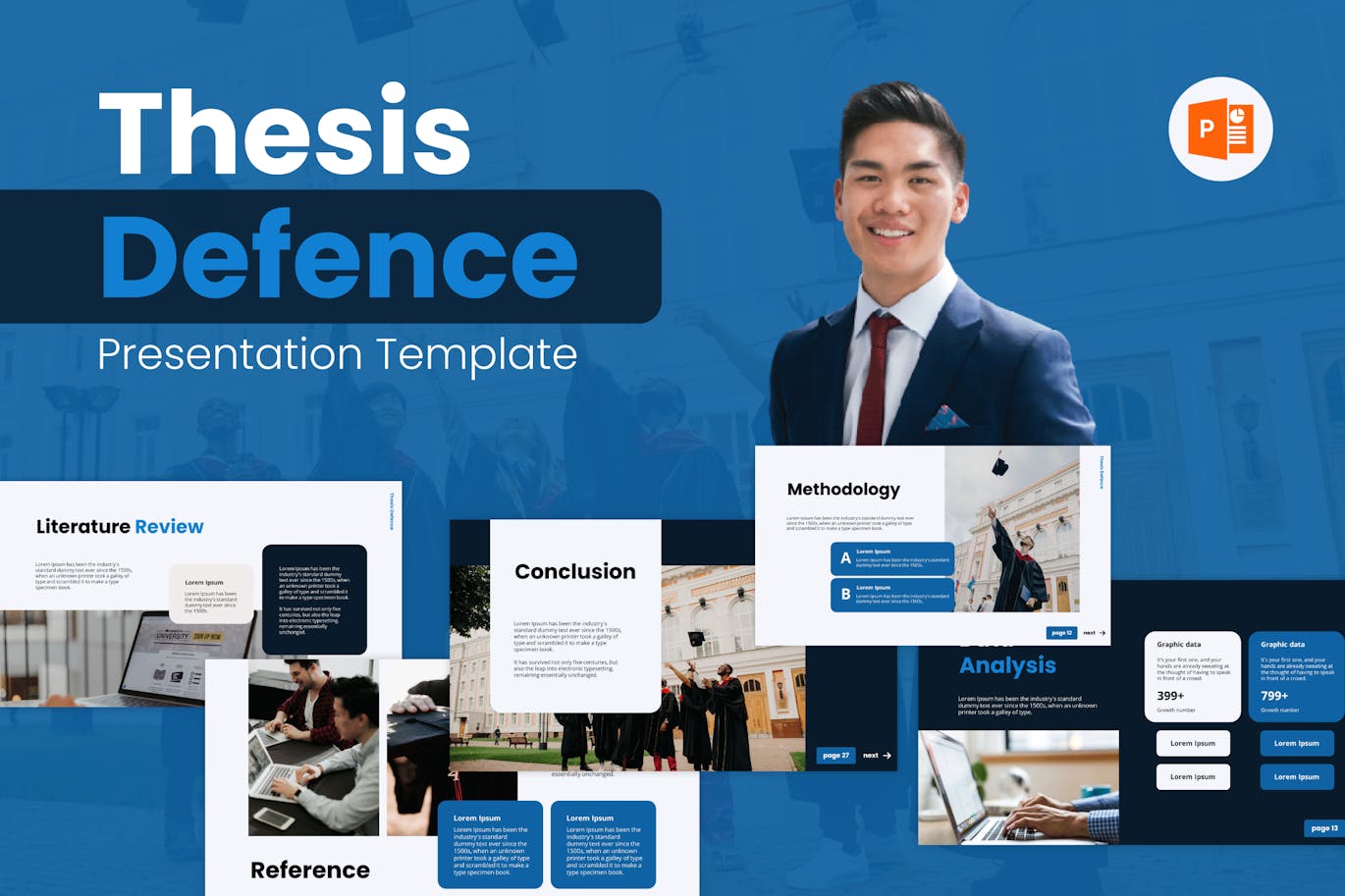
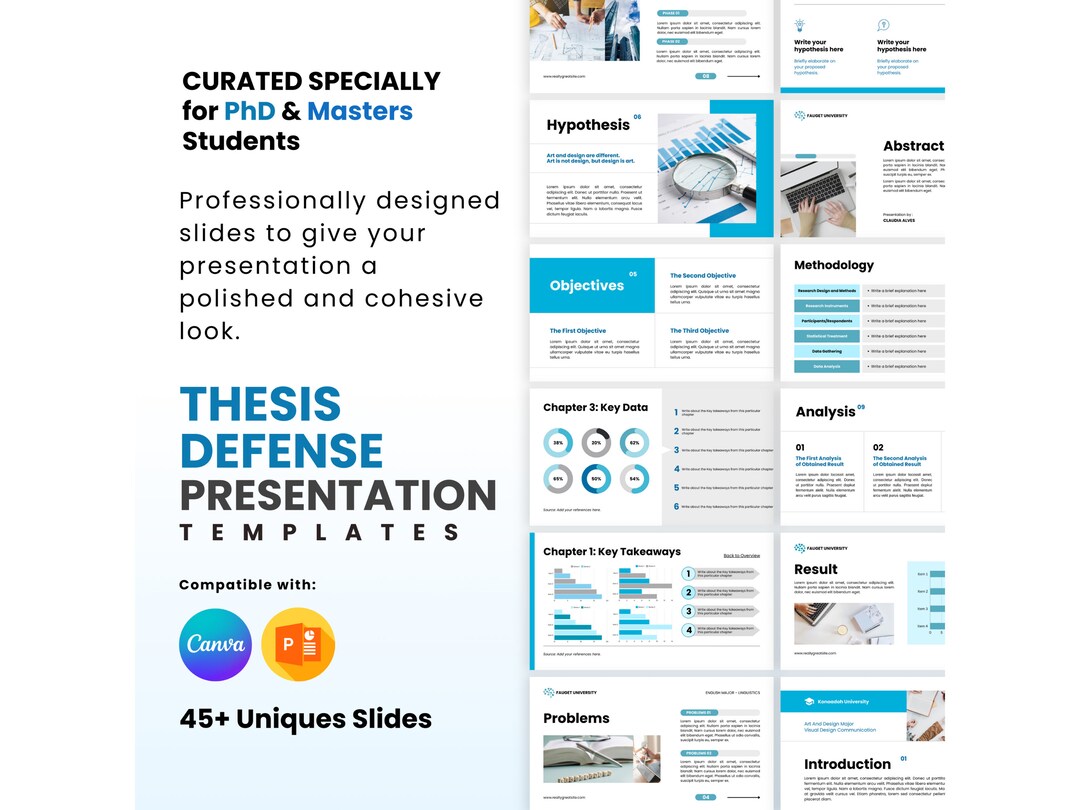
Powerpoint Templates For Thesis Defense provide the visual backbone that can transform a dense academic presentation into a clear, compelling narrative, helping you convey complex research findings with confidence and poise. Selecting the right template goes beyond aesthetic appeal; it influences how committees perceive the rigor of your work, the professionalism of your delivery, and ultimately, the likelihood of a successful defense. This guide walks you through the strategic considerations, essential components, and practical steps for creating or choosing a thesis defense PowerPoint that stands out while staying academically appropriate.
Why a Specialized Template Matters
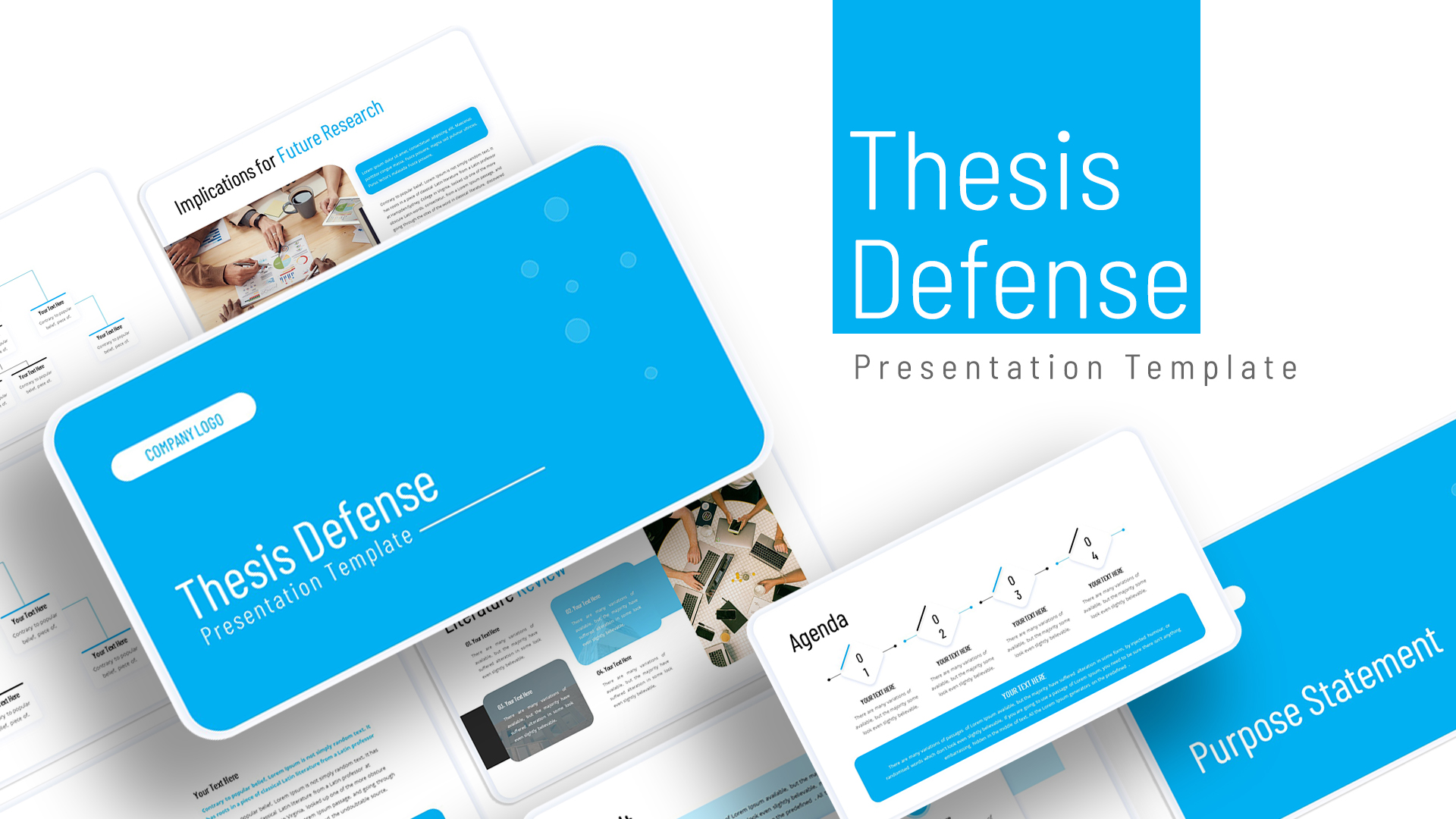
In a thesis defense, the stakes are high, and every slide serves as a visual argument supporting your research claims. A well‑designed template does three critical things: it reinforces your brand as a scholar, it guides the audience’s focus, and it minimizes technical distractions.
First, a consistent visual identity signals that you have taken meticulous care of every aspect of your project, echoing the thoroughness of your methodology. Second, strategic use of whitespace, color contrast, and typography directs attention to the most important data points, ensuring that complex charts or equations are instantly comprehensible. Third, a polished template reduces the risk of formatting glitches, misplaced elements, or inconsistent fonts that can break the flow of your narrative.
Because committees often evaluate both content and presentation, investing time in a high‑quality PowerPoint template is as essential as polishing your literature review.
Key Elements of an Effective Thesis Defense Template
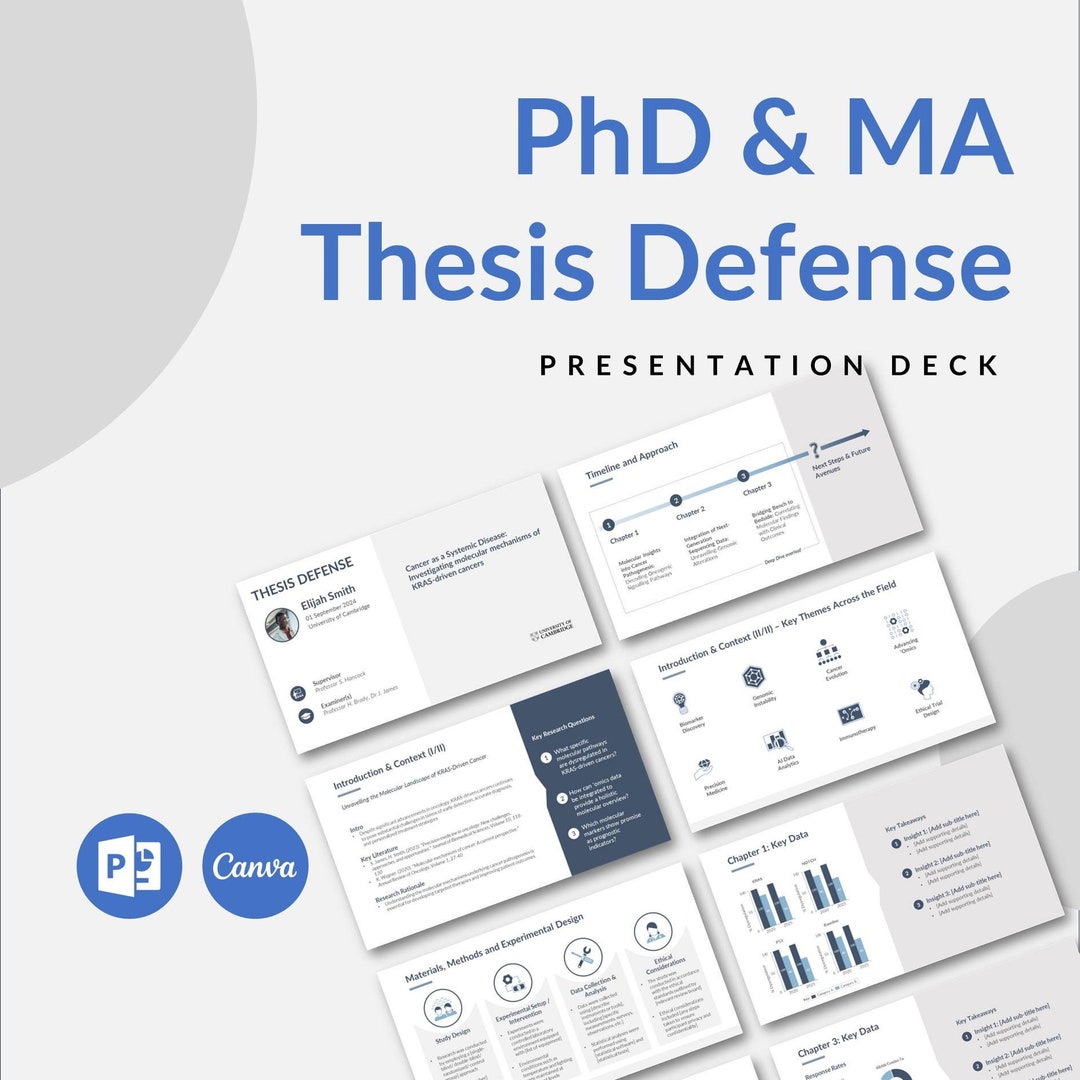
While every discipline has its nuances, certain slide types appear in virtually every defense. Below are the core components that should be built into any template, along with design recommendations to keep each slide clear and impactful.
Title Slide
The title slide sets the first impression. It should feature your thesis title, your name, program, university, and the date of defense. Use a large, legible serif or sans‑serif font for the title, and keep secondary information in a smaller, contrasting weight. A subtle background image—such as a muted version of your campus skyline or a thematic graphic related to your field—adds visual interest without overwhelming the text.
Agenda or Overview Slide
Providing a roadmap helps the committee follow your logical progression. List the major sections (e.g., Introduction, Literature Review, Methodology, Results, Discussion, Conclusion) as bullet points. Use a simple icon next to each item to reinforce visual memory. Keep the slide uncluttered; one line per section is sufficient.
Problem Statement and Research Questions
Here, clarity is paramount. Present the research gap in a concise statement, followed by a numbered list of research questions or hypotheses. Use a contrasting color for the gap statement to draw immediate focus. If you include a visual such as a concept map, ensure it aligns with the template’s grid system to maintain balance.
Literature Review Summary
A literature review often contains dense citations. Summarize key themes in a three‑column layout: Theoretical Foundations, Empirical Findings, and Gaps. Use short, bold headings for each column and keep bullet points under 12 words. Incorporate a subtle vertical line between columns to improve readability without adding visual clutter.
Methodology Diagram
Complex methods are best explained with flowcharts or process diagrams. The template should include pre‑designed shapes with consistent line weight and color palette. Position the diagram centrally, and add concise captions below each stage. If you need to display equations, place them in a dedicated text box with a light background to separate them from the main flow.
Results Slides
Data visualization is the heart of the defense. Your template must provide ready‑made chart styles—bar, line, scatter, and heat map—that adhere to the same color scheme. Use high contrast for data series, and limit each chart to two or three variables to avoid overload. Accompany every figure with a brief interpretation in a bullet or short paragraph directly beneath the visual.
Discussion and Implications
Transition from raw results to their broader meaning using a two‑column layout: one column for “Key Findings,” the other for “Implications.” Highlight actionable insights in a bold font or a colored callout box. This visual separation helps the committee see how your work contributes to theory, practice, or policy.
Conclusion and Future Work
Wrap up with a concise bullet list of conclusions, followed by a separate slide for future research directions. Use a subtle gradient background to differentiate these final slides from the main content, signaling the end of the presentation while maintaining visual consistency.
Acknowledgments and Contact Information
Finish with a polite acknowledgment of supervisors, funding agencies, and collaborators. Include your email and a QR code linking to an online repository of your thesis or supplemental materials. The template should allocate space for a small logo or seal of your department, reinforcing institutional affiliation.
Design Principles to Keep in Mind

Even the most feature‑rich template can fall flat if core design principles are ignored. Below are guidelines that ensure readability, professionalism, and accessibility.
Color Palette
Choose a limited palette—ideally two primary colors and one accent. Academic presentations benefit from muted tones (e.g., navy, charcoal, or deep green) paired with a single bright accent for highlights. Ensure sufficient contrast (minimum 4.5:1) between text and background to meet WCAG accessibility standards.
Typography
Limit fonts to two families: one for headings and one for body text. Sans‑serif fonts like Helvetica, Calibri, or Open Sans are clean and legible for slides; serif fonts such as Times New Roman can be used sparingly for titles if desired. Maintain a hierarchy—e.g., 36 pt for slide titles, 28 pt for headings, 24 pt for body text—to guide visual flow.
White Space and Alignment
White space is not empty; it is a design tool that prevents cognitive overload. Use the template’s grid to align text boxes, images, and charts consistently. Avoid crowding a slide with more than three major elements; if you need additional detail, split it across multiple slides.
Consistent Iconography
Icons help reinforce concepts quickly. Select a single icon set (e.g., Material Icons or Font Awesome) and apply the same style (filled, outline) throughout the deck. This uniformity strengthens brand cohesion and reduces visual noise.
Data Integrity
When presenting numbers, round consistently (e.g., two decimal places) and label axes clearly. Include units of measurement and, where applicable, confidence intervals or error bars. A template that pre‑formats chart axes and legends saves time and reduces the chance of mislabeling.
How to Choose the Right Template

With countless free and premium options available, the selection process can feel overwhelming. Follow this step‑by‑step checklist to narrow down choices that align with your discipline, personal style, and technical requirements.
Assess Compatibility
Confirm that the template is built for the PowerPoint version you are using (e.g., .pptx for Office 365). If you prefer a cloud‑based solution, verify that the template can be imported into Google Slides without losing formatting.
Evaluate Customizability
Look for templates that allow easy modification of colors, fonts, and placeholders. A rigid design may force you to compromise on branding or content layout, while a flexible template lets you tailor each slide to the specific needs of your research.
Check Academic Appropriateness
Some templates are geared toward corporate pitches and feature flashy animations or heavy graphics. For a thesis defense, prioritize clean, minimalistic designs. Avoid excessive transitions; if you use animations, keep them subtle (e.g., fade‑in for bullet points) to maintain a professional tone.
Read Reviews and Test Samples
Before committing, download a preview or demo file. Populate a few slides with your own content to see how the template handles long titles, complex tables, and high‑resolution images. Pay attention to how the template manages line breaks and text overflow.
Consider Licensing and Cost
Free templates are abundant but may lack premium features like custom icon sets or advanced slide masters. If you have a budget, investing in a reputable marketplace can provide higher quality assets and ongoing support. Ensure the license permits academic use and any future modifications you might need.
Practical Tips for Customizing Your Template
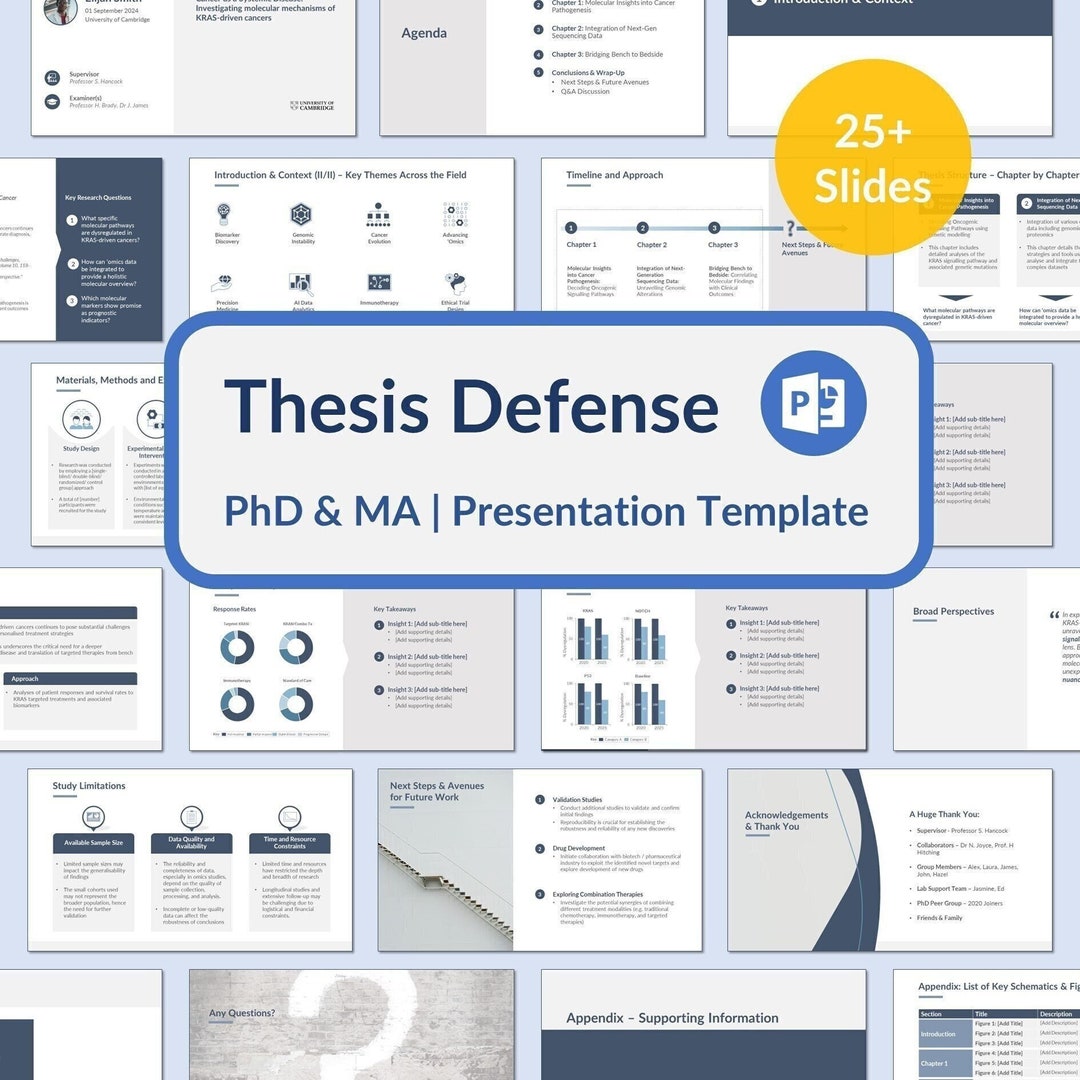
Even the best template will need adjustments to fit your unique project. The following tactics help you personalize without compromising the template’s integrity.
Maintain a Master Slide
All major design changes—such as updating the color scheme or adjusting font sizes—should be made in the Slide Master view. This ensures consistency across the entire deck and saves hours of manual editing.
Insert High‑Resolution Figures
Export charts and images from statistical software at 300 dpi or higher. Use the “Insert Picture” function rather than copy‑pasting, which can degrade quality. Align each figure with the template’s placeholders to keep margins uniform.
Use Consistent Caption Styles
Develop a caption style that includes figure number, title, and source. Apply this style via the “Quick Style” toolbar so every caption looks identical, reinforcing a scholarly appearance.
Leverage Slide Sections
Group related slides into sections (e.g., “Methods,” “Results”) using PowerPoint’s Section feature. This not only organizes your deck for rehearsals but also allows you to jump directly to a specific part during the defense if asked to revisit a topic.
Practice with Presenter View
Enable Presenter View to see speaker notes, slide timers, and upcoming slides. Add concise cue cards in the notes pane for each slide, highlighting key talking points and potential questions. This preparation helps you stay on track and appear confident.
Common Pitfalls and How to Avoid Them

Even experienced presenters can stumble over avoidable mistakes. Recognizing these pitfalls early lets you correct them before the defense day.
Overloading Slides with Text
A slide should never contain a full paragraph. Aim for 6‑8 words per line and no more than 6 lines per slide. If a concept requires more explanation, split it across two slides or use a spoken elaboration.
Inconsistent Formatting
Mixing fonts, colors, or bullet styles distracts the audience. Stick to the template’s predefined styles, and double‑check each slide for uniformity before finalizing.
Unreadable Charts
Small font sizes on axes, overly dense data points, or low‑contrast colors render charts ineffective. Simplify data sets, enlarge labels, and apply the template’s chart color palette to ensure clarity.
Excessive Animations
While a subtle fade can guide attention, overusing animations can appear gimmicky and cause technical glitches. Turn off any unnecessary transition effects in the “Animations” pane.
Neglecting Accessibility
Failing to provide alt text for images or using color alone to convey meaning can alienate audience members with visual impairments. Add descriptive alt text in the “Selection Pane” and supplement color cues with symbols or patterns.
Rehearsal Strategies for a Smooth Delivery

A polished template is only half the battle; confident delivery seals the deal. Implement these rehearsal techniques to ensure you’re fully prepared.
Time Your Presentation
Most thesis defenses allocate 20‑30 minutes for the presentation. Use PowerPoint’s “Rehearse Timings” feature to gauge how long each slide takes, adjusting content depth accordingly.
Record a Practice Run
Record yourself presenting with the slide deck. Playback reveals pacing issues, filler words, and body language habits you may want to refine. It also helps you assess whether slides sync with your verbal explanations.
Simulate Q&A Sessions
Ask peers or advisors to pose typical defense questions. Practice navigating back to relevant slides quickly using the Section shortcuts or the “Slide Sorter” view.
Check Technical Setup
Visit the defense room in advance, if possible. Test the projector, remote clicker, and audio (if you have embedded videos). Ensure the template displays correctly on the actual screen, as colors can shift on different devices.
Backup Your Files
Save the presentation on a USB drive, cloud storage, and email it to yourself. Have a PDF version ready as a fallback; PDFs preserve formatting even if the PowerPoint version is unavailable.
Conclusion
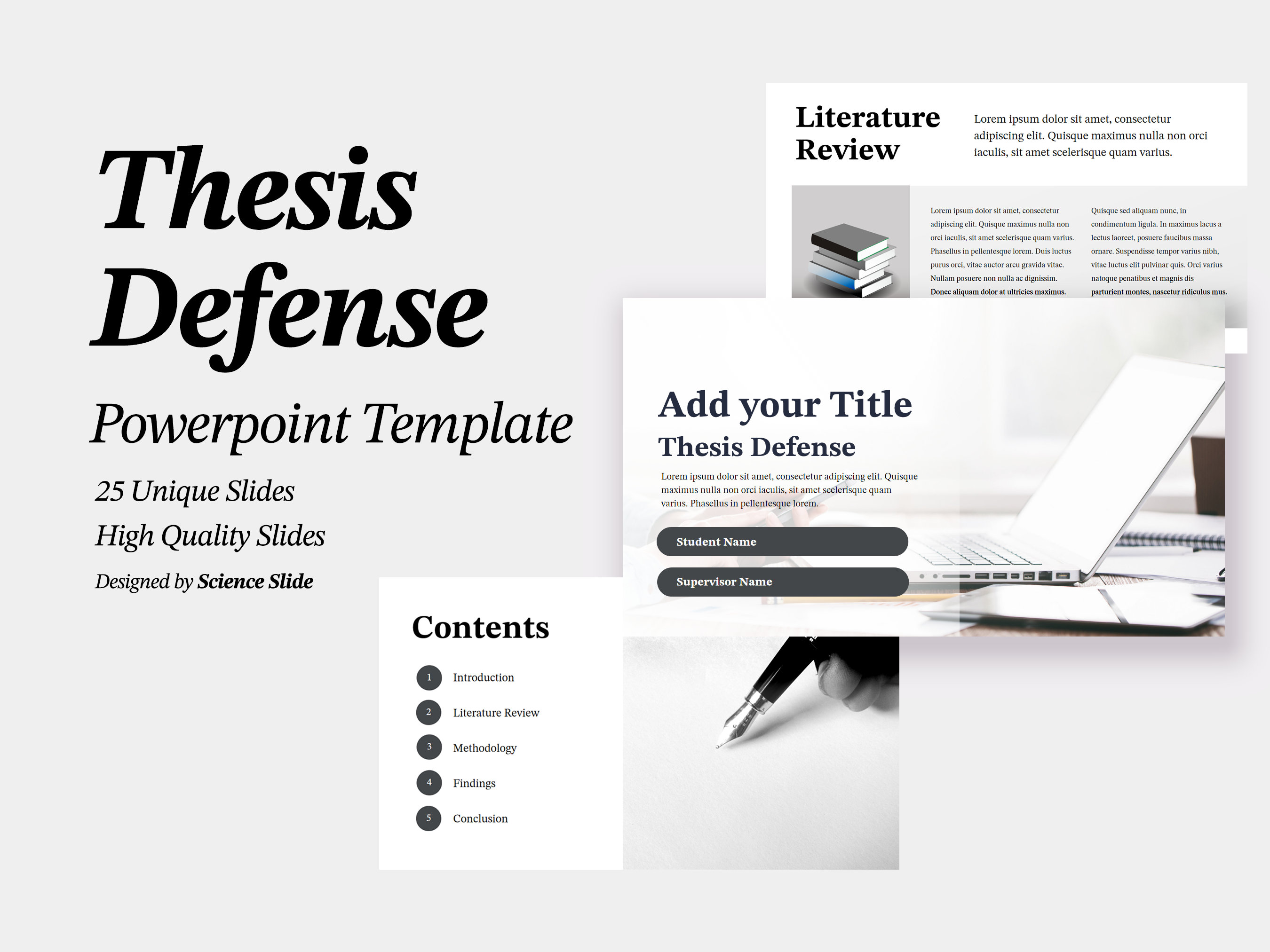
Choosing and customizing the right Powerpoint Templates For Thesis Defense is a strategic investment that amplifies the impact of your research, demonstrates scholarly professionalism, and reduces the risk of technical mishaps on the day of the defense. By prioritizing a clean visual hierarchy, consistent design elements, and audience‑focused data presentation, you create a seamless narrative that guides the committee through your intellectual journey. Follow the outlined selection criteria, adhere to core design principles, and rehearse thoroughly to ensure that your slides complement—not compete with—your spoken argument. With a well‑crafted template and confident delivery, you’ll be positioned to make a memorable impression and confidently defend the contributions of your work.






Related posts of "Powerpoint Templates For Thesis Defense"
