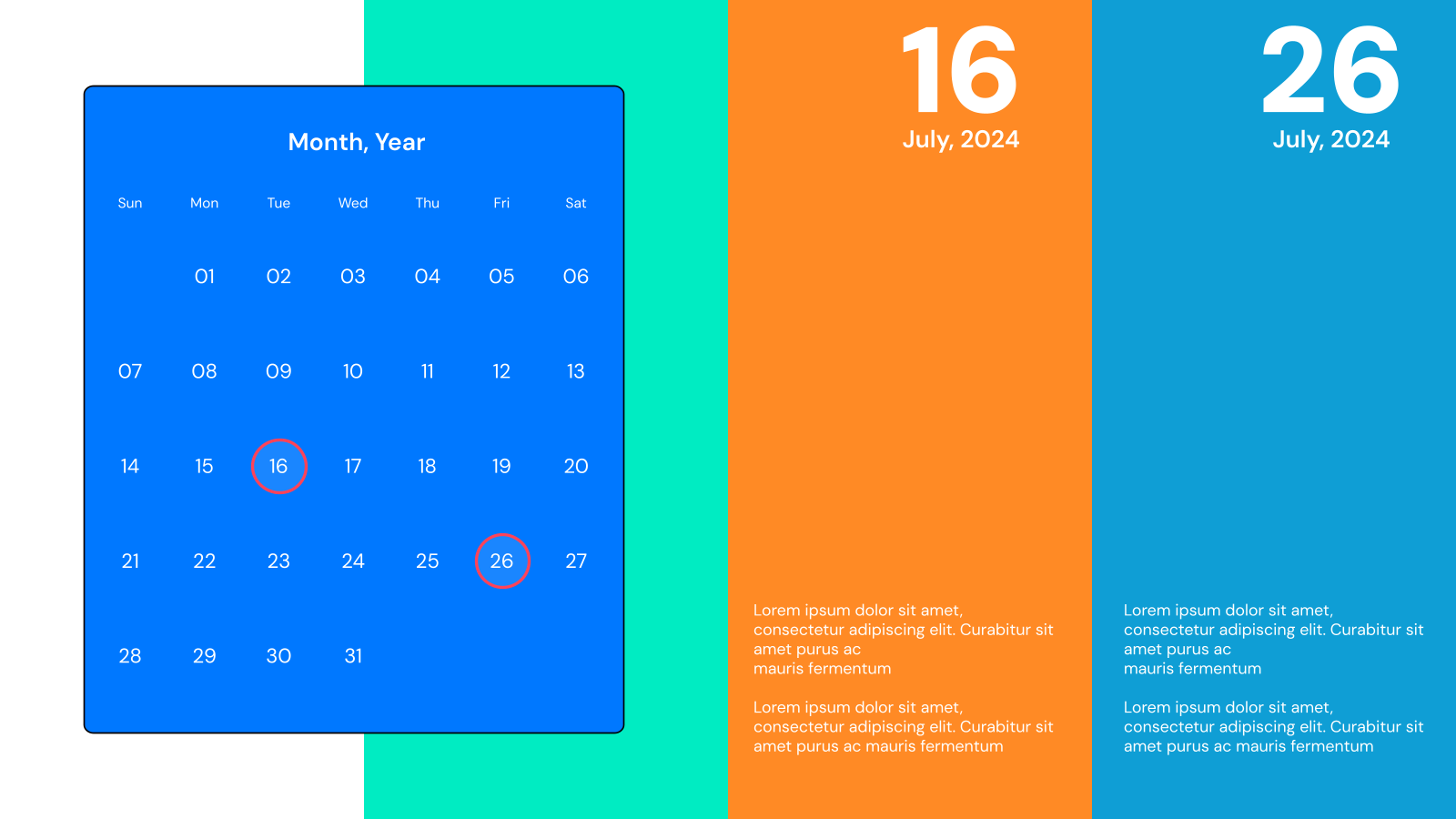
Powerpoint Calendar Template 2015 offers a vibrant blend of practicality and aesthetic charm that perfectly suits both professional and personal planning needs, especially for those who appreciate the subtle elegance found in Asian-inspired design. Whether you are a busy executive coordinating quarterly goals, a teacher mapping out semester activities, or a creative soul eager to showcase cultural motifs on a yearly canvas, this template provides a ready‑made framework that saves time while elevating visual appeal. In the following guide, we will explore every facet of this powerful tool—from its standout features and step‑by‑step installation to customization tricks that let you infuse a touch of Asian artistry into your everyday schedule.
Why Choose a PowerPoint Calendar Template for 2015?
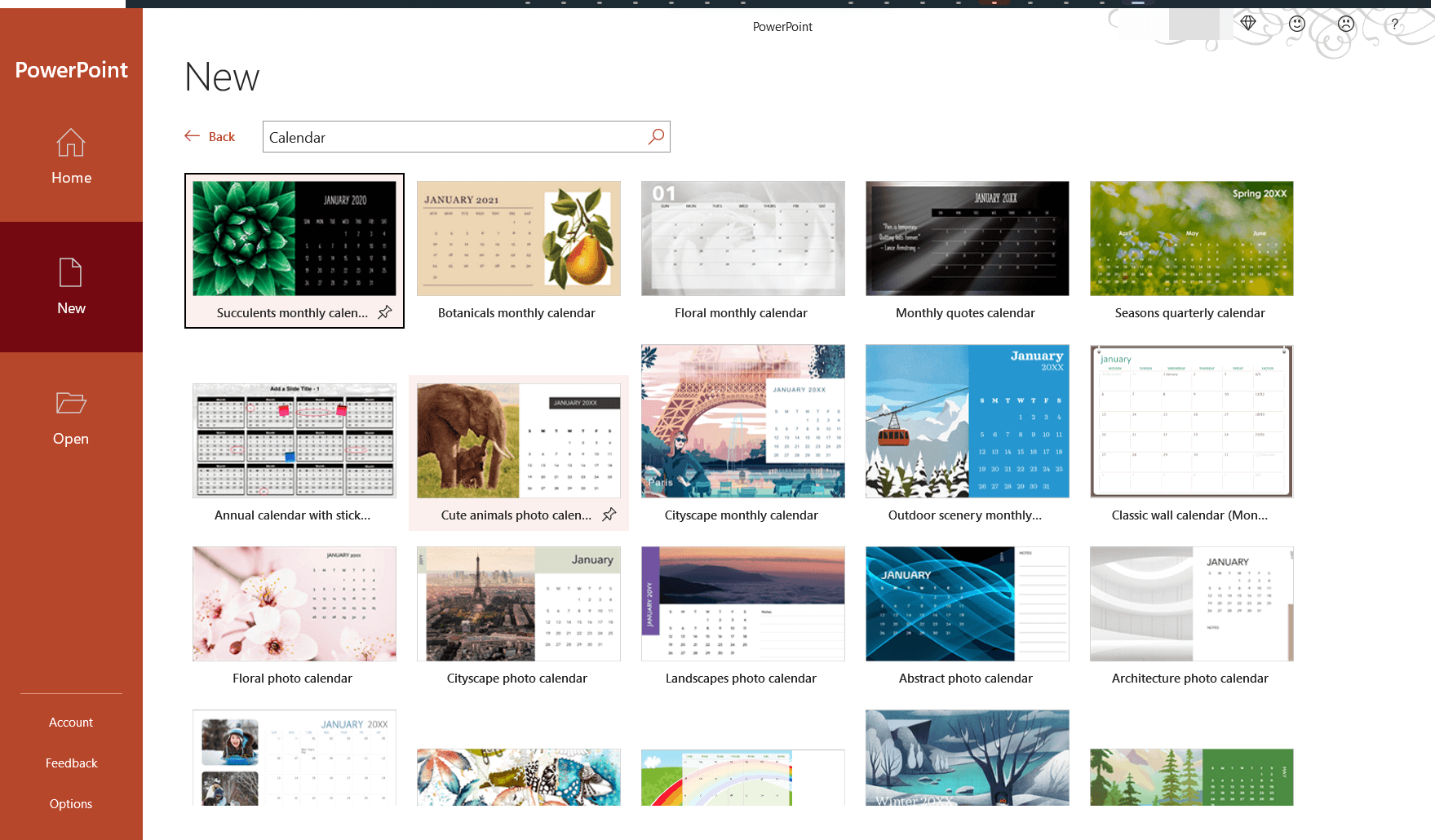
PowerPoint remains one of the most accessible and flexible presentation platforms, and a dedicated calendar template leverages that familiarity to deliver a seamless planning experience. The 2015 edition stands out for several reasons: it reflects contemporary design trends, integrates high‑resolution imagery, and accommodates both digital display and printable formats. Moreover, the template’s layout aligns with the rhythmic cadence of the lunar calendar often observed in many Asian cultures, allowing you to highlight traditional holidays, festivals, and important dates alongside Western milestones. This dual‑calendar approach ensures you never miss a celebration, be it Chinese New Year, Mid‑Autumn Festival, or a corporate deadline.
Visual Appeal Meets Functionality
Every slide is crafted with clean lines, balanced white space, and harmonious color palettes that echo the soothing tones of jade, rice paper, and sunrise over rice paddies. Such visual harmony reduces eye strain during prolonged planning sessions and reinforces a sense of calm—an essential factor for productivity. At the same time, the template includes functional elements like editable text boxes, built‑in placeholders for images, and pre‑formatted tables that automatically adjust to different month lengths, ensuring that you spend more time strategizing and less time fiddling with layout quirks.
Compatibility Across Devices
Because the template is built within PowerPoint, it works flawlessly on Windows, macOS, and even mobile versions of the app. This cross‑platform compatibility means you can start a calendar on your desktop, fine‑tune it on a tablet during a commute, and present the final version on a large screen during a board meeting—all without losing formatting fidelity.
Key Features of the 2015 Template
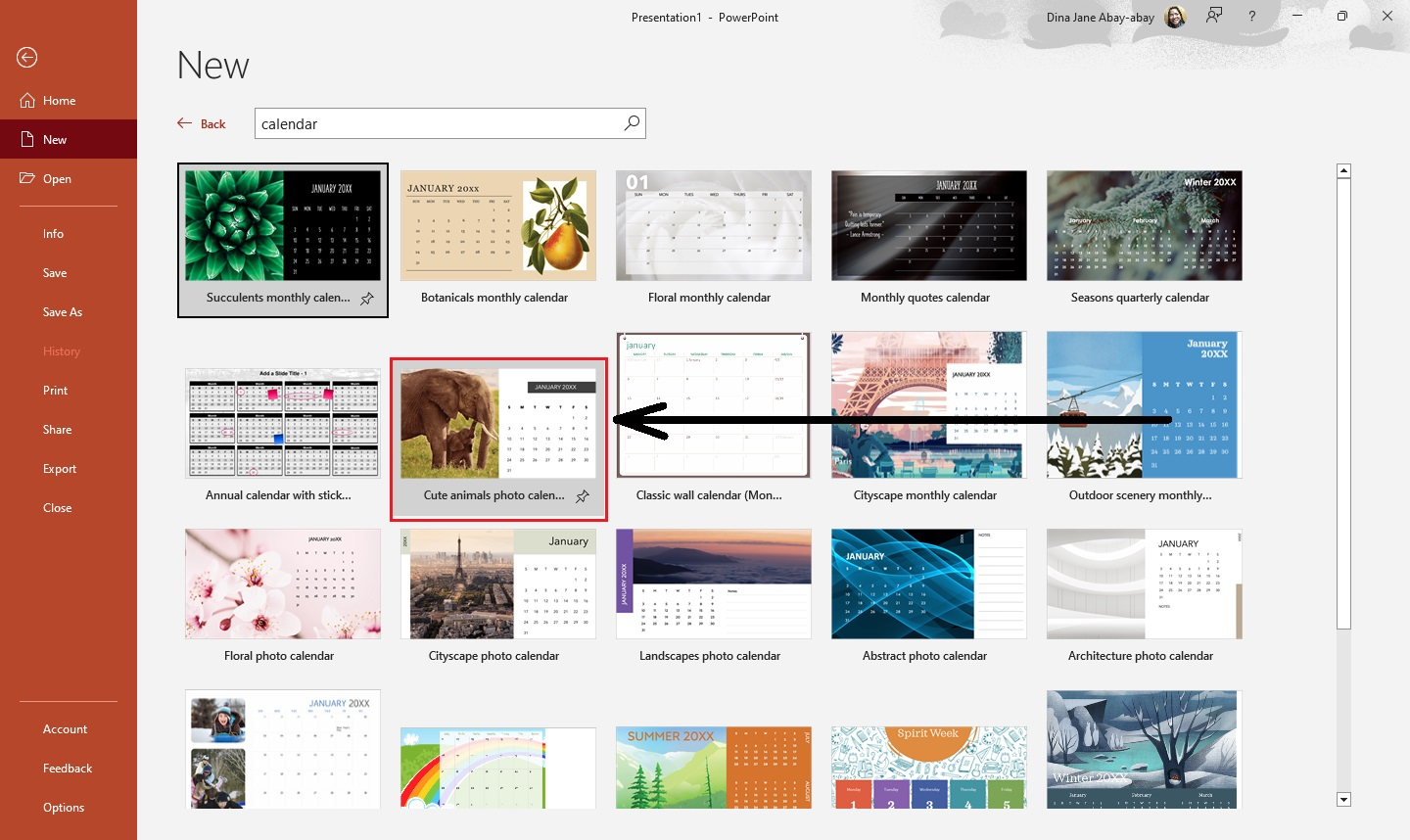
The 2015 Powerpoint Calendar Template packs a suite of thoughtfully designed features that cater to a wide range of users. Below, we break down each component and illustrate how it can be leveraged for maximum impact.
Monthly Layouts
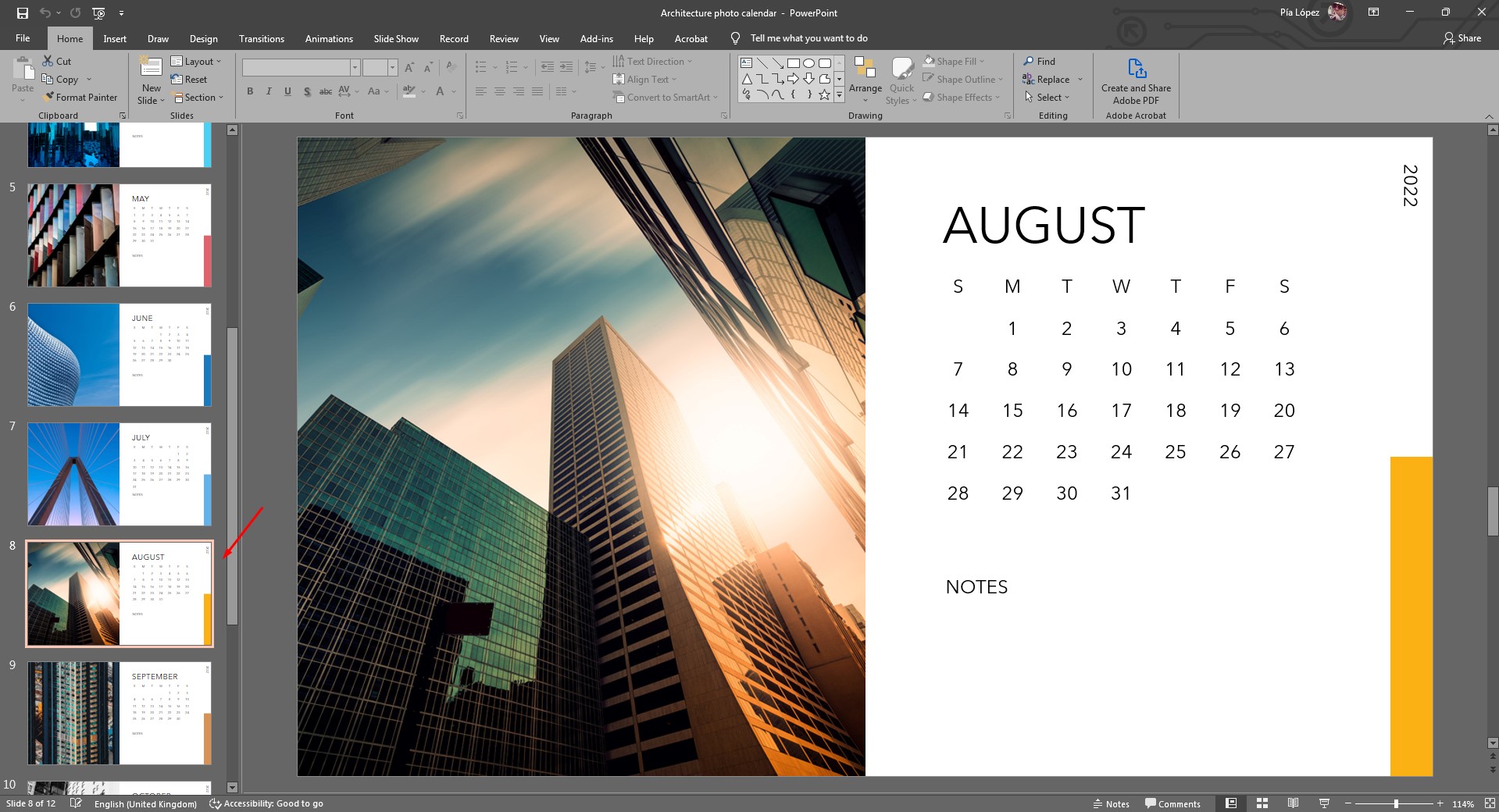
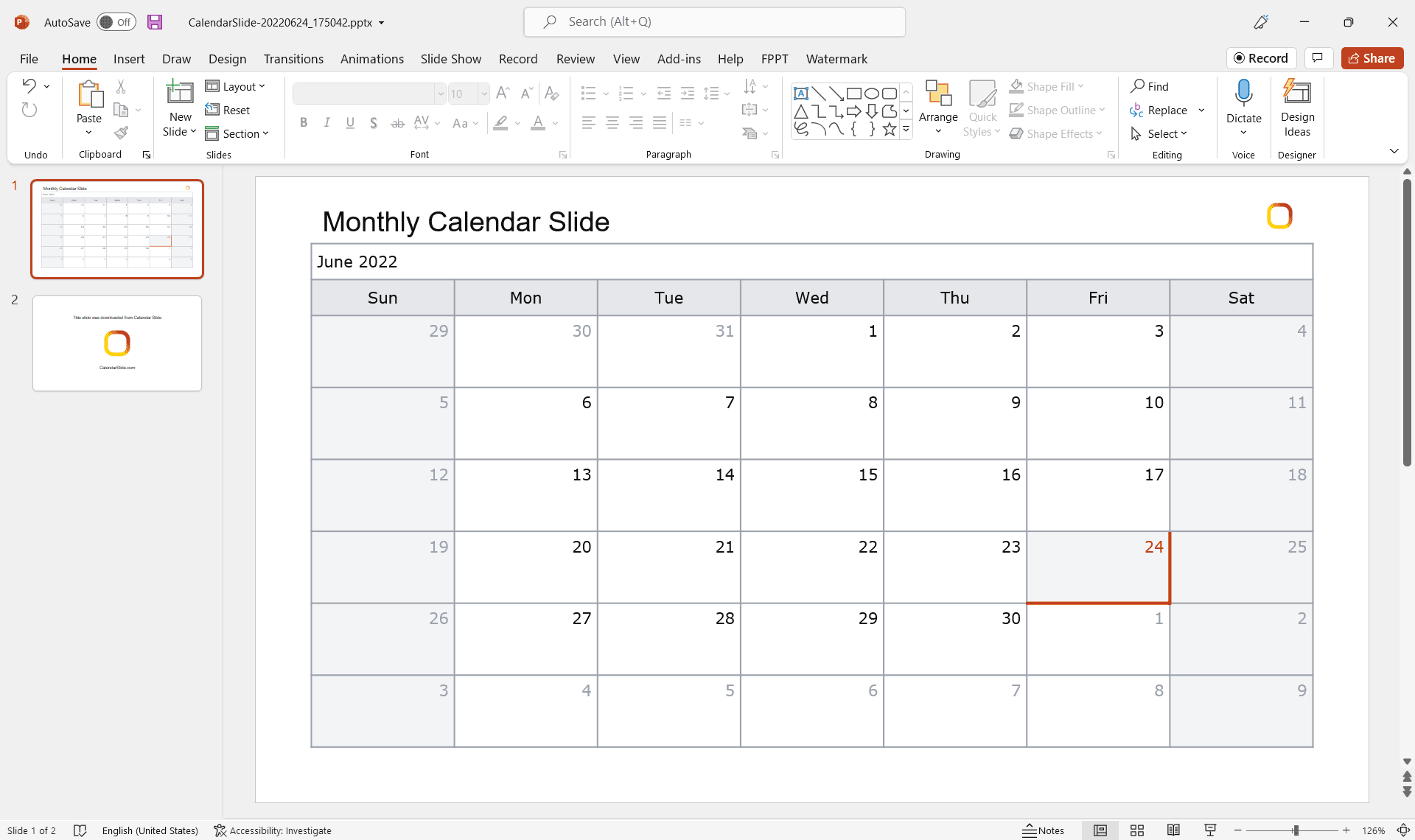
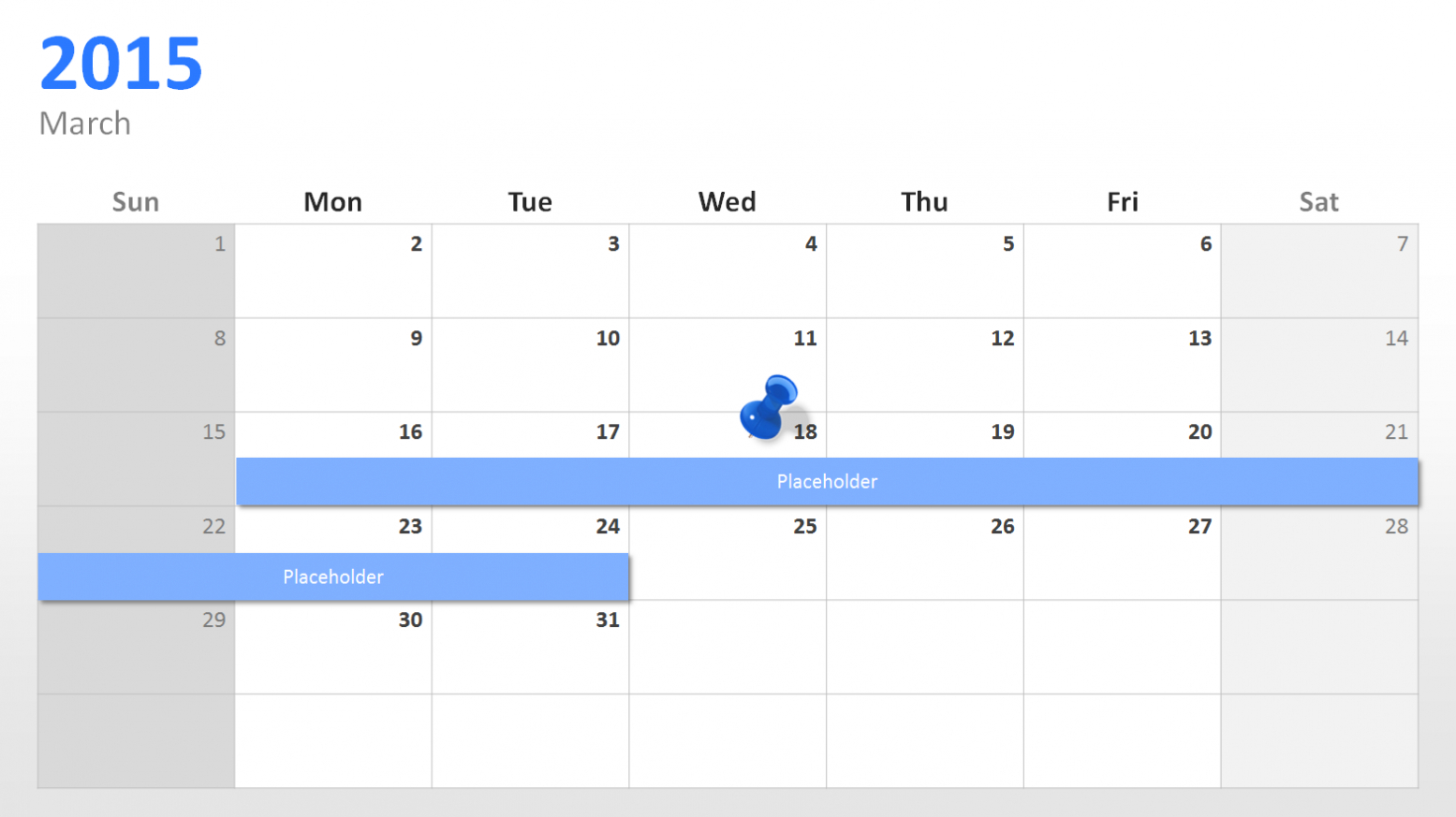
Each month is presented on a dedicated slide that balances a full‑size calendar grid with ample margin space for notes, goals, or inspirational quotes. The grid includes clearly marked weekends, holidays, and optional lunar phase indicators, enabling you to track both Gregorian and traditional lunar dates simultaneously. The design also accommodates a “highlight” section where you can emphasize key events with color‑coded markers—perfect for visual learners who thrive on quick visual cues.
Customizable Color Schemes
The template offers a palette of five pre‑set themes inspired by Asian scenery: Sakura Pink, Bamboo Green, Imperial Gold, Oceanic Indigo, and Moonlit Gray. Each theme automatically adjusts text, background, and accent colors, ensuring a cohesive look throughout the entire year. Users can also create custom schemes by adjusting the Slide Master, allowing for brand‑specific colors or personal preferences.
Integrated Icon Library
To enrich your calendar with culturally resonant symbols, the template includes a library of vector icons such as lanterns, koi fish, cherry blossoms, and pagodas. These icons are scalable without loss of quality, making them ideal for both on‑screen presentations and high‑resolution printouts. By strategically placing these icons next to relevant dates (e.g., a lantern beside the Lantern Festival), you add an intuitive visual layer that enhances memorability.
Print‑Ready Design
While many PowerPoint users focus on digital delivery, the 2015 template is engineered for high‑quality printing. Each slide is set to a 8.5×11‑inch format with bleed margins, ensuring that printed calendars look professional whether you produce a single copy or a bulk order for an office. The template also includes a “Print All” macro that consolidates the year into a single PDF, simplifying distribution.
How to Download and Install the Template

Getting started with the Powerpoint Calendar Template 2015 is straightforward, but following a systematic approach ensures a smooth setup and avoids common pitfalls. Below is a detailed walkthrough.
Step 1: Locate a Trusted Source
Begin by searching reputable design marketplaces or official creator websites for the 2015 calendar template. Verify that the file format is compatible with your version of PowerPoint (typically .pptx). Avoid sites that require unnecessary personal data or present suspicious download links, as these can introduce malware or incompatible file versions.
Step 2: Save and Open in PowerPoint
Once you’ve identified a reliable source, click the download button and save the file to a known folder (e.g., “Documents\PowerPoint Templates”). Open PowerPoint, select “Open” from the File menu, and navigate to your saved file. PowerPoint may prompt you to enable editing—click “Enable Editing” to unlock full customization capabilities.
Step 3: Enable Macros (If Applicable)
If the template includes a “Print All” macro, you’ll need to enable macros for full functionality. Go to “File → Options → Trust Center → Trust Center Settings → Macro Settings,” then select “Enable all macros” (or “Disable all except digitally signed macros” if you prefer a higher security level). Confirm the changes and restart PowerPoint if prompted.
Step 4: Save a Working Copy
Before making any edits, immediately save a copy of the original template under a new name (e.g., “My_2015_Calendar.pptx”). This practice preserves the master file for future reference and prevents accidental overwrites.
Customizing the Template for Your Needs

Customization is where the Powerpoint Calendar Template 2015 truly shines. Whether you’re tailoring it for a corporate brand, an educational institution, or a personal project, the following techniques help you create a calendar that feels uniquely yours.
Editing Text and Fonts
All month titles, day labels, and note sections are placed in editable text boxes. Click any text box to replace placeholder text with your own content. To maintain a cohesive visual identity, adjust the font family and size via the “Home” ribbon—popular Asian‑inspired fonts such as “Noto Serif TC” or “SimSun” add cultural authenticity, while still being legible in English.
Adding Your Brand Elements
Insert your company logo or personal monogram by selecting “Insert → Pictures” and placing the image in a corner of each slide. For a subtle touch, use the Slide Master view (View → Slide Master) to add the logo once, ensuring it appears consistently across all 12 month slides. Adjust the logo’s opacity to 70‑80% if you want it to be present without overwhelming the calendar’s primary content.
Inserting Images and Icons
Enhance each month with relevant visuals—perhaps a photo of a cherry blossom festival for March or a serene tea garden for October. Use the “Insert → Icons” feature to browse the built‑in library or import custom SVG icons that match the template’s style. Remember to align images to the grid using PowerPoint’s alignment guides to keep the layout tidy.
Adjusting Color Schemes
If the pre‑set themes don’t quite match your aesthetic, open the Slide Master and modify the “Theme Colors” palette. Change the accent colors to reflect seasonal hues—warm reds for spring, cool blues for winter—while preserving the overall harmony. Consistency across slides reinforces brand recognition and visual flow.
Adding Personal Milestones
Beyond holidays, consider adding personal or organizational milestones such as product launch dates, conference deadlines, or family birthdays. Use the “Insert → Shape” tool to create a small, colored circle or star beside each date, and add a brief label. This visual cue helps you quickly scan for critical events without cluttering the main calendar grid.
Practical Uses in Business and Education
The versatility of the Powerpoint Calendar Template 2015 extends far beyond simple date tracking. Below are specific scenarios where the template adds tangible value.
Corporate Planning and Project Management
Project managers can overlay Gantt‑style bars onto the monthly slides, using colored rectangles to indicate task durations. By aligning these bars with key deadlines, teams gain a clear, at‑a‑glance view of project timelines. Additionally, the template’s “Notes” area can host weekly objectives or KPI targets, turning a static calendar into a dynamic performance dashboard.
Marketing Campaign Calendars
Marketing teams can map out campaign launches, social media spikes, and seasonal promotions directly onto the calendar. The built‑in icons for “megaphone” and “shopping bag” can be repurposed to flag advertising pushes, while the color‑coded legends help stakeholders differentiate between online and offline initiatives.
Academic Schedules and Classroom Management
Educators find the template especially helpful for planning semester curricula, exam periods, and school holidays. By customizing the “Notes” section for each month, teachers can list assignment due dates, parent‑teacher conference windows, and field trip schedules—all in one visual reference that can be printed and posted in the classroom.
Event Planning and Cultural Celebrations
Event coordinators can embed venue details, guest lists, and vendor deadlines into the calendar’s note fields. For cultural events, the template’s Asian icon set provides a ready-made visual language to highlight festivals, traditional performances, and community gatherings, making the calendar both informative and culturally resonant.
Tips for Maximizing Impact
Even the most beautifully designed calendar can fall flat if not used strategically. Follow these expert tips to ensure your Powerpoint Calendar Template 2015 becomes a central hub of organization and inspiration.
Maintain Visual Consistency
Stick to a limited color palette—ideally two primary colors and one accent—throughout the year. This approach reduces visual noise and reinforces brand identity. Use the same font family for headings and body text, varying only size or weight (bold vs. regular) to establish hierarchy.
Leverage Seasonal Themes
Align each month’s visual elements with seasonal motifs. For example, incorporate bamboo silhouettes in July, lanterns in September, and snowflakes in December. Seasonal theming not only beautifies the calendar but also subtly cues viewers about the time of year, enhancing memory retention of upcoming events.
Integrate Interactive Elements for Digital Use
If you intend to share the calendar online, add hyperlinks to important dates. Right‑click a date box, select “Link,” and point to a relevant webpage—such as an event registration page or a meeting Zoom link. This interactivity transforms a static schedule into a live navigation tool.
Print Strategically
When producing printed copies, choose high‑quality matte paper to reduce glare and improve color fidelity. For office-wide distribution, consider a bound “wall calendar” format by printing each month on a separate page and binding them with a simple ring binder. This physical version serves as a constant visual reminder in high‑traffic areas.
Common Mistakes to Avoid

Even seasoned users can stumble when customizing templates. Being aware of typical errors helps you sidestep frustration and achieve a polished final product.
Overloading Slides with Data
While it may be tempting to cram every detail onto the calendar, overcrowding reduces readability. Reserve the primary calendar grid for dates and high‑level events; use the “Notes” section sparingly, and consider supplemental slides for extensive project plans or detailed agendas.
Neglecting Print Quality Settings
Printing at default screen resolution (72 dpi) results in blurry images and pixelated icons. Always adjust the print settings to at least 300 dpi for crisp output, especially when using intricate Asian motifs that lose detail at low resolutions.
Inconsistent Date Formats
Mixing date styles—such as “Jan 1” and “1/1/2015”—creates confusion, particularly for an international audience. Choose a single format (e.g., “01 January 2015”) and apply it uniformly across all months to maintain professional consistency.
Forgetting to Update Holiday Lists
The template includes default holidays for major Western observances, but it may not automatically include region‑specific celebrations. Verify and manually add any local holidays, such as the Dragon Boat Festival or Diwali, to ensure the calendar reflects your audience’s cultural context.
Conclusion
In summary, the Powerpoint Calendar Template 2015 delivers a harmonious blend of aesthetic sophistication and functional versatility that makes it an ideal tool for anyone seeking to organize the year with a touch of Asian elegance. Its customizable layouts, culturally resonant icons, and print‑ready design empower users to craft calendars that not only track dates but also tell a story—whether that story is about a corporate roadmap, an academic term, or a series of vibrant cultural celebrations. By following the installation steps, applying thoughtful customization, and adhering to best‑practice tips, you can transform this template into a dynamic, year‑long companion that enhances productivity, reinforces brand identity, and celebrates the rich tapestry of Asian traditions. Embrace the calendar’s potential, and let each month unfold with clarity, creativity, and cultural flair.






Related posts of "Powerpoint Calendar Template 2015"
