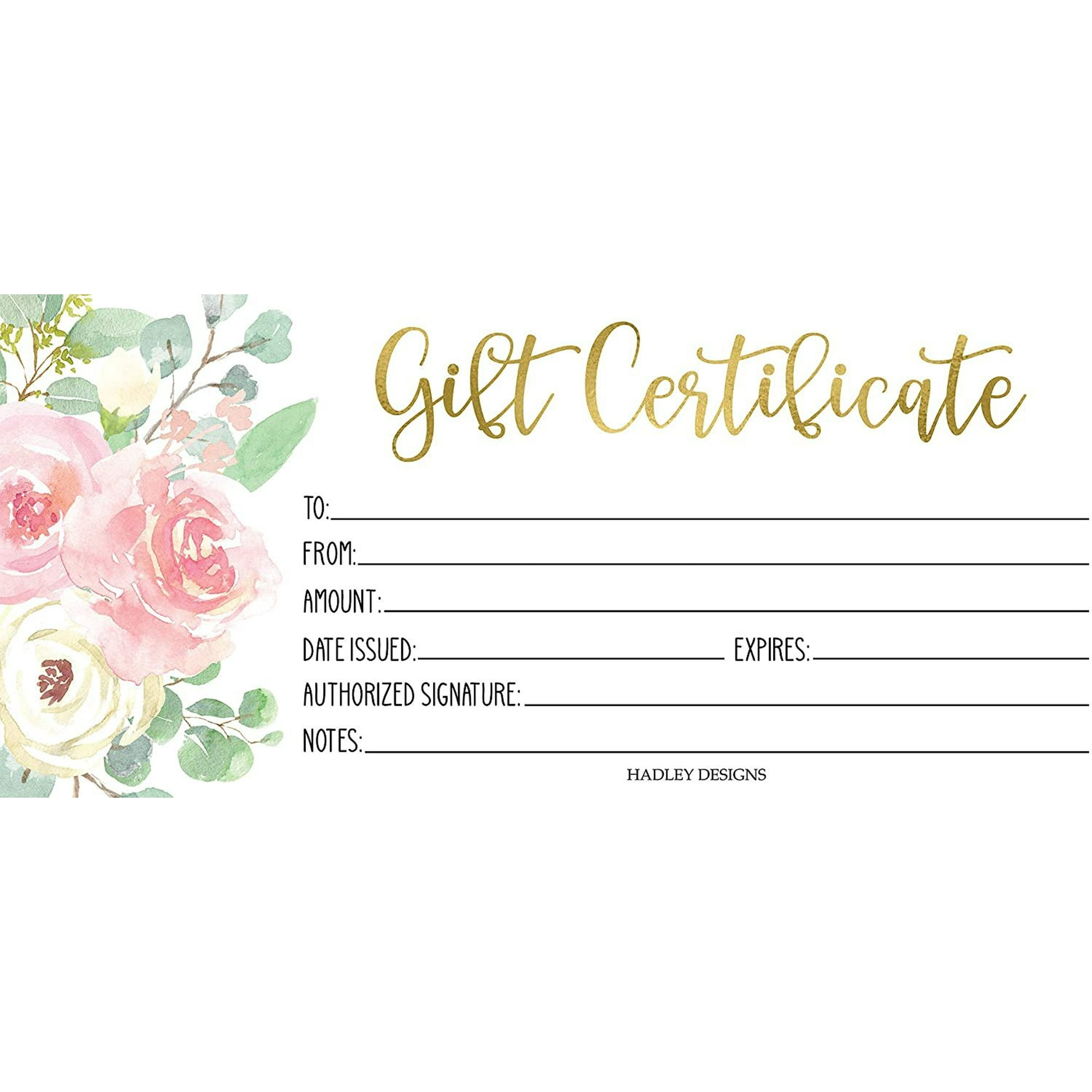
Pink Gift Certificate Template is like a secret weapon in your stationery arsenal—ready to dazzle, charm, and maybe even make your friends question why they didn’t use it sooner. Imagine gifting a bouquet of roses, a spa day, or a mysterious box of surprises, all wrapped in that irresistible blush hue that screams “I care… but I also want to be the life of the party.” In this guide, we’ll dive into why pink is the go-to color for gifting, how to pick the perfect template, and sprinkle a generous amount of humor to keep the mood as fresh as the paper.
Why Pink? The Psychology Behind the Pink Tones

When you think of pink, your brain might immediately picture bubble tea, pink flamingos, or a vintage Polaroid of a cat wearing sunglasses. But beyond the fun, there’s a subtle science at play. Studies show that pink can evoke feelings of warmth, softness, and confidence—perfect traits for a gift that’s meant to feel personal yet celebratory. This color also has a calming effect, making the recipient less likely to feel pressured, which is essential for a gift certificate that encourages choice and spontaneity.
Instant Mood Boost
Pink doesn’t just look pretty; it lifts spirits. A bright, blush background can instantly lighten the mood, turning a simple voucher into an exciting adventure. Think of it as the “extra sparkle” on a plain invitation card.
Versatility Across Niches
Whether it’s a beauty salon, a coffee shop, or a quirky book boutique, a pink template can fit any niche. It’s the chameleon of colors: subtle when paired with whites and grays, or bold when combined with metallics or neon accents.
Choosing the Right Template: From Canva to Etsy

There’s no shortage of templates these days, but the key is to find one that aligns with your brand voice and the gift’s purpose. A good template should be customizable, print-friendly, and, most importantly, easy to understand at a glance.
What to Look for in a Template
- Layout Simplicity: A clutter-free design helps recipients quickly spot the essential details—amount, expiration date, and redemption instructions.
- Editable Text Fields: Use bold placeholders that you can replace with your brand name or a heartfelt message.
- High Resolution: Avoid pixelated images if you plan on printing the certificate on thick cardstock.
- Free or Affordable Licensing: Some templates require a subscription. Make sure the cost fits your budget.
Canva’s Soft Pink Collection
Canva offers a variety of soft pink templates that blend modern typography with subtle floral accents. Their drag‑and‑drop interface allows even a novice designer to tweak colors, fonts, and images within seconds. A popular choice is the “Pink Gift Certificate Template” from the Canva marketplace—complete with a gentle background gradient and a space for your logo.
Etsy’s Handcrafted Options
For those who crave something truly unique, Etsy hosts templates that are often hand‑drawn or feature bespoke illustrations. These can add a touch of artisanal charm and make the certificate feel like a one‑of‑a‑kind keepsake. Just remember to download the source file (usually in .psd or .ai format) so you can modify it later.
Customizing the Template: From Boring to Brilliant

Once you’ve chosen a template, it’s time to sprinkle your own brand personality on it. Think of it as a culinary adventure—you’ve got the base, now add your secret sauce.
Personalized Text Fields
Replace generic placeholders with engaging language. Instead of “Gift Value,” consider “Your Power to Choose.” Add a playful note like “Use this magic ticket to indulge in your favorite treats—no judgment, just joy.”
Branding Touches
- Logo Placement: A small, tasteful logo in the corner maintains brand visibility without overpowering the design.
- Font Pairing: Use a modern sans-serif for the main text and a handwritten style for the “Congratulations!” line to keep it lively.
- Accent Colors: While pink dominates, complement it with muted gold or silver accents for a touch of elegance.
Adding Fun Elements
Who says certificates can’t be a little quirky? Consider adding a tiny illustration of a gift box, a heart, or even a playful emoji that reflects the occasion—like a birthday cake emoji for a birthday gift certificate.
Printing vs. Digital: Distribution Strategies

Deciding whether to print or send digital copies is a strategic choice. Both have pros and cons, and sometimes the best approach is a hybrid one.
Printed Certificates: The Tangible Experience
A physical certificate feels like a small treasure hunt. Print it on thick, matte cardstock to add a premium feel. Add a ribbon or a wax seal for extra flair—because nothing says “I care” like a little wax stamp.
Digital Certificates: Fast and Eco‑Friendly
For last‑minute gifts or eco‑conscious shoppers, PDF or JPEG files work wonders. You can email the certificate within minutes and include a QR code that directs the recipient to a redemption page.
Hybrid Approach: Combining the Best of Both Worlds
Print a high-quality version for special occasions, and provide a digital backup for convenience. This way, you’re covered if a gift gets lost in transit—or if the recipient wants to forward it to a friend.
Real‑World Uses: Situations Where Pink Gift Certificates Shine

From birthdays to corporate gifting, a pink template can adapt to various contexts. Below are some examples that demonstrate the versatility of this design.
Birthday Bash
“Happy Birthday, Sarah!”—you can add a playful tagline and pair the certificate with a pastel birthday card. The pink background will make the voucher look like a piece of cake, literally and figuratively.
Thank‑You Gesture
A heartfelt thank-you gift certificate can be paired with a handwritten note that says, “Your hard work deserves a pink‑tastic reward.” The color’s calming nature will underscore the gratitude in a gentle way.
Employee Recognition
Corporate teams often look for something that feels professional yet approachable. A muted blush tone can convey appreciation without being too flashy, especially when paired with clean, sans-serif text.
Wedding or Anniversary Gifts
Imagine a certificate for a couples spa day or a gourmet dinner, printed in a soft pink. It adds a romantic touch that complements the celebratory atmosphere.
Step‑by‑Step: How to Create Your Own Pink Gift Certificate
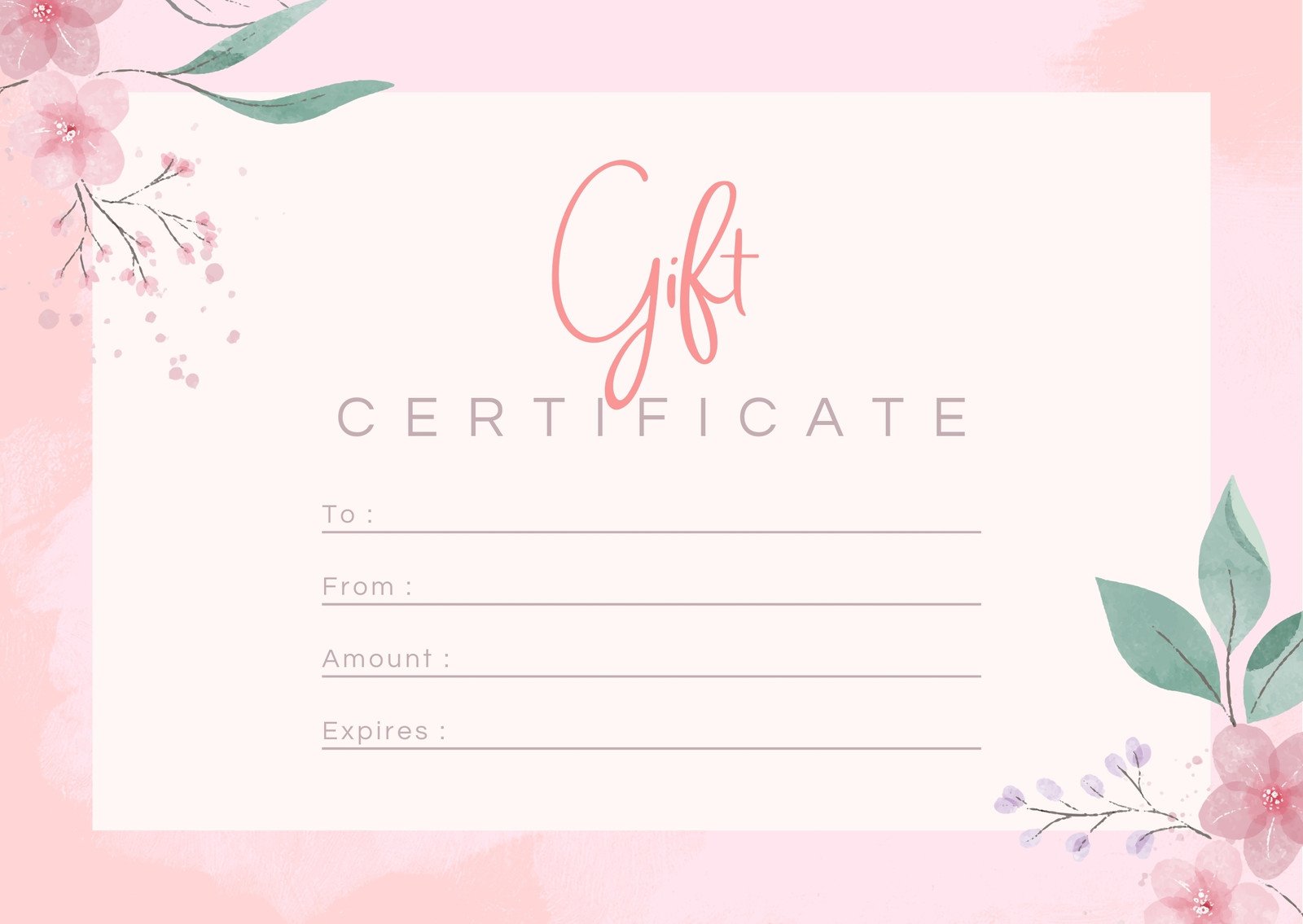
Ready to roll up your sleeves? Here’s a quick walkthrough that takes you from template selection to final distribution.
Step 1: Gather Your Details
Before diving into design, list all essential information: recipient’s name, gift amount or description, expiration date, redemption instructions, and your brand logo.
Step 2: Pick the Right Template
Use the criteria mentioned earlier—layout, resolution, licensing—to choose a template that fits your needs. Preferably a file type you can edit, like .ai or .psd.
Step 3: Customize
Open the file in your preferred editor (Adobe Illustrator, Canva, or even PowerPoint). Replace text placeholders with your unique content, adjust colors if necessary, and add any decorative elements.
Step 4: Proofread
Double‑check dates, amounts, and instructions. A typo on a gift certificate can cause confusion and a less-than‑pleasant experience.
Step 5: Export and Save
Export a PDF for print and a JPEG or PNG for digital delivery. Make sure the print file is at least 300 DPI.
Step 6: Distribute
If printing, use a local or online printer that offers high‑quality cardstock. For digital, attach the file to an email or upload it to a secure sharing platform.
Maintenance Tips: Keeping Your Templates Fresh
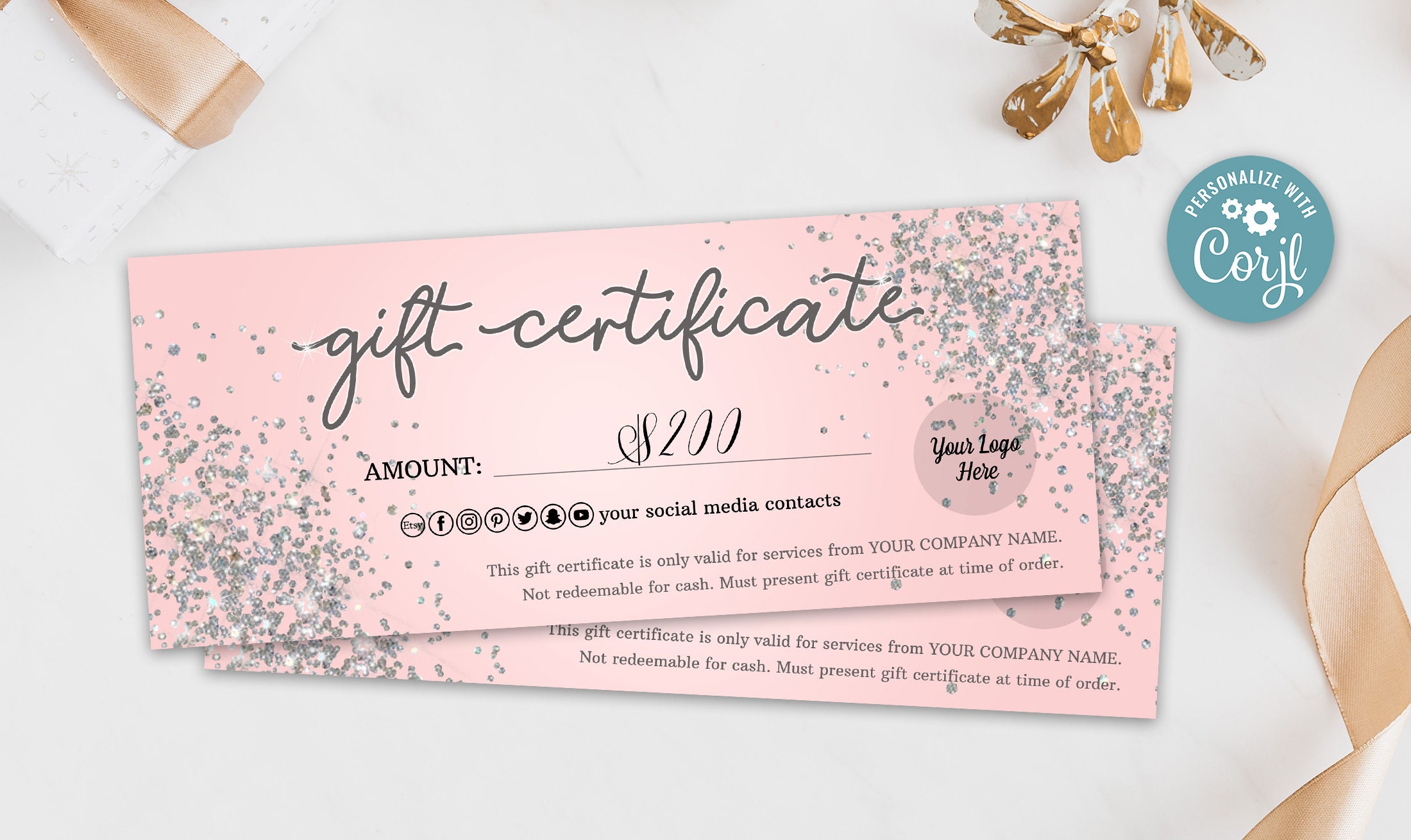
Like any marketing asset, your gift certificate template should evolve. Here’s how to keep it up‑to‑date.
Seasonal Updates
Add a subtle seasonal motif—think pink snowflakes for winter or pink daisies for spring. This keeps the design relevant throughout the year.
Brand Evolution
If your brand’s color palette shifts, update the template to match. A gentle gradient from blush to a new primary color can modernize the look without a full redesign.
Feedback Loop
Ask recipients for feedback. “Did the certificate feel personal?” or “Was the information easy to read?” Use their answers to tweak the design.
Common Pitfalls and How to Avoid Them
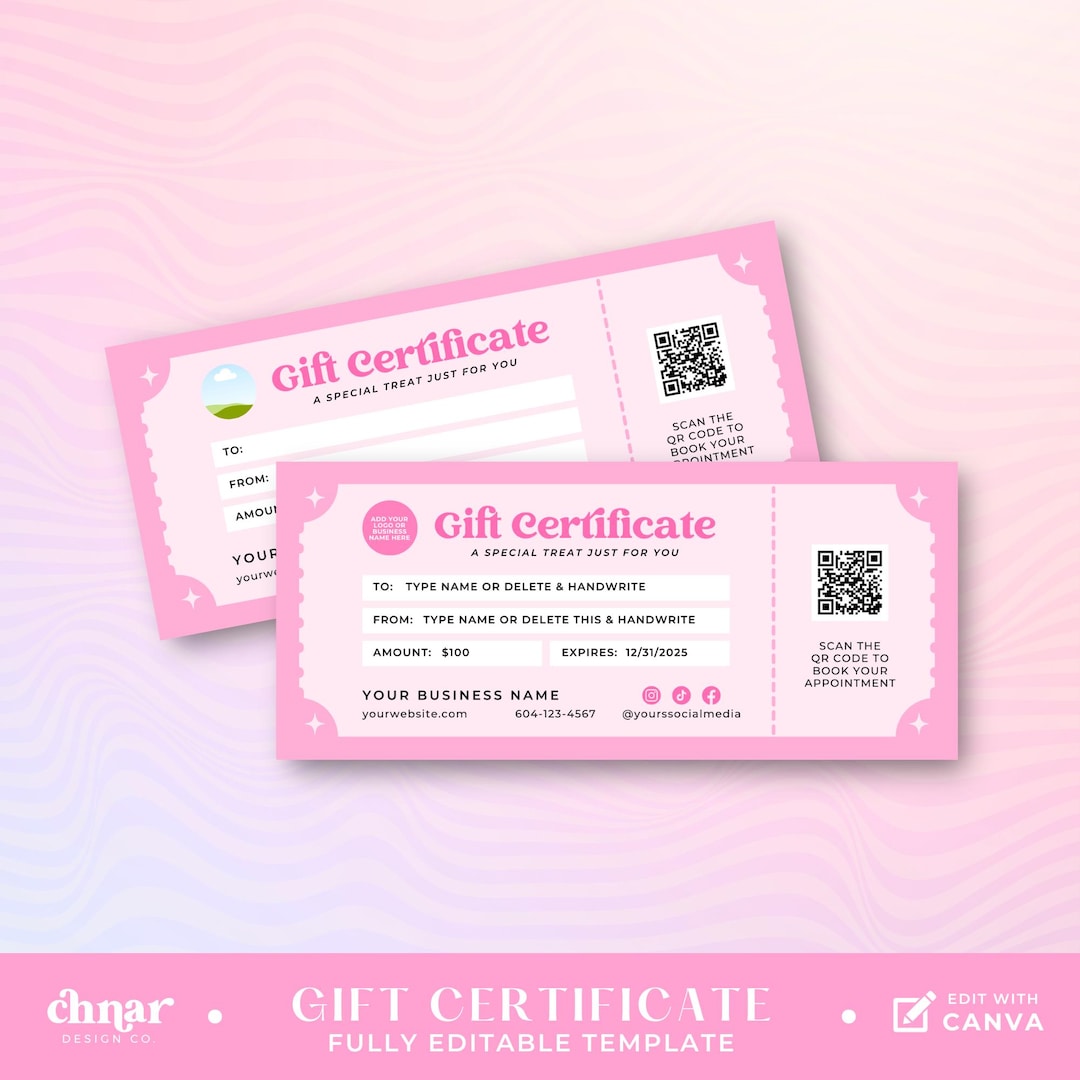
No one likes a mishap. Below are common mistakes and quick fixes.
Over‑Cluttering the Design
A template with too many fonts or bright accents can become overwhelming. Stick to one or two fonts and keep the color palette minimal.
Ignoring Legibility
Ensure the font size is large enough for easy reading. The text should be clear against the pink background, especially if it’s a light blush.
Forgetting Legal Details
Some certificates need a fine print section for terms and conditions. Place it at the bottom in smaller font but make sure it’s still readable.
Conclusion: Make Every Gift a Pink Perfection
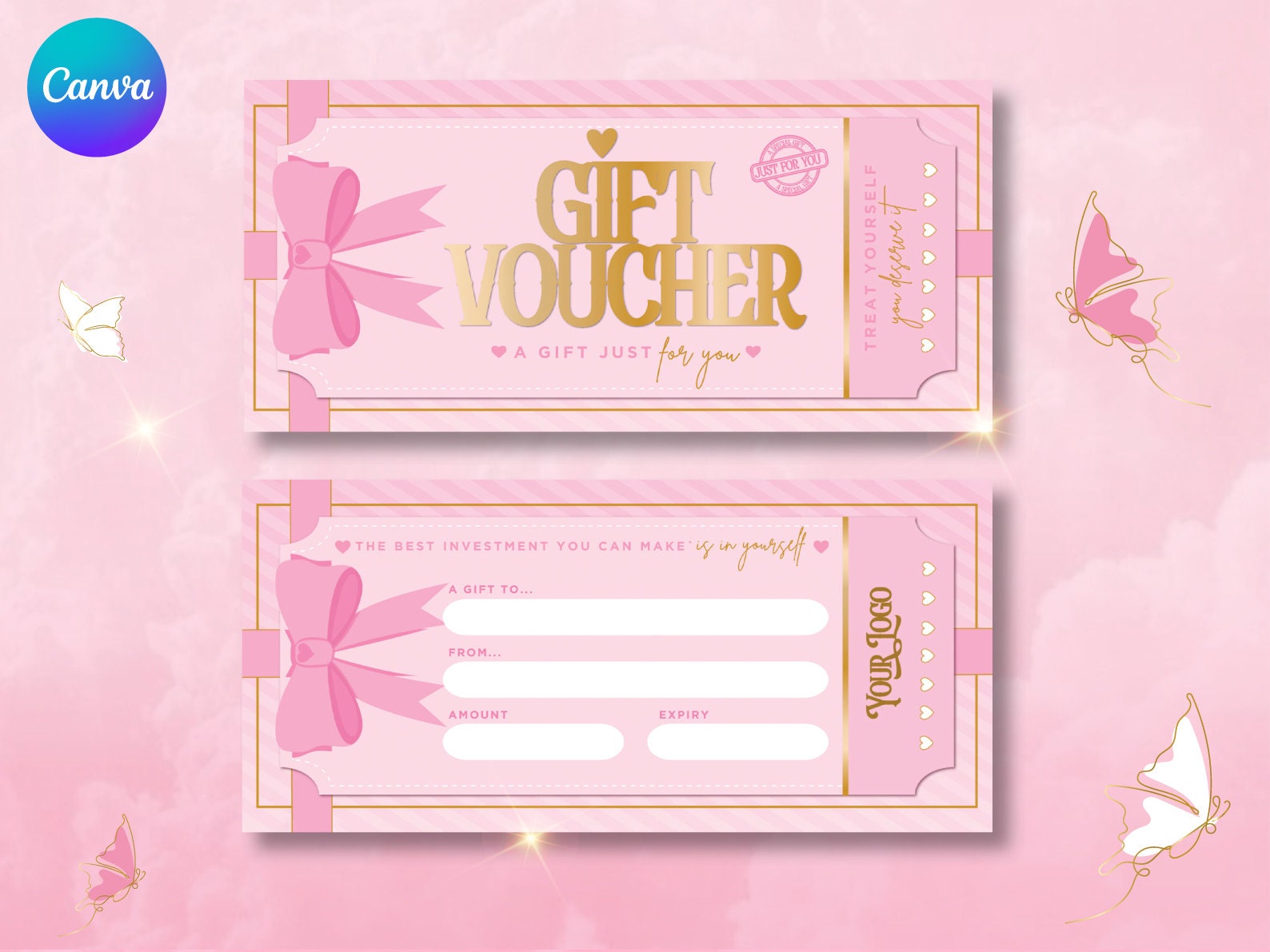
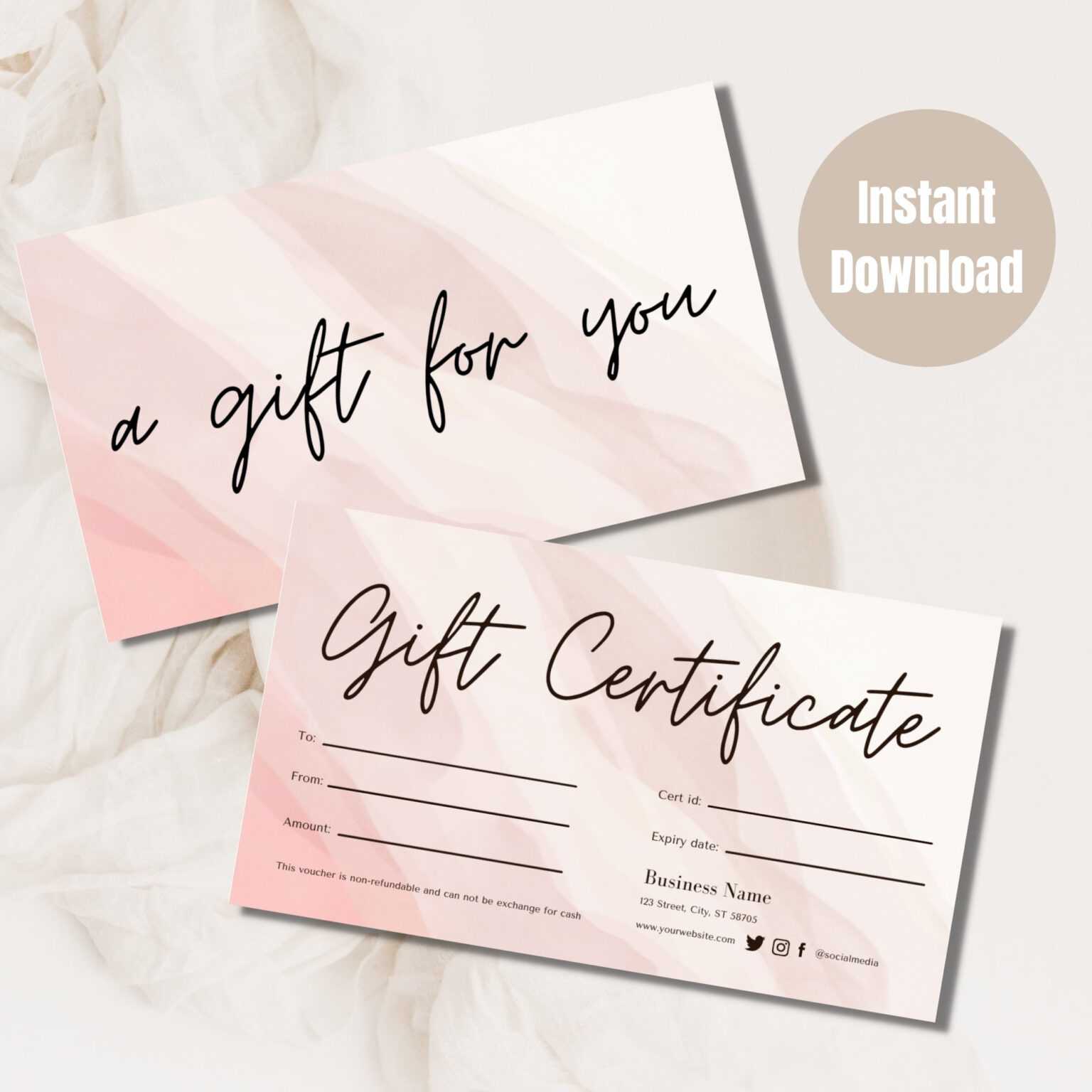
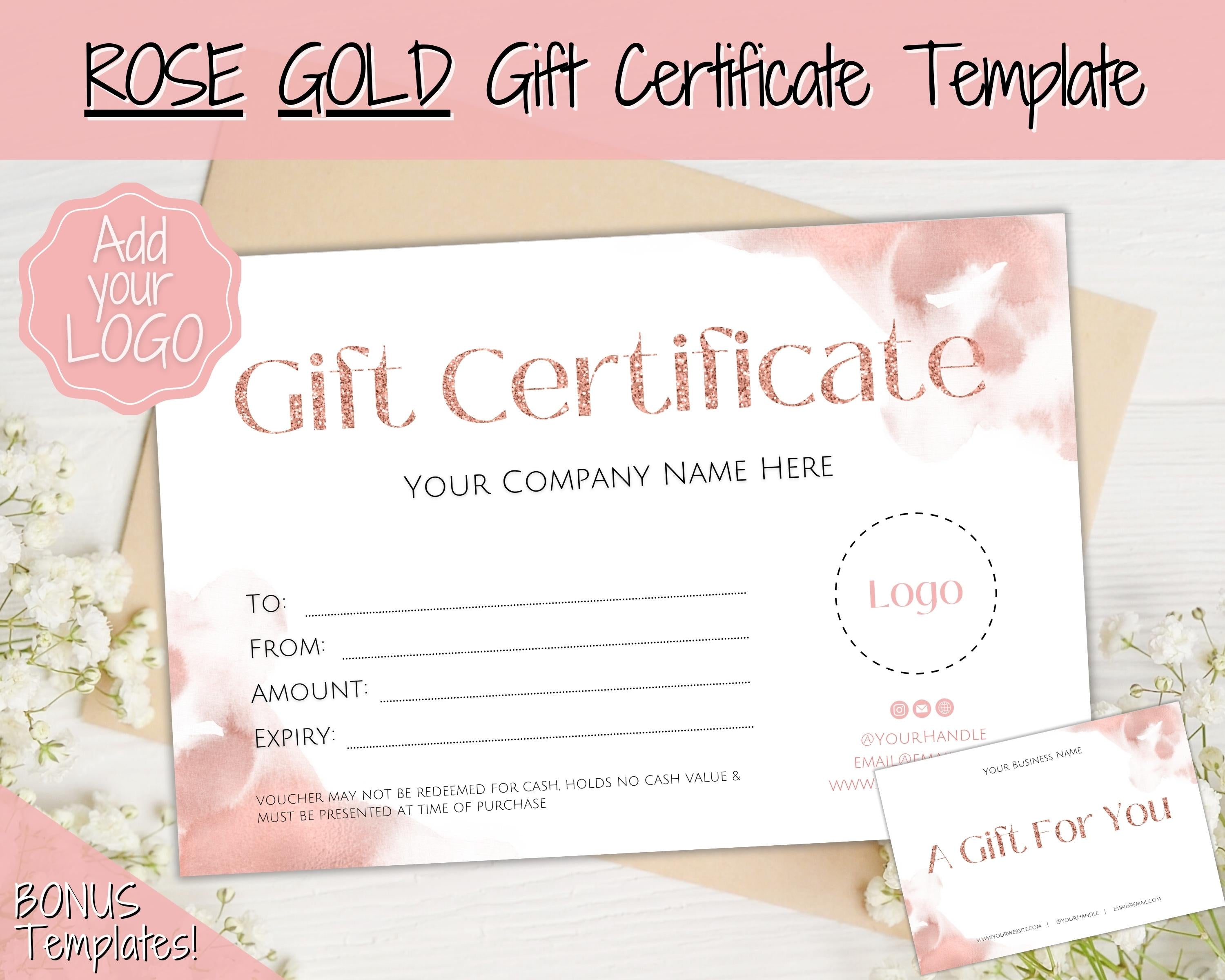
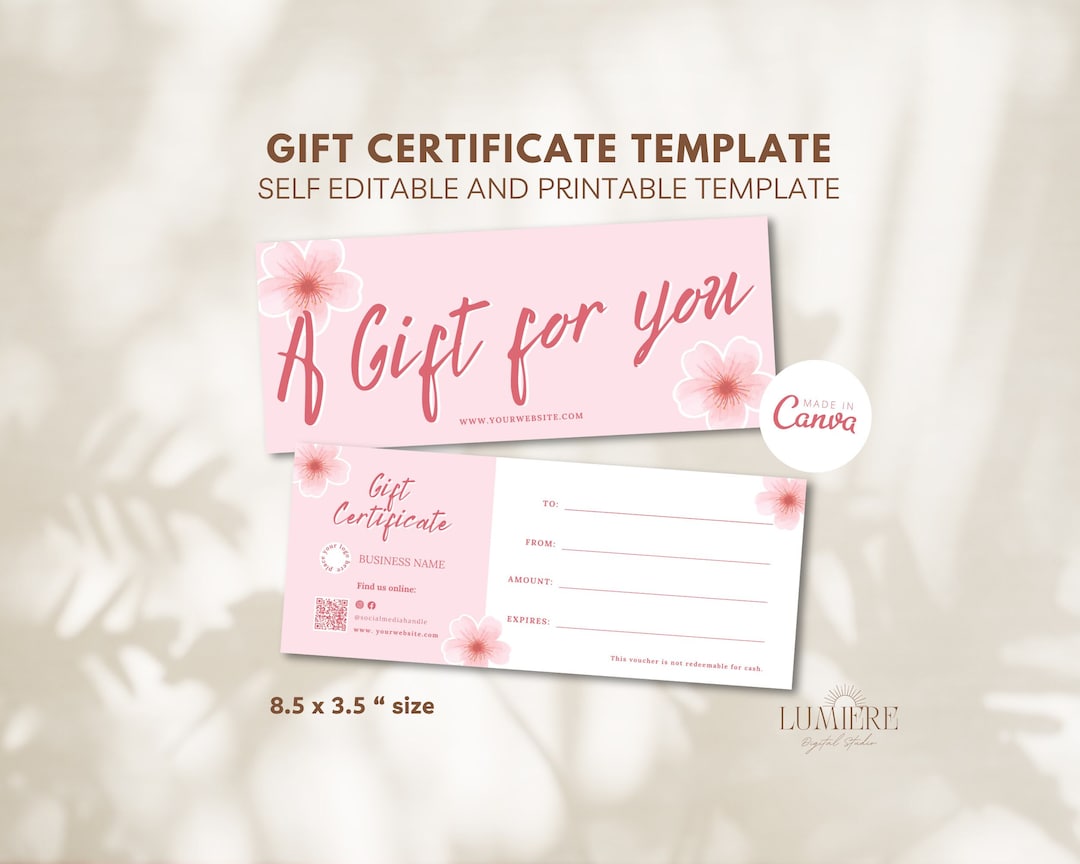
A Pink Gift Certificate Template is more than a piece of paper—it’s a promise, a celebration, and a splash of color that can turn ordinary gifting into an unforgettable experience. Whether you’re a small business owner looking to boost customer loyalty or a personal shopper searching for that “just right” gift, this versatile design offers a quick, stylish solution that feels both warm and professional. By customizing wisely, choosing the right distribution method, and staying mindful of the template’s aesthetic and functional aspects, you’ll create a gift certificate that not only looks fabulous but also delivers real value to the recipient.





Related posts of "Pink Gift Certificate Template"
