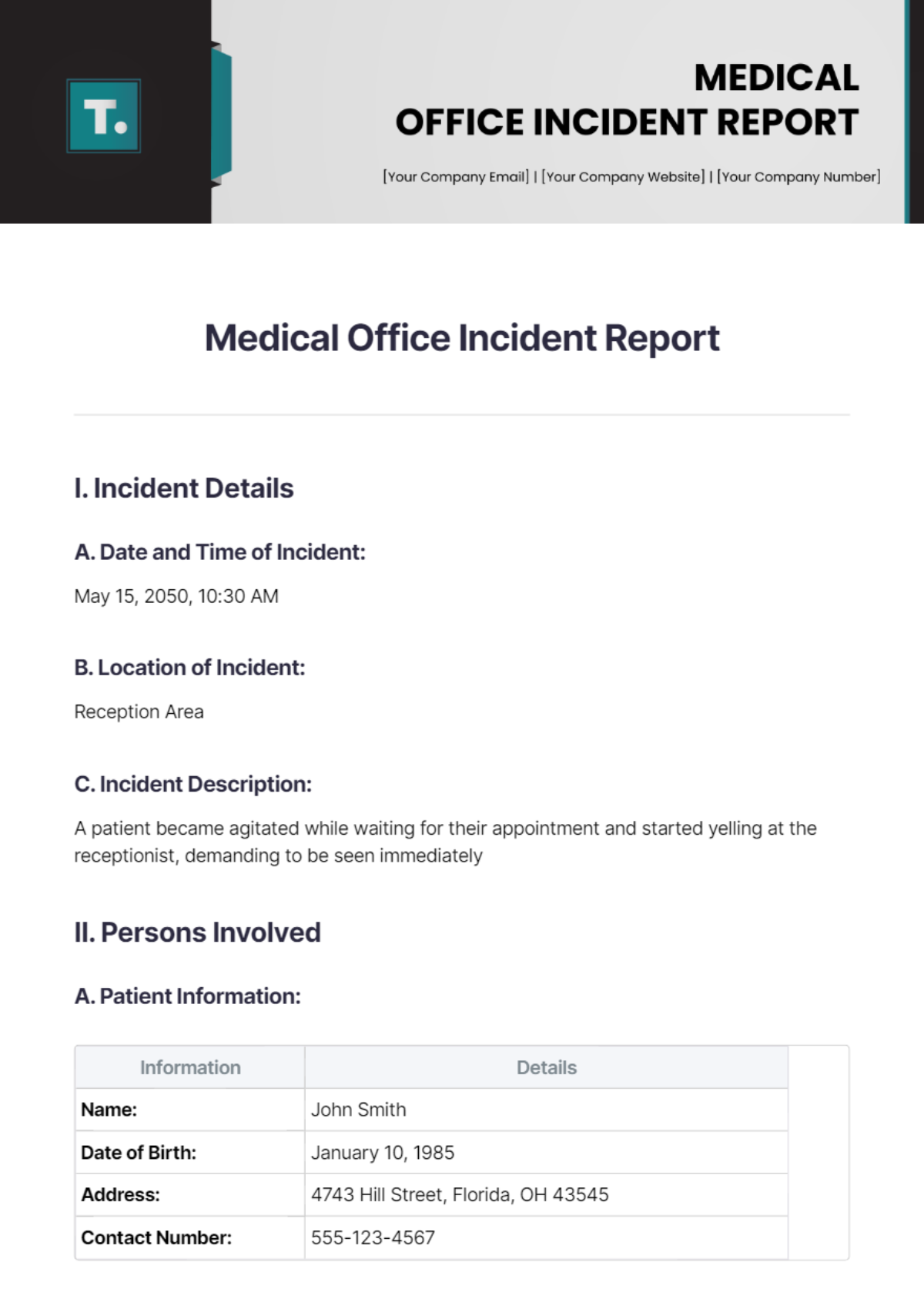
Office Incident Report Template is more than just a form—it’s a cornerstone of workplace safety and accountability. When an incident occurs, having a clear, structured template means that information is captured accurately and consistently, turning chaotic moments into data that can drive real improvement.
Why an Office Incident Report Template is Essential
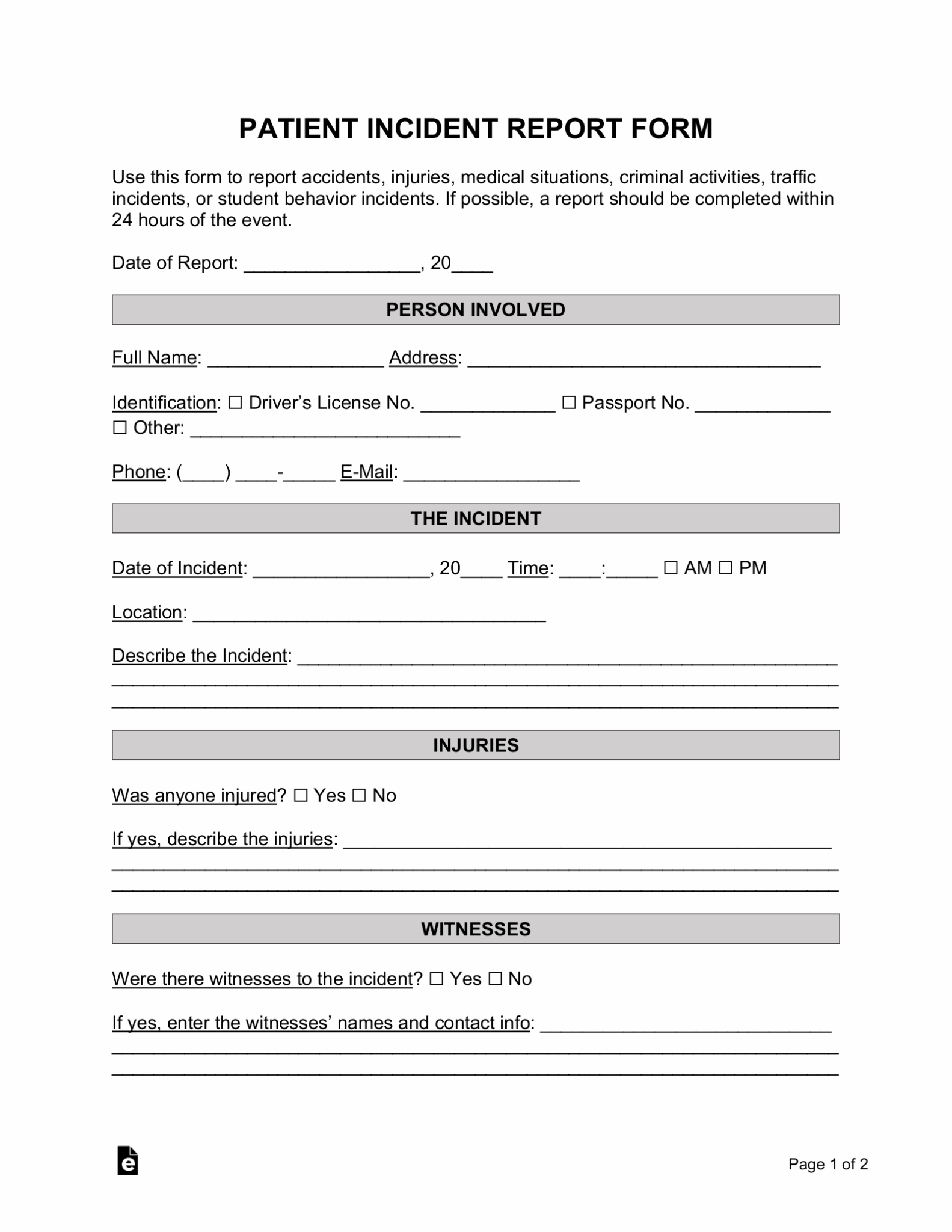
In any office environment, incidents can range from slips and trips to data breaches or equipment failures. A dedicated template ensures that every event is documented with the same level of detail, making it easier to identify patterns, assess risk, and comply with regulatory requirements. By standardizing the reporting process, organizations reduce the chance of missing critical information and improve their response times.
Key Benefits of Using a Template
- Consistency: Every report follows the same structure, simplifying comparison and analysis.
- Completeness: Prompted fields remind reporters to include essential data.
- Compliance: Aligns with OSHA, ISO, and local safety mandates.
- Speed: Predefined sections cut down the time needed to fill out reports.
- Audit Trail: Provides a clear, traceable record for internal and external reviews.
Key Elements Every Template Should Contain
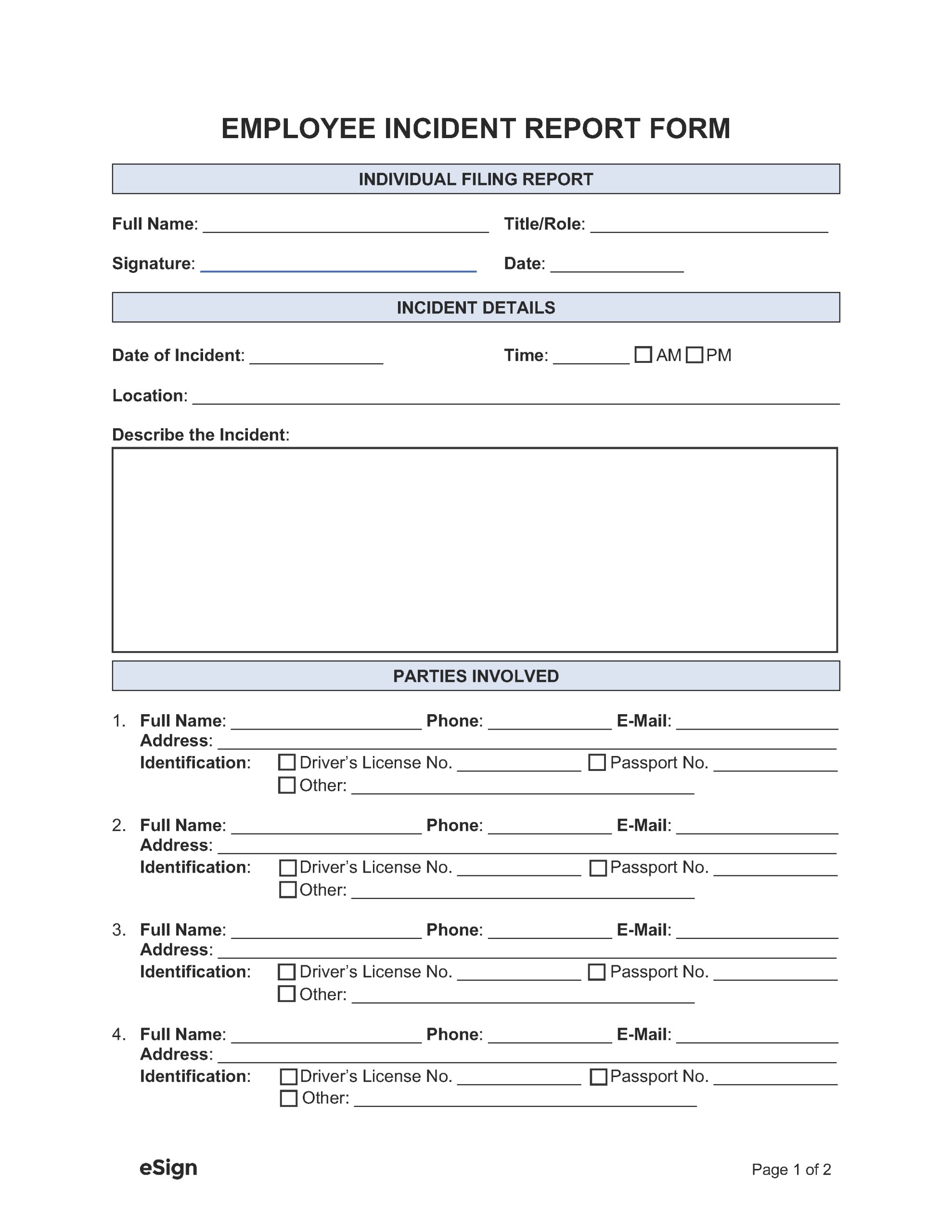
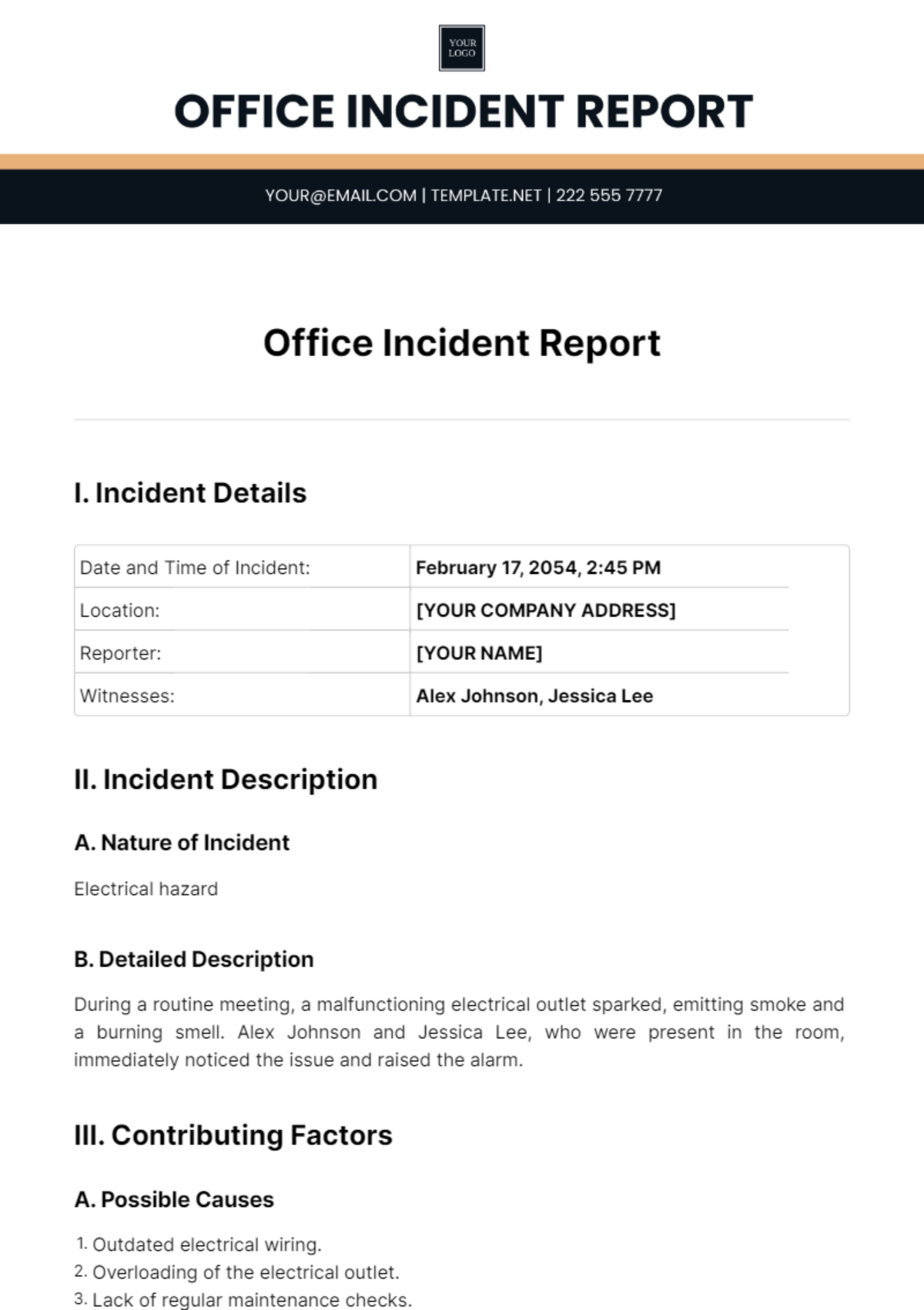
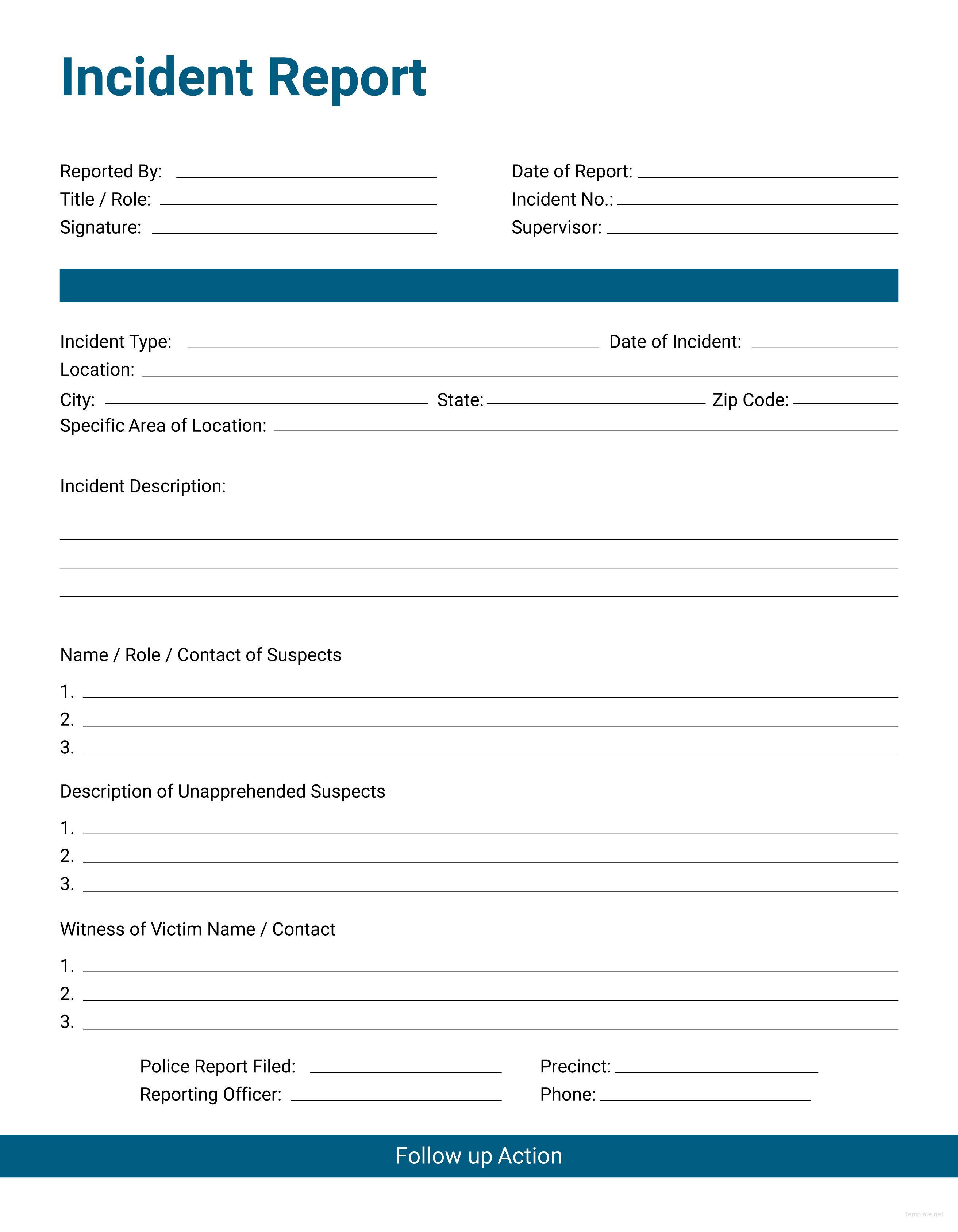
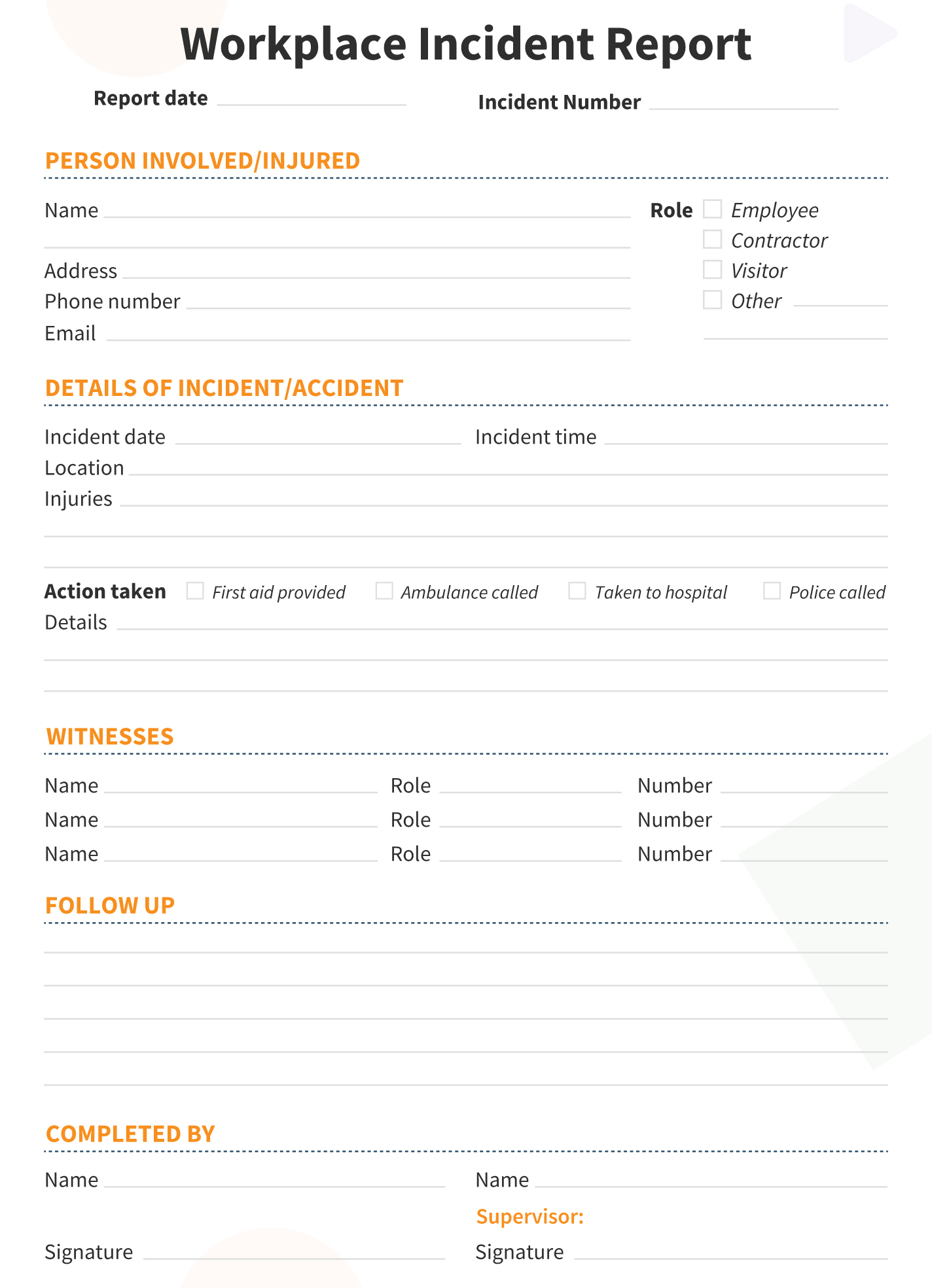
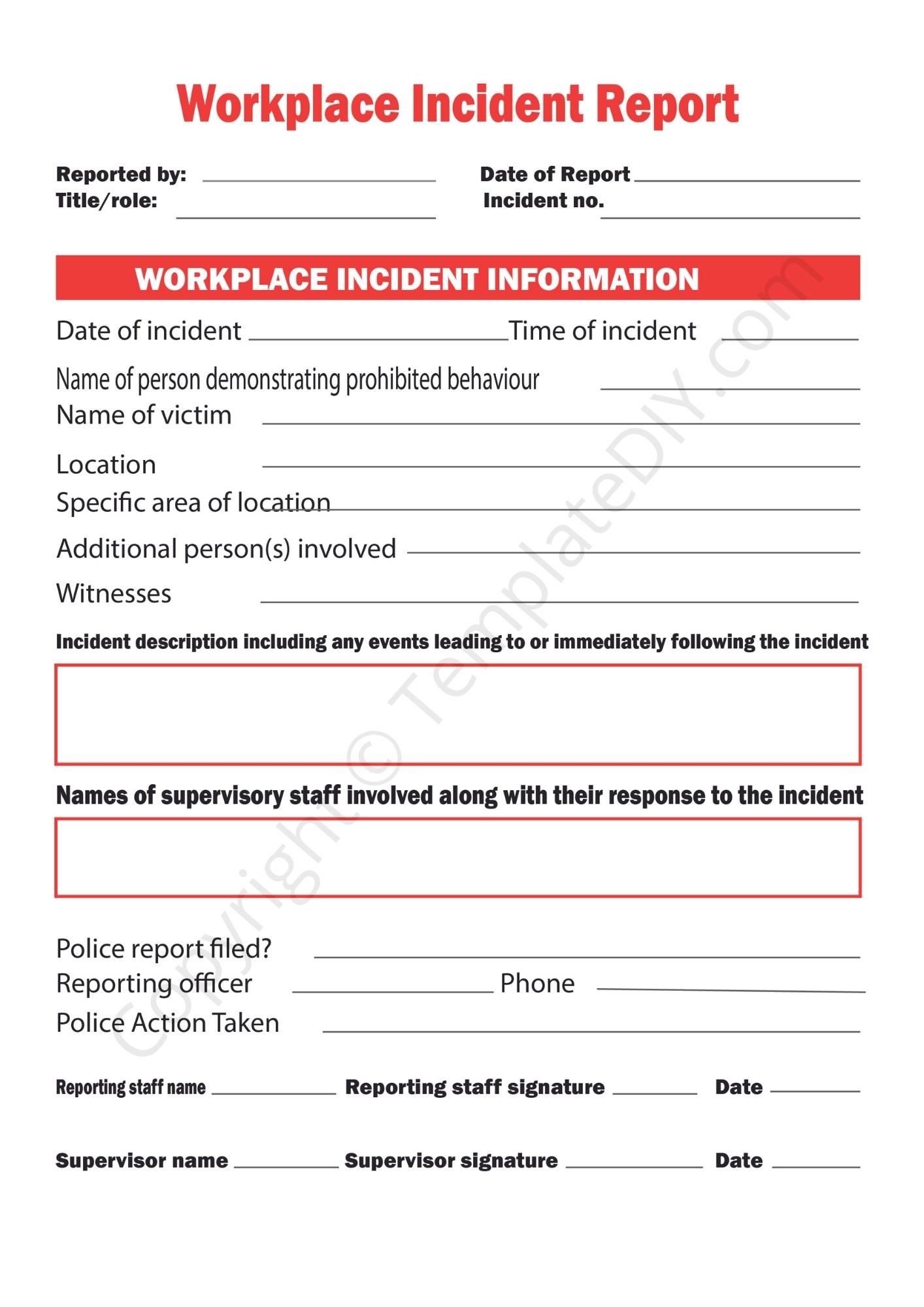
A robust office incident report template typically includes the following sections, each designed to capture specific details that inform investigations and preventative actions.
Incident Overview
- Incident date and time
- Location within the office (e.g., conference room, hallway, parking lot)
- Type of incident (e.g., fall, electrical shock, ergonomic injury, data loss)
Involved Personnel
- Name and title of the employee(s) directly involved
- Witness names and contact information
- Supervisor or manager overseeing the area
Incident Description
- Detailed narrative of what happened, step by step
- Immediate actions taken (first aid, evacuation, lockout)
- Environmental conditions (lighting, floor condition, temperature)
Injury or Damage Assessment
- Nature and severity of injuries (if any)
- Medical treatment provided and recommended follow‑up
- Damage to property, equipment, or data integrity
Root Cause Analysis
- Identified contributing factors (human, mechanical, environmental, procedural)
- Any existing policies or controls that failed
Corrective Actions and Follow‑Up
- Immediate corrective steps (e.g., fixing a loose rug, replacing faulty equipment)
- Long‑term prevention measures (training, policy updates, equipment upgrades)
- Responsibility assignments and timelines for completion
Attachments and Supporting Evidence
- Photographs, video footage, or diagrams
- Witness statements or logs
- Inspection or maintenance records
How to Use the Template for Quick Documentation
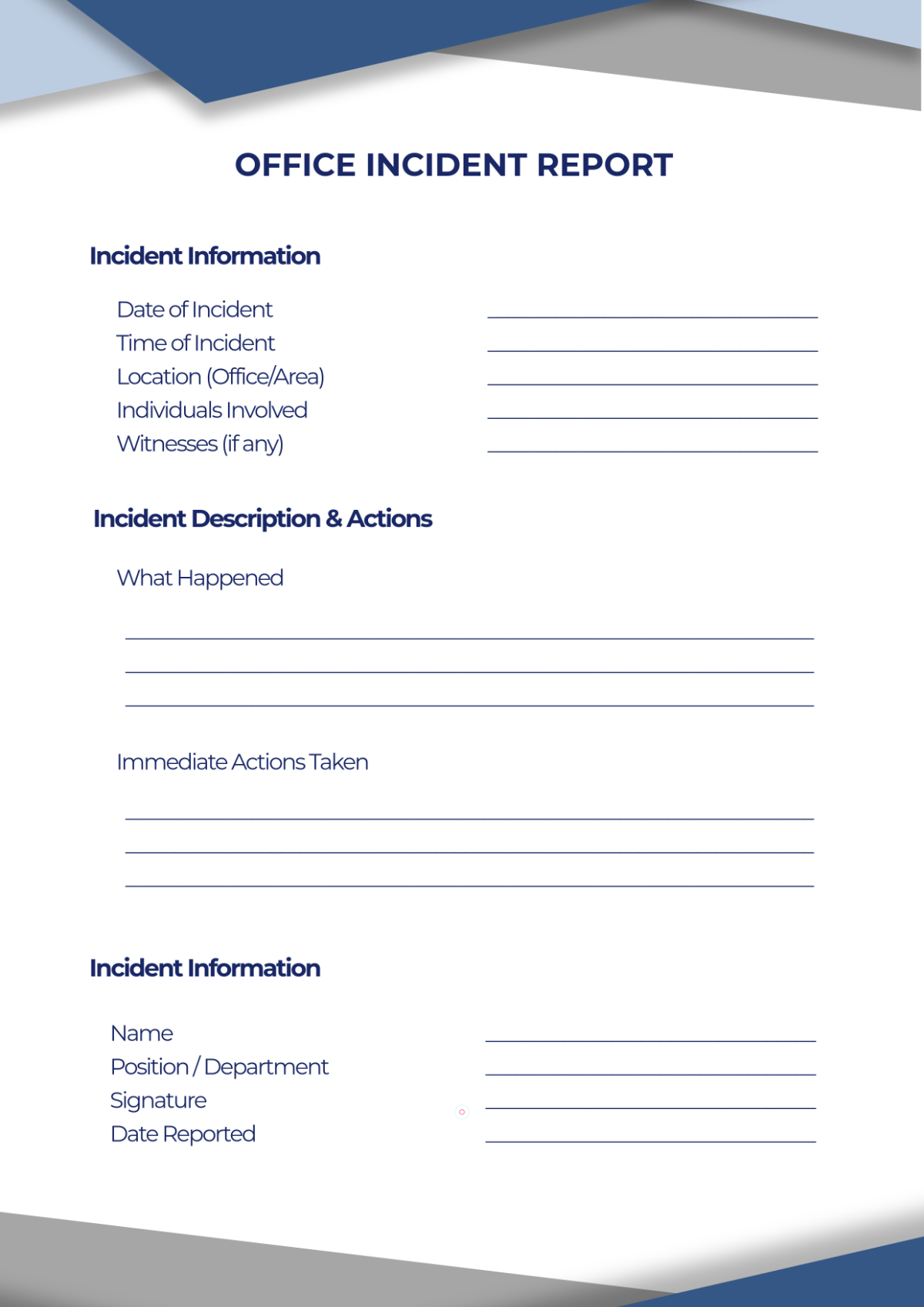
Efficiency is crucial when dealing with incidents. The following workflow helps office staff capture essential details without delay.
Step 1: Immediate Response
- Ensure the area is safe and any danger is removed.
- Provide first aid or call emergency services if needed.
- Do not move the injured party unless they are in immediate danger.
Step 2: Gather Basic Facts
- Ask witnesses for brief statements.
- Note the time, location, and any equipment involved.
- Collect any available visual evidence.
Step 3: Fill Out the Template
- Start with the Incident Overview to anchor the report.
- Progress through the sections sequentially, using checklists if available.
- Leave blanks or “Not Applicable” markers for fields that do not apply.
Step 4: Submit and Escalate
- Submit the completed template to the safety officer or designated supervisor.
- Notify relevant departments (IT, facilities, HR) if the incident impacts them.
- Schedule a follow‑up meeting to review corrective actions.
Best Practices for Accurate Reporting
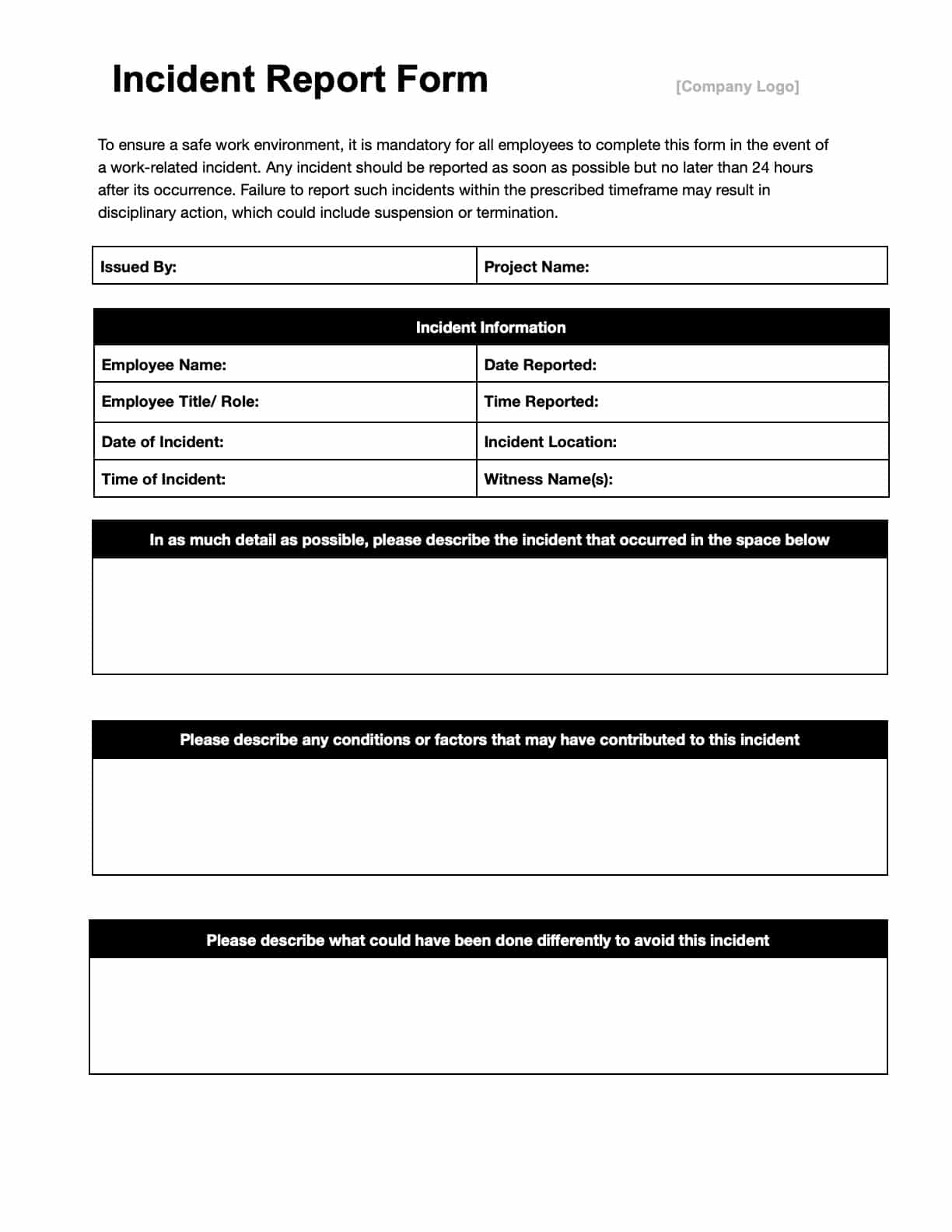
Even the most detailed template can be undermined by incomplete or inaccurate entries. Adopting these best practices ensures the reliability of your incident data.
Be Objective and Fact‑Based
- Stick to verifiable facts; avoid speculation or blame.
- Use precise dates, times, and measurements.
- Document the chain of events rather than personal opinions.
Use Clear, Simple Language
- Avoid technical jargon unless absolutely necessary.
- Write in present tense for immediacy (e.g., “Employee slipped”).
- Use bullet points to highlight key actions.
Double‑Check for Completeness
- Review the report against the checklist before submission.
- Verify that all required fields are filled and attached evidence is uploaded.
- Ask a colleague to proofread for clarity and consistency.
Case Study: From Incident to Improvement

Consider a mid‑size marketing firm where a junior designer tripped over a newly installed cable in the creative studio. Using an Office Incident Report Template, the event was captured within minutes, documenting the exact location, the condition of the cable, and the lack of signage.
Upon review, the safety team discovered a recurring issue: cables were routed without proper labeling. As a result, the firm implemented a weekly cable inspection schedule, introduced color‑coded cable covers, and added a quick‑reference guide in the studio lobby. Within three months, the number of cable‑related incidents dropped by 80%, demonstrating how a structured template can catalyze meaningful change.
Customizing Your Template for Different Office Environments

Not every workplace is the same. Tailoring the template to match your organization’s specific risks ensures relevance and effectiveness.
Manufacturing or Warehouse Settings
- Include sections for machinery status and maintenance logs.
- Add fields for safety equipment checks (e.g., harnesses, guards).
- Document any pallet or forklift movements.
Remote or Hybrid Workforces
- Capture incidents that occur at home, such as ergonomic injuries or home office accidents.
- Include technology failure details (e.g., data breaches, equipment malfunctions).
- Add a section for cybersecurity incidents and immediate mitigations.
High‑Security Facilities
- Track access card usage and security breaches.
- Add a confidentiality clause for sensitive incident information.
- Document any suspicious activities or potential espionage incidents.
Integrating the Template into Your Safety Management System
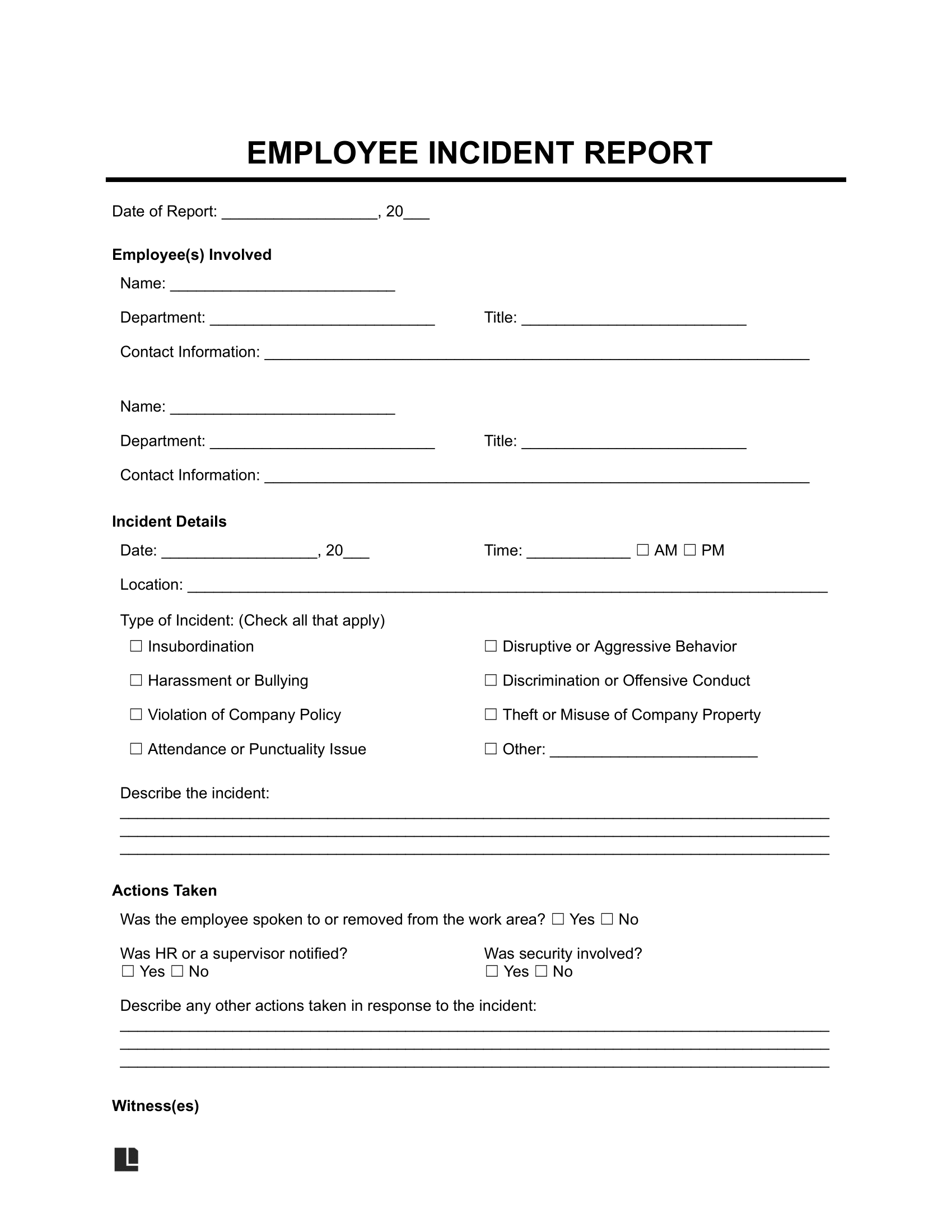
For maximum impact, the template should not operate in isolation. Linking it to your broader safety ecosystem creates a seamless feedback loop.
Digital Integration
- Upload the template to an online portal or intranet.
- Use form‑building tools (e.g., Google Forms, Microsoft Power Apps) to auto‑populate fields.
- Enable notifications so that relevant stakeholders receive alerts instantly.
Data Analytics and Reporting
- Export completed reports into a dashboard for trend analysis.
- Set up automated alerts for recurring incidents.
- Use statistical analysis to prioritize risk mitigation efforts.
Continuous Improvement Cycle
- Review incident data quarterly to identify patterns.
- Update policies, training, and controls based on findings.
- Document lessons learned and share them across departments.
Training Staff on Effective Report Completion
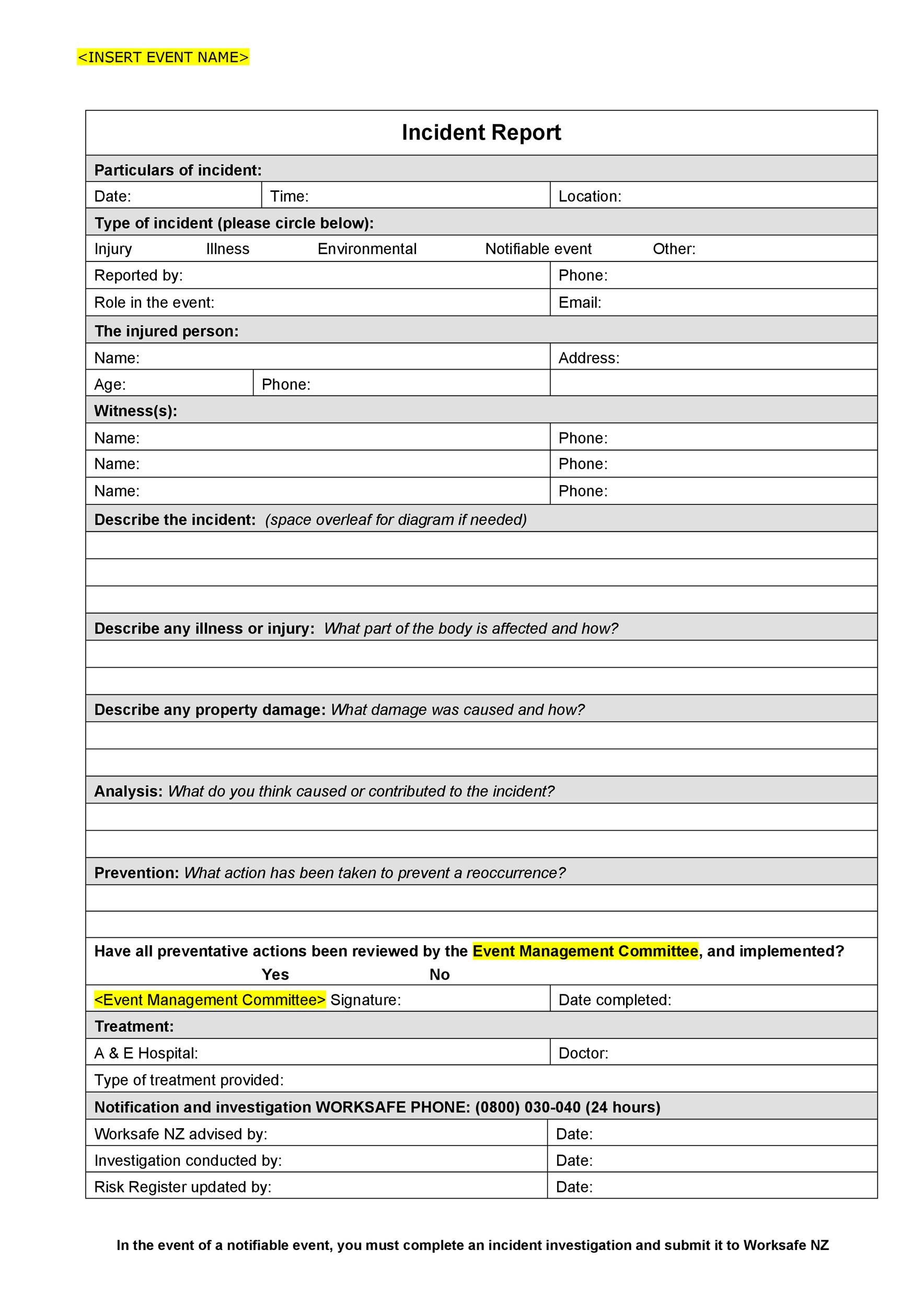
A template is only as good as the people who use it. Structured training ensures consistency and accuracy.
Onboarding Sessions
- Introduce the template early in the orientation program.
- Show examples of completed reports and explain each section.
- Provide a quick‑start guide or cheat sheet.
Role‑Based Training
- Safety officers receive advanced training on root‑cause analysis.
- Managers learn how to assign corrective actions and monitor follow‑up.
- Front‑line staff focus on immediate response and accurate data capture.
Periodic Refresher Courses
- Schedule refresher sessions annually or after major incidents.
- Update the template and training material whenever regulations change.
- Use quizzes or simulations to reinforce best practices.
Common Mistakes to Avoid
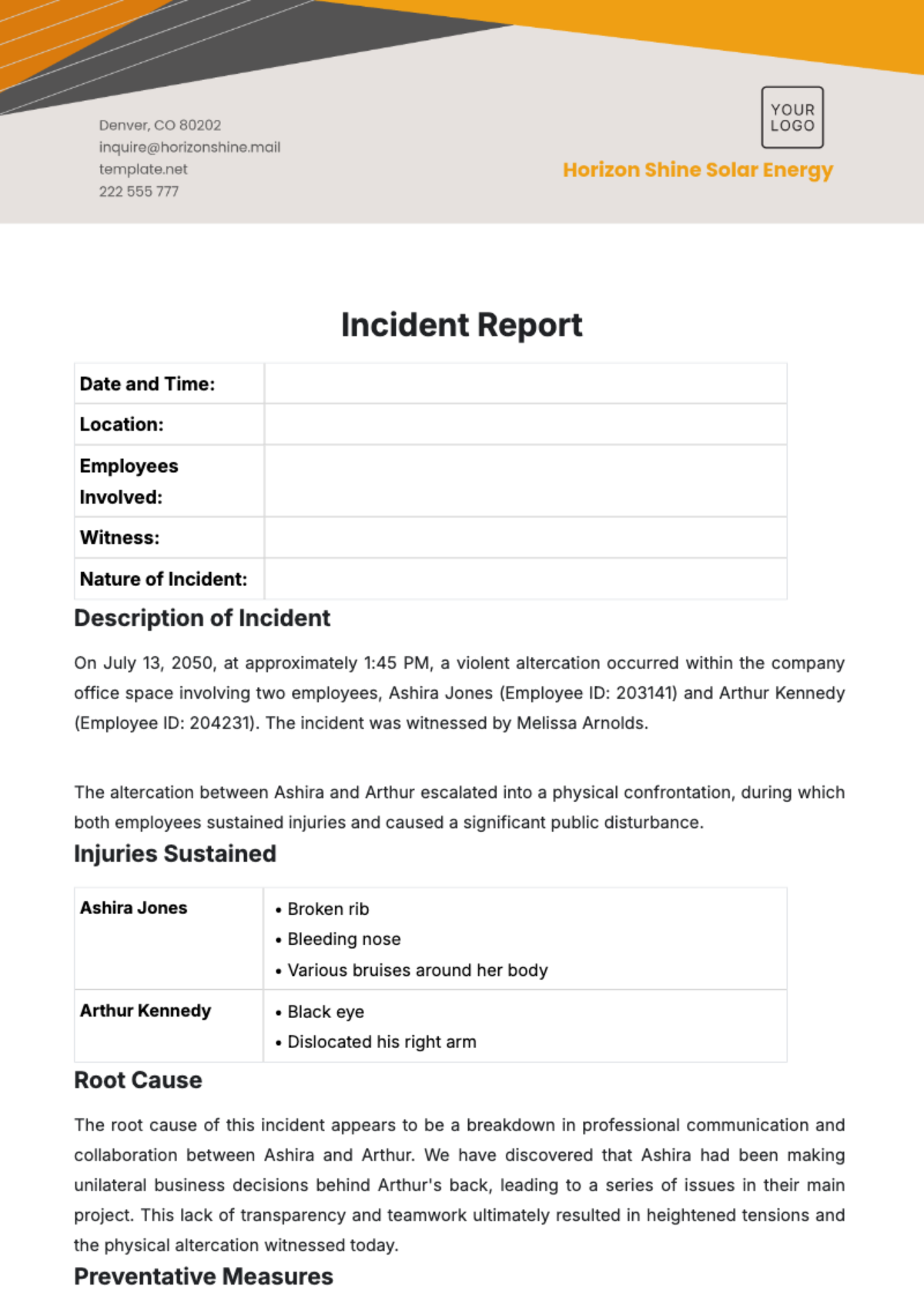
Even well‑designed templates can suffer from human error. Watch for these pitfalls.
Incomplete Data Capture
- Skipping sections because they seem irrelevant leads to gaps.
- Encourage a “no‑questions‑asked” approach during the reporting phase.
Delayed Reporting
- Waiting too long to fill out the template can result in lost details.
- Implement a policy that requires reporting within 24 hours of the incident.
Over‑Narration
- Writing long narratives can obscure key facts.
- Use concise bullet points and keep the narrative to a paragraph or two.
Ignoring Follow‑Up
- Completing the template but not acting on corrective measures defeats the purpose.
- Assign responsibilities with clear deadlines and track progress.
Conclusion

An Office Incident Report Template transforms how organizations manage workplace safety. By ensuring that every incident is documented with precision and consistency, businesses gain a powerful tool for analysis, compliance, and continuous improvement. From the initial response to the final corrective action, a well‑structured template keeps everyone on the same page, turning potential risks into opportunities for safer, more resilient workplaces. With thoughtful customization, integration into digital systems, and ongoing training, your organization can turn incident data into a strategic asset that protects people, protects assets, and enhances overall performance.


Related posts of "Office Incident Report Template"
