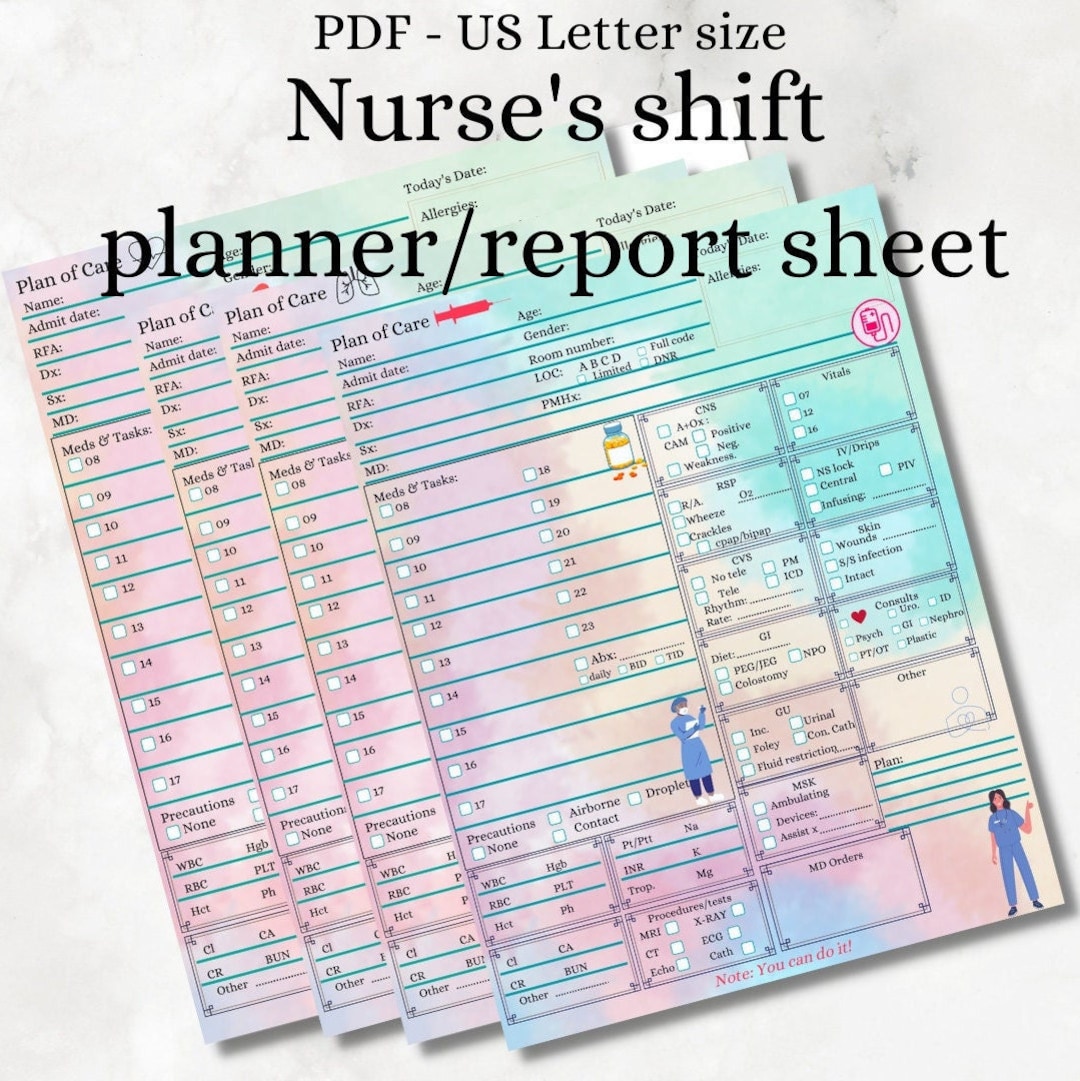
The Nurse Shift Report Sheet Template is more than just a form—it’s the backbone of seamless handover, the safety net that keeps patient care consistent and error‑free. Every time a nurse walks into a new shift, this template becomes the compass that points to what’s been done, what’s pending, and what needs urgent attention. When written right, it transforms chaotic rush into calm confidence.
Why Every Nurse Needs a Reliable Shift Report Template
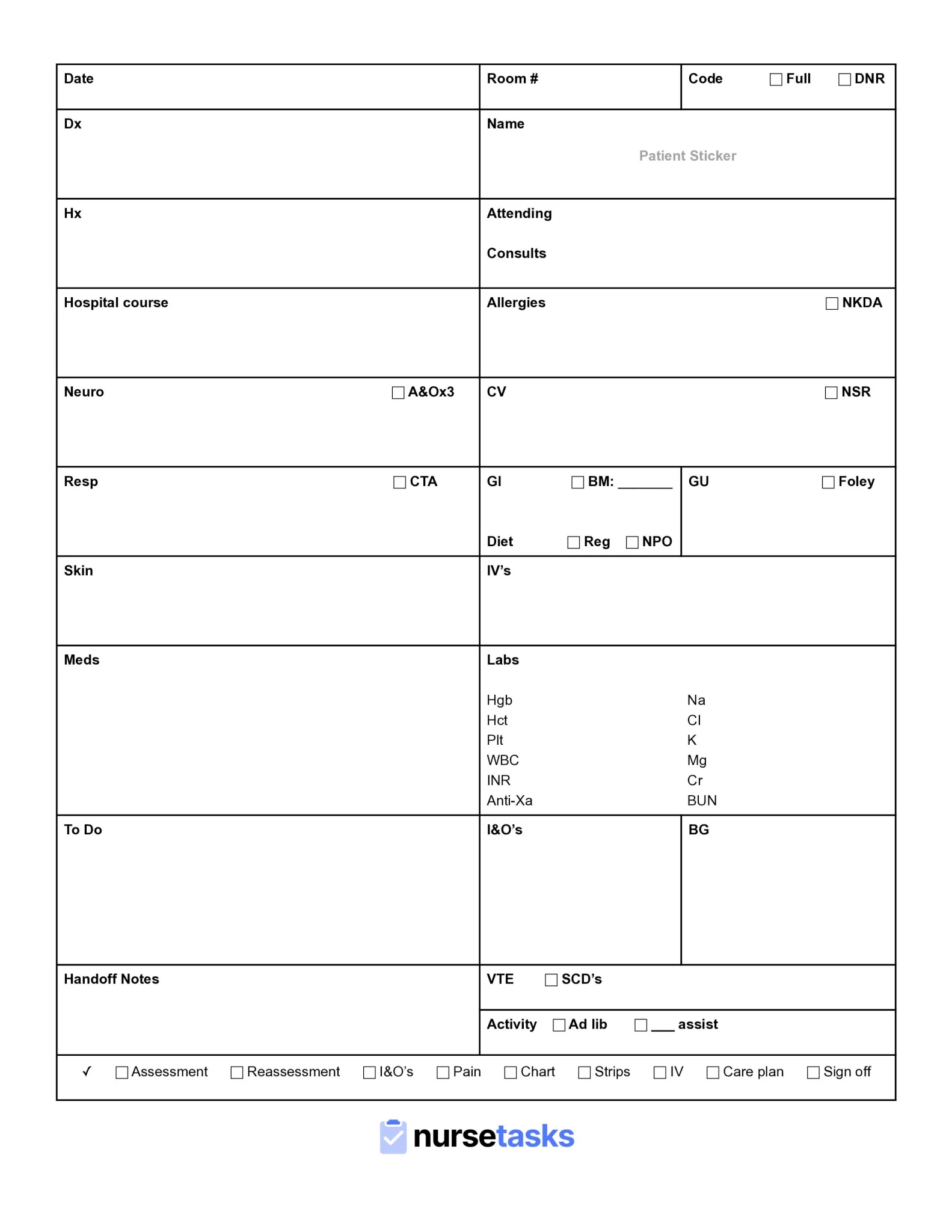
Picture a scenario where a night shift nurse arrives, frantic, to find a handwritten note that’s hard to read, missing vital vitals, and lacking context. The patient’s medication schedule is unclear, and the next nurse is left guessing. That moment can increase medication errors, delay interventions, and ultimately jeopardize patient safety. A well‑structured shift report template eliminates ambiguity by standardizing what information is captured and how it’s presented.
Key benefits of a solid template include:
- Consistency—Everyone records data in the same format.
- Efficiency—Time is saved by knowing exactly where to find each detail.
- Accountability—Clear documentation holds each shift responsible for patient outcomes.
- Compliance—Adheres to state and federal regulations such as HIPAA, CMS, and Joint Commission standards.
Designing an Intuitive Template: Key Elements
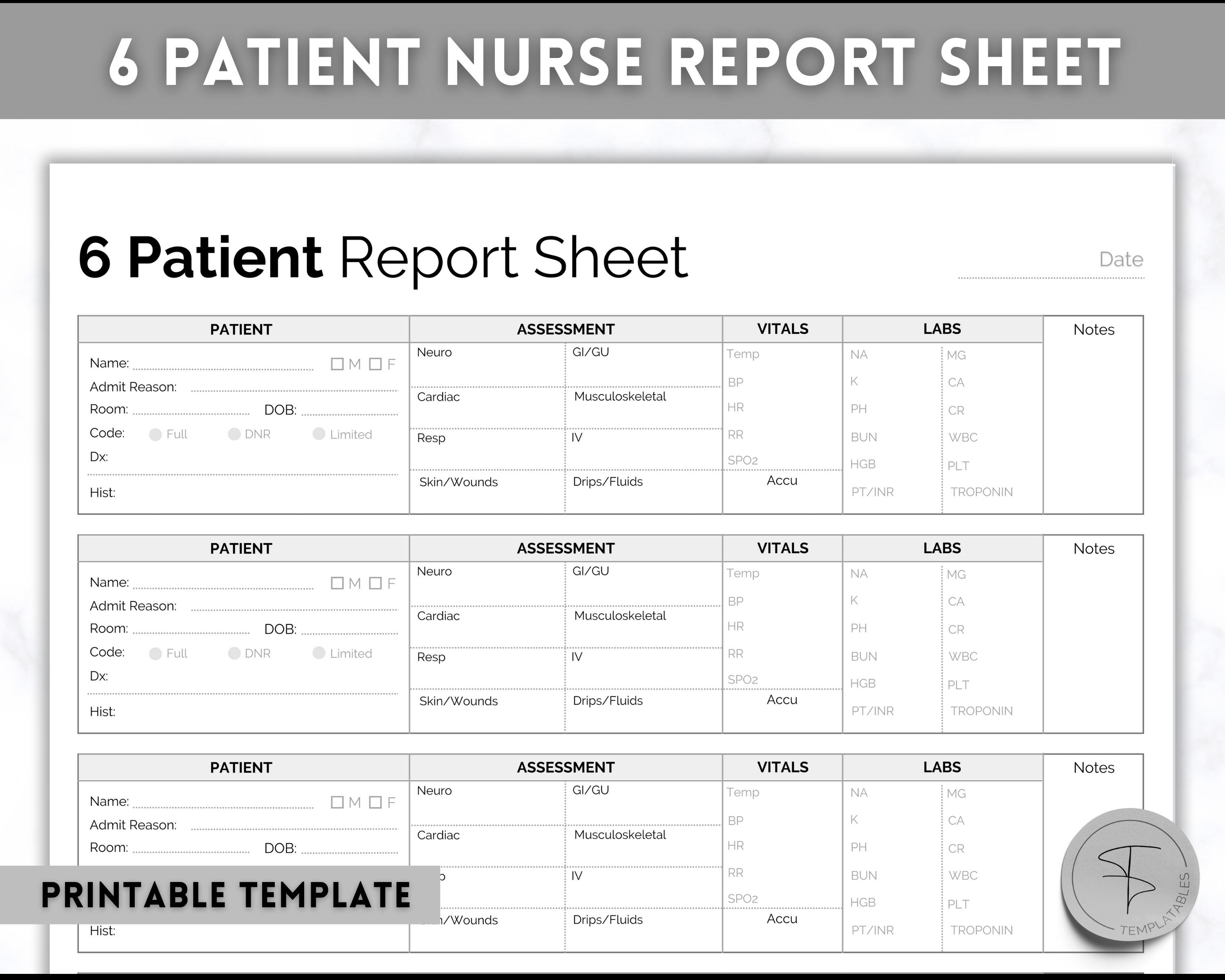
Patient Identification
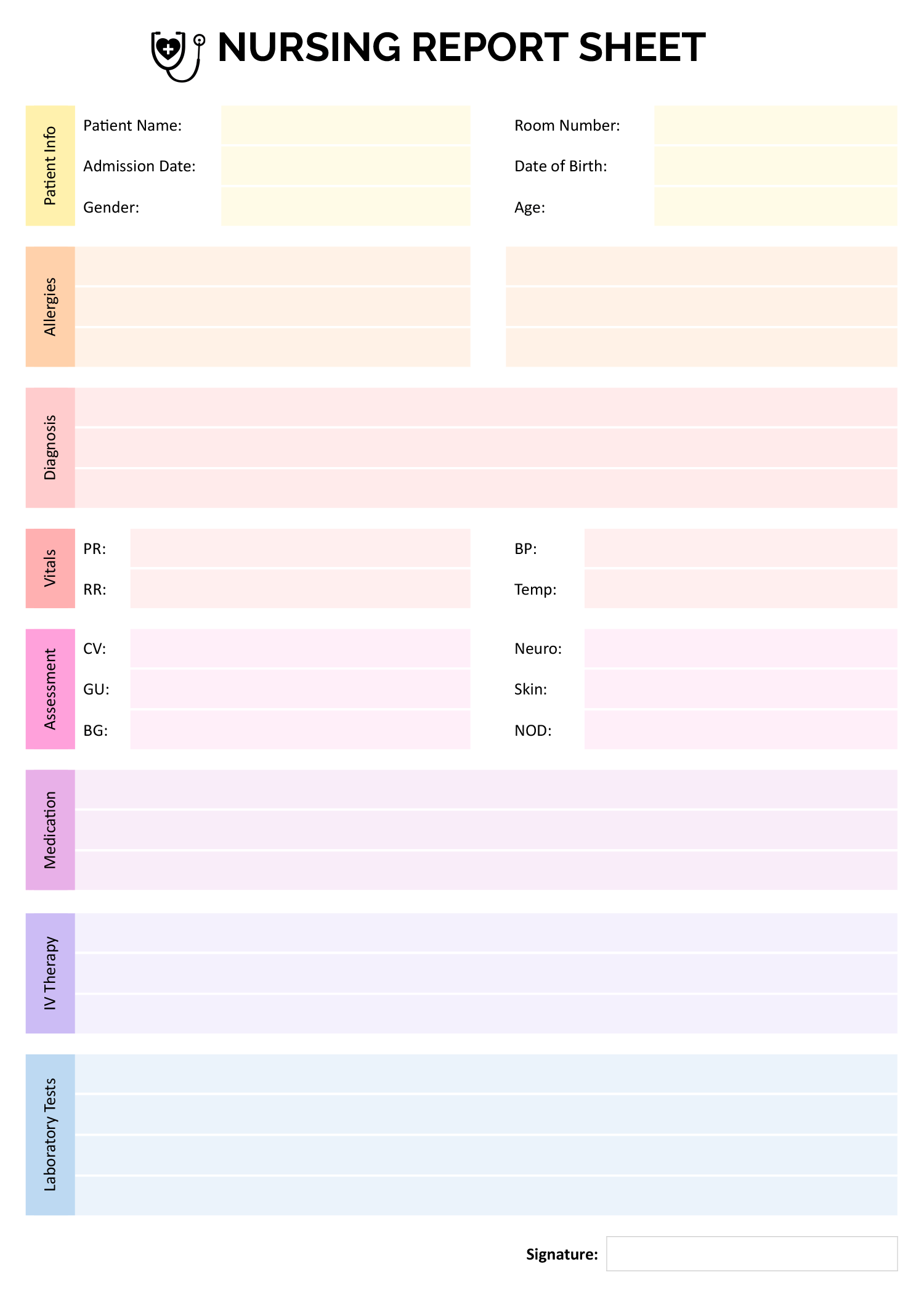
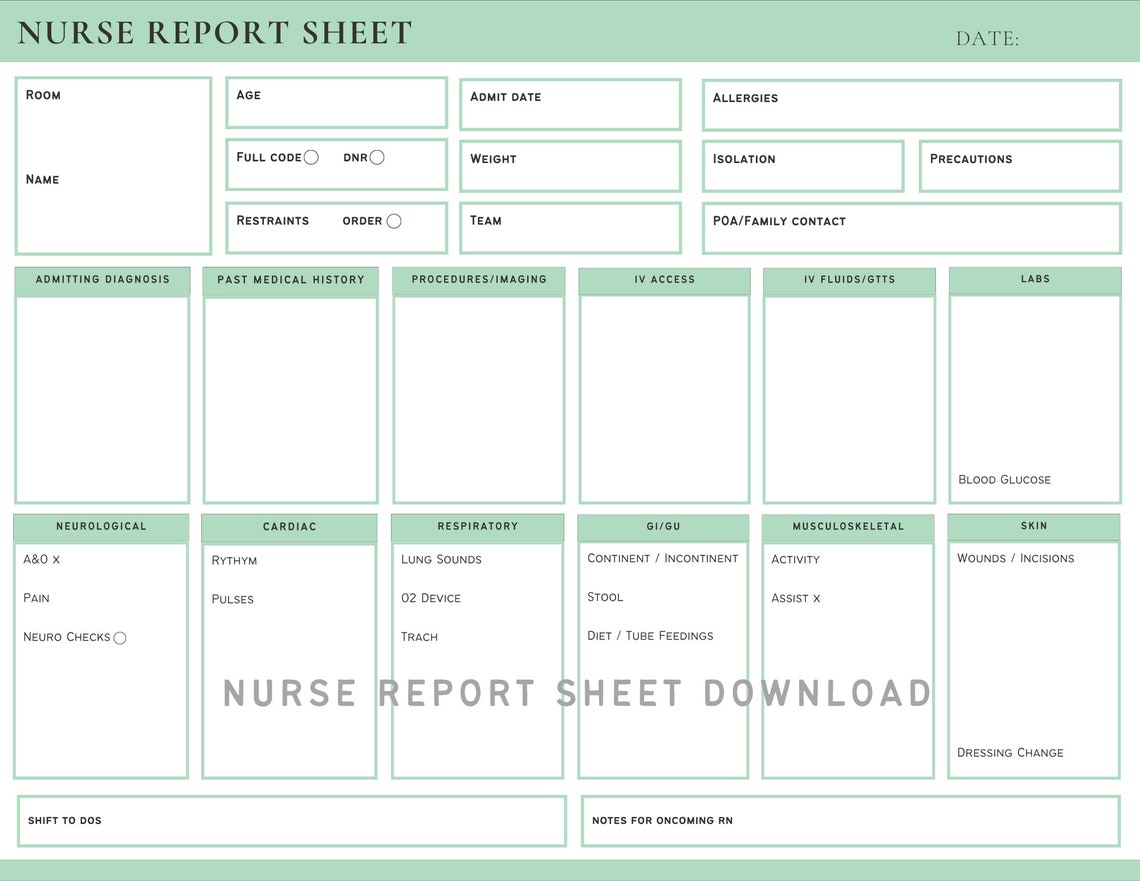
Start each report with the patient’s full name, MRN, bed number, and room. This anchors the data and avoids mix‑ups, especially in units with multiple patients sharing similar names.
Vital Signs Snapshot
Include a dedicated section for vital signs with columns for time, value, and trend. Nurses can quickly spot anomalies without flipping pages.
Medication Log
List scheduled medications, dosages, administration times, and any changes. A checkbox column helps confirm each dose is given.
Clinical Notes
Separate narrative space for observations, assessments, and interventions. Keep it concise yet thorough—use bullet points for clarity.
Pending Orders & Alerts
Highlight lab draws, imaging, or physician orders that are pending. A separate alert box ensures critical tasks aren’t overlooked.
Signature and Timestamp
Always capture who completed the report and when. Digital templates can auto‑timestamp; paper versions rely on handwritten notes.
Step‑by‑Step Guide to Creating Your Own Template
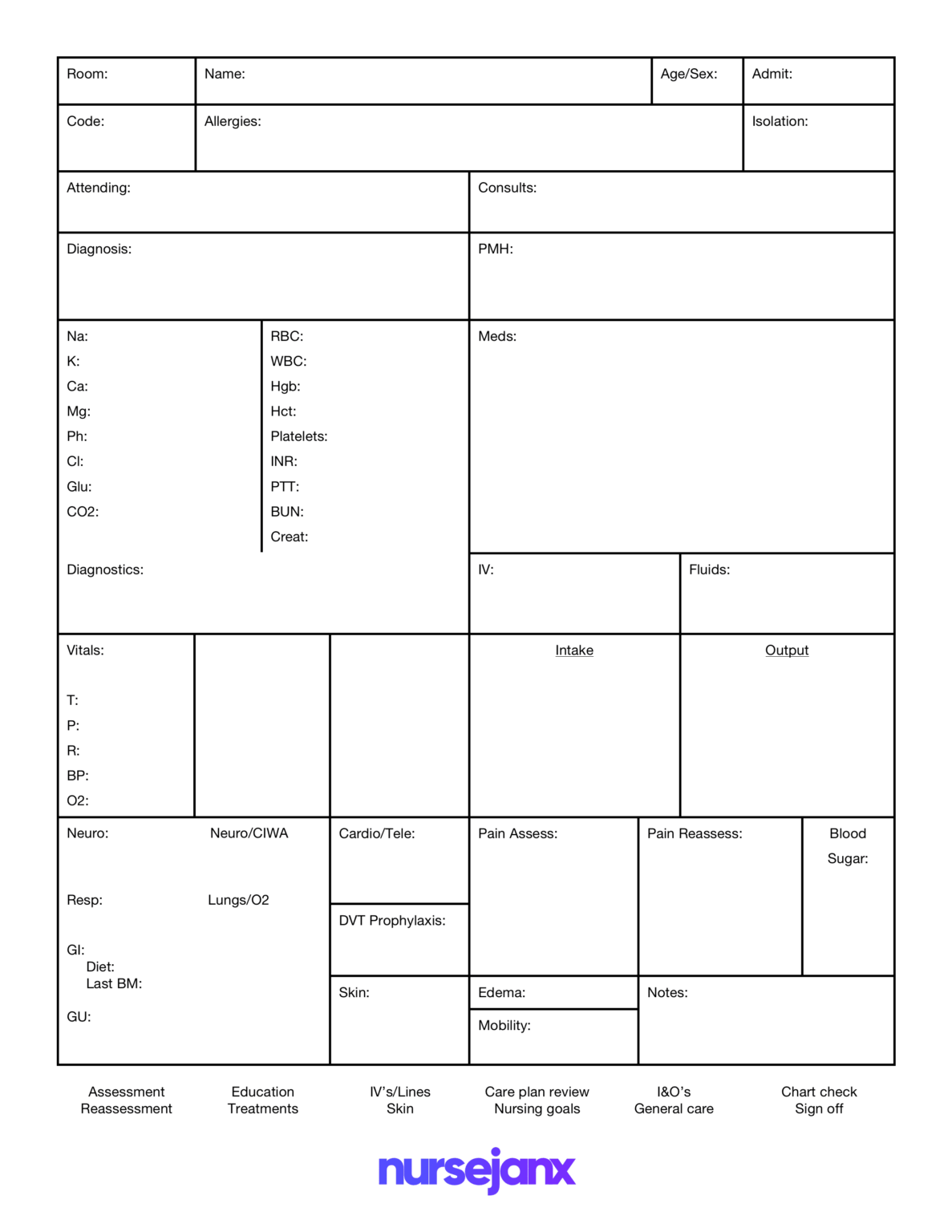
1. Gather Stakeholder Input
Consult with RN leaders, unit clerks, and physicians to list the information that must be captured. Ask questions like, “What data do you need to see instantly?” and “What errors have happened because of missing information?”
2. Choose Your Format
Decide between a paper template or a digital solution. Paper may still dominate in some settings, but digital tools—like a tablet‑based app—offer searchability, auto‑fill, and real‑time updates.
3. Draft the Layout
Sketch a rough layout on paper or using a word processor. Ensure ample whitespace to avoid clutter. Group related fields together and use headings or boxes to separate sections.
4. Pilot Test
Let a small group of nurses fill out the template during their shifts. Collect feedback on usability, missing fields, and time consumption. Iterate until the template feels “just right.”
5. Train the Team
Conduct a brief workshop covering how to use each section, the importance of accuracy, and how to handle edge cases. Reinforce that the template is a tool, not a bureaucratic hurdle.
6. Monitor and Refine
After a month of use, review the reports. Are there recurring errors? Do nurses consistently skip a section? Refine the template accordingly, keeping it flexible for future changes.
Digital vs. Paper: Choosing the Right Format

Digital Advantages
Digital templates offer auto‑complete fields, drop‑down menus for standard vocabulary, and electronic signatures. They can sync with electronic health record (EHR) systems, eliminating double documentation.
Paper Benefits
Paper is immediately accessible and doesn’t depend on power or connectivity. In high‑traffic EDs or during power outages, a simple, laminated template can keep care moving.
Hybrid Approach
Some units use a paper template for quick hand‑off while simultaneously filling a digital version for documentation compliance. This dual‑track ensures nothing falls through the cracks.
Common Pitfalls and How to Avoid Them

Missing Vital Fields
Skip a vital sign or medication? It can lead to missed interventions. Always double‑check that the template covers the unit’s core metrics.
Overly Complex Layout
Too many boxes and lines can overwhelm users. Simplicity promotes accuracy—only ask for what’s essential.
Inflexible Sections
Rigid drop‑downs may force nurses to select a wrong option just to fill the field. Include an “Other” option with a free‑text field to capture nuances.
Ignoring Staff Feedback
A template that never evolves becomes a relic. Schedule quarterly reviews to gather input and make necessary adjustments.
Real‑World Success Stories

At a tertiary hospital in the Midwest, the shift report template was revamped after a series of medication errors. Nurses reported a 35% drop in discrepancies within three months. The new template’s medication log included color‑coded alerts for high‑risk drugs, immediately catching potential errors.
In a suburban urgent‑care unit, a paper template was redesigned with a “quick‑scan” header featuring the patient’s name, room, and last vital sign. The nurse manager noted a 50% reduction in hand‑off time, allowing more time for bedside care.
Tips for Customizing Your Template

- Use color coding to flag critical values (e.g., red for heart rate >120 bpm).
- Include a “Signature of Shift Supervisor” line if the unit requires supervisory sign‑off.
- Insert a small “Patient‑Specific Notes” box for unique conditions (e.g., post‑surgery care plans).
- Leverage checklists for routine tasks like turning and repositioning to ensure consistency.
Staying Compliant with Regulatory Standards

Every state and accrediting body has specific documentation requirements. When drafting your template, keep the following in mind:
- HIPAA mandates that all patient data be protected—ensure digital templates have encryption.
- The Joint Commission requires documentation of vital signs at specified intervals; embed this requirement into your template’s design.
- CMS guidelines for Medicare patients often specify documentation for pain scores and functional status—add fields accordingly.
Future Trends in Nursing Documentation

Voice‑to‑Text Integration
With advances in natural language processing, nurses can dictate notes that auto‑populate template fields, reducing typing time.
Real‑Time Analytics
Data extracted from shift reports can feed dashboards that monitor unit metrics, flaging trends in patient deterioration.
AI‑Driven Suggestions
Artificial intelligence can propose next‑step interventions based on entered vitals and patient history, supporting clinical decision‑making.
Interoperability
Seamless data flow between the shift report template and the EHR will eliminate duplicate entries and improve data integrity.
Final Thoughts
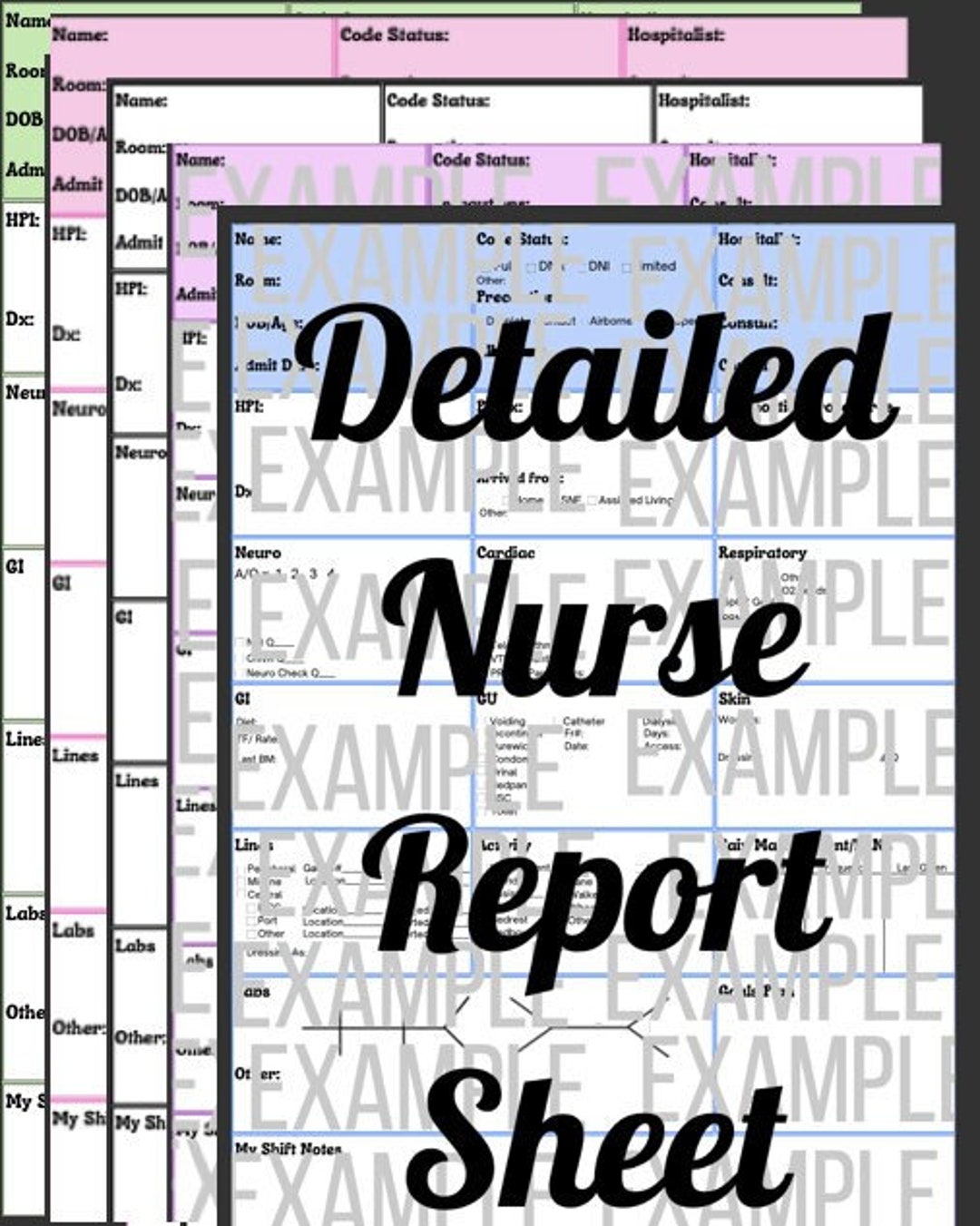
A well‑crafted Nurse Shift Report Sheet Template is the quiet hero of the healthcare setting. It bridges the gap between shifts, safeguards patient safety, and supports compliance—all while freeing nurses to focus on what truly matters: caring for patients. By investing time in designing, testing, and refining your template, you create a reliable tool that scales with your unit’s needs, adapts to regulatory changes, and keeps the rhythm of patient care steady and dependable.




Related posts of "Nurse Shift Report Sheet Template"
