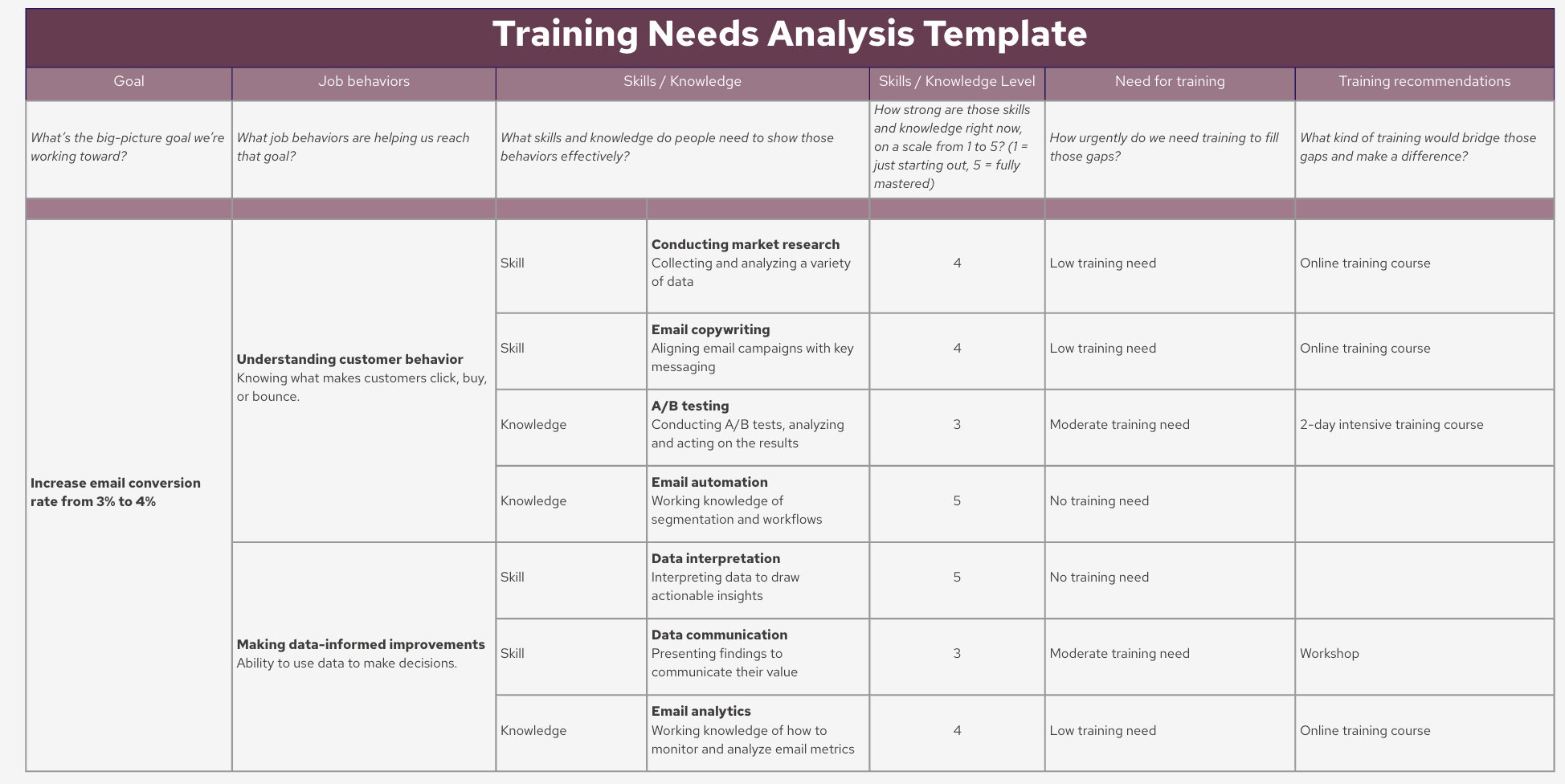
Needs Analysis Template Instructional Design is the secret sauce that turns a chaotic training project into a focused, learner‑centered experience. When I first stumbled upon a well‑structured template, my sense of overwhelm evaporated, replaced by a clear roadmap that guided every decision from learning objectives to assessment strategies. This blog will walk you through why a template matters, how to build one that works for you, and how to keep it flexible enough to adapt to changing needs.
Understanding the Foundations of Needs Analysis

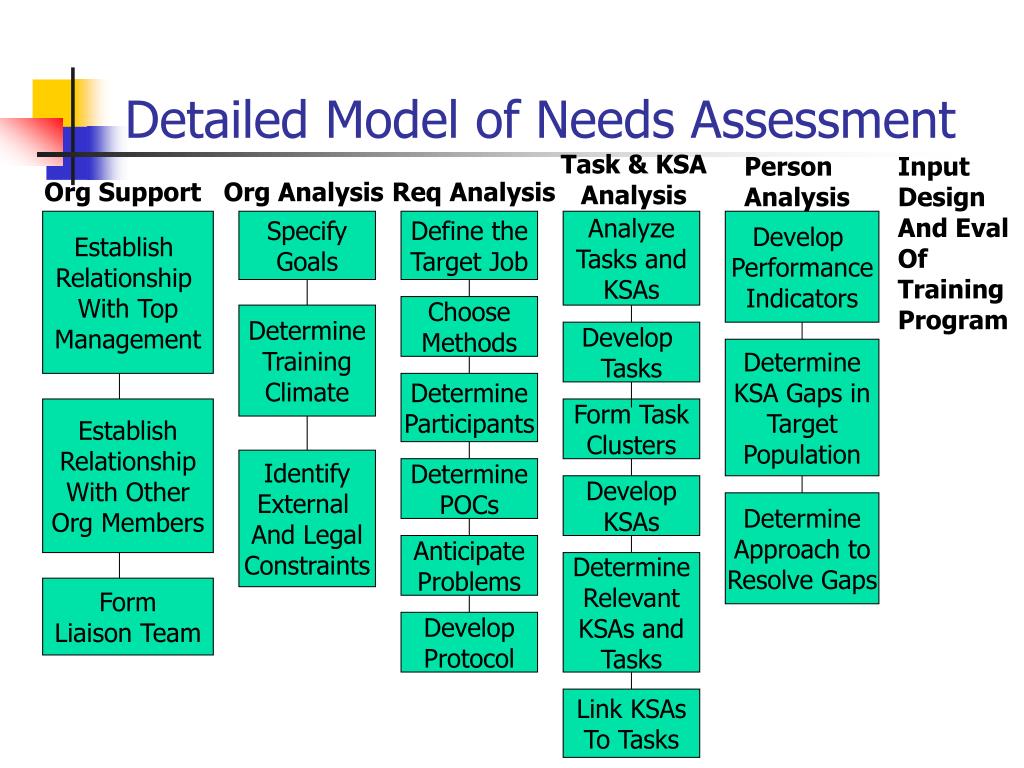
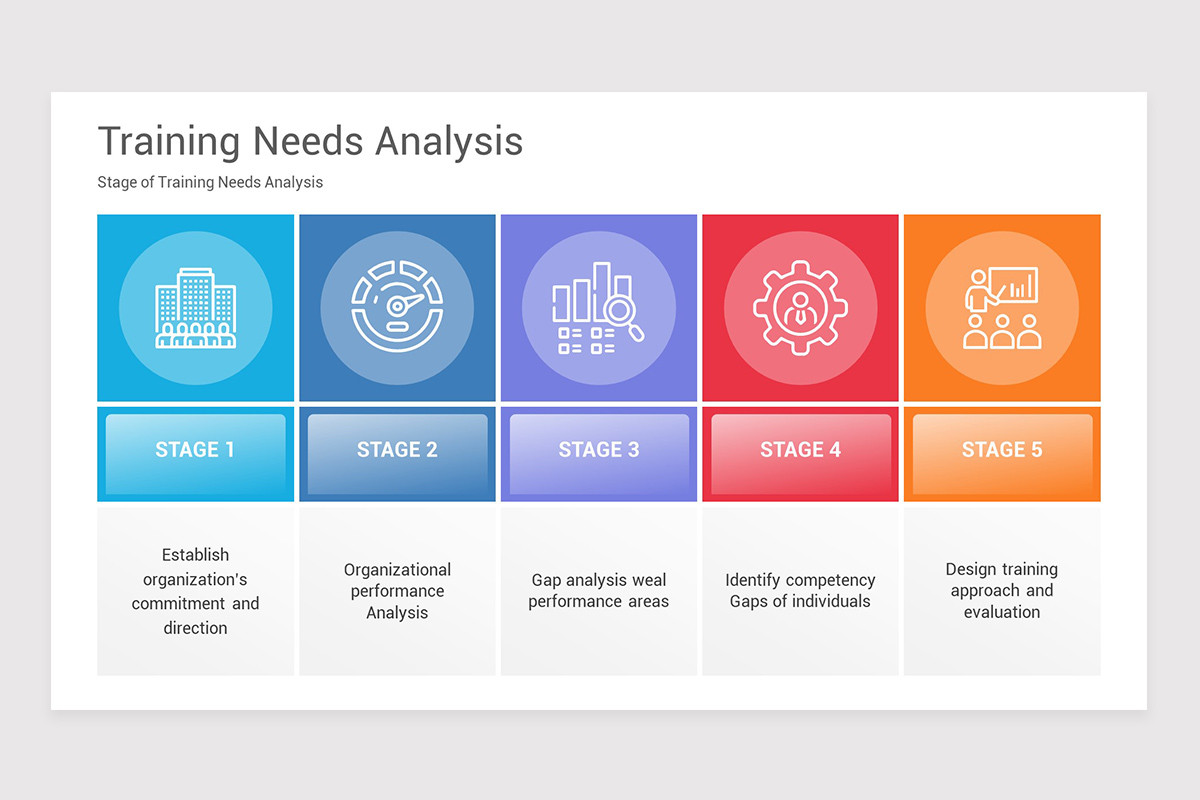
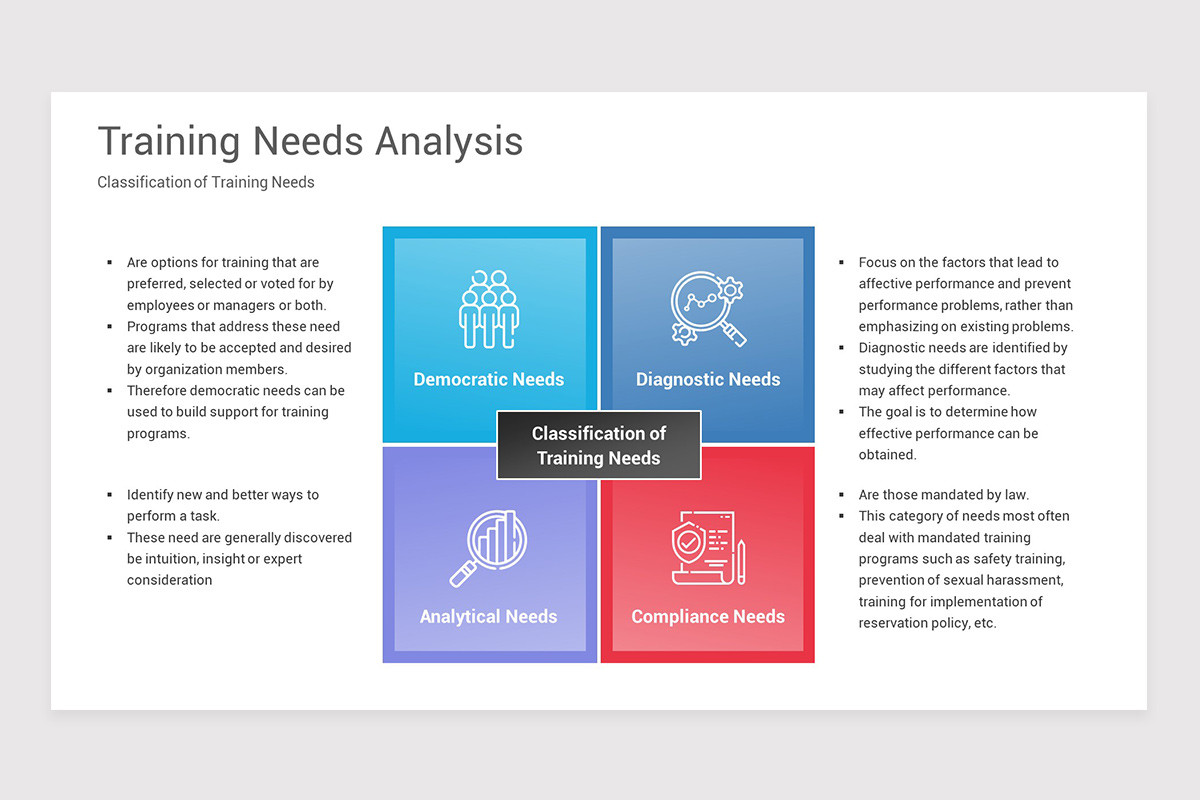
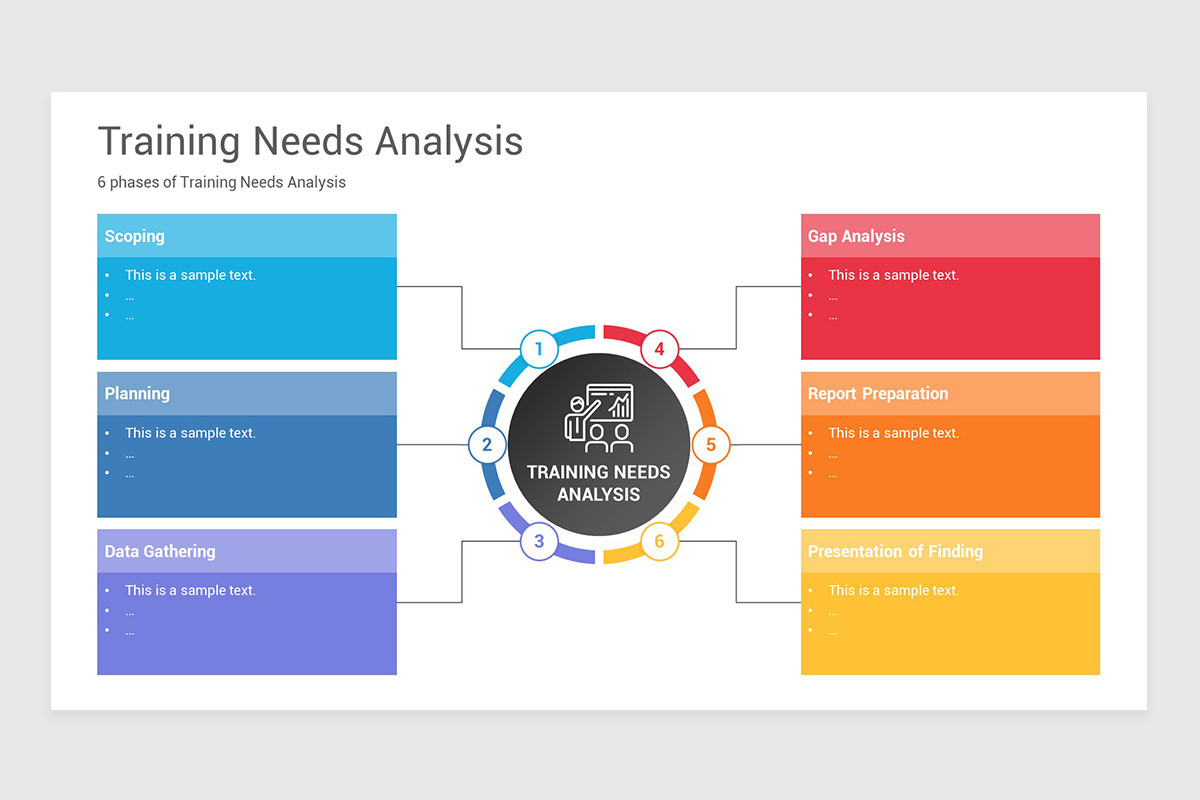
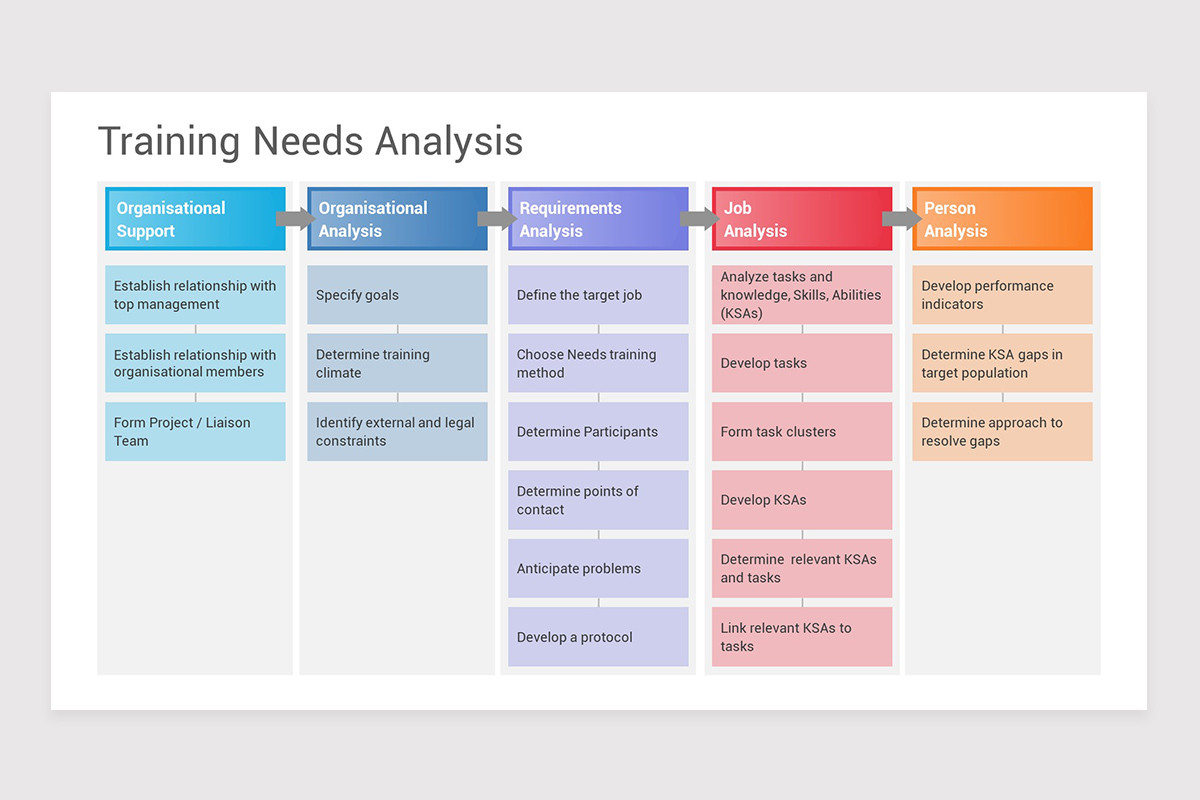
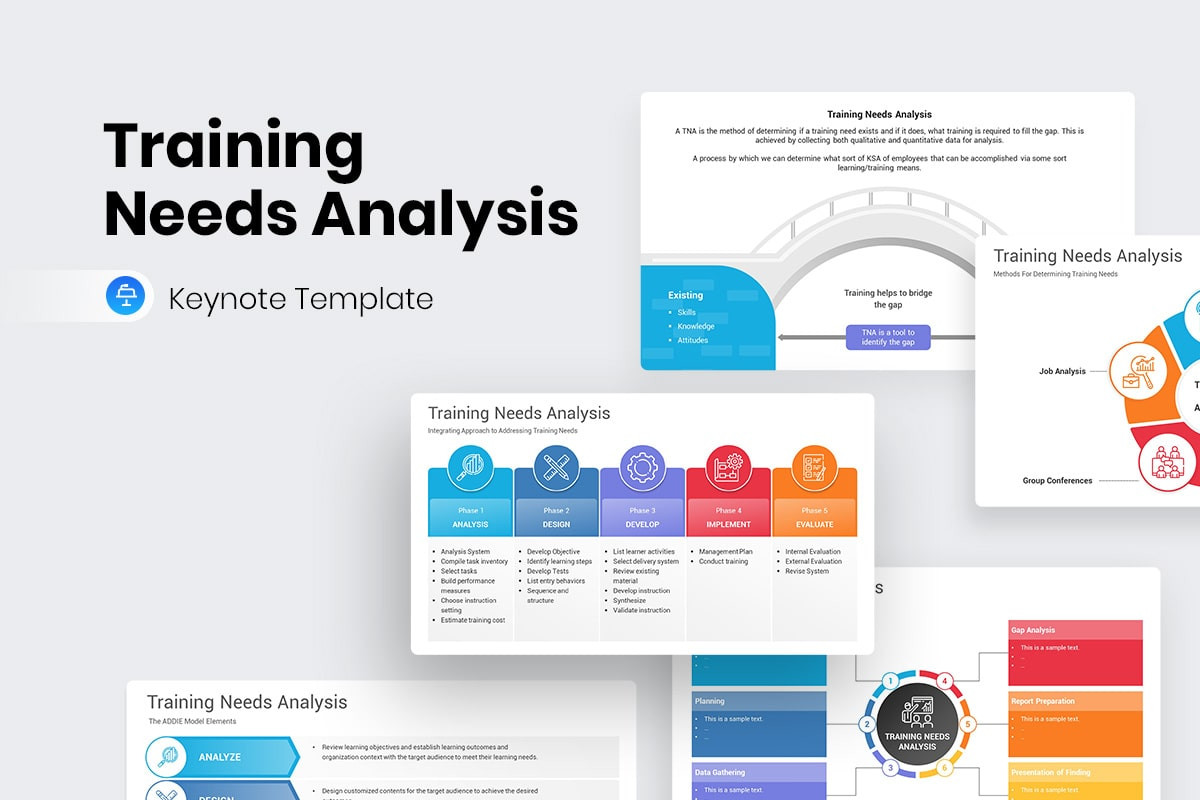
Before you dive into the nitty‑gritty of a template, it’s important to grasp the core purpose of a needs analysis. In essence, it’s a systematic process that uncovers gaps between current performance and desired outcomes. Think of it as a diagnostic tool that informs every instructional design choice. It typically includes three layers: organizational needs, performance needs, and learning needs. By mapping these layers, you can identify which stakeholders are most impacted and what learning solutions will provide the greatest return on investment.
The Power of a Structured Template
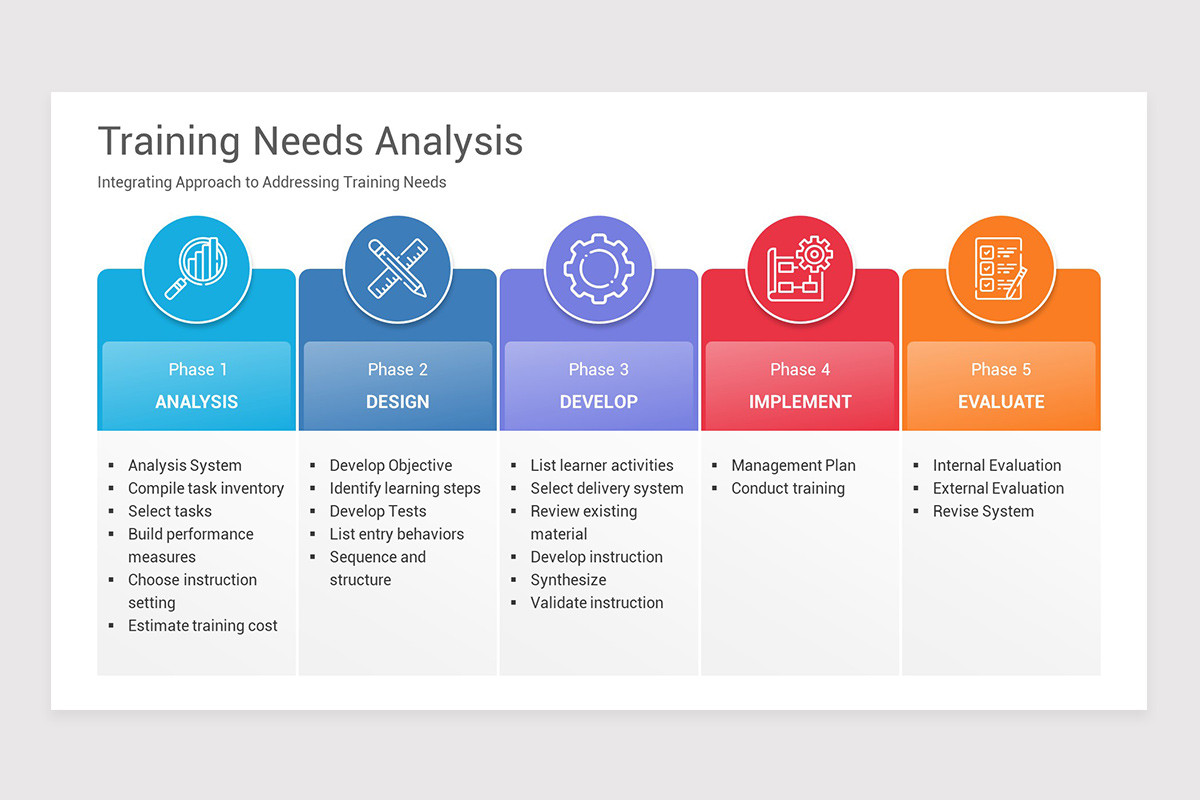
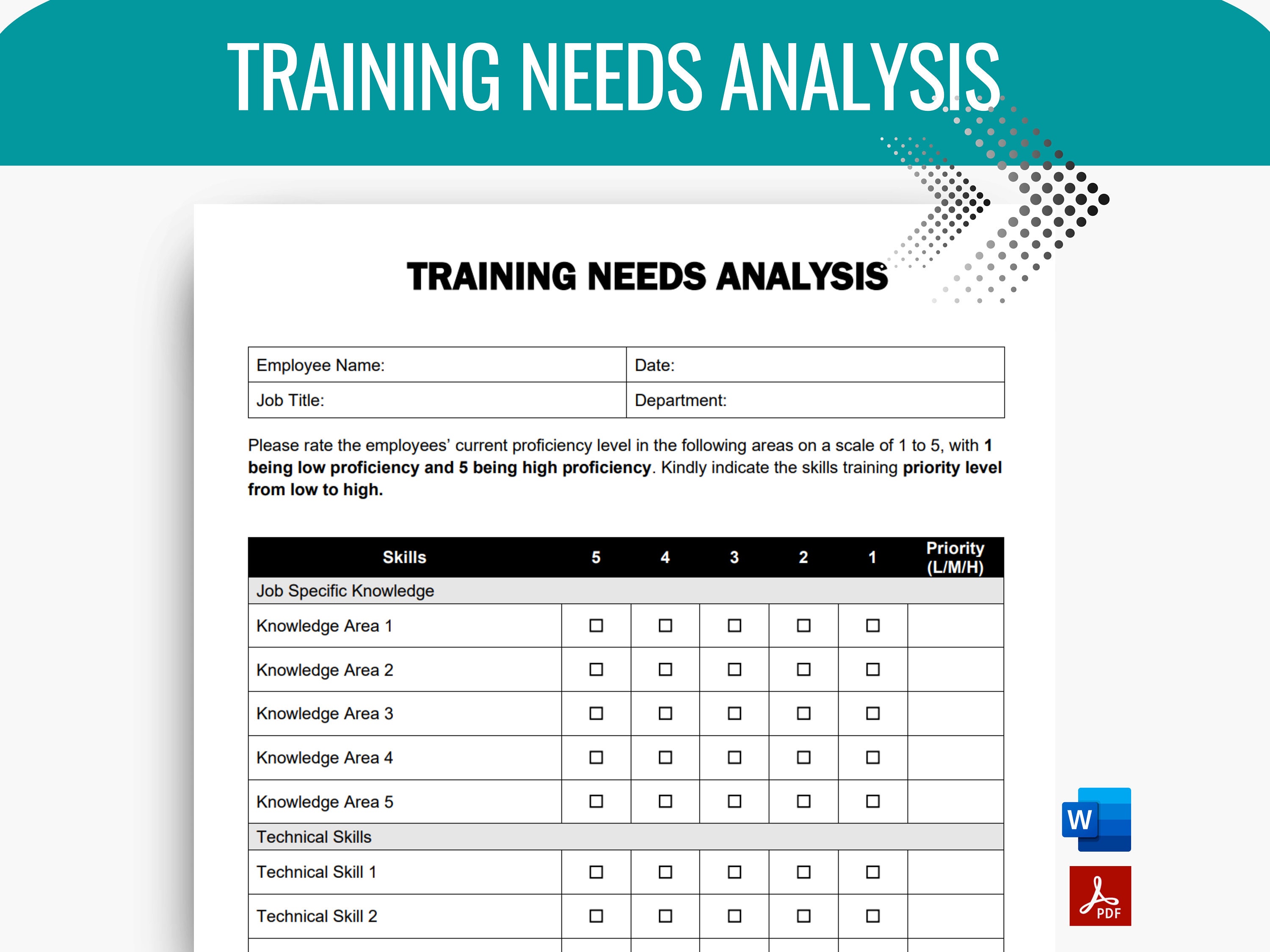
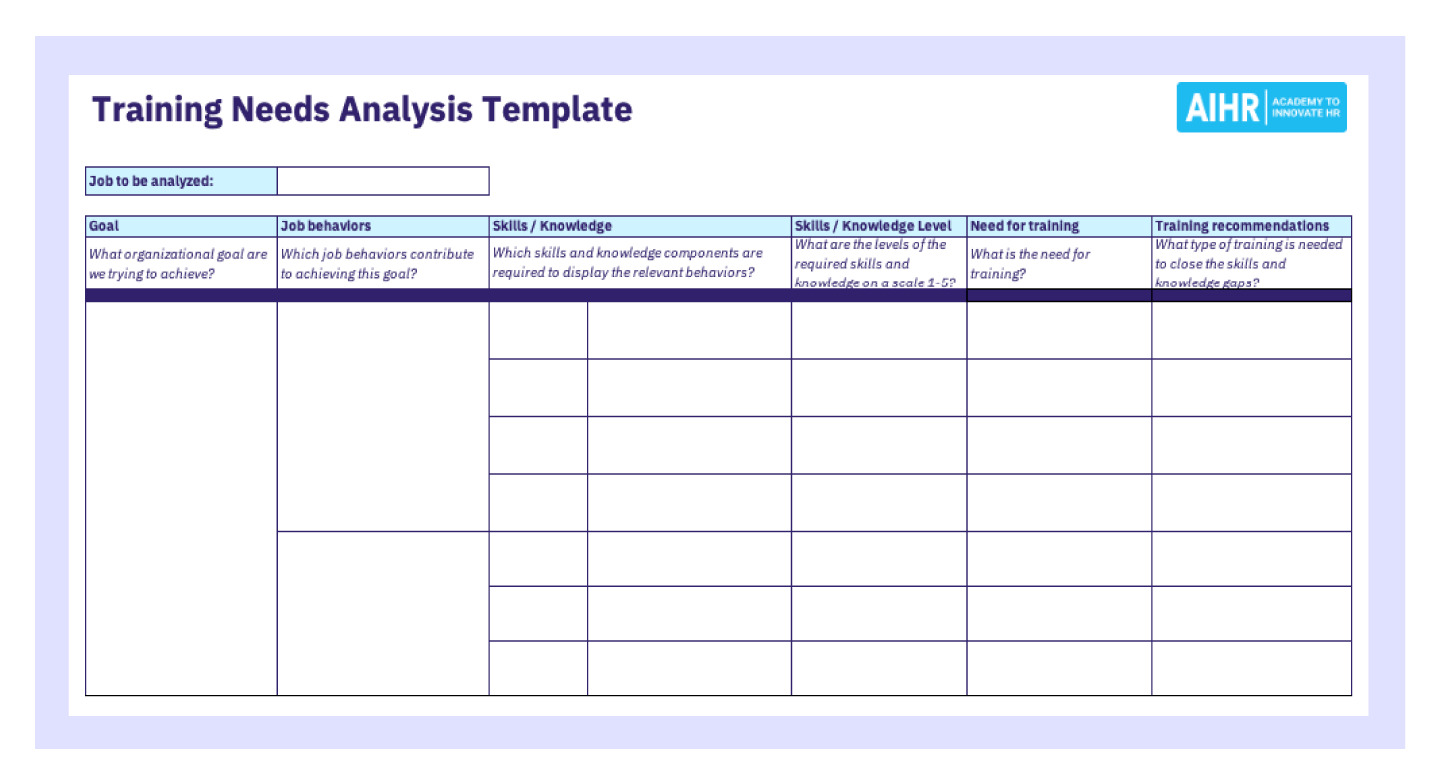
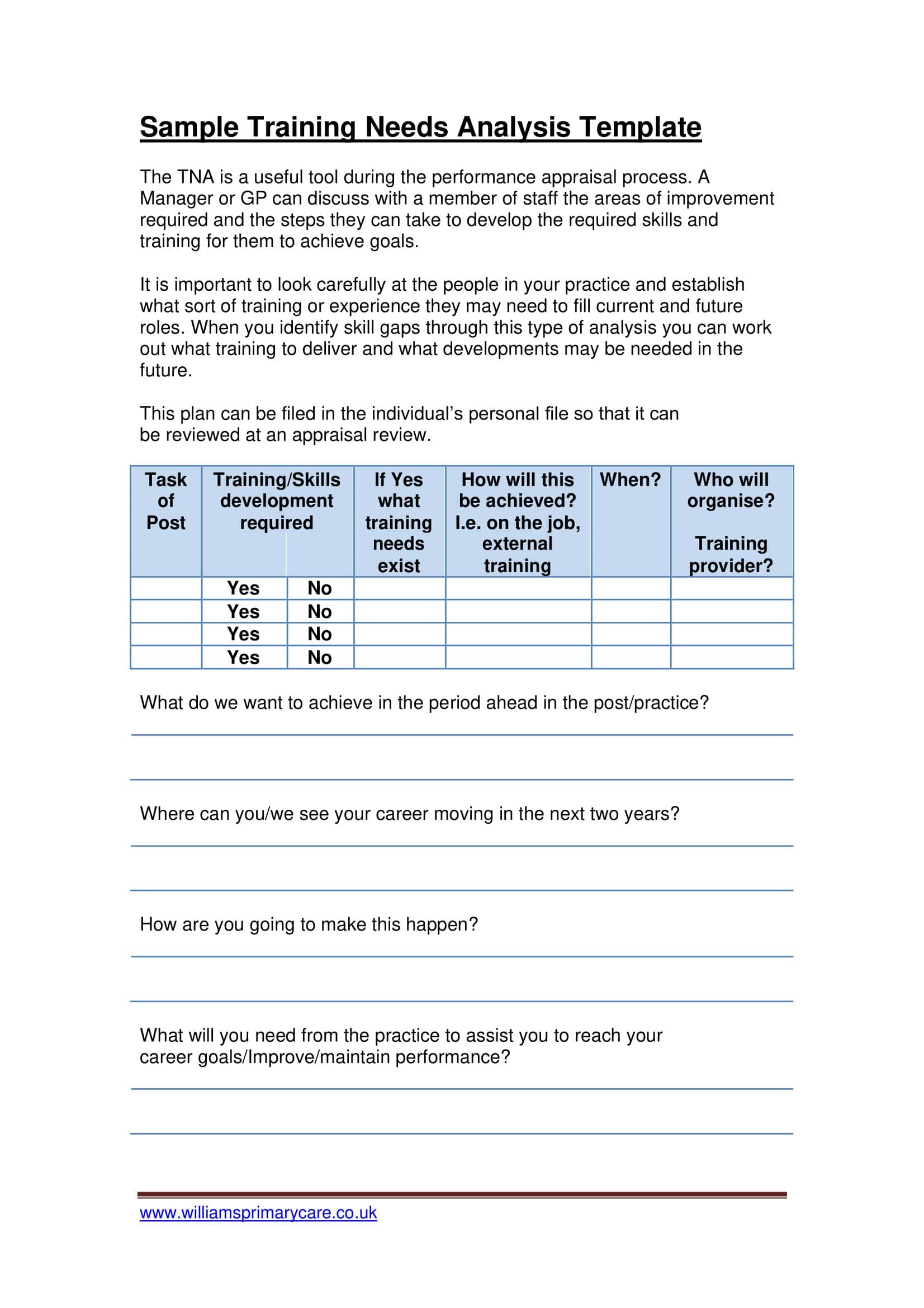
Templates act as a scaffold, ensuring you don’t miss critical components and keeping your project on track. They provide a common language that aligns designers, subject‑matter experts, and clients. A well‑crafted template typically contains the following sections: objectives, audience analysis, content scope, delivery methods, assessment design, and evaluation metrics. When each section is filled in consistently, you create a coherent narrative that makes the training more effective.
Key Elements of a Robust Template
- Learning Objectives: Clear, measurable statements that tie directly to performance outcomes.
- Audience Profile: Demographics, prior knowledge, skill levels, and preferred learning styles.
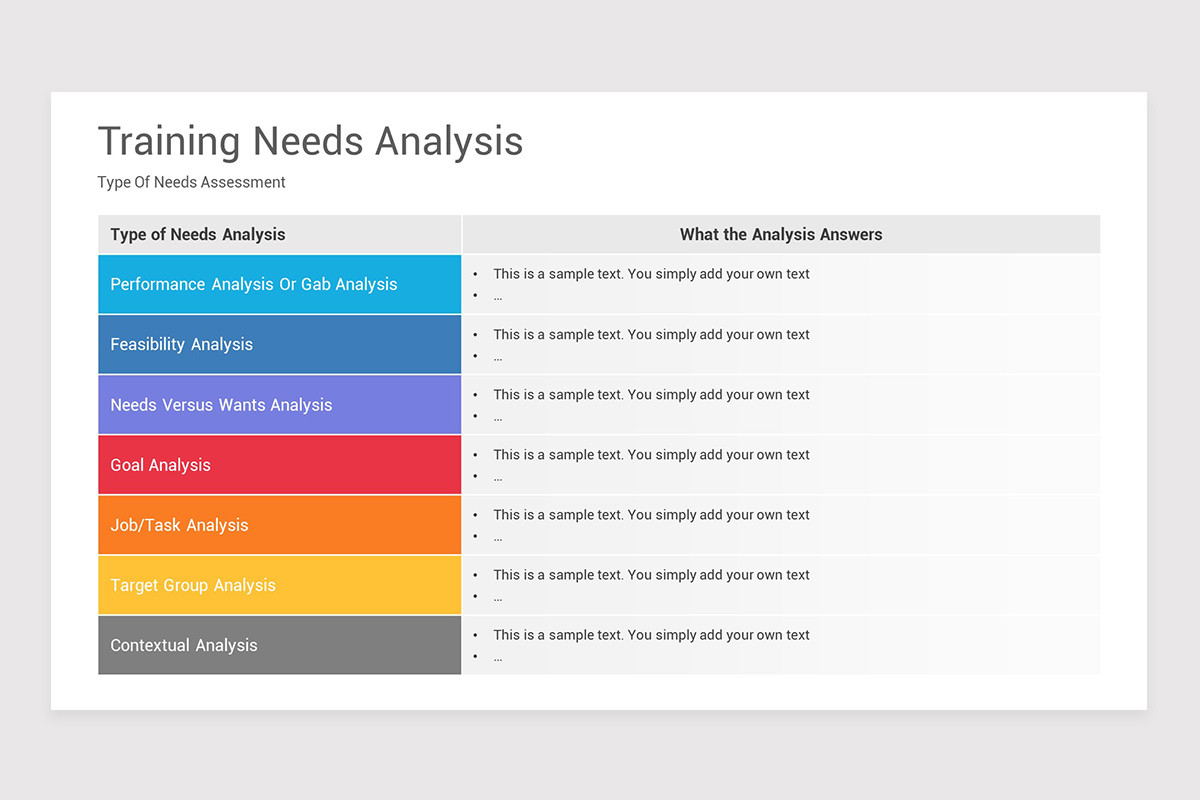
- Contextual Analysis: Environmental factors such as technology constraints, time availability, and cultural considerations.
- Content Roadmap: A high‑level outline of modules, lessons, and key takeaways.
- Instructional Strategies: Pedagogical approaches (e.g., micro‑learning, simulations, blended learning).
- Assessment Plan: Formative and summative evaluations that measure knowledge, skills, and behavior changes.
- Success Metrics: KPIs that allow stakeholders to gauge ROI, such as improved performance scores, reduced error rates, or higher customer satisfaction.
Step‑by‑Step Guide to Building Your Template
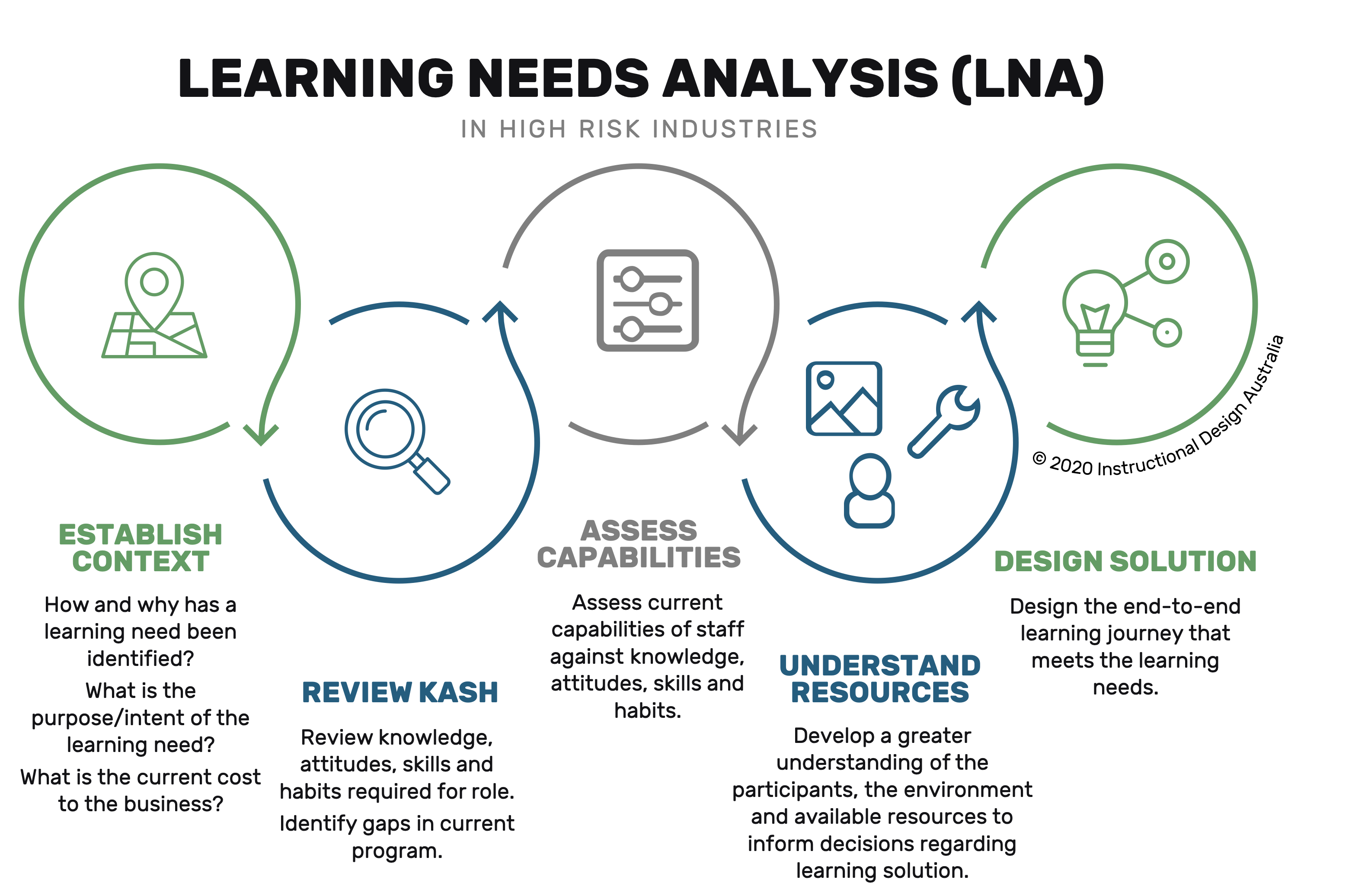
Creating a template doesn’t have to be a daunting task. Follow this practical roadmap to develop a reusable, industry‑agnostic needs analysis template that can be adapted to any training project.
Step 1: Clarify the Purpose and Scope
Start by answering two foundational questions: Who will use the template, and for what type of projects? Are you designing onboarding modules, compliance courses, or high‑stakes technical training? Defining the scope ensures that each section of your template remains relevant and actionable.
Step 2: Draft the Core Framework
Sketch the skeleton of the template, using the key elements outlined above. Keep it lightweight—avoid over‑engineering the first version. Think of the template as a living document that will evolve with each project.
Step 3: Populate with Sample Data
Insert realistic examples for each section. For instance, under “Audience Profile,” include sample demographics and learning preferences that reflect common scenarios. This helps future users visualize how to fill in their own information.
Step 4: Validate with Stakeholders
Run the draft through a small group of designers, SMEs, and potential learners. Gather feedback on clarity, completeness, and usability. Adjust the template based on real‑world insights.
Step 5: Document Usage Guidelines
Create a concise instruction sheet that explains how to navigate the template. Include tips for effective objective writing, audience segmentation, and aligning objectives with assessments. This reduces onboarding time for new team members.
Real‑World Example: A Manufacturing Training Project
Let’s walk through a concrete scenario. A factory owner needs a safety compliance course for line workers who work 12‑hour shifts. Using the template, the instructional designer gathers the following information:
- Learning Objectives: Reduce safety incidents by 30% within six months.
- Audience Profile: 120 workers, 25‑55 years old, moderate English proficiency.
- Contextual Analysis: High noise environment, limited access to computers, but mobile devices are common.
- Content Roadmap: Four modules—Hazard Identification, PPE Usage, Emergency Response, and Reporting.
- Instructional Strategies: Micro‑learning videos, interactive quizzes, and on‑the‑job simulations.
- Assessment Plan: Pre‑test, post‑test, and a simulation challenge.
- Success Metrics: Incident reports, test score improvement, and compliance audit results.
With the template guiding them, the team produces a concise needs analysis in under a day, allowing them to move straight into design and development. The result: a training program that meets regulatory requirements and aligns with the factory’s operational realities.
Keeping Your Template Agile
Even the best template can become stale if you don’t revisit it. Adopt these practices to keep it fresh and relevant.
Regular Review Cycles
Set a quarterly review to evaluate the template’s effectiveness. Solicit feedback from recent projects and adjust sections that consistently cause confusion.
Version Control
Use a simple naming convention (e.g., NeedsAnalysisTemplate_v2.1) to track changes. Store versions in a shared location so every team member accesses the most current version.
Incorporate Emerging Trends
When new learning technologies emerge—think AR/VR, AI‑driven personalization, or mobile‑first design—evaluate how they fit within the template’s structure. Add a new subsection if the trend is likely to become a regular component.
Common Pitfalls and How to Avoid Them
Even with a solid template, mistakes happen. Recognizing these pitfalls early saves time and resources.
Overloading with Information
Too many fields can overwhelm users. Keep the template lean and add optional “Notes” columns for elaboration.
Ignoring Stakeholder Input
Templates should evolve with stakeholder needs. If an SME consistently skips a section, investigate whether the section is unnecessary or too complex.
Assuming One Size Fits All
Even a template must be tweaked for each project. Encourage designers to add project‑specific modifiers rather than forcing every project to fit the same mold.
Neglecting Evaluation Metrics
Without clear metrics, you’ll never know if your training is effective. Make “Success Metrics” a mandatory column to drive data‑driven decision making.
Embedding the Template into Your Workflow
Once you have a polished template, the next step is integration. Below is a practical workflow that aligns with most project lifecycles.
Kick‑off Meeting
During the first meeting, present the template and walk through each section. Assign responsibilities so each team member knows who fills which part.
Data Collection Phase
Use collaborative tools (Google Sheets, Airtable) to let multiple stakeholders input data simultaneously. This speeds up the process and reduces back‑and‑forth emails.
Analysis Review
Hold a mid‑project review where the team validates the completed needs analysis. Any discrepancies can be addressed before moving to design.
Design & Development
Leverage the finalized needs analysis as a blueprint for content creation, ensuring every instructional decision is anchored to data.
Post‑Implementation Review
After launch, revisit the template’s metrics section. Document what worked and what didn’t, then feed those insights back into the next iteration of the template.
Conclusion: Turning Complexity into Clarity

A Needs Analysis Template Instructional Design is more than a form—it’s a strategic asset that aligns vision with execution. By structuring your data, standardizing communication, and embedding evaluation metrics, you create a foundation that supports high‑quality, learner‑centered training. Keep the template dynamic, solicit continuous feedback, and let it evolve alongside your organization’s goals. The result? Instructional projects that launch on schedule, meet measurable objectives, and, most importantly, resonate with learners.


Related posts of "Needs Analysis Template Instructional Design"
