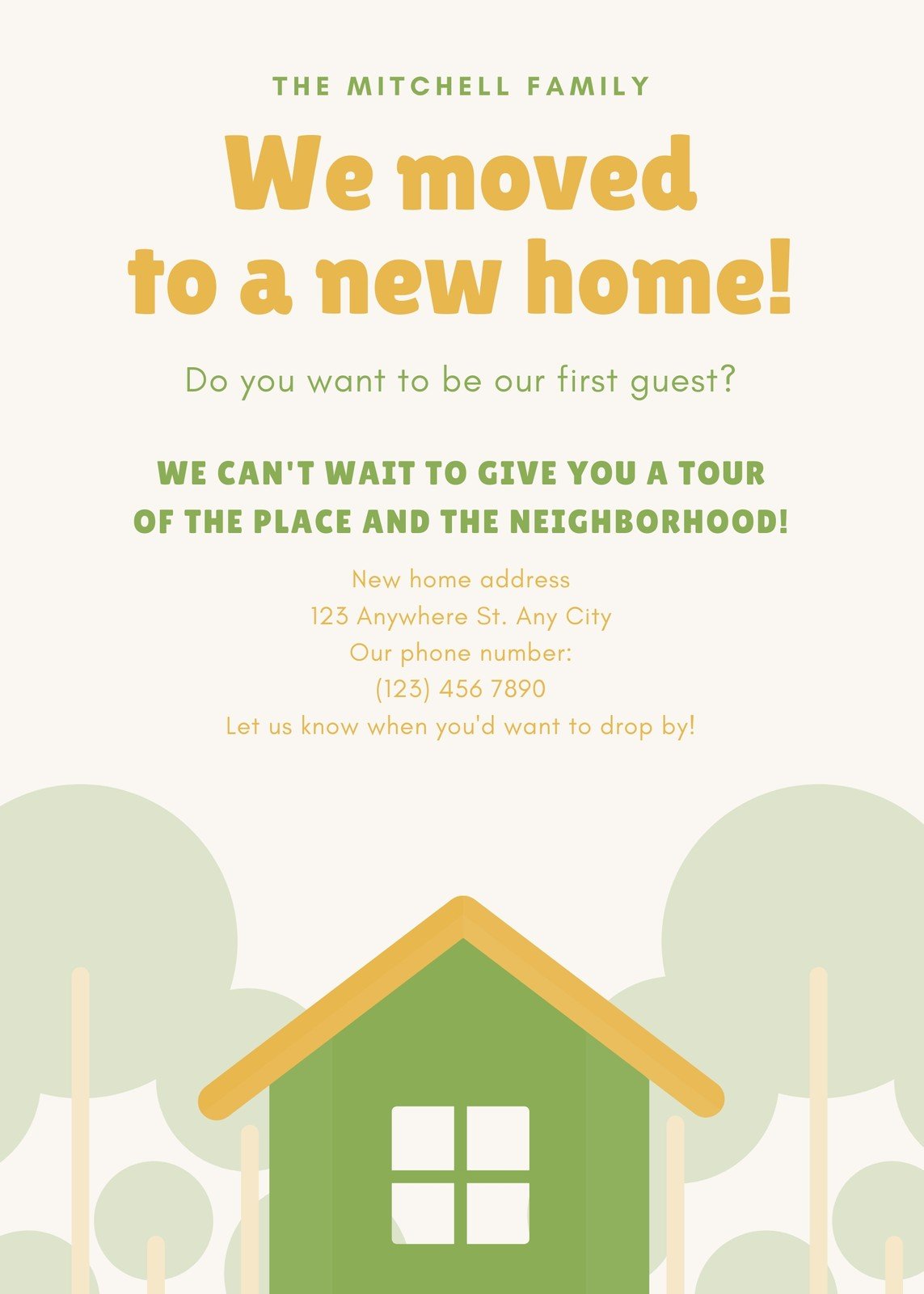
Moving House Cards Template Free has become the silent weapon for anyone who wants to announce a relocation without spending a fortune, and this guide pulls back the curtain on why the right template can turn a mundane notice into a memorable statement.
Why Free Moving House Card Templates Matter

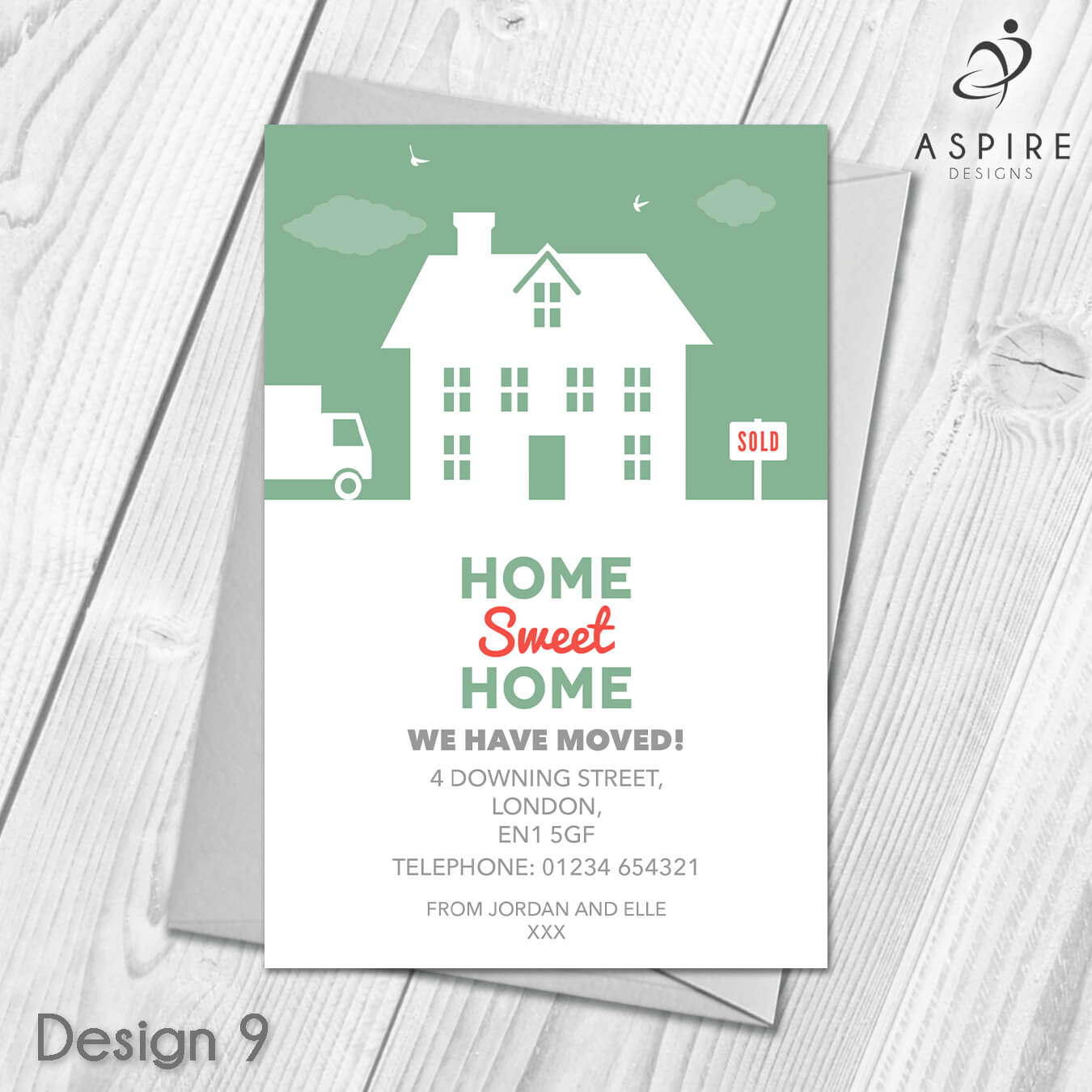
In a world saturated with digital noise, a tangible piece of paper still carries a weight that emails simply can’t match. A well‑crafted moving card not only informs friends and family of your new address but also reinforces your personal brand, sets the tone for future gatherings, and can even become a keepsake. When you choose a free template, you sidestep the budget trap while still accessing professional design foundations that have been tested across countless moves.
Core Elements of an Effective Moving Card

Even the darkest aesthetic thrives on balance. Below are the non‑negotiable components that every moving card must include, regardless of the style you adopt:
- Clear Header: The headline should instantly tell the reader what’s happening – “We’ve Moved!” or “New Beginnings at [Address]”.
- Essential Details: New address, moving date, and a brief note inviting guests to visit.
- Contact Information: Phone, email, or social media handles to keep the conversation flowing.
- Visual Anchor: A striking image, illustration, or pattern that ties the card to your personal aesthetic.
- Call‑to‑Action: A subtle nudge like “Drop by for a housewarming coffee” adds purpose beyond information.
How to Choose the Perfect Template

Assess Your Brand Voice
Before you click “download”, ask yourself whether your voice is playful, formal, or somewhere in the shadows. A black‑toned design works best when paired with a voice that embraces mystery, elegance, or a hint of rebellion. Aligning voice and visual style prevents cognitive dissonance and makes the card feel authentic.
Check Layout Flexibility
Free templates vary wildly in editability. Look for files that offer layers, editable text boxes, and adaptable color palettes. This flexibility lets you swap a midnight black background for a charcoal gradient or replace placeholder images with personal photos without breaking the design.
Consider Print Compatibility
Even if you plan to share the card digitally, many recipients still appreciate a printed version. Ensure the template is set up for standard sizes (5×7 inches, 4×6 inches) and uses CMYK color mode for crisp, dark tones when printed on high‑quality cardstock.
Step‑by‑Step Guide to Customizing Your Card

1. Download and Open the File
Most free templates are offered in formats like PSD, AI, or Canva. Choose the one you’re most comfortable with. If you’re not a design veteran, Canva’s drag‑and‑drop interface is a forgiving playground that still respects a dark aesthetic.
2. Replace Placeholder Text
Locate the text layers marked “Your Address Here” or “Date”. Replace them with your real information, paying attention to hierarchy: larger fonts for the headline, smaller fonts for the details. Use a serif or sans‑serif typeface that contrasts well against a dark background—think crisp whites, muted greys, or even a subtle metallic sheen.
3. Insert Personal Imagery
A black‑toned template thrives on contrast. Insert a high‑resolution photo of your new home’s façade or a moody interior shot. If you lack a photo, opt for a minimalist illustration in a complementary hue, such as a silver line drawing of a house silhouette.
4. Tweak Colors and Effects
Adjust the background shade if the default is too stark. A deep charcoal with a faint texture (like brushed steel or muted marble) can add depth without overwhelming the content. Add subtle shadows or glows to the text to improve readability against the dark canvas.
5. Proofread and Test Print
Even the most striking design loses impact if there’s a typo. Double‑check every address line, date, and contact detail. Print a single copy on plain paper first; this test run reveals any readability issues that might not be obvious on screen.
6. Export for Distribution
When you’re satisfied, export two versions: a high‑resolution PDF for printing and a compressed JPEG or PNG for email and social media sharing. Keep the PDF at 300 dpi and the JPEG under 2 MB for faster loading without sacrificing quality.
Design Tips for a Dark Aesthetic
Embrace Contrast Wisely
White text on black is a classic, but pure white can feel harsh. Instead, use off‑white, ivory, or a muted gold to soften the visual impact while preserving legibility. Pair these with subtle gradients to avoid a flat appearance.
Use Texture Sparingly
Adding a faint texture—like a grainy film effect or a brushed metal overlay—adds intrigue. Apply it to background layers only; over‑texturing can drown out essential information.
Integrate Minimalist Icons
Simple line icons for phone, email, or location can replace text labels, keeping the card sleek. Choose icons in the same color family as your text to maintain harmony.
Play with Typography
Mix a bold, uppercase headline font with a delicate, lowercase body font. The contrast creates visual hierarchy. Limit yourself to two typefaces to avoid a chaotic look.
Common Mistakes and How to Avoid Them

Even seasoned designers stumble. Recognizing pitfalls early saves time and preserves the card’s impact.
- Overcrowding: Packing too much information forces the reader to scan, diminishing retention. Stick to essentials and let negative space breathe.
- Clashing Colors: Neon accents on a black background can appear garish. Opt for muted tones that complement the darkness.
- Ignoring Print Margins: Some templates neglect bleed areas. Ensure at least a ¼‑inch bleed to prevent white edges after trimming.
- Low‑Resolution Images: A pixelated house photo ruins professionalism. Use images 300 dpi at the final size.
Where to Find Quality Free Templates
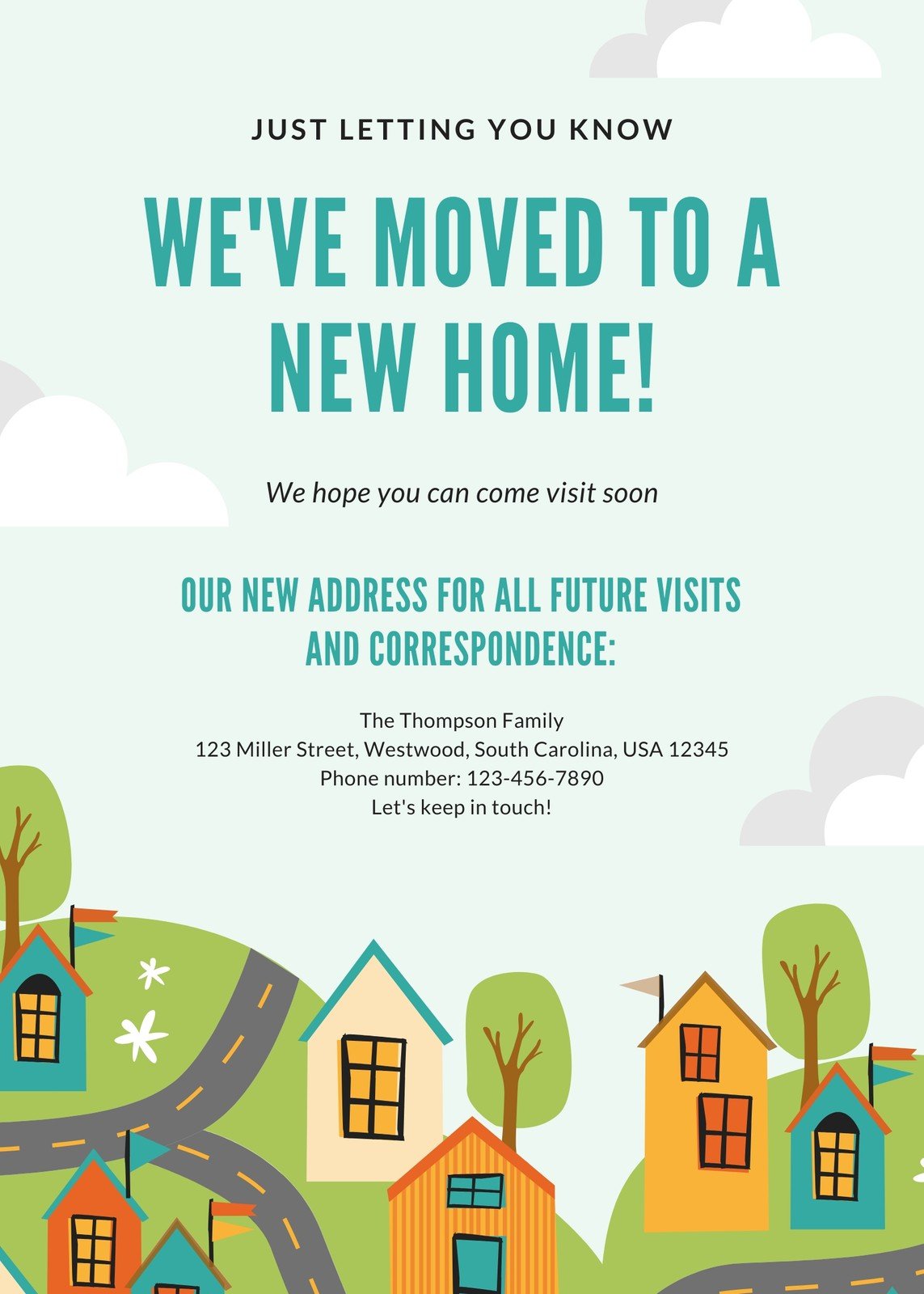
Finding a reputable source is crucial. Look for platforms that provide clear licensing terms, allowing personal use without attribution. Community‑driven design sites, open‑source repositories, and reputable graphic marketplaces often host free templates that meet high design standards. Search for keywords like “free moving house card”, “black moving announcement template”, or “dark housewarming invite”.
Real‑World Example: From Template to Tangible Invitation
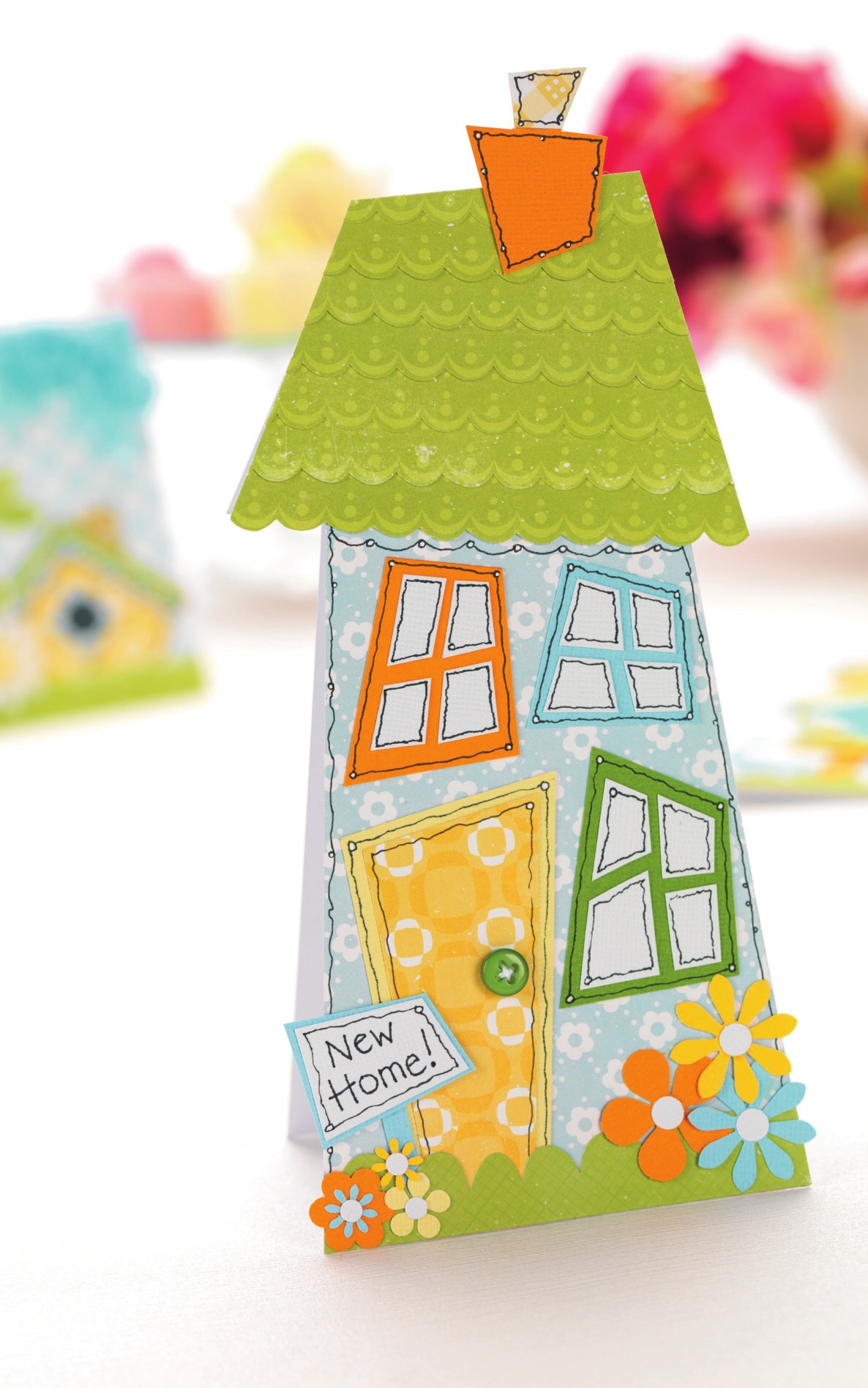
Consider a family relocating from a suburban house to an urban loft. They selected a free template featuring a charcoal background with a faint skyline silhouette. After swapping the placeholder address with their new loft’s address, they added a midnight‑blue photo of the building’s exterior. Using a crisp ivory font for the headline and a subtle silver for body text, they created a card that felt both modern and intimate. The printed version on matte black cardstock became a conversation starter at their housewarming party, reinforcing the family’s sleek new lifestyle.
Final Thoughts
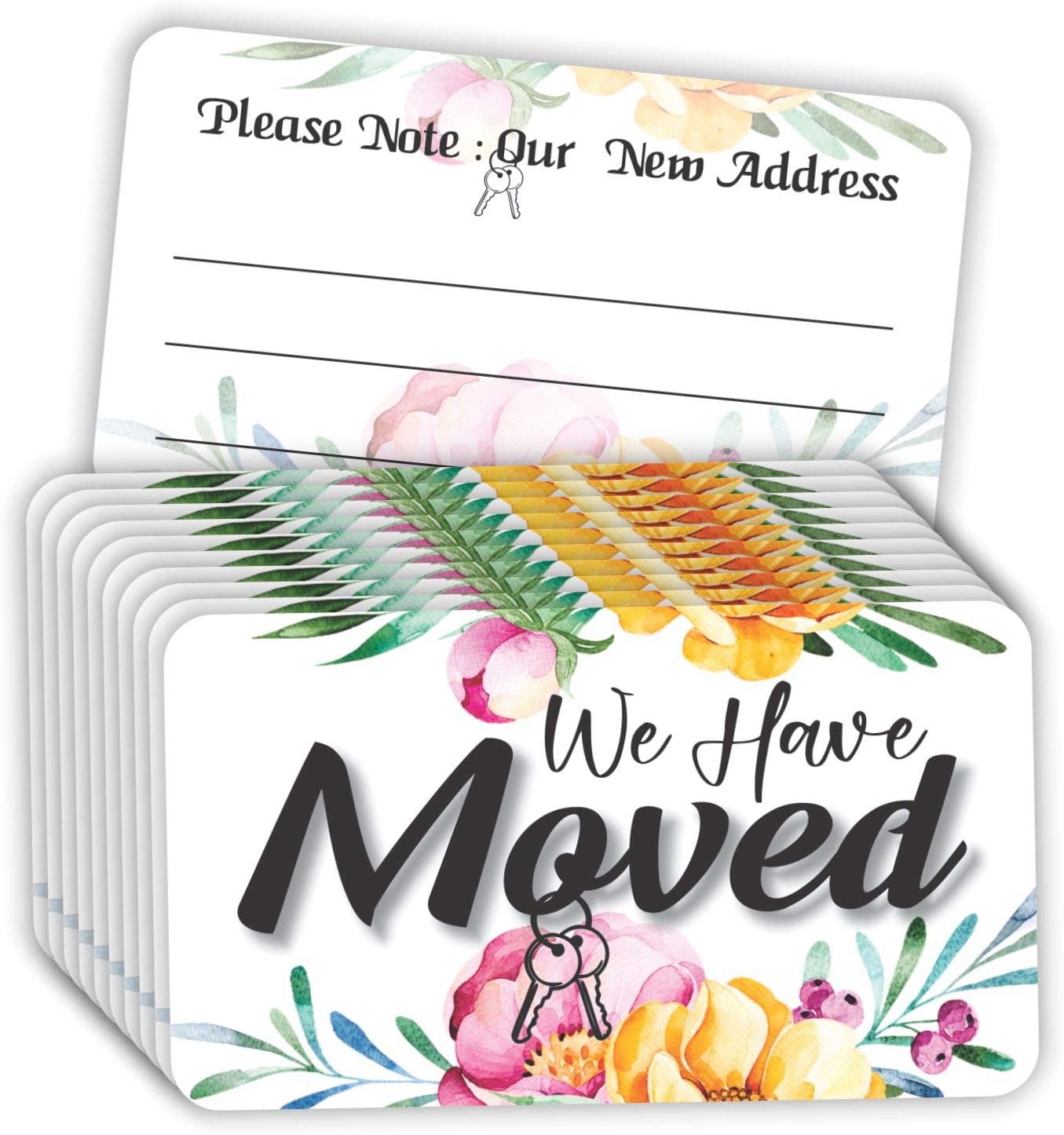
Choosing a Moving House Cards Template Free is not just a cost‑saving decision; it’s an opportunity to shape the narrative of your move with a design that resonates with your personality and the tone you wish to set. By focusing on core elements, customizing thoughtfully, and adhering to dark‑tone design principles, you can craft a card that informs, impresses, and endures. Remember, the power of a well‑designed moving announcement lies in its ability to turn a simple address change into a memorable event that invites curiosity and connection.






Related posts of "Moving House Cards Template Free"
