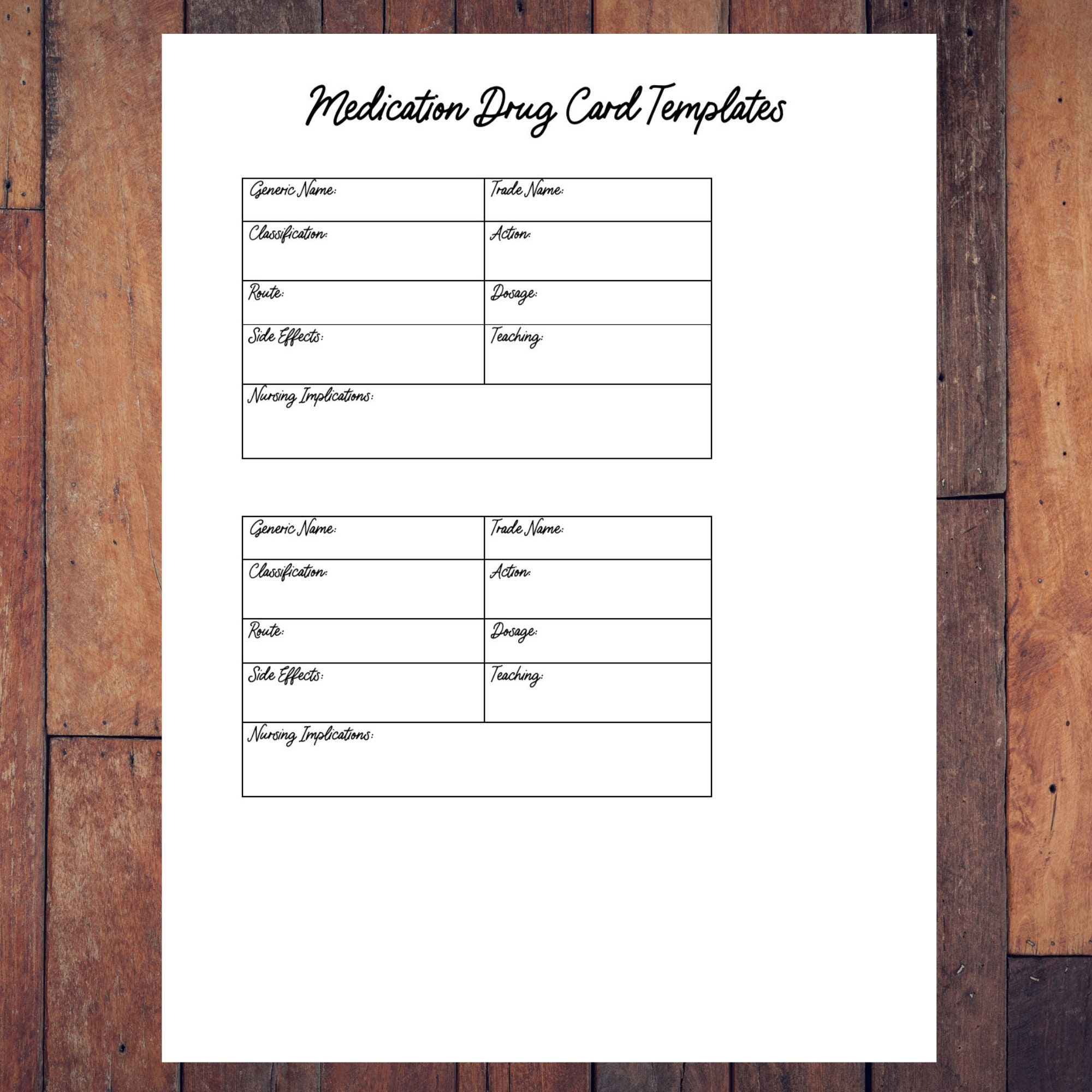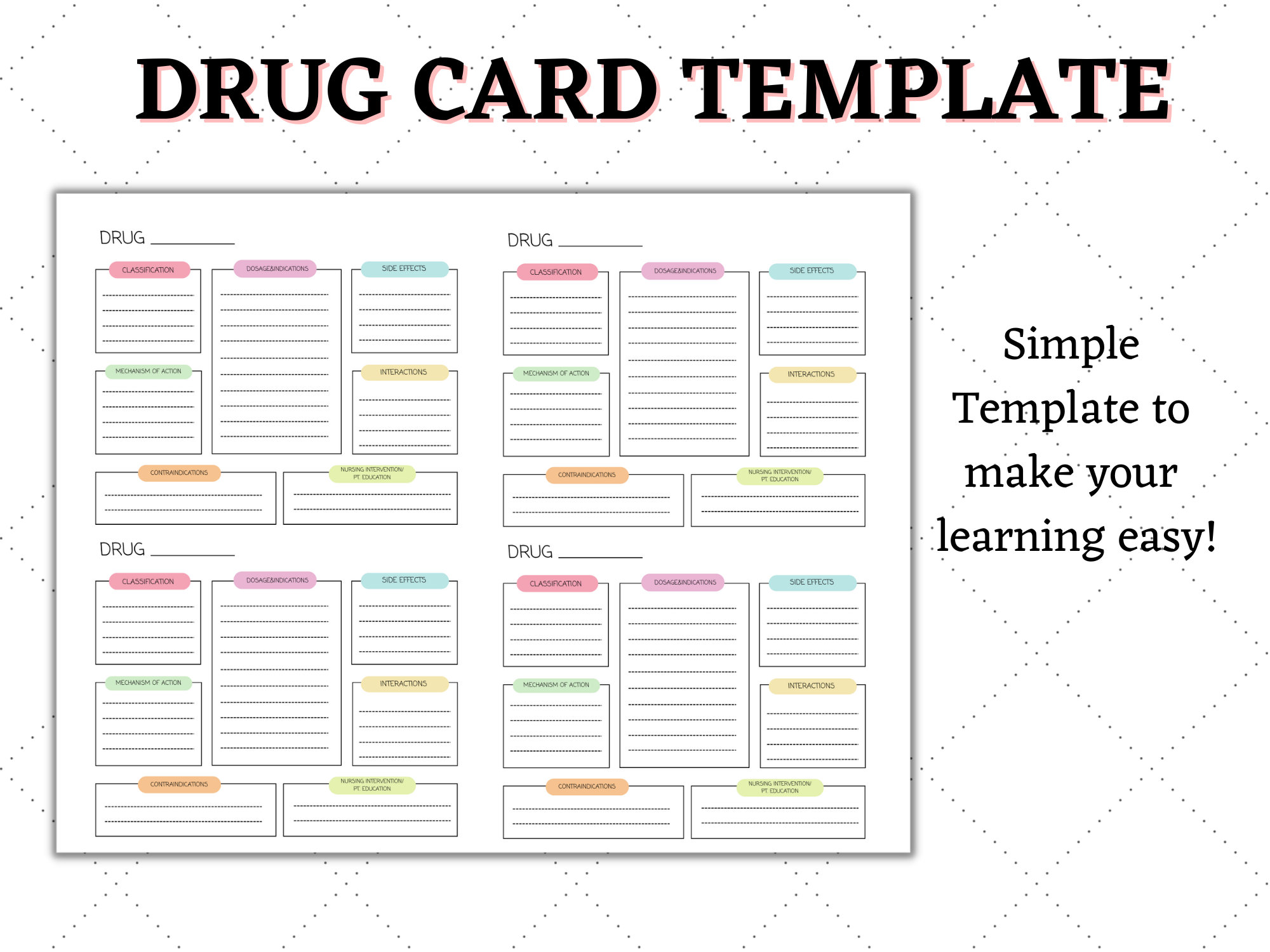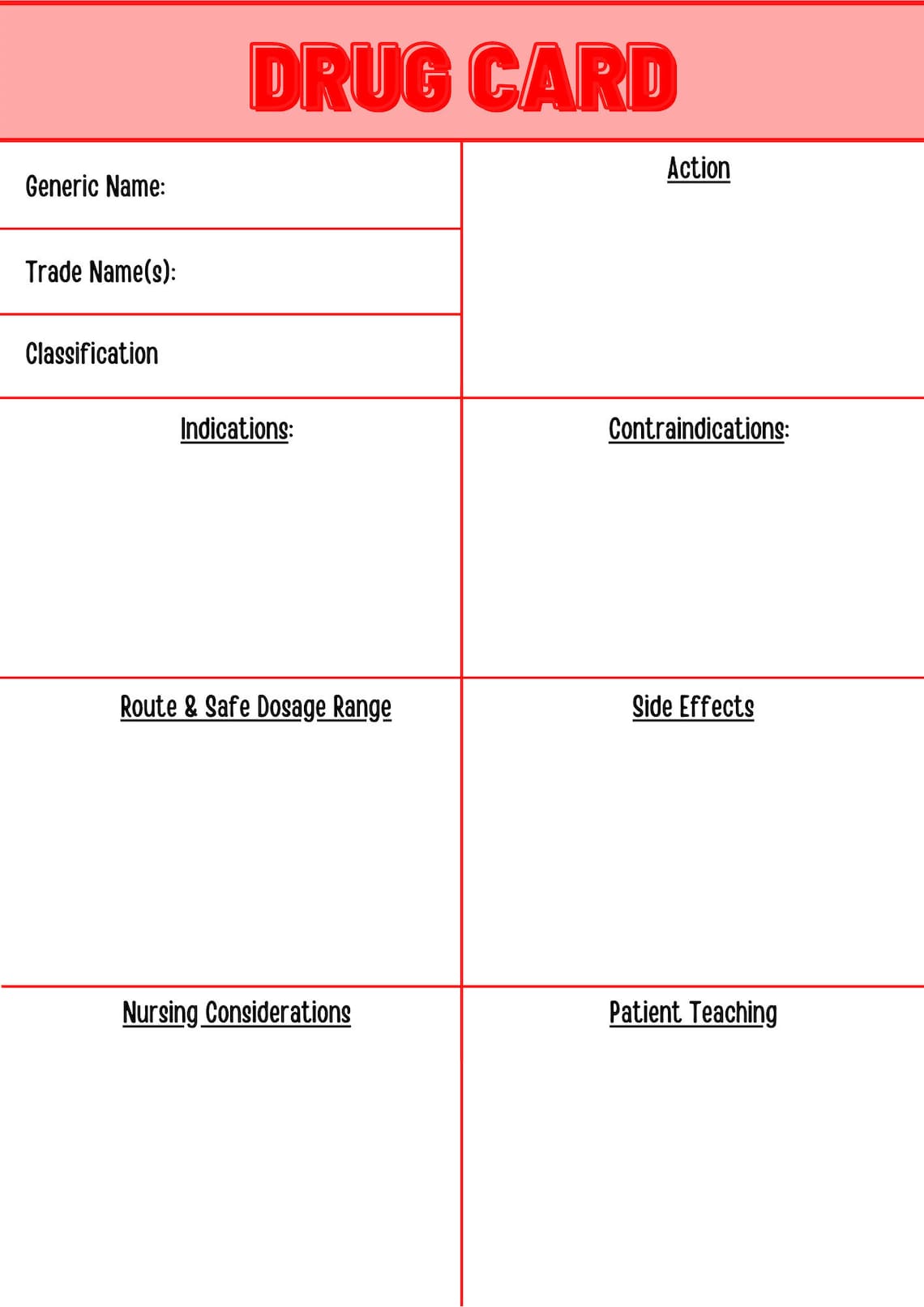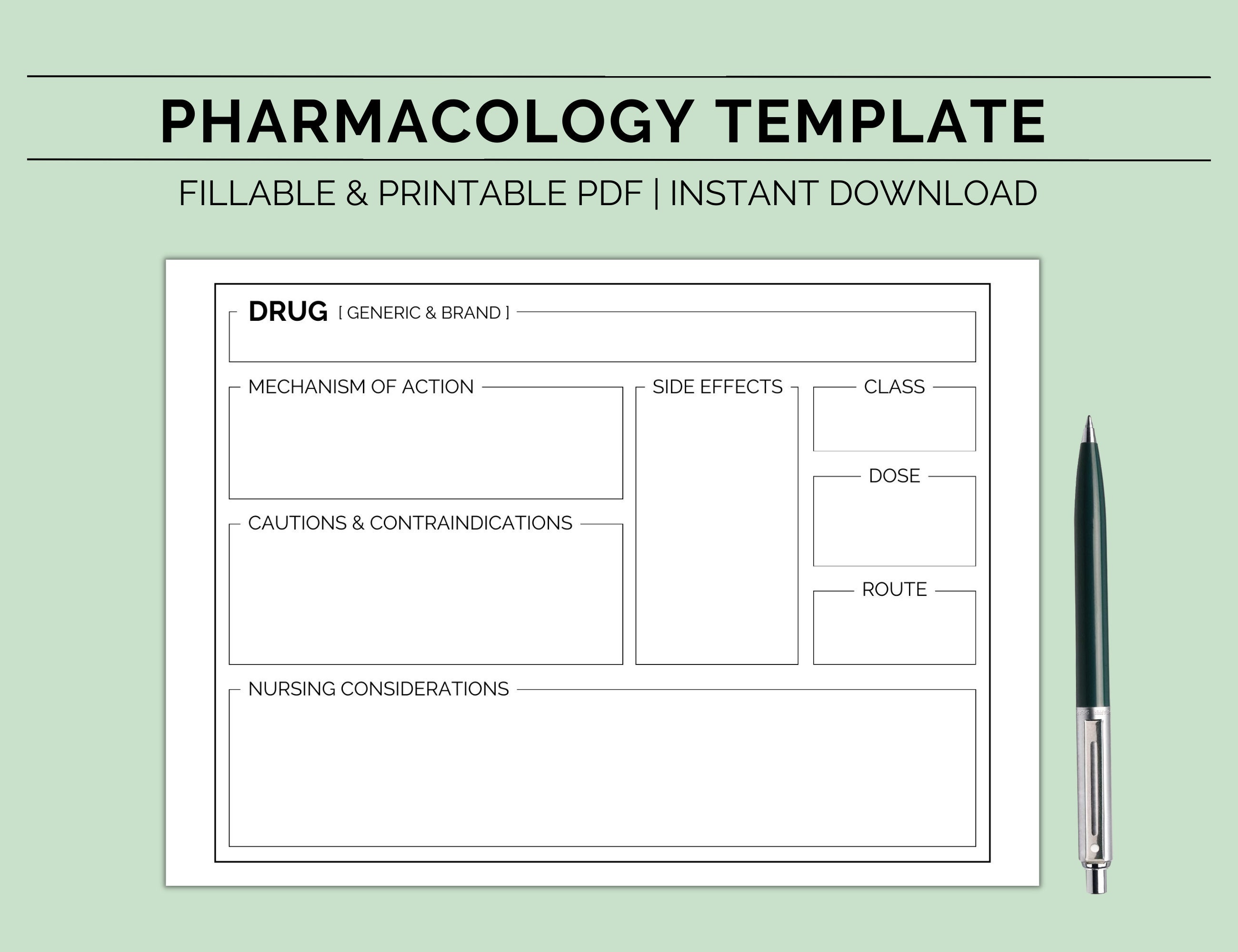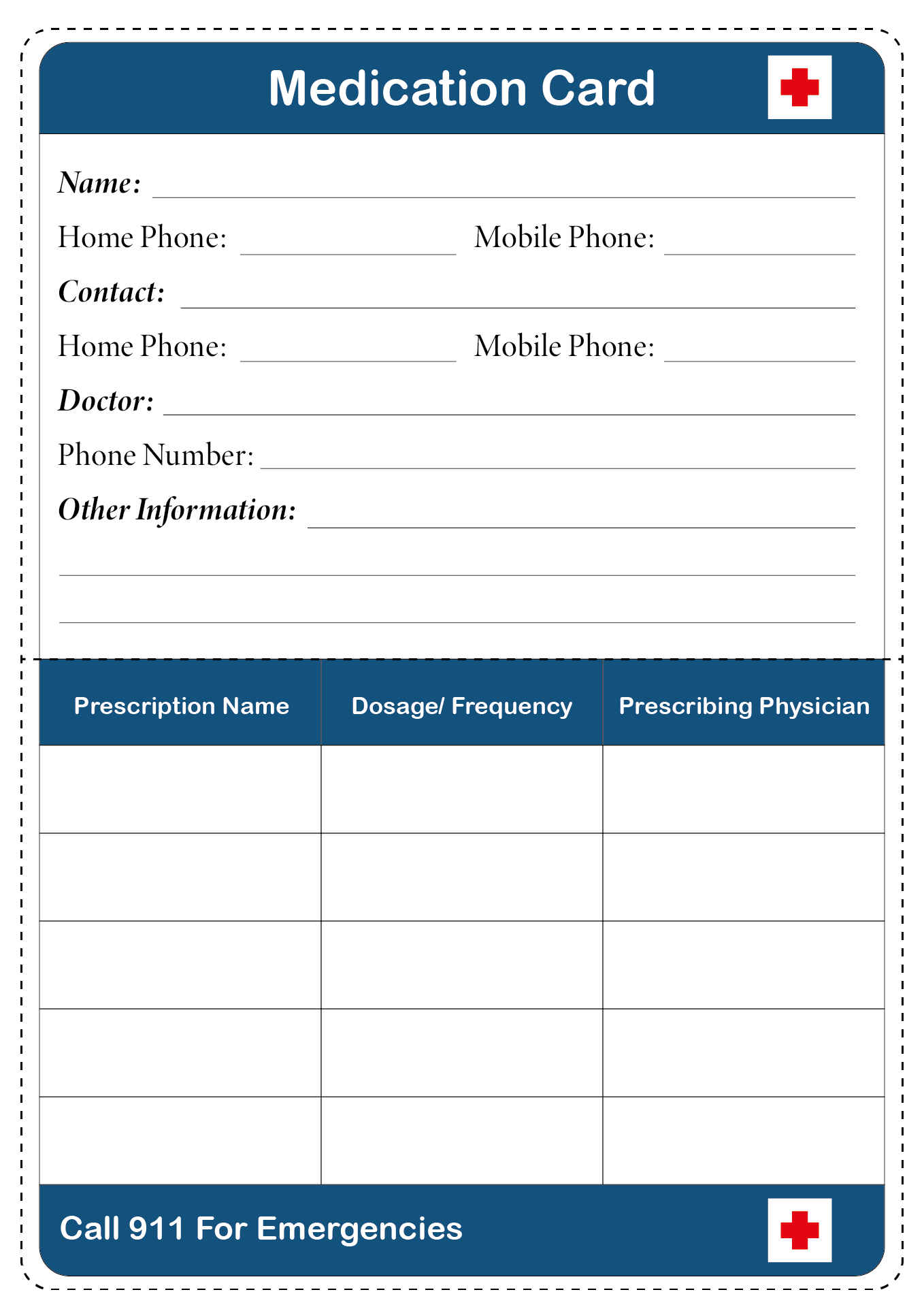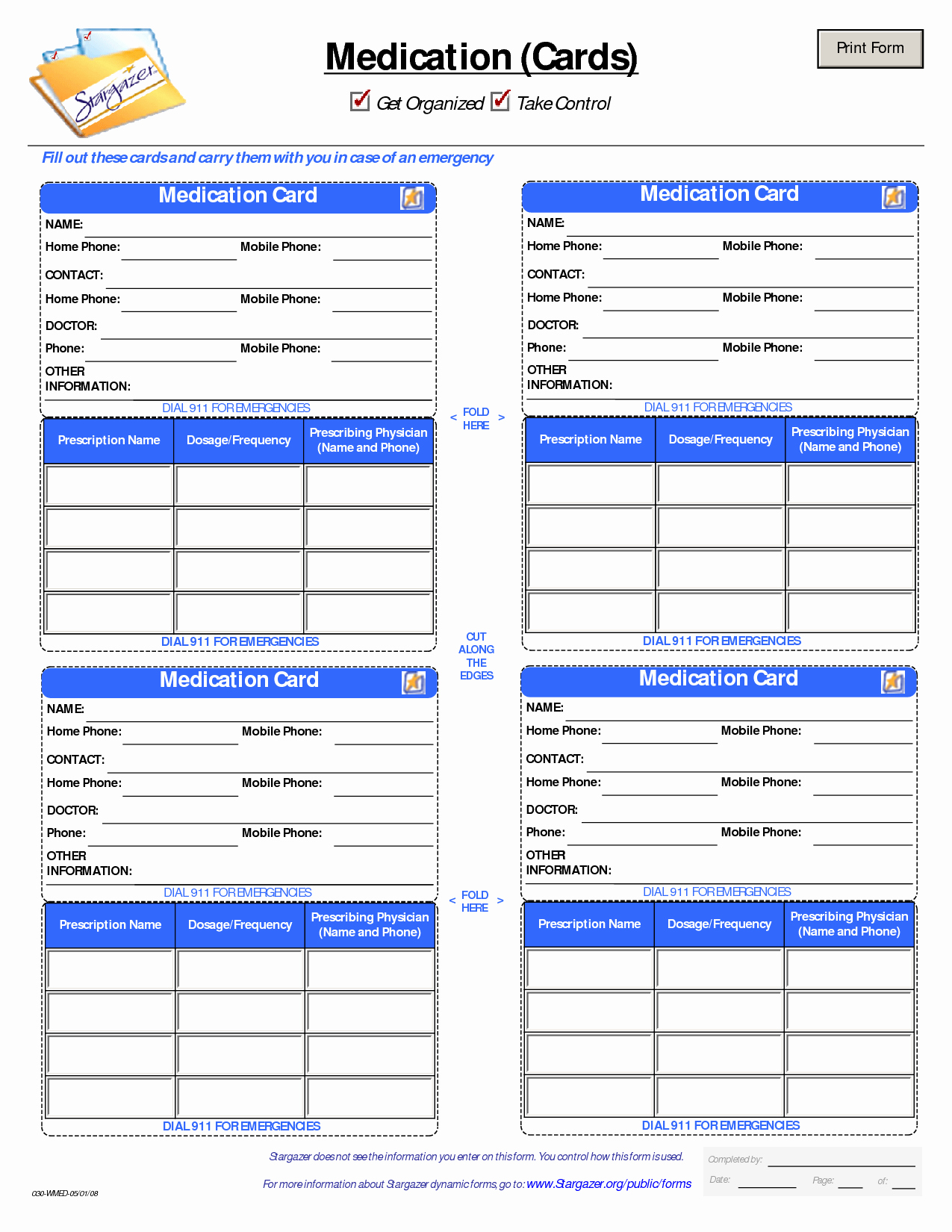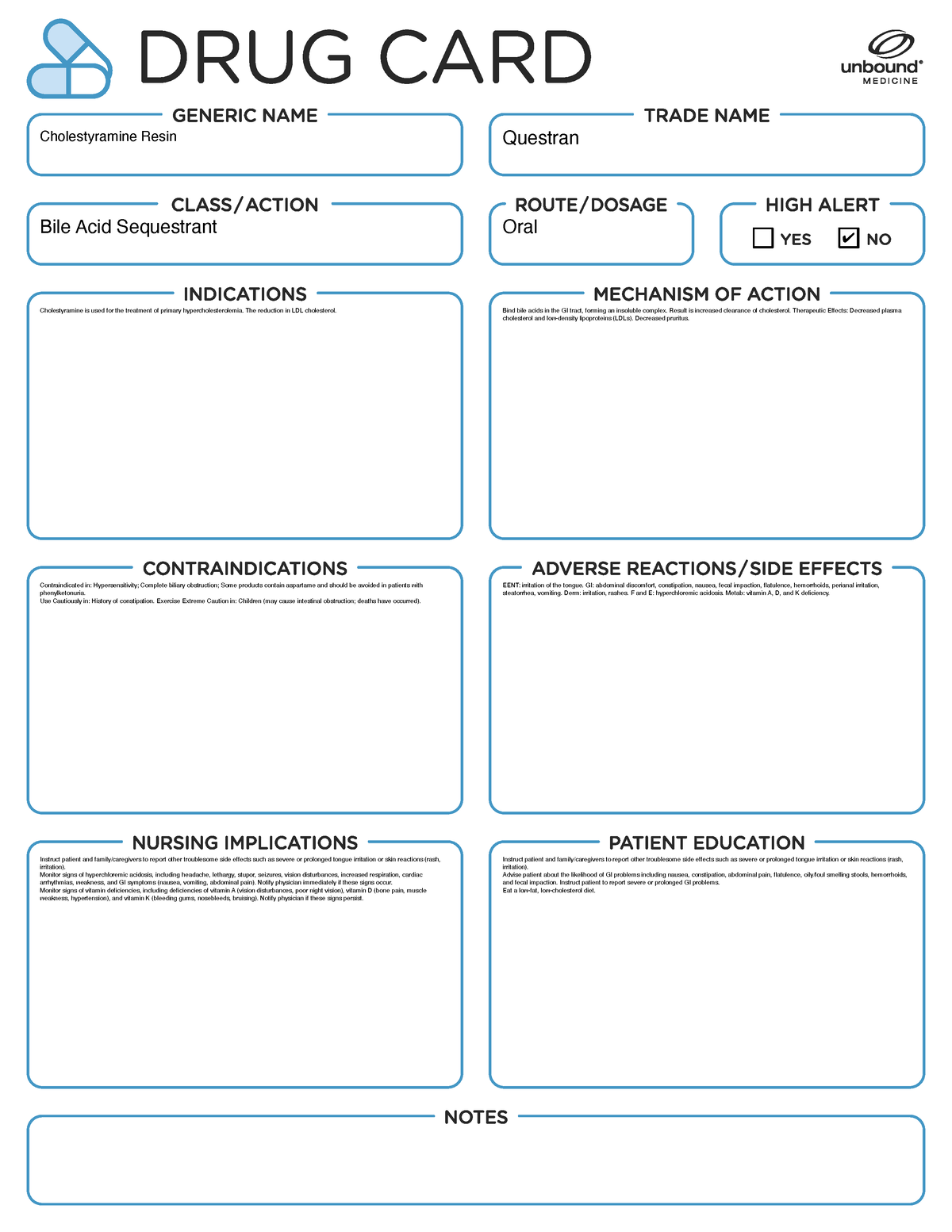
Medication Card Template is an indispensable tool for patients, caregivers, and healthcare providers alike, ensuring medication information is accessible, accurate, and consistently updated. By offering a clear, organized layout, this template helps prevent errors, facilitates communication between medical professionals, and empowers patients to manage their treatments confidently.
Why a Medication Card Template Matters in Modern Healthcare
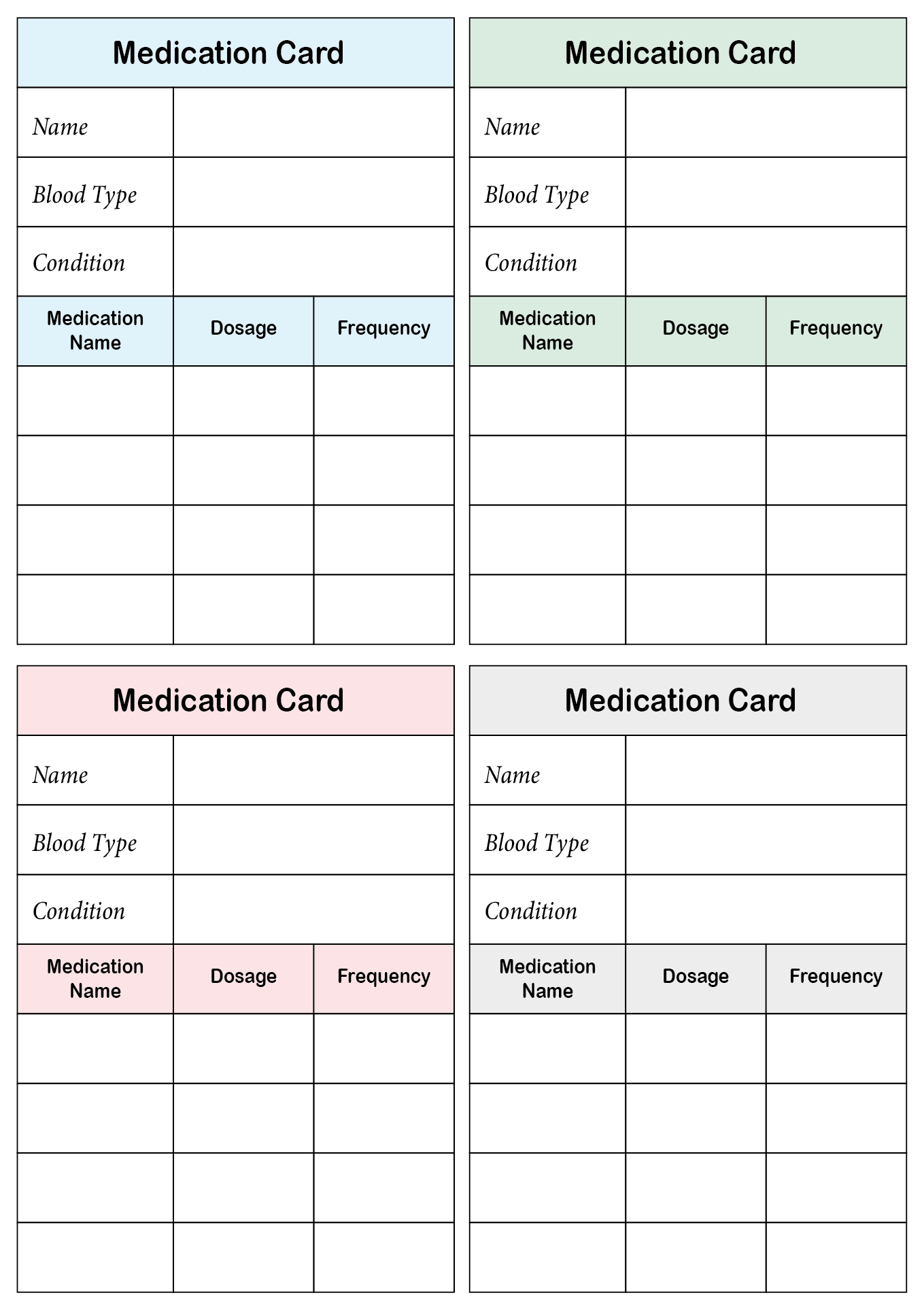
In an era of complex drug regimens and chronic illnesses, patients often juggle multiple prescriptions, dosage schedules, and side‑effect monitoring. A well‑structured medication card serves as a single source of truth, reducing the risk of duplicate therapies and adverse drug interactions. Healthcare systems worldwide recognize the value of these cards in enhancing patient safety, streamlining clinical encounters, and fostering shared decision‑making.
Key Benefits for Patients
- Clarity and Accessibility: Consolidates medication names, dosages, and timing into a format that is easy to read.
- Ownership of Health Data: Enables patients to track changes, note new prescriptions, and communicate updates to their doctors.
- Reduced Hospital Readmissions: By keeping accurate records, medication errors that often lead to readmissions are significantly lowered.
Key Benefits for Healthcare Professionals
- Efficient Consultations: Quickly review a patient’s complete drug history without combing through multiple files.
- Improved Medication Reconciliation: A standardized template aids in comparing prescriptions across different providers.
- Documentation Compliance: Meets regulatory requirements for record‑keeping and continuity of care.
Essential Elements of an Effective Medication Card Template
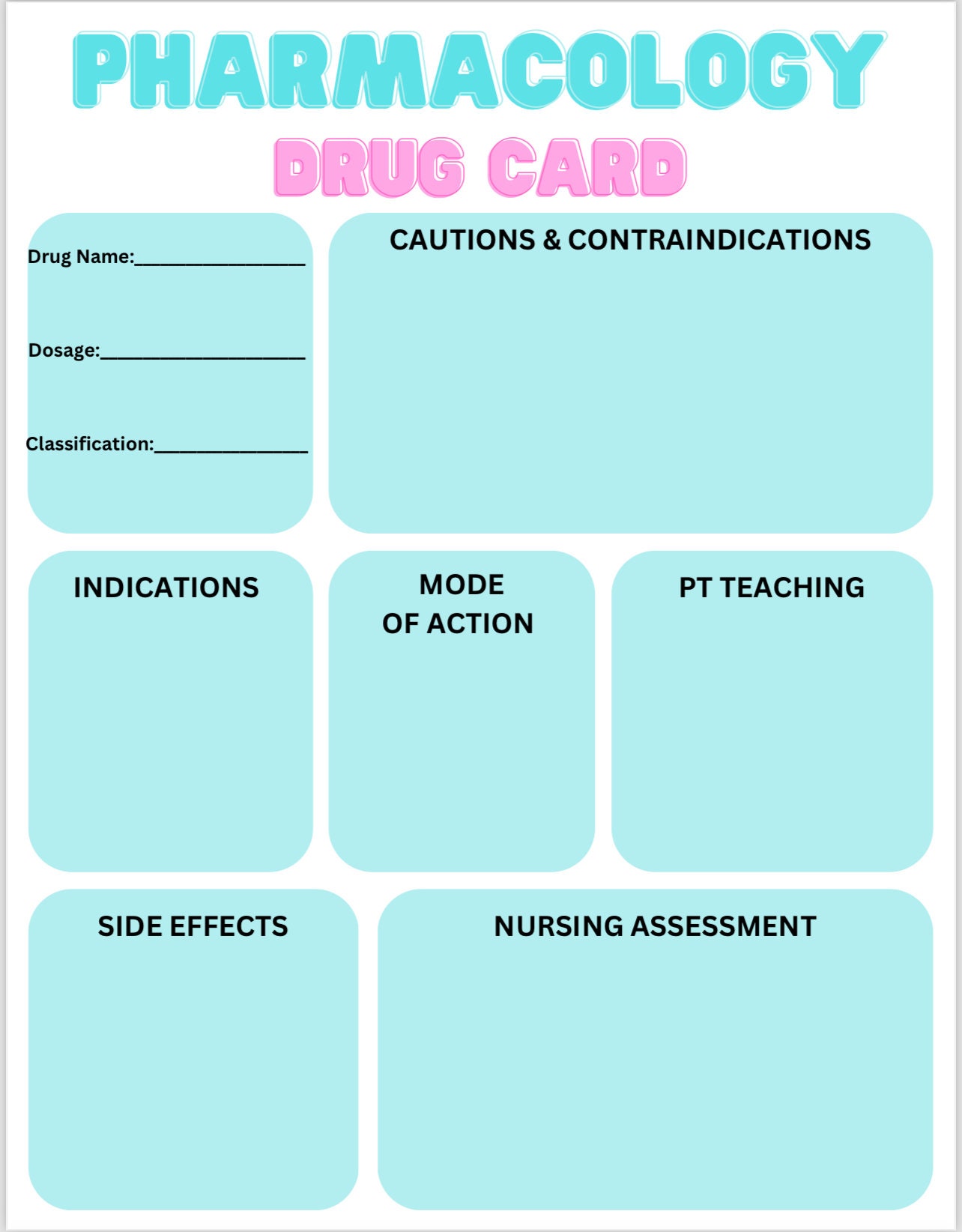
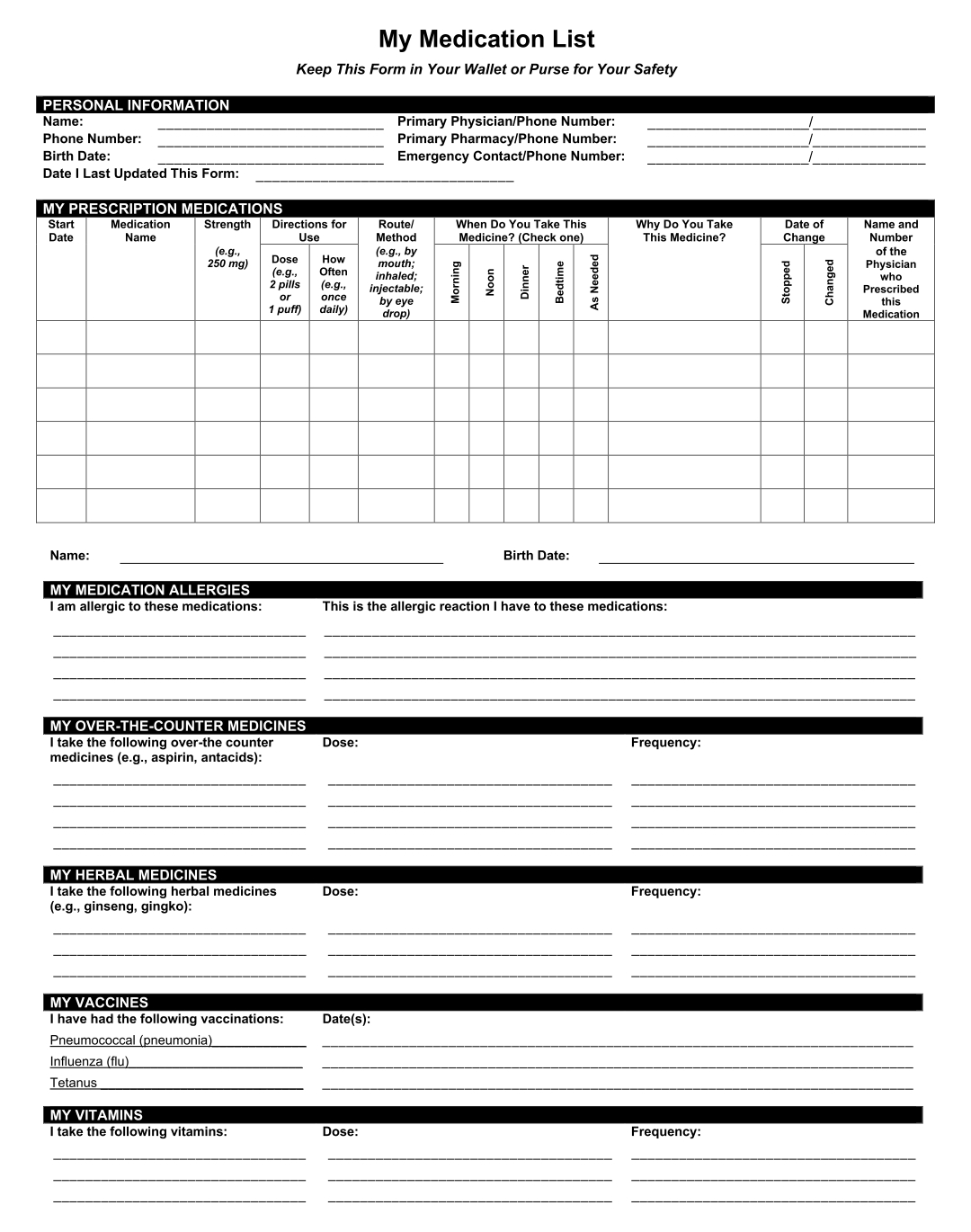
Designing a useful medication card is more than just filling in blanks. The layout must reflect the real‑world needs of both patients and clinicians. Below is a breakdown of critical fields and design considerations.
Core Information Fields
- Patient Identification: Full name, date of birth, and a unique health ID if applicable.
- Contact Details: Phone number, primary physician, and pharmacy address.
- Medication List: Drug name, generic equivalent, dosage, route, frequency, and duration.
- Prescriber Information: Name, title, and contact number of the prescribing clinician.
- Allergy and Contraindication Notes: Highlight critical warnings such as known drug allergies or interaction cautions.
- Last Updated Date: Timestamp of the most recent revision for quick verification.
Design Tips for Maximum Usability
- Use Clear Headings: Separate sections with bold labels to guide the reader’s eye.
- Employ Checkboxes: Allow patients to tick off doses taken, facilitating tracking.
- Incorporate Visual Cues: Use color coding for medications with special instructions, such as “take with food” or “avoid sunlight.”
- Provide Space for Notes: An area for side‑effect observations or upcoming refills helps keep conversations focused.
- Choose a Durable Format: Print on sturdy cardstock or create a digital version that can be saved on mobile devices.
Step‑by‑Step Guide to Customizing Your Own Medication Card
While pre‑made templates exist, tailoring a card to specific needs ensures relevance and enhances user engagement. Follow this practical workflow to build a card that aligns with your health profile.
Step 1: Gather Your Medication Information
Compile a list of all current prescriptions, over‑the‑counter drugs, and supplements. Include the manufacturer, dosage strength, and frequency. A reliable source is your most recent pharmacy receipt or the electronic health record (EHR).
Step 2: Choose a Format
Decide between a physical card or a digital document. For a physical card, select a size that comfortably fits in a wallet or purse. Digital templates can be created using word processors or dedicated design software like Adobe InDesign or Canva.
Step 3: Organize the Layout
Start with patient identification at the top. Below that, create a table with columns for the medication name, dosage, frequency, prescriber, and special notes. Reserve a section at the bottom for future updates.
Step 4: Add Safety Features
Integrate a “red flag” zone where severe allergies or known contraindications are highlighted. Additionally, include a brief “Emergency Instructions” box that details what to do if a dose is missed or an adverse reaction occurs.
Step 5: Review and Validate
Before finalizing, cross‑check every entry with your pharmacy record or EHR. Ask your pharmacist or primary care physician to review the card for accuracy and completeness.
Step 6: Distribute and Educate
Provide a copy to all healthcare providers who may be involved in your care. Share it with family members or caregivers responsible for medication administration. Educate yourself on how to update the card whenever a prescription changes.
Real‑World Application: Success Stories
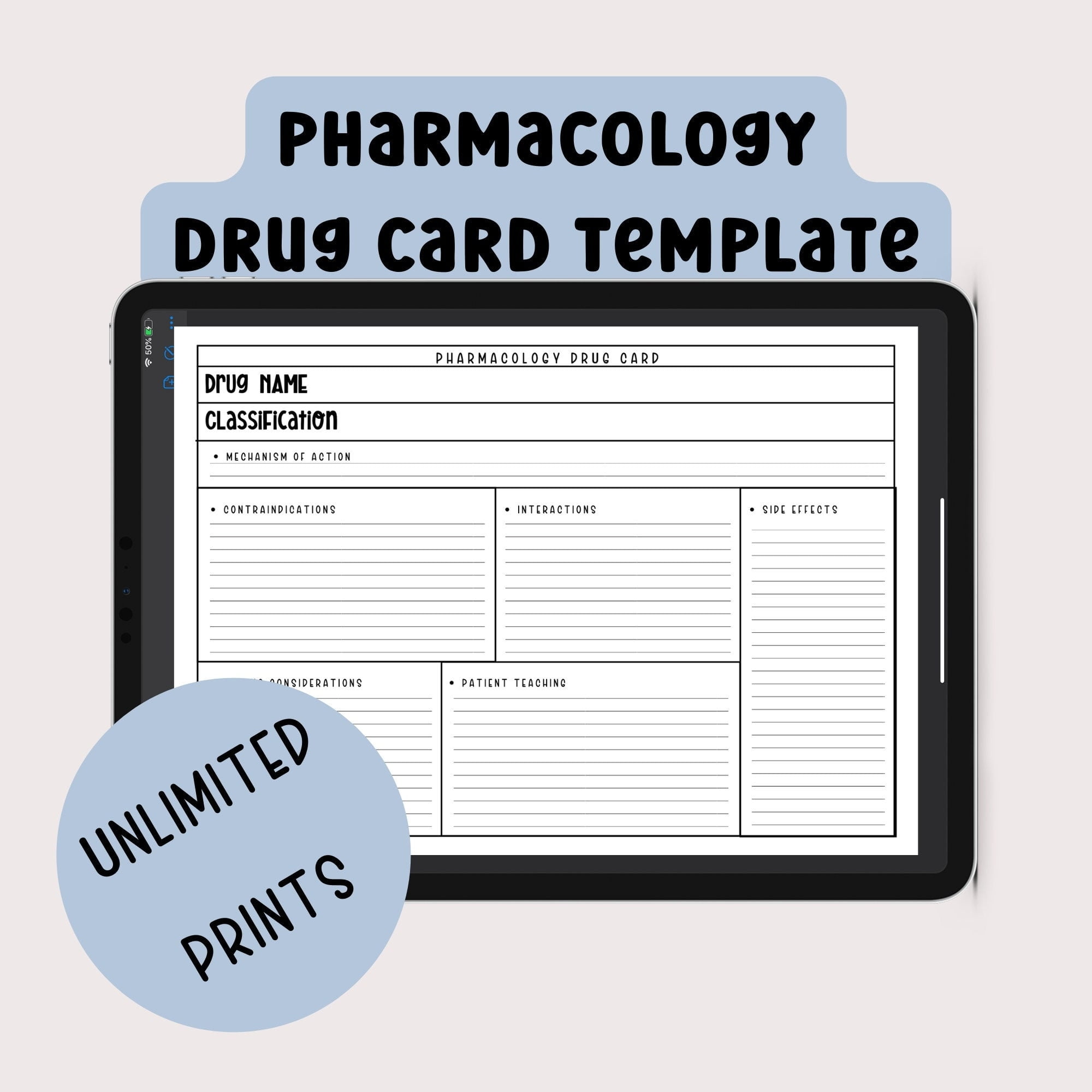
Healthcare facilities that have adopted medication card templates report a noticeable decline in medication errors. Below are illustrative case studies that demonstrate tangible benefits.
Case Study 1: Rural Clinic Enhances Patient Safety
A rural health center introduced a standardized medication card for all adult patients with chronic conditions. By incorporating a simple dosage table and an allergy alert, they reduced medication reconciliation errors during hospital admissions by 32%. The clinic’s staff praised the template’s readability, especially during urgent visits when time is limited.
Case Study 2: Elderly Patients Empowered Through Digital Cards
An assisted living community implemented a digital version of the medication card accessible via smartphones. Residents could add or delete medications instantly after a prescription refill. The digital format included a “tap to call pharmacist” button, streamlining communication and reducing medication confusion.
Case Study 3: Pediatric Care Simplifies Family Management
Parents of a child with asthma used a medication card to track inhaler usage, rescue medication, and scheduled follow‑ups. The card’s visual dosing chart allowed caregivers to see at a glance whether the child had taken a dose that day, leading to improved adherence and fewer emergency department visits.
Integrating Medication Card Templates into Electronic Health Records

Modern EHR platforms often allow custom fields where a medication card can be embedded or linked. This integration ensures that whenever a provider updates a prescription, the card automatically reflects the change. Benefits include:
- Real‑Time Updates: Eliminates manual transcription and reduces discrepancies.
- Audit Trail: Maintains a documented history of changes for legal and quality assurance purposes.
- Patient Portals: Patients can access and edit their card via secure portals, fostering active participation in their care.
Common Pitfalls to Avoid When Using Medication Card Templates
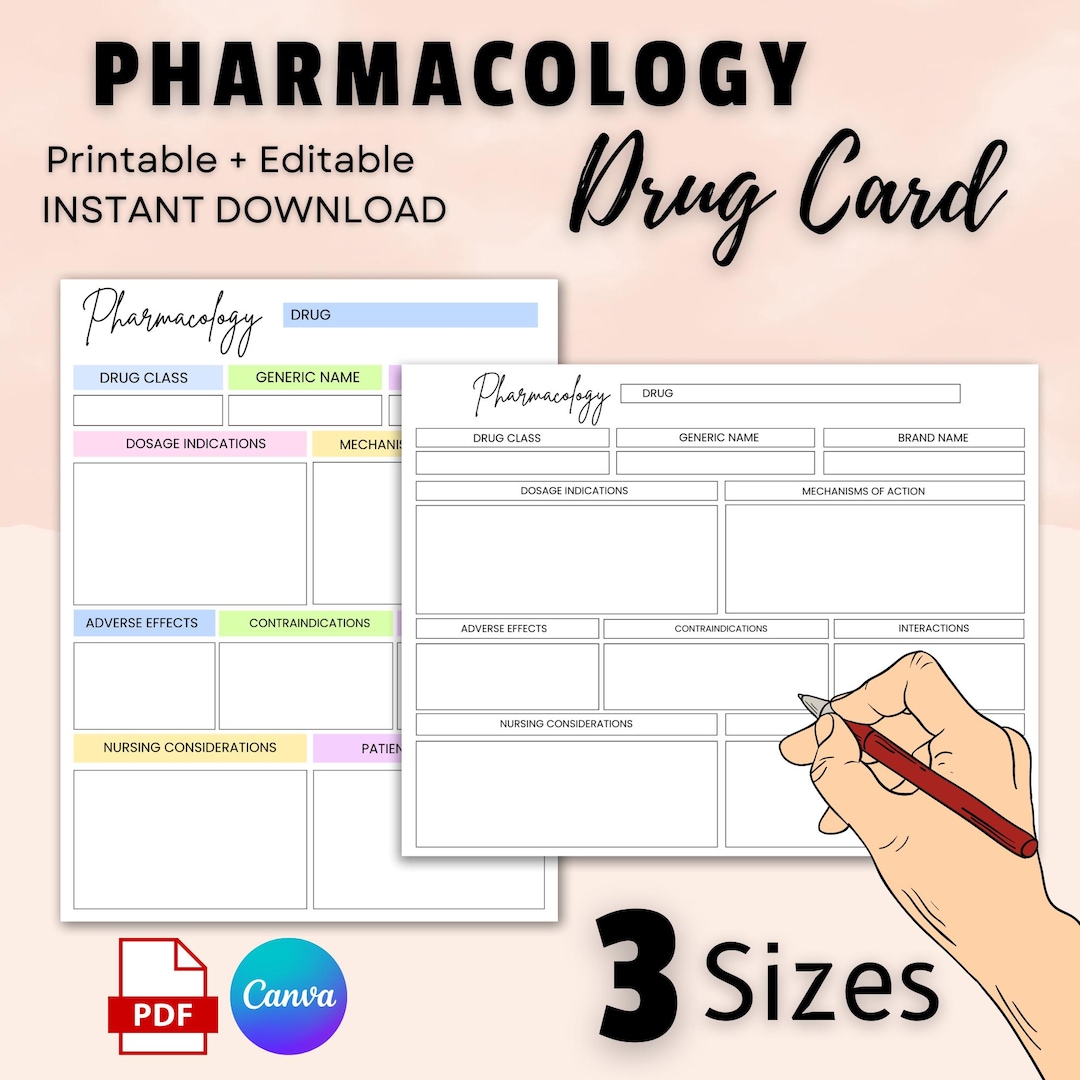
Despite their simplicity, poorly designed medication cards can create more confusion than clarity. Here are frequent mistakes and how to sidestep them.
Overloading Information
Including too many details—such as every ingredient or brand name—can overwhelm readers. Keep the card focused on core drug information and essential notes.
Inconsistent Formatting
Inconsistent font sizes or spacing may make the card difficult to read. Use a uniform layout, preferably a simple table with bold headings.
Neglecting Updates
Failure to review and revise the card regularly leads to outdated information. Schedule a quarterly review or update the card immediately after any prescription change.
Ignoring Patient Preferences
Some patients may prefer a digital format, while others rely on printed cards. Offer both options and respect individual comfort levels.
Best Practices for Long-Term Medication Card Management
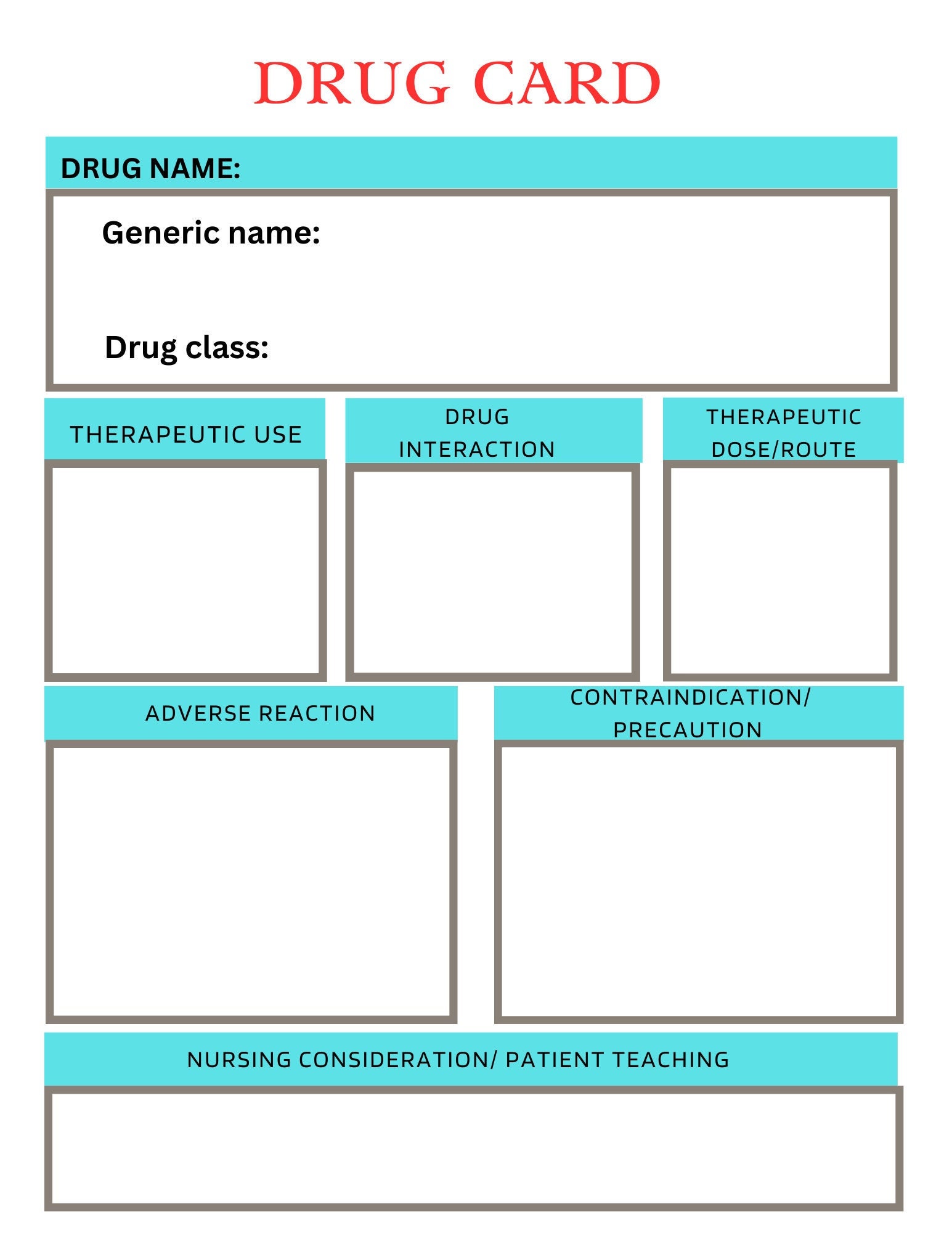
Once the card is in use, ongoing stewardship is essential. Implement these habits to maintain its effectiveness.
Regular Training Sessions
Offer brief workshops for patients and caregivers that cover how to read the card, identify critical fields, and update information.
Integrate with Care Coordination Meetings
Use the medication card as a focal point during multidisciplinary case reviews, ensuring every team member is aligned on the patient’s drug plan.
Maintain Confidentiality
Because medication cards contain sensitive personal health information, store them securely. Digital versions should be protected by encryption and strong passwords.
Leverage Technology for Alerts
Set up automated reminders for refill dates or upcoming prescription renewals. Some pharmacies provide SMS or email alerts that can be synced with the card.
Future Trends in Medication Card Design
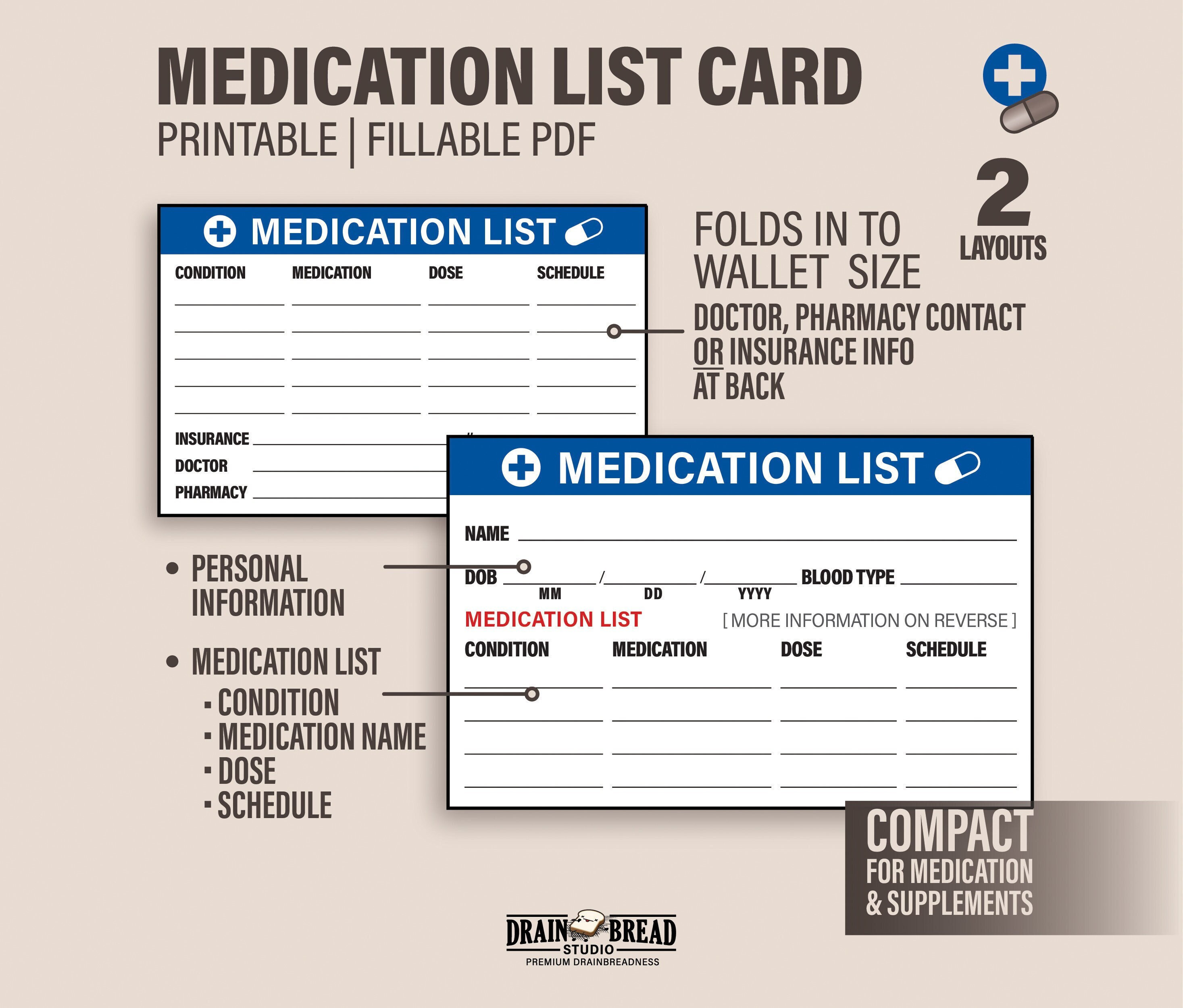
The evolution of healthcare technology suggests several promising directions for medication card templates.
Smart Card Integration
Embedding RFID or QR codes allows for instant scanning by pharmacy kiosks or mobile apps, automatically populating prescription data into electronic records.
Customizable Dashboards
Next‑generation templates may feature interactive dashboards, displaying medication adherence metrics and visualizing dosing patterns over time.
Voice‑Activated Updates
Integration with virtual assistants could let patients speak updates aloud, which the system logs directly onto their medication card.
Multilingual Options
Providing templates in multiple languages increases accessibility for non‑English speaking patients, enhancing compliance and understanding.
Conclusion
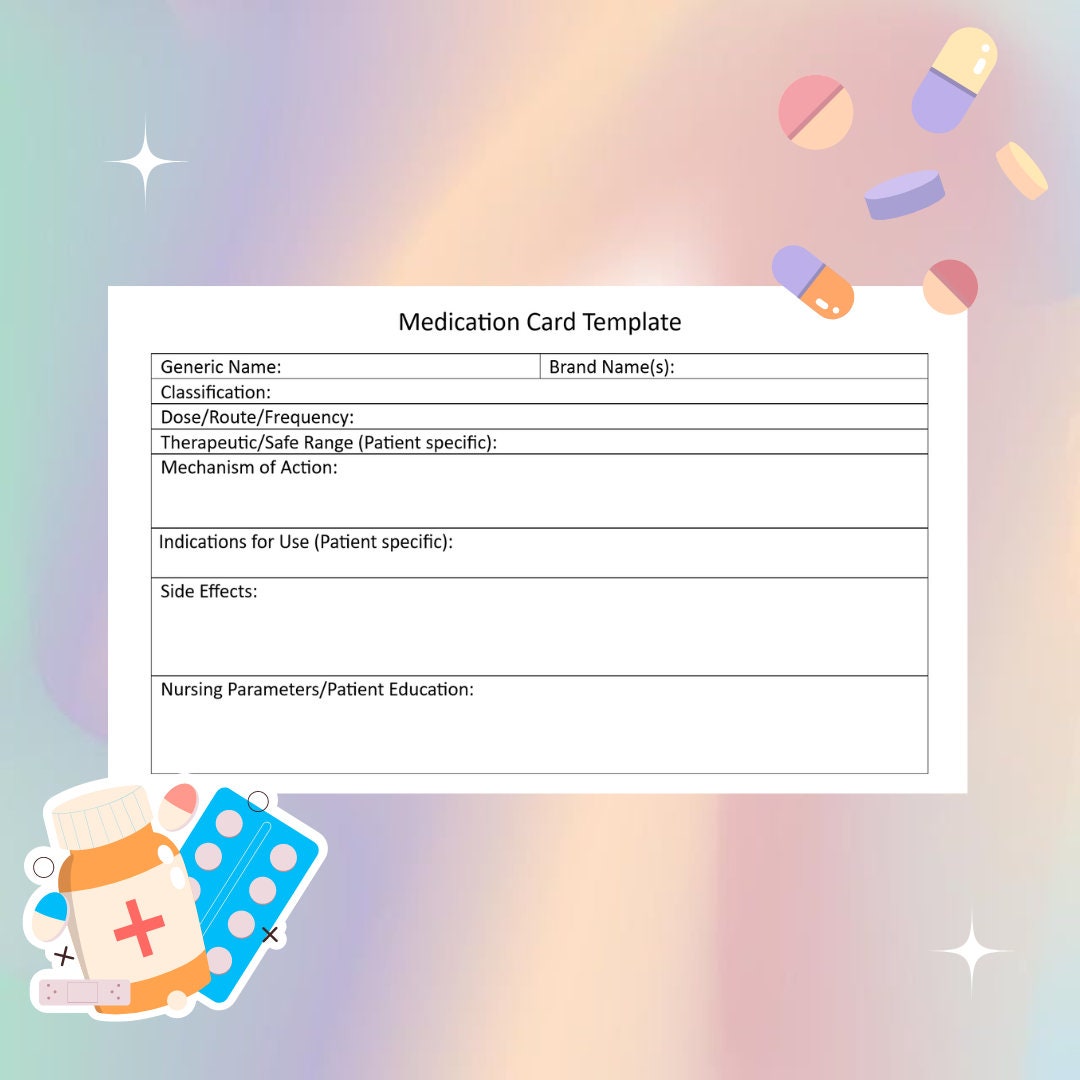
Adopting a Medication Card Template is a strategic investment in patient safety, efficient care delivery, and informed self‑management. By carefully designing the card to include essential fields, applying user‑friendly layouts, and ensuring regular updates, patients and healthcare professionals alike can enjoy a reliable, standardized reference for medication information. Whether printed or digital, a well‑crafted medication card becomes a cornerstone of proactive health management, fostering confidence and reducing the potential for costly errors. As technology advances, the potential for smarter, more integrated medication cards will only grow, making today’s investment a step toward tomorrow’s improved health outcomes.