
Iq Certificate Template—the secret sauce that turns a bland brag about brainpower into a glossy piece of paper that even your grandma would frame on the fridge—has finally arrived, and it’s here to make your nerdy achievements look as snazzy as a superhero cape. If you’ve ever wanted to brag about your brain without sounding like a walking Wikipedia article, keep reading because this guide will sprinkle humor, practicality, and a dash of design wizardry onto your IQ certificate creation journey.
Why an IQ Certificate Deserves More Than a Sticky Note
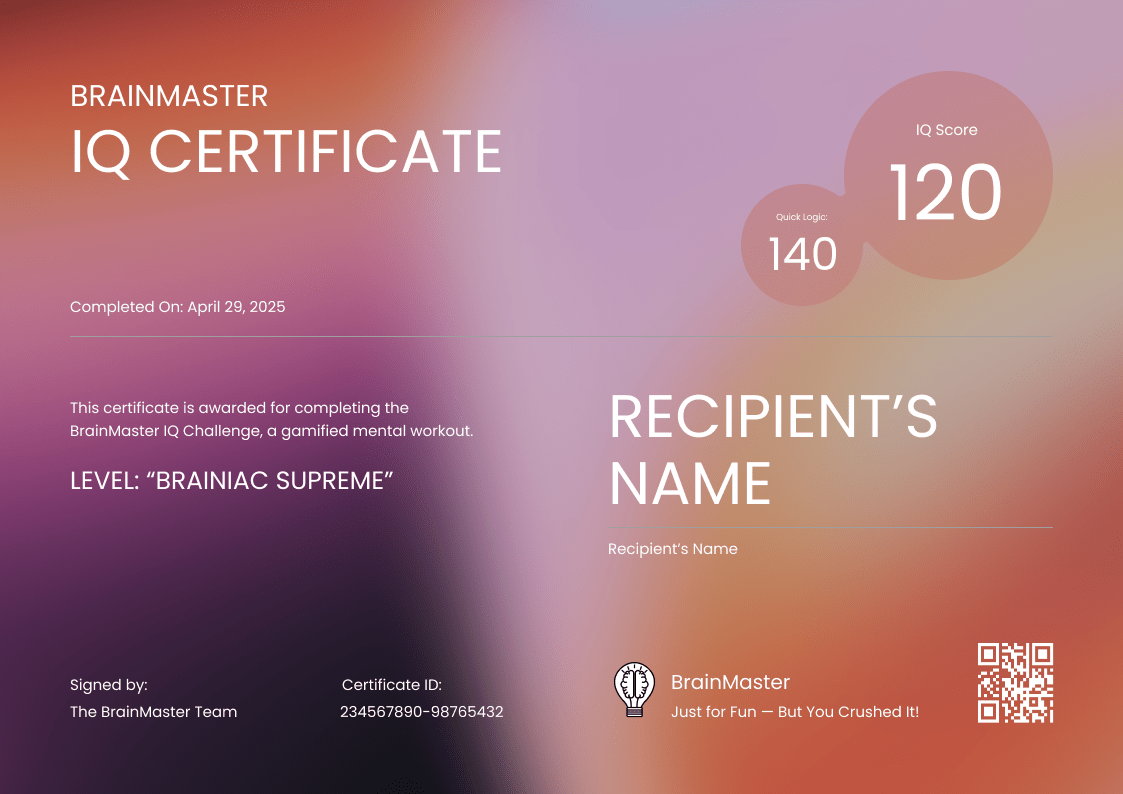
Let’s face it: bragging about a high IQ score without visual proof is like claiming you’re a master chef but only ever cooking instant noodles. An Iq Certificate Template gives your intellect a tangible, eye‑catching credential that you can hang on a wall, slip into a portfolio, or use as a conversation starter at parties (or at least as an excuse to avoid awkward small talk). Here’s why a proper certificate matters more than a casual mention:
- Credibility Boost: A professionally designed certificate signals that you took the test seriously, and that you respect the achievement enough to immortalize it on paper.
- Motivation Magnet: Seeing your IQ score in a glossy format can motivate you to keep learning, just like a diploma does for graduates.
- Social Proof: Whether you’re applying for a job, joining a brain‑training club, or just want to impress your sibling, a certificate is an instant “look, I’m smart!” badge.
- Gift Potential: Hand‑crafted certificates make quirky gifts for the over‑achiever in your life—perfect for birthdays, promotions, or “just because” moments.
Choosing the Perfect Template: Style Meets Substance
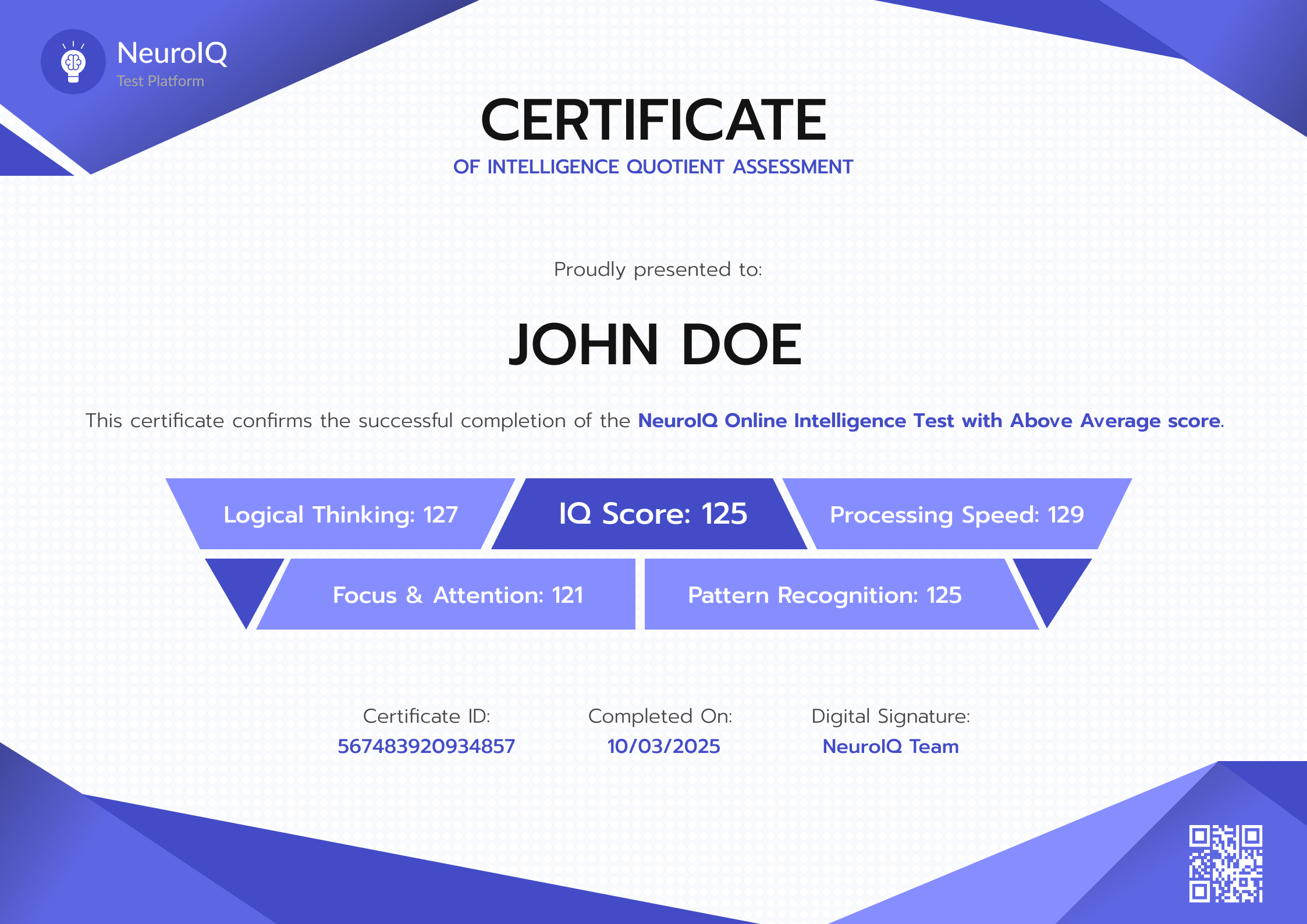
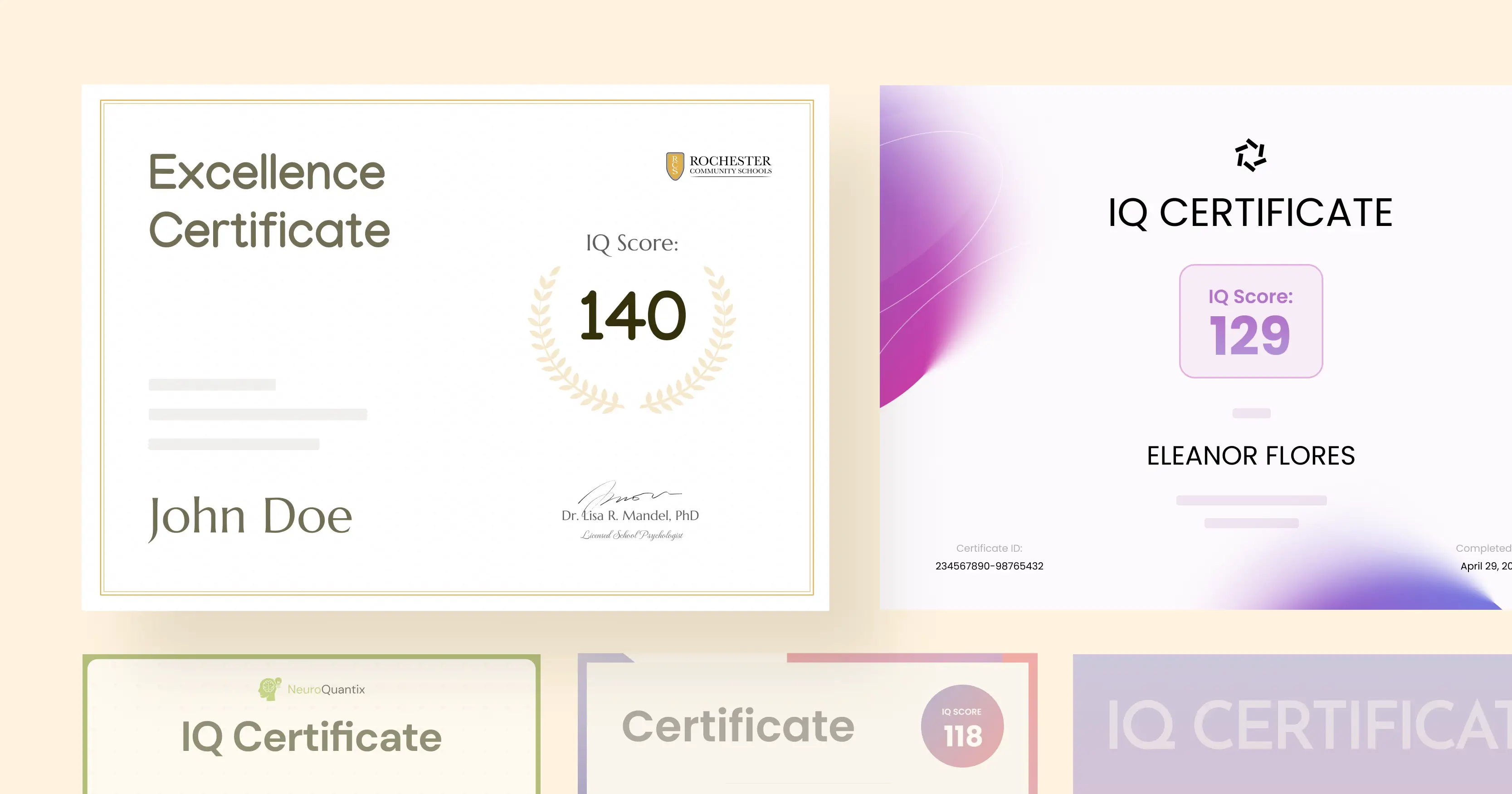
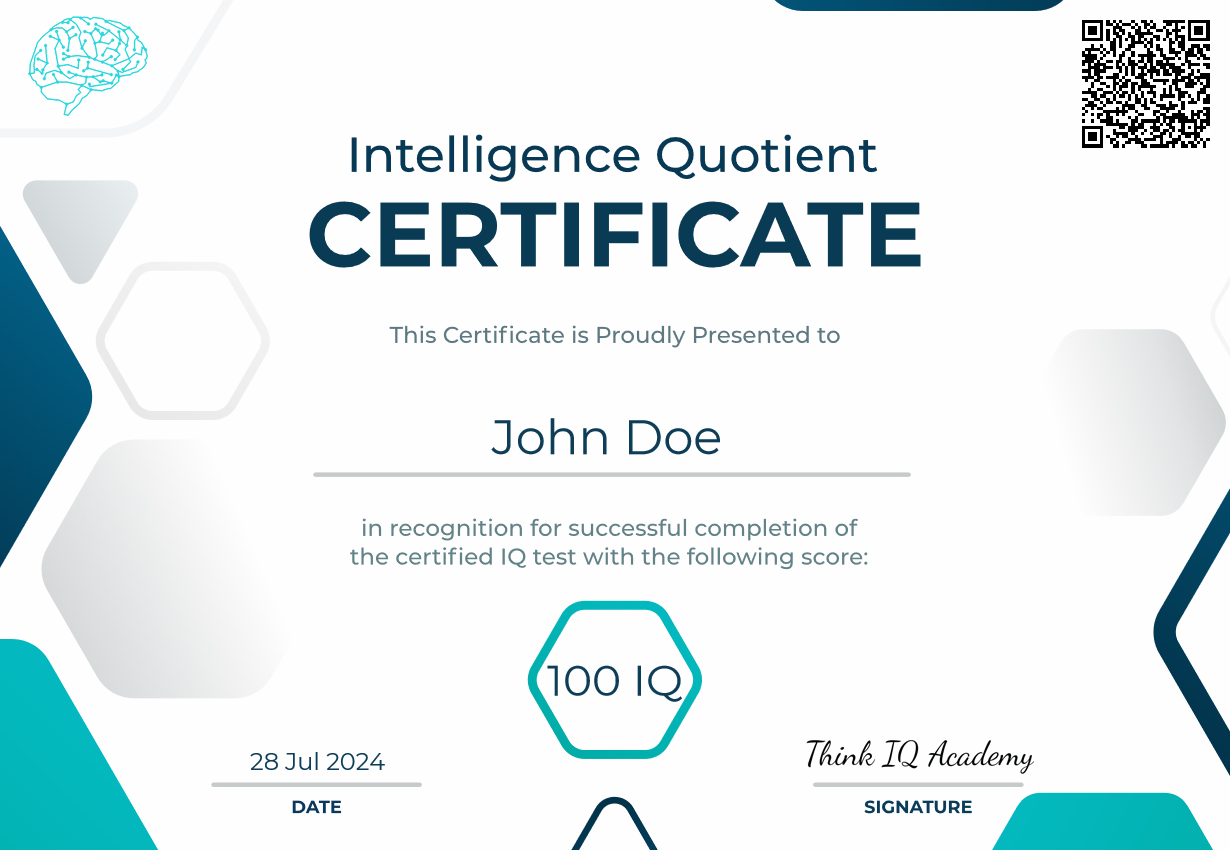
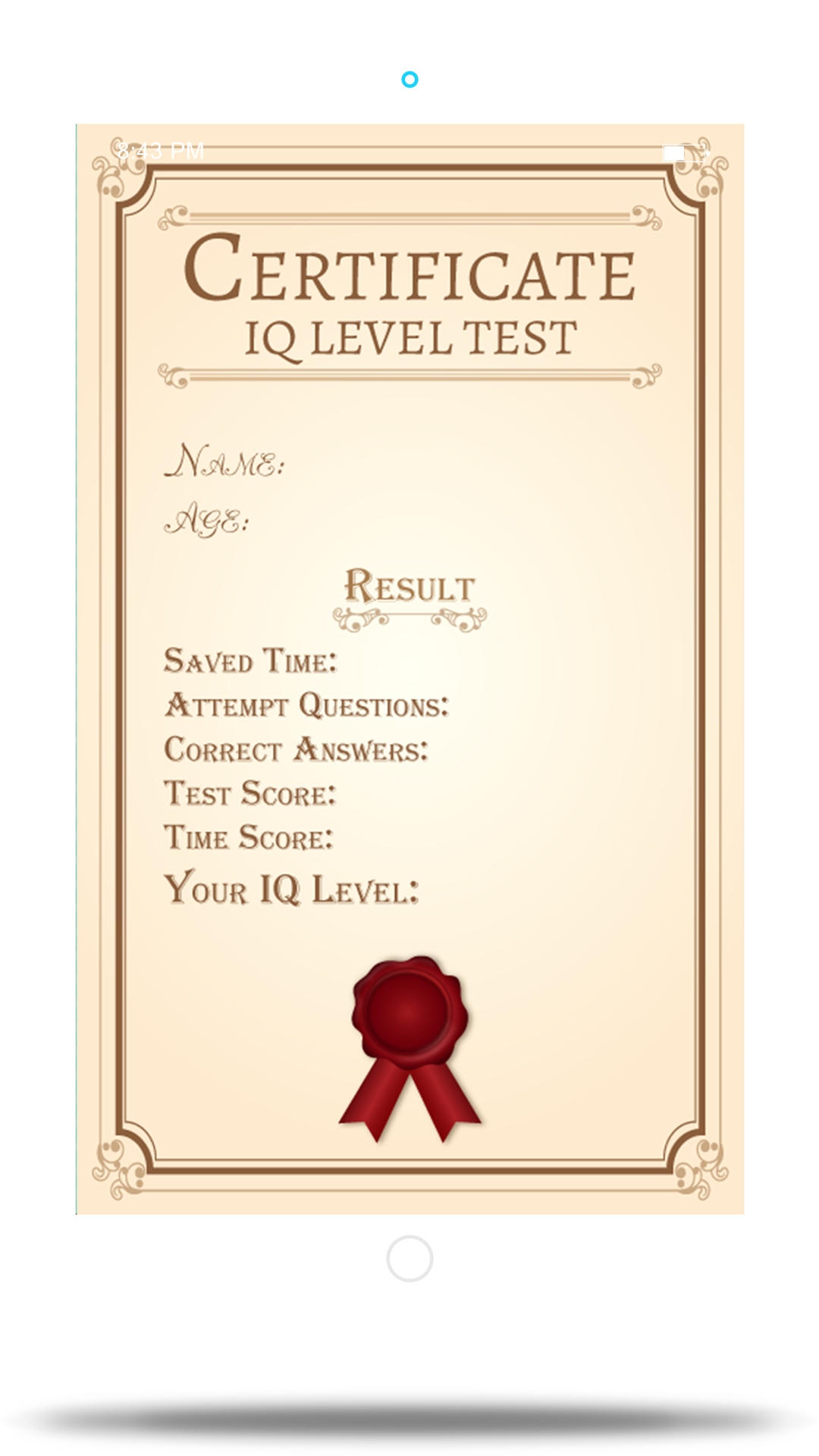
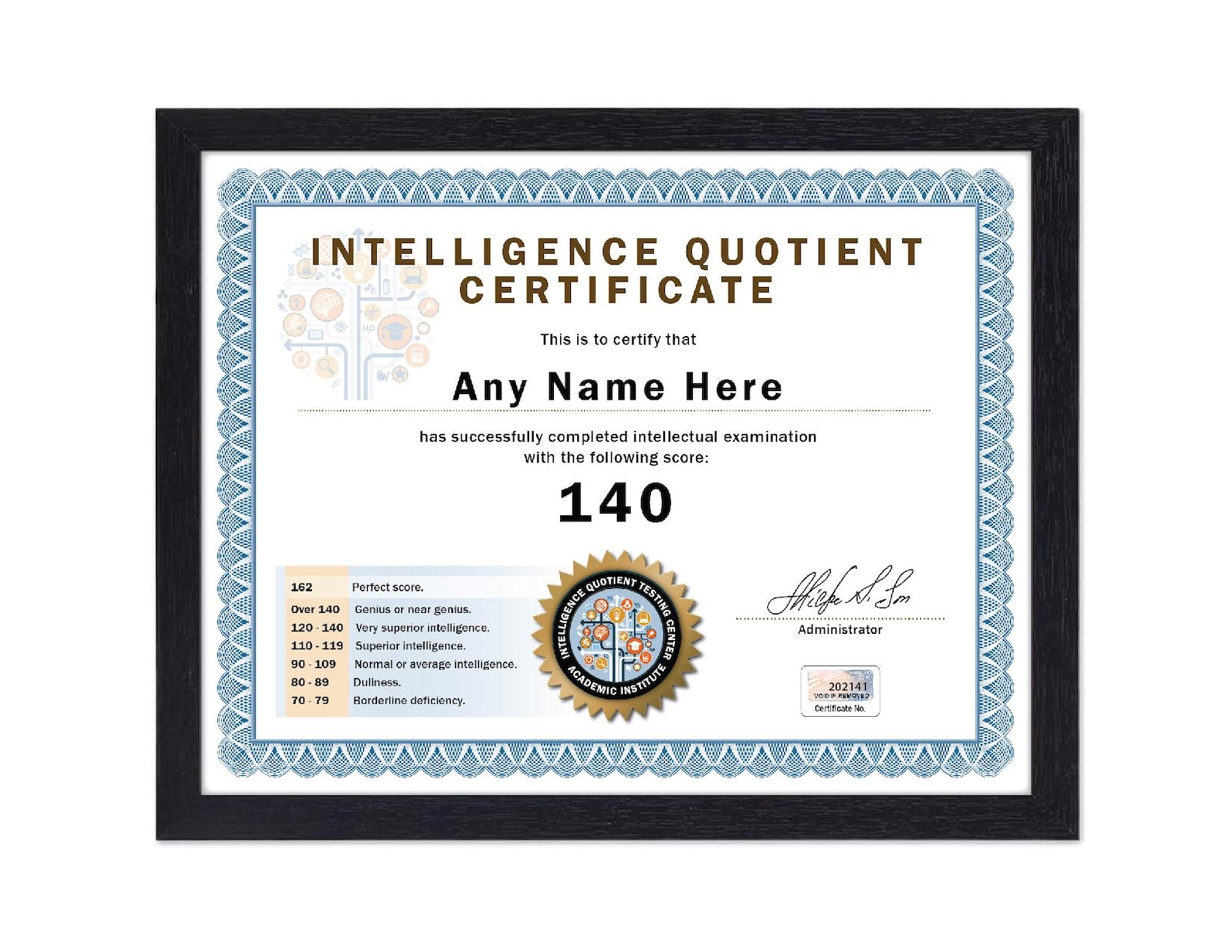
Not all templates are created equal, and the right one can make the difference between “meh” and “wow!” Below are two standout options you might consider, each with its own personality and flair.
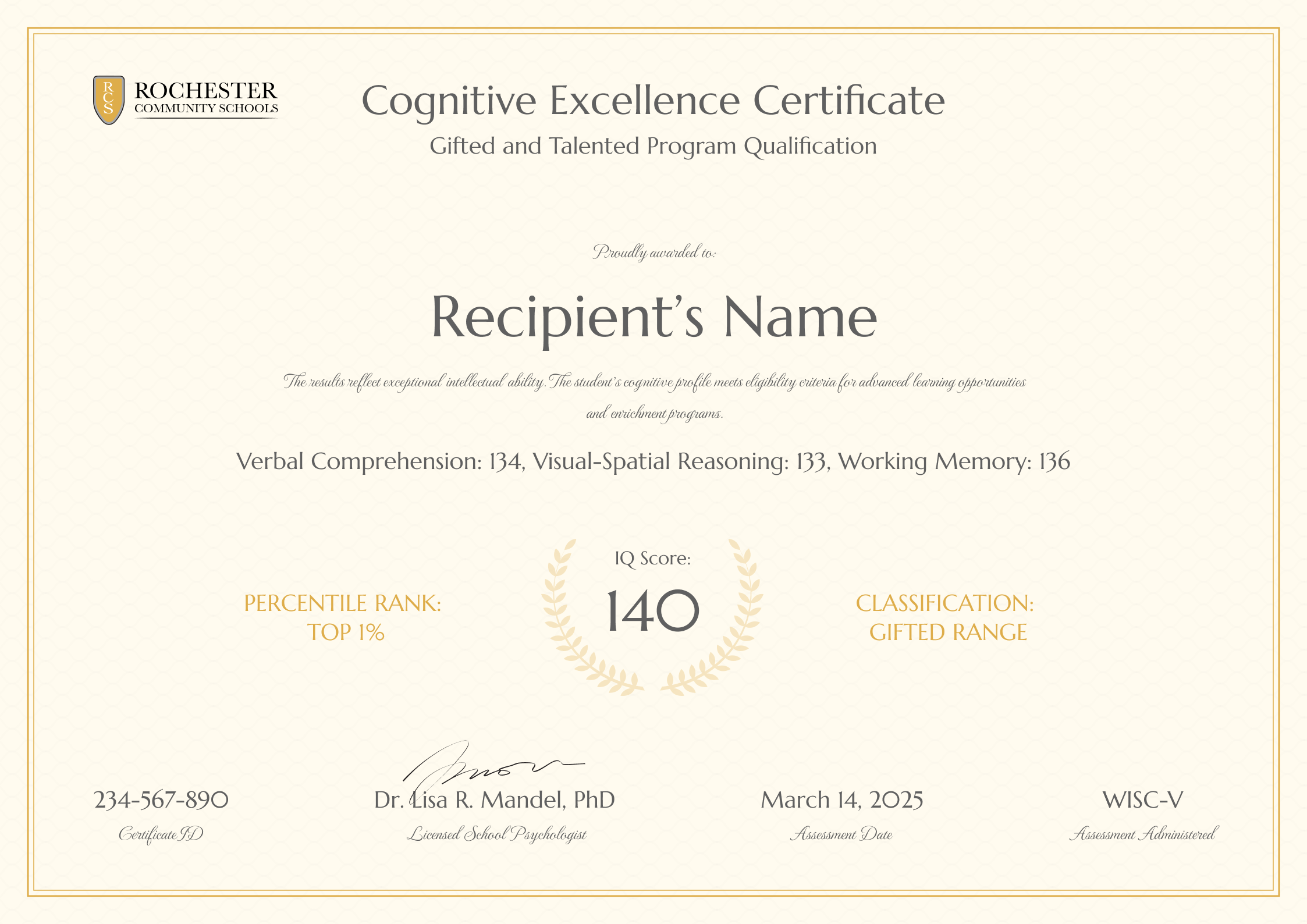
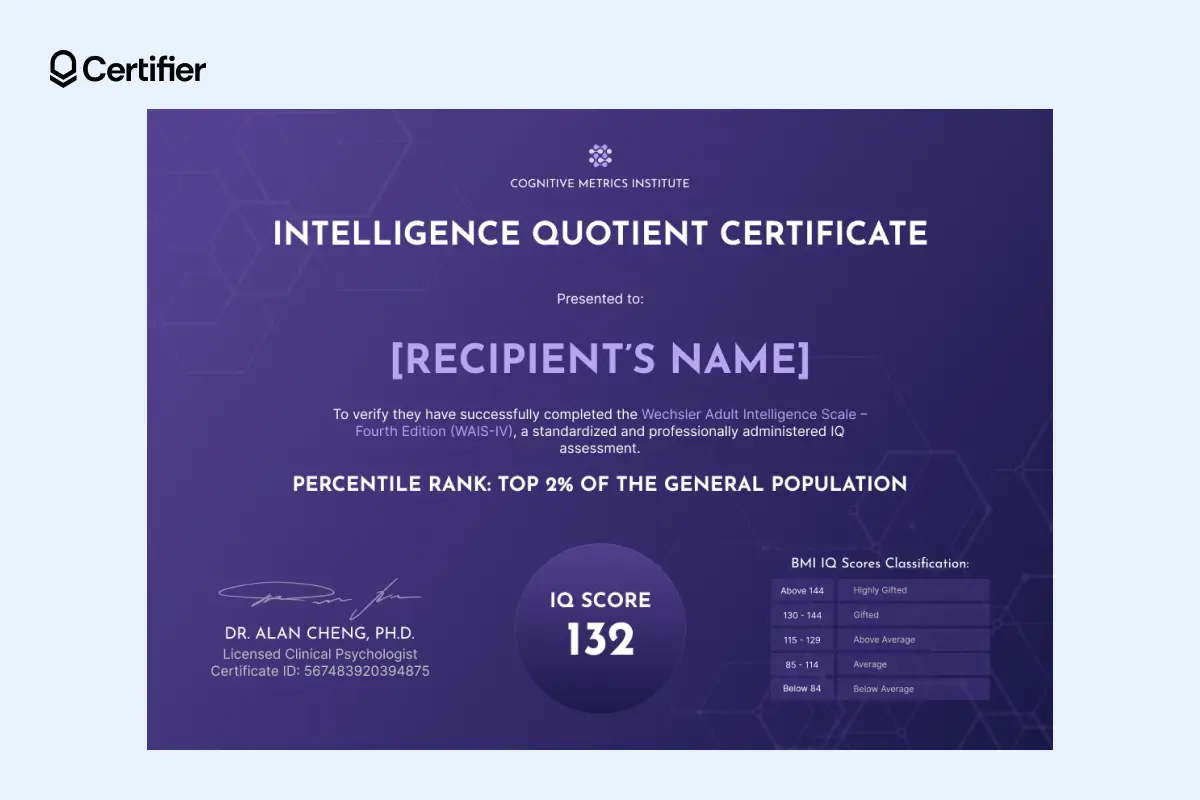
Modern and Refined IQ Certificate Template
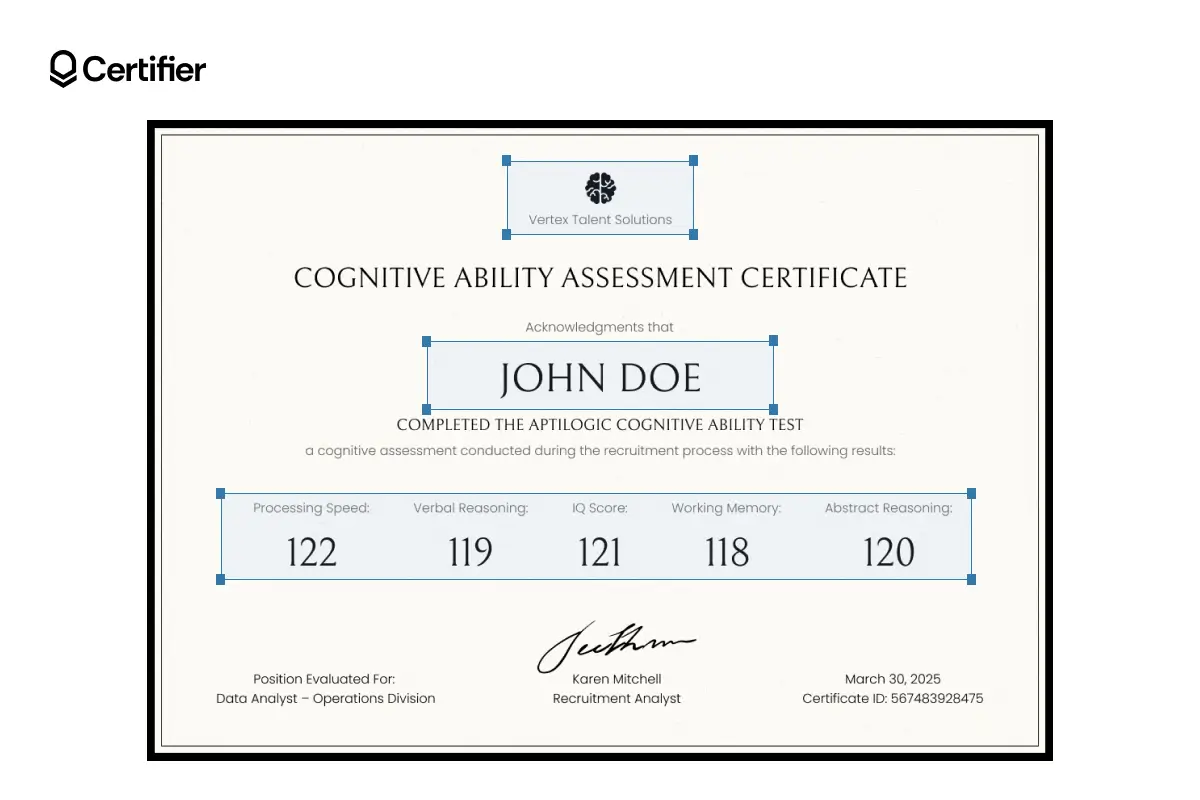
This template screams “classy nerd.” With a sleek, minimalist layout, it pairs a muted color palette with clean typography, making the IQ score the star of the show without overwhelming the viewer. Think of it as the tuxedo of certificates—elegant, timeless, and suitable for any occasion, from corporate hallways to home office walls.
- Design Highlights: Subtle border, elegant serif font for headings, sans‑serif body text for readability.
- Best For: Professionals, academic presentations, and anyone who wants a polished look without flash.
- Customization Tips: Swap the muted background for a soft gradient, or add a faint watermark of a brain silhouette for extra nerd cred.
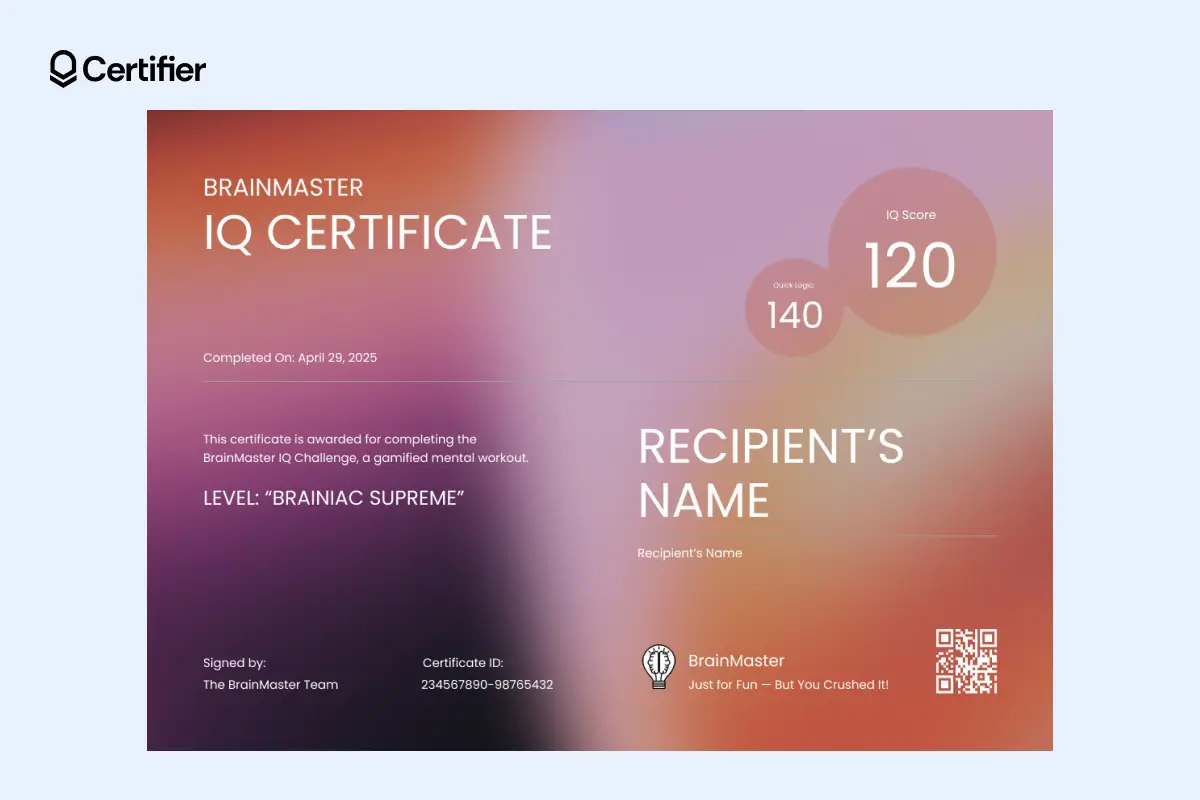
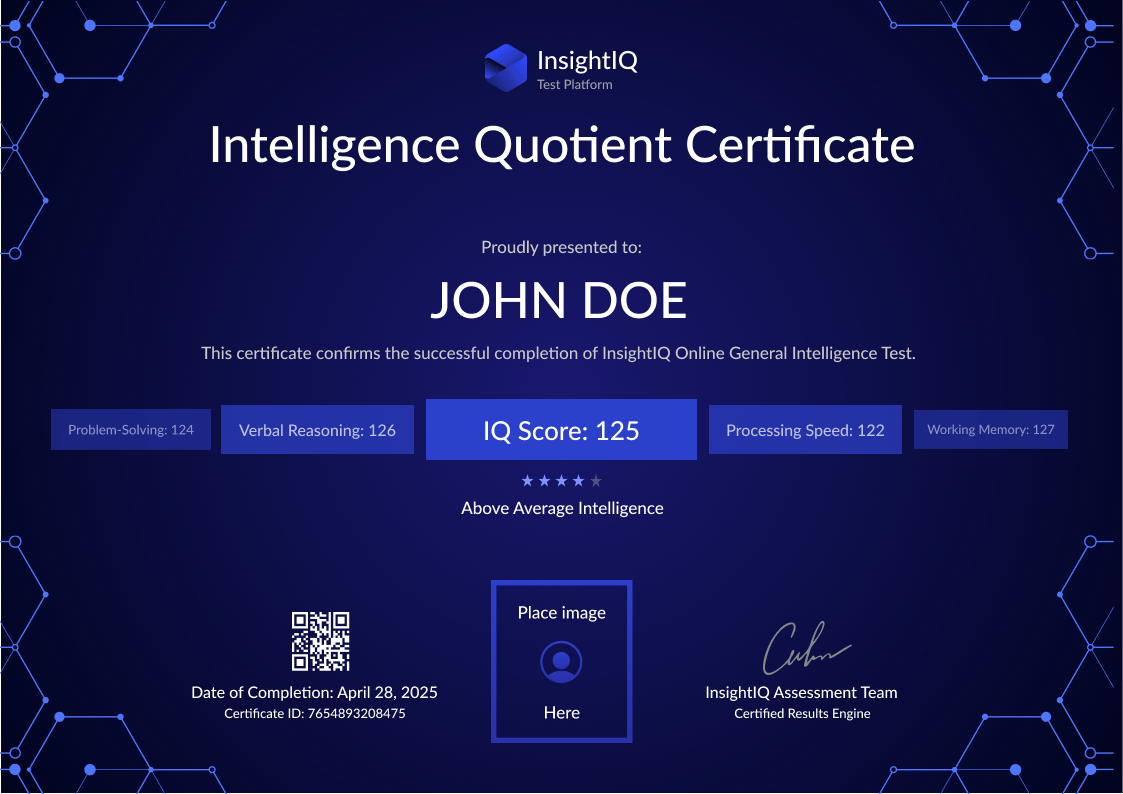
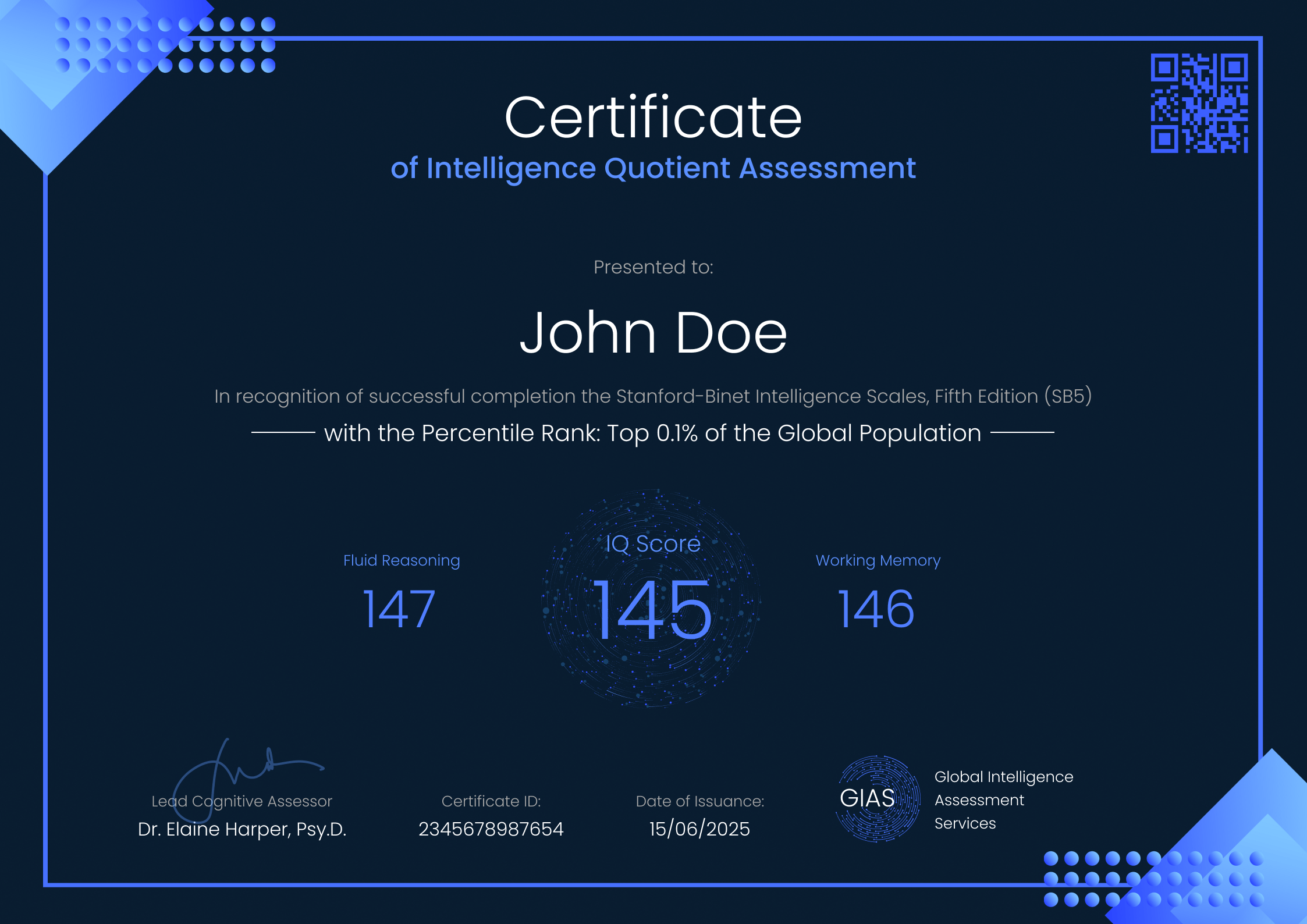
Modern and Colorful IQ Certificate Template
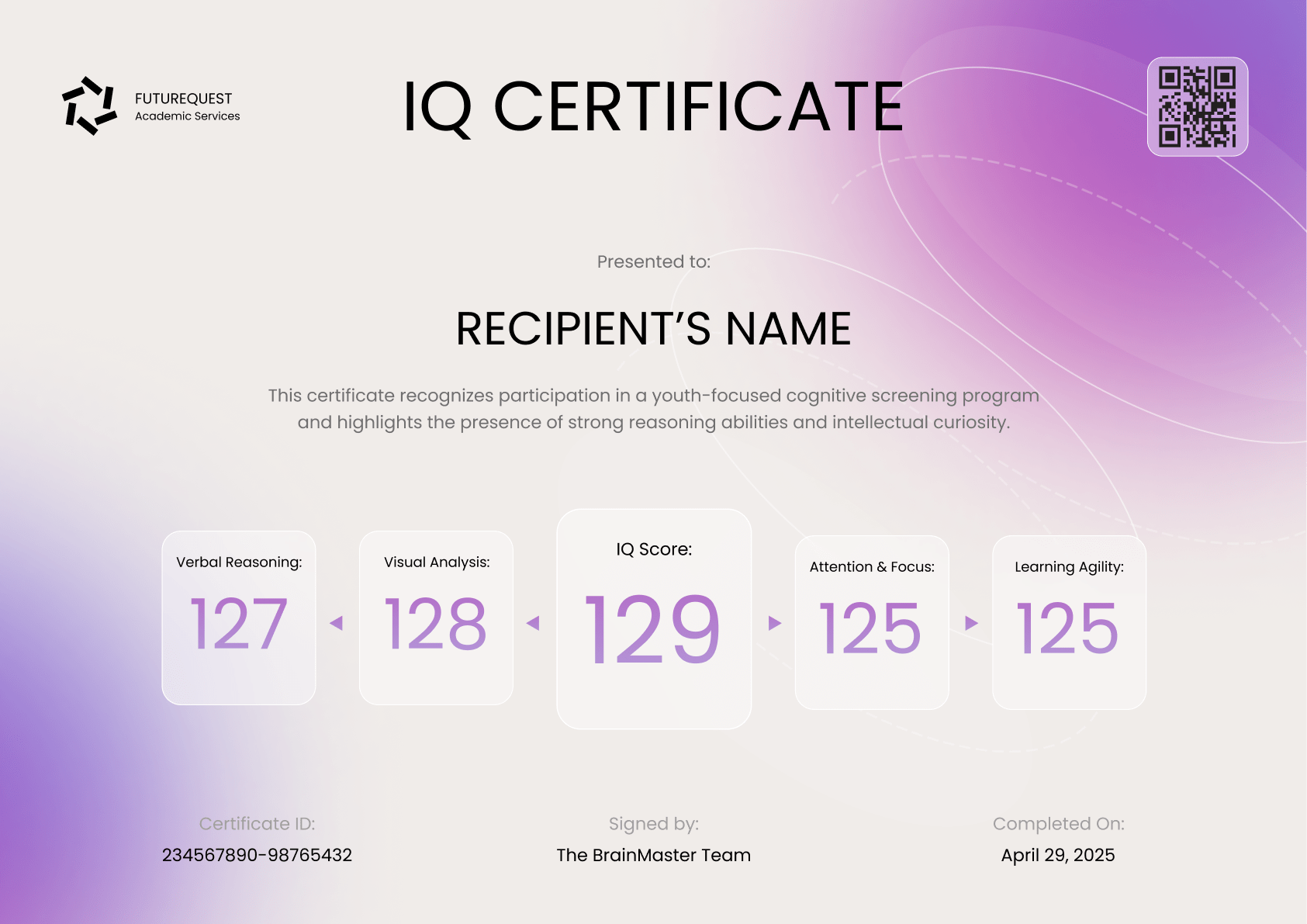
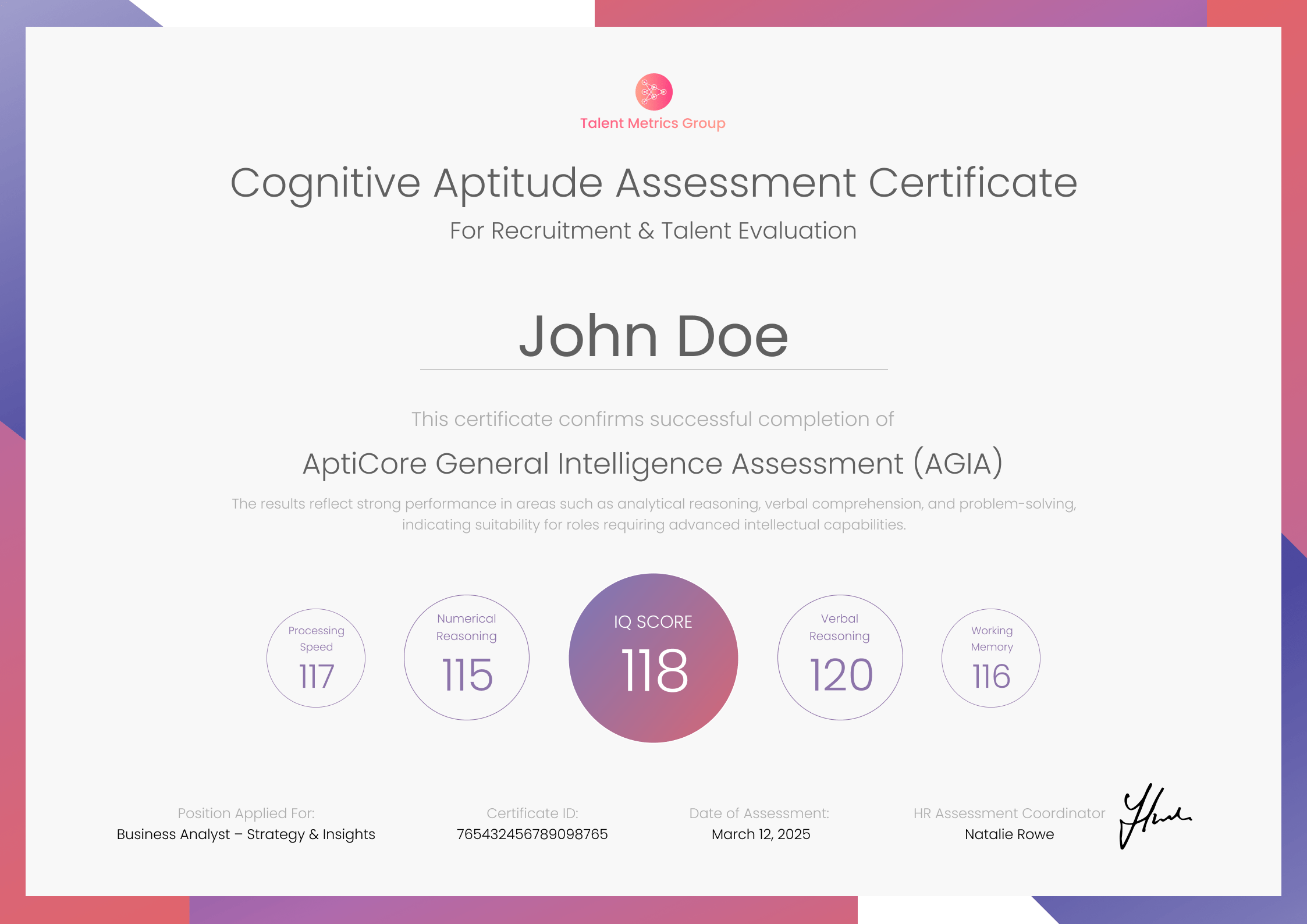
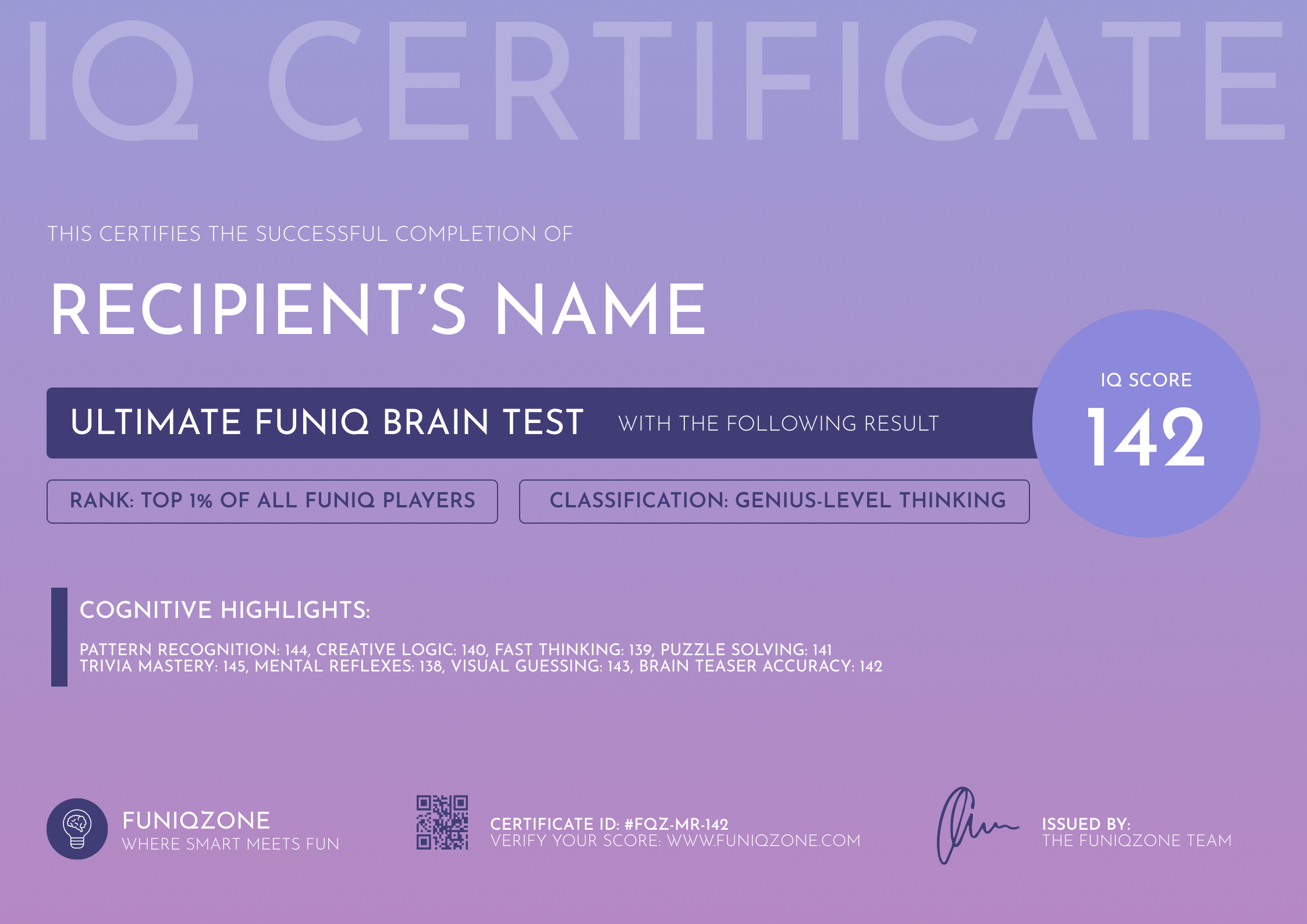
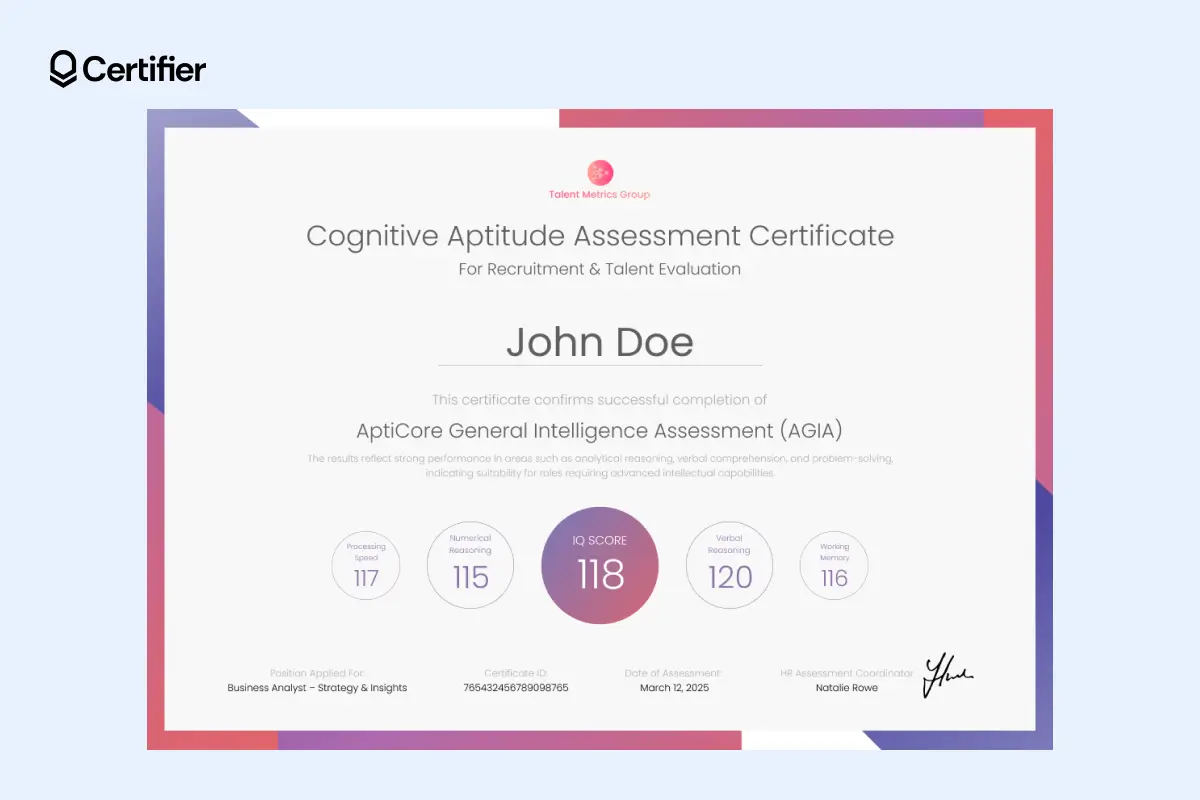
If you prefer your intellect served with a side of pizzazz, this vibrant template is your go‑to. Bursting with bright hues, playful icons, and dynamic shapes, it’s the confetti cannon of certificate designs. Ideal for creative fields, educational workshops, or anyone who wants to shout “I’m smart and I’m fun!” from the rooftops.
- Design Highlights: Bold color blocks, whimsical illustrations (like lightbulbs and rockets), and modern geometric accents.
- Best For: Youth programs, hackathons, and anyone who wants to add a splash of personality to their achievement.
- Customization Tips: Adjust the color scheme to match your brand, replace icons with your favorite symbols, or add a QR code linking to your full test report.
Step‑By‑Step Guide to Personalizing Your IQ Certificate
Now that you’ve picked a template, it’s time to sprinkle your personal magic on it. Follow this fool‑proof process to ensure your certificate looks professional while still reflecting your unique flair.
1. Gather Essential Information
Before diving into design software, compile the data you’ll need:
- Full Name: Use the exact name that appears on your test results.
- IQ Score: Double‑check the number; a typo could turn a 140 into a 104 (and nobody wants that).
- Test Date & Administrator: Include the date of the exam and the organization that administered it (e.g., Mensa, WAIS, etc.).
- Signature & Seal: If you have a digital signature or a seal from the testing body, scan it for authenticity.
2. Choose the Right Design Tool
While Photoshop and Illustrator are powerful, you don’t need a design degree to create a stunning certificate. Here are some user‑friendly options:
- Canva: Drag‑and‑drop interface, ready‑made templates, and easy export options.
- Adobe Express: Similar to Canva but with deeper integration into Adobe’s ecosystem.
- Microsoft PowerPoint: Surprisingly effective for simple layouts; just remember to set the slide size to standard certificate dimensions (11×8.5 inches).
3. Insert Text and Adjust Typography
Typography can make or break readability. Stick to one or two complementary fonts:
- Header Font: Choose a serif or decorative font for the title “IQ Certificate” to add gravitas.
- Body Font: Use a clean sans‑serif font like Open Sans or Lato for the recipient’s name and details.
- Hierarchy: Make the name larger than the score, and the score larger than the date to guide the eye naturally.
4. Add Visual Elements Without Overcrowding
Both of our highlighted templates come with built‑in visual elements, but you can enhance them:
- Icons: Lightbulb, brain, or rocket icons can accentuate the intellectual theme.
- Background Patterns: Subtle gradients or faint geometric patterns add depth without distraction.
- Borders: A thin, elegant border frames the content and gives it a finished look.
5. Proofread Like a Grammar Police Officer
Spelling mistakes on a certificate are a crime against credibility. Double‑check every line, and if possible, have a friend review it. Pay special attention to:
- Name spelling.
- Score digits.
- Date format (e.g., “April 27, 2026”).
- Any acronyms or abbreviations.
6. Export in High‑Resolution Format
For printing, export as a PDF with at least 300 dpi resolution. If you plan to share digitally, a PNG or JPEG at 150 dpi works fine, but keep the PDF handy for the “official” feel.
Printing and Presentation: From Screen to Wall
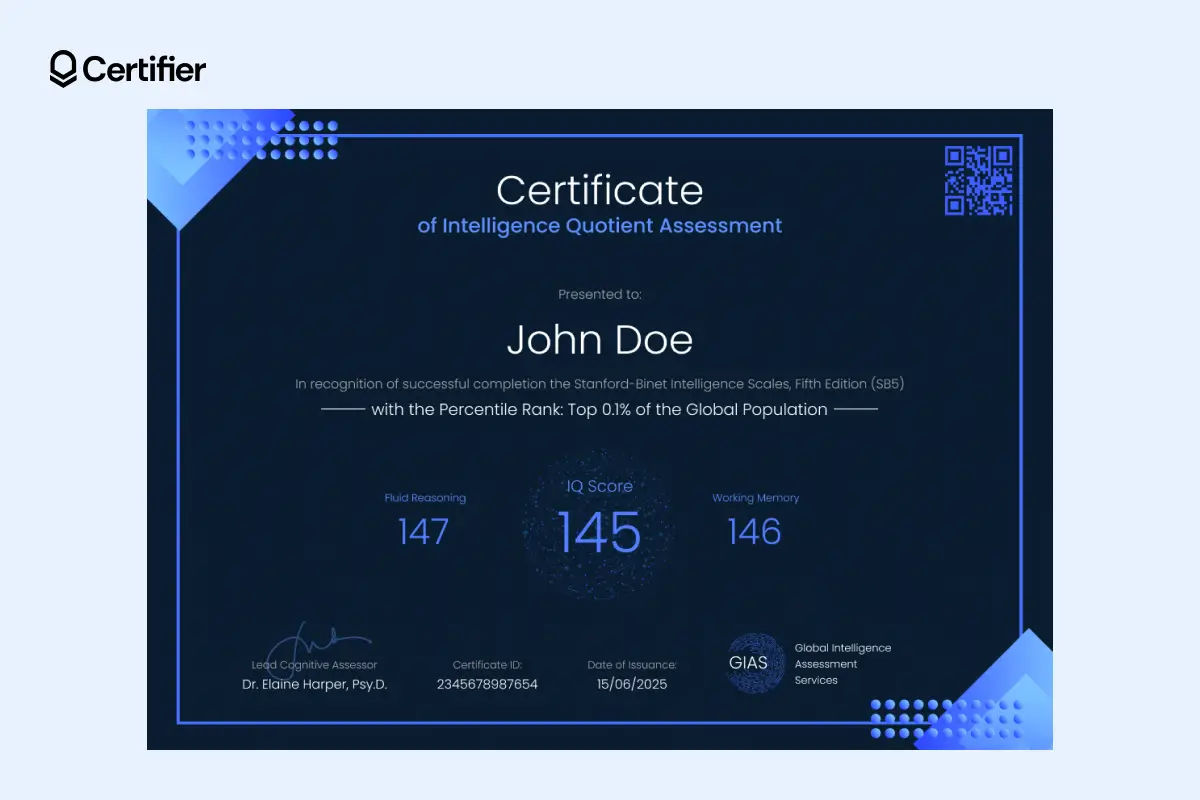
Printing an Iq Certificate Template might sound straightforward, but there are a few pro tips to make your certificate look museum‑grade rather than printer‑jammed.
Select the Right Paper
Paper weight matters. Aim for 120‑200 gsm (grams per square meter) cardstock. Heavier paper feels substantial, while lighter paper may look cheap. If you’re feeling fancy, go for a matte finish with a subtle linen texture.
Color Calibration
Ensure your monitor is color‑calibrated so the hues you see on screen match the printed output. Most home printers have “best photo” or “high quality” settings that can preserve the vivid colors of the colorful template.
Professional vs. DIY Printing
If you need a flawless result, local print shops can handle large batches, offer embossing, and add foil stamping for a luxurious touch. For a single copy, a high‑quality home printer does the trick—just remember to test a draft run first.
Framing and Display
Once printed, consider these display options:
- Classic Frame: A simple black or wooden frame keeps the focus on the certificate.
- Shadow Box: Adds depth and allows you to include a small note or photo inside.
- Digital Frame: For tech enthusiasts, display a rotating slideshow of your achievements on a digital photo frame.
Creative Ways to Use Your IQ Certificate
Beyond hanging it on a wall, your certificate can serve many unexpected purposes. Here are some quirky ideas that will make you the talk of the town.
Resume Booster
Include a thumbnail of your certificate in the “Awards” section of your resume. Recruiters love visual proof of excellence, and a well‑designed certificate can set you apart from the sea of bullet‑point‑only resumes.
Social Media Showoff
Post a high‑resolution image on LinkedIn or Instagram with a witty caption like, “Just upgraded my brain’s software—v2.0 now installed!” Use relevant hashtags (#IQCertificate, #BrainPower) to increase visibility.
Icebreaker at Networking Events
Carry a small, laminated version in your wallet. When someone asks about your “interesting card,” you can flash it and instantly spark a conversation about cognitive testing, learning strategies, or favorite brain teasers.
Gift for Friends and Family
Print a personalized version for a sibling who just aced a test, or a friend who loves trivia nights. Adding a funny subtitle like “Official Member of the Genius Club” makes it both meaningful and hilarious.
Common Mistakes to Avoid (And How to Fix Them)
Even the savviest designers trip up sometimes. Here’s a quick cheat sheet of pitfalls and quick fixes.
Over‑Cluttering the Layout
Too many graphics or text blocks can drown the main information. Stick to a clear hierarchy: Title, Name, Score, Details. If you feel the need for extra flair, use subtle watermarks rather than bold icons.
Using Low‑Resolution Images
Pixelated logos or icons scream “amateur.” Always use vector graphics (SVG) or high‑resolution PNGs (300 dpi) for crisp results.
Wrong Color Contrast
Light text on a light background is a readability nightmare. Ensure sufficient contrast (at least 4.5:1 according to WCAG standards) to keep the certificate legible from a distance.
Neglecting Legal Credibility
Some testing organizations require an official seal or signature for the certificate to be recognized. If you plan to use it for formal purposes, contact the test provider to obtain a digital seal or signed PDF.
SEO Tips for Your IQ Certificate Page
If you’re publishing your certificate on a personal website or blog, you’ll want it to rank well in search results. Follow these easy SEO hacks while keeping the humor intact.
Keyword Placement
Include the phrase “Iq Certificate Template” in the page title, meta description, and naturally within the first paragraph (which we already did). Sprinkle related terms like “download IQ certificate,” “custom IQ certificate design,” and “IQ certificate examples” throughout the content.
Image Optimization
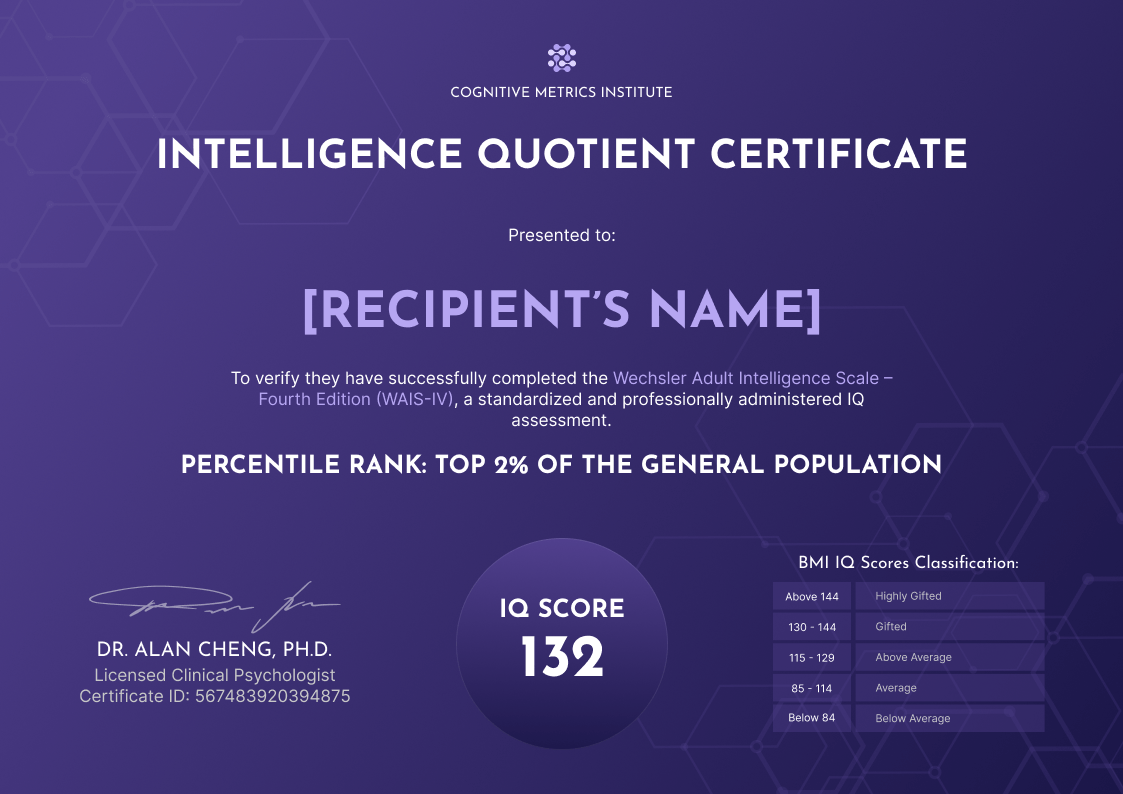
Even though we’re not showing URLs, when you embed the certificate image, give it an alt attribute such as alt="Modern and refined IQ certificate template". This helps search engines understand the visual content.
Internal Linking
Link to other relevant posts, such as “How to Prepare for an IQ Test” or “Top Brain‑Boosting Apps.” This creates a topical cluster that boosts authority.
Schema Markup
Use CreativeWork schema to tell search engines that your page offers a downloadable template. This can earn rich snippets and improve click‑through rates.
Conclusion: Your Brain Deserves a Badge of Honor
Creating an Iq Certificate Template is more than a design exercise—it’s a celebration of mental horsepower, a confidence booster, and a quirky conversation starter all rolled into one glossy piece of paper. By selecting the right template—whether you gravitate toward the sleek, refined option or the bold, colorful one—customizing it with precise details, printing it on quality cardstock, and showcasing it creatively, you turn a simple test score into a lasting token of achievement.
Remember, the best certificate isn’t just about looking good; it’s about feeling good every time you glance at it. So print, frame, share, and most importantly, wear your brain’s new badge of honor with pride and a smile. After all, nothing says “I’m smart” quite like a professionally designed certificate that even your future self will thank you for. Happy designing, and may your IQ (and sense of humor) continue to soar!

Related posts of "Iq Certificate Template"
