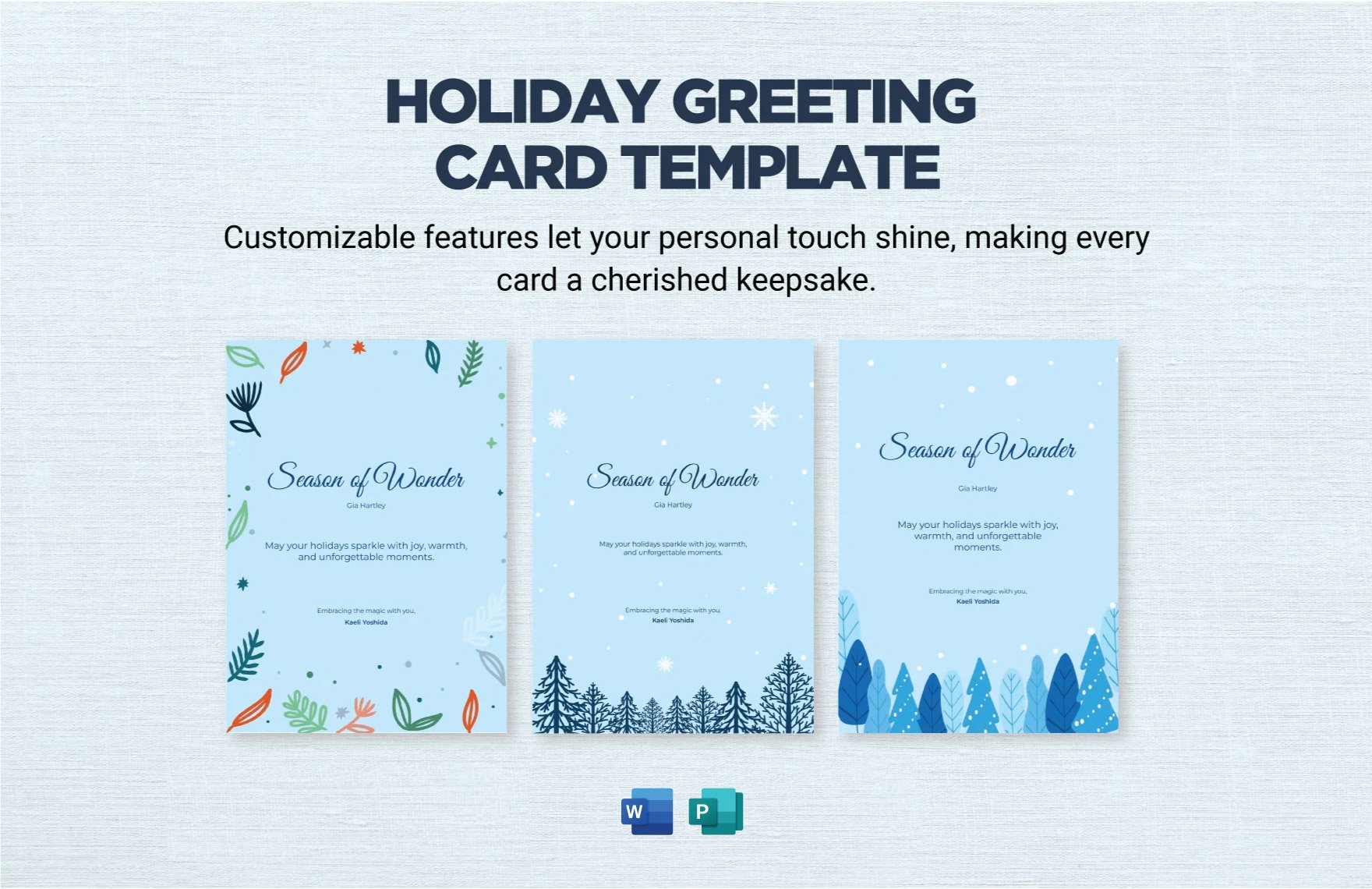
Holiday Card Email Template has become a staple for businesses looking to spread festive cheer while reinforcing brand identity, and mastering its design and deployment can boost engagement rates, foster loyalty, and set a warm tone for the new year ahead.
Why a Holiday Card Email Template Matters

During the holiday season, inboxes are flooded with promotional messages, charitable appeals, and personal greetings. A well‑crafted holiday card email cuts through the noise by offering a sincere, visually appealing touchpoint that aligns with your company’s voice. It signals appreciation for customers, partners, and employees, turning a routine communication into an emotional connection that can translate into higher open rates, increased click‑throughs, and stronger brand recall.
Research shows that seasonal emails enjoy an average open rate lift of 20‑30% compared to regular campaigns, simply because recipients are primed for festive content. However, the boost only materializes when the email feels authentic, is visually consistent, and contains clear calls to action that align with holiday goals such as limited‑time offers, charitable donations, or simply a thank‑you note.
Core Elements of an Effective Holiday Card Email

An effective holiday card email balances aesthetics, messaging, and functionality. Below are the essential components you should include:
Eye‑Catching Subject Line
The subject line determines whether the email gets opened. It should evoke curiosity, convey warmth, and hint at the email’s content. Examples include “Warm Wishes from [Your Brand] 🎁”, “Your Holiday Cheer Awaits Inside!”, or “A Special Gift for You – Happy Holidays!”. Keep it under 50 characters for mobile readability.
Festive Preheader Text
The preheader works alongside the subject line, offering a secondary hook. Use it to reinforce the message: “Enjoy an exclusive discount on our best‑selling products” or “We’re giving back this season – learn more inside.”
Brand‑Consistent Visuals
Holiday-themed graphics should complement, not overpower, your brand palette. Use subtle snowflakes, twinkling lights, or muted reds and greens while preserving your logo placement and typographic hierarchy. A single hero image, placed at the top, can set the mood instantly. Make sure the image dimensions are responsive—ideally 600 px wide—to render correctly on most email clients.
Personalized Greeting
Personalization increases relevance. Address the recipient by name and, when possible, reference their past interactions: “Hi Alex, thanks for being a valued customer this year!” Use dynamic tags provided by your ESP (Email Service Provider) to automate this step.
Clear and Compassionate Copy
Write a concise message that reflects the spirit of the season. Include gratitude, a brief story about how your company celebrated the year, and a subtle reminder of what you can offer moving forward. Avoid salesy language; instead, focus on genuine appreciation.
Strategic Call to Action (CTA)
Even a holiday greeting can have a purpose—driving traffic to a seasonal landing page, promoting a limited‑time discount, or encouraging a donation to a cause. Use a prominent button with contrasting colors and action‑oriented text such as “Shop the Holiday Sale”, “Donate Today”, or “Explore Our New Collection”. Ensure the CTA is above the fold and repeated at the bottom for mobile readers.
stores for Accessibility
Make your email accessible: use sufficient color contrast, include alt text for images, and write descriptive link text. Simple best practices ensure every recipient, including those using screen readers, can enjoy your holiday message.
Design Best Practices for Holiday Email Templates

Design plays a crucial role in how the email is perceived. Below are guidelines that keep the email both festive and functional:
Responsive Layout
Design a single‑column layout for the majority of the content. This approach simplifies rendering across devices and avoids the pitfalls of multi‑column designs that can collapse awkwardly on smartphones. Use a maximum width of 600 px, and employ scalable vector graphics (SVG) where possible for crisp holiday icons.
Balanced Color Scheme
Choose a palette that evokes the holiday spirit while staying true to brand colors. For instance, if your brand’s primary hue is navy, pair it with soft gold accents and white backgrounds to create a luxurious yet seasonal feel. Test the combination for readability in both light and dark mode email clients.
Typography Choices
Stick to web‑safe fonts or the ones already supported by your brand guidelines. Use a larger, bold font for the greeting (“Happy Holidays!”) and a regular weight for the body copy. Maintain a line height of 1.5 to ensure comfortable reading on small screens.
Whitespace and Padding
Generous padding around images and text blocks prevents the email from feeling cramped. Aim for at least 20 px of padding on each side of the content area. This also improves tapability of buttons on touch devices.
Animated Elements (Optional)
Subtle GIFs or CSS‑based animations can add a dynamic touch, such as gently falling snow or twinkling lights. However, keep file sizes under 500 KB to avoid slow loading times, and provide a static fallback for clients that block animated media.
Consistent Footer
Include a standardized footer with your company’s address, unsubscribe link, and social media icons. Holiday-themed icons—like a small holly sprig beside the Facebook icon—add a festive flourish without compromising compliance.
Step‑by‑Step Guide to Building Your Holiday Card Email Template

Follow this structured workflow to create a polished holiday email from scratch, whether you’re using an ESP builder, a code‑based approach, or a hybrid method.
Step 1: Define Objectives and Audience Segments
Clarify the purpose of the email. Are you simply saying thank you, promoting a holiday sale, or encouraging a charitable action? Then segment your list—customers, prospects, partners, and internal staff—because each group may require a slightly different tone or offer.
Step 2: Draft the Copy
Write the greeting, body, and CTA copy in a shared document. Use a friendly yet professional tone, and incorporate personalization tokens where appropriate. Review the text for grammar, brand voice consistency, and length—aim for 150‑200 words total.
Step 3: Sketch the Layout
Sketch a wireframe on paper or a design tool such as Figma. Identify where the hero image, greeting, body copy, and CTA will sit. Confirm that the hierarchy guides the eye naturally from the top‑most festive image down to the button.
Step 4: Choose or Create Visual Assets
Select high‑resolution holiday graphics that align with your brand’s style guide. If you lack internal designers, reputable stock image sites or free holiday illustration packs can provide suitable assets. Export them at a maximum width of 600 px and compress them with tools like TinyPNG.
Step 5: Build the HTML Template
Use a clean table‑based structure for maximum compatibility. Below is a simplified skeleton you can adapt:
<table width="100%" cellpadding="0" cellspacing="0" style="background:#f9f9f9;">
  <tr>
    <td align="center">
      <table width="600" cellpadding="0" cellspacing="0" style="background:#ffffff;">
        <tr>
          <td style="padding:20px;text-align:center;">
            <img src="YOUR_HERO_URL" alt="Season's Greetings" width="560" style="display:block;width:100%;max-width:560px;height:auto;" />
          </td>
        </tr>
        <tr>
          <td style="padding:20px;font-family:Arial,sans-serif;color:#333333;">
            <p style="font-size:20px;margin:0 0 10px 0;">Happy Holidays, first_name!</p>
            <p style="margin:0 0 20px 0;">We appreciate your support throughout 2024…</p>
            <a href="cta_link" style="display:inline-block;padding:12px 24px;background:#c00;color:#ffffff;text-decoration:none;font-weight:bold;border-radius:4px;">Shop the Sale</a>
          </td>
        </tr>
        <!-- Footer – keep it simple -->
        <tr>
          <td style="padding:20px;font-size:12px;color:#777777;text-align:center;">
            <p style="margin:0;">© 2024 Your Company. All rights reserved.</p>
          </td>
        </tr>
      </table>
    </td>
  </tr>
</table>
Replace placeholders (first_name, cta_link, YOUR_HERO_URL) with dynamic fields provided by your ESP. Test the code across major clients (Outlook, Gmail, Apple Mail) using tools like Litmus or Email on Acid.
Step 6: Optimize for Deliverability
Run the email through a spam‑check tool to ensure proper authentication (DKIM, SPF, DMARC) and avoid trigger words that could land the email in the promotions tab. Keep the HTML clean—no extraneous CSS, inline styles only, and a single‑pixel tracking image for analytics.
Step 7: A/B Test Critical Elements
Set up experiments for subject lines, hero images, and CTA button colors. Run the test on a small sample (10‑15% of your list) for 24‑48 hours, then roll out the winning variant to the full audience.
Step 8: Schedule and Send
Time the send for when your audience is most likely to open it—typically evenings on weekdays or Saturday mornings. Use your ESP’s timezone settings to ensure the email arrives at the optimal local hour for each recipient.
Measuring Success: Key Metrics for Holiday Emails

After the campaign is live, monitor performance using these core metrics. Understanding each metric’s context helps you refine future holiday outreach.
Open Rate
Indicates the effectiveness of the subject line and preheader. A healthy holiday open rate should exceed 20‑30% depending on industry benchmarks.
Click‑Through Rate (CTR)
Shows the relevance of the CTA and the overall copy. Aim for a CTR of at least 2‑5% for seasonal promotions.
Conversion Rate
Tracks the percentage of clicks that result in a desired action—purchase, donation, or sign‑up. This metric ties the email directly to revenue or cause impact.
Revenue per Email (RPE)
Calculate the total revenue generated divided by the number of emails sent. This helps you compare the ROI of different holiday strategies.
Unsubscribe and Spam Complaint Rate
Keep these rates below 0.5% to maintain a healthy sender reputation. A spike may indicate that the email’s frequency or content was misaligned with subscriber expectations.
Engagement by Segment
Break down results by customer type (new vs. returning, high‑value vs. low‑value) to identify which groups responded best. Use this insight for post‑holiday nurturing.
Real‑World Examples of High‑Impact Holiday Emails
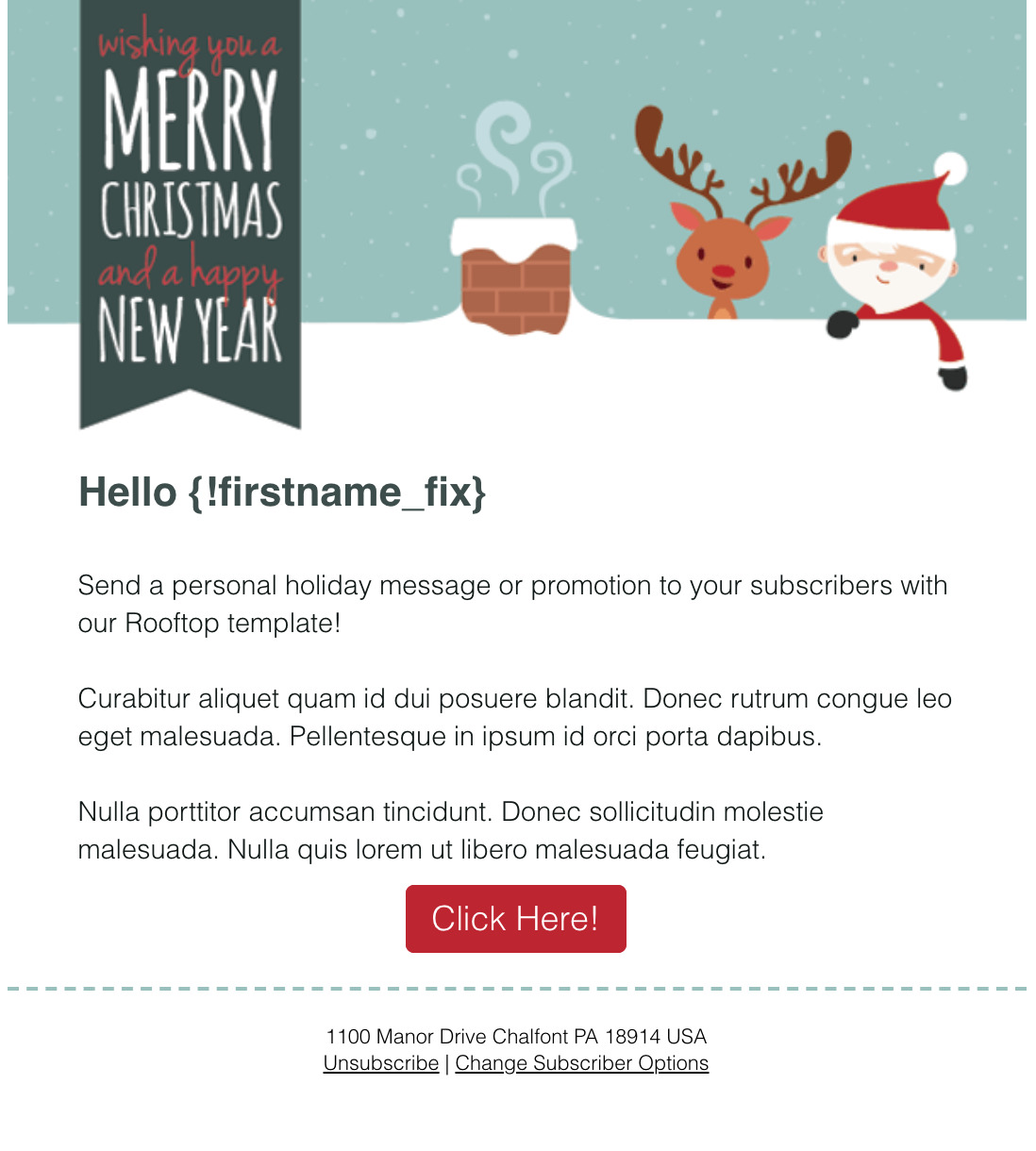
Examining successful campaigns reveals practical tactics you can adapt.
Example 1: The Minimalist Warm‑Wish
A fashion retailer sent a sleek, white‑background email featuring a single snow‑capped illustration and a heartfelt message: “Thank you for an amazing year, first_name.” The CTA was a soft‑gray button reading “Explore Our New Arrivals.” The email achieved a 34% open rate and a 7% CTR, thanks to its uncluttered design and genuine tone.
Example 2: The Charitable Countdown
An outdoor gear brand paired a holiday sale with a cause‑marketing push. Each day, a new product spotlight included a counter showing the amount donated to a wildlife conservation partner. The urgency of the countdown drove a 5‑day click‑through boost of 12%, and the campaign raised 18% more in charitable contributions than the previous year.
Example 3: Interactive GIF Greeting
A tech company used a subtle animated GIF of twinkling lights behind its logo, paired with a brief video preview of a upcoming product sneak‑peek. The interactive element led to a 22% higher click‑through rate compared to its static holiday emails, proving that well‑optimized animation can enhance engagement without sacrificing deliverability.
Common Pitfalls to Avoid

Even with careful planning, certain mistakes can erode the effectiveness of your holiday outreach.
Over‑Salesy Messaging
When the email feels like a hard sell, recipients may ignore it or mark it as spam. Prioritize gratitude and festive spirit before introducing offers.
Poor Mobile Optimization
More than half of holiday email opens occur on mobile devices. If your template isn’t responsive, users will encounter broken images, tiny buttons, and unreadable text, dramatically lowering CTR.
Ignoring Accessibility
Skipping alt text, sufficient contrast, or proper semantic markup excludes a segment of your audience and can lead to legal concerns under accessibility regulations.
Excessive File Size
Heavy images or large GIFs increase load time, causing recipients to abandon the email before seeing the CTA. Keep total email weight under 1 MB, preferably under 500 KB.
Missing Clear Unsubscribe Path
Even during the holidays, recipients must be able to opt out easily. Failing to provide a functional unsubscribe link can trigger spam complaints and damage sender reputation.
Future‑Proofing Your Holiday Email Strategy
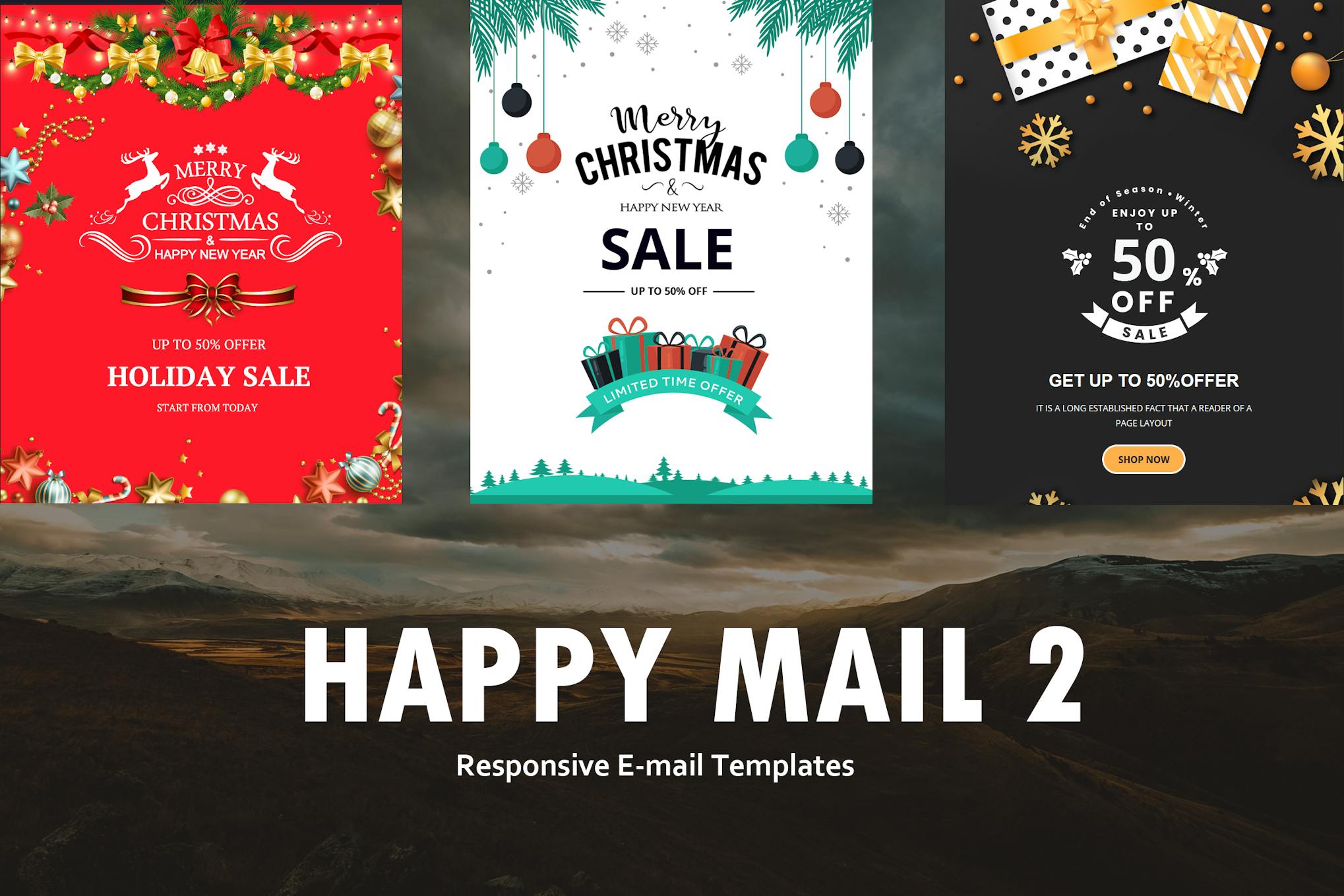
The digital landscape evolves quickly, and holiday campaigns should adapt accordingly. Consider these forward‑looking tactics to stay ahead.
Leverage AI‑Generated Copy
Use AI tools to generate personalized greetings at scale, ensuring each recipient feels uniquely valued while reducing manual workload.
Integrate User‑Generated Content (UGC)
Showcase photos of customers wearing your products in festive settings. UGC adds social proof and encourages community participation.
Adopt Interactive Email Elements
AMP for Email allows you to embed forms, carousels, and live countdown timers directly within the email, creating an immersive experience that can increase conversion without a redirect.
Sync with Omnichannel Campaigns
Coordinate your email with social media holiday ads, SMS reminders, and on‑site banners for a cohesive customer journey. Consistency across channels amplifies the holiday message and reinforces brand recall.
Plan for Sustainable Templates
Create a reusable holiday template that can be easily customized each year. This reduces design time, maintains brand consistency, and ensures you’re ready for future seasons without starting from scratch.
Conclusion

Crafting a successful Holiday Card Email Template blends thoughtful storytelling, meticulous design, and data‑driven execution. By understanding why holiday emails matter, incorporating essential visual and copy elements, following a systematic build process, and measuring key performance indicators, you can deliver a memorable seasonal experience that deepens customer relationships and drives measurable results. Avoid common pitfalls, stay agile with emerging technologies, and reuse a solid template to streamline future campaigns. When executed with care, your holiday email will not only spread cheer but also reinforce your brand’s presence well into the new year.