
Welcome to the world of Graduation Banner Template, where the only thing that will make your graduation ceremony more memorable than the diploma itself is the banner that declares, “We finally did it!” in a font that screams triumph and a color scheme that says, “Yes, we’re ready for the world!” Whether you’re a high‑school senior, a college grad, or a fancy‑dressed university veteran, a graduation banner can transform a plain hallway into a stage, a backyard into a gala, or a living room into a VIP lounge. Let’s dive into how you can pick, customize, and flaunt the perfect banner without losing your sanity—or your budget.
Why a Graduation Banner Template Matters

It’s More Than Just a Poster
Think of a banner as the visual equivalent of a pep rally chant. It sets the mood, reinforces school spirit, and, frankly, gives you a handy excuse to yell, “I’m the best!” without being accused of shouting. A good template gives you a polished base so you can focus on the fun aspects—like choosing the right meme to include or deciding whether to add a glittery border that screams “party!”
Cost‑Effective Branding
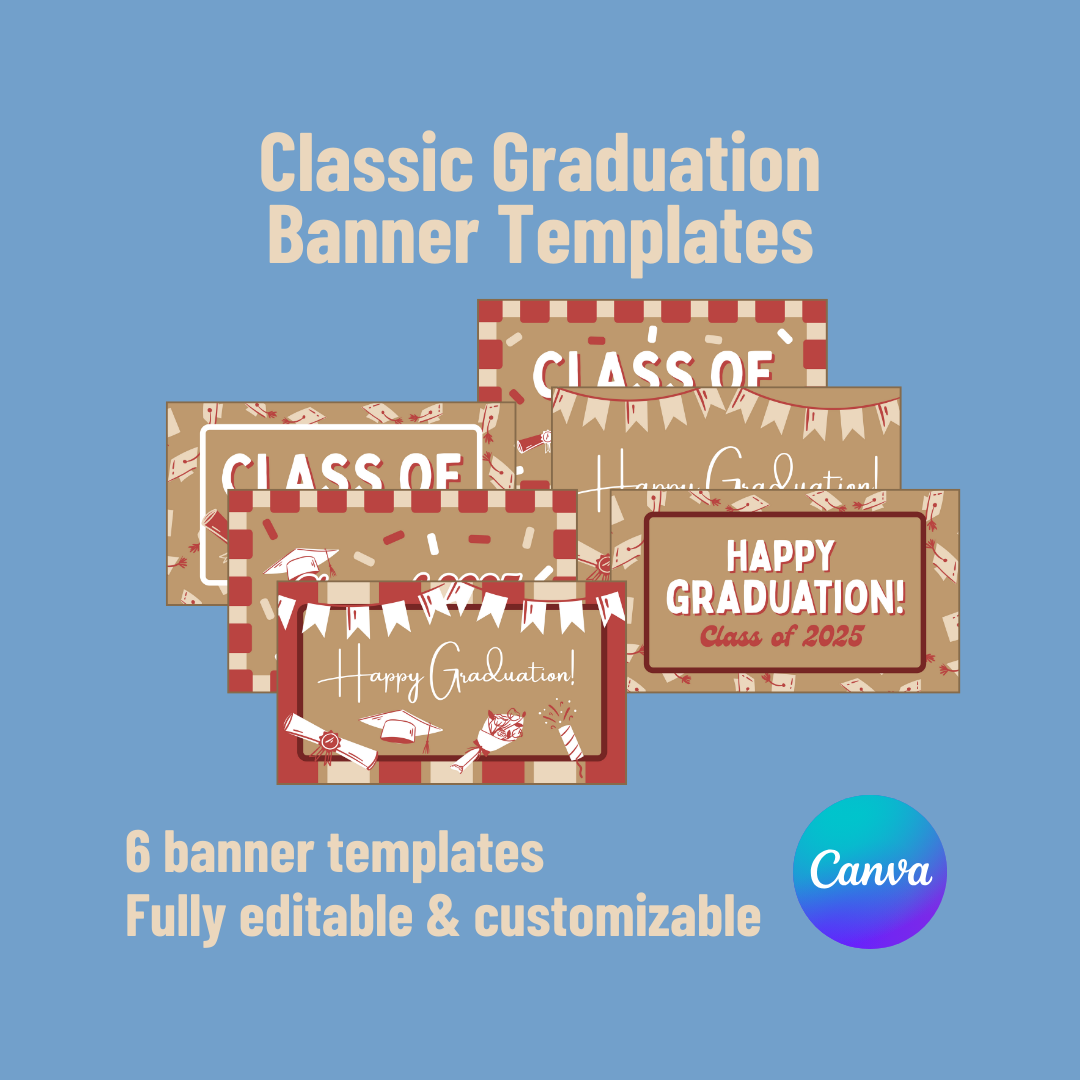
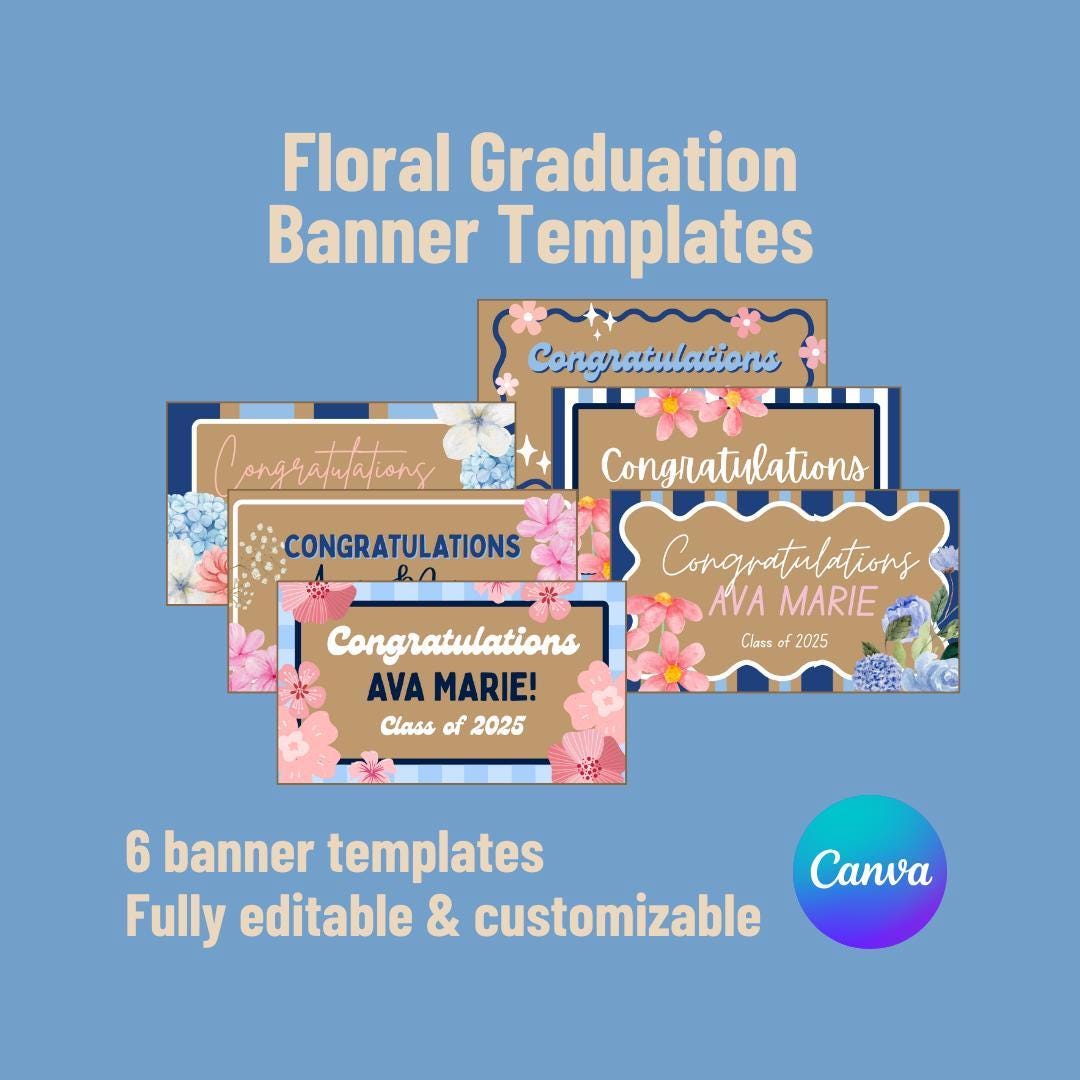
Creating a custom banner from scratch can cost a fortune if you’re hiring a designer or buying professional software. Templates, however, come with pre‑designed layouts, fonts, and color palettes. All you need to do is swap in your school’s mascot, add a graduation cap icon, and adjust a few lines of text. It’s the DIY version of hiring a graphic designer while keeping your student‑loan payments on track.
Instant Social Media Wins
Picture this: Your banner goes up in the background of a graduation photo. Your friend snaps it, uploads it to Instagram, and the caption reads, “Just graduated, and this banner proves it!” Within minutes, you’re trending on your campus’s hashtag. That’s the kind of organic marketing that makes alumni feel proud and future students excited about the next class.
Choosing the Right Template for Your Theme
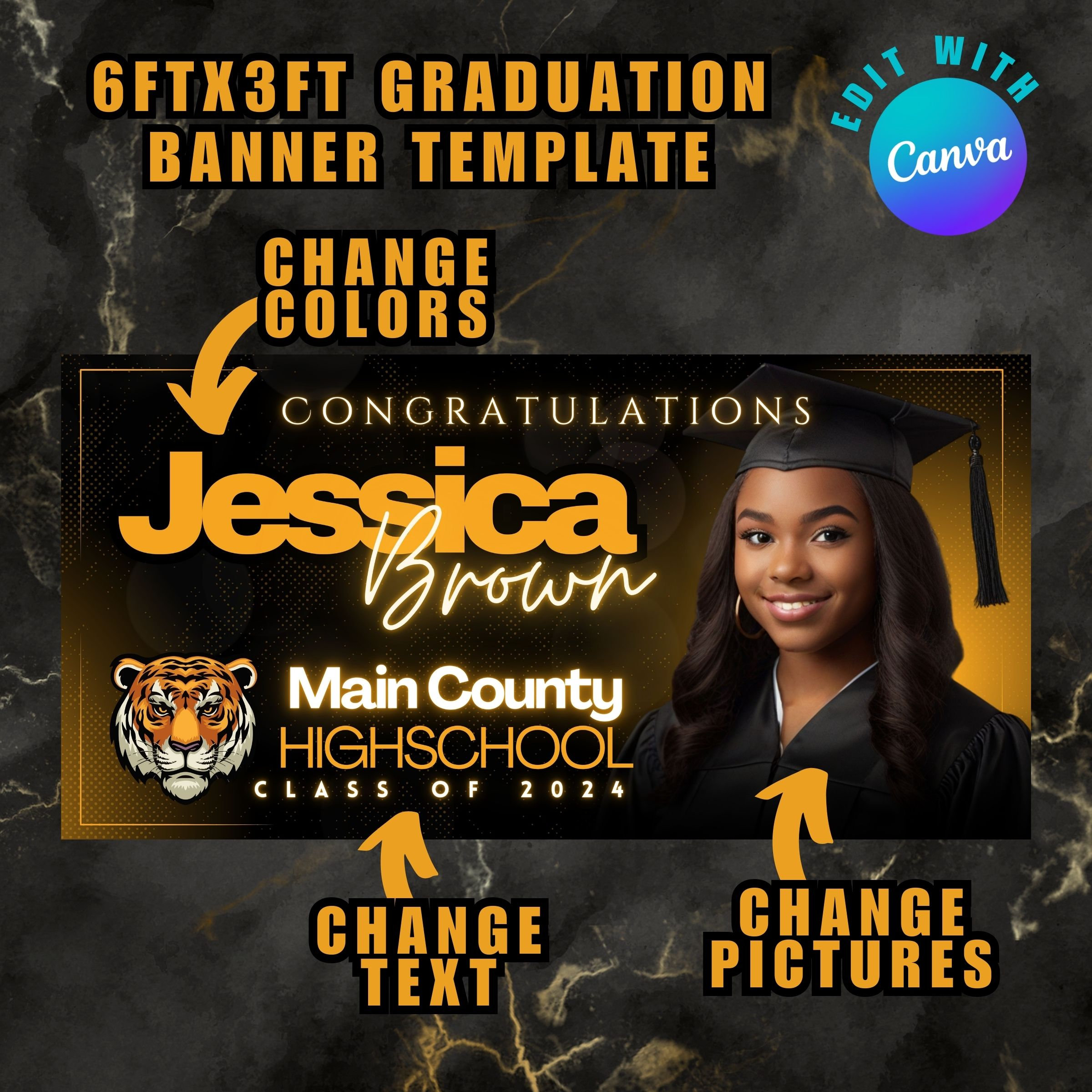
Match Your School Colors
Start by pulling out a color palette that matches your school’s colors. Many templates come with a “color palette” tool that lets you input hex codes. If you’re unsure, grab a photo of your school’s logo and use an online color picker to extract the primary colors. Once you have the codes, plug them into the template’s color settings and watch everything morph from “meh” to “marvelous.”
Pick a Layout That Fits the Space
- Wide Hallways: Use a horizontal banner that stretches from one side wall to the other. Make sure the text is centered and the image isn’t too close to the edges.
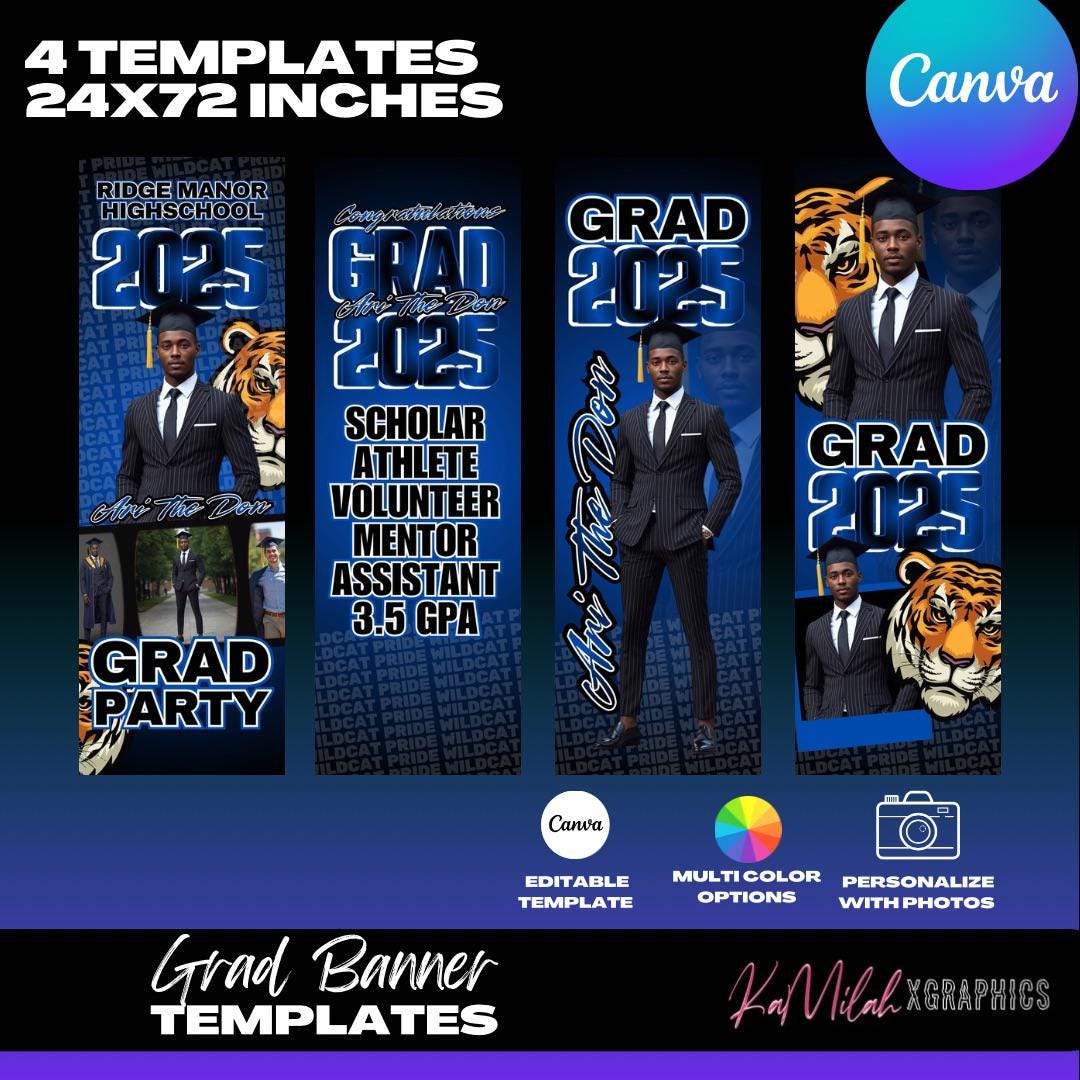
- Backyard Parties: A tall banner that hangs from a tree or a yard sign is perfect. Keep the height between 4–6 feet so it’s visible from the front yard.
- Office or Living Room: A smaller, square banner works well on a door frame or a wall above a couch. Think 3–4 feet on each side.
Decide on a Tone: Classic or Wacky?
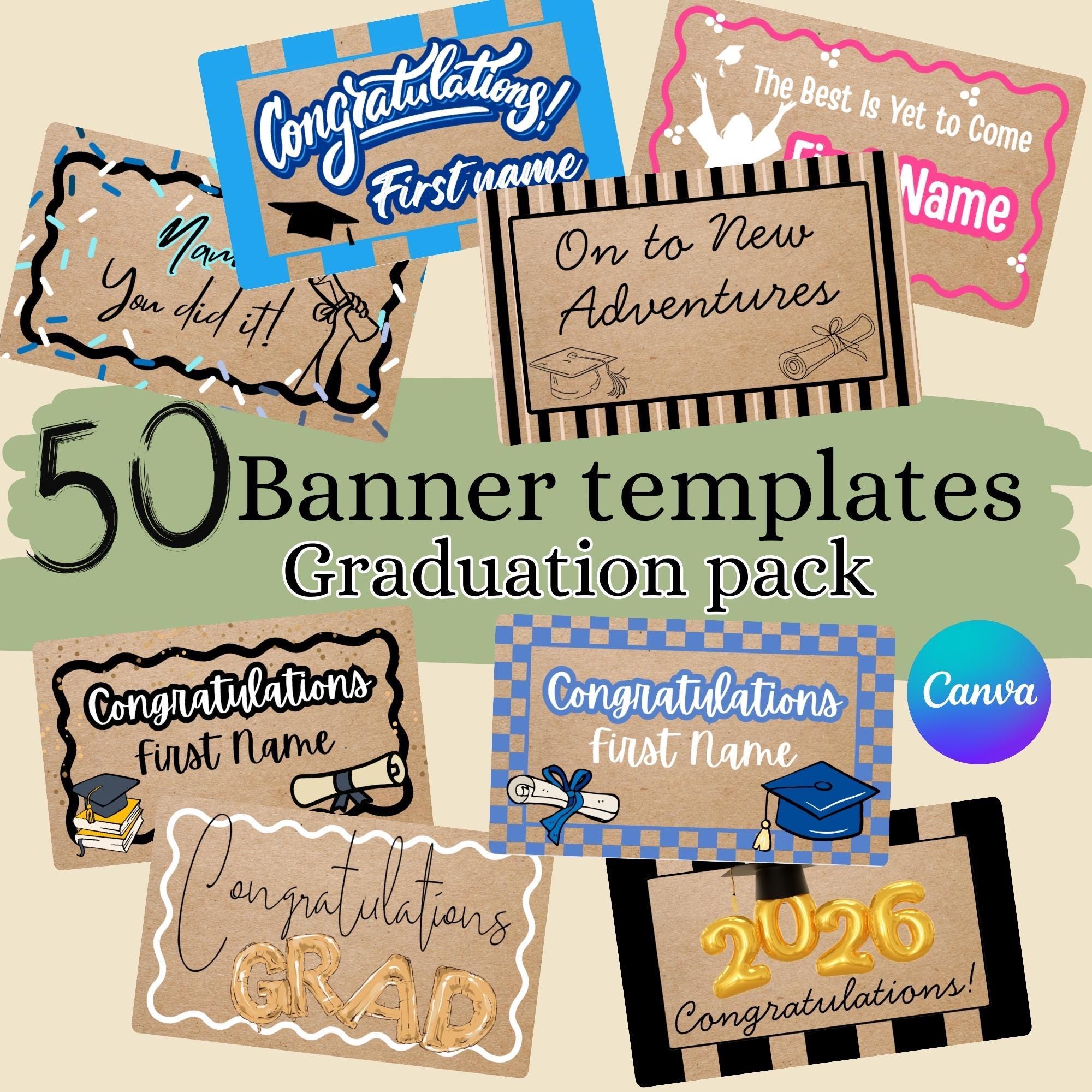
Do you want to keep it dignified, or do you want your banner to shout, “We’re here to celebrate and get a few laughs?” For a classic look, stick to serif fonts, muted backgrounds, and minimalistic graphics. For a wacky vibe, think comic‑book fonts, bold colors, and cartoonish capes for the graduates. Remember, a template that’s too generic can feel bland; one that’s too quirky can overwhelm the message.
Customizing Your Banner
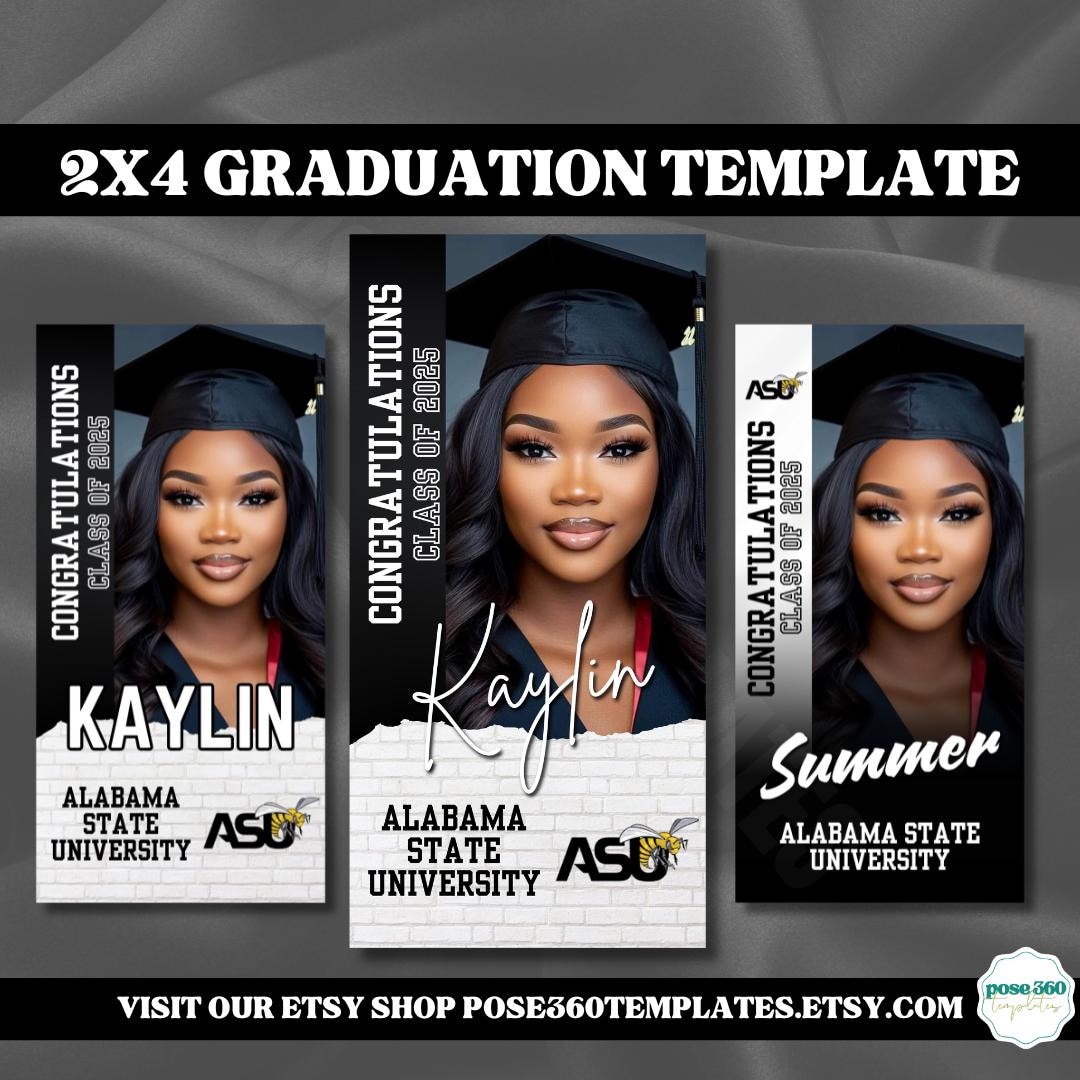
Text: Keep It Short & Sweet
Your banner should read like a headline, not a novel. Typical wording might be, “Class of 2026” or “Congrats, 2026 Graduates!” Add a tagline like “Proudly Graduating” or “From Books to Brighter Futures.” Avoid cluttering with too many lines; one or two short, punchy lines usually suffice.
Images & Icons
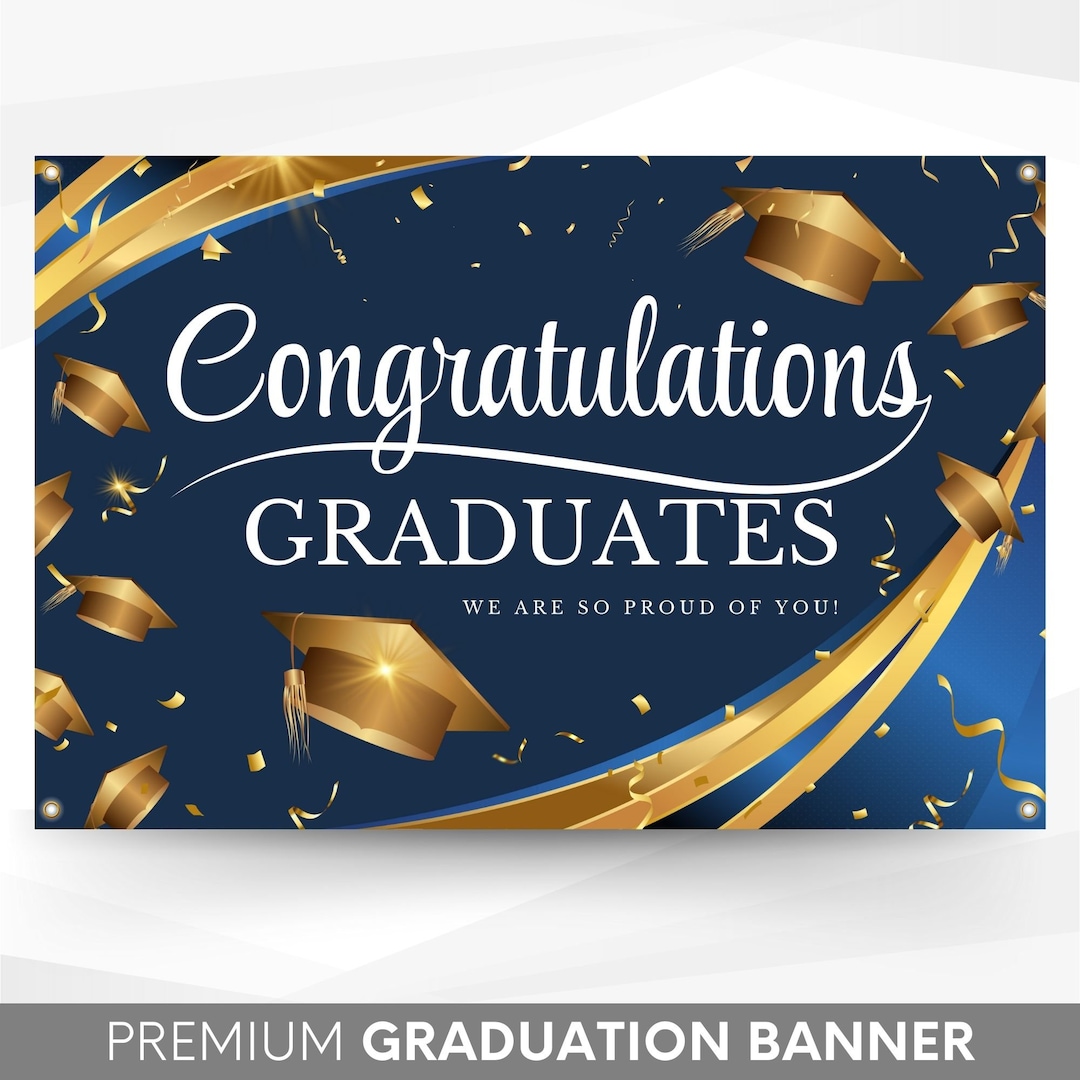
Include at least one iconic image—think graduation caps, diplomas, or a stylized mortarboard. Many templates offer a library of clip art. If you’re feeling creative, upload a custom photo of your own graduation cap or a selfie of your proudest moment. Just make sure the image resolution is high enough to avoid pixelation when printed.
Font Choices That Speak Volumes
- Serif (e.g., Times New Roman, Garamond): Conveys tradition and academic excellence.
- Sans‑Serif (e.g., Helvetica, Arial): Clean, modern, and easy to read from a distance.
- Script (e.g., Pacifico, Brush Script): Adds flair, but use sparingly—one line is enough.
When mixing fonts, limit yourself to two. Too many fonts can make the banner look like a circus.
Color Palette Tweaks
After choosing your school colors, consider a secondary accent color for contrast. For instance, if your primary color is navy, a bright gold or teal can highlight key words like “Class” or “Graduates.” Use a color contrast checker to ensure readability.
Add a Fun Element: Meme or Quote
Everyone loves a meme—just make sure it’s appropriate for the audience. Alternatively, quote a famous graduation line: “Today we celebrate the culmination of hard work and the beginning of new adventures.” A witty twist can be “I did it all in 4 years. My GPA must be a superhero!” Just keep it short and relevant.
Printing and Display Tips
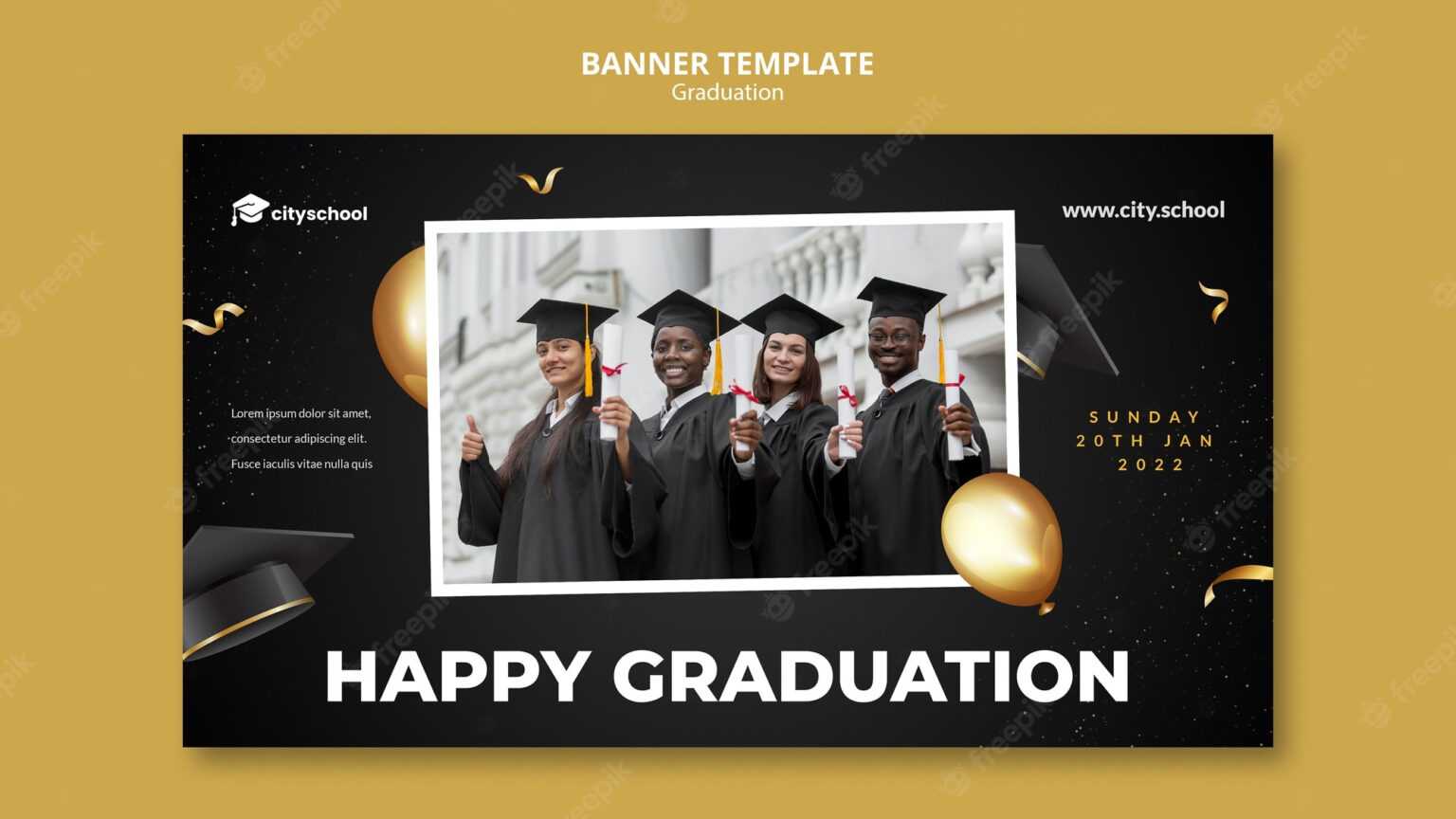
Choosing the Right Material
- Vinyl: Durable, weather‑resistant, and perfect for outdoor events. It’s also easy to hang with grommets.
- Fabric (e.g., muslin): Soft and elegant, ideal for indoor ceremonies. Use a high‑quality printer to avoid fading.
- Paper (e.g., cardstock): Best for quick, low‑budget projects. Combine with a lamination sheet for extra shine.
Sizing for Visibility
Rule of thumb: text should be at least 2 inches high for every 10 feet of viewing distance. For a typical graduation hall that’s about 30 feet wide, aim for text at least 6 inches tall. Keep the banner size within the recommended dimensions of your template, typically between 4–6 feet wide and 2–3 feet tall for indoor use.
Mounting Techniques
- Grommets: Install four grommets along the top and bottom edges. They’re great for hanging on ropes or hooks.
- Hanging Straps: Use fabric or PVC straps for a seamless look. Attach them to the top corners and secure to a sturdy beam.
- Adhesive: For temporary events, use double‑sided tape or removable adhesive hooks. Be careful not to damage walls.
Lighting Considerations
Proper lighting can transform a banner from “meh” to “wow.” If the event is indoors, use spotlights focused on the banner. For outdoor celebrations, string fairy lights or LED strips behind the banner to create a glow. Remember to avoid direct sun on the banner to prevent color fading.
Real‑World Examples
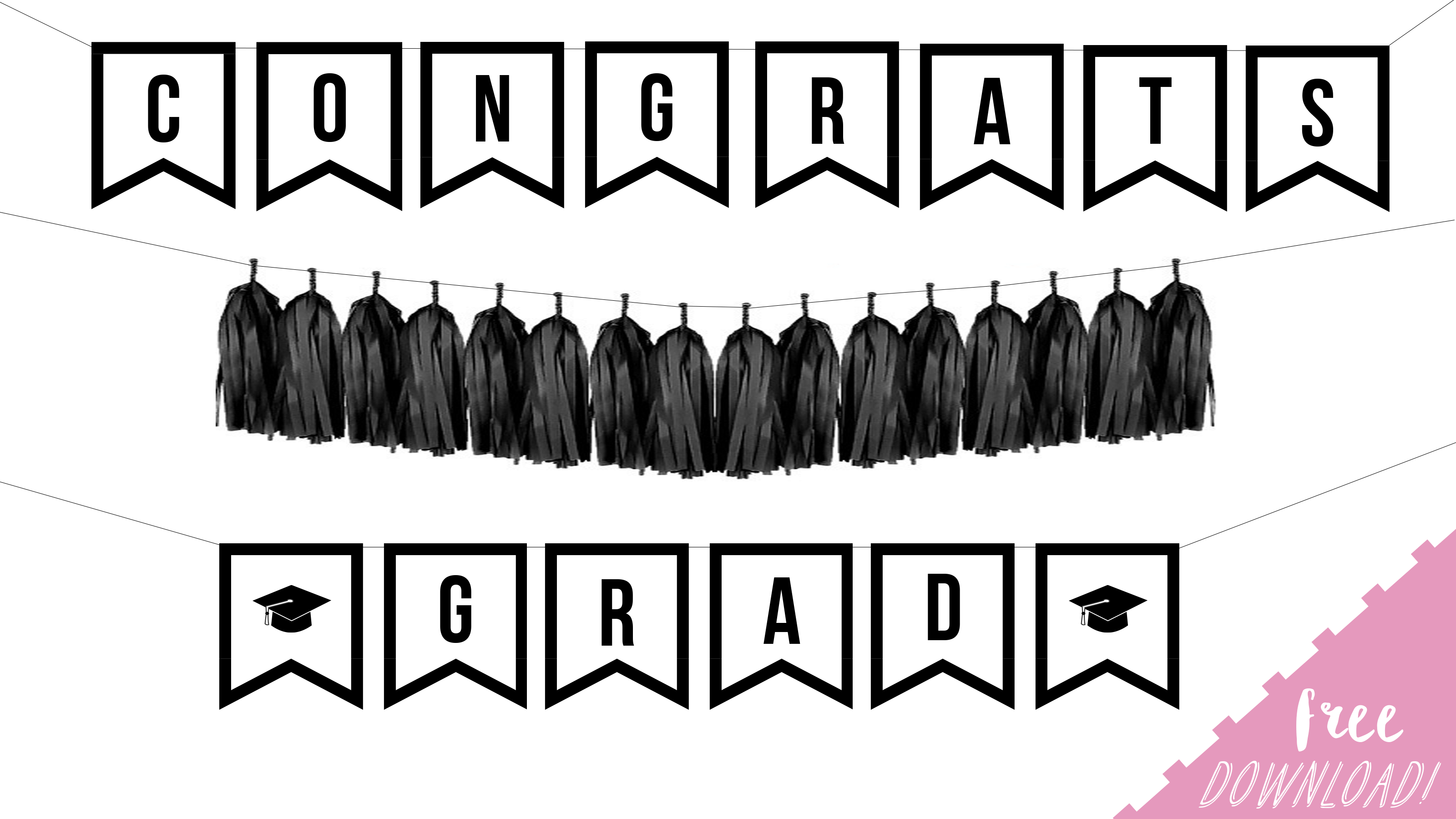
High‑School Hallway Glory
At Jefferson High, the senior class used a simple navy and gold template. They added a subtle watermark of their school’s crest behind the text, making the banner both classy and instantly recognizable. The result? A photo that trended on their campus Instagram page for weeks.
College Backyard Bash
Riverdale College’s class of 2024 rented a large, inflatable vinyl banner that read “We’re Class of ’24: Graduated, Not Over Yet!” They added a photo of their mascot wearing a graduation cap, and the banner became a backdrop for the final dance. Alumni who attended the ceremony posted “What a night!” with the banner in the frame, boosting the school’s online visibility.
Online Virtual Graduation
Because of the pandemic, the University of Horizon held a virtual graduation. Students used a digital template in a video call to display the banner behind their camera. They customized the text to read, “Class of 2026 (Zoom Edition)” and added a GIF of confetti. The screen capture was shared on TikTok, garnering over 200,000 views in less than a day.
Common Mistakes to Avoid
Using Low‑Resolution Images
Low‑resolution photos will look fuzzy or pixelated when printed large. Always use images that are at least 300 DPI (dots per inch) and match the required print dimensions. If you’re unsure, upscale the image using a high‑quality editor like Photoshop or an online tool that supports AI upscaling.
Overloading the Design
Too many fonts, colors, or graphics can make the banner feel chaotic. Stick to one main font for the headline, a secondary font for sub‑text, and limit the color palette to three colors. Remember, the banner’s primary goal is to convey a clear message quickly.
Ignoring Print Specifications
Every printer has specific requirements: bleed area, safe zone, and color profiles. Failing to follow these can result in white edges or distorted colors. Always check the printer’s guidelines before sending your final file.
Neglecting the Final Proofread
Graduation banners often contain names or important dates. A typo can be embarrassing. Ask a friend or use a spell‑checker, but don’t rely solely on software—human eyes catch mistakes the machine might miss.
Conclusion
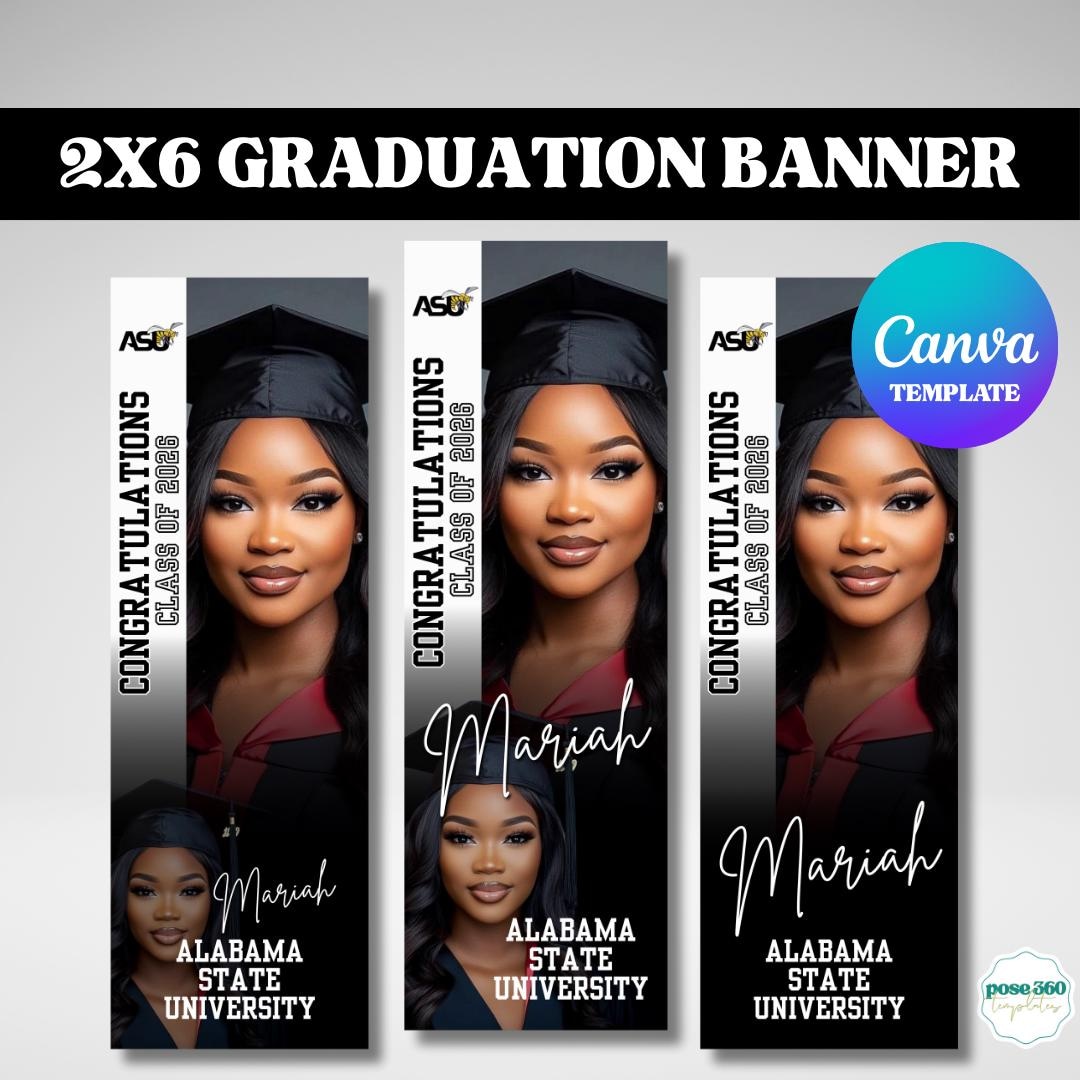
When you’re ready to celebrate the culmination of years of late‑night study, a Graduation Banner Template gives you a quick, affordable, and visually stunning way to honor the milestone. By matching school colors, choosing the right layout, and adding a splash of personality—whether it’s a meme, a quote, or a clever design—you’ll create a banner that not only looks great but also feels uniquely yours. Print it on the appropriate material, mount it properly, and watch as friends, family, and even strangers stop to admire the big “Congrats!” banner that you’ve crafted with humor, thoughtfulness, and a dash of creative flair. Here’s to a future that’s as bright as the banner’s glow—cheers to the Class of 2026 and beyond!







Related posts of "Graduation Banner Template"
