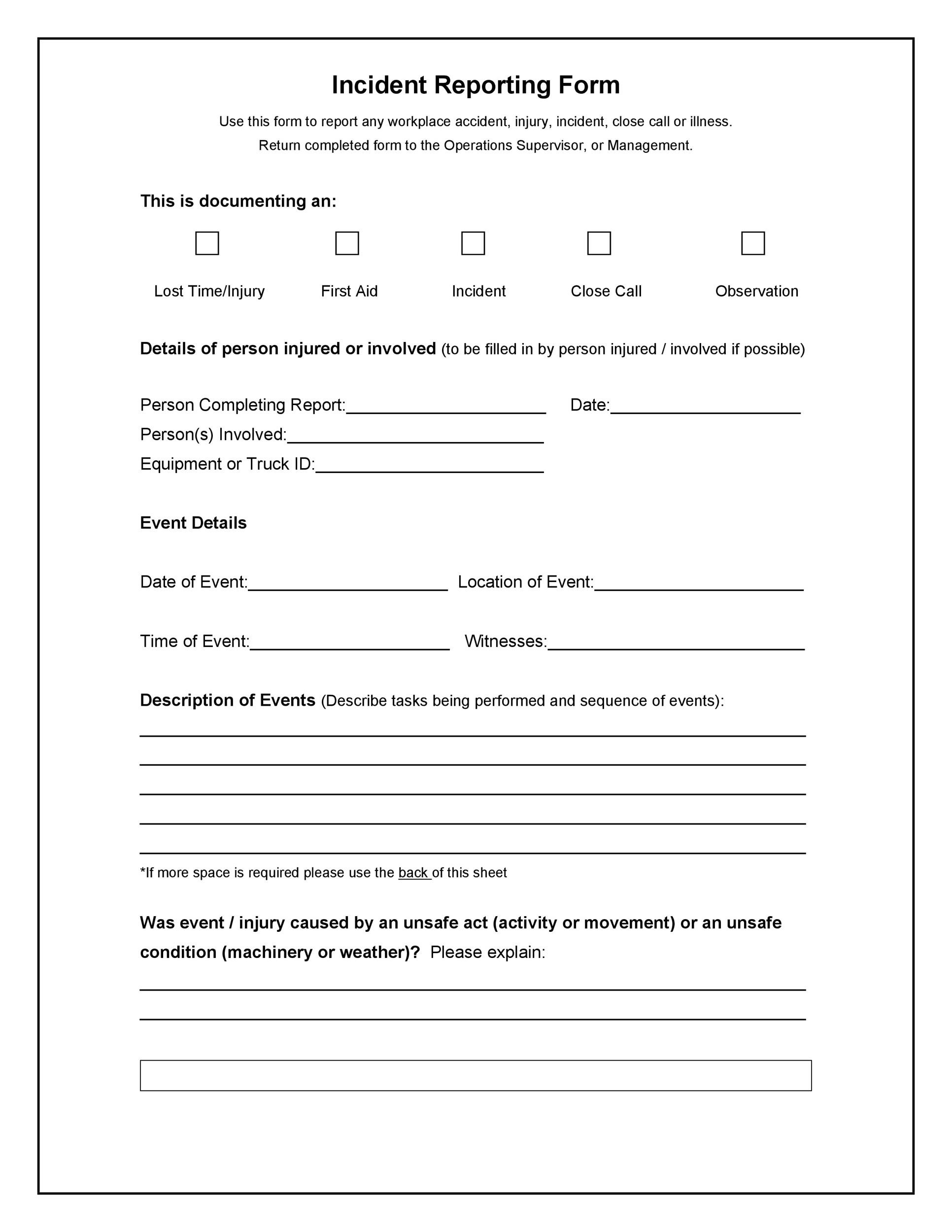
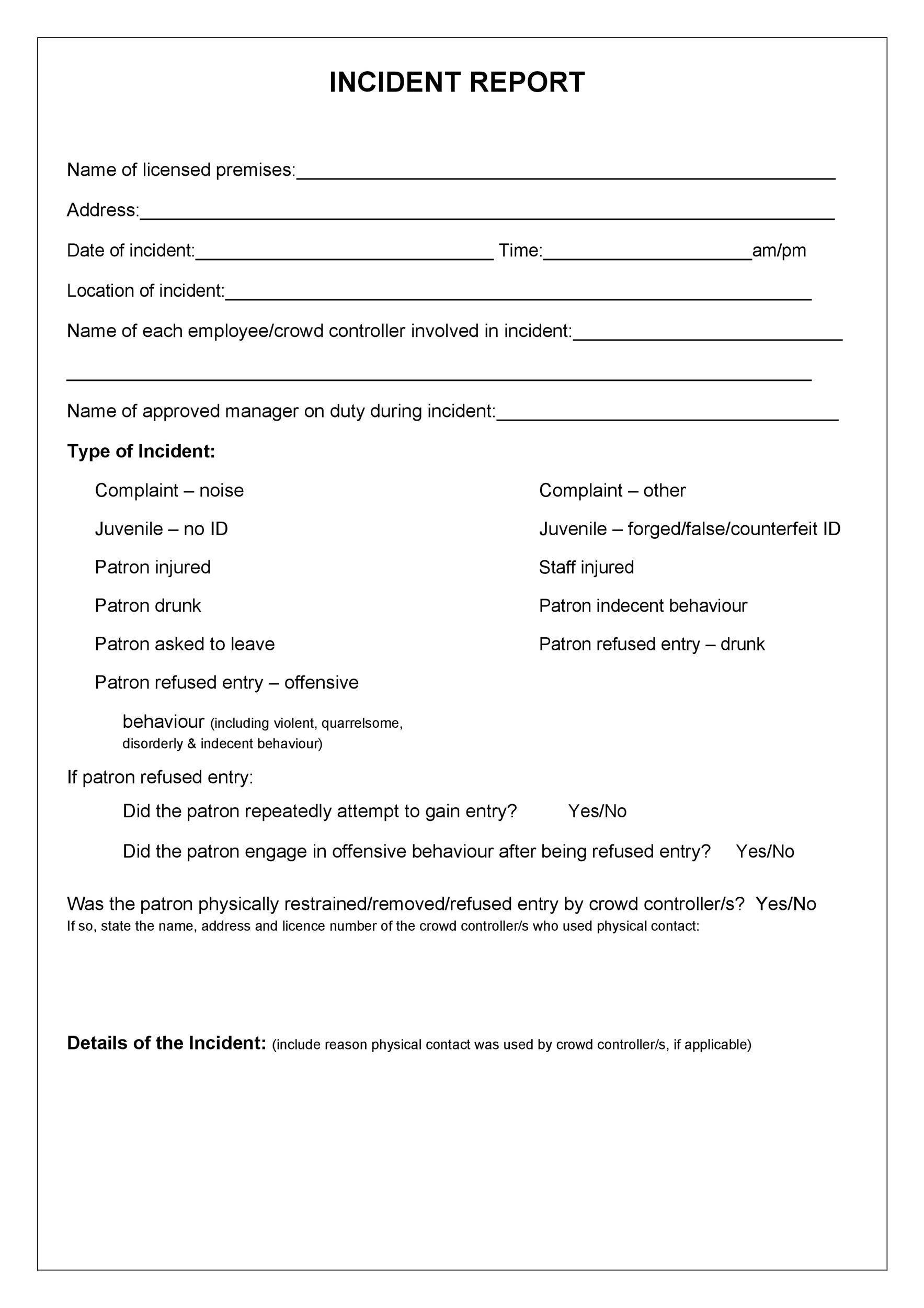
When a workplace incident occurs—whether a small equipment malfunction or a major safety breach—Generic Incident Report Template becomes the cornerstone of an organized, compliant, and actionable response. This template captures critical facts, streamlines investigations, and provides a clear audit trail for stakeholders and regulators alike.
What Is an Incident Report?
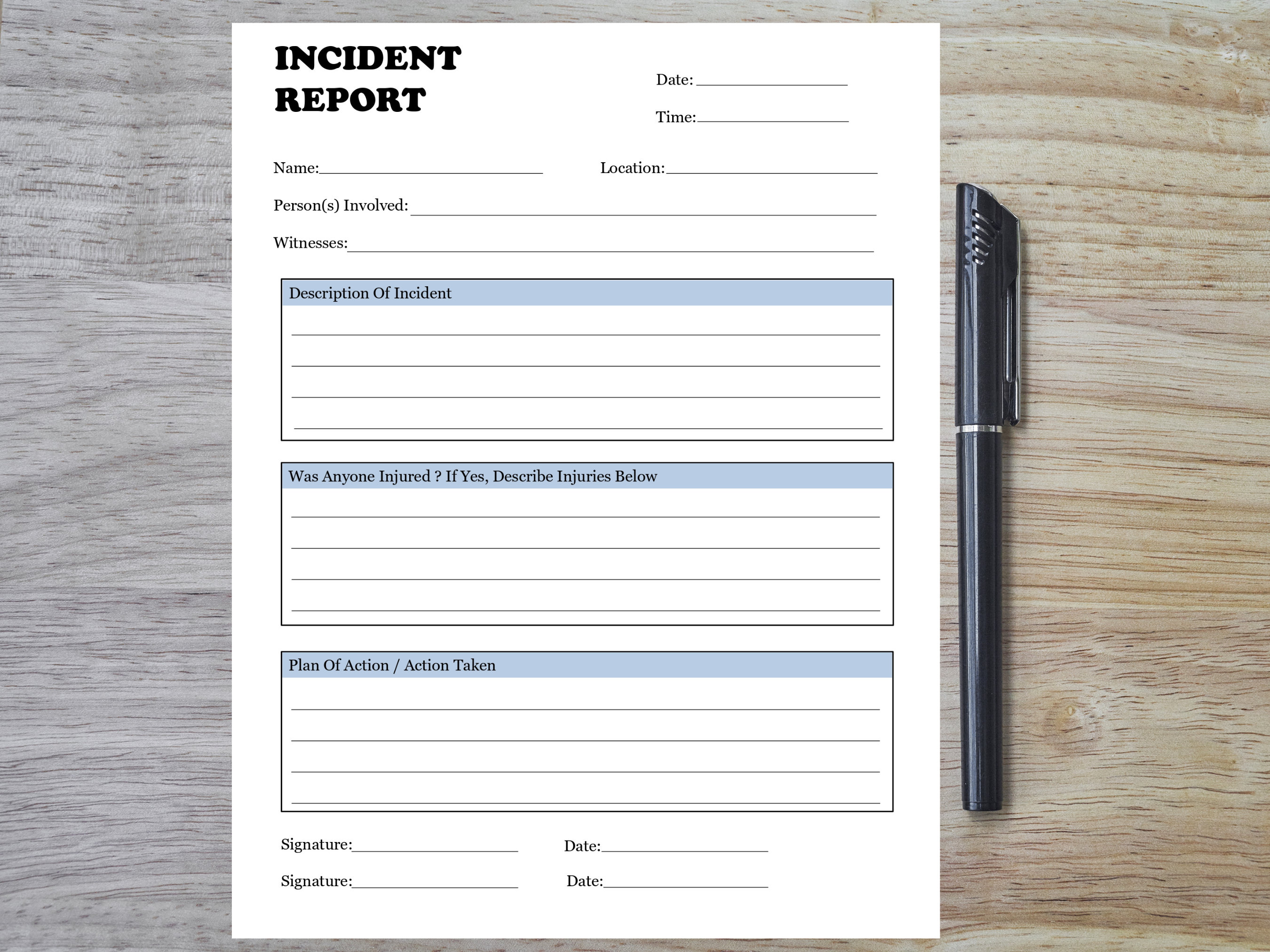
An incident report is a formal document that records the details of an event that deviated from normal operations, caused harm, or threatened safety. Unlike informal notes, a structured report ensures that all relevant information is consistently captured, facilitating accurate root‑cause analysis and preventive measures.
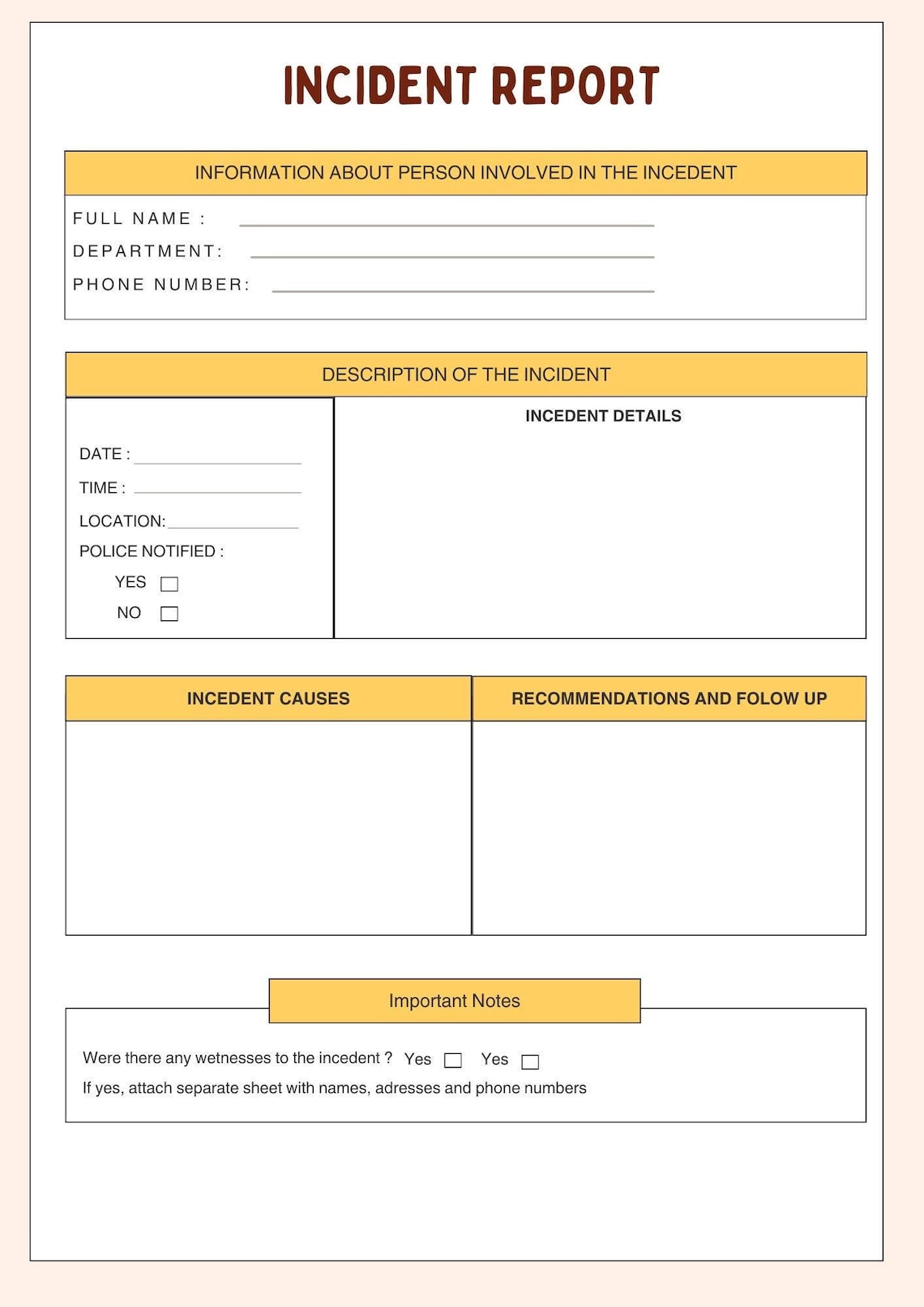
Core Components of an Incident Report
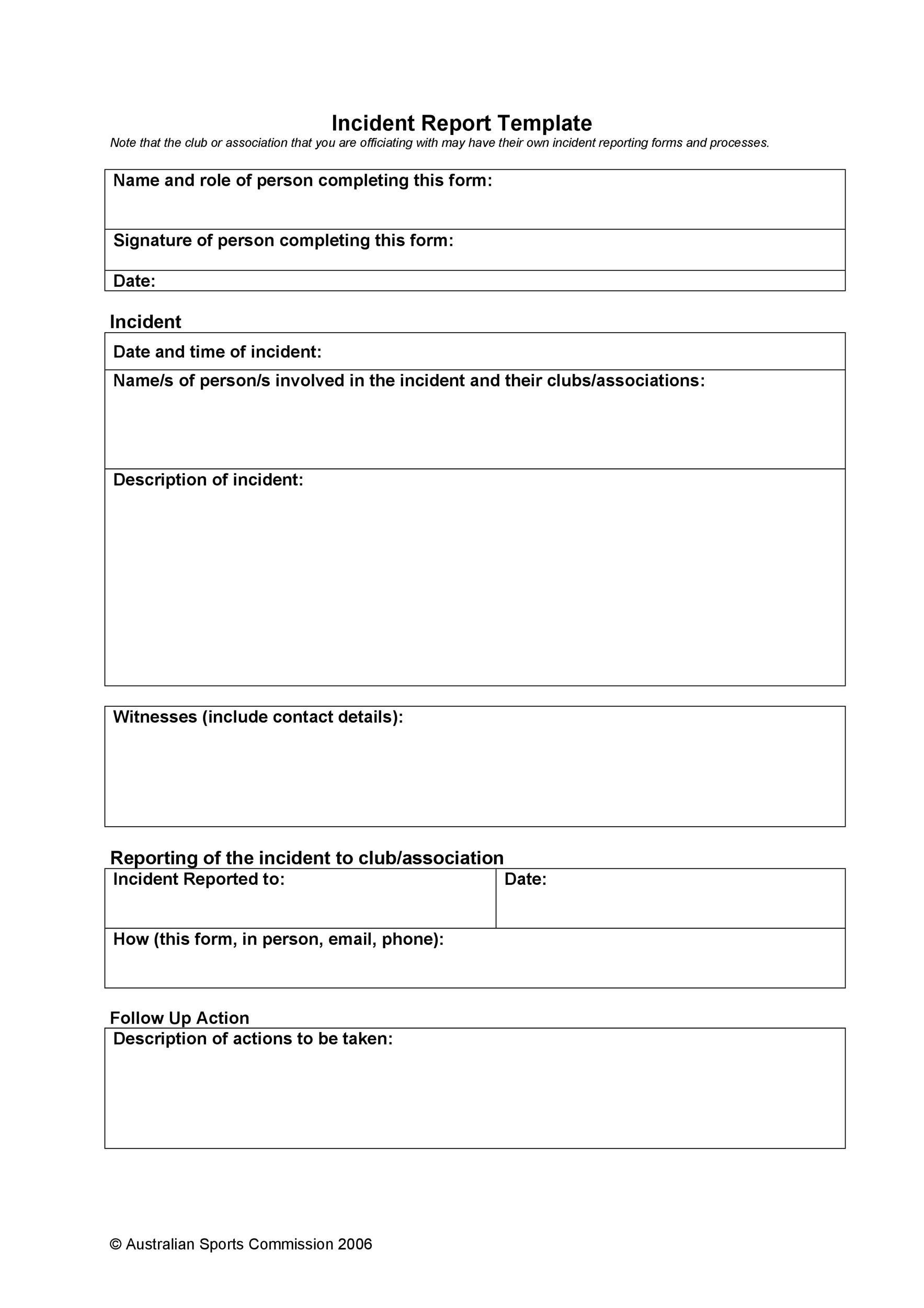
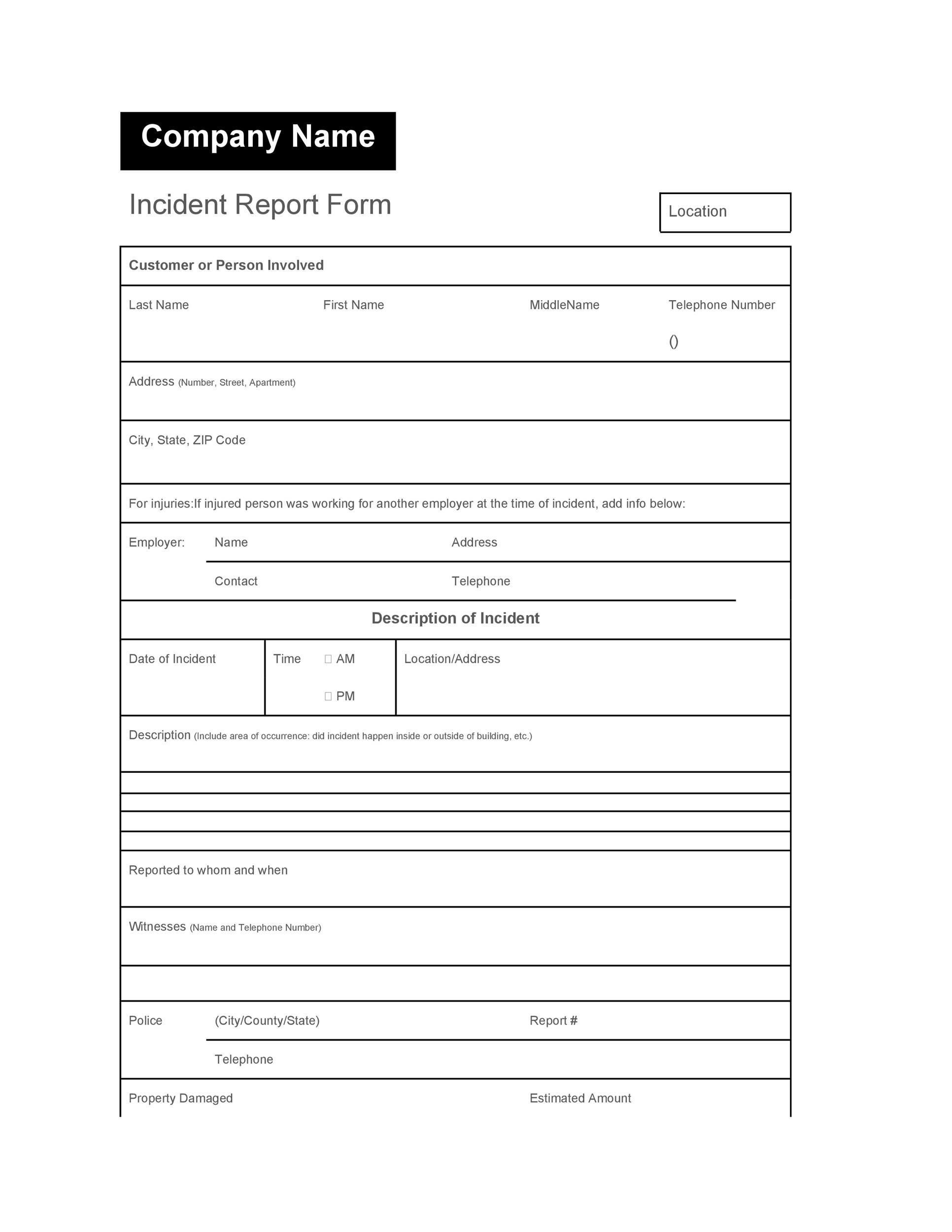
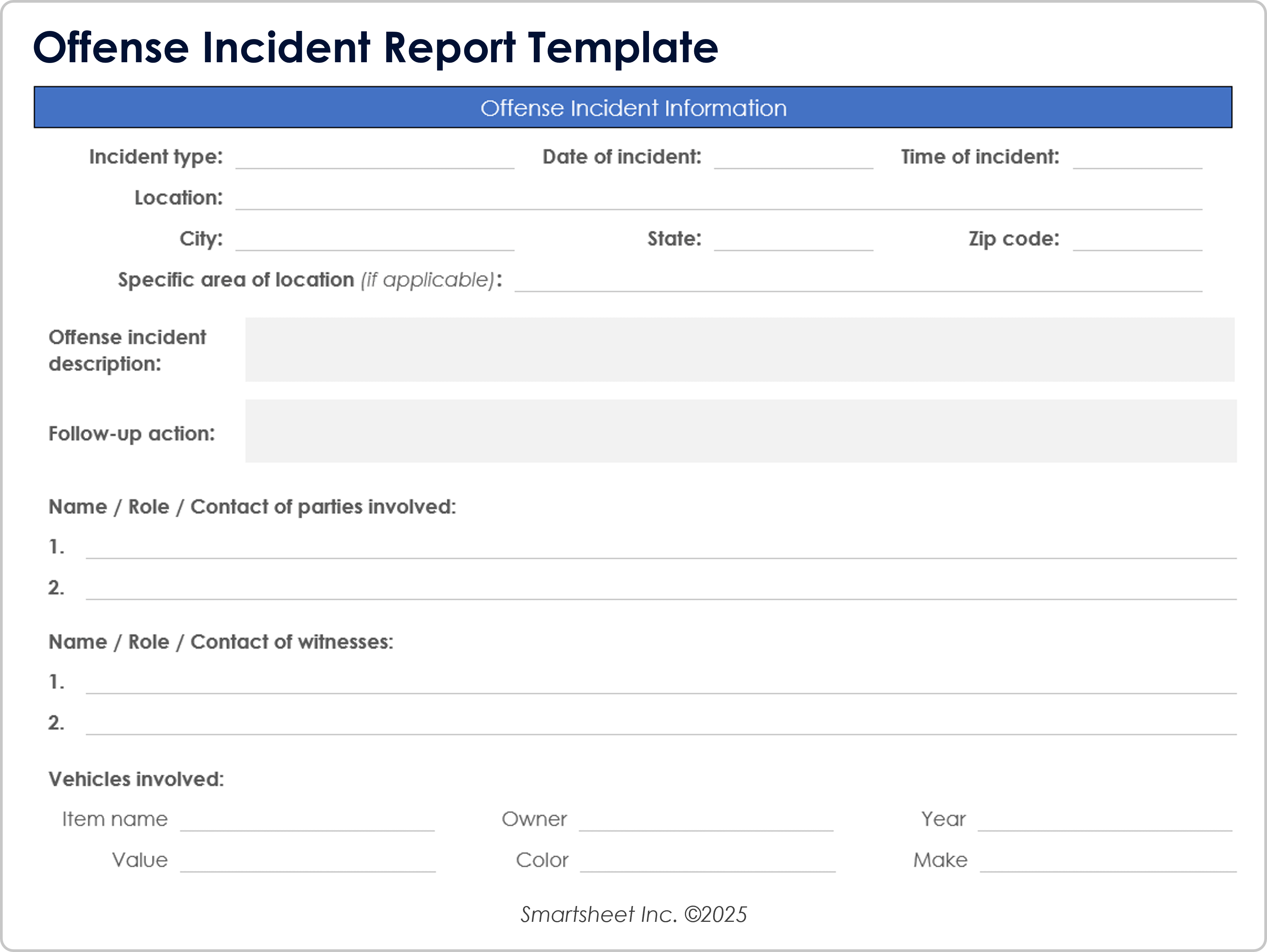
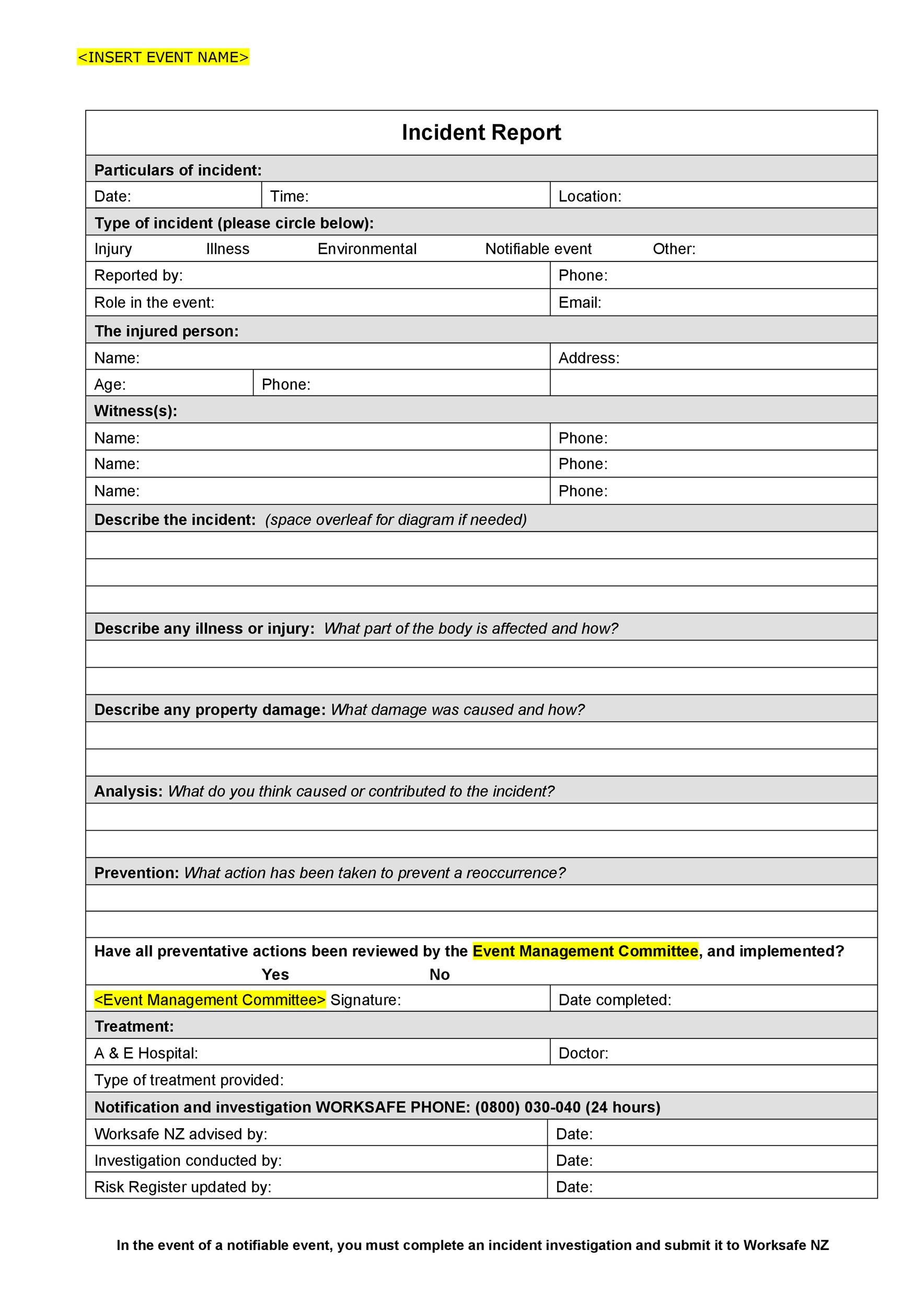
- Identification Information: Date, time, location, and involved personnel.
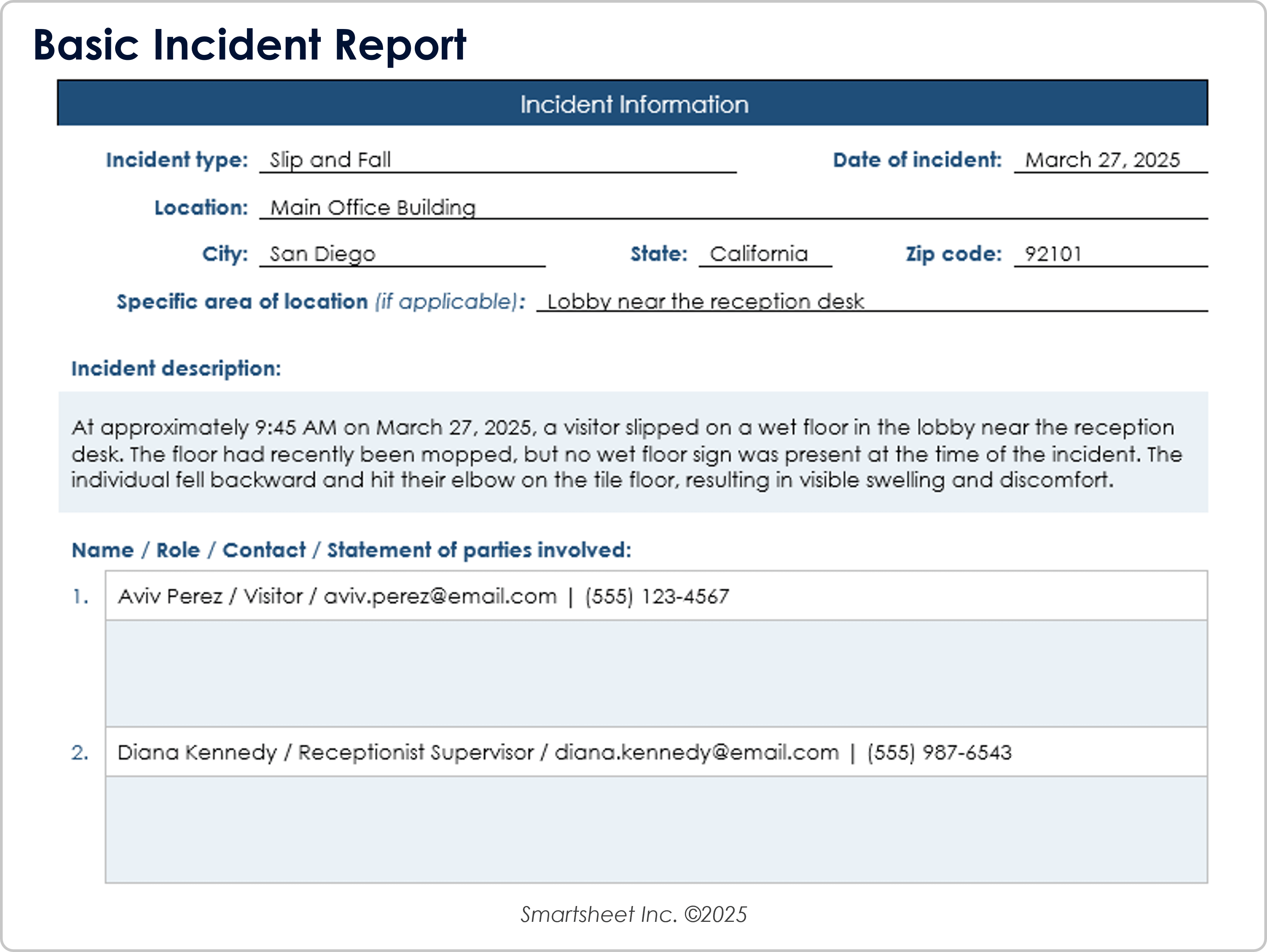
- Incident Description: A concise yet detailed narrative of what happened, how it happened, and the immediate impact.
- Evidence and Documentation: Photographs, videos, or witness statements.
- Impact Assessment: Physical injury, property damage, operational downtime, or regulatory exposure.
- Corrective Actions: Immediate fixes and long‑term prevention strategies.
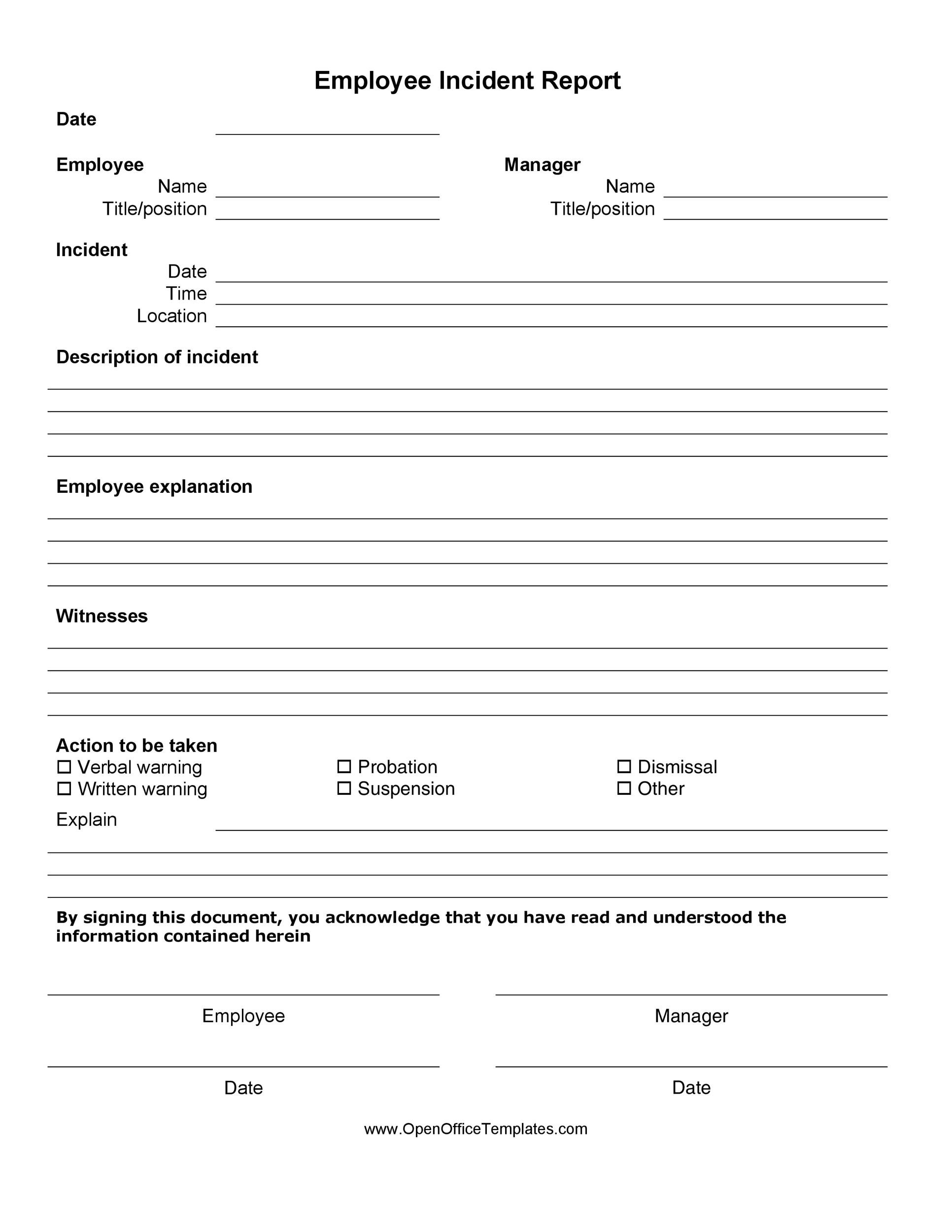
- Signatures: Reporter, supervisor, and any legal or compliance officer.
Why Use a Generic Incident Report Template?
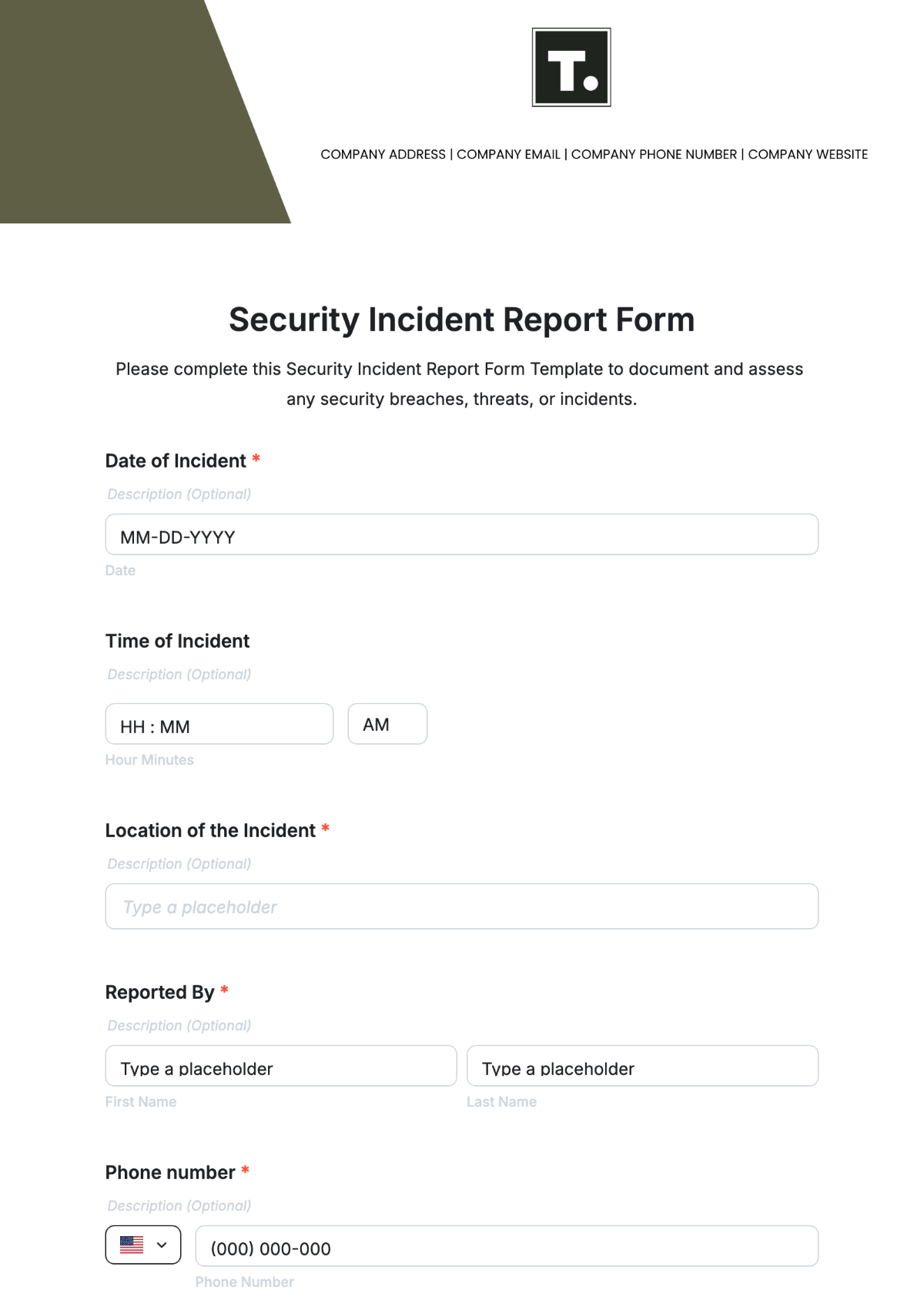
A pre‑designed template offers several tangible advantages over ad hoc reporting.
Standardization Across Departments
Uniform fields eliminate ambiguity, ensuring that every department—engineering, HR, safety—uses the same language and metrics. This standardization reduces misinterpretation and speeds up cross‑functional reviews.
Legal Compliance and Evidence Preservation
Regulators often require specific documentation. A template guarantees that all mandated fields are present, safeguarding the organization against potential penalties and preserving admissible evidence.
Time and Cost Savings
Instead of reinventing the wheel for every incident, a ready‑to‑use template cuts drafting time by up to 60 %. Faster reports mean quicker corrective actions and less downtime.
Key Features of an Effective Template
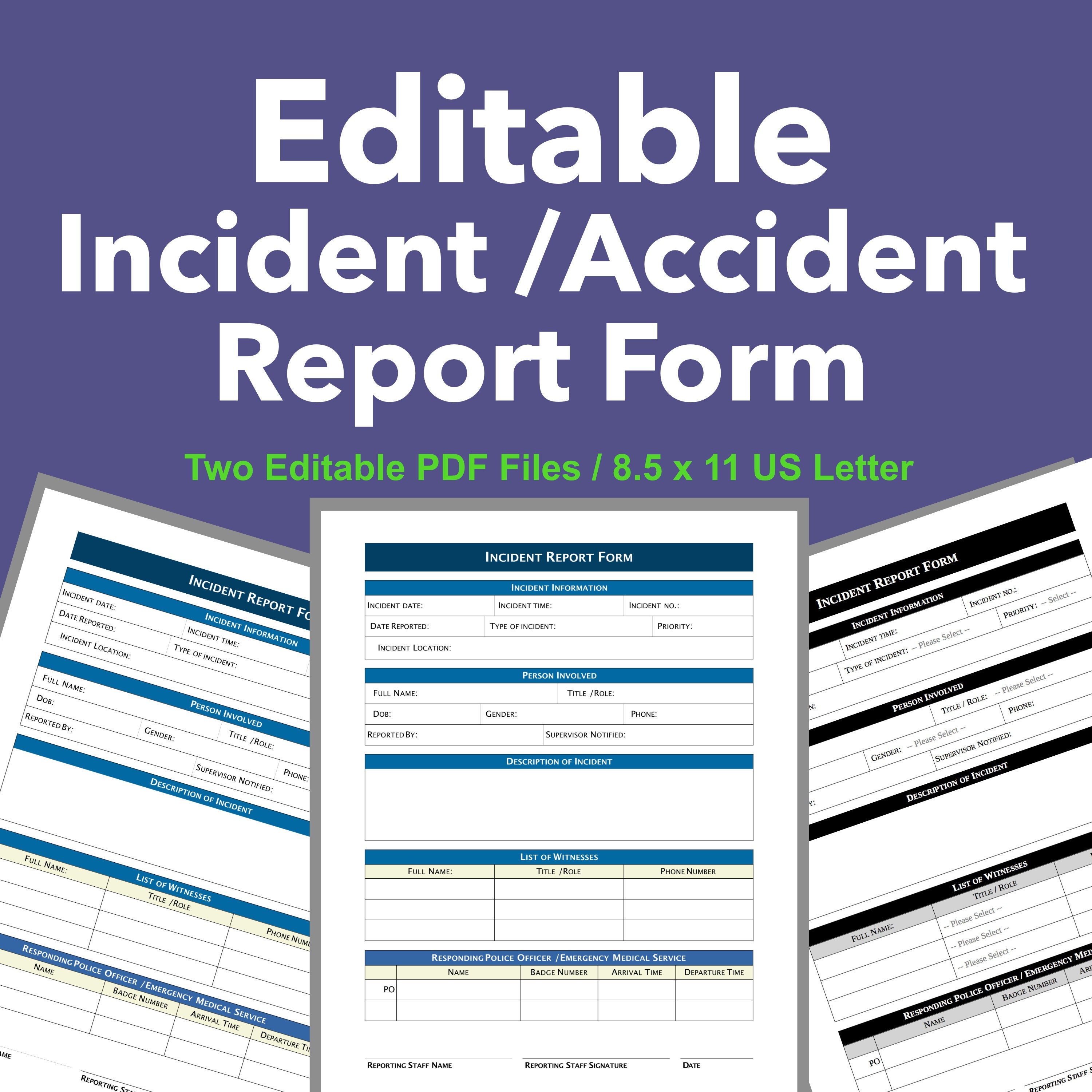
Not every template is created equal. The following elements distinguish a robust, user‑friendly design.
Clear Identification Fields
Include unique incident identifiers, project codes, or asset numbers. This allows instant cross‑referencing with maintenance logs or compliance databases.
Detailed Narrative Section
Provide a structured, paragraph‑style field with prompts such as “Describe what happened in chronological order.” A guided narrative reduces guesswork and captures context.
Impact Assessment and Follow‑Up
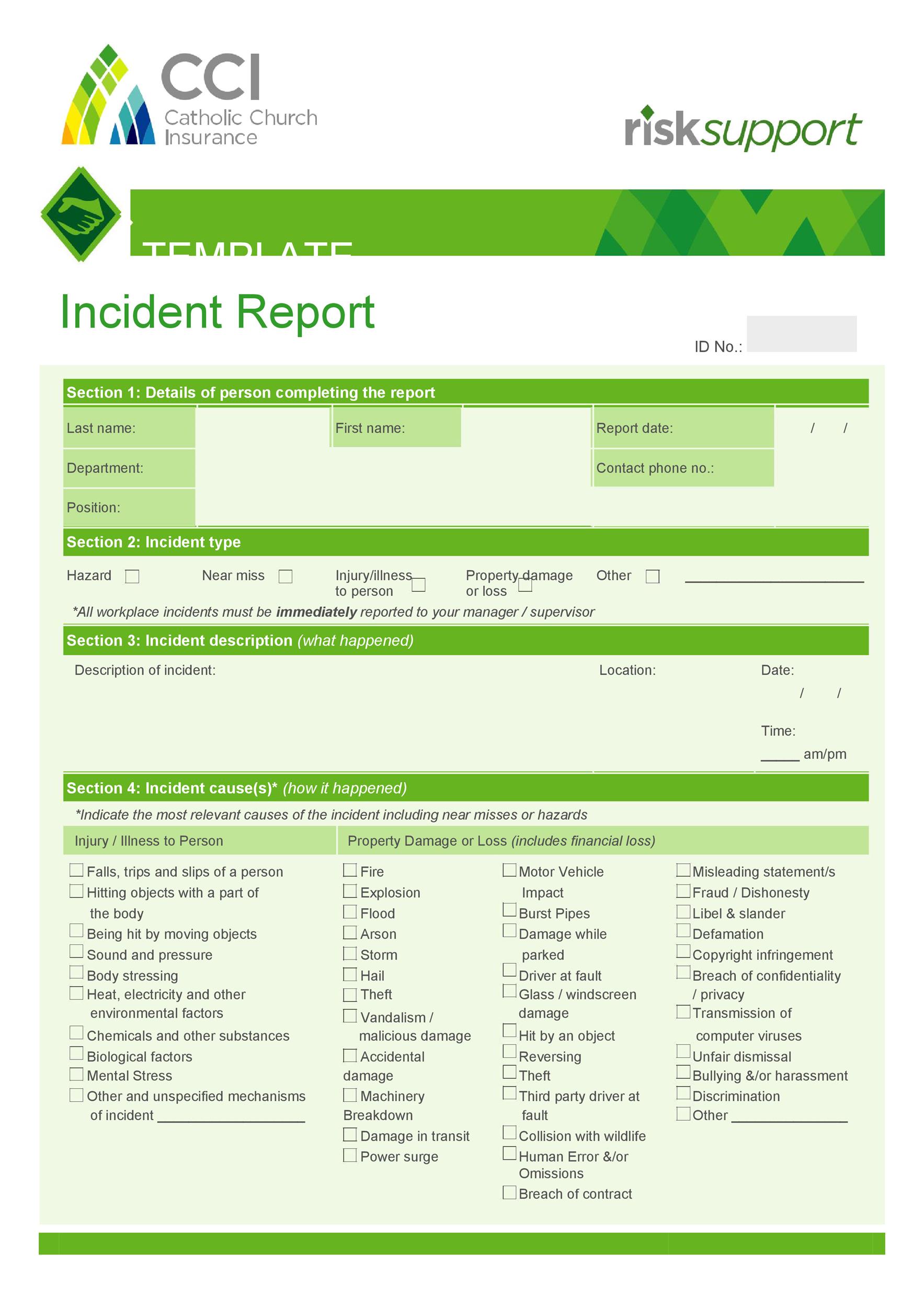
Incorporate a matrix for severity, impact type, and responsible parties. Add a checklist for follow‑up tasks, deadlines, and owners.
Signature and Approval Workflow
Embed digital signature fields or a workflow step that routes the report to the appropriate approver. This ensures accountability and traceability.
Step‑by‑Step Guide to Creating Your Own Template
Follow this systematic approach to develop a template that meets your organization’s unique needs.
Identify Stakeholders and Gather Requirements
Consult safety officers, legal counsel, HR, IT, and frontline supervisors to capture mandatory fields and pain points. Use a simple survey or workshop to collect input.
Draft the Skeleton
Start with a blank form and add sections based on the core components listed above. Keep the layout clean—avoid dense tables that deter users.
Validate with Legal and HR Teams
Review the draft against OSHA guidelines, state regulations, and internal policies. Confirm that all required disclosures, privacy safeguards, and reporting thresholds are present.
Test with Sample Incidents
Run a pilot by having a small group fill out the template for fictional incidents. Analyze completion time, error rates, and feedback for refinement.
Deploy and Train Users
Publish the final template on the intranet and conduct brief training sessions. Provide a quick‑reference guide highlighting the most critical fields.
Customizing the Template for Different Industries
While the core structure remains, certain sectors demand specific fields or compliance clauses.
Workplace Safety and OSHA
Include sections for hazard identification, exposure levels, and mandatory reporting to OSHA 300 logs. Add an optional field for incident severity rating (e.g., Category 1‑5).
Healthcare Incident Reporting
Embed patient identifiers, medication details, and HIPAA compliance statements. Add a “Patient Outcome” section to capture recovery status.
IT and Cybersecurity Incidents
Insert fields for system affected, vulnerability type, data exfiltrated, and incident response team contact. Add a checkbox for “Potential regulatory notification” to flag privacy breaches.
Integrating the Template with Digital Systems
Modern workplaces benefit from digital workflows that automate collection, storage, and analysis.
Paper vs Digital Forms
While paper forms can be useful in field scenarios, digital versions reduce transcription errors and enable instant routing.
Using Cloud‑Based Document Platforms
Platforms such as SharePoint, Google Workspace, or dedicated incident‑management tools can host the template, ensuring version control and accessibility from any device.
Automating Data Entry and Alerts
Set up rules that auto‑populate fields—e.g., employee name from login credentials. Trigger alerts to the safety manager when a high‑severity incident is logged.
Common Mistakes to Avoid
Even well‑designed templates can falter if these pitfalls are not addressed.
Overcomplicating the Form
A template with 30 mandatory fields may deter users. Aim for a balance: keep essential data mandatory, optional fields for additional context.
Ignoring Follow‑Up Procedures
A report that ends with “Incident noted” is ineffective. Ensure that the template includes a follow‑up action list and responsible parties.
Failing to Update the Template
Regulations, processes, and lessons learned evolve. Schedule quarterly reviews to refresh content and retire obsolete sections.
Real‑World Case Studies
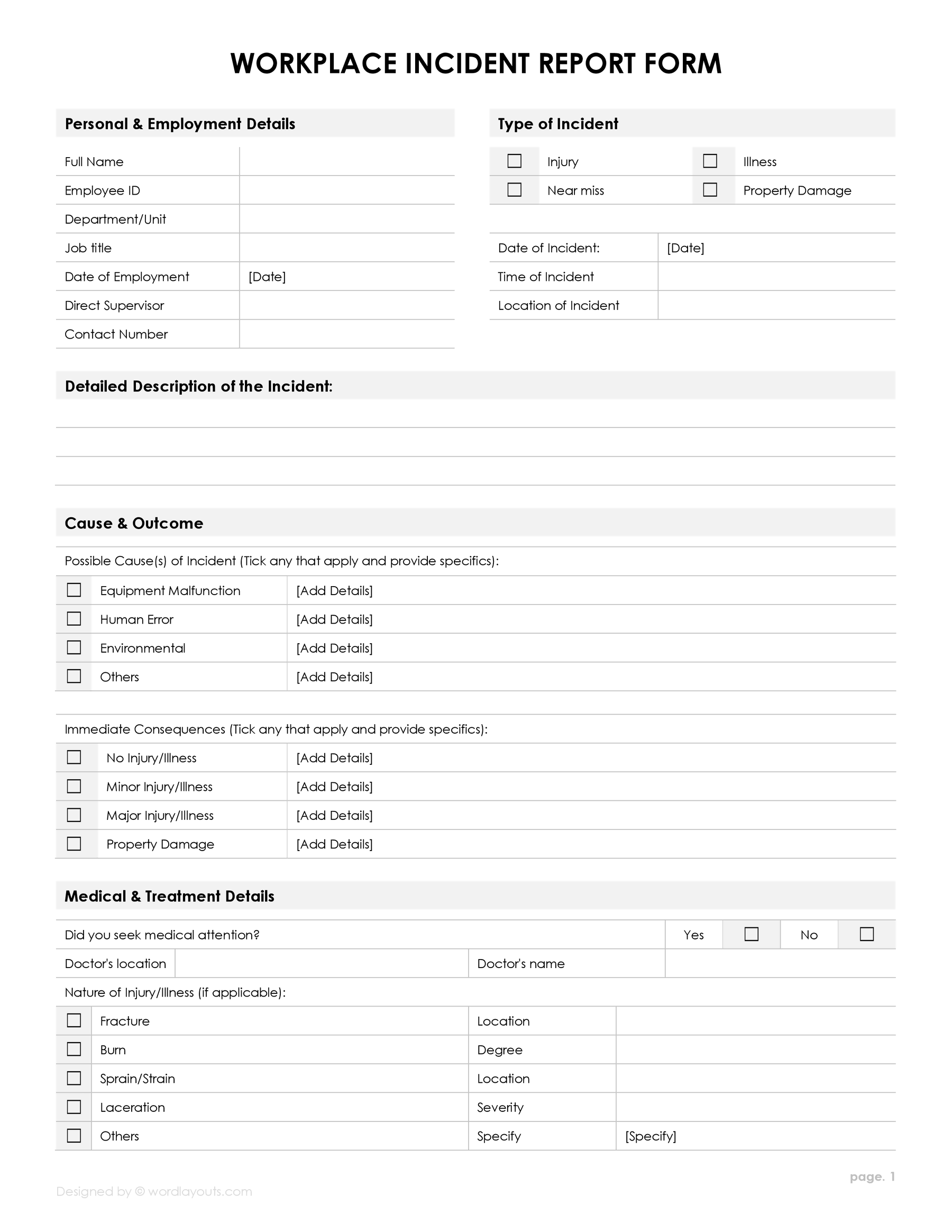
Examining how different organizations applied a generic incident report template demonstrates its versatility.
Manufacturing Plant Incident
After a conveyor belt malfunction caused a minor injury, the plant used the template to capture the incident, identify the faulty component, and implement a preventive maintenance schedule. The structured data expedited the root‑cause analysis and reduced similar incidents by 40 % within a year.
Hospital Medication Error
A nurse mis‑administered a drug dose. The incident report recorded dosage, patient reaction, and immediate intervention. The template’s patient‑outcome field guided the clinical team to monitor recovery and report to the state health department, satisfying regulatory requirements.
Software Deployment Failure
During a critical release, a configuration drift caused a system outage. The IT team filled out the template, detailing the affected services, root cause, and rollback steps. The incident review loop helped revise deployment scripts, preventing future downtime.
Best Practices for Maintaining the Template
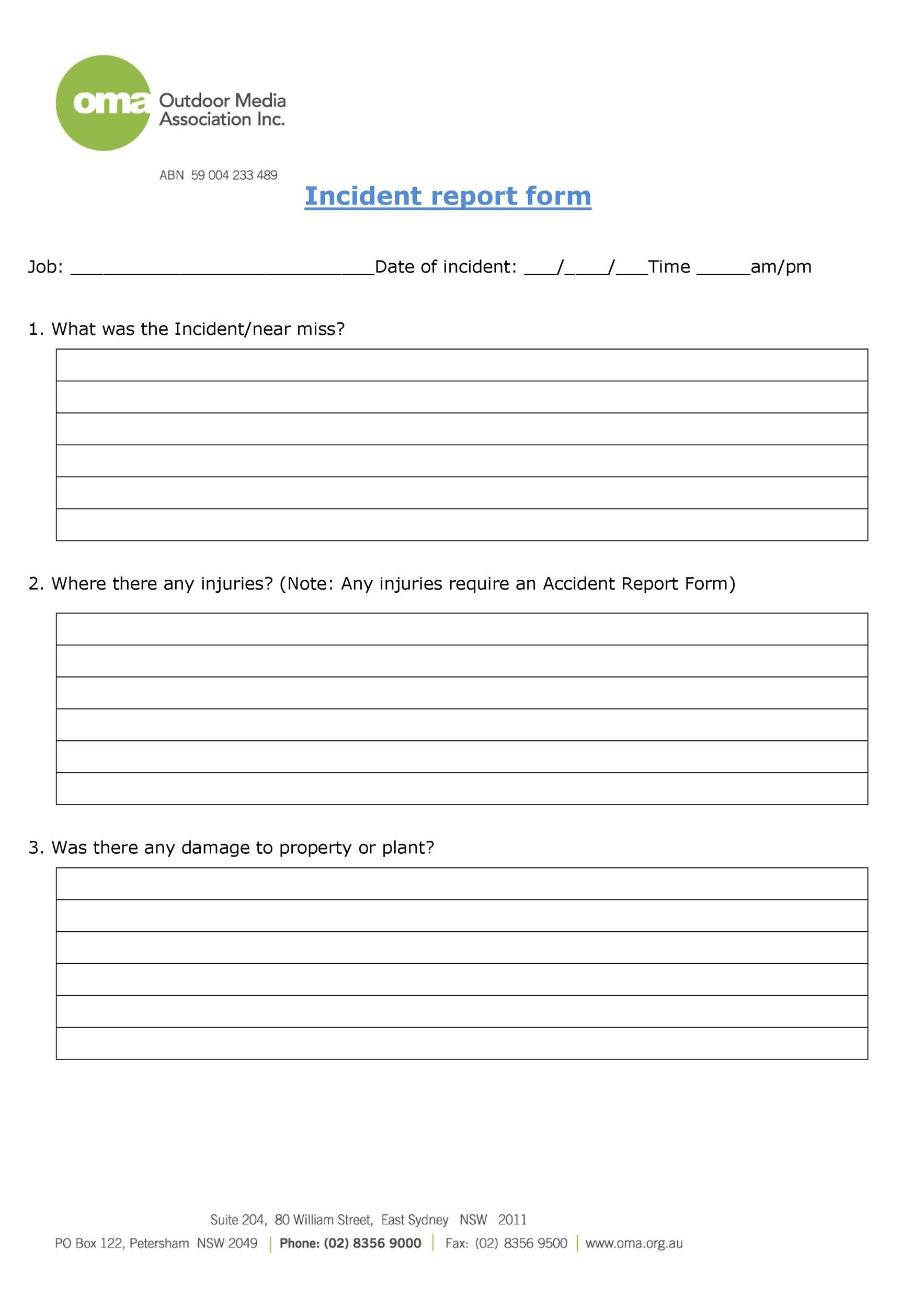
Ongoing stewardship ensures the template stays relevant and valuable.
Regular Review Cycles
Set a bi‑annual audit to evaluate field relevance, compliance status, and user satisfaction.
Feedback Loops from Reporters
After every incident, solicit quick feedback on the reporting experience. Use a simple rating scale or a short questionnaire.
Version Control and Documentation
Keep a changelog with dates, authors, and reasons for modifications. Store the log in a shared location accessible to all stakeholders.
Conclusion

A well‑structured, generic incident report template is more than a form—it is an instrument of safety, compliance, and continuous improvement. By integrating clear identification fields, a comprehensive narrative, impact assessment, and a robust approval workflow, organizations can transform chaotic incidents into structured learning opportunities. Customizing the template for industry nuances, leveraging digital platforms, and instituting regular review practices further amplify its effectiveness. With a thoughtfully designed template in place, every incident becomes a stepping stone toward a safer, more resilient workplace.


Related posts of "Generic Incident Report Template"
