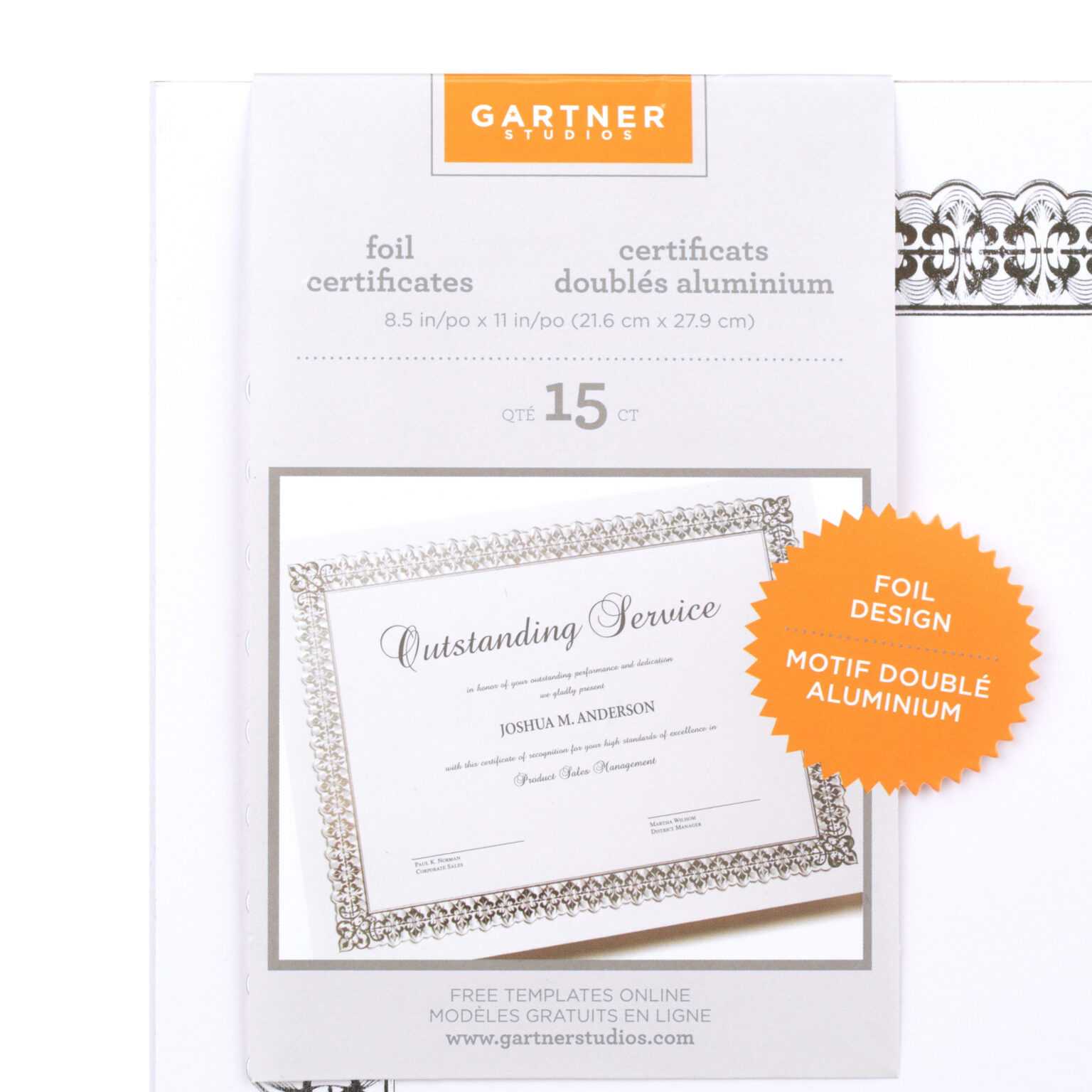
Gartner Certificate Templates have become a go‑to solution for businesses, educators, and event organizers who need professional, instantly recognizable certificates without the hassle of starting from scratch. Whether you’re awarding a completion badge for an online course, recognizing a top‑performing salesperson, or celebrating a milestone at a conference, a well‑designed certificate can boost morale, reinforce brand identity, and add a touch of prestige. In this guide we’ll explore everything you need to know about selecting, customizing, and deploying Gartner Certificate Templates, complete with actionable tips, real‑world examples, and best‑practice recommendations that will help you get the most out of every certificate you create.
What Makes Gartner Certificate Templates Stand Out
Professional Design Foundations
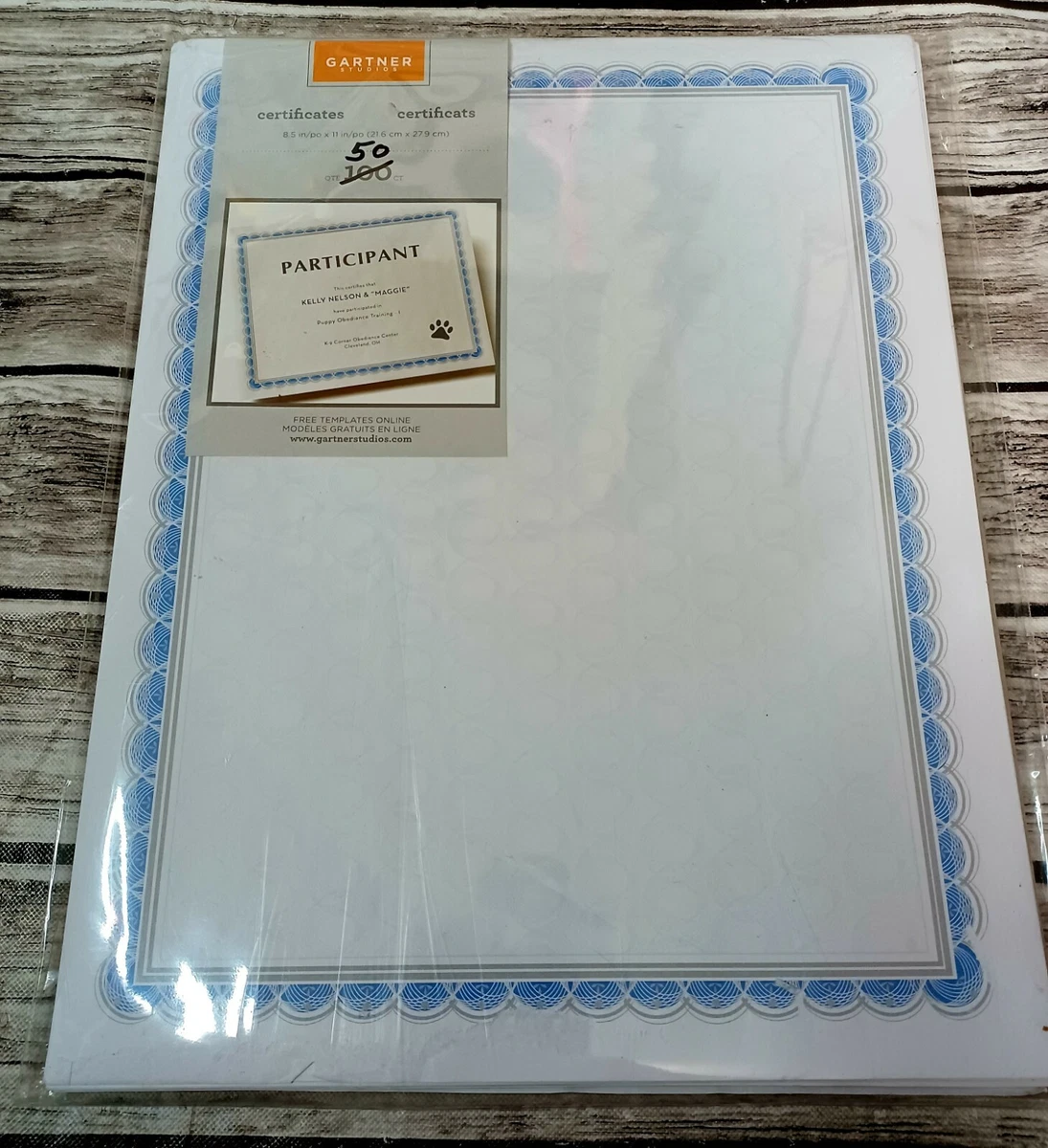
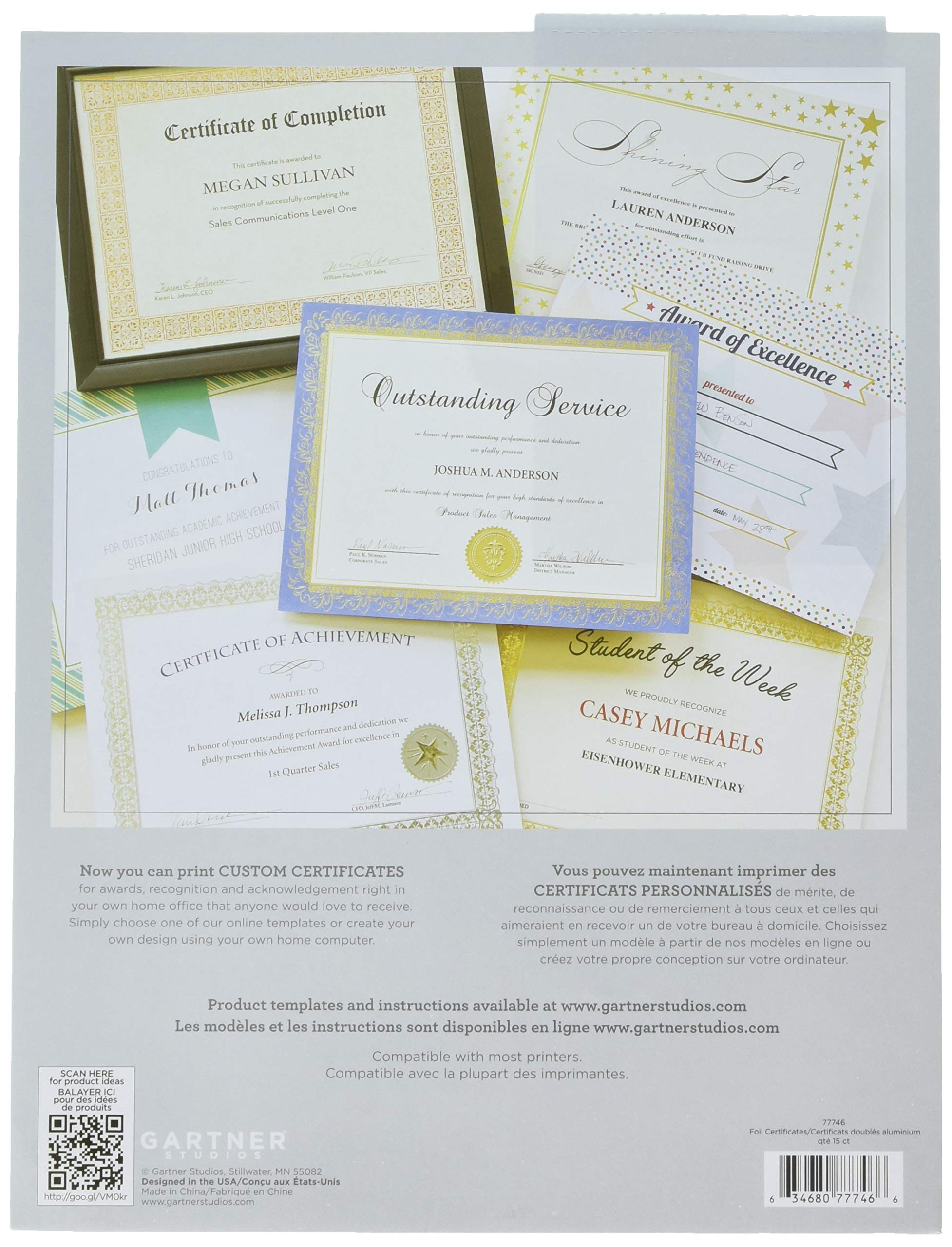
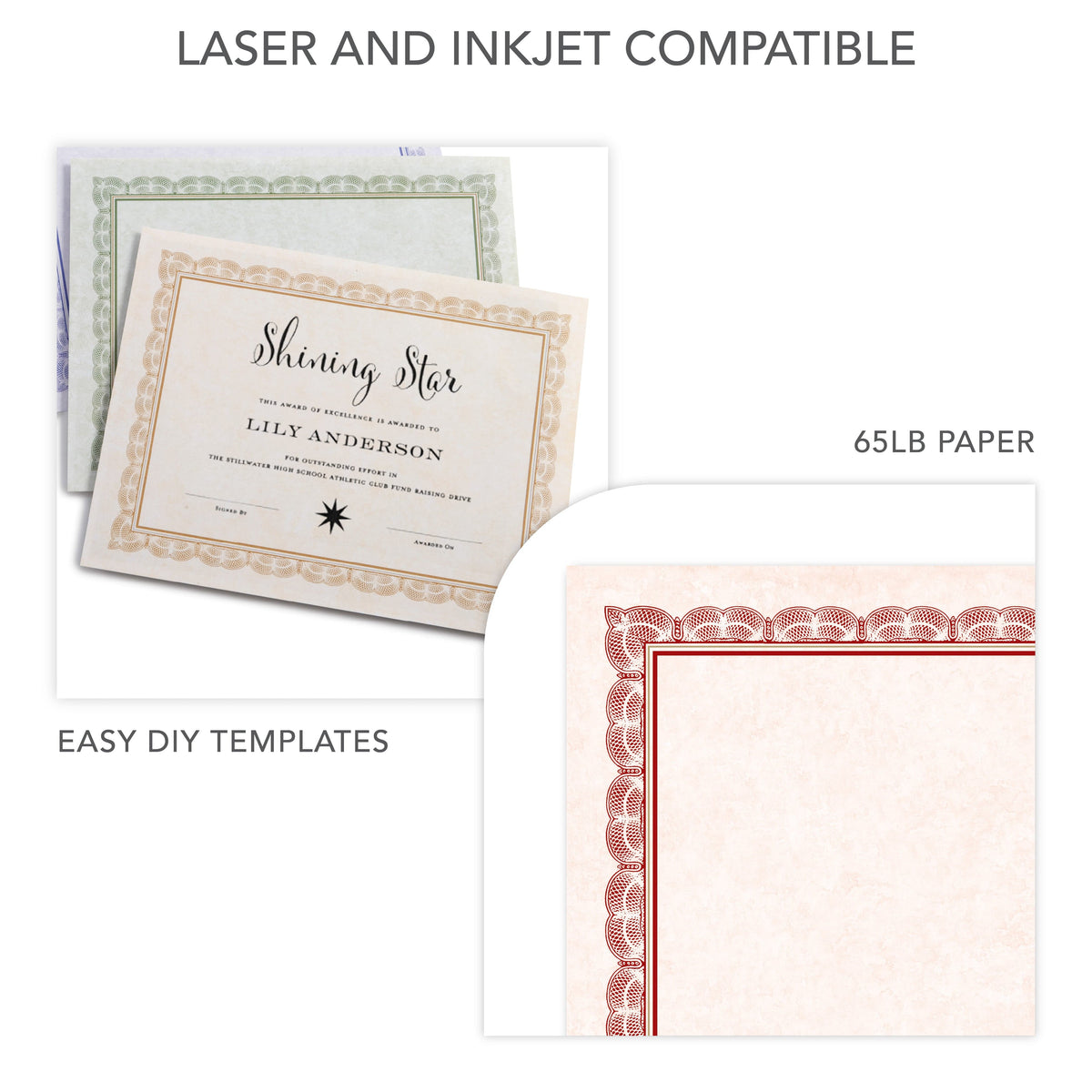
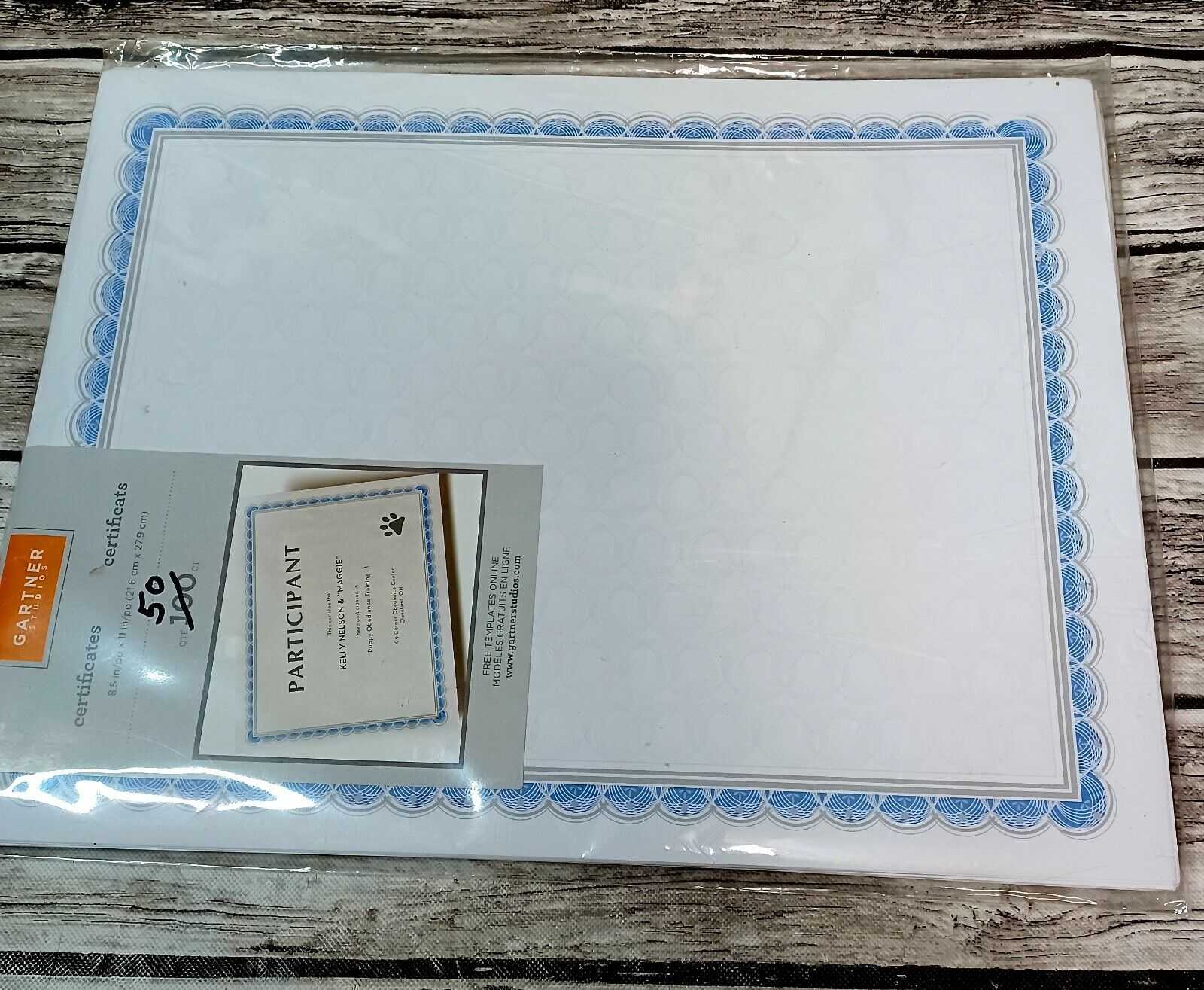
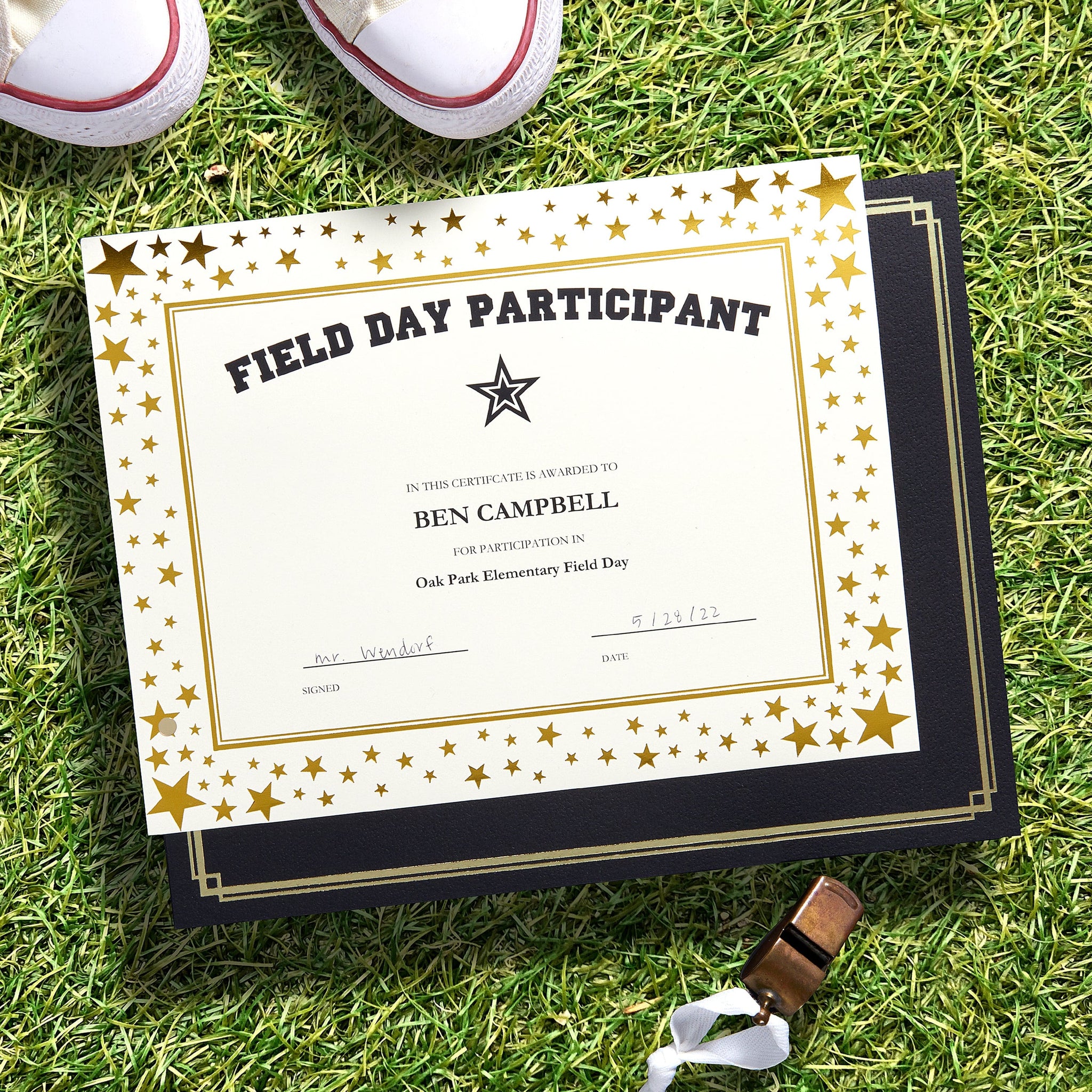
Gartner’s design team leverages years of branding expertise to craft templates that balance aesthetic appeal with functional clarity. Each template incorporates high‑resolution graphics, subtle gradients, and a clean layout that highlights the recipient’s name, achievement title, and date without clutter. The use of a silver border, as seen in many popular versions, conveys a sense of elegance and formality, making the certificate feel valuable even before it is printed.
Built‑In Branding Flexibility
One of the most compelling features of Gartner Certificate Templates is the ability to seamlessly integrate your own logo, color palette, and typography. Because the templates are delivered in editable formats such as Adobe Photoshop, Illustrator, and Microsoft Word, you can replace placeholder elements with brand‑specific assets in just a few clicks. This ensures consistency across all corporate communications while still leveraging Gartner’s polished base design.
Scalable Formats for Every Use‑Case
Whether you need a printable A4 certificate for a physical award ceremony or a digital PNG for an email attachment, Gartner’s templates are supplied in multiple file types. The inclusion of layered PSD files, vector AI files, and editable DOCX files means you can scale graphics without loss of quality, adapt to different paper sizes, or generate web‑ready versions for instant distribution.
Key Benefits of Using Gartner Certificate Templates
Time Savings and Cost Efficiency
Designing a certificate from the ground up often requires hiring a graphic designer, purchasing stock images, and iterating through multiple drafts. With Gartner’s ready‑made templates, you eliminate these steps and reduce turnaround time from days to minutes. This translates directly into cost savings, especially for organizations that need to produce large batches of certificates on a regular schedule.
Enhanced Credibility and Perceived Value
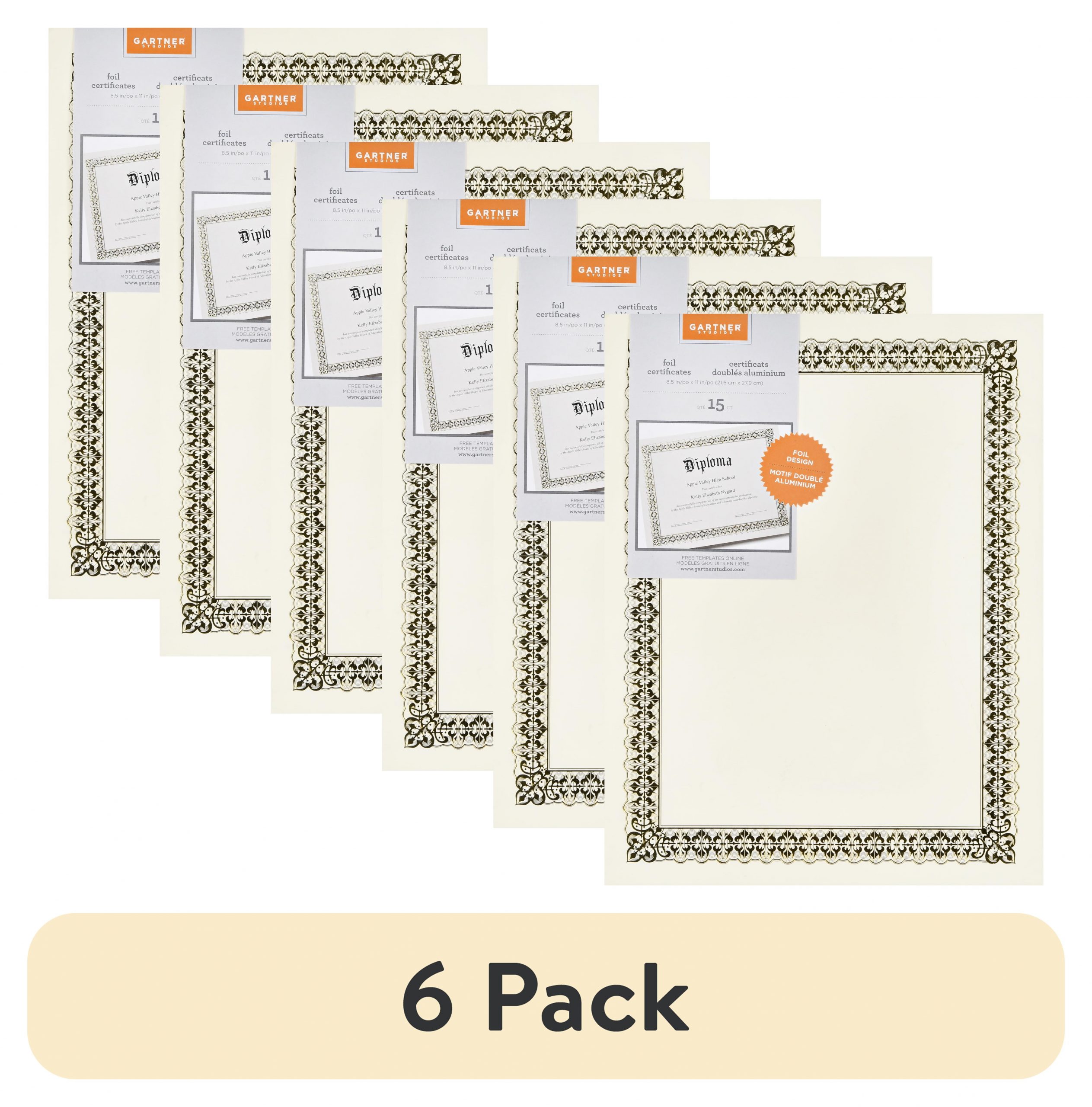
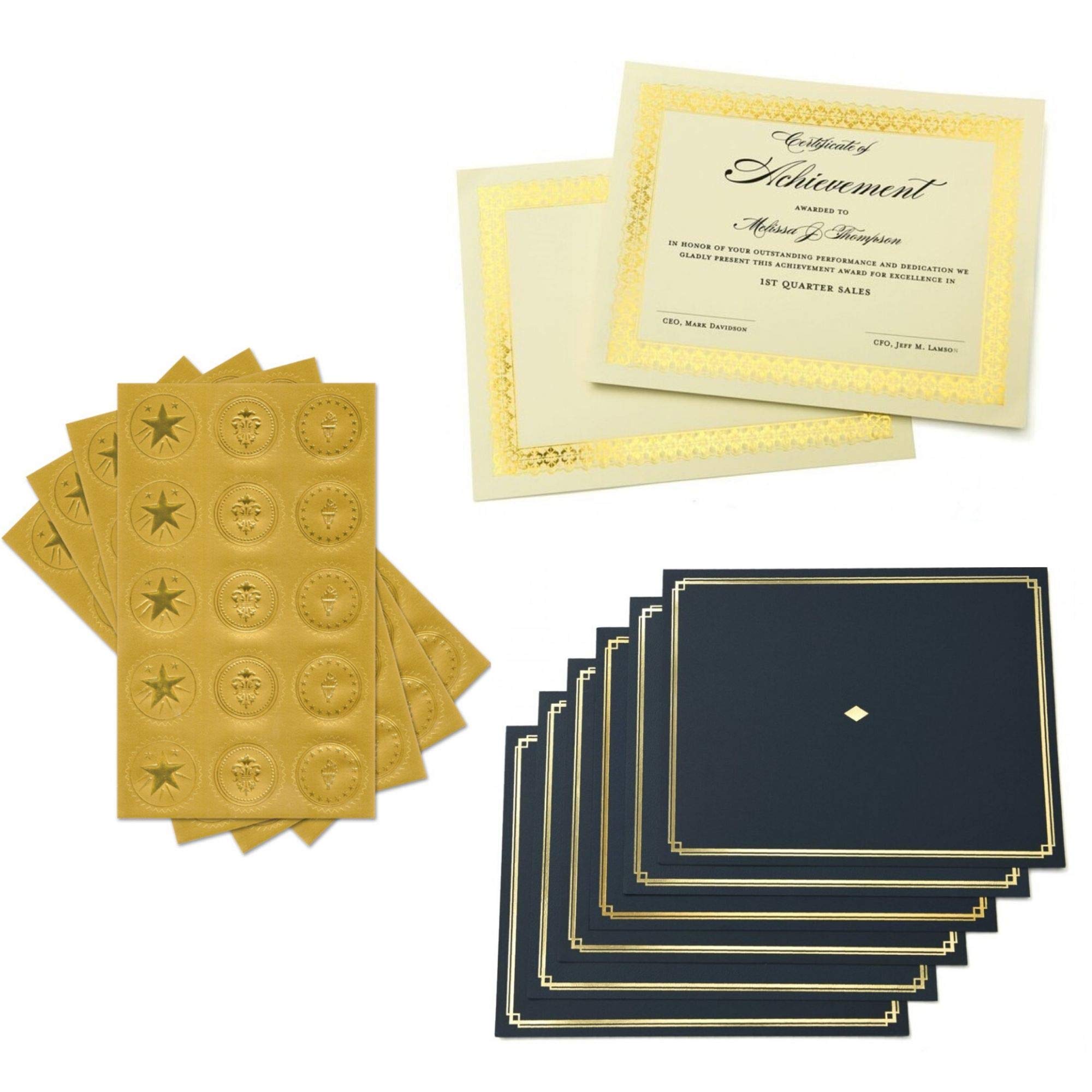
Certificates that look professionally designed command greater respect from recipients and external audiences. The subtle use of premium finishes—such as foil‑like silver borders and embossed typography—creates a tactile sense of worth that can increase the perceived value of the award. Studies show that employees who receive high‑quality recognition are more likely to feel engaged and motivated.
Consistency Across Departments
Large enterprises often struggle with maintaining visual consistency when multiple teams produce certificates for different programs. By standardizing on a single suite of Gartner Certificate Templates, you establish a unified visual language that reinforces corporate identity and prevents the “design drift” that can dilute brand impact.
How to Customize Gartner Certificate Templates Effectively

Step‑by‑Step Customization Process
- Gather Your Assets: Collect your logo files (preferably in PNG or SVG format), brand colors (hex codes), and any specific fonts you use in other marketing materials.
- Choose the Right Template: Review the available designs and select one whose layout best matches the information you need to display. Consider the balance between text and graphic elements.
- Open the Editable File: Use the appropriate software—Photoshop for raster, Illustrator for vector, or Word for simple edits—to open the template.
- Replace Placeholder Text: Insert the recipient’s name, award title, and date. Use title case for consistency and consider adding a short subtitle for additional context.
- Apply Brand Colors: Swap out the default palette with your corporate hues. Most templates have color‑swatch layers that make this a one‑click operation.
- Insert Logos and Seals: Position your logo in the top‑left or top‑right corner, and add any official seals or signatures in the bottom‑right area.
- Proofread and Test Print: Double‑check spelling, alignment, and color contrast. Print a single copy on the intended paper stock to ensure the design translates accurately from screen to paper.
- Save Master Files: Store the customized template in a secure folder for future use. This master file becomes a reusable asset for subsequent certificates.
Design Tips for Maximum Impact
When customizing, keep the following design principles in mind:
- Contrast Is Key: Ensure the text stands out against the background. Dark fonts on light backgrounds or vice versa improve readability.
- Limit Font Variety: Use no more than two typefaces—one for headings and one for body text—to maintain visual harmony.
- Maintain Margins: Preserve generous white space around the edges; this prevents the certificate from feeling cramped.
- Use High‑Resolution Logos: Low‑resolution images can appear pixelated when printed, diminishing the professional look.
- Consider Paper Choice: A heavyweight, matte cardstock can elevate the tactile experience, while glossy finishes may enhance color vibrancy.
Real‑World Applications of Gartner Certificate Templates

Corporate Training and Certification Programs
Many companies run internal learning platforms and need to certify employees upon course completion. By integrating Gartner Certificate Templates into Learning Management Systems (LMS), HR teams can automatically generate personalized certificates the moment a learner passes an assessment. This automation not only saves time but also provides instant recognition, reinforcing a culture of continuous development.
Sales Incentive and Performance Awards
Quarterly sales contests often culminate in award ceremonies where top performers receive a certificate alongside monetary bonuses. Using a premium template with a silver border adds an extra layer of distinction, making the award feel as significant as the financial incentive. Companies report higher participation rates when the visual prestige of the award is emphasized.
Conference and Event Recognition
Events such as industry summits, webinars, or hackathons frequently honor speakers, volunteers, and competition winners. Gartner’s templates can be quickly adapted with event branding, speaker photos, and session titles, enabling organizers to distribute certificates on the spot via digital download or printed handouts.
Academic Achievement and Continuing Education
Universities and professional schools often issue certificates for workshops, seminars, or continuing education credits. The clean, formal aesthetic of Gartner’s designs aligns well with academic standards, ensuring that the certificate meets accreditation requirements while also looking impressive on a graduate’s résumé.
Best Practices for Managing Certificate Distribution
Automating the Workflow
To handle large volumes, consider using a mail‑merge system or a dedicated certificate generation platform that pulls data from spreadsheets or databases. Automation reduces human error, guarantees consistent formatting, and speeds up delivery—especially important when certificates need to be emailed immediately after an event.
Maintaining Data Security
Certificates often contain personal information such as full names and dates of birth. Store recipient data in encrypted files and limit access to authorized personnel only. When sending digital certificates, use password‑protected PDFs or secure links that expire after a set period.
Tracking Issuance for Auditing
Keep a log of every certificate issued, including the recipient’s name, award title, and issuance date. This audit trail can be invaluable for compliance reporting, especially in regulated industries where proof of training or certification is mandatory.
Common Mistakes to Avoid When Using Gartner Certificate Templates

Overcrowding the Layout
Adding too many elements—such as multiple logos, excessive decorative graphics, or long paragraphs—can distract from the core information. Aim for a balanced composition that highlights the recipient’s name and achievement above all else.
Neglecting Accessibility Standards
Failing to provide sufficient color contrast or using overly decorative fonts can make certificates difficult to read for individuals with visual impairments. Follow WCAG guidelines for contrast ratios and choose legible typefaces.
Skipping Proofreading
A single typo on a certificate can undermine its credibility. Always run a spell‑check and have at least one other team member review the final version before distribution.
Using Incompatible File Formats
Exporting a Photoshop template as a low‑resolution JPEG for print can result in blurry text and pixelated borders. Always export in PDF or high‑resolution PNG for printing, and in PDF or JPEG for digital distribution, ensuring the appropriate DPI (300 dpi for print).
Where to Find and Purchase Gartner Certificate Templates
Official Marketplace Options
Gartner offers its templates through an official online marketplace where you can purchase individual designs or bundled packages. These bundles often include a variety of border styles, color schemes, and layout variations, giving you flexibility to choose the perfect fit for multiple use‑cases.
Third‑Party Resellers
Several reputable design platforms host Gartner‑branded templates that have been slightly customized for specific industries. When purchasing from a third‑party, verify that the files are genuine, include source files, and come with a clear licensing agreement that permits commercial use.
Licensing Considerations
Most Gartner templates are sold under a standard commercial license, which allows unlimited printing and digital distribution for internal and client‑facing purposes. However, if you plan to resell the certificates as part of a service offering, you may need an extended license. Always read the terms carefully to avoid infringement.
Frequently Asked Questions About Gartner Certificate Templates

Can I use the templates for free?
Gartner Certificate Templates are a premium product and generally require purchase. Free alternatives may exist, but they often lack the refined design elements and editable layers that make Gartner’s versions so versatile.
Are the templates compatible with Canva?
Yes, you can import the PDF or PNG versions into Canva for basic text edits, though you will lose some of the layer‑specific editing capabilities available in Photoshop or Illustrator.
Do I need special software to edit the templates?
While professional tools like Adobe Photoshop, Illustrator, or InDesign provide the most flexibility, simple edits such as changing names and dates can be performed in Microsoft Word if the template is supplied in DOCX format.
How many certificates can I generate from a single template?
There is no technical limit; you can generate as many certificates as needed, provided you stay within the licensing agreement’s terms regarding distribution.
Can I add a QR code to verify authenticity?
Absolutely. Adding a QR code that links to an online verification page is a popular way to prevent fraud and allow recipients to showcase their credentials digitally.
Conclusion

Gartner Certificate Templates deliver a powerful blend of professional design, brand flexibility, and practical functionality that makes them an ideal choice for any organization seeking to recognize achievement with style. By following the customization steps, adhering to best practices, and avoiding common pitfalls, you can create certificates that not only look impressive but also reinforce your brand’s credibility and inspire recipients. Whether you’re rewarding employees, honoring conference speakers, or issuing academic credits, leveraging these templates will save you time, reduce costs, and elevate the perceived value of every accolade you distribute. Embrace the elegance of Gartner’s silver‑bordered designs, integrate your unique branding, and watch how a well‑crafted certificate can become a lasting symbol of success within your community.






Related posts of "Gartner Certificate Templates"
